Customer Ratings & Reviews

- Model:
- 81X800ENUS
- SKU:
- 6477624
Rating by feature
- Battery Life
Rating 4.4 out of 5 stars
- Speed
Rating 4.5 out of 5 stars
- Display
Rating 4.5 out of 5 stars
Customers are saying
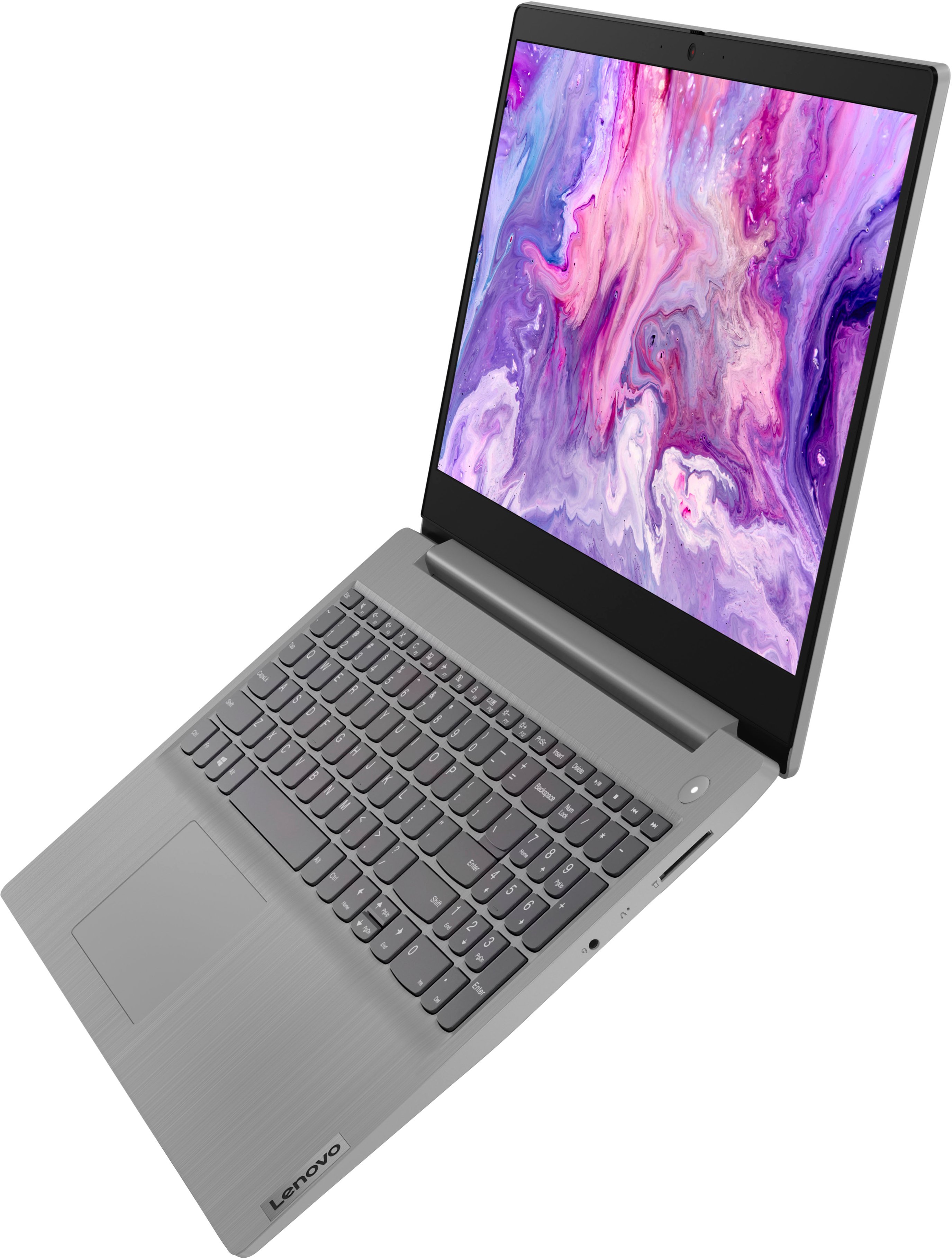
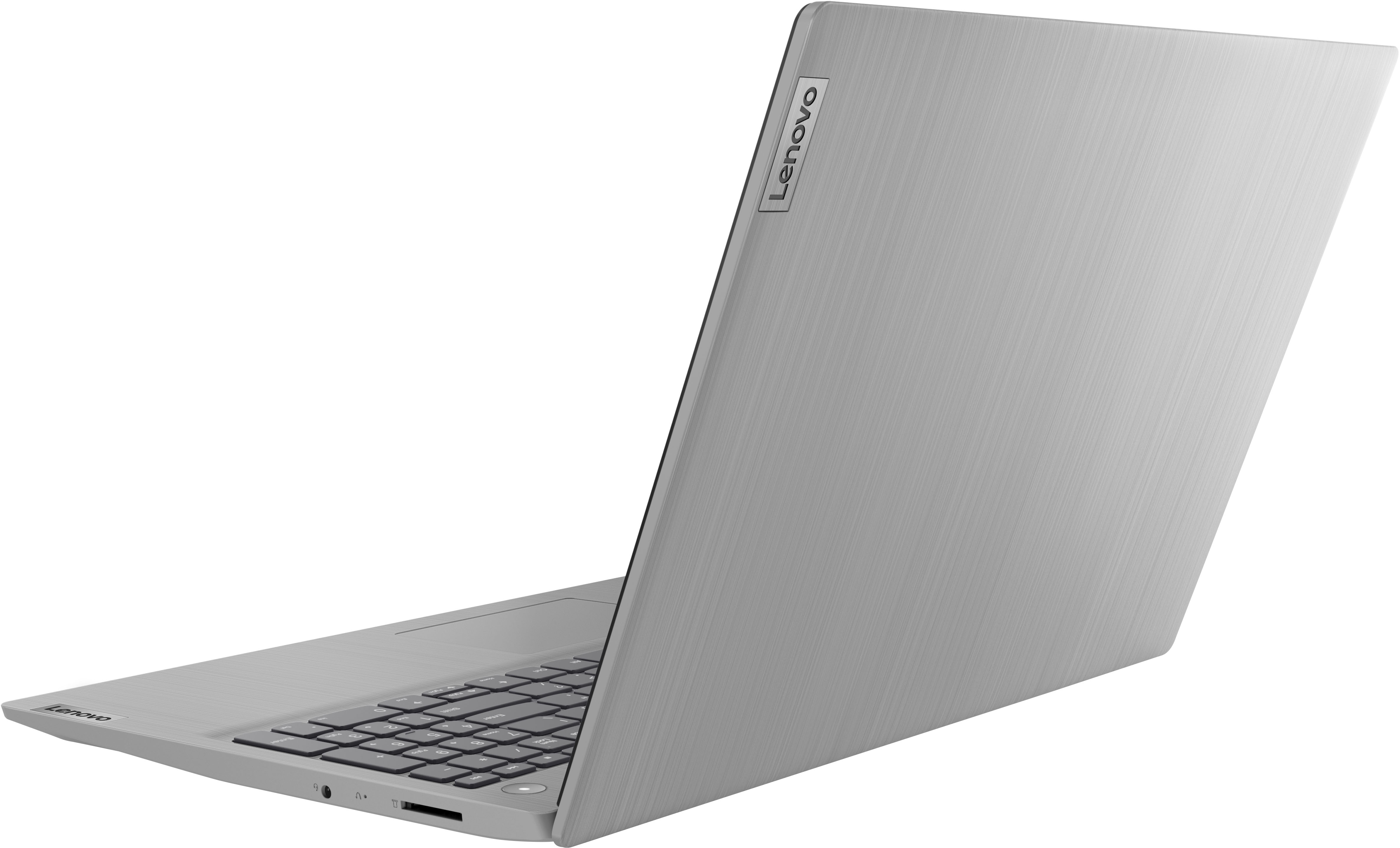
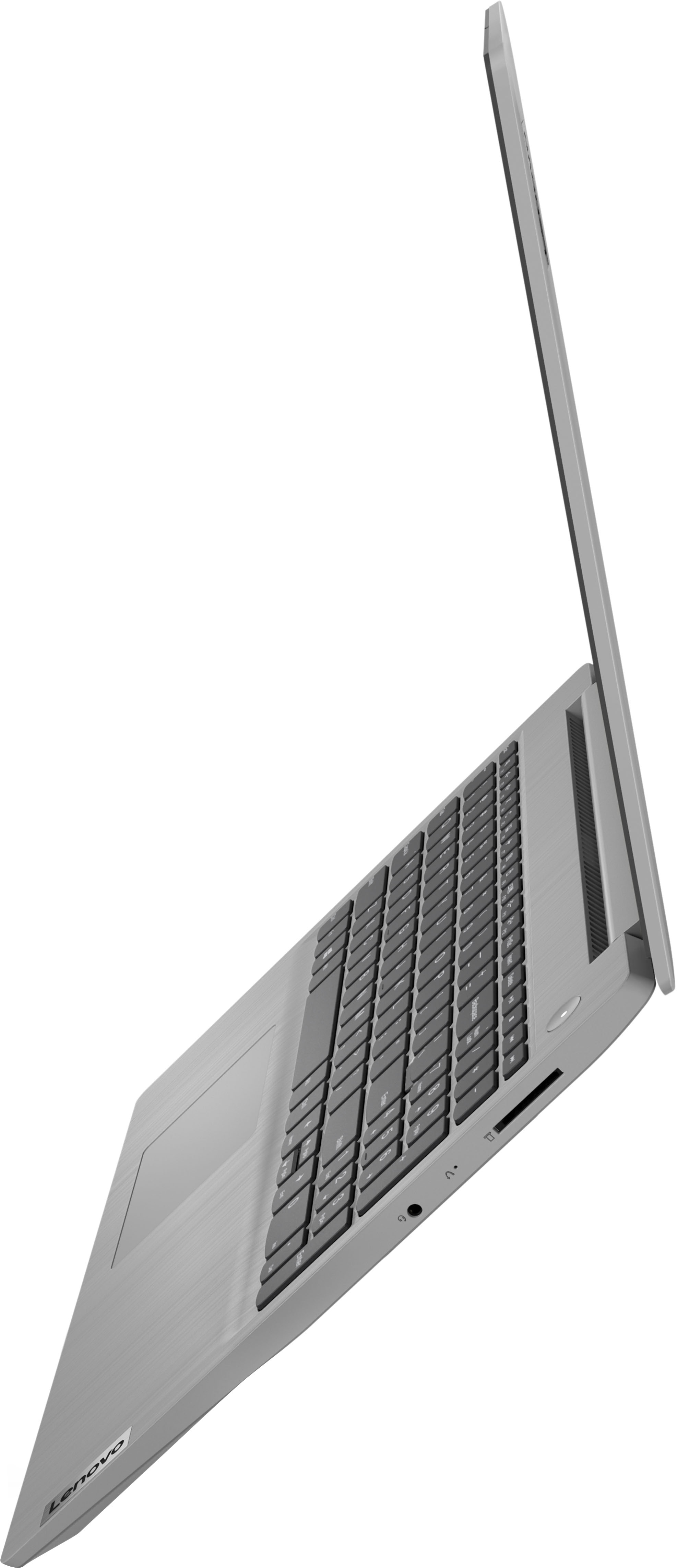
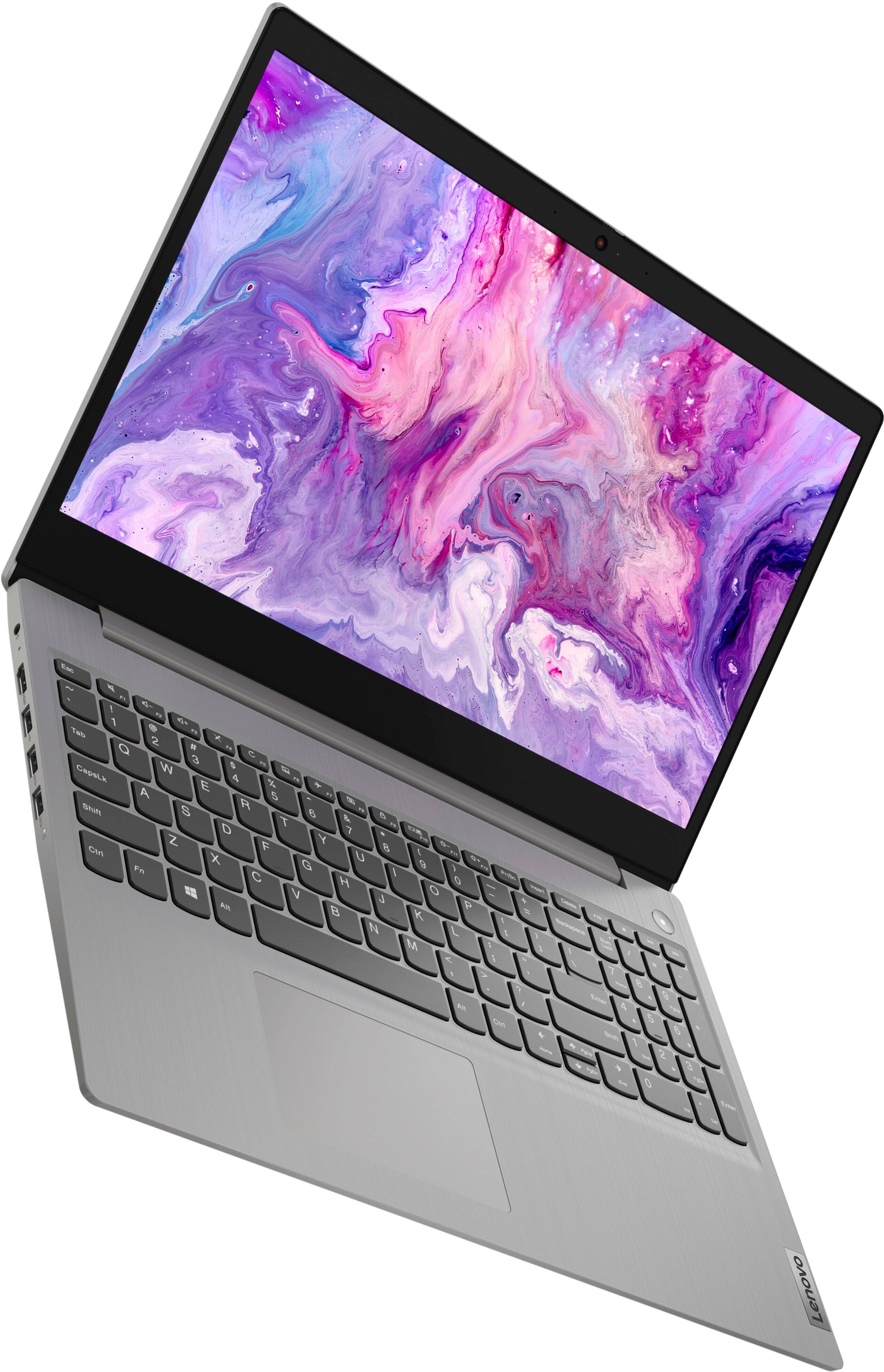
Customers commend the IdeaPad 3's touchscreen, ease of use, performance, and value for its price. Many appreciate its lightweight design and fast SSD, finding it to be a good size for their needs. However, some users point to the battery life as needing improvement, and others express dissatisfaction with the pre-installed operating system. The limited storage capacity is also a concern for some customers.
This summary was generated by AI based on customer reviews.
- Pros mentioned:SpeedCons mentioned:Storage
Good for basic office and social media task
||Posted .This reviewer received promo considerations or sweepstakes entry for writing a review.Missing a USB C, but fast for basic task like internet, social media, videos etc. The screen picture is not the best, in door is ok , outside will be wash out. Storage is minimal, adding a hard drive will be preferred
I would recommend this to a friend - Pros mentioned:Ease of use, Touch screen
Great laptop!
||Posted . Owned for 1 month when reviewed.This reviewer received promo considerations or sweepstakes entry for writing a review.Great laptop so far. I am using it for my business and it offers all the features I want in a laptop. The larger screen is perfect for those Zoom meetings. The price point, ease of use and size are just what I needed.
I would recommend this to a friendBrand response from Lenovo Product Expert
Posted .Thank you for choosing the Lenovo IdeaPad 3 15 Laptop for your business. We are pleased to hear that the value, features and performance of the IdeaPad 3 15 meets your business computing needs so well.

- Pros mentioned:SpeedCons mentioned:Battery life
A Good Buy
||Posted . Owned for 2 months when reviewed.This reviewer received promo considerations or sweepstakes entry for writing a review.I love my laptop. Bought initially just to play games (Halo Wars 2), but it is light, easy to carry and have enough memory and speed to run all of my apps. Only thing is that I wish it had more battery life.
I would recommend this to a friendBrand response from Lenovo Product Expert
Posted .Thank you for choosing the Lenovo IdeaPad 3 15 Laptop, model number 81X800KLUS. This model ships with a Integrated 35Wh, Lithium-Polymer Battery, which within this model configuration, has a battery life of up to 6 hours, depending on the work the device is performing. We always recommend you check the requirements and compatibility of any software/games you will be installing on your new computer, before you invest in any computer. Be sure your new computer can support the software/games you will need to use and your workload. If you are getting substantially less battery life first, set your screen brightness at less than 100-percent - try 80-percent to start with. Then, be sure Battery Charge Threshold is turned off. This power management setting should only be used when the laptop is plugged in all the time. It will prolong overall battery life by only charging the battery to 60-percent of capacity. You can turn off Battery Charge Threshold within the Lenovo Vantage APP installed on this computer. In Vantage select Battery Settings and turn off Battery Charge Threshold, if turned on. Also check what programs are running in the background on the computer. Be sure only the programs you want running in the background are. These programs will drain the battery. Here is a link to information about how to find out what programs are running in the background on your Windows 11 computer and how to manage them for better system performance: https://websiteforstudents.com/how-to-find-what-is-running-in-windows-11/. Then, finally, be sure any software you installed is compatible with Windows 11. Incompatible software will drain the battery at a faster rate. There is no need to install Microsoft Office software. The software is already part of the operating system, you just need to activate the software with a purchased product key. If you have installed a copy of Microsoft Office, this is conflicting with the existing copy on the system and this will slow your system down. If you have installed a 3rd party anti-virus program, be sure that Windows Defender is turned off and that the trial version of McAfee Anti-Virus software is uninstalled. There can only be one anti-virus program on the system. You may need to restore your system to original factory default settings if any of the programming errors have occurred. You can do that by typing "restore" in the Cortana search window. Just click on the magnifying glass icon at the bottom of your Windows 11 Desktop. Click on "Reset This PC" Then click on "Get Started" and follow the on screen directions to restore to factory defaults. If the problem persists, we recommend you contact Lenovo Tech Support at: 877-453-6686.
- Pros mentioned:Touch screen
Great purchase with great options.
||Posted . Owned for 3 weeks when reviewed.This reviewer received promo considerations or sweepstakes entry for writing a review.Purchased this for my son to take on an international trip. It has everything he needed, storage, lightweight, sleek but sturdy a great size screen. Love the touch screen option, its perfect. Now I want one for myself.
I would recommend this to a friendBrand response from Lenovo Product Expert
Posted .Thank you for choosing the Lenovo IdeaPad 3 15 Laptop for your son. We are pleased to hear that the features and performance of the IdeaPad 3 15 meets your son's computing needs so well.
- Pros mentioned:Ease of use, Speed
Another happy Lenovo customer
||Posted . Owned for 1 month when reviewed.This reviewer received promo considerations or sweepstakes entry for writing a review.A fantastic computer for an excellent value! Highly recommend! Long battery life, excellent screen quality, fast moving, so easy to use! I love it! Hope to have this one as long as I had my last Lenovo - over 10 years!
I would recommend this to a friendBrand response from Lenovo Product Expert
Posted .Thank you for choosing the Lenovo IdeaPad 3 15 HD Touch Screen Laptop. We are very pleased to see that the specifications and features of the Lenovo IdeaPad 3 15 HD Touch Screen Laptop meet your computing needs so well.
I love this computer!
||Posted . Owned for 11 months when reviewed.This reviewer received promo considerations or sweepstakes entry for writing a review.I like this computer a lot. It does everything I need it to do and more. I love the camera slider for extra privacy and camera security. I find the settings updates to be user-friendly and after almost a year of using this laptop, it's still impressing me.
I would recommend this to a friend- Pros mentioned:Ease of useCons mentioned:Battery life
Good deal!!
||Posted . Owned for 3 weeks when reviewed.This reviewer received promo considerations or sweepstakes entry for writing a review.This is a great laptop for the price! Quick startup, user friendly, and great for simple tasks. Going to get another one for my son in college!! Only problem is short battery life about an hour and a half!
I would recommend this to a friendBrand response from Lenovo Product Expert
Posted .Thank you for choosing the Lenovo IdeaPad 3 15 Laptop, model number 81X800KLUS. This model ships with a Integrated 35Wh, Lithium-Polymer Battery, which within this model configuration, has a battery life of up to 6 hours, depending on the word the device is performing. If you are getting substantially less battery life first, set your screen brightness at less than 100-percent - try 80-percent to start with. Then, be sure Battery Charge Threshold is turned off. This power management setting should only be used when the laptop is plugged in all the time. It will prolong overall battery life by only charging the battery to 60-percent of capacity. You can turn off Battery Charge Threshold within the Lenovo Vantage APP installed on this computer. In Vantage select Battery Settings and turn off Battery Charge Threshold, if turned on. Also check what programs are running in the background on the computer. Be sure only the programs you want running in the background are. These programs will drain the battery. Here is a link to information about how to find out what programs are running in the background on your Windows 11 computer and how to manage them for better system performance: https://websiteforstudents.com/how-to-find-what-is-running-in-windows-11/. Then, finally, be sure any software you installed is compatible with Windows 11. Incompatible software will drain the battery at a faster rate. There is no need to install Microsoft Office software. The software is already part of the operating system, you just need to activate the software with a purchased product key. If you have installed a copy of Microsoft Office, this is conflicting with the existing copy on the system and this will slow your system down. If you have installed a 3rd party anti-virus program, be sure that Windows Defender is turned off and that the trial version of McAfee Anti-Virus software is uninstalled. There can only be one anti-virus program on the system. You may need to restore your system to original factory default settings if any of the programming errors have occurred. You can do that by typing "restore" in the Cortana search window. Just click on the magnifying glass icon at the bottom of your Windows 11 Desktop. Click on "Reset This PC" Then click on "Get Started" and follow the on screen directions to restore to factory defaults. If the problem persists, we recommend you contact Lenovo Tech Support at: 877-453-6686.
- Pros mentioned:PerformanceCons mentioned:Battery life
i left HP behind for Lenovo
||Posted .This reviewer received promo considerations or sweepstakes entry for writing a review.My second Lenovo product ive owned. My HP laptop stopped working after only 6 year of light use. by light use its to pay online bills work remotely half days through a web service not even streaming. This is great so far!
I would recommend this to a friendBrand response from Lenovo Product Expert
Posted .Thank you for choosing the Lenovo IdeaPad 3 15 laptop. We appreciate your loyalty to the Lenovo Brand and we are pleased to hear that the Ideapad 3 15 laptop is working out so well for you.
Well Built
||Posted . Owned for more than 2 years when reviewed.This reviewer received promo considerations or sweepstakes entry for writing a review.Nice around the house laptop. Has not had any problems even after being dropped off the kitchen counter. One corner has a small piece of the case missing but the unit still functions well after 2 years.
I would recommend this to a friendGood gift!
||Posted . Owned for more than 2 years when reviewed.This reviewer received promo considerations or sweepstakes entry for writing a review.Got this as a gift for my mom. She loves it and more so that even though its touch screen is so easy to clean off.
I would recommend this to a friendLong lasting functional computer
||Posted . Owned for 1 year when reviewed.This reviewer received promo considerations or sweepstakes entry for writing a review.This laptop has been helpful for my 15 year old. He can do his school work and also play Roblox with no problems. He's had it for a little over a year and it's still serving him well. He does need to replace one key, but that's not bad for daily use from a teen.
I would recommend this to a friendLove it
||Posted . Owned for more than 2 years when reviewed.This reviewer received promo considerations or sweepstakes entry for writing a review.Purchase on May, 2022 and no issue with this laptop ever since. I use it mainly for office work and entertainment. Really recommend for college students.
I would recommend this to a friend- Pros mentioned:Ease of use, Touch screen
Manager
||Posted .This reviewer received promo considerations or sweepstakes entry for writing a review.Needed lap top with touch screen and this fit the bill. Good price, ease of use, most import ent easy to get what is necessary for our goal of feeding “More People, More Families, More Food”.
I would recommend this to a friendBrand response from Lenovo Product Expert
Posted .Thank you for choosing the Lenovo IdeaPad 3 15 Laptop. We are pleased to hear that the value, ease of use, features and performance of the IdeaPad 3 15 meets your computing needs so well.
- Pros mentioned:Speed
Best Inexpensive Computer
||Posted . Owned for 1 month when reviewed.This reviewer received promo considerations or sweepstakes entry for writing a review.Bought this Lenovo for my wife who has a better model Asus, which always has had idiosyncrasies. Sometimes the Asus works well, but I'm always having to go through a process just to get it to work. I had a cheaper model Asus, as well, and always had problems with it. Will never buy another. I purchased a Lenovo for myself a year and a half ago which is similar to the one I bought my wife. Both mine and the new Lenovo always work seemlessly. Mine is the 10th generation i3. The new one is the 11th generation i3. Both are excellent computers. I highly recommend them.
I would recommend this to a friendBrand response from Lenovo Product Expert
Posted .Thank you for choosing the Lenovo IdeaPad 3 15 Laptop for your wife. We appreciate your loyalty to the Lenovo Brand and we are pleased to hear that both your Lenovo Laptop and this new Lenovo IdeaPad 3 15 for your wife are working out so well.
The best
||Posted . Owned for more than 2 years when reviewed.This reviewer received promo considerations or sweepstakes entry for writing a review.This computer is the best I've had, I've already been with it for 2 years and I haven't had any problems with it, it's been excellent, one of the best purchases, I love the color, and how fast it is
I would recommend this to a friend- Pros mentioned:Price, Touch screen
Great laptop for school
||Posted . Owned for 3 weeks when reviewed.This reviewer received promo considerations or sweepstakes entry for writing a review.Perfect laptop for my high school daughter, it’s not too big, slim and stylish. Lots of memory and a touch screen. The price was excellent! This is our second Lennovo and I’m very happy.
I would recommend this to a friend - Pros mentioned:Ease of use
Lenovo IdeaPad 3
||Posted .This reviewer received promo considerations or sweepstakes entry for writing a review.Lenovo Idea Pad 3 is so wonderful to use, flip it open and within 20 seconds you can be on internet. I have had now a little over one month and i have really enjoyed the computer. I don't game so extremely high resolution is not a big problem. You tube videos look very good even though they are not in ultra high definition. I still not sure if I will keep the computer in the S mode for windows, because I would like to ues it for chrome and google mail. All in all with the sale price Best Buy had and 2 day shipping I can recommend this computer via Best Buy.
I would recommend this to a friendBrand response from Lenovo Product Expert
Posted .Thank you for choosing the Lenovo IdeaPad 3 15 Laptop. We are pleased to hear that the features and performance of the IdeaPad 3 15 meets your computing needs so well. This model ships with Windows 11 S-Mode, 64-bit Operating System installed. Windows 11 S-Mode provides added security by only allowing APPs available ( and therefore certified by Microsoft) at the Microsoft Store. If you don't need the added security or you need to install APPs not available at the Microsoft Store, you can switch to standard Windows 11 Home 64-bit Operating System, at no additional cost. If you choose to switch out of S-Mode for Windows 11 Home: Here is a link to instructions for switching from Windows 11 S-Mode to Windows 11 Home: https://support.microsoft.com/en-us/help/4456067/windows-10-switch-out-of-s-mode
Love Lenovo Ideapad
||Posted . Owned for 1 year when reviewed.This reviewer received promo considerations or sweepstakes entry for writing a review.we are consumers of Lenovo IdeaPad lap tops for a while now. I believe this is our 3rd one and are very happy with how it takes care of our computer needs. It is easy to sue for Seniors as well.
I would recommend this to a friendWon't turn on
||Posted . Owned for more than 2 years when reviewed.This reviewer received promo considerations or sweepstakes entry for writing a review.Worked very well unfortunately it won't turn on now!!
I would recommend this to a friend- Pros mentioned:Ease of use, Price
Lenovo Ideapad 3
||Posted . Owned for 3 weeks when reviewed.This reviewer received promo considerations or sweepstakes entry for writing a review.I found this computer to be very affordable, easy to set up and use. I generally have a lot of trouble getting used to new (for me) technology, but had very little trouble with this!
I would recommend this to a friendBrand response from Lenovo Product Expert
Posted .Thank you for choosing the Lenovo IdeaPad 3 15 laptop. We are pleased to hear that the value, easy setup and use as well as the performance of the IdeaPad 3 15 meets your computing needs so well.