Customer Ratings & Reviews

- Model:
- 81X800ENUS
- SKU:
- 6477624
Rating by feature
- Battery Life
Rating 4.4 out of 5 stars
- Speed
Rating 4.5 out of 5 stars
- Display
Rating 4.5 out of 5 stars
Customers are saying
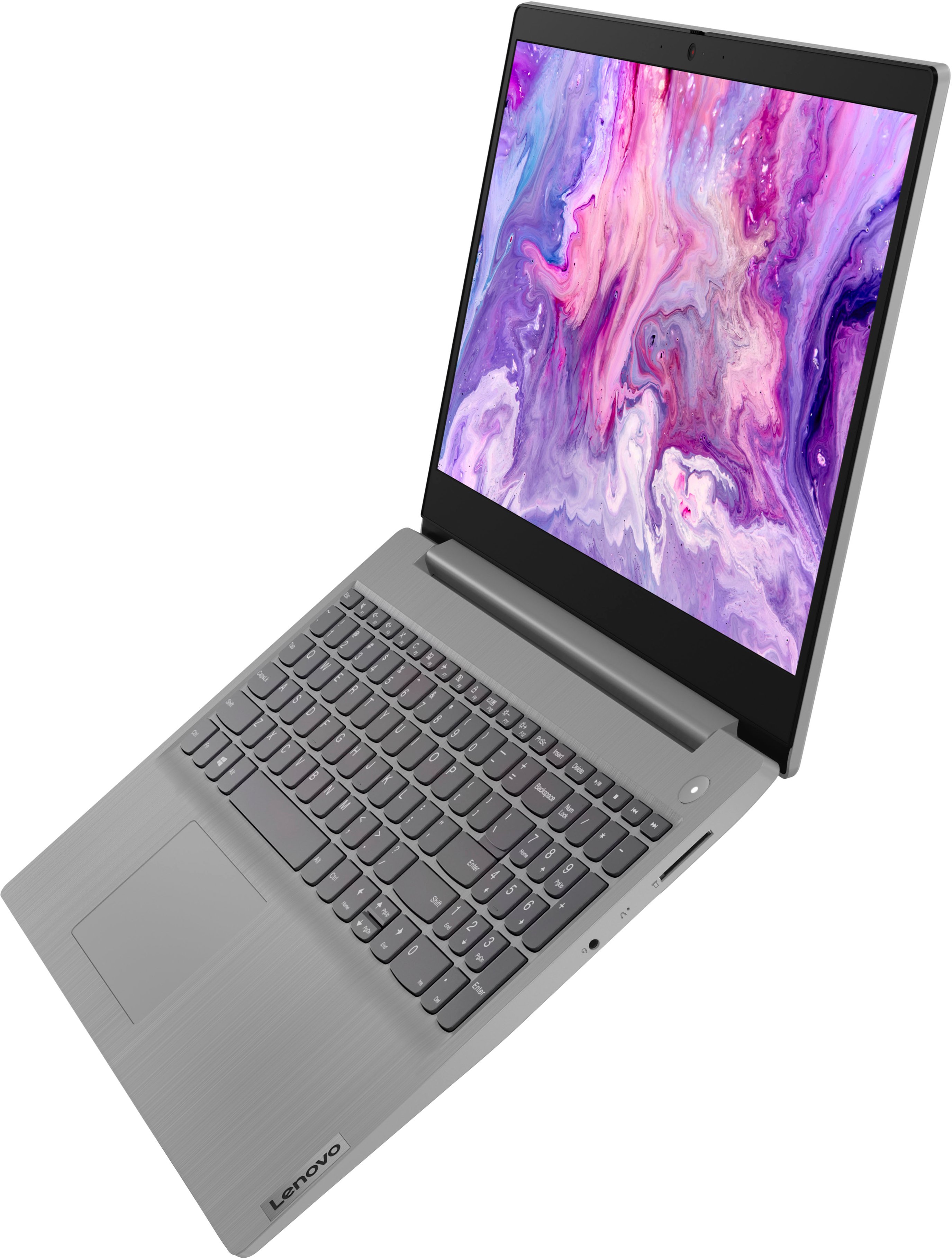
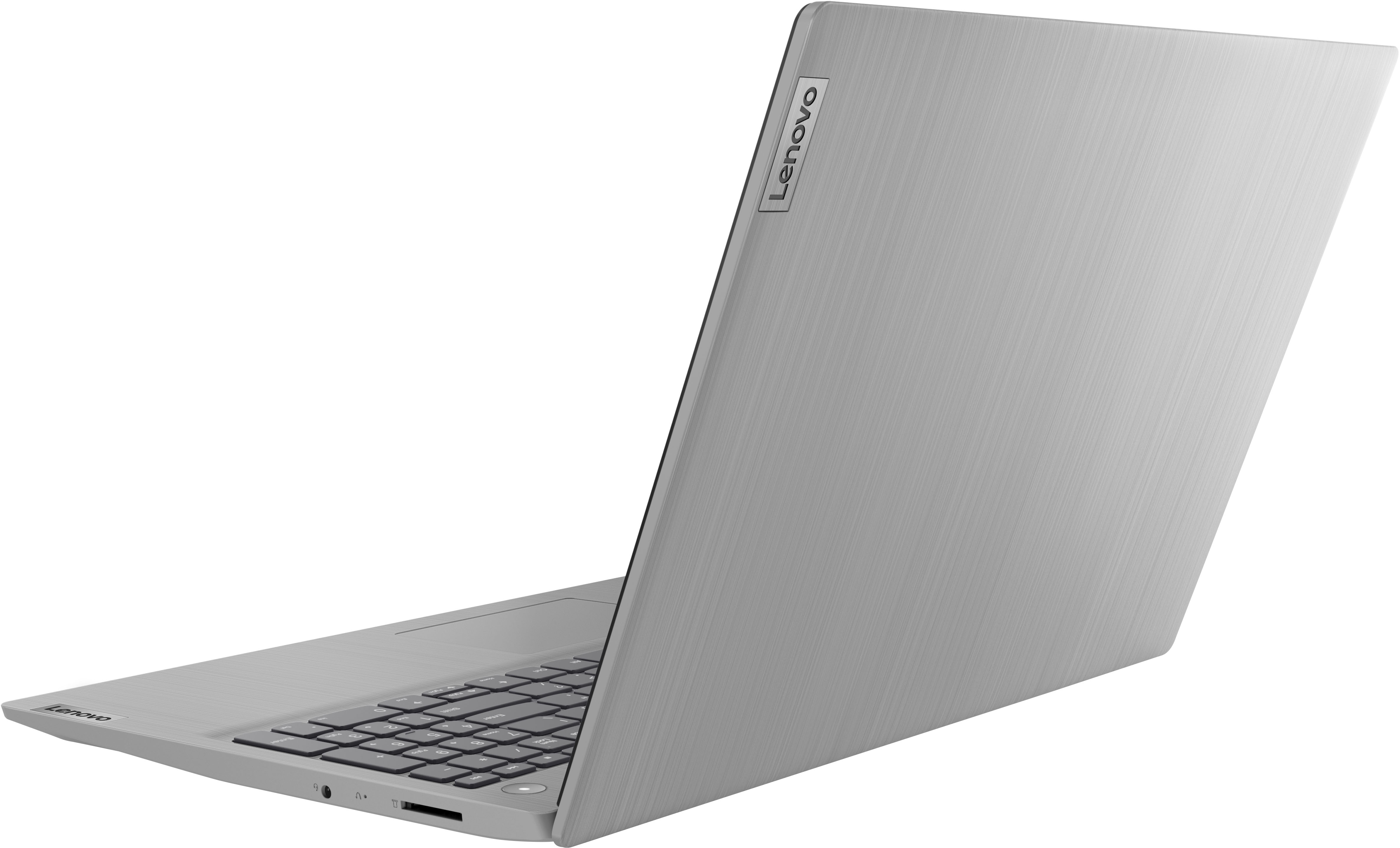
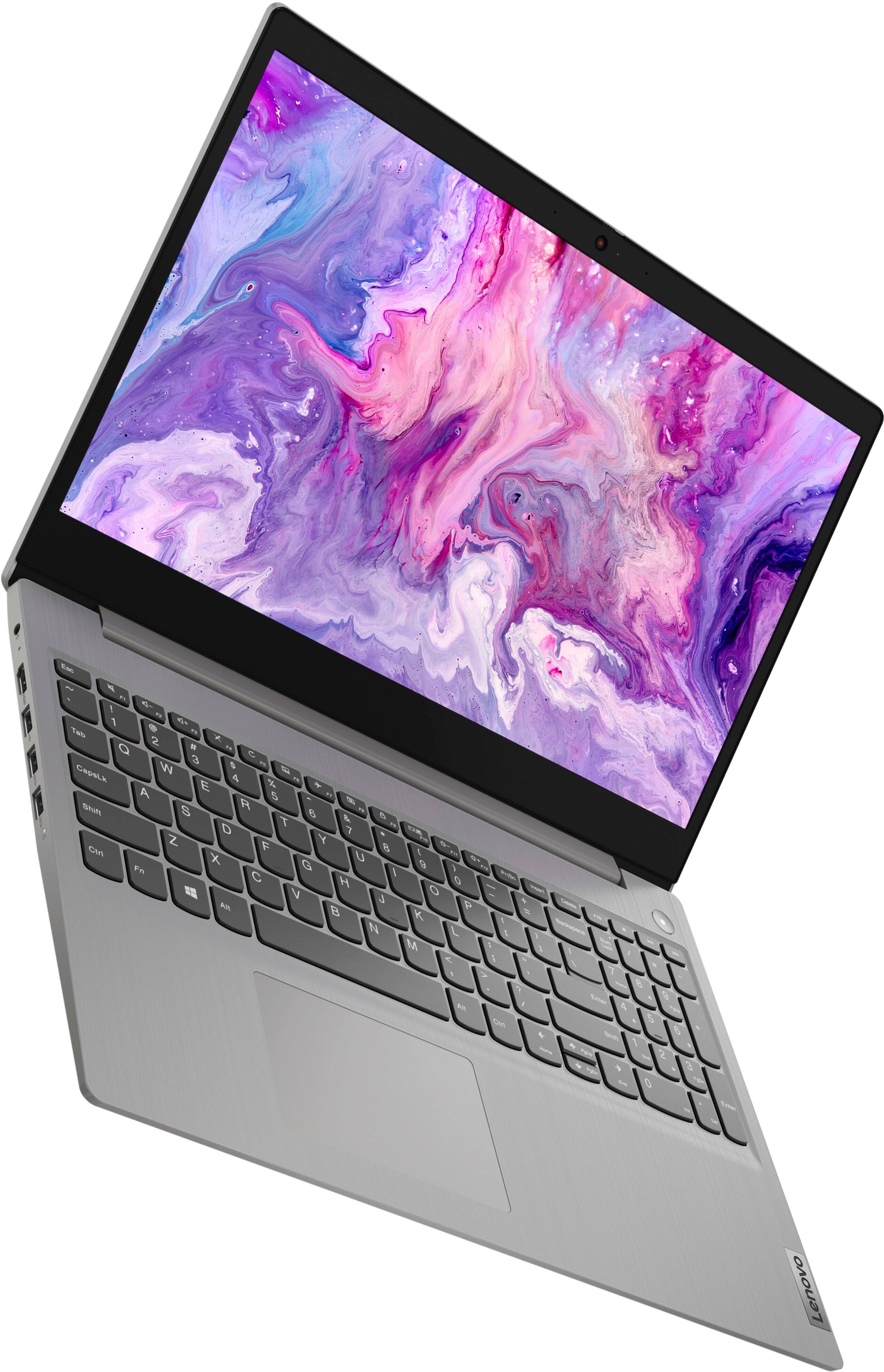
Customers commend the IdeaPad 3's touchscreen, ease of use, performance, and value for its price. Many appreciate its lightweight design and fast SSD, finding it to be a good size for their needs. However, some users point to the battery life as needing improvement, and others express dissatisfaction with the pre-installed operating system. The limited storage capacity is also a concern for some customers.
This summary was generated by AI based on customer reviews.
- Pros mentioned:Touch screen
Great Computer, Operating System is Awful
||Posted . Owned for 3 weeks when reviewed.This reviewer received promo considerations or sweepstakes entry for writing a review.Great machine. Touch screen is excellent. Keyboard is too smooth. An okay operating system. Windows 11 is a money pit. It's close to buying a car with heated seats, only to find out you have to pay a monthly fee to turn them on.
I would recommend this to a friendBrand response from Lenovo Product Expert
Posted .Thank you for choosing the Lenovo IdeaPad 3 15 Laptop, model number 81X800KLUS. This model configuration ships with Windows 11 S-Mode, 64-bit Operating System installed. Windows 11 S-Mode provides added security by only allowing APPs available ( and therefore certified by Microsoft) at the Microsoft Store. If you don't need the added security or you need to install APPs not available at the Microsoft Store, you can switch to standard Windows 11 Home 64-bit Operating System, at no additional cost. Here is a link to instructions for switching from Windows 11 S-Mode to Windows 11 Home: https://support.microsoft.com/en-us/windows/switching-out-of-s-mode-in-windows-4f56d9be-99ec-6983-119f-031bfb28a307#WindowsVersion=Windows_11

- Pros mentioned:Speed
Love it
||Posted . Owned for 3 weeks when reviewed.This reviewer received promo considerations or sweepstakes entry for writing a review.I love it. It’s speedy, does everything I need it too and more. I just need it for basic usage nothing too crazy. I have a little issue with my email but that’s okay. And I love the fact that it’s not a basic color like black or silver.
I would recommend this to a friendBrand response from Lenovo Product Expert
Posted .Thank you for choosing the Lenovo IdeaPad 3 15 Laptop. We are pleased to hear that the features and performance of the IdeaPad 3 15 are working out so well for you.
- Pros mentioned:Performance
Great kids computer
||Posted . Owned for 1 month when reviewed.This reviewer received promo considerations or sweepstakes entry for writing a review.Bought this for my son to use for school, you tube, and Roblox. Works great. Screen quality isn't the best but it's a great trade off for a solid little machine. I don't know how much more it could handle but it works well for an 11 year old.
I would recommend this to a friendBrand response from Lenovo Product Expert
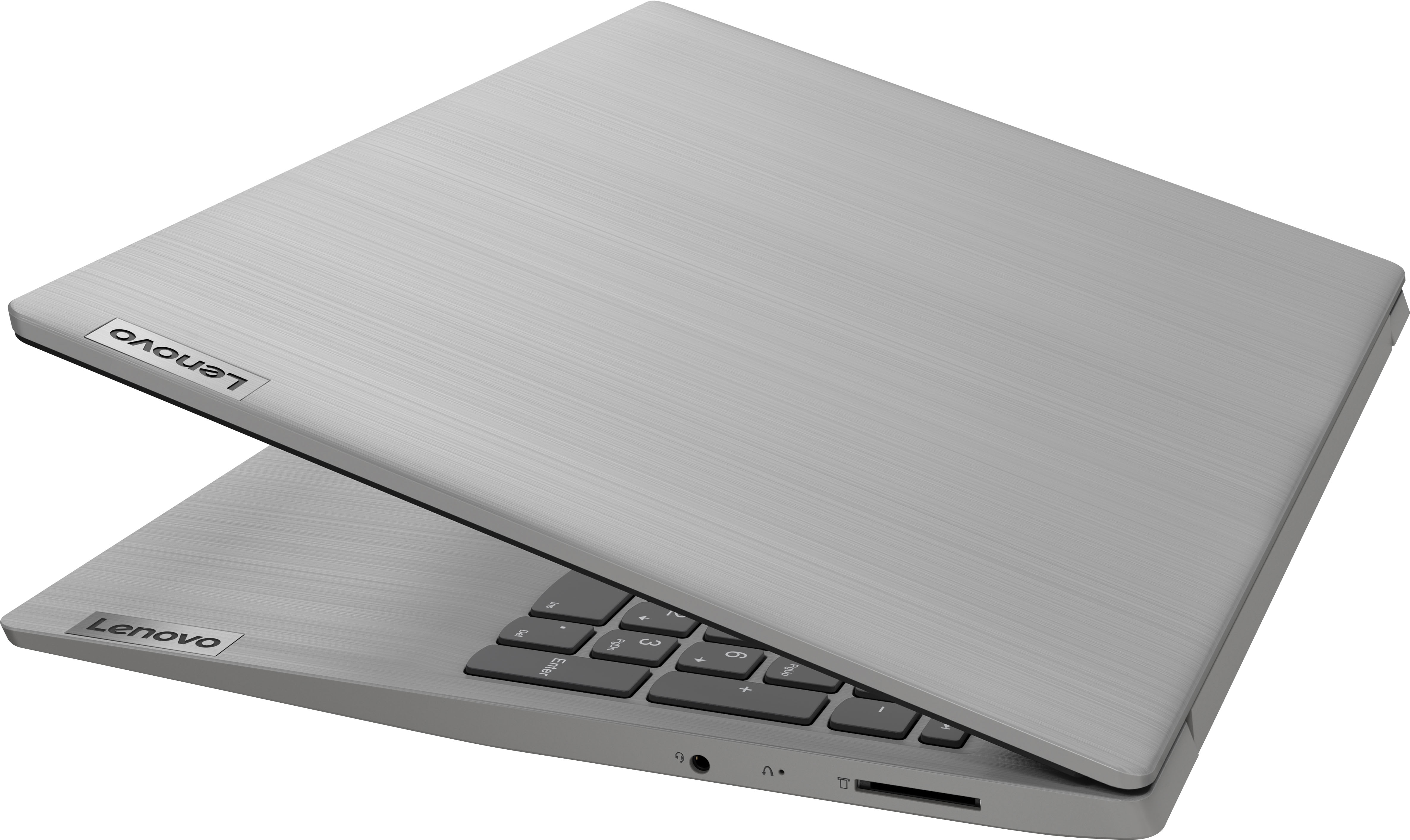
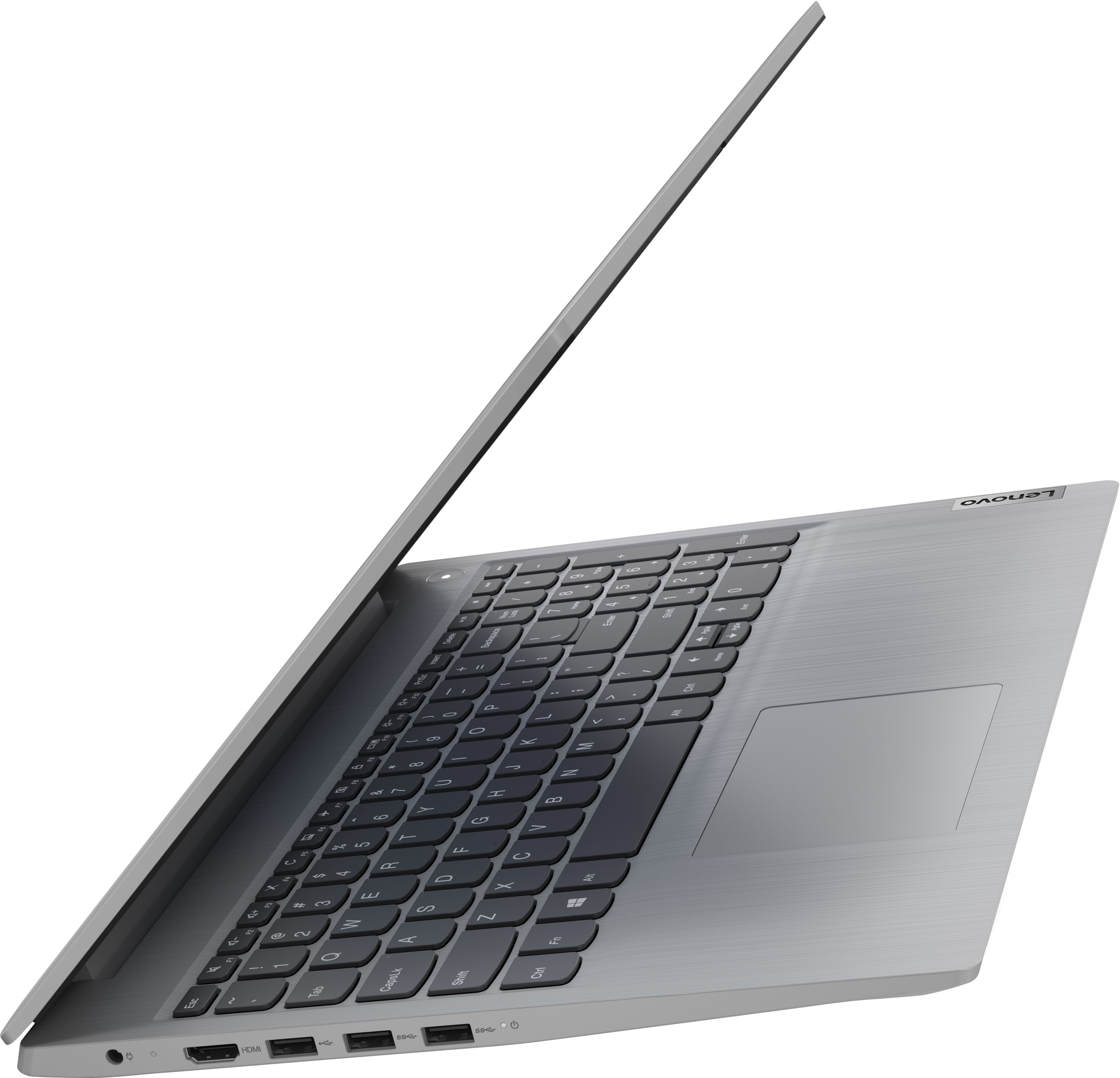
Posted .Thank you for choosing the Lenovo IdeaPad 3 15 Laptop, model number 81X800ENUS, for your son. This model ships with a 15.6 inch (screen size measured diagonally) TN - HD (1366x768) 10-point Multi-touch screen, with a brightness level of 220 nits and has an Anti-glare Coating. We are pleased to hear that the IdeaPad 3 15 meets your son's computing needs so well.
- Pros mentioned:Performance
Sir Satisfied ! aka " Slyone "
||Posted . Owned for 1 month when reviewed.This reviewer received promo considerations or sweepstakes entry for writing a review.The laptop was actually a purchase for my daughter who is in her first year of college. She is very satisfied with the product and it's performance. At time of purchase, I believe it was a good product at a good price.
I would recommend this to a friendBrand response from Lenovo Product Expert
Posted .Thank you for choosing the Lenovo IdeaPad 3 15 Laptop for your daughter. We are pleased to hear that the value and performance of the IdeaPad 3 15 meets your daughter's computing needs so well.
Review
||Posted . Owned for 3 weeks when reviewed.This reviewer received promo considerations or sweepstakes entry for writing a review.Good price good service love best buy open box!!!!
I would recommend this to a friend- Pros mentioned:Performance
Lenovo Love
||Posted . Owned for 1 month when reviewed.This reviewer received promo considerations or sweepstakes entry for writing a review.Best Laptop I've had in about 20 years of laptops!!! Had bought one in June which was stolen in Sep. I had to replace with same because I loved the model so much. Lenovo is just the best in laptops these days imo.
I would recommend this to a friend - Pros mentioned:Price
danwsox
||Posted . Owned for 2 weeks when reviewed.This reviewer received promo considerations or sweepstakes entry for writing a review.For the price, great product. We will be using the laptop for zoom meetings, letters, storage of photos and keeping track of our expenses. this computer is great for light usage.
I would recommend this to a friendBrand response from Lenovo Product Expert
Posted .Thank you for choosing the Lenovo IdeaPad 3 15 laptop. We are pleased to hear that the value and performance of the IdeaPad 3 15 meets your computing needs so well.
- Pros mentioned:Performance
Great Laptop for Price
||Posted . Owned for 1 month when reviewed.This reviewer received promo considerations or sweepstakes entry for writing a review.I bought this for a friend who isn't really into tech and just browses the web and a few online games, nothing graphics heavy and she loves it. Perfect for everyday internet use or even working virtually.
I would recommend this to a friend It is exactly what you would expect.
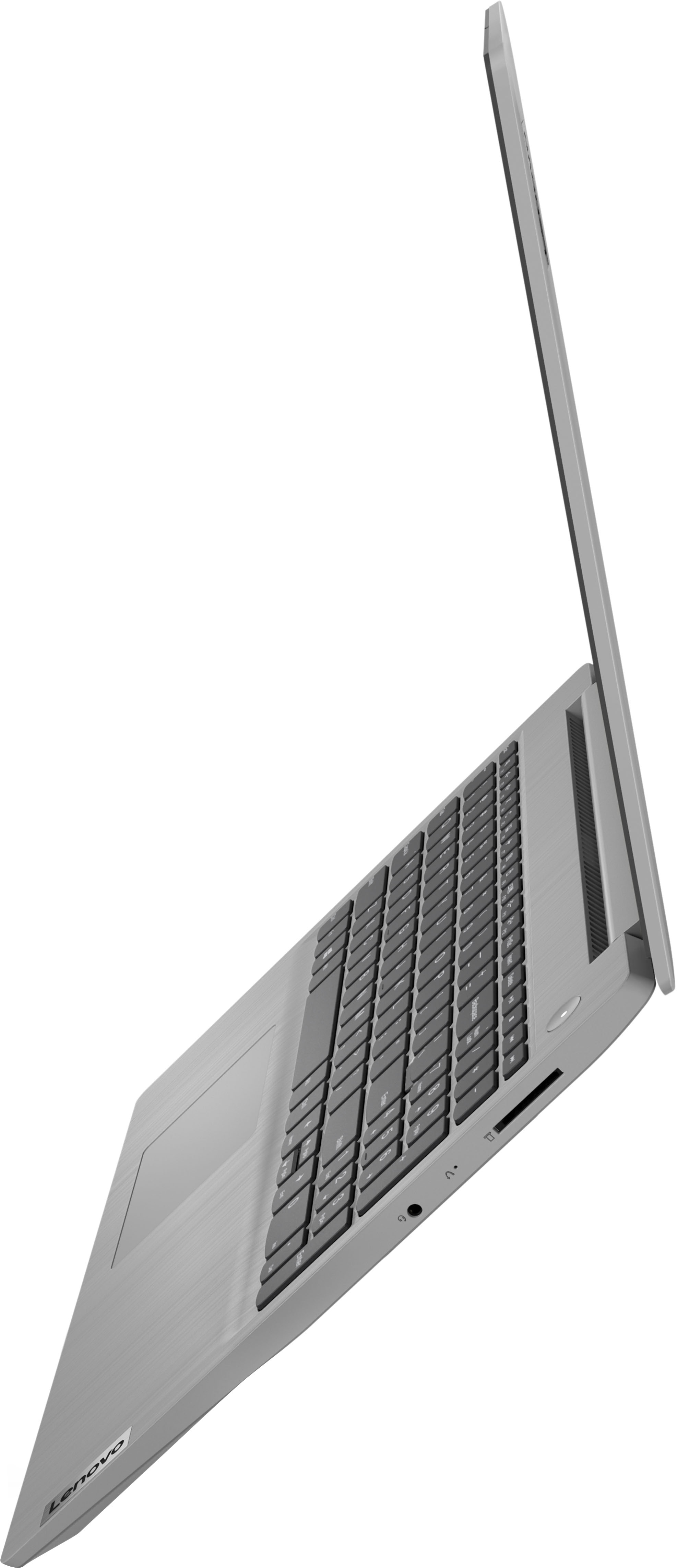
||Posted . Owned for 5 months when reviewed.This reviewer received promo considerations or sweepstakes entry for writing a review.It's a proper laptop that works as it should. You can't do anything grand in terms of gaming, but it works perfectly fine otherwise. My only gripes are that it only has 3 USB slots, and doesn't have an ethernet port.
I would recommend this to a friend- Pros mentioned:Performance
Nice laptop, poor screen.
||Posted . Owned for less than 1 week when reviewed.This reviewer received promo considerations or sweepstakes entry for writing a review.Returned after 2 days of use. Max screen resolution is too low and appears dull, washed out and faded. A laptop screen should be 1920 X 1080 with eye-popping, vibrant colors. This laptop does not have that type of screen. The laptop itself is very nice. Looks good, set up was easy and the system is very snappy. BUT, the screen is a deal breaker. Spend a few extra bucks and get something with a better quality screen. I really wanted to like this laptop for $300, but i couldn't get passed the poor screen.
No, I would not recommend this to a friend Good Browsing Laptop
||Posted . Owned for 8 months when reviewed.This reviewer received promo considerations or sweepstakes entry for writing a review.Good cheap laptop for web browsing. I don't know if I would recommend getting it for anything else. The screen is the worst part of this laptop as you need to get certain angles so colors on screen don't look washed out.
I would recommend this to a friend- Pros mentioned:Speed
Excellent computer
||Posted . Owned for 2 weeks when reviewed.This reviewer received promo considerations or sweepstakes entry for writing a review.Just bought this for job promotion..works extremely well and very fast..wouldn't know what to do without it. Makes job easier and faster.
I would recommend this to a friendBrand response from Lenovo Product Expert
Posted .Thank you for choosing the Lenovo IdeaPad 3 15 laptop. We are pleased to hear that the IdeaPad 3 15 meets your computing needs so well.
Great value!
||Posted . Owned for 1 month when reviewed.This reviewer received promo considerations or sweepstakes entry for writing a review.Great value for the price. I am a light windows user using mostly MS office and some media playback. This works perfectly for this purpose, with fast SSD and decent display. The build quality is great and I expect it to last many years.
I would recommend this to a friendBrand response from Lenovo Product Expert
Posted .Thank you for choosing the Lenovo IdeaPad 3 15 Laptop. We are pleased to hear that the performance of the IdeaPad 3 15 meets your computing needs so well.
- Cons mentioned:Battery life
LOVE THIS PRODUCT
||Posted . Owned for 3 weeks when reviewed.This reviewer received promo considerations or sweepstakes entry for writing a review.I really like the Lenovo brand computers. I have used them in the past for work and recently purchased one to use at home. The only complaint I have is the battery life but I’m usually near the charger.
I would recommend this to a friendBrand response from Lenovo Product Expert
Posted .Thank you for choosing the Lenovo IdeaPad 3 15 Laptop, model number 81X800KLUS. We appreciate your loyalty to the Lenovo Brand. This IdeaPad 3 15 ships with a Integrated 35Wh, Lithium-Polymer Battery, which within this model configuration, has a battery life of up to 6 hours, depending on the work the device is performing. If you are getting substantially less battery life first, set your screen brightness at less than 100-percent - try 80-percent to start with. Then, be sure Battery Charge Threshold is turned off. This power management setting should only be used when the laptop is plugged in all the time. It will prolong overall battery life by only charging the battery to 60-percent of capacity. You can turn off Battery Charge Threshold within the Lenovo Vantage APP installed on this computer. In Vantage select Battery Settings and turn off Battery Charge Threshold, if turned on. Also check what programs are running in the background on the computer. Be sure only the programs you want running in the background are. These programs will drain the battery. Here is a link to information about how to find out what programs are running in the background on your Windows 11 computer and how to manage them for better system performance: https://websiteforstudents.com/how-to-find-what-is-running-in-windows-11/. Then, finally, be sure any software you installed is compatible with Windows 11. Incompatible software will drain the battery at a faster rate. There is no need to install Microsoft Office software. The software is already part of the operating system, you just need to activate the software with a purchased product key. If you have installed a copy of Microsoft Office, this is conflicting with the existing copy on the system and this will slow your system down. If you have installed a 3rd party anti-virus program, be sure that Windows Defender is turned off and that the trial version of McAfee Anti-Virus software is uninstalled. There can only be one anti-virus program on the system. You may need to restore your system to original factory default settings if any of the programming errors have occurred. You can do that by typing "restore" in the Cortana search window. Just click on the magnifying glass icon at the bottom of your Windows 11 Desktop. Click on "Reset This PC" Then click on "Get Started" and follow the on screen directions to restore to factory defaults. If the problem persists, we recommend you contact Lenovo Tech Support at: 877-453-6686.
- Pros mentioned:Touch screen
Happy with my purchase and BestBuy.
||Posted . Owned for 3 weeks when reviewed.This reviewer received promo considerations or sweepstakes entry for writing a review.Very happy with my Lenovo purchase. Super easy to setup. It’s a very big screen. BestBuy was awesome as the one I wanted was delayed in transit. BestBuy ordered one from another store and delivered to my home.
I would recommend this to a friendBrand response from Lenovo Product Expert
Posted .Thank you for choosing the Lenovo IdeaPad 3 15 laptop. We are pleased to hear that the easy setup, features and performance of the IdeaPad 3 15 meets your computing needs so well.
- Cons mentioned:Battery life
Worth the price.
||Posted . Owned for 1 month when reviewed.This reviewer received promo considerations or sweepstakes entry for writing a review.Nice bright screen, tricky getting the hang of the touchpad functions as I usually use a mouse. The battery drains fairly quickly, but charges quickly as well. Serves my needs well, emails, documents and videoconferencing.
I would recommend this to a friendBrand response from Lenovo Product Expert
Posted .Thank you for choosing the Lenovo IdeaPad 3 15 Laptop. Regarding the touchpad, you can adjust the touchpad in your system settings. You can get there by clicking on the magnifying glass at the bottom left of your Windows 10 screen. Type "touchpad" in the search window. Select "Mouse & touchpad settings" from the list of choices. You can make general adjustments to the touchpad there. You can also select "Additional mouse options" for more detailed adjustments to the touchpad sensitivity by increasing the delay of the touchpad. This model configuration ship with a Integrated 35Wh, Lithium-Polymer Battery, which within this model configuration, has a battery life of up to 6 hours, depending on the work the device is performing. If you are getting substantially less battery life, first, set your screen brightness at less than 100-percent - try 80-percent to start with. Then, be sure Battery conservation Mode is turned off. This power management setting should only be used when the laptop is plugged in all the time. It will prolong overall battery life by only charging the battery to 60-percent of capacity. Here is a link to instructions for turning off Battery Conservation Mode: https://support.lenovo.com/us/en/solutions/ht103159. Also check what programs are running in the background on the computer. Be sure only the programs you want running in the background are. These programs will drain the battery. Here is a link to information about how to find out what programs are running in the background on your Windows 11 computer and how to manage them for better system performance: https://websiteforstudents.com/how-to-find-what-is-running-in-windows-11/. Then, finally, be sure any software you installed is compatible with Windows 11. Incompatible software will drain the battery at a faster rate. There is no need to install Microsoft Office software. The software is already part of the operating system, you just need to activate the software with a purchased product key. If you have installed a copy of Microsoft Office, this is conflicting with the existing copy on the system and this will slow your system down. If you have installed a 3rd party anti-virus program, be sure that Windows Defender is turned off and that the trial version of McAfee Anti-Virus software is uninstalled. There can only be one anti-virus program on the system. You may need to restore your system to original factory default settings if any of the programming errors have occurred. You can do that by typing "restore" in the Cortana search window. Just click on the magnifying glass icon at the bottom of your Windows 11 Desktop. Click on "Reset This PC" Then click on "Get Started" and follow the on screen directions to restore to factory defaults. If the problem persists, we recommend you contact Lenovo Tech Support at: 877-453-6686.
- Pros mentioned:Price
Laptop
||Posted . Owned for 2 weeks when reviewed.This reviewer received promo considerations or sweepstakes entry for writing a review.good laptop for those you worry will download the wrong things. This comes equipped with s mode which is safe mode and will not let anything that is not microsoft approved onto the computer. Good price as well.
I would recommend this to a friendBrand response from Lenovo Product Expert
Posted .Thank you for choosing the Lenovo IdeaPad 3 15 Laptop. We are pleased to hear that the features and performance of the IdeaPad 3 15 meets your computing needs so well.
- Pros mentioned:Touch screen
Great laptop!
||Posted . Owned for 3 weeks when reviewed.This reviewer received promo considerations or sweepstakes entry for writing a review.I love this laptop. I didnt need anything fancy. Just do basic things on here. I love that its a touchscreen and that the number and caps lock light up. Great laptop for a great price! Highly recommended.
I would recommend this to a friendBrand response from Lenovo Product Expert
Posted .Thank you for choosing the Lenovo IdeaPad 3 15 Laptop. We are pleased to hear that the value, features and performance of the IdeaPad 3 15 meets your computing needs so well.
- Pros mentioned:Speed
Great Computer for Price
||Posted . Owned for 1 month when reviewed.This reviewer received promo considerations or sweepstakes entry for writing a review.Purchased for my work truck and I like it better than the one I paid several hundred dollars more for. Great battery life, great display, speed is great. I have 3 Lenovos and this is my favorite one.
I would recommend this to a friend - Pros mentioned:Speed
a good one
||Posted . Owned for less than 1 week when reviewed.This reviewer received promo considerations or sweepstakes entry for writing a review.you can't go wrong with this one. it's fast for the price I didn't expect it to be this good, but it is. I been playing around with old computers for a long time and they just don't beat this one.
I would recommend this to a friendBrand response from Lenovo Product Expert
Posted .Thank you for choosing the Lenovo IdeaPad 3 15 laptop. We are pleased to hear that the value and performance of the IdeaPad 3 15 meets your computing needs so well.