Customer Ratings & Reviews
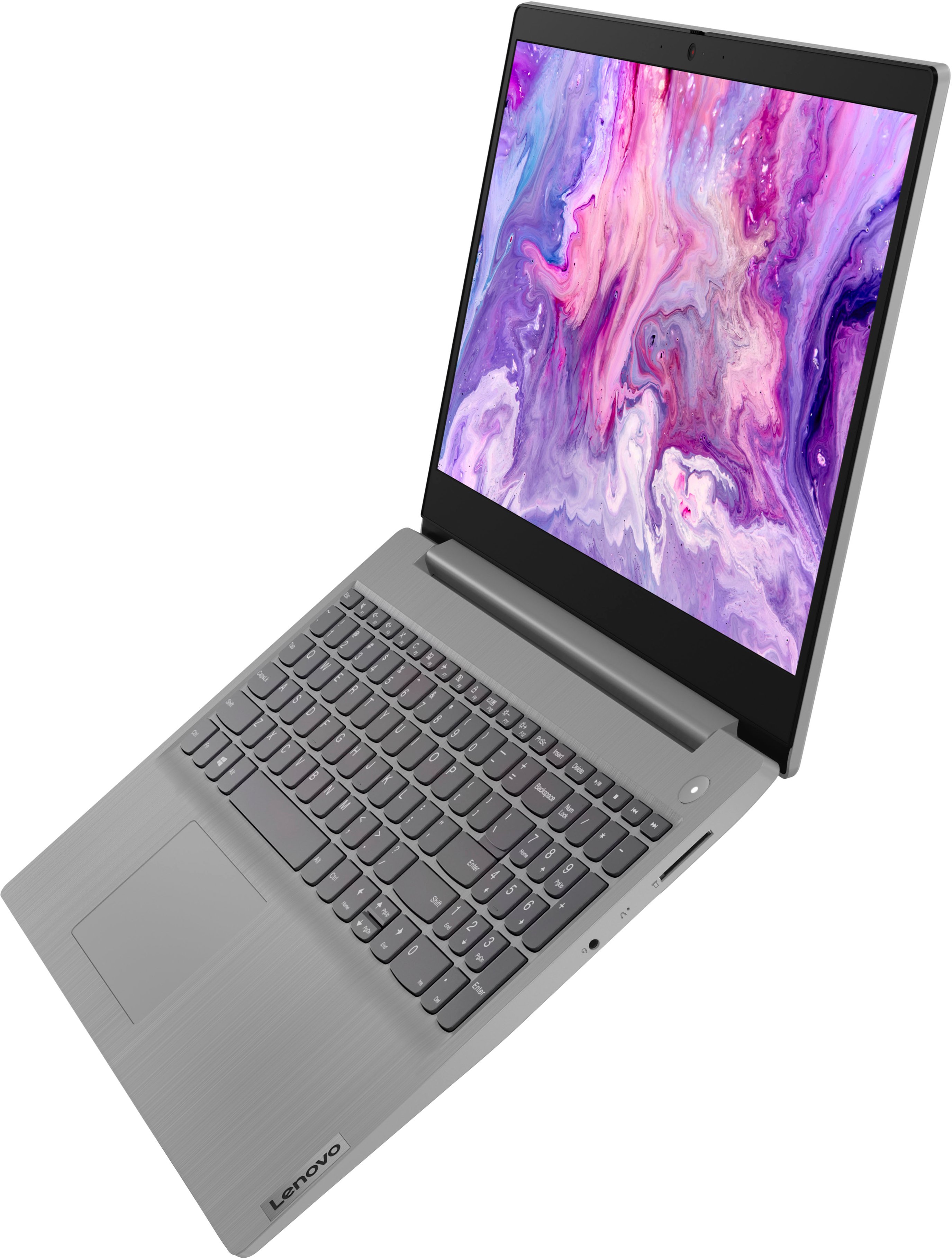
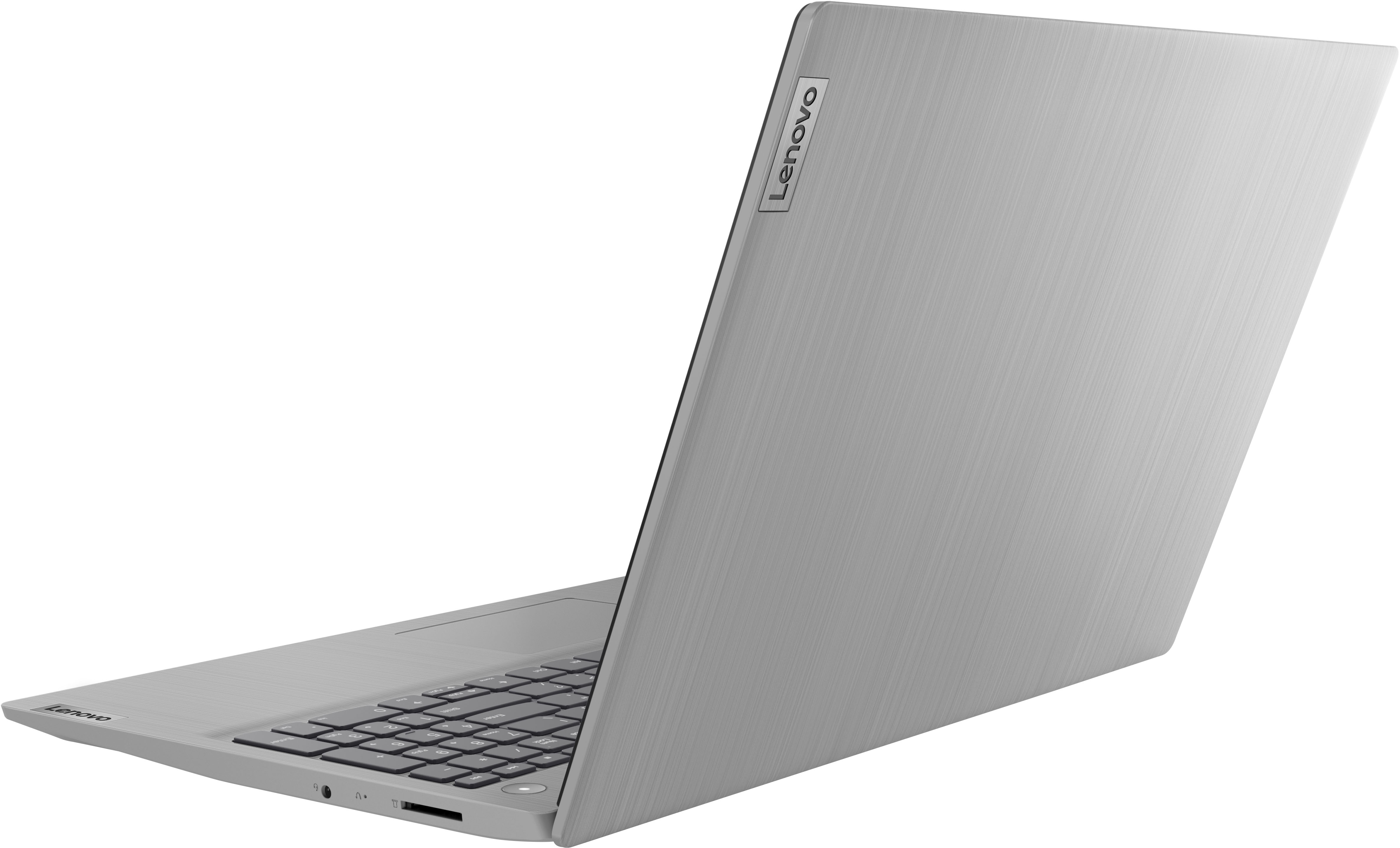
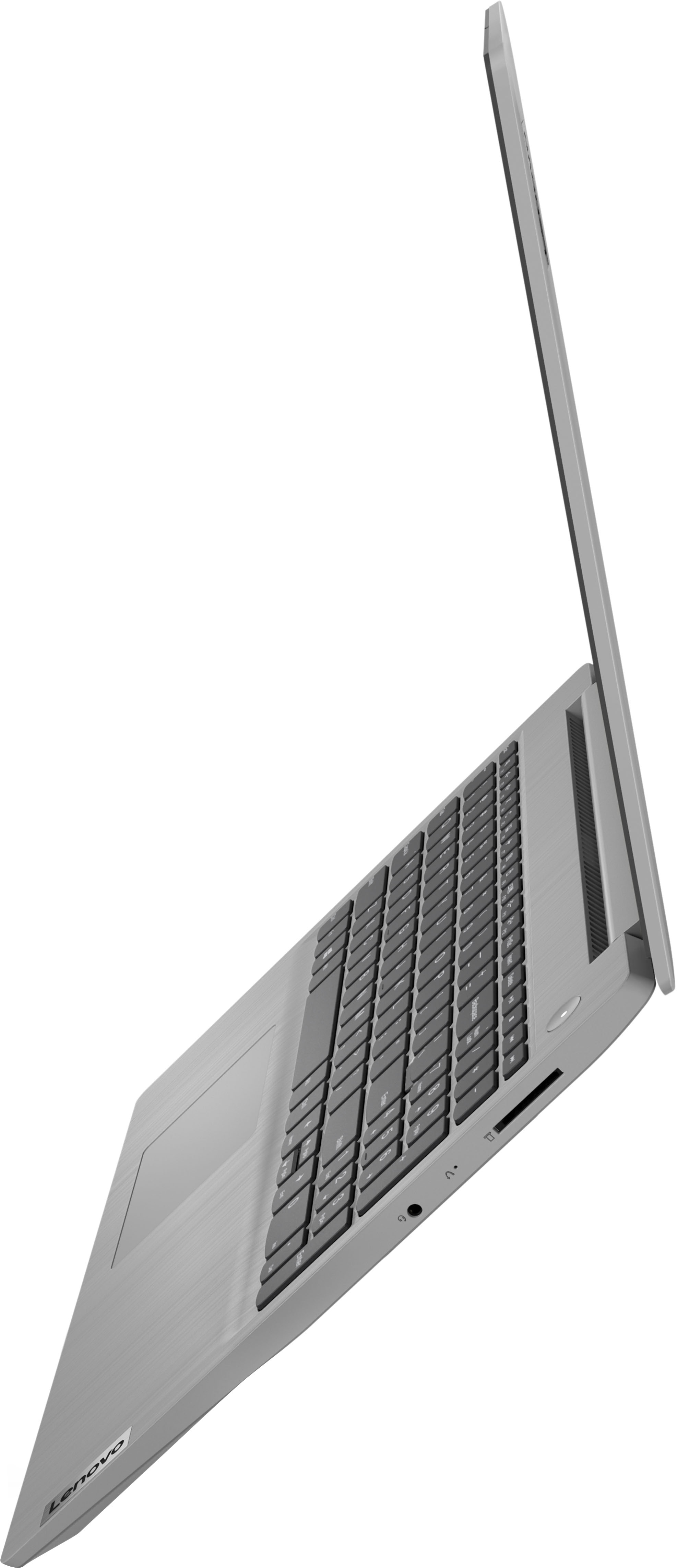
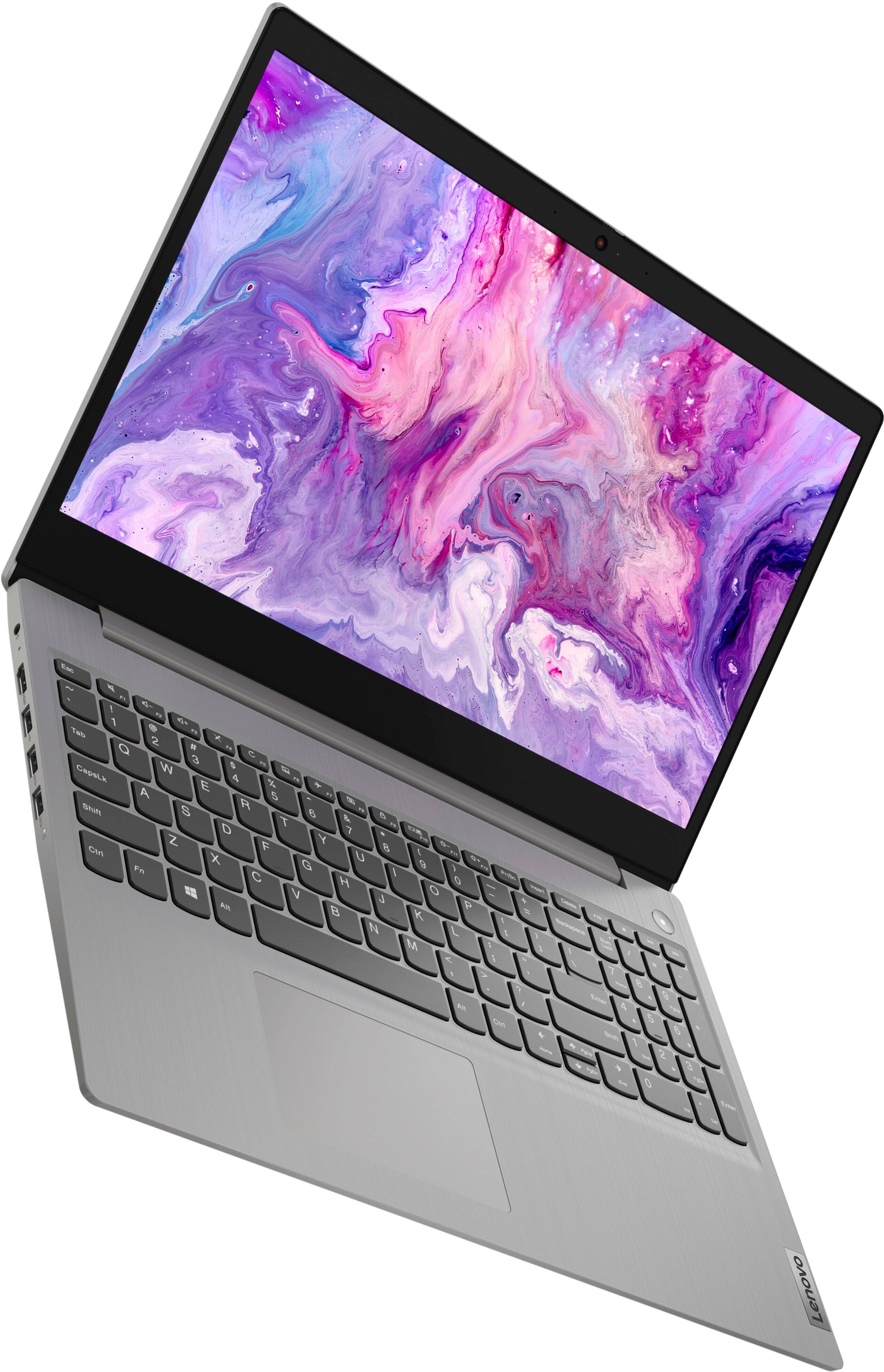

- Model:
- 81X800ENUS
- SKU:
- 6477624
Rating by feature
- Battery Life
Rating 4.4 out of 5 stars
- Speed
Rating 4.5 out of 5 stars
- Display
Rating 4.5 out of 5 stars
Customers are saying
Customers commend the IdeaPad 3's touchscreen, ease of use, performance, and value for its price. Many appreciate its lightweight design and fast SSD, finding it to be a good size for their needs. However, some users point to the battery life as needing improvement, and others express dissatisfaction with the pre-installed operating system. The limited storage capacity is also a concern for some customers.
This summary was generated by AI based on customer reviews.
Good product for the money
||Posted . Owned for 3 weeks when reviewed.This reviewer received promo considerations or sweepstakes entry for writing a review.Works good, just for home use, internet search and email type stuff -no problems. Would give it 5 stars if it had a lighted keyboard.
I would recommend this to a friendAlright laptop for the price
||Posted . Owned for 1 month when reviewed.This reviewer received promo considerations or sweepstakes entry for writing a review.Decent laptop for the price. The description describes it well. The color seems a little "washed" but overall it's a good budget laptop.
I would recommend this to a friendBrand response from Lenovo Product Expert
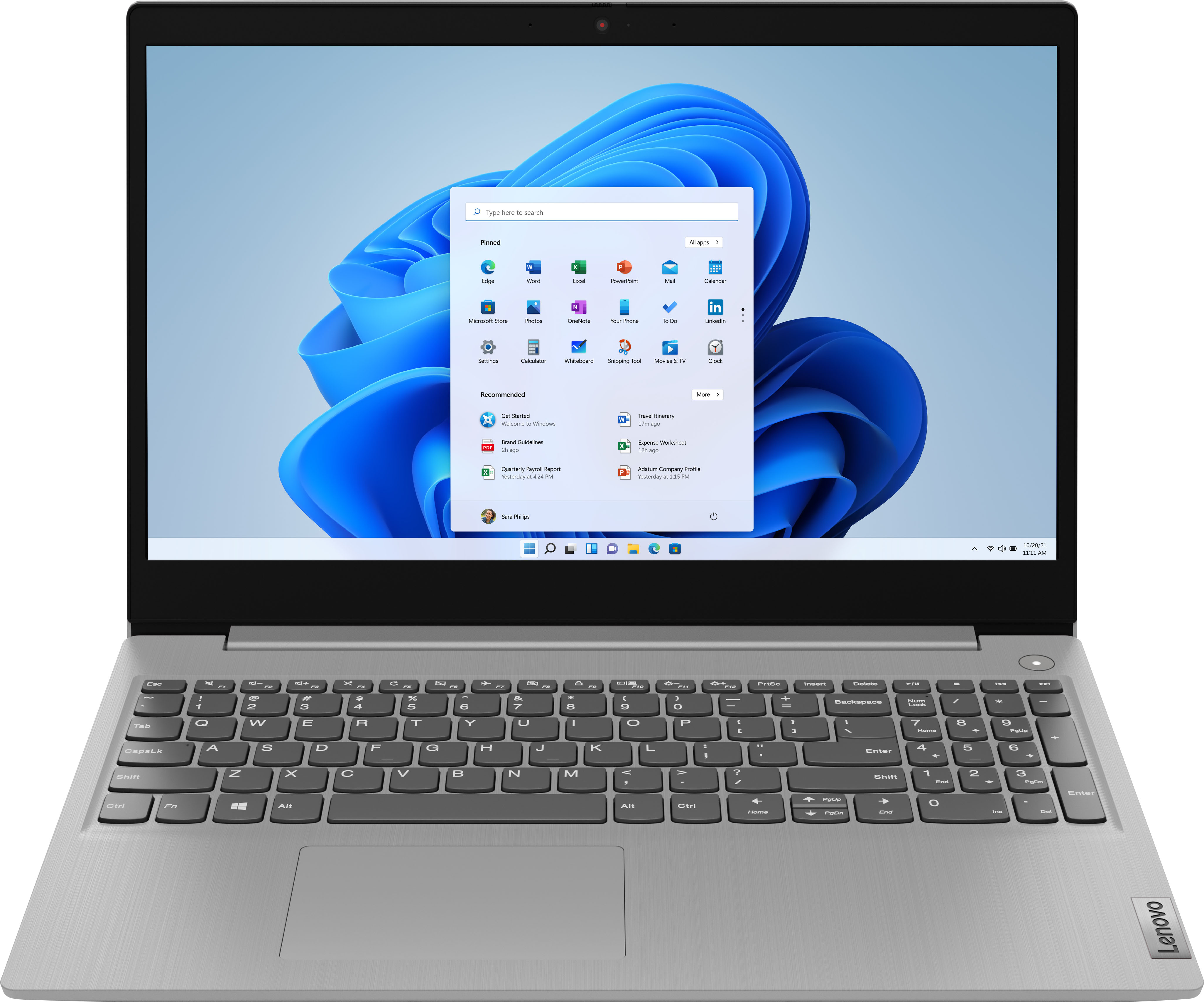
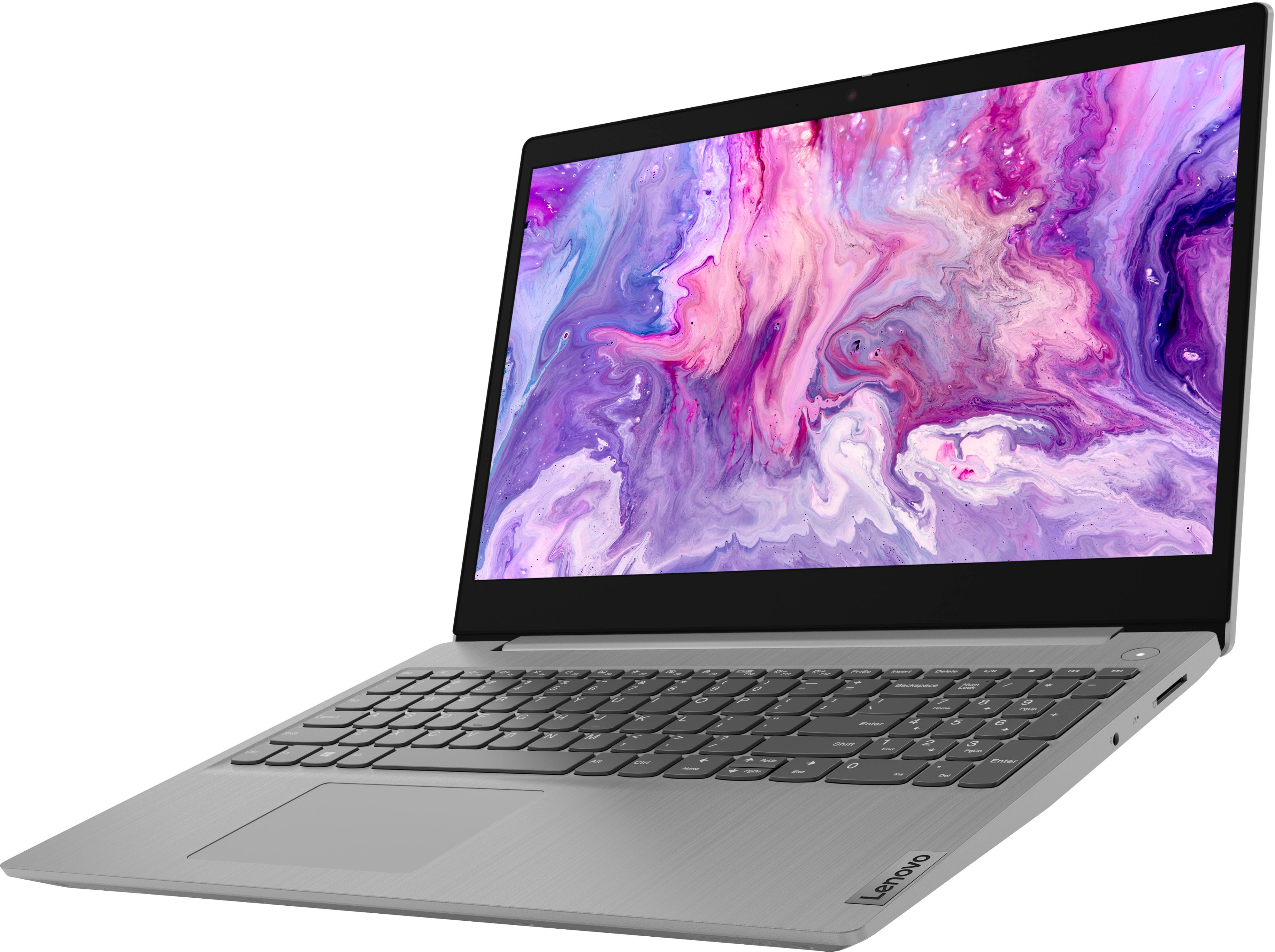
Posted .Thank you for choosing the Lenovo IdeaPad 3 15 Laptop, model number 81X800KLUS. This model configuration ships with a 15.6 inch (screen size measured diagonally) TN - HD (1366x768) 10-point Multi-touch screen, with a brightness level of 220 nits, and has an Anti-glare Coating. We are pleased to hear that the value, features and performance of the IdeaPad 3 15 meets your computing needs so well.

- Cons mentioned:Battery life
Lenovo
||Posted .This reviewer received promo considerations or sweepstakes entry for writing a review.Display quality and battery life could be a little better. Other than that everything is okay.
I would recommend this to a friendBrand response from Lenovo Product Expert
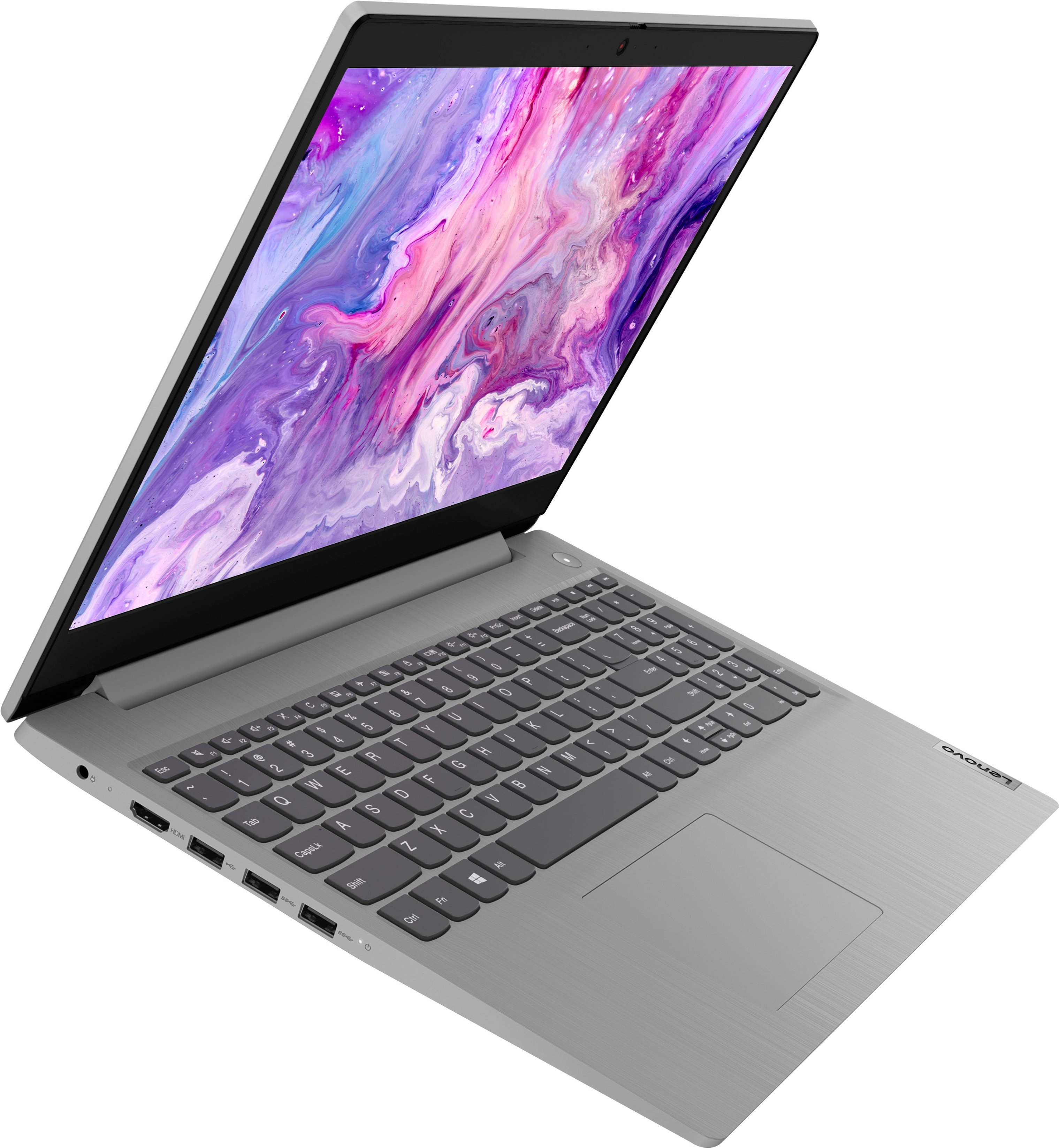
Posted .This Lenovo IdeaPad 3 15 Laptop, model number 81X800KLUS, ships with a 15.6 inch (screen size measured diagonally) TN - HD (1366x768) 10-point Multi-touch screen, with a brightness level of 220 nits and has an Anti-glare Coating. This screen provides 67 Percent of the sRGB (45 Percent NTSC) color gamut. This IdeaPad 3 15 also ships with a Integrated 35Wh, Lithium-Polymer Battery, which within this model configuration, has a battery life of up to 6 hours, depending on the work the device is performing. If you are getting substantially less battery life, first, set your screen brightness at less than 100-percent - try 80-percent to start with. Then, be sure Battery Charge Threshold is turned off. This power management setting should only be used when the laptop is plugged in all the time. It will prolong overall battery life by only charging the battery to 60-percent of capacity. You can turn off Battery Charge Threshold within the Lenovo Vantage APP installed on this computer. In Vantage select Battery Settings and turn off Battery Charge Threshold, if turned on. Also check what programs are running in the background on the computer. Be sure only the programs you want running in the background are. These programs will drain the battery. Here is a link to information about how to find out what programs are running in the background on your Windows 11 computer and how to manage them for better system performance: https://websiteforstudents.com/how-to-find-what-is-running-in-windows-11/. Then, finally, be sure any software you installed is compatible with Windows 11. Incompatible software will drain the battery at a faster rate. There is no need to install Microsoft Office software. The software is already part of the operating system, you just need to activate the software with a purchased product key. If you have installed a copy of Microsoft Office, this is conflicting with the existing copy on the system and this will slow your system down. If you have installed a 3rd party anti-virus program, be sure that Windows Defender is turned off and that the trial version of McAfee Anti-Virus software is uninstalled. There can only be one anti-virus program on the system. You may need to restore your system to original factory default settings if any of the programming errors have occurred. You can do that by typing "restore" in the Cortana search window. Just click on the magnifying glass icon at the bottom of your Windows 11 Desktop. Click on "Reset This PC" Then click on "Get Started" and follow the on screen directions to restore to factory defaults. If the problem persists, we recommend you contact Lenovo Tech Support at: 877-453-6686.
- Cons mentioned:Battery life
Bad battery life
||Posted . Owned for 5 months when reviewed.This reviewer received promo considerations or sweepstakes entry for writing a review.Computer is ok but battery life is awful. I’ll need to replace this soon.
No, I would not recommend this to a friendBrand response from Lenovo Product Expert
Posted .Hello LauraS, regarding battery life, this model IdeaPad 3 15 ships with an integrated 35Wh battery, which within this model configuration, has a battery life of up to 5.5 hours, depending on device settings and the work the device is performing. If you are getting substantially less battery life, first, set your screen brightness at less than 100-percent - try 80-percent to start with. Then, be sure Battery Charge Threshold is turned off. This power management setting should only be used when the laptop is plugged in all the time. It will prolong overall battery life by only charging the battery to 60-80 percent of its capacity. You can turn off Battery Charge Threshold within the Lenovo Vantage APP installed on this computer. In Vantage select Battery Settings and turn off Battery Charge Threshold, if turned on. Also, here is a link to a webpage that details various options for disabling background applications and processes that may be using battery: https://allthings.how/how-to-turn-off-background-apps-in-windows-11/ If your problems persist, we recommend you contact Lenovo Tech Support for additional help at: 877-453-6686.
my experence with best buy n geek squad
||Posted . Owned for 1 month when reviewed.This reviewer received promo considerations or sweepstakes entry for writing a review.really like best buy n the service we get from the geek squad.will be buying all our equipment from best buy n the future
I would recommend this to a friend- Cons mentioned:Battery life
Students laptop
||Posted . Owned for 3 weeks when reviewed.This reviewer received promo considerations or sweepstakes entry for writing a review.It’s a good computer for students. I use it daily battery don’t last. Won’t recommend for an business use.
No, I would not recommend this to a friendBrand response from Lenovo Product Expert
Posted .We are sorry to hear that you are having issues with the battery life of your Lenovo IdeaPad 3 15 laptop, model number 81X800ENUS. This model configuration ships with a Integrated 35Wh, Lithium-Polymer Battery, which within this model configuration, has a battery life of up to 6 hours, depending on the work the device is performing. If you are getting substantially less battery life, first, set your screen brightness at less than 100-percent - try 80-percent to start with. Then, be sure Battery conservation Mode is turned off. This power management setting should only be used when the laptop is plugged in all the time. It will prolong overall battery life by only charging the battery to 60-percent of capacity. Here is a link to instructions for turning off Battery Conservation Mode: https://support.lenovo.com/us/en/solutions/ht103159. Also check what programs are running in the background on the computer. Be sure only the programs you want running in the background are. These programs will drain the battery. Here is a link to information about how to find out what programs are running in the background on your Windows 11 computer and how to manage them for better system performance: https://websiteforstudents.com/how-to-find-what-is-running-in-windows-11/. Then, finally, be sure any software you installed is compatible with Windows 11. Incompatible software will drain the battery at a faster rate. There is no need to install Microsoft Office software. The software is already part of the operating system, you just need to activate the software with a purchased product key. If you have installed a copy of Microsoft Office, this is conflicting with the existing copy on the system and this will slow your system down. If you have installed a 3rd party anti-virus program, be sure that Windows Defender is turned off and that the trial version of McAfee Anti-Virus software is uninstalled. There can only be one anti-virus program on the system. You may need to restore your system to original factory default settings if any of the programming errors have occurred. You can do that by typing "restore" in the Cortana search window. Just click on the magnifying glass icon at the bottom of your Windows 11 Desktop. Click on "Reset This PC" Then click on "Get Started" and follow the on screen directions to restore to factory defaults. If the problem persists, we recommend you contact Lenovo Tech Support at: 877-453-6686.
Great Laptop
||Posted .This reviewer received promo considerations or sweepstakes entry for writing a review.This is an ideal laptop for a starter. I bought this for a student who is starting college and it is well suited for their needs.
I would recommend this to a friendBrand response from Lenovo Product Expert
Posted .Thank you for choosing the Lenovo IdeaPad 3 15 Laptop for your student. We are pleased to hear that the IdeaPad 3 15 meets your student's computing needs so well.
Laptop
||Posted . Owned for less than 1 week when reviewed.This reviewer received promo considerations or sweepstakes entry for writing a review.Very good product runs very fast for the price is very good I recommend it for people who go to university or do work at home.
I would recommend this to a friendYou get what you pay for
||Posted . Owned for 1 month when reviewed.This reviewer received promo considerations or sweepstakes entry for writing a review.Light and efficient laptop, only complaint is that the touchscreen feels rather cheap but otherwise a pretty solid computer.
I would recommend this to a friendLaptop Purchase
||Posted . Owned for 3 weeks when reviewed.This reviewer received promo considerations or sweepstakes entry for writing a review.This Lenovo laptop is a great investment. the color is awesome, and the keys are raised so you are able to type the keys correctly.
I would recommend this to a friendBrand response from Lenovo Product Expert
Posted .Thank you for choosing the Lenovo IdeaPad 3 15 Laptop. We are pleased to hear that the value, features and performance of the IdeaPad 3 15 meets your computing needs so well.
nice
||Posted . Owned for 1 month when reviewed.This reviewer received promo considerations or sweepstakes entry for writing a review.Lenovo - IdeaPad 3 15" HD Touch Screen Laptop - Intel Core i3-1115G4 - Intel UHD Graphics - 8GB Memory - 256GB SSD - Almond
I would recommend this to a friendMr. Luddite.
||Posted . Owned for 3 weeks when reviewed.This reviewer received promo considerations or sweepstakes entry for writing a review.Very nice computer. I received lots of assistance from geek squad. I am very satisfied and plan to get a lot of use from my new computer.
I would recommend this to a friendBrand response from Lenovo Product Expert
Posted .Thank you for choosing the Lenovo IdeaPad 3 15 HD Touch Screen Laptop. We are very pleased to see that the specifications and features of the Lenovo IdeaPad 3 15 HD Touch Screen Laptop meet your computing needs so well.
Lenova idea pad
||Posted . Owned for 3 weeks when reviewed.This reviewer received promo considerations or sweepstakes entry for writing a review.Very pleased with my laptop and with Best Buy. Just wish you had free classes. As a senior there is so much I don’t know how to do
I would recommend this to a friendBrand response from Lenovo Product Expert
Posted .Thank you for choosing the Lenovo IdeaPad 3 15 laptop, model number 81X800KLUS. This model ships with Windows 11 S-Mode, 64-bit operating System installed. Windows 11 S-Mode provides added security by only allowing APPs available ( and therefore certified by Microsoft) at the Microsoft Store. If you don't need the added security or you need to install APPs not available at the Microsoft Store, you can switch to standard Windows 11 Home 64-bit Operating System, at no additional cost. Should you choose to switch out of S-Mode for Windows 11 Home: Here is a link to instructions for switching from Windows 11 S-Mode to Windows 11 Home: https://support.microsoft.com/en-us/help/4456067/windows-10-switch-out-of-s-mode. Additionally, here is a link to a YouTube video that demonstrates the features and functions of Windows 11: https://www.youtube.com/watch?v=Sre2iBjRHg8. If you have questions about your Lenovo IdeaPad 3 15, we recommend you contact Lenovo Tech Support for additional information at: 877-453-6686.
Rip
||Posted . Owned for 3 weeks when reviewed.This reviewer received promo considerations or sweepstakes entry for writing a review.Purchased for my Granddaughter for her high school graduation. She thinks it's great, will use for her college courses this fall.
I would recommend this to a friendBrand response from Lenovo Product Expert
Posted .Thank you for choosing the Lenovo IdeaPad 3 15 laptop for your grand daughter. We are pleased to hear that the IdeaPad 3 15 meets your grand daughter's computing needs so well.
Kids and their wants
||Posted . Owned for 3 weeks when reviewed.This reviewer received promo considerations or sweepstakes entry for writing a review.this was bought as a gift. My friend in the military needed it to finish a paperwork for a college class that he is taking.
I would recommend this to a friendImpressive for a budget
||Posted . Owned for 3 weeks when reviewed.This reviewer received promo considerations or sweepstakes entry for writing a review.Great laptop. Just the right amount of ram for the i3 tiger lake to run sufficiently. Overall impressive machine for the price.
I would recommend this to a friendBrand response from Lenovo Product Expert
Posted .Thank you for choosing the Lenovo IdeaPad 3 15 laptop. We are pleased to hear that the performance of the IdeaPad 3 15 meets your computing needs so well.
Inexpensive and does the job
||Posted . Owned for 3 weeks when reviewed.This reviewer received promo considerations or sweepstakes entry for writing a review.It functions as it’s designed for. I got it for my disabled sister who does online schooling. It’s convenient and meets her needs.
I would recommend this to a friendBrand response from Lenovo Product Expert
Posted .Thank you for choosing the Lenovo IdeaPad 3 15 Laptop for your sister. We are pleased to hear that the IdeaPad 3 15 meets your sister's computing needs so well.
It's Ok Overall
||Posted . Owned for 3 weeks when reviewed.This reviewer received promo considerations or sweepstakes entry for writing a review.So far, the computer runs well and I haven't had any issues. It's too early to really give a fair review. However, the lighting is not good at all. It is not a bright screen and it is not good on my eyes. I will be passing it on to a family member and getting myself a different laptop that's brighter. My old laptop crashed so this is an emergency purchase. I'll recommend this if one doesn't have a problem with the dim lighting.
I would recommend this to a friendBrand response from Lenovo Product Expert
Posted .This Lenovo IdeaPad 3 15 Laptop, model number 81X800ENUS, ships with a 15.6 inch (screen size measured diagonally) TN - HD (1366x768) 10-point Multi-touch screen, with a brightness level of 220 nits and has an Anti-glare Coating. If you are getting less than expected screen brightness, be sure auto brightness is turned of, then adjust the screen brightness manually, to your personal preferences. Here is a link to instructions for managing or turning off auto brightness within Windows 11: https://www.groovypost.com/howto/turn-off-or-manage-auto-brightness-on-windows-11/#:~:text=You%20can%20use%20the%20keyboard,of%20the%20built%2Din%20display.
My new laptop
||Posted . Owned for 1 month when reviewed.This reviewer received promo considerations or sweepstakes entry for writing a review.It took me a little while to get used to the laptop because I’ve never had a laptop before but now it’s great. It’s working fabulously.
I would recommend this to a friendBrand response from Lenovo Product Expert
Posted .Thank you for choosing the Lenovo IdeaPad 3 15 Laptop. We are pleased to hear that the IdeaPad 3 15 is working out so well for you.
It's good for the price
||Posted . Owned for 1 month when reviewed.This reviewer received promo considerations or sweepstakes entry for writing a review.It's good for minor things. It's a little slow and the touchpad has to be touched in certain specific areas for it to work.
I would recommend this to a friendBrand response from Lenovo Product Expert
Posted .Thank you for choosing the Lenovo IdeaPad 3 15 Laptop. Regarding the touchpad, you can adjust the touchpad in your system settings. You can get there by clicking on the magnifying glass at the bottom left of your Windows 11 screen. Type "touchpad" in the search window. Select "Mouse & touchpad settings" from the list of choices. You can make general adjustments to the touchpad there. You can also select "Additional mouse options" for more detailed adjustments to the touchpad sensitivity by increasing the delay of the touchpad. This configuration of the IdeaPad 3 15 with its 2-Core/4-Thread Intel Core i3-1115G4 Processor, is a light to moderate workload configuration. It is good with productivity software like Microsoft Office 365, browsing the internet. It is not meant for multi-tasking or resource intensive software. We always recommend you check the requirements and compatibility of any software you will be installing on your new computer, before you invest in any computer. Be sure your new computer can support the software you will need to use and your workload.