Customer Ratings & Reviews
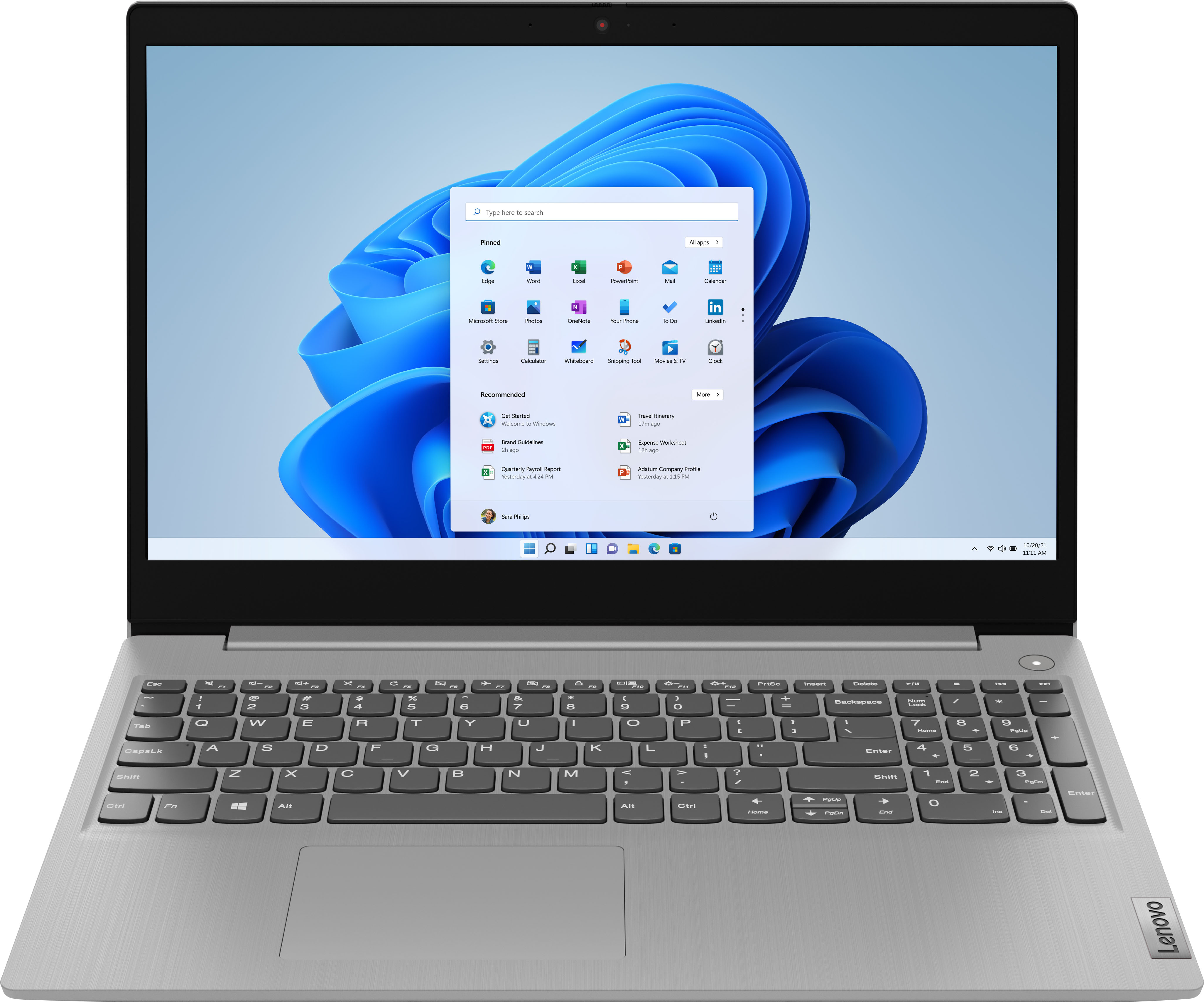
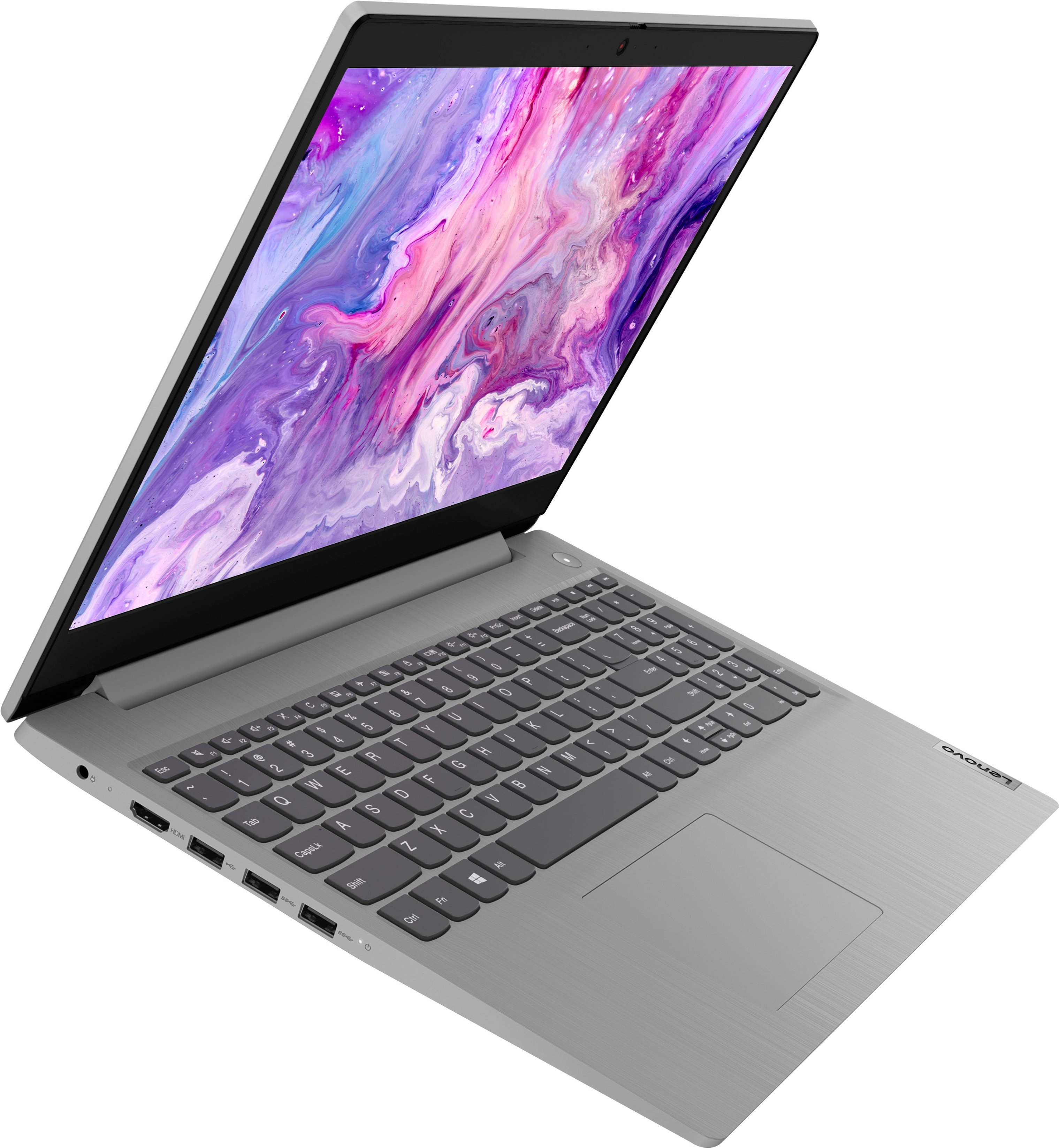
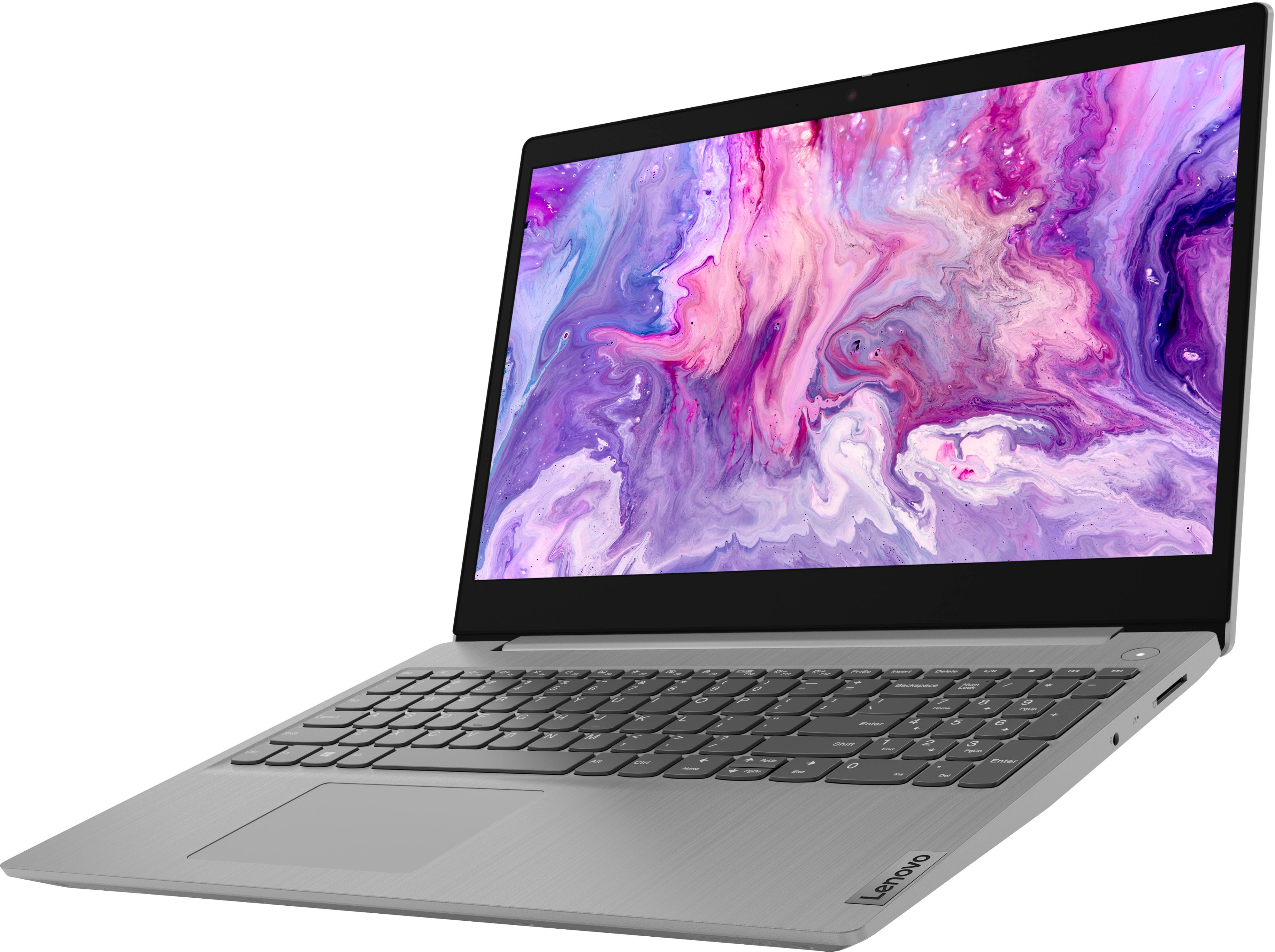
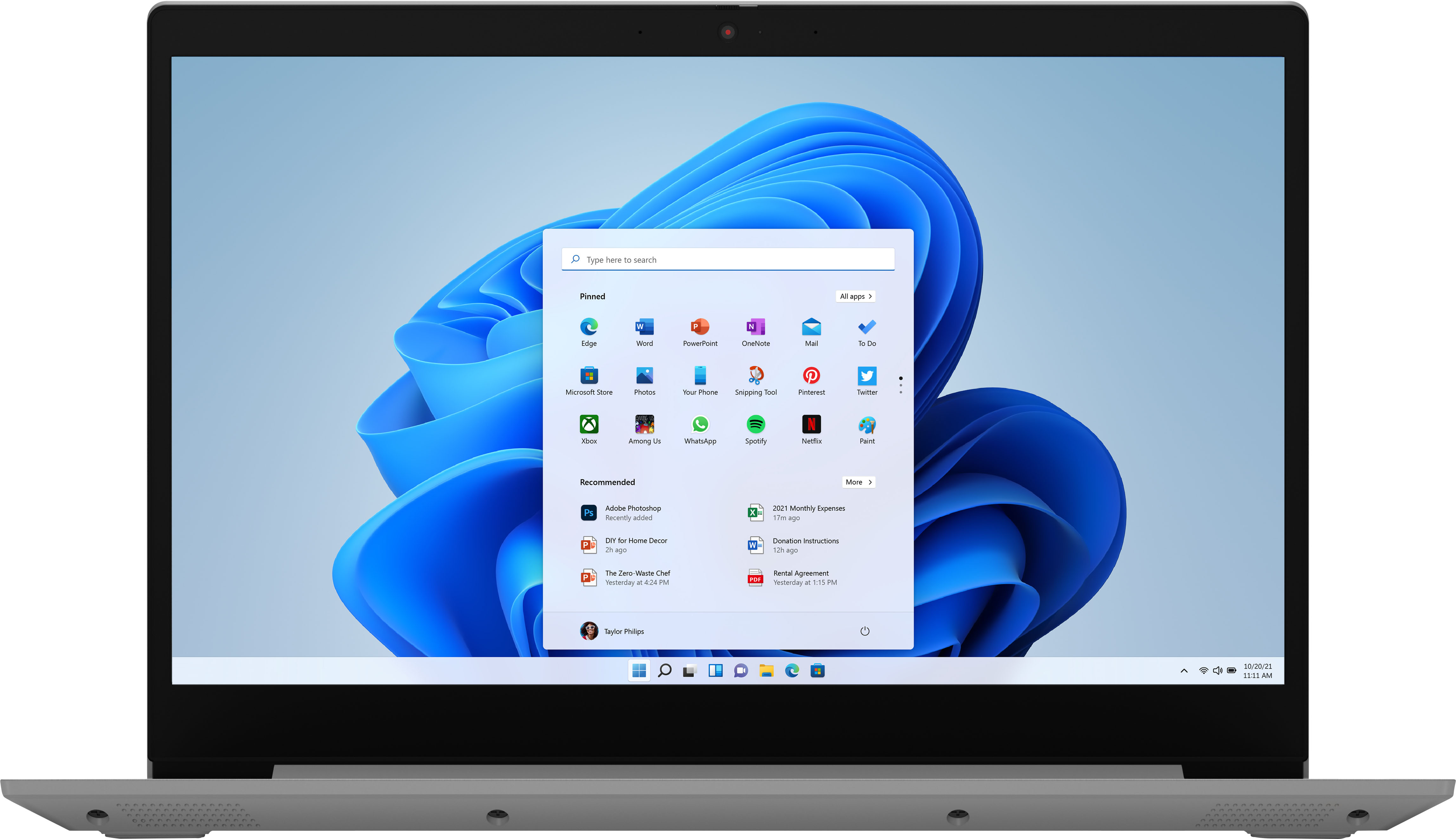

- Model:
- 81X800ENUS
- SKU:
- 6477624
Rating by feature
- Battery Life
Rating 4.4 out of 5 stars
- Speed
Rating 4.5 out of 5 stars
- Display
Rating 4.5 out of 5 stars
Customers are saying
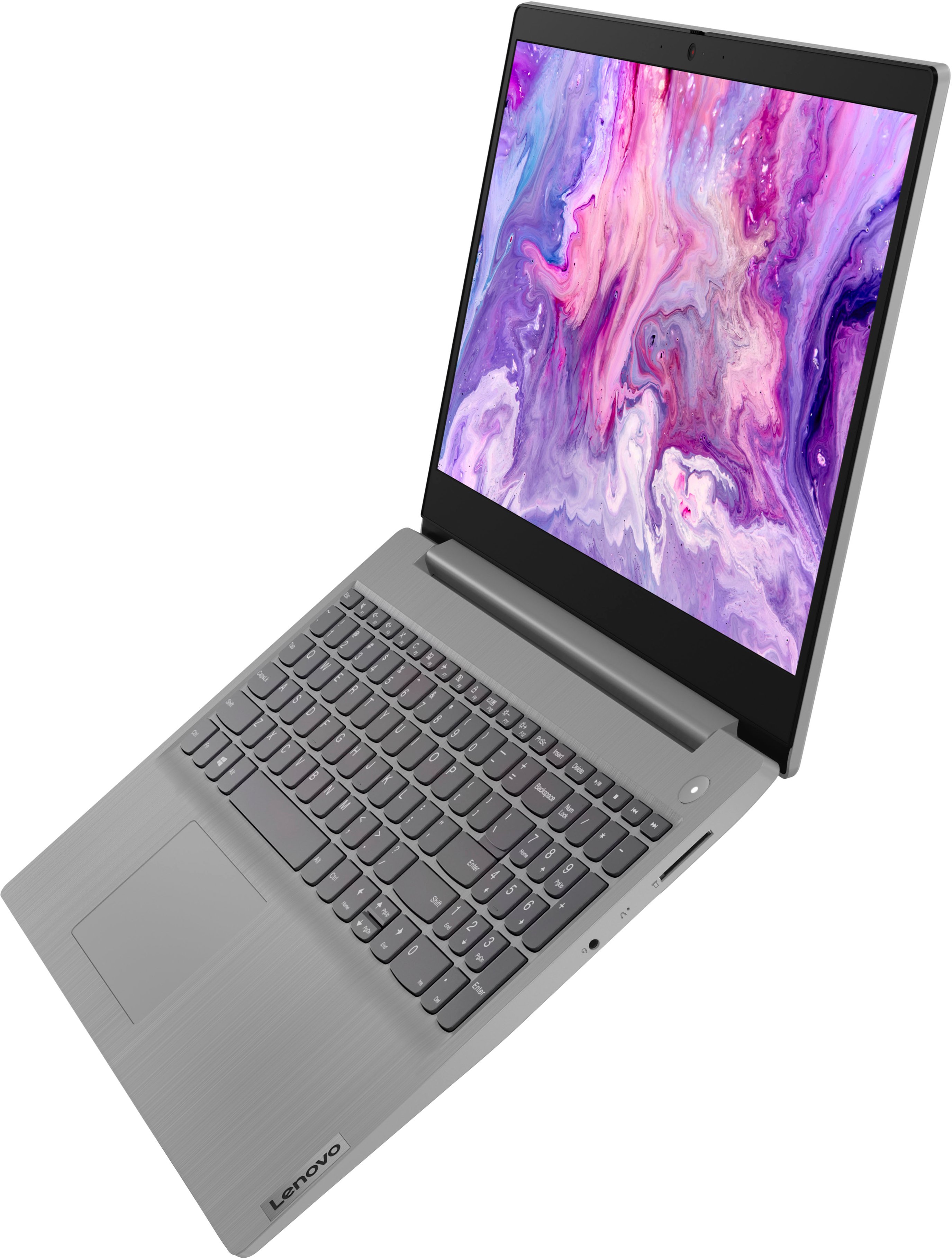
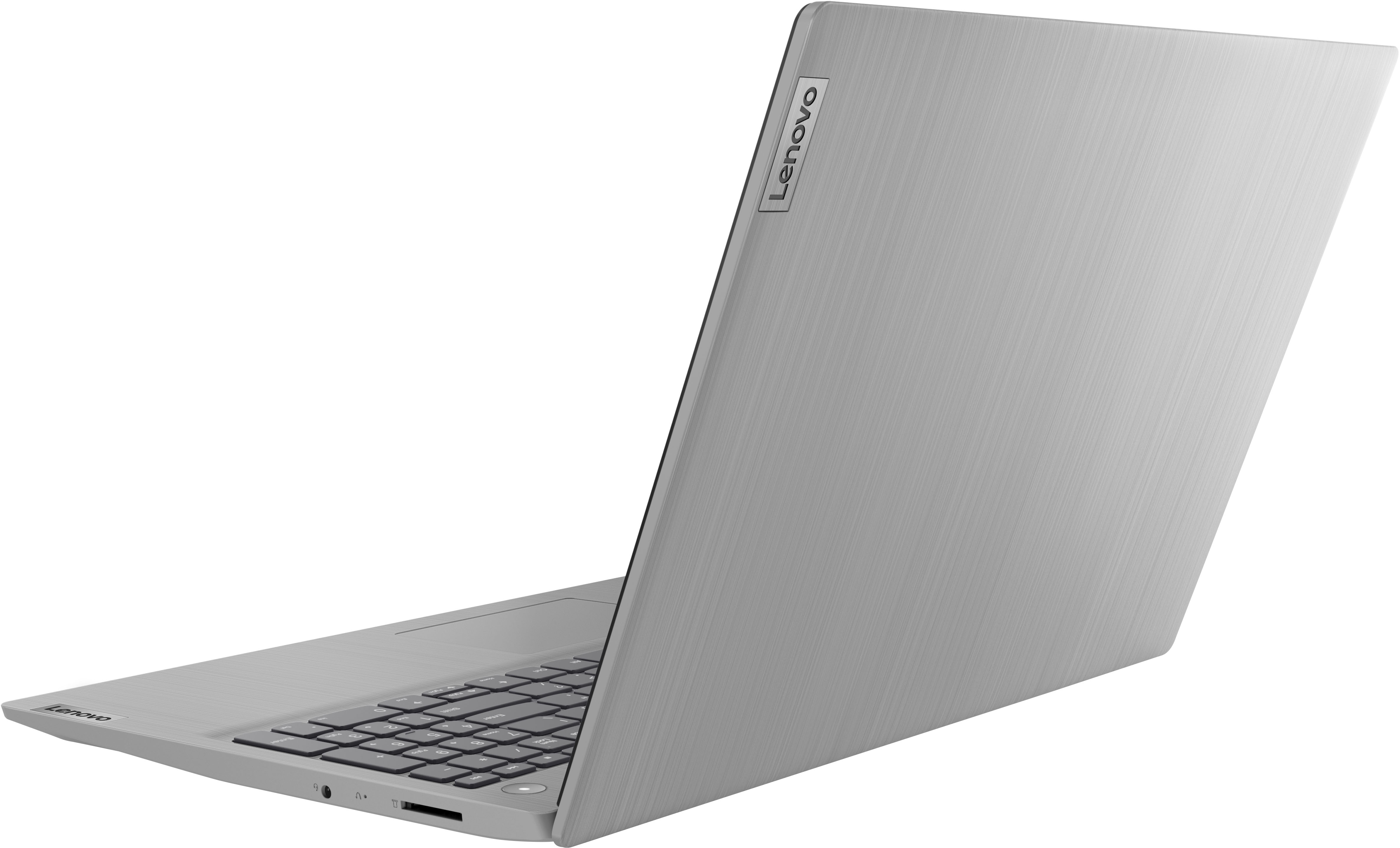
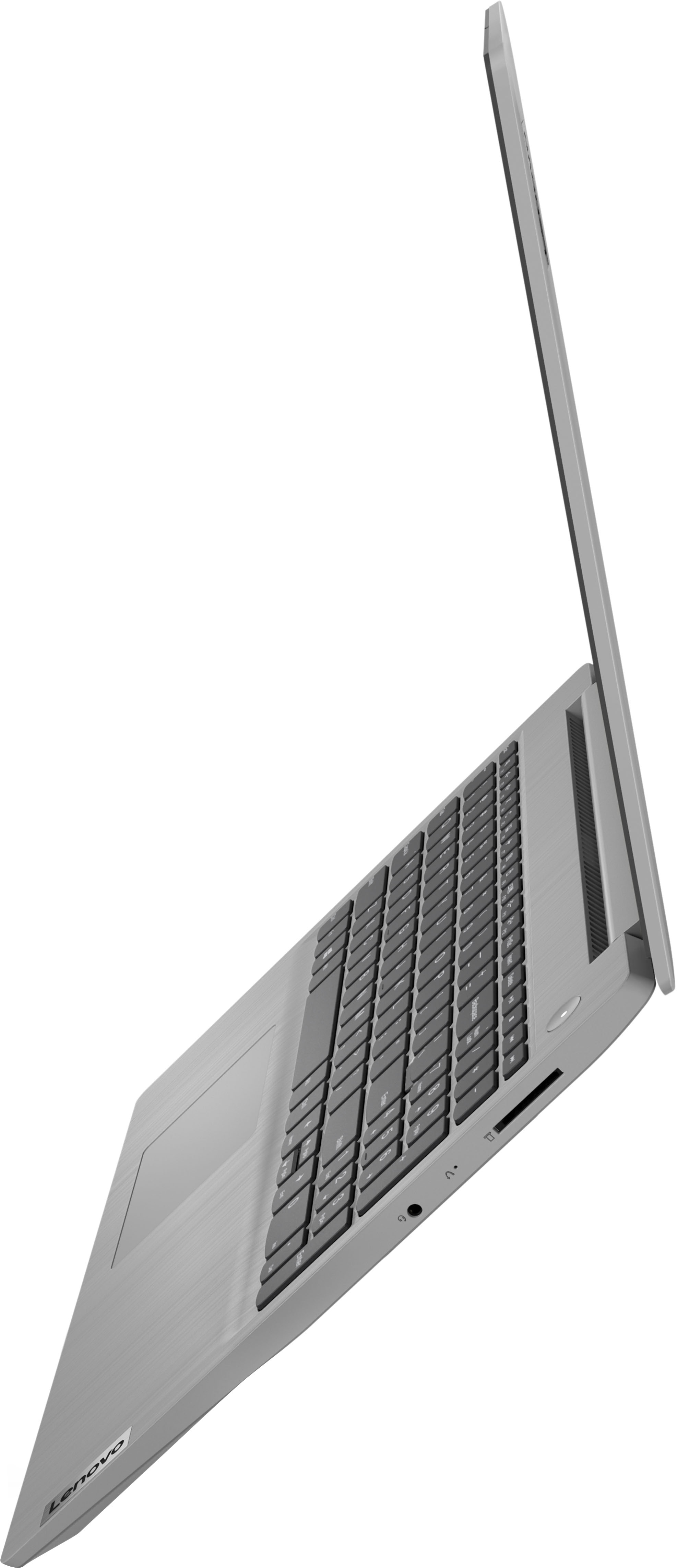
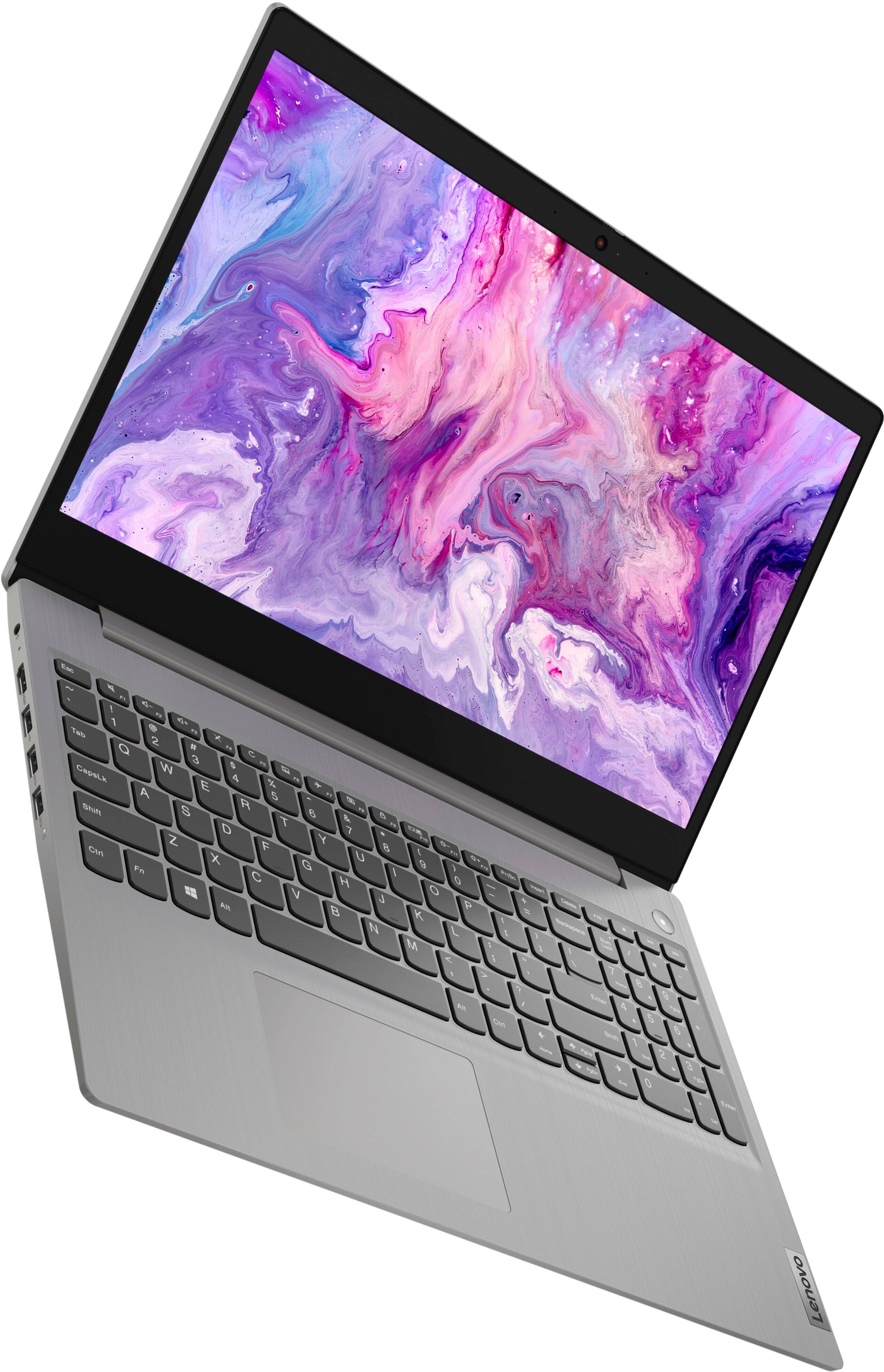
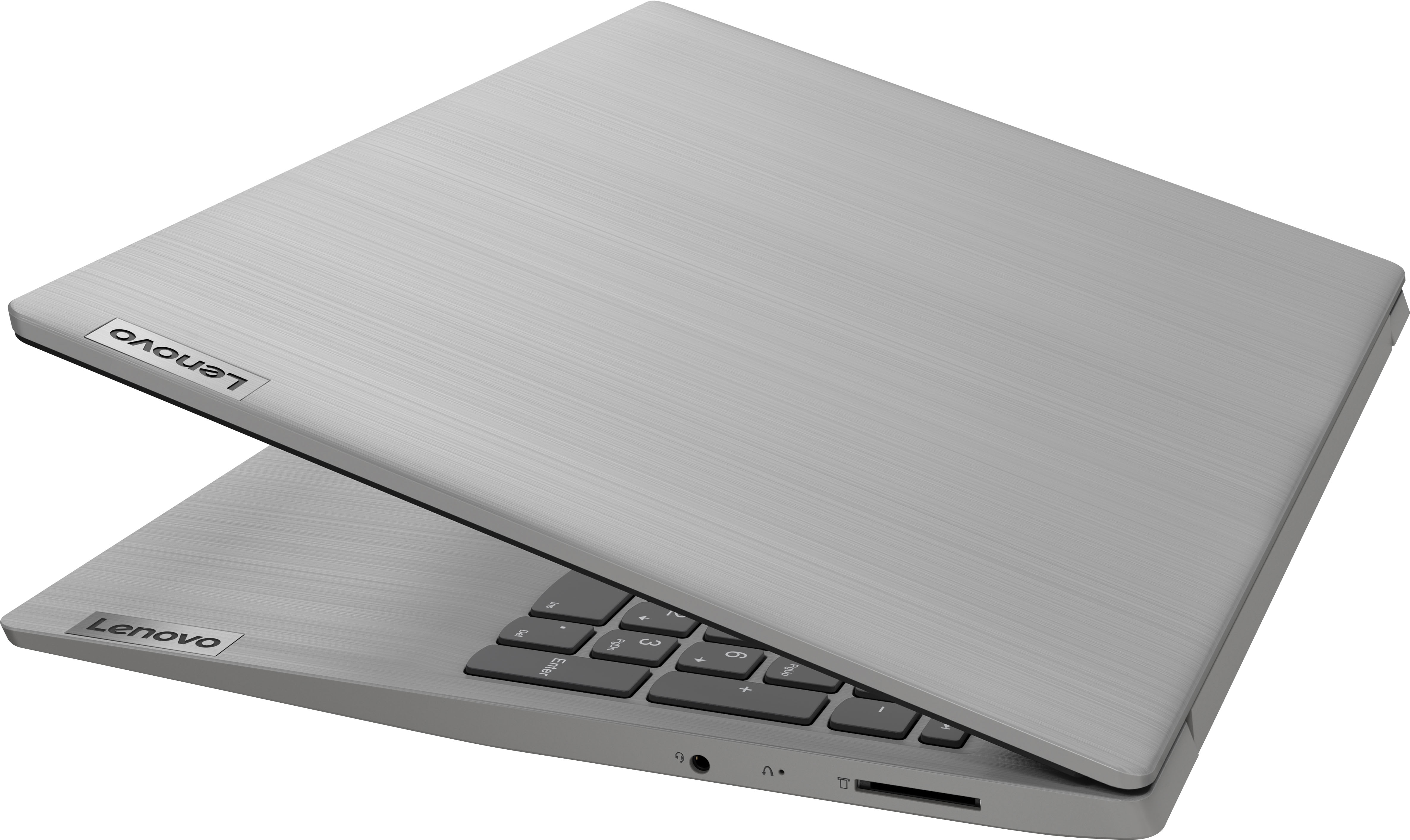
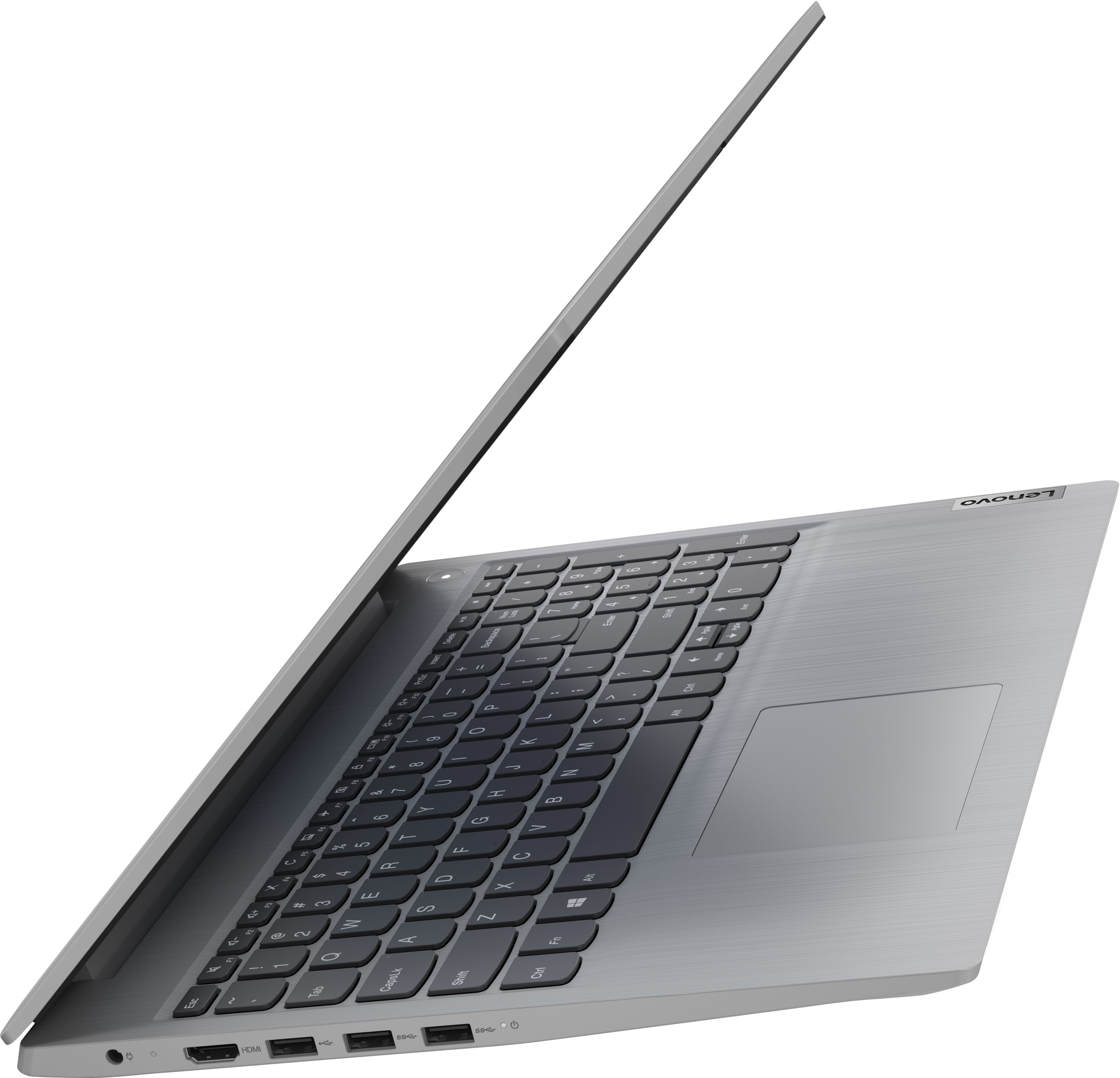
Customers commend the IdeaPad 3's touchscreen, ease of use, performance, and value for its price. Many appreciate its lightweight design and fast SSD, finding it to be a good size for their needs. However, some users point to the battery life as needing improvement, and others express dissatisfaction with the pre-installed operating system. The limited storage capacity is also a concern for some customers.
This summary was generated by AI based on customer reviews.
- Pros mentioned:Price
Great laptop for the price
||Posted . Owned for 1 month when reviewed.This reviewer received promo considerations or sweepstakes entry for writing a review.Great laptop for the price! Wasn’t expecting so much from a laptop in this price range. If I ever have to buy another laptop this is definitely a brand that gives you what you want and more within budget!
I would recommend this to a friend Fast enough for daily use. Great value
Posted .This reviewer received promo considerations or sweepstakes entry for writing a review.I bought it for trading and daily use. The cpu is Intel core i3. fast enough. A 200g SSD also helps the performance. The only draw back is the display. The color is off a bit. But I mostly use with another monitor so it is ok.
I would recommend this to a friendBrand response from Lenovo Product Expert
Posted .Thank you for choosing the Lenovo IdeaPad 3 15 Laptop, model number 81X800KLUS. This model ships with a 15.6 inch (screen size measured diagonally) TN - HD (1366x768) 10-point Multi-touch screen, with a brightness level of 220 nits and has an Anti-glare Coating. This screen provides 67 Percent of the sRGB (45 Percent NTSC) color gamut. We are pleased to hear that the IdeaPad 3 15 is working out so well for you.

- Pros mentioned:Touch screen
My best purchase!
||Posted . Owned for 11 months when reviewed.This reviewer received promo considerations or sweepstakes entry for writing a review.I love how long lasting the battery is. The touch screen is so easy to clean and use. I admire how the laptop was made and finished with the chrome touch. My best purchase by far!!
I would recommend this to a friend - Pros mentioned:Speed
Great laptop at a great price
||Posted . Owned for 3 weeks when reviewed.This reviewer received promo considerations or sweepstakes entry for writing a review.Great laptop at a great price. Fast and easy to use. My Son's laptop has been running non stop for the past 9 months without fail. We decided to pick up two more! Love the number key pad on the side :)
I would recommend this to a friend - Pros mentioned:Price
Cost-effectiveness
||Posted . Owned for 1.5 years when reviewed.This reviewer received promo considerations or sweepstakes entry for writing a review.Very good, the ringtone works very well, it has a very good sound, I bought it on a promotion and paid cheaply, for the cost benefit it was very good
I would recommend this to a friend - Pros mentioned:Touch screen
Good affordable laptop
||Posted . Owned for 3 weeks when reviewed.This reviewer received promo considerations or sweepstakes entry for writing a review.I love my laptop. It’s a nice design, not too heavy or bulky and it’s also touchscreen as well. Great option for the sale price under $300
I would recommend this to a friendBrand response from Lenovo Product Expert
Posted .Thank you for choosing the Lenovo IdeaPad 3 15 laptop. We are pleased to hear that the value, features and performance of the IdeaPad 3 15 meets your computing needs so well.
- Pros mentioned:Ease of use, Touch screen
Lenovo IdeaPad 3
||Posted . Owned for 1 month when reviewed.This reviewer received promo considerations or sweepstakes entry for writing a review.Love this laptop! Perfect size, easy setup, touch screen and graphics are awesome and the price was right! Would buy again.
I would recommend this to a friend - Pros mentioned:Performance
Excellent laptop!
||Posted . Owned for 1 year when reviewed.This reviewer received promo considerations or sweepstakes entry for writing a review.This laptop has been absolutely phenomenal for my office work. I have had zero issues from it. This is the first time I’ve dealt with this brand and I must say I really enjoy it!
I would recommend this to a friend - Pros mentioned:Ease of use
Maximum Ease of use!
||Posted . Owned for 1 year when reviewed.This reviewer received promo considerations or sweepstakes entry for writing a review.I have hab several laptops over the years, including a different Lenovo. This model is so intuitive and easy to use- I am constantly amazed. I highly recommend it.
I would recommend this to a friend - Pros mentioned:Speed, Touch screen
Best Bang for the Buck - Period
||Posted . Owned for 3 weeks when reviewed.This reviewer received promo considerations or sweepstakes entry for writing a review.When it comes to the features and functionality you get with this computer at the price point, it simply cannot be beaten. You get a touchscreen to navigate/play, use a pen to mark and sign documents, and the speed to use as a daily driver. Having a windows based system at the price of a Chromebook and the brand of Lenovo, just buy it and don't be concerned if you made the right choice or not because you will soon realize you didn't.
I would recommend this to a friendBrand response from Lenovo Product Expert
Posted .Thank you for choosing the Lenovo IdeaPad 3 15 laptop, model number 81X800ENUS. This model is not compatible with any active/digital pen. You can use a capacitive touch stylus as a finger replacement on the touch screen, like this one: https://www.bestbuy.com/site/insignia-stylus-silver/3695185.p?skuId=3695185. We always recommend you check the requirements and compatibility of any software you will be installing on your new computer, before you invest in any computer. Be sure your new computer can support the software you will need to use and your workload.
- Pros mentioned:Ease of use
Lenovo the best brand
||Posted . Owned for more than 2 years when reviewed.This reviewer received promo considerations or sweepstakes entry for writing a review.This is my 2nd Lenovo laptop they are already over 3 years and works fantastic. Very practical and easy to use.
I would recommend this to a friend - Pros mentioned:Speed
Laptop
||Posted . Owned for 1.5 years when reviewed.This reviewer received promo considerations or sweepstakes entry for writing a review.I bought this laptop for me and one for my wife after my Church purchased one to use for live streaming, quick, and reliable. Plenty of storage, easy to transport.
I would recommend this to a friend - Cons mentioned:Battery life
Lasted two years so far.
||Posted . Owned for more than 2 years when reviewed.This reviewer received promo considerations or sweepstakes entry for writing a review.Two years later this laptop is still going strong. Battery is meh but most laptops are like that.
I would recommend this to a friend - Pros mentioned:Touch screen
Laptop
||Posted . Owned for more than 2 years when reviewed.This reviewer received promo considerations or sweepstakes entry for writing a review.Got this laptop best thing ever has a touch screen great for school and other activities definitely recommended
I would recommend this to a friend - Pros mentioned:Speed
Excellent value
||Posted . Owned for 11 months when reviewed.This reviewer received promo considerations or sweepstakes entry for writing a review.Love this little gem of a computer. Only paid $350 for it due to a price adjustment. It is as good as my old 2015 model core I7 laptop I got in 2017. Highly recommend.
I would recommend this to a friend Like it
||Posted . Owned for more than 2 years when reviewed.This reviewer received promo considerations or sweepstakes entry for writing a review.In love with laptop. Only dislike is the heavier than preferred. Other than that ivr never had an issue with it. Ive bought another since for work and refuse the brand starting with a D after customer service joke they have and refusal to repair or replace rven though less than 90 days old. Leveno and hp is only two i would purchase dependung reason for need.
I would recommend this to a friendLove the touch screen.
||Posted .This reviewer received promo considerations or sweepstakes entry for writing a review.I love that it’s touch screen. Makes it soo versatile. Lightweight and easy to set up.
I would recommend this to a friend- Pros mentioned:Performance
Money worth spending
||Posted . Owned for more than 2 years when reviewed.This reviewer received promo considerations or sweepstakes entry for writing a review.I have had this for 3 years now. Still works like brand new. I use it for work and home
I would recommend this to a friend - Pros mentioned:Performance
lenova laptop
||Posted . Owned for more than 2 years when reviewed.This reviewer received promo considerations or sweepstakes entry for writing a review.my son loved it, it was convenient and works good,
I would recommend this to a friend - Pros mentioned:Touch screenCons mentioned:Battery life
Happy with purchase
||Posted . Owned for 3 weeks when reviewed.This reviewer received promo considerations or sweepstakes entry for writing a review.So far does everything I need with no issues. Turned out of S mode easily and hasn’t turned it back on. Touch screen works well. The mouse pad is very sensitive to all touch, very easy to accidentally click on things while online. Battery life leaves much to be desired. Only last for 2 hours when fully charged. WebEx and other meetings run smoothly, microphone and camera function well, easy to adjust volume.
I would recommend this to a friendBrand response from Lenovo Product Expert
Posted .Thank you for choosing the Lenovo IdeaPad 3 15 laptop. Regarding the touchpad, you can adjust the touchpad in your system settings. You can get there by clicking on the magnifying glass at the bottom left of your Windows 10 screen. Type "touchpad" in the search window. Select "Mouse & touchpad settings" from the list of choices. You can make general adjustments to the touchpad there. You can also select "Additional mouse options" for more detailed adjustments to the touchpad sensitivity by increasing the delay of the touchpad. This IdeaPad 3 15 Laptop, model number 81X800ENUS, ships with a Integrated 35Wh, Lithium-Polymer Battery, which within this model configuration, has a battery life of up to 6 hours, depending on the work the device is performing. If you are getting substantially less battery life, first, set your screen brightness at less than 100-percent - try 80-percent to start with. Then, be sure Battery conservation Mode is turned off. This power management setting should only be used when the laptop is plugged in all the time. It will prolong overall battery life by only charging the battery to 60-percent of capacity. Here is a link to instructions for turning off Battery Conservation Mode: https://support.lenovo.com/us/en/solutions/ht103159. Also check what programs are running in the background on the computer. Be sure only the programs you want running in the background are. These programs will drain the battery. Here is a link to information about how to find out what programs are running in the background on your Windows 11 computer and how to manage them for better system performance: https://websiteforstudents.com/how-to-find-what-is-running-in-windows-11/. Then, finally, be sure any software you installed is compatible with Windows 11. Incompatible software will drain the battery at a faster rate. There is no need to install Microsoft Office software. The software is already part of the operating system, you just need to activate the software with a purchased product key. If you have installed a copy of Microsoft Office, this is conflicting with the existing copy on the system and this will slow your system down. If you have installed a 3rd party anti-virus program, be sure that Windows Defender is turned off and that the trial version of McAfee Anti-Virus software is uninstalled. There can only be one anti-virus program on the system. You may need to restore your system to original factory default settings if any of the programming errors have occurred. You can do that by typing "restore" in the Cortana search window. Just click on the magnifying glass icon at the bottom of your Windows 11 Desktop. Click on "Reset This PC" Then click on "Get Started" and follow the on screen directions to restore to factory defaults. If the problem persists, we recommend you contact Lenovo Tech Support at: 877-453-6686.