Customer Ratings & Reviews

- Model:
- 81X800ENUS
- SKU:
- 6477624
Rating by feature
- Battery Life
Rating 4.4 out of 5 stars
- Speed
Rating 4.5 out of 5 stars
- Display
Rating 4.5 out of 5 stars
Customers are saying
Customers commend the IdeaPad 3's touchscreen, ease of use, performance, and value for its price. Many appreciate its lightweight design and fast SSD, finding it to be a good size for their needs. However, some users point to the battery life as needing improvement, and others express dissatisfaction with the pre-installed operating system. The limited storage capacity is also a concern for some customers.
This summary was generated by AI based on customer reviews.
My laptop
||Posted . Owned for less than 1 week when reviewed.This reviewer received promo considerations or sweepstakes entry for writing a review.I don't know if I should go to Best buy for computers any more, they don't seem to be reliable on deliverce.
I would recommend this to a friendFreezes up
||Posted . Owned for 1 month when reviewed.This reviewer received promo considerations or sweepstakes entry for writing a review.I haven't had my laptop for 1 month yet, and it is already freezing every time i boot up laptop.
No, I would not recommend this to a friendBrand response from Lenovo Product Expert
Posted .We are sorry to hear that you are having issues with your Lenovo IdeaPad 3 15 laptop, model number 81X800KLUS. Since the issue occurs at start up, be sure that your computer is not trying to download/install an update to the Windows 11 Operating System. Here is a link to information about how to check for updates to your Windows 11 laptop: https://support.microsoft.com/en-us/windows/update-windows-3c5ae7fc-9fb6-9af1-1984-b5e0412c556a#:~:text=In%20Windows%2011%2C%20you%20decide,Start%20%3E%20Settings%20%3E%20Windows%20Update%20. If there are no uninstalled updates for your laptop, but the freezing issue continues, be sure any software you installed is compatible with Windows 11. This IdeaPad 3 15 ships with Windows 11 S-Mode, 64-bit Operating System installed. Windows 10 S-Mode provides added security by only allowing APPs available ( and therefore certified by Microsoft) at the Microsoft Store. If you don't need the added security or you need to install APPs not available at the Microsoft Store, you can switch to standard Windows 10 Home 64-bit Operating System, at no additional cost. Even if you have switch out of S-Mode for Windows 11 Home, there is no need to install Microsoft Office software. The software is already part of the operating system, you just need to activate the software with a purchased product key. If you have installed a copy of Microsoft Office, this is conflicting with the existing copy on the system and this will slow your system down and may be the cause of the freezing you are experiencing. Additionally, if you have installed a 3rd party anti-virus program, be sure that Windows Defender is turned off and that the trial version of McAfee Anti-Virus software is uninstalled. There can only be one anti-virus program on the system. Here is a link to instructions for uninstalling McAfee from a Windows computer: https://service.mcafee.com/?articleId=TS101331&page=shell&shell=article-view You may need to restore your system to original factory default settings if any of the programming errors have occurred. You can do that by typing "restore" in the Cortana search window. Just click on the magnifying glass icon at the bottom of your Windows 11 Desktop. Click on "Reset This PC" Then click on "Get Started" and follow the on screen directions to restore to factory defaults. If the problem persists, we recommend you contact Lenovo Tech Support at: 877-453-6686.

Laptop
||Posted . Owned for 1 month when reviewed.This reviewer received promo considerations or sweepstakes entry for writing a review.In general I like the unit but miss the keyboard not being lighted and no facial recognition.
No, I would not recommend this to a friendAverage
||Posted .This reviewer received promo considerations or sweepstakes entry for writing a review.It’s not as fast as I thought it would but it’ll do for now it gets the job done at a slower paste
I would recommend this to a friendDim screen
||Posted . Owned for 1 month when reviewed.This reviewer received promo considerations or sweepstakes entry for writing a review.This computer worked well, but the screen is very dim compared to others. No bright enough for me.
No, I would not recommend this to a friendBrand response from Lenovo Product Expert
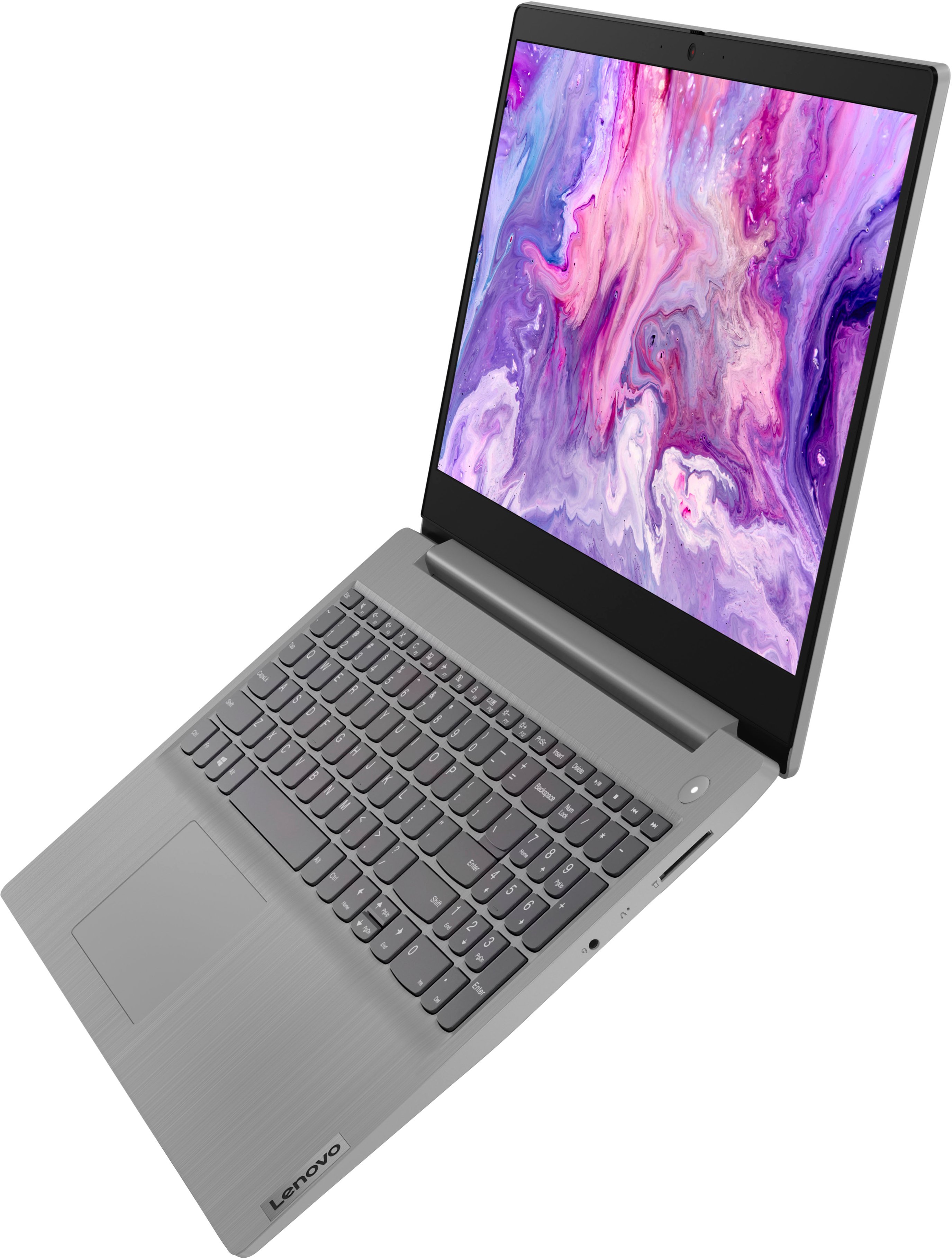
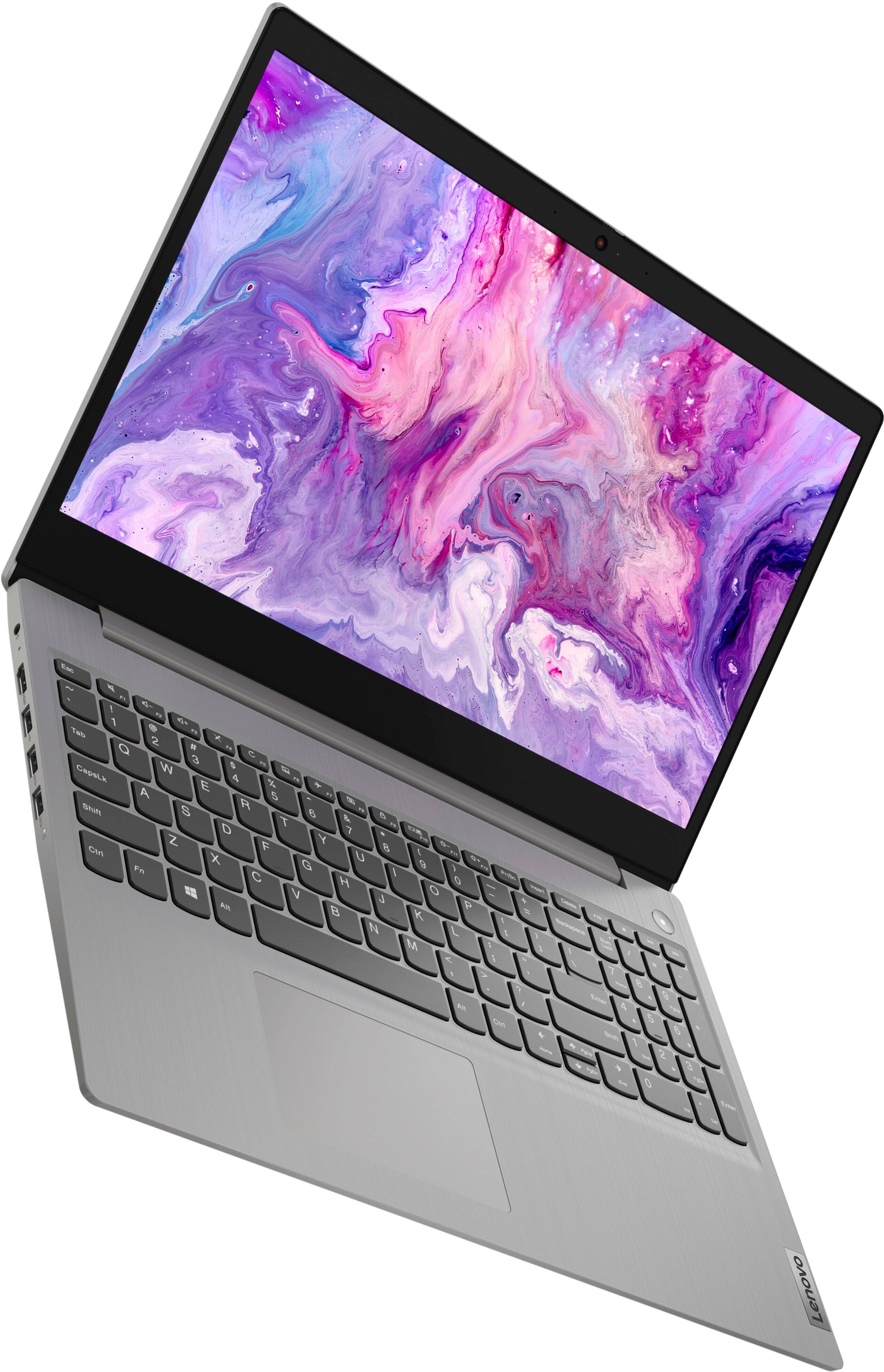
Posted .Thank you for choosing the Lenovo IdeaPad 3 15 HD Touch Screen Laptop. This device has a touch display 15.6in. HD (1366x768) TN 220nits Anti-glare. Please ensure your brightness is at maximum settings and the battery conservation mode is turned off.
Lèveno
||Posted . Owned for 3 weeks when reviewed.This reviewer received promo considerations or sweepstakes entry for writing a review.Great for basic use not for editing need to be zoom friendly with virtual background
No, I would not recommend this to a friend- Cons mentioned:Windows 11
Windows 11 sucks
||Posted .This reviewer received promo considerations or sweepstakes entry for writing a review.Microsoft Windows 11 is the worst. You have to opt out of s mode to load Programs not in the windows store. Then when Windows automatically updates it puts it back into S mode and you can’t run the programs you just downloaded outside of the store.
No, I would not recommend this to a friendBrand response from Lenovo Product Expert
Posted .This Lenovo IdeaPad 3 15 Laptop, model number 81X800KLUS, ships with Windows 11 S-Mode, 64-bit Operating System, installed. Windows 11 S-Mode provides added security by only allowing APPs available ( and therefore certified by Microsoft) at the Microsoft Store. If you don't need the added security or you need to install APPs not available at the Microsoft Store, you can switch to standard Windows 11 Home 64-bit Operating System, at no additional cost. If you choose to switch out of S-Mode for Windows 11 Home: Here is a link to instructions for switching from Windows 11 S-Mode to Windows 11 Home: https://support.microsoft.com/en-us/windows/switching-out-of-s-mode-in-windows-4f56d9be-99ec-6983-119f-031bfb28a307#WindowsVersion=Windows_11
LIP
||Posted . Owned for 8 months when reviewed.This reviewer received promo considerations or sweepstakes entry for writing a review.average laptop was not special for any single purpose just good overall use
I would recommend this to a friendMeh Laptop
||Posted . Owned for 1 month when reviewed.This reviewer received promo considerations or sweepstakes entry for writing a review.It's clunky and fine. I don't use it for much except streaming and for that is merely okay.
No, I would not recommend this to a friendOkay laptop
||Posted . Owned for less than 1 week when reviewed.This reviewer received promo considerations or sweepstakes entry for writing a review.Decent for what I’m using it for. But it is slow I guess which is expected.
No, I would not recommend this to a friendBrand response from Lenovo Product Expert
Posted .Please ensure any software you installed is compatible with Windows. There is no need to install Microsoft Office software. The software is already part of the operating system, you just need to activate the software with a purchased product key. If you have installed a copy of Microsoft Office, this is conflicting with the existing copy on the system and this will slow your system down. If you have installed a 3rd party anti-virus program, be sure that Windows Defender is turned off and that the trial version of McAfee Anti-Virus software is uninstalled. There can only be one anti-virus program on the system. You may need to restore your system to original factory default settings if any of the programming errors have occurred. You can do that by typing "restore" in the Cortana search window. Just click on the magnifying glass icon at the bottom left of your Windows Desktop. Click on "Reset This PC" Then click on "Get Started" and follow the on-screen directions to restore to factory defaults. If the problem persists, we recommend you contact Lenovo Tech Support at: 877-453-6686.
OK to have
||Posted . Owned for 6 months when reviewed.This reviewer received promo considerations or sweepstakes entry for writing a review.The grice is great, but the support from Lenovo is opposite.
No, I would not recommend this to a friendCorporal
||Posted . Owned for 1 month when reviewed.This reviewer received promo considerations or sweepstakes entry for writing a review.It's working so cool but the color brightness is not that bright
I would recommend this to a friendBrand response from Lenovo Product Expert
Posted .This Lenovo IdeaPad 3 15 Laptop, model number 81X800KLUS, ships with a 15.6 Inch (screen size measured diagonally) TN - HD (1366x768) 10-point Multi-touch screen, with a brightness level of 220 nits and has an Anti-glare Coating. This screen provides 67 Percent of the sRGB (45 Percent NTSC) color gamut.
Disappointed
||Posted . Owned for 3 weeks when reviewed.This reviewer received promo considerations or sweepstakes entry for writing a review.Very unhappy with this product wont get it again..
No, I would not recommend this to a friendBrand response from Lenovo Product Expert
Posted .Hello, RobertR, we are sorry to hear that your IdeaPad 3 15 did not meet your expectations. Since we do not know the details of what went wrong, we cannot give immediate resolve, however, if you are experiencing an issue, we recommend reaching out to Lenovo Tech Support at this phone number to work with a representative to help resolve this issue: 877-453-6686.
Lenovo
||Posted . Owned for 1 month when reviewed.This reviewer received promo considerations or sweepstakes entry for writing a review.I’m irritated I can not connect my phone via Bluetooth or airdrop
No, I would not recommend this to a friendNot given correct information at time of purchase
||Posted . Owned for 3 weeks when reviewed.This reviewer received promo considerations or sweepstakes entry for writing a review.Very difficult to setup. Also, they want to charge to hookup printer
No, I would not recommend this to a friendBrand response from Lenovo Product Expert
Posted .We are sorry to hear that you are having difficulty with the setup of your Lenovo Ideapad 3 15 laptop, model number 81X800KLUS. This model ships with Windows 11 S-Mode, 64-bit Operating System installed. Windows 11 S-Mode provides added security by only allowing APPs available ( and therefore certified by Microsoft) at the Microsoft Store. If you don't need the added security or you need to install APPs not available at the Microsoft Store, you can switch to standard Windows 11 Home 64-bit Operating System, at no additional cost. This IdeaPad 3 15 laptop is compatible with any printer that is compatible with Windows 11 S-Mode Operating System. We recommend you check with your printer manufacturer's web site for the compatibility of your specific model printer with the Windows 11 S-Mode Operating System. It may be necessary to switch out of S-Mode to Windows 11 Home to connect your specific printer model. If you need to switch out of S-Mode for Windows 11 Home: Here is a link to instructions for switching from Windows 11 S-Mode to Windows 11 Home: https://support.microsoft.com/en-us/help/4456067/windows-10-switch-out-of-s-mode
Laptop
||Posted . Owned for 1 month when reviewed.This reviewer received promo considerations or sweepstakes entry for writing a review.This laptop is so freaking Confusing to me i don't like it.
I would recommend this to a friendBrand response from Lenovo Product Expert
Posted .This Lenovo IdeaPad 3 15 Laptop, model number 81X800KLUS, ships with Windows 11 S-Mode, 64-bit Operating System installed. Windows 11 S-Mode provides added security by only allowing APPs available ( and therefore certified by Microsoft) at the Microsoft Store. If you don't need the added security or you need to install APPs not available at the Microsoft Store, you can switch to standard Windows 11 Home 64-bit Operating System, at no additional cost. If you choose to switch out of S-Mode for Windows 11 Home: Here is a link to instructions for switching from Windows 11 S-Mode to Windows 11 Home: https://support.microsoft.com/en-us/windows/switching-out-of-s-mode-in-windows-4f56d9be-99ec-6983-119f-031bfb28a307#WindowsVersion=Windows_11. Here is a link to a YouTube video that demonstrates some Windows 11 tips and tricks: https://www.youtube.com/watch?v=26dXRnc0EHc&t=29s. If you have questions about your Lenovo IdeaPad 3 15 Laptop, we recommend you contact Lenovo Tech Support for additional information at: 877-453-6686.
Why?
||Posted .This reviewer received promo considerations or sweepstakes entry for writing a review.Nope not understanding how I work item I have purchased
No, I would not recommend this to a friendBrand response from Lenovo Product Expert
Posted .We are sorry to hear that you are having difficulty with your lenovo IdeaPad 3 15 Laptop, model number 81X800KLUS. This model ships with Windows 11 S-Mode, 64-bit Operating System installed. Windows 11 S-Mode provides added security by only allowing APPs available ( and therefore certified by Microsoft) at the Microsoft Store. If you don't need the added security or you need to install APPs not available at the Microsoft Store, you can switch to standard Windows 11 Home 64-bit Operating System, at no additional cost. If you choose to switch out of S-Mode for Windows 11 Home: Here is a link to instructions for switching from Windows 11 S-Mode to Windows 11 Home: https://support.microsoft.com/en-us/windows/switching-out-of-s-mode-in-windows-4f56d9be-99ec-6983-119f-031bfb28a307#WindowsVersion=Windows_11. If you have questions about your Lenovo IdeaPad 3 15 Laptop, we recommend you contact lenovo Tech Support for additional information at: 877-453-6686.
Poor instructions how to use windows 11
||Posted . Owned for 2 weeks when reviewed.This reviewer received promo considerations or sweepstakes entry for writing a review.Very disappointed This computer was Windows 11 without providing any assistance setting it up Had many hrs trying to understand tech support for Microsoft inorder to get my previous email which was a Comcast account Very difficult to set this computer up for my elderly mother
No, I would not recommend this to a friendBrand response from Lenovo Product Expert
Posted .We are sorry to hear that you had issues with the initial setup of your Lenovo IdeaPad 3 15 laptop, model number 81X800KLUS. This model ships with Windows 11 S-Mode, 64-bit Operating System installed. Windows 11 S-Mode provides added security by only allowing APPs available ( and therefore certified by Microsoft) at the Microsoft Store. If you don't need the added security or you need to install APPs not available at the Microsoft Store, you can switch to standard Windows 11 Home 64-bit Operating System, at no additional cost. If you choose to switch out of S-Mode for Windows 11 Home: Here is a link to instructions for switching from Windows 11 S-Mode to Windows 11 Home: https://support.microsoft.com/en-us/help/4456067/windows-10-switch-out-of-s-mode. If you have questions about your Lenovo IdeaPad 3 15 laptop, we recommend you contact Lenovo Tech Support at: 877-453-6686. If you have questions about the Windows 11 S-Mode Operating System, we recommend you contact Microsoft Software Support directly at: https://support.microsoft.com/
Comp
||Posted . Owned for 3 weeks when reviewed.This reviewer received promo considerations or sweepstakes entry for writing a review.Its alright, you get what you pay for these days Thank you
I would recommend this to a friendGreat but not great
||Posted . Owned for 1 month when reviewed.This reviewer received promo considerations or sweepstakes entry for writing a review.Computer works great until a month and half later? Eeeek
No, I would not recommend this to a friendBrand response from Lenovo Product Expert
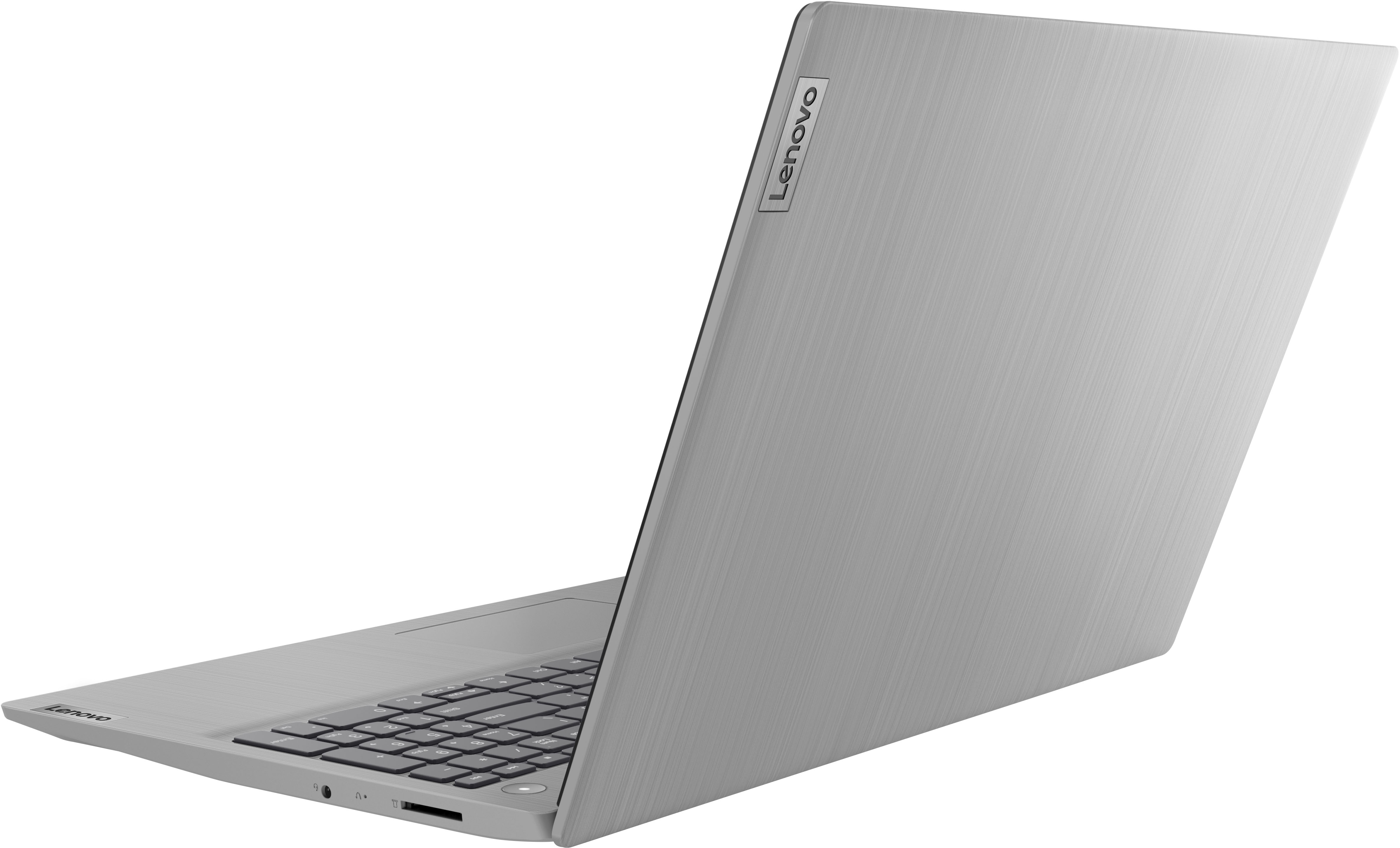
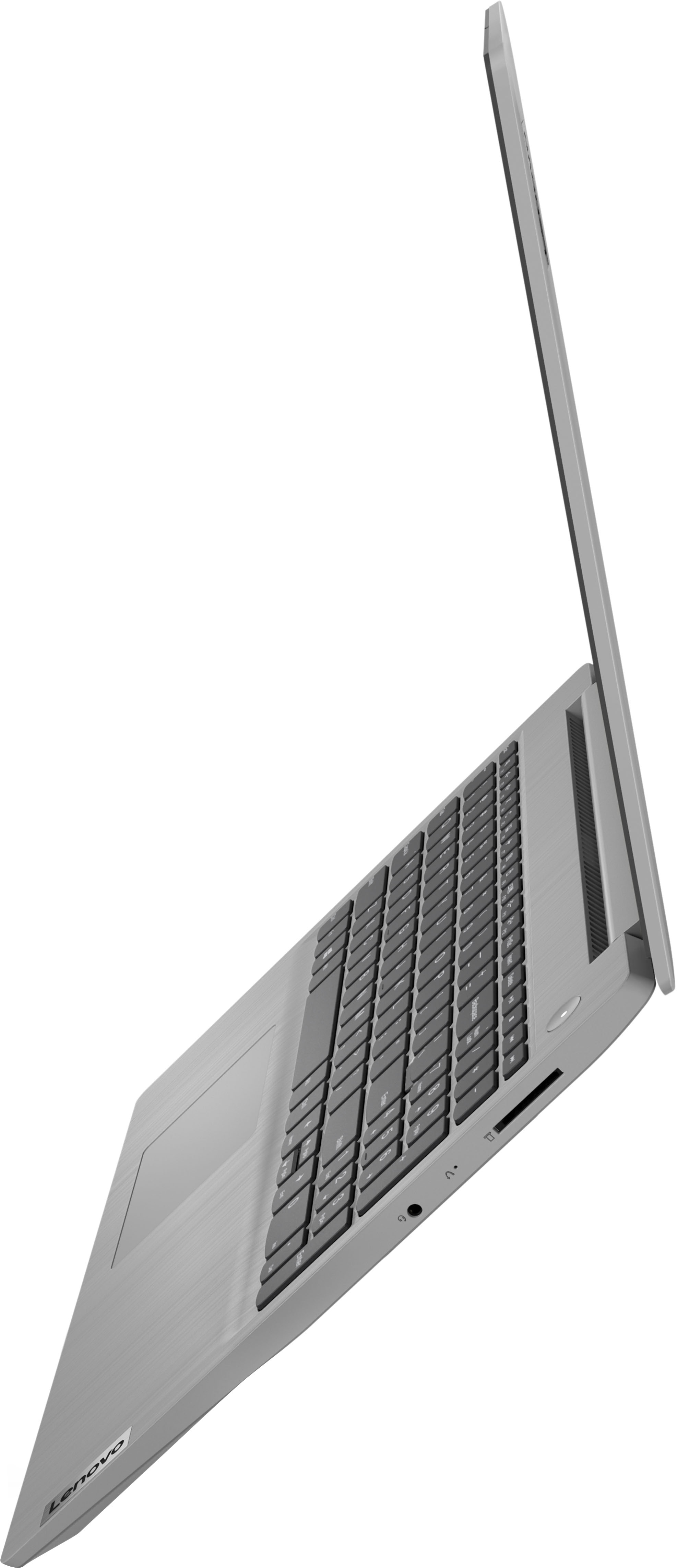
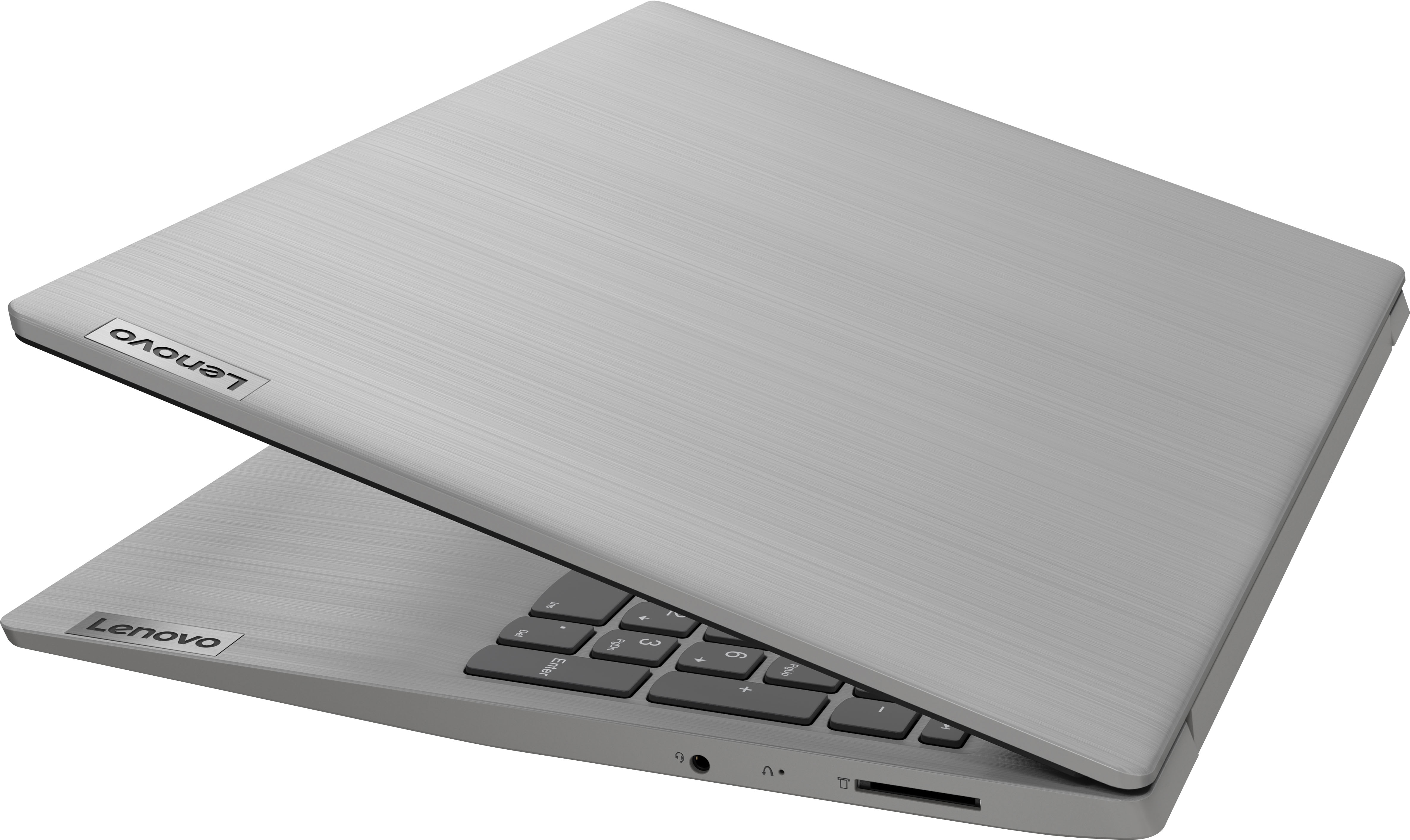
Posted .We are sorry to hear that you are having issues with your lenovo IdeaPad 3 15 Laptop, model number 81X800KLUS. Resetting your computer back to original factory settings may correct the issue you are having. This system is equipped with OneKey Recovery System. There is a very small pin hole on the right side of the device, right in between the headphone jack and the SD Card Slot on the device. You will need a pin to push this reset button. Plug the device in. Let the battery charge for about 15 minutes. Push the reset button. The system should boot to a choice screen where you can choose "Restore To Factory Default". Select this. It will delete everything from the hard drive except the original factory install of the operating system. You will need to reinstall all programs and files after the reset. If you don't have copies of the files, try to make one before you restore by selecting "Boot to desktop" and trying to back up your files. If the problem persists after the factory reset, we recommend you contact Lenovo Tech Support at: 877-453-6686.