Customer Ratings & Reviews
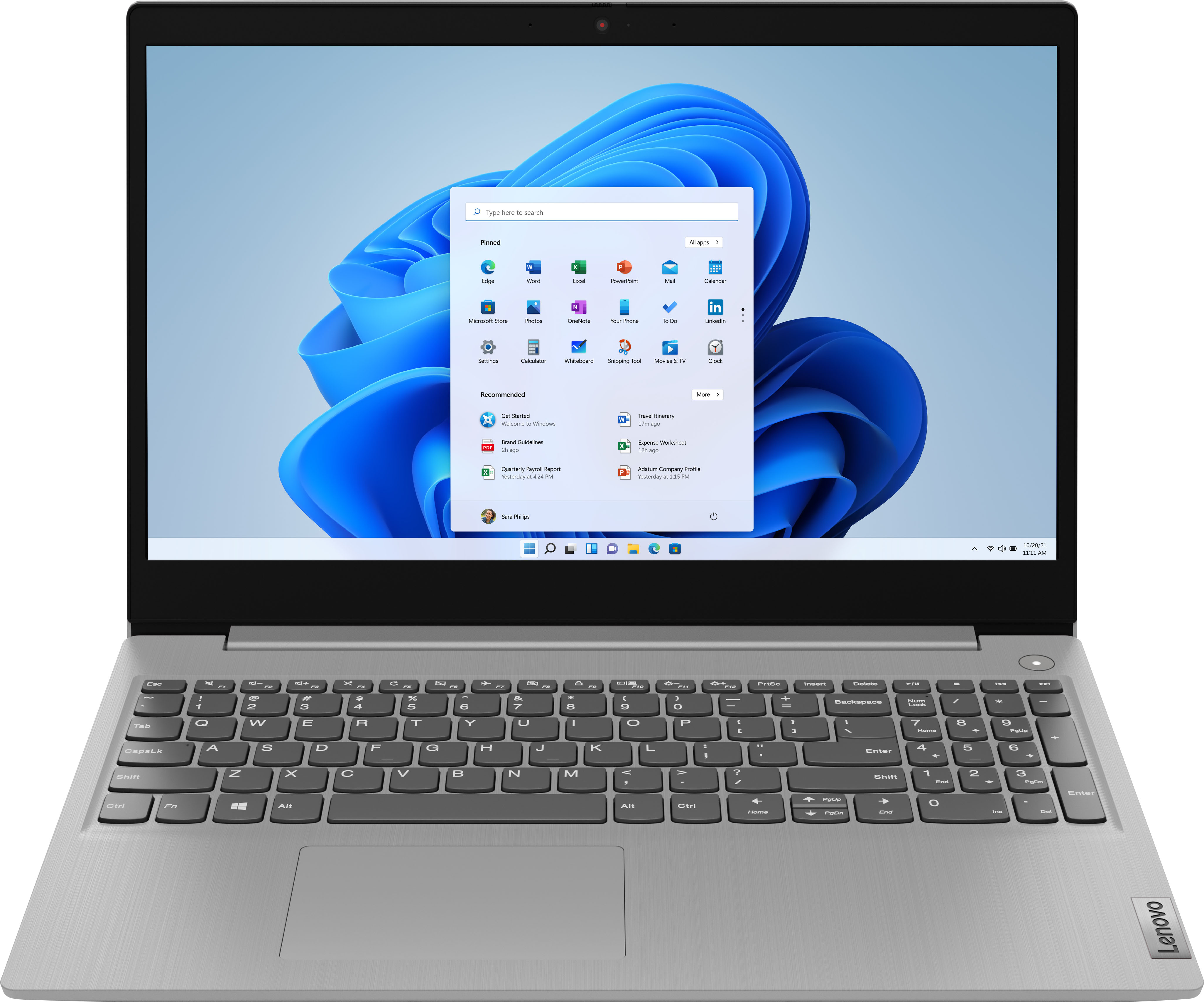
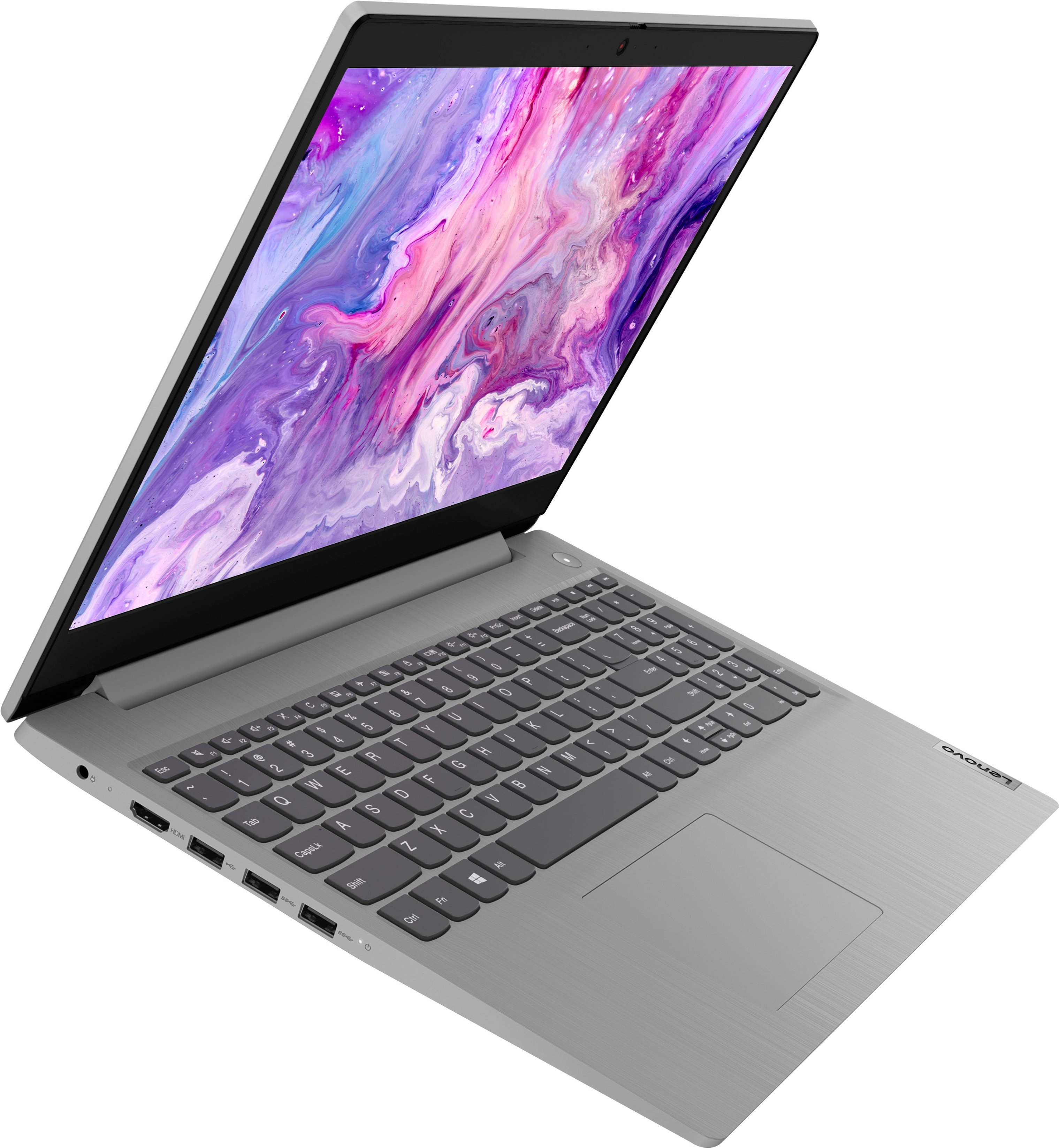
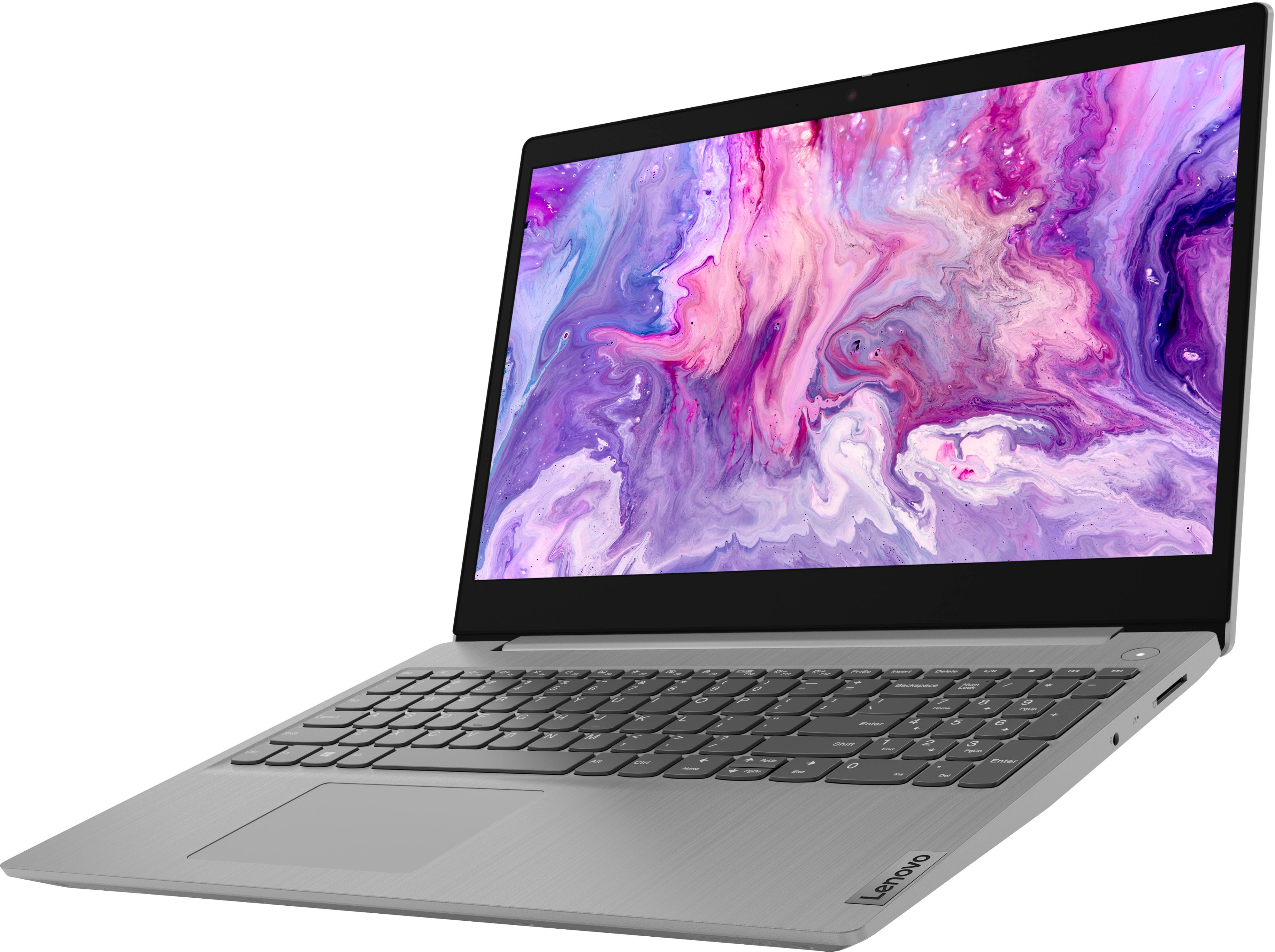
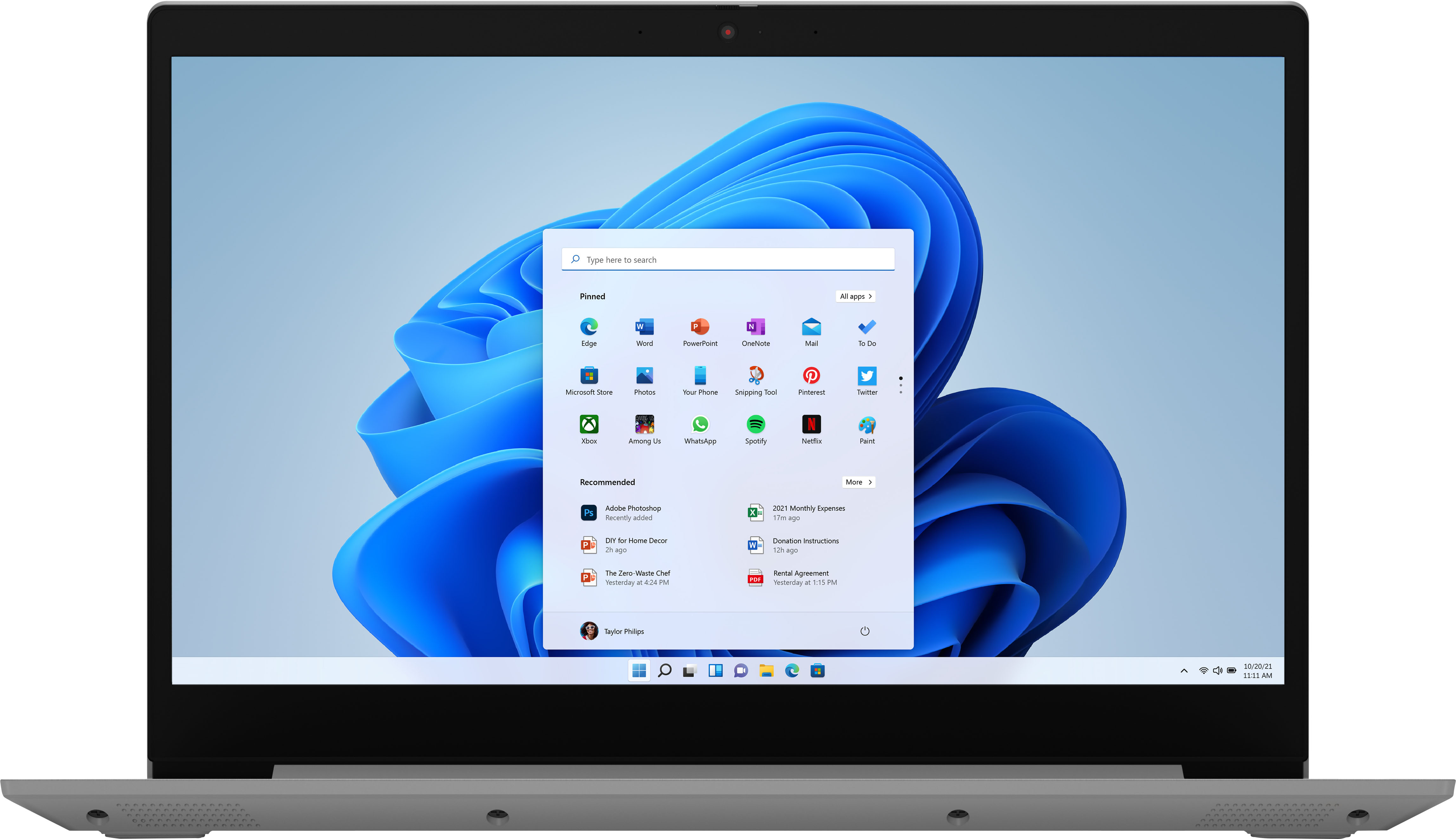

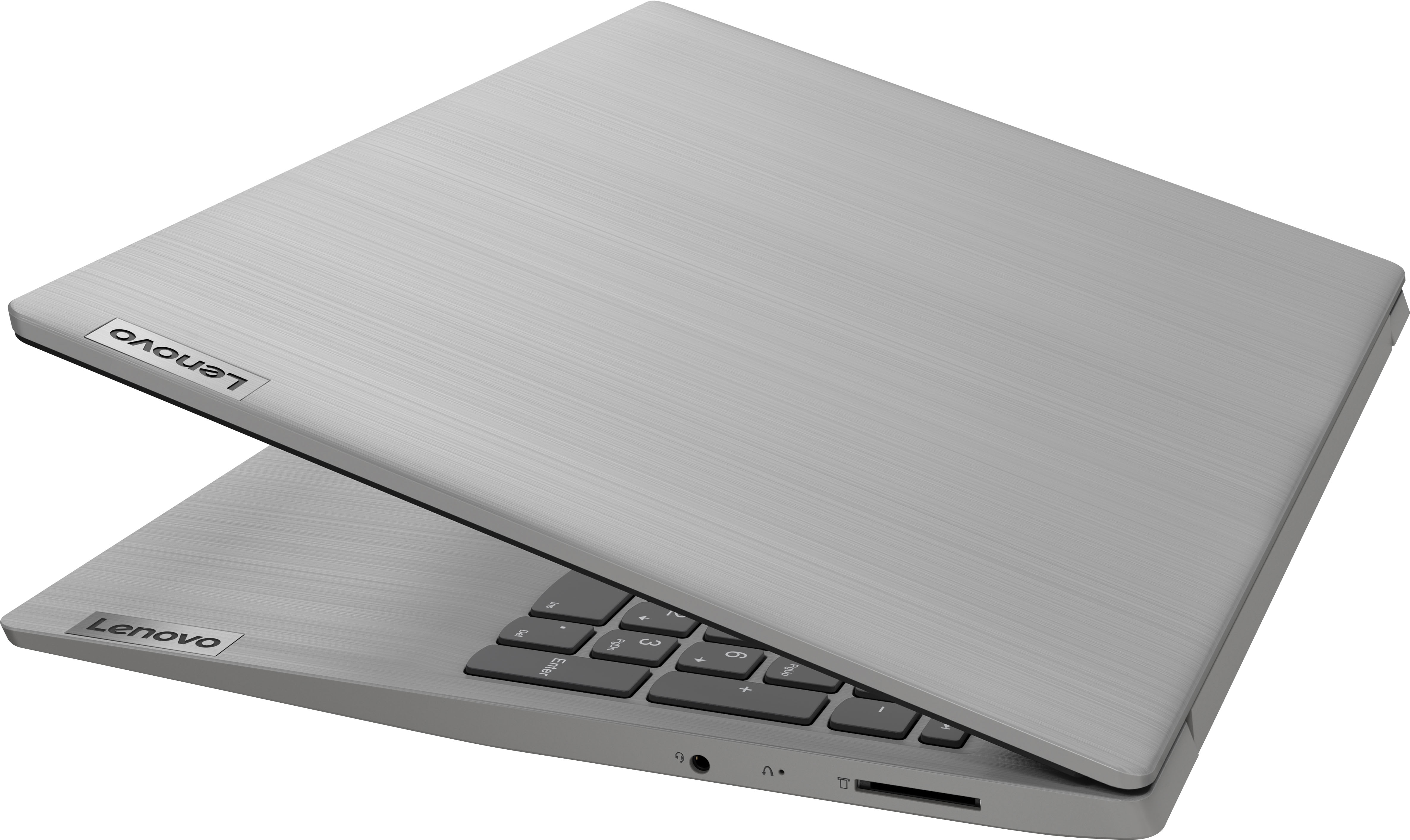
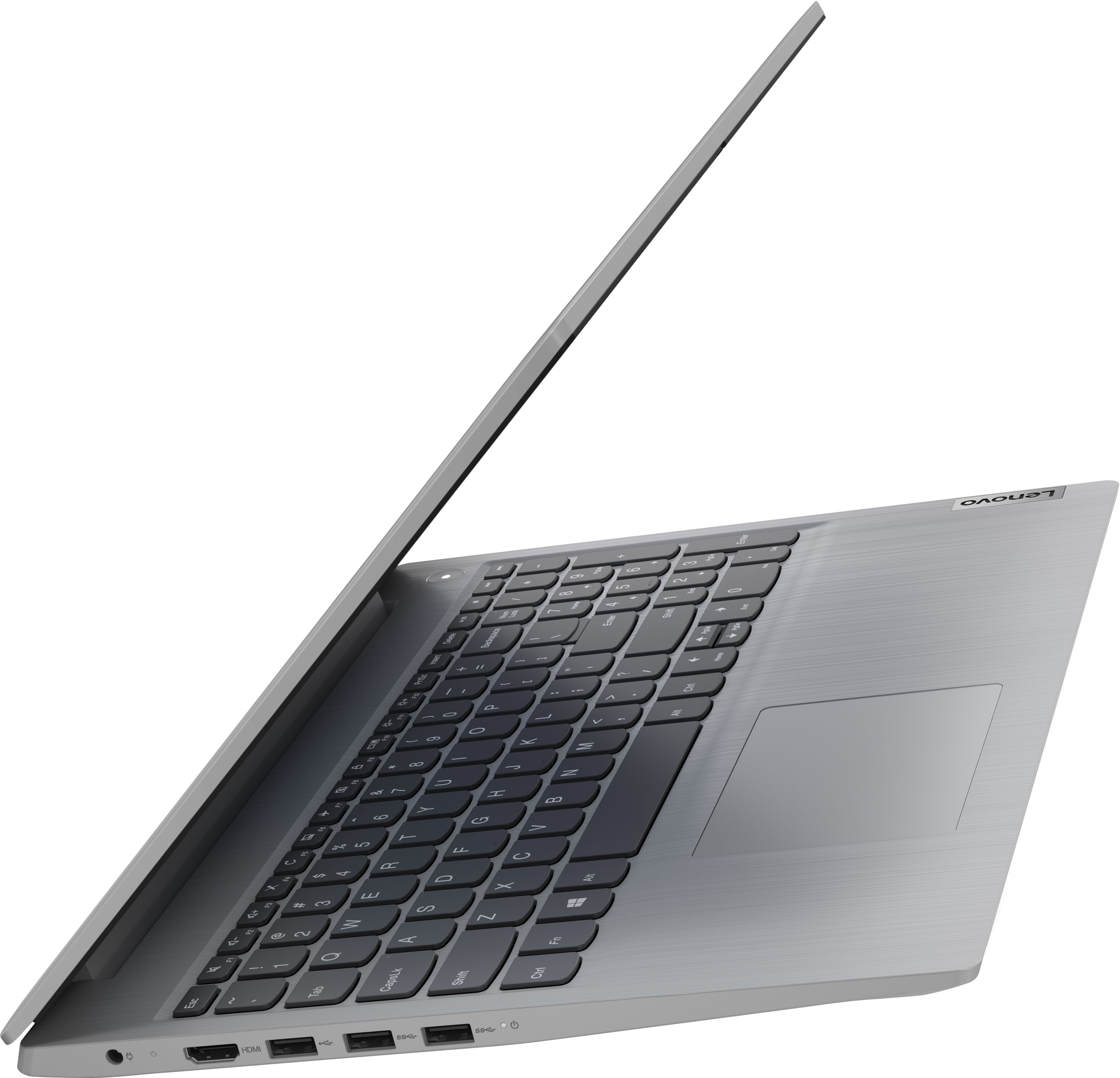
- Model:
- 81X800ENUS
- SKU:
- 6477624
Rating by feature
- Battery Life
Rating 4.4 out of 5 stars
- Speed
Rating 4.5 out of 5 stars
- Display
Rating 4.5 out of 5 stars
Customers are saying
Customers commend the IdeaPad 3's touchscreen, ease of use, performance, and value for its price. Many appreciate its lightweight design and fast SSD, finding it to be a good size for their needs. However, some users point to the battery life as needing improvement, and others express dissatisfaction with the pre-installed operating system. The limited storage capacity is also a concern for some customers.
This summary was generated by AI based on customer reviews.
Won't last passed warranty
||Posted . Owned for 5 months when reviewed.This reviewer received promo considerations or sweepstakes entry for writing a review.This brand is getting consistently worse. Cheaper made. I used to only buy this brand but I'm disappointed over and over again.
No, I would not recommend this to a friendDisplay was not adequate for me
||Posted . Owned for less than 1 week when reviewed.This reviewer received promo considerations or sweepstakes entry for writing a review.This laptop is fine for minimal operations and computer usage. The display was not adequate for me and so it was returned.
No, I would not recommend this to a friendBrand response from Lenovo Product Expert
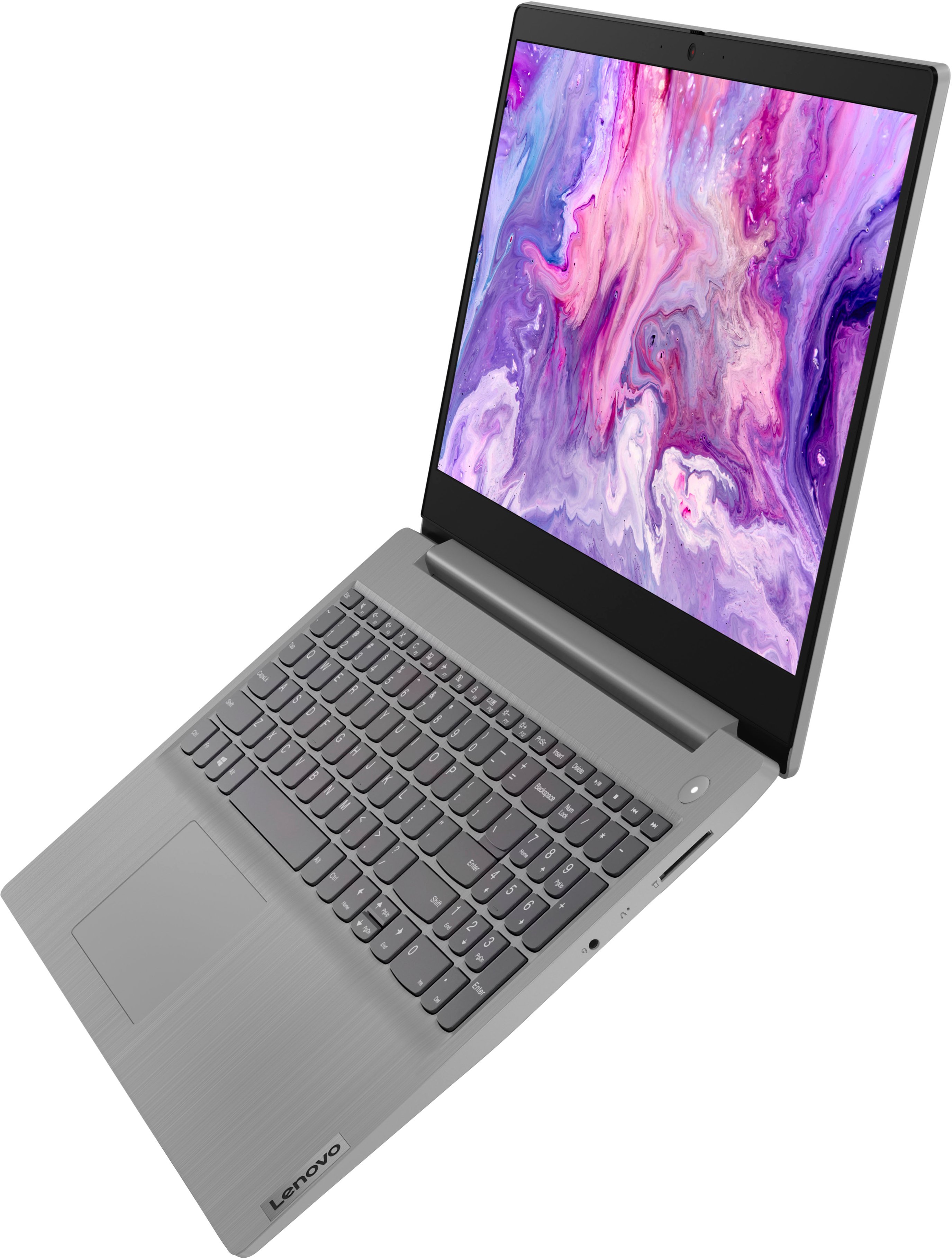
Posted .This Lenovo IdeaPad 3 15 Laptop, model number 81X800KLUS, ships with a 15.6 Inch (screen size measured diagonally) TN - HD (1366x768) 10-point Multi-touch screen, with a brightness level of 220 nits and has an Anti-glare Coating. This screen provides 67 Percent of the sRGB (45 Percent NTSC) color gamut.

Piece of tihs
||Posted .This reviewer received promo considerations or sweepstakes entry for writing a review.Waste of money the screen ruined my experience big time it’s 2022 what the fluk this is horrible I have nothing left to say
I would recommend this to a friendA major pain
||Posted . Owned for 3 weeks when reviewed.This reviewer received promo considerations or sweepstakes entry for writing a review.I bought this item because of the Lenovo Migration Assistant, which was going to make it "simple and seamless" to transfer files from my old laptop to my new one. Yeah right. They didn't tell me that the great Lenovo program is not compatible with my new Lenovo laptop. I have been struggling for two weeks, moving files peacemeal with a thumb drive. What a pain. This is my first Lenovo product and it will be my last.
No, I would not recommend this to a friendBrand response from Lenovo Product Expert
Posted .We are sorry to hear that you are having issues using the Lenovo Migration Assistant software to transfer compatible files and programs to your new IdeaPad 3 15 Laptop, model number 81X800ENUS. This model configuration ships with Windows 11 S-Mode, 64-bit Operating System installed. Windows 11 S-Mode provides added security by only allowing APPs available ( and therefore certified by Microsoft) at the Microsoft Store. If you don't need the added security or you need to install APPs not available at the Microsoft Store, you can switch to standard Windows 11 Home 64-bit Operating System, at no additional cost. Lenovo Migration Assistant will not be able to transfer files or programs that are not compatible with S-Mode. If you choose to switch out of S-Mode for Windows 11 Home: Here is a link to instructions for switching from Windows 11 S-Mode to Windows 11 Home: https://support.microsoft.com/en-us/help/4456067/windows-10-switch-out-of-s-mode. If you continue to have issues, we recommend you contact Lenovo Tech Support for additional help at: 877-453-6686.
returned it
||Posted . Owned for 3 weeks when reviewed.This reviewer received promo considerations or sweepstakes entry for writing a review.Returned this computer....cheaply made. Front edge was rough to my wrist, screen was not vibrant, and an overall dissappointment
No, I would not recommend this to a friendWORST LAPTOP EVER AND WORST CUSTOMER SERVICE!!
||Posted . Owned for 9 months when reviewed.This reviewer received promo considerations or sweepstakes entry for writing a review.Worst laptop ever, never worked properly. When I went to Best Buy Geek Squad, they just said that the return period had expired, so "call Lenovo", they said. I called them and they made me run lots of tests before accepting that the laptop won't work. Best Buy just did nothing but washed their hands and Lenovo ask for money to send me a box for me to send them the computer.
No, I would not recommend this to a friendLenovo i3 IdeaPad
||Posted . Owned for 1 month when reviewed.This reviewer received promo considerations or sweepstakes entry for writing a review.I found this computer slow. Eventually returned it. I get that it was an i3 processor, but honestly felt I had gone back in time.
No, I would not recommend this to a friendBrand response from Lenovo Product Expert
Posted .This Lenovo IdeaPad 3 15 Laptop, model number 81X800ENUS, is a fast configuration with its 11th Gen, 2-Core/4-Thread Intel Core i3-1115G4 Processor, with a base speed of 3.0GHz and a boost speed of up to 4.1GHz. This processor is supported by 8GB DDR4-2666MHz RAM and a 256GB M.2 2242 PCIe 3.0x4 NVMe solid state hard drive. If you are getting slower than expected performance, even if you have switched out of S-Mode, be sure any software you installed is compatible with Windows 11. There is no need to install Microsoft Office software. The software is already part of the operating system, you just need to activate the software with a purchased product key. If you have installed a copy of Microsoft Office, this is conflicting with the existing copy on the system and this will slow your system down. If you have installed a 3rd party anti-virus program, be sure that Windows Defender is turned off and that the trial version of McAfee Anti-Virus software is uninstalled. There can only be one anti-virus program on the system. You may need to restore your system to original factory default settings if any of the programming errors have occurred. You can do that by typing "restore" in the Cortana search window. Just click on the magnifying glass icon at the bottom left of your Windows 11 Desktop. Click on "Reset This PC" Then click on "Get Started" and follow the on screen directions to restore to factory defaults. If the problem persists, we recommend you contact Lenovo Tech Support at: 877-453-6686.
Given wrong laptop
||Posted . Owned for 7 months when reviewed.This reviewer received promo considerations or sweepstakes entry for writing a review.The laptop itself was good (slightly loud at times) but I realized Best Buy gave me the wrong laptop
I would recommend this to a friend- Cons mentioned:Battery life
Everything worked fine except for the battery
||Posted . Owned for 1 month when reviewed.This reviewer received promo considerations or sweepstakes entry for writing a review.Only had it a few weeks and the battery quit charging on it.
No, I would not recommend this to a friendBrand response from Lenovo Product Expert
Posted .We are sorry to hear that you are having issues with the battery within your Lenovo IdeaPad 3 15 laptop, model number 81X800KLUS. Check what the current battery charge level is by placing the touchpad cursor over the Battery Icon at the bottom right of your Windows 11 Desktop Screen. You don't need to click on the icon. A pop-up message will appear when you hover the cursor over the Battery Icon, indicating the current charge level. If the current battery level is above 50 Percent, unplug the charger and let the battery drain to below 50 Percent. Once the battery level is below 50 Percent, plug the charger in and the battery will begin charging back to 100 Percent as normal. Windows 11 has a Battery Server feature that will not let the battery over charge once it reaches 100 Percent charge level. If the battery still does not charge after dropping below 50 Percent, we recommend you contact Lenovo Tech Support for additional help. Le the Lenovo Customer Service Specialist know about the troubleshooting steps you have already taken. Call at: 877-453-6686.
Lenovo
||Posted . Owned for 2 weeks when reviewed.This reviewer received promo considerations or sweepstakes entry for writing a review.Laptop was alright didn’t really like it after all and returned it no long after purchasing it.
I would recommend this to a friendCheap
||Posted . Owned for 1 month when reviewed.This reviewer received promo considerations or sweepstakes entry for writing a review.Would not really buy feels cheap and looks cheap. Graphics are horrible and very brittle.
No, I would not recommend this to a friendDisappointed
||Posted . Owned for 3 weeks when reviewed.This reviewer received promo considerations or sweepstakes entry for writing a review.Problems,problems, computer loses info, don't like microsoft store, slow most of the time, freezes up
No, I would not recommend this to a friendBrand response from Lenovo Product Expert
Posted .We are sorry to hear that you are having issues with your Lenovo IdeaPad 3 15 Laptop, model number 81X800ENUS. This model ships with Windows 11 S-Mode 64-bit Operating System installed. Windows 11 S-Mode provides added security by only allowing APPs available ( and therefore certified by Microsoft) at the Microsoft Store. If you don't need the added security or you need to install APPs not available at the Microsoft Store, you can switch to standard Windows 11 Home 64-bit Operating System, at no additional cost. If you choosing to switch out of S-Mode for Windows 11 Home: Here is a link to instructions for switching from Windows 11 S-Mode to Windows 11 Home: https://support.microsoft.com/en-us/help/4456067/windows-10-switch-out-of-s-mode. If you continue to have issues with your Lenovo IdeaPad 3 15, we recommend you contact Lenovo Tech Support for additional help at: 877-453-6686.
Quality
||Posted . Owned for 3 weeks when reviewed.This reviewer received promo considerations or sweepstakes entry for writing a review.I returned the laptop, I didn’t like the material. Good for kid but not for me.
No, I would not recommend this to a friendNot for me but may work well for others
||Posted . Owned for 3 weeks when reviewed.This reviewer received promo considerations or sweepstakes entry for writing a review.Bought the Lenovo Idea Pad without seeing a display (store didn't have). Discovered that the picture display was not bright enough even when changing settings and that the front edge of the laptop had a very sharp edge making it uncomfortable for me to use the keyboard. Returned it two days later
No, I would not recommend this to a friendBrand response from Lenovo Product Expert
Posted .We are sorry to hear that the Lenovo IdeaPad 3 15 Laptop, model number 81X800ENUS, does meet your computing needs. This model ships with a 15.6 inch (screen size measured diagonally) TN - HD (1366x768) 10-point Multi-touch screen, with a brightness level of 220 nits and has an Anti-glare Coating.
Absolutely waist of money!! Don’t purchase!!!!!
||Posted . Owned for 3 weeks when reviewed.This reviewer received promo considerations or sweepstakes entry for writing a review.Absolutely horrible button’s not working it takes so long to charge and the screen you can barley see anything i tried to go to settings to brighten the screen it won’t let me. I’m seriously I don’t write reviews however This laptop needs to be exposed trust me don’t buy it!!
No, I would not recommend this to a friendBrand response from Lenovo Product Expert
Posted .We are sorry to hear that you are having issues with your Lenovo IdeaPad 3 15 Laptop, model number 81X800KLUS. This model ships with a 15.6 inch (screen size measured diagonally) TN - HD (1366x768) 10-point Multi-touch screen, with a brightness level of 220 nits and has an Anti-glare Coating. This screen provides 67 Percent of the sRGB (45 Percent NTSC) color gamut. If you are unable to manually adjust your screen brightness settings, here is a link to some troubleshooting tips for fixing this issue, then manually adjust your screen brightness to your personal preferences: https://www.thewindowsclub.com/no-brightness-slider-in-windows-11. Regarding buttons not working, here is a link to the User Guide for this Lenovo IdeaPad 3 15 which explains the features and functions of the Ideapad 3 15: https://download.lenovo.com/consumer/mobiles_pub/ideapad3_ug_202001_en.pdf. This Lenovo IdeaPad 3 15, model number 81X800KLUS, ships with a Integrated 35Wh, Lithium-Polymer Battery, which will charge from zero percent charge to 100 percent charge in approximately 2.5 hours, lees if there is some charge left in the battery. If you have questions about your Lenovo IdeaPad 3 15 laptop, we recommend you contact lenovo Tech Support for additional information at: 877-453-6686.
cheap crap
||Posted .This reviewer received promo considerations or sweepstakes entry for writing a review.Meh - cheap crap, noisy, screen is too bright, and the keyboard setup is screwed up, I keep making typos. You get what you pay for, and this is like a child's toy, not like a grownup laptop. It's going to give me a headache and sore fingers.
No, I would not recommend this to a friendBrand response from Lenovo Product Expert
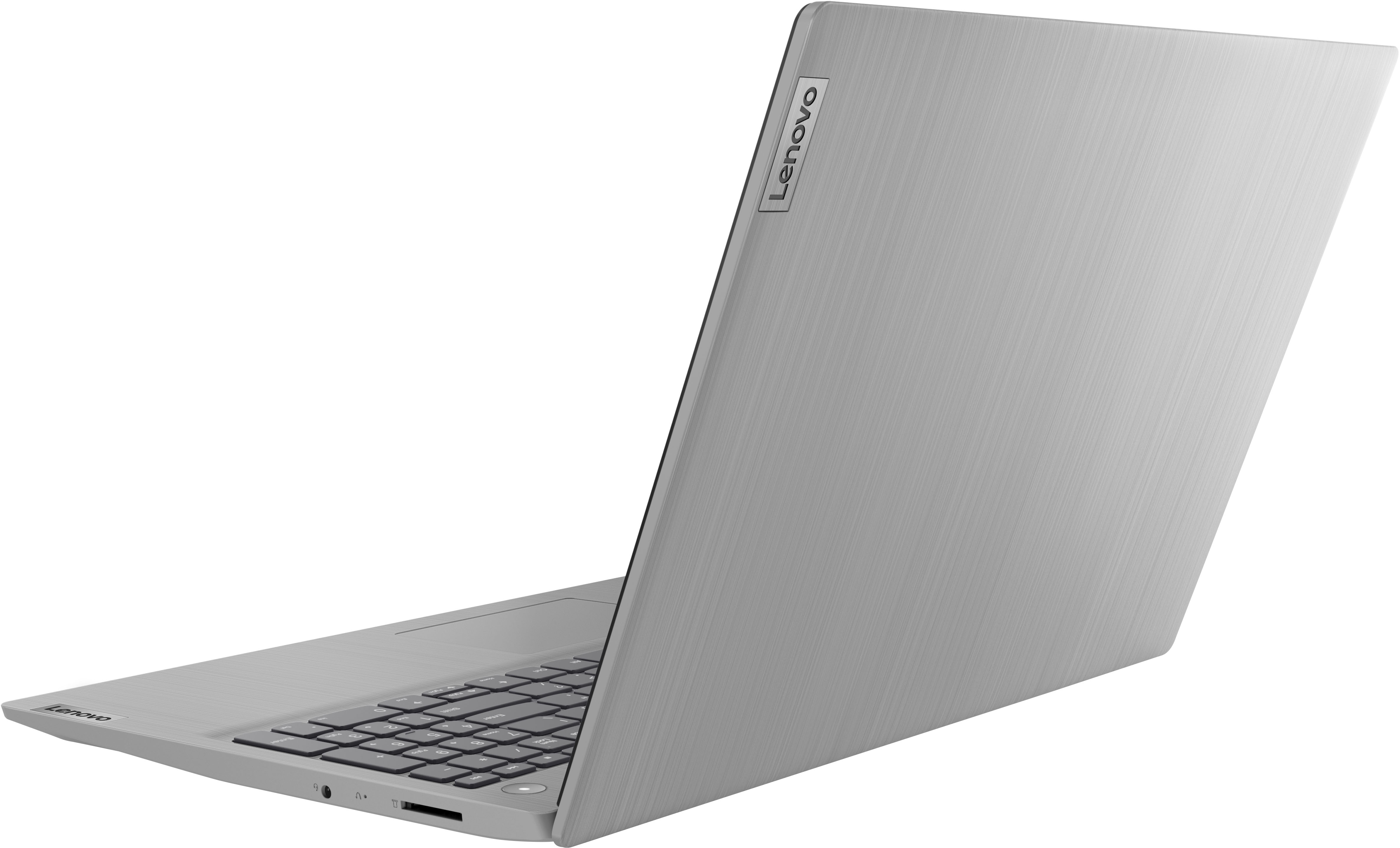
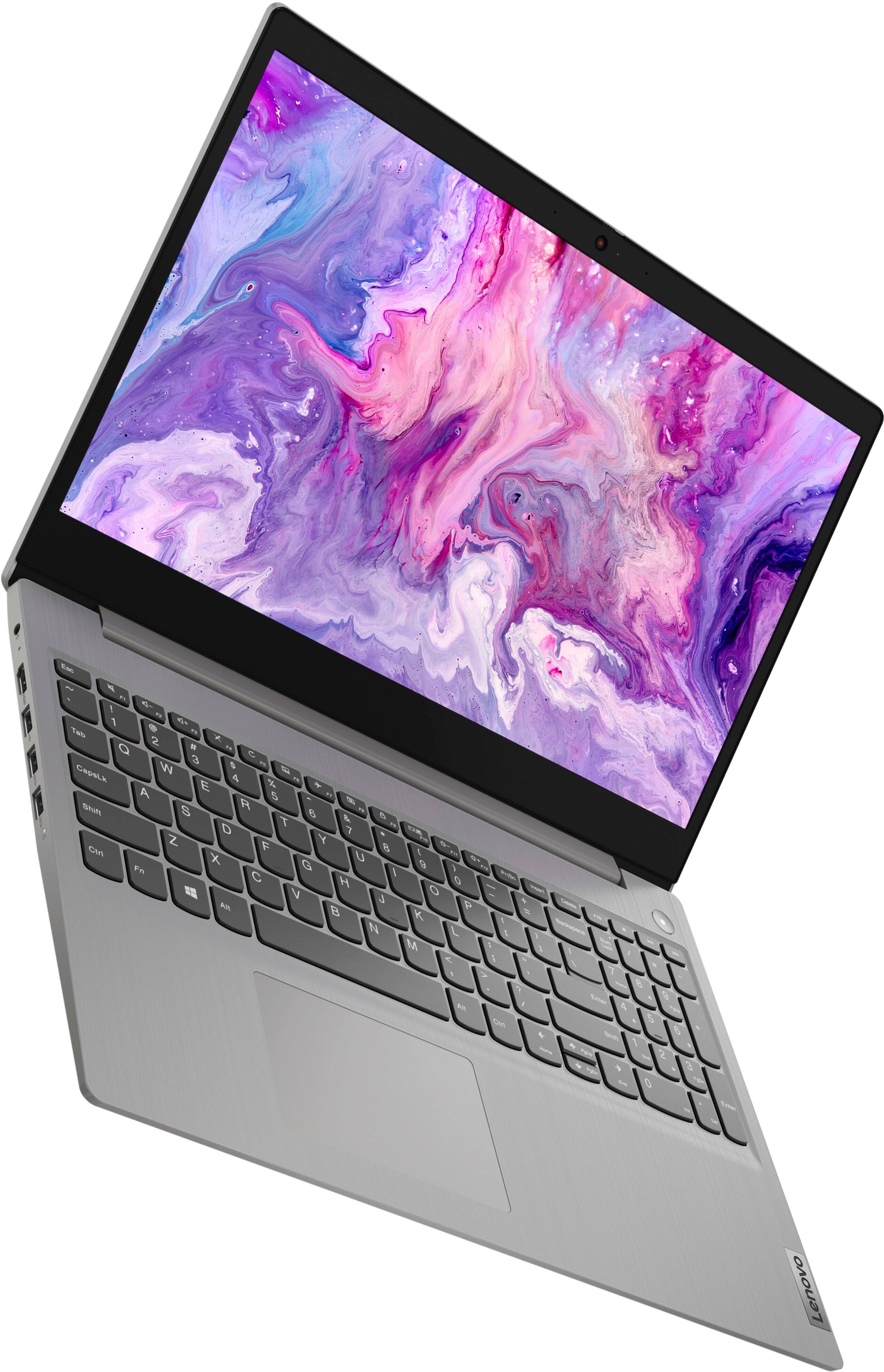
Posted .This Lenovo IdeaPad 3 15 Laptop, model number 81X800KLUS, ships with Lenovo Smart Power to manually control fan and system performance: ( Fn + Q ) option to change the fan speed by undervolting the processor. The screen on this IdeaPad 3 15 configuration is a 15.6 Inch (screen size measured diagonally) TN - HD (1366x768) 10-point Multi-touch screen, with a brightness level of 220 nits and has an Anti-glare Coating. Here is a link to tips for adjusting the screen brightness within Windows 11: https://www.guidingtech.com/top-ways-to-fix-brightness-not-working-on-windows-11-laptops/. This Lenovo IdeaPad 3 15 Laptop also ships with a Non-backlit, English Version standard QWERTY keyboard with 10-Key Numeric Pad included. The touchpad on this model is centered under the QWERTY keys, so that when the typist's hands are in the Home Position on the keyboard, the touchpad is centered directly under the typist's hands for easiest access. If you have questions about your Lenovo IdeaPad 3 15 Laptop, we recommend you contact Lenovo Tech Support for more information at: 877-453-6686.
Not good not worth it
||Posted . Owned for 1 week when reviewed.This reviewer received promo considerations or sweepstakes entry for writing a review.Having problems with this takes to long to turn on it gets frozen and its very slow and its a new laptop i do not recommend it
No, I would not recommend this to a friendBrand response from Lenovo Product Expert
Posted .We are sorry to hear that you are having issues with your Lenovo IdeaPad 3 15 Laptop, model number 81X800KLUS. This model ships with Windows 11 S-Mode, 64-bit Operating System installed. Windows 11 S-Mode provides added security by only allowing APPs available ( and therefore certified by Microsoft) at the Microsoft Store. If you don't need the added security or you need to install APPs not available at the Microsoft Store, you can switch to standard Windows 11 Home 64-bit Operating System, at no additional cost. Even if you switch out of S-Mode for Windows 11 Home, be sure any software you installed is compatible with Windows 11. There is no need to install Microsoft Office software. The software is already part of the operating system, you just need to activate the software with a purchased product key. If you have installed a copy of Microsoft Office, this is conflicting with the existing copy on the system and this will slow your system down. If you have installed a 3rd party anti-virus program, be sure that Windows Defender is turned off and that the trial version of McAfee Anti-Virus software is uninstalled. There can only be one anti-virus program on the system. Here is a link to instructions for uninstalling McAfee from a Windows computer: https://service.mcafee.com/?articleId=TS101331&page=shell&shell=article-view You may need to restore your system to original factory default settings if any of the programming errors have occurred. You can do that by typing "restore" in the Cortana search window. Just click on the magnifying glass icon at the bottom of your Windows 11 Desktop. Click on "Reset This PC" Then click on "Get Started" and follow the on screen directions to restore to factory defaults. If the problem persists, we recommend you contact Lenovo Tech Support at: 877-453-6686.
Piece of poop computer the screen is damaged after
||Posted .This reviewer received promo considerations or sweepstakes entry for writing a review.Piece of crap computer the screen is damaged after only 30 days Best Buy will not help me to geek squad will not help me they have rude employees in Morristown New Jersey
No, I would not recommend this to a friendPossibly a defective product.
||Posted . Owned for 3 weeks when reviewed.This reviewer received promo considerations or sweepstakes entry for writing a review.This was suppose to be a brand new laptop. The first day it was received my daughter downloaded ZOOM to conduct our meeting and when i attempted to close it out it would not close out.
No, I would not recommend this to a friendBrand response from Lenovo Product Expert
Posted .We are sorry to hear that you are having issues with your Lenovo IdeaPad 3 15 laptop, model number 81X800ENUS. This IdeaPad 3 15 ships with Windows 11 S-Mode 64-bit Operating System installed. Windows 11 S-Mode provides added security by only allowing APPs available ( and therefore certified by Microsoft) at the Microsoft Store. If you don't need the added security or you need to install APPs not available at the Microsoft Store, you can switch to standard Windows 11 Home 64-bit Operating System, at no additional cost. We recommend you check with the specific software publisher's web site, of the specific APP that you are using, for their compatibility with Windows 10 S-Mode 64-bit operating system and the minimum/recommended hardware requirements (Is a Graphics card required, the processor speed and the minimum required system RAM and the minimum available hard drive space) to run their program, then compare those requirements to this system's configuration. If you choose to switch out of S-Mode for Windows 11 Home: Here is a link to instructions for switching from Windows 10 S-Mode to Windows 10 Home: https://support.microsoft.com/en-us/help/4456067/windows-10-switch-out-of-s-mode. Also, check to see if the issue with closing the APP happens with any other APP that you are using on the computer. If the issue only occurs with the one specific APP, check to be sure that the APP you are using is compatible with the Lenovo IdeaPad 3 15 configuration. If the issue continues, we recommend you contact lenovo Tech Support for additional help at: 877-453-6686.
S-mode makes working at home complicated on apps
||Posted .This reviewer received promo considerations or sweepstakes entry for writing a review.The s mode was to annoying. They need to permanently remove that feature. I work from home. And i cant add simple apps i need for work. I never had that issue on my 2 chromebooks.
No, I would not recommend this to a friendBrand response from Lenovo Product Expert
Posted .We are sorry to hear that you are having issues with the Windows 11 S-Mode 64-bit Operating System installed on this Lenovo IdeaPad 3 15 Laptop, model number 81X800ENUS. Windows 11 S-Mode provides added security by only allowing APPs available ( and therefore certified by Microsoft) at the Microsoft Store. If you don't need the added security or you need to install APPs not available at the Microsoft Store, you can switch to standard Windows 11 Home 64-bit Operating System, at no additional cost. If you choose to switch out of S-Mode for Windows 11 Home: Here is a link to instructions for switching from Windows 11 S-Mode to Windows 11 Home: https://support.microsoft.com/en-us/help/4456067/windows-10-switch-out-of-s-mode. If you have additional questions about Windows 11 S-Mode Operating System, we recommend you contact Microsoft Support at: https://support.microsoft.com/