Customer Ratings & Reviews
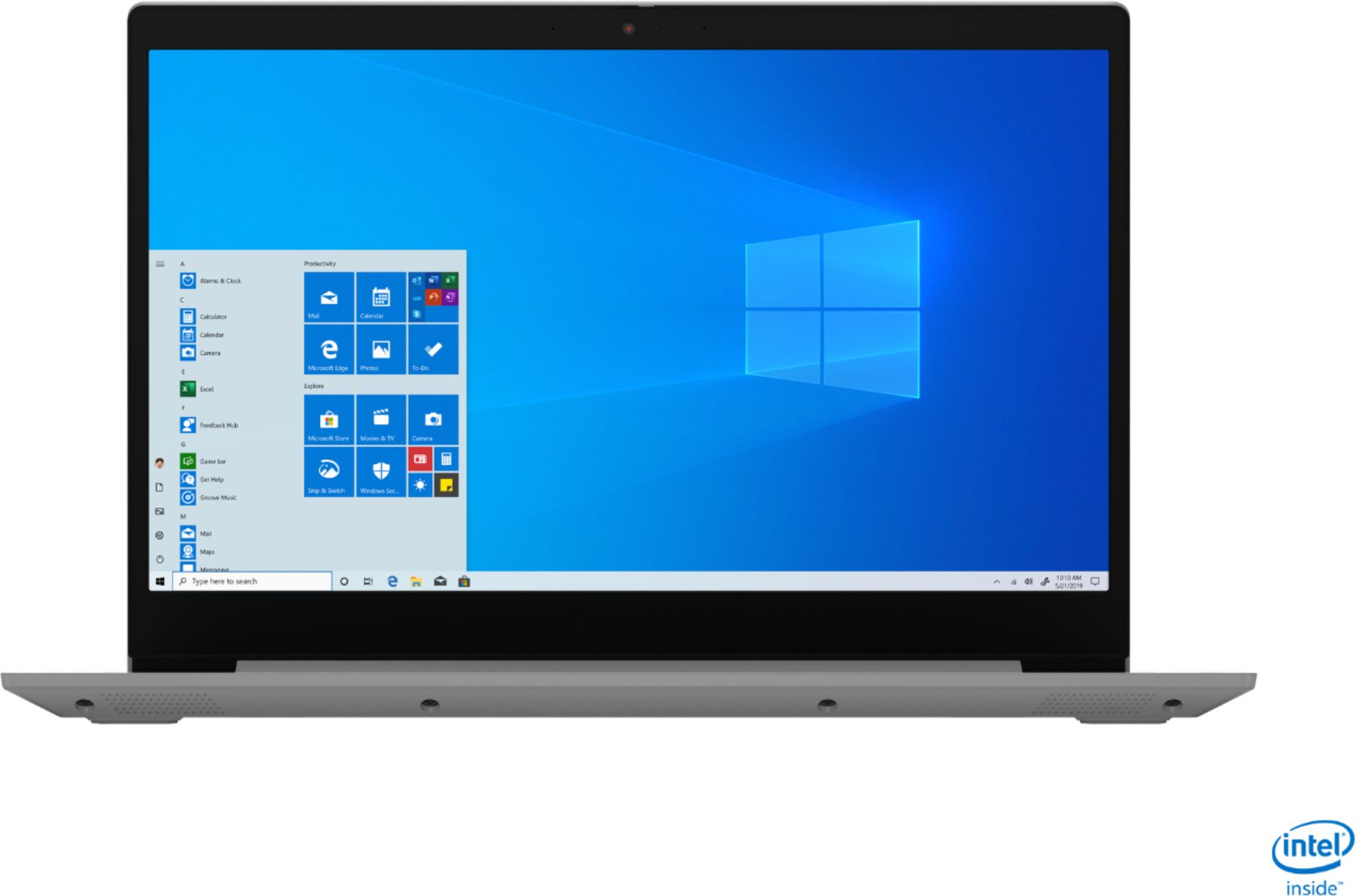
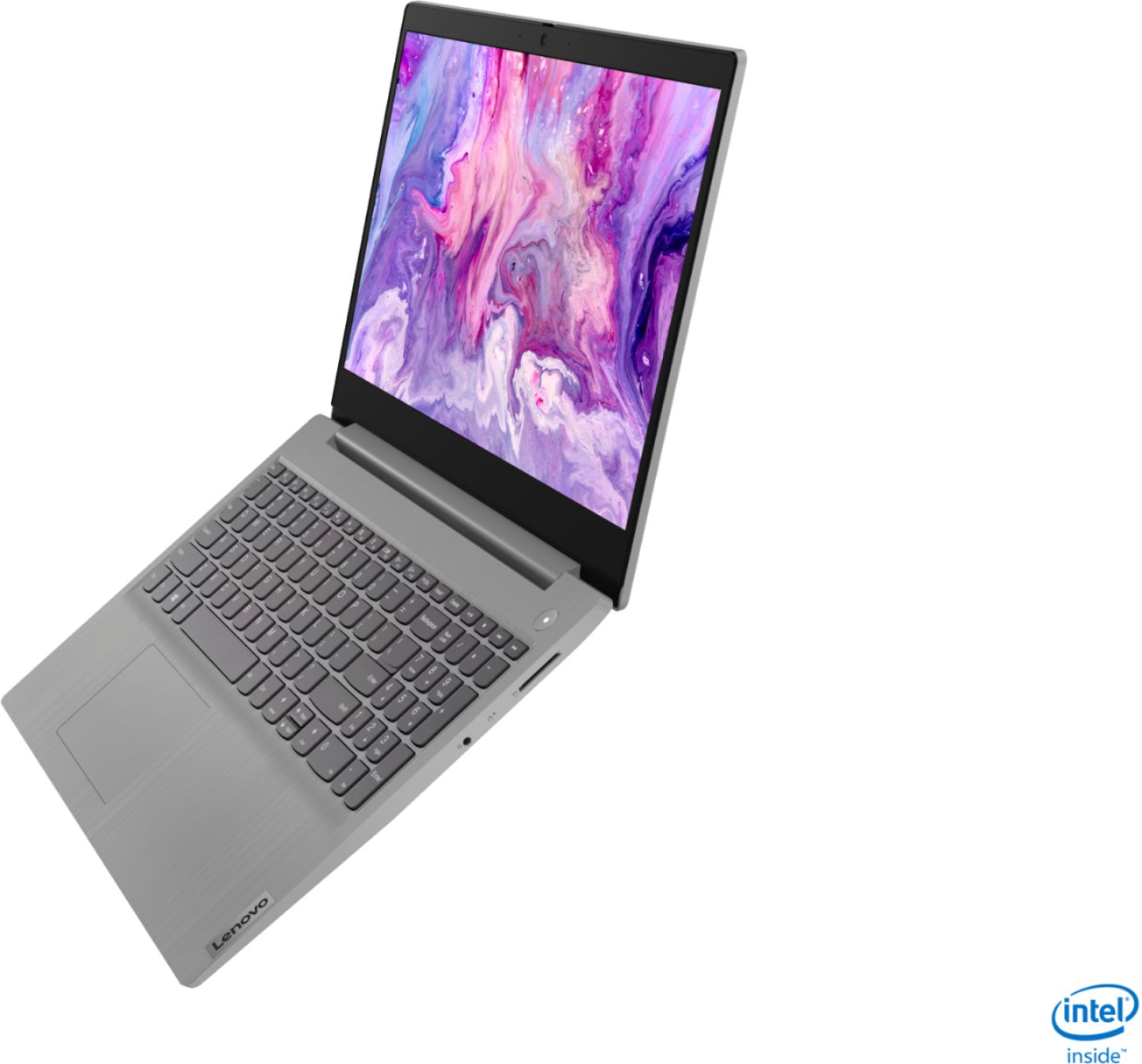
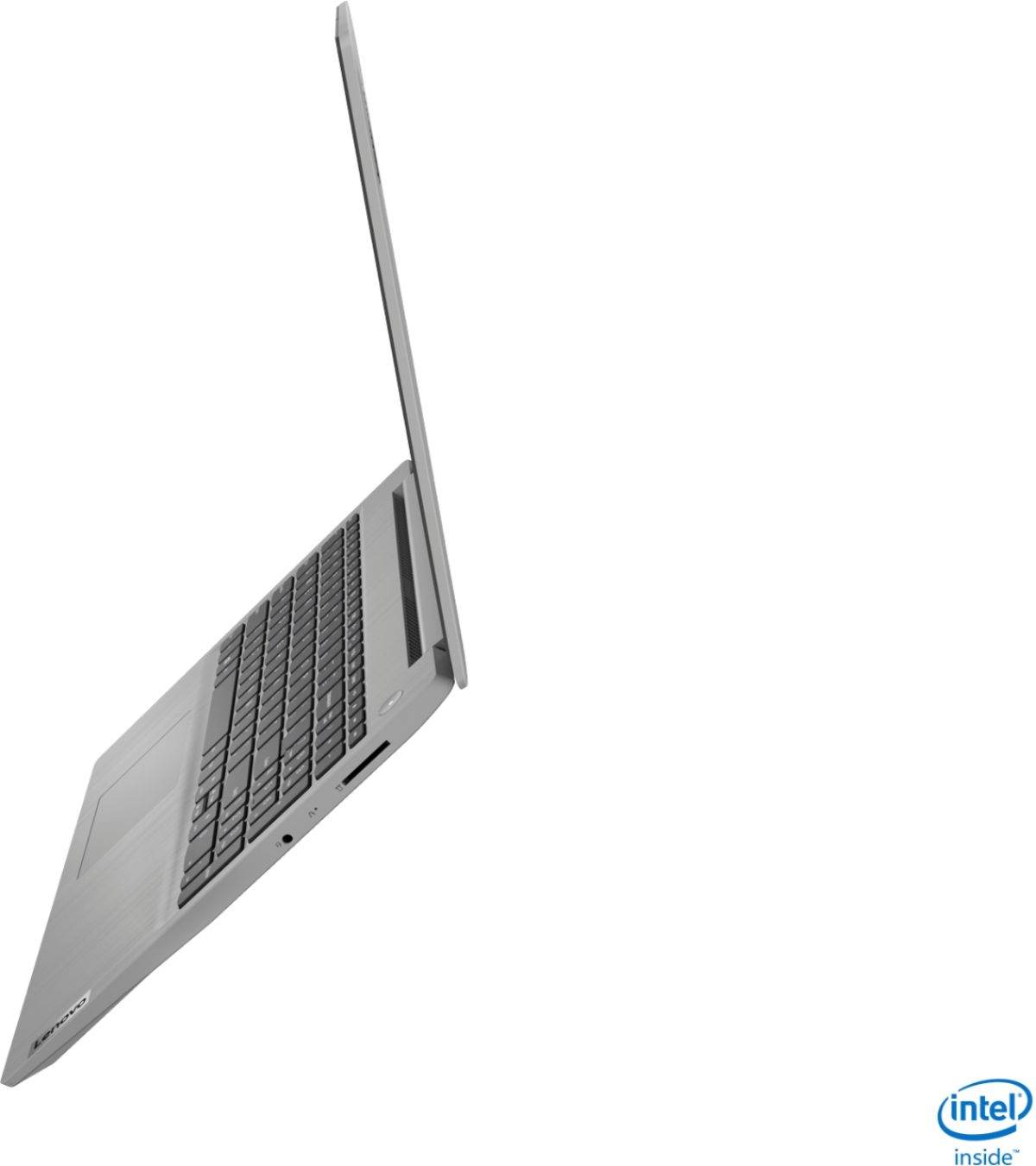


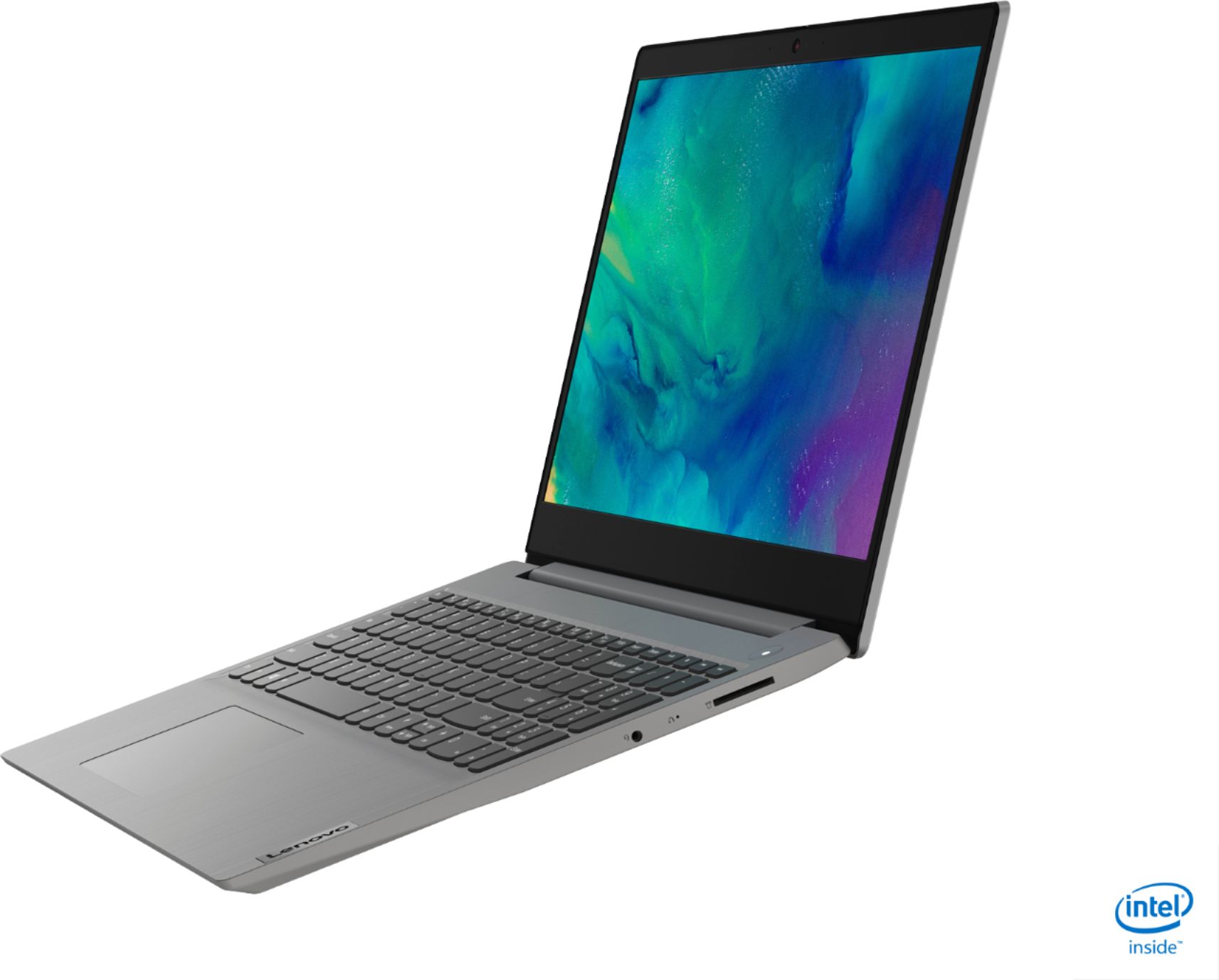

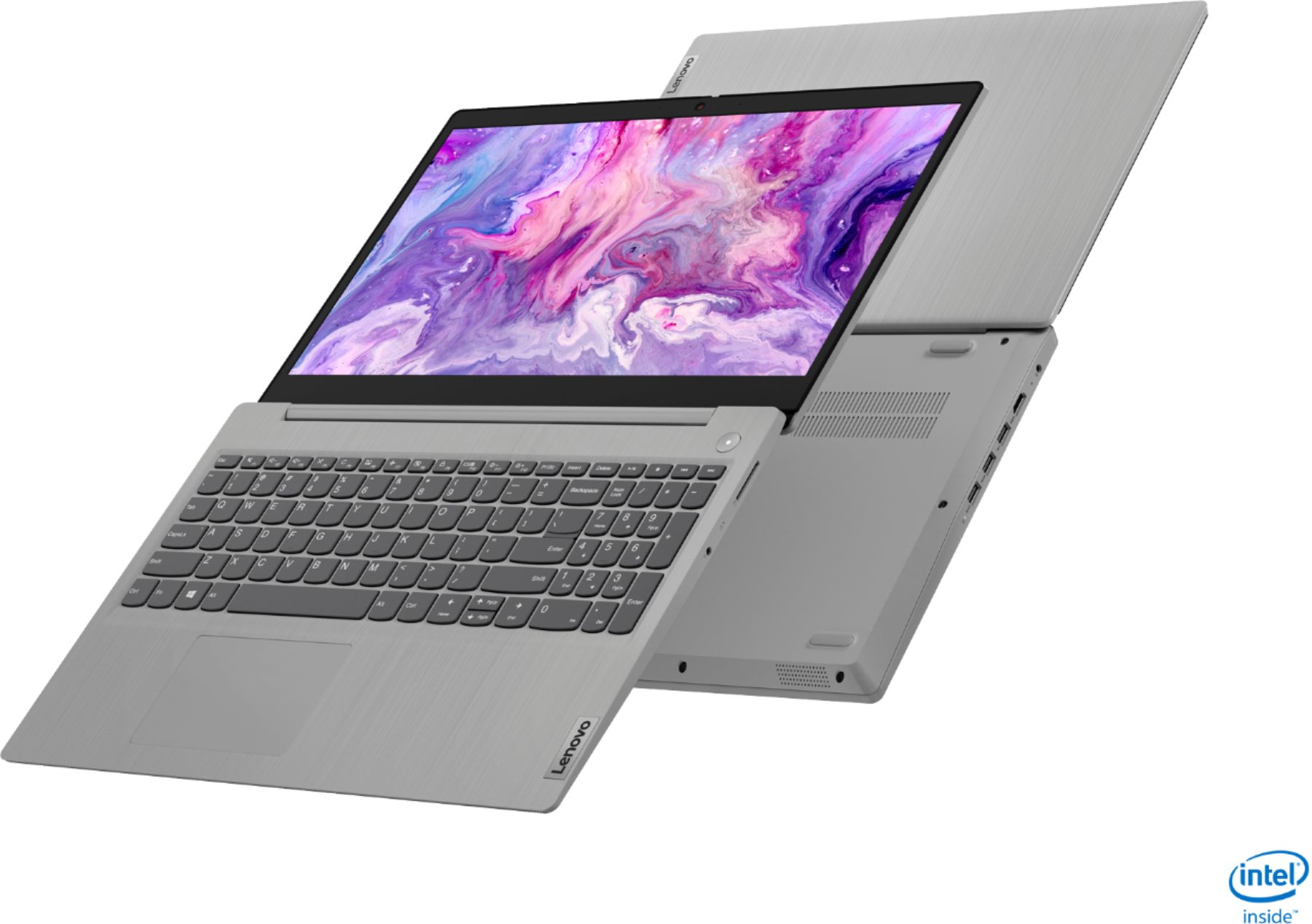
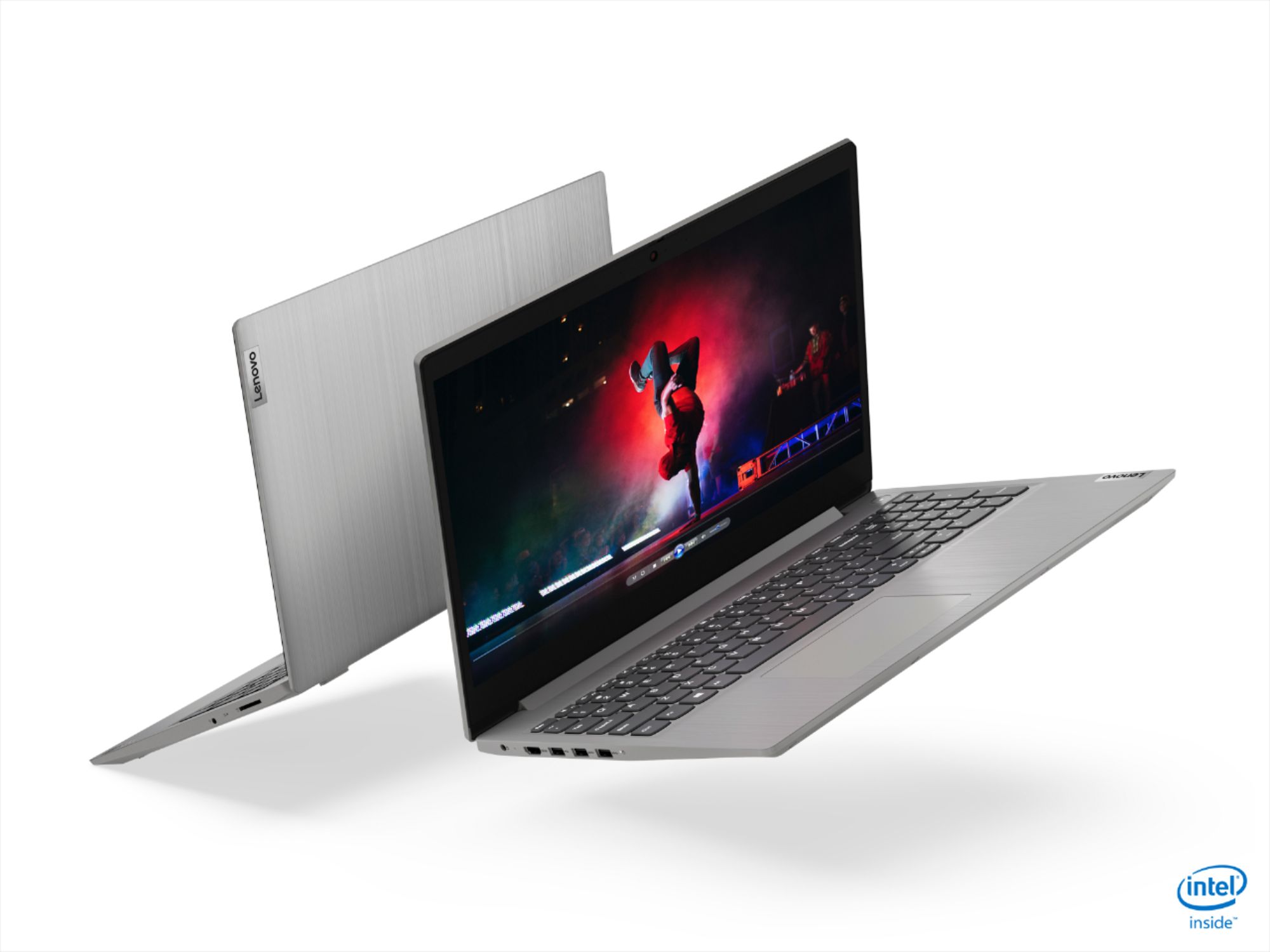

- Model:
- 81WE011UUS
- SKU:
- 6426707
Rating by feature
- Battery Life
Rating 4.2 out of 5 stars
- Speed
Rating 4.4 out of 5 stars
- Display
Rating 4.5 out of 5 stars
Customers are saying
Customers often highlight the IdeaPad 3 15" Laptop's affordability, user-friendly interface, and lightweight design as its main advantages. Many users appreciate its clear screen and satisfactory performance. However, some users have concerns about its battery life, build quality, and the initial difficulty in disabling S mode.
This summary was generated by AI based on customer reviews.
If you like vanilla, this is for you!
||Posted . Owned for 1 month when reviewed.This reviewer received promo considerations or sweepstakes entry for writing a review.It's ok for what it is. spend an extra couple of bucks and something better.
No, I would not recommend this to a friendMouse stop working
||Posted . Owned for 1 month when reviewed.This reviewer received promo considerations or sweepstakes entry for writing a review.The laptop mouse pad stop working before 1 month of purchase . I'm in Jamaica it will cost too much money to return it . Why not build a good product so people can get there money's worth, I fed up with this laptop . All happen was I get an update and since the update install the mouse stop working
No, I would not recommend this to a friendBrand response from Lenovo Product Expert
Posted .We are sorry to hear that a Windows 10 update has caused issues with the touchpad on your Lenovo IdeaPad 3 15 Laptop, model number 81WE00KVUS. First, try tapping the the HotKey in the F6 position on your keyboard, this toggles the touchpad on/off. The recent update may have defaulted this setting to off. If the issue continues, be sure you have the latest version of Windows 10 on the computer. Then update all BIOS files and drivers up to that latest version of Windows 10. There may have been a fix update for the problem you are having. You can easily accomplish this by scanning the computer with the Lenovo Utility software available on this computer. This system has Lenovo utilities installed to help maintain the health of the device and keep the operating system software up to date. Type "Lenovo Vantage" in the Cortana Search window (if Lenovo Vantage is not installed on your device, you can download the APP and install it now). Select Lenovo Vantage from the list. In the window that opens, click on "Health and Support". In the expanded menu, select "Hardware Scan" In the window that opens, select "Run Quick Tests". This will scan your entire system for errors. Follow any directions that may pop up. If the problem continues after this scan, now click on "System Update". First select Windows update from the menu. Scan your system to be sure you have the latest version of Windows 10. Once that scan is complete, select "Additional Updates". This will scan your device to be sure there are no new BIOS/Driver updates needed. Follow any instructions that may pop up. If the issue continues you can reach Lenovo Tech Support online here: https://www.lenovo.com/us/en/contact

Junk
||Posted . Owned for 1 month when reviewed.This reviewer received promo considerations or sweepstakes entry for writing a review.Junk junk junk junk junk junk junk junk junk junk junk junk junk junk
No, I would not recommend this to a friendIt’s ok
||Posted . Owned for less than 1 week when reviewed.This reviewer received promo considerations or sweepstakes entry for writing a review.It’s ok for the money. Rather have touch scream and or voice control
No, I would not recommend this to a friendBrand response from Lenovo Product Expert
Posted .The Lenovo IdeaPad 3 15 Laptop has Microsoft Windows 10 Cortana Voice Control. Here is a link to instructions for activating Cortana: https://support.microsoft.com/en-us/topic/activate-cortana-mode-c0802269-296f-710e-056d-b7f0308fe30f
owner
||Posted . Owned for 1 month when reviewed.This reviewer received promo considerations or sweepstakes entry for writing a review.It is okay, astonished it doesn't come with virus protector tho!
No, I would not recommend this to a friendBrand response from Lenovo Product Expert
Posted .Hello, the Lenovo IdeaPad 3 15" laptop model # 81WE011UUS ships with a free 30 day trail of McAfee Live Safe. After the 30 days has expired you will be required to purchase a full license to continue using the product. This laptop also ships with the included free Windows Defender App. This App provides a free firewall, anti-malware scan, and other various system protections. If you need further assistance please don't hesitate to reach out to Lenovo Tech Support at 866-426-6686.
Piece of crap
||Posted . Owned for 3 weeks when reviewed.This reviewer received promo considerations or sweepstakes entry for writing a review.This is the second Lenovo I’ve had. When I went to buy a new(er) computer, I wanted an HP. But the guy at Best Buy told me that Lenovo was really good, better than the last one I had. So I purchased this Lenovo instead of staying with an HP. I still think Lenovo is is a piece of crap.
No, I would not recommend this to a friendStop working within one year
||Posted . Owned for 10 months when reviewed.This reviewer received promo considerations or sweepstakes entry for writing a review.Stop working within one year! need to get it repaired.
No, I would not recommend this to a friendBrand response from Lenovo Product Expert
Posted .We are sorry to hear that you are having issues with your Lenovo IdeaPad 3 15 Laptop, model number 81WE011UUS. Try resetting your computer back to original factory setting to clear the issues you are having. This system is equipped with OneKey Recovery System. There is a very small pin hole on the right side of the device, right in between the headphone jack and the SD card slot on the device. You will need a pin to push this reset button. Plug the device in. Let the battery charge for about 15 minutes. Push the reset button. The system should boot to a choice screen where you can choose "Restore To Factory Default". Select this. It will delete everything from the hard drive except the original factory install of the operating system. You will need to reinstall all programs and files after the reset. If you don't have copies of the files, try to make one before you restore by selecting "Boot to desktop" and trying to back up your files. If the problem persists after the factory reset, we recommend you contact Lenovo Tech Support at: 877-453-6686.
Basic Laptop
||Posted .This reviewer received promo considerations or sweepstakes entry for writing a review.Decent laptop for basic day to day activites, nothong more.
No, I would not recommend this to a friendGlad we bought it!
||Posted . Owned for 3 weeks when reviewed.This reviewer received promo considerations or sweepstakes entry for writing a review.this little computer is working great! Glad we got it!
I would recommend this to a friendNo good
||Posted .This reviewer received promo considerations or sweepstakes entry for writing a review.Only bought it for ten days.but camera doesn’t work
No, I would not recommend this to a friendBrand response from Lenovo Product Expert
Posted .The Lenovo IdeaPad 3 15 Laptop, model number 81WE011UUS, ships with a 720p webcam with manual Privacy Shutter. Be sure the Privacy Shutter is completely open before trying to use the webcam or the webcam will not operate. There is a small slider, directly above the webcam lens. Move the tab to the right to open the Privacy Shutter. There is a red dot over the webcam lens that will disappear when the Privacy Shutter is fully open. This will indicate that the webcam is really to use. You can close the Privacy Shutter when you are done with the webcam for your security, by sliding the tab to the left to close the Privacy Shutter. The Red Dot will appear over the webcam lens when the Privacy Shutter is closed. If the issue continues, we recommend you call Lenovo Tech Support at: 877-453-6686.
Lenovo - IdeaPad 3 15r
||Posted . Owned for 3 weeks when reviewed.This reviewer received promo considerations or sweepstakes entry for writing a review.it not all that. I was used to using a touch screen and had Lenovo touch screen and paid less for it, but could not afford anything else when I purchased it the week before my birthday. I tried to login it today, and my accounts wear not even login options.
No, I would not recommend this to a friendBrand response from Lenovo Product Expert
Posted .Hello, we are sorry to hear you are having this experience with your Lenovo IdeaPad 3 15" laptop model # 81WE011UUS. This model does not feature a touch screen. To have your data and passwords transferred from your old laptop and show up on your new laptop we recommend making an appointment with the Geek Squad or using the Lenovo Migration Assistant App. Here is some more information on the Lenovo Migration Assistant. https://www.easeus.com/pc-transfer/lenovo-migration-assistant-and-alternatives.html#:~:text=Lenovo%20Migration%20Assistant%20(LMA)%20is,file%20transfer%20tool%20in%20Windows.&text=Besides%2C%20the%20alternatives%20to%20windows,tool%20are%20on%20the%20list.
no
||Posted . Owned for 1 year when reviewed.This reviewer received promo considerations or sweepstakes entry for writing a review.overall OK, giving 1Star bc after a week of using 5 keys just fell off the keyboard and they wont go back on, its like a little piece of cheap plastic that sticks them on and once they fall off its done for
No, I would not recommend this to a friendProduct with major defect
||Posted . Owned for less than 1 week when reviewed.This reviewer received promo considerations or sweepstakes entry for writing a review.Keyboard didn’t work when I was trying to install Windows OS itself .. Took to best buy geek squad. They said it’s faulty product and suggested to return and get refund... So much disappointed with this laptop and returned to store.
No, I would not recommend this to a friendBrand response from Lenovo Product Expert
Posted .Hello, we are sorry to hear you are experiencing an issue setting up the Lenovo IdeaPad 3 15" laptop. We recommend reaching out to Lenovo Tech Support at 877-453-6686 for the next steps in resolving this issue.
Operation
||Posted . Owned for less than 1 week when reviewed.This reviewer received promo considerations or sweepstakes entry for writing a review.I had it for 1 month, I worked 2 times on it, after 30 minutes of operation the screen turned off after 20 seconds it turned on again, I had a video call and I should have started again, the second time the same thing happened.
No, I would not recommend this to a friendBrand response from Lenovo Product Expert
Posted .We are sorry to hear that you are having issues with your Lenovo IdeaPad 3 15 Laptop, model number 81WE011UUS. This model ships with Windows 10 S-Mode 64-bit Operating System. Windows 10 S-Mode provides added security by only allowing APPs available ( and therefore certified by Microsoft) at the Microsoft Store. If you don't need the added security or you need to install APPs not available at the Microsoft Store, you can switch to standard Windows 10 Home 64-bit Operating System, at no additional cost. Even if you have switched out of S-Mode to Windows 10 Home 64-Bit Operating System, be sure any software you installed is compatible with Windows 10. There is no need to install Microsoft Office software. The software is already part of the operating system, you just need to activate the software with a purchased product key. If you have installed a copy of Microsoft Office, this is conflicting with the existing copy on the system and this will slow your system down. If you have installed a 3rd party anti-virus program, be sure that Windows Defender is turned off and that the trial version of McAfee Anti-Virus software is uninstalled. There can only be one anti-virus program on the system. You may need to restore your system to original factory default settings if any of the programming errors have occurred. You can do that by typing "restore" in the Cortana search window. Just click on the magnifying glass icon at the bottom left of your Windows 10 Desktop. Click on "Reset This PC" Then click on "Get Started" and follow the on screen directions to restore to factory defaults. If the problem persists, we recommend you contact Lenovo Tech Support at: 877-453-6686.
HP Pro Book
||Posted . Owned for 1 month when reviewed.This reviewer received promo considerations or sweepstakes entry for writing a review.Also started acting funky after a few weeks, returned 2 store, Replacement refurbished HP pro book was even worse, wouldn't even fully start up. When it was returned 2 store, associate couldn't get it 2 start @ all.
No, I would not recommend this to a friendNot Happy
||Posted . Owned for 1 week when reviewed.This reviewer received promo considerations or sweepstakes entry for writing a review.I bought this laptop and after having it for 4 days, the screen went black. Took it in for a review by the Geek Squad and it was determined that it was inoperable and to return it. Did not purchase the same laptop again.
No, I would not recommend this to a friendBrand response from Lenovo Product Expert
Posted .We are sorry to hear that you had issues after 4-days, with your Lenovo IdeaPad 3 15 Laptop, model number 81WE011UUS. It is possible that resetting the computer back to original factory settings may have fixed the issue you describe. Since you could not boot the computer, this system is equipped with OneKey Recovery System. There is a very small pin hole on the right side of the device, right between the headphone jack and the SD card slot on the device. You will need a pin to push this reset button. Plug the device in. Let the battery charge for about 15 minutes. Push the reset button. The system should boot to a choice screen where you can choose "Restore To Factory Default". Select this. It will delete everything from the hard drive except the original factory install of the operating system. You will need to reinstall all programs and files after the reset. If you don't have copies of the files, try to make one before you restore by selecting "Boot to desktop" and trying to back up your files. Once the computer is reset, be sure any software you installed is compatible with Windows 10. There is no need to install Microsoft Office software. The software is already part of the operating system, you just need to activate the software with a purchased product key. If you have installed a copy of Microsoft Office, this is conflicting with the existing copy on the system and this will slow your system down. If you have installed a 3rd party anti-virus program, be sure that Windows Defender is turned off and that the trial version of McAfee Anti-Virus software is uninstalled. There can only be one anti-virus program on the system. You may need to restore your system to original factory default settings if any of the programming errors have occurred. You can do that by typing "restore" in the Cortana search window. Just click on the magnifying glass icon at the bottom left of your Windows 10 Desktop. Click on "Reset This PC" Then click on "Get Started" and follow the on screen directions to restore to factory defaults. If the problem persists, we recommend you contact Lenovo Tech Support at: 877-453-6686.
Skip it and move along.
||Posted . Owned for 1 month when reviewed.This reviewer received promo considerations or sweepstakes entry for writing a review.Embedded restrictions make this model difficult to use. It is Also pre Installed with windows 10s which will not support existing non store software. Spend a little more money for a better machine.
No, I would not recommend this to a friendBrand response from Lenovo Product Expert
Posted .The Lenovo IdeaPad 3 15 Laptop, model number 81WE011UUS, ships with Windows 10 S-Mode 64-bit Operating System. Windows 10 S-Mode provides added security by only allowing APPs available ( and therefore certified by Microsoft) at the Microsoft Store. If you don't need the added security or you need to install APPs not available at the Microsoft Store, you can switch to standard Windows 10 Home 64-bit Operating System, at no additional cost. Here is a link to instructions for switching from Windows 10 S-Mode to Windows 10 Home: https://support.microsoft.com/en-us/help/4456067/windows-10-switch-out-of-s-mode
Screen didn't last more than 2 months
||Posted . Owned for 2 months when reviewed.This reviewer received promo considerations or sweepstakes entry for writing a review.Decent computer but my screen has a black line though it that I just noticed, and I baby electronics extremely well. Now it is past the return date. So I will give it 2 stars due to poor quality.
No, I would not recommend this to a friendBrand response from Lenovo Product Expert
Posted .We are sorry to hear that you are having issues with the screen on your Lenovo IdeaPad 3 15 Laptop, model number 81WE011UUS. It is possible that the line you see on the screen is a software based issue. First, be sure you have the latest version of Windows 10 on the computer. Then update all of the BIOS files and drivers up to that latest version of Windows 10. You can easily accomplish this by scanning the computer with the Lenovo Utility software available on this computer. This system has Lenovo utilities installed to help maintain the health of the device and keep the operating system software up to date. Type "Lenovo Vantage" in the Cortana Search window (if Lenovo Vantage is not installed on your device, you can download the APP and install it now). Select Lenovo Vantage from the list. In the window that opens, click on "Health and Support". In the expanded menu, select "Hardware Scan" In the window that opens, select "Run Quick Tests". This will scan your entire system for errors. Follow any directions that may pop up. If the problem continues after this scan, now click on "System Update". First select Windows update from the menu. Scan your system to be sure you have the latest version of Windows 10. Once that scan is complete, select "Additional Updates". This will scan your device to be sure there are no new BIOS/Driver updates needed. Follow any instructions that may pop up. If the issue continues, then resetting the computer back to original factory settings may correct the issue. Here is a link to instructions and options for restoring a Windows 10 computer: https://support.microsoft.com/en-us/windows/recovery-options-in-windows-10-31ce2444-7de3-818c-d626-e3b5a3024da5. If the issue continues after the reset, we recommend you contact Lenovo Tech Support for further assistance at: 877-453-6686.
Nope. Just nope.
||Posted . Owned for 1 month when reviewed.This reviewer received promo considerations or sweepstakes entry for writing a review.Just got home from second trip to geek squad to fix touchpad for second time and it is already malfunctioning again. This is garbage. It is costing more in gas than sale price saved me.
No, I would not recommend this to a friendBrand response from Lenovo Product Expert
Posted .We are sorry to hear that you are having issues with the touchpad on your lenovo IdeaPad 3 15 Laptop, model number 81WE011UUS. First, be sure the touchpad is turned on. Tap the HotKey in the F6 position on your keyboard to toggle the touchpad on/off. You can then make adjustments to the touchpad in your system settings. You can get there by clicking on the magnifying glass at the bottom left of your Windows 10 screen. Type "touchpad" in the search window. Select "Mouse & touchpad settings" from the list of choices. You can make general adjustments to the touchpad there. You can also select "Additional mouse options" for more detailed adjustments to the touchpad sensitivity by increasing the delay of the touchpad. If you continue to have issues, you can contact Lenovo Tech Support at: 877-453-6686.
computer issue
||Posted . Owned for 1 month when reviewed.This reviewer received promo considerations or sweepstakes entry for writing a review.The computer had someone else information on it and I had to return the computer to get another one so I was not able to enjoy the functionalities of the computer
No, I would not recommend this to a friend