Customer Ratings & Reviews
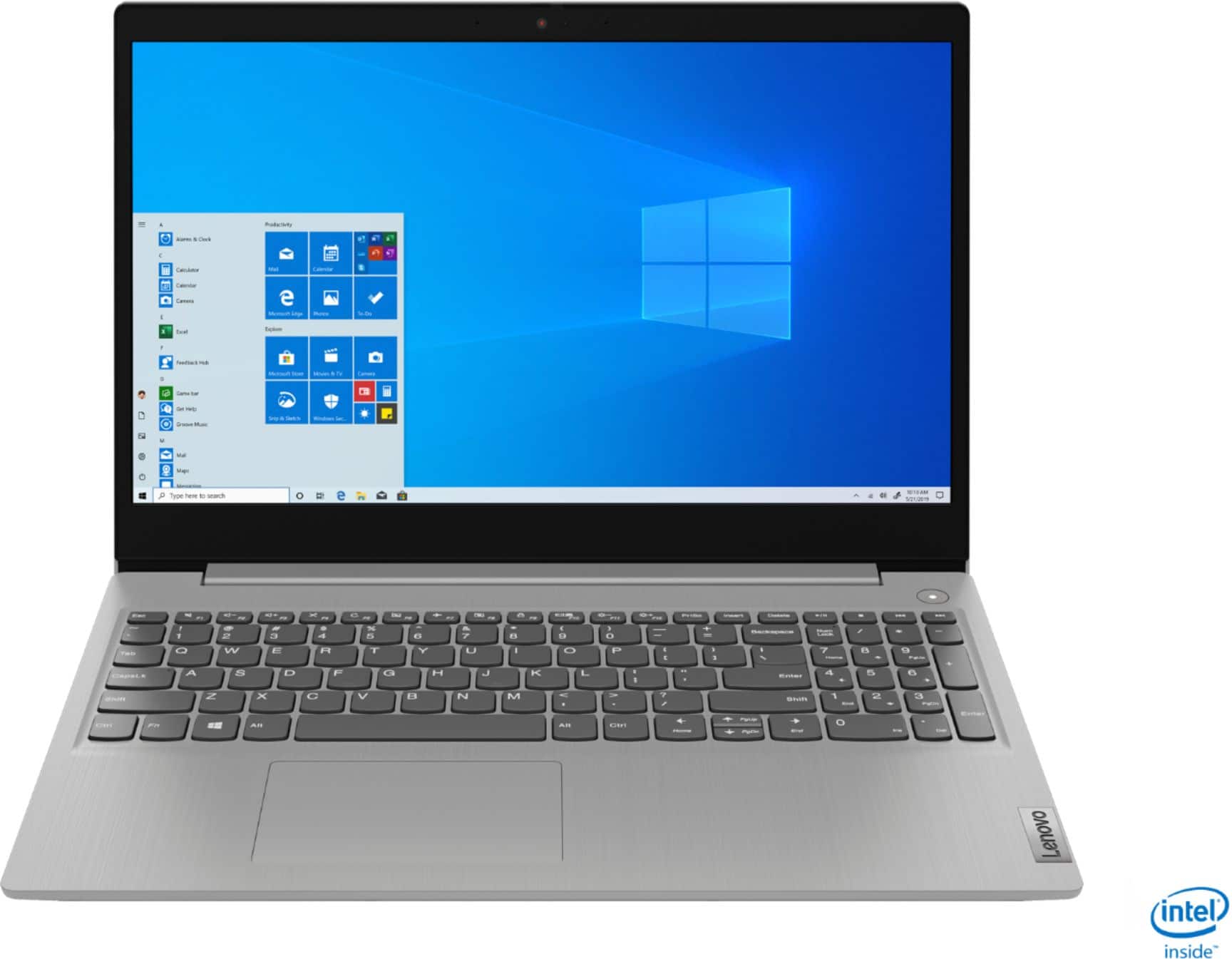
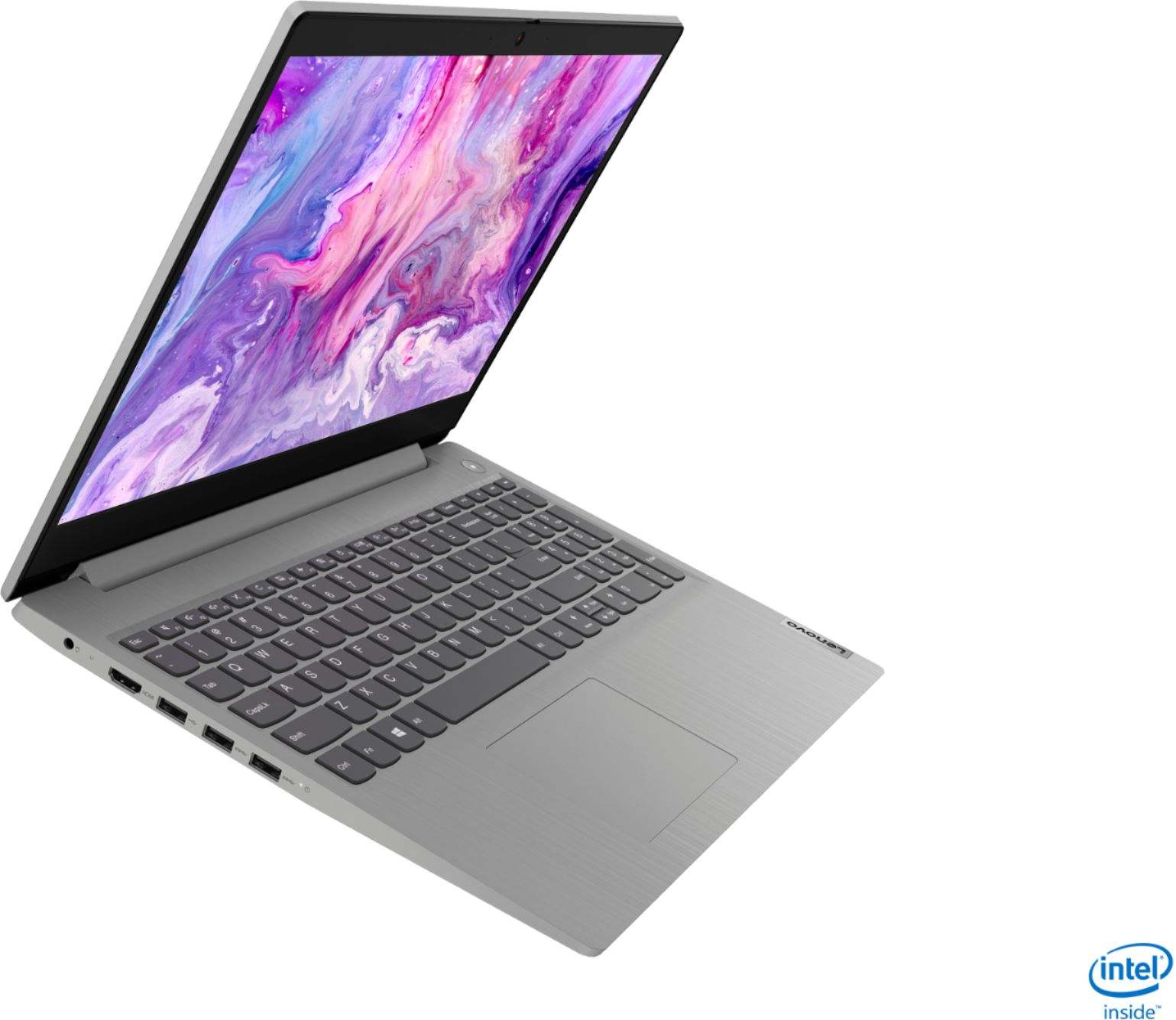
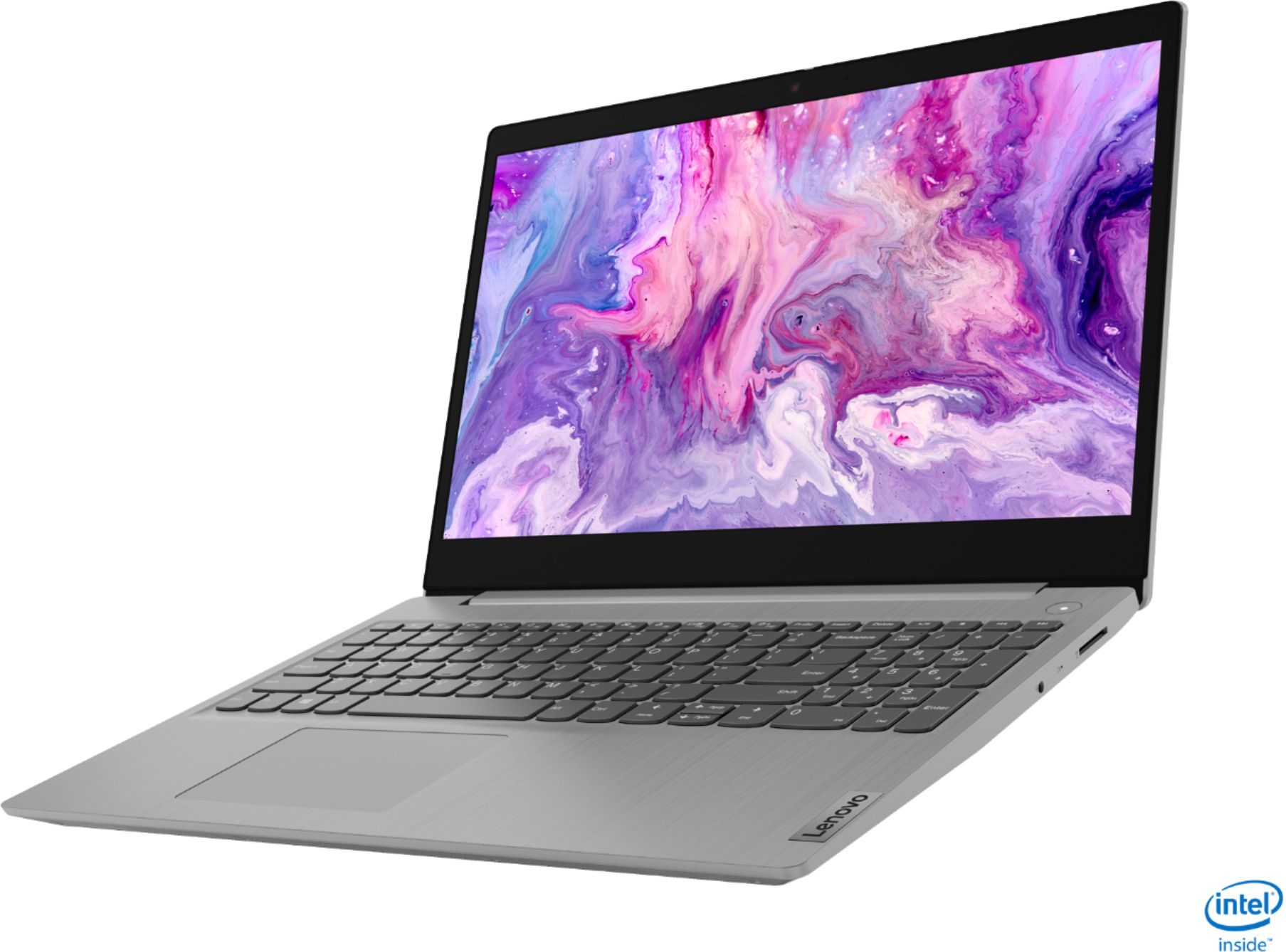
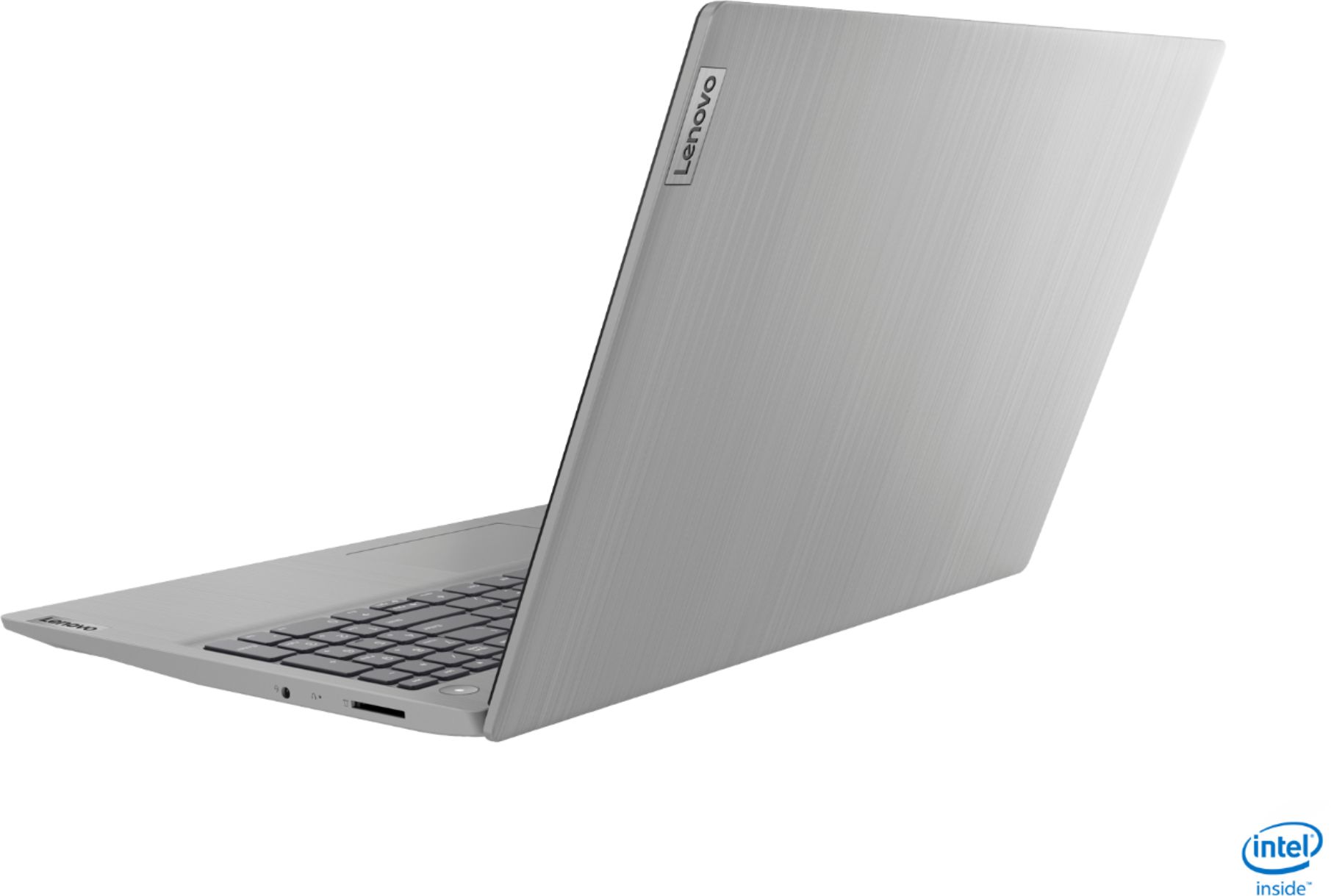




- Model:
- 81WE011UUS
- SKU:
- 6426707
Rating by feature
- Battery Life
Rating 4.2 out of 5 stars
- Speed
Rating 4.4 out of 5 stars
- Display
Rating 4.5 out of 5 stars
Customers are saying
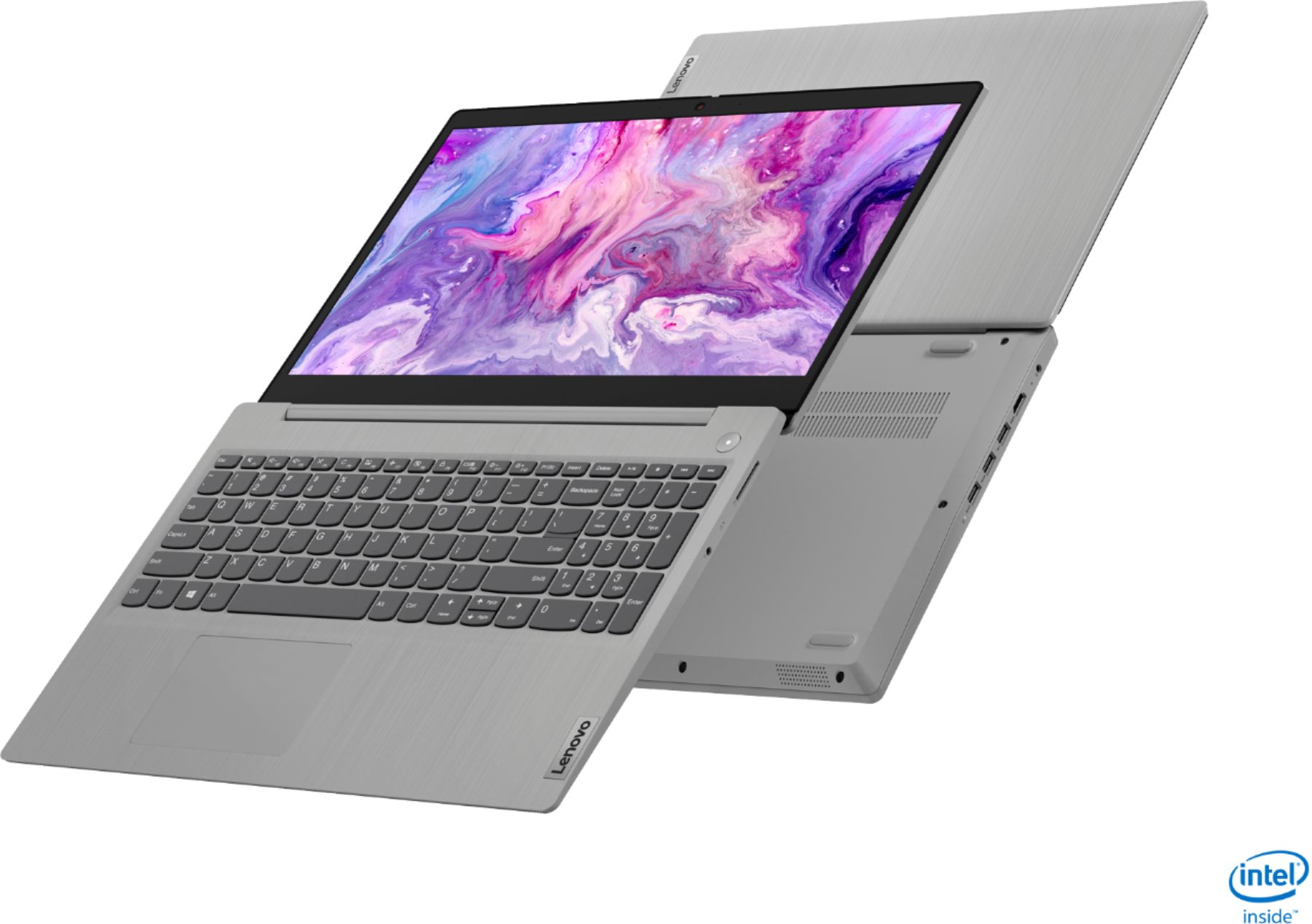
Customers often highlight the IdeaPad 3 15" Laptop's affordability, user-friendly interface, and lightweight design as its main advantages. Many users appreciate its clear screen and satisfactory performance. However, some users have concerns about its battery life, build quality, and the initial difficulty in disabling S mode.
This summary was generated by AI based on customer reviews.
be aware there is no free item included.
||Posted .This reviewer received promo considerations or sweepstakes entry for writing a review.be aware the free item which is advertised is not real. I purchase this laptop and I did not get any free item. I contacted chat online support and no help at all.
No, I would not recommend this to a friendDisappointed!
||Posted . Owned for 1 month when reviewed.This reviewer received promo considerations or sweepstakes entry for writing a review.Very disappointed in this laptop. The screen went black after just 2 hours of use. Contacted Lenovo, opened a service ticket but never heard back from them.
No, I would not recommend this to a friendBrand response from Lenovo Product Expert
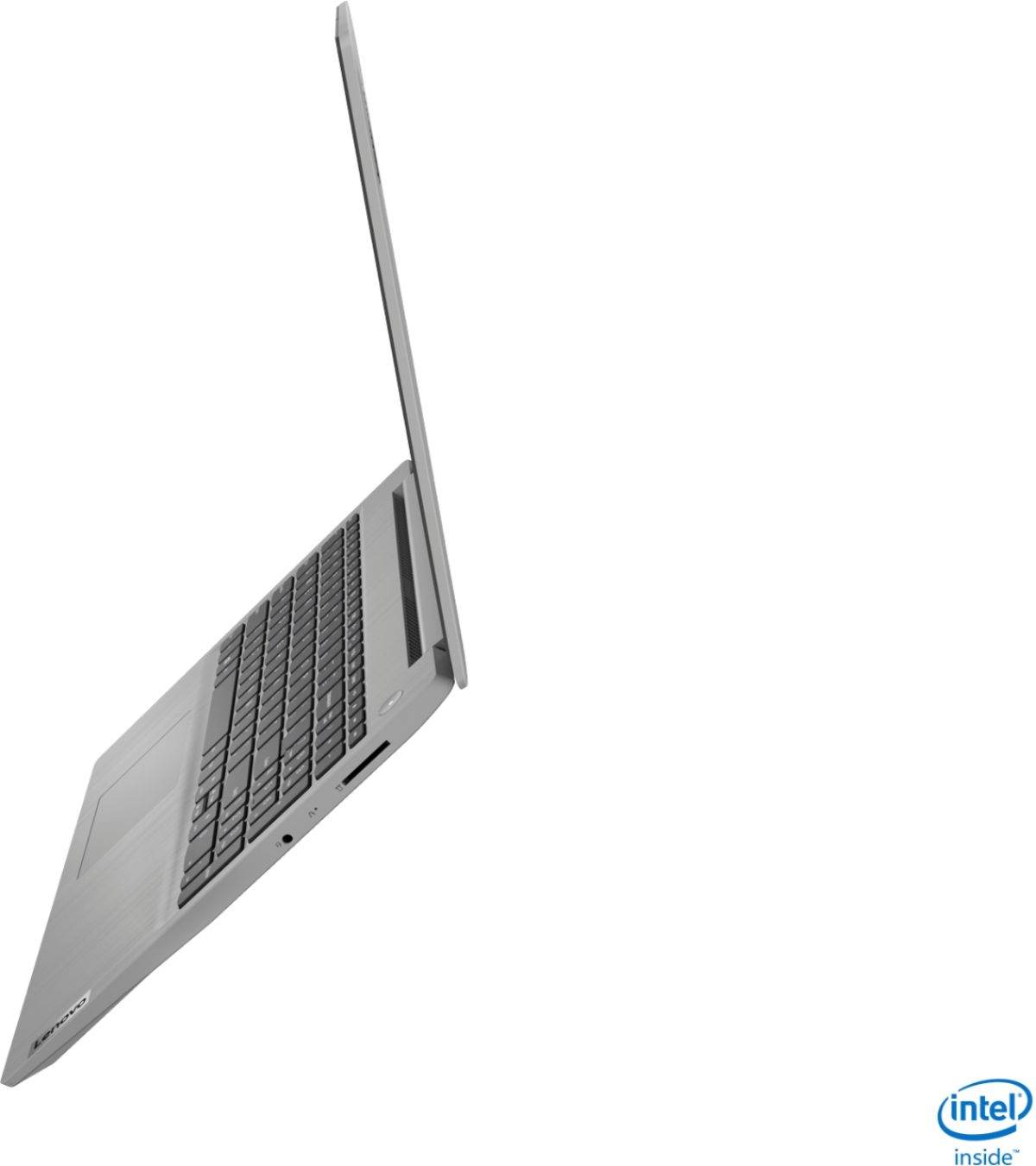
Posted .We are sorry to hear that you are having issues with your Lenovo IdeaPad 3 15 Laptop, model number 81WE011UUS. It is possible that resetting the computer back to original factory settings will correct the issue you describe. Since you can no longer boot the computer, this system is equipped with OneKey Recovery System. There is a very small pin hole on the right side of the device, right in between the headphone jack and the SD card slot on the device. You will need a pin to push this reset button. Plug the device in. Let the battery charge for about 15 minutes. Push the reset button. The system should boot to a choice screen where you can choose "Restore To Factory Default". Select this. It will delete everything from the hard drive except the original factory install of the operating system. You will need to reinstall all programs and files after the reset. If you don't have copies of the files, try to make one before you restore by selecting "Boot to desktop" and trying to back up your files. Once you have the computer reset, be sure any software you installed is compatible with Windows 10. There is no need to install Microsoft Office software. The software is already part of the operating system, you just need to activate the software with a purchased product key. If you have installed a copy of Microsoft Office, this is conflicting with the existing copy on the system and this will slow your system down. If you have installed a 3rd party anti-virus program, be sure that Windows Defender is turned off and that the trial version of McAfee Anti-Virus software is uninstalled. There can only be one anti-virus program on the system. You may need to restore your system to original factory default settings if any of the programming errors have occurred. You can do that by typing "restore" in the Cortana search window. Just click on the magnifying glass icon at the bottom left of your Windows 10 Desktop. Click on "Reset This PC" Then click on "Get Started" and follow the on screen directions to restore to factory defaults. If the problem persists, we recommend you contact Lenovo Tech Support at: 877-453-6686.

Crappy service
||Posted . Owned for 3 weeks when reviewed.This reviewer received promo considerations or sweepstakes entry for writing a review.Didn’t turn on couldn’t order another ... was offered lower memory and cheaper computer with crumbs on key board but it was certified..nothing comparable
No, I would not recommend this to a friendNot my purchase
||Posted .This reviewer received promo considerations or sweepstakes entry for writing a review.I wouldn’t know maybe you should ask the perpetrator who stole my card number, who you sold it to. And then when I informed you about it you did nothing.
No, I would not recommend this to a friendHate IT
||Posted . Owned for 1 month when reviewed.This reviewer received promo considerations or sweepstakes entry for writing a review.The screen is not working since I bought it. It doesn't have international warranty so I will have to pay to repair it. Its really bad.
No, I would not recommend this to a friendnot worth it
||Posted . Owned for 1 month when reviewed.This reviewer received promo considerations or sweepstakes entry for writing a review.It is poorly functioning. The sound went out after a week. Its not accessing my one drive correctly. I could have saved my money on this
No, I would not recommend this to a friendBrand response from Lenovo Product Expert
Posted .We are sorry to hear that you are having issues with your Lenovo IdeaPad 3 15 Laptop, model number 81WE011UUS. First, be sure you have the latest version of Windows 10 on the computer. Then update all of the BIOS files and drivers up to that latest version of Windows 10. You can easily accomplish this by scanning the computer with the Lenovo Utility software available on this computer. This system has Lenovo utilities installed to help maintain the health of the device and keep the operating system software up to date. Type "Lenovo Vantage" in the Cortana Search window (if Lenovo Vantage is not installed on your device, you can download the APP and install it now). Select Lenovo Vantage from the list. In the window that opens, click on "Health and Support". In the expanded menu, select "Hardware Scan" In the window that opens, select "Run Quick Tests". This will scan your entire system for errors. Follow any directions that may pop up. If the problem continues after this scan, now click on "System Update". First select Windows update from the menu. Scan your system to be sure you have the latest version of Windows 10. Once that scan is complete, select "Additional Updates". This will scan your device to be sure there are no new BIOS/Driver updates needed. Follow any instructions that may pop up. Once you have the computer updated, or have confirmed you have the latest operating system software on the computer, be sure any software you installed is compatible with Windows 10. There is no need to install Microsoft Office software. The software is already part of the operating system, you just need to activate the software with a purchased product key. If you have installed a copy of Microsoft Office, this is conflicting with the existing copy on the system and this will slow your system down. If you have installed a 3rd party anti-virus program, be sure that Windows Defender is turned off and that the trial version of McAfee Anti-Virus software is uninstalled. There can only be one anti-virus program on the system. You may need to restore your system to original factory default settings if any of the programming errors have occurred. You can do that by typing "restore" in the Cortana search window. Just click on the magnifying glass icon at the bottom left of your Windows 10 Desktop. Click on "Reset This PC" Then click on "Get Started" and follow the on screen directions to restore to factory defaults. If the problem persists, we recommend you contact Lenovo Tech Support at: 877-453-6686.
- Pros mentioned:Speed
Awesome laptop
Posted .This reviewer received promo considerations or sweepstakes entry for writing a review.I bought this as a Christmas gift for my husband back in 2020. This has been an awesome lap top. The speed is super fast and the functionality is easy to use. We use it to watch our trail cams, up load pictures to print, use out bluetooth printer as well as browse the internet. The quality is great, picture is perfect, and has been very convenient for my high schooler to get some extra classes out of the way this summer for her upcoming senior year. She had no complaints using this with and without it plugged in, as the battery lasts a long time. Way to go on this one, highly reccomend
I would recommend this to a friend Thank goodness for the return policy
||Posted . Owned for 2 weeks when reviewed.This reviewer received promo considerations or sweepstakes entry for writing a review.Did not work right out of the box. Would not turn on. Took it to Geek Squad who confirmed it was a dud. Returned and bought an hp
No, I would not recommend this to a friendLenovo
||Posted . Owned for 1.5 years when reviewed.This reviewer received promo considerations or sweepstakes entry for writing a review.The camera stoped working in les than 6 months. Then I had to get at to get it repaired
No, I would not recommend this to a friendNEVER BUY A LENOVO
||Posted . Owned for 1 month when reviewed.This reviewer received promo considerations or sweepstakes entry for writing a review.Freezes up all the time. Would not recommend at all. This is my second Lenovo and my old one had the same problem.
No, I would not recommend this to a friendBrand response from Lenovo Product Expert
Posted .We are sorry to hear that you are having issues with your Lenovo IdeaPad 3 15 Laptop, model number 81WE011UUS. This model ships with Windows 10 S-Mode 64-bit Operating System. Windows 10 S-Mode provides added security by only allowing APPs available ( and therefore certified by Microsoft) at the Microsoft Store. If you don't need the added security or you need to install APPs not available at the Microsoft Store, you can switch to standard Windows 10 Home 64-bit Operating System, at no additional cost. Even if you have switched out of S-Mode, be sure any software you installed is compatible with Windows 10. There is no need to install Microsoft Office software. The software is already part of the operating system, you just need to activate the software with a purchased product key. If you have installed a copy of Microsoft Office, this is conflicting with the existing copy on the system and this will slow your system down. If you have installed a 3rd party anti-virus program, be sure that Windows Defender is turned off and that the trial version of McAfee Anti-Virus software is uninstalled. There can only be one anti-virus program on the system. You may need to restore your system to original factory default settings if any of the programming errors have occurred. You can do that by typing "restore" in the Cortana search window. Just click on the magnifying glass icon at the bottom left of your Windows 10 Desktop. Click on "Reset This PC" Then click on "Get Started" and follow the on screen directions to restore to factory defaults. If the problem persists, we recommend you contact Lenovo Tech Support at: 877-453-6686.
DOA
||Posted . Owned for 1 month when reviewed.This reviewer received promo considerations or sweepstakes entry for writing a review.Christmas present for my son. Dead on Arrival!! Waiting for Lenovo to respond to email. Merry Christmas to me.
No, I would not recommend this to a friendBrand response from Lenovo Product Expert
Posted .We are sorry to hear that you are having issues with your Lenovo IdeaPad 3 15 Laptop, model number 81WE00KVUS. It is possible that resetting the computer back to original factory settings will correct the issue. Since you can no longer boot the computer, this system is equipped with OneKey Recovery System. There is a very small pin hole on the right side of the device, in between the headphone jack and the SD card slot on the device. You will need a pin to push this reset button. Plug the device in. Let the battery charge for about 15 minutes. Push the reset button. The system should boot to a choice screen where you can choose "Restore To Factory Default". Select this. It will delete everything from the hard drive except the original factory install of the operating system. You will need to reinstall all programs and files after the reset. If you don't have copies of the files, try to make one before you restore by selecting "Boot to desktop" and trying to back up your files. If the problem persists after the factory reset, we recommend you contact Lenovo Tech Support at: 877-453-6686.
Not worth price
||Posted . Owned for 1 year when reviewed.This reviewer received promo considerations or sweepstakes entry for writing a review.I returned this item after not even a week of use because it was so slow. Even to start up…
No, I would not recommend this to a friendBrand response from Lenovo Product Expert
Posted .This Lenovo IdeaPad 3 15 Laptop will boot from off to the Windows Desktop screen in less than 15-seconds. If you are getting slower boot times, even if you have switched out of S-mode, be sure any software you installed is compatible with Windows 10. There is no need to install Microsoft Office software. The software is already part of the operating system, you just need to activate the software with a purchased product key. If you have installed a copy of Microsoft Office, this is conflicting with the existing copy on the system and this will slow your system down. If you have installed a 3rd party anti-virus program, be sure that Windows Defender is turned off and that the trial version of McAfee Anti-Virus software is uninstalled. There can only be one anti-virus program on the system. You may need to restore your system to original factory default settings if any of the programming errors have occurred. You can do that by typing "restore" in the Cortana search window. Just click on the magnifying glass icon at the bottom left of your Windows 10 Desktop. Click on "Reset This PC" Then click on "Get Started" and follow the on screen directions to restore to factory defaults. If the problem persists, we recommend you contact Lenovo Tech Support at: 877-453-6686.
Don't buy this item
||Posted . Owned for 1 year when reviewed.This reviewer received promo considerations or sweepstakes entry for writing a review.This product functioned for 6 months and then it stopped working. Total waste of money.
No, I would not recommend this to a friend- Pros mentioned:Price, Speed
Great laptop value
Posted .This reviewer received promo considerations or sweepstakes entry for writing a review.This laptop is a great value at $299, the screen is nice and with an ssd programs open instantly. You don't need to pay more for an everyday laptop. Computers are commodities now. This computer has a great processor and plenty of memory. Make sure to switch to Windows Home if you want to install apps outside the Windows Store. It is quick and easy to do. This computer is a great value and it is really all most people need for day to day computing. You don't have to overpay for a quality computer anymore.
I would recommend this to a friendBrand response from Lenovo Product Expert
Posted .Hello. Thank you for choosing the Lenovo IdeaPad 3 laptop. We are pleased to hear that the value and performance of the IdeaPad 3 meets your computing needs so well! We appreciate your helpful and detailed review =)
Disappointed
||Posted . Owned for 1 week when reviewed.This reviewer received promo considerations or sweepstakes entry for writing a review.Had to return because I couldn't load the Webroot program and I couldn't get any help from Geek Squad.
I would recommend this to a friendBrand response from Lenovo Product Expert
Posted .Hello, we are sorry to hear you experienced this issue with your Lenovo IdeaPad 3 15" laptop. : This model ships with Windows 10 S-Mode Operating System. Windows 10 S-Mode provides added security by only allowing APPs available (and therefore certified by Microsoft) at the Microsoft Store. If you do not need the added security or you need to install APPs not available at the Microsoft Store, you can switch to standard Windows 10 Home 64-bit Operating System, at no additional cost. Here is a link to instructions for switching from Windows 10 S-Mode to Windows 10 Home: https://support.microsoft.com/en-us/help/4456067/windows-10-switch-out-of-s-mode . Further more this model ships with McAfee live safe anti-virus pre-installed and needs to be removed before installing any other 3rd party anti-virus software. Having two anti-virus software suites installed at the same time can cause system instability and errors.
Dead on Arrival. Doorstop straight out of box
||Posted . Owned for 2 weeks when reviewed.This reviewer received promo considerations or sweepstakes entry for writing a review.DOA. Dead on arrival. Won't even power on upon opening from box
No, I would not recommend this to a friendBrand response from Lenovo Product Expert
Posted .We are sorry to hear that you are having issues with your Lenovo IdeaPad 3 15 Laptop. Although the laptop was charged at the factory, it is possible that the charge within the battery has dissipated and the laptop needs to be plugged in/charged. Try plugging the computer in, wait 15-minutes, then try powering on normally. If the issue continues, we recommend you call Lenovo Tech Support at: 877-453-6686.
Never read
||Posted . Owned for 1 month when reviewed.This reviewer received promo considerations or sweepstakes entry for writing a review.I never read my item nor did I get a communication about when I’ll receive it. Very disappointed.
No, I would not recommend this to a friendDont buy
||Posted .This reviewer received promo considerations or sweepstakes entry for writing a review.Incredible piece of garbage!!! After clicking update ir has a black screen and not working
No, I would not recommend this to a friendBrand response from Lenovo Product Expert
Posted .We are sorry to hear that you are having issues with a Windows 10 update to your Lenovo IdeaPad 3 15 Laptop, model number 81WE011UUS. It is possible that resetting the computer back to original factory settings may correct the issues describe. Since you can no boot the computer, this system is equipped with OneKey Recovery System. There is a very small pin hole on the right side of the device, right in between the headphone jack and the SD card slot on the device. You will need a pin to push this reset button. Plug the device in. Let the battery charge for about 15 minutes. Push the reset button. The system should boot to a choice screen where you can choose "Restore To Factory Default". Select this. It will delete everything from the hard drive except the original factory install of the operating system. You will need to reinstall all programs and files after the reset. If you don't have copies of the files, try to make one before you restore by selecting "Boot to desktop" and trying to back up your files. If the problem persists after the factory reset, we recommend you contact Lenovo Tech Support at: 877-453-6686.
good lenovo
||Posted . Owned for 1 year when reviewed.This reviewer received promo considerations or sweepstakes entry for writing a review.good item and fair price for this laptop very affordable
I would recommend this to a friendthe microphone dont works
||Posted . Owned for 2 months when reviewed.This reviewer received promo considerations or sweepstakes entry for writing a review.the microphone dont works, I need the laptop for zoom and anybody can hear that I speak
No, I would not recommend this to a friendBrand response from Lenovo Product Expert
Posted .We are sorry to hear that you are having issues with the built in microphone within your Lenovo IdeaPad 3 15 Laptop. First test your microphone by using the audio recorder within Windows 10. Here is a link to instructions for using the audio recorder within Windows 10: https://support.microsoft.com/en-us/windows/how-to-use-voice-recorder-6fbb53d5-0539-abda-a9a4-0bcb84a778e7. If you are able to record and playback your recording normally, check your audio settings within the video conferencing APP you are using. Be sure to select your computer microphone for audio and that you are off mute, both at the computer and at the APP itself. If the issue continues, we recommend you contact Lenovo Tech Support at: 877-453-6686.