Customer Ratings & Reviews




- Model:
- 81WE011UUS
- SKU:
- 6426707
Rating by feature
- Battery Life
Rating 4.2 out of 5 stars
- Speed
Rating 4.4 out of 5 stars
- Display
Rating 4.5 out of 5 stars
Customers are saying
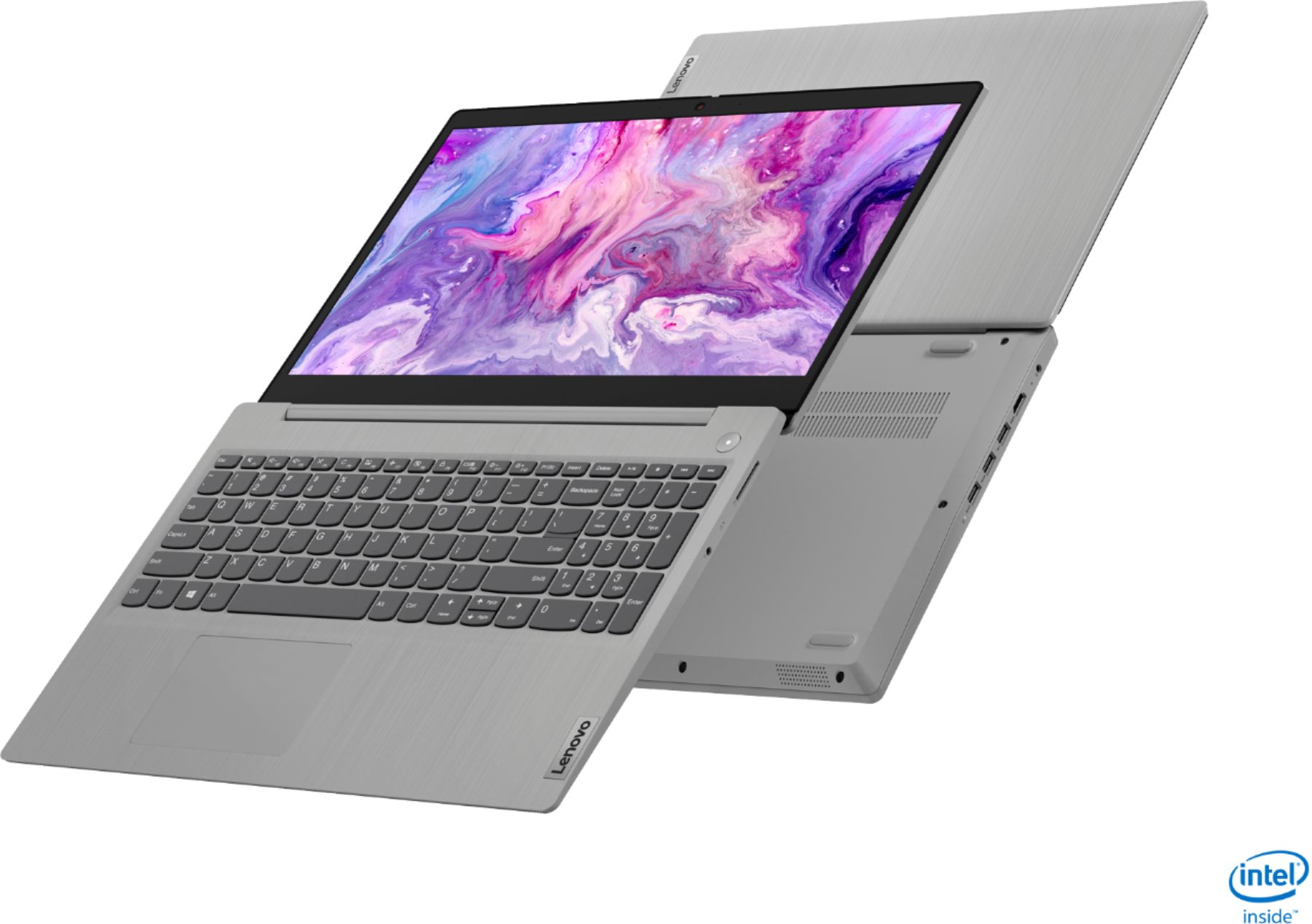
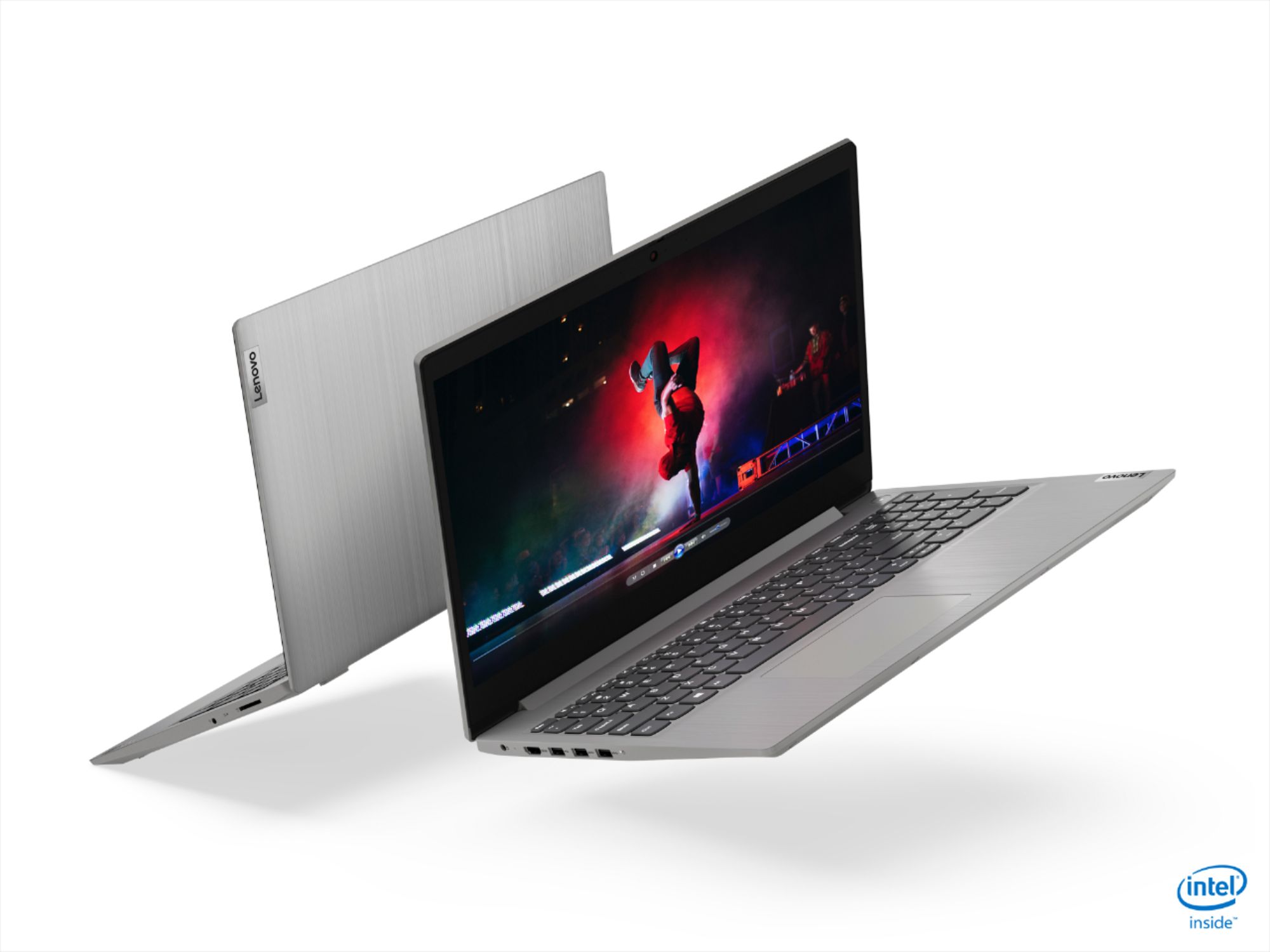
Customers often highlight the IdeaPad 3 15" Laptop's affordability, user-friendly interface, and lightweight design as its main advantages. Many users appreciate its clear screen and satisfactory performance. However, some users have concerns about its battery life, build quality, and the initial difficulty in disabling S mode.
This summary was generated by AI based on customer reviews.
- Pros mentioned:Weight
Exceeded my expectations
||Posted . Owned for 3 weeks when reviewed.This reviewer received promo considerations or sweepstakes entry for writing a review.Great laptop that meets all my needs. I had to have an 8GB RAM to do my new online job and this worked perfectly for all the required tech needed. It’s easy to use and very lightweight, I also love how slim it is and easy to move around since I am setting up my new home office to accommodate my new work structure. Easy to use and overall a great laptop. If I could give it more stars I would.
I would recommend this to a friendBrand response from Lenovo Product Expert
Posted .Hello. Thank you for choosing the Lenovo IdeaPad 3 laptop. We are pleased to hear that the value and performance of the IdeaPad 3 meets your computing needs so well!

- Pros mentioned:Lightweight, Speed
Great laptop
||Posted . Owned for 3 weeks when reviewed.This reviewer received promo considerations or sweepstakes entry for writing a review.Great value, this laptop is lightweight, fast and meets all of my computing needs.
I would recommend this to a friend - Pros mentioned:Speed
Good Lenovo
||Posted . Owned for 3 weeks when reviewed.This reviewer received promo considerations or sweepstakes entry for writing a review.I already thought this computer was going to be amazing- but it surpassed my expectations. It’s extremely fast and easy to log in. The fan isn’t that loud at all, and was only noticeable when charging it (which didn’t take long at all using the thunderbolt port). I put it on a cooling pad which was enough that the fan didn’t need to stay on.Battery life is incredible and the keypad feels fine. I can’t find any fault with it.
I would recommend this to a friend - Pros mentioned:PriceCons mentioned:Battery life
Good computer for money
||Posted . Owned for 10 months when reviewed.This reviewer received promo considerations or sweepstakes entry for writing a review.Good computer for the money. The battery life is about 2.5 hours could be improved.
I would recommend this to a friendBrand response from Lenovo Product Expert
Posted .The Lenovo IdeaPad 3 15 Laptop, model number 81WR000FUS, ships with a 2CELL_35WH_INTERNAL, Lithium Polymer Battery, which within this configuration, has a battery life of up to 7 hours, depending on the work the device is performing. If you are getting substantially less battery life, first, set your screen brightness at less than 100-percent - try 80-percent to start with. Then, be sure Battery conservation Mode is turned off. This power management setting should only be used when the laptop is plugged in all the time. It will prolong overall battery life by only charging the battery to 60-percent of capacity. Here is a link to instructions for turning off Battery Conservation Mode: https://support.lenovo.com/us/en/solutions/ht103159. Also check what programs are running in the background on the computer. Be sure only the programs you want running in the background are. These programs will drain the battery. Here is a link to information about how to find out what programs are running in the background on your Windows 10 computer and how to manage them for better system performance: https://www.windowscentral.com/how-prevent-apps-running-background-windows-10. Then, finally, be sure any software you installed is compatible with Windows 10. Incompatible software will drain the battery at a faster rate. There is no need to install Microsoft Office software. The software is already part of the operating system, you just need to activate the software with a purchased product key. If you have installed a copy of Microsoft Office, this is conflicting with the existing copy on the system and this will slow your system down. If you have installed a 3rd party anti-virus program, be sure that Windows Defender is turned off and that the trial version of McAfee Anti-Virus software is uninstalled. There can only be one anti-virus program on the system. You may need to restore your system to original factory default settings if any of the programming errors have occurred. You can do that by typing "restore" in the Cortana search window. Just click on the magnifying glass icon at the bottom left of your Windows 10 Desktop. Click on "Reset This PC" Then click on "Get Started" and follow the on screen directions to restore to factory defaults. If the problem persists, we recommend you contact Lenovo Tech Support at: 877-453-6686.
- Pros mentioned:LightweightCons mentioned:Battery life
Good laptop
||Posted . Owned for 10 months when reviewed.This reviewer received promo considerations or sweepstakes entry for writing a review.Pretty Good Laptop. It is light. It runs good. But battery will not last long.
I would recommend this to a friend - Pros mentioned:Speed, Weight
lenovo i3
||Posted .This reviewer received promo considerations or sweepstakes entry for writing a review.better than advertised,may have to retire the desk top, slim , lite weight fast
I would recommend this to a friendBrand response from Lenovo Product Expert
Posted .Hello. Thank you for choosing the Lenovo IdeaPad 3 laptop. We are pleased to hear that the value and performance of the IdeaPad 3 meets your computing needs so well!
- Pros mentioned:Speed
did not regret
||Posted . Owned for 6 months when reviewed.This reviewer received promo considerations or sweepstakes entry for writing a review.Good combination of a pad and a PC. keyboard is smooth and speed is good.
I would recommend this to a friend - Pros mentioned:Price
Computer
||Posted . Owned for 1.5 years when reviewed.This reviewer received promo considerations or sweepstakes entry for writing a review.Very good laptop for the price can’t complaint as a icore 3
I would recommend this to a friend - Pros mentioned:Price, Speed
Laptop
||Posted .This reviewer received promo considerations or sweepstakes entry for writing a review.The laptop was a great price and works quickly for my internet and video needs.
I would recommend this to a friend Online School
||Posted . Owned for 1 month when reviewed.This reviewer received promo considerations or sweepstakes entry for writing a review.I brought this for online school instead of the school issued Chromebook that was unavailable from the school system at the time. The Laptop has performed great so far after several months of use. Boots up quick handles all task very well with no slow down. For the price the performance meets expectation. With most of the work being turned in online and saved through Google the storage capacity is more than enough.
I would recommend this to a friendBrand response from Lenovo Product Expert
Posted .Thank you for choosing the Lenovo IdeaPad 3 15 Laptop model number 81WE011UUS. We are pleased to hear that the IdeaPad 3 15 meets your computing needs so well.
- Pros mentioned:Lightweight
2020 MacBook Air with M1 chip
||Posted . Owned for 1 month when reviewed.This reviewer received promo considerations or sweepstakes entry for writing a review.Replaced my mid year 2009 Apple MacBook with the new 2020 gold MacBook Air with the M1 chip. Graphics are very nice, laptop is extremely lightweight, yet sturdy. I recommend Apple as my 2009 laptop still works even though I have nearly worn the letters off the keys from use. Good products. I used the Best Buy Geek Squad to set up my new computer and am quite pleased with their work.
I would recommend this to a friend - Pros mentioned:Price
Great value
||Posted . Owned for 1 week when reviewed.This reviewer received promo considerations or sweepstakes entry for writing a review.Good laptop for the price I bought 2 of these laptop work great out of the box.
I would recommend this to a friend - Pros mentioned:Easy to use, Speed
Good value 2-in-1.
||Posted . Owned for 3 weeks when reviewed.This reviewer received promo considerations or sweepstakes entry for writing a review.Good speed, minimal muss & fuss getting it set up how I want, and to get rid of bloatware.
I would recommend this to a friend - Pros mentioned:Price, Weight
Bargain Price
||Posted . Owned for 3 weeks when reviewed.This reviewer received promo considerations or sweepstakes entry for writing a review.Good laptop for the price. Easy to use and lightweight.
I would recommend this to a friend - Pros mentioned:Speed, Weight
Great value
||Posted . Owned for 1 month when reviewed.This reviewer received promo considerations or sweepstakes entry for writing a review.Great value. I like it so far. It is not too heavy and it is pretty fast
I would recommend this to a friend - Pros mentioned:Price, Speed
a good computer
||Posted . Owned for 3 weeks when reviewed.This reviewer received promo considerations or sweepstakes entry for writing a review.a good computer with great price! Nice looking with fast speed and capacity.
I would recommend this to a friend - Pros mentioned:Speed
Big Improvement Over My Last Computer
||Posted . Owned for 1 month when reviewed.This reviewer received promo considerations or sweepstakes entry for writing a review.This computer is a big improvement from my 10 year old Samsung. The picture quality is clear and crisp and colors are bright. I had the Geek Squad set it up for me and the apps I use the most put on the home screen. So far it is working well. It is a lot faster than what I had been using. Just wish there wasn't so many pop-ups when I'm trying to research something.
I would recommend this to a friendBrand response from Lenovo Product Expert
Posted .Hello. Thank you for choosing the Lenovo IdeaPad 3 laptop. We are pleased to hear that the value and performance of the IdeaPad 3 meets your computing needs so well! To disable notifications in Windows 10 you can type "Notifications" into the Windows 10 Cortana search bar at the bottom left of your screen. Then click "Notifications and Actions Center". From there you can select your preferences on notifications.
- Pros mentioned:Price
Laptop
||Posted . Owned for 3 weeks when reviewed.This reviewer received promo considerations or sweepstakes entry for writing a review.Good deal nice price for a powerful laptop very happy with the purchase
I would recommend this to a friendBrand response from Lenovo Product Expert
Posted .Thank you for choosing the Lenovo IdeaPad 3 15 Laptop, model number 81WE00KVUS. We are pleased to hear that the value and performance of the IdeaPad 3 15 meets your computing needs so well.
- Pros mentioned:Price, Speed
Laptop
||Posted . Owned for 7 months when reviewed.This reviewer received promo considerations or sweepstakes entry for writing a review.Excellent speed fast working great for the price an every day use
I would recommend this to a friend - Pros mentioned:Weight
Solid laptop!!!
||Posted . Owned for 1 week when reviewed.This reviewer received promo considerations or sweepstakes entry for writing a review.I have only had this a short while but I can say that this is a great laptop at a great price. Quick start up and does what I need it to do. Light weight for easy portability. This laptop has many features for this price point. Overall good purchase for general use, email, internet, light streaming, video calls and casual gaming. The built in Alexa was a nice surprise.
I would recommend this to a friend