Customer Ratings & Reviews




- Model:
- 81WE011UUS
- SKU:
- 6426707
Rating by feature
- Battery Life
Rating 4.2 out of 5 stars
- Speed
Rating 4.4 out of 5 stars
- Display
Rating 4.5 out of 5 stars
Customers are saying
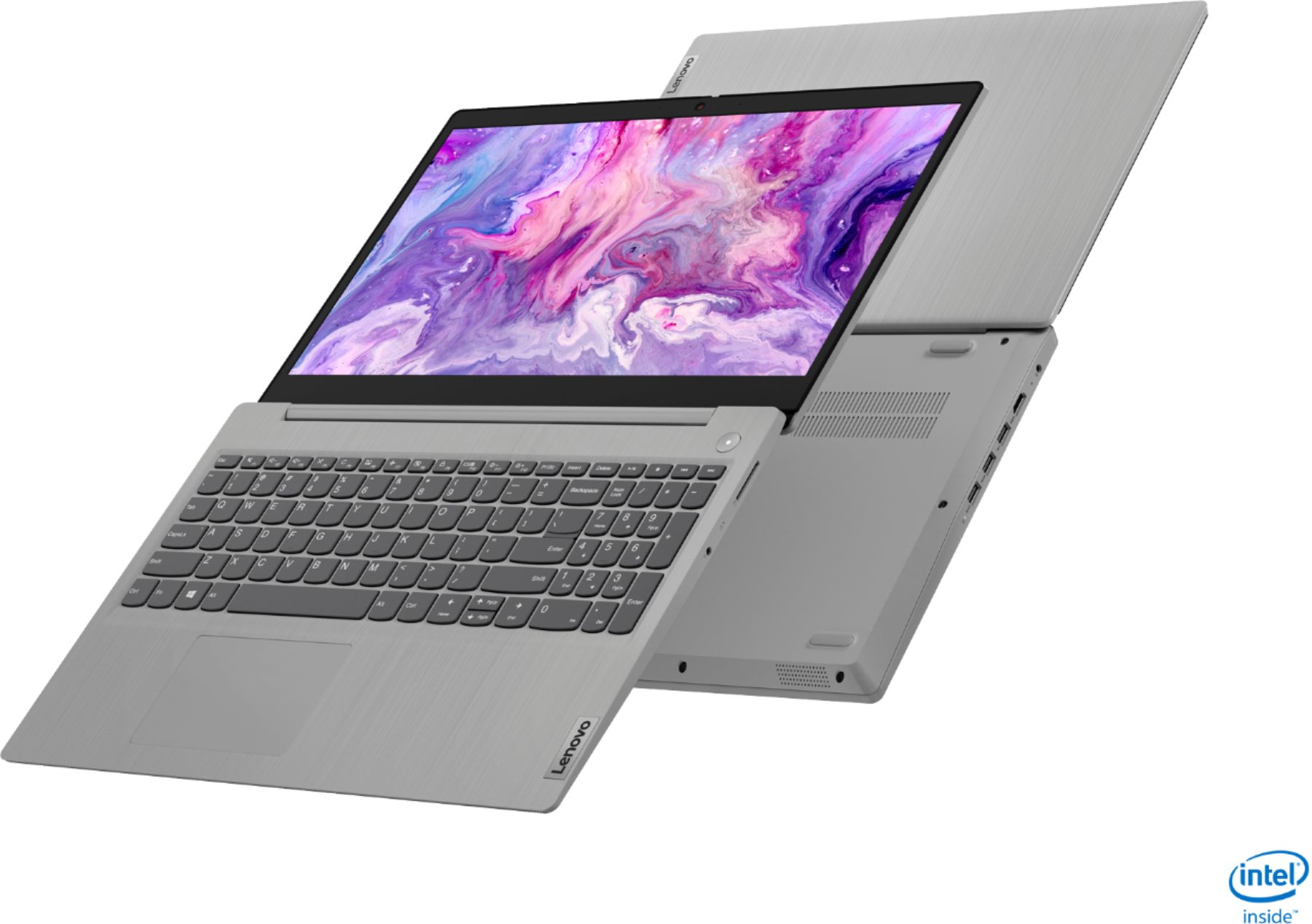
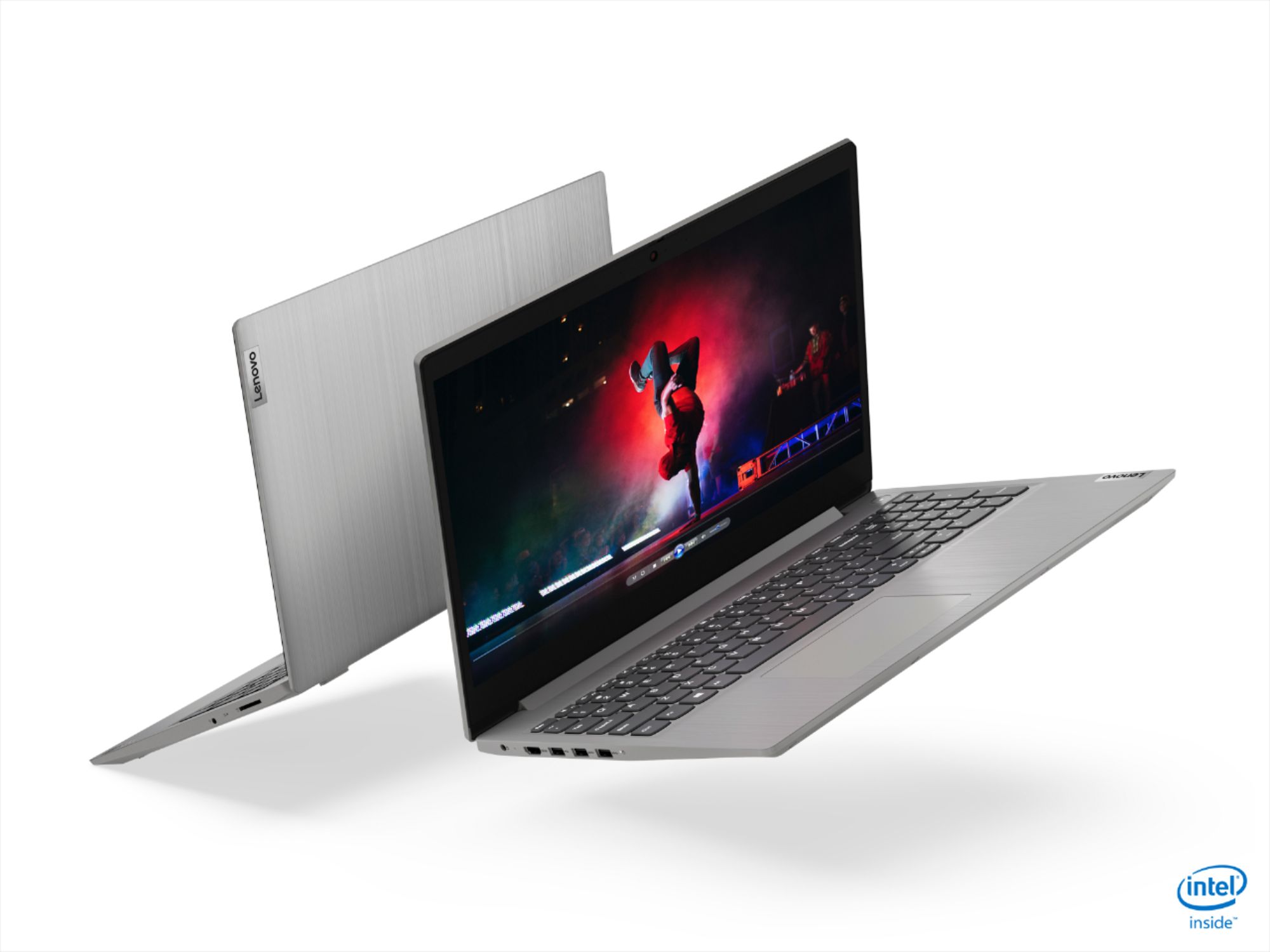
Customers often highlight the IdeaPad 3 15" Laptop's affordability, user-friendly interface, and lightweight design as its main advantages. Many users appreciate its clear screen and satisfactory performance. However, some users have concerns about its battery life, build quality, and the initial difficulty in disabling S mode.
This summary was generated by AI based on customer reviews.
My Review
||Posted . Owned for 1 month when reviewed.This reviewer received promo considerations or sweepstakes entry for writing a review.Very slow.....very very slow. I use this got my job so it is completely unacceptable.
No, I would not recommend this to a friendBrand response from Lenovo Product Expert
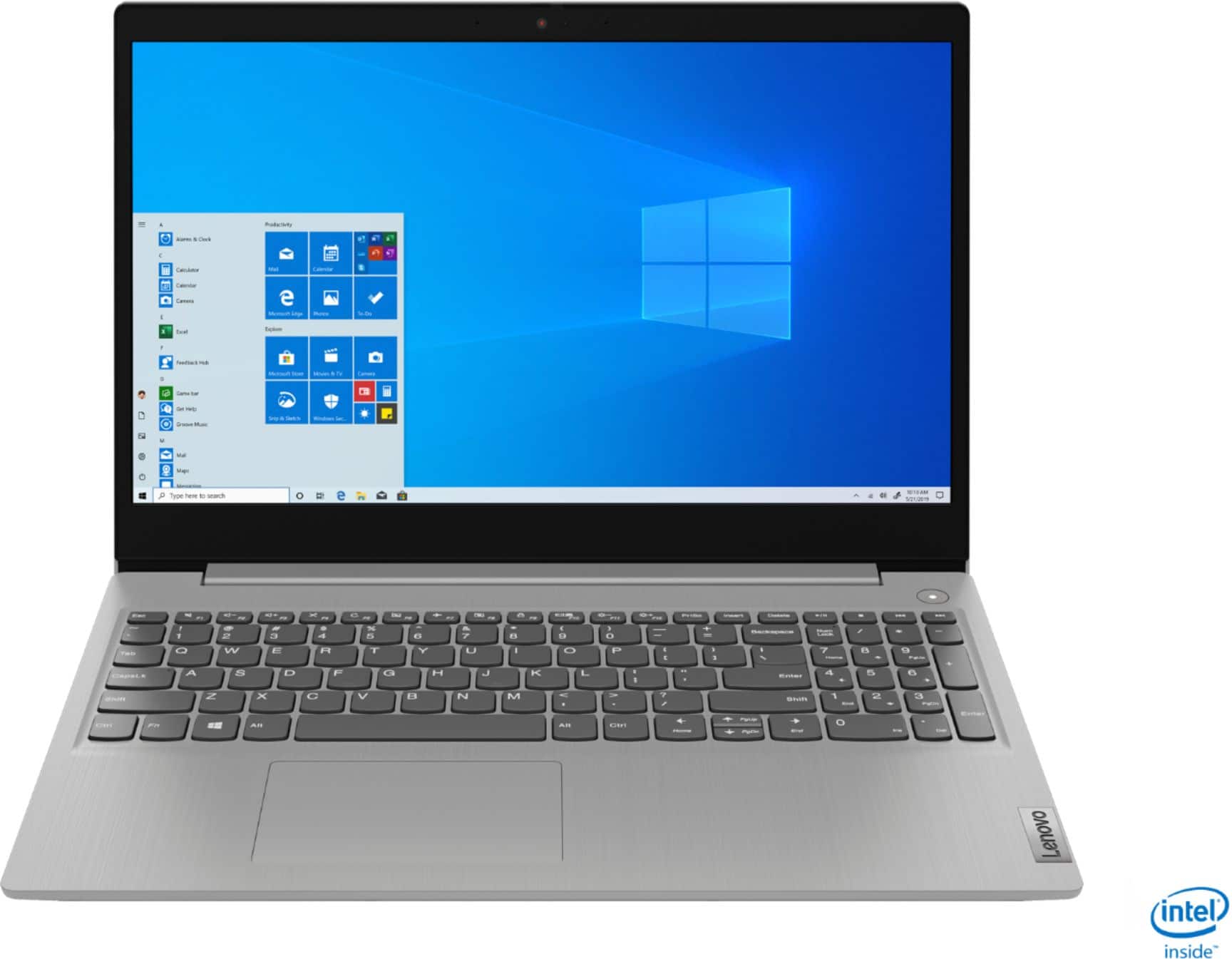
Posted .The Lenovo IdeaPad 3 15" laptop model number 81WE011UUS ships with and Intel Core i3 processor with base seeds of 1.2 GHZ and boosts to 3.4GHz. Its 8GB system memory and snappy 256 GB SSD mean this machine boots and loads programs quickly, is great for multitasking between programs and multiple internet tabs, and is great with productivity software suites like Microsoft office. If your machine is running slow Be sure any software you installed is compatible with Windows 10 S Mode. This model ships with Windows 10 S-Mode Operating System. Windows 10 S-Mode provides added security by only allowing APPs available (and therefore certified by Microsoft) at the Microsoft Store. If you do not need the added security or you need to install APPs not available at the Microsoft Store, you can switch to standard Windows 10 Home 64-bit Operating System, at no additional cost. There is no need to install Microsoft Office software. The software is already part of the operating system, you just need to activate the software with a purchased product key. If you have installed a copy of Microsoft Office, this is conflicting with the existing copy on the system and this will slow your system down. If you have installed a 3rd party anti-virus program, be sure that Windows Defender is turned off and that the trial version of McAfee Anti-Virus software is uninstalled. There can only be one anti-virus program on the system. You may need to restore your system to original factory default settings if any of the programming errors have occurred. You can do that by typing "restore" in the Cortana search window. Just click on the magnifying glass icon at the bottom left of your Windows 10 Desktop. Click on "Reset This PC” Then click on "Get Started" and follow the on-screen directions to restore to factory defaults. If the problem persists, we recommend you contact Lenovo Tech Support at: 877-453-6686.

Broke in a couple of days
||Posted . Owned for 1 month when reviewed.This reviewer received promo considerations or sweepstakes entry for writing a review.The frame around screen broke in just a couple of days with very gentle use.
No, I would not recommend this to a friendDont waste ur money
||Posted . Owned for 1 year when reviewed.This reviewer received promo considerations or sweepstakes entry for writing a review.Its dont turn off and it keep frezz................
No, I would not recommend this to a friendPretty Good, Until I Broke It.
Posted .This reviewer received promo considerations or sweepstakes entry for writing a review.This laptop is excellent, don't get me wrong. The keyboard is nice, it really reacts quickly and the noise is nice. The touchpad and stuff are really amazing. However, I do find it really overpriced. The screen was really fragile and once I accidentally dropped it, it shattered and it no longer works. It is an issue on my part, but I wish the screen and overall durability was better, as it didn't really fall that hard.
I would recommend this to a friendOut os stock
||Posted . Owned for 3 weeks when reviewed.This reviewer received promo considerations or sweepstakes entry for writing a review.Windows was crashing so i asked for another one,but wasn't available.
I would recommend this to a friendBrand response from Lenovo Product Expert
Posted .Hello, we are sorry to hear you are experiencing this issue with the Lenovo 3 15" laptop model # 81WE011UUS. Please ensure you have installed in the latest version of windows 10, System device drivers, and BIOS. You can easily accomplish this by scanning the computer with the Lenovo Utility software available on this computer. This system has Lenovo utilities installed to help maintain the health of the device and keep the operating system software up to date. Type "Lenovo Vantage" in the Cortana Search window (if Lenovo Vantage is not installed on your device, you can download the APP and install it now). Select Lenovo Vantage from the list. In the window that opens, click on "Health and Support". In the expanded menu, select "Hardware Scan” In the window that opens, select "Run Quick Tests". This will scan your entire system for errors. Follow any directions that may pop up. If the problem continues after this scan, now click on "System Update". First select Windows update from the menu. Scan your system to be sure you have the latest version of Windows 10. Once that scan is complete, select "Additional Updates". This will scan your device to be sure there are no new BIOS/Driver updates needed. Follow any instructions that may pop up. If the issue continues after these updates, we recommend you call Lenovo Tech Support at: 877-453-6686 for additional help.
Broken laptop
||Posted . Owned for 3 weeks when reviewed.This reviewer received promo considerations or sweepstakes entry for writing a review.You sold me an open box that had a brokwn laptop not happy about it
No, I would not recommend this to a friend- Pros mentioned:Speed, Weight
I really like it!
Posted .This reviewer received promo considerations or sweepstakes entry for writing a review.What I like = It's lightweight. It's reasonably fast. The screen is not hard to look at. The keyboard and trackpad are usable. It will serve my main uses of surfing, shopping, and socials very well. What I dislike = It comes with Windows 10 in S mode and has a cost of $99 to upgrade to Windows 10 Pro which you will very likely want to do. This hardware would not be good for gaming or video rendering.
I would recommend this to a friend Very bad laptop
||Posted .This reviewer received promo considerations or sweepstakes entry for writing a review.I bought this for my son and keypad is coming off . Very bad
No, I would not recommend this to a friendBrand response from Lenovo Product Expert
Posted .Hello we are sorry to hear you are having an issue with the keys in your Lenovo IdeaPad 3 15" laptop. We recommend reaching out to your Local Geek Squad for repairs, or you may get in contact with Lenovo Tech Support Directly at 877-453-6686
Cheap product
||Posted . Owned for 3 weeks when reviewed.This reviewer received promo considerations or sweepstakes entry for writing a review.Poor quality, not worth the money. Better find other laptop.
No, I would not recommend this to a friendChrome book
||Posted . Owned for 3 weeks when reviewed.This reviewer received promo considerations or sweepstakes entry for writing a review.Within 1 month of purchase the operating system failed.
No, I would not recommend this to a friendBrand response from Lenovo Product Expert
Posted .Hello, this is not a Chromebook this is the Lenovo IdeaPad 3 15 " laptop model # 81WE011UUS which ships with Windows 10 Home (in S-mode). Windows 10 S-Mode provides added security by only allowing APPs available (and therefore certified by Microsoft) at the Microsoft Store. If you do not need the added security or you need to install APPs not available at the Microsoft Store, you can switch to standard Windows 10 Home 64-bit Operating System, at no additional cost. Here is a link to instructions for switching from Windows 10 S-Mode to Windows 10 Home: https://support.microsoft.com/en-us/help/4456067/windows-10-switch-out-of-s-mode. If after switching out of S-Mode your issue persists please Be sure any software you installed is compatible with Windows 10. There is no need to install Microsoft Office software. The software is already part of the operating system, you just need to activate the software with a purchased product key. If you have installed a copy of Microsoft Office, this is conflicting with the existing copy on the system and this will slow your system down. If you have installed a 3rd party anti-virus program, be sure that Windows Defender is turned off and that the trial version of McAfee Anti-Virus software is uninstalled. There can only be one anti-virus program on the system. You may need to restore your system to original factory default settings if any of the programming errors have occurred. You can do that by typing "restore" in the Cortana search window. Just click on the magnifying glass icon at the bottom left of your Windows 10 Desktop. Click on "Reset This PC” Then click on "Get Started" and follow the on-screen directions to restore to factory defaults. If the problem persists, we recommend you contact Lenovo Tech Support at: 877-453-6686.
Unhappy
||Posted . Owned for 3 weeks when reviewed.This reviewer received promo considerations or sweepstakes entry for writing a review.Did not like this laptop. I returned it and bought a HP
No, I would not recommend this to a friendwaste of money
||Posted . Owned for 1 month when reviewed.This reviewer received promo considerations or sweepstakes entry for writing a review.video quality is very bad...........................
No, I would not recommend this to a friendBrand response from Lenovo Product Expert
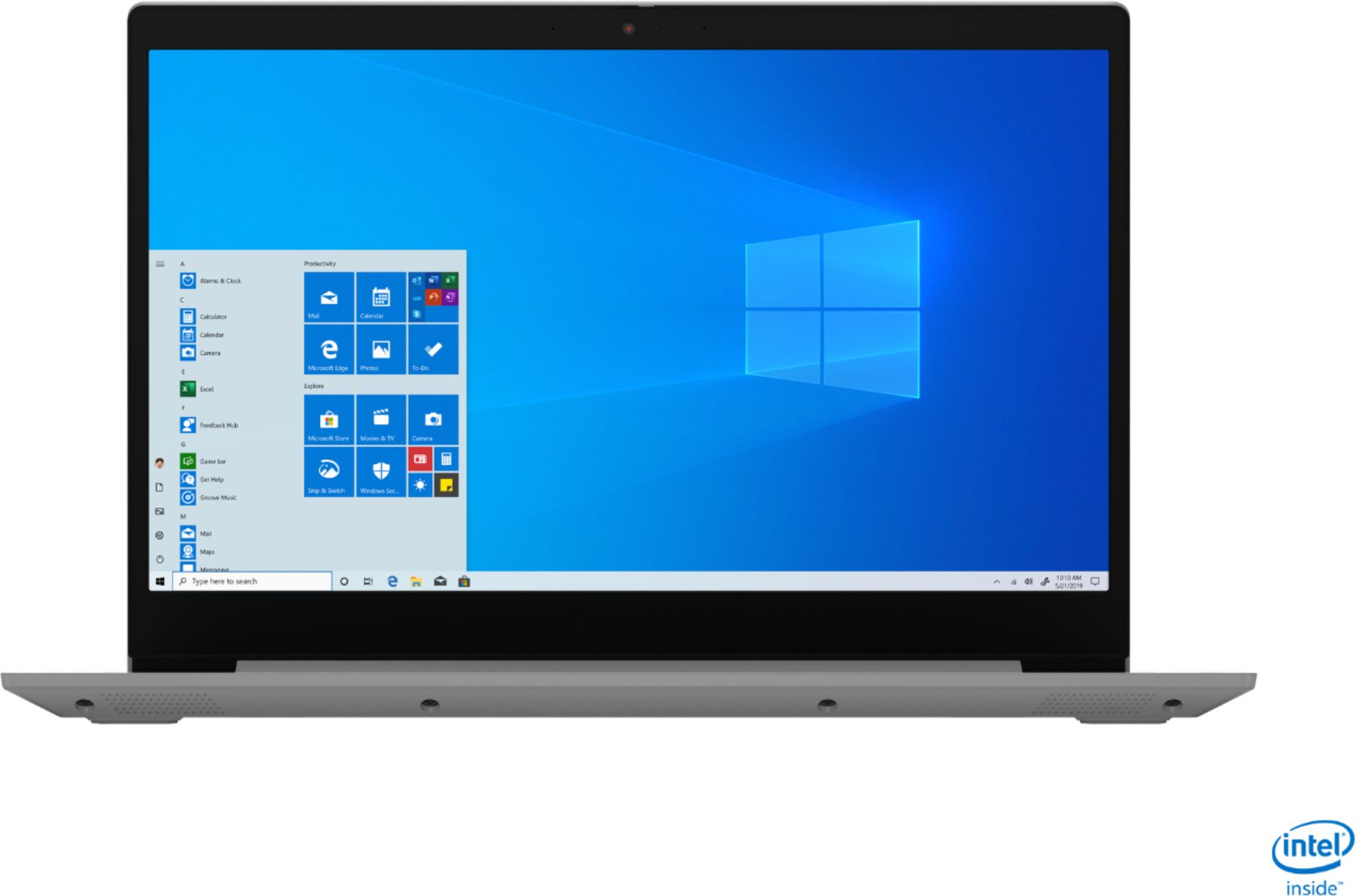
Posted .The Lenovo IdeaPad 3 15 Laptop, model number 81WE011UUS, ships with a 15.6-Inch (screen size measured diagonally) IPS LCD w/LED Backlight (Anti-glare) screen, with a refresh rate of 60Hz, a resolution of 1920 x 1080 (FHD) and a brightness level of 250 nits. This configuration uses integrated graphics processing within the Intel Core i3-1005G1 processor. It is the integrated, Intel UHD Graphics version.
Ok
||Posted . Owned for 1 week when reviewed.This reviewer received promo considerations or sweepstakes entry for writing a review.Don’t want to link with my cricut !!!!!!!!!!!! B
I would recommend this to a friendBrand response from Lenovo Product Expert
Posted .The Lenovo IdeaPad 3 15 Laptop, model number 81WE011UUS, ships with Windows 10 S-Mode Operating System. Windows 10 S-Mode provides added security by only allowing APPs available ( and therefore certified by Microsoft) at the Microsoft Store. If you don't need the added security or you need to install APPs not available at the Microsoft Store, you can switch to standard Windows 10 Home 64-bit Operating System, at no additional cost. In order to connect your device to this laptop, you may need to switch out of S-Mode into Windows 10 Home Operating System. We recommend you check with the device manufacturer's website for compatibility with Windows 10 S-Mode. If not compatible, here is a link to instructions for switching from Windows 10 S-Mode to Windows 10 Home: https://support.microsoft.com/en-us/help/4456067/windows-10-switch-out-of-s-mode
- Pros mentioned:Price
Best bag for your buck.
Posted .This reviewer received promo considerations or sweepstakes entry for writing a review.Bought this laptop at $299 has the newest 10th gen i3 processer. Very fast and has an amazing keyboard! Full HD screen so that's a plus. 8gb ram so having multiple applications at one time won't be a issue. Currently using this laptop for medium-heavy video/picture editing. Have played a few games on it but not any AAA titles. Works great with everything definitely a worthy purchase. Only thing I wish it would have would be a light up keyboard.
I would recommend this to a friendBrand response from Lenovo Product Expert
Posted .Thank you for choosing the Lenovo IdeaPad 3 laptop. We are pleased to hear that the value and performance of the IdeaPad 3 meets your computing needs so well! We appreciate your feedback as we are always looking for ways to improve our laptops.
- Pros mentioned:Speed
Great value at a Budget price
Posted .This reviewer received promo considerations or sweepstakes entry for writing a review.A very Budget friendly laptop . have been using it for nearly 3 years now . No issues at all . Speed is great , display is great . I was using HP earlier , they are not good at all . Webcam & sound quality are excellent for Zoom Calls .
I would recommend this to a friend - Pros mentioned:Price
Check this out! Outstanding laptop value!
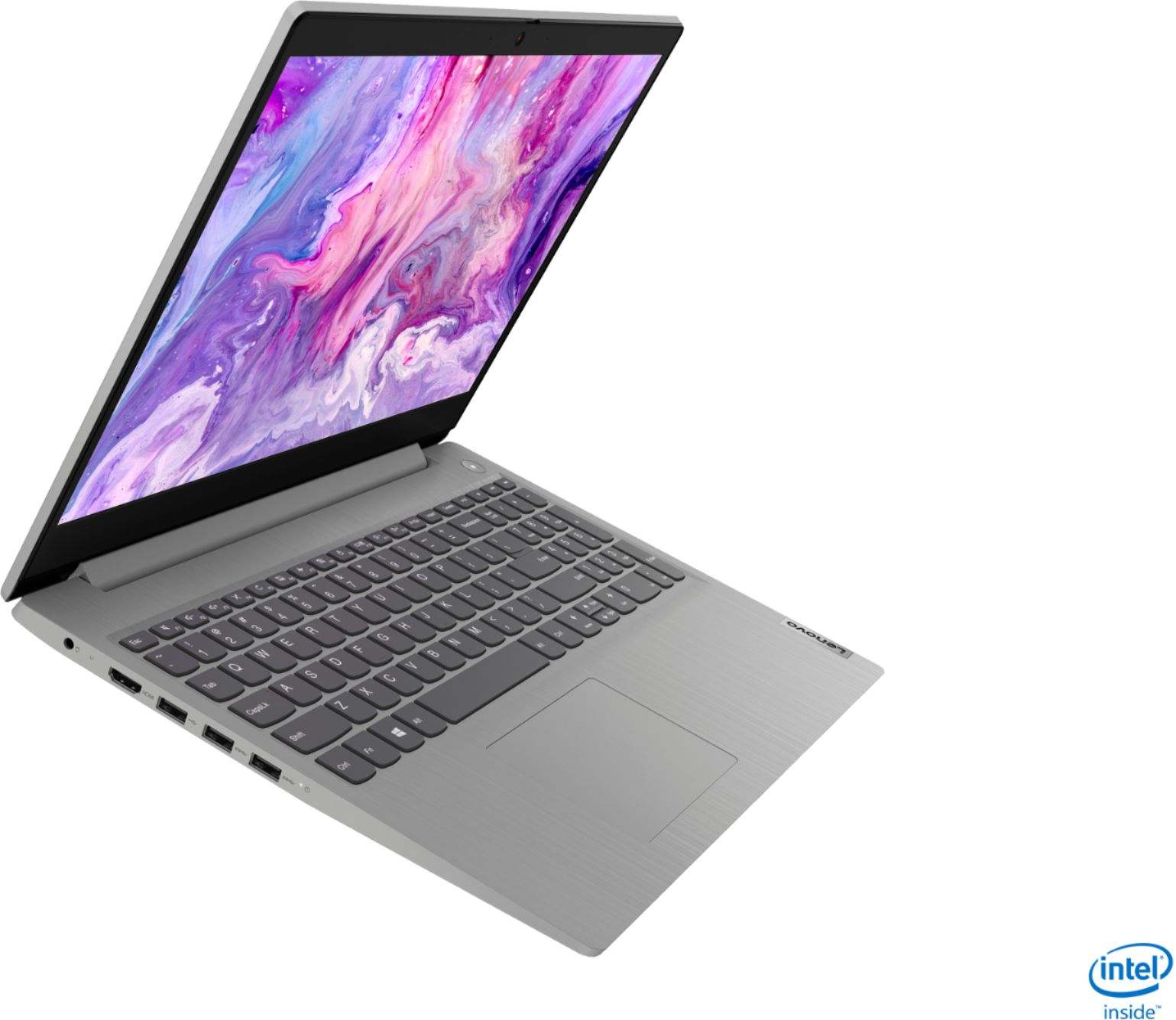
Posted .This reviewer received promo considerations or sweepstakes entry for writing a review.This Lenovo laptop had an unadvertised surprise under the covers! I just bought a bargain Lenovo Ideapad (>$400) with the intention of upgrading the NVMe SSD to a larger capacity drive and found that there is a second disk slot available for a 2.5” SATA SSD or HDD! This means you can simply add another drive to get multiple terabytes of internal storage capacity without an OS or application performance sacrifice while also avoiding paying a price premium. Motorola (which is also owned by Lenovo) has released innovative phones this year such as the Moto G Power boasting a 3 day battery life and the Moto One Action running Samsung made processors which are giving flagship phone brands ($1,000 - $1,250) a run for their money at the entry level ($200-$350) price point. Lenovo might prove to be king of the race to the bottom... but consumers stand to reap the benefits.
I would recommend this to a friendBrand response from Lenovo Product Expert
Posted .Thank you for choosing the Lenovo IdeaPad 3 15" laptop. We are pleased to hear that the IdeaPad 3 is working out so well for you. We appreciate your loyalty to the Lenovo Brand.
- Pros mentioned:Price
Great value
Posted .This reviewer received promo considerations or sweepstakes entry for writing a review.Great laptop. Very efficient and user friendly. Got it for a good price
I would recommend this to a friend - Pros mentioned:Easy to use
Laptop
Posted .This reviewer received promo considerations or sweepstakes entry for writing a review.Excellent works well easy-to-use can travel and light
I would recommend this to a friend - Pros mentioned:Price, Weight
Great computer, adequate for my needs
Posted .This reviewer received promo considerations or sweepstakes entry for writing a review.Great computer. Excellent color quality and resolution on the screen, adequate sound, mic and camera. The 256 K SSD will be plenty since I save everything on the cloud, The machine boots up lightning fast. Nice looking and very light. Excellent battery life. A steal I think at $300/
I would recommend this to a friendBrand response from Lenovo Product Expert
Posted .Hello. Thank you for choosing the Lenovo IdeaPad 3 laptop. We are pleased to hear that the value and performance of the IdeaPad 3 meets your computing needs so well!
Great Laptop
Posted .This reviewer received promo considerations or sweepstakes entry for writing a review.I bought this one for my father and he loves it, he mainly use it to do his accounting job and listen to music, it’s a great laptop to work on.
I would recommend this to a friend