Customer Ratings & Reviews
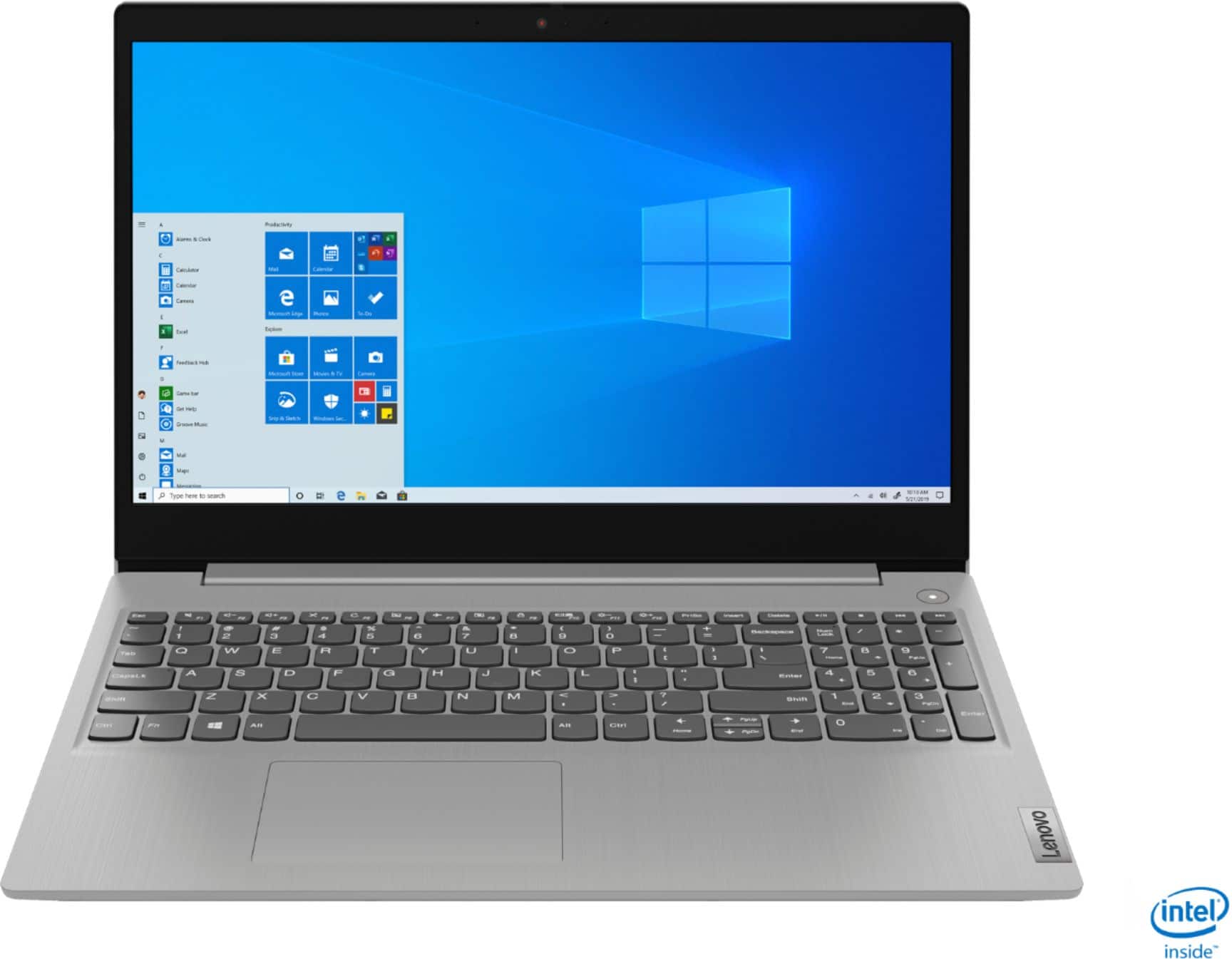
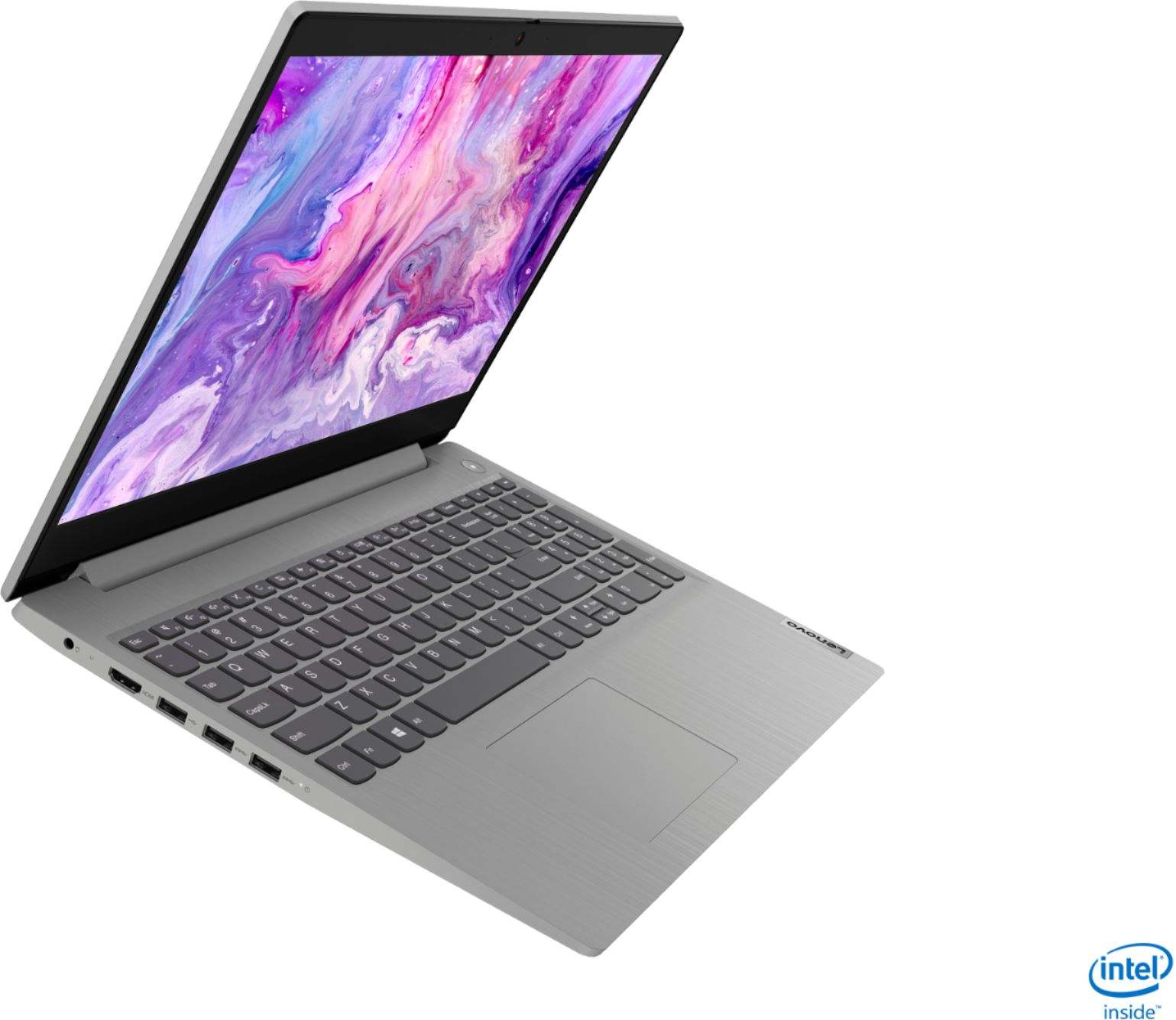
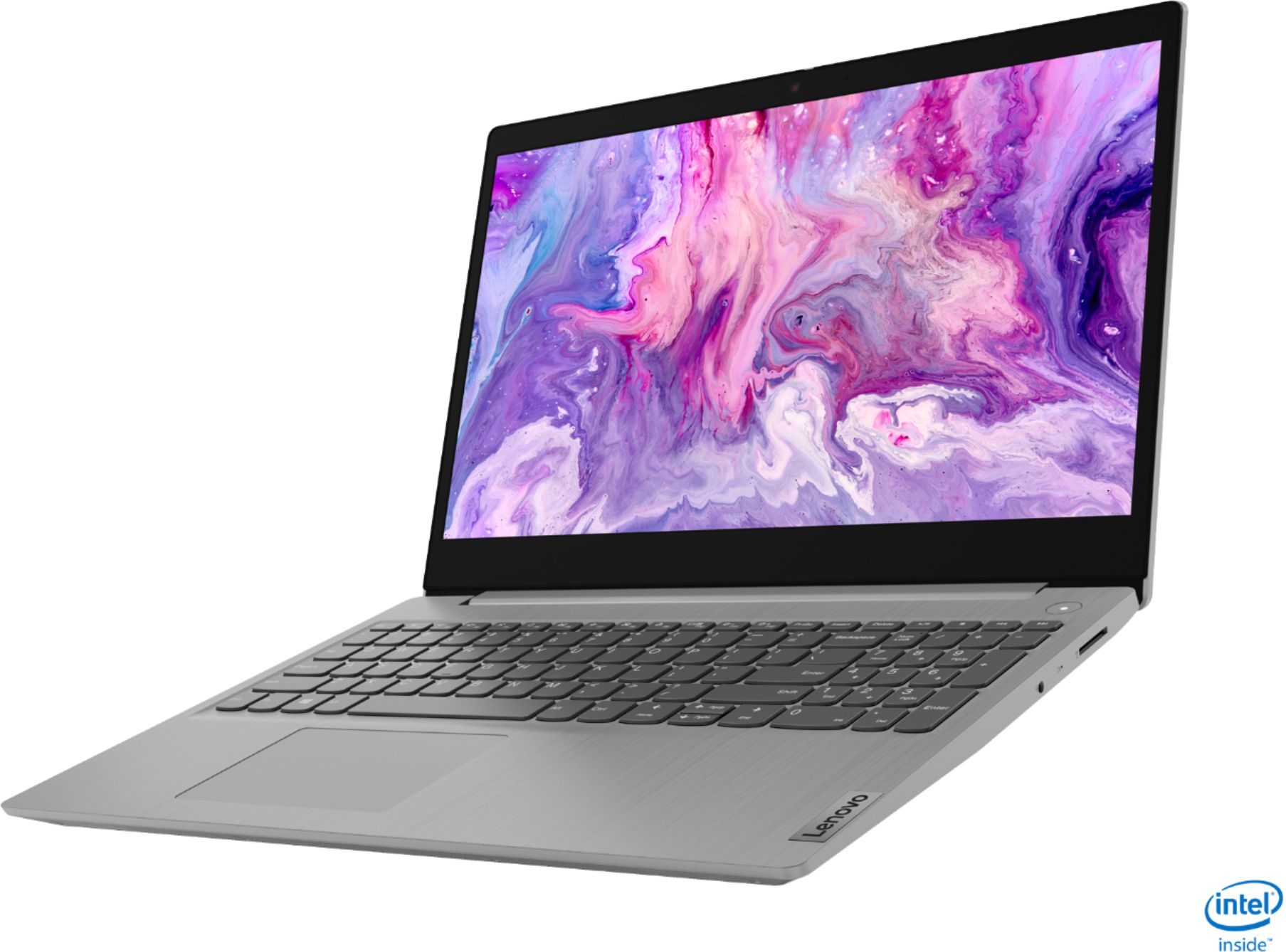
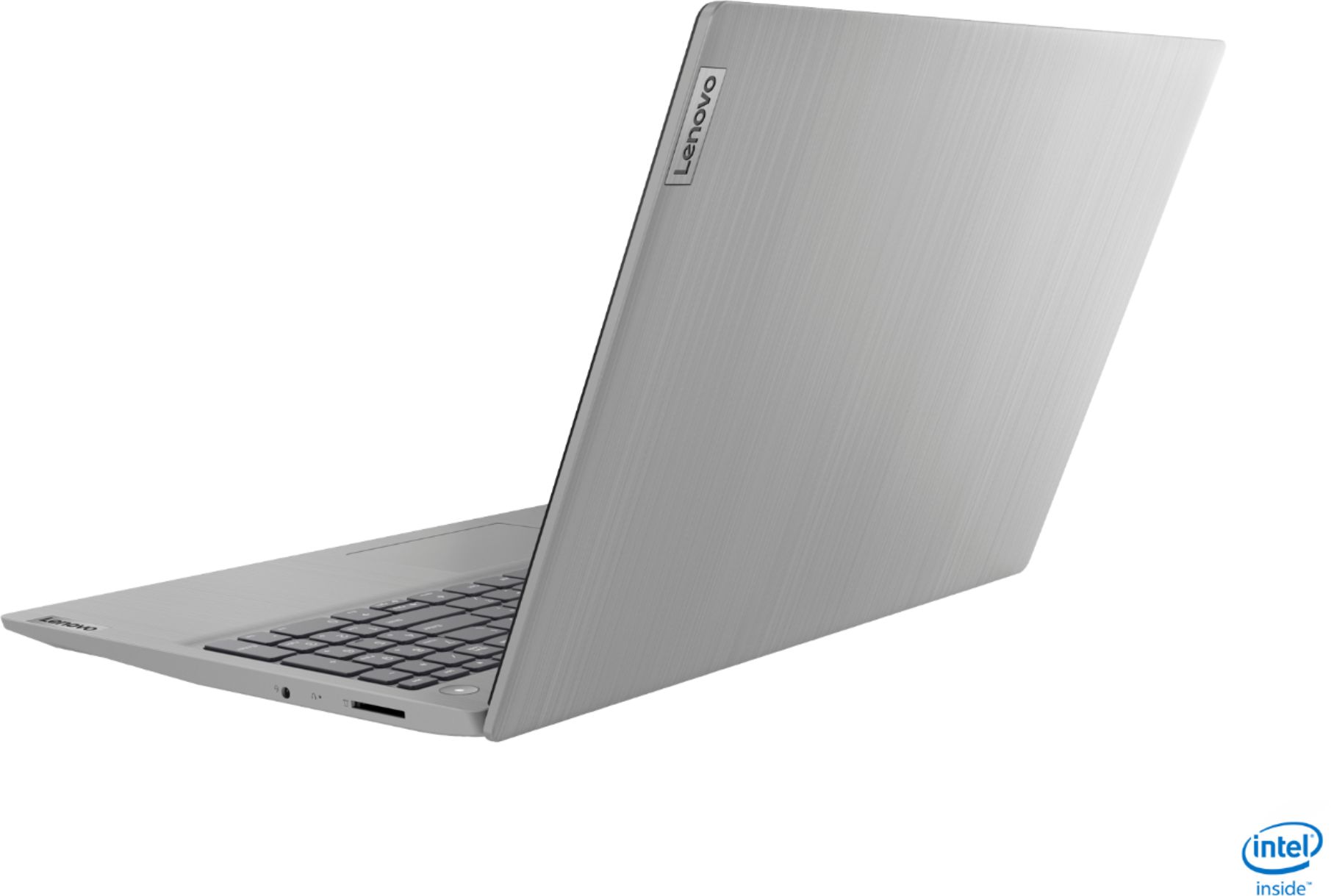



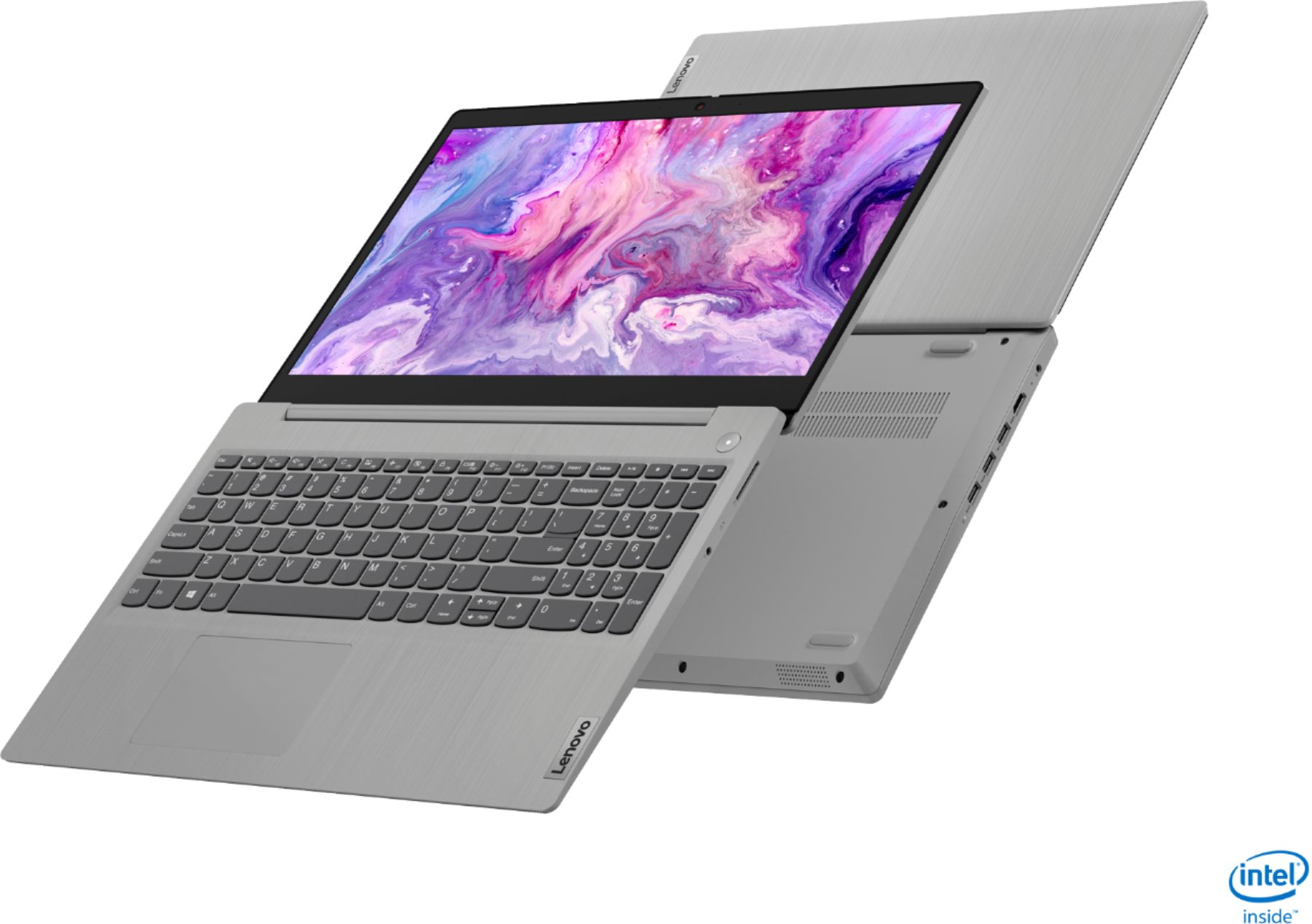
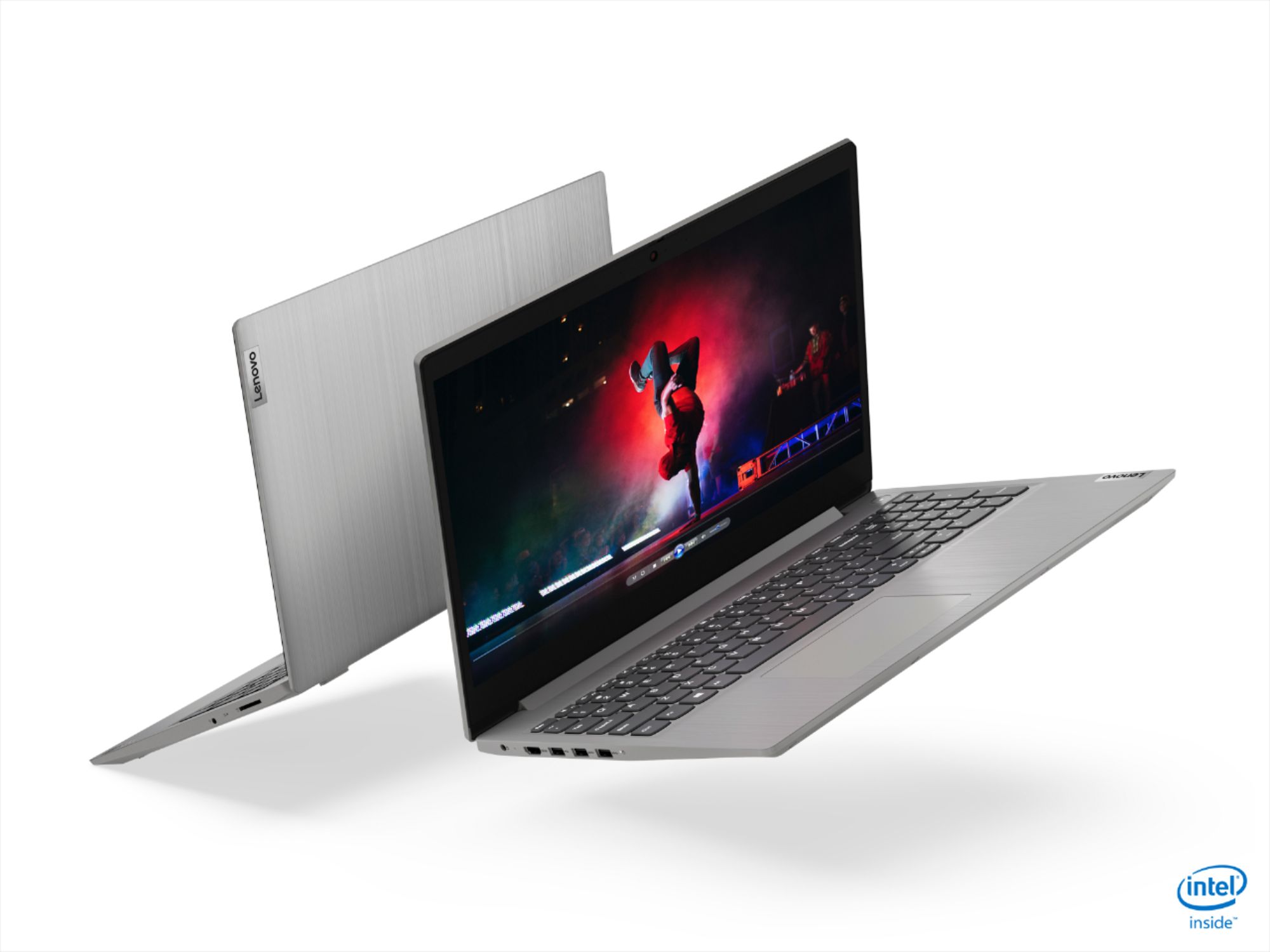

- Model:
- 81WE011UUS
- SKU:
- 6426707
Rating by feature
- Battery Life
Rating 4.2 out of 5 stars
- Speed
Rating 4.4 out of 5 stars
- Display
Rating 4.5 out of 5 stars
Customers are saying
Customers often highlight the IdeaPad 3 15" Laptop's affordability, user-friendly interface, and lightweight design as its main advantages. Many users appreciate its clear screen and satisfactory performance. However, some users have concerns about its battery life, build quality, and the initial difficulty in disabling S mode.
This summary was generated by AI based on customer reviews.
Perfect laptop
Posted .This reviewer received promo considerations or sweepstakes entry for writing a review.This is a great laptop, perfect for my needs, it is fast, the pictures and text are bright and clear, and overall it is slim and lightweight , easy to carry around, love it
I would recommend this to a friendSolid Basic Laptop
Posted .This reviewer received promo considerations or sweepstakes entry for writing a review.Purchased for my grandparents. They needed something basic and easy to use. They have had no issues with this computer over the last year.
I would recommend this to a friendWon’t connect to wifi
Posted .This reviewer received promo considerations or sweepstakes entry for writing a review.Worst laptop ever. The wifi won’t connect. I’ve tried everything. I called customer support but they told since my lap was 2 years old, they couldn’t help me. They acted like a laptop 2 years old, was really old. I am going to bring to a best buy and hopefully someone can help. I barely use it (like once a month). So I’m pretty upset that it looks new, turns on, but I don’t have access to wifi
No, I would not recommend this to a friendits fast and light and powerful
Posted .This reviewer received promo considerations or sweepstakes entry for writing a review.I love this computer it gives me a professional look and feel. It has a lot of memory and it processes data at lightning speeds.
I would recommend this to a friendBrand response from Lenovo Product Expert
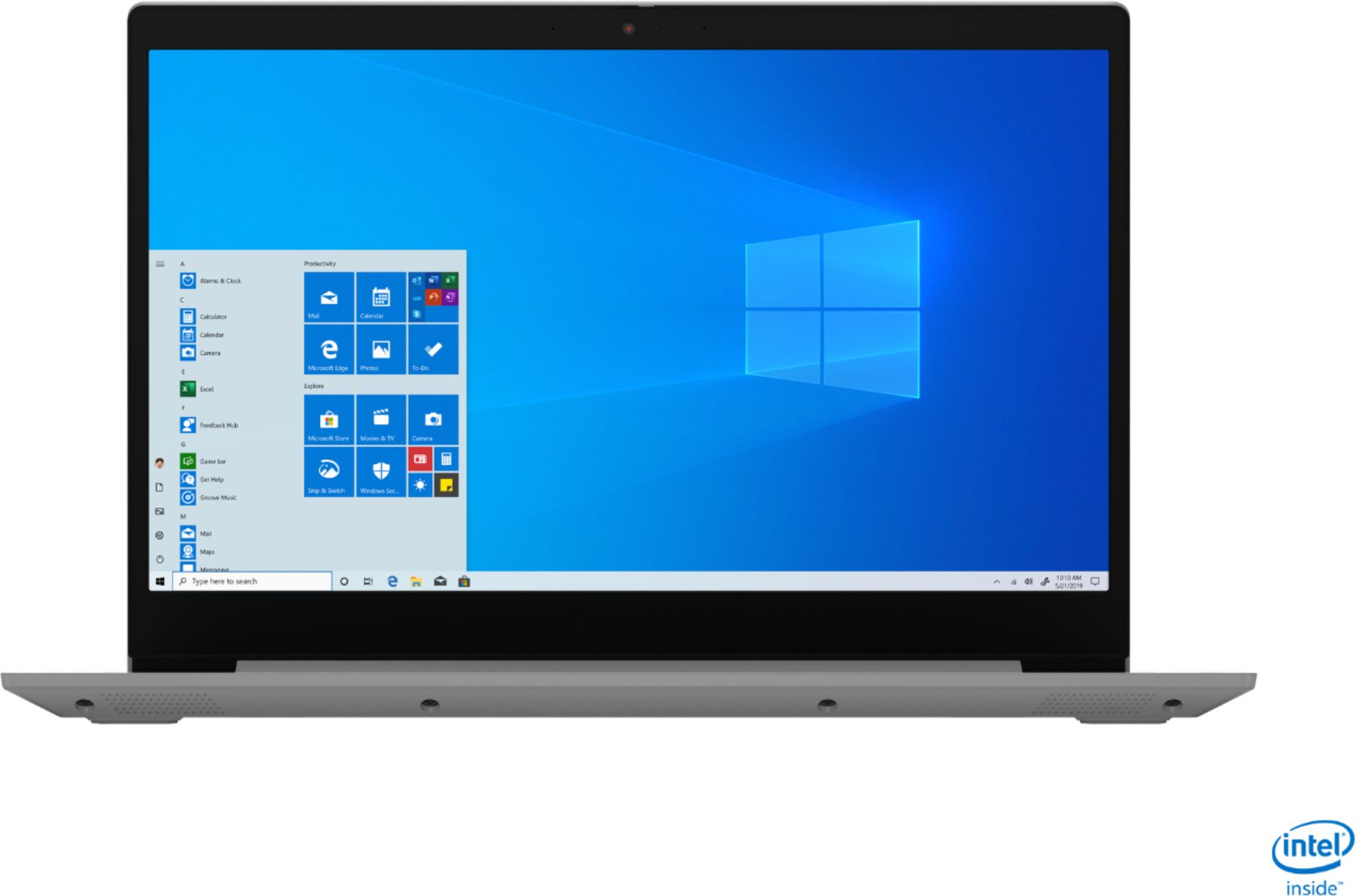
Posted .Thank you for choosing the Lenovo IdeaPad 3 15 Laptop, model number 81WE011UUS. We are pleased to hear that the features and performance of the IdeaPad 3 15 meets your computing needs so well. This is a mid-level, moderate use configuration, with its 10th. Generation, Intel Core i3-1005G1 processor. This Dual-Core/Four-Thread processor has a base speed of 1.2GHz and a boost speed of up to 3.4GHz. This configuration has 8GB of DDR4-2666MHz RAM and a 256GB solid state hard drive. It is good with Microsoft Office type programs, internet browsing and other moderate work. This model ships with Windows 10 S-Mode Operating System. Windows 10 S-Mode provides added security by only allowing APPs available ( and therefore certified by Microsoft) at the Microsoft Store. If you don't need the added security or you need to install APPs not available at the Microsoft Store, you can switch to standard Windows 10 Home 64-bit Operating System, at no additional cost.

Not the best
Posted .This reviewer received promo considerations or sweepstakes entry for writing a review.Stop working within a year, the screen never turned back on.
No, I would not recommend this to a friendHorrible
Posted .This reviewer received promo considerations or sweepstakes entry for writing a review.Worst laptop to own, I bought this as an upgrade and ever since I’ve had an issue with the WiFi connection. It constantly disconnects and I’m constantly having to bring in my laptop to geeek squad. I highly wouldn’t recommend this laptop
No, I would not recommend this to a friendthere will be sad days
Posted .This reviewer received promo considerations or sweepstakes entry for writing a review.Constantly breaks down. Didn’t turn on for a couples or months. Very fragile.
No, I would not recommend this to a friendReally disappointed
Posted .This reviewer received promo considerations or sweepstakes entry for writing a review.Bought this laptop 2 weeks ago. Like an absolutely insane person i through the box away. 1st sign of sign of danger I noticed, it was taking forever to fill charge. I thought maybe I was just been a little impatient. 2nd sign, I plugged my dongle in for my mouse. It says it was over heating and by this day, the third day I was sure I wasn’t tripping. I laptop just wasn’t charging much. By the forth day laptop just won’t power up. Because throw two box out, I can’t take it back to Beat Buy, i cried a little. Called Lenevo those so and sos say it’s an issue with the hardware and not covered in the limited 1yr warranty. This I do not understand. My last two computers were Lenovos. You think they’ll ever get another cent from me? I think the heck not.
No, I would not recommend this to a friendBrand response from Lenovo Product Expert
Posted .Hello, we are sorry to hear you experienced this issue with your Lenovo IdeaPad 3 laptop.
- Cons mentioned:Battery life
Not Recommend
Posted .This reviewer received promo considerations or sweepstakes entry for writing a review.I’ve had it for 4 days. Got it for school purposes as my school provided laptop was not working. Battery life is horrible. i got maybe 4 hours out of it. Wouldn’t recommend for someone in school. It isn’t heavy in the beginning but the weight adds as you go.
No, I would not recommend this to a friendBrand response from Lenovo Product Expert
Posted .The Lenovo IdeaPad 3 15 Laptop, model number 81WE011UUS, weighs 4.07 lbs. There is a 2CELL_35WH_INTERNAL, Lithium Polymer Battery, with a battery life of up to 7 hours, depending on the work the device is performing. If you are getting substantially less battery life, be sure Battery conservation Mode is turned off. This power management setting should only be used when the laptop is plugged in all the time. It will prolong overall battery life by only charging the battery to 60-percent of capacity. Here is a link to instructions for turning off Battery Conservation Mode: https://support.lenovo.com/us/en/solutions/ht103159. Also check what programs are running in the background on the computer. Be sure only the programs you want running in the background are. These programs will drain the battery. Here is a link to information about how to find out what programs are running in the background on your Windows 10 computer and how to manage them for better system performance: https://www.windowscentral.com/how-prevent-apps-running-background-windows-10. Then, finally, be sure any software you installed is compatible with Windows 10. Incompatible software will drain the battery at a faster rate. There is no need to install Microsoft Office software. The software is already part of the operating system, you just need to activate the software with a purchased product key. If you have installed a copy of Microsoft Office, this is conflicting with the existing copy on the system and this will slow your system down. If you have installed a 3rd party anti-virus program, be sure that Windows Defender is turned off and that the trial version of McAfee Anti-Virus software is uninstalled. There can only be one anti-virus program on the system. You may need to restore your system to original factory default settings if any of the programming errors have occurred. You can do that by typing "restore" in the Cortana search window. Just click on the magnifying glass icon at the bottom left of your Windows 10 Desktop. Click on "Reset This PC" Then click on "Get Started" and follow the on screen directions to restore to factory defaults. If the problem persists, we recommend you contact Lenovo Tech Support at: 877-453-6686.
Problems Customer service phone support not helpfu
Posted .This reviewer received promo considerations or sweepstakes entry for writing a review.At first I thought a good deal, then issues with mouse/track pad, video and audio are not synced and it takes a while for it to sync. Then comes one year phone support, NO HELP AT ALL. called about a tech issue, no one ever notified me, it was labeled "resolved" I was told to contact phone carrier. I told the Philippino helping me that I used it for 3 years on my last laptop/windows computer w/o an issue. LENOVO If you wont/cant help send me an email or reply to this review like you have done in past reviews and I will return it. I also purchased the recommended accident protection warranty for 32 dollars, I want that refunded if the issue cannot be helped. Customer service is very important I hope your actions will prove it to me and others reading this review.
No, I would not recommend this to a friendBrand response from Lenovo Product Expert
Posted .We are sorry to hear that you are having issues with your Lenovo IdeaPad 3 15 Laptop, model number 81WE011UUS. This model ships with Windows 10 S-Mode Operating System. Windows 10 S-Mode provides added security by only allowing APPs available ( and therefore certified by Microsoft) at the Microsoft Store. If you don't need the added security or you need to install APPs not available at the Microsoft Store, you can switch to standard Windows 10 Home 64-bit Operating System, at no additional cost. Even if you have not switched out of S-Mode, Be sure any software you installed is compatible with Windows 10. There is no need to install Microsoft Office software. The software is already part of the operating system, you just need to activate the software with a purchased product key. If you have installed a copy of Microsoft Office, this is conflicting with the existing copy on the system and this will slow your system down. If you have installed a 3rd party anti-virus program, be sure that Windows Defender is turned off and that the trial version of McAfee Anti-Virus software is uninstalled. There can only be one anti-virus program on the system. You may need to restore your system to original factory default settings if any of the programming errors have occurred. You can do that by typing "restore" in the Cortana search window. Just click on the magnifying glass icon at the bottom left of your Windows 10 Desktop. Click on "Reset This PC" Then click on "Get Started" and follow the on screen directions to restore to factory defaults. If there is no incompatible software installed, then it is possible restoring your system back to original factory settings may fix the issues you describe. Here is a link to recovery/refresh options for Windows 10: https://support.microsoft.com/en-us/windows/recovery-options-in-windows-10-31ce2444-7de3-818c-d626-e3b5a3024da5. If the issue continues, we recommend you contact Lenovo Tech Support for additional help at: 877-453-6686.
Lenovo computer laptop
Posted .This reviewer received promo considerations or sweepstakes entry for writing a review.Only had computer for 13 months and screen failed and they won’t stand behind it ,don’t buy this laptop .looked into it and seen a lot of others had same issue with it. Don’t Buy
No, I would not recommend this to a friendBrand response from Lenovo Product Expert
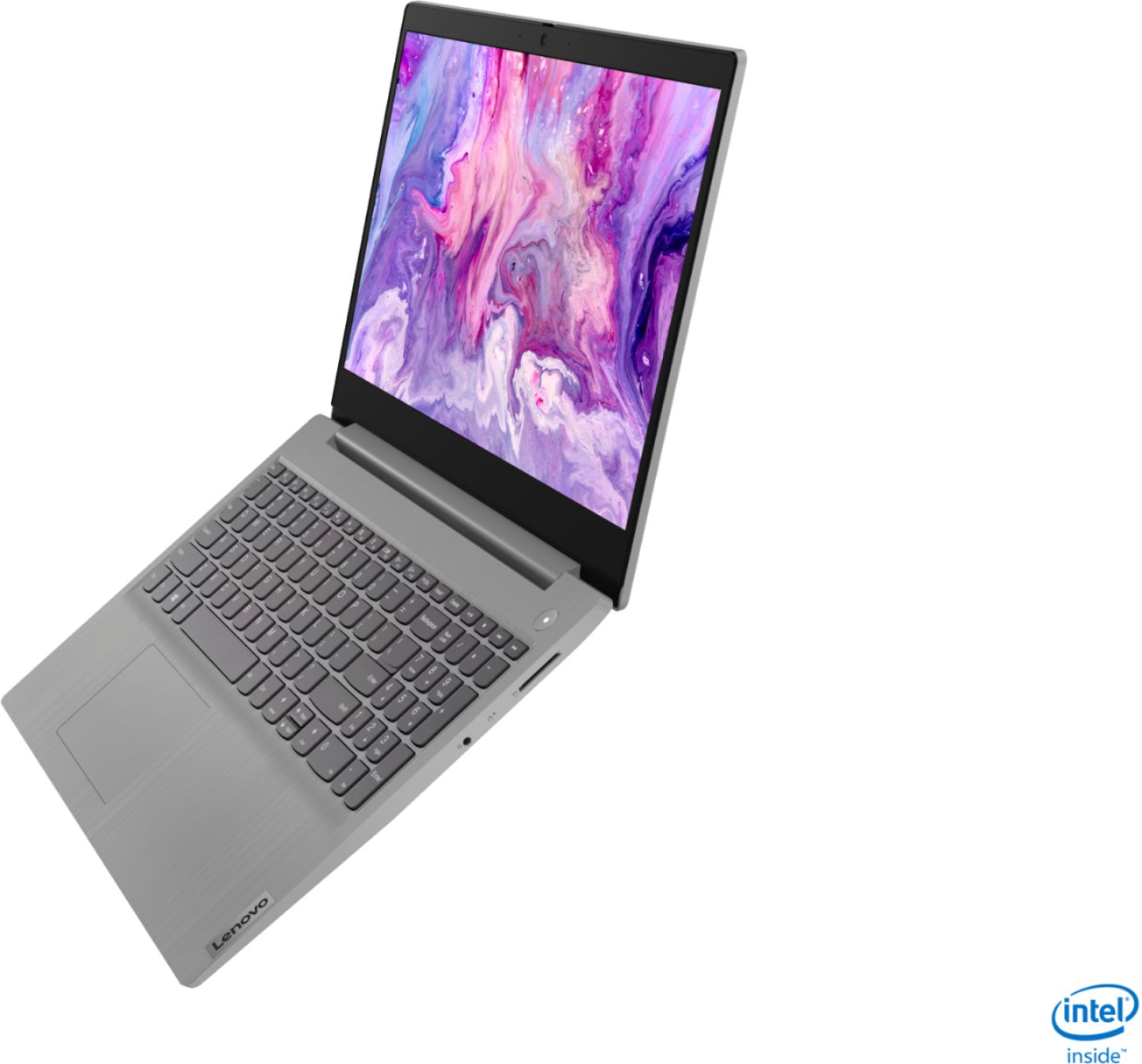
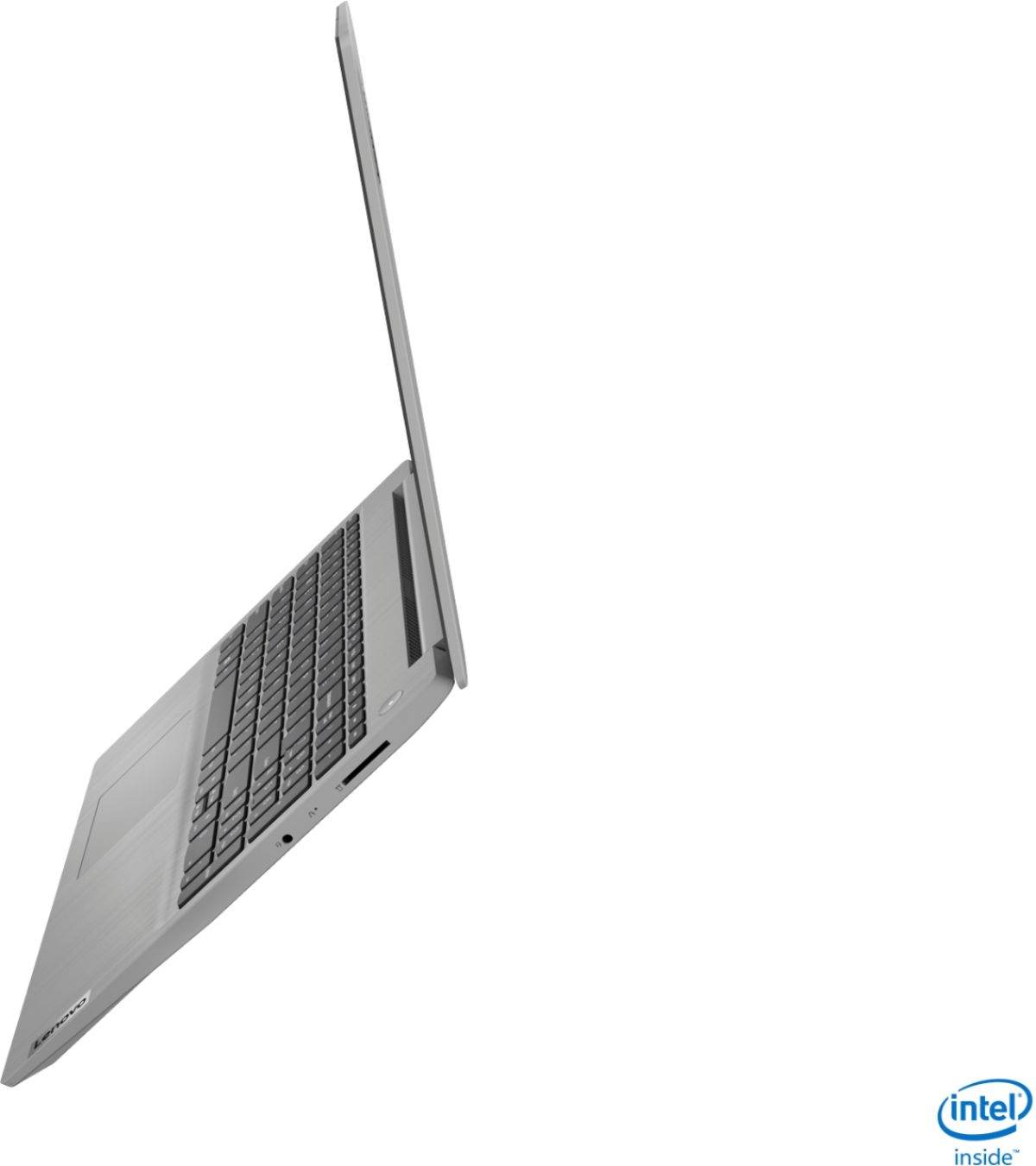
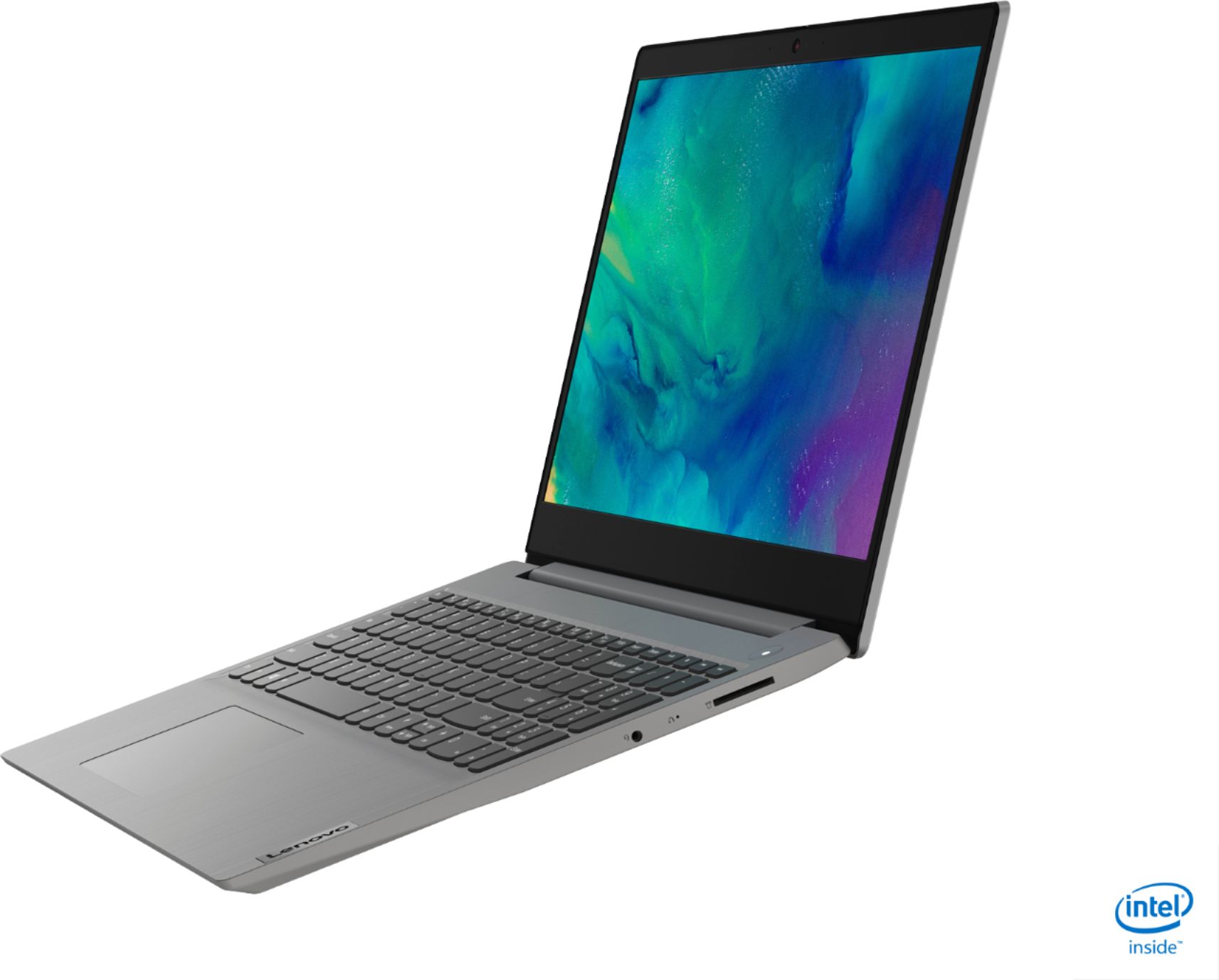
Posted .We are sorry to hear that you are having issues with the screen on your Lenovo IdeaPad 3 15 Laptop, model number 81WE011UUS. Resetting this computer back to original factory settings may correct the issue you are having. This system is equipped with OneKey Recovery System. There is a very small pin hole on the right side of the device, right in between the headphone jack and the SD card slot on the device. You will need a pin to push this reset button. Plug the device in. Let the battery charge for about 15 minutes. Push the reset button. The system should boot to a choice screen where you can choose "Restore To Factory Default". Select this. It will delete everything from the hard drive except the original factory install of the operating system. You will need to reinstall all programs and files after the reset. If you don't have copies of the files, try to make one before you restore by selecting "Boot to desktop" and trying to back up your files. If the problem persists after the factory reset, we recommend you contact Lenovo Tech Support at: 877-453-6686.
Stopped working
Posted .This reviewer received promo considerations or sweepstakes entry for writing a review.It’s stopped working after a year. Every 20 minutes it glitches and restarts.
No, I would not recommend this to a friendBrand response from Lenovo Product Expert
Posted .We are sorry to hear that you are having issues with your Lenovo IdeaPad 3 15 Laptop, model number 81WE011UUS. Resetting your computer back to original factory settings may correct the issues you are having. This system is equipped with OneKey Recovery System. There is a very small pin hole on the right side of the device, right in between the headphone jack and SD card slot on the device. You will need a pin to push this reset button. Plug the device in. Let the battery charge for about 15 minutes. Push the reset button. The system should boot to a choice screen where you can choose "Restore To Factory Default". Select this. It will delete everything from the hard drive except the original factory install of the operating system. You will need to reinstall all programs and files after the reset. If you don't have copies of the files, try to make one before you restore by selecting "Boot to desktop" and trying to back up your files. If the problem persists after the factory reset, we recommend you contact Lenovo Tech Support at: 877-453-6686.