Customer Ratings & Reviews




- Model:
- 81WE011UUS
- SKU:
- 6426707
Rating by feature
- Battery Life
Rating 4.2 out of 5 stars
- Speed
Rating 4.4 out of 5 stars
- Display
Rating 4.5 out of 5 stars
Customers are saying
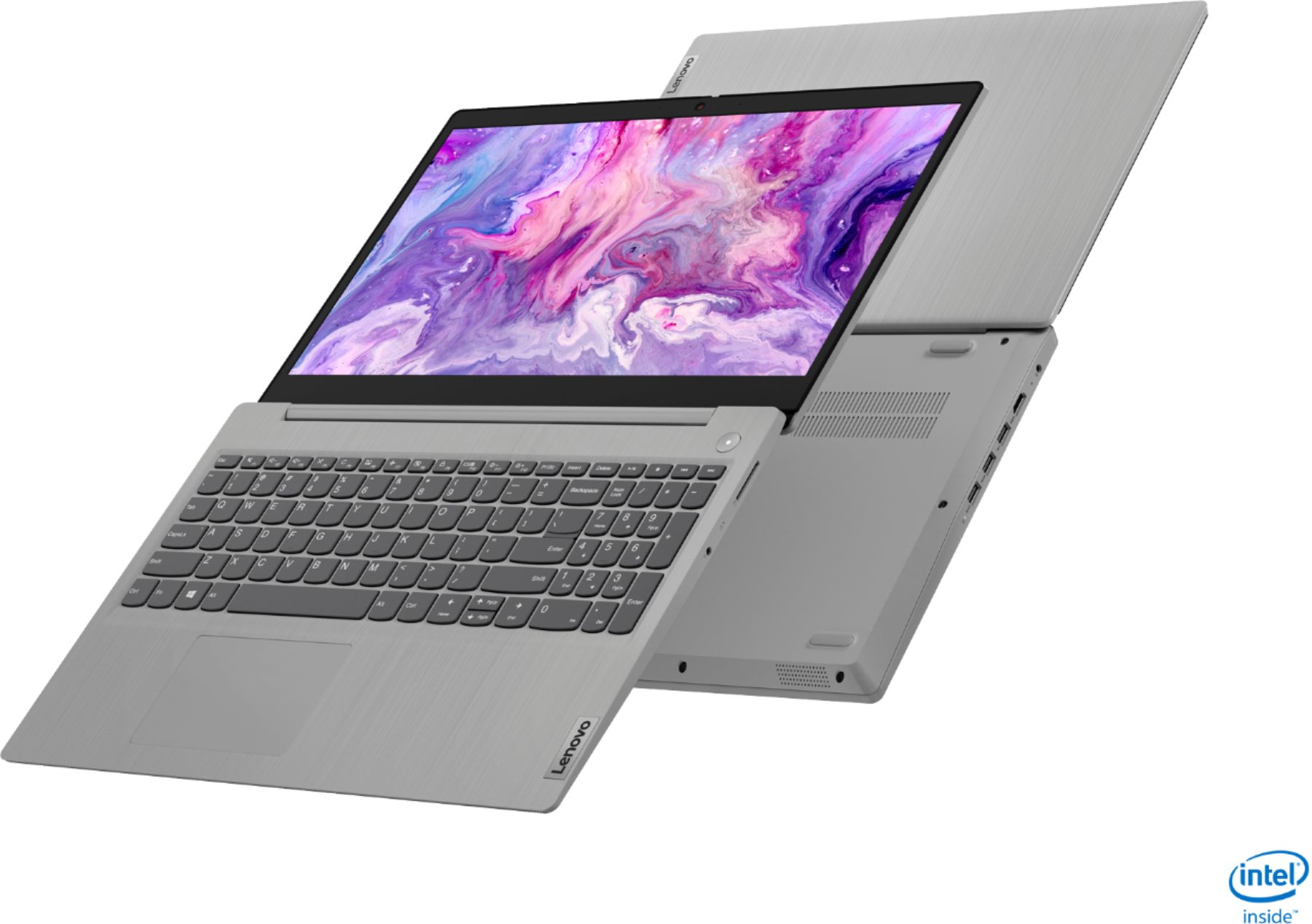
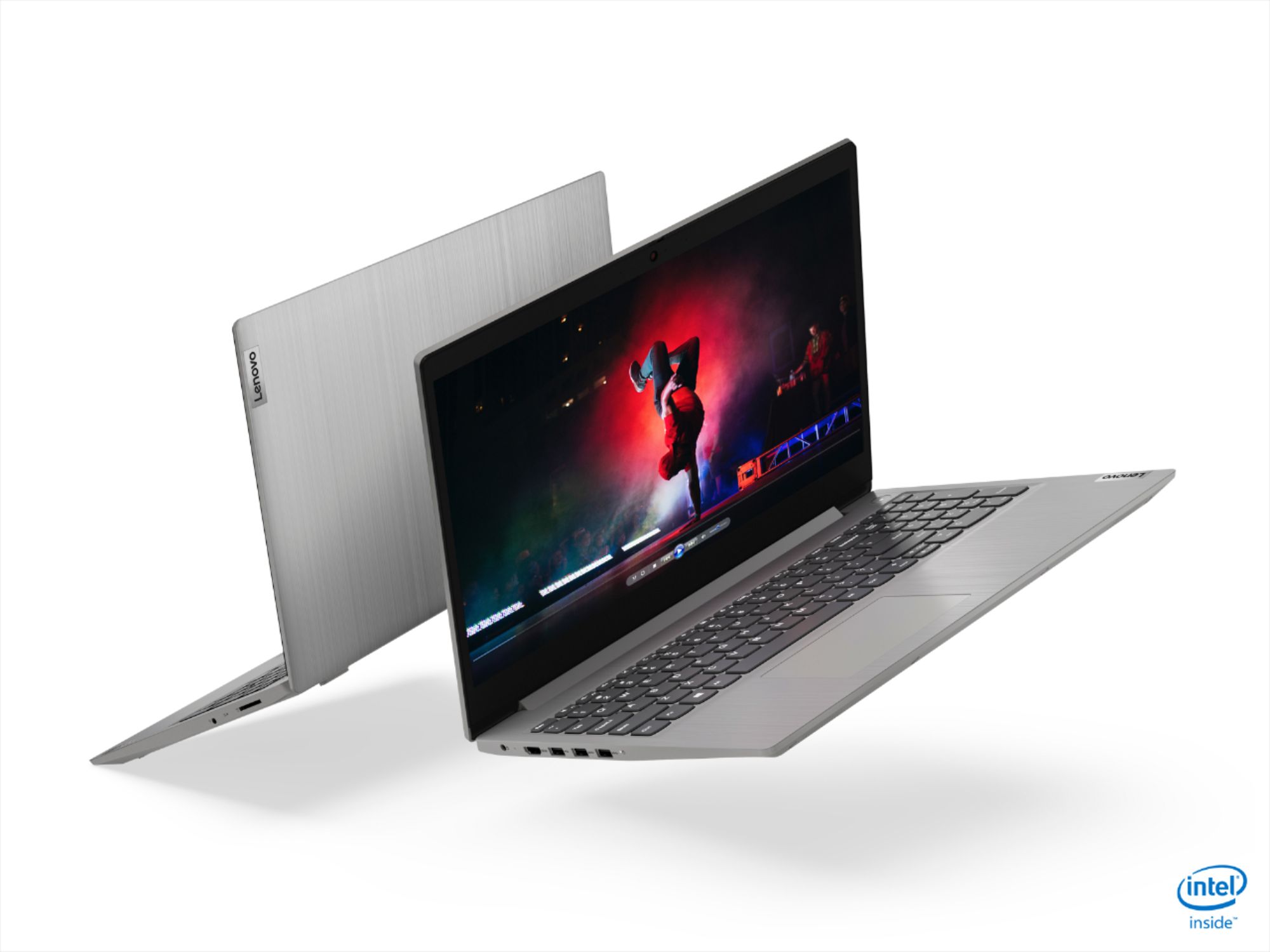
Customers often highlight the IdeaPad 3 15" Laptop's affordability, user-friendly interface, and lightweight design as its main advantages. Many users appreciate its clear screen and satisfactory performance. However, some users have concerns about its battery life, build quality, and the initial difficulty in disabling S mode.
This summary was generated by AI based on customer reviews.
- Pros mentioned:Speed
liked the laptop
||Posted . Owned for 1 week when reviewed.This reviewer received promo considerations or sweepstakes entry for writing a review.it's a very nice and work fast. i liked the laptop.
I would recommend this to a friend - Cons mentioned:Battery life
Good basic laptop
||Posted . Owned for 1 month when reviewed.This reviewer received promo considerations or sweepstakes entry for writing a review.Works well for word processing. Battery life is somewhat short.
I would recommend this to a friendBrand response from Lenovo Product Expert
Posted .Thank you for choosing the Lenovo IdeaPad 3 15 Laptop, model number 81WE011UUS. This model ships with a Integrated 35Wh, Lithium-Polymer Battery, which within this configuration, has a battery life of up to 7 hours, depending on the work the device is performing. If you are getting substantially less battery life, first, set your screen brightness at less than 100-percent - try 80-percent to start with. Then, be sure Battery conservation Mode is turned off. This power management setting should only be used when the laptop is plugged in all the time. It will prolong overall battery life by only charging the battery to 60-percent of capacity. Here is a link to instructions for turning off Battery Conservation Mode: https://support.lenovo.com/us/en/solutions/ht103159. Also check what programs are running in the background on the computer. Be sure only the programs you want running in the background are. These programs will drain the battery. Here is a link to information about how to find out what programs are running in the background on your Windows 10 computer and how to manage them for better system performance: https://www.windowscentral.com/how-prevent-apps-running-background-windows-10. Then, finally, be sure any software you installed is compatible with Windows 10. Incompatible software will drain the battery at a faster rate. There is no need to install Microsoft Office software. The software is already part of the operating system, you just need to activate the software with a purchased product key. If you have installed a copy of Microsoft Office, this is conflicting with the existing copy on the system and this will slow your system down. If you have installed a 3rd party anti-virus program, be sure that Windows Defender is turned off and that the trial version of McAfee Anti-Virus software is uninstalled. There can only be one anti-virus program on the system. You may need to restore your system to original factory default settings if any of the programming errors have occurred. You can do that by typing "restore" in the Cortana search window. Just click on the magnifying glass icon at the bottom left of your Windows 10 Desktop. Click on "Reset This PC" Then click on "Get Started" and follow the on screen directions to restore to factory defaults. If the problem persists, we recommend you contact Lenovo Tech Support at: 877-453-6686.

- Pros mentioned:Easy to use
Great
||Posted . Owned for 3 weeks when reviewed.This reviewer received promo considerations or sweepstakes entry for writing a review.Easy to use, great size, can’t beat for the price!
I would recommend this to a friendBrand response from Lenovo Product Expert
Posted .Thank you for choosing the lenovo IdeaPad 3 15 Laptop, model number 81WE011UUS. We are pleased to hear that the value and performance of the IdeaPad 3 15 meets your computing needs so well.
- Cons mentioned:Battery life
Great Budget Laptop for the price
||Posted . Owned for 1 month when reviewed.This reviewer received promo considerations or sweepstakes entry for writing a review.Very Good Budget laptop Fast, Battery is not great
I would recommend this to a friend Great for homeschooling
||Posted . Owned for 3 weeks when reviewed.This reviewer received promo considerations or sweepstakes entry for writing a review.I got this computer for an incredibly low price. My son does all of his homeschooling on it through google. It is bery good at handling those tasks. Not sure it would perform well in a work setting as there seem to be a few glitches. The system shuts off the microphone in the middle of his class and requires windows assistant to get it back on.
I would recommend this to a friendBrand response from Lenovo Product Expert
Posted .We are sorry to hear that you are having issues with the internal microphone within your son's Lenovo IdeaPad 3 15 Laptop. First, check to be sure you have the latest version of Windows 10 on the computer. Then update all BIOS files and drivers up to that latest version of Windows 10. You can easily accomplish this by scanning the computer with the Lenovo Utility software available on this computer. This system has Lenovo utilities installed to help maintain the health of the device and keep the operating system software up to date. Type "Lenovo Vantage" in the Cortana Search window (if Lenovo Vantage is not installed on your device, you can download the APP and install it now). Select Lenovo Vantage from the list. In the window that opens, click on "Health and Support". In the expanded menu, select "Hardware Scan" In the window that opens, select "Run Quick Tests". This will scan your entire system for errors. Follow any directions that may pop up. If the problem continues after this scan, now click on "System Update". First select Windows update from the menu. Scan your system to be sure you have the latest version of Windows 10. Once that scan is complete, select "Additional Updates". This will scan your device to be sure there are no new BIOS/Driver updates needed. Follow any instructions that may pop up. If the issue still continues after these updates, we recommend you call Lenovo Tech Support at: 877-453-6686 for additional help.
- Pros mentioned:Price
Lenovo
||Posted . Owned for 3 weeks when reviewed.This reviewer received promo considerations or sweepstakes entry for writing a review.It is a good quality, enough memory, good price, good graphics
I would recommend this to a friend - Pros mentioned:Price
Great Value
||Posted . Owned for 2 weeks when reviewed.This reviewer received promo considerations or sweepstakes entry for writing a review.Great laptop for the price. Completely satisfied!!
I would recommend this to a friend rebecca
||Posted . Owned for 1 month when reviewed.This reviewer received promo considerations or sweepstakes entry for writing a review.Computer is very nice. Big screen and easy to use.
I would recommend this to a friend- Pros mentioned:Price
Great laptop!
||Posted . Owned for 1 month when reviewed.This reviewer received promo considerations or sweepstakes entry for writing a review.Great price and quality! I am loving my new laptop!
I would recommend this to a friend - Pros mentioned:Speed
Good computer
||Posted . Owned for 3 weeks when reviewed.This reviewer received promo considerations or sweepstakes entry for writing a review.So far, the computer works really well and is fast.
I would recommend this to a friend - Pros mentioned:Speed
Great laptop for the price
||Posted . Owned for 1 month when reviewed.This reviewer received promo considerations or sweepstakes entry for writing a review.This laptop is Fast & light weight. Battery lasts a long time!
I would recommend this to a friend - Pros mentioned:Price
Good deal
||Posted . Owned for 3 weeks when reviewed.This reviewer received promo considerations or sweepstakes entry for writing a review.Basic laptop for a good price. Works for what I need it to do.
I would recommend this to a friend - Pros mentioned:Speed
Good computer
||Posted . Owned for 10 months when reviewed.This reviewer received promo considerations or sweepstakes entry for writing a review.Basic but suficiente to homework's kids good speed.
I would recommend this to a friend - Pros mentioned:Speed
Lenovo
||Posted . Owned for 1 week when reviewed.This reviewer received promo considerations or sweepstakes entry for writing a review.very good laptop. Fast and good display of screen.
I would recommend this to a friend - Pros mentioned:Speed
Quality
||Posted . Owned for 3 weeks when reviewed.This reviewer received promo considerations or sweepstakes entry for writing a review.Great reliable durable laptop. fast and efficient.
I would recommend this to a friend - Pros mentioned:Price
Worth for 300
||Posted . Owned for 3 weeks when reviewed.This reviewer received promo considerations or sweepstakes entry for writing a review.It’s a worth laptop for 300. Watch out for offers.
I would recommend this to a friend great find
||Posted . Owned for 5 months when reviewed.This reviewer received promo considerations or sweepstakes entry for writing a review.Great laptop option to Dell and HP. This thing is light. You can barely feel it when you pick it up. Powerful memory and quick. The touch screen is a plus although I don't use it a ton. It's quick and powerful. No issues or complaints at this point. I wish it did have more USB ports. This one only had 2.
I would recommend this to a friend- Pros mentioned:Price
Good laptop
||Posted . Owned for 1 month when reviewed.This reviewer received promo considerations or sweepstakes entry for writing a review.It got everything a student needs. Great value for the price
I would recommend this to a friendBrand response from Lenovo Product Expert
Posted .Thank you for choosing the Lenovo IdeaPad 3 15 Laptop, model number 81WE011UUS. We are pleased to hear that the value and performance of the IdeaPad 3 15 meets your computing needs so well.
Great bang for your buck
||Posted . Owned for 1 month when reviewed.This reviewer received promo considerations or sweepstakes entry for writing a review.Got this at Black Friday, however, even at current prices, this is still a great deal. 1080p screen, a snappy i3, and best of all, a very quick SSD drive. Unless you're a hardcore gamer, you can't go wrong with this laptop. The latest gen i3 even plays games well, such as World of Warcraft on medium settings.
I would recommend this to a friendBrand response from Lenovo Product Expert
Posted .Hello. Thank you for choosing the Lenovo IdeaPad 3 laptop. We are pleased to hear that the value and performance of the IdeaPad 3 meets your computing needs so well!
- Pros mentioned:Speed
Lenovo Laptop
||Posted . Owned for 2 weeks when reviewed.This reviewer received promo considerations or sweepstakes entry for writing a review.Very fast computer, lots of space, good picture and reablie.
I would recommend this to a friend