Customer Ratings & Reviews
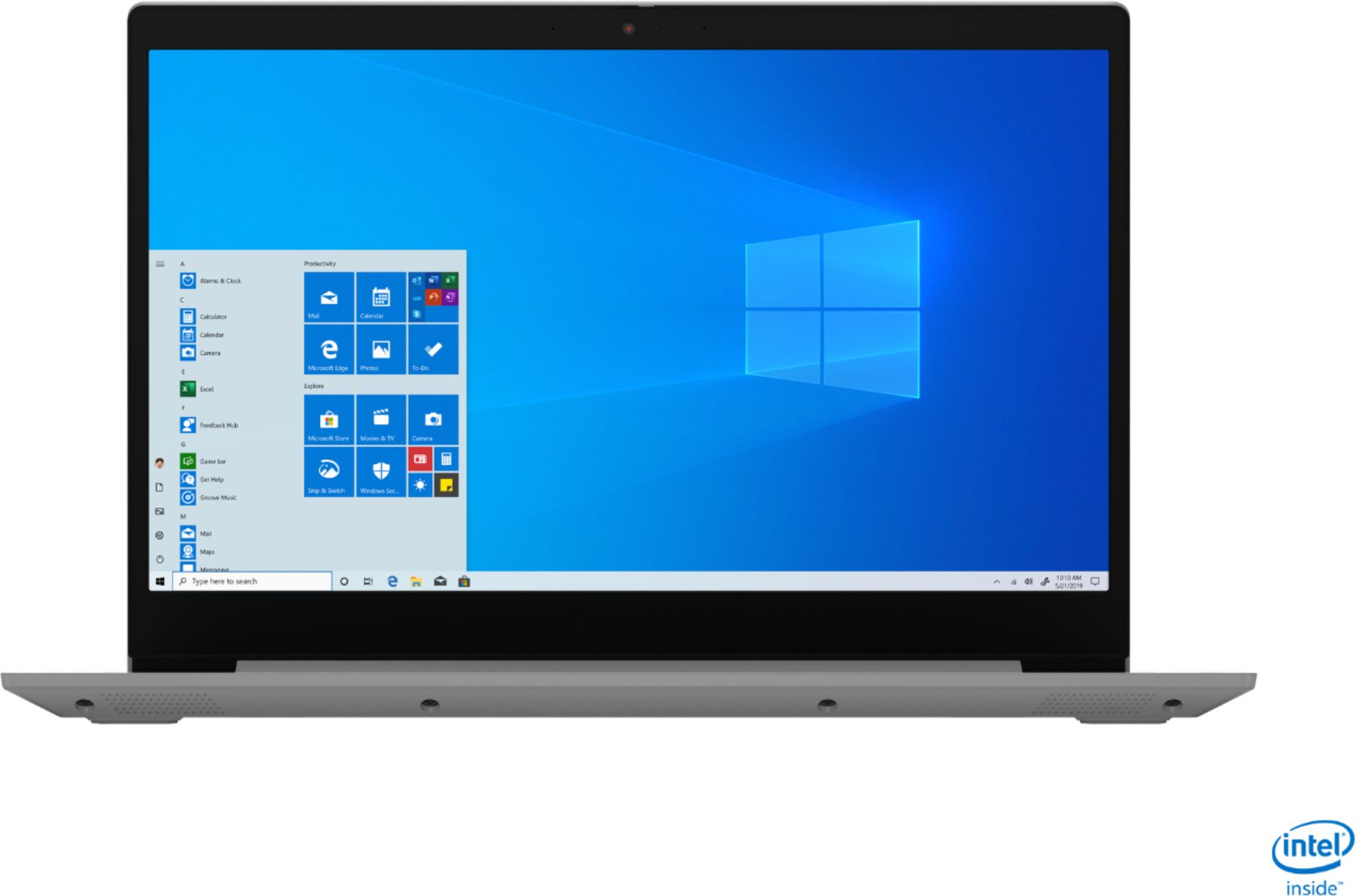
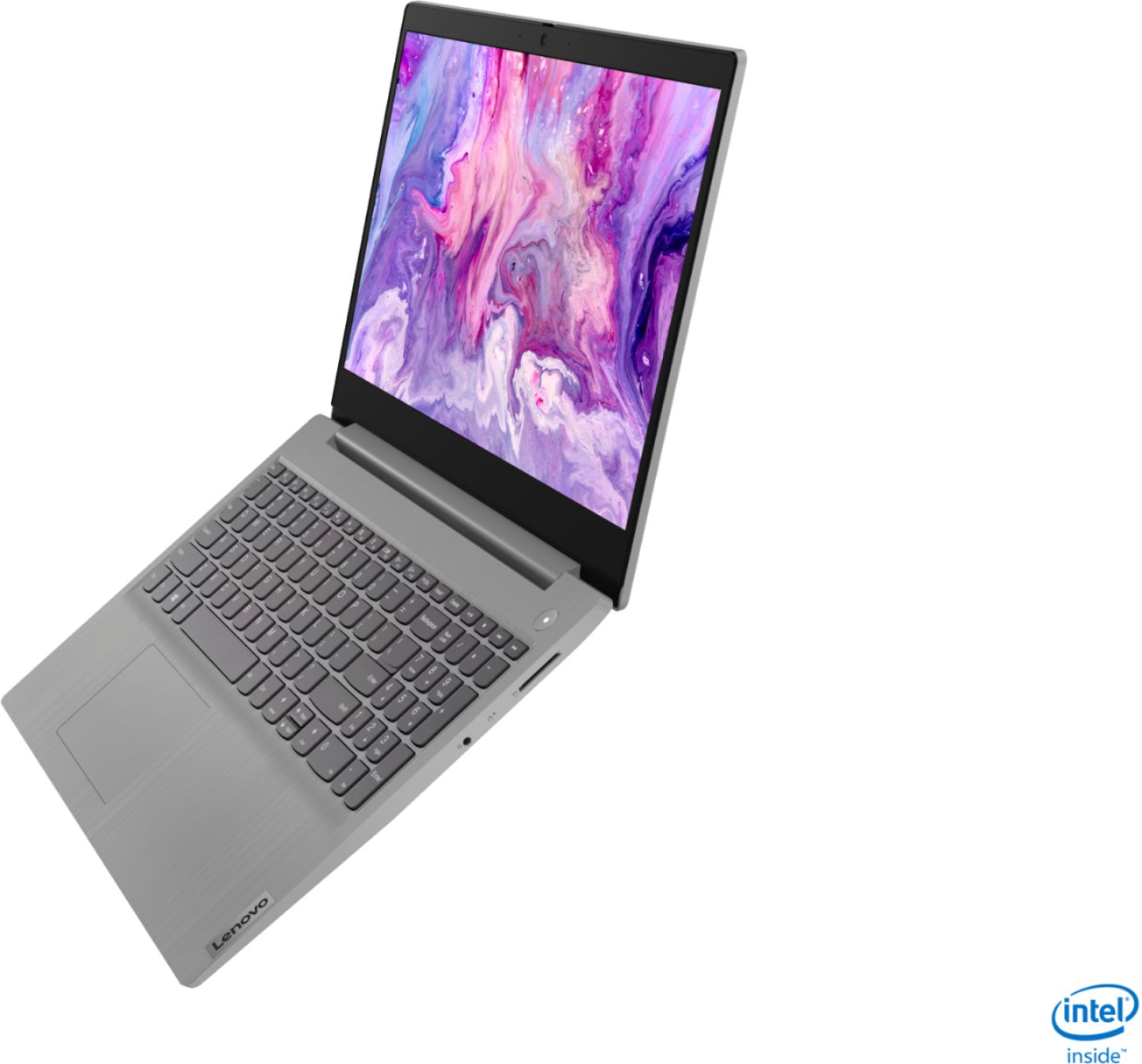
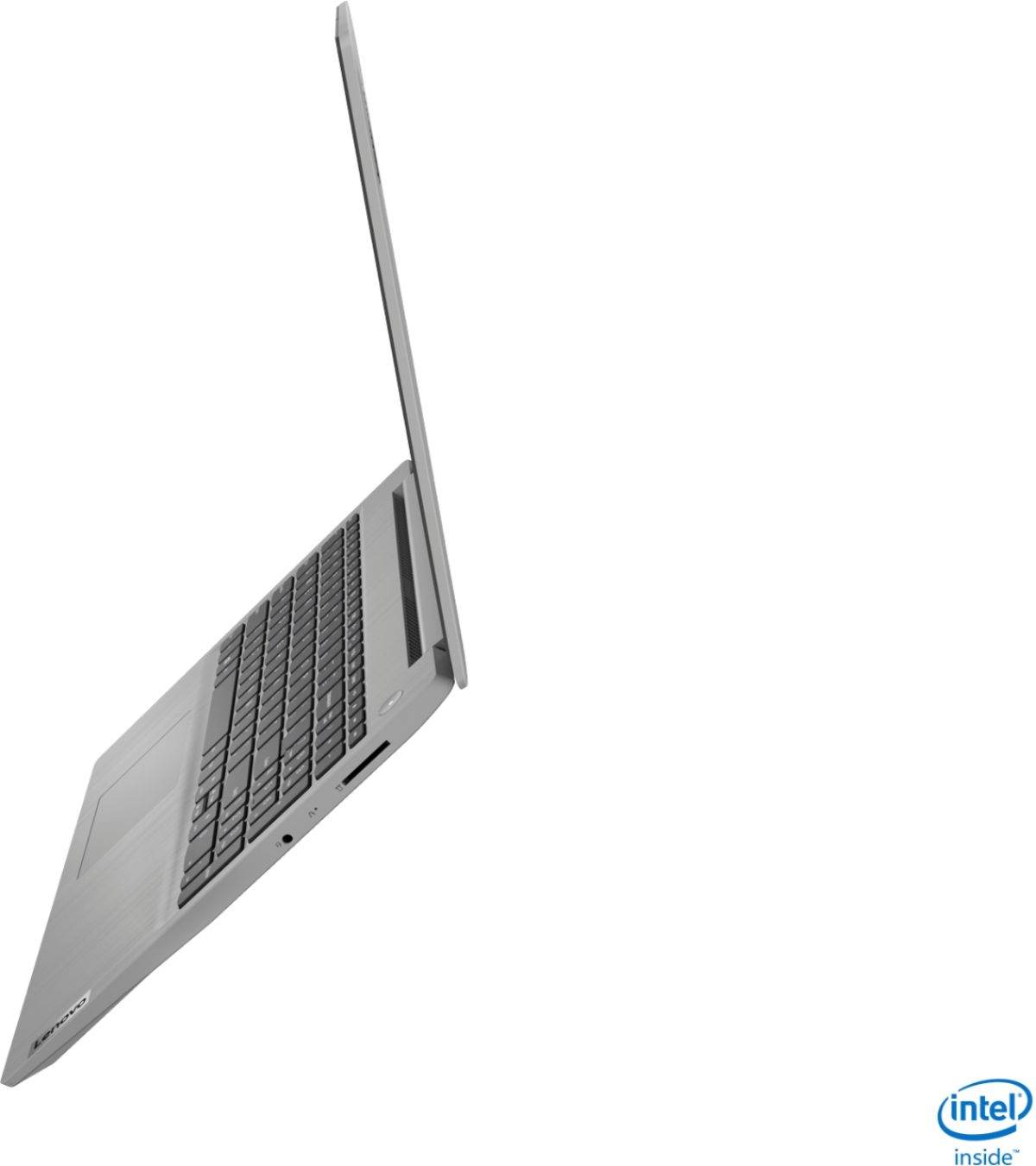


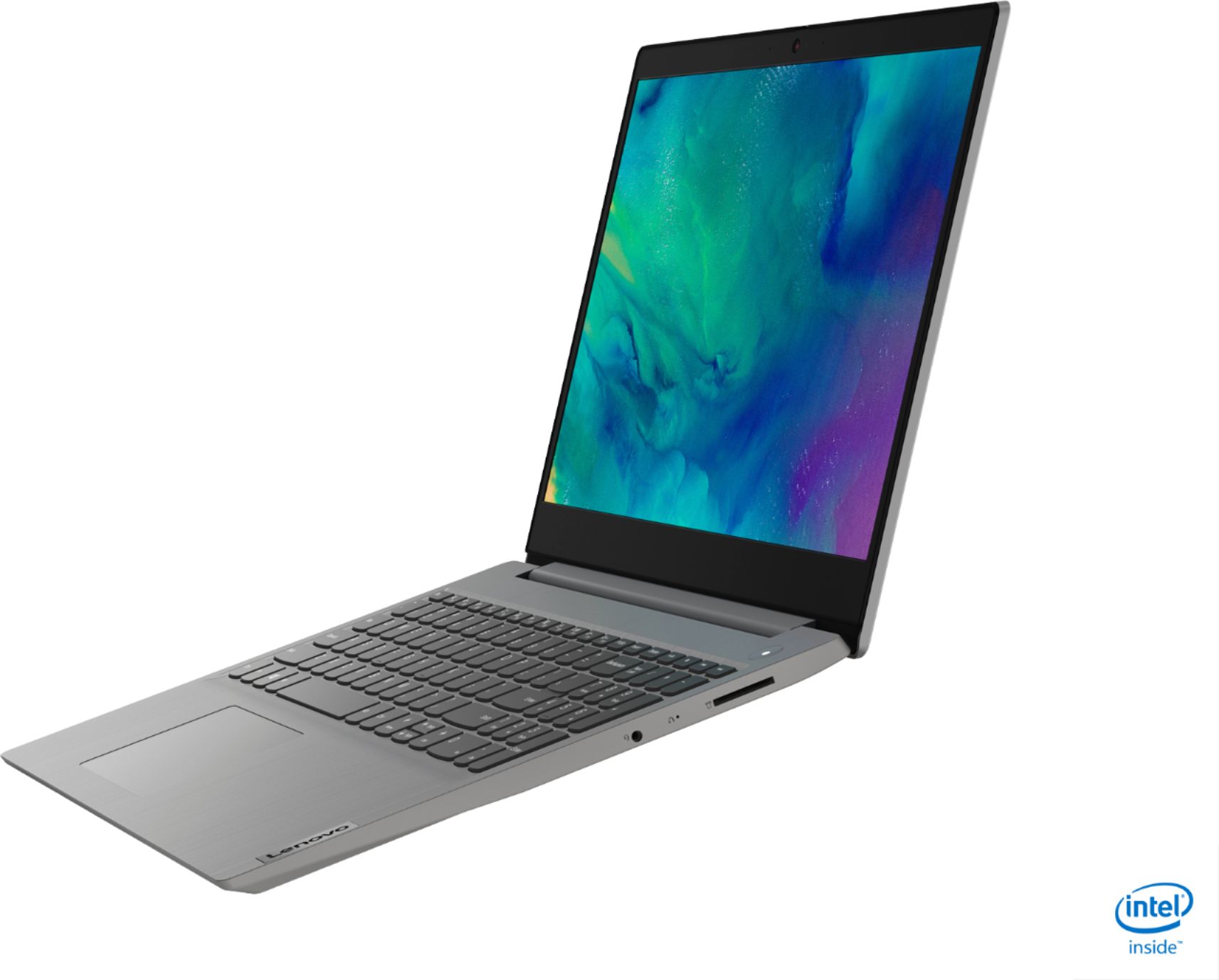


- Model:
- 81WE011UUS
- SKU:
- 6426707
Rating by feature
- Battery Life
Rating 4.2 out of 5 stars
- Speed
Rating 4.4 out of 5 stars
- Display
Rating 4.5 out of 5 stars
Customers are saying
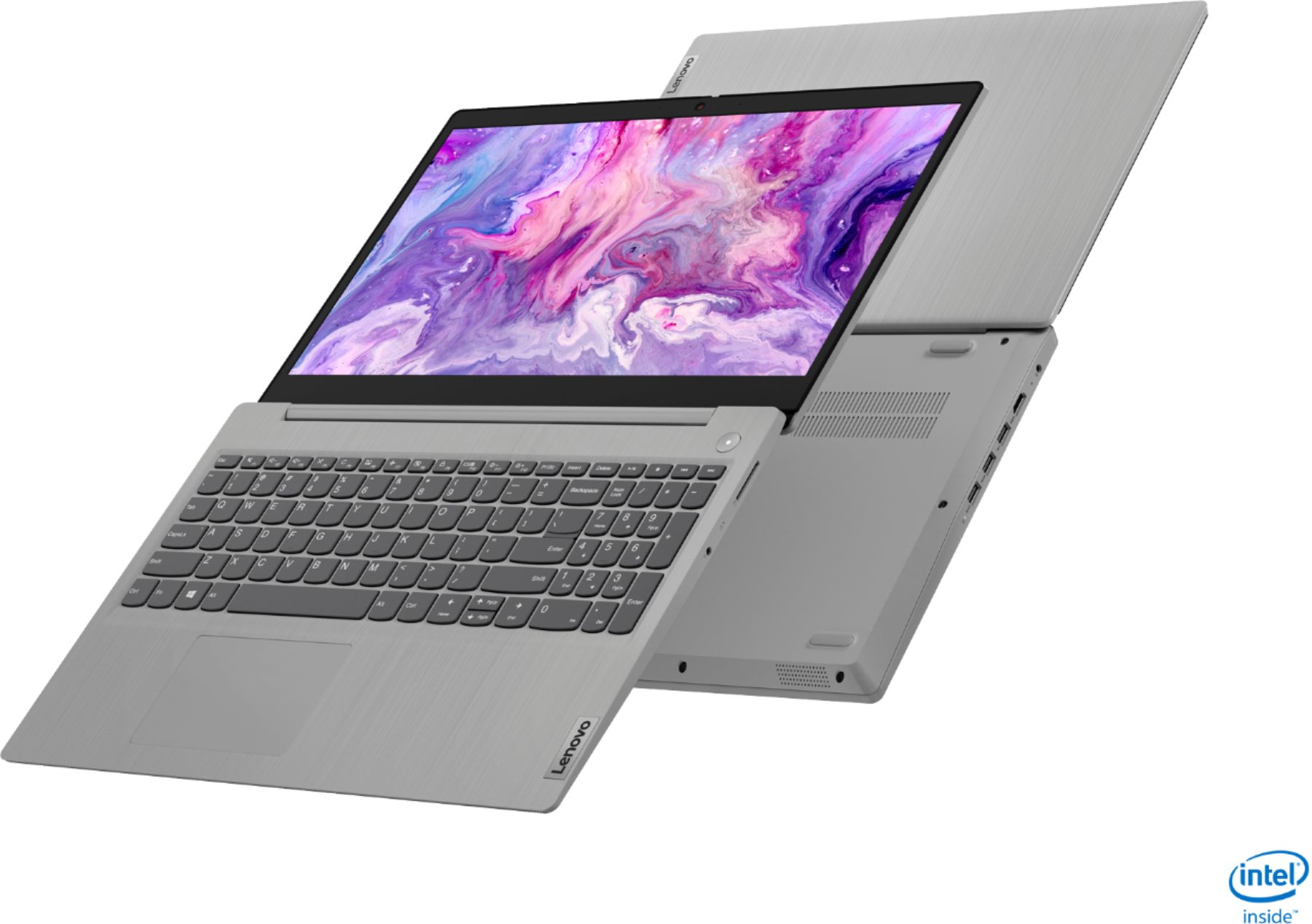
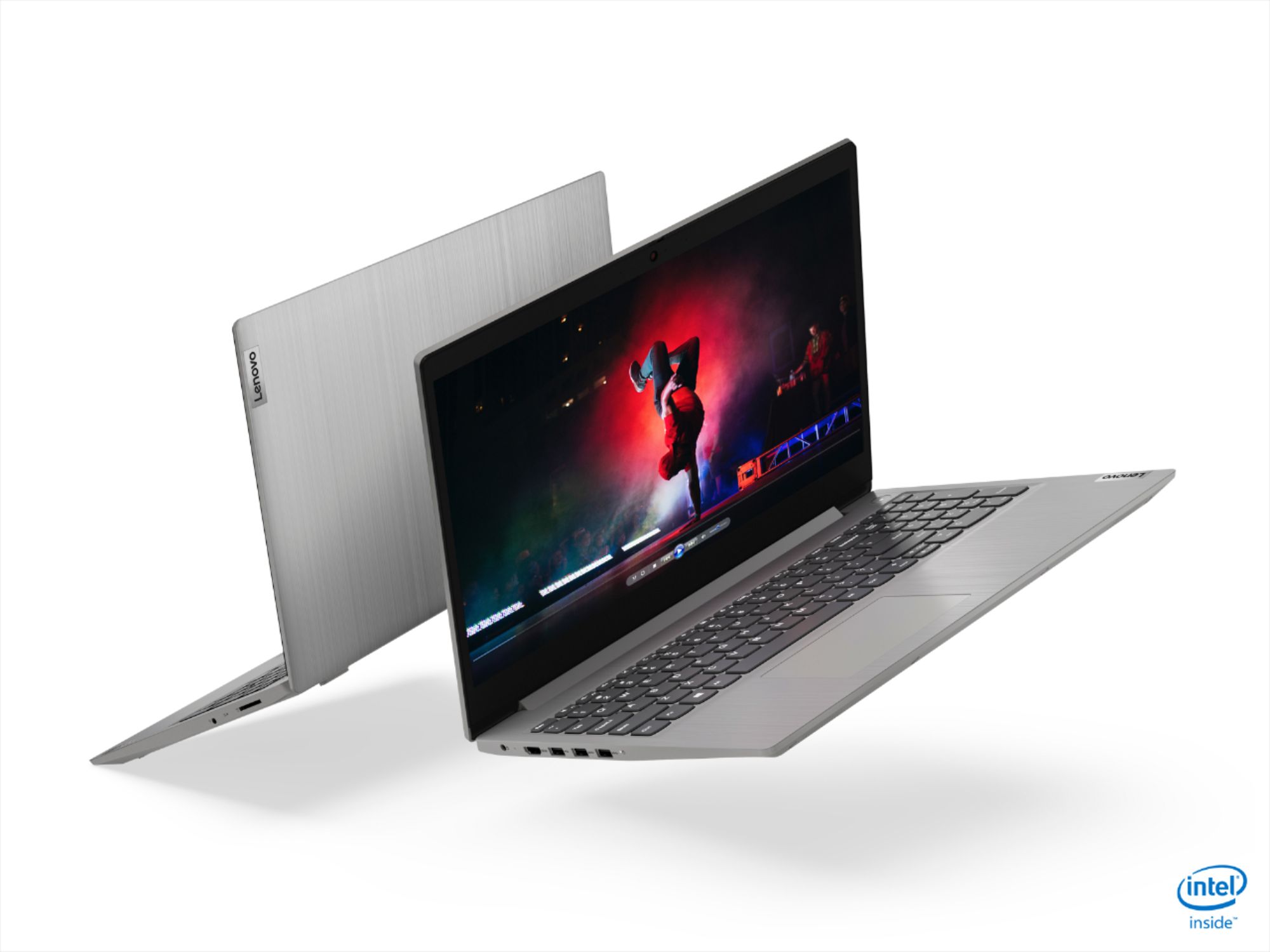
Customers often highlight the IdeaPad 3 15" Laptop's affordability, user-friendly interface, and lightweight design as its main advantages. Many users appreciate its clear screen and satisfactory performance. However, some users have concerns about its battery life, build quality, and the initial difficulty in disabling S mode.
This summary was generated by AI based on customer reviews.
Bought Christmas gifts.
||Posted . Owned for 1 month when reviewed.This reviewer received promo considerations or sweepstakes entry for writing a review.My daughter loves the computer. Everyone at best buy was very helpful with the computer and the games we got. It was a pleasure to shop there.
I would recommend this to a friendBrand response from Lenovo Product Expert
Posted .Hello. Thank you for choosing the Lenovo IdeaPad 3 laptop. We are pleased to hear that the value and performance of the IdeaPad 3 meets your daughter's computing needs so well!

fluff
||Posted . Owned for 3 weeks when reviewed.This reviewer received promo considerations or sweepstakes entry for writing a review.Extremely happy with this laptop.....fast and reliable. Easy to read keys and lightweight. Convenient to carry and love the platinum grey finish.
I would recommend this to a friendGood Laptop.
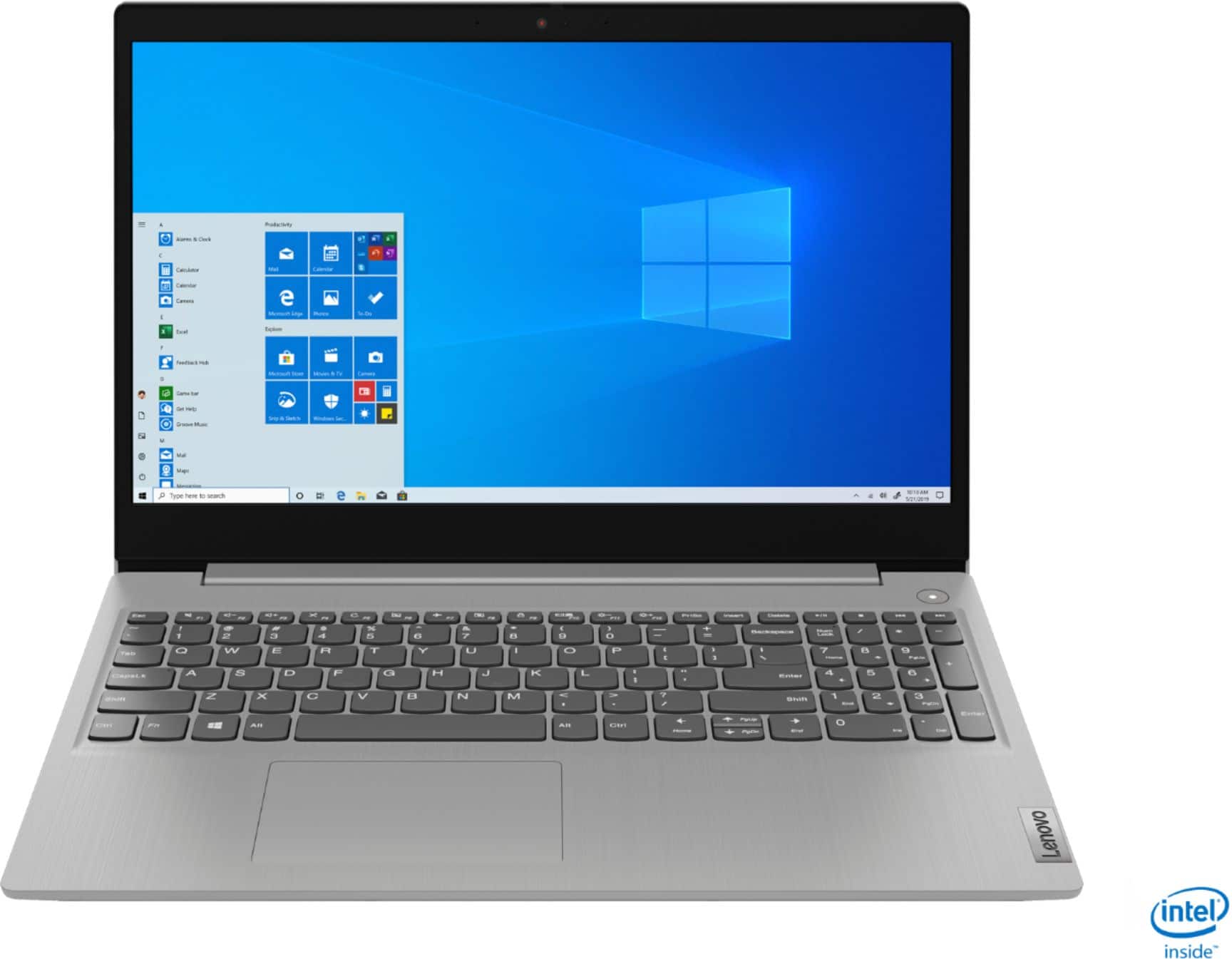
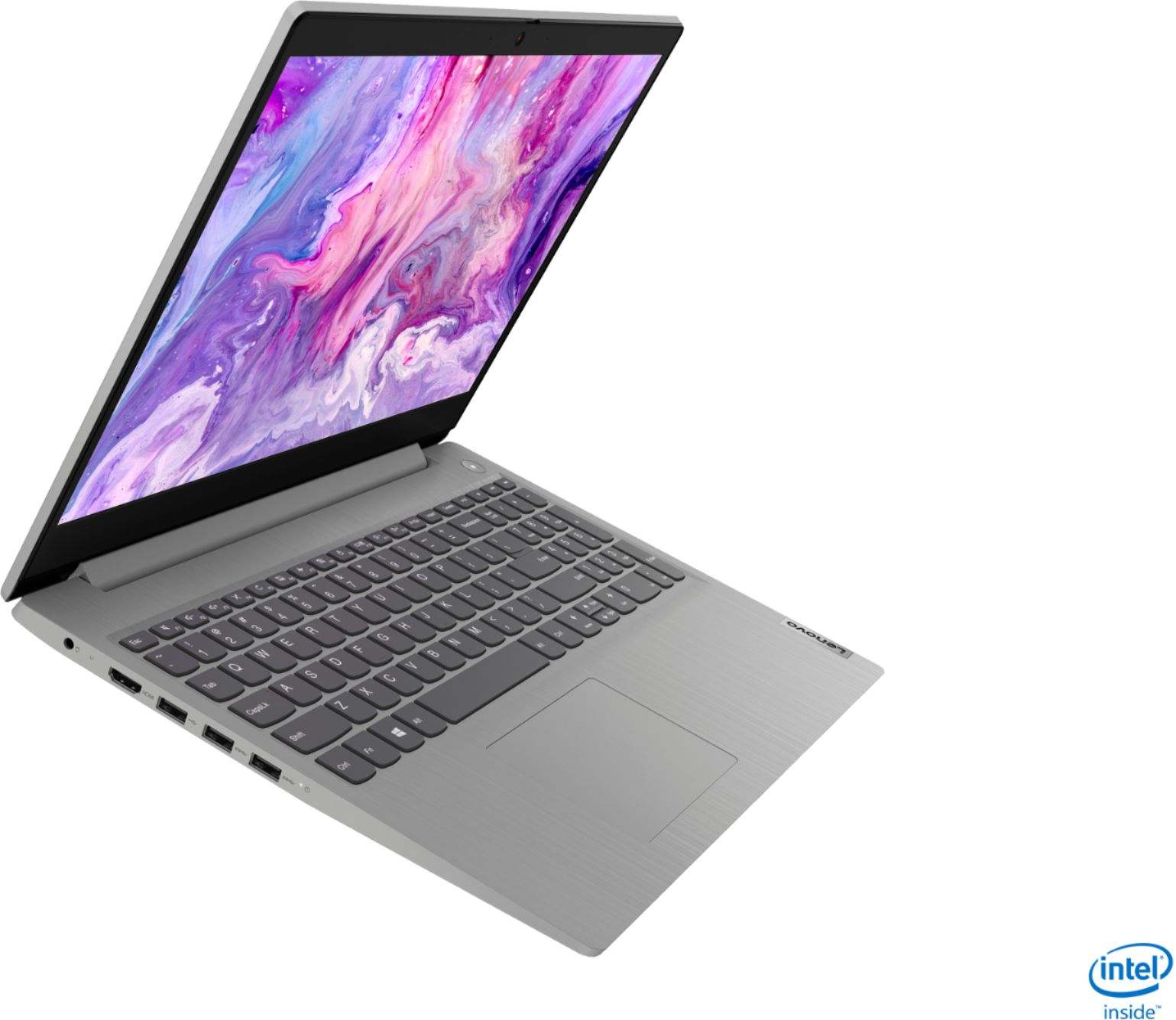
||Posted .This reviewer received promo considerations or sweepstakes entry for writing a review.This is Lenovo - IdeaPad 3 15" Laptop - Intel Core i3-1005G1 - 8GB Memory - 256GB SSD - Platinum Grey.I bought it in deal when this is on Sale. I like this laptop.
I would recommend this to a friendBrand response from Lenovo Product Expert
Posted .Hello. Thank you for choosing the Lenovo IdeaPad 3 laptop. We are pleased to hear that the value and performance of the IdeaPad 3 meets your computing needs so well!
hoballa husseini
||Posted . Owned for 1 year when reviewed.This reviewer received promo considerations or sweepstakes entry for writing a review.i bought this nice laptop from my favorite store best buy i am writing this review while i am use it all time easy to use
I would recommend this to a friendGood laptop at this price level
||Posted .This reviewer received promo considerations or sweepstakes entry for writing a review.This laptop is doing the expected work well. At this level of price, it provides all the basic needs, in particular in a stable and robust way.
I would recommend this to a friendGood laptop
||Posted . Owned for 3 weeks when reviewed.This reviewer received promo considerations or sweepstakes entry for writing a review.Got this for son's school work. Good so far. Not too hard to set up and good features. Seems like an easy simple laptop for school and everyday life workloads.
I would recommend this to a friendBrand response from Lenovo Product Expert
Posted .Hello. Thank you for choosing the Lenovo IdeaPad 3 laptop. We are pleased to hear that the value and performance of the IdeaPad 3 meets your computing needs so well!
Best Laptop
||Posted . Owned for 1 week when reviewed.This reviewer received promo considerations or sweepstakes entry for writing a review.Great product for the price. I purchased this laptop on sale and can’t believe everything it comes with for a cheap reliable laptop it’s not bad.
I would recommend this to a friendBrand response from Lenovo Product Expert
Posted .Hello. Thank you for choosing the Lenovo IdeaPad 3 laptop. We are pleased to hear that the value and performance of the IdeaPad 3 meets your computing needs so well!
Solid Budget Laptop
||Posted . Owned for 1 month when reviewed.This reviewer received promo considerations or sweepstakes entry for writing a review.Great budget laptop. For the price you can't complain. This will handle most everyday tasks. It is used frequently for zoom. No issues at all!
I would recommend this to a friendLenova laptop
||Posted . Owned for 1 year when reviewed.This reviewer received promo considerations or sweepstakes entry for writing a review.Best product ever . I am using since 1 and half year. Only charger broke by itself . Got new one online less than $20
I would recommend this to a friendCNC Controller
||Posted .This reviewer received promo considerations or sweepstakes entry for writing a review.Bought this unit to control my Shapeoko CNC router. I wanted something low cost but very functional. Awesome deal.
I would recommend this to a friendBrand response from Lenovo Product Expert
Posted .Thank you for choosing the Lenovo IdeaPad 3 15 Laptop, model number 81WE011UUS. We are pleased to hear that the performance of the IdeaPad 3 15 meets your computing needs so well.
Good for Everyday Use
||Posted . Owned for 1 month when reviewed.This reviewer received promo considerations or sweepstakes entry for writing a review.The laptop is great for everyday use. Don't expect to edit films or run CPU-intensive games on it though. Great for students and office use.
I would recommend this to a friendBrand response from Lenovo Product Expert
Posted .Hello. Thank you for choosing the Lenovo IdeaPad 3 laptop. We are pleased to hear that the value and performance of the IdeaPad 3 meets your computing needs so well!
Home Use
||Posted . Owned for 1 month when reviewed.This reviewer received promo considerations or sweepstakes entry for writing a review.Great for my needs, internet, MIcrosoft Office. Im not really fan of video games, so I cant tell you if this laptop performs good in games.
I would recommend this to a friendBrand response from Lenovo Product Expert
Posted .Thank you for choosing the Lenovo IdeaPad 3 15 Laptop, model number 81WE00NKUS. We are pleased to hear that the IdeaPad 3 15 meets your computing needs so well.
Laptop
||Posted . Owned for 10 months when reviewed.This reviewer received promo considerations or sweepstakes entry for writing a review.I bought this when I started college. Love it! The screen size is great and it's just what I needed for school work.
I would recommend this to a friendLove this
||Posted .This reviewer received promo considerations or sweepstakes entry for writing a review.So happy , got this for my daughters home schooling , love that it’s a touch screen and can fold in half and act as a tablet
I would recommend this to a friendGreat laptop
||Posted . Owned for less than 1 week when reviewed.This reviewer received promo considerations or sweepstakes entry for writing a review.Great buy for the great price. Smooth finishing on the product. Looks great. Slim profile. Perfect for daily tasks like browsing and working.
I would recommend this to a friendgood price and performance laptop
||Posted . Owned for 1 month when reviewed.This reviewer received promo considerations or sweepstakes entry for writing a review.it suitable for students learning. good battery life. processor work in good performance. I only complaint from the automatic turn on when i open the lid.
I would recommend this to a friendBrand response from Lenovo Product Expert
Posted .Hello. Thank you for choosing the Lenovo IdeaPad 3 laptop. We are pleased to hear that the value and performance of the IdeaPad 3 meets your computing needs so well! It sounds like you are putting the laptop to sleep by closing the lid instead of powering the laptop down by using the method of Clicking the Windows 10 button in the Bottom left corner of the screen --->Power ----> Shutdown. By using this method the laptop should not power on when you open the lid.
Beautiful Laptop
||Posted .This reviewer received promo considerations or sweepstakes entry for writing a review.Really good computer! I bought it for my son to do his school work, but I am thinking to give him my old laptop and take this one to me :)
I would recommend this to a friendBrand response from Lenovo Product Expert
Posted .Thank you for choosing the Lenovo IdeaPad 3 15 Laptop, model number 81WE011UUS. We are pleased to hear that the IdeaPad 3 15 is working out so well.
Customer Service
||Posted . Owned for 3 weeks when reviewed.This reviewer received promo considerations or sweepstakes entry for writing a review.Using it for work at home and the team at the computer section was able to point me to the right computer after I told them what I needed
I would recommend this to a friendBrand response from Lenovo Product Expert
Posted .Thank you for choosing the Lenovo IdeaPad 3 15 Laptop, model number 81WE011UUS. We are pleased to hear that the IdeaPad 3 15 is working out so well for you.
Best gift ever.
||Posted . Owned for 1 month when reviewed.This reviewer received promo considerations or sweepstakes entry for writing a review.Got it as a Christmas gift from my husband and daughter, I love it !!! Very easy to setup and use. Would recommend to friends and family.
I would recommend this to a friendBrand response from Lenovo Product Expert
Posted .Hello. Thank you for choosing the Lenovo IdeaPad 3 laptop. We are pleased to hear that the value and performance of the IdeaPad 3 meets your computing needs so well!
Nice
||Posted . Owned for 3 weeks when reviewed.This reviewer received promo considerations or sweepstakes entry for writing a review.It was quite good and smooth with no real problems or issues. For a computer of this price, it's great value. I would really recommend it.
I would recommend this to a friend