Customer Ratings & Reviews
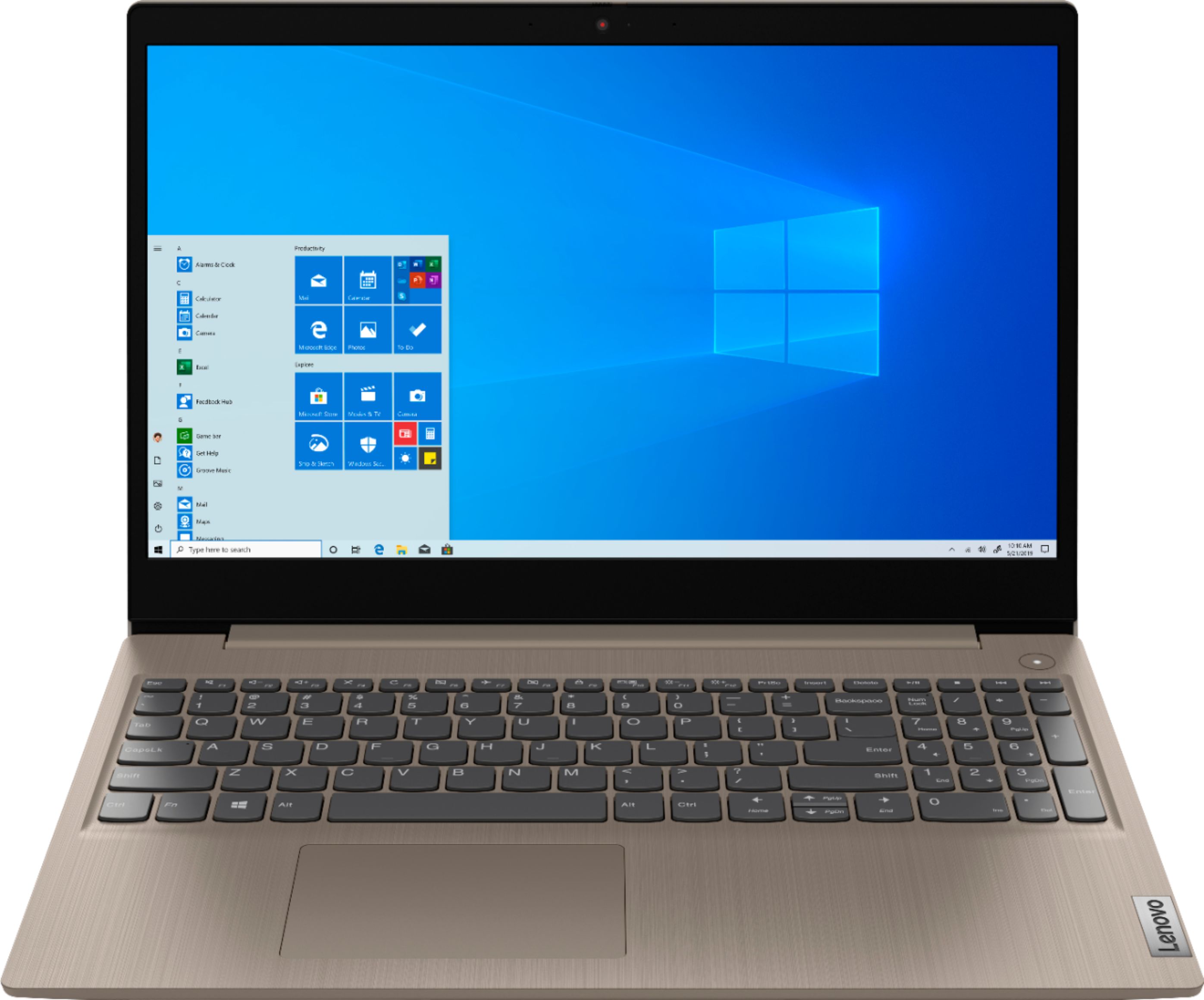
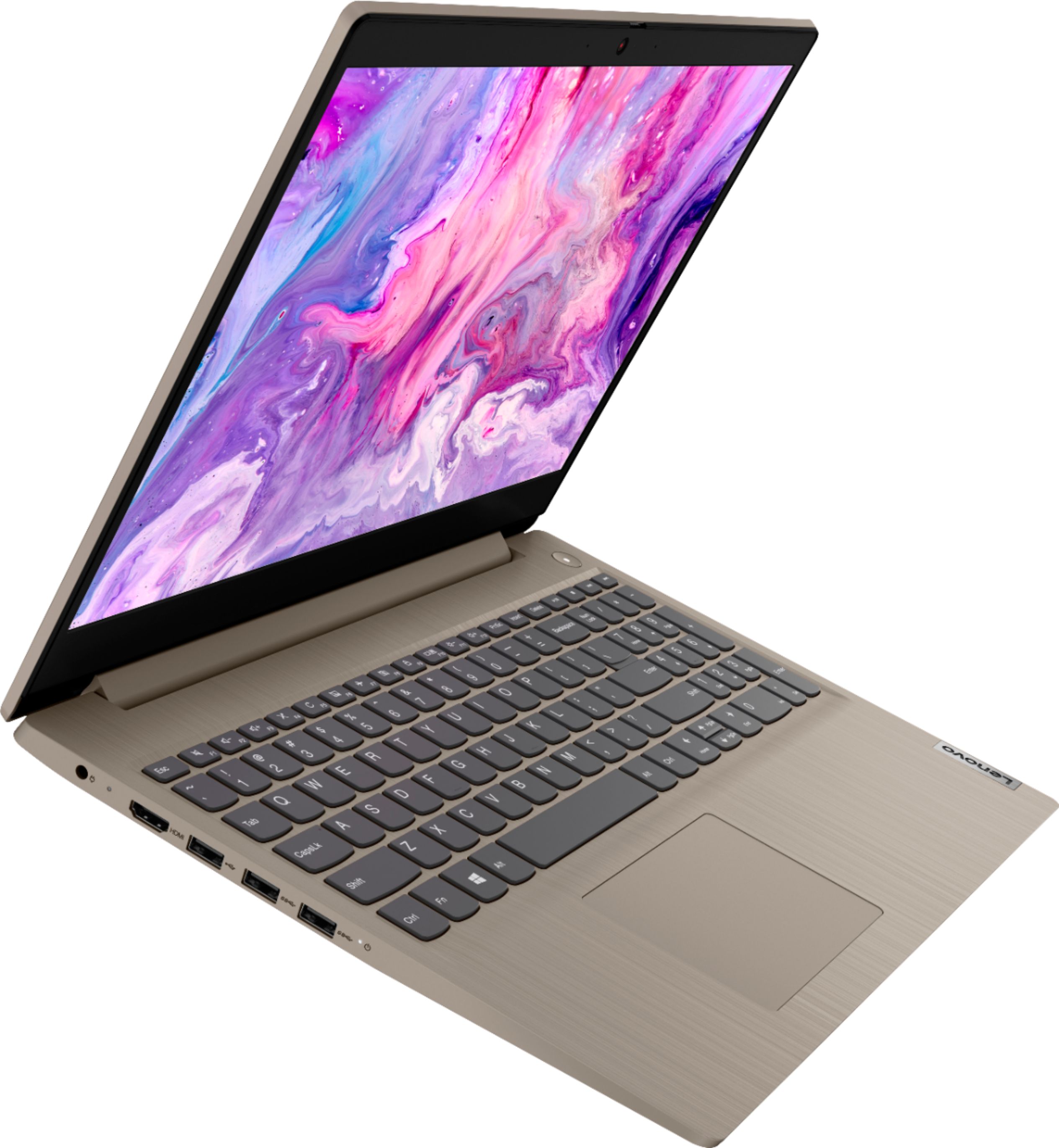
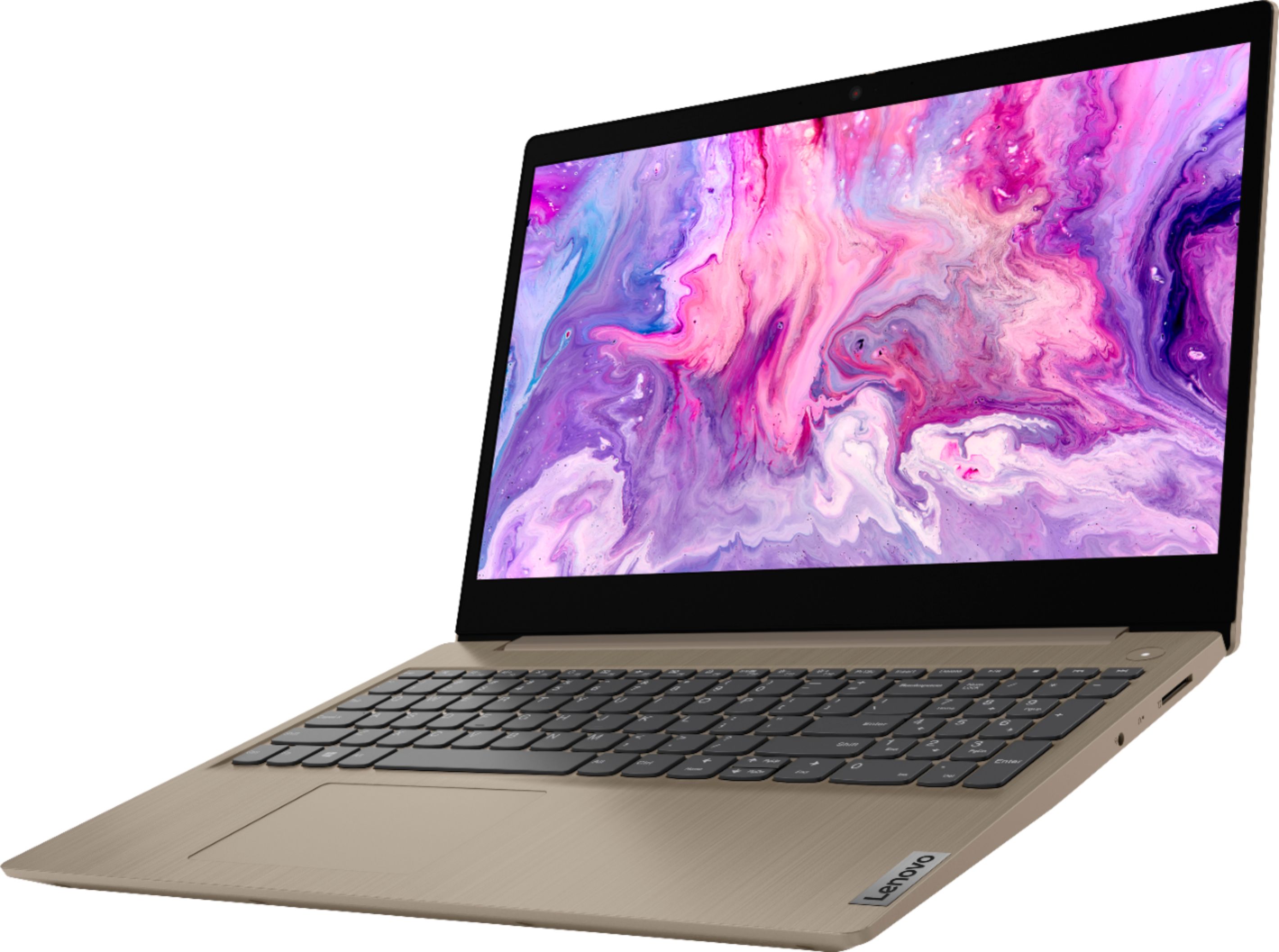
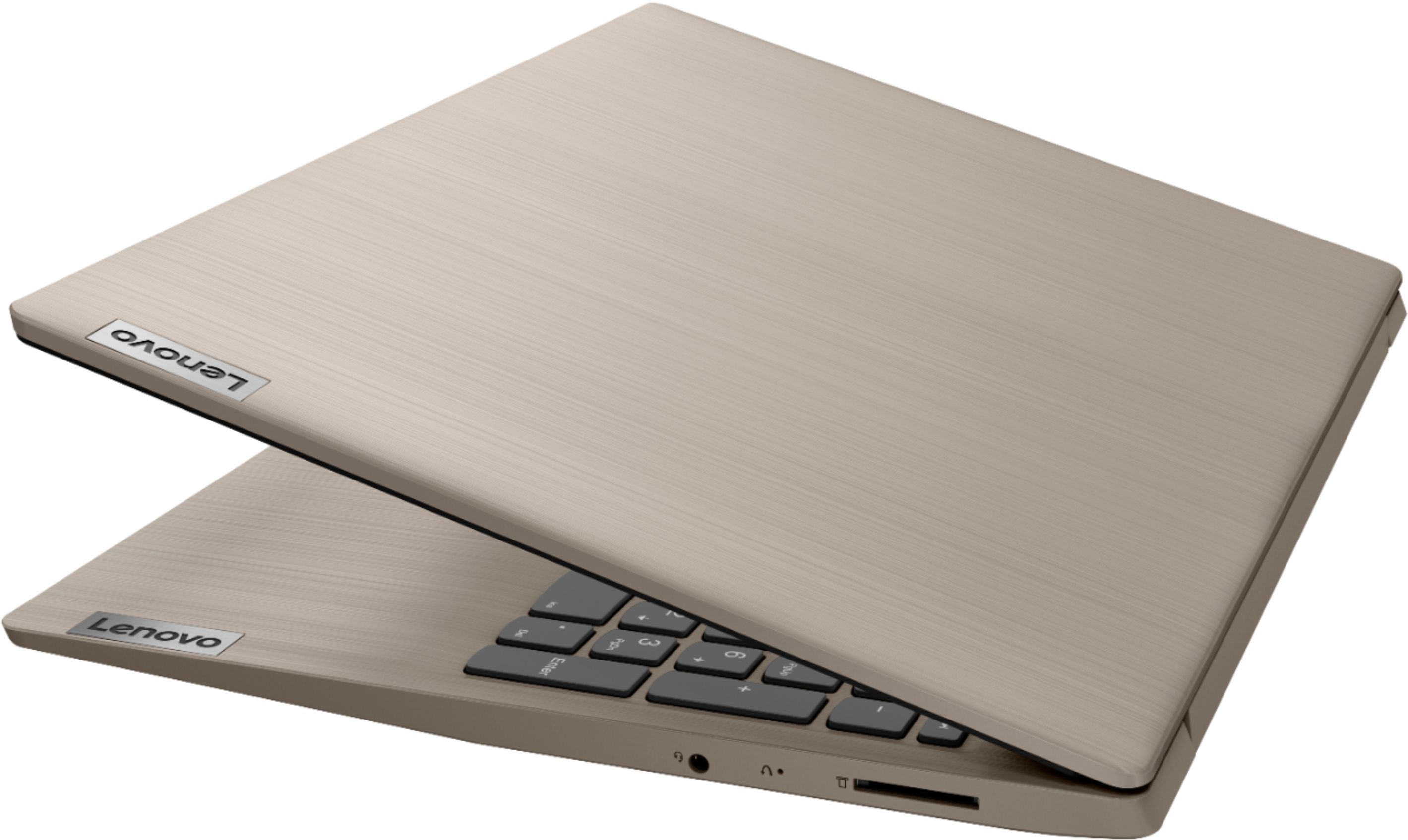


- Model:
- 81WE00KVUS
- SKU:
- 6415810
Rating by feature
- Battery Life
Rating 4.3 out of 5 stars
- Speed
Rating 4.3 out of 5 stars
- Display
Rating 4.4 out of 5 stars
Customers are saying
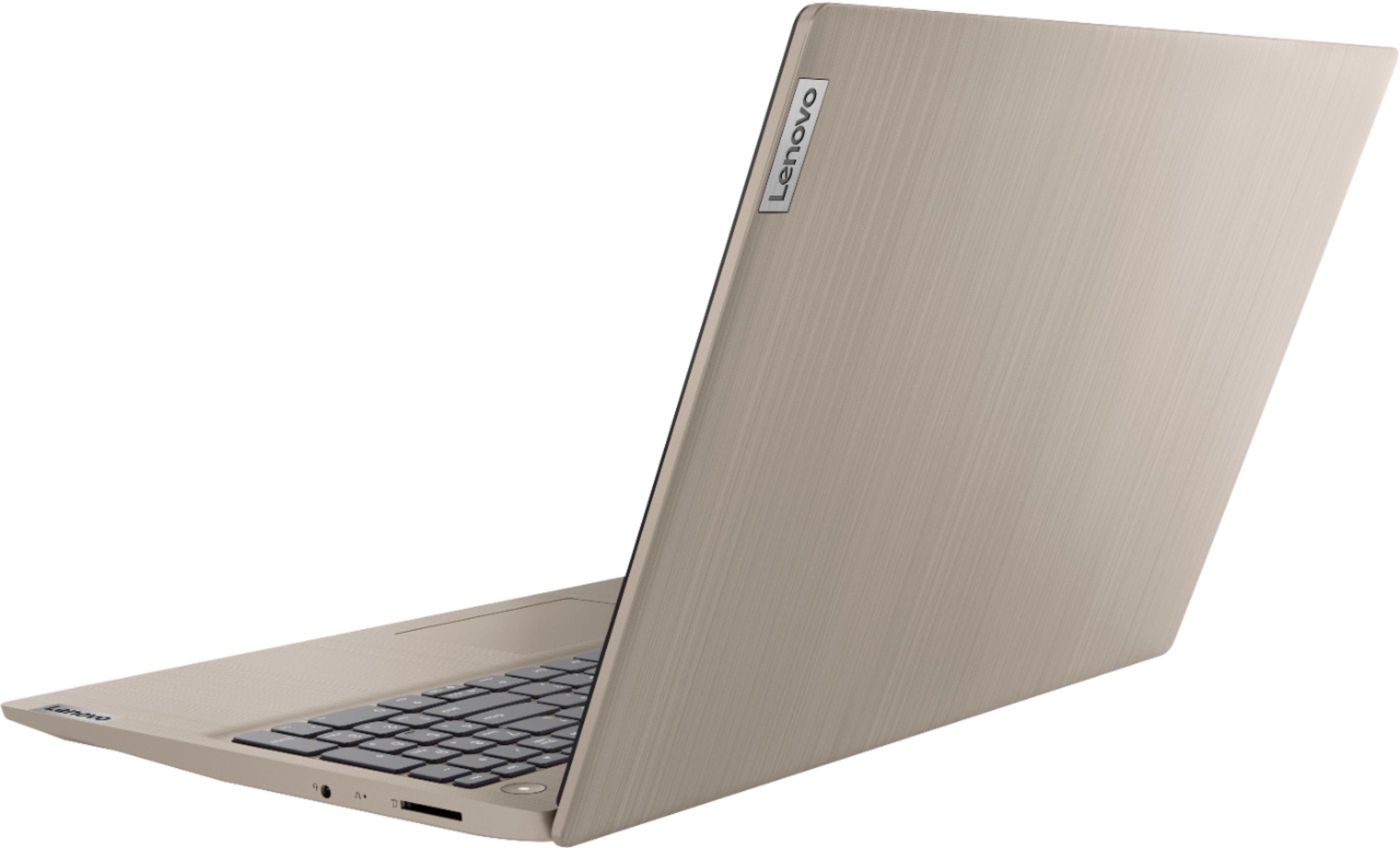
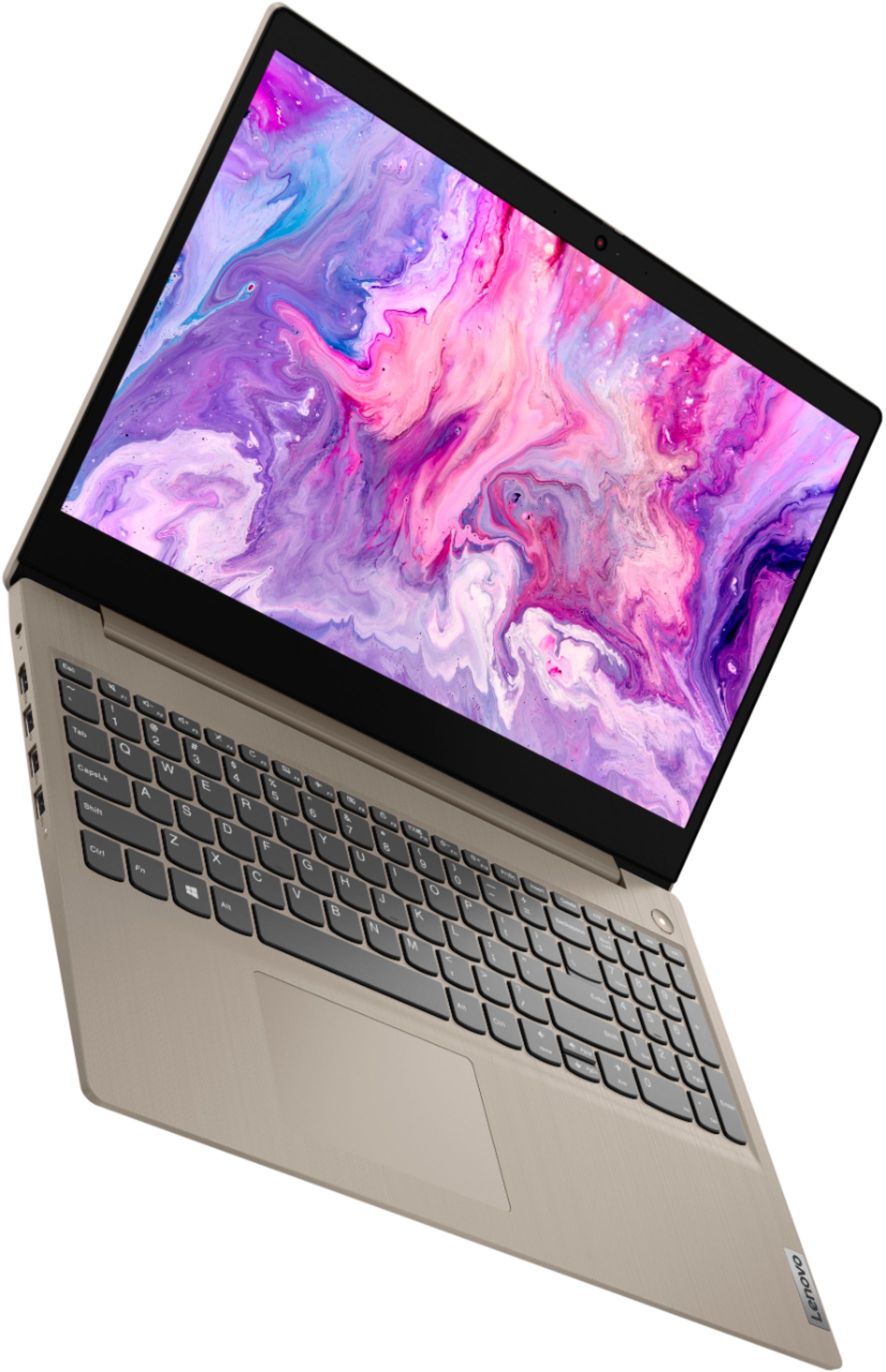
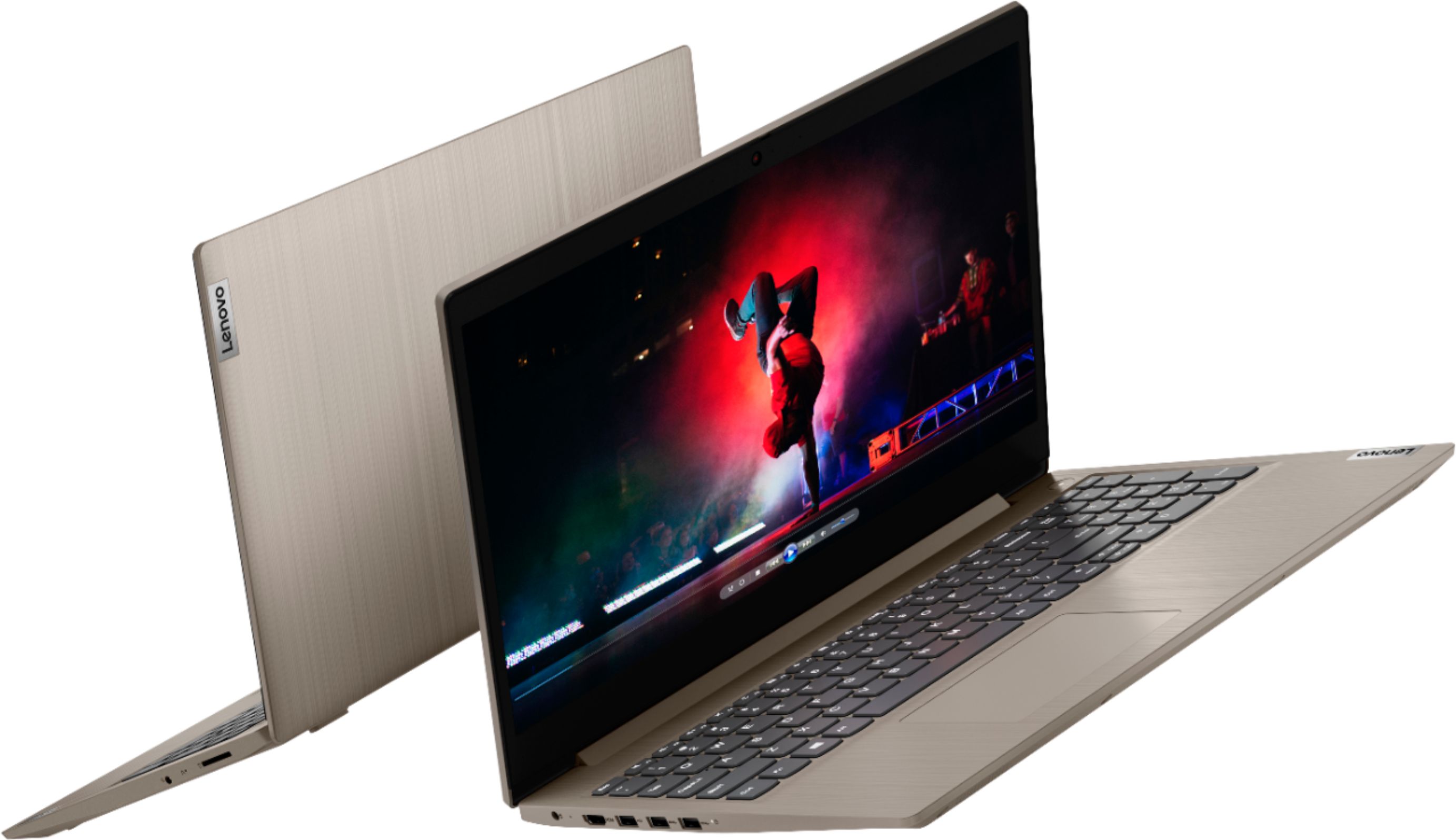
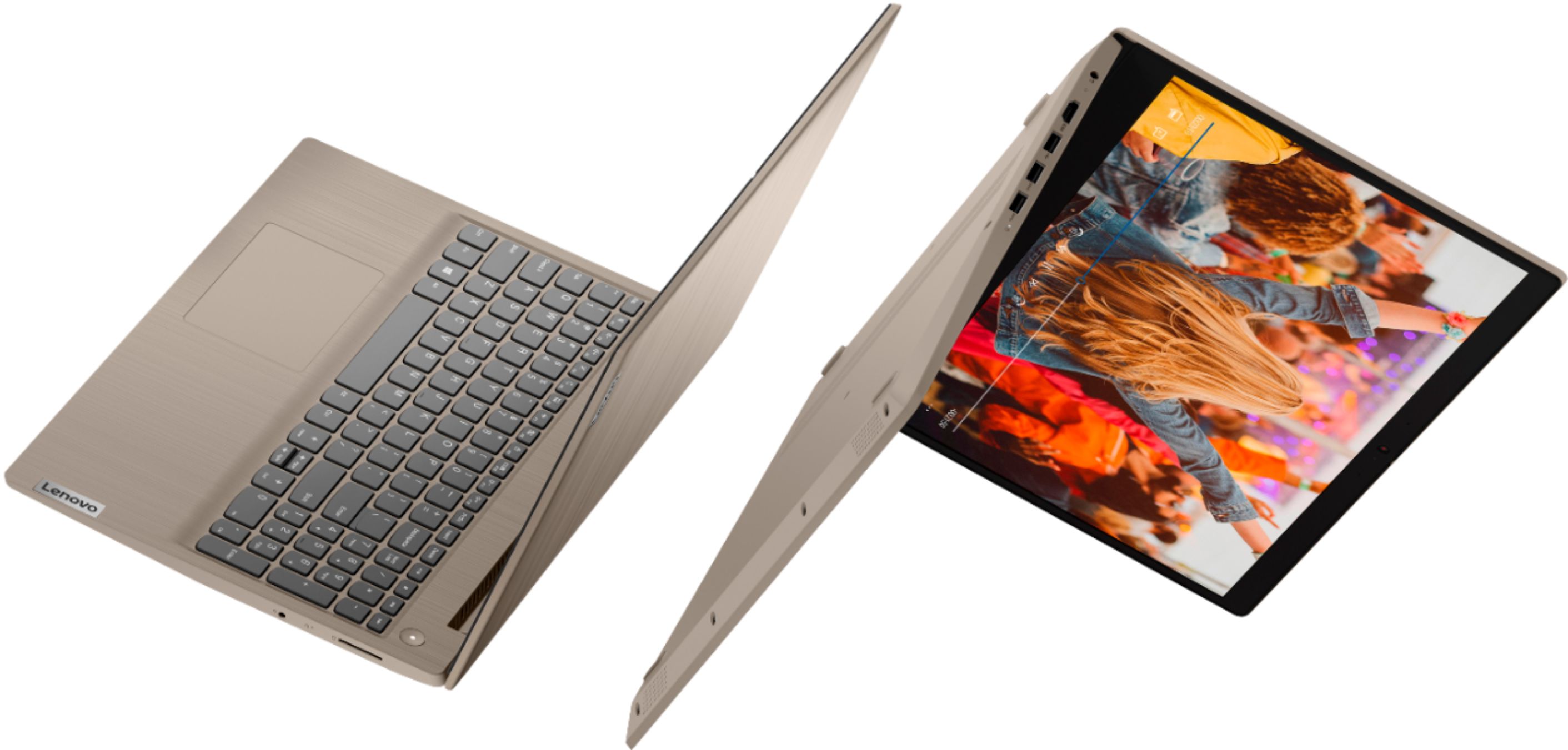
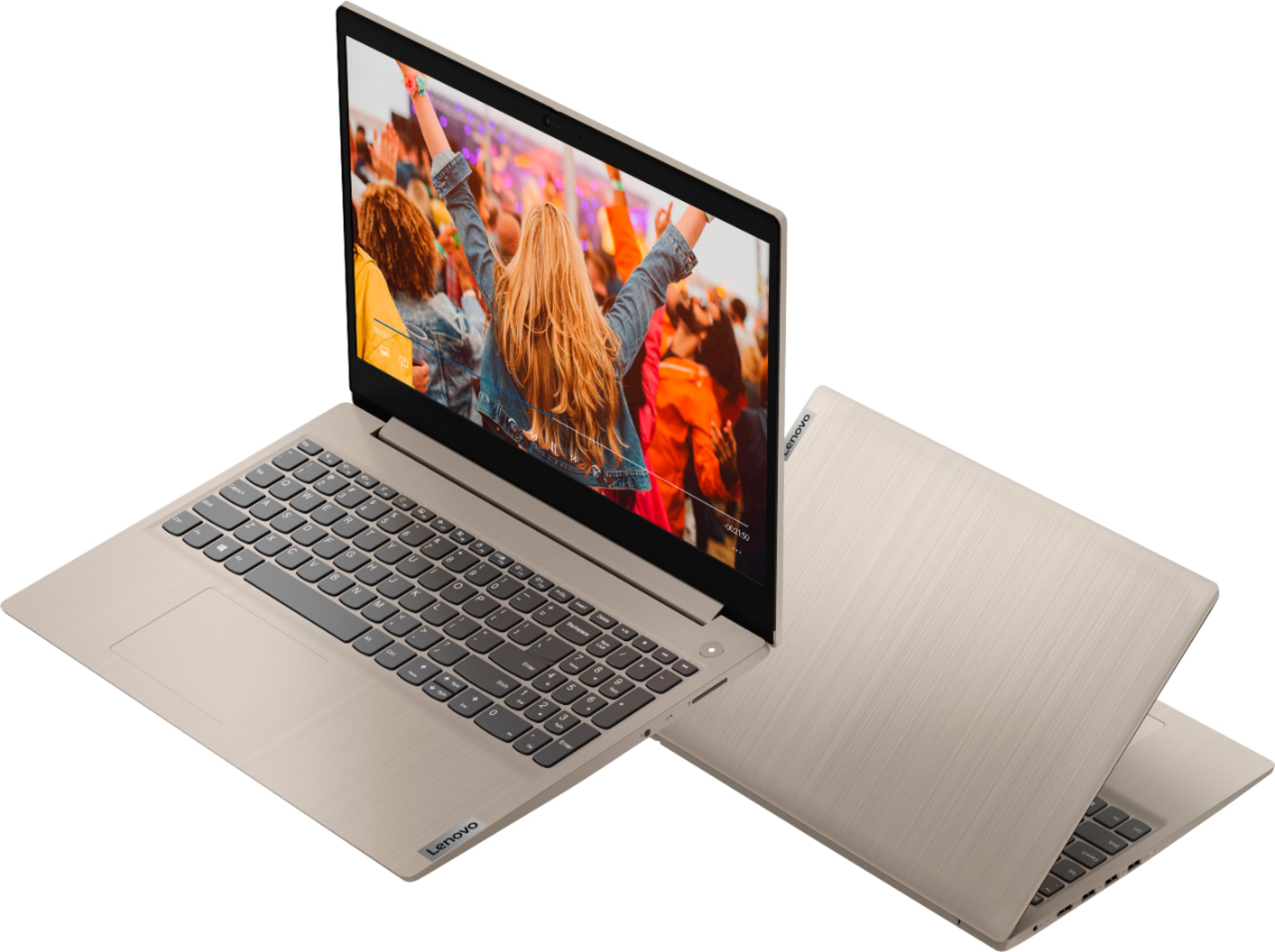
Customers frequently mention the IdeaPad 3's touch screen, praising its functionality. The price point is also widely appreciated, with many customers highlighting the great value for the performance they get. On the downside, the battery life is a common concern, with users expressing dissatisfaction about its duration. The lack of a DVD drive is another point of contention for some users.
This summary was generated by AI based on customer reviews.
My experience with Best Buy was good.
||Posted . Owned for 1 month when reviewed.This reviewer received promo considerations or sweepstakes entry for writing a review.My product that I purchased at Best Buy was one that I had never seen or heard of. It was a Lenovo laptop and the operating system was easy to use. The Lenovo laptop price was reasonable and I would refer Best Buy to everyone.
I would recommend this to a friendBrand response from Lenovo Product Expert
Posted .Thank you for choosing the Lenovo IdeaPad 3 15 Laptop, model number 81WE00KVUS. We are pleased to hear that the value and performance of the IdeaPad 3 15 meets your computing needs so well. This is a mid-level, moderate use configuration, with its 10th. Generation, Intel Core i3-1005G1 processor. This Dual-Core/Four-Thread processor has a base speed of 1.2GHz and a boost speed of up to 3.4GHz. This configuration has 8GB of DDR4-2666MHz RAM and a 256GB solid state hard drive. It is good with Microsoft Office type programs, internet browsing and other moderate work. This model ships with Windows 10 S-Mode Operating System. Windows 10 S-Mode provides added security by only allowing APPs available ( and therefore certified by Microsoft) at the Microsoft Store. If you don't need the added security or you need to install APPs not available at the Microsoft Store, you can switch to standard Windows 10 Home 64-bit Operating System, at no additional cost.

- Cons mentioned:Battery life
Stooped Working
||Posted . Owned for 1 month when reviewed.This reviewer received promo considerations or sweepstakes entry for writing a review.worked well until it didn't! Had for only a few months when keys started not typing properly and battery lasts 30 minutes without being plugged in. Very disappointed.
No, I would not recommend this to a friendBrand response from Lenovo Product Expert
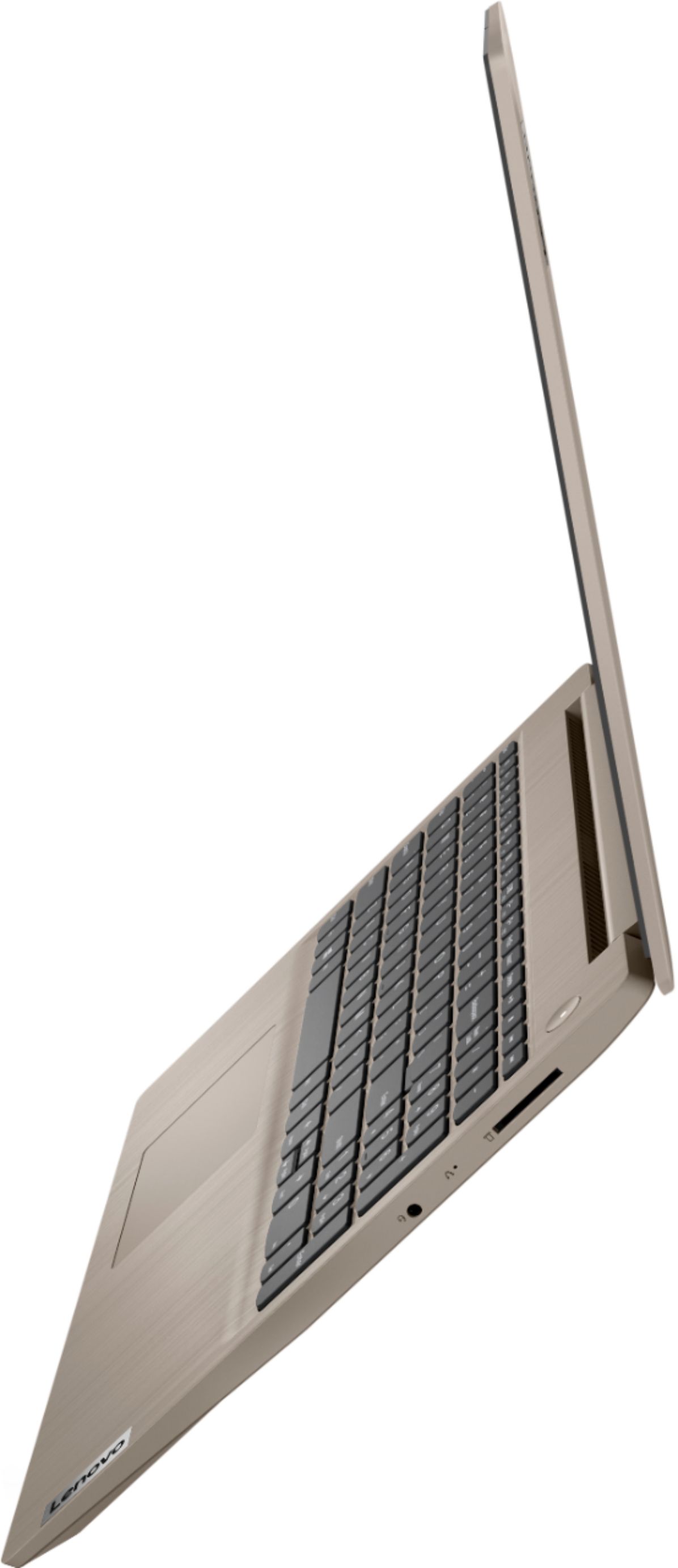
Posted .We are sorry to hear that you are having issues with your Lenovo IdeaPad 3 15 Laptop, model number 81WE00KVUS. It is possible that resetting your computer back to original factory settings will correct the issues you describe. If you can boot the computer properly and reach the Windows Desktop screen, here is a link to instructions for resetting your computer back to original factory settings: https://support.microsoft.com/en-us/windows/recovery-options-in-windows-10-31ce2444-7de3-818c-d626-e3b5a3024da5. If you can no longer properly boot your computer computer, this system is equipped with OneKey Recovery System. There is a very small pin hole on the right side of the device, right in between the headphone jack and the SD card slot on the device. You will need a pin to push this reset button. Plug the device in. Let the battery charge for about 15 minutes. Push the reset button. The system should boot to a choice screen where you can choose "Restore To Factory Default". Select this. It will delete everything from the hard drive except the original factory install of the operating system. You will need to reinstall all programs and files after the reset. If you don't have copies of the files, try to make one before you restore by selecting "Boot to desktop" and trying to back up your files. Once you have the computer reset, be sure any software you installed is compatible with Windows 10. There is no need to install Microsoft Office software. The software is already part of the operating system, you just need to activate the software with a purchased product key. If you have installed a copy of Microsoft Office, this is conflicting with the existing copy on the system and this will slow your system down. If you have installed a 3rd party anti-virus program, be sure that Windows Defender is turned off and that the trial version of McAfee Anti-Virus software is uninstalled. There can only be one anti-virus program on the system. You may need to restore your system to original factory default settings if any of the programming errors have occurred. You can do that by typing "restore" in the Cortana search window. Just click on the magnifying glass icon at the bottom left of your Windows 10 Desktop. Click on "Reset This PC" Then click on "Get Started" and follow the on screen directions to restore to factory defaults. If the problem persists, we recommend you contact Lenovo Tech Support at: 877-453-6686.
Laptop
||Posted . Owned for 1 year when reviewed.This reviewer received promo considerations or sweepstakes entry for writing a review.Good laptops call you later on Wednesday afternoon to avoid the call and I am free to chat chat later this week or next time you need me a call later this week if I need help for a chat call me at
I would recommend this to a friendGreat laptop!
||Posted . Owned for 1 month when reviewed.This reviewer received promo considerations or sweepstakes entry for writing a review.I bought this to replace my son's chrome book while he was remote learning. The chrome book is slow and continues to loose connection. This was perfect. Had all the feature we needed, Fast processing and kept connection
I would recommend this to a friendLen
||Posted . Owned for 3 weeks when reviewed.This reviewer received promo considerations or sweepstakes entry for writing a review.Computer works great with no immediate issues. I thought there was something wrong with camera but I learned there was a button on the keyboard to turn it own so my own mistake not paying attention lol. Overall great computer.
I would recommend this to a friendNice computer
||Posted . Owned for 1 month when reviewed.This reviewer received promo considerations or sweepstakes entry for writing a review.This computer works well for my son's distance learning. We had purchased a different one previously, but it didn't have enough memory to handle a large zoom meeting without freezing. This has no issues.
I would recommend this to a friendGreat laptop
||Posted . Owned for 1 month when reviewed.This reviewer received promo considerations or sweepstakes entry for writing a review.I do t know much about computers but my son does. He looked at the specs of a few different ones and suggested I order this. It was a little more than I wanted to pay but it is worth it, it works great!
I would recommend this to a friend- Pros mentioned:Touch screenCons mentioned:Defective
Getting the run-a-round
||Posted . Owned for 1 week when reviewed.This reviewer received promo considerations or sweepstakes entry for writing a review.Lost cursor the second time I tried to use. Geek Squad determined computer was defective. As of now, it will be 2 more months before defective computer is picked up and replacement delivered. I keep getting different info from Geek Squad agents, both on the phone and in person. Right now, when I think of Best Buy, I think defective merchandise and agents that give you the run-a-round.
No, I would not recommend this to a friendBrand response from Lenovo Product Expert
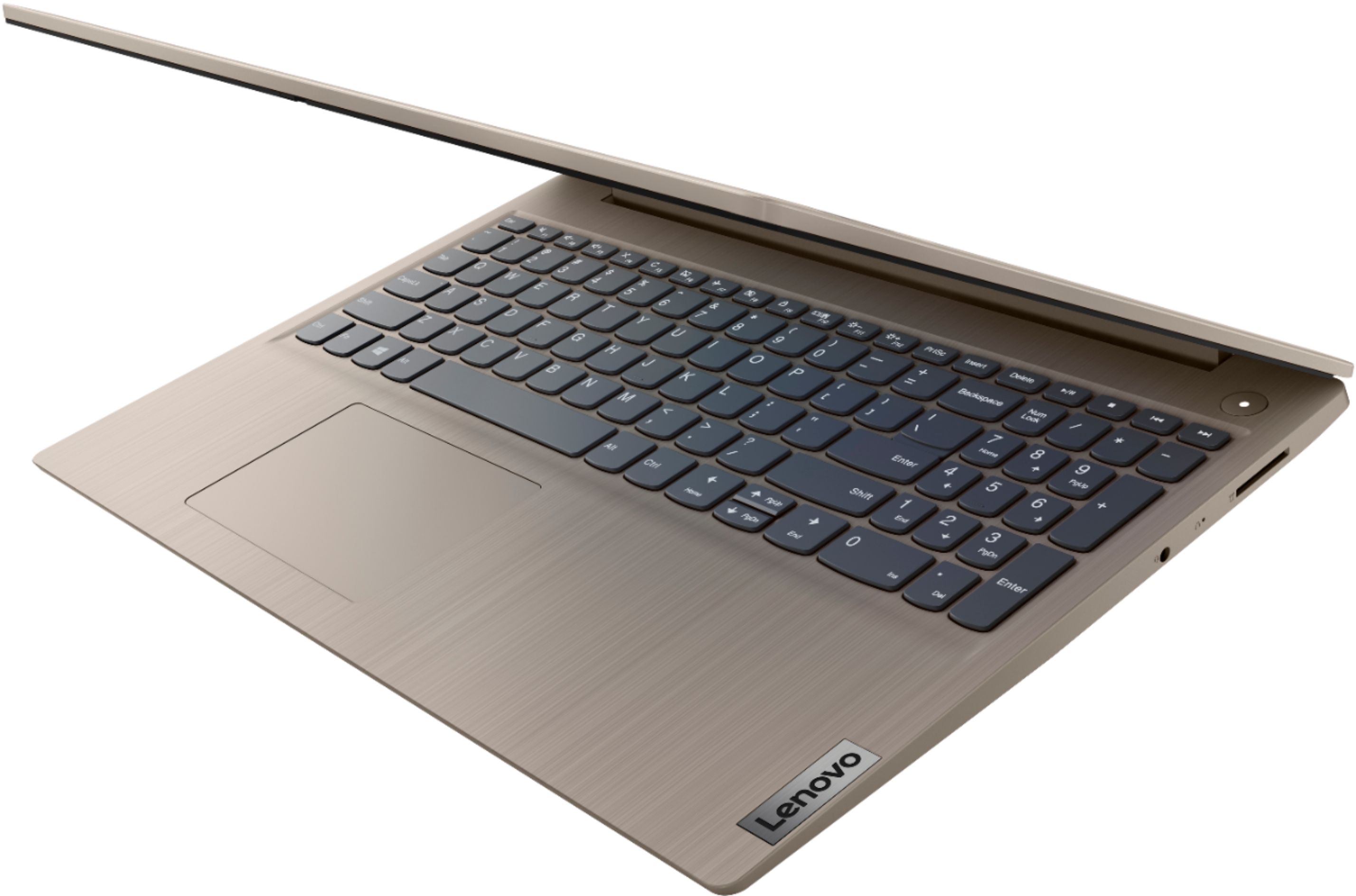
Posted .We are sorry to hear that you are having issues with the touchpad on your Lenovo IdeaPad 3 15 Laptop, model number 81WE00KVUS. First be sure the touchpad has not been inadvertently turned off. Tap the HotKey in the F6 position on your keyboard. This HotKey toggles the touchpad on/off. If this does not fix the issue, use the touchscreen on this laptop to be sure you have the latest version of Windows 10 on the computer. Then update all of the BIOS files and drivers up to that latest version of Windows 10. You can easily accomplish this by scanning the computer with the Lenovo Utility software available on this computer. This system has Lenovo utilities installed to help maintain the health of the device and keep the operating system software up to date. Type "Lenovo Vantage" in the Cortana Search window (if Lenovo Vantage is not installed on your device, you can download the APP and install it now). Select Lenovo Vantage from the list. In the window that opens, click on "Health and Support". In the expanded menu, select "Hardware Scan" In the window that opens, select "Run Quick Tests". This will scan your entire system for errors. Follow any directions that may pop up. If the problem continues after this scan, now click on "System Update". First select Windows update from the menu. Scan your system to be sure you have the latest version of Windows 10. Once that scan is complete, select "Additional Updates". This will scan your device to be sure there are no new BIOS/Driver updates needed. Follow any instructions that may pop up. If all operating system software is up to date and the problem persists, resetting the computer back to original factory settings may correct the issue. Once again, using the touchscreen on the computer, here is a link to instructions for resetting your Windows 10 computer: https://support.microsoft.com/en-us/windows/recovery-options-in-windows-10-31ce2444-7de3-818c-d626-e3b5a3024da5. If the issue persists or you would like to talk to Lenovo Tech Support, you can reach them at: 877-453-6686.
Excellent equipment
||Posted . Owned for more than 2 years when reviewed.This reviewer received promo considerations or sweepstakes entry for writing a review.I am very pleased with this purchase, the laptop is super fast, i don´t have any problems with all the programs i use. The color is great an very light to carry.
I would recommend this to a friendGood computer
||Posted . Owned for 3 weeks when reviewed.This reviewer received promo considerations or sweepstakes entry for writing a review.Good computer, easy to use. I had Geek squad transfer files from my broken Dell computer. The store did not do a good job since I had to make 3 phone calls to Geek Squad to get it working correctly.
I would recommend this to a friendBrand response from Lenovo Product Expert
Posted .Thank you for choosing the Lenovo IdeaPad 3 laptop. We are pleased to hear that the value and performance of the IdeaPad 3 meets your computing needs so well. We appreciate your loyalty to the Lenovo Brand!
Great for a college student
||Posted . Owned for 3 weeks when reviewed.This reviewer received promo considerations or sweepstakes entry for writing a review.I bought this laptop for my daughter to enter into her junior year of college (so proud) and does everything that she needs it to do. She loves the looks of it and I love that it will perform reliably.
I would recommend this to a friendGood laptop
||Posted . Owned for 3 weeks when reviewed.This reviewer received promo considerations or sweepstakes entry for writing a review.A good laptop for the price, bought a few of these for work and they’re reliable laptops, used mostly for placing online orders and the upload speed is fast, great storage space, and the RAM is fast for web surfing.
I would recommend this to a friendBrand response from Lenovo Product Expert
Posted .Hello. Thank you for choosing the Lenovo IdeaPad 3 laptop. We are pleased to hear that the value and performance of the IdeaPad 3 meets your computing needs so well! We appreciate your Loyalty to the Lenovo Brand.
Good for beginners
||Posted . Owned for 1 month when reviewed.This reviewer received promo considerations or sweepstakes entry for writing a review.Wish it came with a few instructions on how to set up. Some of this took awhile. There was some kind of safe mode on the computer which wouldn't allow me to install my norton subscription. Unnecessary aggravation!!
I would recommend this to a friendBrand response from Lenovo Product Expert
Posted .The Lenovo IdeaPad 3 15 Laptop, model number 81WE00KVUS, ships with Windows 10 S-Mode Operating System. Windows 10 S-Mode provides added security by only allowing APPs available ( and therefore certified by Microsoft) at the Microsoft Store. If you don't need the added security or you need to install APPs not available at the Microsoft Store, you can switch to standard Windows 10 Home 64-bit Operating System, at no additional cost. There is also a 30-day trial of McAfee Virus Protection installed and activated on this model. You do not need to use McAfee. Just uninstall McAfee and install any 3rd party virus protection you choose. Here is a link to information on uninstalling McAfee from Windows 10: https://service.mcafee.com/webcenter/portal/oracle/webcenter/page/scopedMD/s55728c97_466d_4ddb_952d_05484ea932c6/Page29.jspx?wc.contextURL=%2Fspaces%2Fcp&articleId=TS101331&_afrLoop=1355161020222084&leftWidth=0%25&showFooter=false&showHeader=false&rightWidth=0%25¢erWidth=100%25#!%40%40%3FshowFooter%3Dfalse%26_afrLoop%3D1355161020222084%26articleId%3DTS101331%26leftWidth%3D0%2525%26showHeader%3Dfalse%26wc.contextURL%3D%252Fspaces%252Fcp%26rightWidth%3D0%2525%26centerWidth%3D100%2525%26_adf.ctrl-state%3Dx25crirbo_9
Very good student laptop
||Posted . Owned for 3 weeks when reviewed.This reviewer received promo considerations or sweepstakes entry for writing a review.Purchased this as a student laptop. And while its not a game laptop, it can handle some games pretty well. I definitely recommend for any family that needs a good student laptop. It's light, portable and works well.
I would recommend this to a friend- Cons mentioned:Battery life
Battery was disappointing
||Posted . Owned for 1 week when reviewed.This reviewer received promo considerations or sweepstakes entry for writing a review.Everything else was pretty smooth but I had to take it back as I only received 2 hours before it died.
No, I would not recommend this to a friendBrand response from Lenovo Product Expert
Posted .The Lenovo IdeaPad 3 15 Laptop, model number 81WE00KVUS, ships with a 2CELL_35WH_INTERNAL, Lithium Polymer Battery, with a battery life of up to 7 hours, depending on the work the device is performing. If you only got 2 hours of battery life, Battery Conservation Mode may have been turned on. This power management setting should only be used when the laptop is plugged in all the time. It prolongs overall battery life by only charging the battery to 60-percent capacity. Another issue that will cause excessive battery drain is unwanted programs running in the background on the computer. Be sure only the programs you want to run in the background are. These background programs drain the battery. Then, be sure any software you installed is compatible with Windows 10. There is no need to install Microsoft Office software. The software is already part of the operating system, you just need to activate the software with a purchased product key. If you have installed a copy of Microsoft Office, this is conflicting with the existing copy on the system and this will slow your system down. If you have installed a 3rd party anti-virus program, be sure that Windows Defender is turned off and that the trial version of McAfee Anti-Virus software is uninstalled. There can only be one anti-virus program on the system. You may need to restore your system to original factory default settings if any of the programming errors have occurred. You can do that by typing "restore" in the Cortana search window. Just click on the magnifying glass icon at the bottom left of your Windows 10 Desktop. Click on "Reset This PC" Then click on "Get Started" and follow the on screen directions to restore to factory defaults. If the problem persists, we recommend you contact Lenovo Tech Support at: 877-453-6686.
Worth it!
||Posted . Owned for 1 month when reviewed.This reviewer received promo considerations or sweepstakes entry for writing a review.There is no DVD/CD player, but that was fine for me. I like the material for the screen. The screen does not get very dusty or have a strange film like other touch screen computers. It runs fast and efficent.
I would recommend this to a friendBrand response from Lenovo Product Expert
Posted .The Lenovo IdeaPad 3 15 Laptop, model number 81WE00KVUS, does not ships with a built in CD/DVD drive but you can use an external, Windows 10 compatible, USB-based CD/DVD drive with this laptop. There is a 15.6-inch (screen size measured diagonally) TN, LCD w/LED Backlight (Anti-glare) screen, with a resolution of 1366 X 768 (HD) and a brightness level of 250 nits. This model ships with Windows 10 S-Mode Operating System. Windows 10 S-Mode provides added security by only allowing APPs available ( and therefore certified by Microsoft) at the Microsoft Store. If you don't need the added security or you need to install APPs not available at the Microsoft Store, you can switch to standard Windows 10 Home 64-bit Operating System, at no additional cost.
So far grandson says is good for his school work
||Posted . Owned for 3 weeks when reviewed.This reviewer received promo considerations or sweepstakes entry for writing a review.The laptop was purchased for 8th grader to use for online classes. He has had an issue with the audio, except when using headphones. He has worked to get it ready and says it seems like it will work fine.
I would recommend this to a friendBoots fast; great value
||Posted . Owned for 3 weeks when reviewed.This reviewer received promo considerations or sweepstakes entry for writing a review.This laptop has a solid state hard drive, so it boots quickly. The memory and CPU are more than adequate for a young user and this computer is a great choice for young students going to school from home!
I would recommend this to a friendBrand response from Lenovo Product Expert
Posted .We are pleased to hear that the features and performance of the IdeaPad 3 15 Laptop, model number 81WE00KVUS is working out so well. This is a mid-level, moderate use configuration, with its 10th. Generation, Intel Core i3-1005G1 processor. This Dual-Core/Four-Thread processor has a base speed of 1.2GHz and a boost speed of up to 3.4GHz. This configuration has 8GB of DDR4-2666MHz RAM and a 256GB solid state hard drive. It is good with Microsoft Office type programs, internet browsing and other moderate work. This model ships with Windows 10 S-Mode Operating System. Windows 10 S-Mode provides added security by only allowing APPs available ( and therefore certified by Microsoft) at the Microsoft Store. If you don't need the added security or you need to install APPs not available at the Microsoft Store, you can switch to standard Windows 10 Home 64-bit Operating System, at no additional cost.
Seems to be good
||Posted .This reviewer received promo considerations or sweepstakes entry for writing a review.Touch screen can be a bit slow sometimes but overall I think it’s a good buy.
I would recommend this to a friendBrand response from Lenovo Product Expert
Posted .Thank you for choosing the Lenovo IdeaPad 3 15 Laptop, model number 81WE00KVUS. The touchscreen should not lag with your touch on the screen. This model ships with Windows 10 S-Mode Operating System. Windows 10 S-Mode provides added security by only allowing APPs available ( and therefore certified by Microsoft) at the Microsoft Store. If you don't need the added security or you need to install APPs not available at the Microsoft Store, you can switch to standard Windows 10 Home 64-bit Operating System, at no additional cost. Be sure any software you installed is compatible with Windows 10. There is no need to install Microsoft Office software. The software is already part of the operating system, you just need to activate the software with a purchased product key. If you have installed a copy of Microsoft Office, this is conflicting with the existing copy on the system and this will slow your system down. If you have installed a 3rd party anti-virus program, be sure that Windows Defender is turned off and that the trial version of McAfee Anti-Virus software is uninstalled. There can only be one anti-virus program on the system. You may need to restore your system to original factory default settings if any of the programming errors have occurred. You can do that by typing "restore" in the Cortana search window. Just click on the magnifying glass icon at the bottom left of your Windows 10 Desktop. Click on "Reset This PC" Then click on "Get Started" and follow the on screen directions to restore to factory defaults. If the problem persists, we recommend you contact Lenovo Tech Support at: 877-453-6686.
Perfect for At Home Learning
||Posted . Owned for 1 month when reviewed.This reviewer received promo considerations or sweepstakes entry for writing a review.My son is doing the At Home Learning and this laptop is really great, because its very user friendly. After school he loves to play online games with his friends and seems to work well for that too.
I would recommend this to a friendBrand response from Lenovo Product Expert
Posted .Thank you for Choosing the Lenovo IdeaPad 3 15 Laptop, model number 81WE00KVUS for your son. We are pleased to hear that the Ideapad 3 15 is working out so well for your son. This model ships with Windows 10 S-Mode Operating System. Windows 10 S-Mode provides added security by only allowing APPs available ( and therefore certified by Microsoft) at the Microsoft Store. If you don't need the added security or you need to install APPs not available at the Microsoft Store, you can switch to standard Windows 10 Home 64-bit Operating System, at no additional cost. We always recommend you check the requirements and compatibility of any software/games you will be installing on your new computer, before you invest in any computer. Be sure your new computer can support the software/games you will need to use.