Customer Ratings & Reviews


- Model:
- 81WE00KVUS
- SKU:
- 6415810
Rating by feature
- Battery Life
Rating 4.3 out of 5 stars
- Speed
Rating 4.3 out of 5 stars
- Display
Rating 4.4 out of 5 stars
Customers are saying
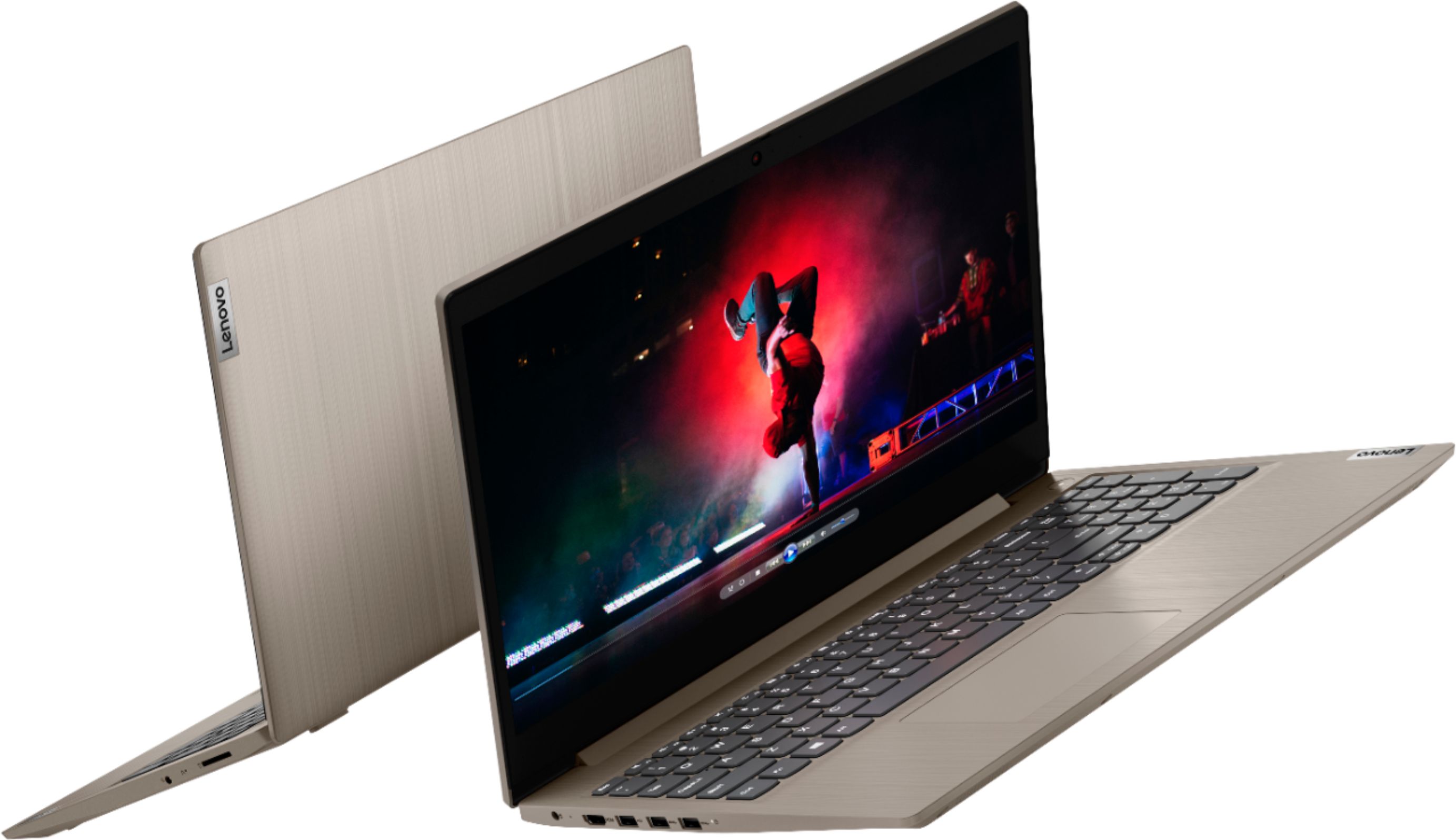
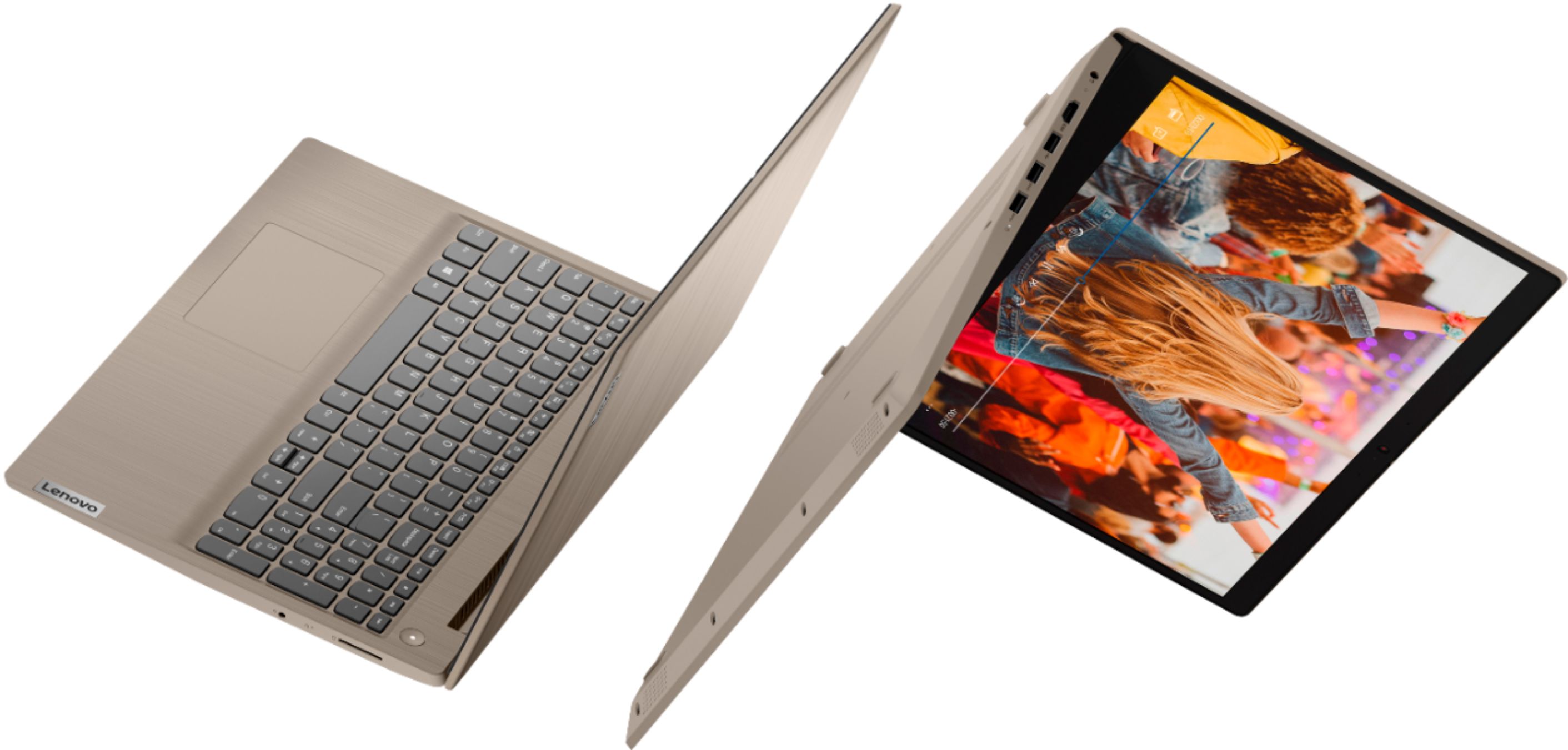
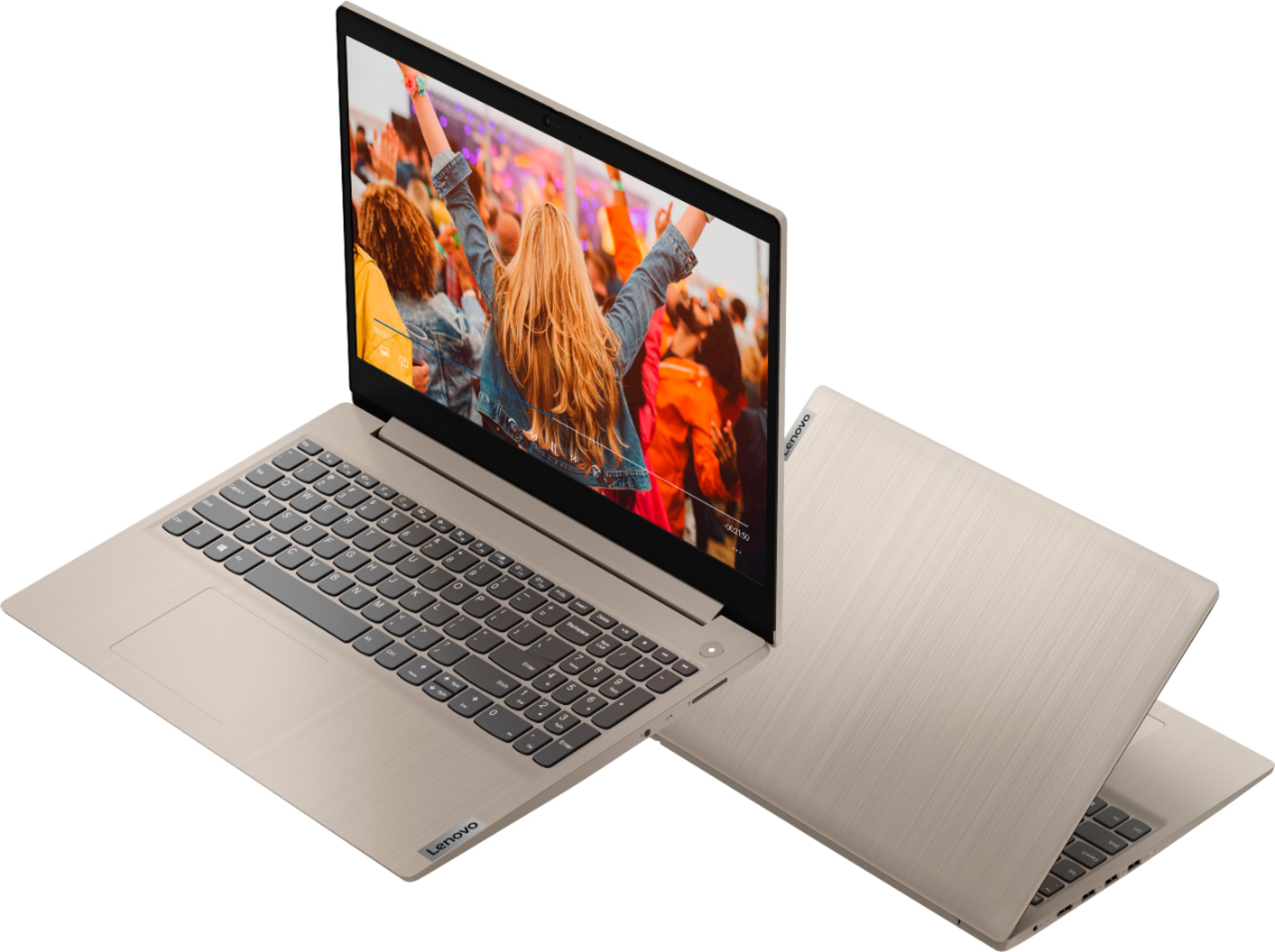
Customers frequently mention the IdeaPad 3's touch screen, praising its functionality. The price point is also widely appreciated, with many customers highlighting the great value for the performance they get. On the downside, the battery life is a common concern, with users expressing dissatisfaction about its duration. The lack of a DVD drive is another point of contention for some users.
This summary was generated by AI based on customer reviews.
Not sufficient for working purposes
||Posted . Owned for less than 1 week when reviewed.This reviewer received promo considerations or sweepstakes entry for writing a review.If you use computer almost everyday for work, better invest on a really good one than this mediocre one. Display, speed and overall performance are relatively unsatisfying.
No, I would not recommend this to a friendBrand response from Lenovo Product Expert
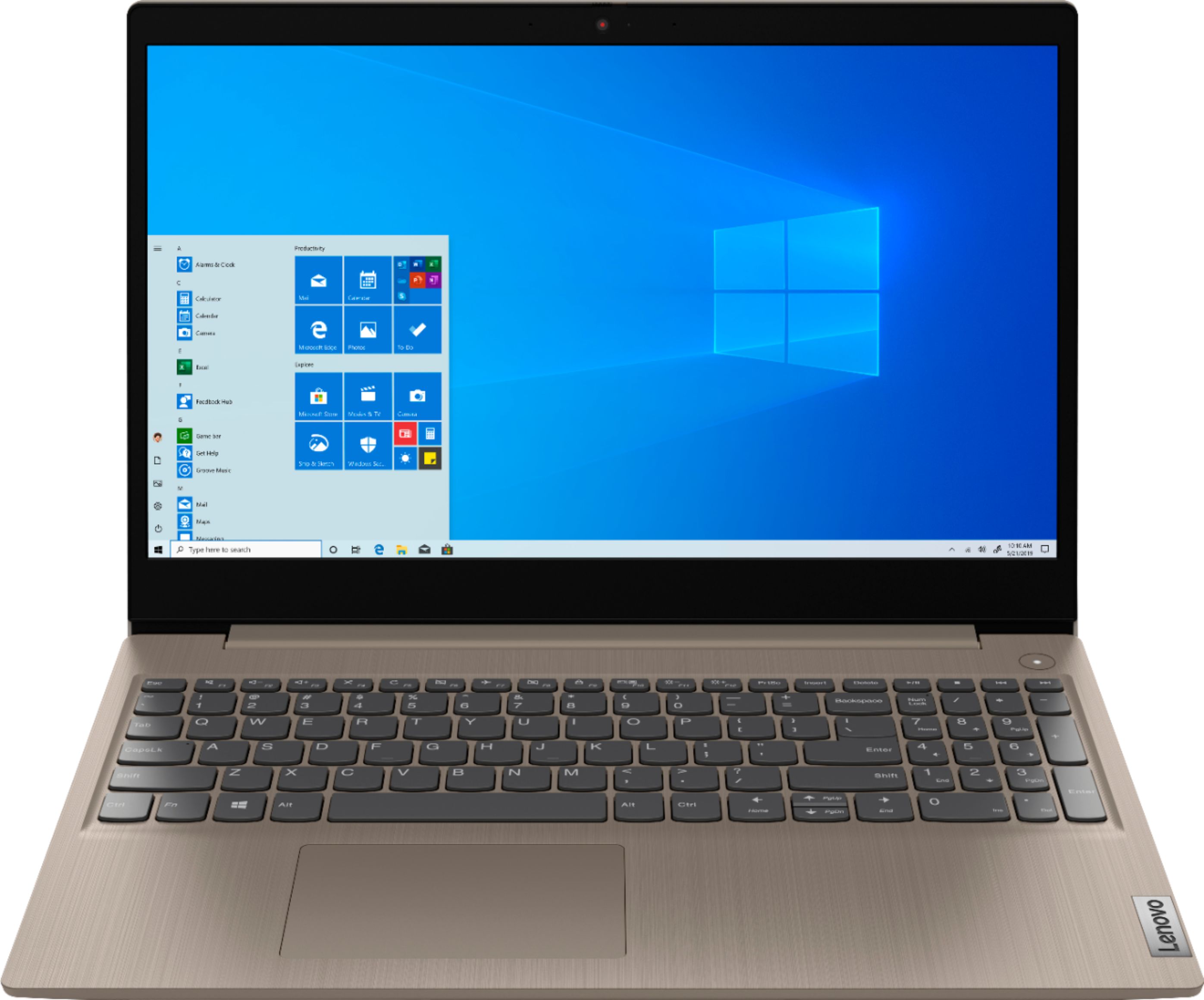
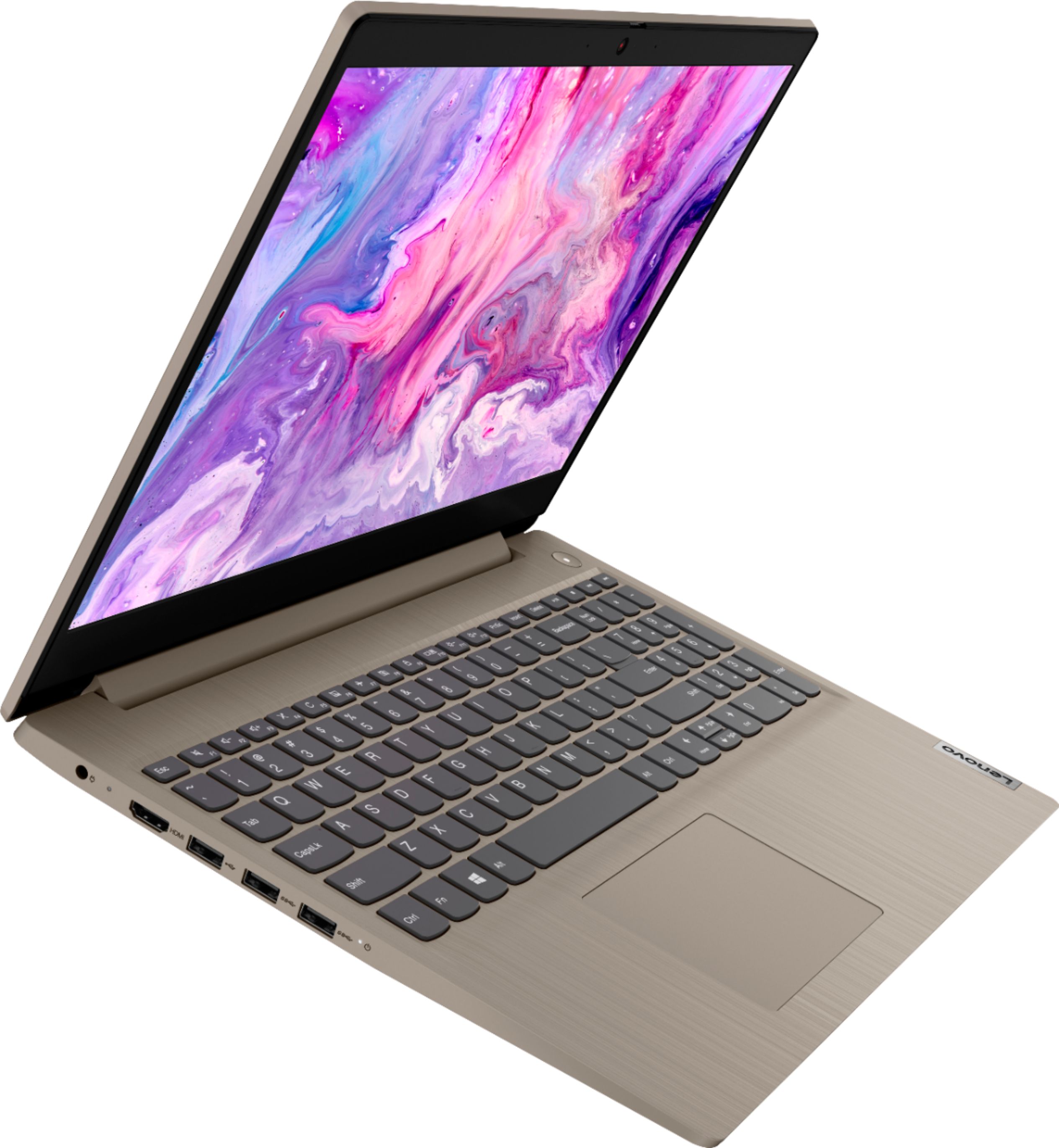
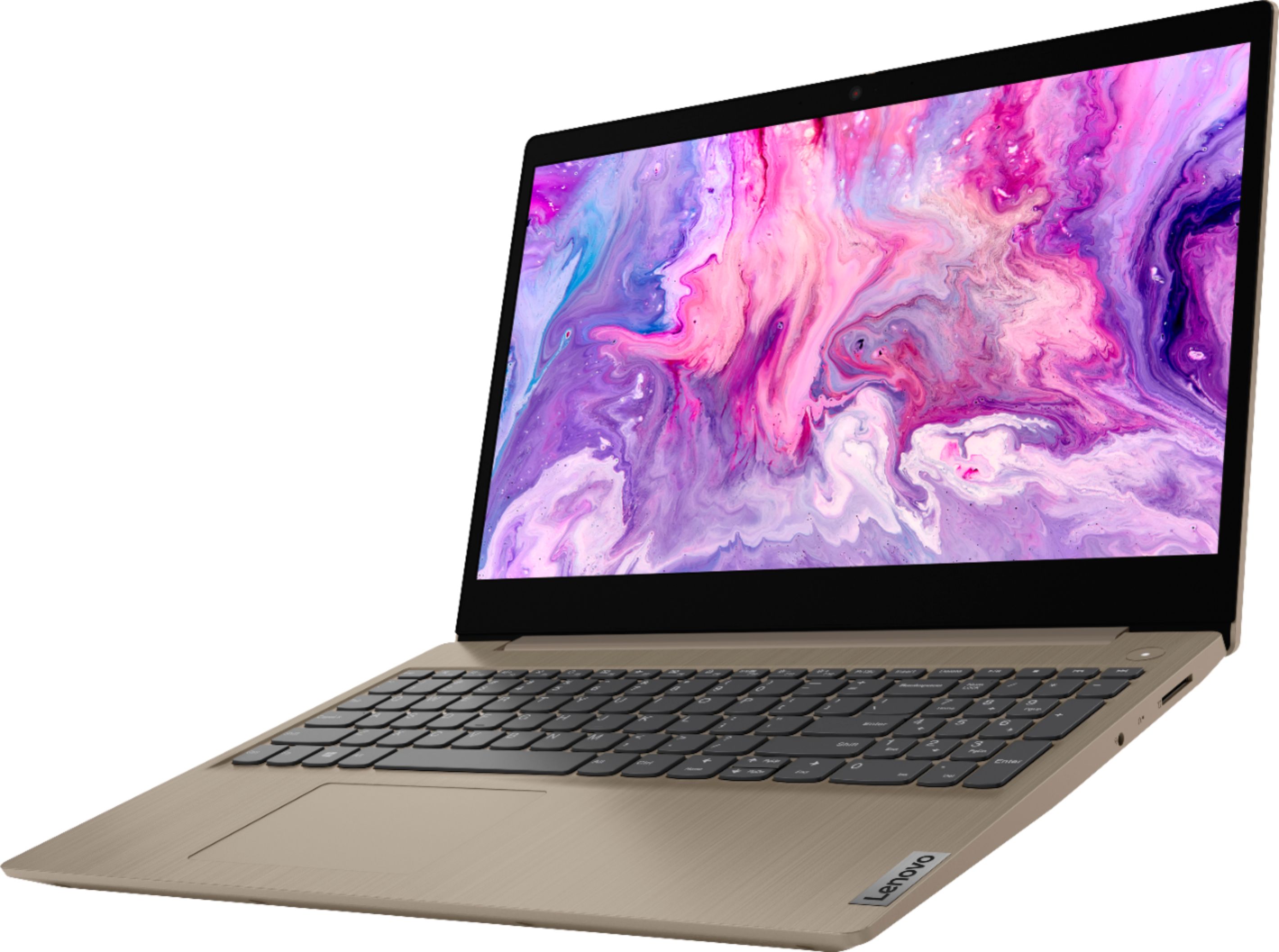
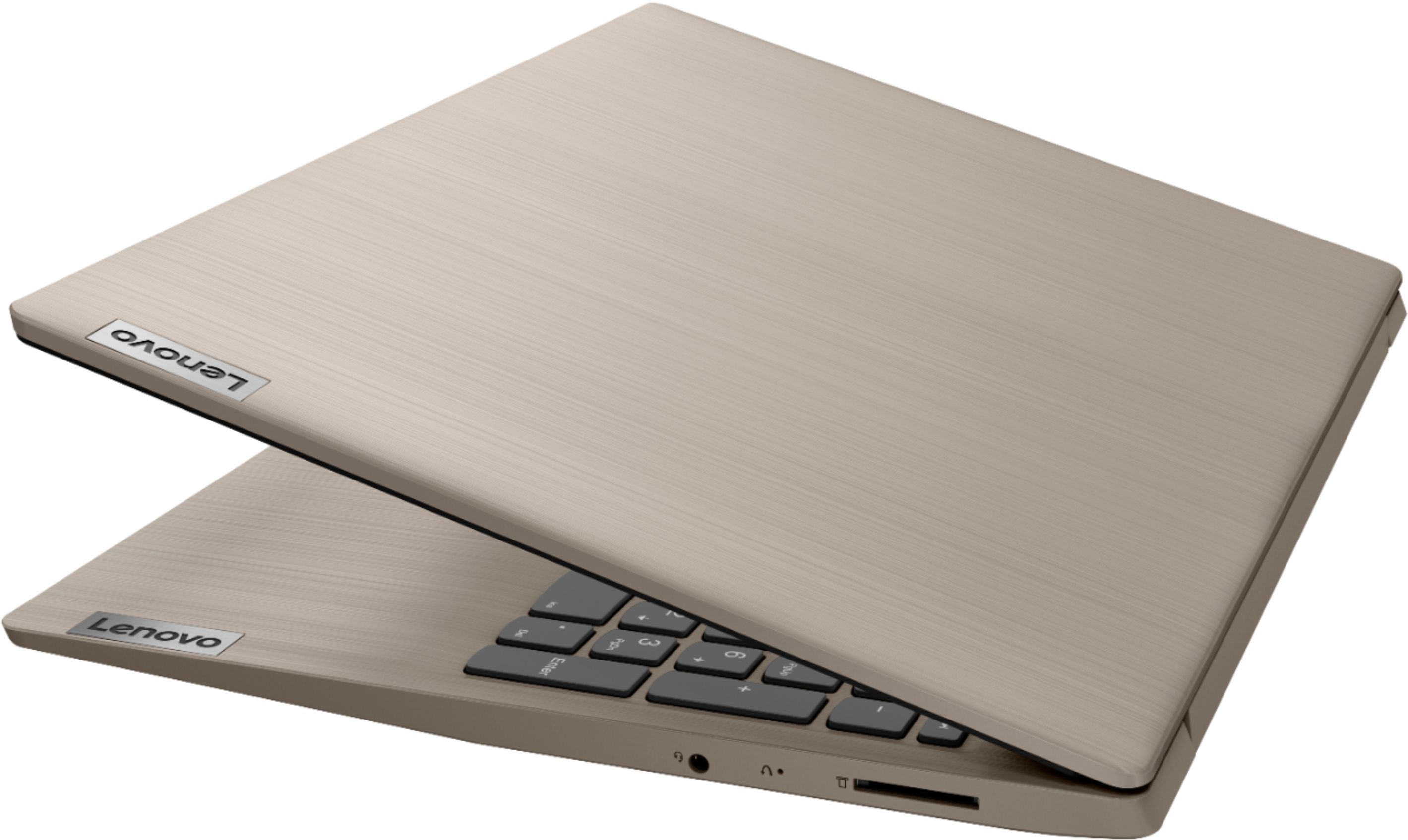
Posted .The Lenovo IdeaPad 3 15 Laptop, model number 81WE00KVUS, is a mid-range laptop configuration.
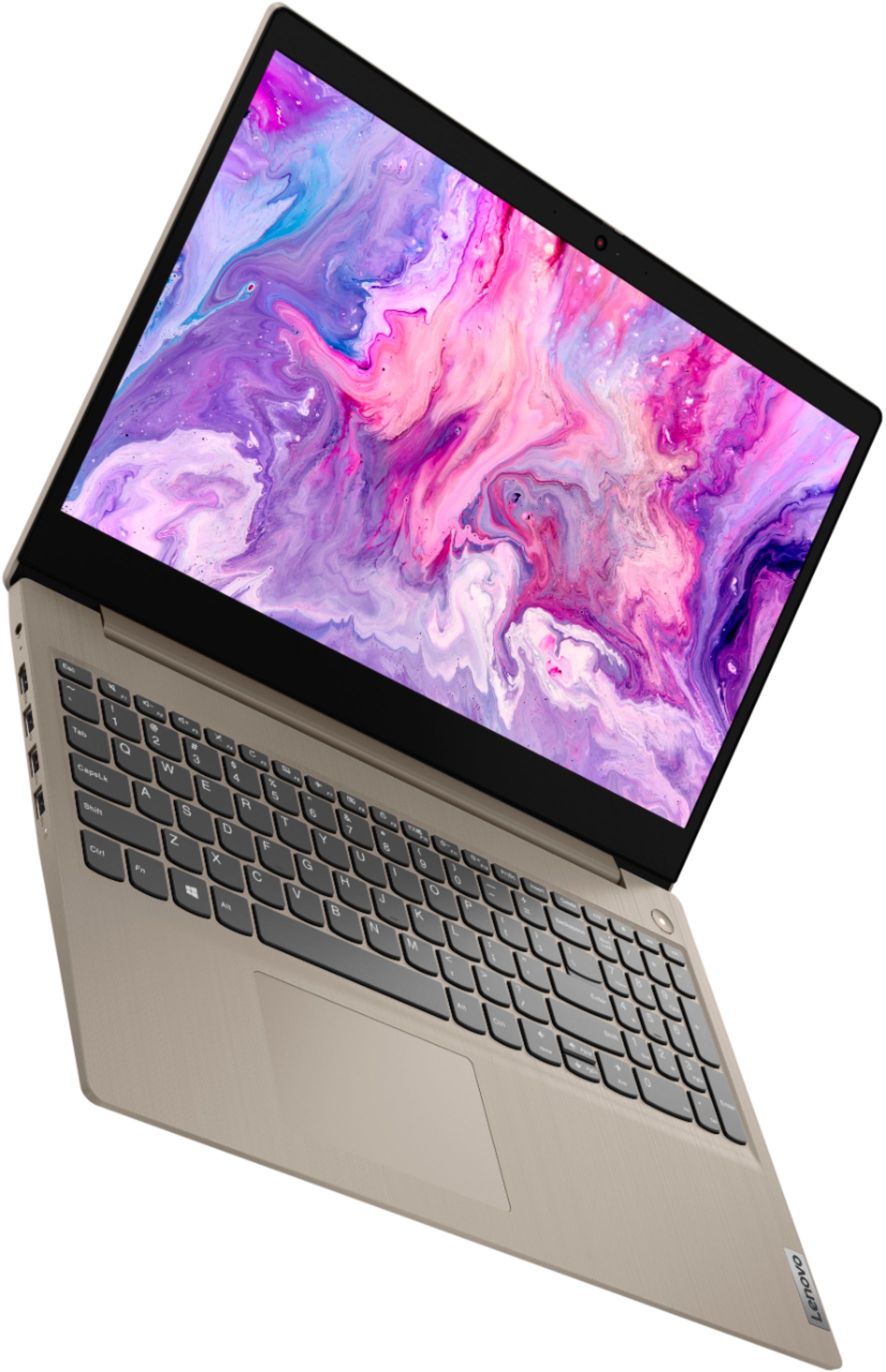
It ships with the 10th Generation 2-Core/4-Thread Intel Core i3-1005G1 processor, with an energy-efficient base speed of 1.2GHz and a boost speed of up to 3.4GHz. It is has a 15.6-Inch (screen size measured diagonally) TN, LCD w/LED Backlight (Anti-glare) screen, with a resolution of 1366 X 768 (HD) and a brightness level of 250 nits. This configuration is suited for moderate workloads that include productivity software such as Microsoft Office programs. This model ships with Windows 10 S-Mode 64-bit Operating System. Windows 10 S-Mode provides added security by only allowing APPs available ( and therefore certified by Microsoft) at the Microsoft Store. If you don't need the added security or you need to install APPs not available at the Microsoft Store, you can switch to standard Windows 10 Home 64-bit Operating System, at no additional cost.
Flimsy key board over all.
||Posted . Owned for 1 week when reviewed.This reviewer received promo considerations or sweepstakes entry for writing a review.Over all is not bad for the price, I will exchange mine though. Very light weight. Microsoft takes total control of your files including sending past words, I don't like that.
No, I would not recommend this to a friend- Cons mentioned:Battery life
Not for me
||Posted . Owned for 10 months when reviewed.This reviewer received promo considerations or sweepstakes entry for writing a review.Wasn’t happy with this one, I took it back. I ran into all kinds of problems. Battery life ran out quickly
No, I would not recommend this to a friend Ok
||Posted .This reviewer received promo considerations or sweepstakes entry for writing a review.It is good for basic everyday computing tasks. Screen brightness is fantastic plus the general form factor of the laptop feels good for the price. On the downside, this laptop touchpad is terrible. It stopped working after a few minutes of use. I’m not sure if it was a problem with only the unit I was sent... other cons; screen colors and viewing angles are horrible. The entire computer chassis is made out of plastic, this greatly affects its durability in the long run.
I would recommend this to a friendBrand response from Lenovo Product Expert
Posted .Hi there, we are sorry to hear you are experiencing this issue with the trackpad. It's possible this a driver issue that needs updated. You can easily accomplish this by scanning the computer with the Lenovo Utility software available on this computer. This system has Lenovo utilities installed to help maintain the health of the device and keep the operating system software up to date. Type "Lenovo Vantage" in the Cortana Search window (if Lenovo Vantage is not installed on your device, you can download the APP and install it now). Select Lenovo Vantage from the list. In the window that opens, click on "Health and Support". In the expanded menu, select "Hardware Scan” In the window that opens, select "Run Quick Tests". This will scan your entire system for errors. Follow any directions that may pop up. If the problem continues after this scan, now click on "System Update". First select Windows update from the menu. Scan your system to be sure you have the latest version of Windows 10. Once that scan is complete, select "Additional Updates". This will scan your device to be sure there are no new BIOS/Driver updates needed. Follow any instructions that may pop up. If the issue continues after these updates, we recommend you call Lenovo Tech Support at: 877-453-6686 for additional help.
Very dissatisfied
||Posted . Owned for 1 month when reviewed.This reviewer received promo considerations or sweepstakes entry for writing a review.This laptop was not up to my expectations. I was very disappointed in it's performance. The color is terrible and it's very difficult to navigate.
No, I would not recommend this to a friendNo
||Posted . Owned for more than 2 years when reviewed.This reviewer received promo considerations or sweepstakes entry for writing a review.Bought to watch movies, it freezes, wont turn on or off. Horrible waste of money
No, I would not recommend this to a friend- Cons mentioned:Defective
Not a good buy.
||Posted . Owned for 1 month when reviewed.This reviewer received promo considerations or sweepstakes entry for writing a review.Not even 2 months and the laptop stop working. My nephew couldn't even complete his homework on zoom.
No, I would not recommend this to a friendBrand response from Lenovo Product Expert
Posted .Hello, we are sorry to hear you are experiencing issues with your Lenovo IdeaPad 3 15" laptop model # 81WE00KVUS. This model ships with Windows 10 S-Mode Operating System. Windows 10 S-Mode provides added security by only allowing APPs available (and therefore certified by Microsoft) at the Microsoft Store. If you do not need the added security or you need to install APPs not available at the Microsoft Store, you can switch to standard Windows 10 Home 64-bit Operating System, at no additional cost. : Be sure any software you installed is compatible with Windows 10. There is no need to install Microsoft Office software. The software is already part of the operating system, you just need to activate the software with a purchased product key. If you have installed a copy of Microsoft Office, this is conflicting with the existing copy on the system and this will slow your system down. If you have installed a 3rd party anti-virus program, be sure that Windows Defender is turned off and that the trial version of McAfee Anti-Virus software is uninstalled. There can only be one anti-virus program on the system. You may need to restore your system to original factory default settings if any of the programming errors have occurred. You can do that by typing "restore" in the Cortana search window. Just click on the magnifying glass icon at the bottom left of your Windows 10 Desktop. Click on "Reset This PC” Then click on "Get Started" and follow the on-screen directions to restore to factory defaults. If the problem persists, we recommend you contact Lenovo Tech Support at: 877-453-6686.
Meh
||Posted . Owned for 2 months when reviewed.This reviewer received promo considerations or sweepstakes entry for writing a review.It’s ok. The camera is bad and the screen quality is not as sharp and vibrant and vivid as I hoped it would be.
No, I would not recommend this to a friendBrand response from Lenovo Product Expert
Posted .The Lenovo IdeaPad 3 15 Laptop, model number 81WE011UUS, ships with a 720p (HD) webcam with manual Privacy Shutter and Dual Array Microphones built in. If you are having issues with the webcam, first be sure the Privacy Shutter is completely open. Then be sure you have the latest version of Windows 10 on the computer. Then update all of the BIOS files and drivers up to that latest version of Windows 10. You can easily accomplish this by scanning the computer with the Lenovo Utility software available on this computer. This system has Lenovo utilities installed to help maintain the health of the device and keep the operating system software up to date. Type "Lenovo Vantage" in the Cortana Search window (if Lenovo Vantage is not installed on your device, you can download the APP and install it now). Select Lenovo Vantage from the list. In the window that opens, click on "Health and Support". In the expanded menu, select "Hardware Scan" In the window that opens, select "Run Quick Tests". This will scan your entire system for errors. Follow any directions that may pop up. If the problem continues after this scan, now click on "System Update". First select Windows update from the menu. Scan your system to be sure you have the latest version of Windows 10. Once that scan is complete, select "Additional Updates". This will scan your device to be sure there are no new BIOS/Driver updates needed. Follow any instructions that may pop up. If the issue still continues after these updates, we recommend you call Lenovo Tech Support at: 877-453-6686 for additional help.
Lemon
||Posted .This reviewer received promo considerations or sweepstakes entry for writing a review.Looks like it's a good product as received. Wait a minute, something is not right...yes, it's does not come with a touch screen as advertised. After checking by the Geeks expert, I was told it's a lemon even the model number is correct but just without touch screen. I lost my coupon used on this order, and wasted time and strength too. Just curious how the quality control with this product.
No, I would not recommend this to a friendBrand response from Lenovo Product Expert
Posted .We are sorry to hear you had this experience with the Lenovo IdeaPad 3 15" Touch Screen Laptop. It is possible this is a display driver issue. Please check you have the latest version of Windows 10 installed and check that all your drivers are up to date with the included Lenovo Vantage App. If after updating Windows 10 and system drivers your issue persists We recommend reaching out to customer support team at 877-453-6686
Easy use for 8 year old
||Posted . Owned for 3 weeks when reviewed.This reviewer received promo considerations or sweepstakes entry for writing a review.This computer was easy to start up. Easy for my 8 year to use for remote learning this school year
I would recommend this to a friendA okay buy
||Posted . Owned for 2 weeks when reviewed.This reviewer received promo considerations or sweepstakes entry for writing a review.Needed it for my son to use for middle school. Digital academy. No problems so far. Poor lighting
No, I would not recommend this to a friendBrand response from Lenovo Product Expert
Posted .The Lenovo IdeaPad 3 15 Laptop, model number 81WE00KVUS, ships with a 15.6-Inch (screen size measured diagonally) TN, LCD w/LED Backlight (Anti-glare) screen, with a resolution of 1366 X 768 (HD) and a brightness level of 250 nits.
Unreliable
||Posted . Owned for 2 months when reviewed.This reviewer received promo considerations or sweepstakes entry for writing a review.Nice looking laptop and relatively fast. Price was great when on sale however, the laptop would randomly shut off on its own even while it was plugged in. Computer came back on and worked for a couple days and then shut off and would not charge. Ended up returning to Best Buy since the laptop is out of stock for an exchange.
No, I would not recommend this to a friendBrand response from Lenovo Product Expert
Posted .We are sorry to hear that you had issues with your Lenovo IdeaPad 3 15 Laptop. This model ships with Windows 10 S-Mode Operating System and should not shutdown by itself. Even if you have switched out of S-Mode, be sure any software you installed is compatible with Windows 10. There is no need to install Microsoft Office software. The software is already part of the operating system, you just need to activate the software with a purchased product key. If you have installed a copy of Microsoft Office, this is conflicting with the existing copy on the system and this will slow your system down. If you have installed a 3rd party anti-virus program, be sure that Windows Defender is turned off and that the trial version of McAfee Anti-Virus software is uninstalled. There can only be one anti-virus program on the system. You may need to restore your system to original factory default settings if any of the programming errors have occurred. You can do that by typing "restore" in the Cortana search window. Just click on the magnifying glass icon at the bottom left of your Windows 10 Desktop. Click on "Reset This PC" Then click on "Get Started" and follow the on screen directions to restore to factory defaults. If the problem persists, we recommend you contact Lenovo Tech Support at: 877-453-6686.
It could be cheaper
||Posted . Owned for 5 months when reviewed.This reviewer received promo considerations or sweepstakes entry for writing a review.Good laptop but my screen is black and it only been 5 months since I got it. It
No, I would not recommend this to a friendScreen is not what I expected
||Posted . Owned for 11 months when reviewed.This reviewer received promo considerations or sweepstakes entry for writing a review.It's not worth the price. The images they provided are very deceiving, and I assumed that the screen would look like the images or similar to the modern screen. That was not the case; it was more like early 2000's TV screens where the screen gets darker when tilting your head. It is similar to that, but the slightest tilt on the screen makes it very difficult to see what is happening. It is very inconvenient when you have to show other people your screen because they have to be in the same position or they won't be able to see your screen. As a whole, it gets the job done. There are times where the trackpad doesn't work, but you can you the touch screen, and it works again. The camera is of bad quality, but I don't really mind. If I had better knowledge of what type of screen it had, I wouldn't have bought it.
No, I would not recommend this to a friendlenovo ipeapad 3 bought for use at a new job now
||Posted . Owned for 3 weeks when reviewed.This reviewer received promo considerations or sweepstakes entry for writing a review.have not opened packet yet is a gift. will see how it works when gift is received.
I would recommend this to a friendokay laptop
||Posted .This reviewer received promo considerations or sweepstakes entry for writing a review.what can I say it's okay, it's a laptop don't used for email and banking
I would recommend this to a friendBrand response from Lenovo Product Expert
Posted .The Lenovo IdeaPad 3 15 Laptop, model number 81WE00KVUS, is a mid-level, moderate use configuration, with its 10th. Generation, Intel Core i3-1005G1 processor. This Dual-Core/Four-Thread processor has a base speed of 1.2GHz and a boost speed of up to 3.4GHz. This configuration has 8GB of DDR4-2666MHz RAM and a 256GB solid state hard drive. It is good with Microsoft Office type programs, internet browsing and other moderate work. This model ships with Windows 10 S-Mode Operating System. Windows 10 S-Mode provides added security by only allowing APPs available ( and therefore certified by Microsoft) at the Microsoft Store. If you don't need the added security or you need to install APPs not available at the Microsoft Store, you can switch to standard Windows 10 Home 64-bit Operating System, at no additional cost.
I am very unhappy with the service contract appoin
||Posted .This reviewer received promo considerations or sweepstakes entry for writing a review.I still cannot get an in home service to complete the laptop setup.
No, I would not recommend this to a friendLaptop
||Posted . Owned for 1 month when reviewed.This reviewer received promo considerations or sweepstakes entry for writing a review.Not the best of Laptops. Wish I had gotten another Laptop.
No, I would not recommend this to a friendNot the brand I wanted, but was comparable.
||Posted . Owned for 3 weeks when reviewed.This reviewer received promo considerations or sweepstakes entry for writing a review.The laptop is suitable for what I’ll be using it for.
No, I would not recommend this to a friendBrand response from Lenovo Product Expert
Posted .The Lenovo IdeaPad 3 15 Laptop, model number 81WE00KVUS, is a mid-level, moderate use configuration, with its 10th. Generation, Intel Core i3-1005G1 processor. This Dual-Core/Four-Thread processor has a base speed of 1.2GHz and a boost speed of up to 3.4GHz. This configuration has 8GB of DDR4-2666MHz RAM and a 256GB solid state hard drive. It is good with Microsoft Office type programs, internet browsing and other moderate work. This model ships with Windows 10 S-Mode Operating System. Windows 10 S-Mode provides added security by only allowing APPs available ( and therefore certified by Microsoft) at the Microsoft Store. If you don't need the added security or you need to install APPs not available at the Microsoft Store, you can switch to standard Windows 10 Home 64-bit Operating System, at no additional cost.
Average computer
||Posted . Owned for 1 month when reviewed.This reviewer received promo considerations or sweepstakes entry for writing a review.It is ok, basic computer for kids the kids like it
I would recommend this to a friendBrand response from Lenovo Product Expert
Posted .The Lenovo IdeaPad 3 15 Laptop, model number 81WE00KVUS, This is a mid-level, moderate use configuration, with its 10th. Generation, Intel Core i3-1005G1 processor. This Dual-Core/Four-Thread processor has a base speed of 1.2GHz and a boost speed of up to 3.4GHz. This configuration has 8GB of DDR4-2666MHz RAM and a 256GB solid state hard drive. It is good with Microsoft Office type programs, internet browsing and other moderate work. This model ships with Windows 10 S-Mode Operating System. Windows 10 S-Mode provides added security by only allowing APPs available ( and therefore certified by Microsoft) at the Microsoft Store. If you don't need the added security or you need to install APPs not available at the Microsoft Store, you can switch to standard Windows 10 Home 64-bit Operating System, at no additional cost.