Customer Ratings & Reviews
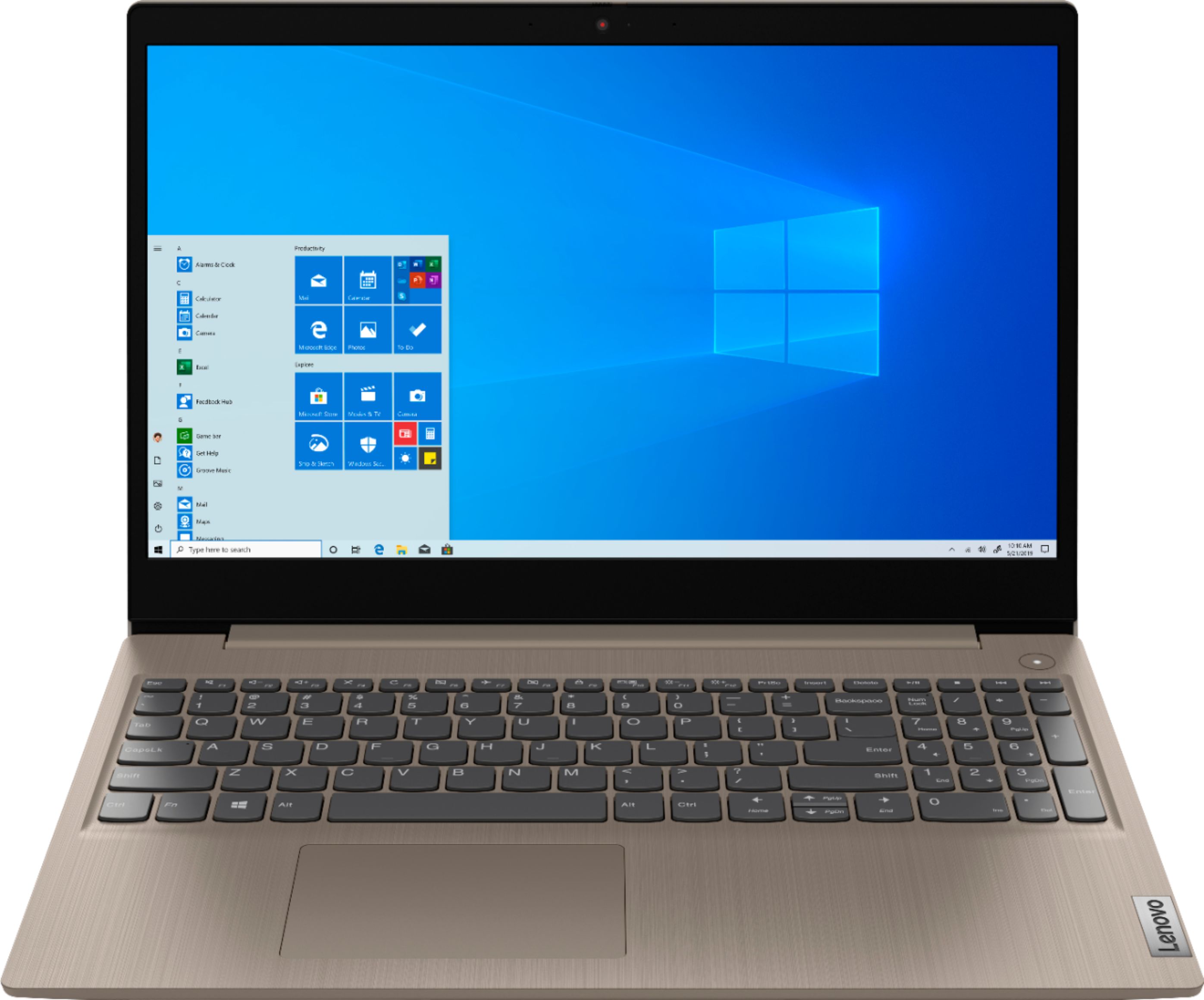
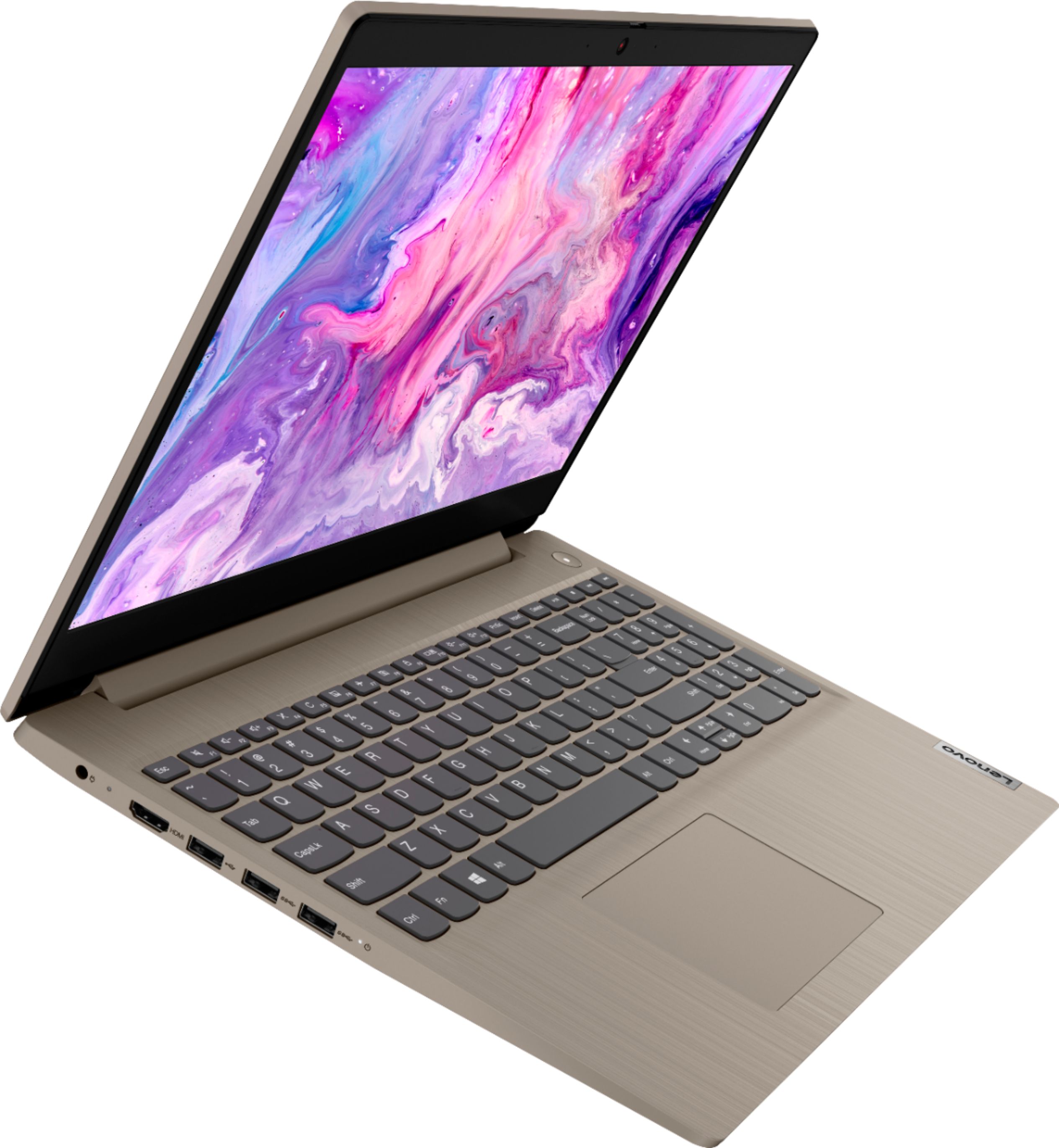
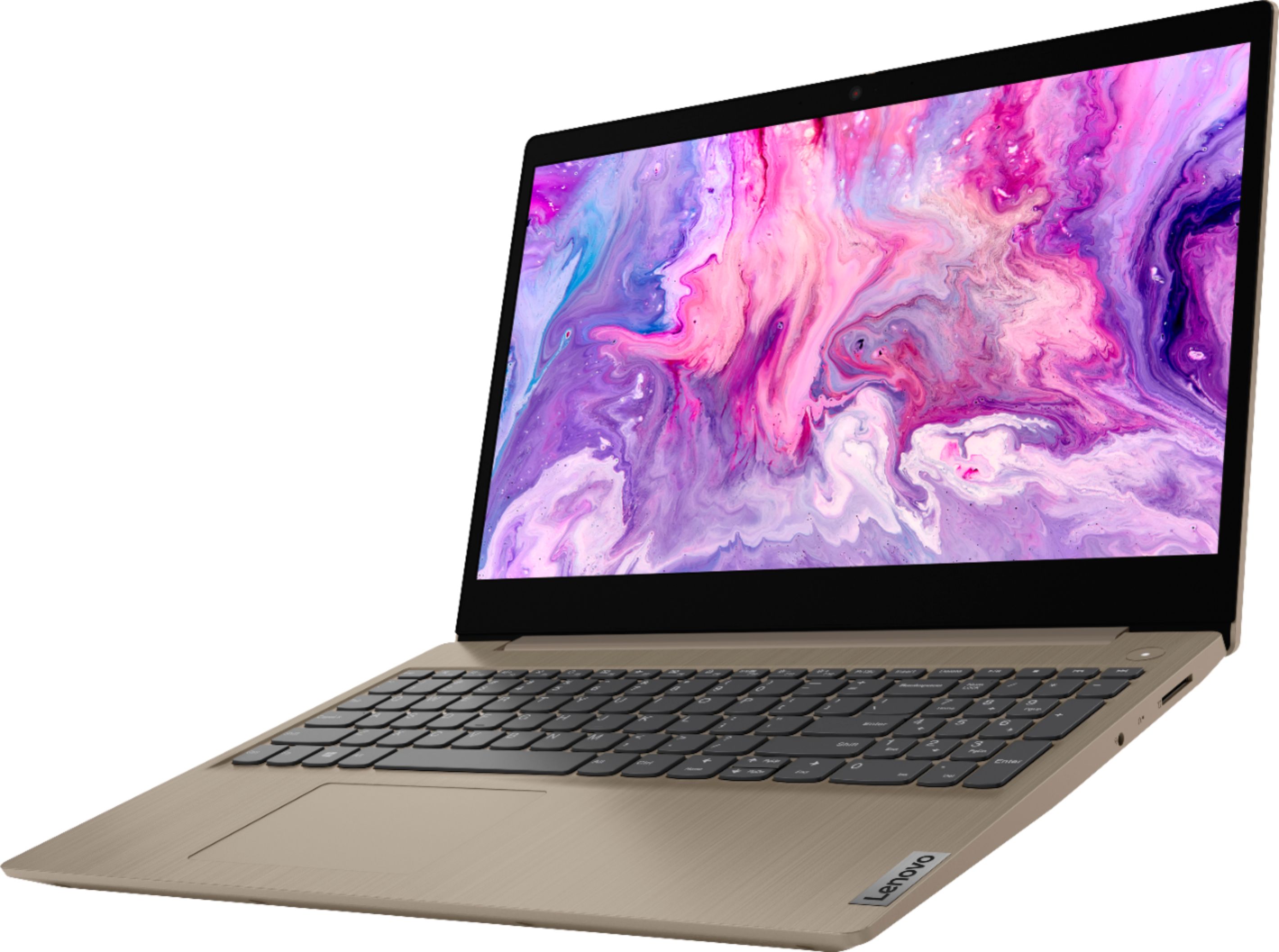
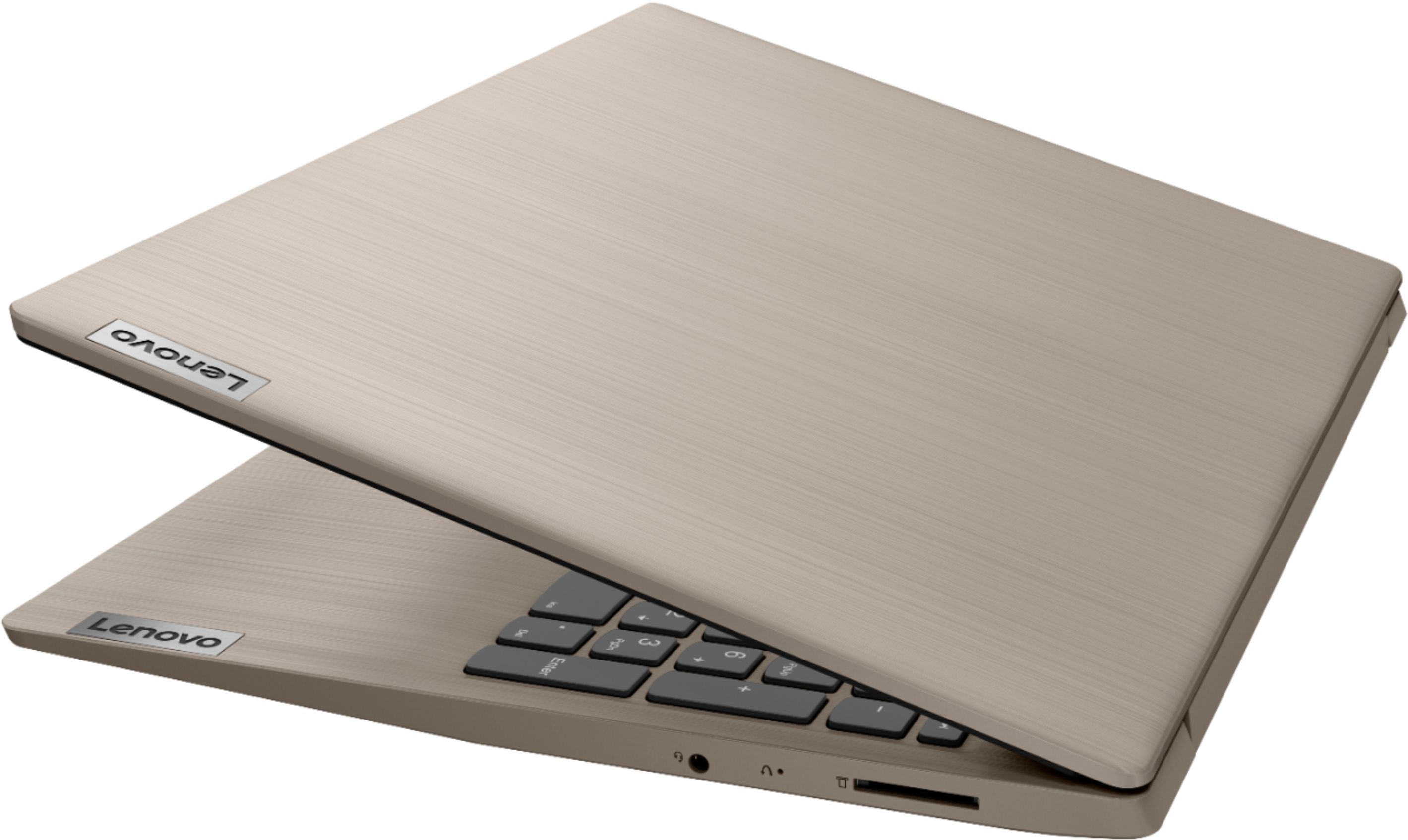


- Model:
- 81WE00KVUS
- SKU:
- 6415810
Rating by feature
- Battery Life
Rating 4.3 out of 5 stars
- Speed
Rating 4.3 out of 5 stars
- Display
Rating 4.4 out of 5 stars
Customers are saying
Customers frequently mention the IdeaPad 3's touch screen, praising its functionality. The price point is also widely appreciated, with many customers highlighting the great value for the performance they get. On the downside, the battery life is a common concern, with users expressing dissatisfaction about its duration. The lack of a DVD drive is another point of contention for some users.
This summary was generated by AI based on customer reviews.
DO NOT BUY THIS
||Posted . Owned for 1.5 years when reviewed.This reviewer received promo considerations or sweepstakes entry for writing a review.I would have give zero if I could . I bought this lab top august 2020 . I used 15 times because I have two other computer for my work . After I used 15 times it died . I had 3 years accidental geek squad and I also have total geek protection ( I am not sure exact name but it is like 200 dollars ). I took the lab top to the Best Buy near me since I have all the protection plans … they called me and said they can not fix it and if I wanted to fix it , I have to pay 300 dollars . I am not a rich person . I live pay check to pay check . DO NOT BUY THiS lab top .
No, I would not recommend this to a friendHorrible experience.
||Posted . Owned for 3 weeks when reviewed.This reviewer received promo considerations or sweepstakes entry for writing a review.Have been unable to active Windows since I turned it on. The product key doesn't work and I have been unable to get anywhere. Brought it back to local store and Geek Squad member said to restore it to factory settings. Windows 10 just has "reset" so I did that. That didn't work. I purchased another Windows 10 Home License Key and it still won't work. A Lenovo Lemon!
No, I would not recommend this to a friendBrand response from Lenovo Product Expert
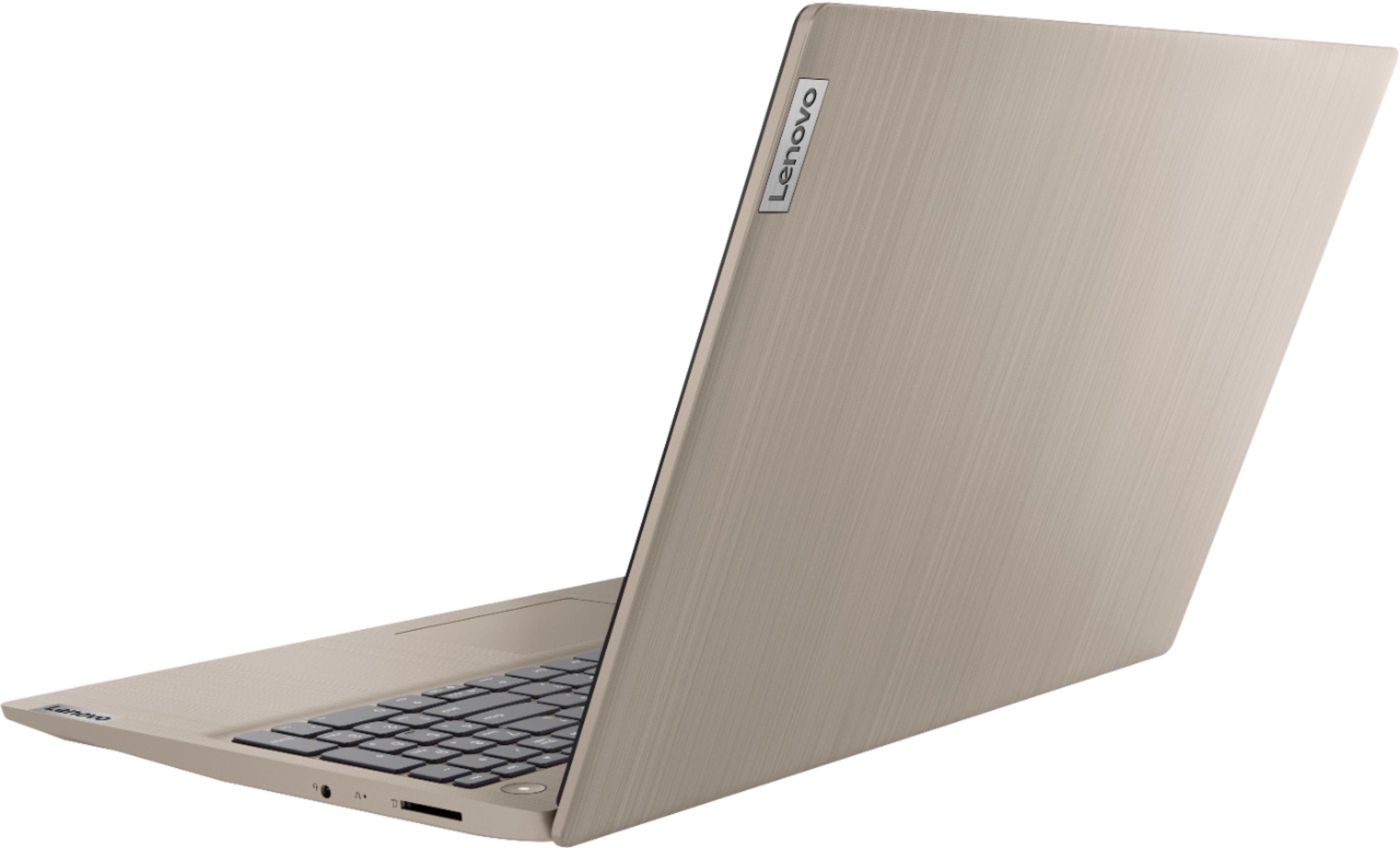
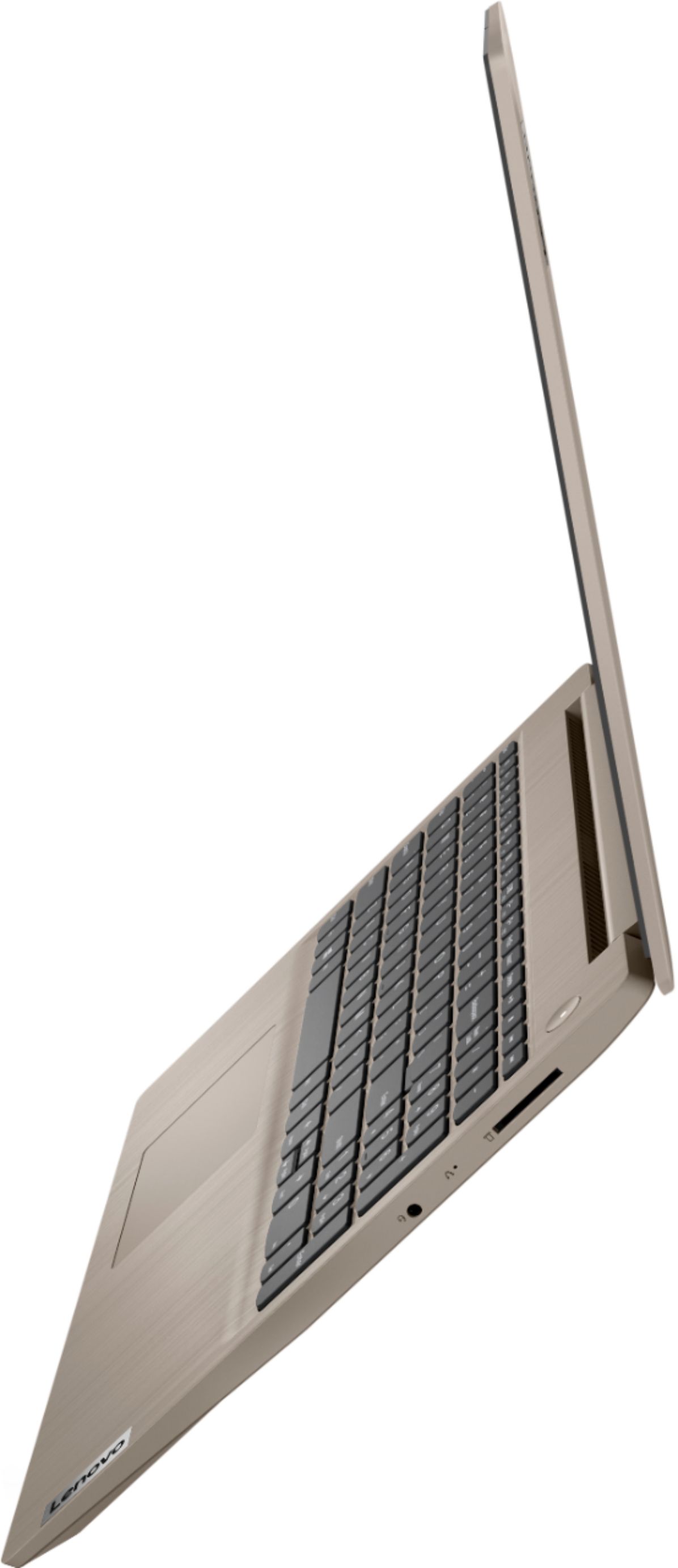
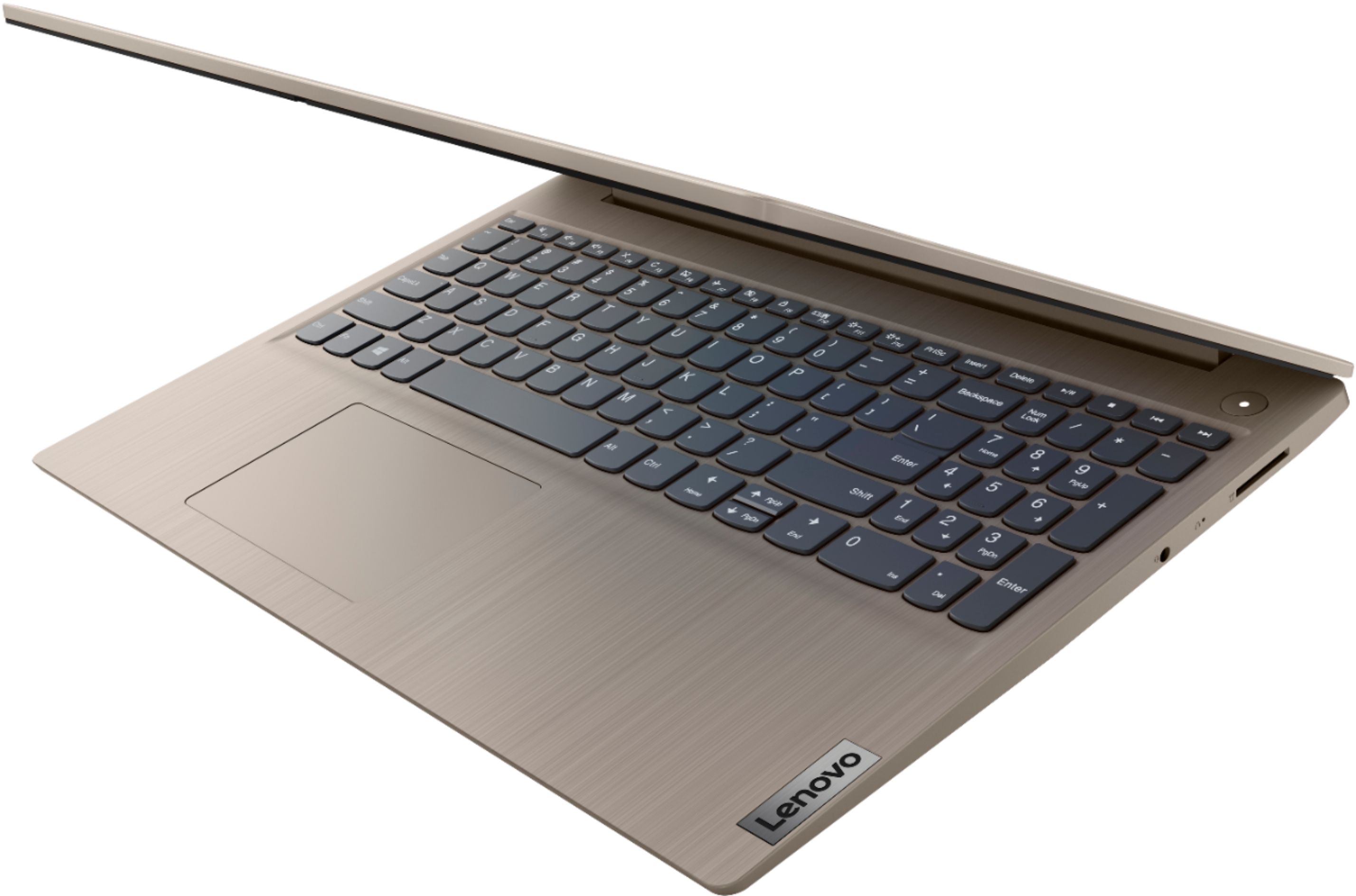
Posted .We are sorry to hear that you are having issues activating Windows 10 on your Lenovo IdeaPad 3 15 Laptop, model number 81WE00KVUS. There is no need for a Windows 10 Product Key to activate Windows 10 on this computer, since the Windows 10 install is factory original. It is possible that restoring your computer back to original factory settings will correct the issue with Windows 10 and allow you to properly activate Windows 10. This system is equipped with OneKey Recovery System. There is a very small pin hole on the right side of the device, in between the headphone jack and the SD card slot on the device. You will need a pin to push this reset button. Plug the device in. Let the battery charge for about 15 minutes. Push the reset button. The system should boot to a choice screen where you can choose "Restore To Factory Default". Select this. It will delete everything from the hard drive except the original factory install of the operating system. You will need to reinstall all programs and files after the reset. If you don't have copies of the files, try to make one before you restore by selecting "Boot to desktop" and trying to back up your files. If the problem persists after the factory reset, we recommend you contact Lenovo Tech Support at: 877-453-6686.

Lenova Idea pad is a peice of useless junk.
||Posted . Owned for 2 months when reviewed.This reviewer received promo considerations or sweepstakes entry for writing a review.This computer comes with Microsoft Edge as a browser and it is impossible to use Google Chrome with it. You can download it but it won't open, After extensive research and hours of attempts to fix this mess, I called best buy. The Geek squad rep admitted that this is a problem with these computers and told me that it would coast $40 for a technician to help me with it. I have spent a lot of money at this store in the last year. I will never buy another thing there, They refuse to stand behind their products. When I asked for the number of the manufacturer, the rep hung up in me.
No, I would not recommend this to a friendBrand response from Lenovo Product Expert
Posted .Hello, we are sorry to hear you experienced this issue installing the Chrome web browser on your Lenovo IdeaPad 3 15" laptop model # 81WE00KVUS. This model ships with Windows 10 S-Mode Operating System. Windows 10 S-Mode provides added security by only allowing APPs available (and therefore certified by Microsoft) at the Microsoft Store. If you do not need the added security or you need to install APPs not available at the Microsoft Store, you can switch to standard Windows 10 Home 64-bit Operating System, at no additional cost. Here is a link to instructions for switching from Windows 10 S-Mode to Windows 10 Home: https://support.microsoft.com/en-us/help/4456067/windows-10-switch-out-of-s-mode
Once the laptop is switched out of S-Mode you may install the Google Chrome web browser and other Non Microsoft certified software/apps.
Defective Open Item
||Posted . Owned for 2 weeks when reviewed.This reviewer received promo considerations or sweepstakes entry for writing a review.Great computer, but was sold as open item Certified Excellent and turns out it was defective. I tried getting a replacement, but Best Buy didn't have one and their techs couldn't fix it.
No, I would not recommend this to a friendBrand response from Lenovo Product Expert
Posted .Hello we are sorry top hear you are experiencing issues with your Lenovo IdeaPad 3 15" touchscreen laptop. We recommend ensuring the latest system software, bios, and device drivers are installed on the machine.You can easily accomplish this by scanning the computer with the Lenovo Utility software available on this computer. This system has Lenovo utilities installed to help maintain the health of the device and keep the operating system software up to date. Type "Lenovo Vantage" in the Cortana Search window (if Lenovo Vantage is not installed on your device, you can download the APP and install it now). Select Lenovo Vantage from the list. In the window that opens, click on "Health and Support". In the expanded menu, select "Hardware Scan” In the window that opens, select "Run Quick Tests". This will scan your entire system for errors. Follow any directions that may pop up. If the problem continues after this scan, now click on "System Update". First select Windows update from the menu. Scan your system to be sure you have the latest version of Windows 10. Once that scan is complete, select "Additional Updates". This will scan your device to be sure there are no new BIOS/Driver updates needed. Follow any instructions that may pop up. If the issue continues after these updates, we recommend you call Lenovo Tech Support at: 877-453-6686 for additional help.
terrible touch
||Posted . Owned for 3 weeks when reviewed.This reviewer received promo considerations or sweepstakes entry for writing a review.After 3 weeks the touch started to glitch. Had a hard time getting my CAD software on the windows software ended up having to unload the window. Really not good for heavy work load
No, I would not recommend this to a friendBrand response from Lenovo Product Expert
Posted .We are sorry to hear you are experiencing this issue with your Lenovo IdeaPad 3. This model ships with Windows 10 S-Mode Operating System. Windows 10 S-Mode provides added security by only allowing APPs available (and therefore certified by Microsoft) at the Microsoft Store. If you do not need the added security or you need to install APPs not available at the Microsoft Store, you can switch to standard Windows 10 Home 64-bit Operating System, at no additional cost. You can adjust the touchpad in your system settings. You can get there by clicking on the magnifying glass at the bottom left of your Windows 10 screen. Type "touchpad" in the search window. Select "Mouse & touchpad settings" from the list of choices. You can make general adjustments to the touchpad there. You can also select "Additional mouse options" for more detailed adjustments to the touchpad sensitivity by increasing the delay of the touchpad. If your issue still persists please reach out to our customer support team at 877-453-6686
- Cons mentioned:Camera
Disappointed
||Posted . Owned for 2 weeks when reviewed.This reviewer received promo considerations or sweepstakes entry for writing a review.I purchased this laptop for my grandson for virtual classes. After one week of use the camera stopped working. I returned it for an HP.
No, I would not recommend this to a friendBrand response from Lenovo Product Expert
Posted .Hello, we are sorry to hear you are experiencing this issue with your IdeaPad 3 Laptop. We appreciate your patience and feedback in regards to this matter.
Not a good computer.
||Posted .This reviewer received promo considerations or sweepstakes entry for writing a review.Screen is really bad and almost unviewable. Processor is pretty slow also.I brought because it was cheap and I needed a back up laptop.
No, I would not recommend this to a friendBrand response from Lenovo Product Expert
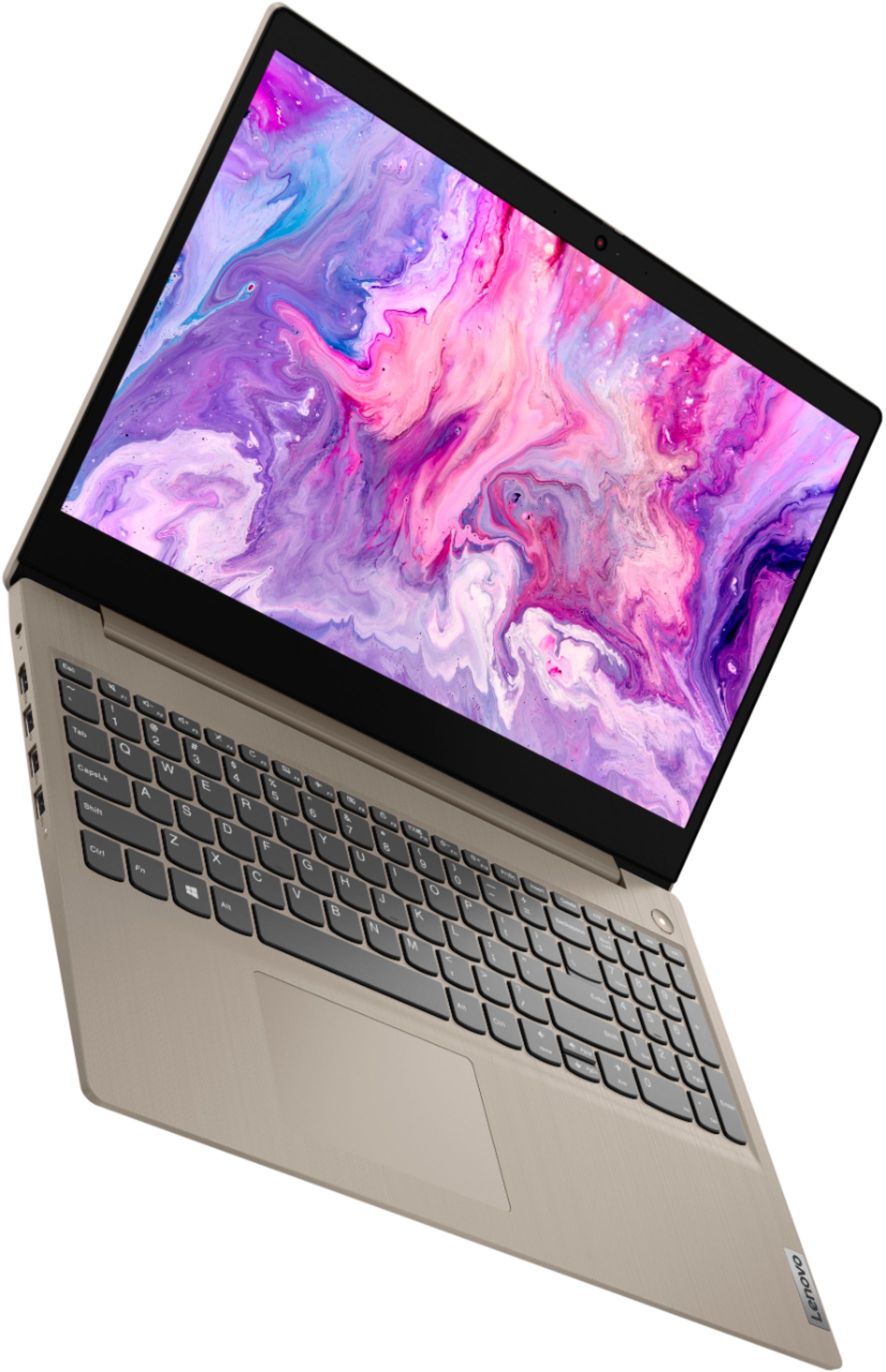
Posted .The Lenovo IdeaPad 3 15 Laptop, model number 81WE011UUS, ships with a 15.6-Inch (screen size measured diagonally) IPS LCD w/LED Backlight (Anti-glare) screen, with a refresh rate of 60Hz, a resolution of 1920 x 1080 (FHD) and a brightness level of 250 nits. This configuration is a mid-range system, with its 2-Core/4-Thread 10th. Gen Intel Core i3-1005G1 processor, with an energy-efficient base speed of 1.2GHz and a boost speed of up to 3.4GHz. This processor is supported by 8GB DDR4-2666MHz RAM and a 256GB NVMe TLC solid state hard drive. If you are getting slower than expected performance, be sure any software you installed is compatible with Windows 10. There is no need to install Microsoft Office software. The software is already part of the operating system, you just need to activate the software with a purchased product key. If you have installed a copy of Microsoft Office, this is conflicting with the existing copy on the system and this will slow your system down. If you have installed a 3rd party anti-virus program, be sure that Windows Defender is turned off and that the trial version of McAfee Anti-Virus software is uninstalled. There can only be one anti-virus program on the system. You may need to restore your system to original factory default settings if any of the programming errors have occurred. You can do that by typing "restore" in the Cortana search window. Just click on the magnifying glass icon at the bottom left of your Windows 10 Desktop. Click on "Reset This PC" Then click on "Get Started" and follow the on screen directions to restore to factory defaults. If the problem persists, we recommend you contact Lenovo Tech Support at: 877-453-6686.
- Cons mentioned:Battery life
I love computers
||Posted . Owned for less than 1 week when reviewed.This reviewer received promo considerations or sweepstakes entry for writing a review.I hate batteries and it does not last long and it’s need better battery on the computer
No, I would not recommend this to a friendBrand response from Lenovo Product Expert
Posted .The Lenovo IdeaPad 3 15 Laptop, model number 81WE00KVUS, ships with a 2CELL_35WH_INTERNAL, Lithium Polymer Battery, with a battery life of 7 hours, depending on the work the device is performing. If you are getting less battery life, first, check your battery and power management settings to be sure you have the proper settings for got your preferences. If your power management settings are to your liking but battery life is still below expected levels, be sure any software you installed is compatible with Windows 10. Incompatible software will drain the battery at a faster rate. There is no need to install Microsoft Office software. The software is already part of the operating system, you just need to activate the software with a purchased product key. If you have installed a copy of Microsoft Office, this is conflicting with the existing copy on the system and this will slow your system down. If you have installed a 3rd party anti-virus program, be sure that Windows Defender is turned off and that the trial version of McAfee Anti-Virus software is uninstalled. There can only be one anti-virus program on the system. You may need to restore your system to original factory default settings if any of the programming errors have occurred. You can do that by typing "restore" in the Cortana search window. Just click on the magnifying glass icon at the bottom left of your Windows 10 Desktop. Click on "Reset This PC" Then click on "Get Started" and follow the on screen directions to restore to factory defaults. Here is a link to tips for getting more battery life within Windows 10: https://support.microsoft.com/en-us/help/20443/windows-10-battery-saving-tips. If the problem persists, we recommend you contact Lenovo Tech Support at: 877-453-6686.
Terrible Laptop, slow and overpriced.
||Posted . Owned for less than 1 week when reviewed.This reviewer received promo considerations or sweepstakes entry for writing a review.The laptip was built with very cheap plastic. The screen is very low quality, almost blurry and low definition. Not able to handle multiple software programs. The price was $429.99 and it was overpriced. It should have a fair price of $149.99 Do not buy it. I will return mine laptop and exchange it for an Asus laptop.
No, I would not recommend this to a friendBrand response from Lenovo Product Expert
Posted .The Lenovo IdeaPad 3 15 Laptop, model number 81WE00KVUS, ships with a 15.6-inch (screen size measured diagonally) TN, LCD w/LED Backlight (Anti-glare) screen, with a resolution of 1366 X 768 (HD) and a brightness level of 250 nits. The IdeaPad 3 15 is a mid-level, moderate use configuration, with its 10th. Generation, Intel Core i3-1005G1 processor. This Dual-Core/Four-Thread processor has a base speed of 1.2GHz and a boost speed of up to 3.4GHz. This configuration has 8GB of DDR4-2666MHz RAM and a 256GB solid state hard drive. It is good with Microsoft Office type programs, internet browsing and other moderate work. This model ships with Windows 10 S-Mode Operating System. Windows 10 S-Mode provides added security by only allowing APPs available ( and therefore certified by Microsoft) at the Microsoft Store. If you don't need the added security or you need to install APPs not available at the Microsoft Store, you can switch to standard Windows 10 Home 64-bit Operating System, at no additional cost.
There are better options for the money
||Posted . Owned for 3 weeks when reviewed.This reviewer received promo considerations or sweepstakes entry for writing a review.This laptop is slow and overheats just using the internet. I would not recommend this computer to anyone.
No, I would not recommend this to a friendBrand response from Lenovo Product Expert
Posted .We are sorry to hear that you are having issues with your Lenovo IdeaPad 3 15 Laptop, model number 81WE00KVUS. This system should not overheat. Be sure any software you installed is compatible with Windows 10. There is no need to install Microsoft Office software. The software is already part of the operating system, you just need to activate the software with a purchased product key. If you have installed a copy of Microsoft Office, this is conflicting with the existing copy on the system and this will slow your system down. If you have installed a 3rd party anti-virus program, be sure that Windows Defender is turned off and that the trial version of McAfee Anti-Virus software is uninstalled. There can only be one anti-virus program on the system. You may need to restore your system to original factory default settings if any of the programming errors have occurred. You can do that by typing "restore" in the Cortana search window. Just click on the magnifying glass icon at the bottom left of your Windows 10 Desktop. Click on "Reset This PC" Then click on "Get Started" and follow the on screen directions to restore to factory defaults. If the problem persists, we recommend you contact Lenovo Tech Support at: 877-453-6686.
Horrible product and bad service
||Posted . Owned for 11 months when reviewed.This reviewer received promo considerations or sweepstakes entry for writing a review.This was the worst computer that I ever bought and the Geek Squad gave me the worst service. The soundcard echos when podcasting on Streamyard. No other computer does this. There is a delay in it. I went to the Geek Squad and they sent it in and then Lenovo sent it back with the same problem. Do not by from Lenovo ever again.
No, I would not recommend this to a friend- Cons mentioned:Defective
Caught on fire during home school session
||Posted . Owned for 3 weeks when reviewed.This reviewer received promo considerations or sweepstakes entry for writing a review.Screen went black and keyboard caught on fire after one hour of use
No, I would not recommend this to a friend Awful
||Posted . Owned for 1 week when reviewed.This reviewer received promo considerations or sweepstakes entry for writing a review.The screen wouldn’t turn on even though I had it connected to an outlet. Did some troubleshooting but nothing worked. Opened the back of the laptop and found that there was no hard drive! Spent 90 minutes on the phone. Nobody apologized. The 5th person I talked to emailed me a return label and hung up on me. Horrible experience.
No, I would not recommend this to a friendBrand response from Lenovo Product Expert
Posted .We are sorry to hear that you are having issues with your Lenovo IdeaPad 3 15 Laptop, model number 81WE00KVUS. This model ships with a 256GB NVMe TLC solid state hard drive, that is very small and looks more like an SD memory card than a traditional 2.5-Inch mechanical hard drive. It can be easily overlooked. We are sorry to hear that your IdeaPad 3 15 will not boot up. It is possible that resetting the computer back to original factory settings will fix the issue. Since you can not boot the computer, this system is equipped with OneKey Recovery System. There is a very small pin hole on the right side of the device, right in between the headphone jack and the SD card slot on the device. You will need a pin to push this reset button. Plug the device in. Let the battery charge for about 15 minutes. Push the reset button. The system should boot to a choice screen where you can choose "Restore To Factory Default". Select this. It will delete everything from the hard drive except the original factory install of the operating system. You will need to reinstall all programs and files after the reset. If you don't have copies of the files, try to make one before you restore by selecting "Boot to desktop" and trying to back up your files. Once you have the computer reset, be sure any software you installed is compatible with Windows 10. There is no need to install Microsoft Office software. The software is already part of the operating system, you just need to activate the software with a purchased product key. If you have installed a copy of Microsoft Office, this is conflicting with the existing copy on the system and this will slow your system down. If you have installed a 3rd party anti-virus program, be sure that Windows Defender is turned off and that the trial version of McAfee Anti-Virus software is uninstalled. There can only be one anti-virus program on the system. You may need to restore your system to original factory default settings if any of the programming errors have occurred. You can do that by typing "restore" in the Cortana search window. Just click on the magnifying glass icon at the bottom left of your Windows 10 Desktop. Click on "Reset This PC" Then click on "Get Started" and follow the on screen directions to restore to factory defaults. If the problem persists, we recommend you contact Lenovo Tech Support at: 877-453-6686.
Not pleased with Lenova
||Posted . Owned for 3 weeks when reviewed.This reviewer received promo considerations or sweepstakes entry for writing a review.I used this laptop for 7 days, and the touchscreen nor the wireless mouse would work. Called the Lenova company twice, and they walked me thru the things that may help, but the problem was not solved, so they suggested I return it to where I purchase it. I did that and received a refund without any problems!
No, I would not recommend this to a friendBrand response from Lenovo Product Expert
Posted .Hello, we are sorry to hear you experienced this issue with your Lenovo IdeaPad 3 laptop. We appreciate your patience in regards to this matter and are happy to hear you were able to return the deflective unit.
First laptop
||Posted . Owned for 5 months when reviewed.This reviewer received promo considerations or sweepstakes entry for writing a review.Had problems with it a few days after purchase. Brought in to Geek Squad and said there were no problems after their diagnostics they ran. The screen would completely turn off. A few more weeks passed and then it completely went dark. Could not get it to turn on anymore.
No, I would not recommend this to a friendBrand response from Lenovo Product Expert
Posted .We are sorry to hear that you are having issues with your Lenovo IdeaPad 3 15 Laptop, model number 81WE00KVUS. Resetting the computer back to original factory settings may correct the problem you describe. If you can not boot the computer properly to reset it, this system is equipped with OneKey Recovery System. There is a very small pin hole on the right side of the device, right in between the headphone jack and the SD card slot on the device. You will need a pin to push this reset button. Plug the device in. Let the battery charge for about 15 minutes. Push the reset button. The system should boot to a choice screen where you can choose "Restore To Factory Default". Select this. It will delete everything from the hard drive except the original factory install of the operating system. You will need to reinstall all programs and files after the reset. If you don't have copies of the files, try to make one before you restore by selecting "Boot to desktop" and trying to back up your files. Once you have the computer reset, even if you are switching the device out of S-Mode, be sure any software you installed is compatible with Windows 10. There is no need to install Microsoft Office software. The software is already part of the operating system, you just need to activate the software with a purchased product key. If you have installed a copy of Microsoft Office, this is conflicting with the existing copy on the system and this will slow your system down. If you have installed a 3rd party anti-virus program, be sure that Windows Defender is turned off and that the trial version of McAfee Anti-Virus software is uninstalled. There can only be one anti-virus program on the system. You may need to restore your system to original factory default settings if any of the programming errors have occurred. You can do that by typing "restore" in the Cortana search window. Just click on the magnifying glass icon at the bottom left of your Windows 10 Desktop. Click on "Reset This PC" Then click on "Get Started" and follow the on screen directions to restore to factory defaults. If the problem persists, we recommend you contact Lenovo Tech Support at: 877-453-6686.
- Pros mentioned:Performance, Touch screen
Excellent choice of purchase
Posted .This reviewer received promo considerations or sweepstakes entry for writing a review.Literally the best laptop I have ever purchased... Been using since 2019... No problem whatsoever... still working fine... Touchscreen is still as responsive as it was... I'm using it for automatic software testing using iltellij and selenium java plugin.. and the performance is satisfying...
I would recommend this to a friend Probs in Under 2 Months! Very Disappointed
||Posted . Owned for 2 months when reviewed.This reviewer received promo considerations or sweepstakes entry for writing a review.Less than 2 months later, the earphone plug stopped working. Did not get the Best Buy warranty and now would need to somehow contact Lenovo, no idea how to do that. Problems I don't need. Disappointed.
No, I would not recommend this to a friendBrand response from Lenovo Product Expert
Posted .We are sorry to hear that you are having issues with the 3.5mm headset jack on your Lenovo IdeaPad 3 15 laptop, model number 81WE00KVUS. Be sure any software you installed is compatible with Windows 10. There is no need to install Microsoft Office software. The software is already part of the operating system, you just need to activate the software with a purchased product key. If you have installed a copy of Microsoft Office, this is conflicting with the existing copy on the system and this will slow your system down. If you have installed a 3rd party anti-virus program, be sure that Windows Defender is turned off and that the trial version of McAfee Anti-Virus software is uninstalled. There can only be one anti-virus program on the system. You may need to restore your system to original factory default settings if any of the programming errors have occurred. You can do that by typing "restore" in the Cortana search window. Just click on the magnifying glass icon at the bottom left of your Windows 10 Desktop. Click on "Reset This PC" Then click on "Get Started" and follow the on screen directions to restore to factory defaults. If there is no incompatible software installed, then be sure you have the latest version of Windows 10 on the computer. Then update all of the BIOS files and drivers up to that latest version of Windows 10. You can easily accomplish this by scanning the computer with the Lenovo Utility software available on this computer. This system has Lenovo utilities installed to help maintain the health of the device and keep the operating system software up to date. Type "Lenovo Vantage" in the Cortana Search window (if Lenovo Vantage is not installed on your device, you can download the APP and install it now). Select Lenovo Vantage from the list. In the window that opens, click on "Health and Support". In the expanded menu, select "Hardware Scan" In the window that opens, select "Run Quick Tests". This will scan your entire system for errors. Follow any directions that may pop up. If the problem continues after this scan, now click on "System Update". First select Windows update from the menu. Scan your system to be sure you have the latest version of Windows 10. Once that scan is complete, select "Additional Updates". This will scan your device to be sure there are no new BIOS/Driver updates needed. Follow any instructions that may pop up. If the issue still continues after these updates, we recommend you call Lenovo Tech Support at: 877-453-6686 for additional help.
JUNK
||Posted . Owned for 1 week when reviewed.This reviewer received promo considerations or sweepstakes entry for writing a review.PRODUCT HAD TO BE RETURNED AFTER 35 DAYS DUE TO SCDREEN FAILURE NO REPLACEMENT AVAILABLE WIFE'S COMPUTER AND SHE IS A NURSE AND CRITICAL TO HER JOB. HAD TO UPGRADE TO A HP ONLY THING IN STOCK
No, I would not recommend this to a friendBrand response from Lenovo Product Expert
Posted .Hello, we are sorry to hear you experienced this issue with your Lenovo IdeaPad 3 15" laptop. We appreciate your feedback and patience regarding this matter.
Clunky
||Posted . Owned for 1 week when reviewed.This reviewer received promo considerations or sweepstakes entry for writing a review.1987 called and wanted this computer back! Felt like I was using an old machine, not sleek at all. Cheaply made... you get what you pay for.
I would recommend this to a friendBrand response from Lenovo Product Expert
Posted .The Lenovo IdeaPad 3 15 Laptop, model number 81WE00KVUS, ships with the latest 10th. Generation Intel Core i3-1005G1 processor. With the 256GB solid state hard drive, the IdeaPad 3 15 will boot from off to the Windows 10 desktop in less than 20-seconds. If you are getting lower than anticipated performance, be sure any software you installed is compatible with Windows 10. There is no need to install Microsoft Office software. The software is already part of the operating system, you just need to activate the software with a purchased product key. If you have installed a copy of Microsoft Office, this is conflicting with the existing copy on the system and this will slow your system down. If you have installed a 3rd party anti-virus program, be sure that Windows Defender is turned off and that the trial version of McAfee Anti-Virus software is uninstalled. There can only be one anti-virus program on the system. You may need to restore your system to original factory default settings if any of the programming errors have occurred. You can do that by typing "restore" in the Cortana search window. Just click on the magnifying glass icon at the bottom left of your Windows 10 Desktop. Click on "Reset This PC" Then click on "Get Started" and follow the on screen directions to restore to factory defaults. If the problem persists, we recommend you contact Lenovo Tech Support at: 877-453-6686.
The screen broke in a week
||Posted . Owned for 3 weeks when reviewed.This reviewer received promo considerations or sweepstakes entry for writing a review.From the second it turned on, the screen seemed blurry. With in one week - it looked like it had be dropped off a building. Really disappointing. Luckily, I was able to return.
No, I would not recommend this to a friend