Customer Ratings & Reviews


- Model:
- 81WE00KVUS
- SKU:
- 6415810
Rating by feature
- Battery Life
Rating 4.3 out of 5 stars
- Speed
Rating 4.3 out of 5 stars
- Display
Rating 4.4 out of 5 stars
Customers are saying
Customers frequently mention the IdeaPad 3's touch screen, praising its functionality. The price point is also widely appreciated, with many customers highlighting the great value for the performance they get. On the downside, the battery life is a common concern, with users expressing dissatisfaction about its duration. The lack of a DVD drive is another point of contention for some users.
This summary was generated by AI based on customer reviews.
Limited connectivity
||Posted . Owned for 3 weeks when reviewed.This reviewer received promo considerations or sweepstakes entry for writing a review.Does not include an Ethernet port and must purchase an additional piece for this layer of connectivity.
No, I would not recommend this to a friendBrand response from Lenovo Product Expert
Posted .The Lenovo IdeaPad 3 15 Laptop, model number 81WE00KVUS, ships with 5G, 802.11ac WiFi connectivity. You can connect this laptop to an ethernet cable by using a USB to ethernet adapter like this one: https://www.bestbuy.com/site/platinum-usb-3-0-to-gigabit-ethernet-adapter-gray/6361091.p?skuId=6361091

Beware!!
||Posted .This reviewer received promo considerations or sweepstakes entry for writing a review.Started getting stop code errors. Now it's unusable. Will never buy a Lenovo product again! Lenovo 'tech support' is useless, too.
No, I would not recommend this to a friendBrand response from Lenovo Product Expert
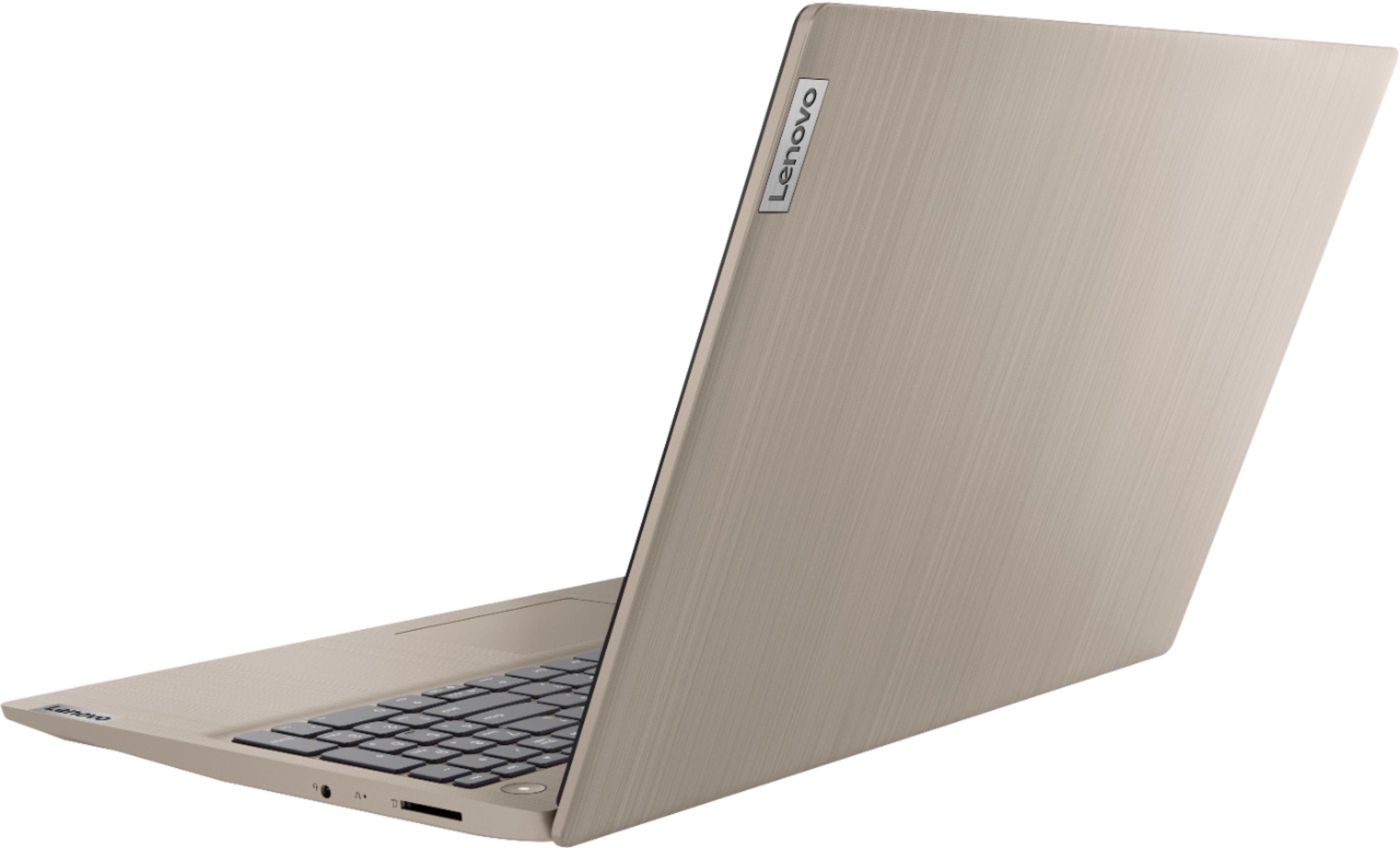
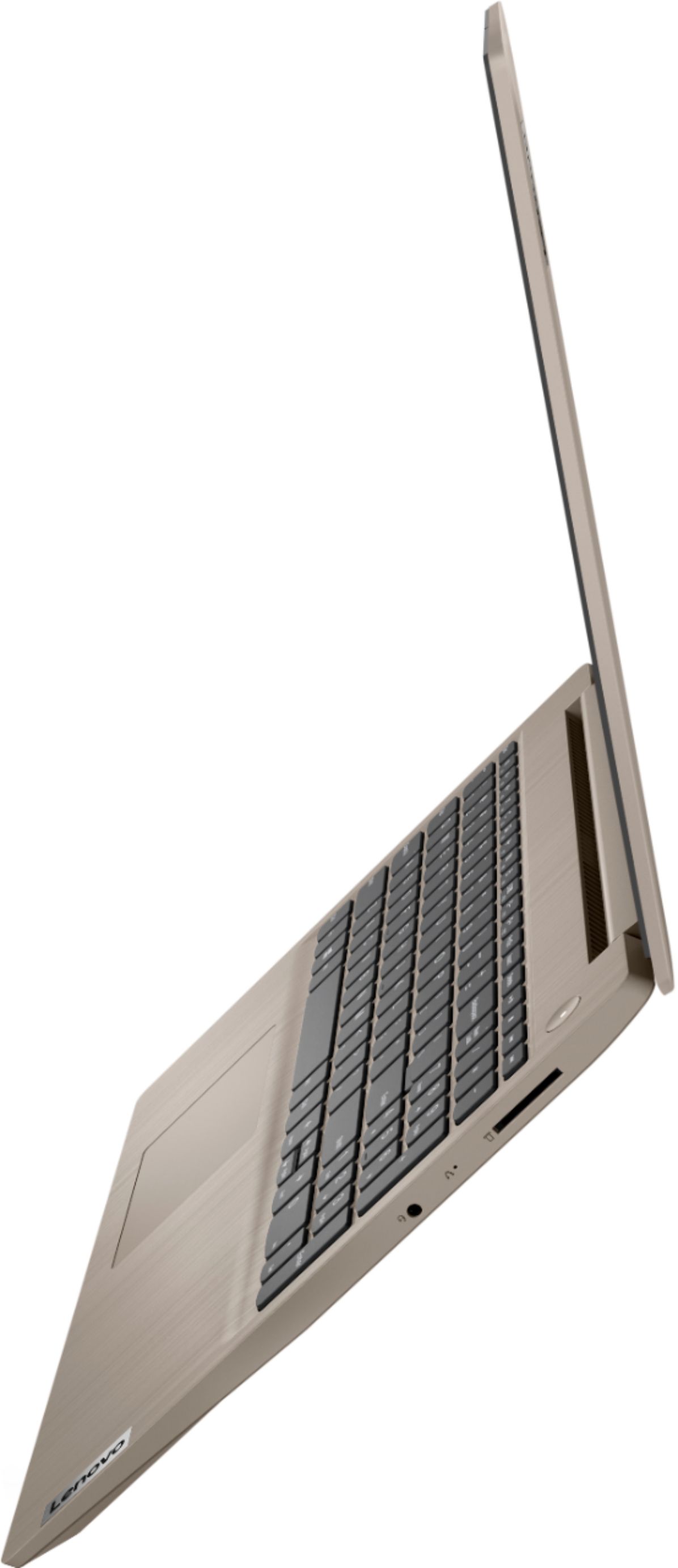
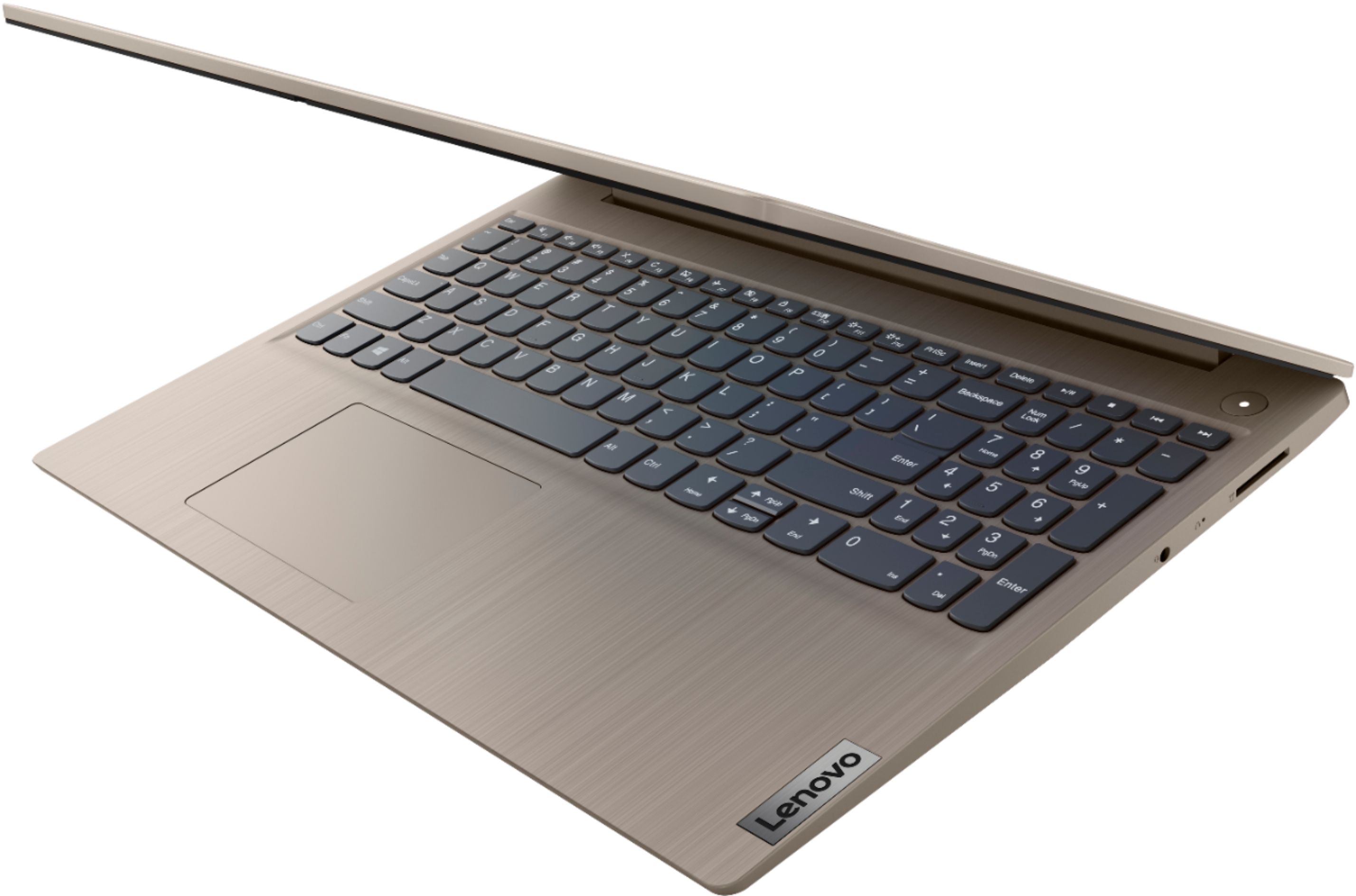
Posted .We are sorry to hear that you are having issues with the Windows 10 Operating System on your Lenovo IdeaPad 3 15 Laptop, model number 81WE00KVUS. It is possible that resetting your computer back to original factory settings may correct the cause of the error message you are receiving. Since you can not properly boot the computer to the Windows 10 Desktop, this system is equipped with OneKey Recovery System. There is a very small pin hole on the right side of the device, right in between the headphone jack and the SD card slot on the device. You will need a pin to push this reset button. Plug the device in. Let the battery charge for about 15 minutes. Push the reset button. The system should boot to a choice screen where you can choose "Restore To Factory Default". Select this. It will delete everything from the hard drive except the original factory install of the operating system. You will need to reinstall all programs and files after the reset. If you don't have copies of the files, try to make one before you restore by selecting "Boot to desktop" and trying to back up your files. If the problem persists after the factory reset, we recommend you contact Lenovo Tech Support at: 877-453-6686.
Slow
||Posted .This reviewer received promo considerations or sweepstakes entry for writing a review.Incredibly slow due to background tasks and security features keep crashing and updates cause issues. Would not recommend!
No, I would not recommend this to a friendBrand response from Lenovo Product Expert
Posted .Hello, we are sorry to hear you are having this experience with the Lenovo IdeaPad 3 15" laptop model # 81WE00KVUS. This model ships with Windows 10 S-Mode Operating System. Windows 10 S-Mode provides added security by only allowing APPs available (and therefore certified by Microsoft) at the Microsoft Store. If you do not need the added security or you need to install APPs not available at the Microsoft Store, you can switch to standard Windows 10 Home 64-bit Operating System, at no additional cost. Here is a link to instructions for switching from Windows 10 S-Mode to Windows 10 Home: https://support.microsoft.com/en-us/help/4456067/windows-10-switch-out-of-s-mode. If you've switched out of S-Mode be sure any software you installed is compatible with Windows 10. Incompatible software will drain the battery at a faster rate. There is no need to install Microsoft Office software. The software is already part of the operating system, you just need to activate the software with a purchased product key. If you have installed a copy of Microsoft Office, this is conflicting with the existing copy on the system and this will slow your system down. If you have installed a 3rd party anti-virus program, be sure that Windows Defender is turned off and that the trial version of McAfee Anti-Virus software is uninstalled. There can only be one anti-virus program on the system. You may need to restore your system to original factory default settings if any of the programming errors have occurred. You can do that by typing "restore" in the Cortana search window. Just click on the magnifying glass icon at the bottom left of your Windows 10 Desktop. Click on "Reset This PC" Then click on "Get Started" and follow the on screen directions to restore to factory defaults. If the problem persists, we recommend you contact Lenovo Tech Support at: 877-453-6686.
My order was delayed 2 weeks
||Posted . Owned for 3 weeks when reviewed.This reviewer received promo considerations or sweepstakes entry for writing a review.My order was delayed 2 weeks even though I said that I needed it with urgency. And the delivery date was even more delayed
No, I would not recommend this to a friendNoooo!!!!
||Posted . Owned for 1 week when reviewed.This reviewer received promo considerations or sweepstakes entry for writing a review.Product came early, but when plugged it in the screen was blank. Took it back and got a new one somewhere else.
No, I would not recommend this to a friendBrand response from Lenovo Product Expert
Posted .We are sorry to hear that you had issues with your Lenovo IdeaPad 3 15 Laptop, model number 81WE00KVUS. Always plug a new computer in for initial start up. Though the factory does charge the battery, it may drain by the time the user is ready to setup the computer for the first time. If the computer still doesn't show any image on the screen even when plugged in and turned on, a reset of the computer back to original factory settings may fix the issue. Since you can not boot the computer with a blank screen, this system is equipped with OneKey Recovery System. There is a very small pin hole on the right side of the device, right near the headphone jack on the device. You will need a pin to push this reset button. Plug the device in. Let the battery charge for about 15 minutes. Push the reset button. The system should boot to a choice screen where you can choose "Restore To Factory Default". Select this. It will delete everything from the hard drive except the original factory install of the operating system. You will need to reinstall all programs and files after the reset. If you don't have copies of the files, try to make one before you restore by selecting "Boot to desktop" and trying to back up your files. If the problem persists after the factory reset, we recommend you contact Lenovo Tech Support at: 877-453-6686.
you get what you pay for
||Posted . Owned for 1 month when reviewed.This reviewer received promo considerations or sweepstakes entry for writing a review.returned to the store, was super slow and did not perform very well. would not recommend purchasing
No, I would not recommend this to a friendIt's almost been a month and it doesn't arrive yet
||Posted . Owned for 3 weeks when reviewed.This reviewer received promo considerations or sweepstakes entry for writing a review.I ordered this on September 1st, the scheduled delivery date was the 14th and I don't have it with me yet.
No, I would not recommend this to a friendThis is ridiculous
||Posted . Owned for less than 1 week when reviewed.This reviewer received promo considerations or sweepstakes entry for writing a review.Laptop came with no charger and will not turn on. This is RIDICULOUS I DID NOT SPEND MY MONEY FOR THIS
No, I would not recommend this to a friendBrand response from Lenovo Product Expert
Posted .All new Lenovo computers ships with a AC adapter/charger. We recommend you contact the location you purchased this device from for further assistance.
Already not charging
||Posted . Owned for 1 month when reviewed.This reviewer received promo considerations or sweepstakes entry for writing a review.Less than a month and already won’t charge. Sending it back!!
No, I would not recommend this to a friendBrand response from Lenovo Product Expert
Posted .We are sorry to hear that you are having issues charging your Lenovo IdeaPad 3 15 Laptop, model number 81WE00KVUS. Let the battery charge level drop below 50-percent, then plug the device in and charge. There is a white power LED on the left side of the device that will light up when the device is plugged in and charging. If you do not see the white LED light when plugged in, the problem may be the AC adapter/charger. If the issue continues, we recommend you call Lenovo Tech Support at: 877-453-6686.
Very poor display quality
||Posted . Owned for 3 months when reviewed.This reviewer received promo considerations or sweepstakes entry for writing a review.display is very bad, it strains eyes. Do not go for it
No, I would not recommend this to a friendBrand response from Lenovo Product Expert
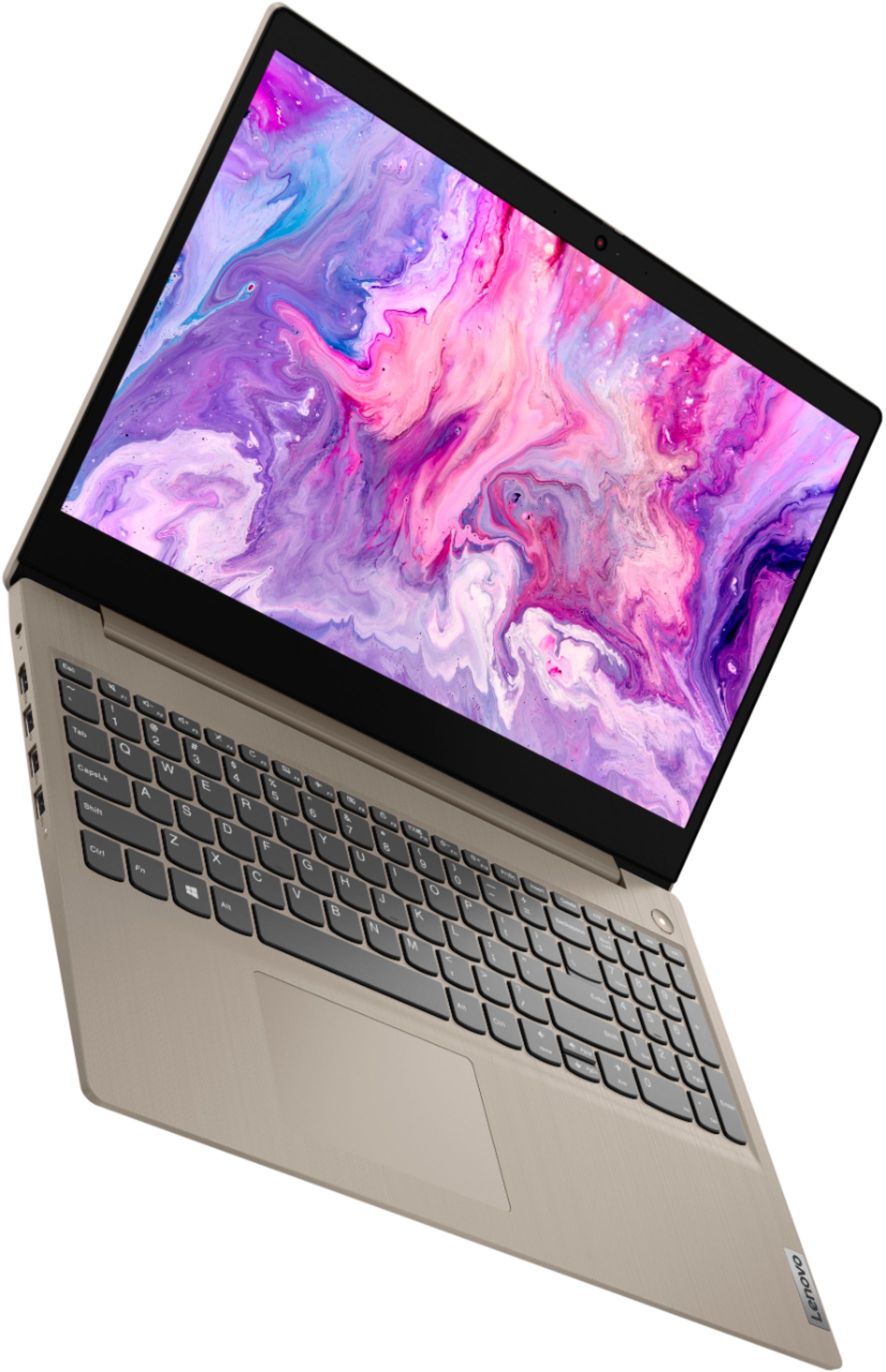
Posted .The Lenovo IdeaPad 3 15 Laptop, model number 81WE00KVUS, ships with a 15.6-Inch (screen size measured diagonally) TN, LCD w/LED Backlight (Anti-glare) screen, with a resolution of 1366 X 768 (HD) and a brightness level of 250 nits.
Terrible
||Posted . Owned for 1 month when reviewed.This reviewer received promo considerations or sweepstakes entry for writing a review.Bad. Really bad. Was poorly made, could tell it would break in weeks not days
No, I would not recommend this to a friendBrand response from Lenovo Product Expert
Posted .We are sorry to hear you had this experience with your Lenovo IdeaPad Laptop. The IdeaPad 3 is priced as an everyday-use laptop—but engineered as something much more. 10th Gen Intel® Core™ processing—as well as powerful memory and storage options—means this PC delivers beyond expectations. Bonus: The numeric keypad will speed up your productivity, whether you’re working on your personal budget or preparing a spreadsheet.
Webcam no longer works
||Posted . Owned for 2 months when reviewed.This reviewer received promo considerations or sweepstakes entry for writing a review.Webcam is no longer working, after only 2 months of use. Very disappointing.
No, I would not recommend this to a friendBrand response from Lenovo Product Expert
Posted .Hello, we are sorry to hear you are experiencing an issue with your webcam on your Lenovo IdeaPad 3 15" laptop model # 81WE00KVUS. Be sure to remove the clear plastic covering that is affixed to the lens of the webcam before use. This clear tape is very hard to see, but it is necessary to protect the webcam lens during shipment. Also, be sure the Privacy Shutter is completely open before trying to use the webcam or the webcam will not operate. There is a small slider, directly above the webcam lens. Move the tab to the right to open the Privacy Shutter. There is a red dot over the webcam lens that will disappear when the Privacy Shutter is fully open. This will indicate that the webcam is really to use. You can close the Privacy Shutter when you are done with the webcam for your security, by sliding the tab to the left to close the Privacy Shutter. The Red Dot will appear over the webcam lens when the Privacy Shutter is closed. If the issue continues, we recommend you call Lenovo Tech Support at: 877-453-6686.
Returned product-Nothing wrong with compter
||Posted .This reviewer received promo considerations or sweepstakes entry for writing a review.Returned because it did not have a USB-C port for power.
No, I would not recommend this to a friendBrand response from Lenovo Product Expert
Posted .The IdeaPad 3 is priced as an everyday-use laptop—but engineered as something much more. Premium Intel® processing—as well as powerful memory and storage options—means this PC delivers beyond expectations. Bonus: The numeric keypad will speed up your productivity, whether you’re working on your personal budget or preparing a spreadsheet.
- Pros mentioned:Touch screen
Good laptop
Posted .This reviewer received promo considerations or sweepstakes entry for writing a review.Bought during the pandemic to help with virtual learning at the time. I love how big it is and the touch screen features. The sound is ok. The full keyboard is great.
I would recommend this to a friend - Pros mentioned:Lightweight
Great
Posted .This reviewer received promo considerations or sweepstakes entry for writing a review.I love this laptop. I have been with it 4 years now.
I would recommend this to a friend My Lenovo Ideapad 3
Posted .This reviewer received promo considerations or sweepstakes entry for writing a review.LOVE THIS LAPTOP!! So light and easy to handle. Plus touch screen is great to work!! Purchased this in August of 2020 and still feels like it's brand new. Clear and large beautiful screen. Would highly recommend this laptop and purchase again.
I would recommend this to a friendMy Lenovo
Posted .This reviewer received promo considerations or sweepstakes entry for writing a review.I love this laptop. It is easy to use, easy to store information, and easy to retrieve information. I use this laptop for my personal use, as well as for work. My work program is not stored to my laptop but I can pull up my work program without struggles.
I would recommend this to a friend- Pros mentioned:Fast
Lenovo Laptoop Reveiw
Posted .This reviewer received promo considerations or sweepstakes entry for writing a review.So far so good. The laptop is exactly how I expected it to be and I am enjoying the design, speed, internet connectivity, and advanced technology features.
I would recommend this to a friend Lenovo Laptop
Posted .This reviewer received promo considerations or sweepstakes entry for writing a review.going on 3 years and still works amazingly. use it for school amd work and have no issues
I would recommend this to a friend- Pros mentioned:Touch screen
Question
Posted .This reviewer received promo considerations or sweepstakes entry for writing a review.I am looking at purchasing this computer. But am wondering and I stuck with using " Edge"? I have used Edge in the past and do not like it. Any suggestions would be appreciated.
I would recommend this to a friendBrand response from Lenovo Product Expert
Posted .The Lenovo IdeaPad 3 15 laptop, model number 81WE00KVUS, ships with Windows 10 S-Mode. Windows 10 S-Mode provides added security by only allowing APPs available ( and therefore certified by Microsoft) at the Microsoft Store. If you don't need the added security or you need to install APPs not available at the Microsoft Store, you can switch to standard Windows 10 Home 64-bit Operating System, at no additional cost. The only Internet Browser compatible with Windows 10 S-Mode is new Microsoft Edge. There is a new version that looks and operates differently than previous versions. Here is a link to some information about the New Edge Browser: https://www.microsoft.com/en-us/edge?&OCID=AID2001283_SEM. If you do not want to use the New Edge Browser, you will need to switch out of Windows 10 S-Mode. You will then be able to install any Windows 10 Home compatible Internet Browser. Here is a link to instructions for switching from Windows 10 S-Mode to Windows 10 Home: https://support.microsoft.com/en-us/help/4456067/windows-10-switch-out-of-s-mode