Customer Ratings & Reviews
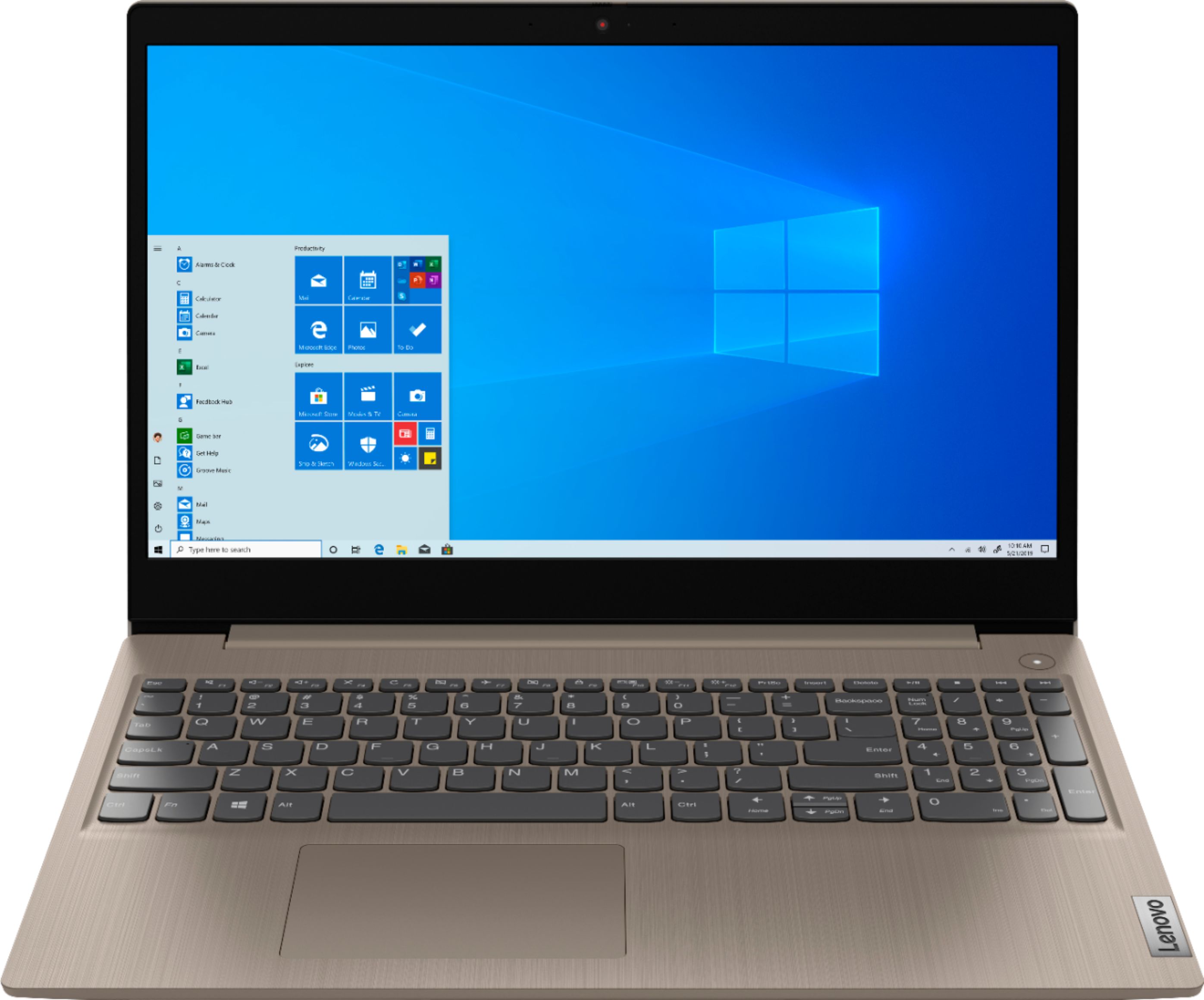
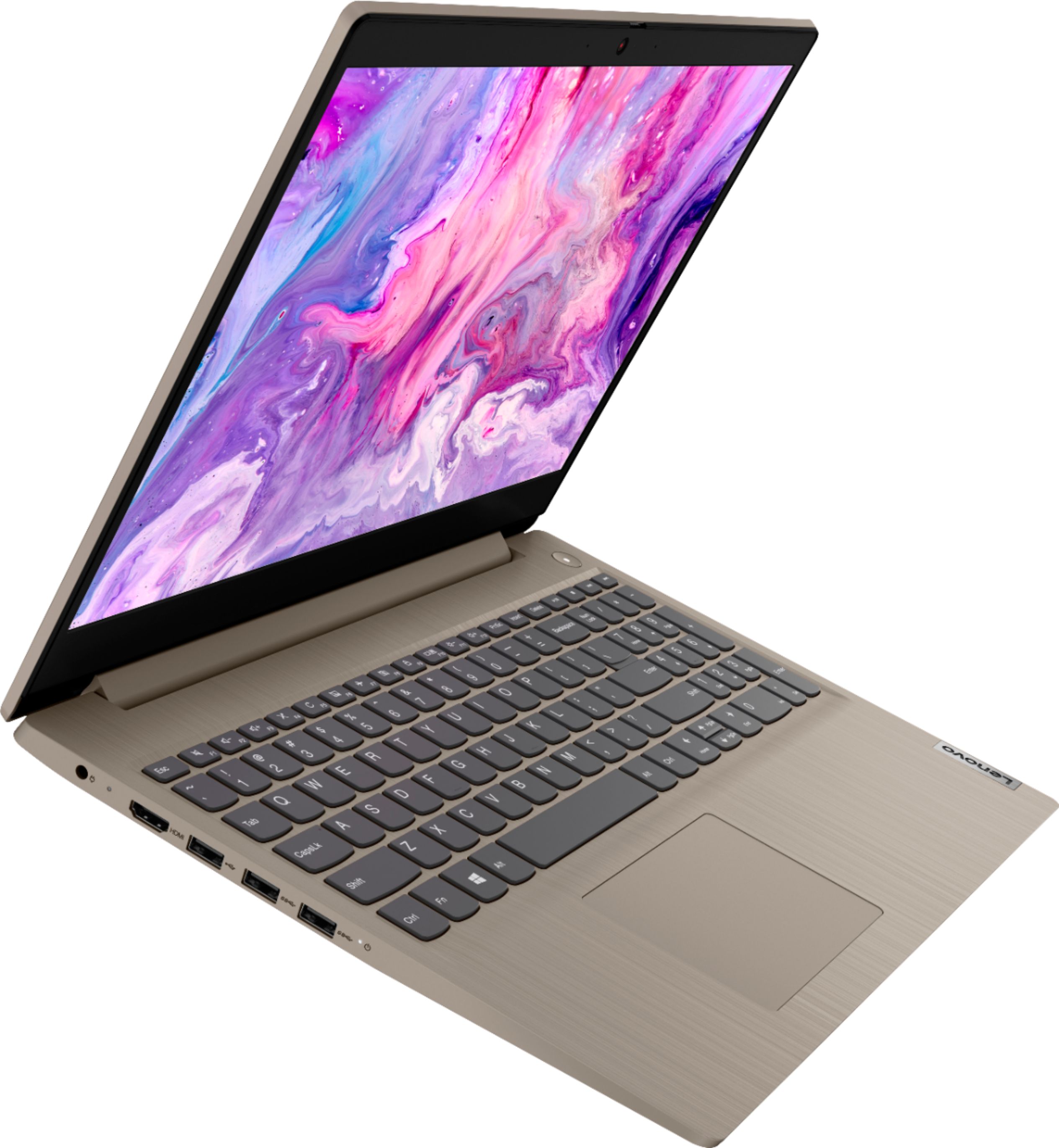
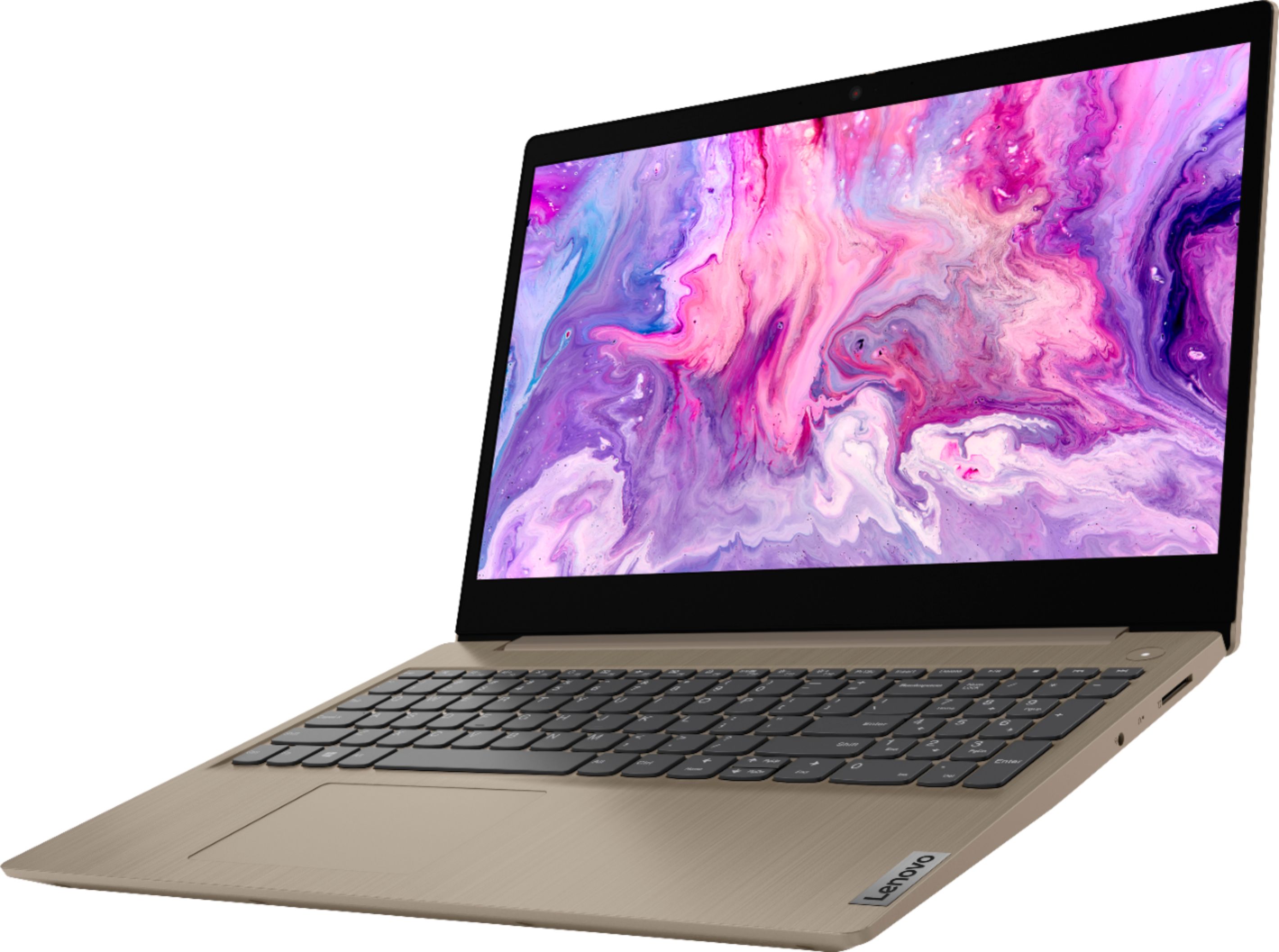
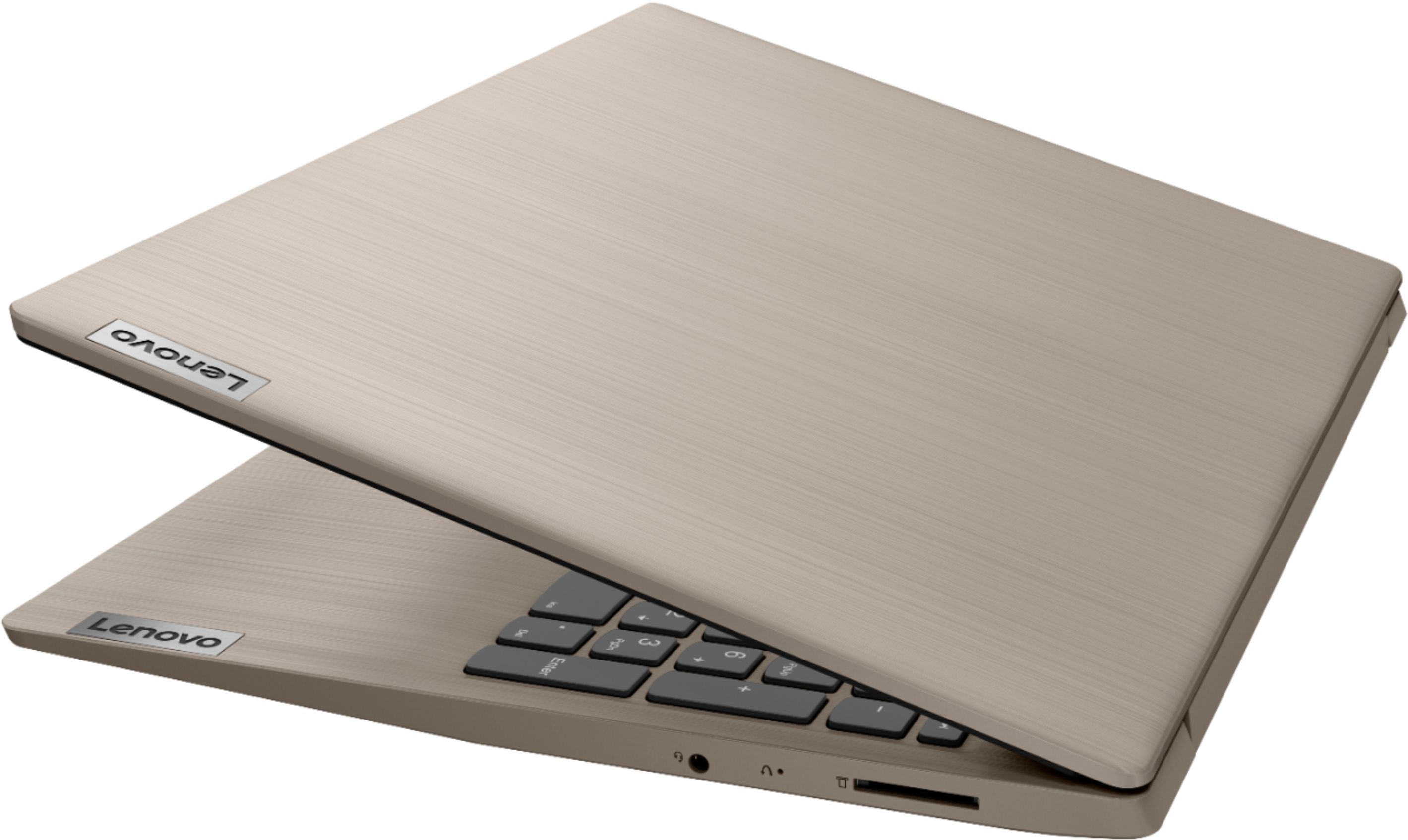


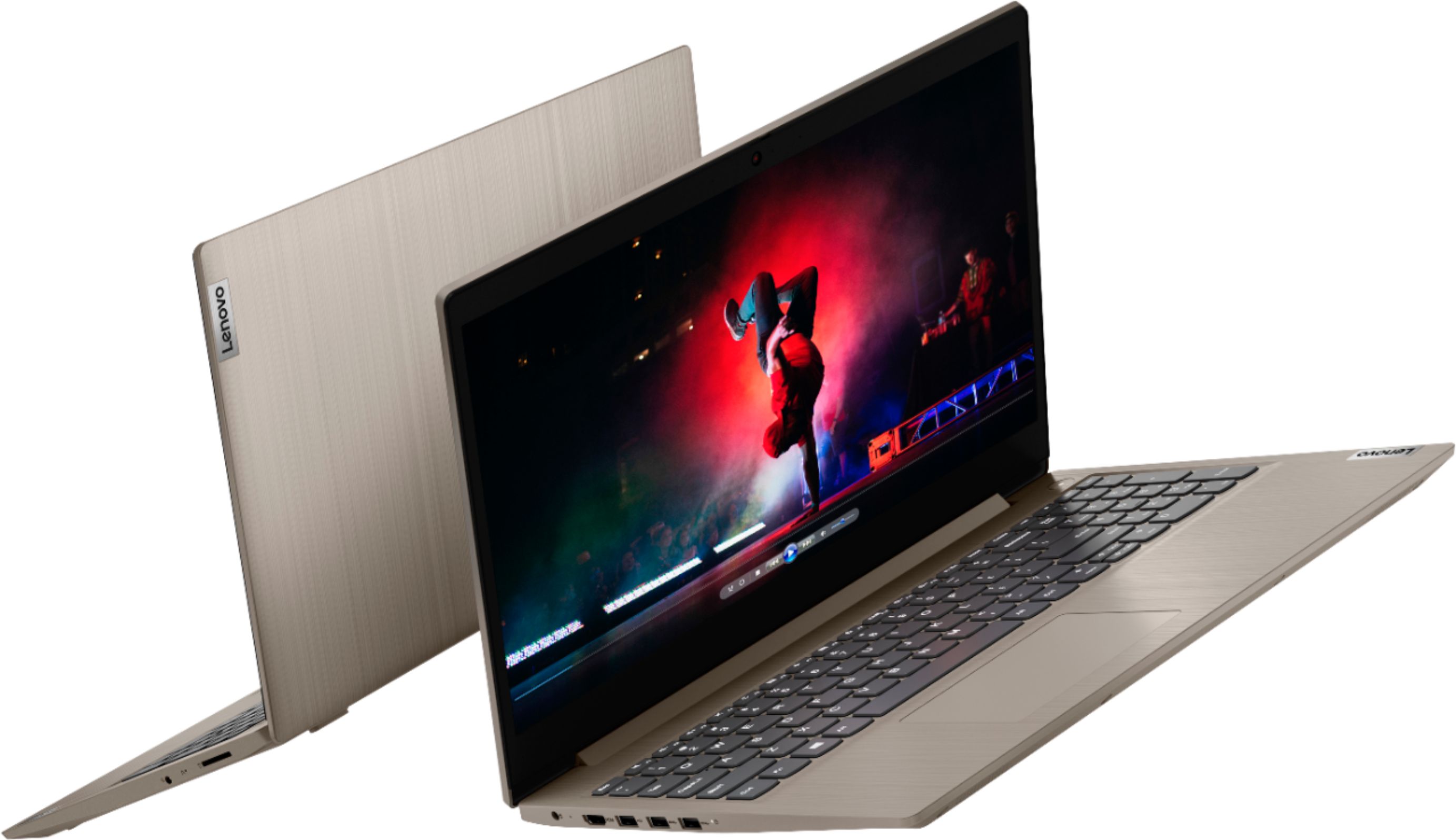
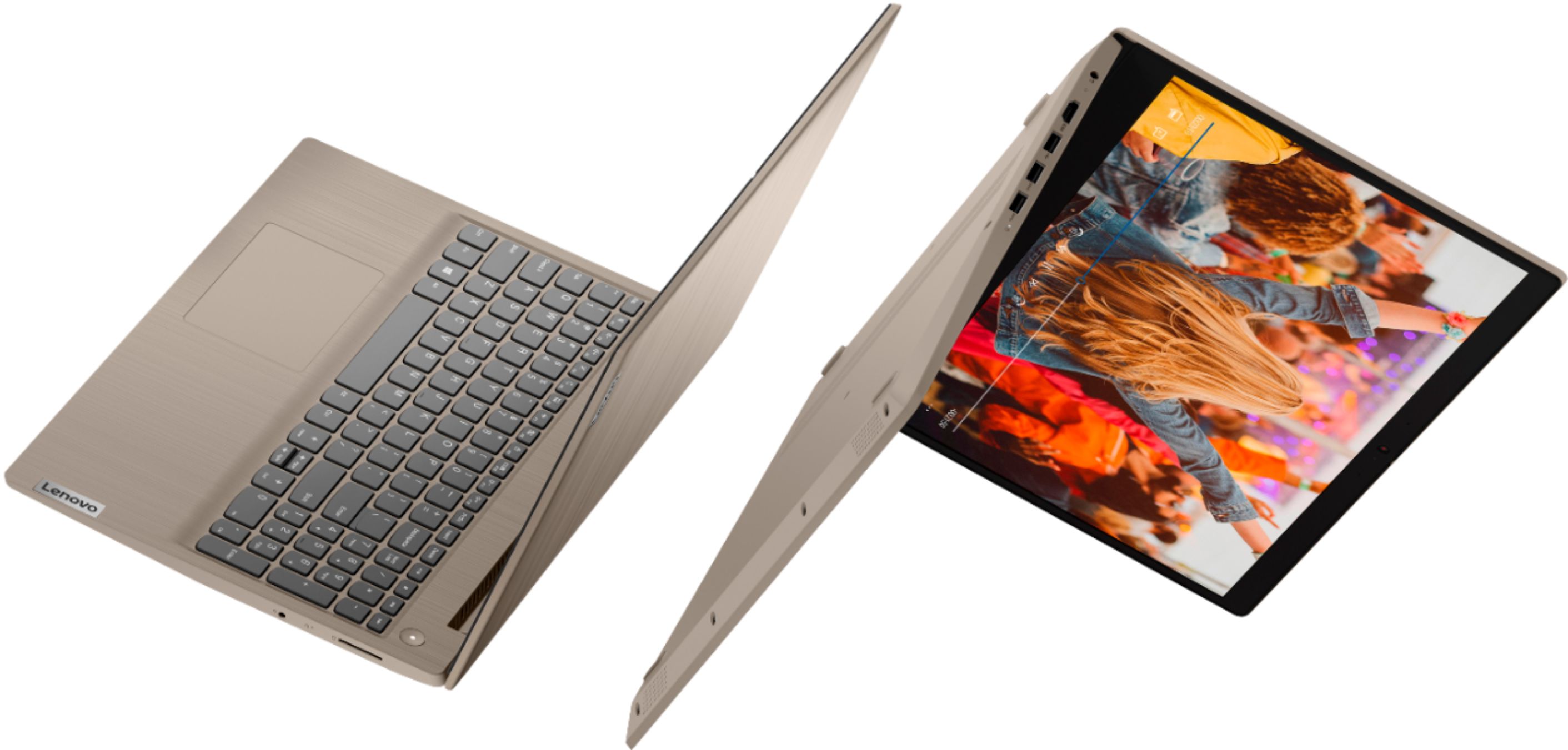
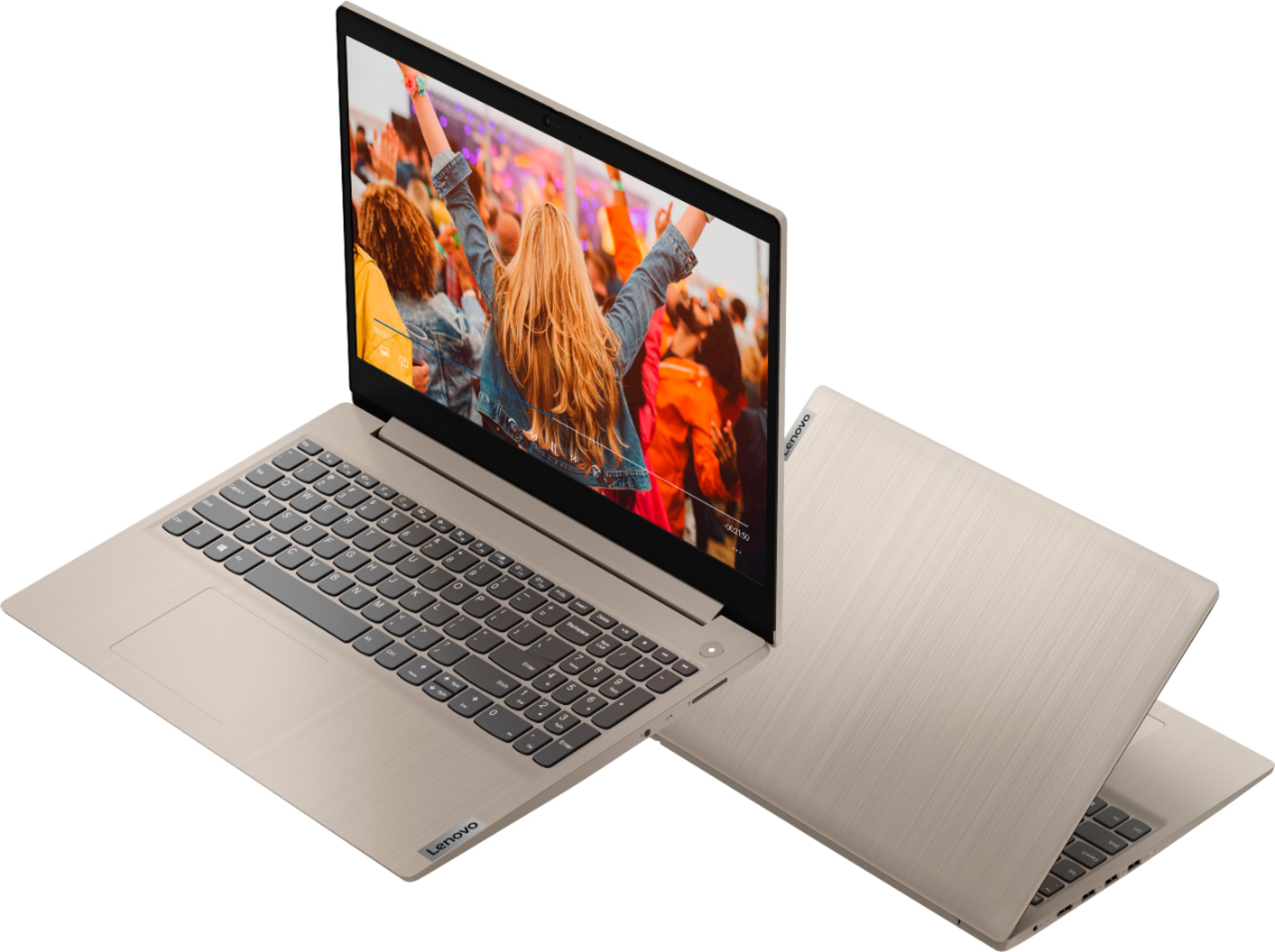
- Model:
- 81WE00KVUS
- SKU:
- 6415810
Rating by feature
- Battery Life
Rating 4.3 out of 5 stars
- Speed
Rating 4.3 out of 5 stars
- Display
Rating 4.4 out of 5 stars
Customers are saying
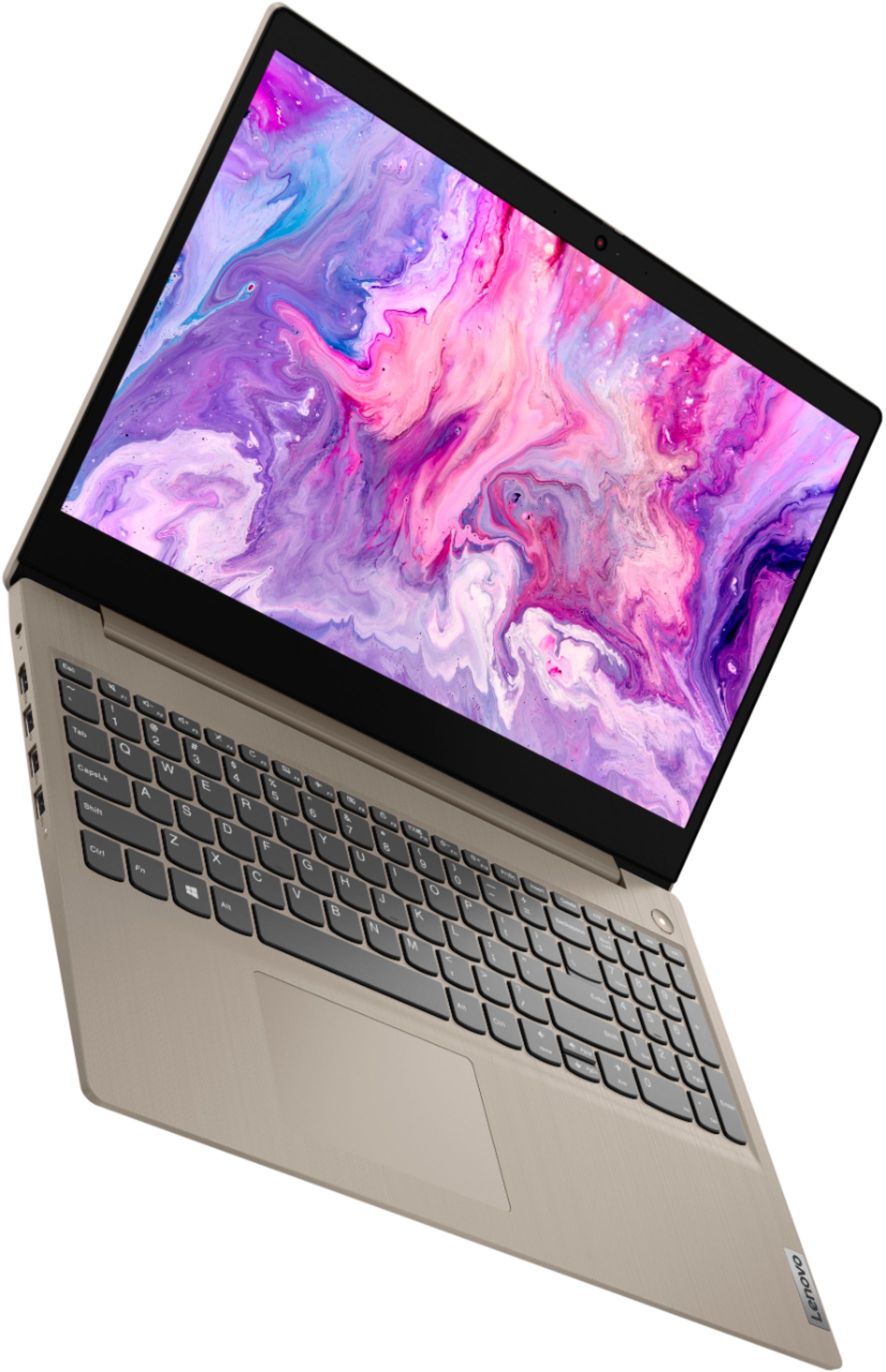
Customers frequently mention the IdeaPad 3's touch screen, praising its functionality. The price point is also widely appreciated, with many customers highlighting the great value for the performance they get. On the downside, the battery life is a common concern, with users expressing dissatisfaction about its duration. The lack of a DVD drive is another point of contention for some users.
This summary was generated by AI based on customer reviews.
Lenovo laptop
Posted .This reviewer received promo considerations or sweepstakes entry for writing a review.I bought this for my kid to use @ virtual school - a good for everyday school work not for gaming
I would recommend this to a friendBrand response from Lenovo Product Expert
Posted .Thank you for choosing the Lenovo IdeaPad 3 15 Laptop, model number 81WE00KVUS for your child. We are pleased to hear that the performance of the IdeaPad 3 15 meets the computing needs of your child so well. This is a mid-level, moderate use configuration, with its 10th. Generation, Intel Core i3-1005G1 processor. This Dual-Core/Four-Thread processor has a base speed of 1.2GHz and a boost speed of up to 3.4GHz. This configuration has 8GB of DDR4-2666MHz RAM and a 256GB solid state hard drive. It is good with Microsoft Office type programs, internet browsing and other moderate work. This model ships with Windows 10 S-Mode Operating System. Windows 10 S-Mode provides added security by only allowing APPs available ( and therefore certified by Microsoft) at the Microsoft Store. If you don't need the added security or you need to install APPs not available at the Microsoft Store, you can switch to standard Windows 10 Home 64-bit Operating System, at no additional cost.

- Cons mentioned:Battery life
Won't let me open anything
Posted .This reviewer received promo considerations or sweepstakes entry for writing a review.This computer works very poorly for what you pay. The battery lasts less than five hours while also refusing to let you open anything. I have syllabi for my classes downloaded onto my laptop and it won't let me open it at all. I frequently have issues trying to open Google Chrome. It's very frustrating not being able to do your work because your computer refuses to work. I would not recommend this to anyone who needs to do work efficiently.
No, I would not recommend this to a friendBrand response from Lenovo Product Expert
Posted .It is possible the software you are trying run/install is incompatible with Windows 10 S-Mode. This model ships with Windows 10 S-Mode Operating System. Windows 10 S-Mode provides added security by only allowing APPs available (and therefore certified by Microsoft) at the Microsoft Store. If you do not need the added security or you need to install APPs not available at the Microsoft Store, you can switch to standard Windows 10 Home 64-bit Operating System, at no additional cost. Here is a link to instructions for switching from Windows 10 S-Mode to Windows 10 Home: https://support.microsoft.com/en-us/help/4456067/windows-10-switch-out-of-s-mode
These thinkpad also
Posted .This reviewer received promo considerations or sweepstakes entry for writing a review.I love lenoxo laptop i had good experience with mind i would recommend this latop or personal computer to anyone!!
I would recommend this to a friendBuyers Beware
Posted .This reviewer received promo considerations or sweepstakes entry for writing a review.I am so disappointed with this laptop. The mouse is literally insane. I can't keep a page to stay in place. I've called Lenovo. I've reinstalled the drivers. I've had Geek Squad do repairs on it. I have no idea what to do. Second, the speakers don't work well at all. When I plug in new speakers, they don't work either. Third, it seems Chrome isn't the preferred internet browser, Edge is. I can't get Chrome to work for the life of me. I've never had so many problems with a new laptop in my life.
No, I would not recommend this to a friendBrand response from Lenovo Product Expert
Posted .The Lenovo IdeaPad 3 15 Laptop, model number 81WE00KVUS, ships with an adjustable touchpad. You can make adjustments to the touchpad in your system settings. You can get there by clicking on the magnifying glass at the bottom left of your Windows 10 screen. Type "touchpad" in the search window. Select "Mouse & touchpad settings" from the list of choices. You can make general adjustments to the touchpad there. You can also select "Additional mouse options" for more detailed adjustments to the touchpad sensitivity by increasing the delay of the touchpad. This system ships with stereo 1.5W system speakers with Dolby Audio sound enhancement. For the best audio experience, be sure Dolby Audio is turned on and adjusted to your personal preferences. This laptop ships with Windows 10 S-Mode Operating System. Windows 10 S-Mode provides added security by only allowing APPs available ( and therefore certified by Microsoft) at the Microsoft Store. If you don't need the added security or you need to install APPs not available at the Microsoft Store, you can switch to standard Windows 10 Home 64-bit Operating System, at no additional cost. To install any APPs not available at the Microsoft Store, like Chrome Browser, you will need to switch from S-Mode to Windows 10 Home Operating System. Here is a link to instructions for switching from Windows 10 S-Mode to Windows 10 Home: https://support.microsoft.com/en-us/help/4456067/windows-10-switch-out-of-s-mode. If the issues continue, we recommend you call Lenovo Tech Support at: 877-453-6686.
Save your money!
Posted .This reviewer received promo considerations or sweepstakes entry for writing a review.I saved up for months to get a new laptop, and bought this in October. Two weeks ago, I turned it on and the sound coming from the speakers or microphone was horrendous - like a cross between a washing machine and a machine gun. I kid you not. I had a nice tech from Lenovo go into the laptop remotely, and after an hour or so she just said that she couldn't fix it, and that I'd have to take it to Best Buy or a Lenovo repair person, OR, I could spend $80+ to have someone come out to fix it. I don't have a car, and I hate chasing bad money with more if it can't be fixed. Save your money and get something else. Yes, it's not their fault I don't have a car, but I had the expectation that my new laptop would last more than 2 1/2 months.
No, I would not recommend this to a friendBrand response from Lenovo Product Expert
Posted .We are sorry to hear that you are having issues with your Lenovo IdeaPad 3 15 Laptop, model number 81WE00KVUS. First, check to be sure you have the latest version of Windows 10 on the computer. Then update all of the BIOS files and drivers up to that latest version of Windows 10. You can easily accomplish this by scanning the computer with the Lenovo Utility software available on this computer. This system has Lenovo utilities installed to help maintain the health of the device and keep the operating system software up to date. Type "Lenovo Vantage" in the Cortana Search window (if Lenovo Vantage is not installed on your device, you can download the APP and install it now). Select Lenovo Vantage from the list. In the window that opens, click on "Health and Support". In the expanded menu, select "Hardware Scan" In the window that opens, select "Run Quick Tests". This will scan your entire system for errors. Follow any directions that may pop up. If the problem continues after this scan, now click on "System Update". First select Windows update from the menu. Scan your system to be sure you have the latest version of Windows 10. Once that scan is complete, select "Additional Updates". This will scan your device to be sure there are no new BIOS/Driver updates needed. Follow any instructions that may pop up. If the issue still continues now, check to be sure any software you installed is compatible with Windows 10. There is no need to install Microsoft Office software. The software is already part of the operating system, you just need to activate the software with a purchased product key. If you have installed a copy of Microsoft Office, this is conflicting with the existing copy on the system and this will slow your system down. If you have installed a 3rd party anti-virus program, be sure that Windows Defender is turned off and that the trial version of McAfee Anti-Virus software is uninstalled. There can only be one anti-virus program on the system. You may need to restore your system to original factory default settings if any of the programming errors have occurred. You can do that by typing "restore" in the Cortana search window. Just click on the magnifying glass icon at the bottom left of your Windows 10 Desktop. Click on "Reset This PC" Then click on "Get Started" and follow the on screen directions to restore to factory defaults. Finally, if the issue continues, resetting the computer back to original factory settings may correct the issue. Here is a link to instructions for resetting Windows 10: https://support.microsoft.com/en-us/windows/recovery-options-in-windows-10-31ce2444-7de3-818c-d626-e3b5a3024da5. If the issue persists, we recommend you contact Lenovo Tech Support at: 877-453-6686.
worst laptop
Posted .This reviewer received promo considerations or sweepstakes entry for writing a review.i have had this laptop for two years ... my husband had a Lenovo in the past before we met ,and swore by it ... i always had Dell .I have had nothing but trouble with this laptop from day one ,,, and not been able to bring it back that very first day been going back and forth to best buy .WILL NEVER BUY LENOVO AGAIN ONLY DELL!!
No, I would not recommend this to a friendBrand response from Lenovo Product Expert
Posted .The Lenovo IdeaPad 3 15 Laptop, model number 81WE00KVUS, was first available for sale, April, 2020.
New bought worst laptop screen is black now
Posted .This reviewer received promo considerations or sweepstakes entry for writing a review.Worst laptop ever... it's been over 2 months and suddenly my laptop screen is all black. It's was super gently used and taken care of properly. Don't expect this from a reputed company. Don't waste your money.
No, I would not recommend this to a friendBrand response from Lenovo Product Expert
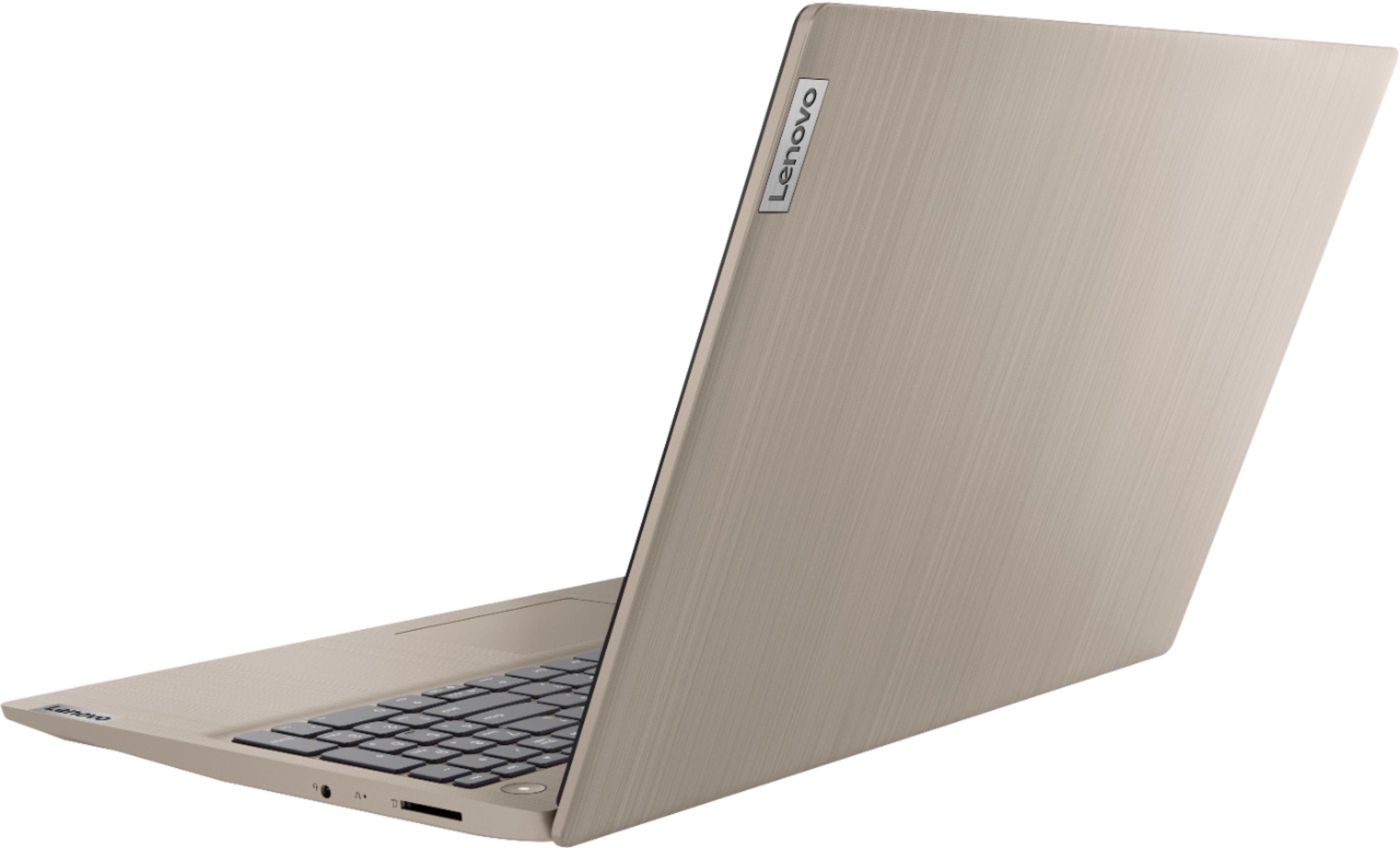
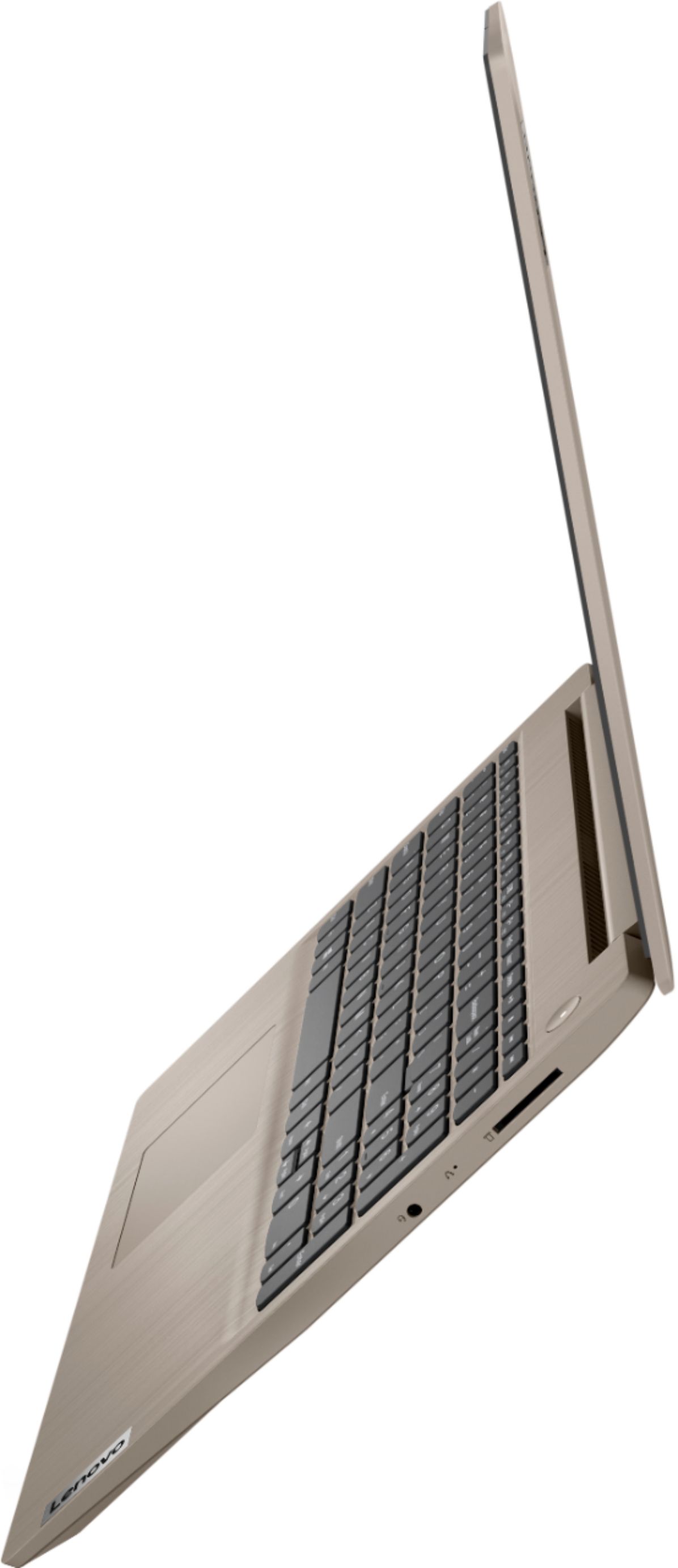
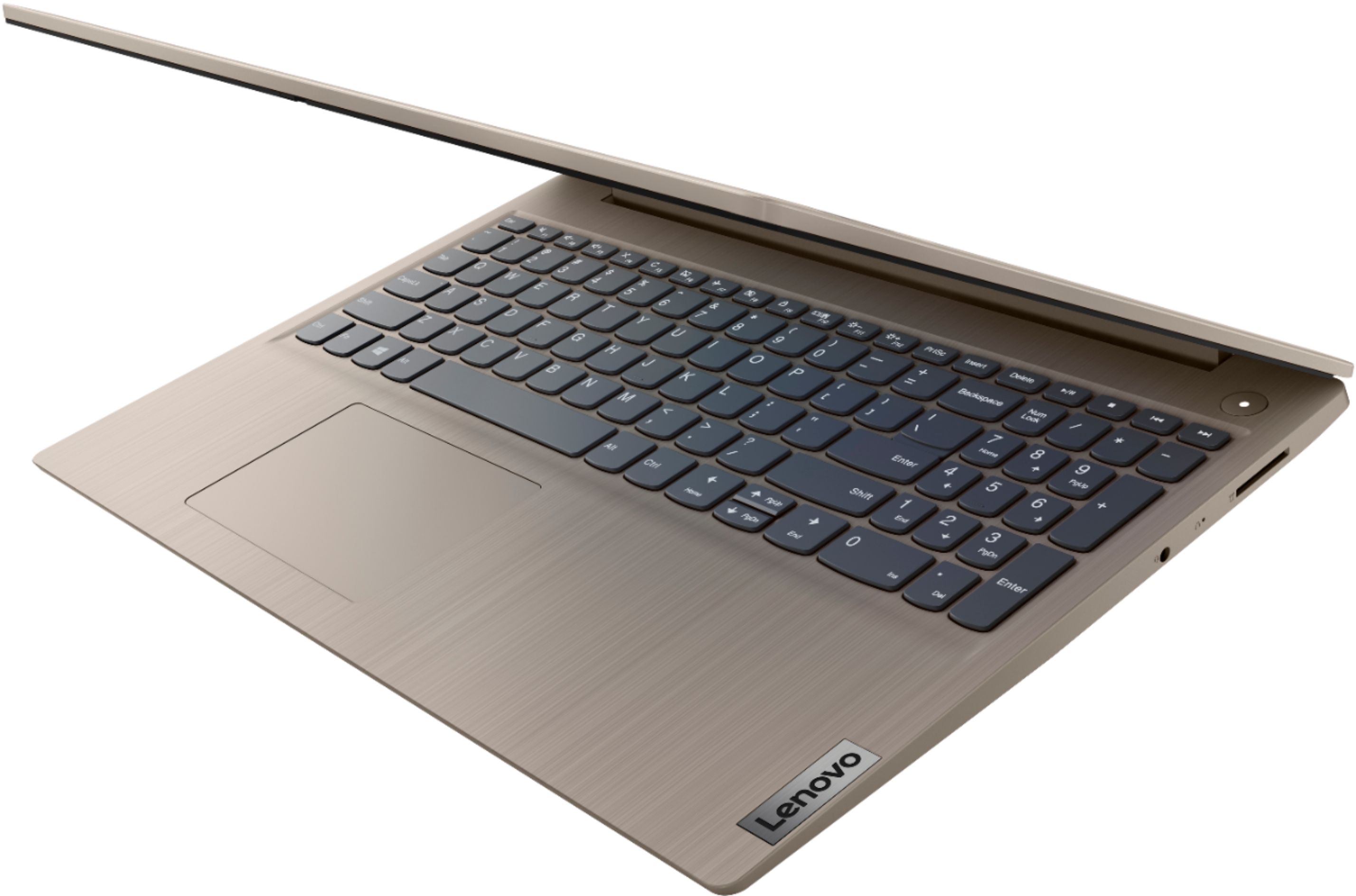
Posted .We are sorry to hear that you are having issues with your Lenovo IdeaPad 3 15 Laptop, model number 81WE00KVUS. It is possible that restoring the computer back to original factory settings will correct the issue you are having. Since you can not boot the computer normally, this system is equipped with OneKey Recovery System. There is a very small pin hole on the right side of the device, right in between the headphone jack and the SD card slot on the device. You will need a pin to push this reset button. Plug the device in. Let the battery charge for about 15 minutes. Push the reset button. The system should boot to a choice screen where you can choose "Restore To Factory Default". Select this. It will delete everything from the hard drive except the original factory install of the operating system. You will need to reinstall all programs and files after the reset. If you don't have copies of the files, try to make one before you restore by selecting "Boot to desktop" and trying to back up your files. Once you have the computer restored, be sure any software you installed is compatible with Windows 10. There is no need to install Microsoft Office software. The software is already part of the operating system, you just need to activate the software with a purchased product key. If you have installed a copy of Microsoft Office, this is conflicting with the existing copy on the system and this will slow your system down. If you have installed a 3rd party anti-virus program, be sure that Windows Defender is turned off and that the trial version of McAfee Anti-Virus software is uninstalled. There can only be one anti-virus program on the system. You may need to restore your system to original factory default settings if any of the programming errors have occurred. You can do that by typing "restore" in the Cortana search window. Just click on the magnifying glass icon at the bottom left of your Windows 10 Desktop. Click on "Reset This PC" Then click on "Get Started" and follow the on screen directions to restore to factory defaults. If the problem persists, we recommend you contact Lenovo Tech Support at: 877-453-6686.