Customer Ratings & Reviews
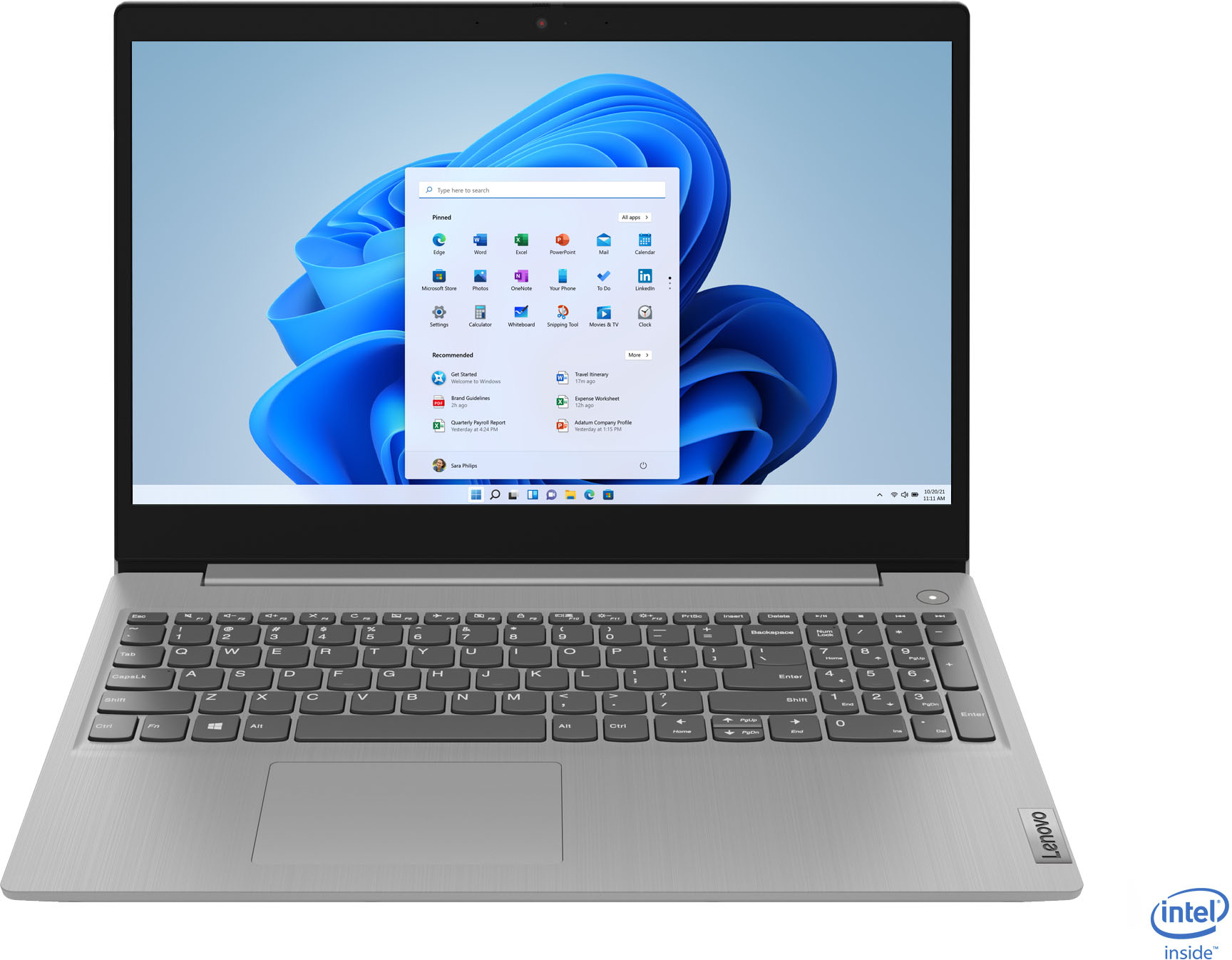
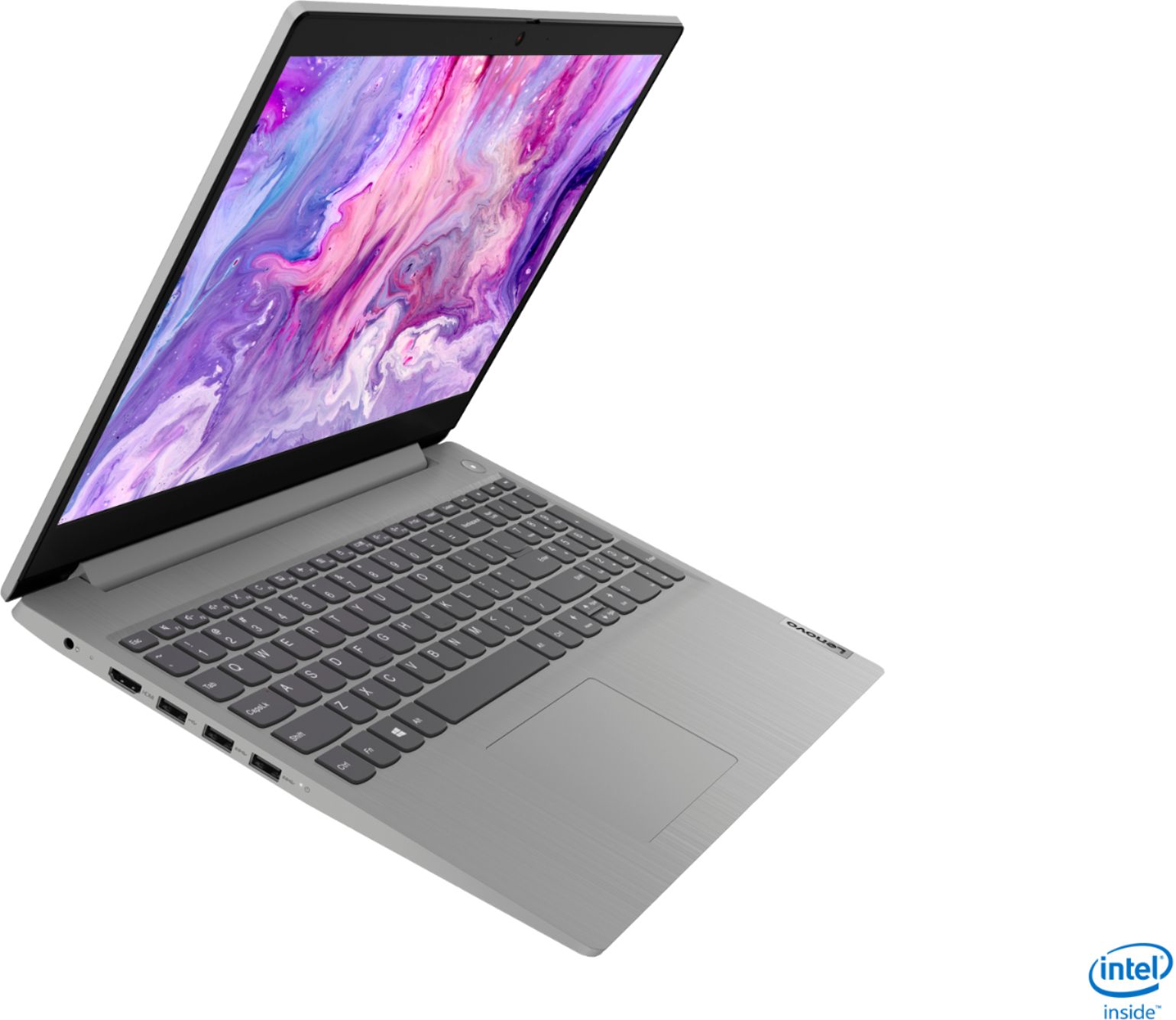
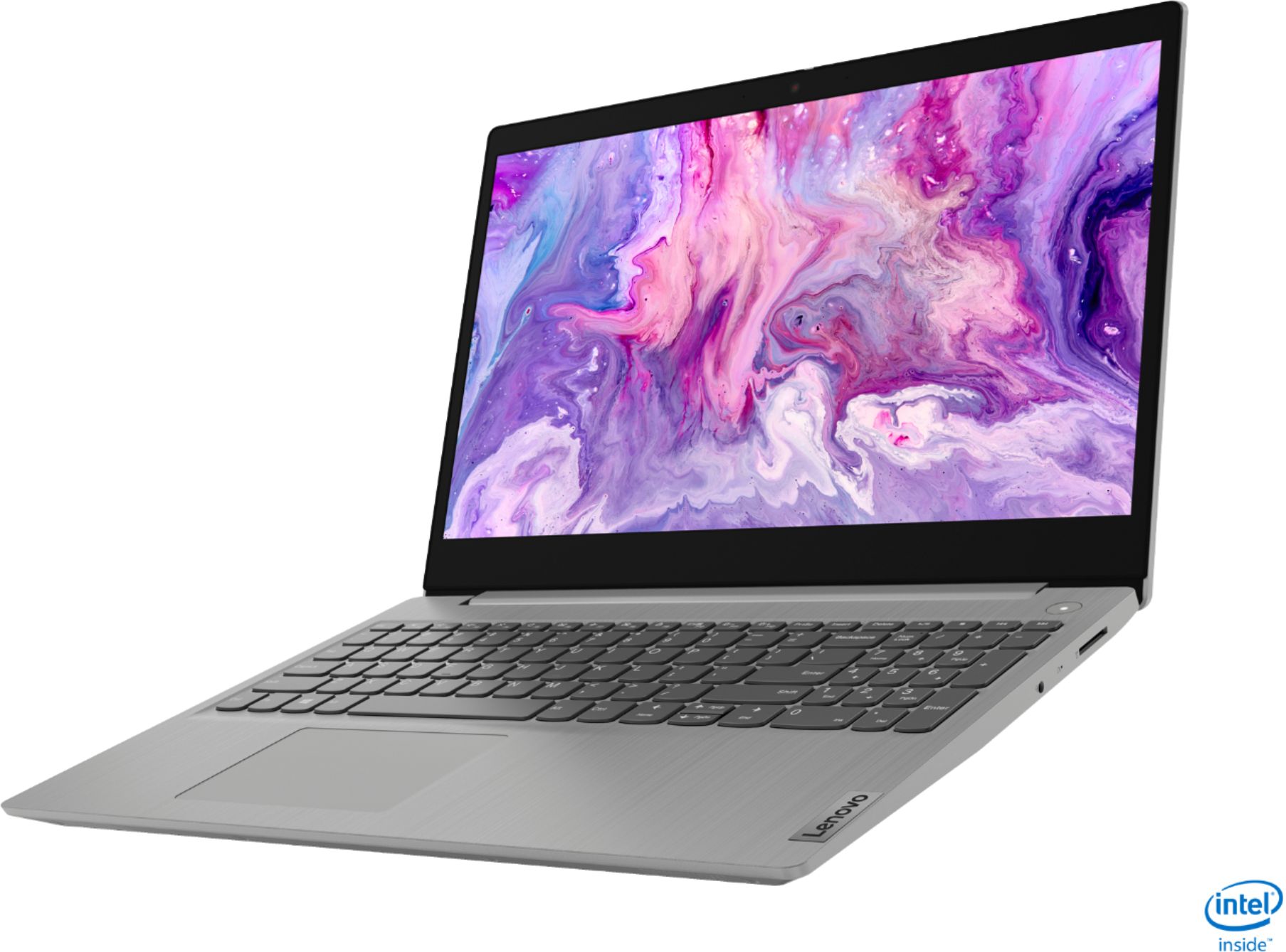

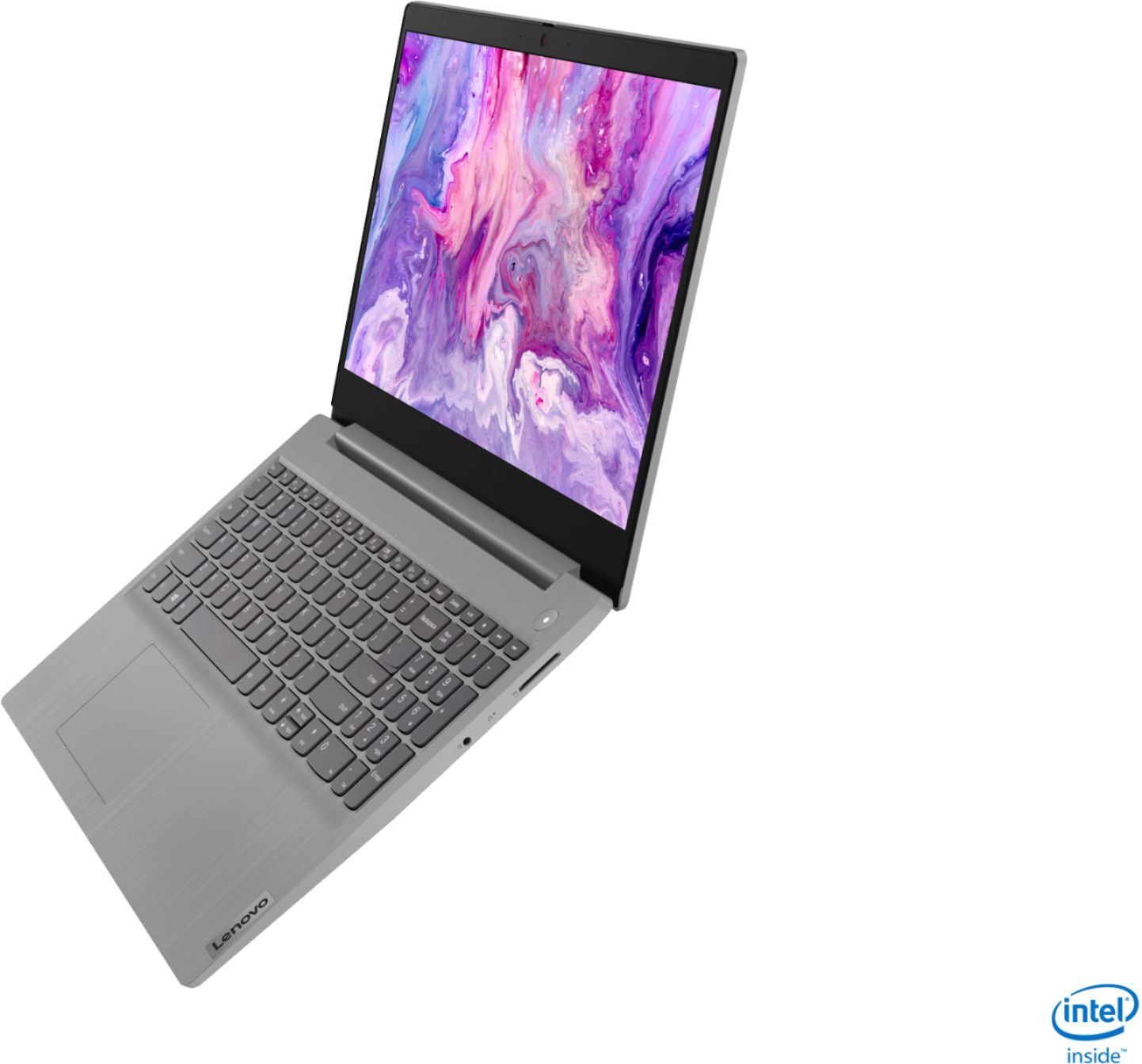
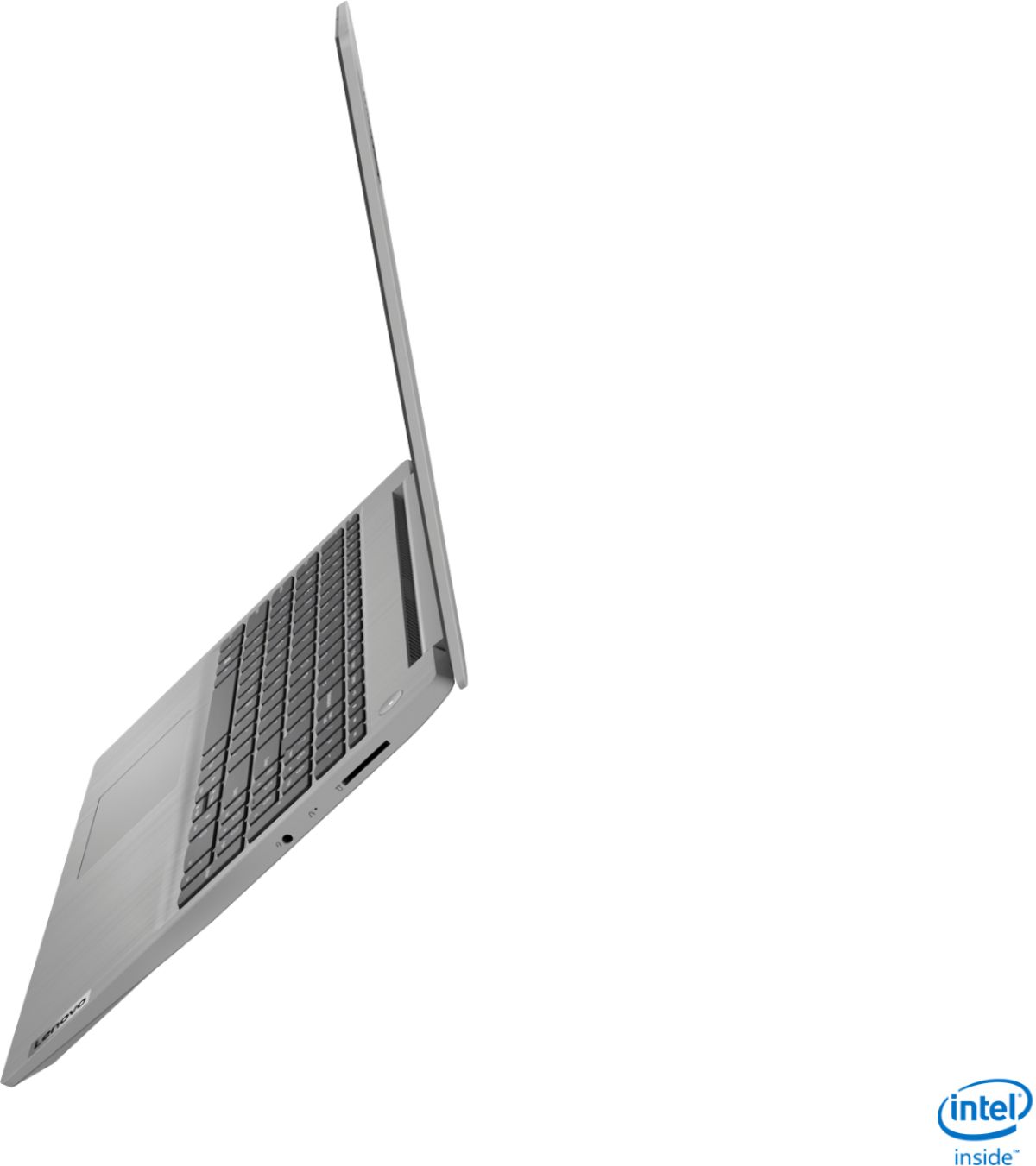
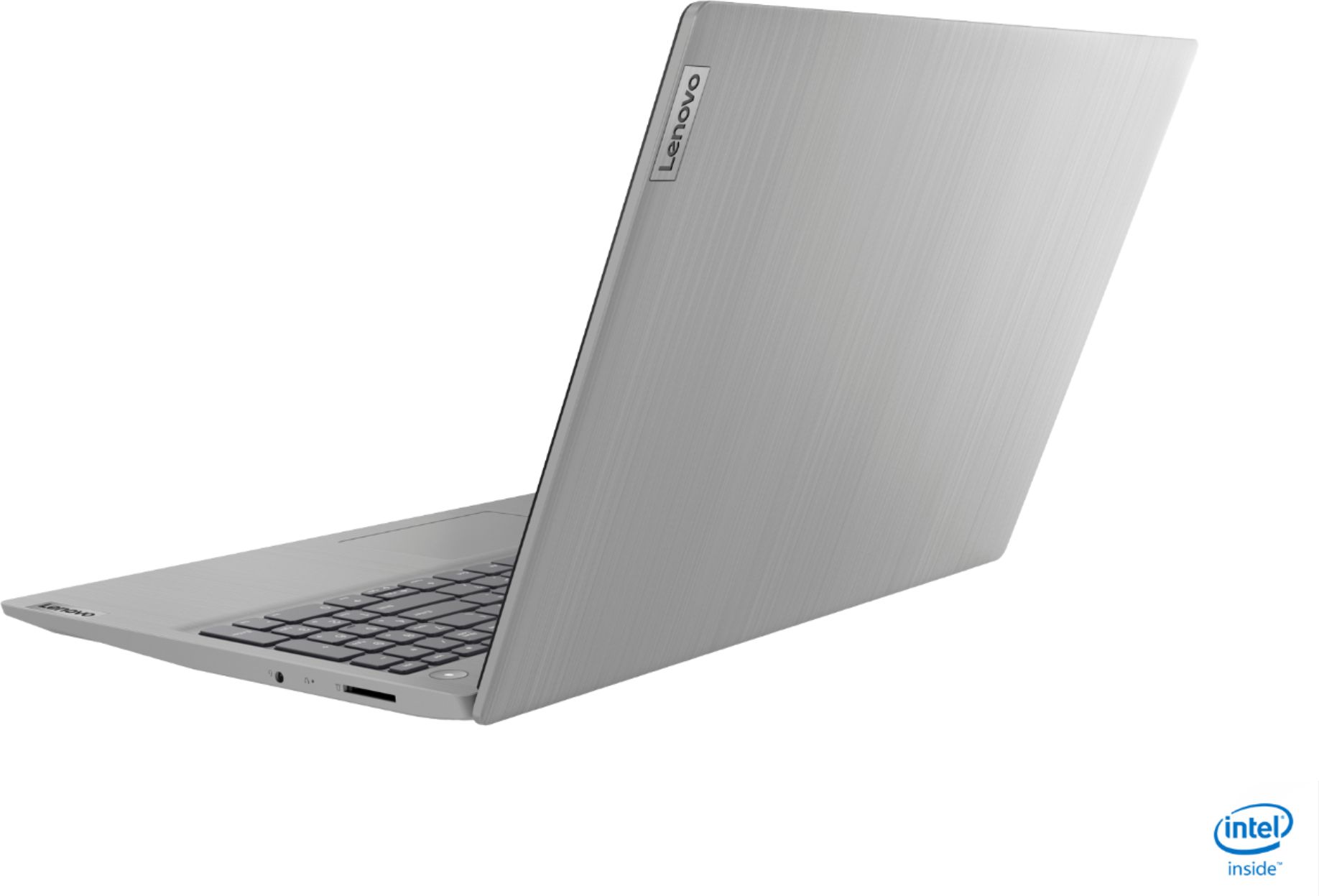
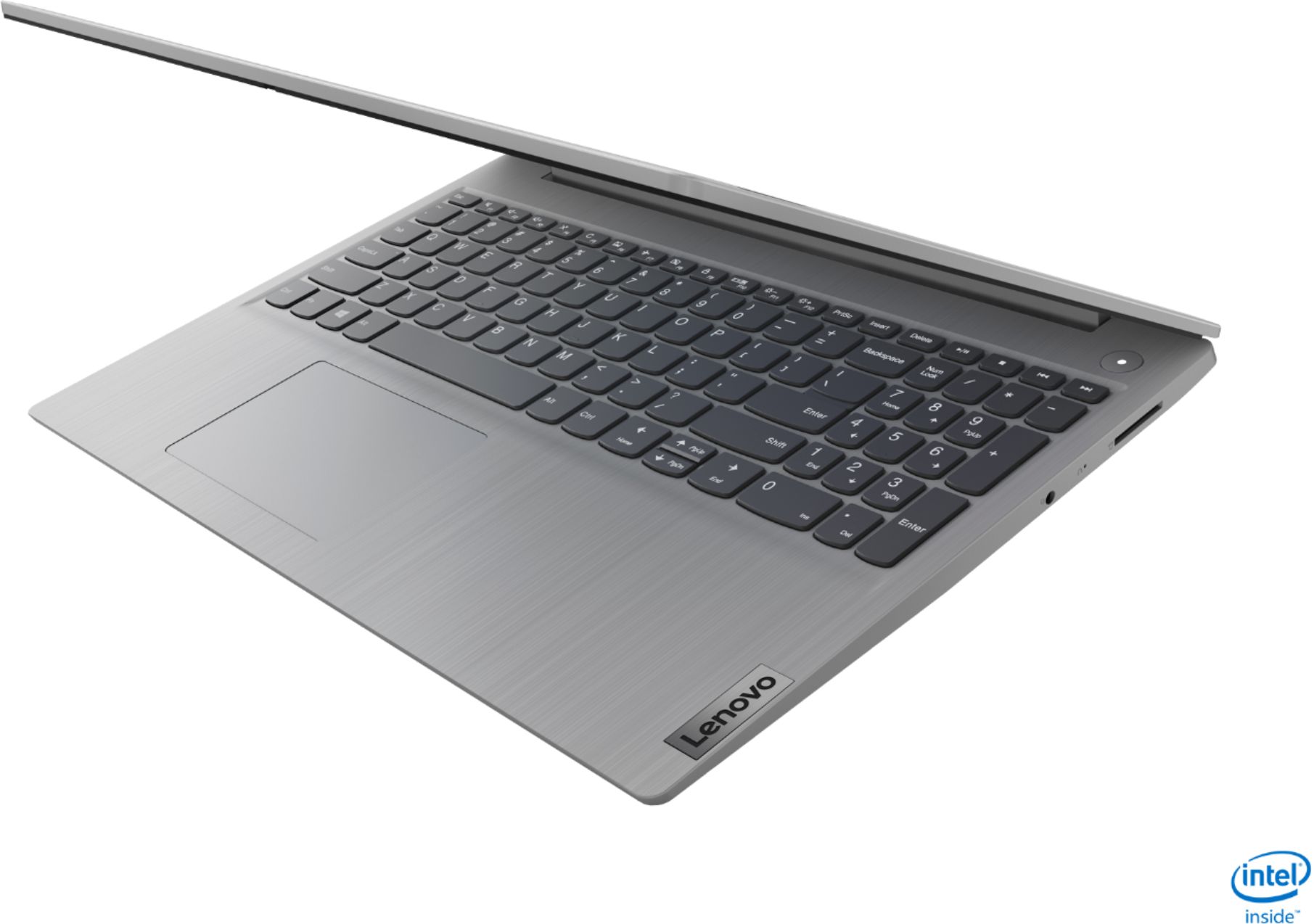
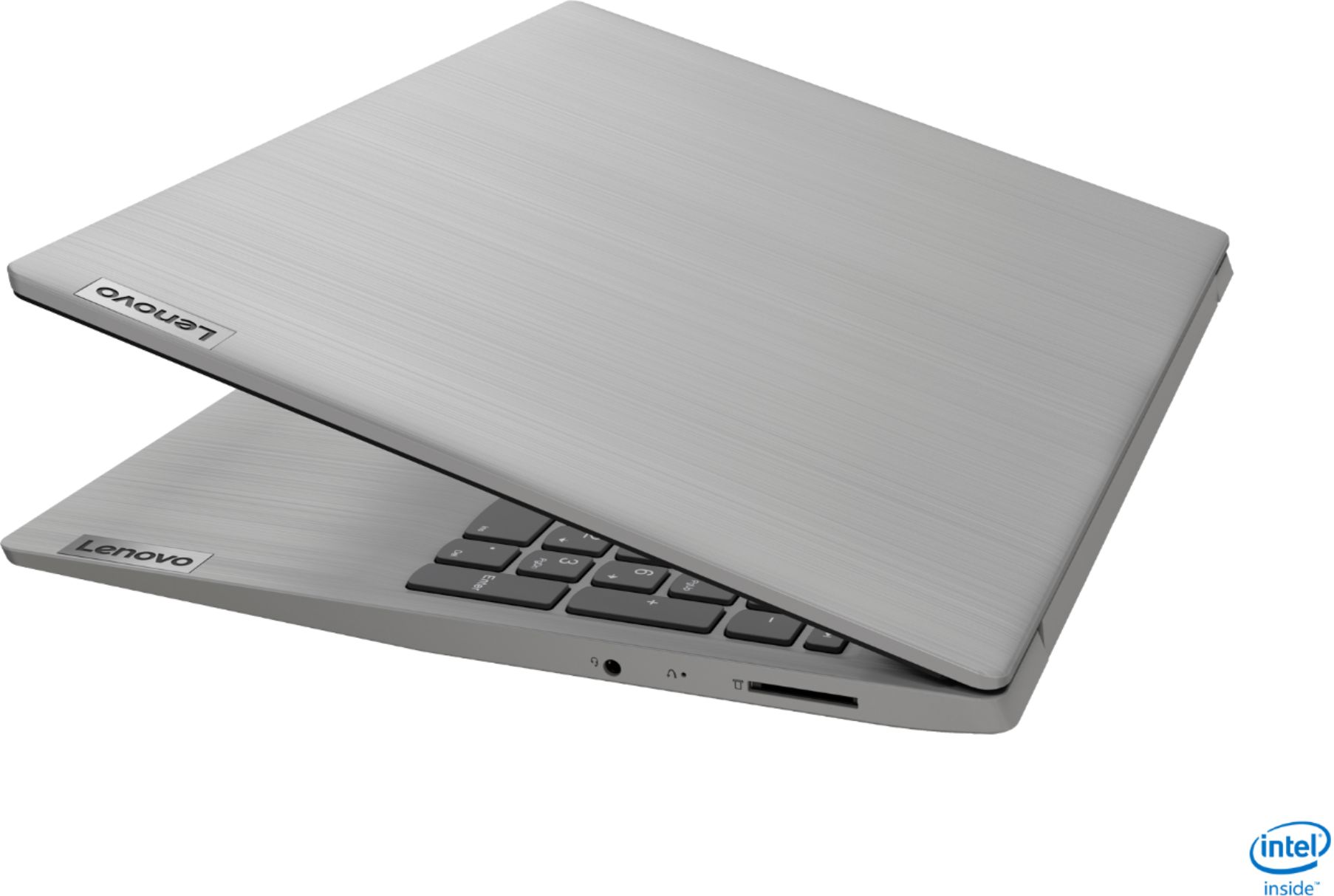
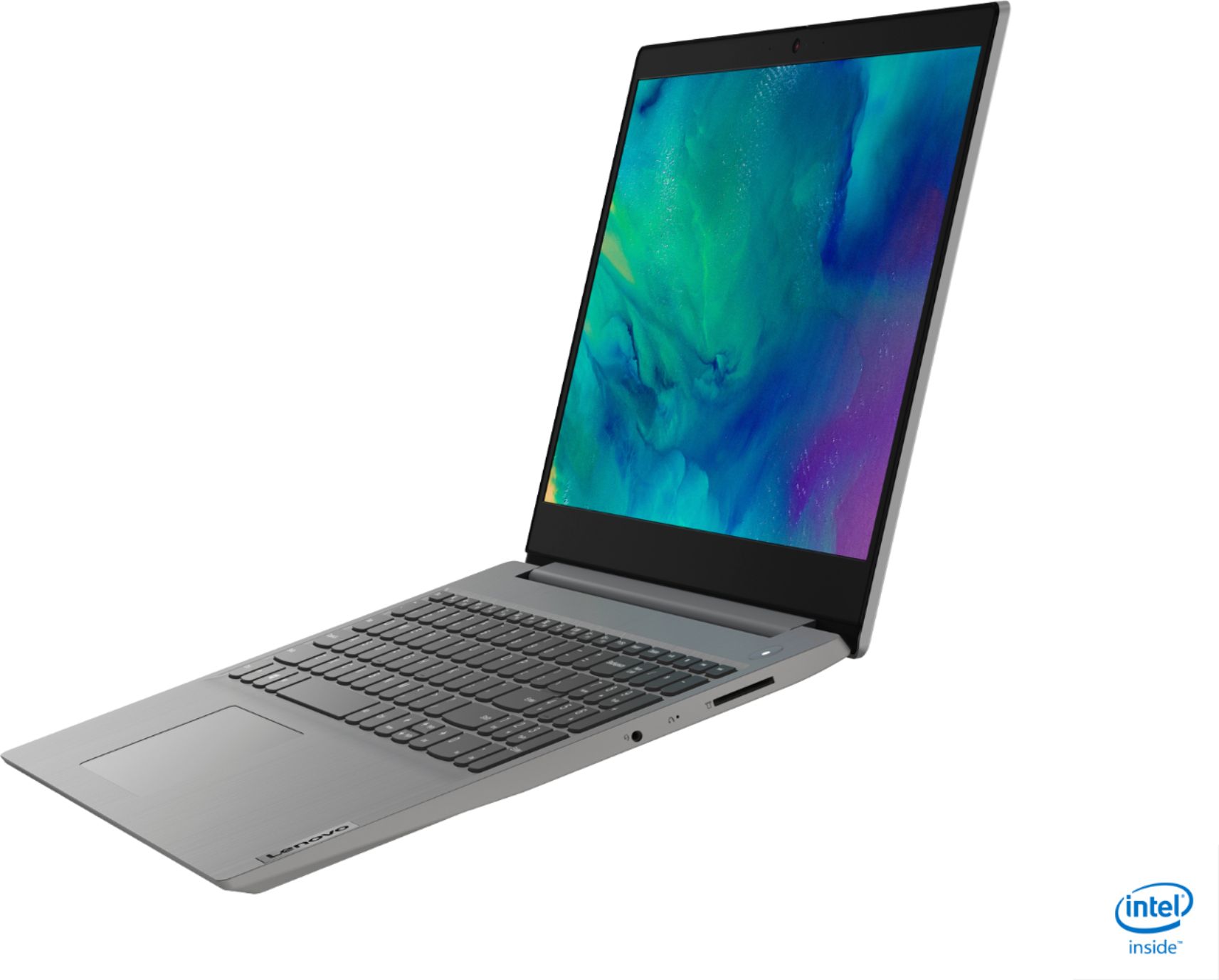
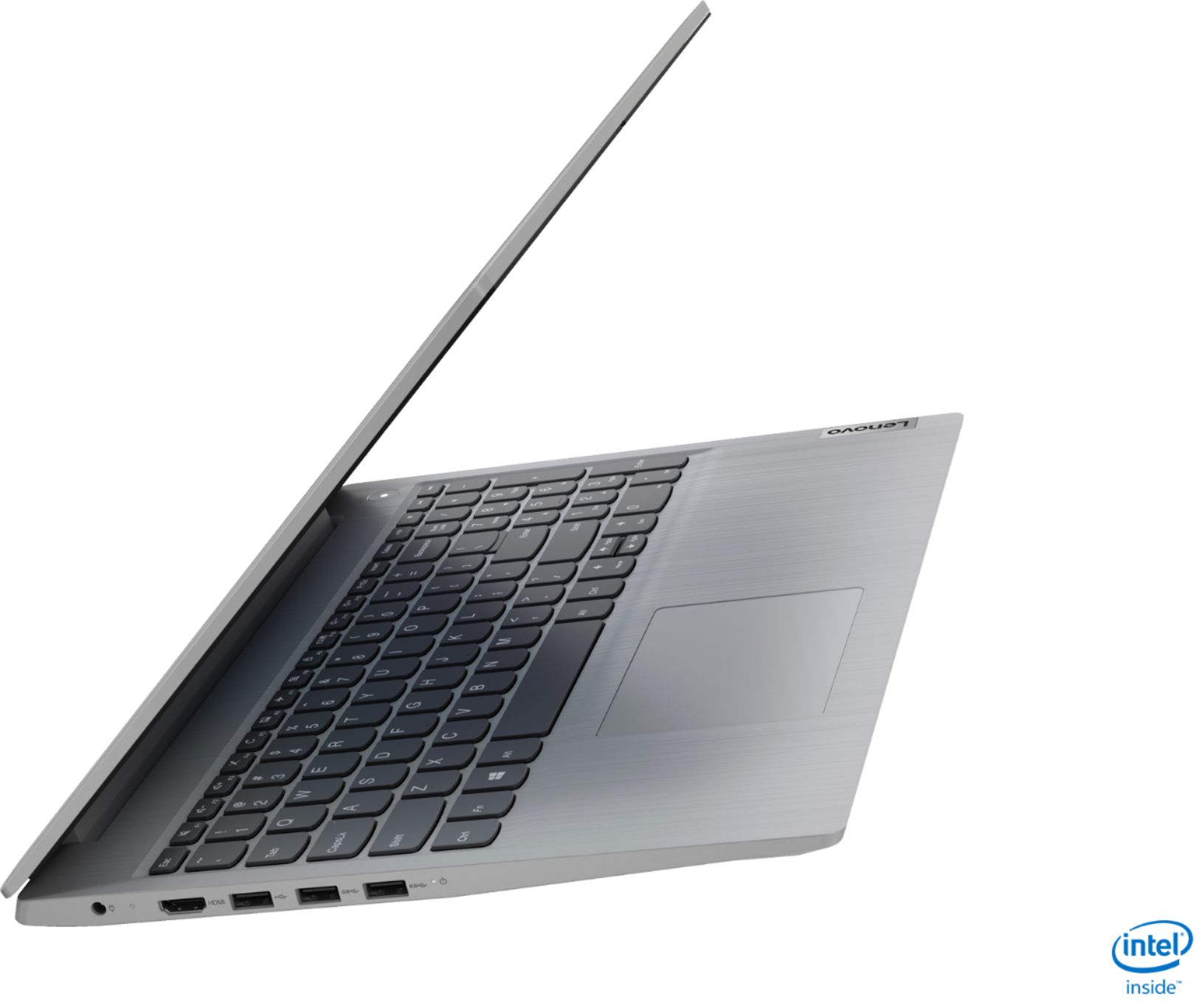
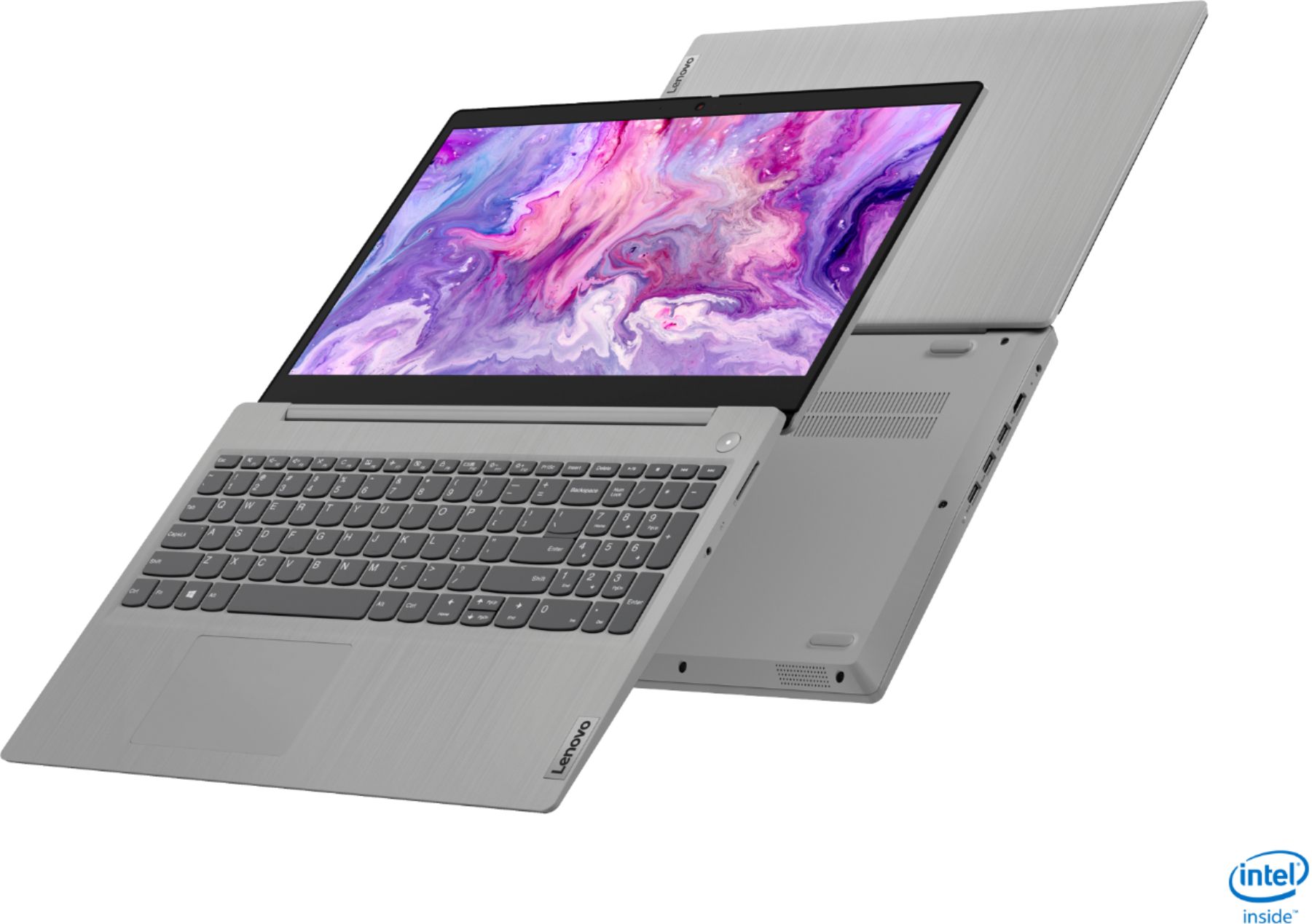
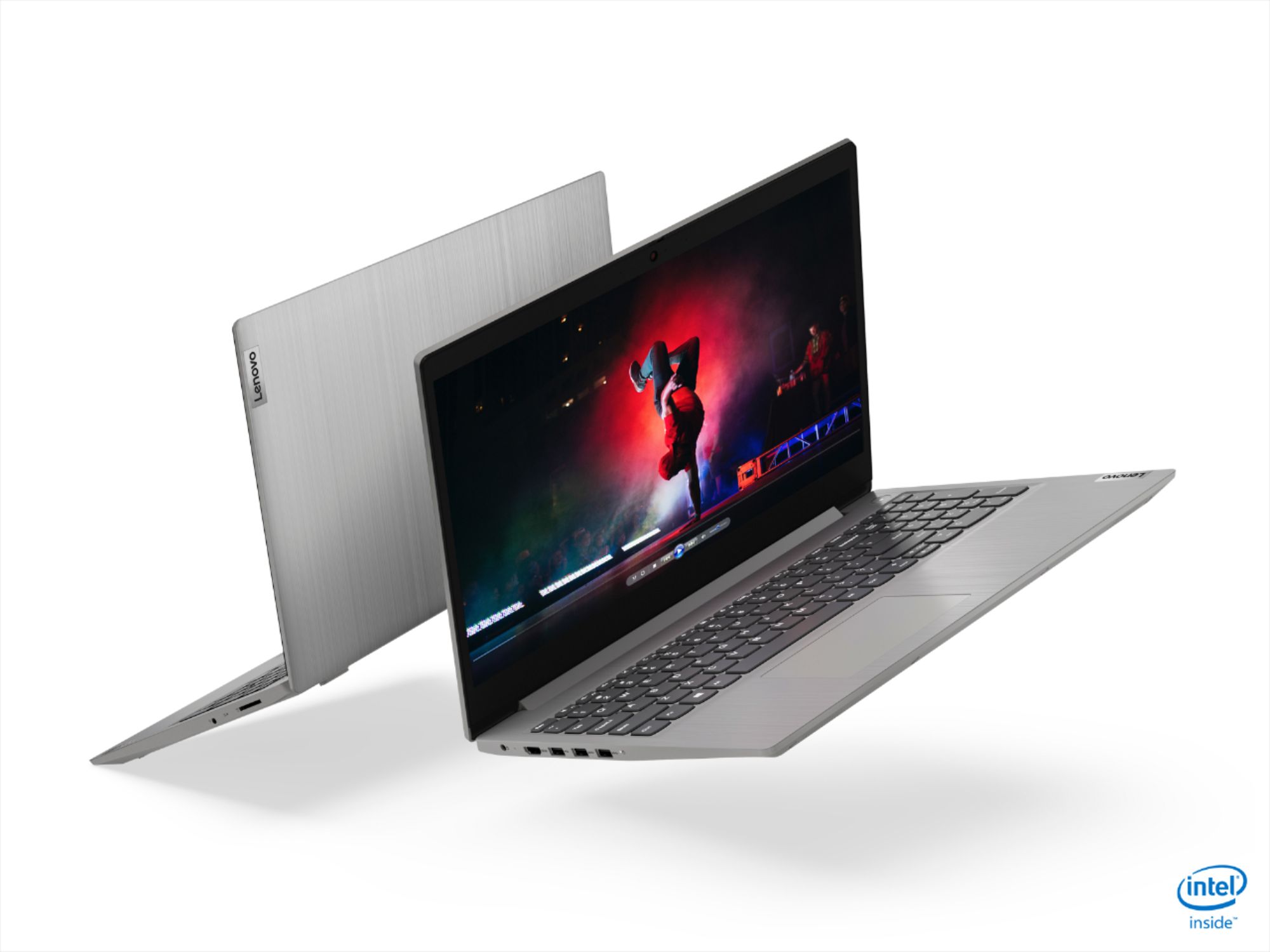
- Model:
- 81WE00NKUS
- SKU:
- 6426712
Rating by feature
- Battery Life
Rating 4.2 out of 5 stars
- Speed
Rating 4.4 out of 5 stars
- Display
Rating 4.3 out of 5 stars
Customers are saying
Customers often highlight the IdeaPad 3's affordability, lightweight design, and responsive touchscreen display. Many users have also praised its performance and reliability even after several years of use. However, some users have expressed concerns about its battery life, low-resolution screen, and limited storage capacity.
This summary was generated by AI based on customer reviews.
Couputer brake down
||Posted . Owned for 1 month when reviewed.This reviewer received promo considerations or sweepstakes entry for writing a review.Received this on December 23rd 2020 I'm going to return it it is poor quality plastic outside shell it's flimsy . When you open it you can see how flimsy the shell is it moves.The screen is gainy.You can see the lines in the screen. It poorly made.
No, I would not recommend this to a friend- Pros mentioned:Performance
Best laptop
Posted .This reviewer received promo considerations or sweepstakes entry for writing a review.This is the best laptop I've ever used. Even after four years, the hinge is broken, but the performance remains excellent and it hasn't slowed down for most applications.
I would recommend this to a friend Poor choice
||Posted . Owned for 1 year when reviewed.This reviewer received promo considerations or sweepstakes entry for writing a review.My Lenovo only lasted 14 months! It wasn't able to be fixed. In less than a year and a half I had to buy another PC laptop. Needless to say, it was not a Lenovo.
No, I would not recommend this to a friendStore Manager needs to review his store operation
||Posted . Owned for 2 weeks when reviewed.This reviewer received promo considerations or sweepstakes entry for writing a review.The store curbside pickup ruined the experience. The store was so disorganized, they need to really fire the manager at the store. Very very bad Terrible service. We waited over an hour. Why???
No, I would not recommend this to a friendGarbage
||Posted . Owned for 4 months when reviewed.This reviewer received promo considerations or sweepstakes entry for writing a review.Got this in December and has now become useless!! Needed new laptop to handle workload and zoom but audio stopped working. I have never liked Lenovo products but I got what I paid for.
No, I would not recommend this to a friendBrand response from Lenovo Product Expert
Posted .We are sorry to hear that you are having issues with your Lenovo IdeaPad 3 15 Laptop, model number 81WE00NKUS. First, be sure your system audio is turned on by tapping the HotKey in the F1 position on your keyboard. This toggles the system audio on/off. With the system audio in the On position, now tap the HotKey in the F3 position on your keyboard. This will increase the audio volume. Test your system audio by using the audio recording APP within Windows 10. Here is a link to instructions for doing this: https://support.microsoft.com/en-us/windows/how-to-use-voice-recorder-6fbb53d5-0539-abda-a9a4-0bcb84a778e7. You should now be able to playback the recorded audio through your system speakers. If you still can not hear any audio, now check to be sure you have the latest version of Windows 10 one the computer. Then update the BIOS files and drivers up to that latest version of Windows 10. You can easily accomplish this by scanning the computer with the Lenovo Utility software available on this computer. This system has Lenovo utilities installed to help maintain the health of the device and keep the operating system software up to date. Type "Lenovo Vantage" in the Cortana Search window (if Lenovo Vantage is not installed on your device, you can download the APP and install it now). Select Lenovo Vantage from the list. In the window that opens, click on "Health and Support". In the expanded menu, select "Hardware Scan" In the window that opens, select "Run Quick Tests". This will scan your entire system for errors. Follow any directions that may pop up. If the problem continues after this scan, now click on "System Update". First select Windows update from the menu. Scan your system to be sure you have the latest version of Windows 10. Once that scan is complete, select "Additional Updates". This will scan your device to be sure there are no new BIOS/Driver updates needed. Follow any instructions that may pop up. If the issue still continues after these updates, we recommend you call Lenovo Tech Support at: 877-453-6686 for additional help.

Low resolution screen
||Posted .This reviewer received promo considerations or sweepstakes entry for writing a review.Do not buy. Reasons, 1) screen resolution is : 1320x 786 ( very poor resolution for 15" laptop. Recommended resolution 1900+ x 1300+
No, I would not recommend this to a friendBrand response from Lenovo Product Expert
Posted .The Screen on the Lenovo IdeaPad 3 15 Laptop, model number 81WE00NKUS, is a 15.6-Inch (screen size measured diagonally) TN, LCD w/LED Backlight (Anti-glare) screen, with a resolution of 1366 X 768 (HD) and a brightness level of 220 nits.
Laptop bad
||Posted . Owned for 1 week when reviewed.This reviewer received promo considerations or sweepstakes entry for writing a review.Don't buy this product , It got delivered on 11/30/2020 , it worked for one day and it is not Turing on , I am going to return it , Best Buy should not sell like these products
No, I would not recommend this to a friendBrand response from Lenovo Product Expert
Posted .Hello, we are sorry to hear you are having this experience with your Lenovo IdeaPad 3 15" laptop. Your laptop should not be behaving in this manner. We recommend teaching out to Lenovo Tech support for the next steps in resolving your issue. 877-453-6686
- Pros mentioned:Price, Touch screen
Great laptop
Posted .This reviewer received promo considerations or sweepstakes entry for writing a review.I absolutely love this laptop. It has a lot of cool functionality (touch screen), it has a big screen, and does everything I need it to and more at an insanely affordable price.
I would recommend this to a friend Want to return computer
||Posted . Owned for 1 month when reviewed.This reviewer received promo considerations or sweepstakes entry for writing a review.I was recommended this item over another but was not informed it was not Zoom compatible. The system has SMode which blocks out a broad range which is not useful for me.
No, I would not recommend this to a friendBrand response from Lenovo Product Expert
Posted .The Lenovo IdeaPad 3 15 Laptop, model number 81WE00NKUS, ships with Windows 10 S-Mode 64-bit Operating System. Windows 10 S-Mode provides added security by only allowing APPs available ( and therefore certified by Microsoft) at the Microsoft Store. If you don't need the added security or you need to install APPs not available at the Microsoft Store, you can switch to standard Windows 10 Home 64-bit Operating System, at no additional cost. Here is a link to instructions for switching from Windows 10 S-Mode to Windows 10 Home: https://support.microsoft.com/en-us/help/4456067/windows-10-switch-out-of-s-mode
Not satisfied with the purchase
||Posted . Owned for 2 weeks when reviewed.This reviewer received promo considerations or sweepstakes entry for writing a review.Screen quality is bad and flickers when ever font size and background color changes.
No, I would not recommend this to a friendBrand response from Lenovo Product Expert
Posted .We are sorry to hear that you are having issues with screen flicker on your Lenovo IdeaPad 3 15 Laptop, model number 81WE00NKUS. First, be sure any software you installed is compatible with Windows 10. There is no need to install Microsoft Office software. The software is already part of the operating system, you just need to activate the software with a purchased product key. If you have installed a copy of Microsoft Office, this is conflicting with the existing copy on the system and this will slow your system down. If you have installed a 3rd party anti-virus program, be sure that Windows Defender is turned off and that the trial version of McAfee Anti-Virus software is uninstalled. There can only be one anti-virus program on the system. You may need to restore your system to original factory default settings if any of the programming errors have occurred. You can do that by typing "restore" in the Cortana search window. Just click on the magnifying glass icon at the bottom left of your Windows 10 Desktop. Click on "Reset This PC" Then click on "Get Started" and follow the on screen directions to restore to factory defaults. If there is no incompatible software installed, then check to be sure you have the latest version of Windows 10 on the computer. Then update all of the BIOS files and drivers up to that latest version of Windows 10. You can easily accomplish this by scanning the computer with the Lenovo Utility software available on this computer. This system has Lenovo utilities installed to help maintain the health of the device and keep the operating system software up to date. Type "Lenovo Vantage" in the Cortana Search window (if Lenovo Vantage is not installed on your device, you can download the APP and install it now). Select Lenovo Vantage from the list. In the window that opens, click on "Health and Support". In the expanded menu, select "Hardware Scan" In the window that opens, select "Run Quick Tests". This will scan your entire system for errors. Follow any directions that may pop up. If the problem continues after this scan, now click on "System Update". First select Windows update from the menu. Scan your system to be sure you have the latest version of Windows 10. Once that scan is complete, select "Additional Updates". This will scan your device to be sure there are no new BIOS/Driver updates needed. Follow any instructions that may pop up. If the issue still continues after these updates, we recommend you call Lenovo Tech Support at: 877-453-6686 for additional help.
Not a good product ....
||Posted . Owned for more than 2 years when reviewed.This reviewer received promo considerations or sweepstakes entry for writing a review.This is not good product from Lenovo . it will go into sleep mode and never come back . Waste of money .
No, I would not recommend this to a friendNot abgood laptop
||Posted . Owned for 1.5 years when reviewed.This reviewer received promo considerations or sweepstakes entry for writing a review.Well, I purchased this Laptop cause of the price, and when I started to use it, I didn't like it at all.
No, I would not recommend this to a friendbland boring not worth the money
||Posted . Owned for 3 weeks when reviewed.This reviewer received promo considerations or sweepstakes entry for writing a review.This is a poor excuse for a computer, in my view if I had to put value on it would be worth $99.99, please save your money and search for better.
No, I would not recommend this to a friendDelayed Shipping
||Posted . Owned for less than 1 week when reviewed.This reviewer received promo considerations or sweepstakes entry for writing a review.Ordered to give a Gift to someone on Thanksgiving , very delayed shipping when needed. Can I get this today? so i can give thanks on thanksgiving .
No, I would not recommend this to a friendDon't order online for store pickup
||Posted . Owned for 3 weeks when reviewed.This reviewer received promo considerations or sweepstakes entry for writing a review.Hopefully they have fixed the email system to notify you when to pick up you online purchase before they cancel the order you paid for.
No, I would not recommend this to a friendWaste of money
||Posted . Owned for less than 1 week when reviewed.This reviewer received promo considerations or sweepstakes entry for writing a review.Didn’t get my package when it said it was delivered on the front door, well it’s not their so thanks a lot Best Buy ur a real life savor
No, I would not recommend this to a friendIf you don’t care about the sound get this laptop
||Posted . Owned for 1.5 years when reviewed.This reviewer received promo considerations or sweepstakes entry for writing a review.Sound is so bad .. you can put the volume on 100% and still can’t hear anything !!
No, I would not recommend this to a friend- Pros mentioned:Performance, Touch screen
Lenovo is the best laptop for anything or anyone.
Posted .This reviewer received promo considerations or sweepstakes entry for writing a review.Fantastic Laptop for my grandaughter in college. I am buying a new one forvher twin. The first one still works great, so She wants to keep it. Wow Fantastic laptop. Thanks.
I would recommend this to a friend Low screen clarity
||Posted .This reviewer received promo considerations or sweepstakes entry for writing a review.The screen is blurry, which is disappointing. Other than the screen, the size, battery, keyboard all pretty good.
No, I would not recommend this to a friendI wouldn't recommend...
||Posted . Owned for 1.5 years when reviewed.This reviewer received promo considerations or sweepstakes entry for writing a review.I bought this IdeaPad on 11/25/2020 and today, 8/16/2022, it doesn't charge.
No, I would not recommend this to a friend