Customer Ratings & Reviews

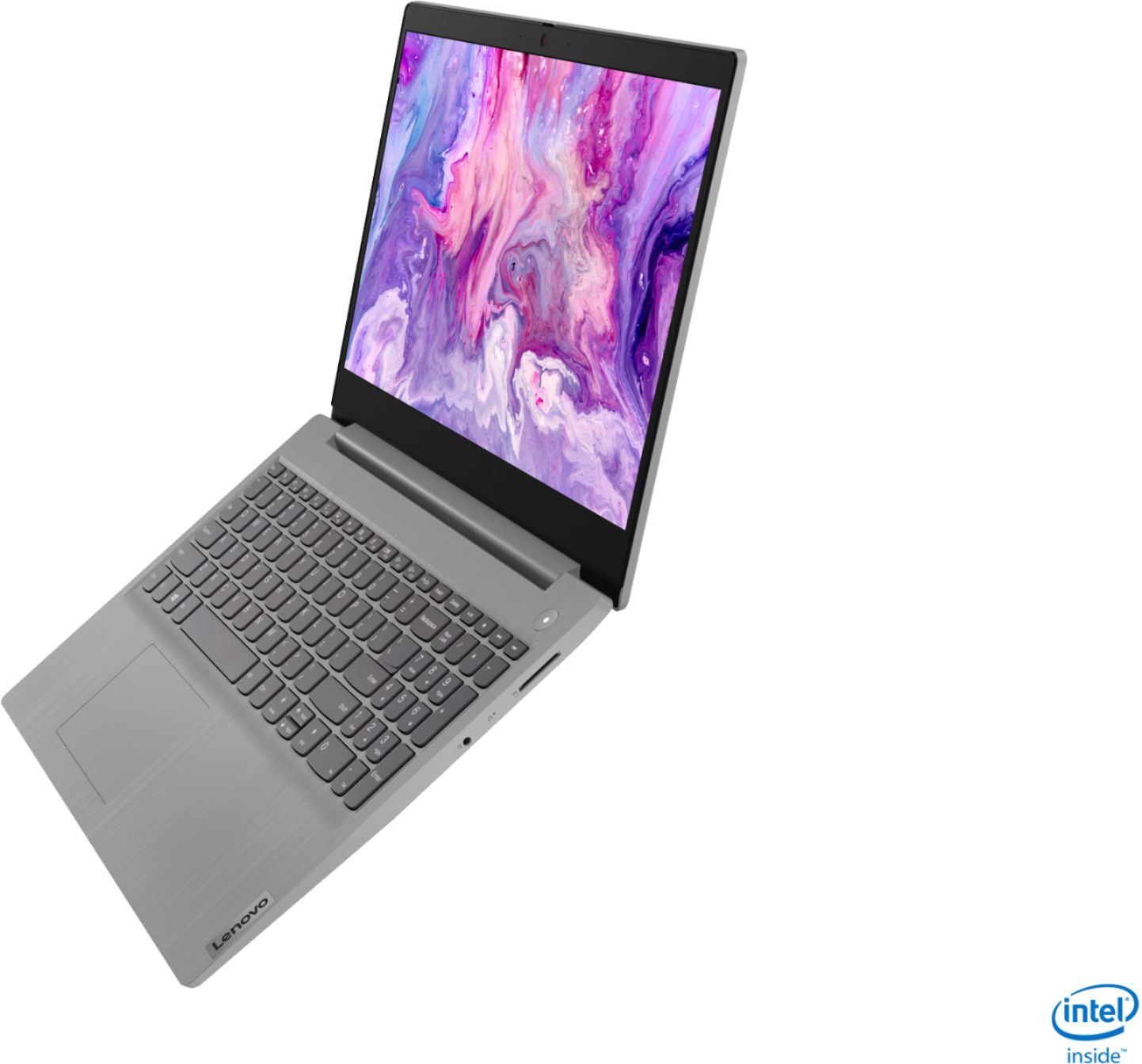
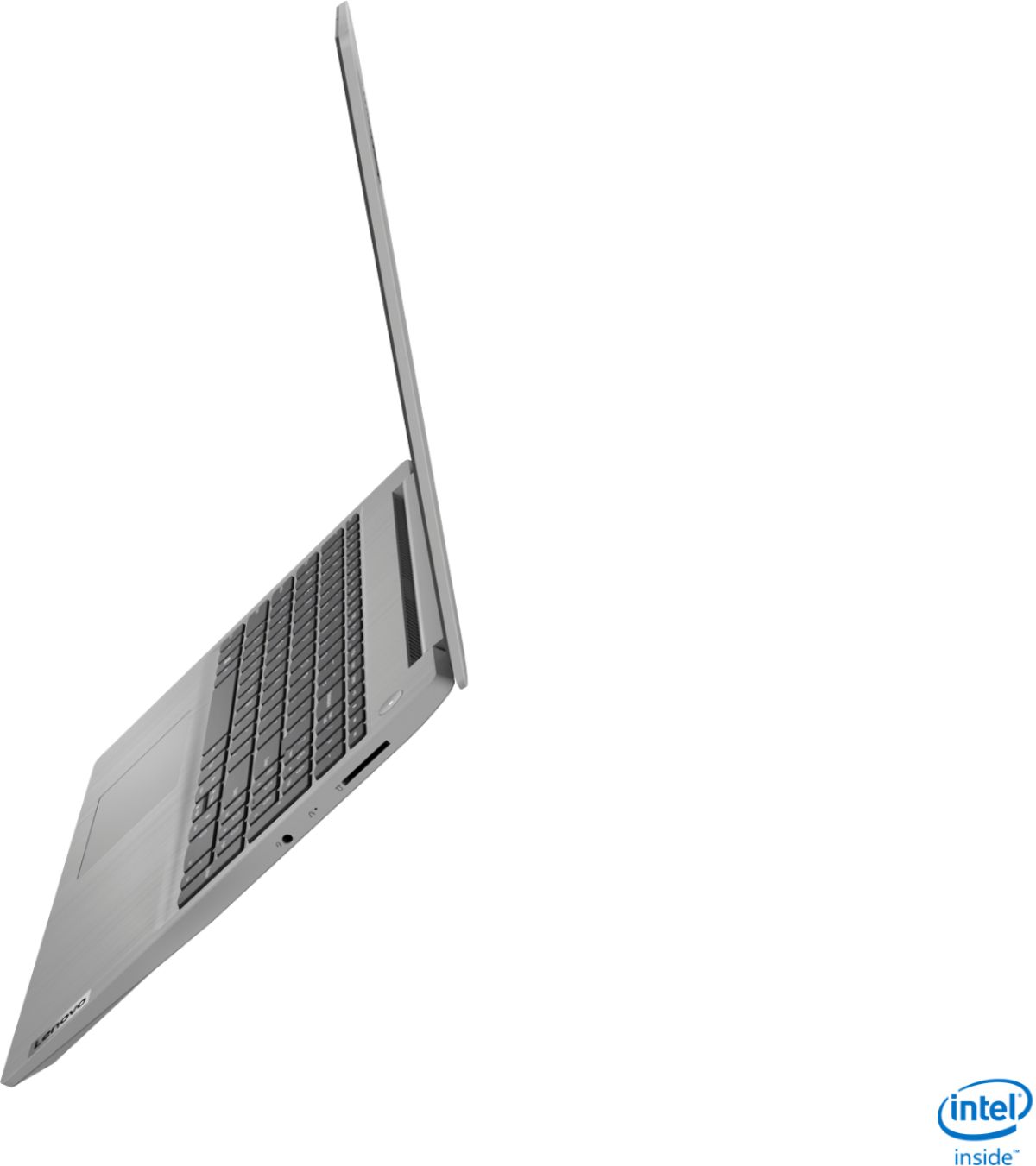
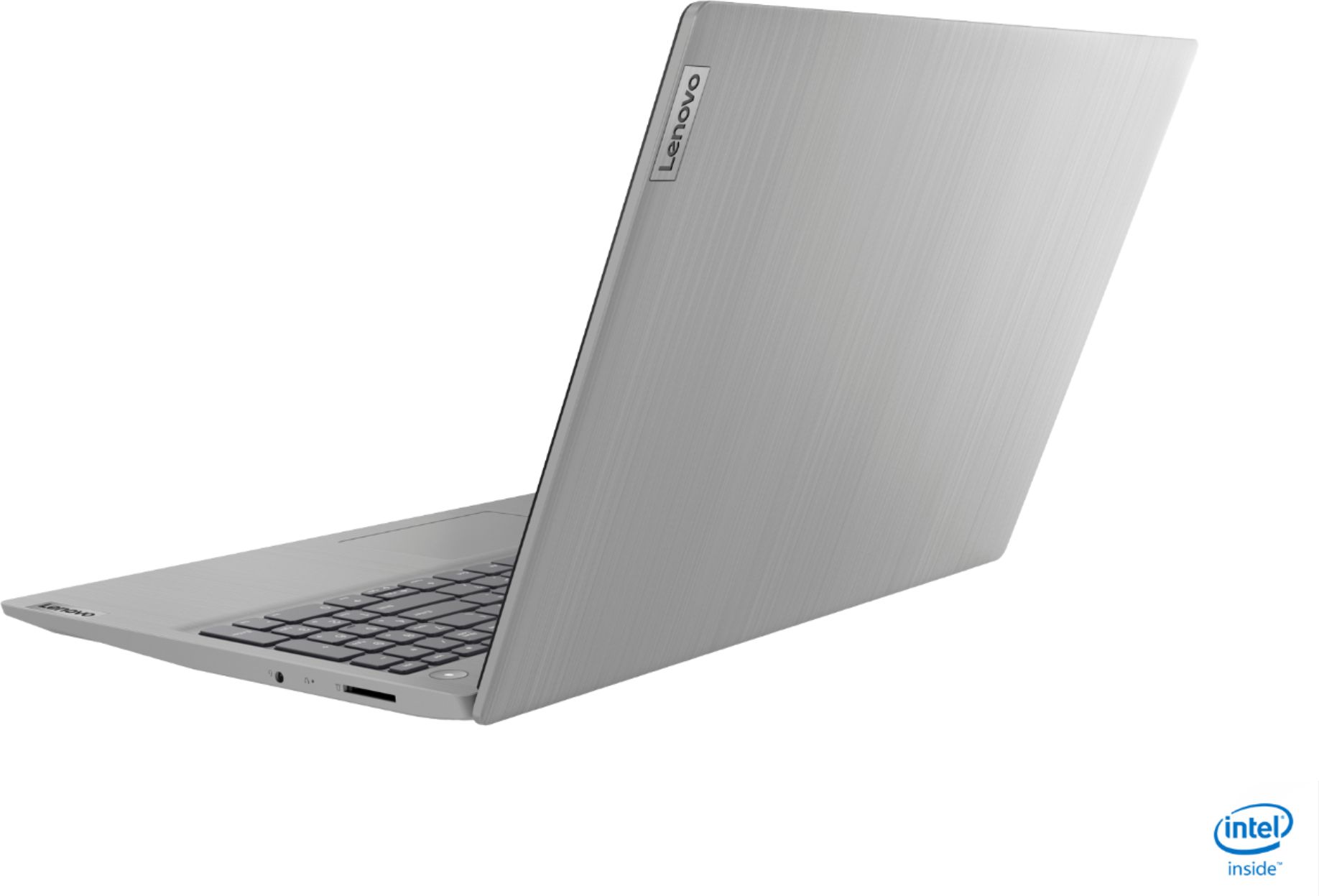
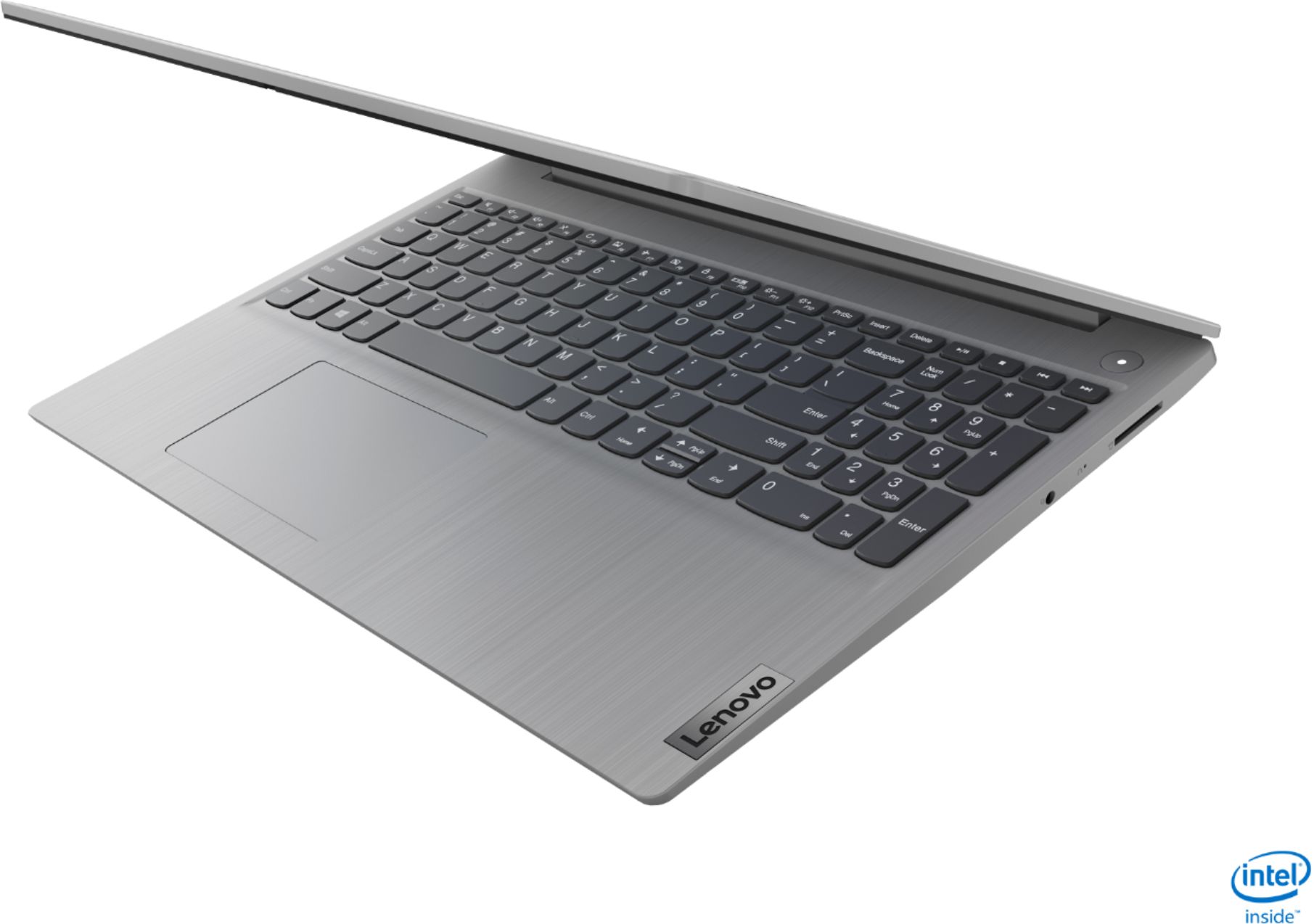
- Model:
- 81WE00NKUS
- SKU:
- 6426712
Rating by feature
- Battery Life
Rating 4.2 out of 5 stars
- Speed
Rating 4.4 out of 5 stars
- Display
Rating 4.3 out of 5 stars
Customers are saying
Customers often highlight the IdeaPad 3's affordability, lightweight design, and responsive touchscreen display. Many users have also praised its performance and reliability even after several years of use. However, some users have expressed concerns about its battery life, low-resolution screen, and limited storage capacity.
This summary was generated by AI based on customer reviews.
Poor screen
||Posted . Owned for 3 weeks when reviewed.This reviewer received promo considerations or sweepstakes entry for writing a review.Terrible screen visibility, it is the first time I have seen a notable computer brand making such poor product.
No, I would not recommend this to a friendBrand response from Lenovo Product Expert
Posted .The Lenovo IdeaPad 3 15 Laptop, model number 81WE00NKUS, ships with a 15.6-Inch (screen size measured diagonally) TN, LCD w/LED Backlight (Anti-glare) screen, with a resolution of 1366 X 768 (HD) and a brightness level of 220 nits.

bad com
||Posted . Owned for 3 weeks when reviewed.This reviewer received promo considerations or sweepstakes entry for writing a review.Now, I have window booting error. It's bad. I think I should change it,
No, I would not recommend this to a friendBrand response from Lenovo Product Expert
Posted .We are sorry to hear that you are having issues with Windows 10 on your Lenovo IdeaPad 3 15 Laptop, model number 81WE00NKUS. This model ships with Windows 10 S-Mode Operating System. Windows 10 S-Mode provides added security by only allowing APPs available ( and therefore certified by Microsoft) at the Microsoft Store. If you don't need the added security or you need to install APPs not available at the Microsoft Store, you can switch to standard Windows 10 Home 64-bit Operating System, at no additional cost. Even if you have switched out of S-Mode, Be sure any software you installed is compatible with Windows 10. There is no need to install Microsoft Office software. The software is already part of the operating system, you just need to activate the software with a purchased product key. If you have installed a copy of Microsoft Office, this is conflicting with the existing copy on the system and this will slow your system down. If you have installed a 3rd party anti-virus program, be sure that Windows Defender is turned off and that the trial version of McAfee Anti-Virus software is uninstalled. There can only be one anti-virus program on the system. You may need to restore your system to original factory default settings if any of the programming errors have occurred. You can do that by typing "restore" in the Cortana search window. Just click on the magnifying glass icon at the bottom left of your Windows 10 Desktop. Click on "Reset This PC" Then click on "Get Started" and follow the on screen directions to restore to factory defaults. If you can no longer boot the computer to the Windows 10 Desktop, this system is equipped with OneKey Recovery System. There is a very small pin hole on the right side of the device, right in between the headphone jack and the SD card slot on the device. You will need a pin to push this reset button. Plug the device in. Let the battery charge for about 15 minutes. Push the reset button. The system should boot to a choice screen where you can choose "Restore To Factory Default". Select this. It will delete everything from the hard drive except the original factory install of the operating system. You will need to reinstall all programs and files after the reset. If you don't have copies of the files, try to make one before you restore by selecting "Boot to desktop" and trying to back up your files. If the problem persists after the factory reset, we recommend you contact Lenovo Tech Support at: 877-453-6686.
Good laptop bad open box
||Posted . Owned for 1 week when reviewed.This reviewer received promo considerations or sweepstakes entry for writing a review.The laptop would have been great but it was open box and despite the condition listed, it was by far worse.
No, I would not recommend this to a friendLenovo-IdeaPad3 15"
||Posted . Owned for 3 weeks when reviewed.This reviewer received promo considerations or sweepstakes entry for writing a review.Have issues while installing Chrome or Other setup related installs. Always relates to S mode? -Sai
No, I would not recommend this to a friendBrand response from Lenovo Product Expert
Posted .The Lenovo IdeaPad 3 15 Laptop, model number 81WE00NKUS, ships with Windows 10 S-Mode 64-bit Operating System. Windows 10 S-Mode provides added security by only allowing APPs available ( and therefore certified by Microsoft) at the Microsoft Store. If you don't need the added security or you need to install APPs not available at the Microsoft Store, you can switch to standard Windows 10 Home 64-bit Operating System, at no additional cost. Here is a link to instructions for switching from Windows 10 S-Mode to Windows 10 Home: https://support.microsoft.com/en-us/help/4456067/windows-10-switch-out-of-s-mode
Display is not good.
||Posted . Owned for 2 weeks when reviewed.This reviewer received promo considerations or sweepstakes entry for writing a review.Display is not good. The text are not sharp has blurry effect. I won’t be recommending this model .
No, I would not recommend this to a friendBrand response from Lenovo Product Expert
Posted .The Lenovo IdeaPad 3 15 Laptop, model number 81WE00NKUS, ships with a 15.6-Inch (screen size measured diagonally) TN, LCD w/LED Backlight (Anti-glare) screen, with a resolution of 1366 X 768 (HD) and a brightness level of 220 nits.
Lenovo
||Posted . Owned for 6 months when reviewed.This reviewer received promo considerations or sweepstakes entry for writing a review.Piece of junk. Reboot 4 times to make it work. Freezes up all the time.
No, I would not recommend this to a friendLaptop
||Posted .This reviewer received promo considerations or sweepstakes entry for writing a review.Not recommended I prefer Dell or HP the quality is not that good
No, I would not recommend this to a friendLenovo - IdeaPad 3 15" Touch Screen Laptop - Intel
||Posted .This reviewer received promo considerations or sweepstakes entry for writing a review.Power kept cutting out. Returned it after 2 days! Tried and tried but it was a no go.
No, I would not recommend this to a friendpiece of crap - wish I could return it
||Posted . Owned for 1 month when reviewed.This reviewer received promo considerations or sweepstakes entry for writing a review.The screen is dim, the arrows are hard to use. Very, very unhappy with this laptop.
No, I would not recommend this to a friendReview
||Posted .This reviewer received promo considerations or sweepstakes entry for writing a review.I returned the computer and the geek squad membership. Never left the store with it.
No, I would not recommend this to a friend- Pros mentioned:SpeedCons mentioned:Battery life
Good one
Posted .This reviewer received promo considerations or sweepstakes entry for writing a review.Lasted for 4 years - Good one Except the battery the quality and the speed is good
I would recommend this to a friend - Cons mentioned:Storage
Reliable
Posted .This reviewer received promo considerations or sweepstakes entry for writing a review.I've had this computer for 4 years, and it's hard to believe. It has been extremely reliable and I haven't had any issues. My only gripe is the storage, but I use my cloud storage to supplement. Obviously I knew what I was getting into before I purchased the computer, so that's more of a personal preference than a fault with the product. I would (and do) highly recommend this computer!
I would recommend this to a friend - Pros mentioned:Price, SpeedCons mentioned:Battery life
2 pros 2 cons
Posted .This reviewer received promo considerations or sweepstakes entry for writing a review.Its a fine laptop for its price, for me it was $469 with a sale. Big pros are its price and the speed is great, very fast. Two big problems though. It might boast a Intel UHD but I would not say it is HD quality. Once text is below like font 10 it starts to become semi-blurry and the clarity is noticeably not great. Secondly the battery life is only 2.5 to 3 hours as other reviews say. Its definitely not 7, I don't know why its sold that way. Its a good laptop.
No, I would not recommend this to a friend Poor quality
||Posted . Owned for 2 months when reviewed.This reviewer received promo considerations or sweepstakes entry for writing a review.Poor hardware, screen cracked after 2 months use. Won't recommend at all
No, I would not recommend this to a friendBrand response from Lenovo Product Expert
Posted .Hello, we are sorry to hear you experienced an Issue with the Screen cracking on your Lenovo IdeaPad 3 15" laptop model # 81WE00NKUS. We understanding how frustrating this may be. We recommend to contact your Best Buy Geeksquad for information about repairs and protection plans. If the screen cracked due to a manufacturer's defect please contact Lenovo Tech Support Directly at 877-453-6686 for the next steps in resolving this issue.
Display and screen resolution
||Posted .This reviewer received promo considerations or sweepstakes entry for writing a review.Not happy with the purchase. Screen Resolution and Display is the worst.
No, I would not recommend this to a friendIt died in 2 months
||Posted . Owned for 3 months when reviewed.This reviewer received promo considerations or sweepstakes entry for writing a review.It died in 2 months a. Doesn’t charge anymore doesn’t turn on
No, I would not recommend this to a friendBrand response from Lenovo Product Expert
Posted .We are sorry to hear that you are having issues with your Lenovo IdeaPad 3 15 Laptop, model number 81WE00NKUS. First, test the included AC adapter/charger to be sure the AC adapter/charger is working properly. Plug the AC adapter/charger into a wall socket, then plug the barrel-type device side plug into the computer via the dedicated charging port. There is an LED light next to this charging port that will light when the AC adapter/charger is plugged in to the computer and power is flowing to the computer. If the light does not come on, the problem maybe with your AC adapter/charger. If possible, try a replacement 65W barrel-type AC adapter/charger, compatible with the IdeaPad 3 15 model number 81WE00NKUS. Unless you have a spare available, the best way to do this would be to visit your local Best Buy Store. Bring the laptop and ask the Geek Squad if you can test another AC adapter with the laptop. If the LED light comes on when you plug in the replacement AC adapter, you will need to replace the AC adapter/charger and Best Buy will be able to help you find the right one.
Laptop
Posted .This reviewer received promo considerations or sweepstakes entry for writing a review.It was nice and easy to operate. We used almost 4 years
I would recommend this to a friendproduct is okay
||Posted .This reviewer received promo considerations or sweepstakes entry for writing a review.this lenovo idea pad 3 15" screen product is okay for school kids
No, I would not recommend this to a friendlenova ıdea pad3
||Posted .This reviewer received promo considerations or sweepstakes entry for writing a review.He did not deliver my product He said he was lost in the cargo
No, I would not recommend this to a friendNo
||Posted . Owned for 3 weeks when reviewed.This reviewer received promo considerations or sweepstakes entry for writing a review.Very poor quality screen and it never logs off so definitely no
No, I would not recommend this to a friendBrand response from Lenovo Product Expert
Posted .The Lenovo IdeaPad 3 15 Laptop, model number 81WE00NKUS, ships with a 2CELL_35WH_INTERNAL, Lithium Polymer Battery with a battery life of up to 7 hours, depending on the work the device is performing. If you are getting substantially less battery life, First, set your screen brightness at less than 100-percent - try 80-percent to start with. Then, be sure Battery conservation Mode is turned off. This power management setting should only be used when the laptop is plugged in all the time. It will prolong overall battery life by only charging the battery to 60-percent of capacity. Here is a link to instructions for turning off Battery Conservation Mode: https://support.lenovo.com/us/en/solutions/ht103159. Also check what programs are running in the background on the computer. Be sure only the programs you want running in the background are. These programs will drain the battery. Here is a link to information about how to find out what programs are running in the background on your Windows 10 computer and how to manage them for better system performance: https://www.windowscentral.com/how-prevent-apps-running-background-windows-10. Then, finally, be sure any software you installed is compatible with Windows 10. Incompatible software will drain the battery at a faster rate. There is no need to install Microsoft Office software. The software is already part of the operating system, you just need to activate the software with a purchased product key. If you have installed a copy of Microsoft Office, this is conflicting with the existing copy on the system and this will slow your system down. If you have installed a 3rd party anti-virus program, be sure that Windows Defender is turned off and that the trial version of McAfee Anti-Virus software is uninstalled. There can only be one anti-virus program on the system. You may need to restore your system to original factory default settings if any of the programming errors have occurred. You can do that by typing "restore" in the Cortana search window. Just click on the magnifying glass icon at the bottom left of your Windows 10 Desktop. Click on "Reset This PC" Then click on "Get Started" and follow the on screen directions to restore to factory defaults. If the problem persists, we recommend you contact Lenovo Tech Support at: 877-453-6686.