Customer Ratings & Reviews
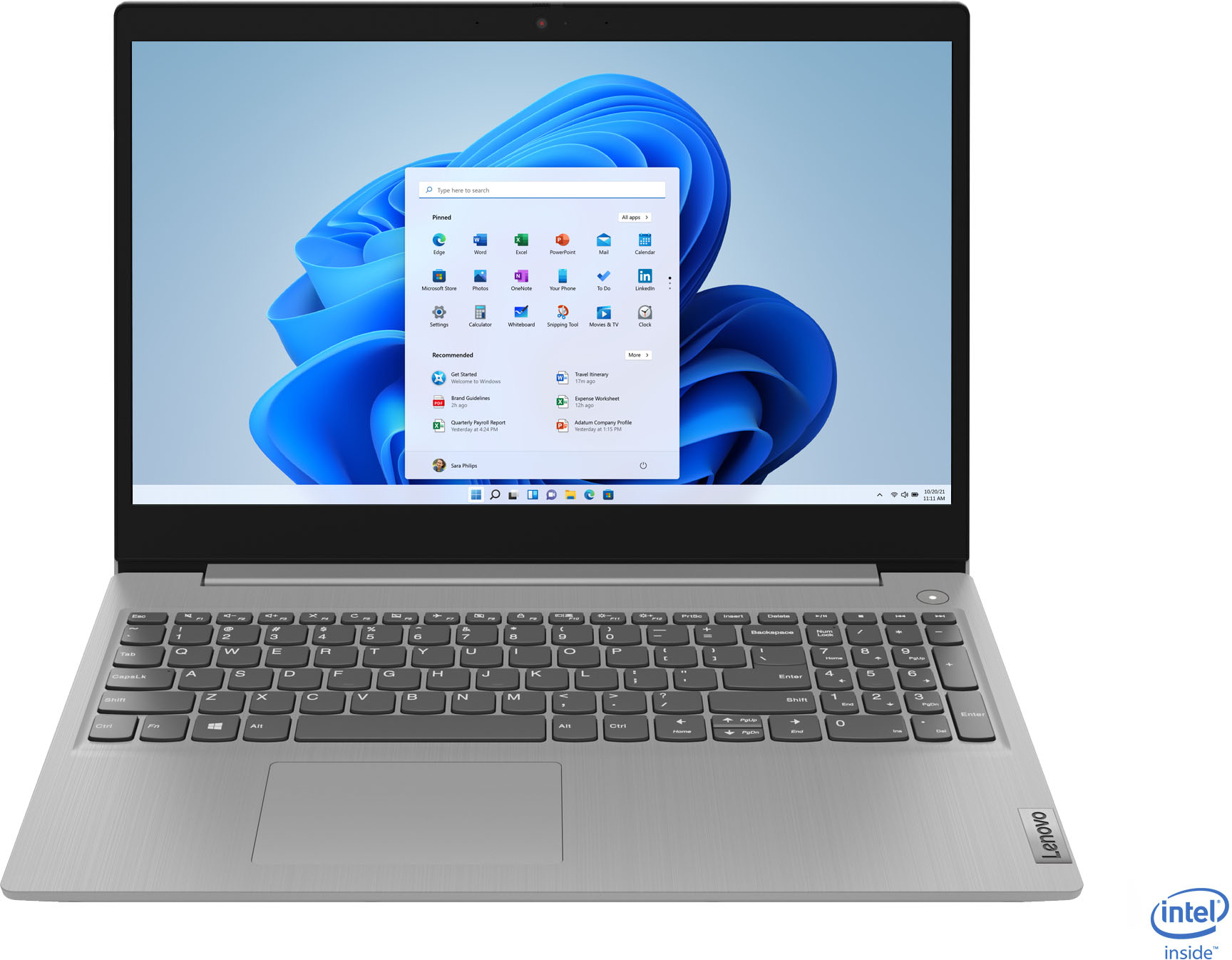
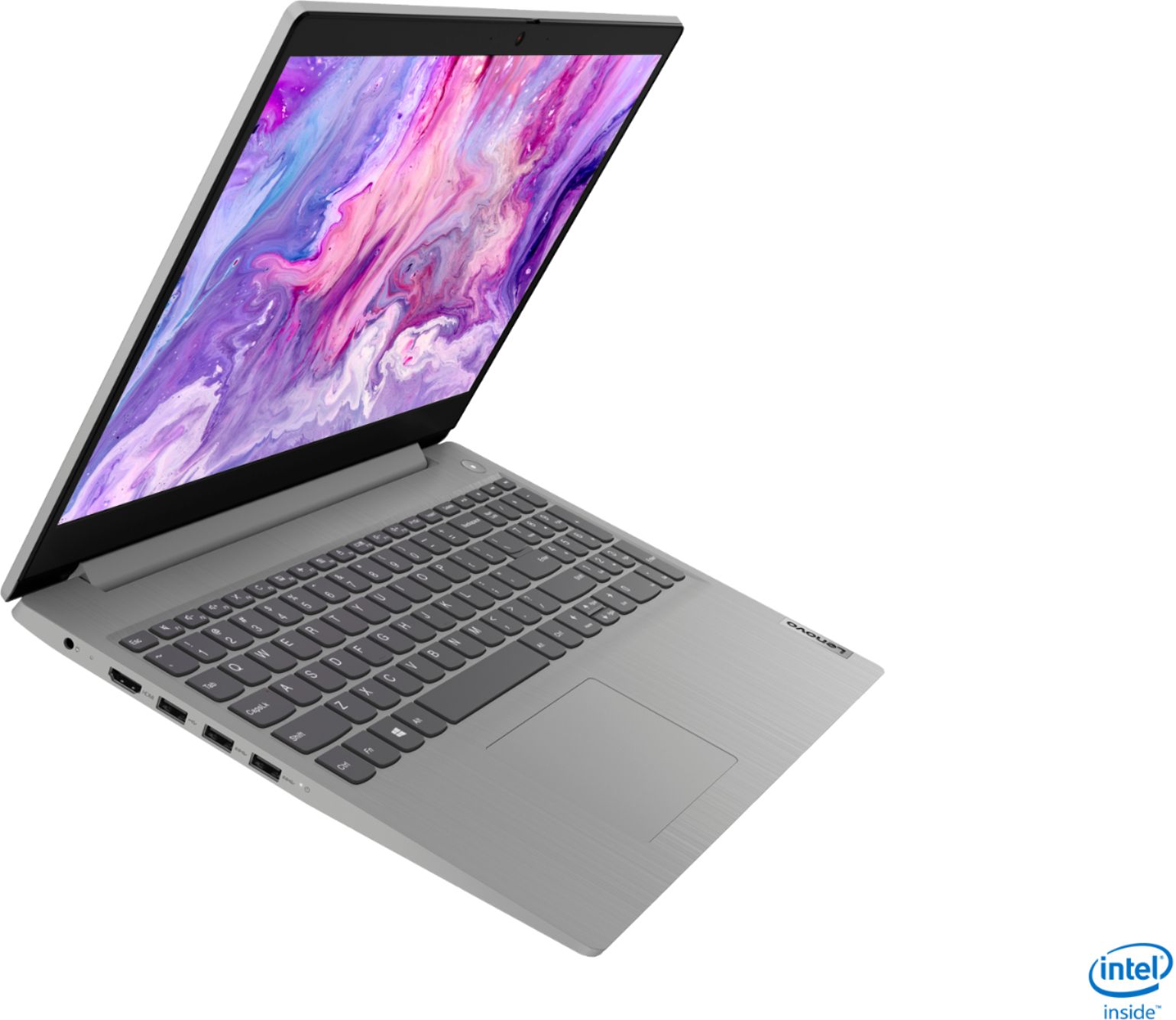
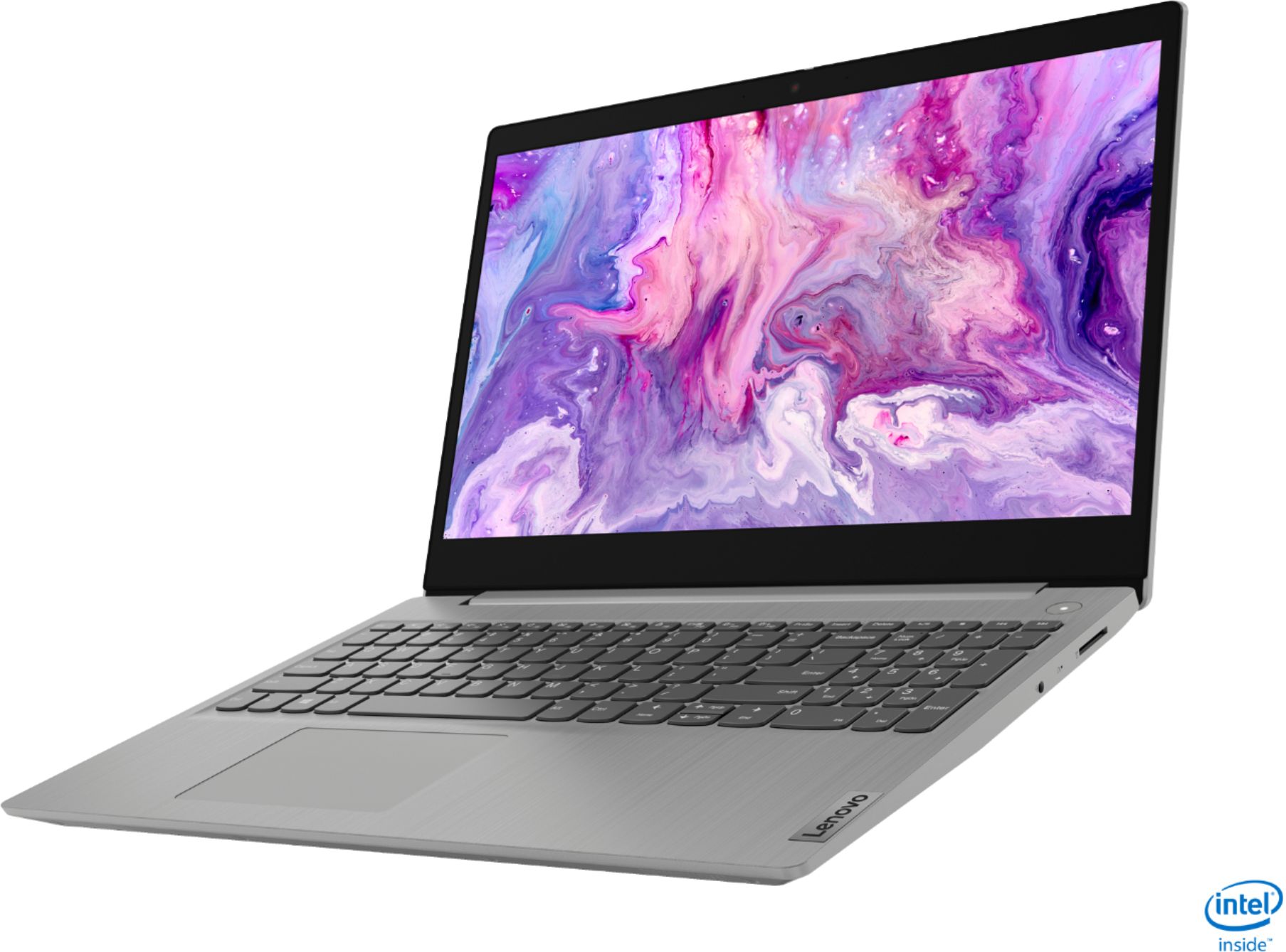

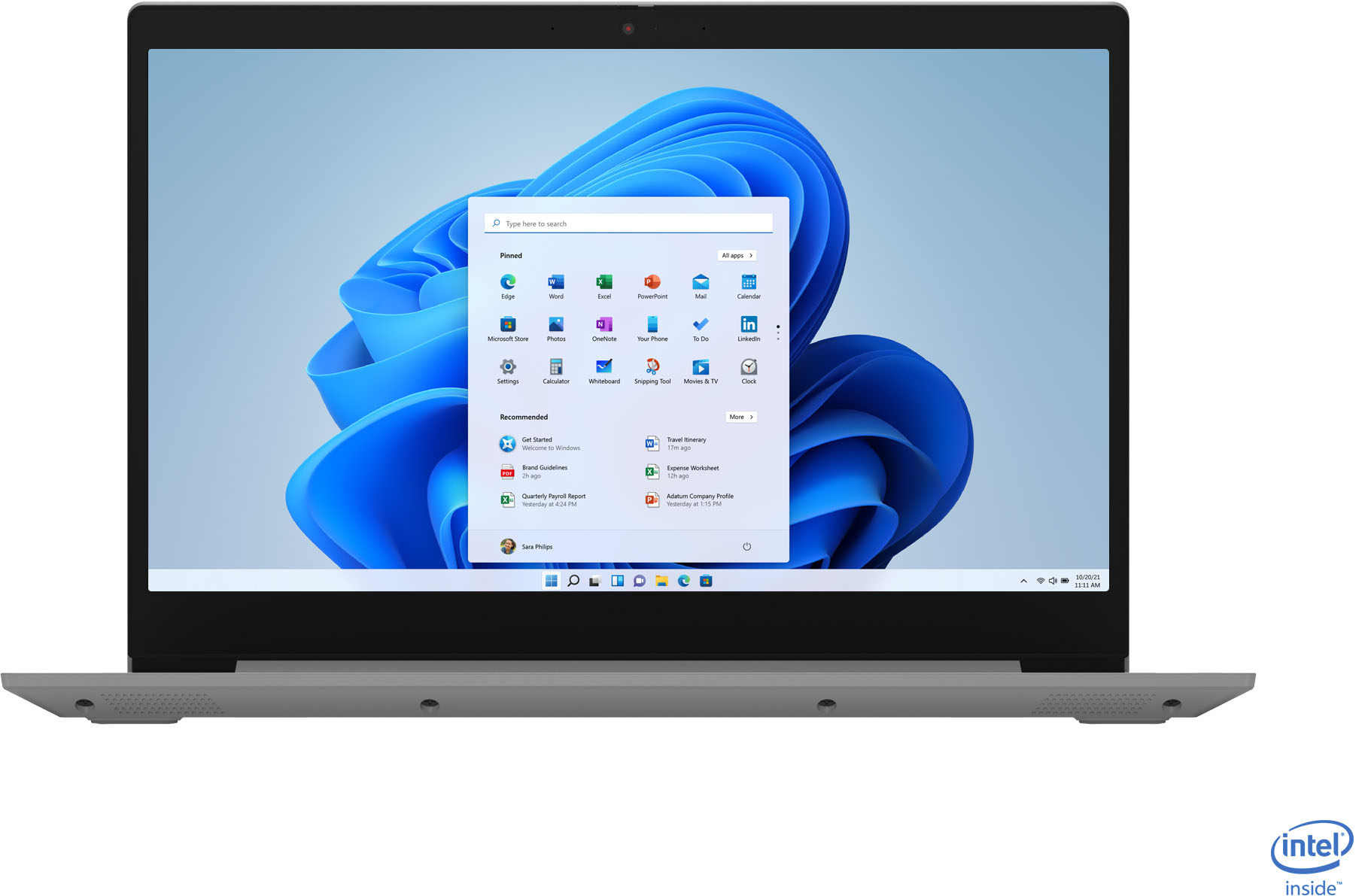
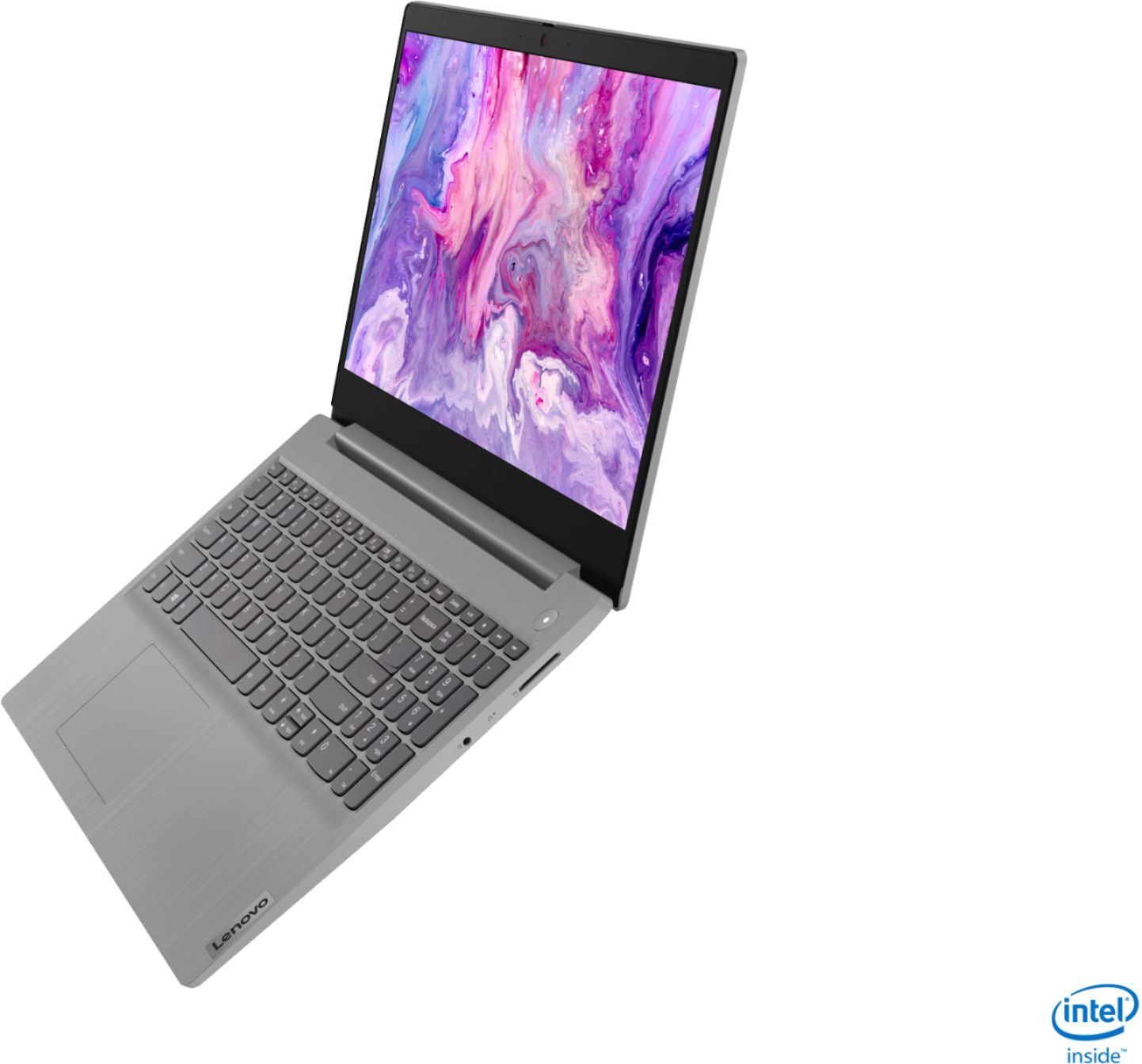
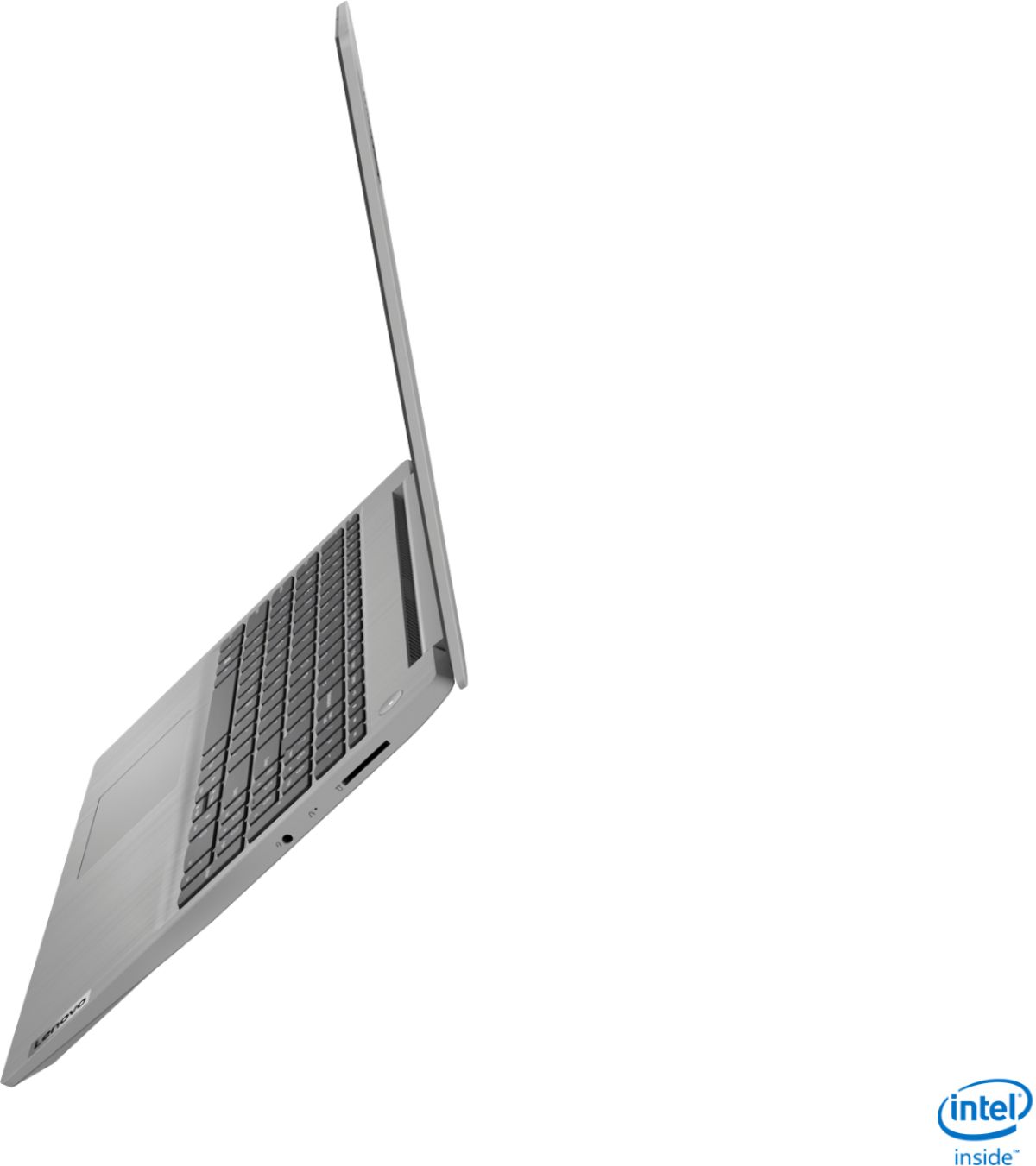
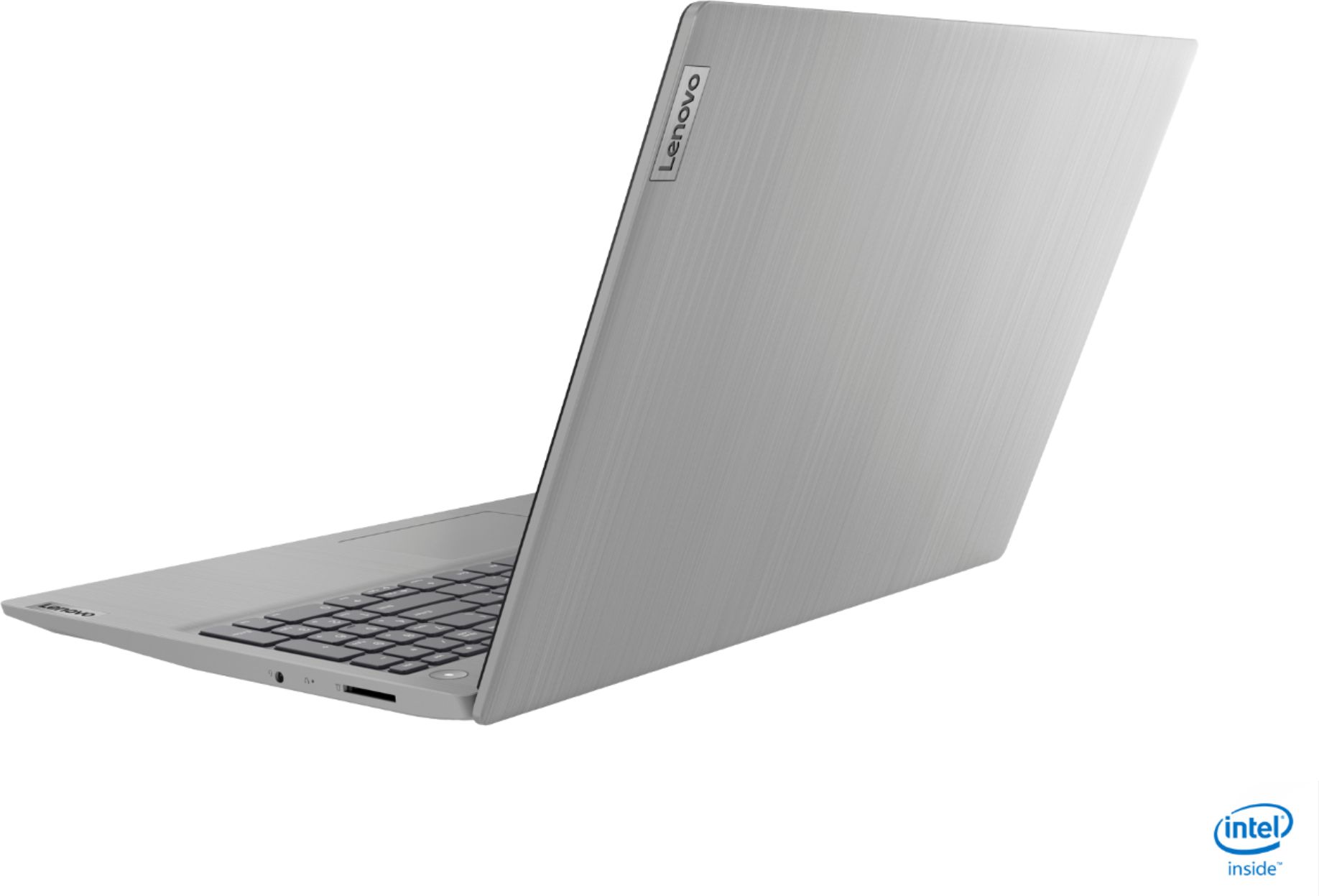
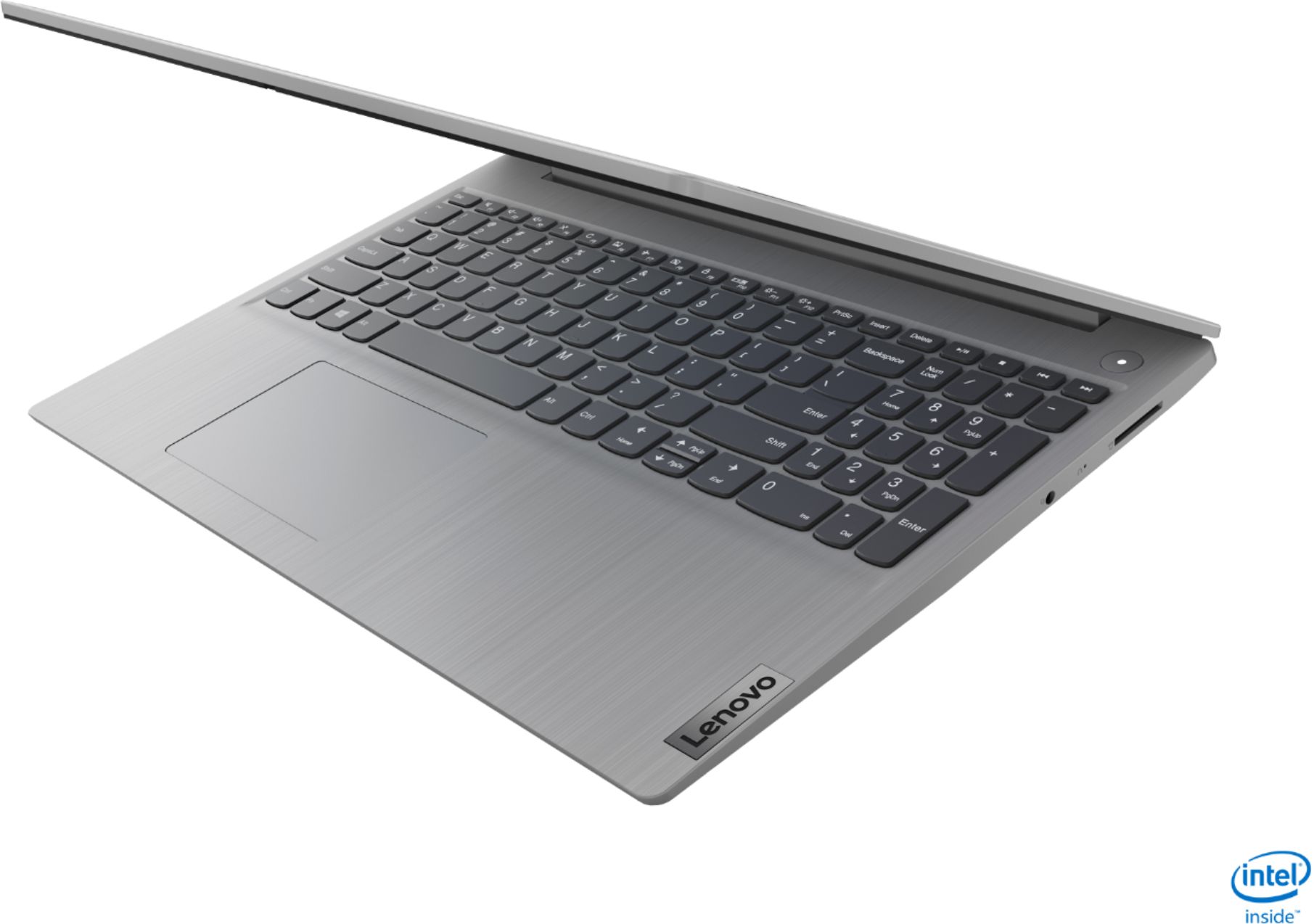
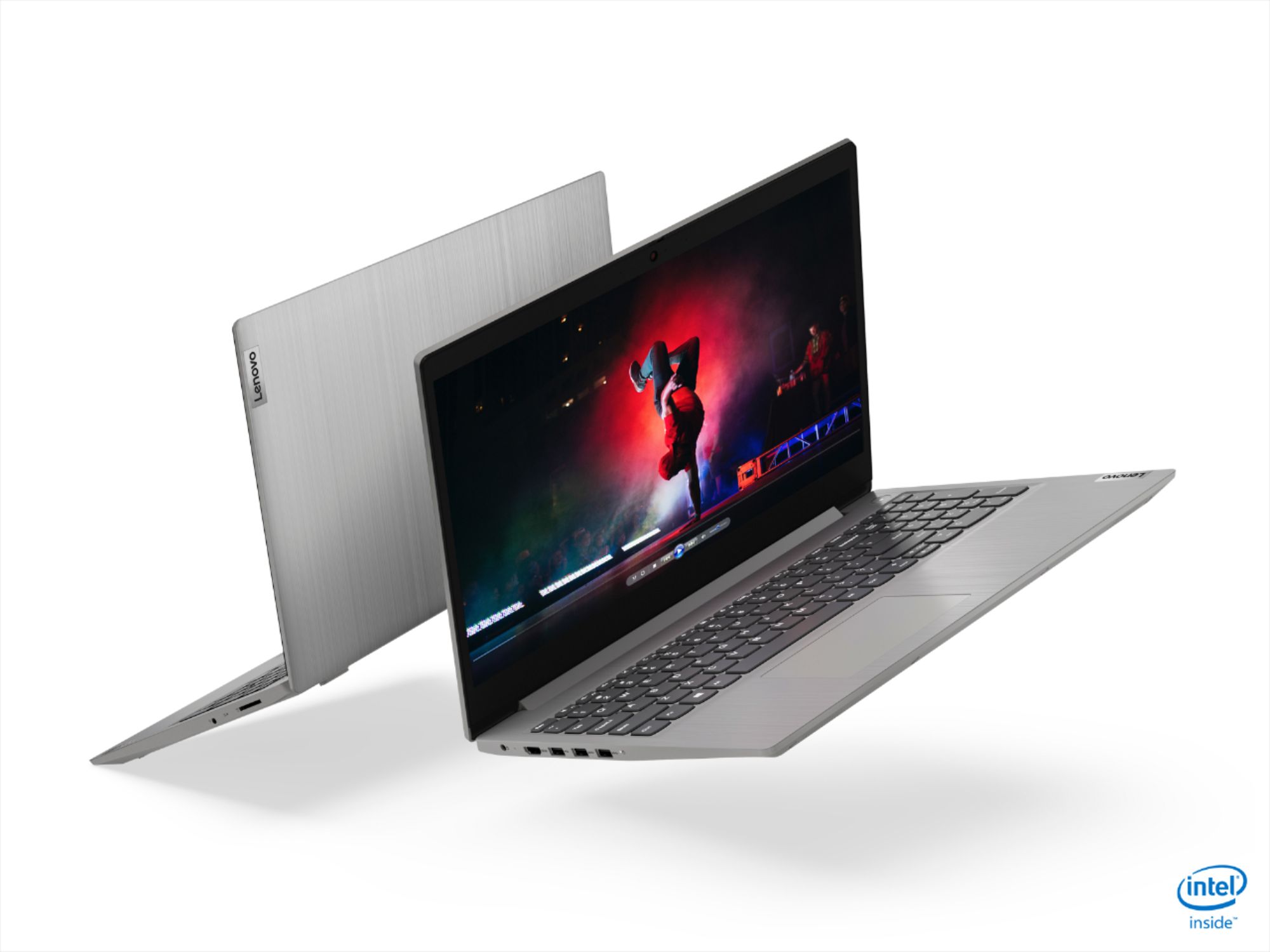
- Model:
- 81WE00NKUS
- SKU:
- 6426712
Rating by feature
- Battery Life
Rating 4.2 out of 5 stars
- Speed
Rating 4.4 out of 5 stars
- Display
Rating 4.3 out of 5 stars
Customers are saying
Customers often highlight the IdeaPad 3's affordability, lightweight design, and responsive touchscreen display. Many users have also praised its performance and reliability even after several years of use. However, some users have expressed concerns about its battery life, low-resolution screen, and limited storage capacity.
This summary was generated by AI based on customer reviews.
Best purchase ever
Posted .This reviewer received promo considerations or sweepstakes entry for writing a review.I'm not saying this because I'm a Lenovo fan but It's been 3 years since I bought this laptop and it is as good as the first day!! I don't regret buying it.
I would recommend this to a friendAwesome configuration in great price
Posted .This reviewer received promo considerations or sweepstakes entry for writing a review.This laptop has really a great performance. Value for moeny. Nice configuration and speed.
I would recommend this to a friendMy purchase
Posted .This reviewer received promo considerations or sweepstakes entry for writing a review.Excellent is the best, if you want any more than I could get the same
I would recommend this to a friendReliable
Posted .This reviewer received promo considerations or sweepstakes entry for writing a review.Love this computer. It hasnt failed me yet and does everything i need it to do
I would recommend this to a friendVery good
Posted .This reviewer received promo considerations or sweepstakes entry for writing a review.Four years later and it works perfectly, totally recommended
I would recommend this to a friendGreat deal
Posted .This reviewer received promo considerations or sweepstakes entry for writing a review.This held up for 3 plus years with no problem - I would get this again
I would recommend this to a friendGreat buy!
Posted .This reviewer received promo considerations or sweepstakes entry for writing a review.This computer continues to serve me well four years later. Highly recommend.
I would recommend this to a friend- Pros mentioned:SpeedCons mentioned:Battery life
Good laptop for what it has
Posted .This reviewer received promo considerations or sweepstakes entry for writing a review.Very good, battery goes down fast but overall a good laptop for work and it is fast.
I would recommend this to a friend Lenovo laptop
Posted .This reviewer received promo considerations or sweepstakes entry for writing a review.I just love this products. this is outstanding. 5 star
No, I would not recommend this to a friend- Cons mentioned:Battery life
Amazing Laptop.
Posted .This reviewer received promo considerations or sweepstakes entry for writing a review.I bought this laptop on December, I just use for work and self develop. It´s very fast, also multi task. The only thing is the battery has no long life, I charged twice in a day. But everything it´s perfect with this pc. If you need some laptop multi task, to work, to self develop, to se movies, videos etc. This is it. 100% recomend.
I would recommend this to a friendBrand response from Lenovo Product Expert
Posted .Thank you for choosing the Lenovo IdeaPad 3 15 Laptop, model number 81WE00NKUS. This model ships with a 2CELL_35WH_INTERNAL, Lithium Polymer Battery, with a battery life of up to 7 hours, depending on the work the device is performing. If you are getting substantially less battery life, First, set your screen brightness at less than 100-percent - try 80-percent to start with. Then, be sure Battery conservation Mode is turned off. This power management setting should only be used when the laptop is plugged in all the time. It will prolong overall battery life by only charging the battery to 60-percent of capacity. Here is a link to instructions for turning off Battery Conservation Mode: https://support.lenovo.com/us/en/solutions/ht103159. Also check what programs are running in the background on the computer. Be sure only the programs you want running in the background are. These programs will drain the battery. Here is a link to information about how to find out what programs are running in the background on your Windows 10 computer and how to manage them for better system performance: https://www.windowscentral.com/how-prevent-apps-running-background-windows-10. Then, finally, be sure any software you installed is compatible with Windows 10. Incompatible software will drain the battery at a faster rate. There is no need to install Microsoft Office software. The software is already part of the operating system, you just need to activate the software with a purchased product key. If you have installed a copy of Microsoft Office, this is conflicting with the existing copy on the system and this will slow your system down. If you have installed a 3rd party anti-virus program, be sure that Windows Defender is turned off and that the trial version of McAfee Anti-Virus software is uninstalled. There can only be one anti-virus program on the system. You may need to restore your system to original factory default settings if any of the programming errors have occurred. You can do that by typing "restore" in the Cortana search window. Just click on the magnifying glass icon at the bottom left of your Windows 10 Desktop. Click on "Reset This PC" Then click on "Get Started" and follow the on screen directions to restore to factory defaults. If the problem persists, we recommend you contact Lenovo Tech Support at: 877-453-6686.

- Cons mentioned:Camera
Very Good for the price
Posted .This reviewer received promo considerations or sweepstakes entry for writing a review.This is the best laptop I ever had for the price. For those who are saying the camera stopped working press F8 and see if that helps. Lenovo has the feature of enable/disable the camera bound to the F8 key at the top of the keyboard, it even has a little camera symbol on it.
I would recommend this to a friend - Cons mentioned:Camera
Lenovo IdeaPad
Posted . Owned for 1 month when reviewed.This reviewer received promo considerations or sweepstakes entry for writing a review.a little bulkier than I expected. fairly easy to use. However, it was difficult to windows10 for home. the picture quality for zoom is a bit dim even on the maximum lighting. Taking photos with the camera is hard because of the size of the computer.
I would recommend this to a friend - Cons mentioned:Battery life
Very Good few negatives
Posted .This reviewer received promo considerations or sweepstakes entry for writing a review.The screen is not awful but it is just okay. The laptop runs very smooth and fast and can run games fairly well. The battery is not that good. it lasts like 3 hours. It is overall a good laptop if it is under 500
I would recommend this to a friend Equipment Failure
Posted .This reviewer received promo considerations or sweepstakes entry for writing a review.I have had this laptop for over two years and have been happy with it until today. Out of nowhere it stopped recognizing the internal Wi-fi card and no longer connects to the internet or even recognize available networks. I have tried all remedies to fix this and it appears to be equipment failure. This is unacceptable given that I have rarely used this laptop (I have a Dell as my primary) and only for email/browsing the internet. Before this failure I would have had no problem recommending it but now I cannot,
No, I would not recommend this to a friend- Cons mentioned:Battery life
Poor battery life
Posted .This reviewer received promo considerations or sweepstakes entry for writing a review.I've had this laptop since December 2020 and as of today the battery will only charge to 93%, regardless of how long you plug it in. In top of that you'll be lucky to get 3 hours use out of it with the screen turned down so low you can barely read it. When it's plugged in it's fine as long as the screen is turned up so you can read it but if you're planning on using it unplugged, beware. I read other reviews concerning the battery and screen but never took them to heart. I wish I had. You've been warned
No, I would not recommend this to a friend annoyed
Posted .This reviewer received promo considerations or sweepstakes entry for writing a review.worked great for 2 years and then randomly died. Screen powers on and then immediately goes black.
No, I would not recommend this to a friendGreat computer, but the color/display is ashy
Posted .This reviewer received promo considerations or sweepstakes entry for writing a review.Great laptop but the color is ashy. What can I do to change this? I've already spent 2 hours adjusting the color, contrast and brightness and the display still looks too light/grey/ashy.
I would recommend this to a friendBrand response from Lenovo Product Expert
Posted .We are sorry to hear you are having issues with the screen image from your Lenovo IdeaPad 3 15 Laptop, model number 81WE00NKUS. This configuration ships with a TN, LCD w/LED Backlight (Anti-glare) screen, with a resolution of 1366 X 768 (HD) and a brightness level of 220 nits. We recommend you call Lenovo Tech Support for additional help at: 877-453-6686.
- Pros mentioned:Price
Good laptop for $350
Posted .This reviewer received promo considerations or sweepstakes entry for writing a review.Great laptop for the price, I got it on sale for $350
I would recommend this to a friendBrand response from Lenovo Product Expert
Posted .Hello. Thank you for choosing the Lenovo IdeaPad 3 laptop. We are pleased to hear that the value and performance of the IdeaPad 3 meets your computing needs so well!
Display is the first thing to go
Posted .This reviewer received promo considerations or sweepstakes entry for writing a review.I bought 2 of these as Christmas gifts for 2020. I'm writing this review in 2024. Both of them have the same hardware issue now. The display turns black after a few minutes on. Opening them up and disconnecting/reconnecting some wires fixed the issue for a bit, then the issue returns. They were owned by 2 different people with 2 different use cases.
No, I would not recommend this to a friendGreat laptop for the price.
Posted .This reviewer received promo considerations or sweepstakes entry for writing a review.Great Laptop for the price. The high amount of memory gives you the ability to have many applications going and no need to close them out. Also, the 256GB SSD makes the load times very fast.
I would recommend this to a friendBrand response from Lenovo Product Expert
Posted .Thank you for choosing the Lenovo IdeaPad 3 15 Laptop. We are pleased to hear that the performance of the IdeaPad 3 15 meets your computing needs so well.