Customer Ratings & Reviews

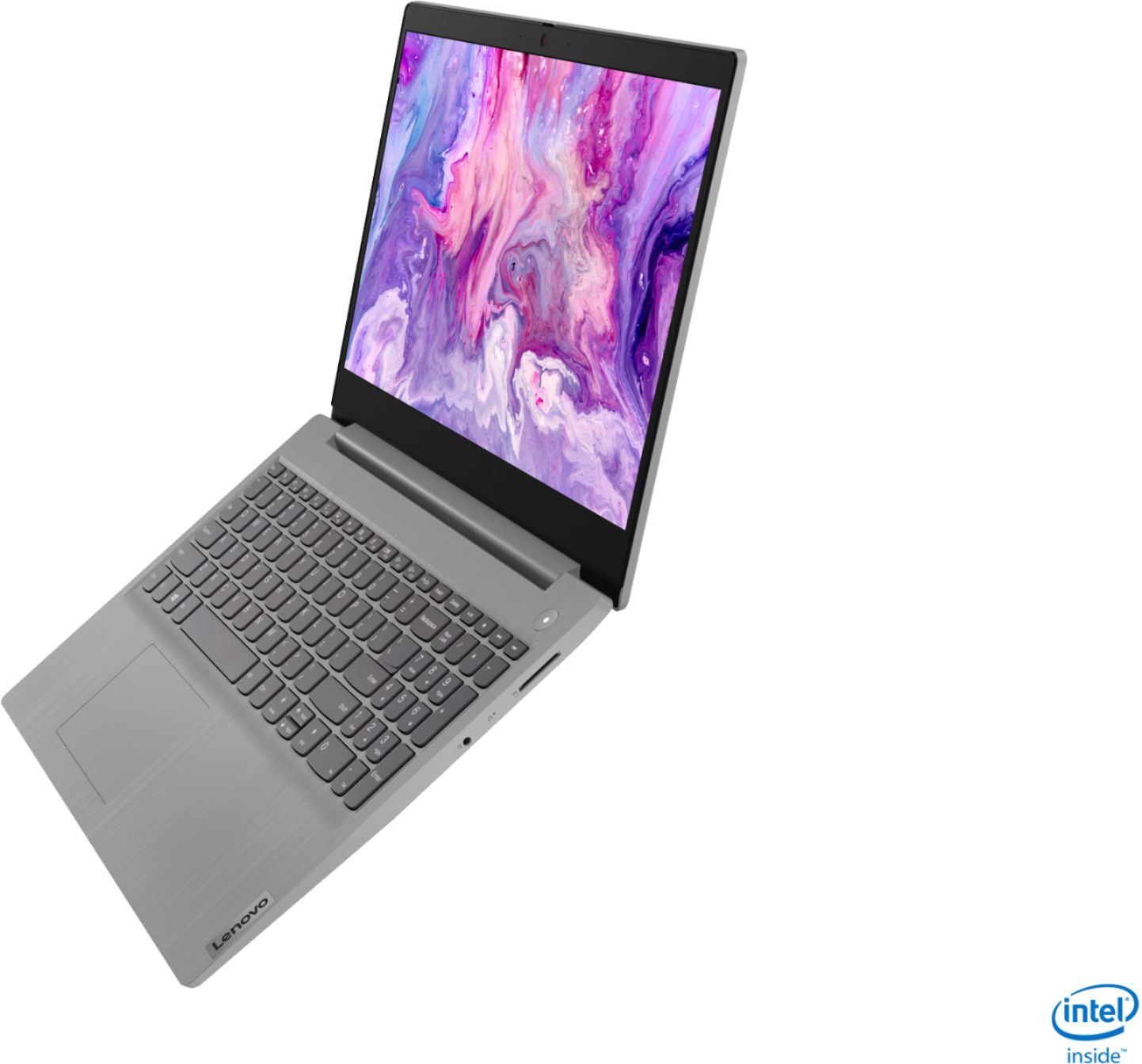
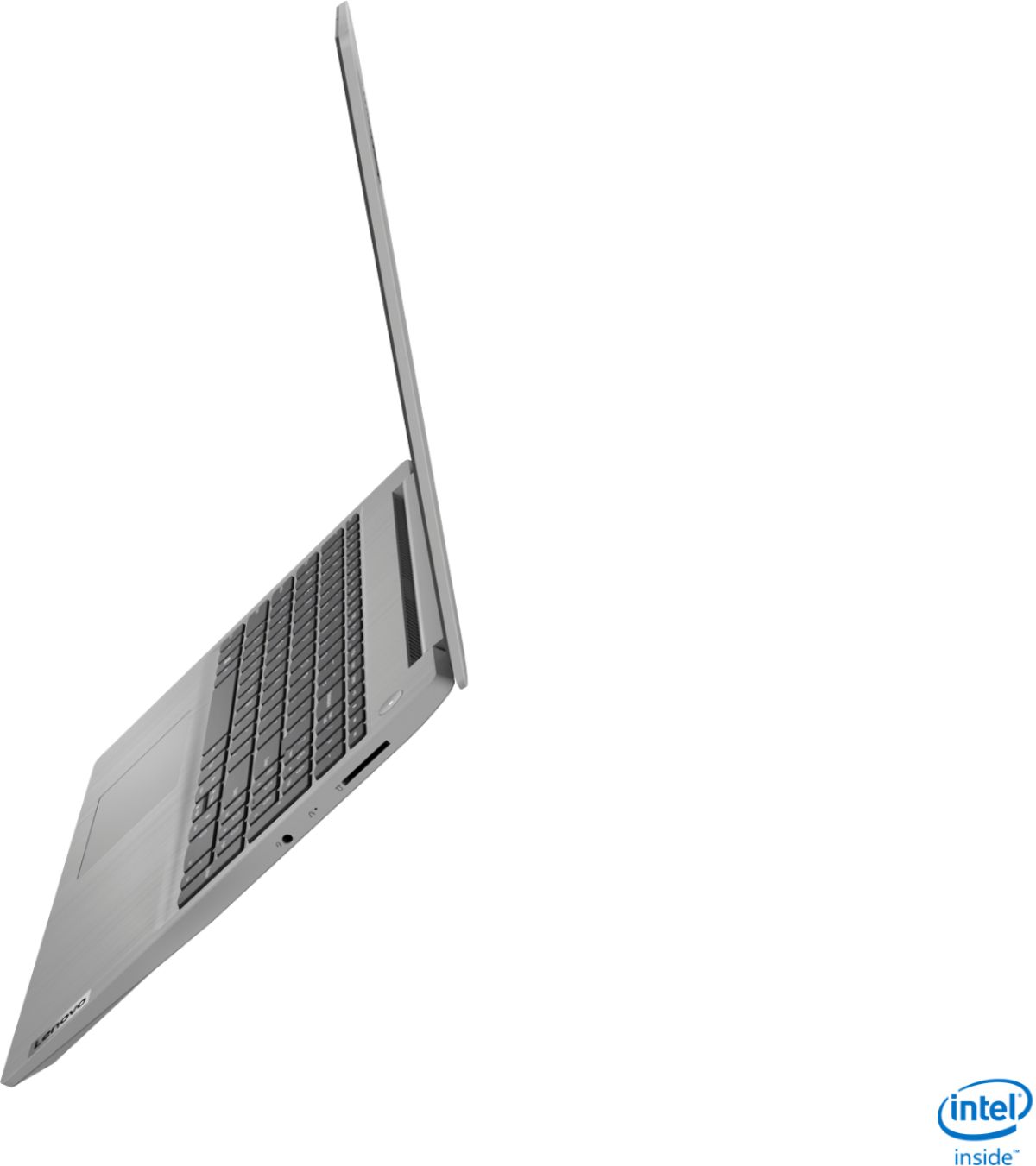
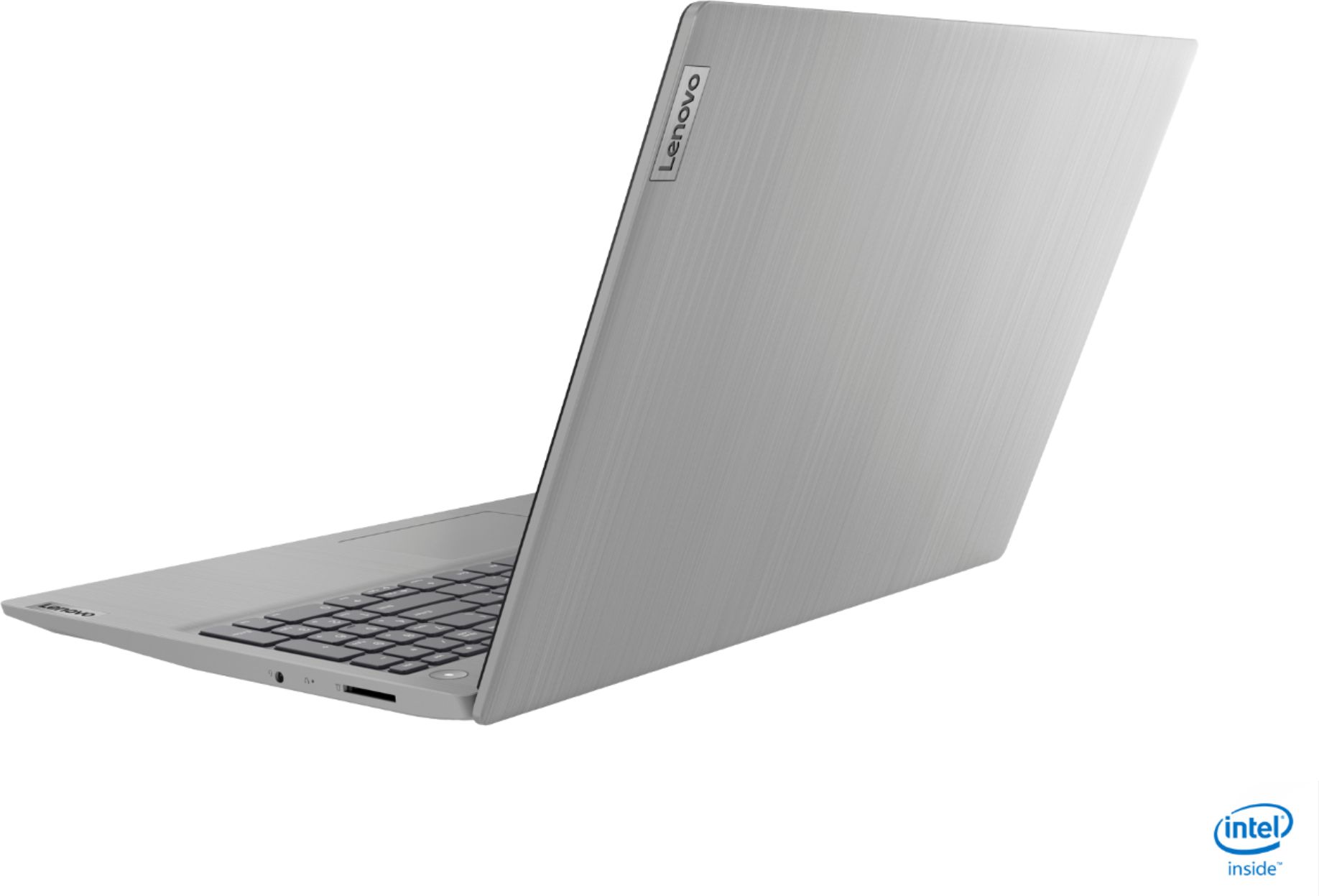
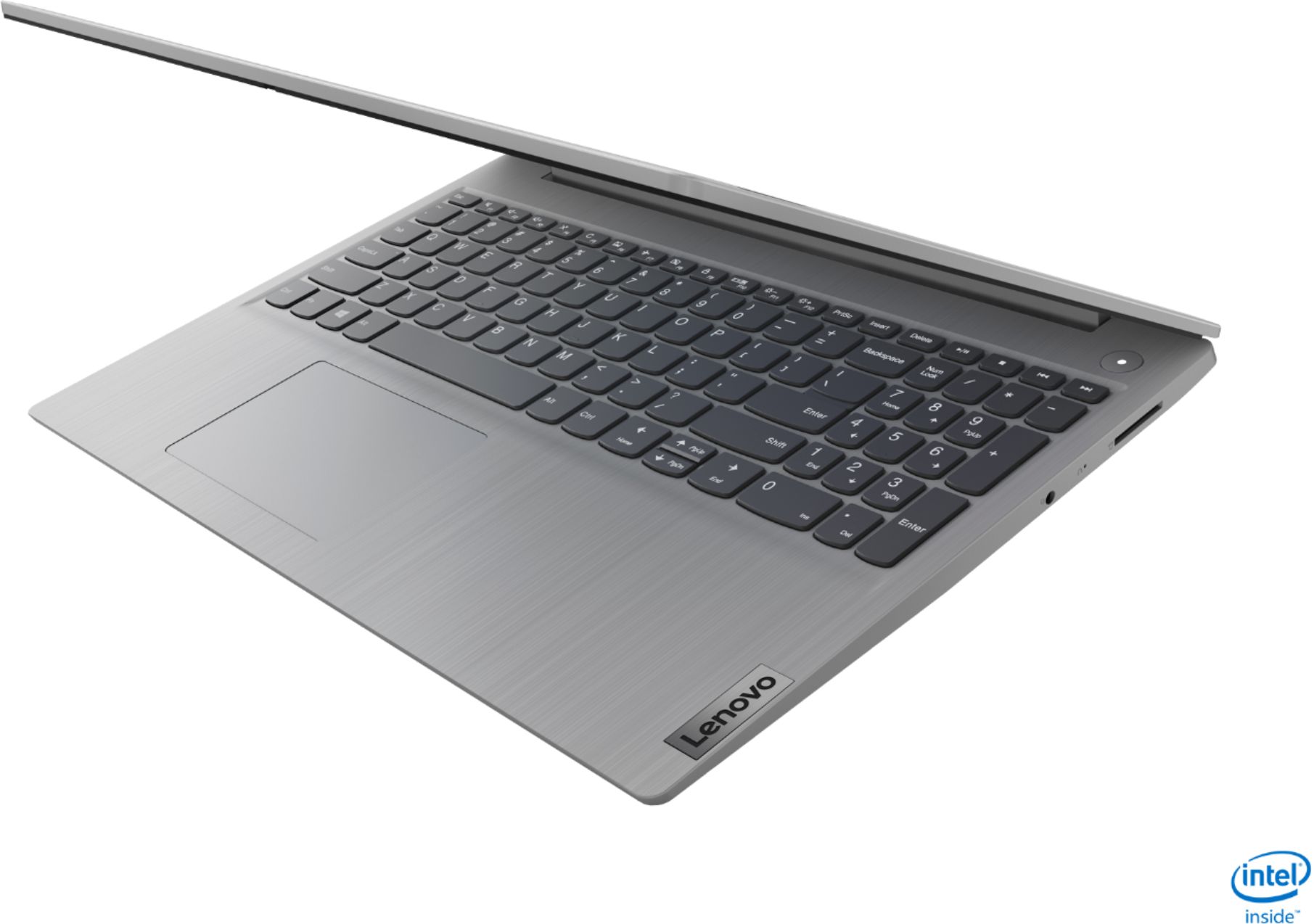
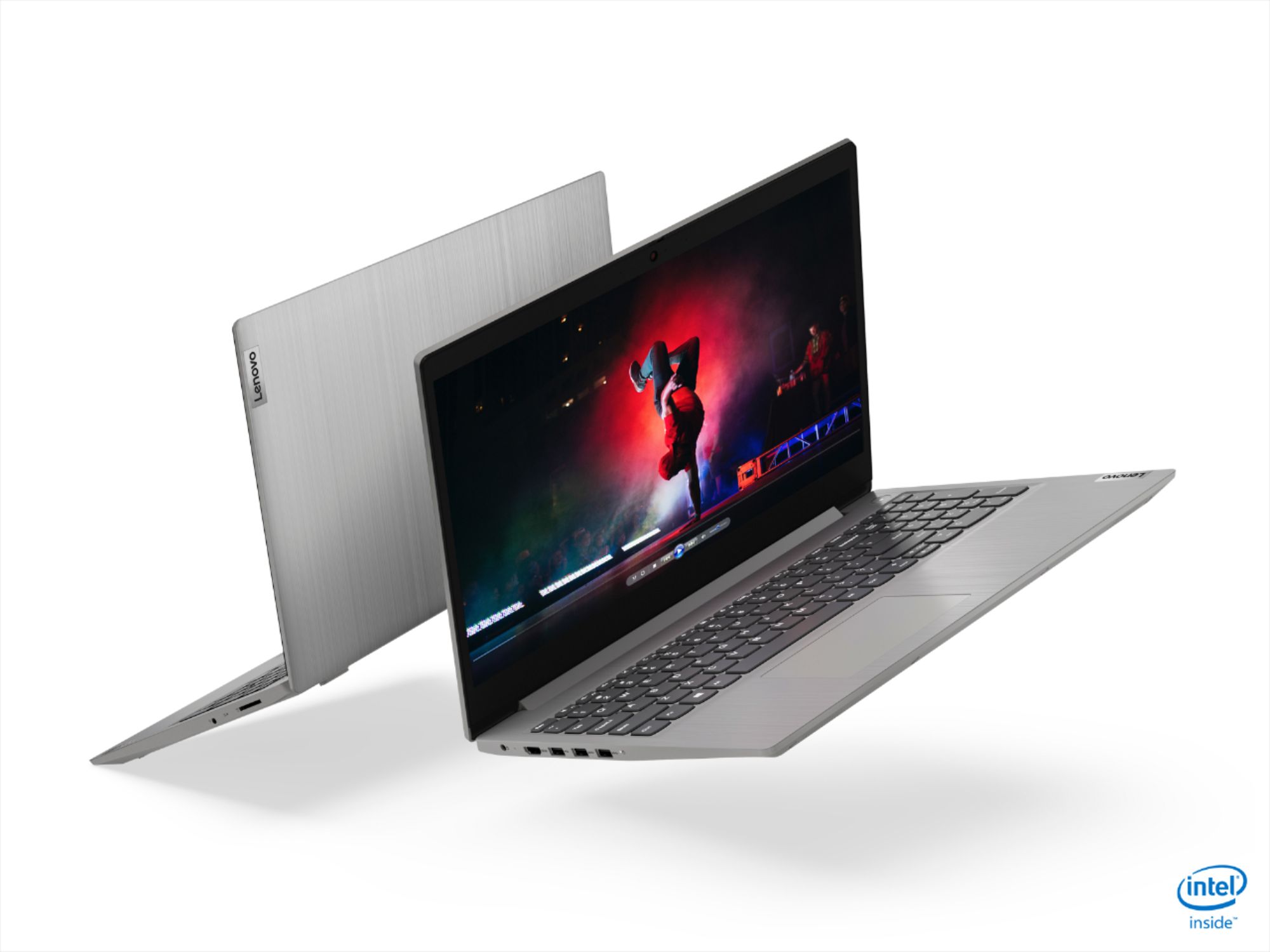
- Model:
- 81WE00NKUS
- SKU:
- 6426712
Rating by feature
- Battery Life
Rating 4.2 out of 5 stars
- Speed
Rating 4.4 out of 5 stars
- Display
Rating 4.3 out of 5 stars
Customers are saying
Customers often highlight the IdeaPad 3's affordability, lightweight design, and responsive touchscreen display. Many users have also praised its performance and reliability even after several years of use. However, some users have expressed concerns about its battery life, low-resolution screen, and limited storage capacity.
This summary was generated by AI based on customer reviews.
Screen is a shame
Posted .This reviewer received promo considerations or sweepstakes entry for writing a review.A good mid range laptop shadowed by an eyesore screen. Manufacturer will reply to other customers the screen features as if we should be aware of how bad this screen is. I can compare it to a super cheap compaq I bought back to 2006. If you reduce brigthness you probably wont be able to view the poor details it already has to offer. Anyways, I may recommend buying it at the $350; not for the almost 600 they are asking now
No, I would not recommend this to a friendPoor Model
Posted .This reviewer received promo considerations or sweepstakes entry for writing a review.Was working fine, then got the black screen, geek squad said the motherboard was broken. I'm not an expert on computers but under 3 years seems pretty short for the useful life of one.
No, I would not recommend this to a friendComputer
Posted .This reviewer received promo considerations or sweepstakes entry for writing a review.Love my new laptop computer. Does everything I would expect it to do. Easy to use as well.
I would recommend this to a friendBrand response from Lenovo Product Expert
Posted .Thank you for choosing the Lenovo IdeaPad 3 15 Laptop, model number 81WE00NKUS. We are pleased to hear that the ease of use and performance of the IdeaPad 3 15 meets your computing needs so well.

broke down at 2 days - seems windows software err
Posted .This reviewer received promo considerations or sweepstakes entry for writing a review.first 2 days was pleased seemed to be quite fast at least compared to what i was used to in past. some problem could not disable the defender nor windows firewall even though it read that they were uninstalled but they weren't. Anyway after 2 days and spending a lot of time loading applications and my notes then it would not boot anymore as got message "..windows stop code thread exception not handled storport.sys..." and then the message ' preparing to repair or something to that effect but it was just constantly on the screen while nothing was happenning. Anyway took it back to best buy and said i was willing to let them see if they could repair it but he couldn't easily do so or atleast not for free so i just lost my updated information and all the app's and time i spent. I informed that i would even consider exchange but none available so i just got money back.
No, I would not recommend this to a friendLow quality
Posted .This reviewer received promo considerations or sweepstakes entry for writing a review.Wi-Fi no longer works! Device manager shows yell on the intel adapter. Updating driver said driver is current uninstalling and reinstalling gave the same error. Could not find other resources to fix
No, I would not recommend this to a friendGreat laptop
Posted .This reviewer received promo considerations or sweepstakes entry for writing a review.Great battery life screen is good and this laptop is perfect for a student.
I would recommend this to a friendLaptop
Posted .This reviewer received promo considerations or sweepstakes entry for writing a review.Havent got mine yet but im sure its going to be a really good laptop
I would recommend this to a friendBrand response from Lenovo Product Expert
Posted .Hello. Thank you for choosing the Lenovo IdeaPad 3 laptop!
communis,
Posted .This reviewer received promo considerations or sweepstakes entry for writing a review.i love it the battery never dies so radical dadical
I would recommend this to a friendVery poor laptop
Posted .This reviewer received promo considerations or sweepstakes entry for writing a review.I bought this laptop Nov 2020. Less than 2.5 years laptop mother board was not working and it’s cost around $300 bucks. Not suggesting this laptop.
No, I would not recommend this to a friendDefective Computer twice in a row!
Posted .This reviewer received promo considerations or sweepstakes entry for writing a review.This is the SECOND Lenovo laptop I've had since Christmas. My partner bought one for me for Christmas. I kept getting a message that the charger (which is obnoxiously large and looks like something we would have used in 2004), was plugged in but not charging. I went to forums where others posted about the same issues, and tried the things they suggested. Nothing worked. As I watched my battery conjuring to drain with no charging capabilities, I made an appointment with Geek squad who eventually told me to return it. So I did...and got another one. I kept my fingers crossed that this serving I've would work as wonderfully as my HP has. It didn't. It arrived at the house on January 9, and arrived with battery power at 97 percent. I plugged in the charger and hoped for the best. To my astonishment it miraculously charged to 100 percent, then stopped charging. Again, the battery reads the same thing (plugged in, not charging). I re read and re tried a second time, the suggestions in the forums, and once again, morning worked. I called tech support, who had me update and uninstall and reinstall battery drivers. That didn't work. The Lenovo tech agent ran diagnostics on my 9 day old machine and told me that the hardware was defective and there was nothing they could do. He told me to return it where I bought it. So now I get to mask up again and go back to Best Buy to return it for a second time. Hopefully Best Buy will let me get a different manufacturer because I'm done with IBM/Lenovo.
No, I would not recommend this to a friendBrand response from Lenovo Product Expert
Posted .We are sorry to hear that you are having issues with charging your Lenovo IdeaPad 3 15 Laptop, model number 81WE00NKUS. There is Battery Life protection software installed on your computer, that will prolong the overall battery life by not letting the battery continue to charge at maximum charging rate once the battery capacity reaches 95-percent. The battery will begin to either Trickle charge or stop charging (Plugged In, Not Charging). Again this is normal and it is to prolong the life of the battery. To begin charging normally, unplug the device, let the battery drain to below 50-percent, plug back in and you should see the battery indicator show Charging. If the issue continues, we recommend you call Lenovo Tech Support at: 877-453-6686.
Do NOT buy!
Posted .This reviewer received promo considerations or sweepstakes entry for writing a review.This is my first, and last, Lenovo product. I purchased to work from home and can't use it much. The sound has an echo when in zoom meetings, so I can't zoom on this device. Also, it keeps randomly freezing up and I can't ctrl+alt+delete or turn it off. I have to wait for the battery to die to restart! Of course, I didn't find the issues out until day 20 something so best buy wasn't hepful. Lenovo support can't figure out the sound issue, so I'll have to send it in. Currently waiting for a call back about the freezing up issue. DO NOT BUY THIS!
No, I would not recommend this to a friendBrand response from Lenovo Product Expert
Posted .We are sorry to hear that you are having issues with your Lenovo IdeaPad 3 15 Laptop, model number 81WE00NKUS. This model ships with Windows 10 S-Mode 64-bit Operating System. Windows 10 S-Mode provides added security by only allowing APPs available ( and therefore certified by Microsoft) at the Microsoft Store. If you don't need the added security or you need to install APPs not available at the Microsoft Store, you can switch to standard Windows 10 Home 64-bit Operating System, at no additional cost. Even if you have switched out of S-Mode, be sure any software you installed is compatible with Windows 10. There is no need to install Microsoft Office software. The software is already part of the operating system, you just need to activate the software with a purchased product key. If you have installed a copy of Microsoft Office, this is conflicting with the existing copy on the system and this will slow your system down. If you have installed a 3rd party anti-virus program, be sure that Windows Defender is turned off and that the trial version of McAfee Anti-Virus software is uninstalled. There can only be one anti-virus program on the system. You may need to restore your system to original factory default settings if any of the programming errors have occurred. You can do that by typing "restore" in the Cortana search window. Just click on the magnifying glass icon at the bottom left of your Windows 10 Desktop. Click on "Reset This PC" Then click on "Get Started" and follow the on screen directions to restore to factory defaults. If the problem persists, we recommend you contact Lenovo Tech Support at: 877-453-6686.