Customer Ratings & Reviews

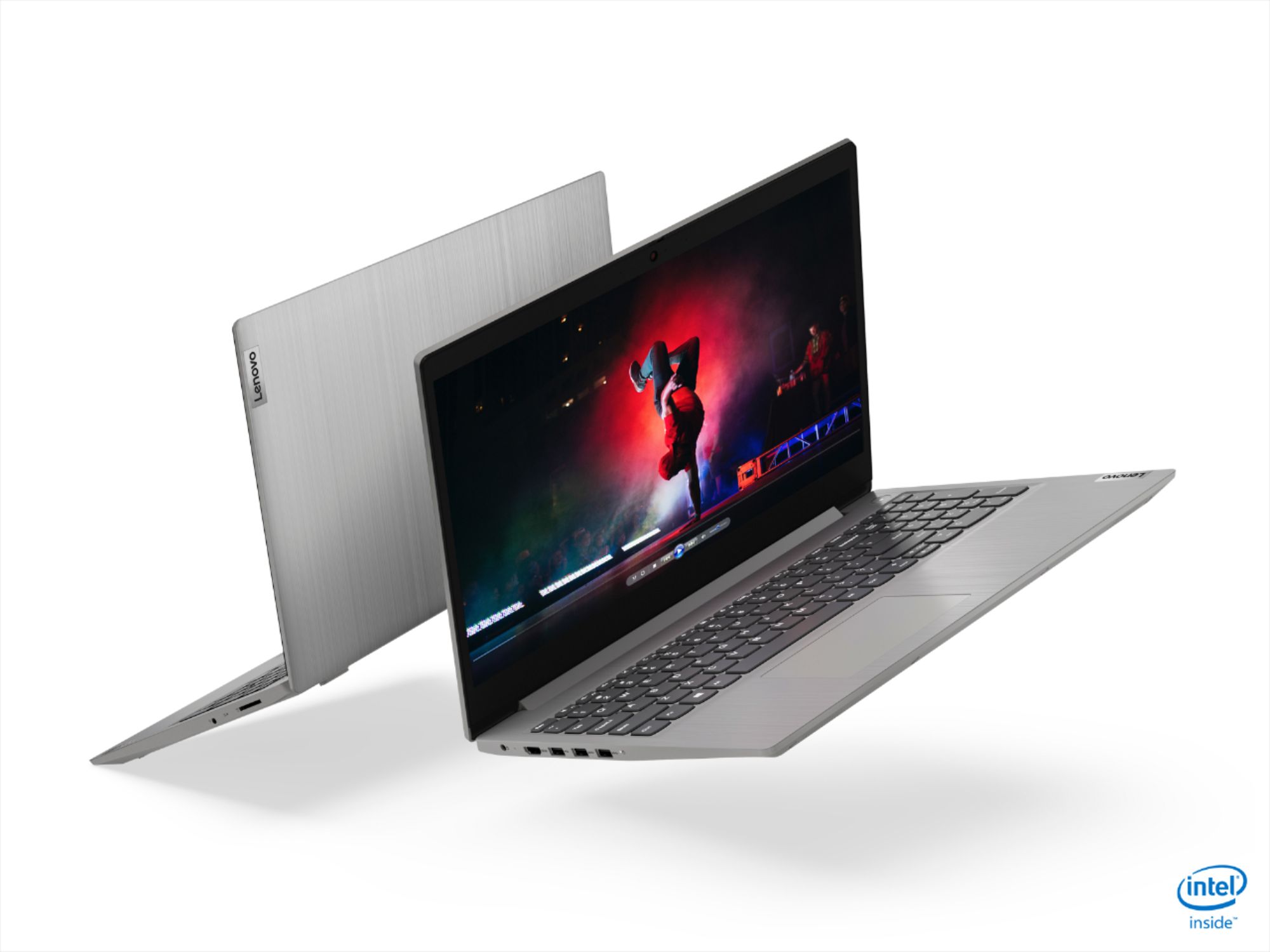
- Model:
- 81WE00NKUS
- SKU:
- 6426712
Rating by feature
- Battery Life
Rating 4.2 out of 5 stars
- Speed
Rating 4.4 out of 5 stars
- Display
Rating 4.3 out of 5 stars
Customers are saying
Customers often highlight the IdeaPad 3's affordability, lightweight design, and responsive touchscreen display. Many users have also praised its performance and reliability even after several years of use. However, some users have expressed concerns about its battery life, low-resolution screen, and limited storage capacity.
This summary was generated by AI based on customer reviews.
- Pros mentioned:Touch screen
Great Laptop!
||Posted . Owned for 2 weeks when reviewed.This reviewer received promo considerations or sweepstakes entry for writing a review.Love this little laptop! Replaced my 10 year old laptop and had no idea what I was missing! The top screen/tablet mode is fun but I find it unnecessary. . . or at least I haven’t found a use for it. Best Buy staff recommended this as a great laptop and is definitely hasn’t disappointed! Highly recommend!
I would recommend this to a friend Lenovo ideaPad 3 is a great buy
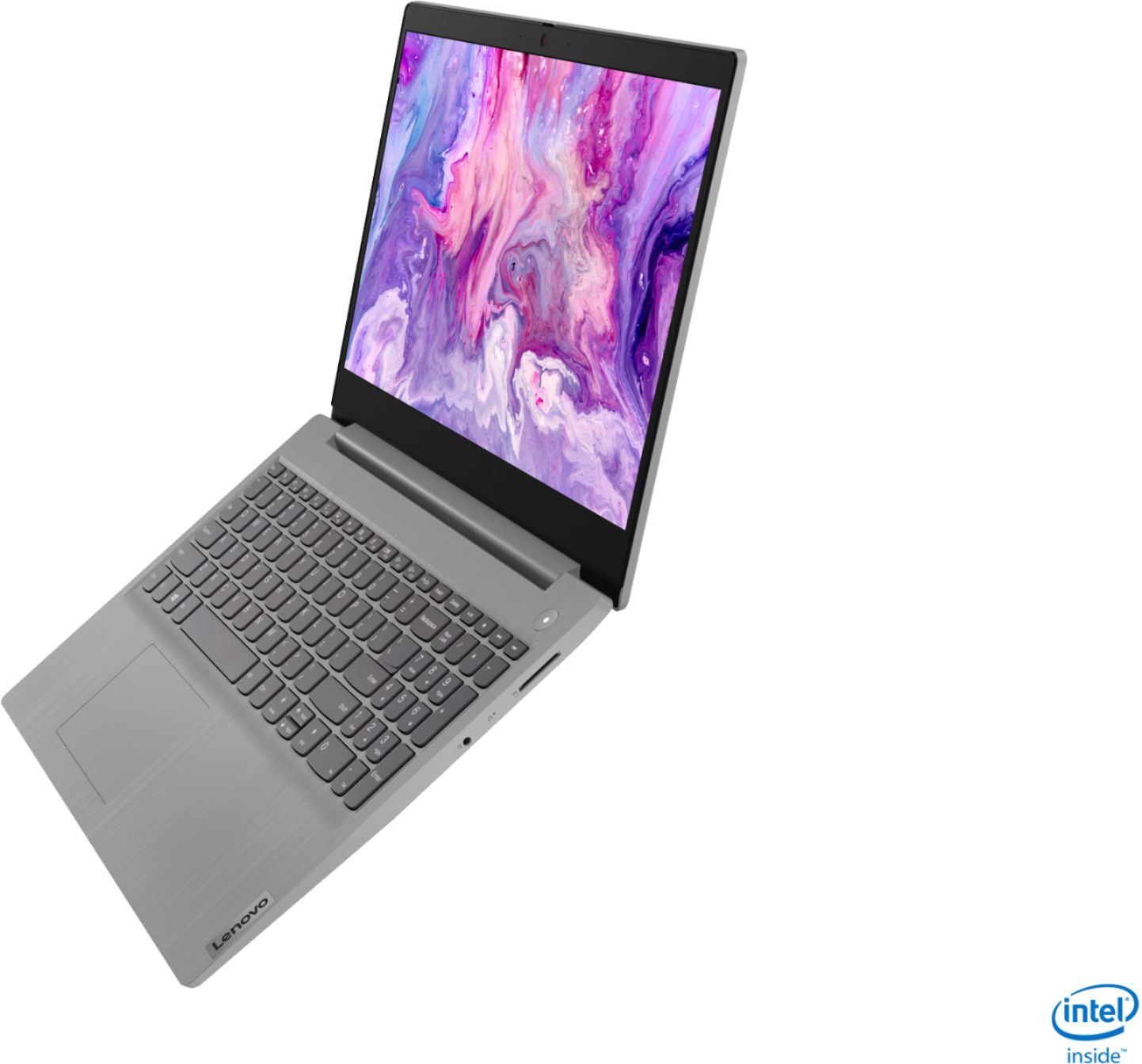
||Posted . Owned for 1 month when reviewed.This reviewer received promo considerations or sweepstakes entry for writing a review.Lenovo ideaPad 3 is a great buy. The exterior is solid with a 15" touch screen. Lenovo laptop comes with fast intel i5 processor and reliable solid state drive. SSD is more reliable than HDD. Lenovo laptop also come with a privacy shutter for the camera. This is a light powerful laptop.
I would recommend this to a friend- Pros mentioned:Speed
Super fast and nice design
||Posted . Owned for 3 weeks when reviewed.This reviewer received promo considerations or sweepstakes entry for writing a review.Super fast Laptop. For the sale price was a bargain. I’ll used daily for MS Office and web browsing and eventually video editing. I’m super happy with this. As soon as I started I went out of S mode to be able to use another Apps ( just look on internet how to go out from windows S Mode) super easy process.
I would recommend this to a friend - Pros mentioned:SpeedCons mentioned:Battery life
Great deal
||Posted . Owned for less than 1 week when reviewed.This reviewer received promo considerations or sweepstakes entry for writing a review.This laptop with the Specs was a good deal. Very fast speed and stylish design. My only dislike is the battery, when fully charged it takes less than 3 hrs. But if you don’t mind plugging the power, this is a good value for money.
I would recommend this to a friendBrand response from Lenovo Product Expert
Posted .The Lenovo IdeaPad 3 15 Laptop, model number 81WE00NKUS, ships with a 2CELL_35WH_INTERNAL, Lithium Polymer Battery, with a battery life of up to 7 hours, depending on the work the device is performing. If you are getting substantially less battery life, First, set your screen brightness at less than 100-percent - try 80-percent to start with. Then, be sure Battery conservation Mode is turned off. This power management setting should only be used when the laptop is plugged in all the time. It will prolong overall battery life by only charging the battery to 60-percent of capacity. Here is a link to instructions for turning off Battery Conservation Mode: https://support.lenovo.com/us/en/solutions/ht103159. Also check what programs are running in the background on the computer. Be sure only the programs you want running in the background are. These programs will drain the battery. Here is a link to information about how to find out what programs are running in the background on your Windows 10 computer and how to manage them for better system performance: https://www.windowscentral.com/how-prevent-apps-running-background-windows-10. Then, finally, be sure any software you installed is compatible with Windows 10. Incompatible software will drain the battery at a faster rate. There is no need to install Microsoft Office software. The software is already part of the operating system, you just need to activate the software with a purchased product key. If you have installed a copy of Microsoft Office, this is conflicting with the existing copy on the system and this will slow your system down. If you have installed a 3rd party anti-virus program, be sure that Windows Defender is turned off and that the trial version of McAfee Anti-Virus software is uninstalled. There can only be one anti-virus program on the system. You may need to restore your system to original factory default settings if any of the programming errors have occurred. You can do that by typing "restore" in the Cortana search window. Just click on the magnifying glass icon at the bottom left of your Windows 10 Desktop. Click on "Reset This PC" Then click on "Get Started" and follow the on screen directions to restore to factory defaults. If the problem persists, we recommend you contact Lenovo Tech Support at: 877-453-6686.

- Pros mentioned:Speed
Fast boot up and shutdown
||Posted . Owned for 3 weeks when reviewed.This reviewer received promo considerations or sweepstakes entry for writing a review.I'm surprised at how fast this laptop boots up and shuts down. The ssd is lightyears faster than my last phsyical hard drive. Nice touch screen, bright screen, and the volume is decent. Great, easy integration with my Samsung Note 10 smartphone. Primary use will be as a digital audio workstation.
I would recommend this to a friendBrand response from Lenovo Product Expert
Posted .Thank you for choosing the Lenovo IdeaPad 3 15 Laptop, model number 81WE00NKUS. We are pleased to hear that the IdeaPad 3 15 meets your computing needs so well.
- Pros mentioned:Speed
Lenovo - IdeaPad 3 15" Touch Screen Laptop
||Posted . Owned for 3 weeks when reviewed.This reviewer received promo considerations or sweepstakes entry for writing a review.Very good everyday computer. Fast, user friendly and decent battery life. I do not game so I cannot address this issue. The display is OK, not great, but satisfactory. Word processing, spreadsheets, internet searches have all been achieved without any problems. The sale price for an i5 was fantastic.
I would recommend this to a friend - Cons mentioned:Battery life
Awesome for a low-mid priced laptop
||Posted . Owned for 4 months when reviewed.This reviewer received promo considerations or sweepstakes entry for writing a review.Have been using this laptop nearly daily for 4 1/2 months and for the price (under $500) It's awesome. Only things that are somewhat lacking: 1) The battery isn't removable but I suppose if absolutely necessary it could be replaced by opening the bottom plate 2) Doesn't have a Ethernet jack
I would recommend this to a friend - Cons mentioned:Battery life
Real good value w/just a few minor objections.
||Posted . Owned for 3 weeks when reviewed.This reviewer received promo considerations or sweepstakes entry for writing a review.Great Value but had a bad pixel on permanently, funky adaptor, poor battery life. Screen was a tad dull and resolution was average. The speed and storage were very good however for a 15.6" and for $350. laptop it is. Solid computer and nice upgraded silver brushed finish.
I would recommend this to a friend - Pros mentioned:Weight
Decent laptop for everyone
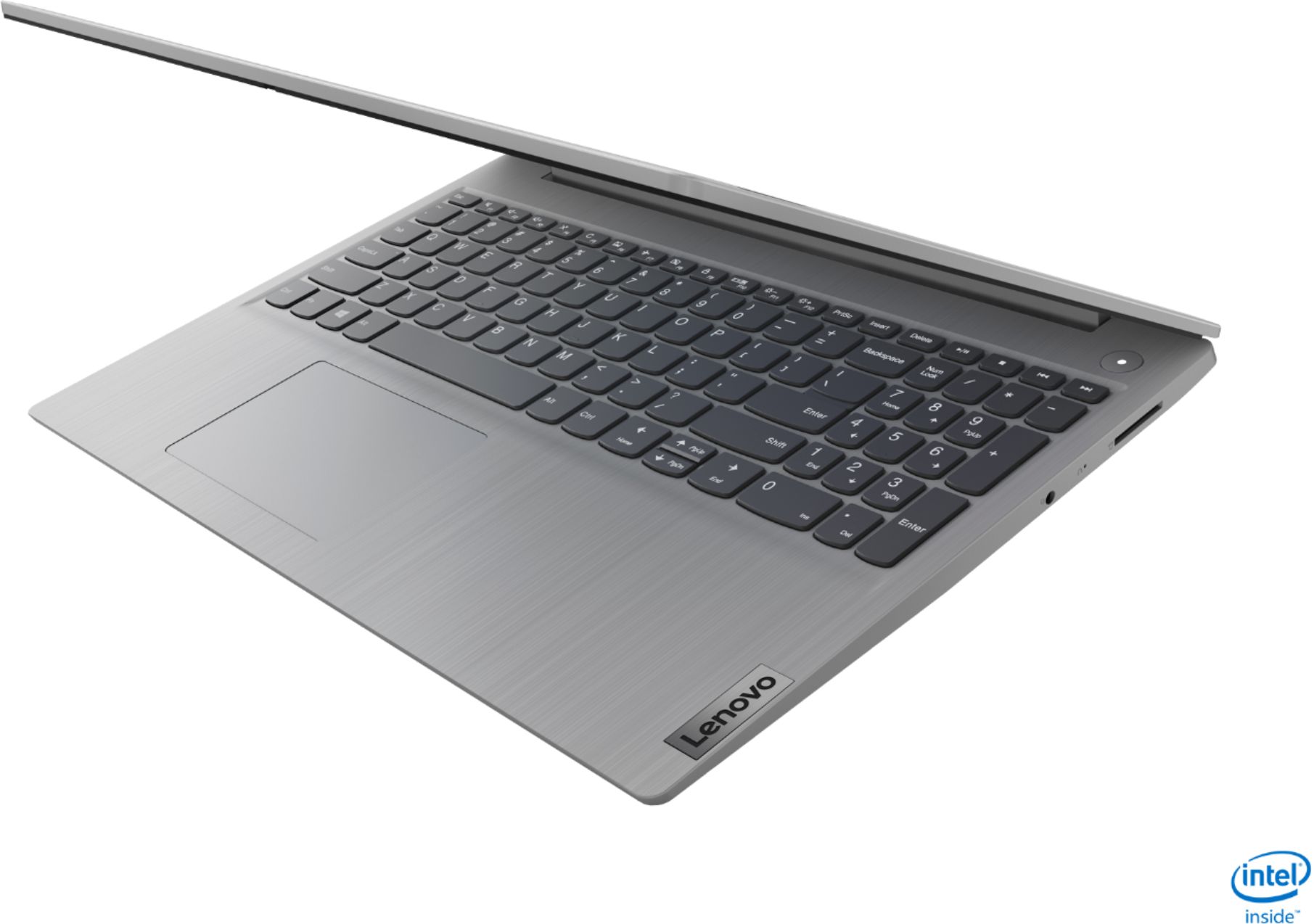
||Posted . Owned for 3 weeks when reviewed.This reviewer received promo considerations or sweepstakes entry for writing a review.Its a decent laptop for anyone. Light weight ergonomic and easy to use. Only issue i observed is it doesnt come with LAN cable adapter, If you need to connect LAN cable to the laptop you need to purchase the LAN to USB converter separately. Apart from that its a great laptop.
I would recommend this to a friendBrand response from Lenovo Product Expert
Posted .Thank you for choosing the Lenovo IdeaPad 3 15 Laptop, model number 81WE00NKUS. We are pleased to hear that the IdeaPad 3 15 meets your computing needs so well.
- Pros mentioned:Speed
Nice and fast
||Posted . Owned for 1 month when reviewed.This reviewer received promo considerations or sweepstakes entry for writing a review.Great laptop for my son. Fast and great looking. Have not used it on battery. I guess because it’s fast, I don’t hear the fan turning on all the time. Plenty of RAM and I am sure it handle games without any issues. Also was able to pick this one up during a deals of the day at a great price.
I would recommend this to a friend - Pros mentioned:Touch screen
Great school or office laptop
||Posted . Owned for 3 weeks when reviewed.This reviewer received promo considerations or sweepstakes entry for writing a review.Bought this for my kid's online school. So far, I think it's pretty decent. Touchscreen is responsive and my five year old handles the mouse and keyboard with ease. System feels pretty snappy though we don't have many programs loaded. Definitely recommend for a basic office/internet machine.
I would recommend this to a friend - Pros mentioned:Touch screen
Great budget laptop for work or play
||Posted . Owned for 3 weeks when reviewed.This reviewer received promo considerations or sweepstakes entry for writing a review.Great laptop for my home office needs. The touch screen is a really nice addition compared to most machines at this price range. Get yourself a USB hub that has a few extra ports and an ethernet adapter, as well as a nice set of dest speakers (I recommend Klipsch) and you are all set.
I would recommend this to a friend - Pros mentioned:Touch screen
Nice features
||Posted . Owned for 3 weeks when reviewed.This reviewer received promo considerations or sweepstakes entry for writing a review.I just recently got this. The one downside was that it was shipped in lock mode and I had to bring it to the store to be unlocked. But, other than that I’m enjoying the features...touchscreen, etc. I have recommended this to a few people who are looking for a laptop.
I would recommend this to a friend Good laptop, touchscreen issues and no bt speaker
||Posted . Owned for less than 1 week when reviewed.This reviewer received promo considerations or sweepstakes entry for writing a review.Okay so the computer itself is amazing, the speed is great and all but I do see the battery issues people are having. I'm also have some trouble with the touch screen response. I turn off the bluetooth mouse and when i go to try to use the touch screen, it either lags or its response non existent, if i do have it working, it only barely works on the sides of the screen and its completely dead in the middle of the screen. its suppose to be a touch screen laptop and its not working like one. Another issue I'm having is that even though I'm connected to my google home mini via bluetooth, the audio doesn't go through and plays from the laptop speakers. If this is a part of the lenovo brand where you can't even play audio from outside bluetooth speakers than this is for sure gonna be a return for me cause the speakers of the laptop are good but I want to listen to my audio through my bluetooth speaker.
No, I would not recommend this to a friendBrand response from Lenovo Product Expert
Posted .The Lenovo IdeaPad 3 15 Laptop, model number 81WE00NKUS, ships with a 2CELL_35WH_INTERNAL, Lithium Polymer Battery, with a battery life of up to 7 hours, depending on the work the device is performing. This configuration also has Bluetooth 5.0 capability built in. Be sure the Bluetooth speaker you are trying to pair with the IdeaPad 3 15 is compatible with Bluetooth 5.0. Regarding booth the battery life issue and the touchscreen issue you describe, be sure any software you installed is compatible with Windows 10. There is no need to install Microsoft Office software. The software is already part of the operating system, you just need to activate the software with a purchased product key. If you have installed a copy of Microsoft Office, this is conflicting with the existing copy on the system and this will slow your system down. If you have installed a 3rd party anti-virus program, be sure that Windows Defender is turned off and that the trial version of McAfee Anti-Virus software is uninstalled. There can only be one anti-virus program on the system. You may need to restore your system to original factory default settings if any of the programming errors have occurred. You can do that by typing "restore" in the Cortana search window. Just click on the magnifying glass icon at the bottom left of your Windows 10 Desktop. Click on "Reset This PC" Then click on "Get Started" and follow the on screen directions to restore to factory defaults. If the problem persists, we recommend you contact Lenovo Tech Support at: 877-453-6686.
- Pros mentioned:Speed
Lenovo builds good stuff
||Posted . Owned for 2 months when reviewed.This reviewer received promo considerations or sweepstakes entry for writing a review.Well built, fast and just what I needed. I should have gotten a higher resolution screen. I thought this would be fine and it works great. But one gets used to the sharper images in screens and I miss that in this one. Part of the difficulty of buying online.
I would recommend this to a friend - Pros mentioned:Price
Great deal!
||Posted . Owned for 1 month when reviewed.This reviewer received promo considerations or sweepstakes entry for writing a review.This has to be the best laptop for the money that I have ever purchased. It is very fast, excellent display and the mouse location is perfect so that your palm doesn't keep hitting the pad when typing. I certainly would recommend this, and believe me, I am very hard to please.
I would recommend this to a friend - Cons mentioned:Battery life
Family Member Likes It, But It's Not For Me
||Posted .This reviewer received promo considerations or sweepstakes entry for writing a review.I bought this as a gift for a family member. The family member likes it, but the battery doesn't last long when it's not plugged in (under 3 hours). The ac adapter is also very wide, which is problematic if you want to plug in another item into the outlet.
No, I would not recommend this to a friendBrand response from Lenovo Product Expert
Posted .The Lenovo IdeaPad 3 15 Laptop, model number 81WE00NKUS, ships with a 2CELL_35WH_INTERNAL, Lithium Polymer Battery, which within this configuration, has a battery life of up to 7 hours, depending on the work the device is performing. If you are getting substantially less battery life, first, set your screen brightness at less than 100-percent - try 80-percent to start with. Then, be sure Battery conservation Mode is turned off. This power management setting should only be used when the laptop is plugged in all the time. It will prolong overall battery life by only charging the battery to 60-percent of capacity. Here is a link to instructions for turning off Battery Conservation Mode: https://support.lenovo.com/us/en/solutions/ht103159. Also check what programs are running in the background on the computer. Be sure only the programs you want running in the background are. These programs will drain the battery. Here is a link to information about how to find out what programs are running in the background on your Windows 10 computer and how to manage them for better system performance: https://www.windowscentral.com/how-prevent-apps-running-background-windows-10. Then, finally, be sure any software you installed is compatible with Windows 10. Incompatible software will drain the battery at a faster rate. There is no need to install Microsoft Office software. The software is already part of the operating system, you just need to activate the software with a purchased product key. If you have installed a copy of Microsoft Office, this is conflicting with the existing copy on the system and this will slow your system down. If you have installed a 3rd party anti-virus program, be sure that Windows Defender is turned off and that the trial version of McAfee Anti-Virus software is uninstalled. There can only be one anti-virus program on the system. You may need to restore your system to original factory default settings if any of the programming errors have occurred. You can do that by typing "restore" in the Cortana search window. Just click on the magnifying glass icon at the bottom left of your Windows 10 Desktop. Click on "Reset This PC" Then click on "Get Started" and follow the on screen directions to restore to factory defaults. If the problem persists, we recommend you contact Lenovo Tech Support at: 877-453-6686.
- Pros mentioned:Speed
Levono Laptop
||Posted . Owned for 1 week when reviewed.This reviewer received promo considerations or sweepstakes entry for writing a review.I love this laptop bought it for me. I have a small business sided job work from home is just what I needed for my clientele. Excellent speed, memory and hard drive just great for what I do. A little pricey but overall great laptop, highly recommended it for small business.
I would recommend this to a friendBrand response from Lenovo Product Expert
Posted .Hello. Thank you for choosing the Lenovo IdeaPad 3 laptop. We are pleased to hear that the value and performance of the IdeaPad 3 meets your computing needs so well! We appreciate your recommendation.
Lenovo does it again.
||Posted . Owned for 2 months when reviewed.This reviewer received promo considerations or sweepstakes entry for writing a review.Pleased with this laptop. For the price it's a great deal and value. Plenty of processor speed and ram. May not have the best specs for gaming, but for everything I've used it for it's been excellent. Only thing I could complain about is not USB-C port, but that's it.
I would recommend this to a friendGreat Deal from Best Buy
||Posted .This reviewer received promo considerations or sweepstakes entry for writing a review.Lenovo Ideapad 3 with 12 GB ram , I am in love with it .Great Deal by Best Buy .
I would recommend this to a friend