Customer Ratings & Reviews
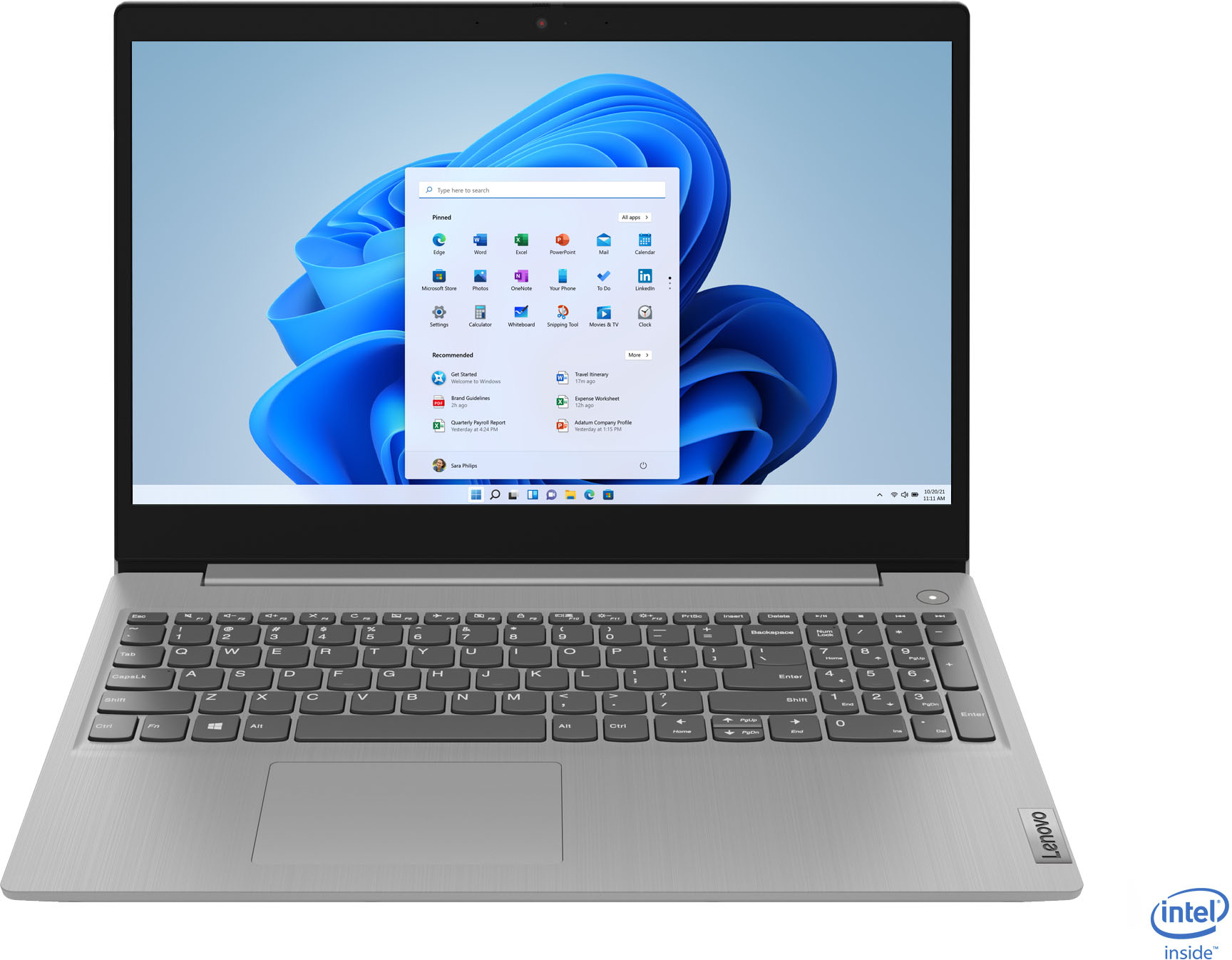
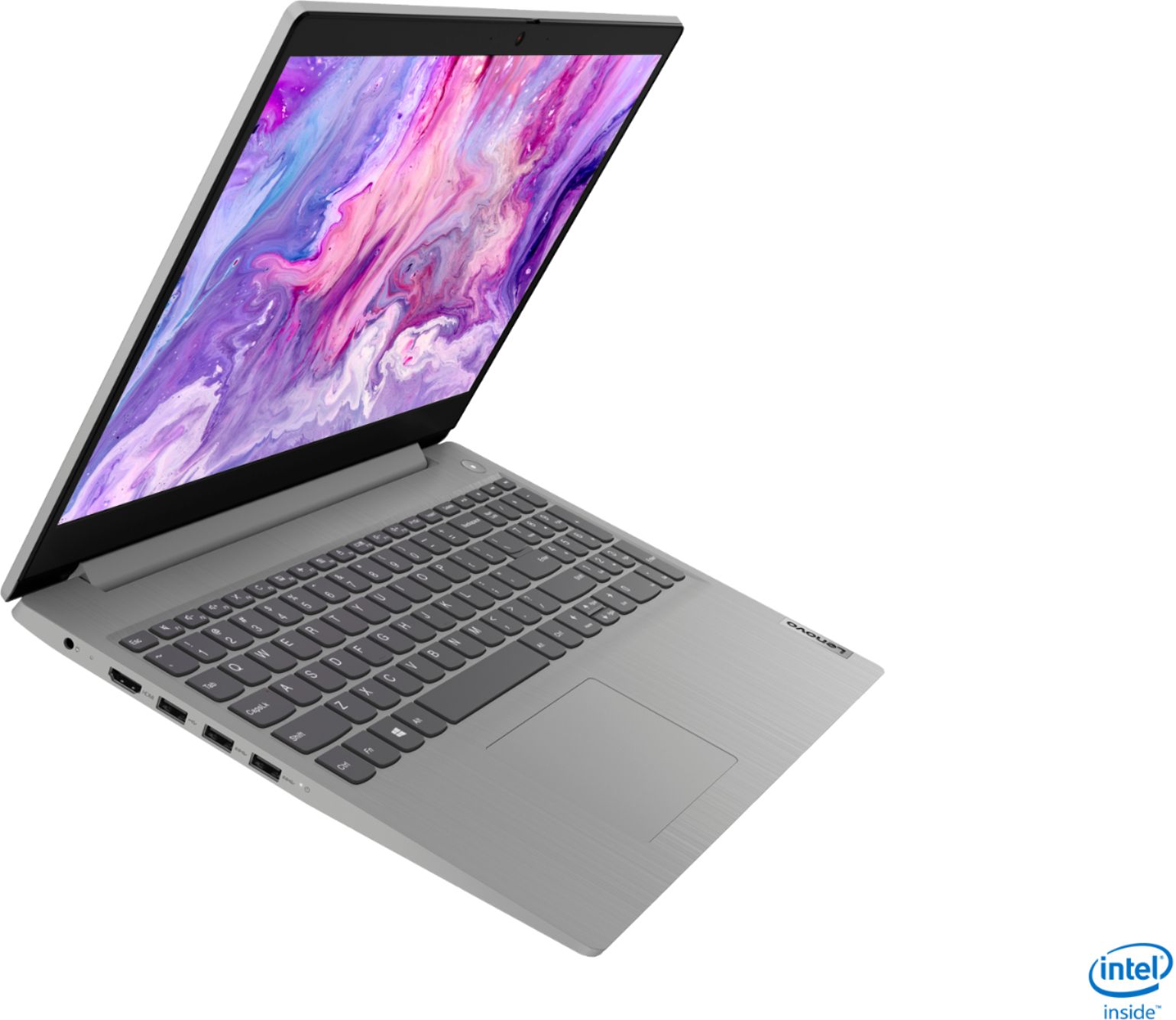
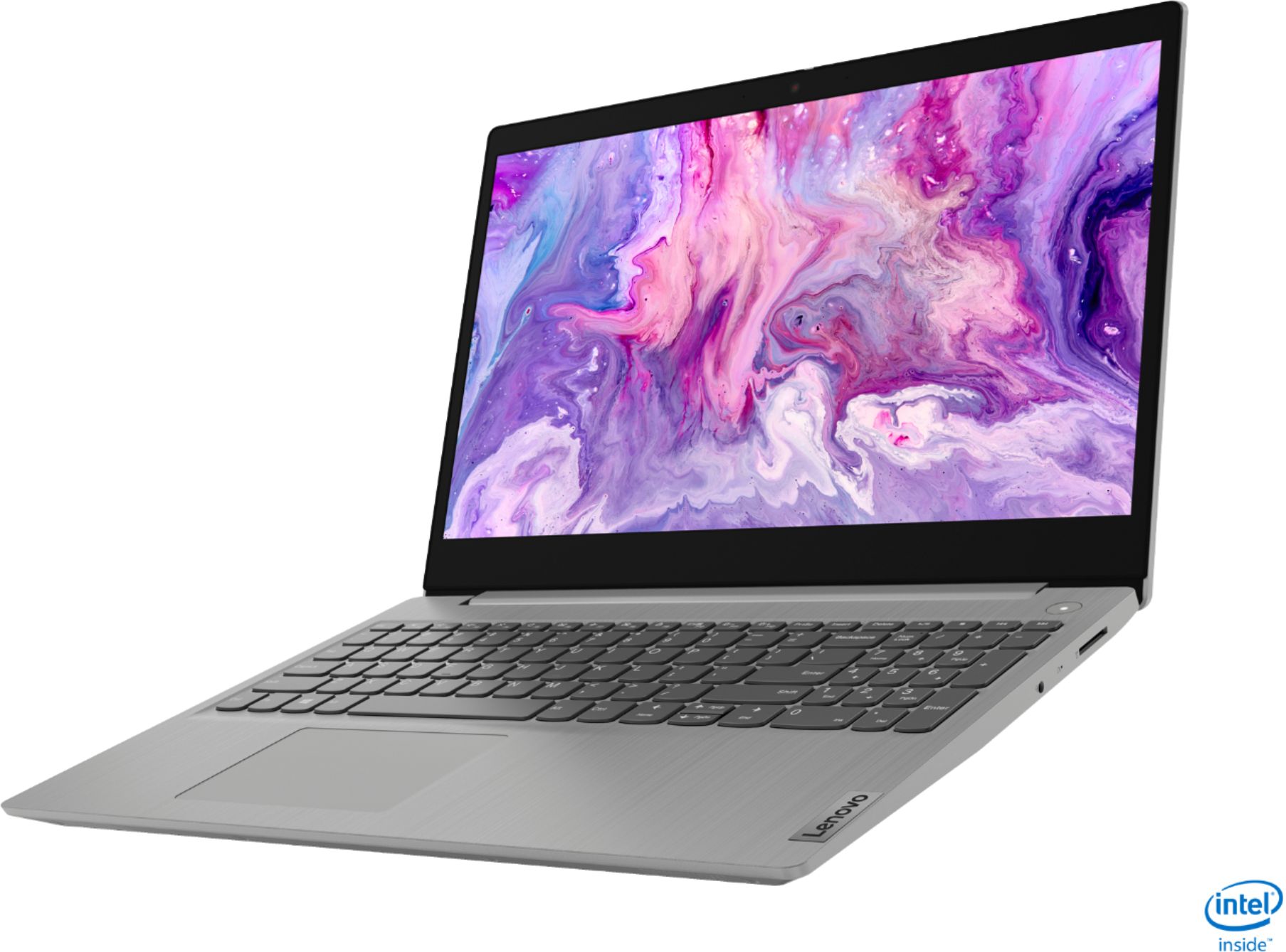

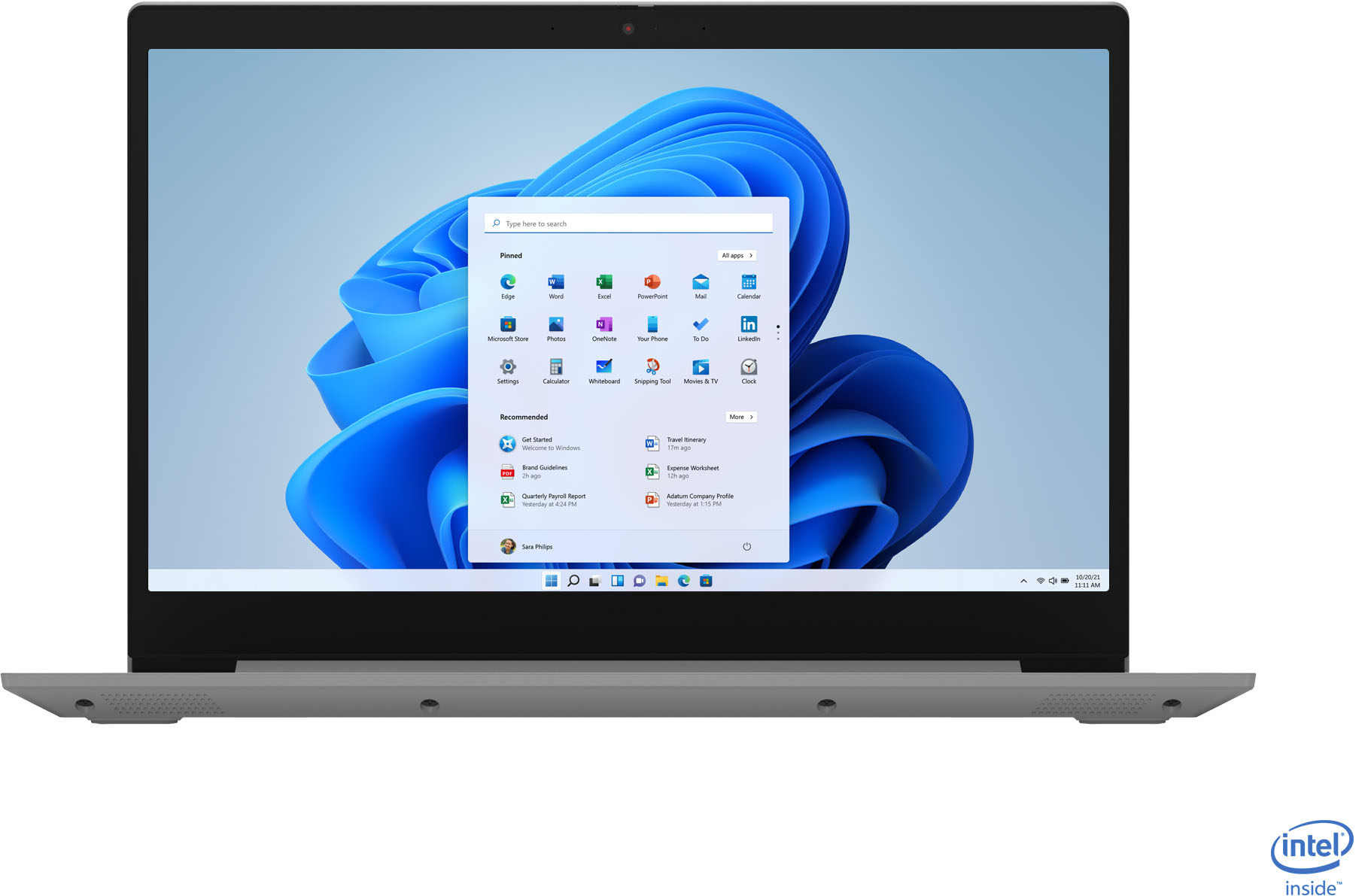
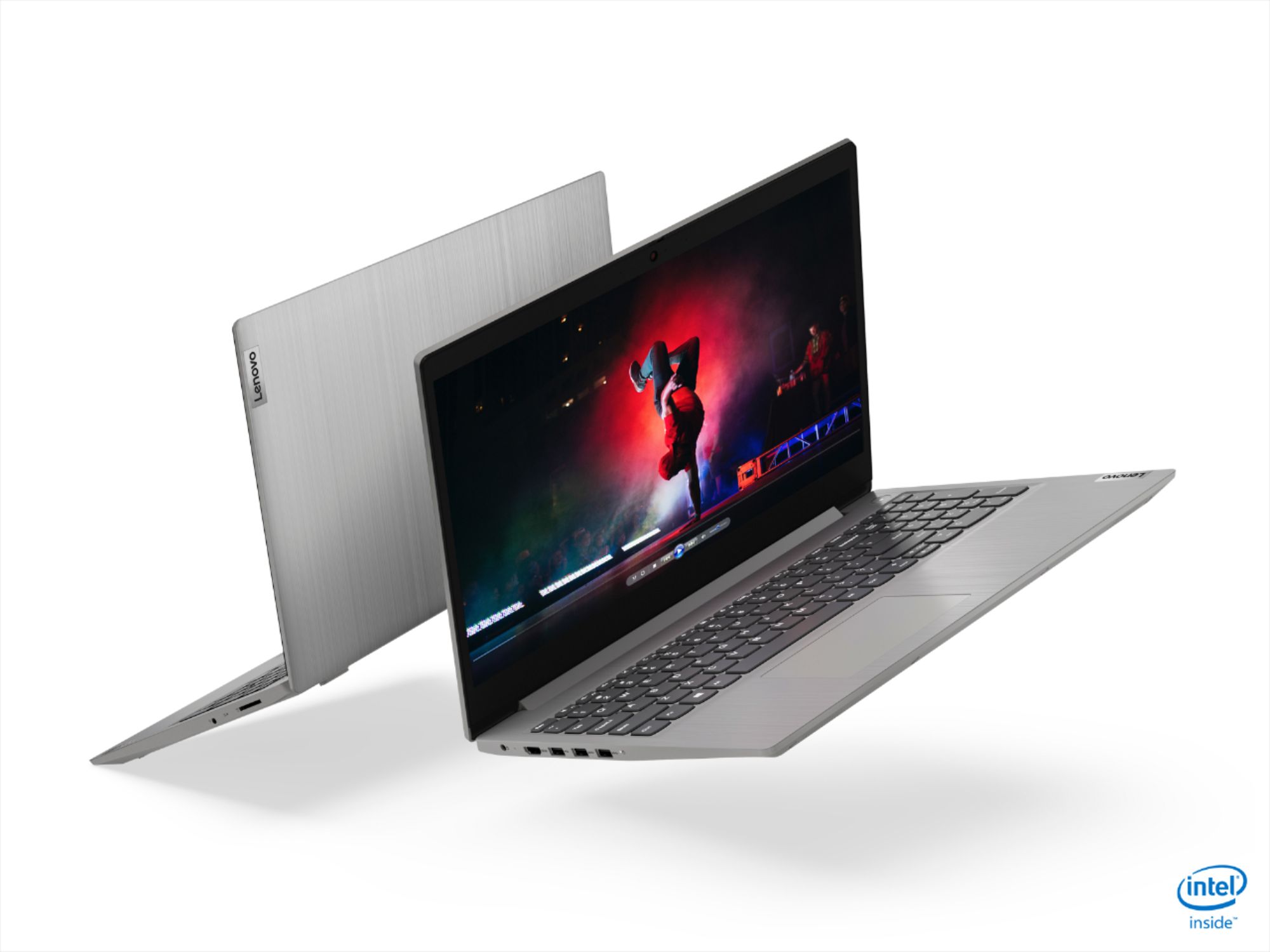
- Model:
- 81WE00NKUS
- SKU:
- 6426712
Rating by feature
- Battery Life
Rating 4.2 out of 5 stars
- Speed
Rating 4.4 out of 5 stars
- Display
Rating 4.3 out of 5 stars
Customers are saying
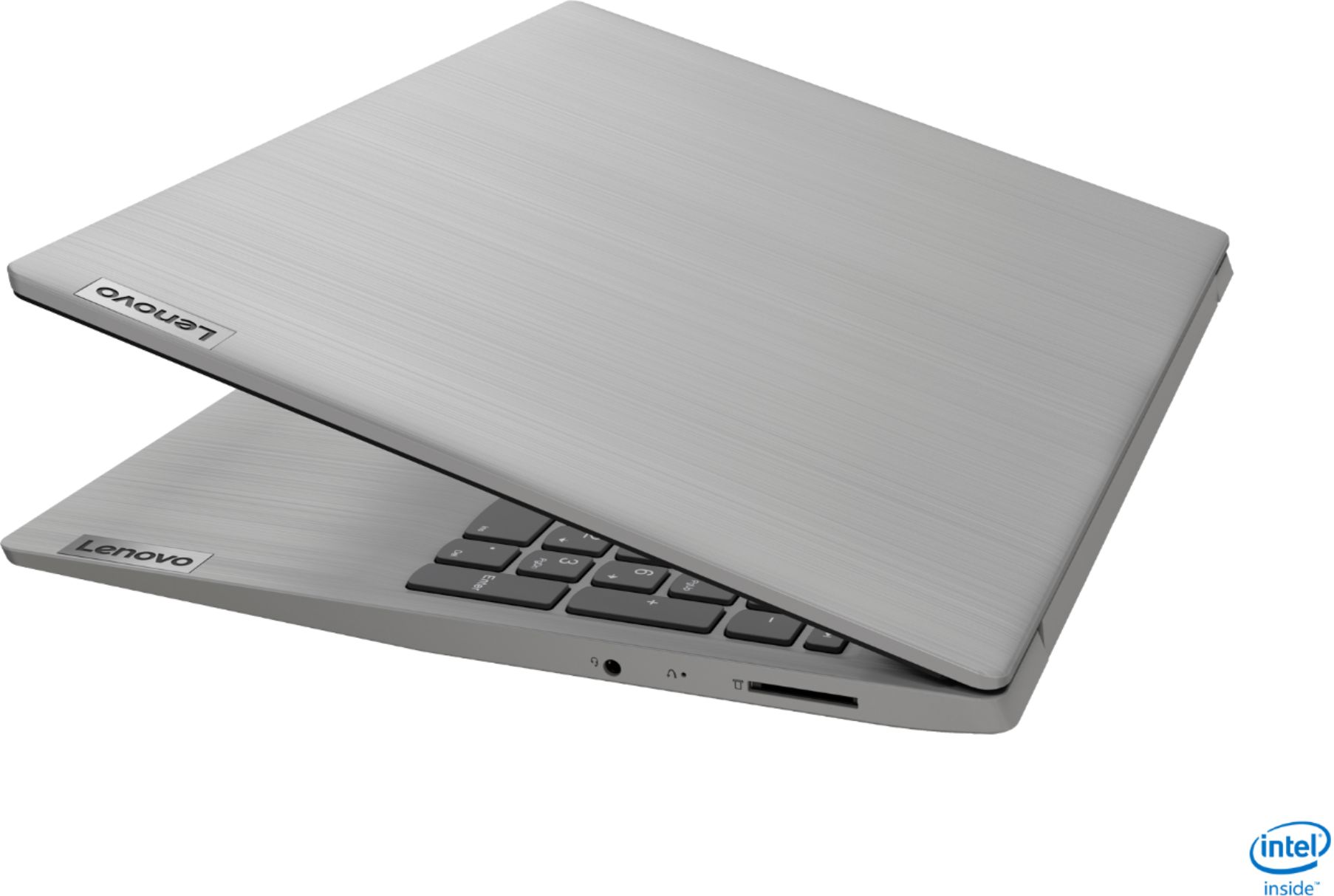
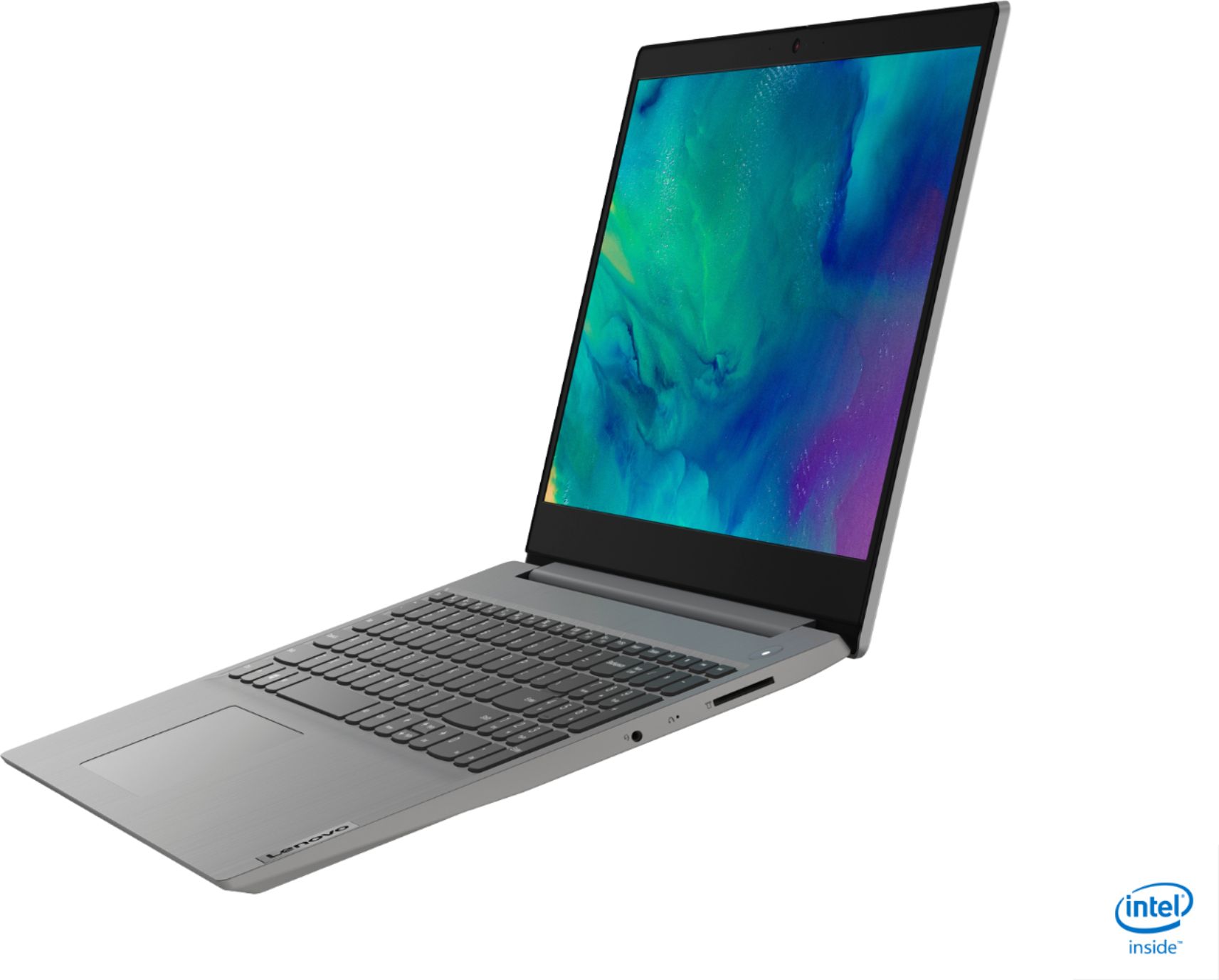
Customers often highlight the IdeaPad 3's affordability, lightweight design, and responsive touchscreen display. Many users have also praised its performance and reliability even after several years of use. However, some users have expressed concerns about its battery life, low-resolution screen, and limited storage capacity.
This summary was generated by AI based on customer reviews.
- Pros mentioned:Touch screen
Great deal for $350.
||Posted . Owned for 1 month when reviewed.This reviewer received promo considerations or sweepstakes entry for writing a review.Fast computer with the 10th generation i5 chip and 12 GB RAM. Great deal for $350. I am using two external monitors without a problem after purchasing an $18 USB-to-HDMI adapter online. This occupies one of the USB type A 3.0 ports. Touch screen is a bonus.
I would recommend this to a friend - Pros mentioned:Speed
a great team to work at home
||Posted . Owned for 3 weeks when reviewed.This reviewer received promo considerations or sweepstakes entry for writing a review.I have not been with the team for a long time, but it has been enough to write that it is a great team, it is fast, it is functional, it is practical. I have not yet experienced online games, nor have I run design programs, but I am sure it will work very well.
I would recommend this to a friend Great Laptop
||Posted . Owned for 3 weeks when reviewed.This reviewer received promo considerations or sweepstakes entry for writing a review.The Lenovo IdeaPad 3 15" is great. It is super lightweight and has a thin appearance. I think the battery life is good, no problems. The set-up was easy. I called Lenovo Cust Service and the Rep answered my questions and helped me download the user manual.
I would recommend this to a friend- Pros mentioned:Touch screen
Easy use
||Posted .This reviewer received promo considerations or sweepstakes entry for writing a review.Purchased this laptop for the simple reason of needing a new one. Representative showed me this one and it has everything I need. It is easy to use and has features such as touch screen that comes in handy when mouse is not necessary.
I would recommend this to a friend - Cons mentioned:Battery life
Excellent laptop
||Posted . Owned for 3 weeks when reviewed.This reviewer received promo considerations or sweepstakes entry for writing a review.Got it on Black Friday for 350 ! For this price this is an excellent pc. Yes the battery doesn’t last as long as I would like and screen isn’t 1080p but if your looking for a laptop with great performance and big screen without spending a lot then this it!
I would recommend this to a friend - Pros mentioned:Touch screen
Lenovo review
||Posted . Owned for 3 weeks when reviewed.This reviewer received promo considerations or sweepstakes entry for writing a review.I am just starting to use my new laptop, the keypad and touchscreen are nice. I like the graphics and the overall appearance. I am looking forward to doing my class work on this machine. This is my second Lenovo purchase, and I am happy.
I would recommend this to a friend - Pros mentioned:Touch screen
My new computer
||Posted . Owned for 3 weeks when reviewed.This reviewer received promo considerations or sweepstakes entry for writing a review.Great laptop. Just switched over from a desktop. I think this was a good purchase. Still trying to adjust to the difference. But it's the user not the computer. Love the size and the touch screen is wonderful. Just like using my phone.
I would recommend this to a friendBrand response from Lenovo Product Expert
Posted .Thank you for choosing the Lenovo IdeaPad 3 15 Laptop, model number 81WE00NKUS. We are pleased to hear that the features and performance of the IdeaPad 3 15 meets your computing needs so well.

Happy Customer
||Posted . Owned for 3 weeks when reviewed.This reviewer received promo considerations or sweepstakes entry for writing a review.It was delivered a week ahead of schedule which was so fun for us. This is my first laptop. It is so easy to use. A great value fire the price. Best Buy is a name you can trust to stand behind the products they sell. They want their customers to be happy.
I would recommend this to a friendBrand response from Lenovo Product Expert
Posted .Thank you for choosing the Lenovo IdeaPad 3 15 Laptop, model number 81WE00NKUS. We are pleased to hear that the IdeaPad 3 15 meets your computing needs so well.
- Cons mentioned:Battery life
Display is mediocre
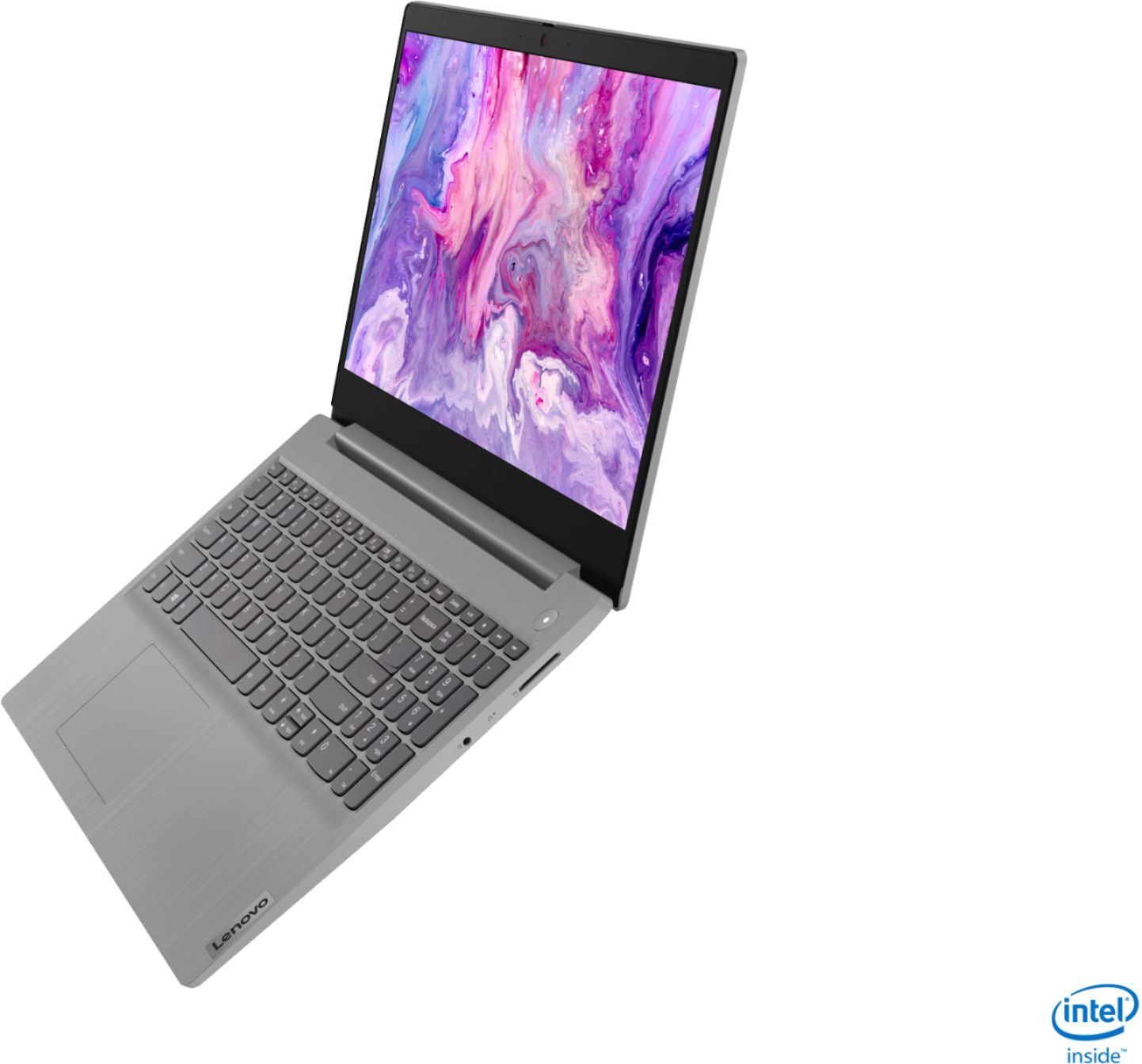
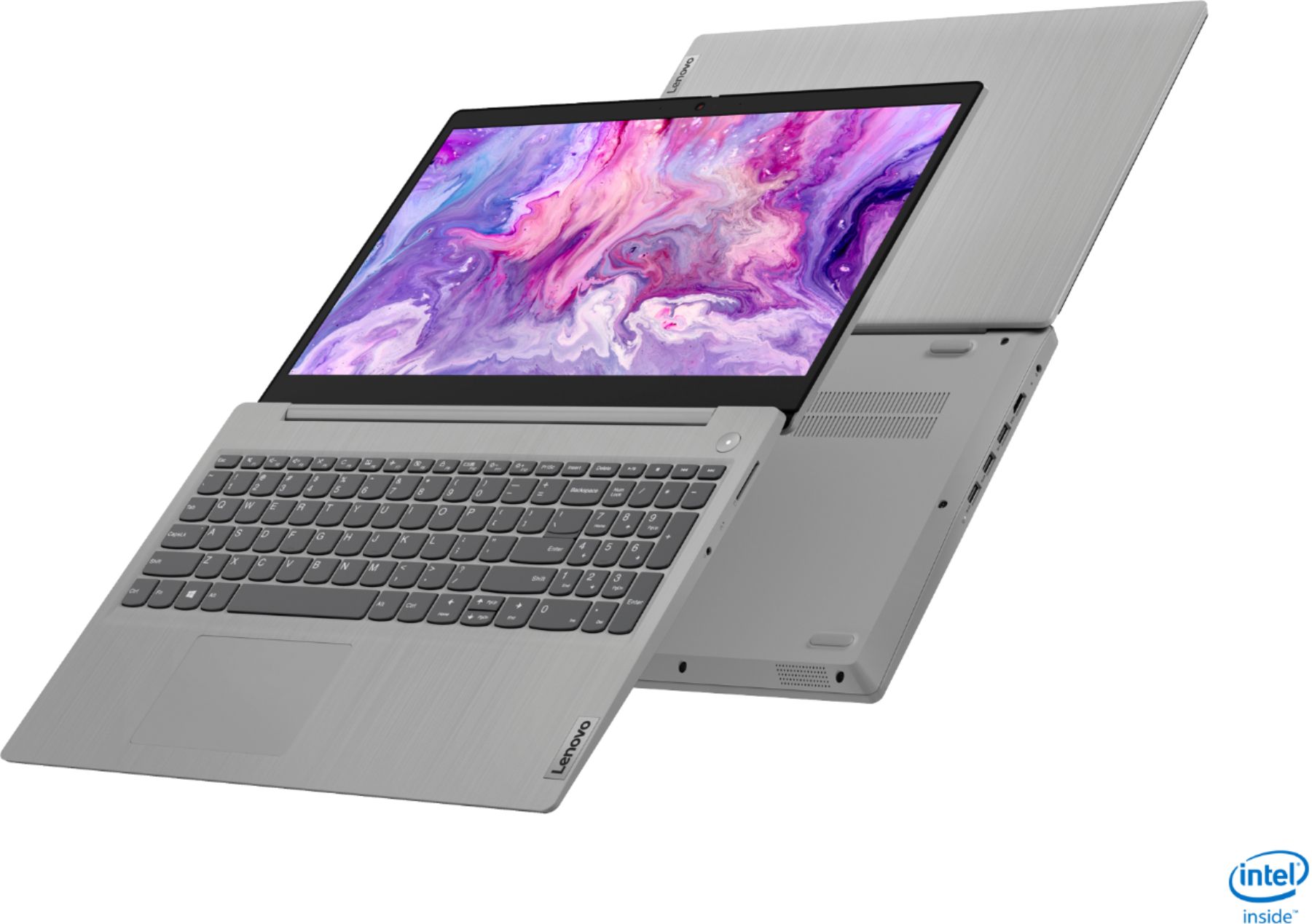
||Posted . Owned for 3 weeks when reviewed.This reviewer received promo considerations or sweepstakes entry for writing a review.This is a speedy, relatively light laptop. It is nice that it opens 180 degrees to lay flat. The touch screen is a plus. The worst thing is the display, which seems fuzzy. Looking close shows individual pixels and jagged edges on curved lines or letters. Viewing angles could be better too. The laptop comes running Windows 10 Home in S mode, which is a joke limited operating system. Fortunately, it was easy to switch to regular Windows 10 Home. Battery life for me is about 2.5 hours, not even close to the specified 7.5 hours.
I would recommend this to a friendBrand response from Lenovo Product Expert
Posted .The Lenovo IdeaPad 3 15 Laptop, model number 81WE00NKUS, ships with a 15.6-Inch (screen size measured diagonally) TN, LCD w/LED Backlight (Anti-glare) screen, with a resolution of 1366 X 768 (HD) and a brightness level of 220 nits. This model ships with a 2CELL_35WH_INTERNAL, Lithium Polymer Battery, with a battery life of up to 7 hours, depending on the work the device is performing. If you are getting substantially less battery life, First, set your screen brightness at less than 100-percent - try 80-percent to start with. Then, be sure Battery conservation Mode is turned off. This power management setting should only be used when the laptop is plugged in all the time. It will prolong overall battery life by only charging the battery to 60-percent of capacity. Here is a link to instructions for turning off Battery Conservation Mode: https://support.lenovo.com/us/en/solutions/ht103159. Also check what programs are running in the background on the computer. Be sure only the programs you want running in the background are. These programs will drain the battery. Here is a link to information about how to find out what programs are running in the background on your Windows 10 computer and how to manage them for better system performance: https://www.windowscentral.com/how-prevent-apps-running-background-windows-10. Then, finally, be sure any software you installed is compatible with Windows 10. Incompatible software will drain the battery at a faster rate. There is no need to install Microsoft Office software. The software is already part of the operating system, you just need to activate the software with a purchased product key. If you have installed a copy of Microsoft Office, this is conflicting with the existing copy on the system and this will slow your system down. If you have installed a 3rd party anti-virus program, be sure that Windows Defender is turned off and that the trial version of McAfee Anti-Virus software is uninstalled. There can only be one anti-virus program on the system. You may need to restore your system to original factory default settings if any of the programming errors have occurred. You can do that by typing "restore" in the Cortana search window. Just click on the magnifying glass icon at the bottom left of your Windows 10 Desktop. Click on "Reset This PC" Then click on "Get Started" and follow the on screen directions to restore to factory defaults. If the problem persists, we recommend you contact Lenovo Tech Support at: 877-453-6686.
- Pros mentioned:Speed
Easy transition from much older laptop
||Posted . Owned for 3 weeks when reviewed.This reviewer received promo considerations or sweepstakes entry for writing a review.I am transitioning from a very old Windows XP laptop and an iPad to this Win 10 Lenovo with a touch screen and keyboard. Very pleased with the speed and functionality of the Lenovo. It’s quite intuitive with a whole bunch of new and useful features
I would recommend this to a friend - Pros mentioned:Price
Desktop to laptop Great Performance
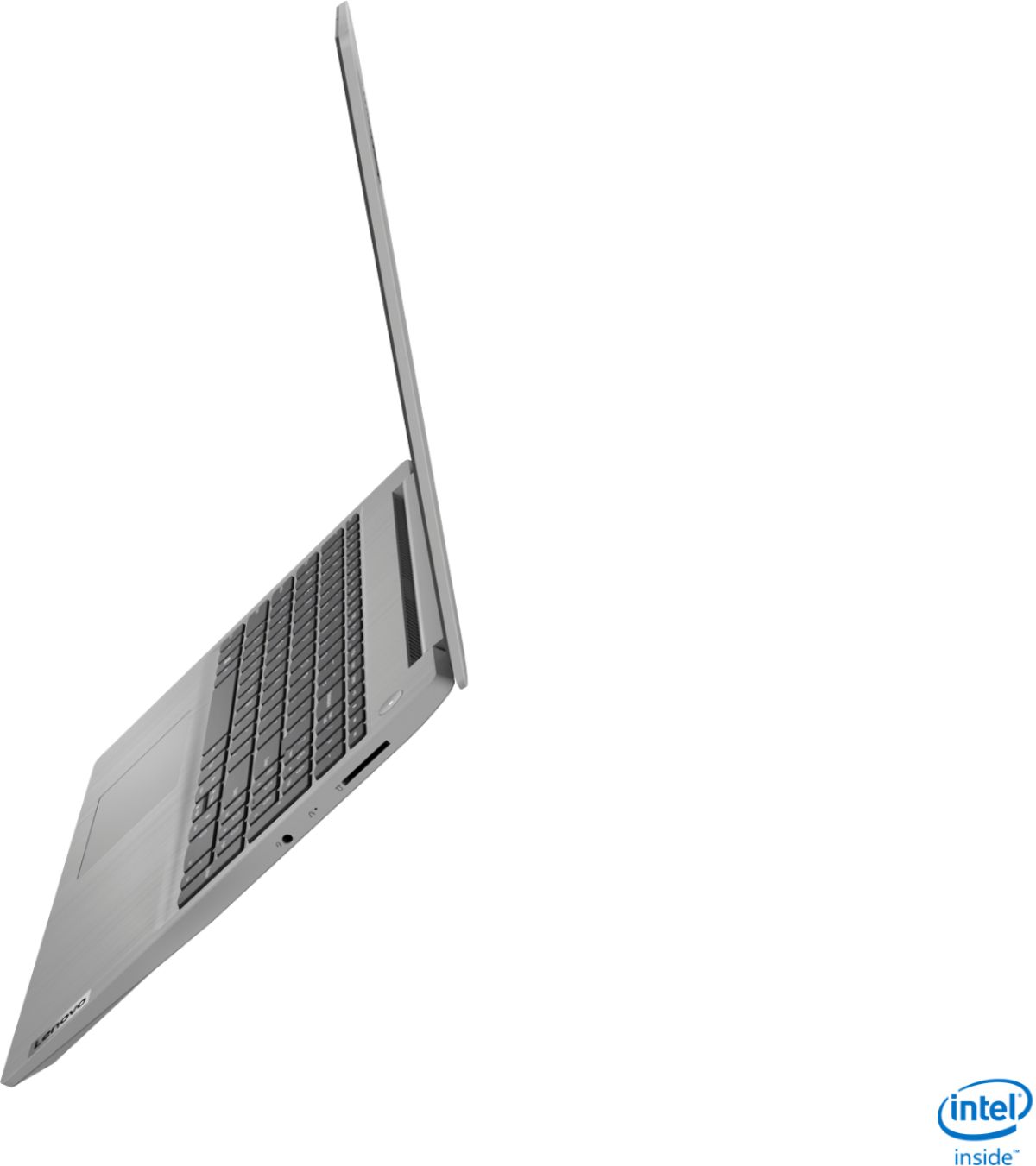
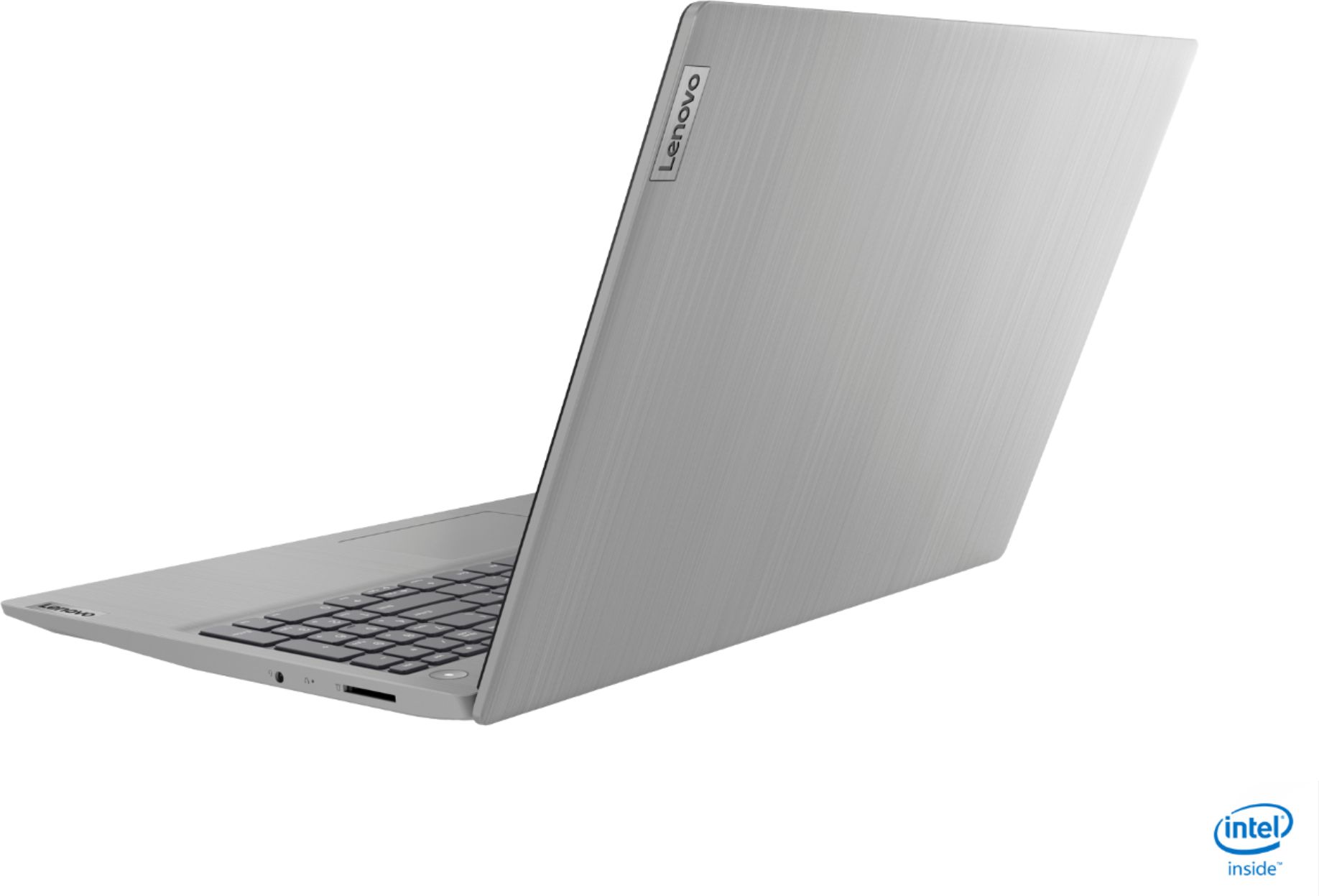
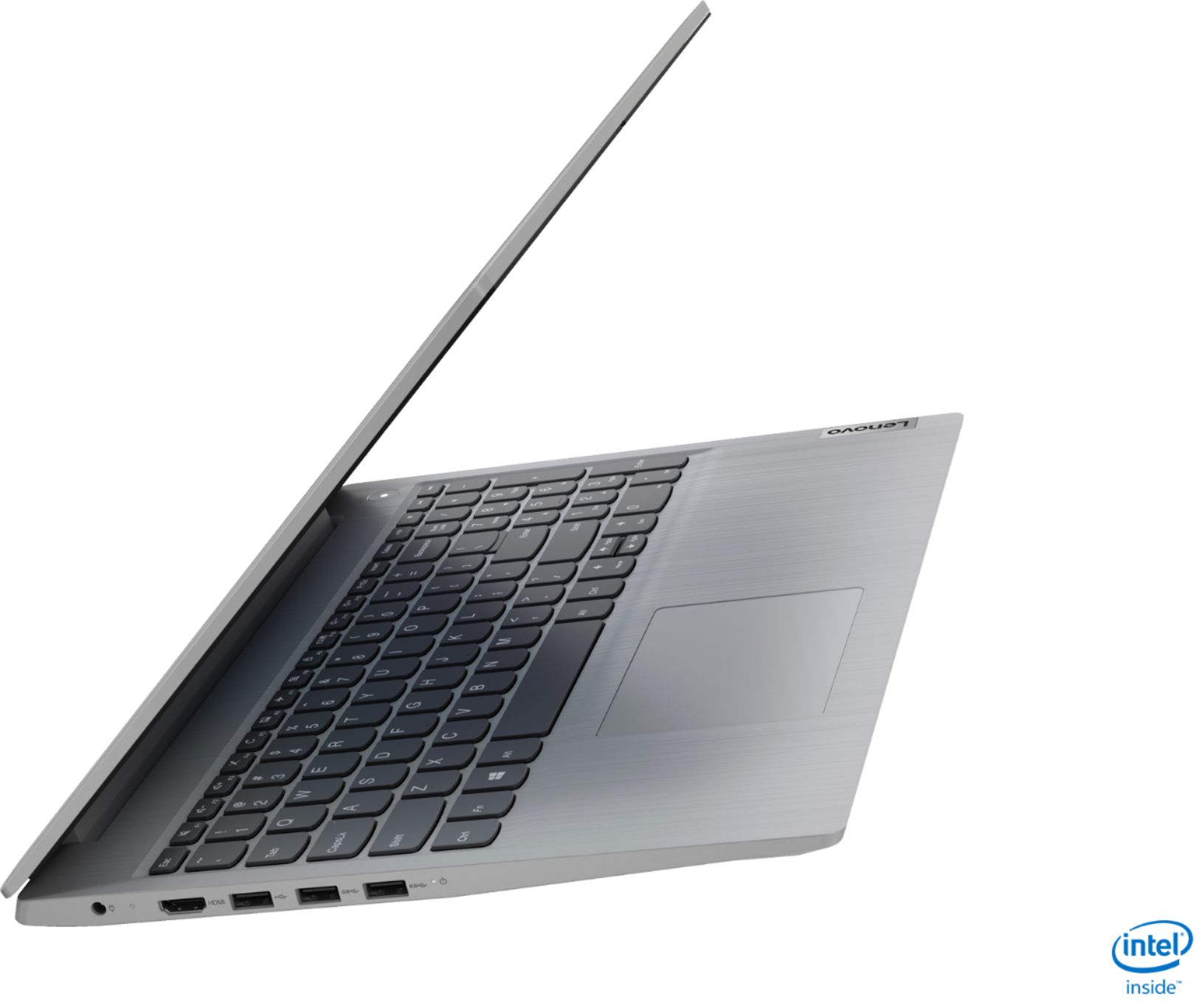
||Posted . Owned for 3 weeks when reviewed.This reviewer received promo considerations or sweepstakes entry for writing a review.What you get for the price is good performance and decent quality. The only thing I wish it had is a usb-C port. I went from an old I5 desktop to this laptop but I am still using my 27" display via the hdmi port. The speed difference is impressive. .
I would recommend this to a friend - Pros mentioned:Touch screen
Really good laptop
||Posted . Owned for 1 month when reviewed.This reviewer received promo considerations or sweepstakes entry for writing a review.So far I have been extremely happy with this laptop The touchscreen is awesome. I've only been using it as a backup for my business but I haven't had any problems. I ended up getting a bundle deal with this and a printer that both turned out great.
I would recommend this to a friendBrand response from Lenovo Product Expert
Posted .Thank you for choosing the Lenovo IdeaPad 3 15 Laptop, model number 81WE00NKUS. We are pleased to hear that the IdeaPad 3 15 meets your computing needs so well.
- Cons mentioned:Battery life
Lenovo IdeaPad
||Posted . Owned for 1 month when reviewed.This reviewer received promo considerations or sweepstakes entry for writing a review.This device is easy to use, highly functional, lightweight, fast and efficient. Would definitely recommend. The sound is loud and the only downside is the battery could last a bit longer. But the good thing is it charges fast so that makes up for it.
I would recommend this to a friendBrand response from Lenovo Product Expert
Posted .Thank you for choosing the Lenovo IdeaPad 3 15 Laptop, model number 81WE00NKUS. This model ships with a 2CELL_35WH_INTERNAL, Lithium Polymer Battery, with a battery life of up to 7 hours, depending on the work the device is performing. If you are getting substantially less battery life, First, set your screen brightness at less than 100-percent - try 80-percent to start with. Then, be sure Battery conservation Mode is turned off. This power management setting should only be used when the laptop is plugged in all the time. It will prolong overall battery life by only charging the battery to 60-percent of capacity. Here is a link to instructions for turning off Battery Conservation Mode: https://support.lenovo.com/us/en/solutions/ht103159. Also check what programs are running in the background on the computer. Be sure only the programs you want running in the background are. These programs will drain the battery. Here is a link to information about how to find out what programs are running in the background on your Windows 10 computer and how to manage them for better system performance: https://www.windowscentral.com/how-prevent-apps-running-background-windows-10. Then, finally, be sure any software you installed is compatible with Windows 10. Incompatible software will drain the battery at a faster rate. There is no need to install Microsoft Office software. The software is already part of the operating system, you just need to activate the software with a purchased product key. If you have installed a copy of Microsoft Office, this is conflicting with the existing copy on the system and this will slow your system down. If you have installed a 3rd party anti-virus program, be sure that Windows Defender is turned off and that the trial version of McAfee Anti-Virus software is uninstalled. There can only be one anti-virus program on the system. You may need to restore your system to original factory default settings if any of the programming errors have occurred. You can do that by typing "restore" in the Cortana search window. Just click on the magnifying glass icon at the bottom left of your Windows 10 Desktop. Click on "Reset This PC" Then click on "Get Started" and follow the on screen directions to restore to factory defaults. If the problem persists, we recommend you contact Lenovo Tech Support at: 877-453-6686.
- Pros mentioned:Price
Nice quality Laptop
||Posted . Owned for 4 months when reviewed.This reviewer received promo considerations or sweepstakes entry for writing a review.This is a very nice laptop for the price. With everyone working from home and home schooling, I was quite shocked at the prices and availability of reasonable laptops. I only use it for email and surfing the web, but it works great for me.
I would recommend this to a friend Multiple Use Laptop
||Posted .This reviewer received promo considerations or sweepstakes entry for writing a review.Really easy to use and great for work / studying. Bonus that it also functions as a gaming laptop with 12gb of ram, my computer is lighting fast and plays seamlessly on apps like epic games or stream. The price is also very cost effective as well.
I would recommend this to a friendBrand response from Lenovo Product Expert
Posted .Thank you for choosing the Lenovo IdeaPad 3 15 Laptop, model number 81WE00NKUS. We are pleased to hear that the value and performance of the IdeaPad 3 15 meets your computing needs so well.
- Pros mentioned:Touch screen
Mrs.
||Posted . Owned for 1 month when reviewed.This reviewer received promo considerations or sweepstakes entry for writing a review.It’s all that it says be. Great picture n clarity. Easy touch screen which is a good plus. The size is perfect. But easy enough to travel with. The keys r the right touch also. The shut is easy access. Too .the access of downloading is easy.
I would recommend this to a friendBrand response from Lenovo Product Expert
Posted .Hello. Thank you for choosing the Lenovo IdeaPad 3 laptop. We are pleased to hear that the value and performance of the IdeaPad 3 meets your computing needs so well!
- Pros mentioned:Weight
great, simple laptop
||Posted . Owned for 4 months when reviewed.This reviewer received promo considerations or sweepstakes entry for writing a review.bought this laptop for my mom. it's the first laptop she's actually liked in nearly a decade. great for simple computer use (streaming video/movies, office work, internet searches, photo storage). perfect speed. good screen. so light!
I would recommend this to a friend - Pros mentioned:Speed
Good product
||Posted . Owned for 1 month when reviewed.This reviewer received promo considerations or sweepstakes entry for writing a review.This product is really good, it goes fast and has a smooth development. I absolutely recommend it for people that needs a laptop to work easily in your day to day life. Battery is pretty good too. It comes with Alexa which give you peace of mine.
I would recommend this to a friend - Pros mentioned:Touch screen
Nice computer, good features.
||Posted . Owned for 3 weeks when reviewed.This reviewer received promo considerations or sweepstakes entry for writing a review.Nice computer for the price- SSD with enough ram to make it very speedy. Good sized touch screen is handy too! Perfect to grow with my kid's school work. I got an open box deal which is a really nice benefit at Best Buy - hard to go wrong!
I would recommend this to a friendBrand response from Lenovo Product Expert
Posted .Thank you for choosing the Lenovo IdeaPad 3 15 Laptop, model number 81WE00NKUS. We are pleased to hear that the value and performance of the IdeaPad 3 15 meets your computing needs so well.
- Pros mentioned:Touch screen
Great laptop
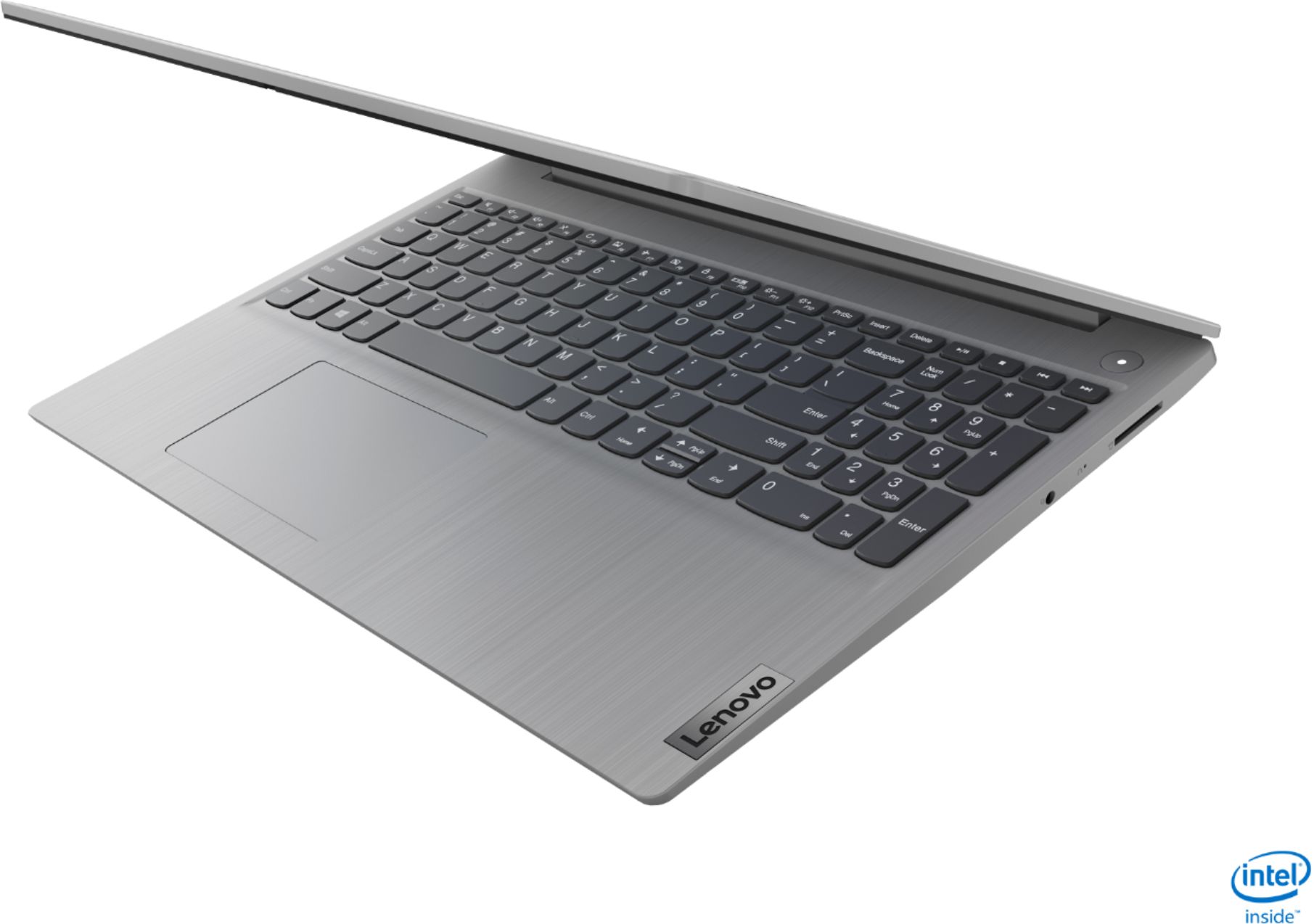
||Posted . Owned for 1 month when reviewed.This reviewer received promo considerations or sweepstakes entry for writing a review.Bought this as a Birthday gift for my wife. She loves it. She uses it for for regular use and also when she decides to work from home. She likes the fact that it has 10 key and also the touch screen. She would recommend this computer to anyone.
I would recommend this to a friendBrand response from Lenovo Product Expert
Posted .Thank you for choosing the Lenovo IdeaPad 3 15 Laptop, model number 81WE00NKUS, for your wife. We are pleased to hear that the features and performance of the IdeaPad 3 15 meets your wife's computing needs so well.