Customer Ratings & Reviews

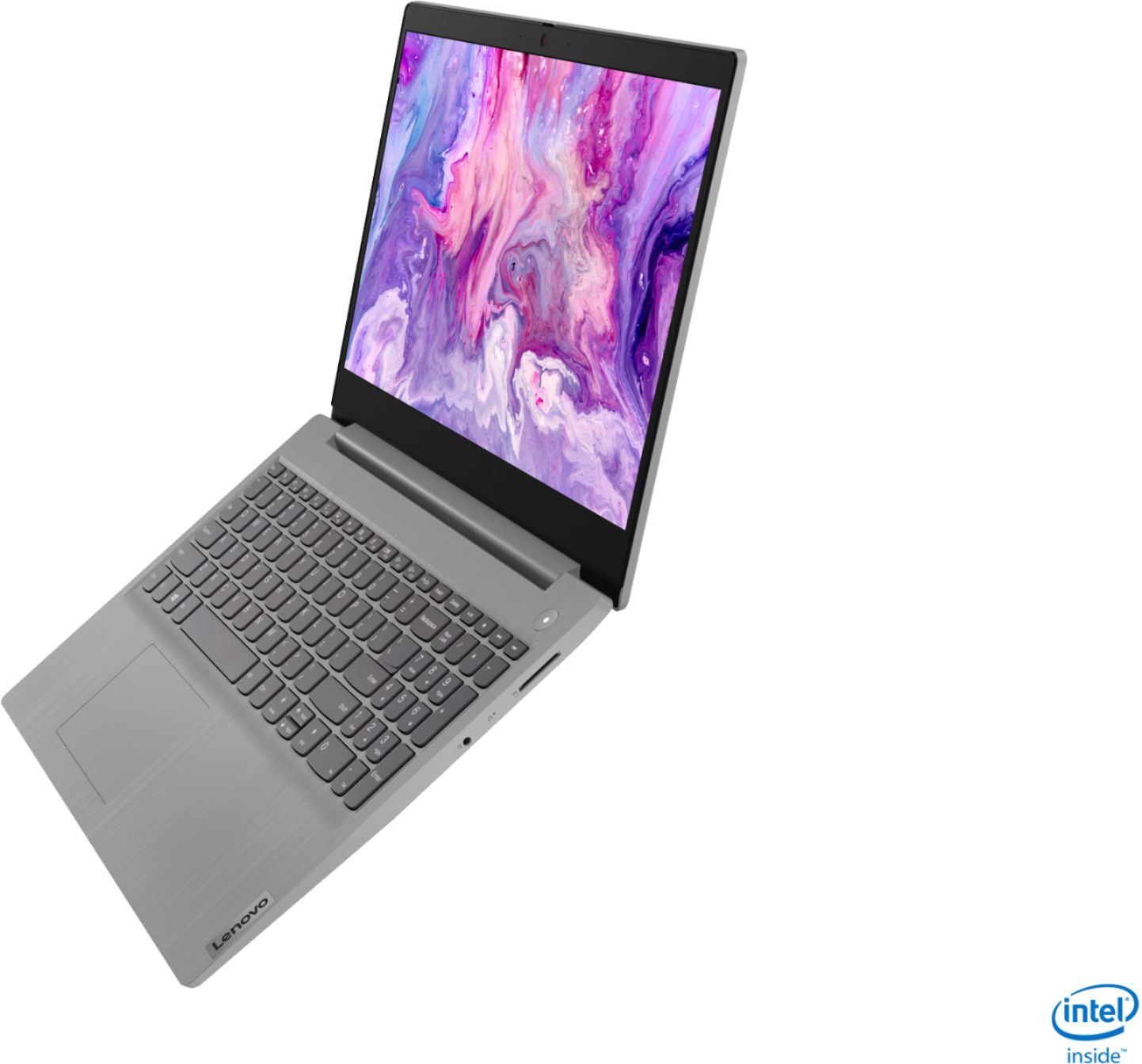
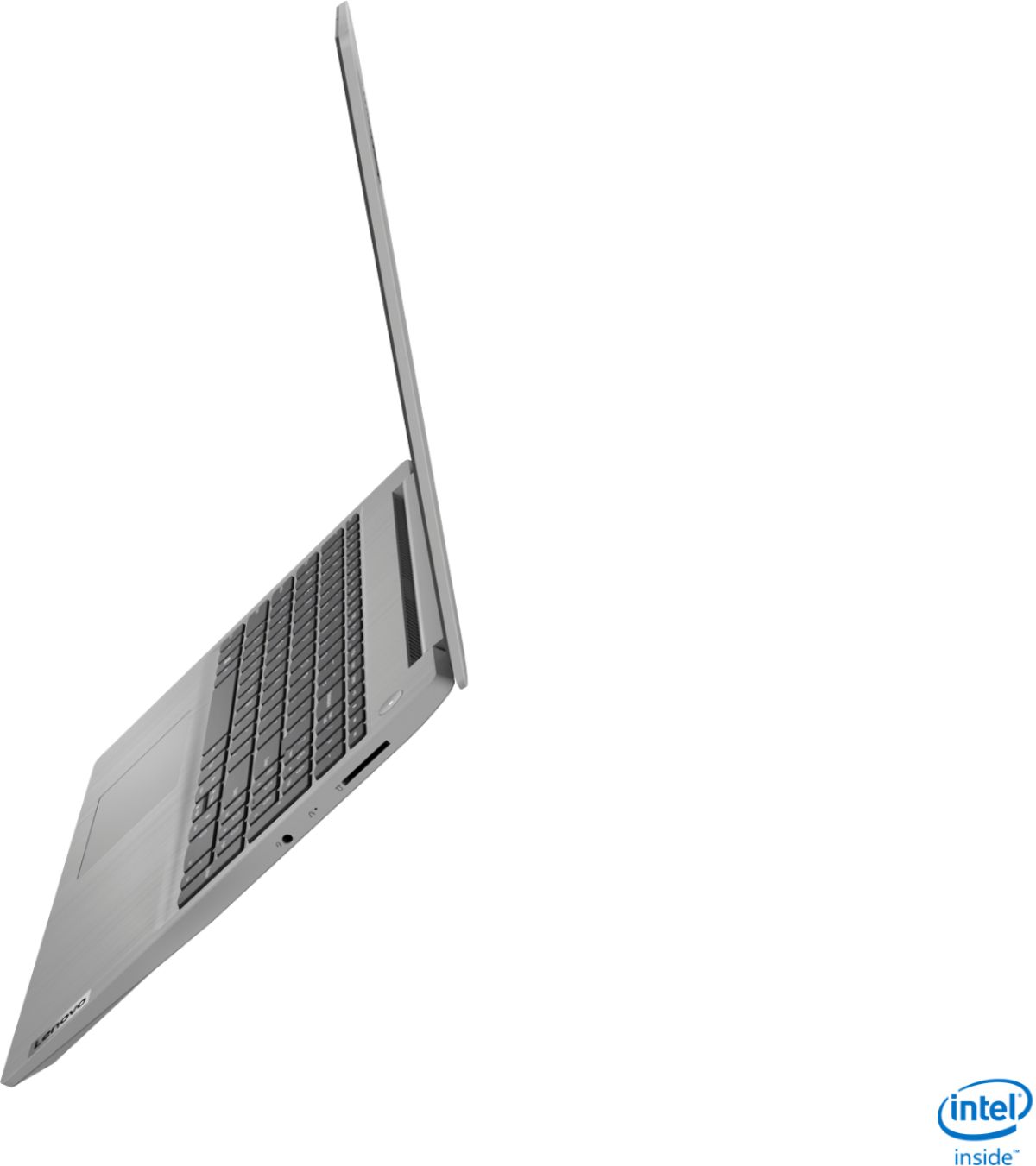
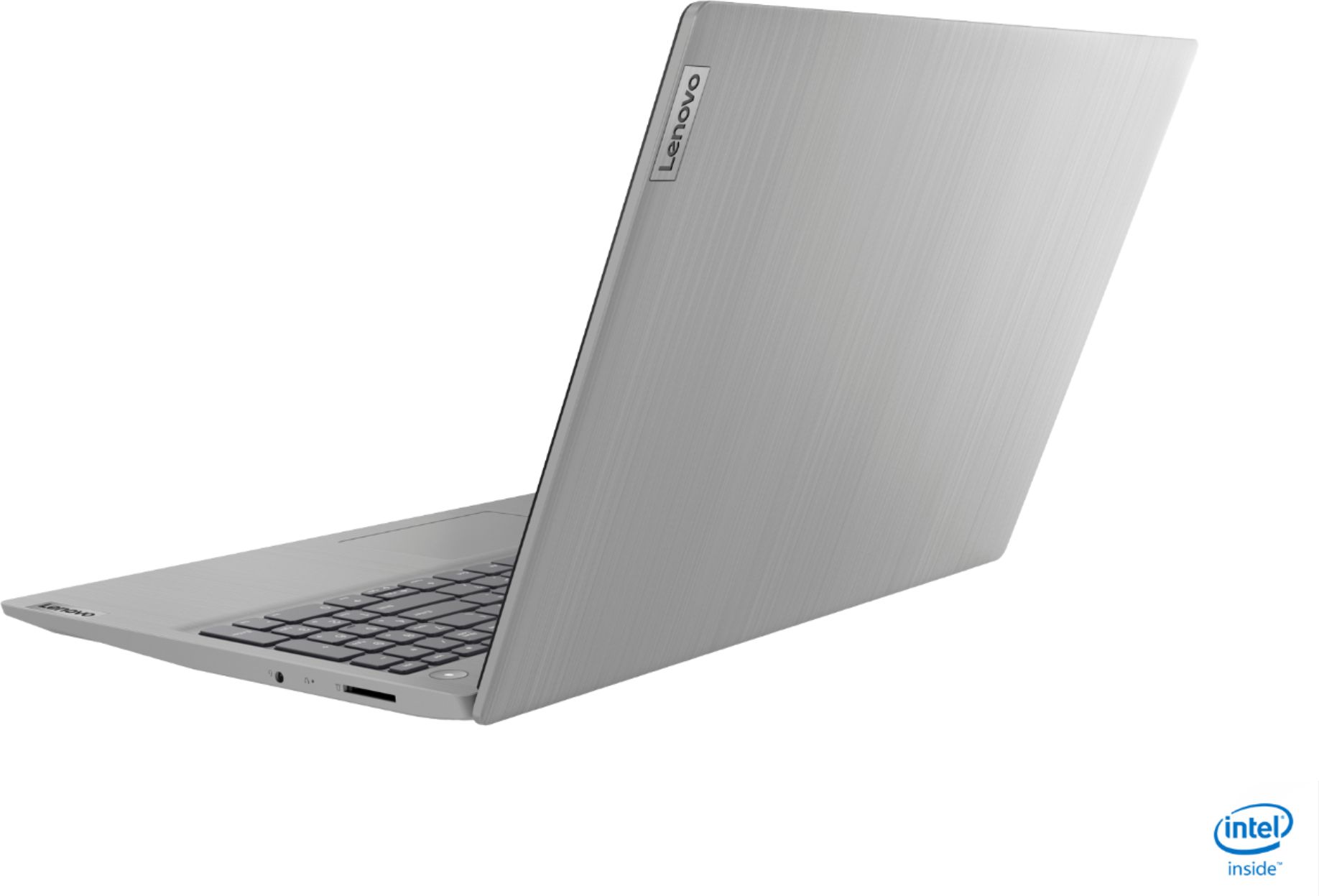
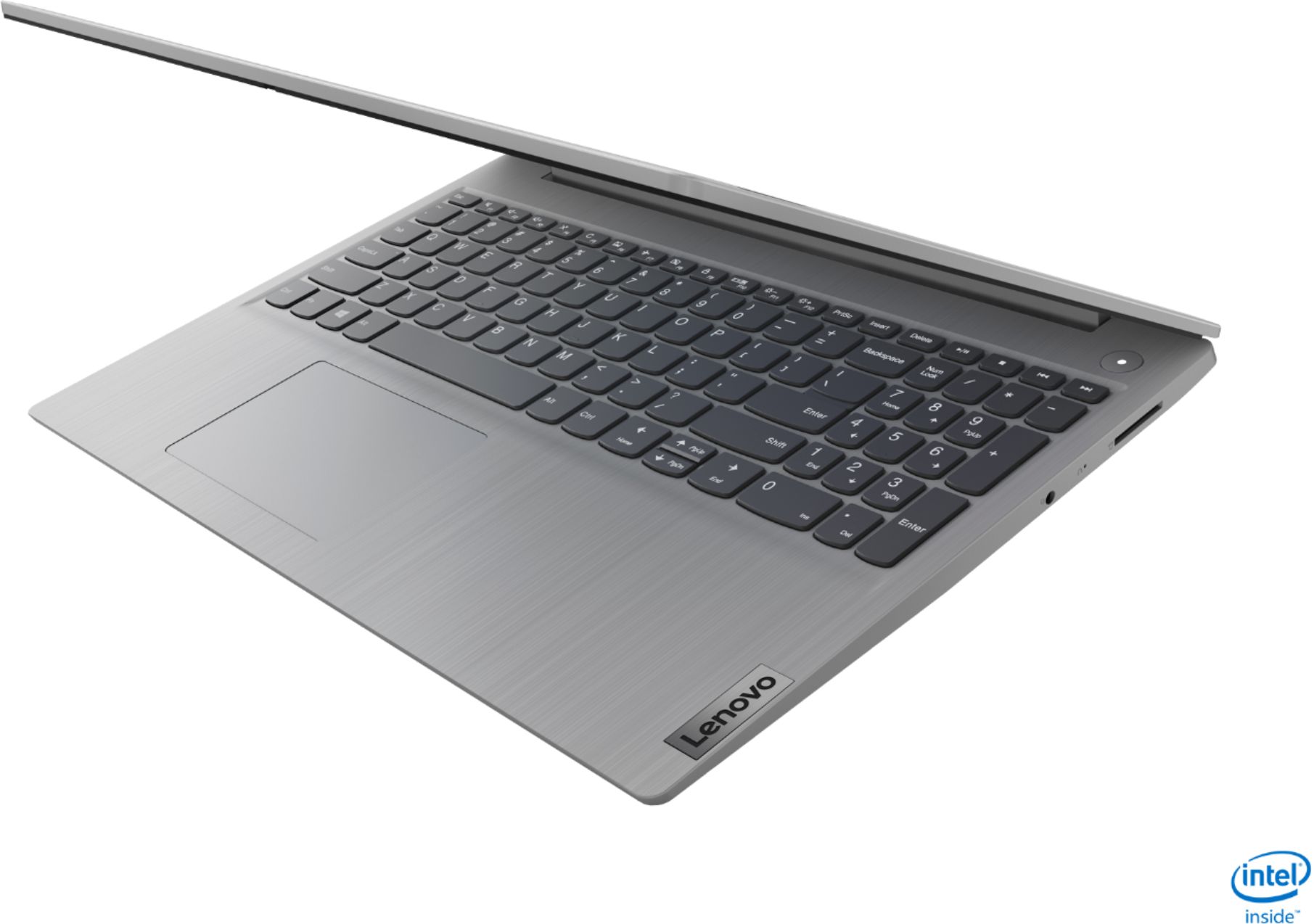
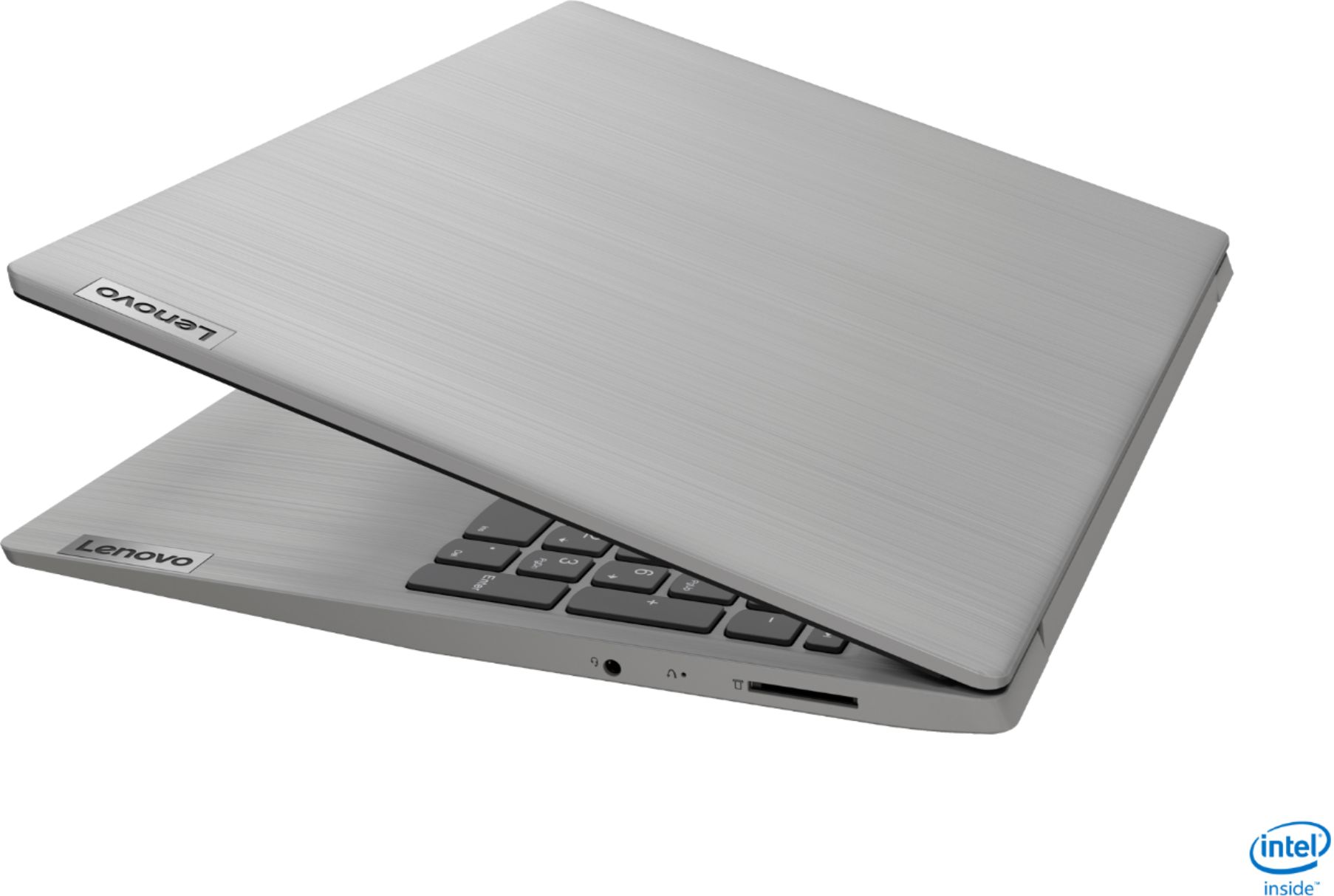
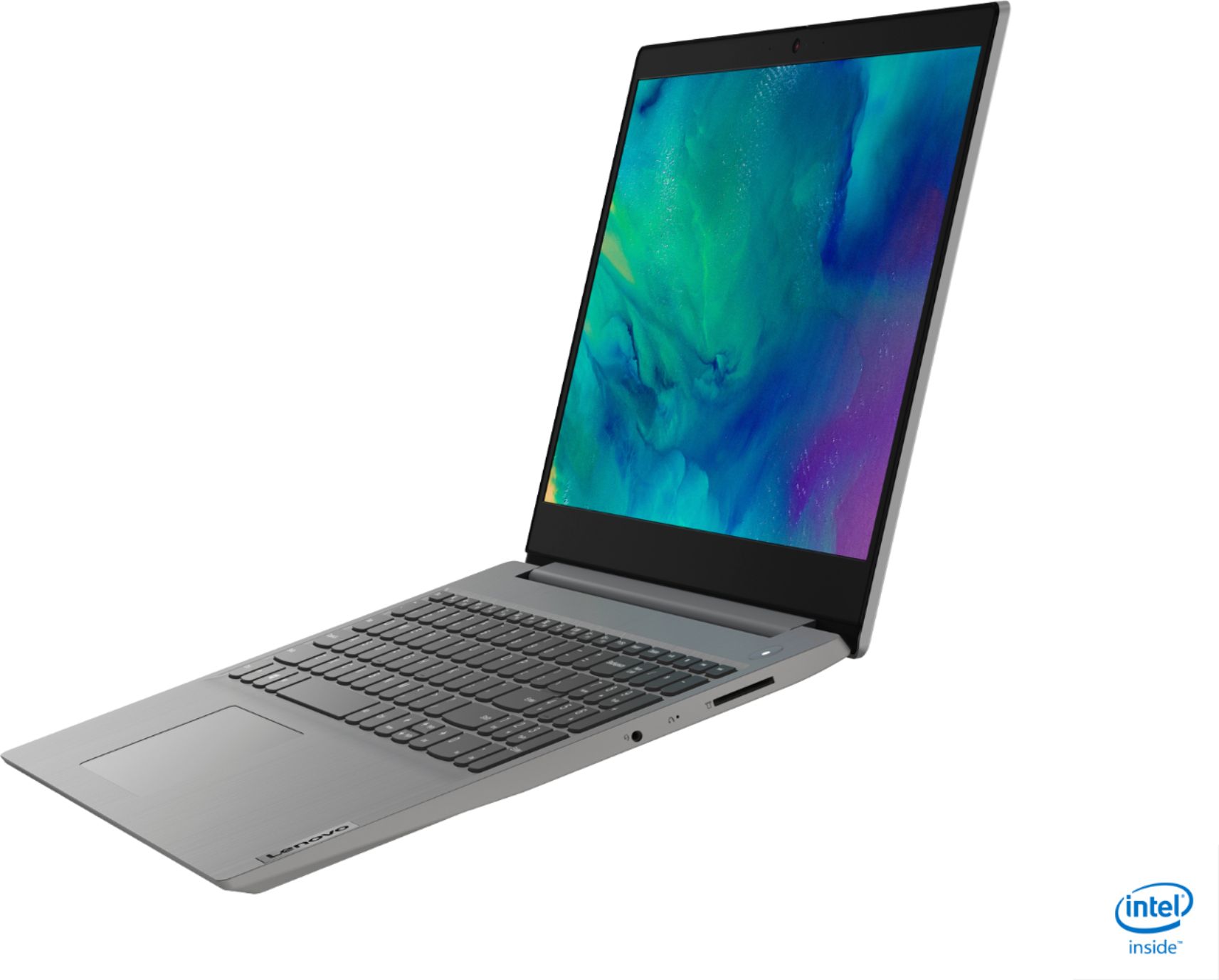
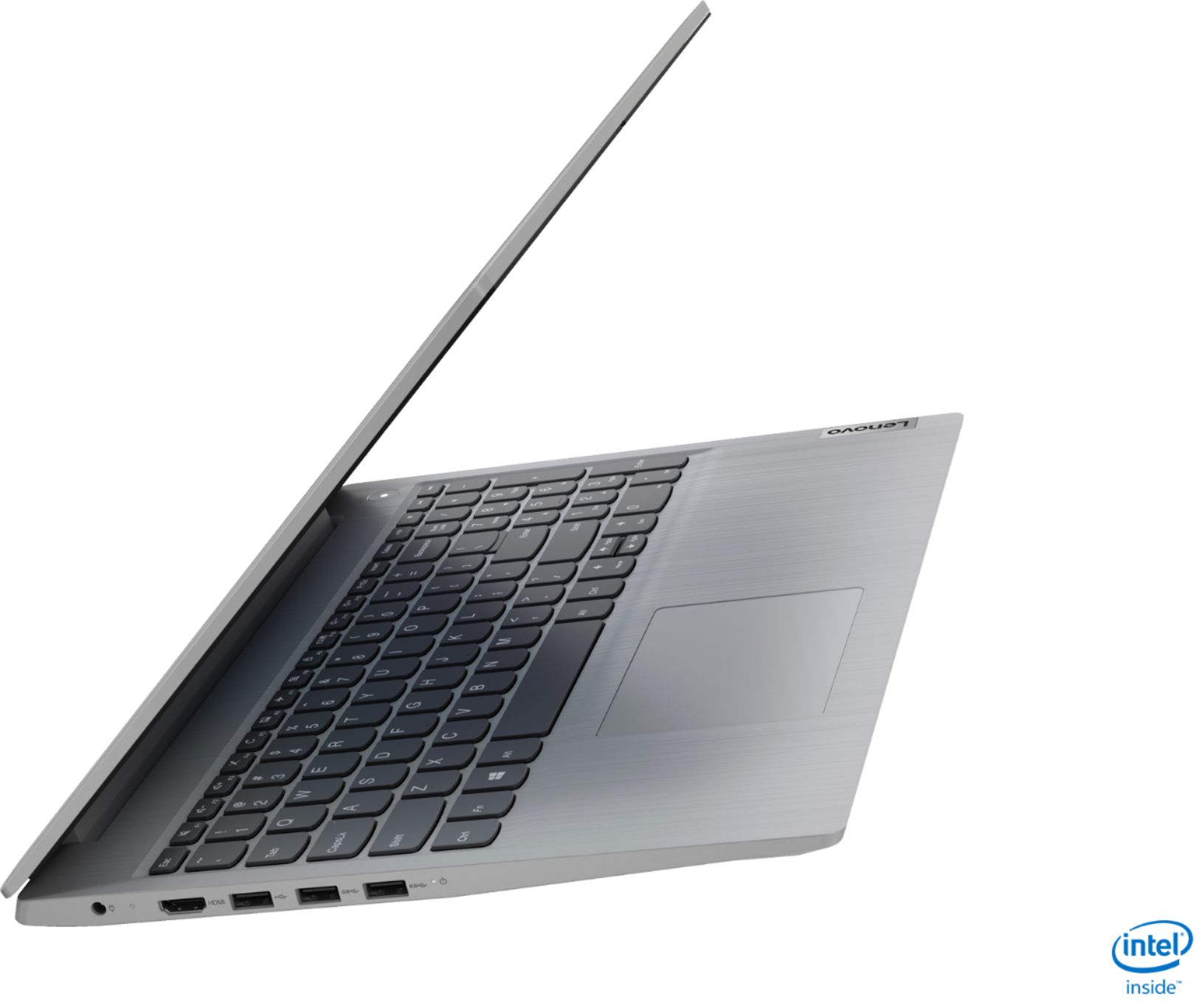
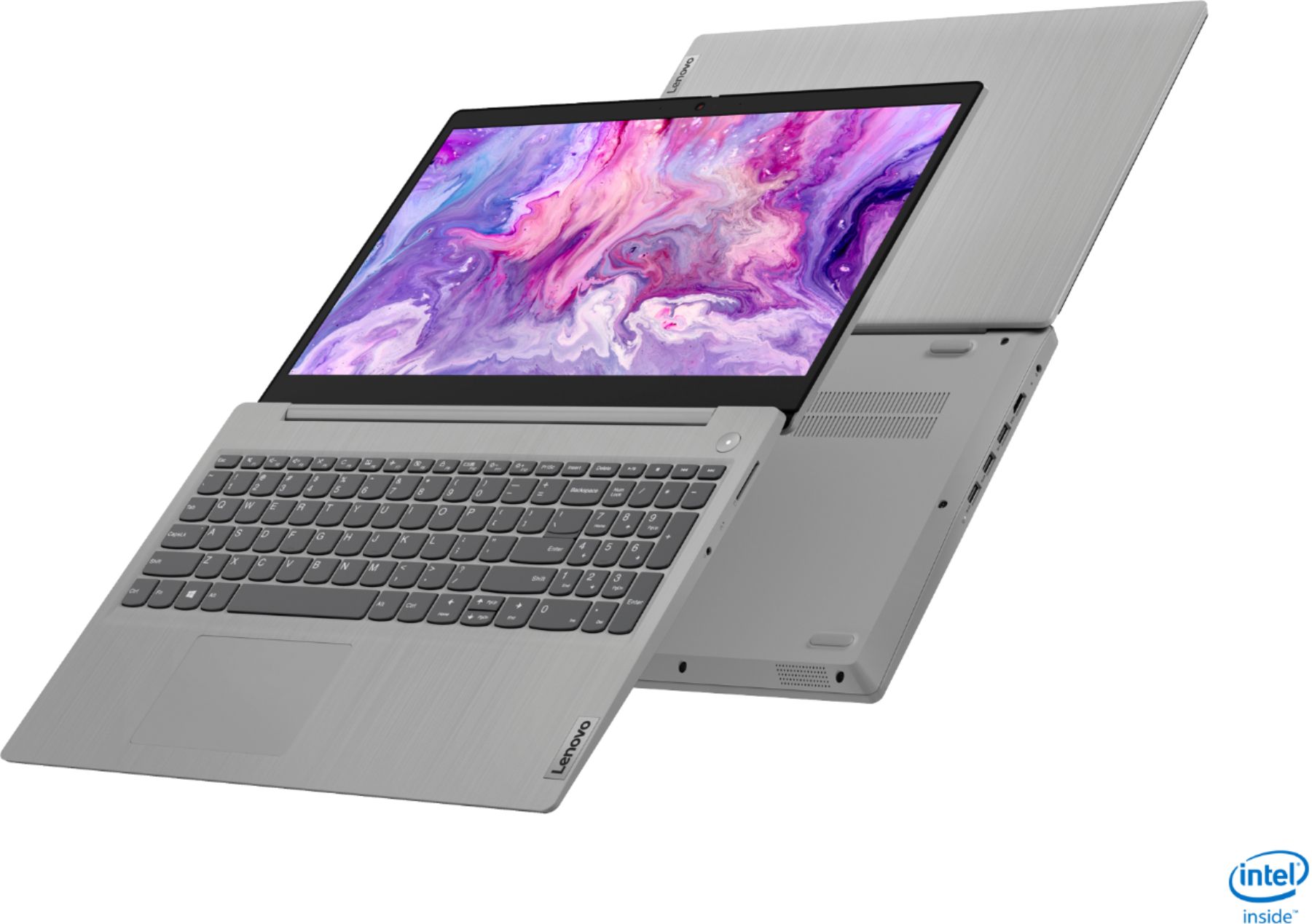
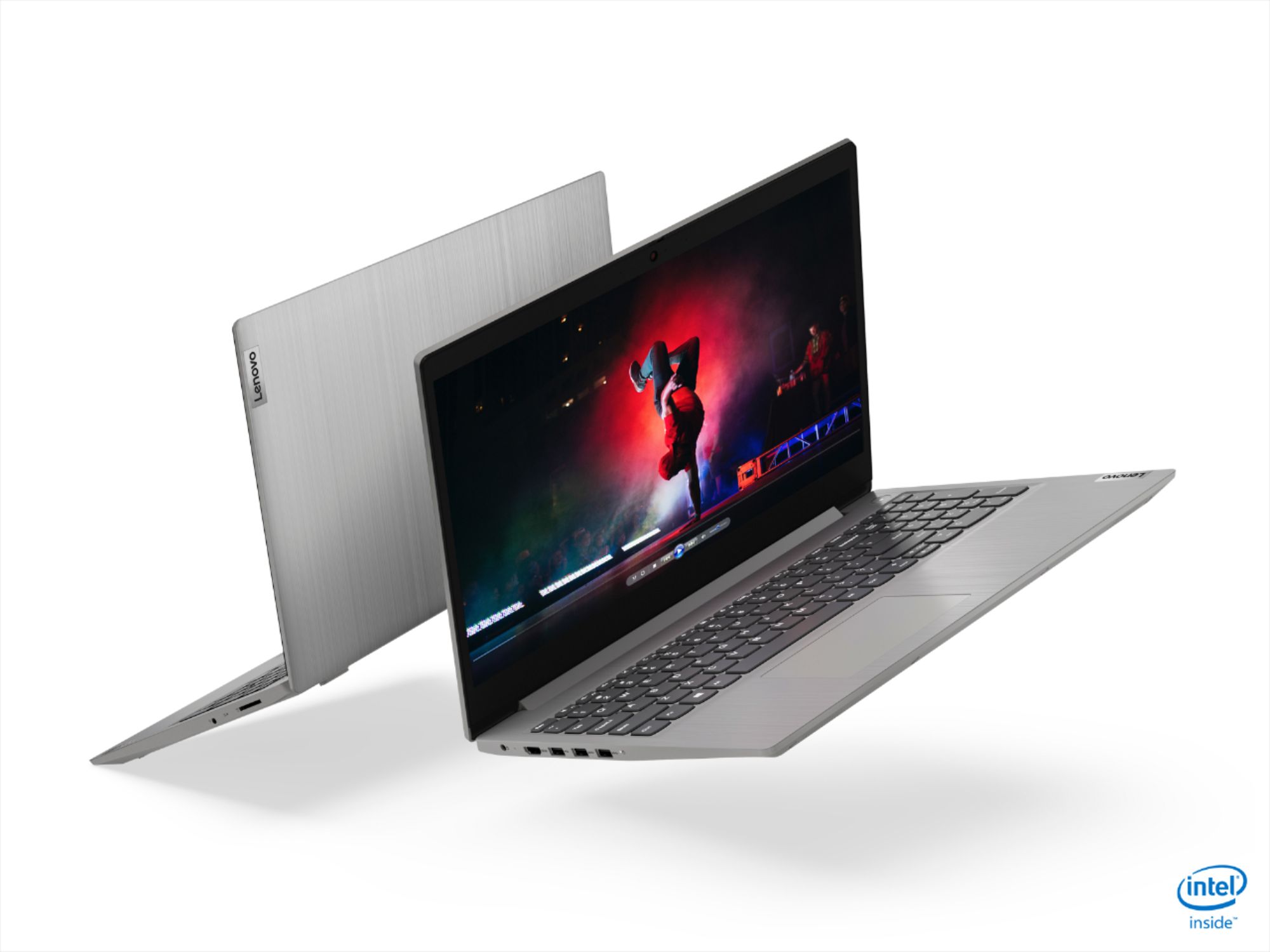
- Model:
- 81WE00NKUS
- SKU:
- 6426712
Rating by feature
- Battery Life
Rating 4.2 out of 5 stars
- Speed
Rating 4.4 out of 5 stars
- Display
Rating 4.3 out of 5 stars
Customers are saying
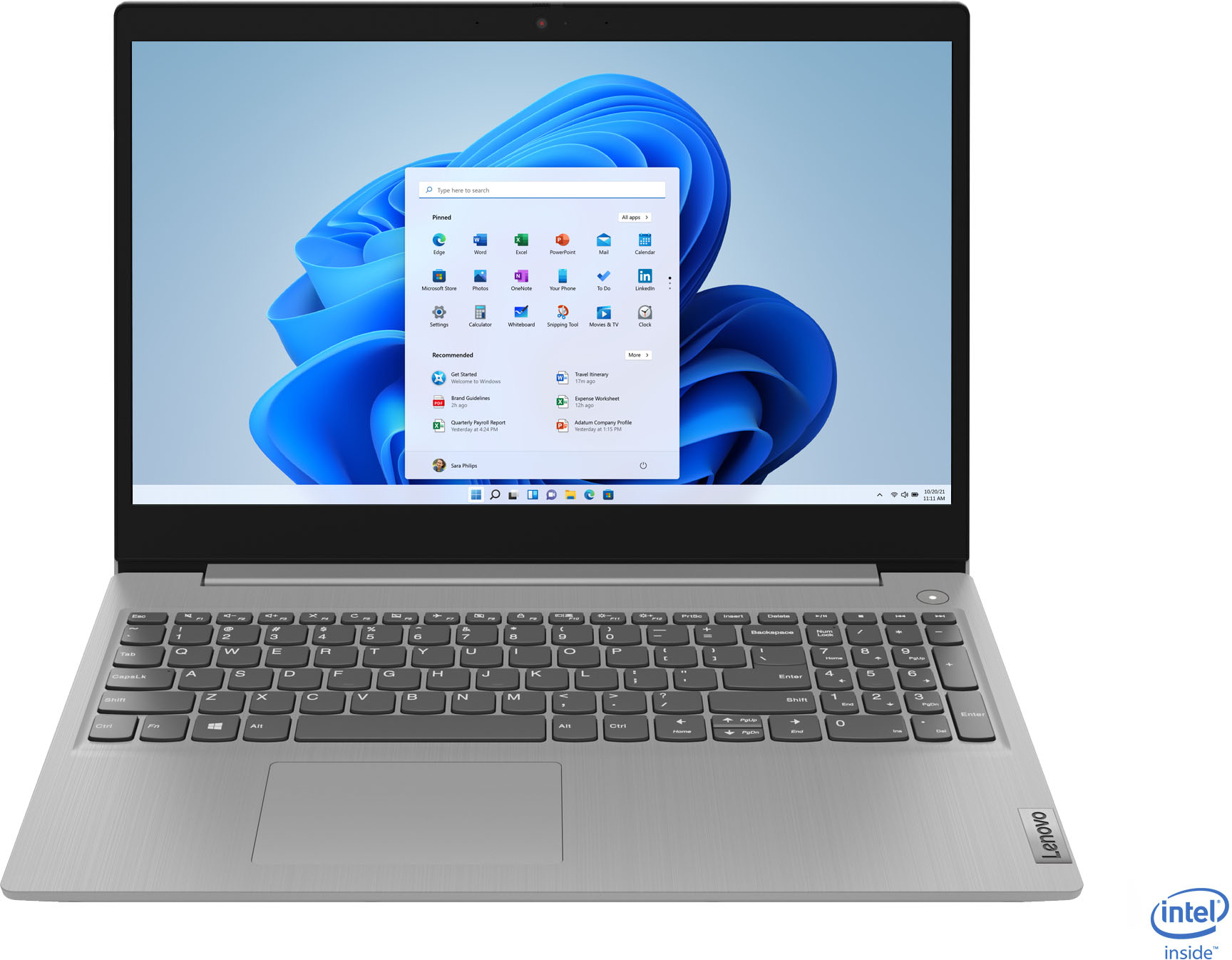
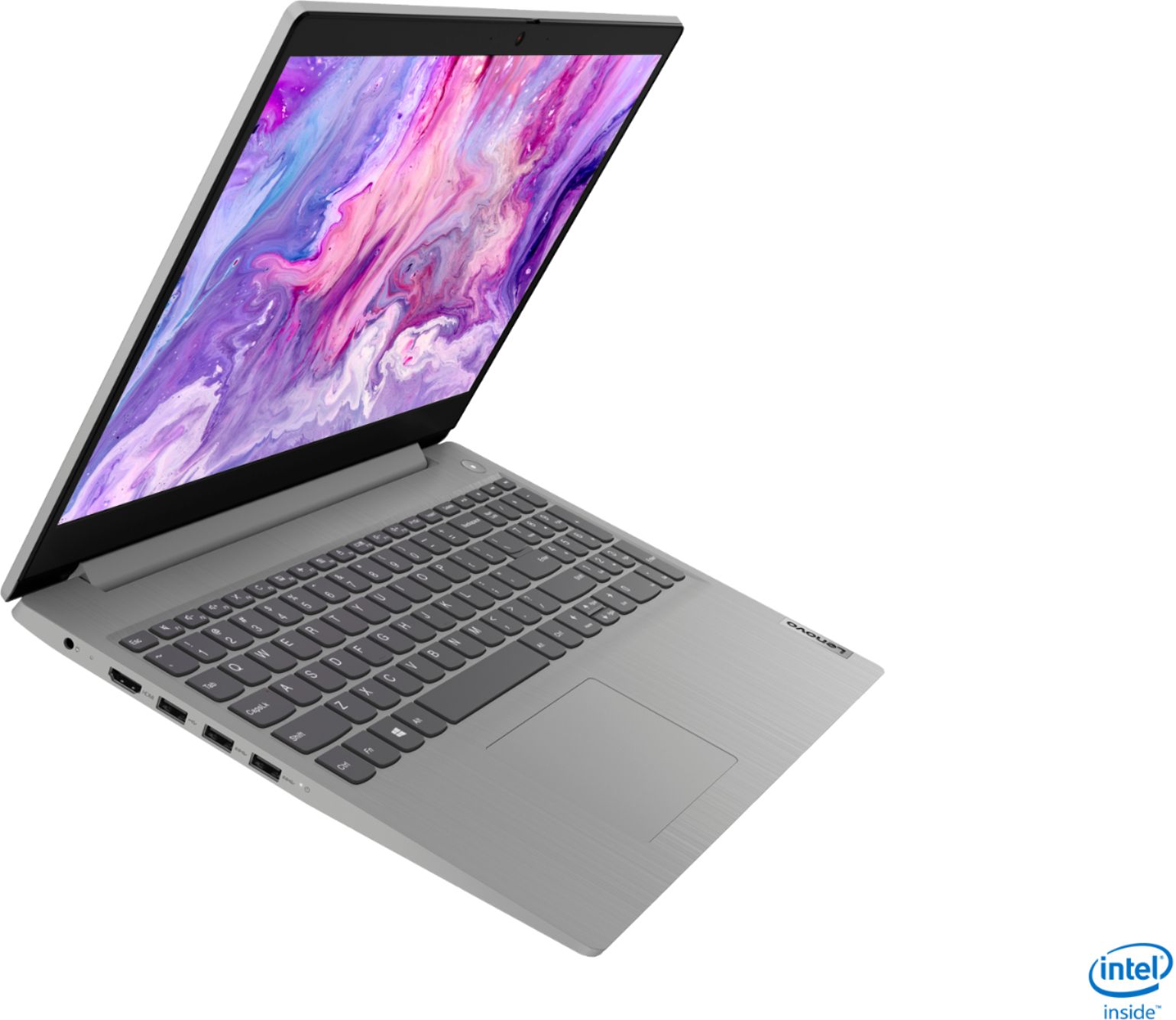
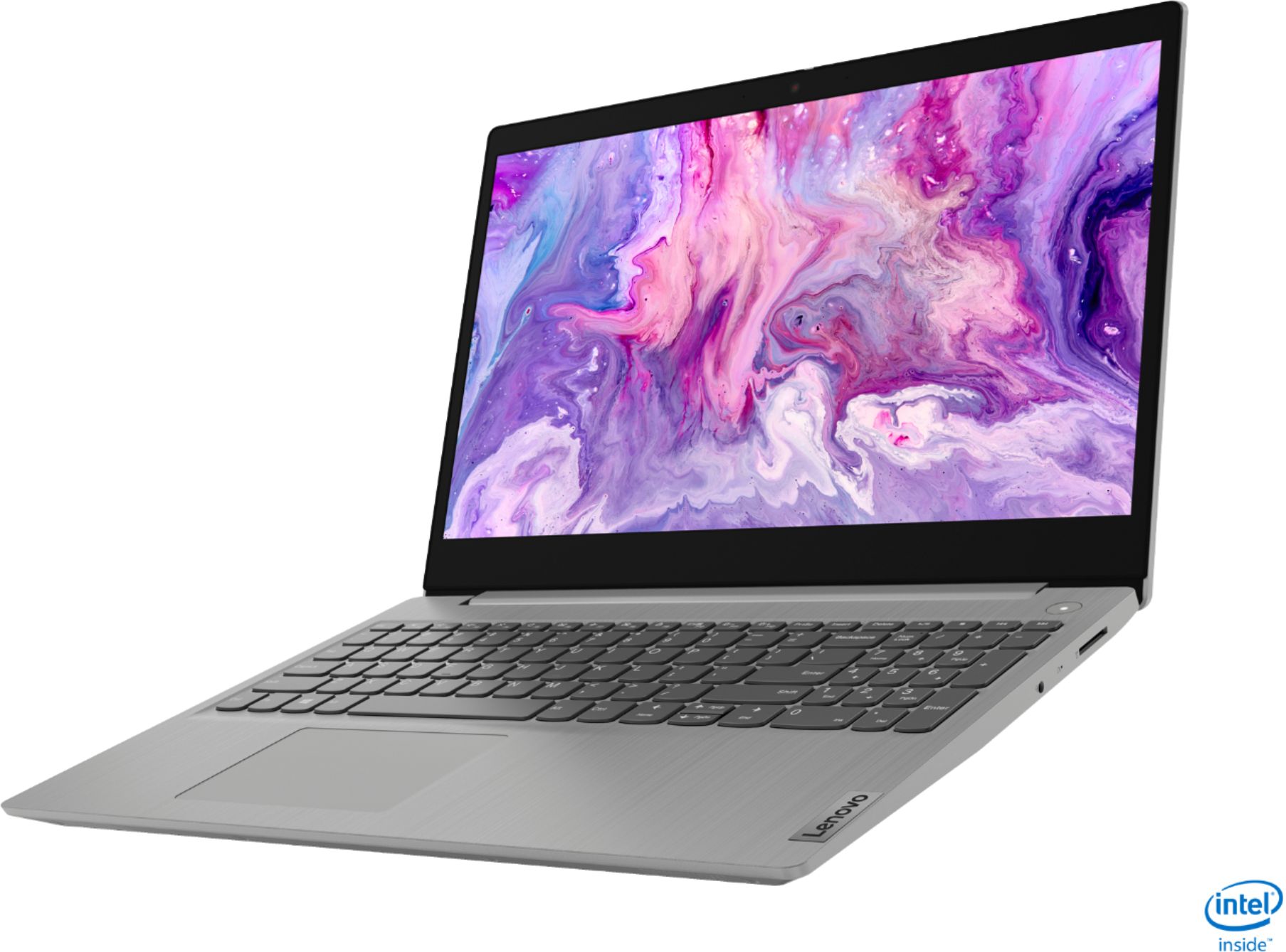
Customers often highlight the IdeaPad 3's affordability, lightweight design, and responsive touchscreen display. Many users have also praised its performance and reliability even after several years of use. However, some users have expressed concerns about its battery life, low-resolution screen, and limited storage capacity.
This summary was generated by AI based on customer reviews.
Good for kids and moms alike!
||Posted . Owned for 3 weeks when reviewed.This reviewer received promo considerations or sweepstakes entry for writing a review.Perfect for my mother-in-law's everyday use. Who am I kidding? An i5 with 12GB of RAM and 256GB of SSD is way better than the crap I've been using 6-7 years ago. For Netflix, browsing, and secure online banking, this is overpowered stuff! You're taking a hit with the screen resolution, but c'mon man! That's just nitpicking. Boot times are way better than old spinning hard drives and my mom-in-law doesn't even care. Sheesh. Just buy it for your kids or mom/dad. They'll be happy.
I would recommend this to a friendGreat performance, ehh screen
||Posted . Owned for 3 weeks when reviewed.This reviewer received promo considerations or sweepstakes entry for writing a review.So far I am really enjoying this laptop. The keyboard feels responsive, the battery life has been good for me (averaging about 5 hours before i have to plug in), and it has been running applications smoothly and quickly, The only downside is that the screen at times, and at certain angles, is difficult to see and isn't the best quality of screen. Additionally, getting used to the new keyboard has been a bit of a struggle, but that has nothing to do with the actual quality of the product
I would recommend this to a friend- Pros mentioned:Price
Powerful computer for the price
||Posted . Owned for 3 weeks when reviewed.This reviewer received promo considerations or sweepstakes entry for writing a review.Couldn't pass this up for the price. $350. Powerful little computer. Wife loves it. Wish I would of bought 2 so I had one for myself
I would recommend this to a friend - Pros mentioned:Touch screen
Not compilcated
||Posted . Owned for 1 month when reviewed.This reviewer received promo considerations or sweepstakes entry for writing a review.Easy to use laptop. The keys are slightly raised, so it is easier to type. Not complicated. Like the touchscreen also.
I would recommend this to a friendBrand response from Lenovo Product Expert
Posted .thank you for choosing the Lenovo IdeaPad 3 15 Laptop, model number 81WE00NKUS. We are pleased to hear that the features and performance of the IdeaPad 3 15 meets your computing needs so well.

- Pros mentioned:Speed
Great value for the laptop
||Posted . Owned for 1 month when reviewed.This reviewer received promo considerations or sweepstakes entry for writing a review.Perfect computer for what I need. Screen is only 720 and a little fun but it works great. Fast and reliable. No issues.
I would recommend this to a friendBrand response from Lenovo Product Expert
Posted .Hello. Thank you for choosing the Lenovo IdeaPad 3 laptop. We are pleased to hear that the value and performance of the IdeaPad 3 meets your computing needs so well!
WOW!
||Posted . Owned for 3 weeks when reviewed.This reviewer received promo considerations or sweepstakes entry for writing a review.I'm a little paranoid. When do I find out the bad news? I researched computers for months by every means possible. Being an excellent researcher and very frugal I knew what my money could buy, from any seller. No one came close to the value for the price as Best Buy did on this computer I got more than my minimum requirements and paid less than the maximum I had begrudgingly arrived at with the purchase of this Lenovo computer. Then it's appearance and functionality blew me away. I'm keeping my fingers crossed.
I would recommend this to a friend- Pros mentioned:Price
Its 12GB Memory is great for multitasking.
||Posted . Owned for 3 weeks when reviewed.This reviewer received promo considerations or sweepstakes entry for writing a review.Great laptop for the price with great specs. You cannot find any other brand new laptop at this price point with such amazing specs.
I would recommend this to a friend Excellent Laptop for Students
||Posted . Owned for 2 months when reviewed.This reviewer received promo considerations or sweepstakes entry for writing a review.Excellent Laptop for Students Bought this for my son (8yr old) for school. He takes it to school for class use and has reading apps etc. It comes in S Model but I took it out of S Mode so he could get Roblox and Minecraft. He prefers this over his iPad now and uses it for everything. He is now using it to learn to code Minecraft mods. Now it is not just about playing games, it is expanding his knowledge and creativity. The only negative is the charger is special and cannot just use a common USB-C.
I would recommend this to a friendBrand response from Lenovo Product Expert
Posted .Thank you for choosing the Lenovo IdeaPad 3 15 Laptop, model number 81WE00NKUS, for your son. We are pleased to hear that the IdeaPad 3 15 is working out so well for your son.
- Pros mentioned:Price
New computer
||Posted .This reviewer received promo considerations or sweepstakes entry for writing a review.Overall we thought it was a good deal to replace my 16yr olds laptop and hopefully is a great computer for the sale price
I would recommend this to a friend - Pros mentioned:Price
Lenovo
||Posted .This reviewer received promo considerations or sweepstakes entry for writing a review.I got this laptop for a cheap price.right now from past 3 months i dont see the price i purchased.reasonable for the cost i paid
I would recommend this to a friend - Pros mentioned:Price
Great laptop!! So much nicer than I expected!
||Posted . Owned for 1 month when reviewed.This reviewer received promo considerations or sweepstakes entry for writing a review.I purchased this because of the price point during a black Friday sale for 349.99 (regularly 599.99) Grate laptop with this price.
I would recommend this to a friendBrand response from Lenovo Product Expert
Posted .thank you for choosing the Lenovo IdeaPad 3 15 Laptop, model number 81WE00NKUS. We are pleased to hear that the value and performance of the IdeaPad 3 15 meets your computing needs so well.
Good Laptop
||Posted . Owned for 3 weeks when reviewed.This reviewer received promo considerations or sweepstakes entry for writing a review.Good laptop. Took a little while to learn how to install non-Microsoft software but it was easy after the first time.
I would recommend this to a friendBrand response from Lenovo Product Expert
Posted .Hello. Thank you for choosing the Lenovo IdeaPad 3 laptop. We are pleased to hear that the value and performance of the IdeaPad 3 meets your computing needs so well!
- Pros mentioned:Speed
Recomend fot buy
||Posted . Owned for 3 weeks when reviewed.This reviewer received promo considerations or sweepstakes entry for writing a review.Very fast laptop . Reinstall windows se because installed windows se cannot setup application other developers . I am recommending
I would recommend this to a friend - Pros mentioned:Speed
Worth the purchase
||Posted . Owned for 1 month when reviewed.This reviewer received promo considerations or sweepstakes entry for writing a review.Does exactly what it's supposed to do. First thing I did was take it out of Windows S mode. Fast, stable machine.
I would recommend this to a friendBrand response from Lenovo Product Expert
Posted .Thank you for choosing the Lenovo IdeaPad 3 15 Laptop, model number 81WE00NKUS. This model ships with Windows 10 S-Mode Operating System. Windows 10 S-Mode provides added security by only allowing APPs available ( and therefore certified by Microsoft) at the Microsoft Store. If you don't need the added security or you need to install APPs not available at the Microsoft Store, you can switch to standard Windows 10 Home 64-bit Operating System, at no additional cost. We are pleased to hear that the IdeaPad 3 15 meets your computing needs so well.
- Pros mentioned:Touch screen
LAPTOP
||Posted . Owned for 1 month when reviewed.This reviewer received promo considerations or sweepstakes entry for writing a review.EASY TO USE AND COMPATIBLE WITH MANY APPLICATIONS. I LIKE THE DURABILITY AND PERDORMANCE. THE TOUCHSCREEN FEATURE IS A BONUS,
I would recommend this to a friendBrand response from Lenovo Product Expert
Posted .Thank you for choosing the Lenovo IdeaPad 3 15 Laptop, model number 81WE00NKUS. We are pleased to hear that the features and performance of the IdeaPad 3 15 meets your computing needs so well.
- Cons mentioned:Battery life
laptop
||Posted . Owned for 1 month when reviewed.This reviewer received promo considerations or sweepstakes entry for writing a review.this laptop is good to used, the only problem is the battery they been said this can hold up to 7hr. but i only got 3hr the most
I would recommend this to a friendBrand response from Lenovo Product Expert
Posted .Thank you for choosing the Lenovo IdeaPad 3 15 Laptop, model number 81WE00NKUS. This model ships with a 2CELL_35WH_INTERNAL, Lithium Polymer Battery, with a battery life of up to 7 hours, depending on the work the device is performing. If you are getting substantially less battery life, First, set your screen brightness at less than 100-percent - try 80-percent to start with. Then, be sure Battery conservation Mode is turned off. This power management setting should only be used when the laptop is plugged in all the time. It will prolong overall battery life by only charging the battery to 60-percent of capacity. Here is a link to instructions for turning off Battery Conservation Mode: https://support.lenovo.com/us/en/solutions/ht103159. Also check what programs are running in the background on the computer. Be sure only the programs you want running in the background are. These programs will drain the battery. Here is a link to information about how to find out what programs are running in the background on your Windows 10 computer and how to manage them for better system performance: https://www.windowscentral.com/how-prevent-apps-running-background-windows-10. Then, finally, be sure any software you installed is compatible with Windows 10. Incompatible software will drain the battery at a faster rate. There is no need to install Microsoft Office software. The software is already part of the operating system, you just need to activate the software with a purchased product key. If you have installed a copy of Microsoft Office, this is conflicting with the existing copy on the system and this will slow your system down. If you have installed a 3rd party anti-virus program, be sure that Windows Defender is turned off and that the trial version of McAfee Anti-Virus software is uninstalled. There can only be one anti-virus program on the system. You may need to restore your system to original factory default settings if any of the programming errors have occurred. You can do that by typing "restore" in the Cortana search window. Just click on the magnifying glass icon at the bottom left of your Windows 10 Desktop. Click on "Reset This PC" Then click on "Get Started" and follow the on screen directions to restore to factory defaults. If the problem persists, we recommend you contact Lenovo Tech Support at: 877-453-6686.
- Pros mentioned:Speed
Great inexpensive laptop
||Posted . Owned for 1 month when reviewed.This reviewer received promo considerations or sweepstakes entry for writing a review.I’m very happy with this laptop. I don’t use it much so I didn’t want to spend a lot of money. It is super fast and lightweight
I would recommend this to a friend - Pros mentioned:Price
Far exceeded expectations
||Posted . Owned for 3 weeks when reviewed.This reviewer received promo considerations or sweepstakes entry for writing a review.This was an amazing value for the money! The student who is using it says it is vastly better than the one she had previously.
I would recommend this to a friendBrand response from Lenovo Product Expert
Posted .Thank you for choosing the Lenovo IdeaPad 3 15 Laptop, model number 81WE00NKUS. We are pleased to hear that the performance of the IdeaPad 3 15 meets the computing needs of the user so well.
- Pros mentioned:Touch screen
Lenovo IdeaPad 3
||Posted . Owned for 1 month when reviewed.This reviewer received promo considerations or sweepstakes entry for writing a review.Laptop is amazing! It's pretty quick and I love the touch screen. Lenovo products are great and they have a reasonable price.
I would recommend this to a friend - Cons mentioned:Battery life
Poor Battery Life
||Posted .This reviewer received promo considerations or sweepstakes entry for writing a review.The battery life is HORRIBLE. The laptop is 3 days old, and after a full charge, it lasts about 2.5 hours of light use before being drained. Even when I lower the screen brightness to about 75%, it only marginally improves the lifespan. I read this battery was supposed to last ~7 hours.. it lasts about 40% of that on a good day. If you can live with being plugged into an outlet, then the rest of the laptop seems like a good value for the price; however, not having the mobility because of being bound by your proximity to a power outlet renders the portability advantage of a laptop moot. I'm hoping Lenovo can ship a new battery this is an anomaly. I cannot recommend this laptop at this time.
No, I would not recommend this to a friendBrand response from Lenovo Product Expert
Posted .We are sorry to hear that you are having issues with the battery within your Lenovo IdeaPad 3 15 Laptop, model number 81WE00NKUS. This model ships with a 2CELL_35WH_INTERNAL, Lithium Polymer Battery, with a battery life of up to 7 hours, depending on the work the device is performing. If you are getting substantially less battery life, First, set your screen brightness at less than 100-percent - try 80-percent to start with. Then, be sure Battery conservation Mode is turned off. This power management setting should only be used when the laptop is plugged in all the time. It will prolong overall battery life by only charging the battery to 60-percent of capacity. Here is a link to instructions for turning off Battery Conservation Mode: https://support.lenovo.com/us/en/solutions/ht103159. Also check what programs are running in the background on the computer. Be sure only the programs you want running in the background are. These programs will drain the battery. Here is a link to information about how to find out what programs are running in the background on your Windows 10 computer and how to manage them for better system performance: https://www.windowscentral.com/how-prevent-apps-running-background-windows-10. Then, finally, be sure any software you installed is compatible with Windows 10. Incompatible software will drain the battery at a faster rate. There is no need to install Microsoft Office software. The software is already part of the operating system, you just need to activate the software with a purchased product key. If you have installed a copy of Microsoft Office, this is conflicting with the existing copy on the system and this will slow your system down. If you have installed a 3rd party anti-virus program, be sure that Windows Defender is turned off and that the trial version of McAfee Anti-Virus software is uninstalled. There can only be one anti-virus program on the system. You may need to restore your system to original factory default settings if any of the programming errors have occurred. You can do that by typing "restore" in the Cortana search window. Just click on the magnifying glass icon at the bottom left of your Windows 10 Desktop. Click on "Reset This PC" Then click on "Get Started" and follow the on screen directions to restore to factory defaults. If the problem persists, we recommend you contact Lenovo Tech Support at: 877-453-6686.