Customer Ratings & Reviews
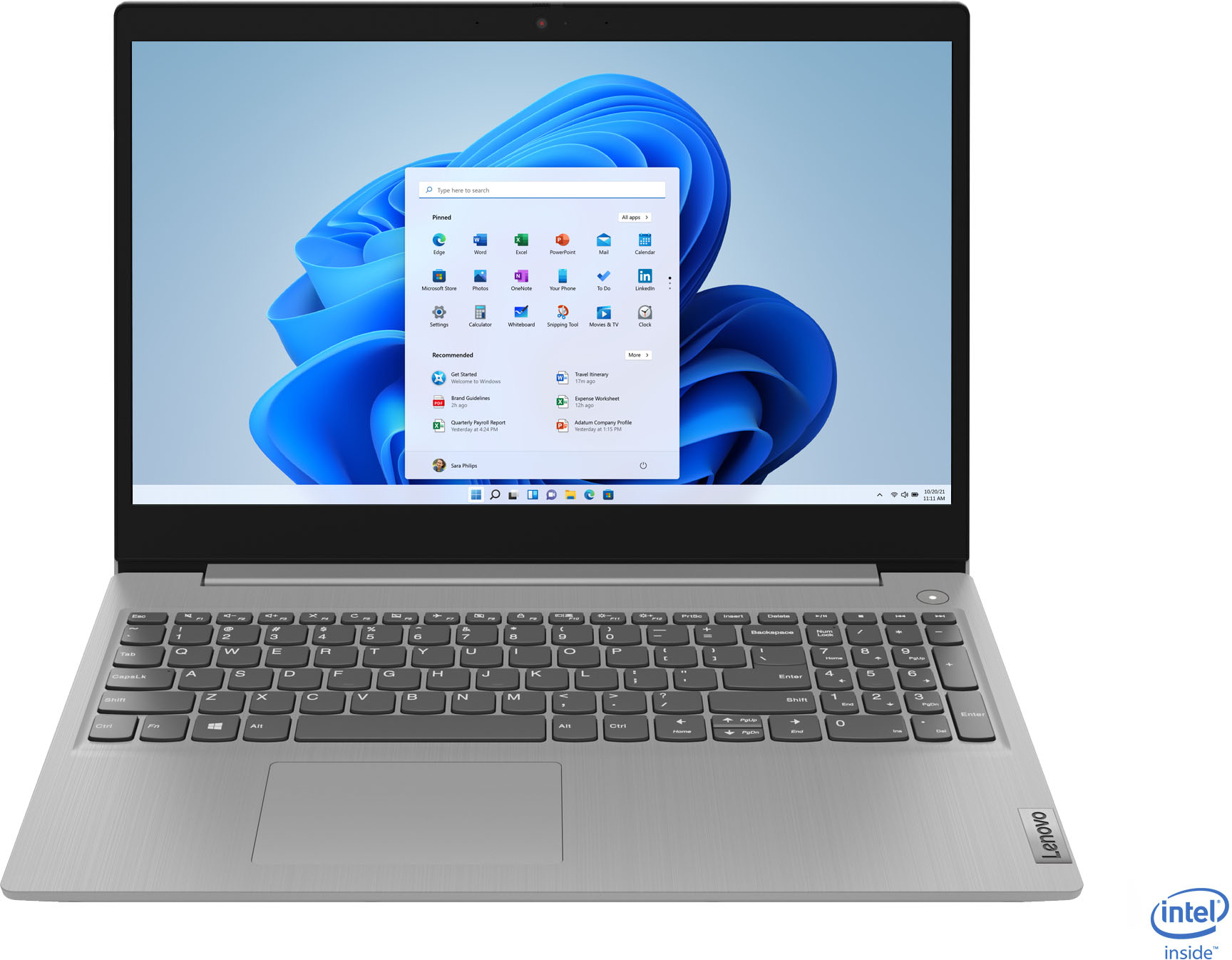
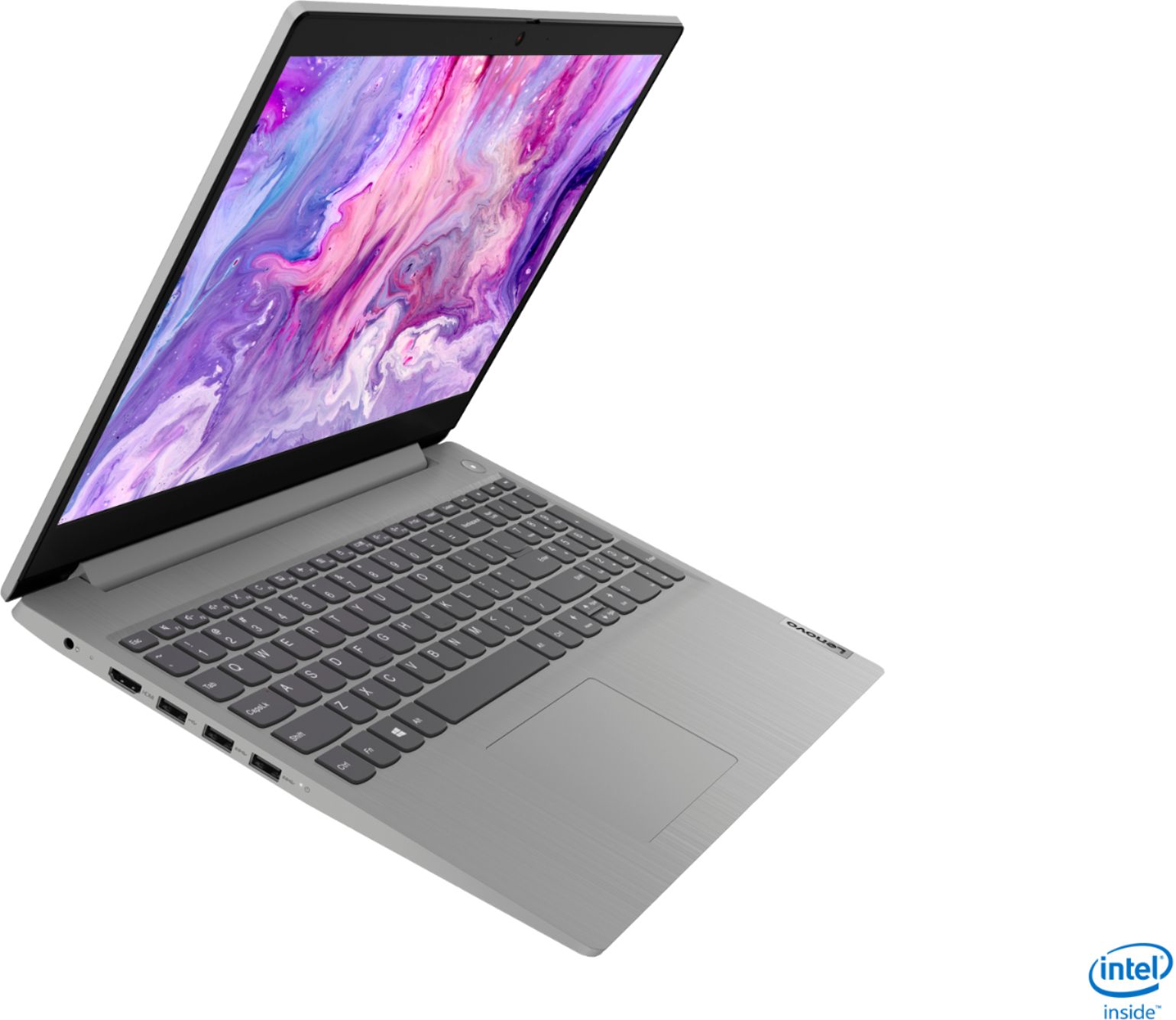
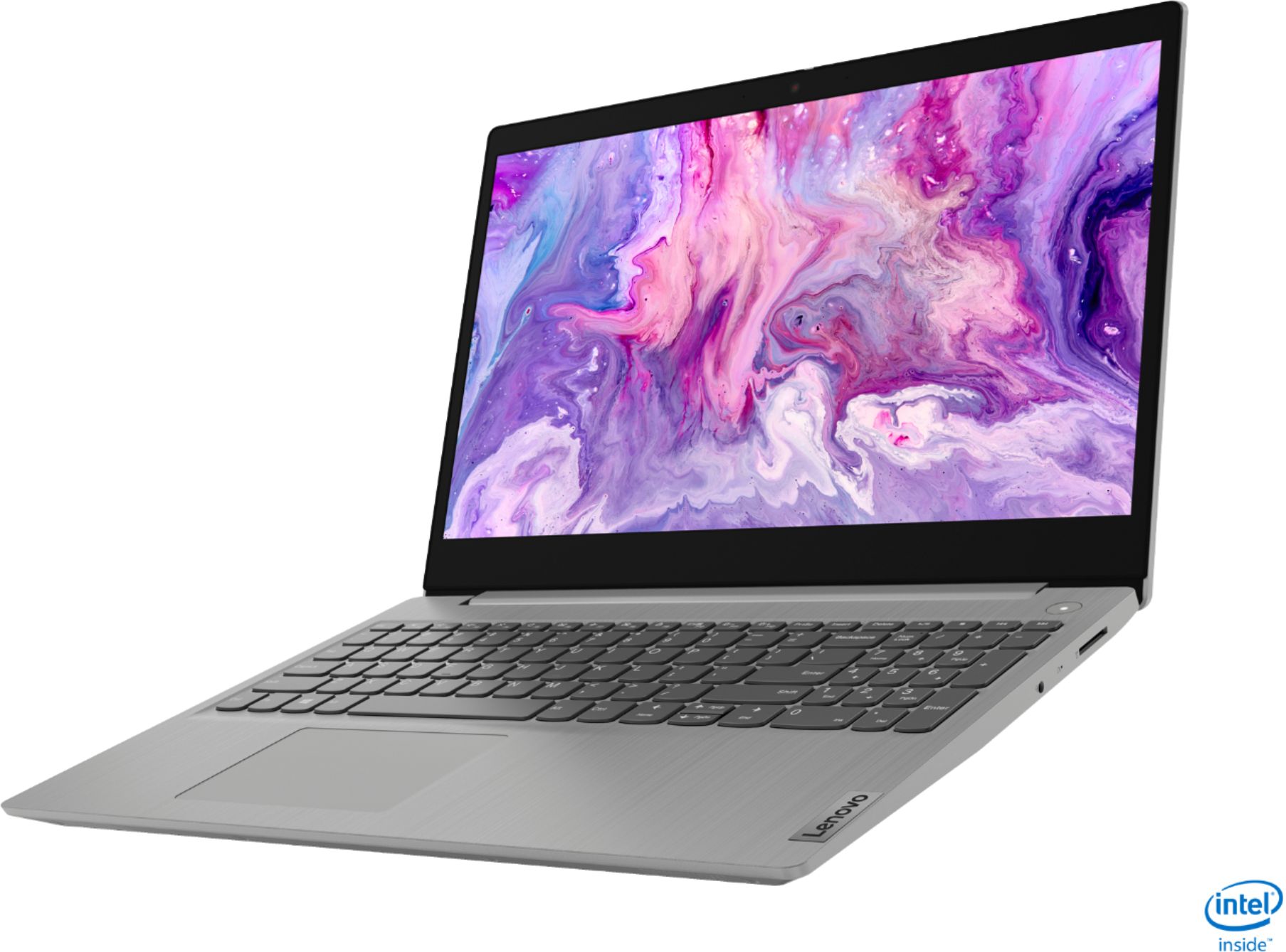

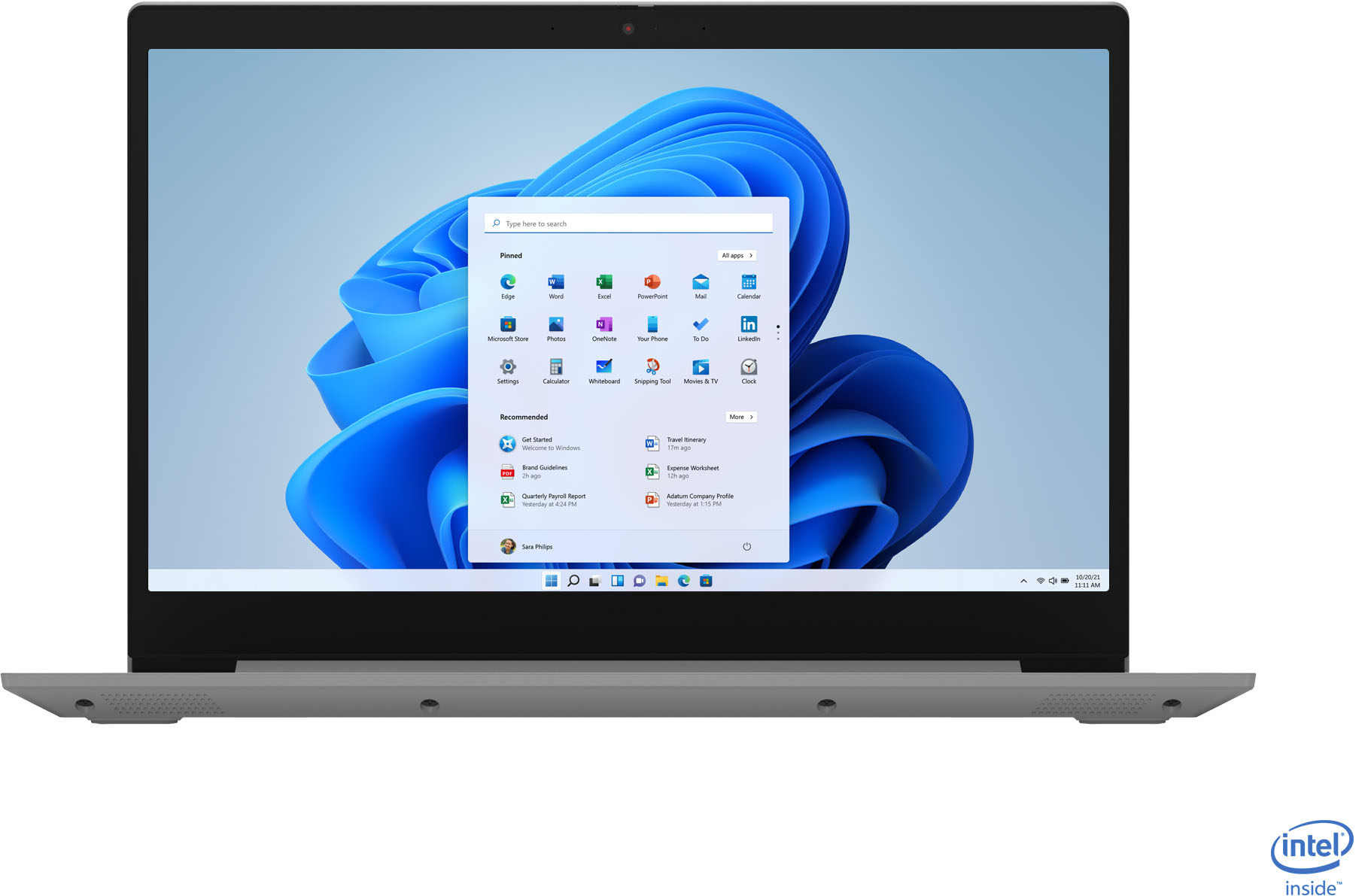
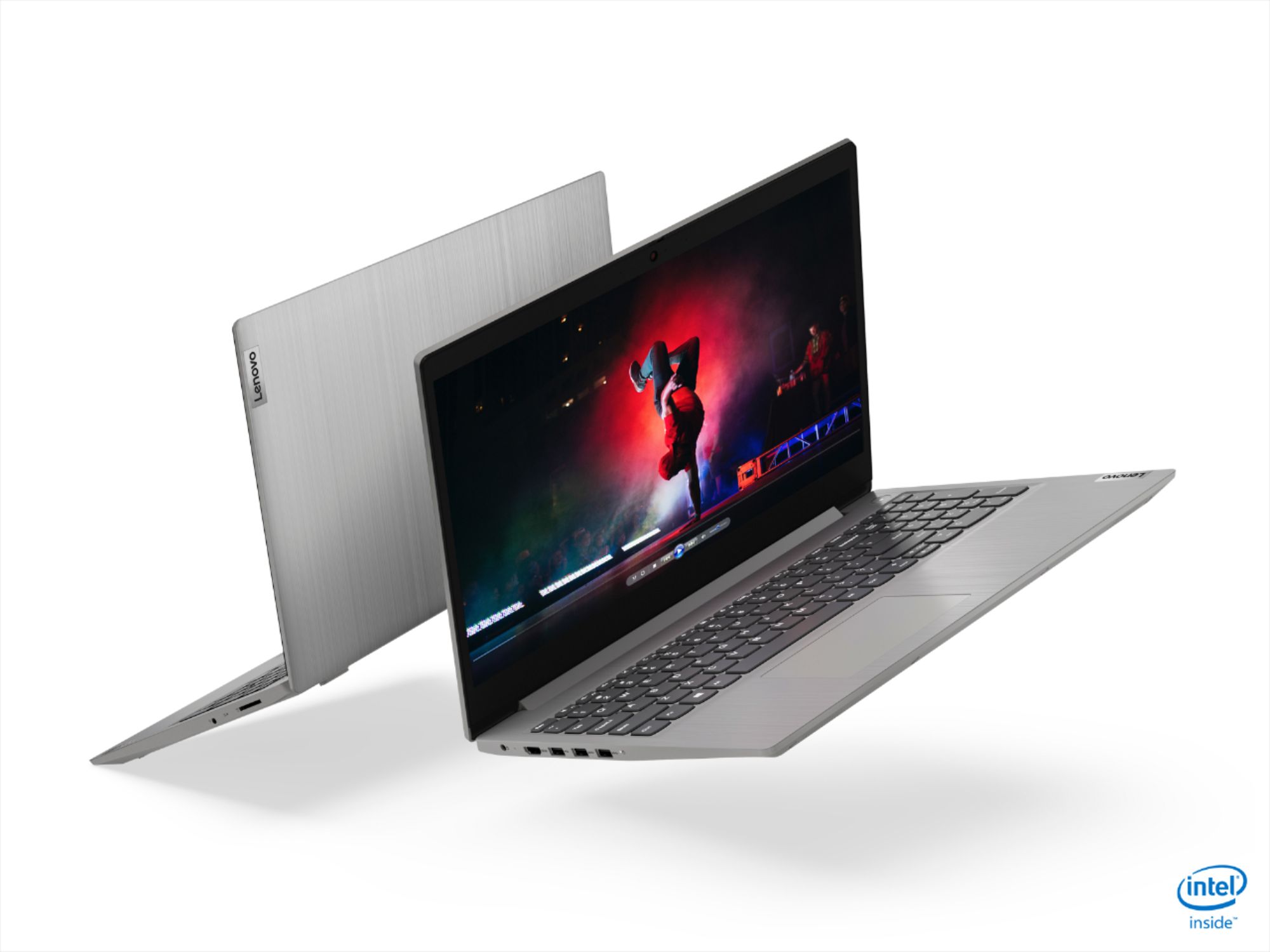
- Model:
- 81WE00NKUS
- SKU:
- 6426712
Rating by feature
- Battery Life
Rating 4.2 out of 5 stars
- Speed
Rating 4.4 out of 5 stars
- Display
Rating 4.3 out of 5 stars
Customers are saying
Customers often highlight the IdeaPad 3's affordability, lightweight design, and responsive touchscreen display. Many users have also praised its performance and reliability even after several years of use. However, some users have expressed concerns about its battery life, low-resolution screen, and limited storage capacity.
This summary was generated by AI based on customer reviews.
- Pros mentioned:SpeedCons mentioned:Battery life
Excellent Laptop!
||Posted . Owned for less than 1 week when reviewed.This reviewer received promo considerations or sweepstakes entry for writing a review.Excellent Laptop, It runs smooth Opens apps quick as lightening Only downside and reason I give it 4 stars is due to the battery. It loses charge pretty quickly but other than that it is a great laptop! The SSD is a beast! I love it compared to a regular HDD. Overall if you are trying to get something that is quick and you are using for light surfing or light creative work, this is a perfect step in the right direction for the price and overall quality of this product!
I would recommend this to a friendBrand response from Lenovo Product Expert
Posted .Thank you for choosing the Lenovo IdeaPad 3 15 Laptop, model number 81WE00NKUS. This model ships with a 2CELL_35WH_INTERNAL, Lithium Polymer Battery, with a battery life of up to 7 hours, depending on the work the device is performing. If you are getting substantially less battery life, First, set your screen brightness at less than 100-percent - try 80-percent to start with. Then, be sure Battery conservation Mode is turned off. This power management setting should only be used when the laptop is plugged in all the time. It will prolong overall battery life by only charging the battery to 60-percent of capacity. Here is a link to instructions for turning off Battery Conservation Mode: https://support.lenovo.com/us/en/solutions/ht103159. Also check what programs are running in the background on the computer. Be sure only the programs you want running in the background are. These programs will drain the battery. Here is a link to information about how to find out what programs are running in the background on your Windows 10 computer and how to manage them for better system performance: https://www.windowscentral.com/how-prevent-apps-running-background-windows-10. Then, finally, be sure any software you installed is compatible with Windows 10. Incompatible software will drain the battery at a faster rate. There is no need to install Microsoft Office software. The software is already part of the operating system, you just need to activate the software with a purchased product key. If you have installed a copy of Microsoft Office, this is conflicting with the existing copy on the system and this will slow your system down. If you have installed a 3rd party anti-virus program, be sure that Windows Defender is turned off and that the trial version of McAfee Anti-Virus software is uninstalled. There can only be one anti-virus program on the system. You may need to restore your system to original factory default settings if any of the programming errors have occurred. You can do that by typing "restore" in the Cortana search window. Just click on the magnifying glass icon at the bottom left of your Windows 10 Desktop. Click on "Reset This PC" Then click on "Get Started" and follow the on screen directions to restore to factory defaults. If the problem persists, we recommend you contact Lenovo Tech Support at: 877-453-6686.

- Pros mentioned:Price, Speed
Good computer for school laptop
||Posted . Owned for 1 month when reviewed.This reviewer received promo considerations or sweepstakes entry for writing a review.Bought this for my daughter and is a great laptop for her school. Its fast with plenty of memory and haven't noticed any lag with her apps. The black Friday price was a bargain and did not see anything that matched the specs for such a low price. She is really happy with the machine and glad I bought it. The only cons I see is the display screen isn't the best quality and could have used more peripheral ports like ethernet jack. Overall really happy with this buy.
I would recommend this to a friendBrand response from Lenovo Product Expert
Posted .Hello. Thank you for choosing the Lenovo IdeaPad 3 laptop. We are pleased to hear that the value and performance of the IdeaPad 3 meets your computing needs so well!
- Pros mentioned:Price, Touch screen
For the sale price? Excellent value
||Posted . Owned for 1 week when reviewed.This reviewer received promo considerations or sweepstakes entry for writing a review.Purchased this laptop on sale for 399.00. At this price it an excellent value. Checks off several boxes. Touch screen, solid state drive, 12GB of memory, an Intel i5 processor. Does it have Full HD, a higher end video card or a back-lit keyboard. No, but if those things are important to you, spend double the money and get them. It's not a gamers laptop but it is an excellent laptop for most home use.
I would recommend this to a friendBrand response from Lenovo Product Expert
Posted .Thank you for choosing the Lenovo IdeaPad 3 15 Laptop, model number 81WE00NKUS. We are pleased to hear that the value, features and performance of the IdeaPad 3 15 meets your computing needs so well.
- Pros mentioned:Price, Touch screen
Good Value for Money Laptop
||Posted . Owned for 3 weeks when reviewed.This reviewer received promo considerations or sweepstakes entry for writing a review.Bought this for my wife during Black Friday sales. Great value for money with the specs this laptop has. My wife is enjoying the touch screen feature and the numeric keypad. Comes with Microsoft 10 Safe mode enabled. This is a system by Microsoft to use only those apps approved and available in the Microsoft store. To use the internet protection that came free with the laptop had to turn the Safe mode off, and there is no way to turn it back on.
I would recommend this to a friend - Pros mentioned:Price, Speed, Touch screen
Nice touch screen laptop
||Posted . Owned for 1 month when reviewed.This reviewer received promo considerations or sweepstakes entry for writing a review.Nice touch screen laptop. Daughter loves it, pretty fast for her use. Great laptop for the onsale price of $350.
I would recommend this to a friendBrand response from Lenovo Product Expert
Posted .Thank you for choosing the Lenovo IdeaPad 3 15 Laptop, model number 81WE00NKUS, for your daughter. We are pleased to hear that the value and performance of the IdeaPad 3 15 meets your daughter's computing needs so well.
- Pros mentioned:Touch screen
Very impressive laptop for budget shoppers
||Posted .This reviewer received promo considerations or sweepstakes entry for writing a review.In all honesty, I literally JUST purchased this beautiful touch screen laptop but I can honestly say, I.AM.IN.LOVE. What is my favorite? It's hard to say...the touch screen? YES! The full size keyboard? YES! The dedicated numbers pad? YES! The screen size? YES! The ease in which I could switch from Windows S to Windows Home? YES! I have six year old ASUS, that has been on it's last leg for sometime. About eight months ago I began searching for a new Windows PC but they were scarce, due to many children switching to virtual schooling and many employers having their employees work from home. Not being able to find anything less expensive than a gaming Windows PC, I opted for a basic Chomebook. Ultimately the lack of disc space and the dependency of needing cloud/server access, ultimately made me a bit nervous. So, out of curiosity, I began to revisit the feasibility of purchasing a Windows PC. Low and behold, I ran across this little machine: A beautiful 15 inch Touch Screen with 12 GB RAM (not four, not eight but 12!!), and 256 GB of disk space, for under 500.00, and with really good reviews across the board! How wonderful is that? I literally just use my PC for home office purposes, web surfing, and dabbling with photo editing, nothing fancy at all. This laptop is just perfect for that! The setup was a piece of cake, the keyboard and touch screen are very responsive. This is a full size laptop, if you are looking for a tablet-like feel where you can remove the keyboard and put the screen on your lap, this may not be for you. But if you like the look and feel of a normal size laptop with the added benefit of a touch screen, you can't go wrong with this Lenovo IdeaPad 3. My understanding is this PC will work with a Bamboo Ink Smart Stylus. I haven't yet purchased one though.
I would recommend this to a friendBrand response from Lenovo Product Expert
Posted .Hello. Thank you for choosing the Lenovo IdeaPad 3 laptop. We are pleased to hear that the value and performance of the IdeaPad 3 meets your computing needs so well!
- Pros mentioned:Price, Speed
Fast and sleek
||Posted . Owned for 1 month when reviewed.This reviewer received promo considerations or sweepstakes entry for writing a review.I purchased a computer from best buy several years ago for the same price I purchased this laptop for on sale. Technology has come a long way because this laptop is substantially faster, very sleek, and far more esthetically pleasing than my prior one. I just pay bills and shop on my laptop and occasionally use excel and word for various task and this has been working very well. I am very pleased with my purchase and think the value for price is amazing on this gem.
I would recommend this to a friend - Pros mentioned:Price, Weight
Couldn't be Happier
||Posted . Owned for 1 month when reviewed.This reviewer received promo considerations or sweepstakes entry for writing a review.This product fulfilled all my needs. Compact in size but not too small the 15" screen is perfect. It's light weight is manageable and the power and storage is more than enough for what I use it for which is graphic design and real time stock analysis. I did purchase a 5 tb external storage unit so I'm very well covered. I bought this on black Friday so they price couldn't be beat, I compare it to prices listed today and just smile. Thank you, Les C.
I would recommend this to a friend - Pros mentioned:SpeedCons mentioned:Battery life
very fast laptop
||Posted .This reviewer received promo considerations or sweepstakes entry for writing a review.This pc is very fast. Of course all new pc's are fast but this one is like lighting. What others have said about it have some degree of truth: the battery charge goes down quickly - I'd say it's about 4 hours of continuous use worth, and the screen is a little dim compared to other Lenovo units. But overall for the price, it's still a very good deal ($400). Maybe, just keep it plugged in and use a secondary monitor.
I would recommend this to a friendBrand response from Lenovo Product Expert
Posted .Thank you for choosing the Lenovo IdeaPad 3 laptop model # 81WE011UUS. This unit has a battery life of up to 7.5 hours. If you are getting substantially less battery life, please adjust your screen brightness settings. A setting of 100% brightness will drain your battery much faster than a lower setting. We recommend setting the screen brightness to some value below 100% that is still comfortable for you to view. Next be sure Battery conservation Mode is turned off. This power management setting should only be used when the laptop is plugged in all the time. It will prolong overall battery life by only charging the battery to 60-percent of capacity. Here is a link to instructions for turning off Battery Conservation Mode: https://support.lenovo.com/us/en/solutions/ht103159. Also check what programs are running in the background on the computer. Be sure only the programs you want running in the background are. These programs will drain the battery. Here is a link to information about how to find out what programs are running in the background on your Windows 10 computer and how to manage them for better system performance: https://www.windowscentral.com/how-prevent-apps-running-background-windows-10. Then, finally, be sure any software you installed is compatible with Windows 10. Incompatible software will drain the battery at a faster rate. There is no need to install Microsoft Office software. The software is already part of the operating system, you just need to activate the software with a purchased product key. If you have installed a copy of Microsoft Office, this is conflicting with the existing copy on the system and this will slow your system down. If you have installed a 3rd party anti-virus program, be sure that Windows Defender is turned off and that the trial version of McAfee Anti-Virus software is uninstalled. There can only be one anti-virus program on the system. You may need to restore your system to original factory default settings if any of the programming errors have occurred. You can do that by typing "restore" in the Cortana search window. Just click on the magnifying glass icon at the bottom left of your Windows 10 Desktop. Click on "Reset This PC" Then click on "Get Started" and follow the on screen directions to restore to factory defaults. If the problem persists, we recommend you contact Lenovo Tech Support at: 877-453-6686
- Pros mentioned:Price, Touch screen
Very good so far..
||Posted . Owned for 3 weeks when reviewed.This reviewer received promo considerations or sweepstakes entry for writing a review.The product arrived earlier than expected. Happy that Bestbuy offered this laptop (very good specs, considering home use) for a price few can match. The performance is good and switch out of S mode was easy. Touch screen works fine and the option to close the camera when not in use is nice. I have not had the battery issues that a few others mentioned. Will be interesting to see how it fares in the long run. Overall, a happy customer so far!
I would recommend this to a friend - Pros mentioned:Speed
Great laptop
||Posted .This reviewer received promo considerations or sweepstakes entry for writing a review.It’s fast, light and easy to use. Just needed something for everyday use. The battery last over 8 hours. The only negative thing I would say is about the webcam quality. It definitely isn’t the best. Other than that, you can’t beat the price especially with an i5 with 12 GB of RAM that’s touchscreen.
I would recommend this to a friendBrand response from Lenovo Product Expert
Posted .Thank you for choosing the Lenovo IdeaPad 3 15 laptop, model number 81WE00NKUS. This model ships with a 720p (HD) webcam with manual Privacy Shutter and Dual Array Microphones built in. For the best performance from both the laptop as well as the webcam, be sure you have the latest Windows 10 version on the computer. Then update all of the BIOS files and drivers up to that latest version of Windows 10. You can easily accomplish this by scanning the computer with the Lenovo Utility software available on this computer. This system has Lenovo utilities installed to help maintain the health of the device and keep the operating system software up to date. Type "Lenovo Vantage" in the Cortana Search window (if Lenovo Vantage is not installed on your device, you can download the APP and install it now). Select Lenovo Vantage from the list. In the window that opens, click on "Health and Support". In the expanded menu, select "Hardware Scan" In the window that opens, select "Run Quick Tests". This will scan your entire system for errors. Follow any directions that may pop up. If the problem continues after this scan, now click on "System Update". First select Windows update from the menu. Scan your system to be sure you have the latest version of Windows 10. Once that scan is complete, select "Additional Updates". This will scan your device to be sure there are no new BIOS/Driver updates needed. Follow any instructions that may pop up. If the issue still continues after these updates, we recommend you call Lenovo Tech Support at: 877-453-6686 for additional help.
- Pros mentioned:Price, Speed, Touch screen
Reasonable price
||Posted . Owned for 1 month when reviewed.This reviewer received promo considerations or sweepstakes entry for writing a review.The price is reasonable, with touch screen, fast speed. The only thing is I prefer to have DVD prayer
I would recommend this to a friend - Pros mentioned:Price
Good, fast, OK display if you're not needy
||Posted . Owned for 2 weeks when reviewed.This reviewer received promo considerations or sweepstakes entry for writing a review.I have been using this computer for one week only for the tasks I normally need. The biggest knock by others against this computer is the display which is only 1066 x 768. I'm not a streamer, not a gamer, Not a video editor. I sure don't want to hurt no one. (Apologies to Steve Miller Band.) Viewing the same HD youtube video side by side on my 1980 x 1080 display and this 1066 x 768 there is surely a big difference but it's good enough (adequate) for email, word processing, surfing the news, and viewing images and video at less than High Def -- which is fine for me on this computer. Side by side, the low res display has less contrast and looks a little washed out but it's good enough for the tasks mentioned. If you are heavily into graphics you will already be going for a Full HD display. If you're just a regular user and want to watch videos for the plot, character, and drama and NOT for the special effects this computer should be good enough. So far, surfing and word processing has been plenty fast and no problems but I haven't installed all my programs or pushed it hard just yet. The keyboard is fine for me (no backlight which I don't need). The battery indicator implies that battery life is good (e.g., "57% 6 hours remaining") but I haven't done an actual clock test to run it down all the way. It arrives with Windows 10 in S Mode. It is a very simple procedure to turn off S Mode to get Windows 10 Home working so you can install other programs. I bought it on sale, so Value = Excellent.
I would recommend this to a friendBrand response from Lenovo Product Expert
Posted .Thank you for choosing the Lenovo IdeaPad 3 15 Laptop, model number 81WE00NKUS. We are pleased to hear that the value and performance of the IdeaPad 3 15 meets your computing needs so well.
- Pros mentioned:SpeedCons mentioned:Battery life
Good if you get it on sale
||Posted . Owned for 3 weeks when reviewed.This reviewer received promo considerations or sweepstakes entry for writing a review.Overall his laptop is pretty quick and meets all he demand of my needs, such as live streams, video calls, and advanced Office usage. One star off for a weaker battery (maybe two hours) and a somewhat flimsy touchpad. As I got this on sale for black Friday it is not bad. That said, I would NOT pay full price for this. Full price this would probably be closer to 3 stars as it is most defy not worth it IMHO.
I would recommend this to a friend - Pros mentioned:Performance
My opinion
||Posted . Owned for more than 2 years when reviewed.This reviewer received promo considerations or sweepstakes entry for writing a review.Very good laptop! Parts are not easy to find but the device itself performs well.
I would recommend this to a friend - Pros mentioned:Price, Touch screen
good price Good Laptop
||Posted .This reviewer received promo considerations or sweepstakes entry for writing a review.The laptop was so much nicer than anticipated! Got Hold Of this for cyber Monday and it’s so good. I like my new Lenovo computer and very happy with this one. It is a good product. It is fast and its touch screen facilitates access and makes its use more interactive. A good laptop at a good cost. This laptop has a great configuration which will make it feel like a high-end laptop for an economic price.
I would recommend this to a friendBrand response from Lenovo Product Expert
Posted .Thank you for choosing the Lenovo IdeaPad 3 15 Laptop, model number 81WE00NKUS. We are pleased to hear that the value and performance of the IdeaPad 3 15 meets your computing needs so well.
- Pros mentioned:Price, Speed, Touch screen
Great replacement laptop.
||Posted . Owned for 2 weeks when reviewed.This reviewer received promo considerations or sweepstakes entry for writing a review.I love the touch screen , the lightness , and the speed. It all that I need and more. Great price.
I would recommend this to a friend - Pros mentioned:Touch screenCons mentioned:Battery life
Good Laptop for the price
||Posted . Owned for 1 month when reviewed.This reviewer received promo considerations or sweepstakes entry for writing a review.Small, compact laptop, that is really good for traveling. Works fast and well and I have had no troubles with it freezing or shutting down. The touchscreen and 360 degree features works great, making it more versatile. The power does not stay as long as I would like and I seem to always need a charger nearby. As a student I have mostly been using it for simple programs like Office 365, which works great.
I would recommend this to a friend - Pros mentioned:Touch screenCons mentioned:Battery life
My first Lenovo
||Posted . Owned for 1 month when reviewed.This reviewer received promo considerations or sweepstakes entry for writing a review.My first Lenovo so getting use to it--never had a touch screen laptop either. My old Apple crapped out and could not be fixed and didnt want to spend the $$ on a new one. This Lenovo was on sale so decided to try it. So far I like it. It's lightweight and I enjoy being able to use touchscreen or keyboard. Battery life is okay, have to charge it after 3 days and most of the 3 days it sits unused.
I would recommend this to a friendBrand response from Lenovo Product Expert
Posted .Thank you for choosing the Lenovo IdeaPad 3 15 Laptop, model number 81WE00NKUS. We are pleased to hear that the value, features and performance of the IdeaPad 3 15 meets your computing needs so well.
- Pros mentioned:Price, Touch screen
Great value
||Posted . Owned for 1 month when reviewed.This reviewer received promo considerations or sweepstakes entry for writing a review.Great laptop for a great price. Core i5 for good performance, 12gb of ram, plus touch screen.
I would recommend this to a friendBrand response from Lenovo Product Expert
Posted .Hello. Thank you for choosing the Lenovo IdeaPad 3 laptop. We are pleased to hear that the value and performance of the IdeaPad 3 meets your computing needs so well!