Customer Ratings & Reviews
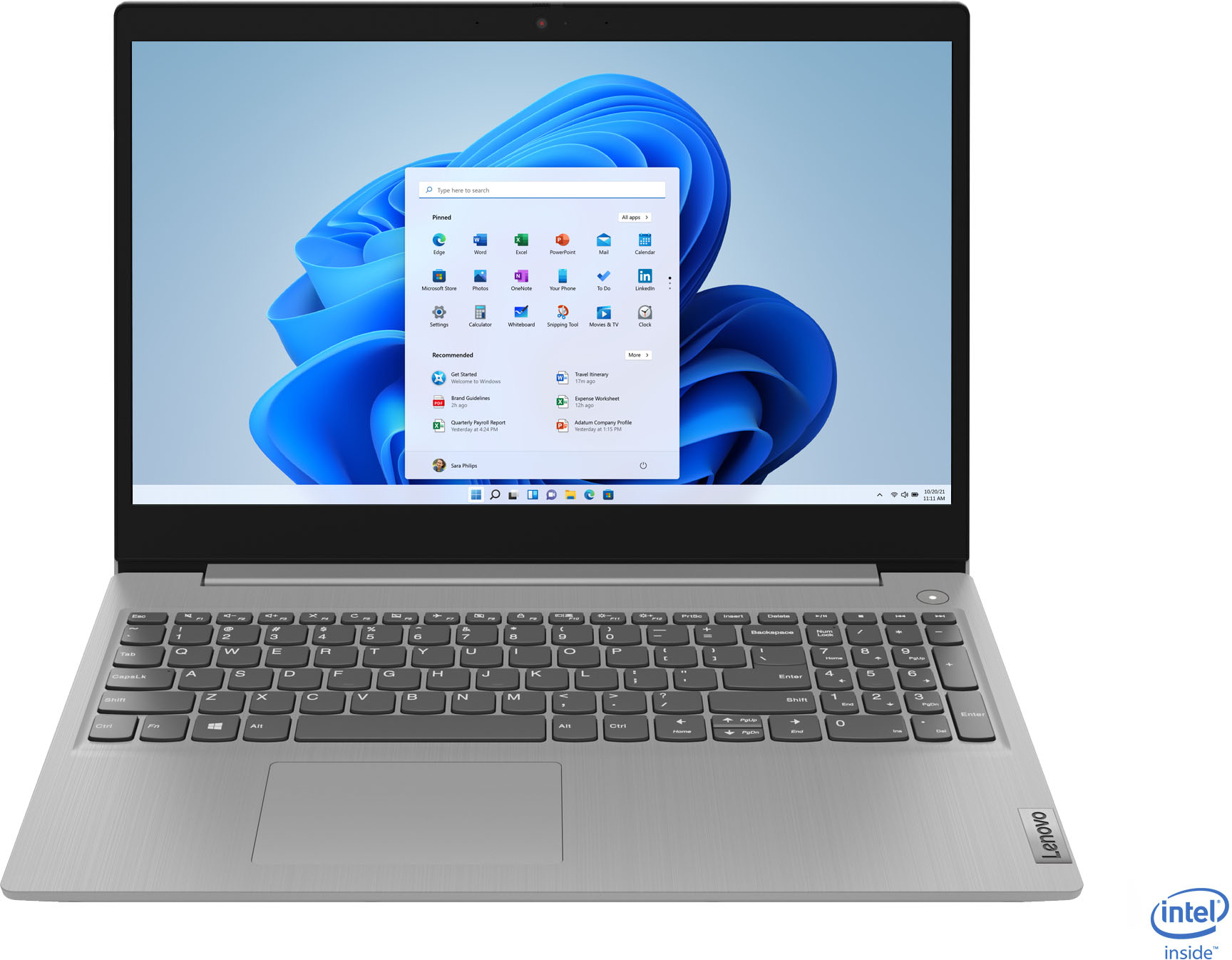
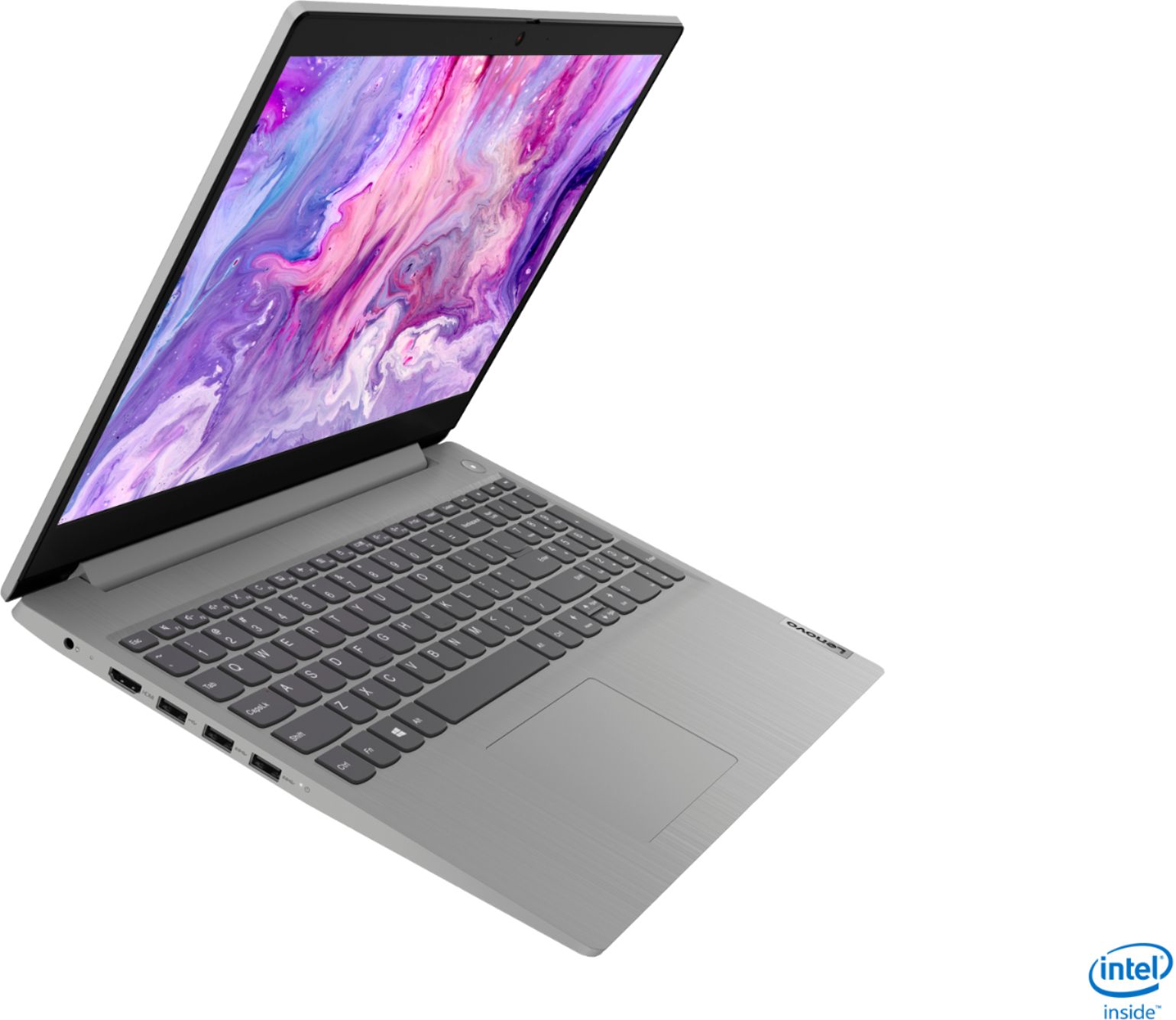
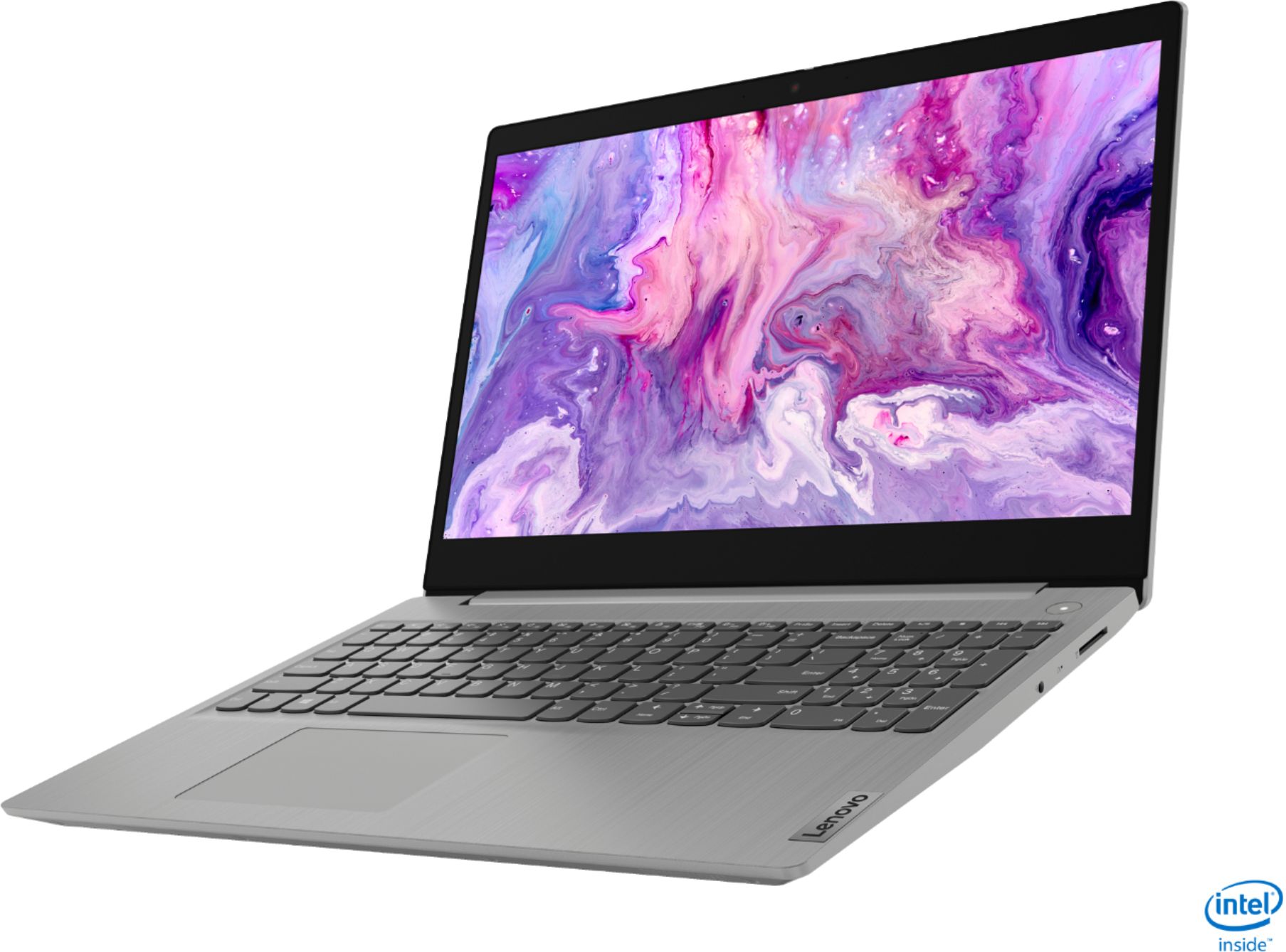

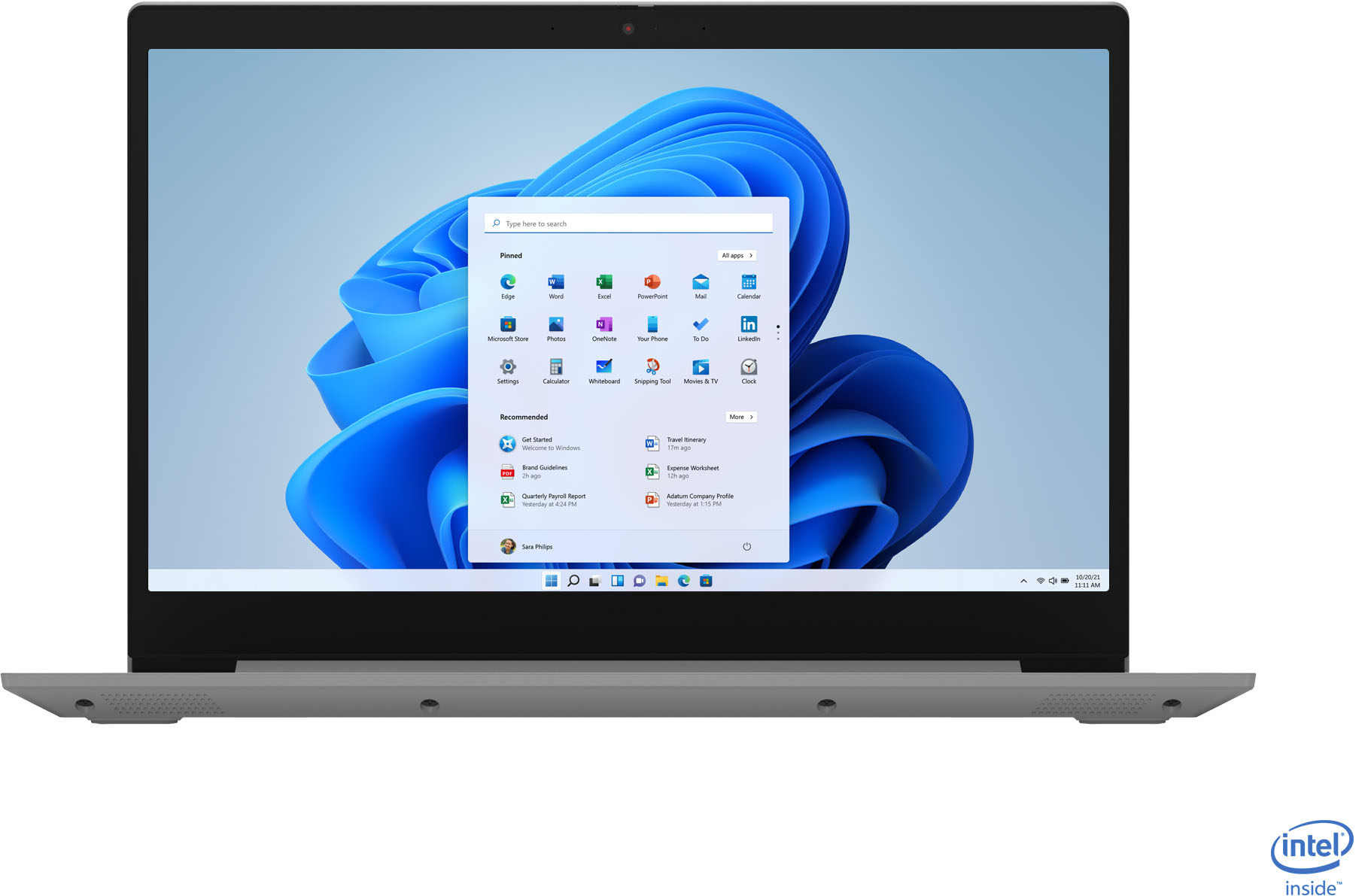
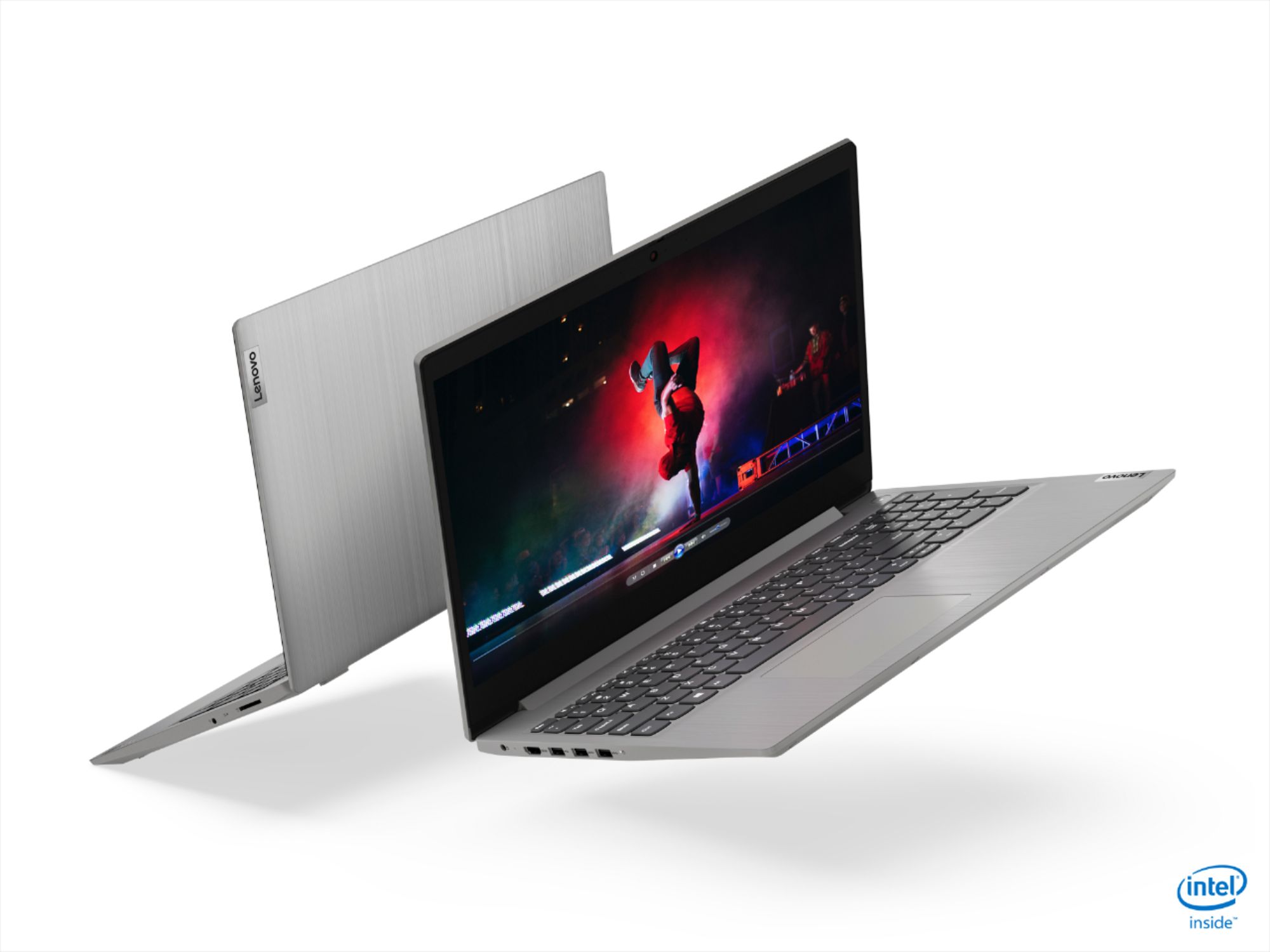
- Model:
- 81WE00NKUS
- SKU:
- 6426712
Rating by feature
- Battery Life
Rating 4.2 out of 5 stars
- Speed
Rating 4.4 out of 5 stars
- Display
Rating 4.3 out of 5 stars
Customers are saying
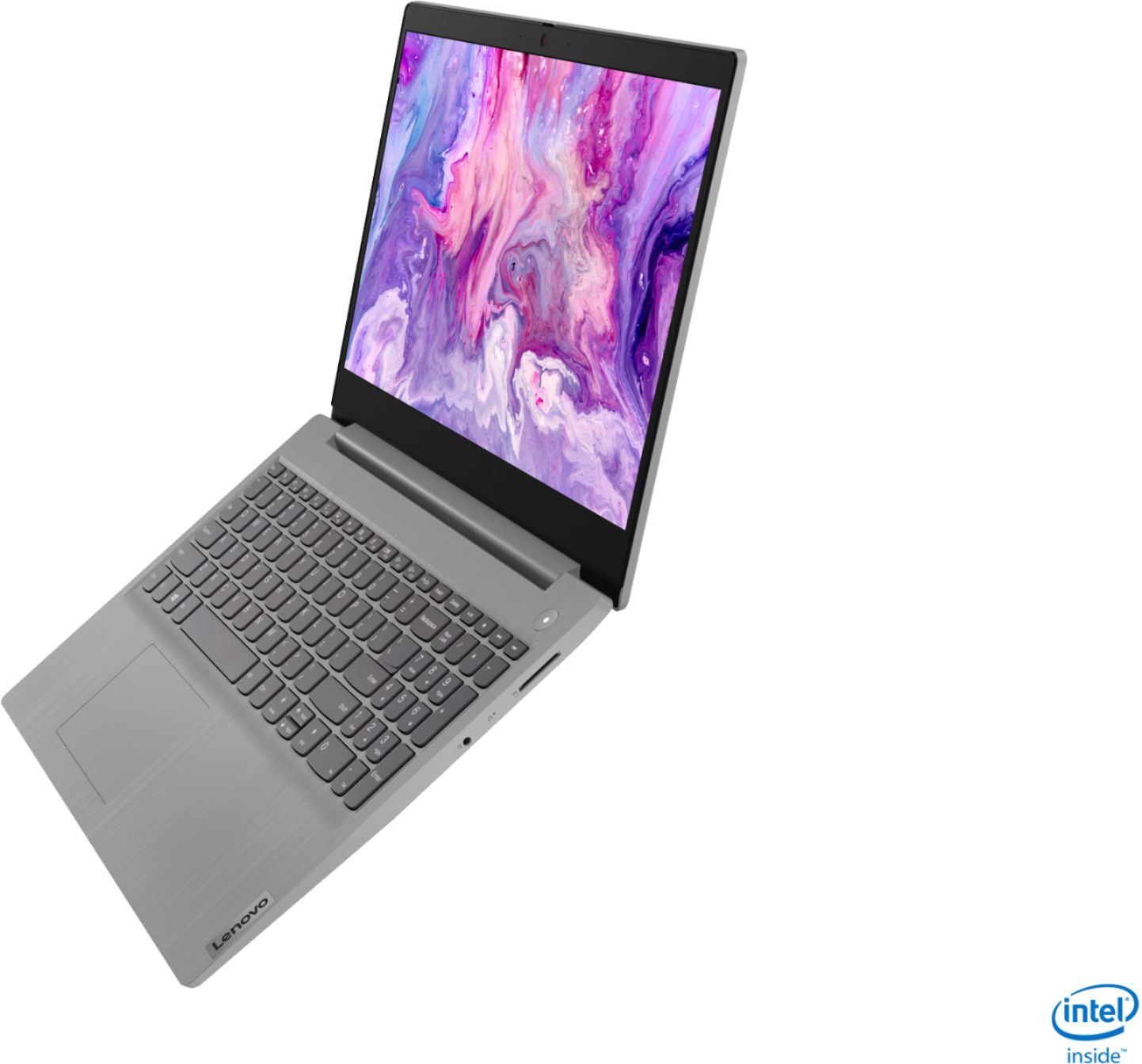
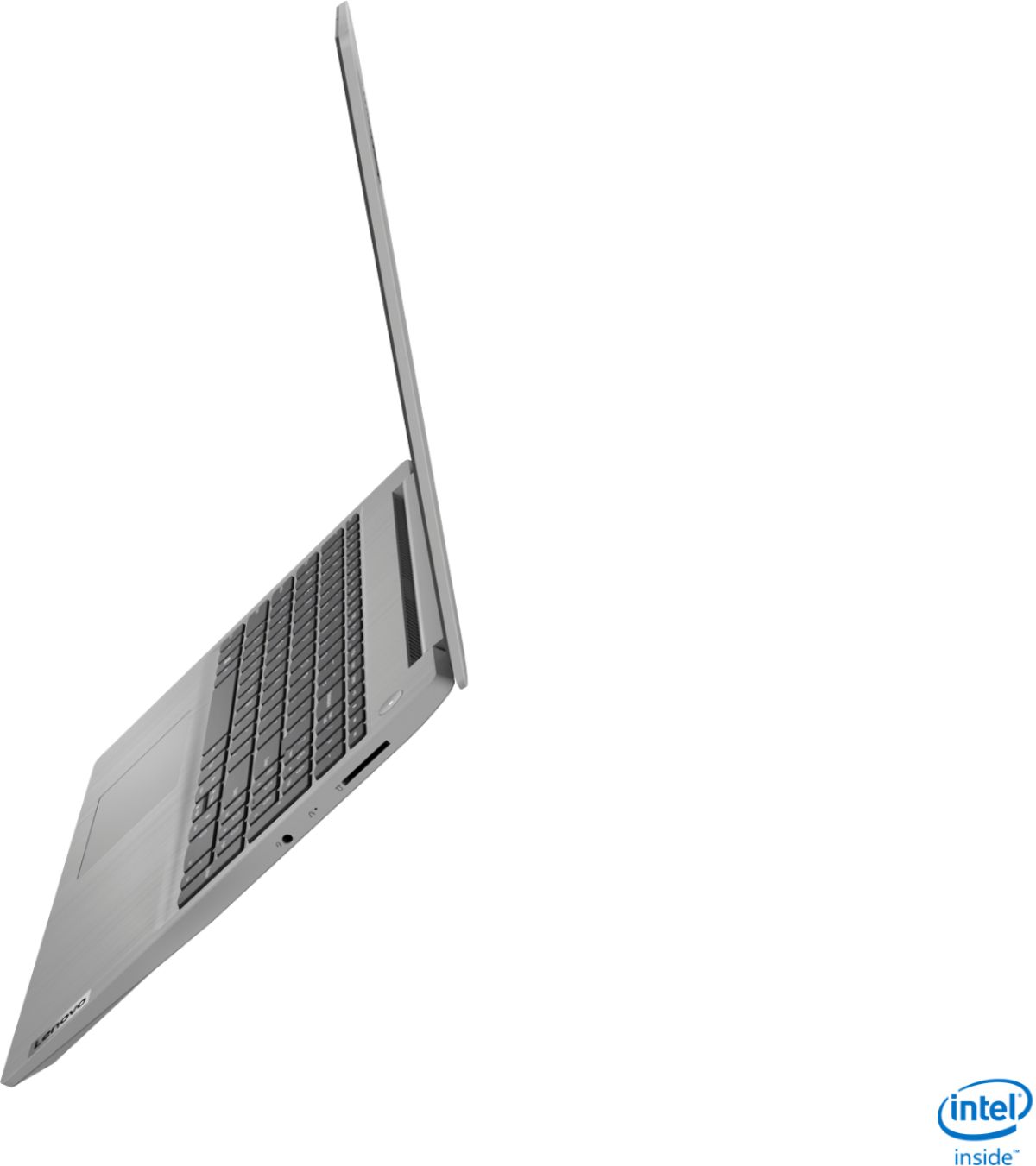
Customers often highlight the IdeaPad 3's affordability, lightweight design, and responsive touchscreen display. Many users have also praised its performance and reliability even after several years of use. However, some users have expressed concerns about its battery life, low-resolution screen, and limited storage capacity.
This summary was generated by AI based on customer reviews.
- Pros mentioned:Touch screen, WeightCons mentioned:Low resolution
Not great but an ok product if you buy at $350!
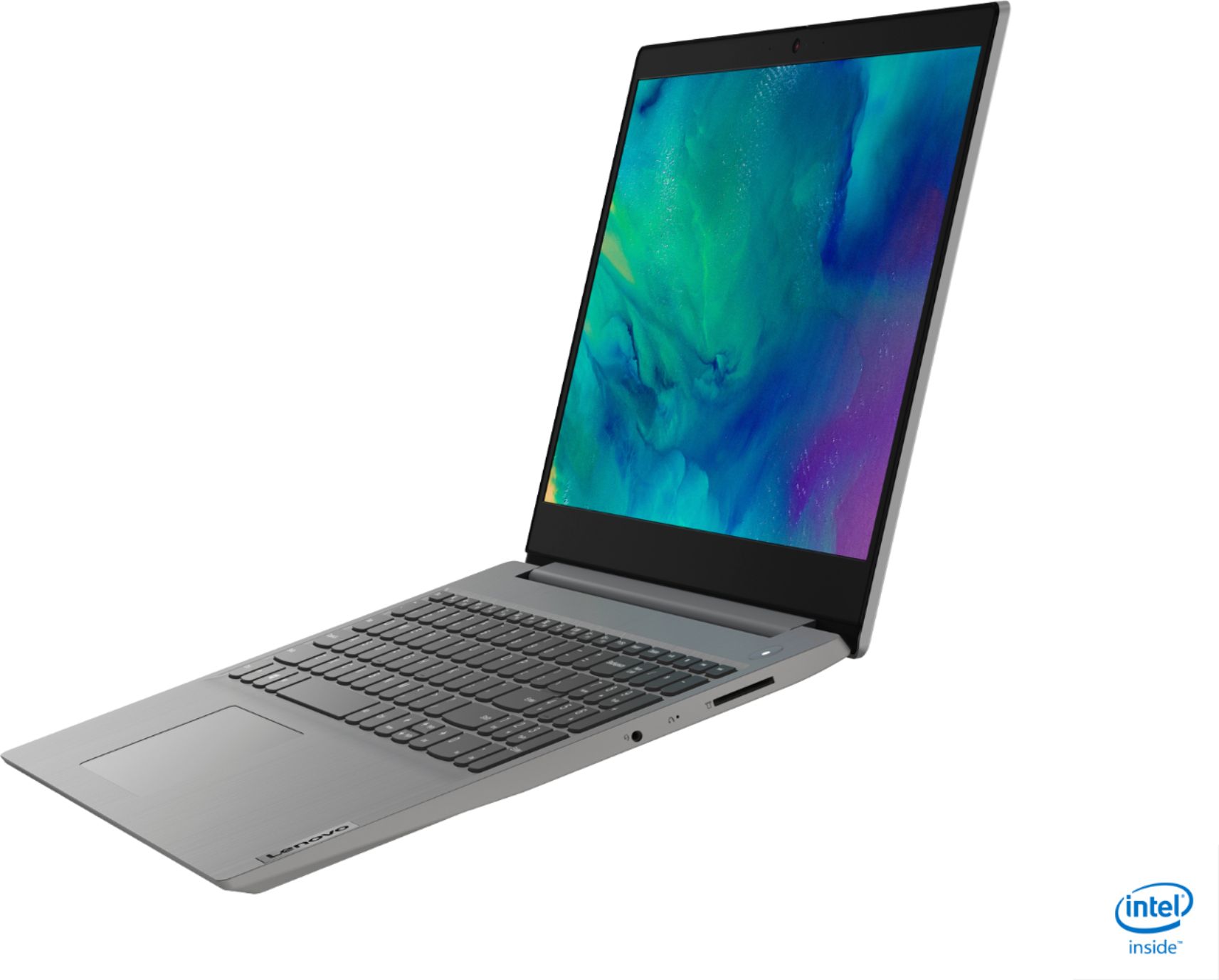
||Posted . Owned for 1 month when reviewed.This reviewer received promo considerations or sweepstakes entry for writing a review.This product is not that great. Looking at the specifications you may feel that it is a great product but it is an average product. The screen resolution is low. You may feel that you are getting i5 processor but the processor speed is low. The good things about this laptop is 12 GB RAM, touch screen, and light weight.
I would recommend this to a friend - Pros mentioned:Price, Speed, Weight
Good buy
||Posted . Owned for 1 month when reviewed.This reviewer received promo considerations or sweepstakes entry for writing a review.Great product for the price. Perfect size, light weight and speed and screen display is good
I would recommend this to a friend - Pros mentioned:Performance, Price
Good laptop for the money (when it was on sale)
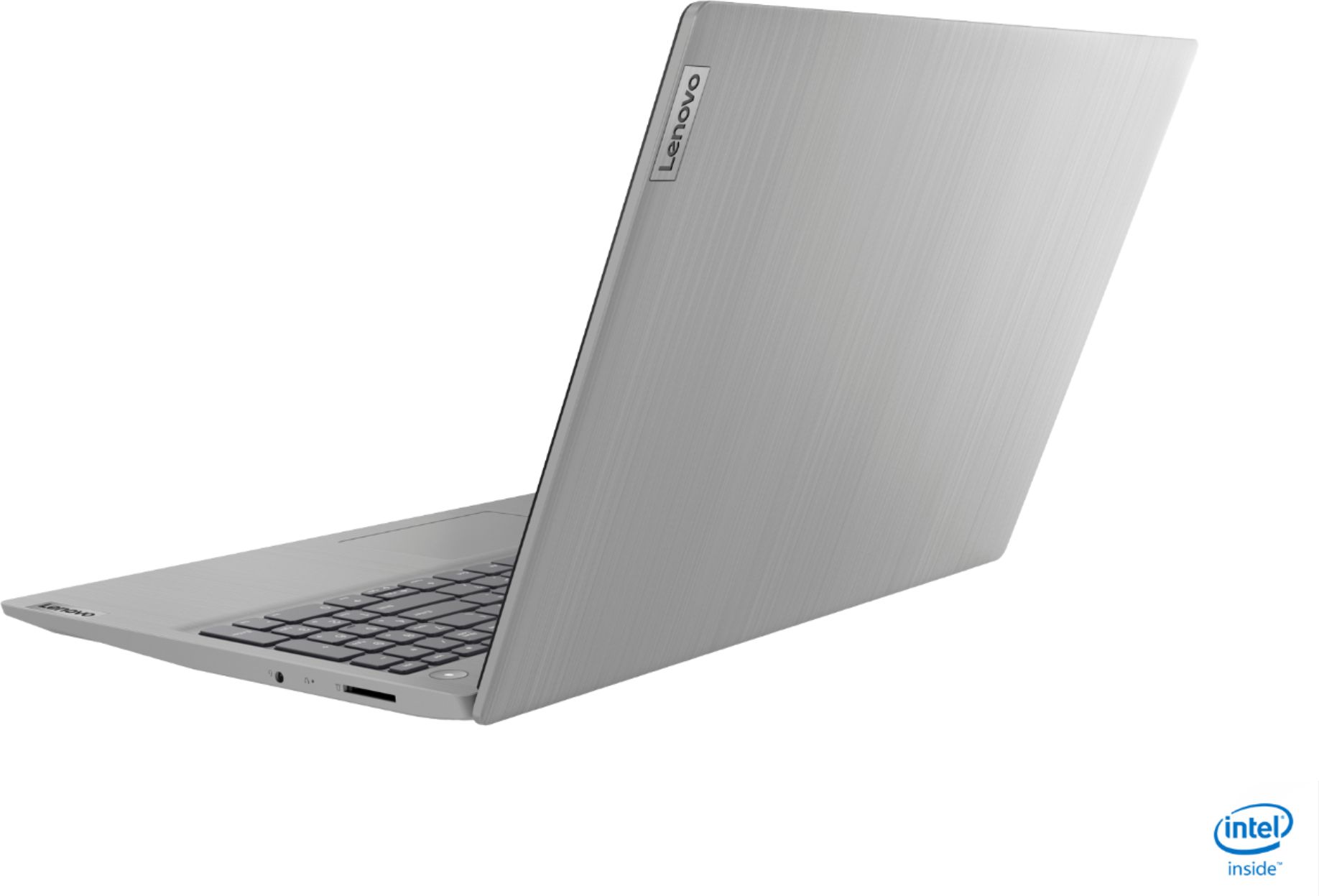
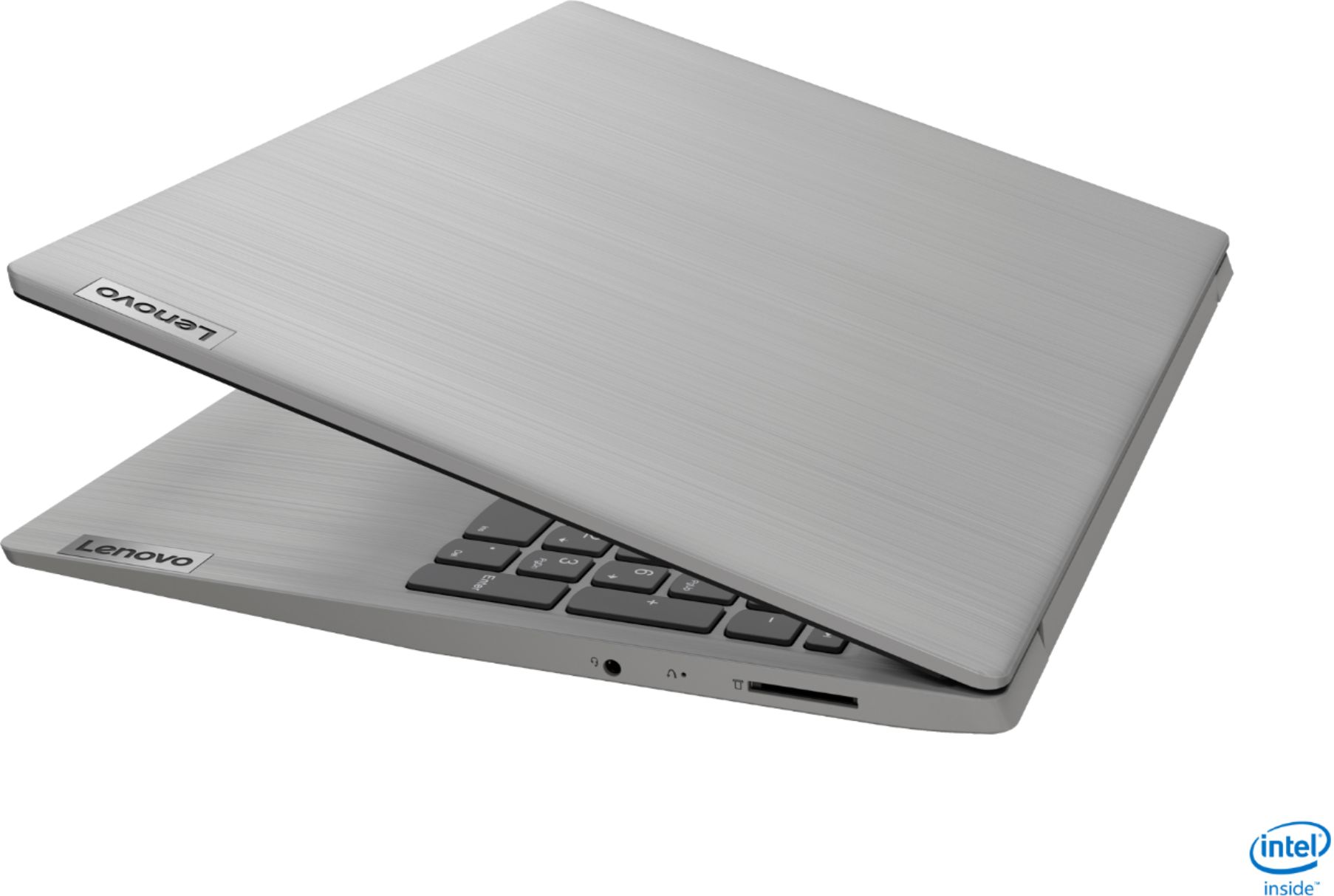
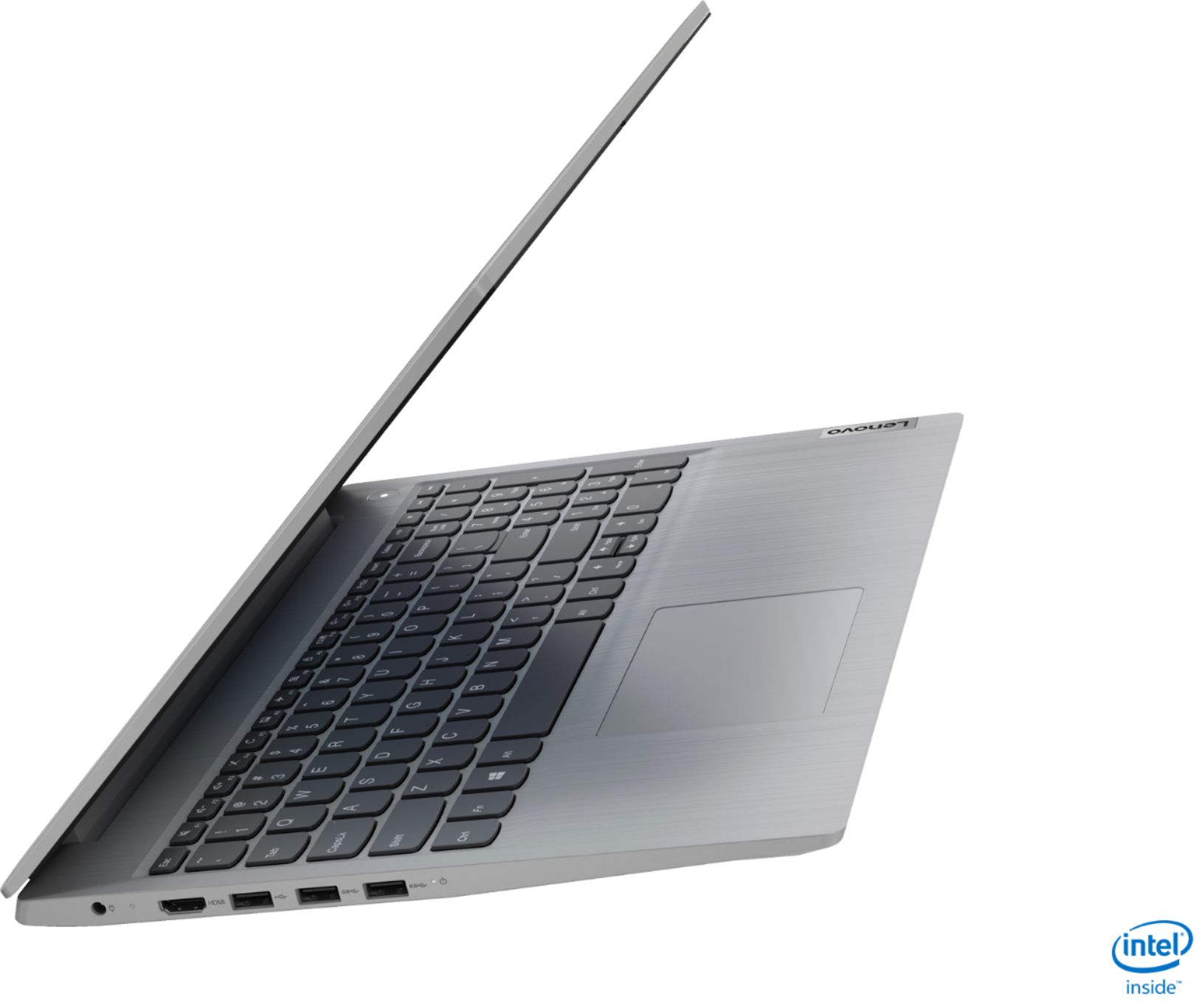
||Posted .This reviewer received promo considerations or sweepstakes entry for writing a review.this laptop is a good deal for the price when I got it on Black Friday sale. The performance is very fast and touch screen and touch pad work quite well. The minor flaw: screen color is not very good; viewing angle is narrow and no ethernet port, No USB port on right side. Top cover is little slippery need to be careful. Overall, it has very good value and pleasant to use.
I would recommend this to a friend - Pros mentioned:Touch screenCons mentioned:Storage
Great Laptop - Superb Value
||Posted . Owned for 1 month when reviewed.This reviewer received promo considerations or sweepstakes entry for writing a review.This computer is full of features and is well built. It did come with Windows S which felt extremely confining. But, it was very easy to convert to Win 10 Home. The touch screen was a big bonus at the price paid. The solid state drive is a little small, so I put a button sized flash drive in one of the fast USB ports. For the price, this may turn out to be the best laptop I have ever purchased.
I would recommend this to a friendBrand response from Lenovo Product Expert
Posted .Thank you for choosing the Lenovo IdeaPad 3 15 Laptop, model number 81WE00NKUS. We are pleased to hear that the IdeaPad 3 15 is working out so well for you.

- Pros mentioned:Performance, Price, Touch screen
Great performance
||Posted . Owned for 2 weeks when reviewed.This reviewer received promo considerations or sweepstakes entry for writing a review.Nice laptop works great with touchscreen and performance is good. Thanks Nice price
I would recommend this to a friend - Pros mentioned:Speed, Touch screen
Now in the 21st Century
||Posted . Owned for 4 months when reviewed.This reviewer received promo considerations or sweepstakes entry for writing a review.This is my first touch screen computer and it is like using an oversized touch phone. This computer has replace an old relic that would not hold a charge and ran so slow I was unable to get anything done. It was great to touch buttons and things quickly happened. I should have done this upgrade 4 years ago. It is great to have a new toy that works like it is supposed to.
I would recommend this to a friend - Pros mentioned:Performance, Price
Good computer so far
||Posted . Owned for 3 weeks when reviewed.This reviewer received promo considerations or sweepstakes entry for writing a review.Purchased this on Black Friday special for great price. Computer has been great for my daughter's virtual learning and is able to keep up with anything she needs and should not be outdated for several years. Does not have a cd/dvd drive, but I already had an external and very rarely need one anyway. This pc does not have any USB-C ports, but that was not really a big deal for me.
I would recommend this to a friend - Pros mentioned:Price, Touch screen
Good laptop for the price
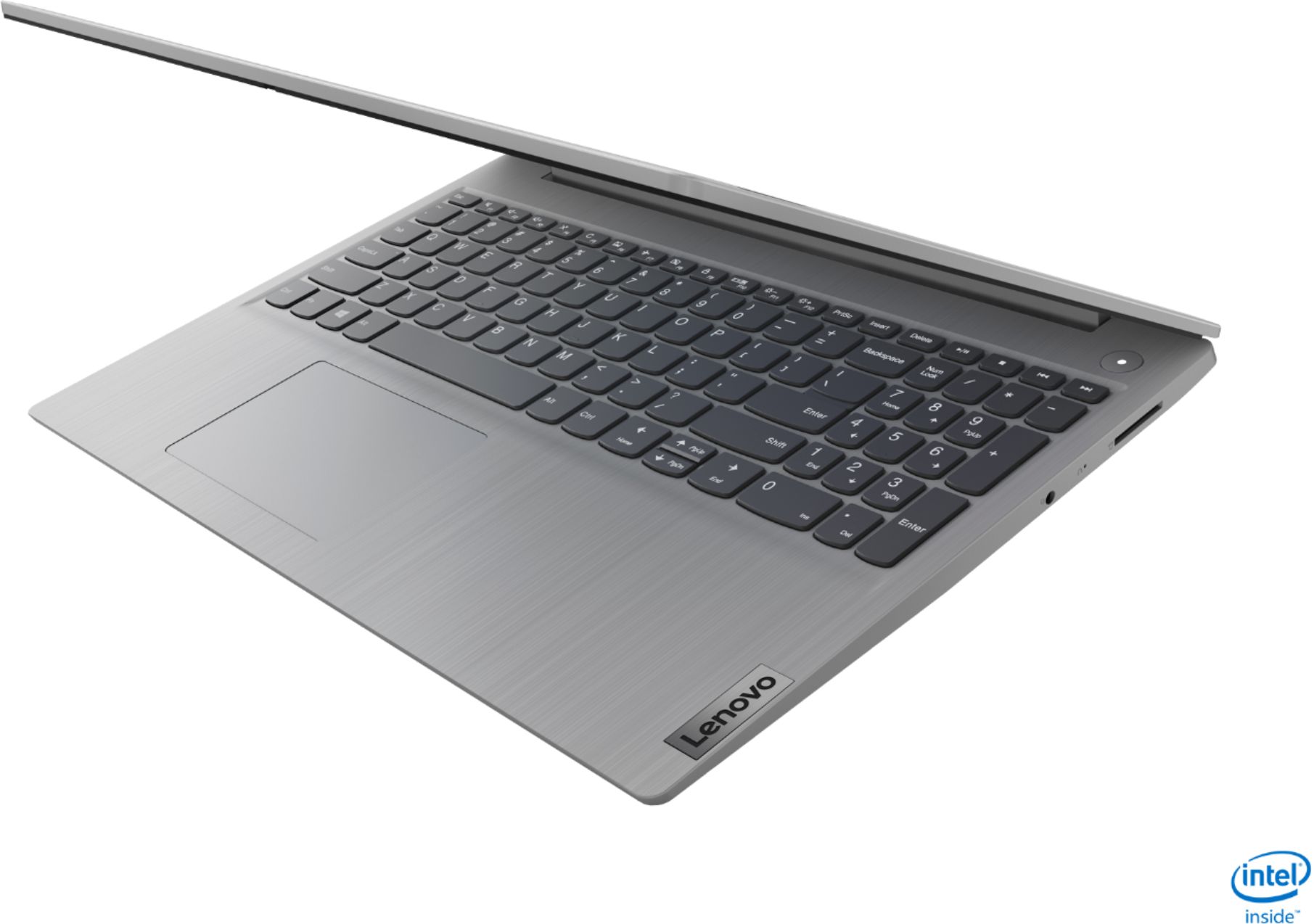
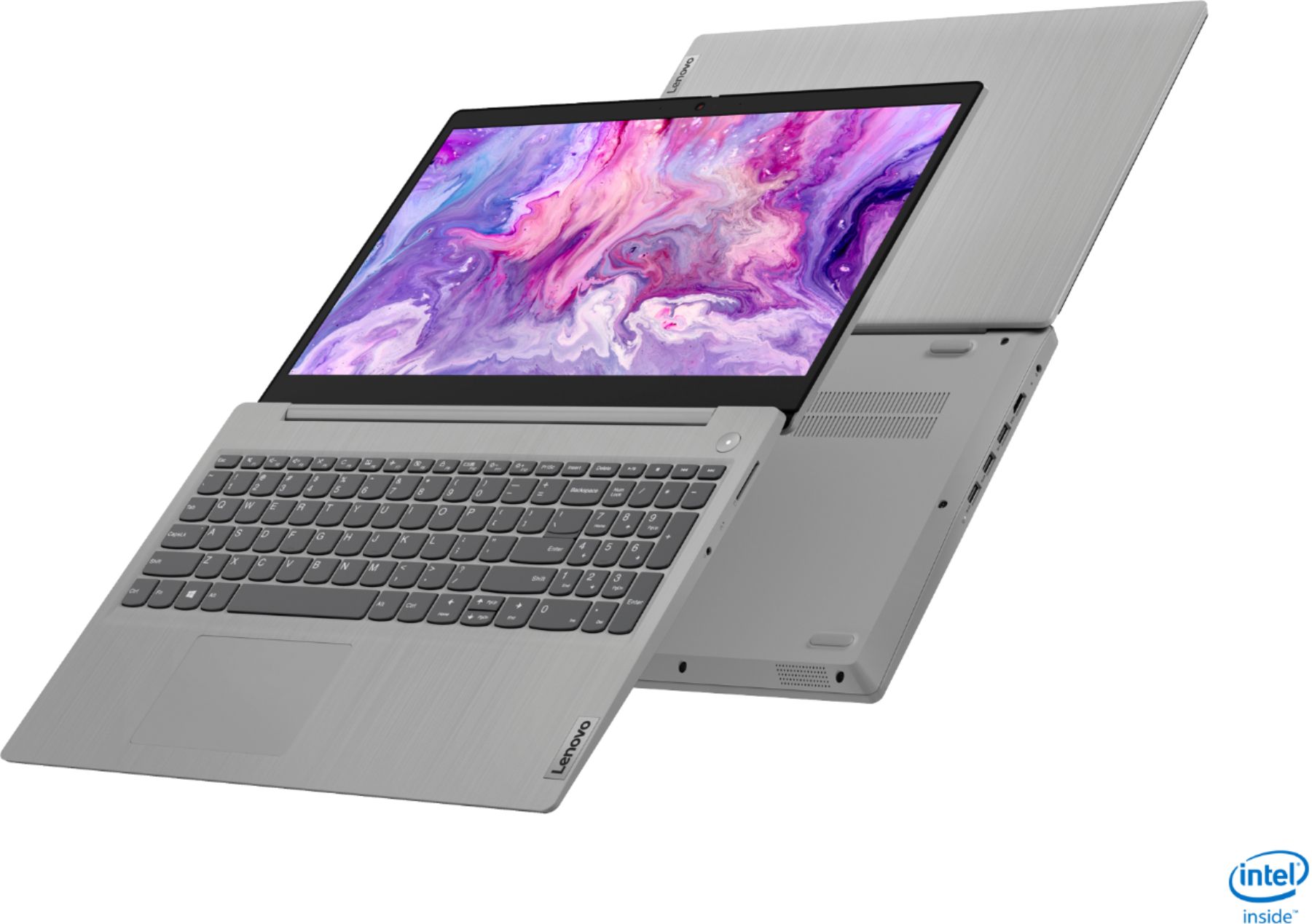
||Posted . Owned for 3 weeks when reviewed.This reviewer received promo considerations or sweepstakes entry for writing a review.So far this is a great laptop, we've only had it for a few days and it's good. We got it on a black Friday deal. Lenovo has been making some good products, so I hope this lasts for my kid to make it out of high school. If your thinking about getting one, it's a touch screen not a 2 in 1 and no back lit keyboard. It's a good laptop for under $400.
I would recommend this to a friend - Pros mentioned:SpeedCons mentioned:Battery life
Great Laptop
||Posted . Owned for less than 1 week when reviewed.This reviewer received promo considerations or sweepstakes entry for writing a review.Bought this a couple days ago. This is an extremely well built laptop except for its Screen and Battery. The Screen seems like its from the 90s and the Battery only holds 2-3 hours charge on regular daily activities. Stylish design and fast. Loads up in no time and handles multiples application really well. I am pretty satisfied with this purchase.
I would recommend this to a friend - Pros mentioned:Touch screen
Great Fast Lightweight Lenovo Laptop
||Posted . Owned for 1 year when reviewed.This reviewer received promo considerations or sweepstakes entry for writing a review.This Lenovo laptop was bought in Thanksgiving 2020. I bought it as a secondary laptop since it's lightweight. It performs daily tasks (websurfing, video streaming, office work, and light programming) pretty well. It has nice touch screen but the resolution is only 720p HD. The i5 core 10th gen processor has 4 cores to maximize computing performance. The SSD is only 256 GB but it's very fast (boots up completely in less than 10 seconds from start-up) and better than standard 5400 or 7200 rpm hard drives. The keyboard is not backlit but that does not matter to touch typist like me. I can type over 80 words per minute on this keyboard. The battery life is normal like 3.5 - 4.5 hours use per charge. You can easily switch from Windows 10 S mode to Home version from Windows store free of charge. Do not be fooled to pay anyone for a regular version Windows 10 Home. Each new laptop should come with a Windows 10 Home digital license at least nowadays, so you just need to enable it in Windows store or settings. You do not need to buy another product key to activate Windows at all.
I would recommend this to a friend - Pros mentioned:PriceCons mentioned:Battery life
Gets the job done for the price
||Posted . Owned for 3 weeks when reviewed.This reviewer received promo considerations or sweepstakes entry for writing a review.If you managed to get it during the $350 deal then this is an excellent bargain. No complaints yet, except for the battery which I knew from other reviews was not good. The screen and camera are just ok, but that was expected. I don't use the touch screen but for this price, I'm happy the option is there. Overall happy about the purchase till now!
I would recommend this to a friend - Pros mentioned:Price, Touch screen
Great computer, great price.
||Posted . Owned for 1 month when reviewed.This reviewer received promo considerations or sweepstakes entry for writing a review.This is one outstanding little computer. It's remarkably light but still feels solid. The touchscreen is a joy to use. The speakers are great. The computer sips the battery so it lasts all day. I can't believe that I paid so little for this thing. It was a great deal, I wish I'd bought two. You can't go wrong with this computer, it's fast, light, and durable.
I would recommend this to a friendBrand response from Lenovo Product Expert
Posted .Thank you for choosing the Lenovo IdeaPad 3 15 Laptop, model number 81WE00NKUS. We are pleased to hear that the value, features and performance of the IdeaPad 3 15 meets your computing needs so well.
- Pros mentioned:Speed
Working from home
||Posted . Owned for 1 month when reviewed.This reviewer received promo considerations or sweepstakes entry for writing a review.I purchased this computer once we were notified that we were able to start working from home. The item was available that evening for curb-side pick up. This was a fantastic option considering the pandemic that we are all in. The storage space is great and the speed is amazing. The item is lightweight and travels well. Overall very satisfied with the purchase.
I would recommend this to a friendBrand response from Lenovo Product Expert
Posted .Thank you for choosing the Lenovo IdeaPad 3 15 Laptop, model number 81WE00NKUS. We are pleased to hear that the features and performance of the IdeaPad 3 15 meets your computing needs so well.
- Pros mentioned:Price
12 GB ram is the golden seller
||Posted . Owned for 3 weeks when reviewed.This reviewer received promo considerations or sweepstakes entry for writing a review.Amazing laptop! Just purchased it during the holiday season and I couldn’t have gotten a better deal for the price of $349. Really hoping they’ll drop the price again so I can get another one of these bad boys for screen mirroring purposes. Helps out a lot to have the 12gb ram because the speed of everything makes the smoothest difference.
I would recommend this to a friend - Pros mentioned:Touch screenCons mentioned:Battery life
Great deal
||Posted . Owned for 2 weeks when reviewed.This reviewer received promo considerations or sweepstakes entry for writing a review.Okay this laptop is amazing. Only two issue- the battery life and the color quality on the screen. The color quality is minor for me but I worry about the battery life, it does not last as long as stated on the page which means continuous charging. Love the screen size. Amazing how the touch screen is responsive! Icore5! Amazing deal
I would recommend this to a friendBrand response from Lenovo Product Expert
Posted .Thank you for choosing the Lenovo IdeaPad 3 15 Laptop, model number 81WE00NKUS. This model ships with a 2CELL_35WH_INTERNAL, Lithium Polymer Battery, with a battery life of up to 7 hours, depending on the work the device is performing. If you are getting substantially less battery life, First, set your screen brightness at less than 100-percent - try 80-percent to start with. Then, be sure Battery conservation Mode is turned off. This power management setting should only be used when the laptop is plugged in all the time. It will prolong overall battery life by only charging the battery to 60-percent of capacity. Here is a link to instructions for turning off Battery Conservation Mode: https://support.lenovo.com/us/en/solutions/ht103159. Also check what programs are running in the background on the computer. Be sure only the programs you want running in the background are. These programs will drain the battery. Here is a link to information about how to find out what programs are running in the background on your Windows 10 computer and how to manage them for better system performance: https://www.windowscentral.com/how-prevent-apps-running-background-windows-10. Then, finally, be sure any software you installed is compatible with Windows 10. Incompatible software will drain the battery at a faster rate. There is no need to install Microsoft Office software. The software is already part of the operating system, you just need to activate the software with a purchased product key. If you have installed a copy of Microsoft Office, this is conflicting with the existing copy on the system and this will slow your system down. If you have installed a 3rd party anti-virus program, be sure that Windows Defender is turned off and that the trial version of McAfee Anti-Virus software is uninstalled. There can only be one anti-virus program on the system. You may need to restore your system to original factory default settings if any of the programming errors have occurred. You can do that by typing "restore" in the Cortana search window. Just click on the magnifying glass icon at the bottom left of your Windows 10 Desktop. Click on "Reset This PC" Then click on "Get Started" and follow the on screen directions to restore to factory defaults. If the problem persists, we recommend you contact Lenovo Tech Support at: 877-453-6686.
- Pros mentioned:Price, Weight
Meet your needs
||Posted . Owned for 2 weeks when reviewed.This reviewer received promo considerations or sweepstakes entry for writing a review.Not bad price this machine, 10th generation CPU is good, i5 basically meets all your needs in work and personal stuff. Memory and SSD enough for daily use as well. I am not that into touch screen and I rarely use it, I am more used to keyboard and mouse. The display is just OK, do not expect too high. The laptop is not very heavy, easy to carry and store.
I would recommend this to a friend - Pros mentioned:Touch screenCons mentioned:Battery life
Poor Battery Life, but it works
||Posted . Owned for 3 months when reviewed.This reviewer received promo considerations or sweepstakes entry for writing a review.Ive had this laptop for about 3 months now. So far so good. I purchased it to use for work while i remotely work from home. I dont use the touch screen allot but its nice that i have the option. The only real con i have for it is the battery life. It lasts about 5 hours under normal use but less than 2 if im on a video call.
I would recommend this to a friendBrand response from Lenovo Product Expert
Posted .The Lenovo IdeaPad 3 15 Laptop, model number 81WE00NKUS, ships with a 2CELL_35WH_INTERNAL, Lithium Polymer Battery, which within this configuration has a battery life of up to 7 hours, depending on the work the device is performing. If you are getting substantially less battery life, first, set your screen brightness at less than 100-percent - try 80-percent to start with. Then, be sure Battery conservation Mode is turned off. This power management setting should only be used when the laptop is plugged in all the time. It will prolong overall battery life by only charging the battery to 60-percent of capacity. Here is a link to instructions for turning off Battery Conservation Mode: https://support.lenovo.com/us/en/solutions/ht103159. Also check what programs are running in the background on the computer. Be sure only the programs you want running in the background are. These programs will drain the battery. Here is a link to information about how to find out what programs are running in the background on your Windows 10 computer and how to manage them for better system performance: https://www.windowscentral.com/how-prevent-apps-running-background-windows-10. Then, finally, be sure any software you installed is compatible with Windows 10. Incompatible software will drain the battery at a faster rate. There is no need to install Microsoft Office software. The software is already part of the operating system, you just need to activate the software with a purchased product key. If you have installed a copy of Microsoft Office, this is conflicting with the existing copy on the system and this will slow your system down. If you have installed a 3rd party anti-virus program, be sure that Windows Defender is turned off and that the trial version of McAfee Anti-Virus software is uninstalled. There can only be one anti-virus program on the system. You may need to restore your system to original factory default settings if any of the programming errors have occurred. You can do that by typing "restore" in the Cortana search window. Just click on the magnifying glass icon at the bottom left of your Windows 10 Desktop. Click on "Reset This PC" Then click on "Get Started" and follow the on screen directions to restore to factory defaults. If the problem persists, we recommend you contact Lenovo Tech Support at: 877-453-6686.
- Pros mentioned:Touch screen
Buy Ideapad 3
||Posted . Owned for 3 weeks when reviewed.This reviewer received promo considerations or sweepstakes entry for writing a review.This model has a major WiFi improvement. It used Intel 9560 2x2 great for the performance. 12GB is the max because 4 GB is fixed on motherboard otherwise it could be 16 GB. People complain about the screen resolution but I like it true HD fonts are too small for 15 inch screen. Touch screen without extra cost that is a big plus. This system is very easy to set up. The key is NOT to connect to the internet during the setup. After initial setup then connect to internet to upgrade to Home full version from S model which is for idiot. This machine does not load with a lot of junk that is another plus. I saw people complained about unreliable hardware. That is false. I will suggest those people to buy a sewing machine instead because they don't know how to use a computer.
I would recommend this to a friendBrand response from Lenovo Product Expert
Posted .Thank you for choosing the Lenovo IdeaPad 3 15 Laptop, model number 81WE00NKUS. We are pleased to hear that the features and performance of the IdeaPad 3 15 meets your computing needs so well.
- Pros mentioned:SpeedCons mentioned:Battery life
Killer Deal
||Posted . Owned for 5 months when reviewed.This reviewer received promo considerations or sweepstakes entry for writing a review.I have been looking for a laptop for regular home use for quite sometime and found this on thanksgiving deal. This is definitely a killer deal. Extremely great speed with 12 GB RAM and 256 SSD. Lenovo would have charged few additional bucks for increased SSD, say 512 GB. Only drawback is battery performance.
I would recommend this to a friend - Pros mentioned:PriceCons mentioned:Battery life
Great Specs, terrible battery life.
||Posted . Owned for 3 weeks when reviewed.This reviewer received promo considerations or sweepstakes entry for writing a review.To start with everything but one I loved. The price...$349...the specs...12GB RAM...i5 processor. When you turn this on it fires right up. I was sad that I had to return it. Why? The battery life. I would be lucky if I could get 2 hours in before I had to plug in. This laptop comes with only a 2 cell battery. Most are 3 cell. I did everything that HP experts said to do in other reviews. Turned down the screen brightness, put it in power saver mode and turned just about everything off that I could. Even though I bought this for a great price this regularly sells for $599 and a computer at that price I shouldn't have to do all that to "extend" the battery life. So if you don't mind being connected with the power cord I would recommend this in a hear beat. But, the purpose of a laptop is to not be connected that way. Oh and finally the screen was a bit washed out as well.
No, I would not recommend this to a friendBrand response from Lenovo Product Expert
Posted .The Lenovo IdeaPad 3 15 Laptop, model number 81WE00NKUS, ships with a 2CELL_35WH_INTERNAL, Lithium Polymer Battery, with a battery life of up to 7 hours, depending on the work the device is performing. If you are getting substantially less battery life, first, set your screen brightness at less than 100-percent - try 80-percent to start with. Then, be sure Battery conservation Mode is turned off. This power management setting should only be used when the laptop is plugged in all the time. It will prolong overall battery life by only charging the battery to 60-percent of capacity. Here is a link to instructions for turning off Battery Conservation Mode: https://support.lenovo.com/us/en/solutions/ht103159. Also check what programs are running in the background on the computer. Be sure only the programs you want running in the background are. These programs will drain the battery. Here is a link to information about how to find out what programs are running in the background on your Windows 10 computer and how to manage them for better system performance: https://www.windowscentral.com/how-prevent-apps-running-background-windows-10. Then, finally, be sure any software you installed is compatible with Windows 10. Incompatible software will drain the battery at a faster rate. There is no need to install Microsoft Office software. The software is already part of the operating system, you just need to activate the software with a purchased product key. If you have installed a copy of Microsoft Office, this is conflicting with the existing copy on the system and this will slow your system down. If you have installed a 3rd party anti-virus program, be sure that Windows Defender is turned off and that the trial version of McAfee Anti-Virus software is uninstalled. There can only be one anti-virus program on the system. You may need to restore your system to original factory default settings if any of the programming errors have occurred. You can do that by typing "restore" in the Cortana search window. Just click on the magnifying glass icon at the bottom left of your Windows 10 Desktop. Click on "Reset This PC" Then click on "Get Started" and follow the on screen directions to restore to factory defaults. If the problem persists, we recommend you contact Lenovo Tech Support at: 877-453-6686.