Customer Ratings & Reviews
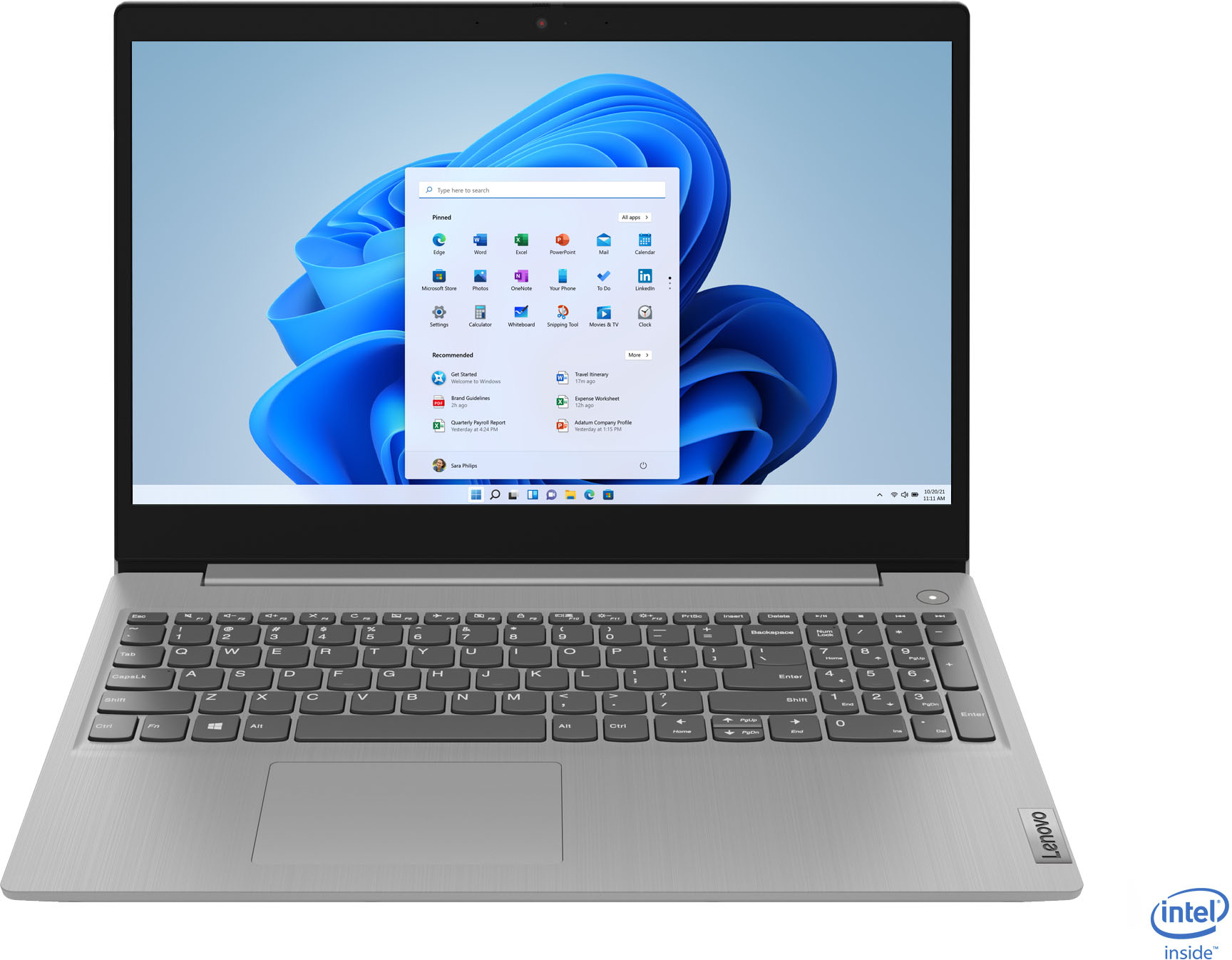
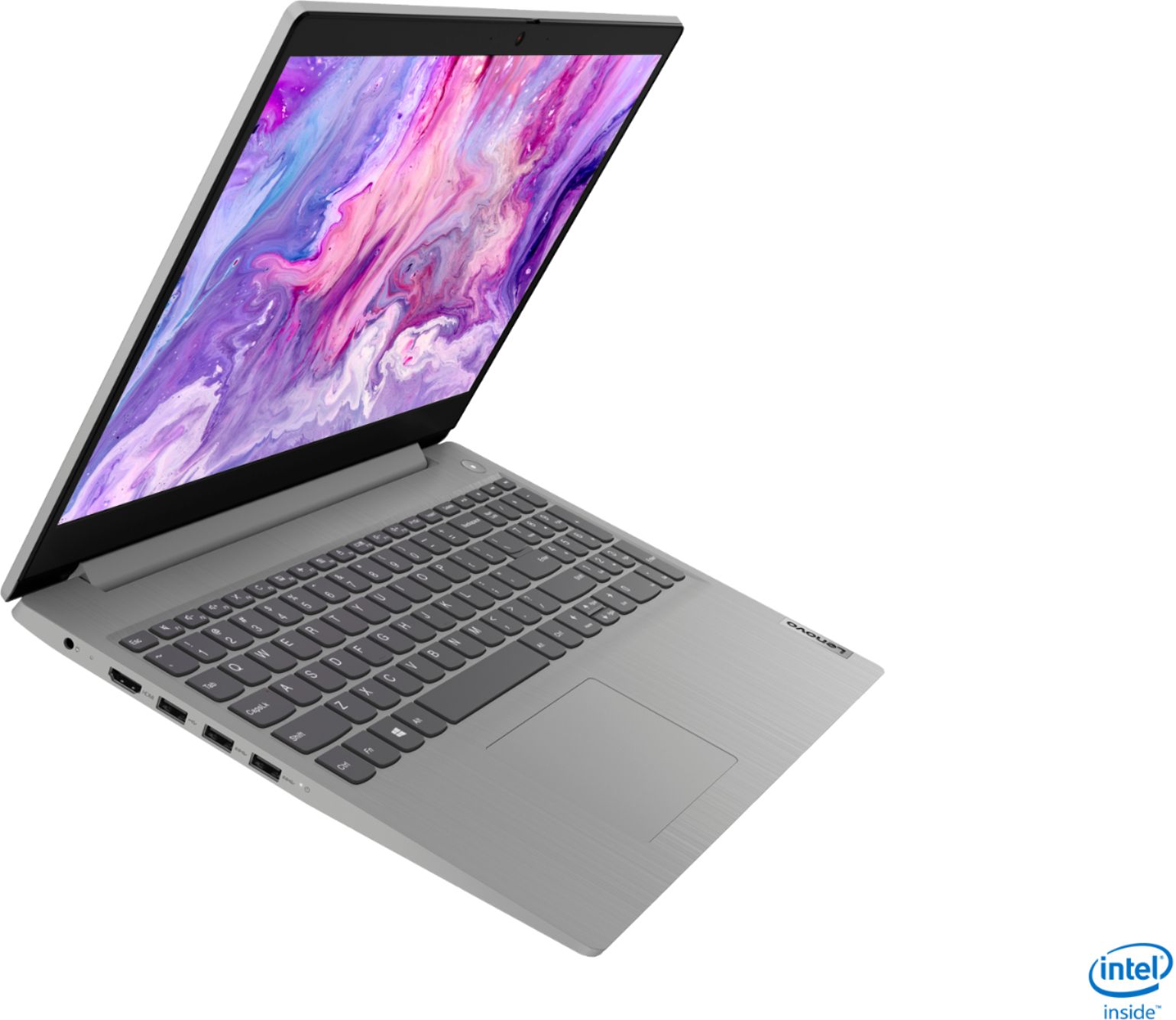
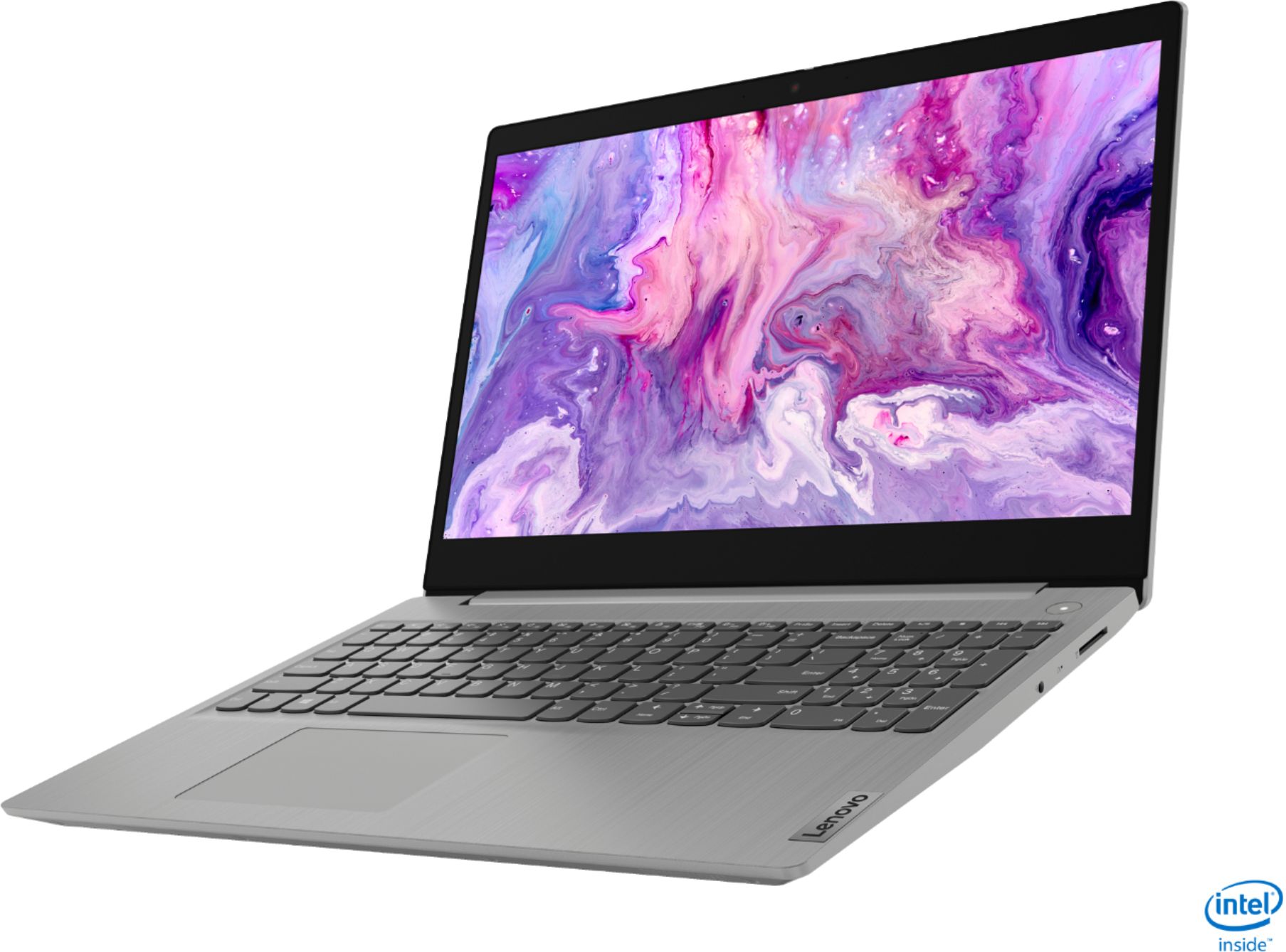

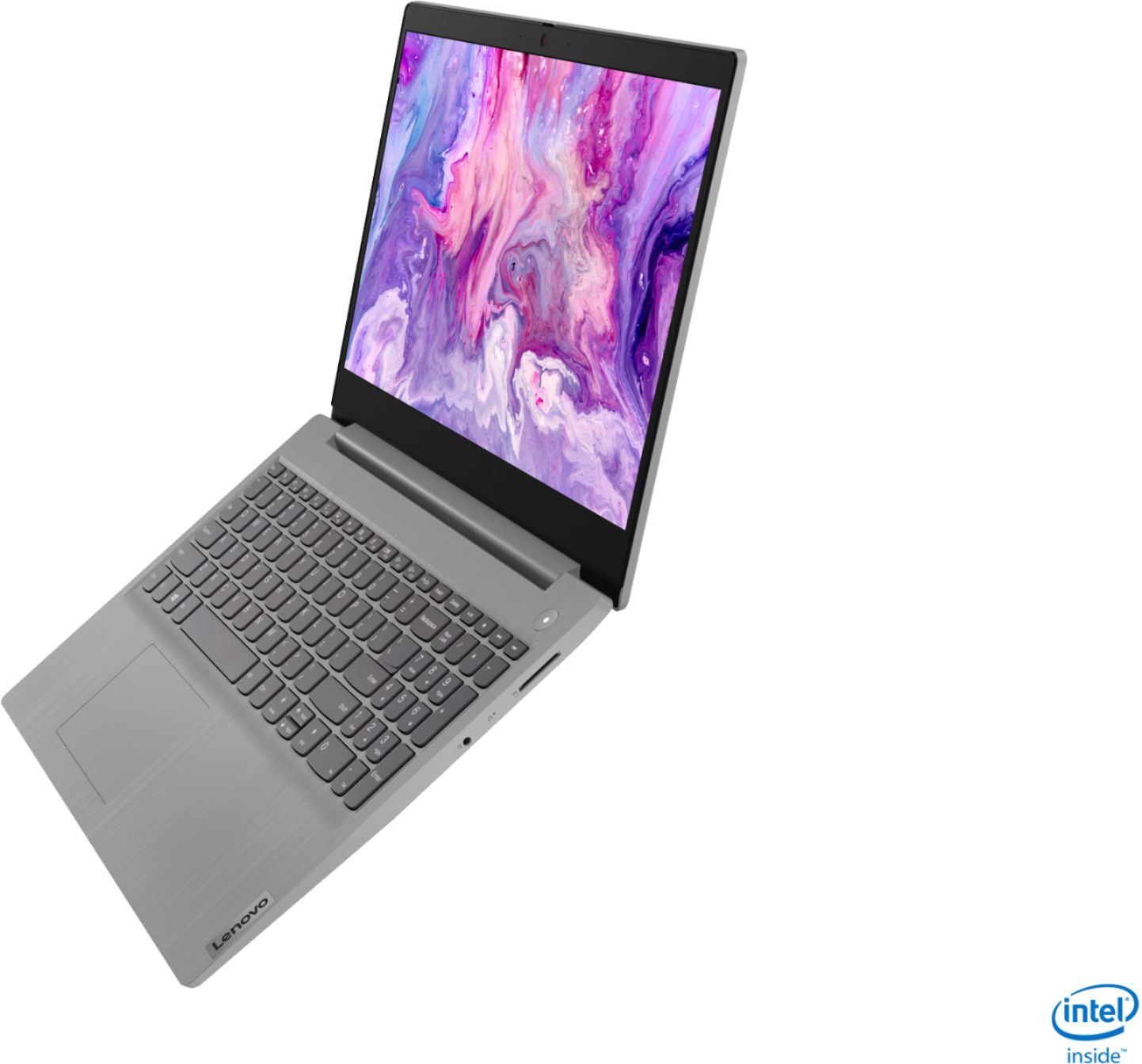
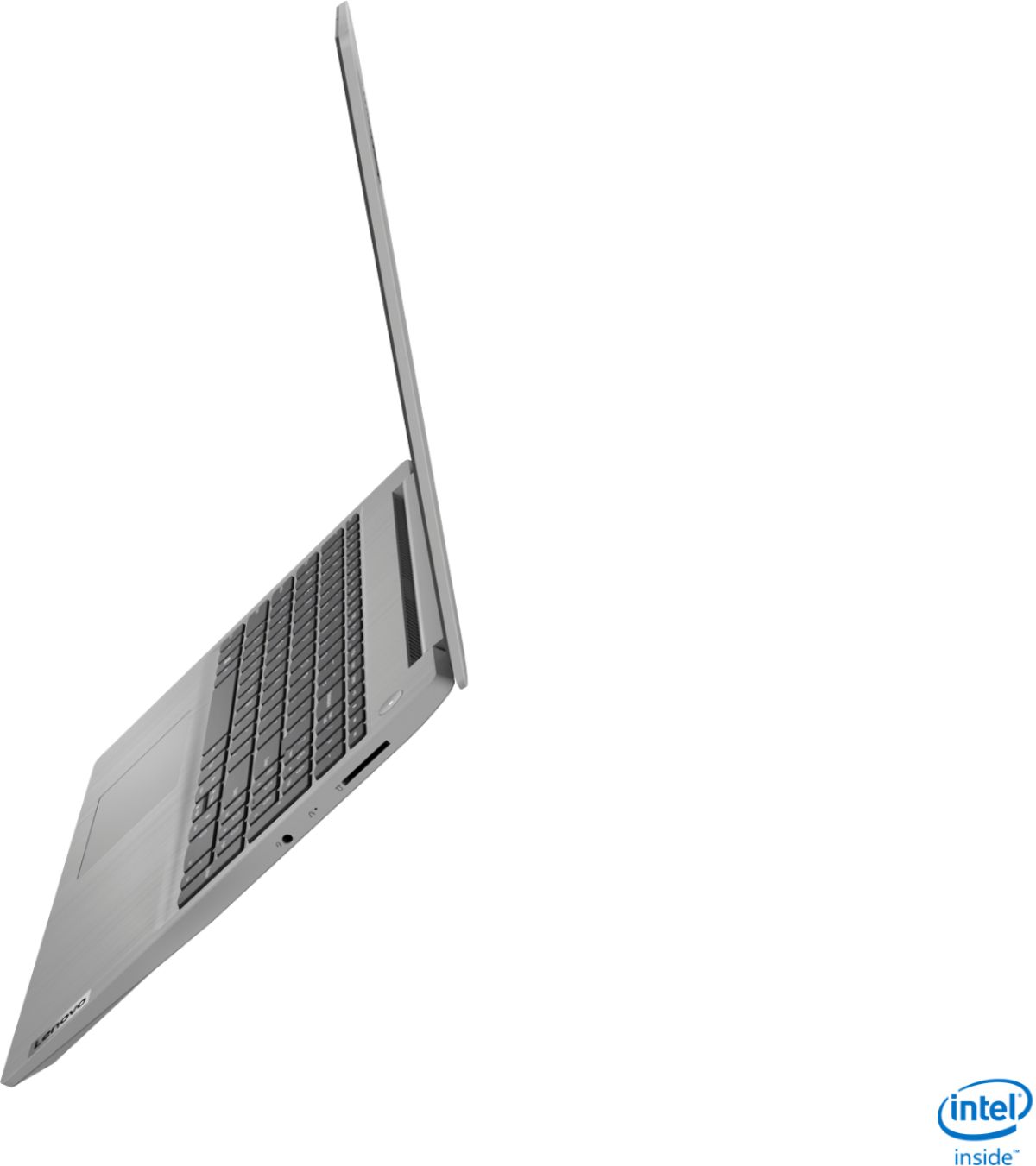
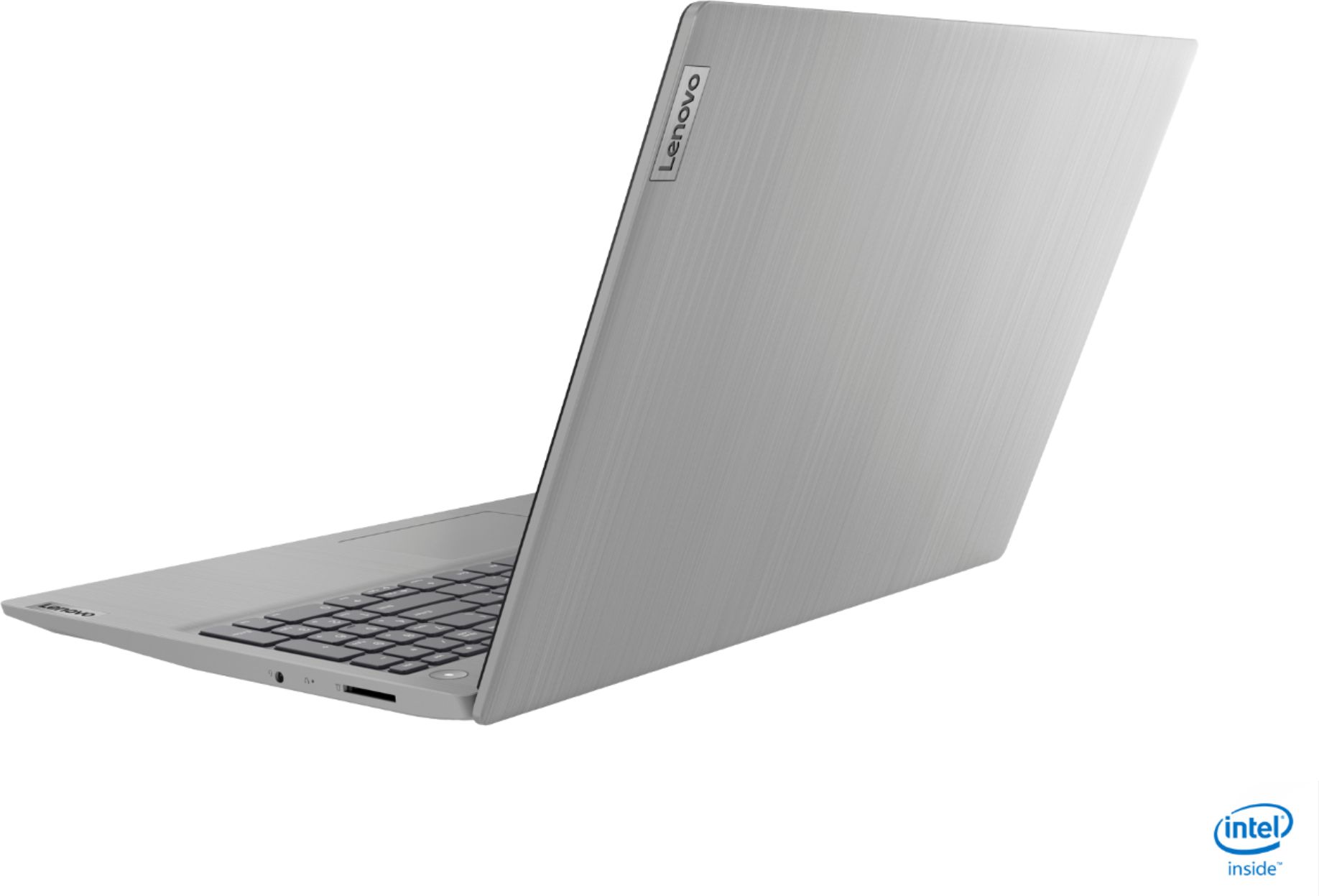
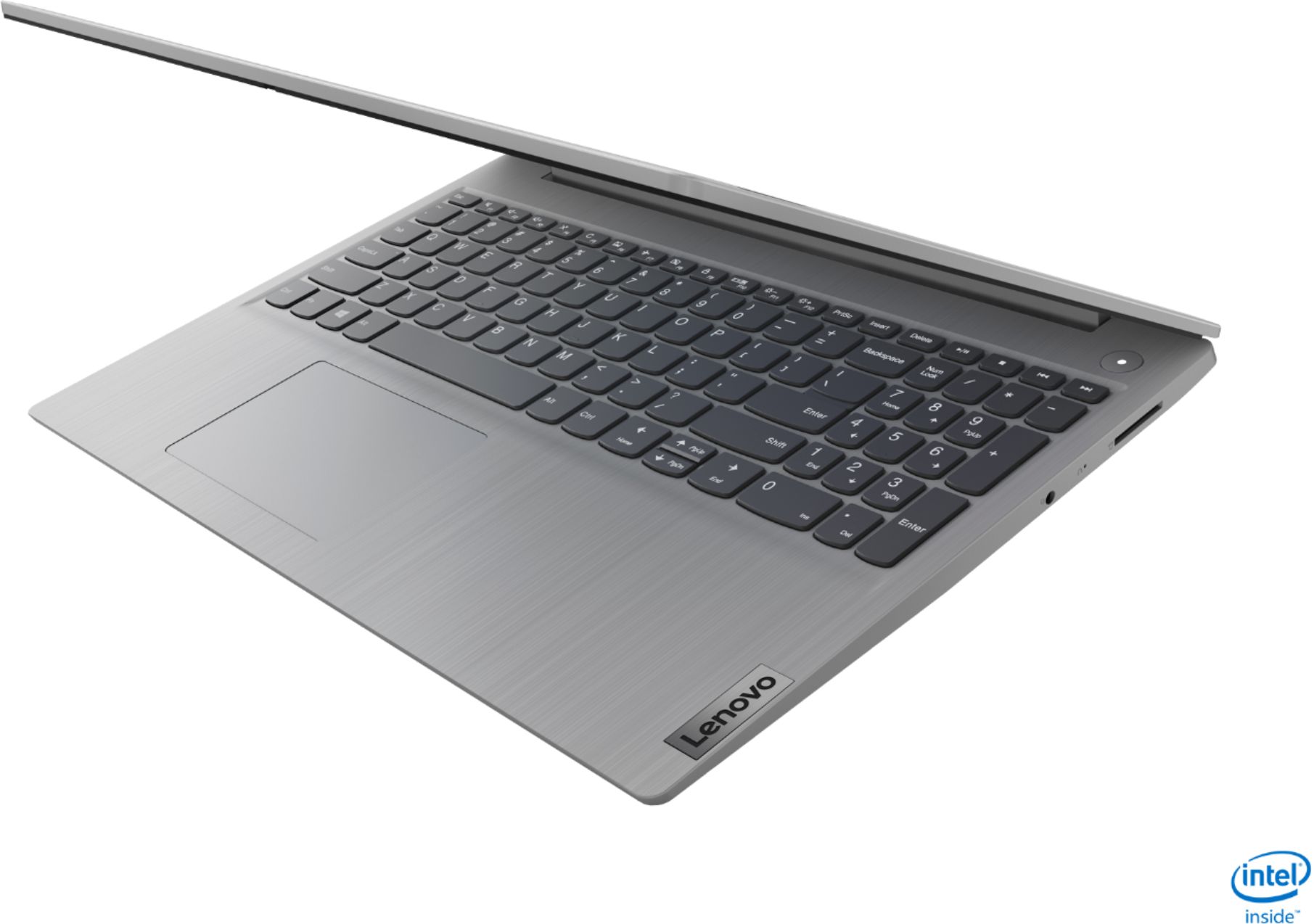
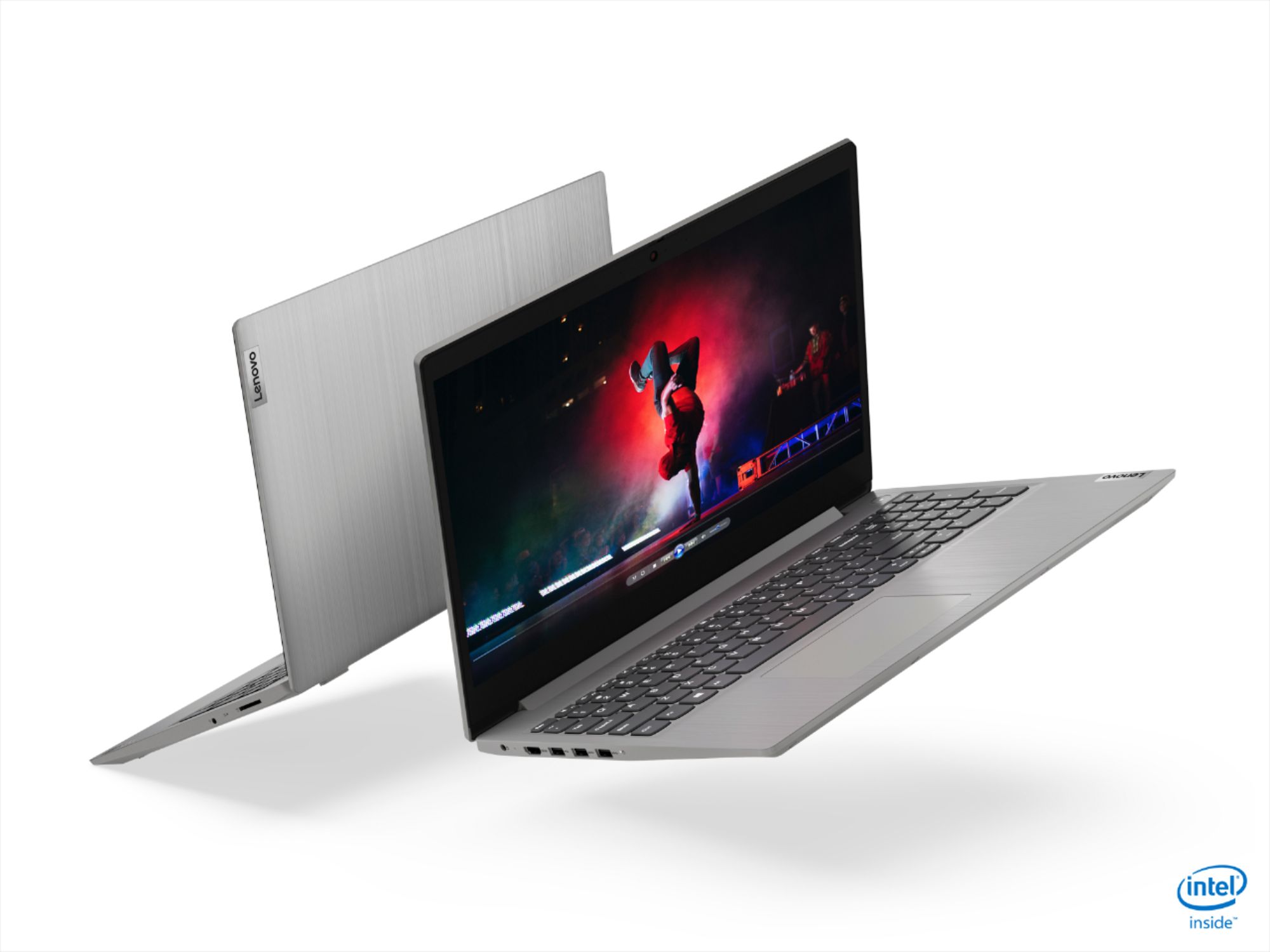
- Model:
- 81WE00NKUS
- SKU:
- 6426712
Rating by feature
- Battery Life
Rating 4.2 out of 5 stars
- Speed
Rating 4.4 out of 5 stars
- Display
Rating 4.3 out of 5 stars
Customers are saying
Customers often highlight the IdeaPad 3's affordability, lightweight design, and responsive touchscreen display. Many users have also praised its performance and reliability even after several years of use. However, some users have expressed concerns about its battery life, low-resolution screen, and limited storage capacity.
This summary was generated by AI based on customer reviews.
- Pros mentioned:Speed
Great buy.
||Posted . Owned for 1 month when reviewed.This reviewer received promo considerations or sweepstakes entry for writing a review.Great quality! Arrived earlier than expected. Easy to set up, and easy to use. Promotional additions were nice and also easy to set up. It was purchased as a birthday gift for my mother (late 60s). She is pretty tech savvy and loved this computer and finds the speed and easy of sue fantastic. Made me want buy a new computer for myself.
I would recommend this to a friend - Pros mentioned:Touch screenCons mentioned:Build quality
OK build quality with great specs.
||Posted . Owned for 3 weeks when reviewed.This reviewer received promo considerations or sweepstakes entry for writing a review.OK build quality with great specs. The processor, memory and storage are great for daily usage, screen is large and touch is a bonus. I wish the whole frame was metal instead of only top cover and palm rest areas. But if you get it on sale (I got mine on black Friday for $350) the value is INCREDIBLY good - can't beat it for that price.
I would recommend this to a friend - Pros mentioned:PriceCons mentioned:Battery life
Excellent value with some shortcomings
||Posted . Owned for 2 weeks when reviewed.This reviewer received promo considerations or sweepstakes entry for writing a review.Good laptop for the price however.... I can confirm other reviews about battery life and the screen resolution. The actual battery life falls far short of the claimed 8 hours. I have had it for about 2 weeks. I use it for very basic computing/browsing. I use the Microsoft Office suite with Microsoft Edge browser. I have not installed any other software and do not stream music or videos therefore I have very few if any additional apps/programs running in the background. I do not game. I have been using it for about 30 minutes now and have 75% battery left after a full charge. The best description I can use for the screen is "flat" colors. It is not very vibrant and reminds me of my 720p old early generation flat screen TV. That being said, it's a really good laptop for the price. I got it on sale for $350. Pretty good price for 12GB memory and 256GB SSD.
I would recommend this to a friend - Pros mentioned:Speed
Lenovo laptop
||Posted . Owned for 3 weeks when reviewed.This reviewer received promo considerations or sweepstakes entry for writing a review.Excellent laptop.... Fast and easy to use.... Lightweight
I would recommend this to a friend - Pros mentioned:PerformanceCons mentioned:Battery life
Best for the Budget!!!
||Posted . Owned for 1 week when reviewed.This reviewer received promo considerations or sweepstakes entry for writing a review.I am using this laptop for the past week. This worth every penny spent if it is used accordingly. I think battery life is a tradeoff for the performance[hardware configuration] for this budget. I was able to use it for 3 hours continuously with Memory/CPU [70+% of usage] intensive tasks after a 100% charge.
I would recommend this to a friend - Pros mentioned:Performance, Touch screen
Performance on the go
||Posted . Owned for 3 weeks when reviewed.This reviewer received promo considerations or sweepstakes entry for writing a review.Love my laptop. Didn't even realize it was touch screen till a week ago lol. I bought it for work, but it is also great for quick video edits my husband does on trips. There are no lags in performance and it looks sleek as well. The keyboard is satisfying to use. Not too raised or lowered and has the side number keypad as well.
I would recommend this to a friend - Pros mentioned:Price, Speed
NIce smooth touch. Fast.
||Posted . Owned for 3 weeks when reviewed.This reviewer received promo considerations or sweepstakes entry for writing a review.This is a replacement for an older HP computer. Still transferring files and programs so have not had a chance to really put it through its paces yet so giving it 4 stars for now. Seems to be fast and smooth. Bought it due to having another Lenovo in the family for 6+ years and the price was very good.
I would recommend this to a friend - Pros mentioned:Price, Speed
Nice laptop for the $$
||Posted . Owned for 3 weeks when reviewed.This reviewer received promo considerations or sweepstakes entry for writing a review.Really nice laptop for the price. The 128Gb SSD drive is a bit small but prices on external TB drives are so low now this isn't a problem. Very fast, excellent for everyday use. I use it primarily for photo processing and with 12 Gb RAM and the SSD drive it is fast enough to be very useful. And it is small and lightweight.
I would recommend this to a friend - Pros mentioned:SpeedCons mentioned:Battery life
Laptop review
||Posted . Owned for 3 weeks when reviewed.This reviewer received promo considerations or sweepstakes entry for writing a review.This computer is really fast. As soon as you open the screen the Lock Screen load in. But the only downside is that the battery’s runs out really fast and the head of the charger is really Big. Another thing I didn’t like is that I had to wait a month for this laptop to arrive. But definitely recommend.
I would recommend this to a friendBrand response from Lenovo Product Expert
Posted .Thank you for choosing the Lenovo IdeaPad 3 15 Laptop, model number 81WE00NKUS. This model ships with a 2CELL_35WH_INTERNAL, Lithium Polymer Battery, with a battery life of up to 7 hours, depending on the work the device is performing. If you are getting substantially less battery life, First, set your screen brightness at less than 100-percent - try 80-percent to start with. Then, be sure Battery conservation Mode is turned off. This power management setting should only be used when the laptop is plugged in all the time. It will prolong overall battery life by only charging the battery to 60-percent of capacity. Here is a link to instructions for turning off Battery Conservation Mode: https://support.lenovo.com/us/en/solutions/ht103159. Also check what programs are running in the background on the computer. Be sure only the programs you want running in the background are. These programs will drain the battery. Here is a link to information about how to find out what programs are running in the background on your Windows 10 computer and how to manage them for better system performance: https://www.windowscentral.com/how-prevent-apps-running-background-windows-10. Then, finally, be sure any software you installed is compatible with Windows 10. Incompatible software will drain the battery at a faster rate. There is no need to install Microsoft Office software. The software is already part of the operating system, you just need to activate the software with a purchased product key. If you have installed a copy of Microsoft Office, this is conflicting with the existing copy on the system and this will slow your system down. If you have installed a 3rd party anti-virus program, be sure that Windows Defender is turned off and that the trial version of McAfee Anti-Virus software is uninstalled. There can only be one anti-virus program on the system. You may need to restore your system to original factory default settings if any of the programming errors have occurred. You can do that by typing "restore" in the Cortana search window. Just click on the magnifying glass icon at the bottom left of your Windows 10 Desktop. Click on "Reset This PC" Then click on "Get Started" and follow the on screen directions to restore to factory defaults. If the problem persists, we recommend you contact Lenovo Tech Support at: 877-453-6686.

- Pros mentioned:Speed, Touch screen
A fast and great computer for the price (one week)
||Posted . Owned for 3 weeks when reviewed.This reviewer received promo considerations or sweepstakes entry for writing a review.Superfast, light, and battery life are pretty good this is my first week with the laptop but I can tell you that Minecraft runs at 58-60 fps and Skyrim on high runs without lag. the sound is pretty good as well and for the price point it is a decent computer the touch screen is responsive all in all I would buy it again.
I would recommend this to a friend - Pros mentioned:Price, Touch screen
Once in a while Deal !!!
||Posted . Owned for 1 week when reviewed.This reviewer received promo considerations or sweepstakes entry for writing a review.Really unbelievable i got this i5, 12GB, 256 GB SSD , Touch Screen laptop for $349. Its absolutely a value for money. Currently its $449 which is still worth buying it. Thought he laptop is 15", its sleek design looks like a 14" light weight laptop and adding to that is its steel finish makes it look like a premium one.
I would recommend this to a friend - Pros mentioned:Touch screen
Lenovo Ideapad 3 15" Touch Screen Laptop
||Posted . Owned for 1 month when reviewed.This reviewer received promo considerations or sweepstakes entry for writing a review.I purchased this laptop after my Toshiba laptop started acting up. It has what I need to stay connected and I got it for a great price. It's sleek, lightweight and have enough space for photos and videos. I love the fact it has a touch screen which is a new feature for me. This was a great buy for my needs.
I would recommend this to a friend - Pros mentioned:Speed, Touch screen
Good little laptop.
||Posted . Owned for 2 months when reviewed.This reviewer received promo considerations or sweepstakes entry for writing a review.I like this laptop. It's fast and responsive. It feels sturdy enough for me and the kids. It's touch screen, so that's cool. For the price, it's a good laptop for studying and watching youtube. Haven't really tried anything intensive like games, but i think it should work fine.
I would recommend this to a friendBrand response from Lenovo Product Expert
Posted .Thank you for choosing the Lenovo IdeaPad 3 15 Laptop, model number 81WE00NKUS. We are pleased to hear that the features and performance of the IdeaPad 3 15 meets your computing needs so well.
- Cons mentioned:Battery life
Lenovo Touchscreen i5 Laptop - A Black Friday Deal
||Posted . Owned for 1 month when reviewed.This reviewer received promo considerations or sweepstakes entry for writing a review.Purchased for a gift - she likes it a lot. The screen has a matte finish; it isn't the brightest or sharp like others, but seems to be made this way to cut cost and keep the computer light. Like most lower-cost computers these days, it's made of a plastic material. Overall, the specs are good for Black Friday deal it was - i5 processor, 12GB Memory, 256GB SSD, plus a touch screen. The best deal of the season. Battery life isn't the greatest, and there are only two regular USB ports. Keep it plugged in when you can while using it. Buy a USB Hub with more ports if you need more - that would help. Finally, it has an unusual trait - it can be turned off completely, yet when you open it from be folded closed, it powers on. That is very odd; no computer I've ever seen or used has done that. Overall grade for the Lenovo - IdeaPad 3 15" Touch Screen Laptop - Intel Core i5-1035G1 - 12GB Memory - 256GB SSD - Platinum Grey: 4.5 out of 5 stars - not perfect, but a great deal for the price. Let's see if it holds up long term.
I would recommend this to a friendBrand response from Lenovo Product Expert
Posted .Thank you for choosing the Lenovo IdeaPad 3 15 Laptop, model number 81WE00NKUS. This model ships with a 2CELL_35WH_INTERNAL, Lithium Polymer Battery, which within this configuration, has a battery life of up to 7 hours, depending on the work the device is performing. With regard to preventing your shutdown computer from booting up when you open the lid, change what the device does when the lid is opened. You can change this feature in Settings. Here is a link to more information: https://www.thewindowsclub.com/how-to-change-laptop-lid-open-action-in-windows-10#:~:text=On%20the%20Power%20Options%20screen,from%20the%20drop%2Ddown%20menu. Regarding battery life, if you are getting substantially less battery life, first, set your screen brightness at less than 100-percent - try 80-percent to start with. Then, be sure Battery conservation Mode is turned off. This power management setting should only be used when the laptop is plugged in all the time. It will prolong overall battery life by only charging the battery to 60-percent of capacity. Here is a link to instructions for turning off Battery Conservation Mode: https://support.lenovo.com/us/en/solutions/ht103159. Also check what programs are running in the background on the computer. Be sure only the programs you want running in the background are. These programs will drain the battery. Here is a link to information about how to find out what programs are running in the background on your Windows 10 computer and how to manage them for better system performance: https://www.windowscentral.com/how-prevent-apps-running-background-windows-10. Then, finally, be sure any software you installed is compatible with Windows 10. Incompatible software will drain the battery at a faster rate. There is no need to install Microsoft Office software. The software is already part of the operating system, you just need to activate the software with a purchased product key. If you have installed a copy of Microsoft Office, this is conflicting with the existing copy on the system and this will slow your system down. If you have installed a 3rd party anti-virus program, be sure that Windows Defender is turned off and that the trial version of McAfee Anti-Virus software is uninstalled. There can only be one anti-virus program on the system. You may need to restore your system to original factory default settings if any of the programming errors have occurred. You can do that by typing "restore" in the Cortana search window. Just click on the magnifying glass icon at the bottom left of your Windows 10 Desktop. Click on "Reset This PC" Then click on "Get Started" and follow the on screen directions to restore to factory defaults. If the problem persists, we recommend you contact Lenovo Tech Support at: 877-453-6686.
- Pros mentioned:Speed
Great laptop!
||Posted . Owned for 5 months when reviewed.This reviewer received promo considerations or sweepstakes entry for writing a review.Easy to use and navigate! Bought this for my husband for Christmas. I’ve heard great things about this brand and so far, it’s held up to all the rave and reviews! It’s sleek, fast and easy to navigate. My mother in law actually went and bought the same one she liked it so much!
I would recommend this to a friendBrand response from Lenovo Product Expert
Posted .Thank you for choosing the Lenovo IdeaPad 3 15 Laptop, model number 81WE00NKUS, for your husband. We are pleased to hear that the IdeaPad 3 15 is working out so well.
- Pros mentioned:Speed, Touch screen
For my daughter school and gaming needs
||Posted . Owned for 1 month when reviewed.This reviewer received promo considerations or sweepstakes entry for writing a review.Solid computer, great speed and battery is pretty good. Touch screen is accurate and responsive. Easy to use and design looks slick. I got this during Black Friday sale so is a great value for the spec it comes with except it's not 1080p but still a great machine for school work and gaming.
I would recommend this to a friend - Pros mentioned:PriceCons mentioned:Camera
Great product for a great price
||Posted . Owned for 2 weeks when reviewed.This reviewer received promo considerations or sweepstakes entry for writing a review.Great product for a great price. However the screen is matte which is not my cup of tea. Everything worked fine and it was fast. Really liked it internally. The exterior was my only dislike with a plastic finish that felt very very simple and the camera was not enough for our zoom meetings.
I would recommend this to a friend - Pros mentioned:Performance, Price
Great value and good design
||Posted . Owned for 3 weeks when reviewed.This reviewer received promo considerations or sweepstakes entry for writing a review.I have not had this laptop long but thus far I have been pleased with it. Have not had any performance issues and I like the design. I got this as an open box so it was a really great deal and definitely worth what I paid for it. I would recommend this for any looking at this price point.
I would recommend this to a friend - Pros mentioned:Price
All-around excellent PC for the price!
||Posted . Owned for 3 weeks when reviewed.This reviewer received promo considerations or sweepstakes entry for writing a review.The computer was for a family member, needing it for doing online classes. For the price it is an excellent by, with the free antivirus for the next six months and the I’m on ram in SSD space a comes with makes it a ideal computer for anyone looking for a PC laptop. Highly recommend it!
I would recommend this to a friend - Pros mentioned:Speed, Touch screen
Great Budget Computer
||Posted . Owned for 10 months when reviewed.This reviewer received promo considerations or sweepstakes entry for writing a review.The perfect computer for working on the go. I am a traveling nurse and this is my go to work computer. The touch screen makes filling out charts while with patients easy and the computer is fast so doing my notes at the end of the day is a breeze.
I would recommend this to a friend