Customer Ratings & Reviews

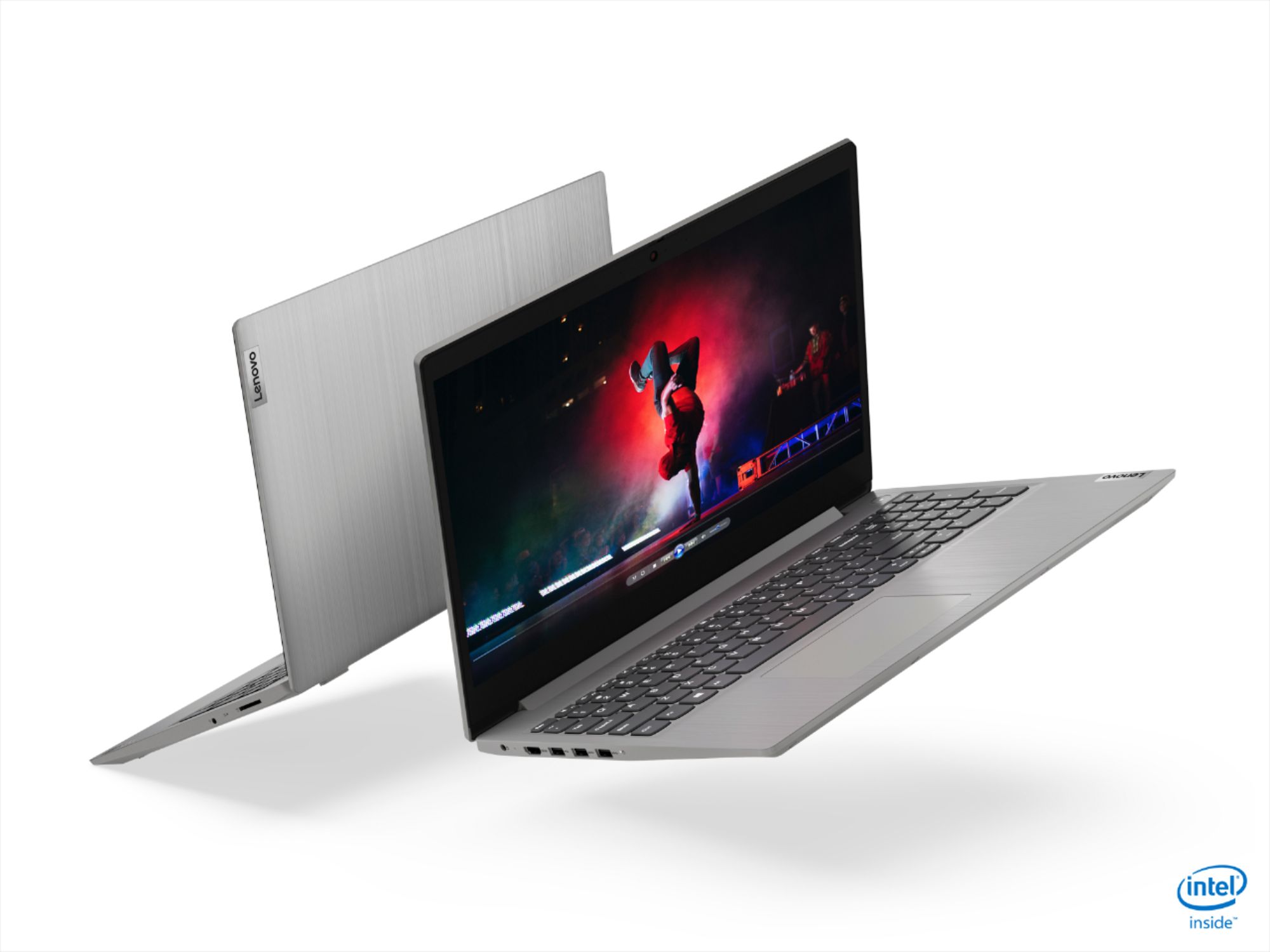
- Model:
- 81WE00NKUS
- SKU:
- 6426712
Rating by feature
- Battery Life
Rating 4.2 out of 5 stars
- Speed
Rating 4.4 out of 5 stars
- Display
Rating 4.3 out of 5 stars
Customers are saying
Customers often highlight the IdeaPad 3's affordability, lightweight design, and responsive touchscreen display. Many users have also praised its performance and reliability even after several years of use. However, some users have expressed concerns about its battery life, low-resolution screen, and limited storage capacity.
This summary was generated by AI based on customer reviews.
Pretty good deal with lots of memory
||Posted . Owned for 1 month when reviewed.This reviewer received promo considerations or sweepstakes entry for writing a review.It is a good computer for my schooling. Has lots of memory. I gave it a four because it comes with a camera shutter which is now stuck closed. I am going to take it back to see if they can fix it easily.
I would recommend this to a friendGreat as a first computer for a pre teen
||Posted . Owned for 3 weeks when reviewed.This reviewer received promo considerations or sweepstakes entry for writing a review.Laptop is great. The screen is not the beat but we chose it for a middle schooler for virtual learning. Great budget laptop and good processor and memory.
I would recommend this to a friendSuper laptop, Excellent Best Buy help getting it!
||Posted . Owned for 3 weeks when reviewed.This reviewer received promo considerations or sweepstakes entry for writing a review.My wife bought this laptop for her personal use. It is exactly what she was looking for and she tells me she is delighted with her purchase. The Best Buy staff was informative and very helpful. We are glad we got it!
I would recommend this to a friend- Pros mentioned:Performance
Product is okay according to price.
||Posted . Owned for 1 month when reviewed.This reviewer received promo considerations or sweepstakes entry for writing a review.I brought this laptop and working fine until now. Most laptop works very slowly after installing couple applications. I can't say how this laptop will do.
I would recommend this to a friendBrand response from Lenovo Product Expert
Posted .The Lenovo IdeaPad 3 15 Laptop, model number 81WE00NKUS, ships with Windows 10 S-Mode Operating System. Windows 10 S-Mode provides added security by only allowing APPs available ( and therefore certified by Microsoft) at the Microsoft Store. If you don't need the added security or you need to install APPs not available at the Microsoft Store, you can switch to standard Windows 10 Home 64-bit Operating System, at no additional cost. Even if you switch out of S-Mode, be sure any software you installed is compatible with Windows 10. There is no need to install Microsoft Office software. The software is already part of the operating system, you just need to activate the software with a purchased product key. If you have installed a copy of Microsoft Office, this is conflicting with the existing copy on the system and this will slow your system down. If you have installed a 3rd party anti-virus program, be sure that Windows Defender is turned off and that the trial version of McAfee Anti-Virus software is uninstalled. There can only be one anti-virus program on the system. You may need to restore your system to original factory default settings if any of the programming errors have occurred. You can do that by typing "restore" in the Cortana search window. Just click on the magnifying glass icon at the bottom left of your Windows 10 Desktop. Click on "Reset This PC" Then click on "Get Started" and follow the on screen directions to restore to factory defaults. If the problem persists, we recommend you contact Lenovo Tech Support at: 877-453-6686.

Light, fast, stylish
||Posted . Owned for 3 weeks when reviewed.This reviewer received promo considerations or sweepstakes entry for writing a review.Sleek style, lightweight and fast. Could use a higher resolution screen and added brightness but nothing major to complain about. Starts up quick and runs basic programs very well. You can also add RAM if needed.
I would recommend this to a friendPerfect Budget Laptop
||Posted . Owned for 4 months when reviewed.This reviewer received promo considerations or sweepstakes entry for writing a review.So far I have no regrets about purchasing the Lenovo - IdeaPad 3 15" Touch Screen Laptop, even though it is considered a "budget laptop". This laptop is great; sleek design, and easy mobility.
I would recommend this to a friendGreat for remote work
||Posted . Owned for 1 week when reviewed.This reviewer received promo considerations or sweepstakes entry for writing a review.This was a great option for a user that needed to work from home for a while but does not normally have a need for a work laptop. Can connect to vpn and use remote desktop for work that the Chrome book cannot do.
I would recommend this to a friendPower machine Laptop
||Posted . Owned for 1 week when reviewed.This reviewer received promo considerations or sweepstakes entry for writing a review.This is an amazing power machine and I love it. I would recommend others to consider this laptop as one of the good options during your research!! Recently got a deal on this laptop during the Black Friday season
I would recommend this to a friendDecent computer for a decent price.
||Posted . Owned for 4 months when reviewed.This reviewer received promo considerations or sweepstakes entry for writing a review.This was a Christmas gift. It does more than what it was purchased for, so it works out perfectly. Something like this should last anyone who isn’t very tech savvy and just needs to browse the internet.
I would recommend this to a friendGood Laptop
||Posted . Owned for 3 weeks when reviewed.This reviewer received promo considerations or sweepstakes entry for writing a review.This Laptop processing power is really good. Very decent hard drive and not heating much . With all good features in a reasonable price, got a deal during Thanksgiving. Only drawback is bit heavy.
I would recommend this to a friendBrand response from Lenovo Product Expert
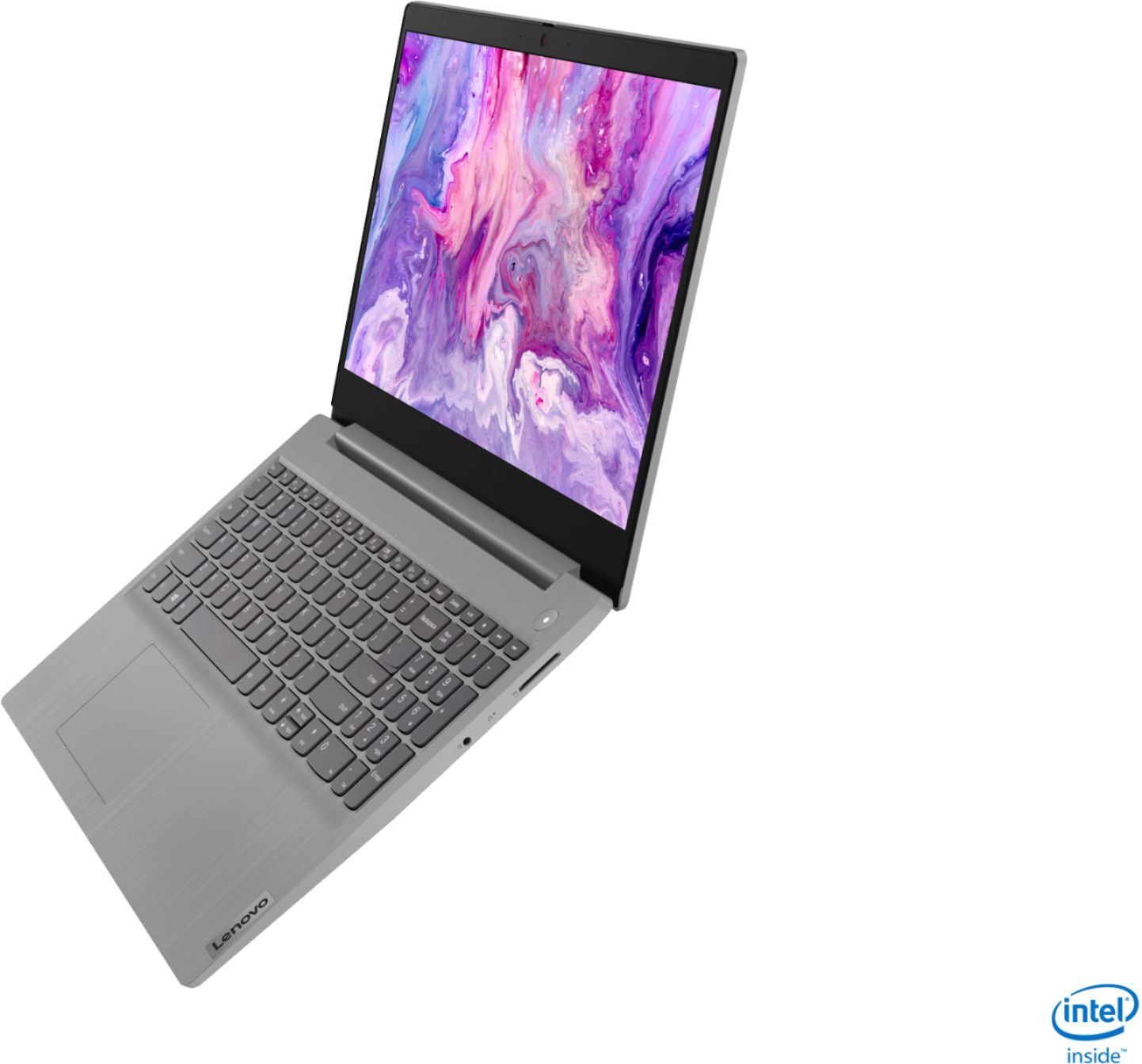
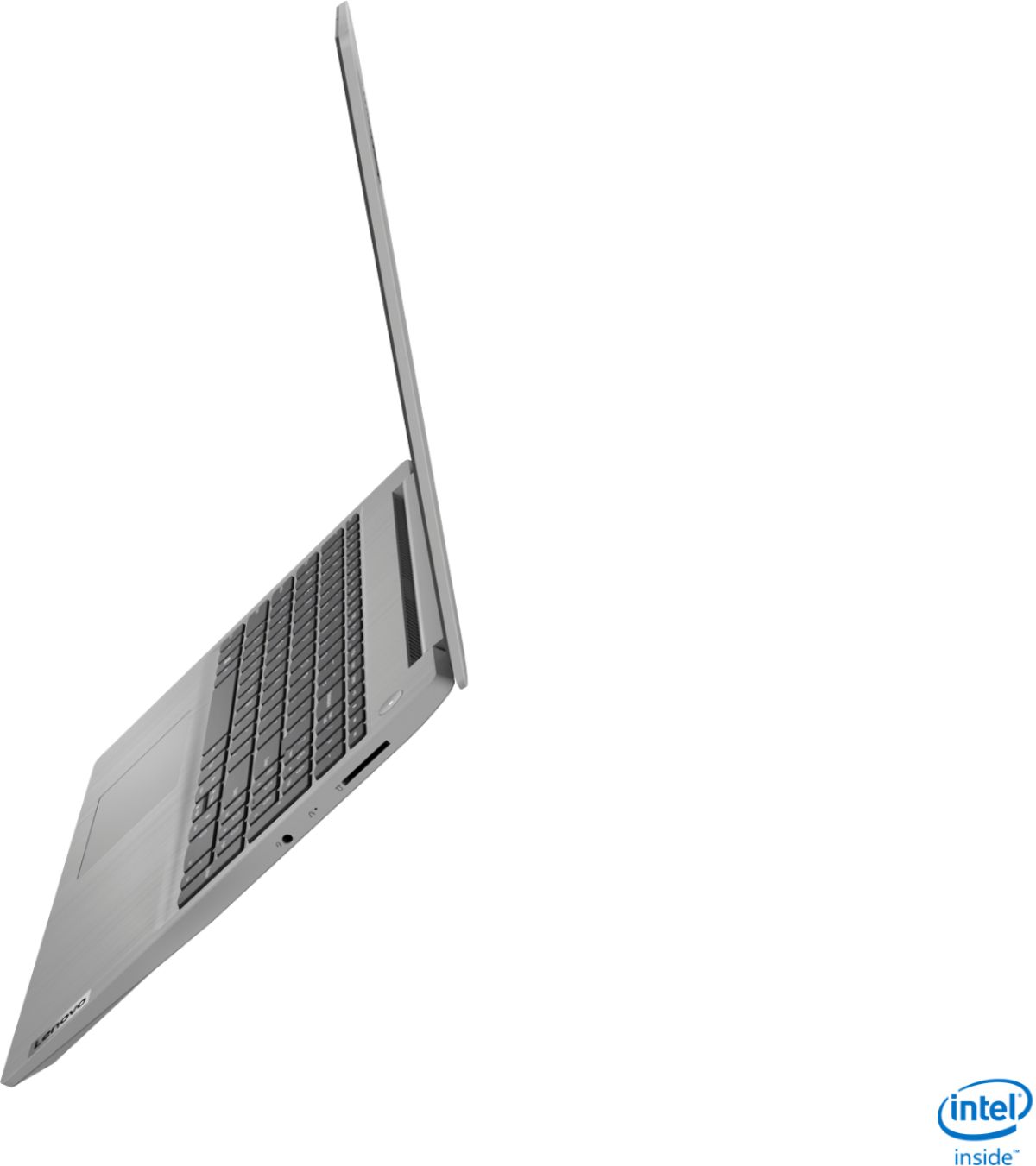
Posted .Thank you for choosing the lenovo IdeaPad 3 15 Laptop, model number 81WE00NKUS. This full size traditional laptop weighs just 4.07 lbs.
Meh, It's a nice laptop
||Posted . Owned for 1 month when reviewed.This reviewer received promo considerations or sweepstakes entry for writing a review.Good: Fast. Boots quick. Not so good: The screen resolution is great but the viewing angle seems limited The touch pad ain't great - had to put a mouse on. It could use another USB port. I hate windows 10, but I suppose I can't blame Lenovo for that Bad: It frequently drops its internet connection, which is troubling since it usually sits about 4 feet away from the wireless modem/router. It's orders-of-magnitude better than the 5 year old unit it replaced (HP athlon w/4 G of RAM), and it was very reasonably priced so I shouldn't complain . . .
I would recommend this to a friendBrand response from Lenovo Product Expert
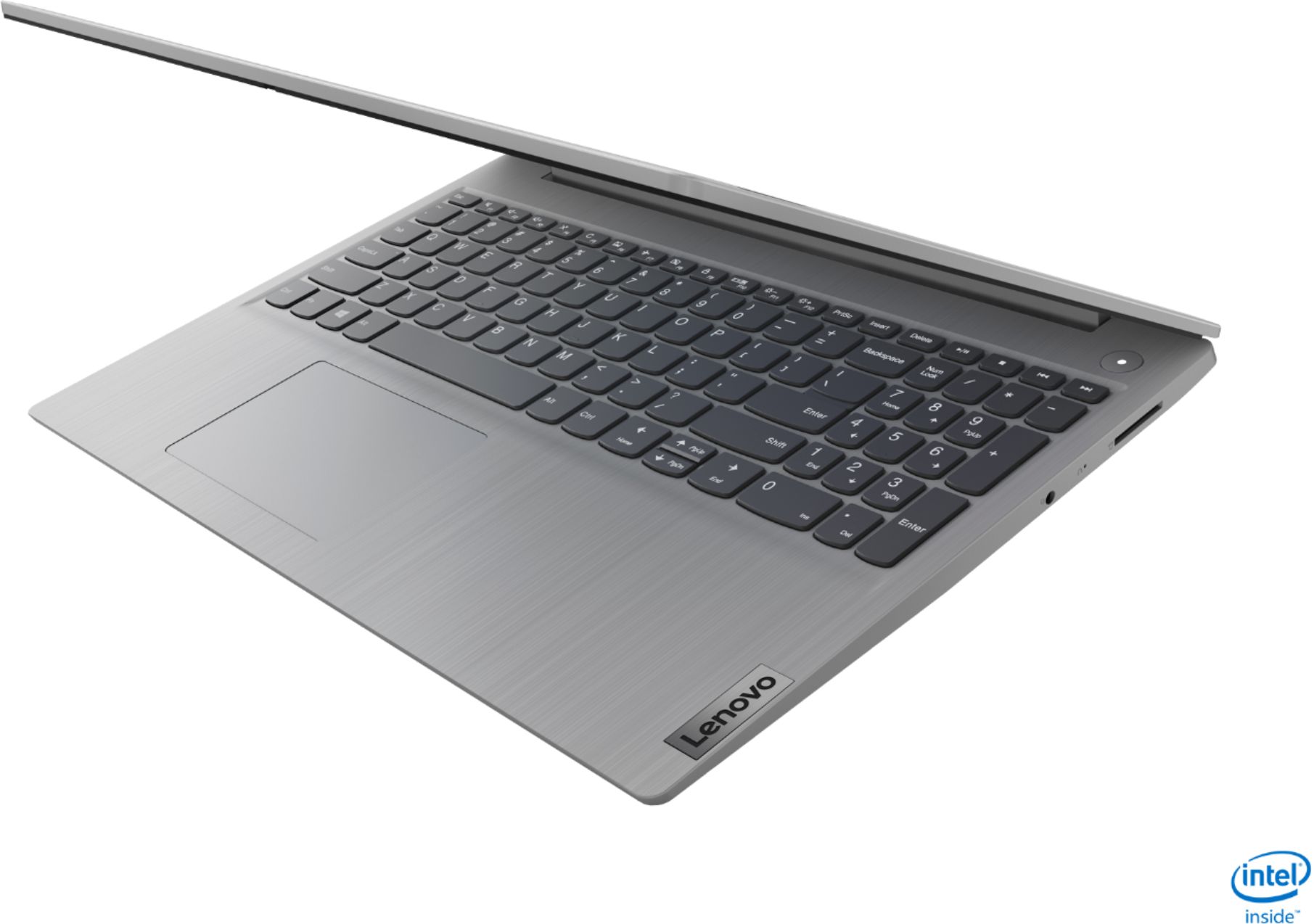
Posted .The Lenovo IdeaPad 3 15 Laptop, model number 81WE00NKUS, ships with a 15.6-Inch (screen size measured diagonally) TN, LCD w/LED Backlight (Anti-glare) screen with a 160-degree viewing angle, a resolution of 1366 X 768 (HD) and a brightness level of 220 nits. You can make adjustments to the touchpad in your system settings. You can get there by clicking on the magnifying glass at the bottom left of your Windows 10 screen. Type "touchpad" in the search window. Select "Mouse & touchpad settings" from the list of choices. You can make general adjustments to the touchpad there. You can also select "Additional mouse options" for more detailed adjustments to the touchpad sensitivity by increasing the delay of the touchpad. This configuration ships with a total of three USB Type A ports (two USB 3.0 and one USB 2.0). This configuration also ships with 5G, Wide-Range/High Speed 2x2 802.11AC frequency WiFi. For the best WiFi performance, be sure you have the latest version of Windows 10 on the computer. Then update all of the BIOS files and drivers up to that latest version of Windows 10. You can easily accomplish this by scanning the computer with the Lenovo Utility software available on this computer. This system has Lenovo utilities installed to help maintain the health of the device and keep the operating system software up to date. Type "Lenovo Vantage" in the Cortana Search window (if Lenovo Vantage is not installed on your device, you can download the APP and install it now). Select Lenovo Vantage from the list. In the window that opens, click on "Health and Support". In the expanded menu, select "Hardware Scan" In the window that opens, select "Run Quick Tests". This will scan your entire system for errors. Follow any directions that may pop up. If the problem continues after this scan, now click on "System Update". First select Windows update from the menu. Scan your system to be sure you have the latest version of Windows 10. Once that scan is complete, select "Additional Updates". This will scan your device to be sure there are no new BIOS/Driver updates needed. Follow any instructions that may pop up. If the issue still continues after these updates, we recommend you call Lenovo Tech Support at: 877-453-6686 for additional help.
- Cons mentioned:Battery life
Disappointed
||Posted . Owned for 3 weeks when reviewed.This reviewer received promo considerations or sweepstakes entry for writing a review.I git my laptop on December 1st and it doesn’t hold a charge and the memory is full all in the same day!
No, I would not recommend this to a friendBrand response from Lenovo Product Expert
Posted .The Lenovo IdeaPad 3 15 Laptop, model number 81WE00KVUS, ships with a 2CELL_35WH_INTERNAL, Lithium Polymer Battery, with a battery life of up to 7 hours, depending on the work the device is performing. If you are getting substantially less battery life, First, set your screen brightness at less than 100-percent - try 80-percent to start with. Then, be sure Battery conservation Mode is turned off. This power management setting should only be used when the laptop is plugged in all the time. It will prolong overall battery life by only charging the battery to 60-percent of capacity. Here is a link to instructions for turning off Battery Conservation Mode: https://support.lenovo.com/us/en/solutions/ht103159. Also check what programs are running in the background on the computer. Be sure only the programs you want running in the background are. These programs will drain the battery. Here is a link to information about how to find out what programs are running in the background on your Windows 10 computer and how to manage them for better system performance: https://www.windowscentral.com/how-prevent-apps-running-background-windows-10. Then, finally, be sure any software you installed is compatible with Windows 10. Incompatible software will drain the battery at a faster rate. There is no need to install Microsoft Office software. The software is already part of the operating system, you just need to activate the software with a purchased product key. If you have installed a copy of Microsoft Office, this is conflicting with the existing copy on the system and this will slow your system down. If you have installed a 3rd party anti-virus program, be sure that Windows Defender is turned off and that the trial version of McAfee Anti-Virus software is uninstalled. There can only be one anti-virus program on the system. You may need to restore your system to original factory default settings if any of the programming errors have occurred. You can do that by typing "restore" in the Cortana search window. Just click on the magnifying glass icon at the bottom left of your Windows 10 Desktop. Click on "Reset This PC" Then click on "Get Started" and follow the on screen directions to restore to factory defaults. If the problem persists, we recommend you contact Lenovo Tech Support at: 877-453-6686.
DJ Laptop
||Posted . Owned for 1 month when reviewed.This reviewer received promo considerations or sweepstakes entry for writing a review.The laptop is as advertised in the on line ad. It was easy to set up. This is our 4th Lenovo product and we have been very satisfied with esthetics, performance, ease of use and help when contacting Lenovo.
I would recommend this to a friendBrand response from Lenovo Product Expert
Posted .Thank you for choosing the Lenovo IdeaPad 3 15 Laptop, model number 81WE00NKUS. We appreciate your loyalty to the Lenovo Brand and we are pleased to hear that the IdeaPad 3 15 meets your computing needs so well.
Great
||Posted . Owned for 1 month when reviewed.This reviewer received promo considerations or sweepstakes entry for writing a review.I paid for this item online, and picked it up that day, curbside pickup. It is exactly as the picture is shown. Better than the expected. Exceeded expectation. Sleek, and light. My son has zero complaints.
I would recommend this to a friendBrand response from Lenovo Product Expert
Posted .Hello. Thank you for choosing the Lenovo IdeaPad 3 laptop. We are pleased to hear that the value and performance of the IdeaPad 3 meets your computing needs so well!
No S mode please
||Posted . Owned for 1 month when reviewed.This reviewer received promo considerations or sweepstakes entry for writing a review.The laptop did not disappoint in terms of materials and overall performance. However we had a lot of problems removing it from S mode. Please remove S MODE prior to selling these products.
I would recommend this to a friendBrand response from Lenovo Product Expert
Posted .The Lenovo IdeaPad 3 15 Laptop, model number 81WE00NKUS, ships with Windows 10 S-Mode Operating System. Windows 10 S-Mode provides added security by only allowing APPs available ( and therefore certified by Microsoft) at the Microsoft Store. If you don't need the added security or you need to install APPs not available at the Microsoft Store, you can switch to standard Windows 10 Home 64-bit Operating System, at no additional cost. Here is a link to instructions for switching from Windows 10 S-Mode to Windows 10 Home: https://support.microsoft.com/en-us/help/4456067/windows-10-switch-out-of-s-mode
Easy
||Posted . Owned for 3 weeks when reviewed.This reviewer received promo considerations or sweepstakes entry for writing a review.The laptop Tutorial was a plus and really helpful. I’ve not use a laptop for many years and needed one that wasn’t too complicated. I’ve never heard of this brand but would recommend it for even beginners
I would recommend this to a friend- Pros mentioned:Touch screen
Good Laptop
||Posted .This reviewer received promo considerations or sweepstakes entry for writing a review.Good for the the price Paid. It is pretty fast and touchscreen works good too. you have to get out of "S" mode into regular to install some apps.
I would recommend this to a friend Could look nicer
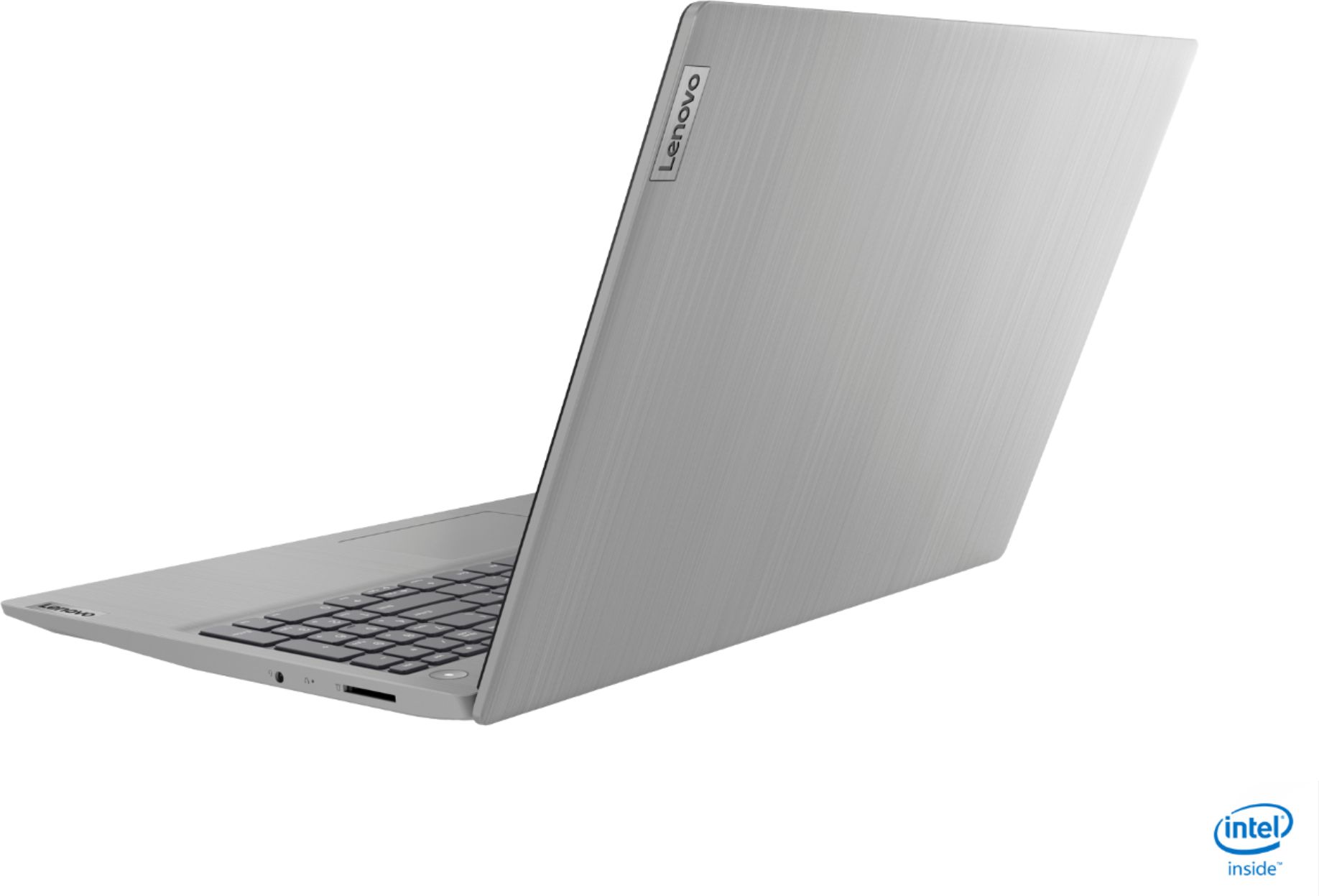
||Posted . Owned for 2 weeks when reviewed.This reviewer received promo considerations or sweepstakes entry for writing a review.Bought this computer for my mom. She liked the way it runs and the very big screen. I was kind of disappointed with the outer shell the material used on it looks very cheep (in my opinion).
I would recommend this to a friendBetter than I expected
||Posted . Owned for 1 month when reviewed.This reviewer received promo considerations or sweepstakes entry for writing a review.I like the quality of the laptop I always wanted an HP but this was a great deal so I couldn't pass it up. When I got the laptop it was better than I expected. I am pleased with the laptop
I would recommend this to a friendLenovo - IdeaPad 3 15"
||Posted . Owned for 2 weeks when reviewed.This reviewer received promo considerations or sweepstakes entry for writing a review.The laptop over all is great. I had to unfortunately return the one I ordered because the screen wouldn’t power on. Once i got to the store they swapped it out for another and its been great ever since.
I would recommend this to a friend