Customer Ratings & Reviews

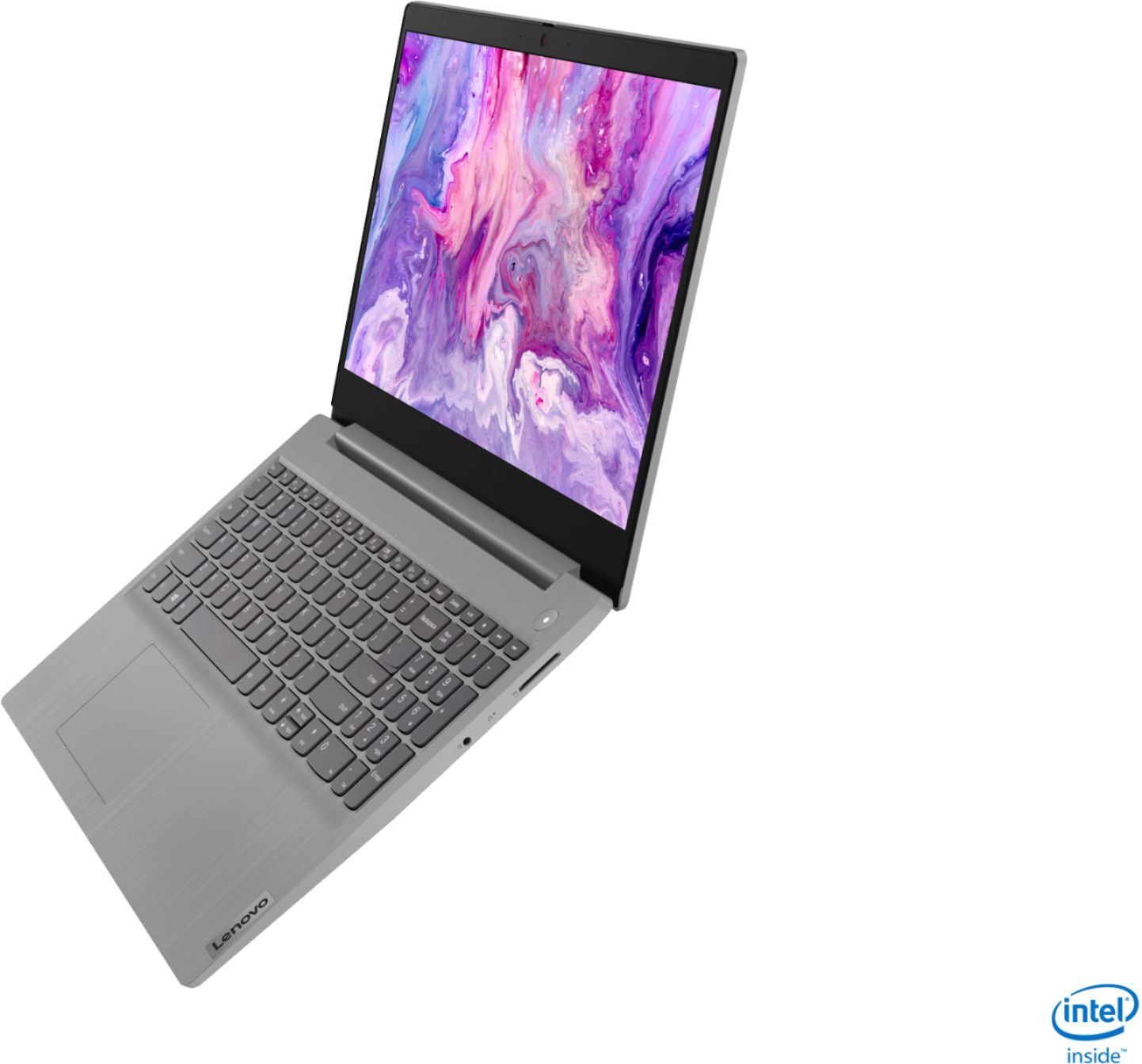
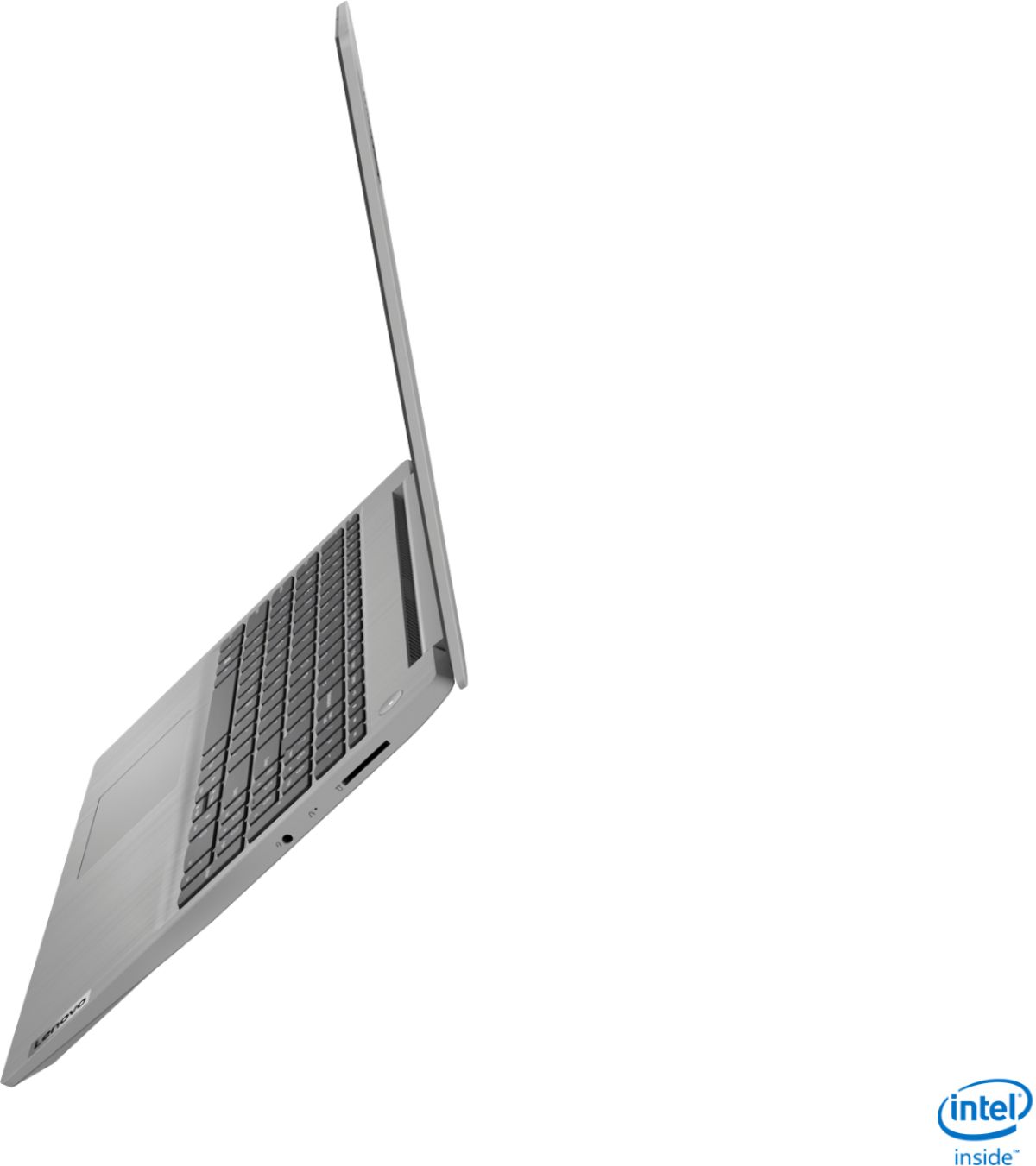
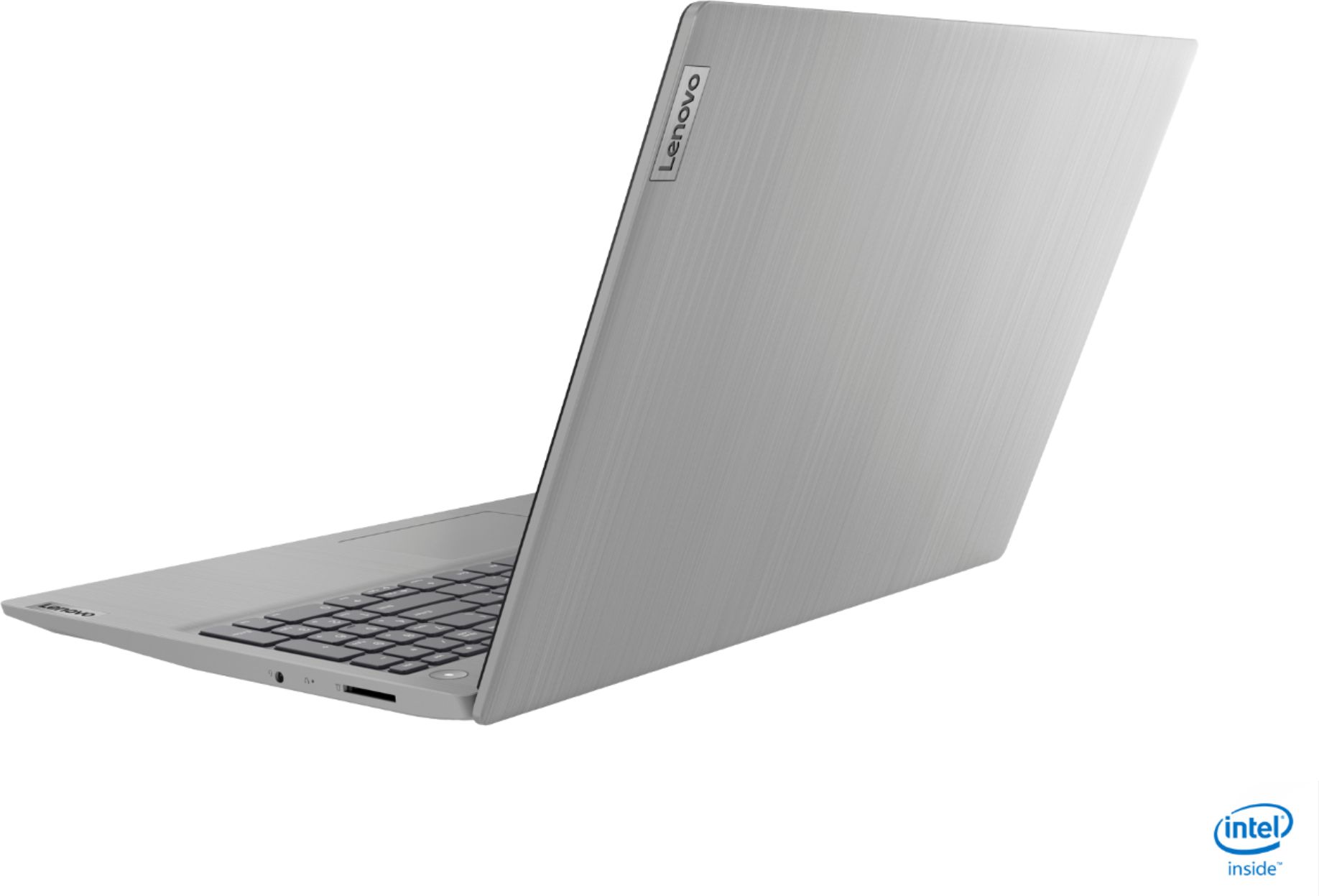
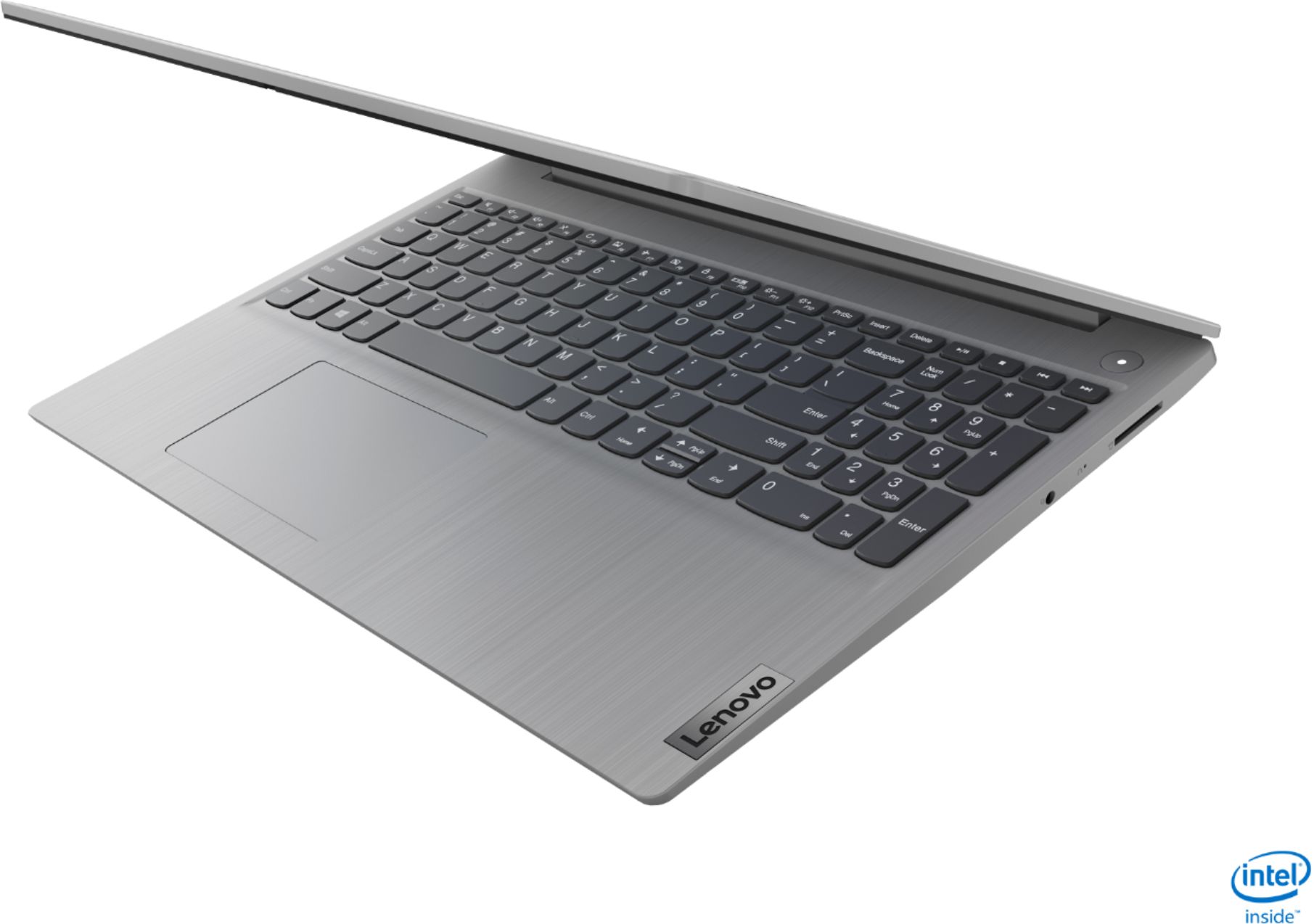
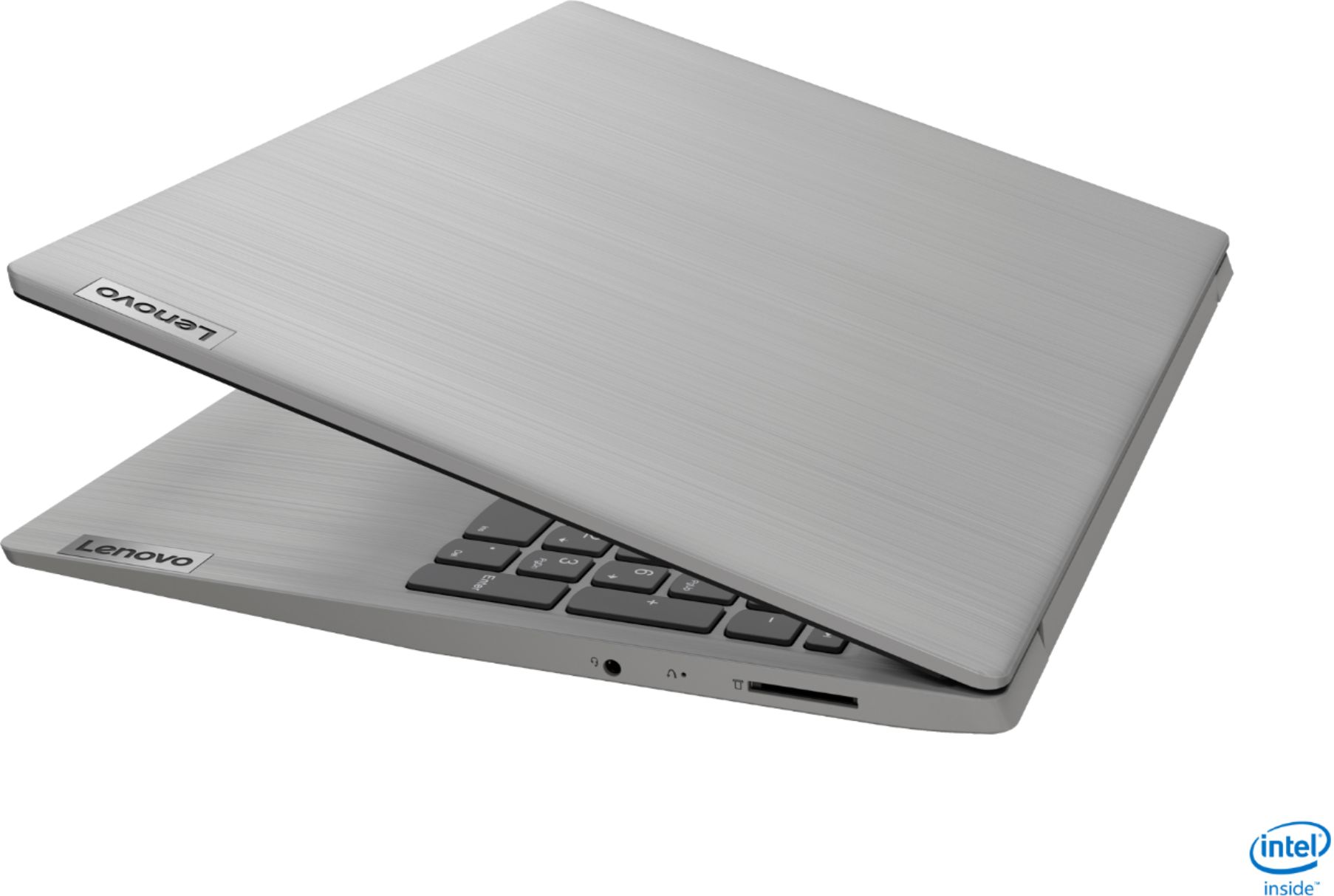
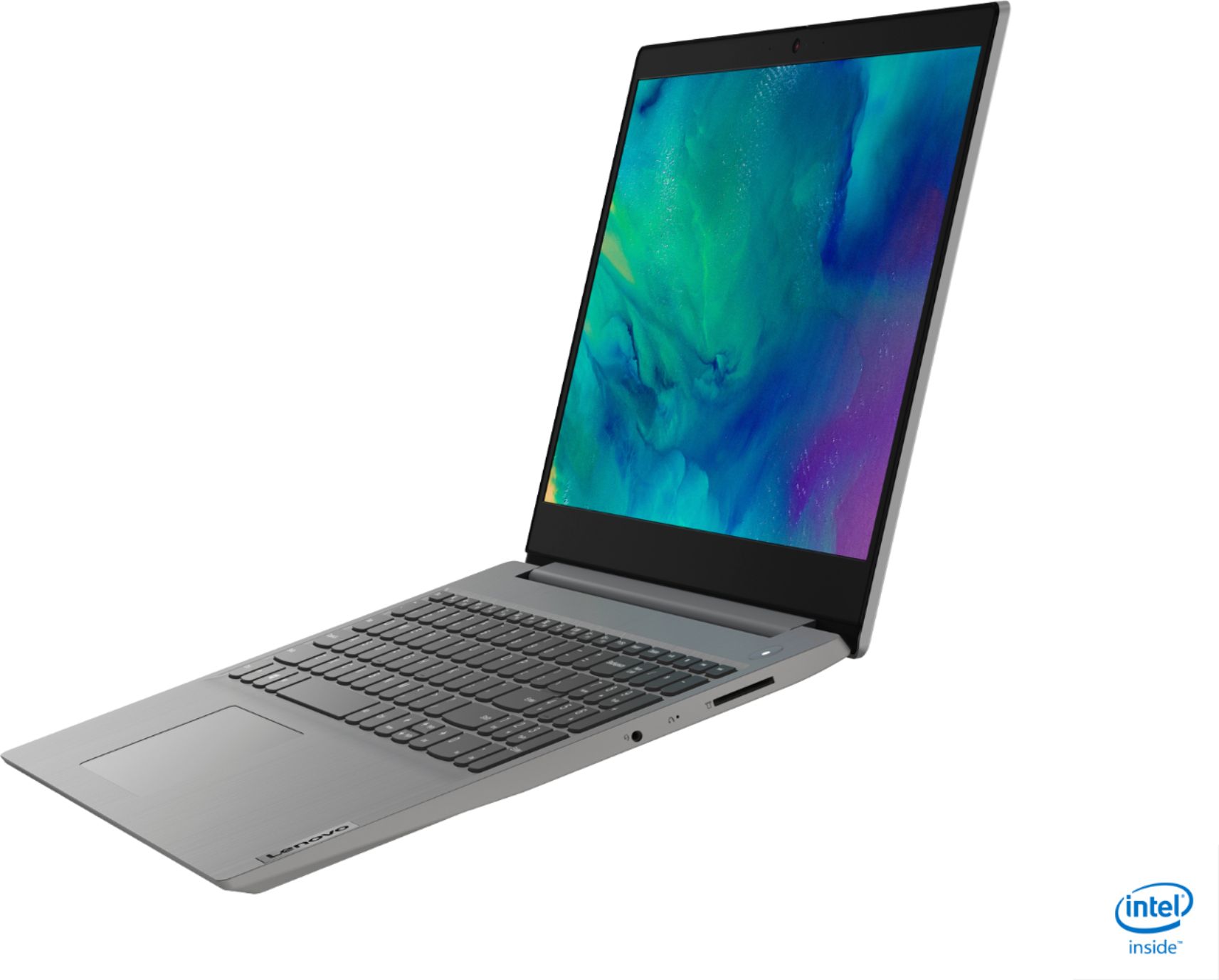
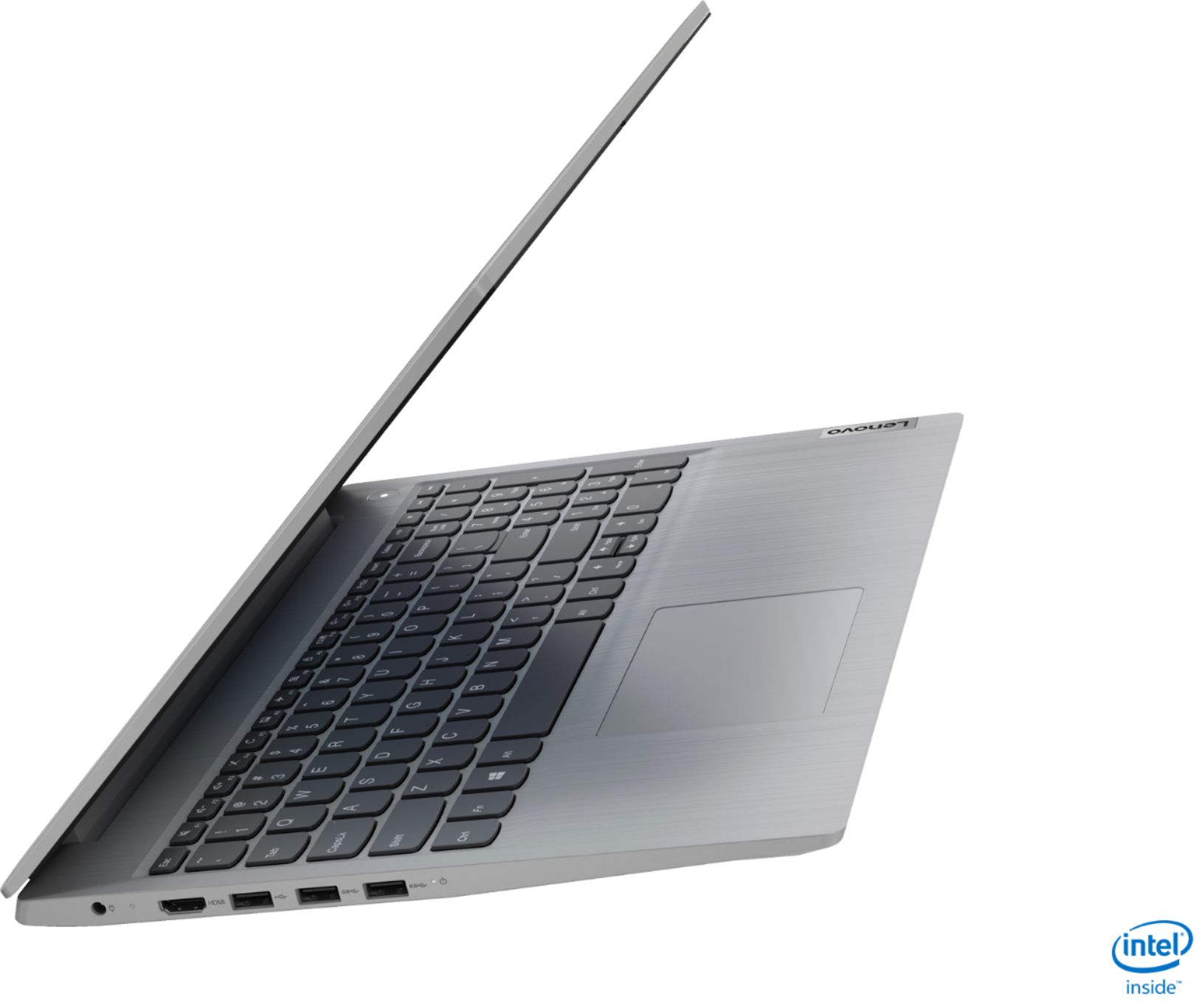
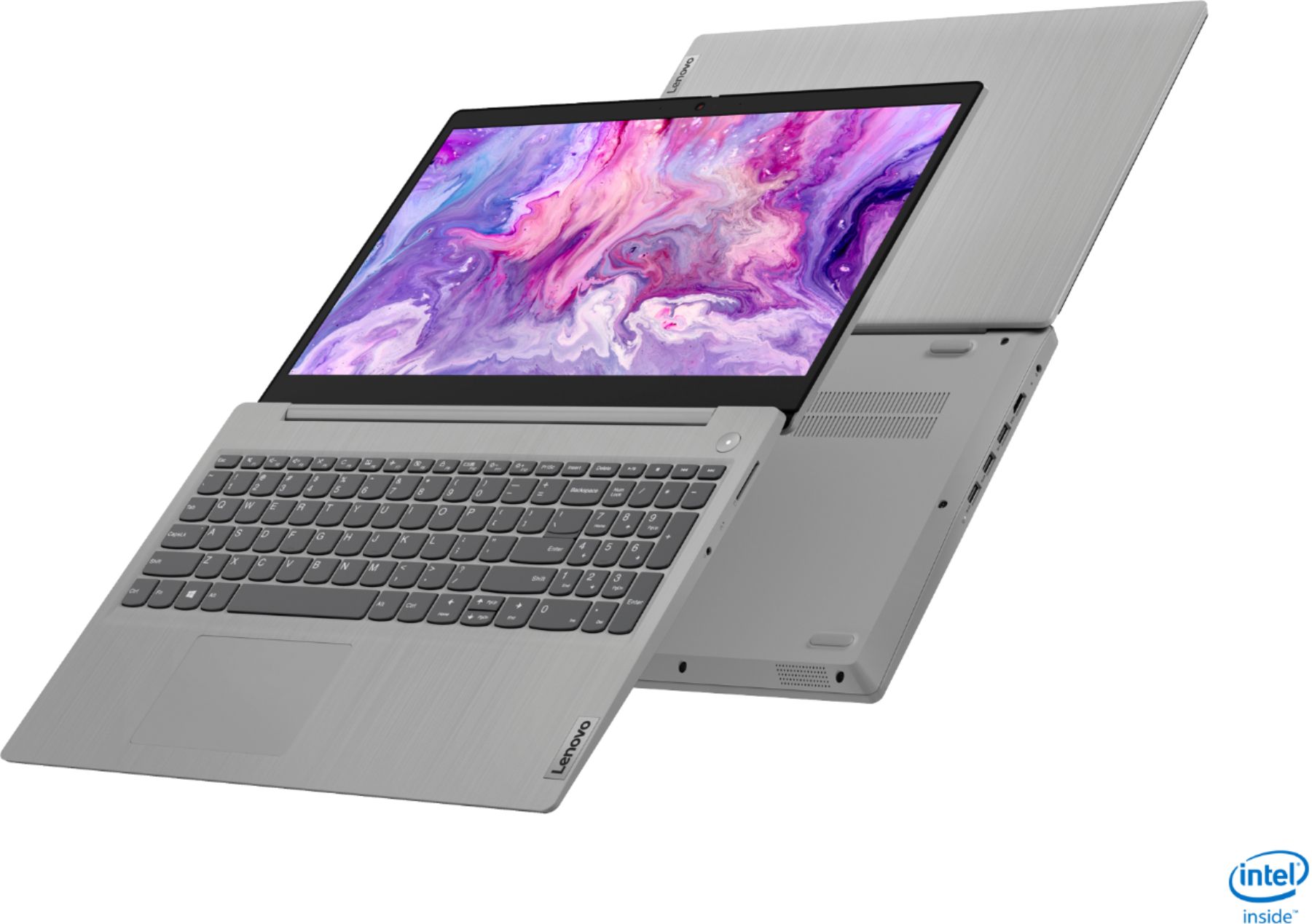
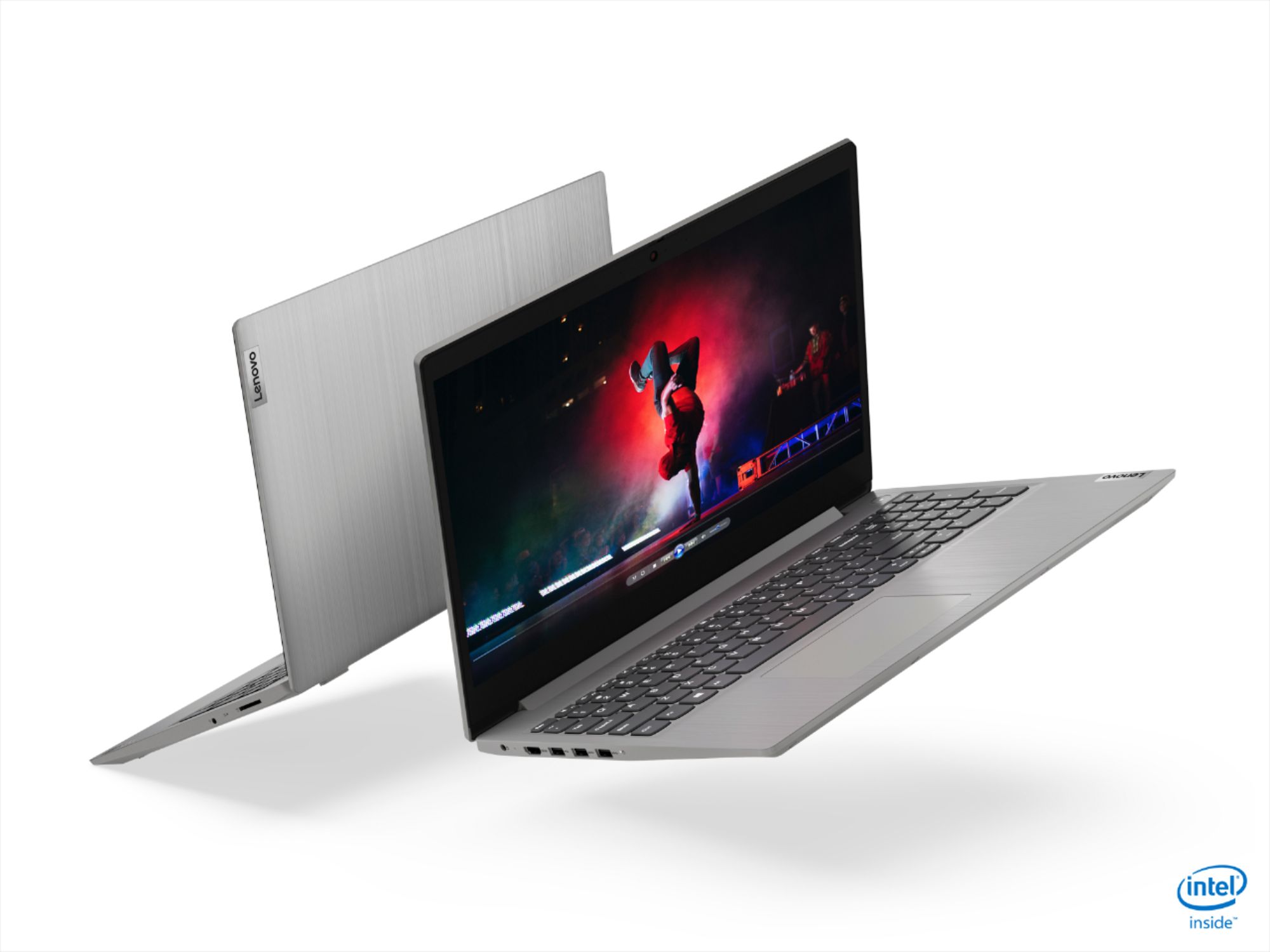
- Model:
- 81WE00NKUS
- SKU:
- 6426712
Rating by feature
- Battery Life
Rating 4.2 out of 5 stars
- Speed
Rating 4.4 out of 5 stars
- Display
Rating 4.3 out of 5 stars
Customers are saying
Customers often highlight the IdeaPad 3's affordability, lightweight design, and responsive touchscreen display. Many users have also praised its performance and reliability even after several years of use. However, some users have expressed concerns about its battery life, low-resolution screen, and limited storage capacity.
This summary was generated by AI based on customer reviews.
Basic, but acceptable
||Posted .This reviewer received promo considerations or sweepstakes entry for writing a review.This computer was bought for a child. So far we have very few complaints. The computer serves it's purpose for what it is intended for. I think it's probably a good, basic computer.
I would recommend this to a friendCamera control far too hidden
||Posted . Owned for 1 month when reviewed.This reviewer received promo considerations or sweepstakes entry for writing a review.Only true issue is the hurdles to jump through to turn on the webcam. Bit of a nightmare for my daughter’s first remote class after Christmas break. Otherwise seems like a great deal.
I would recommend this to a friendGreat value
||Posted . Owned for 1 month when reviewed.This reviewer received promo considerations or sweepstakes entry for writing a review.Great Machine for the Money. My 16 YO uses it for school as well as an attachment to his graphics tablet. He told his Friends that "It isn't sucky". That is a shining endorsement :)
I would recommend this to a friendBrand response from Lenovo Product Expert
Posted .Thank you for choosing the Lenovo IdeaPad 3 15 Laptop. We are pleased to hear that the value and performance of the IdeaPad 3 15 meets the computing needs of your son so well.

Great buy!
||Posted . Owned for 1 month when reviewed.This reviewer received promo considerations or sweepstakes entry for writing a review.Purchasing an open box item allowed me to get my daughter’s boyfriend a much better PC which he really needed for college. Laptop is sleek and light and will be easy for him to take around campus.
I would recommend this to a friendLovely Lenovo
||Posted . Owned for 10 months when reviewed.This reviewer received promo considerations or sweepstakes entry for writing a review.Excellent laptop, excellent price! Love the light, sleak, yet durable design of this laptop. This Lenovo is quick, and soothly transitions from work, home, and school acticies
I would recommend this to a friend- Cons mentioned:Battery life
Ok but not great.
||Posted . Owned for 3 weeks when reviewed.This reviewer received promo considerations or sweepstakes entry for writing a review.Got this on BF for a great price, a great deal I can't complain about it. However, this is an entry-level laptop, the screen is very dull and hard to see at times, the battery is so-so, the keyboard sounds kind of cheap. I have another Lenovo which is the Ideapad 5 totally different world. I believe this laptop will serve well for a high school student but not good for the professional. I will decide in another week if I will keep it.
No, I would not recommend this to a friendBrand response from Lenovo Product Expert
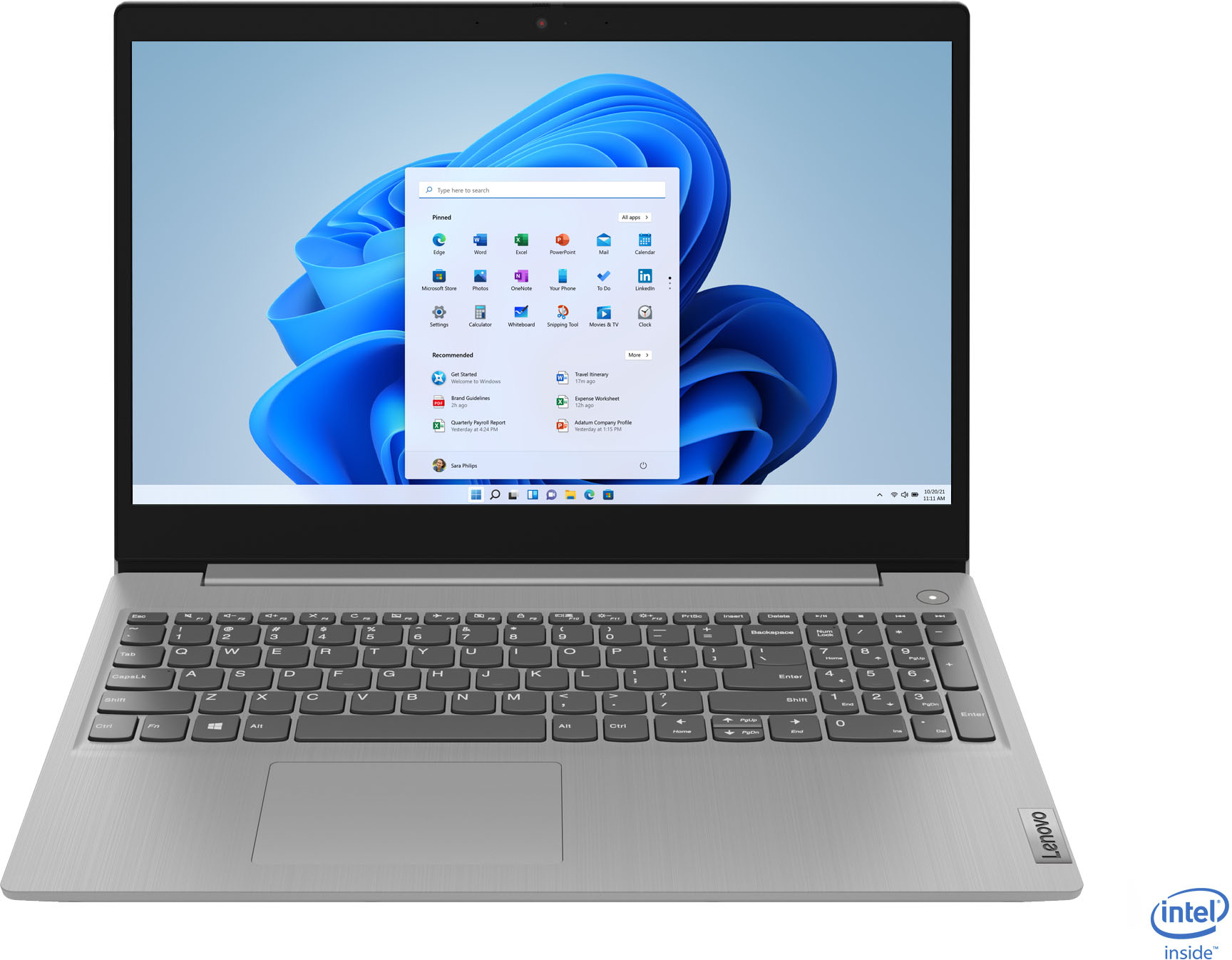
Posted .The Lenovo IdeaPad 3 15 Laptop, model number 81WE00NKUS, is configured as a moderate to heavy workload laptop. It ships with the 10th. Gen. 4-Core/8-Thread Intel Core i5-1035G1 processor, with an efficient, battery-saving base speed of 1.0GHz and a Turbo Boost Speed of up to 3.6GHz for maximum computing power. This processor is supported by 12GB DDR4-2666MHz RAM and a 256GB NVMe TLC solid state hard drive. This model ships with a 2CELL_35WH_INTERNAL, Lithium Polymer Battery, with a battery life of up to 7 hours, depending on the work the device is performing. There is a 15.6-Inch (screen size measured diagonally) TN, LCD w/LED Backlight (Anti-glare) screen, with a resolution of 1366 X 768 (HD) and a brightness level of 220 nits. This model ships with Windows 10 S-Mode 64-bit Operating System. Windows 10 S-Mode provides added security by only allowing APPs available ( and therefore certified by Microsoft) at the Microsoft Store. If you don't need the added security or you need to install APPs not available at the Microsoft Store, you can switch to standard Windows 10 Home 64-bit Operating System, at no additional cost.
Great Laptop
||Posted . Owned for 6 months when reviewed.This reviewer received promo considerations or sweepstakes entry for writing a review.I purchased this laptop so I could work from home during Covid. I would highly recommend this laptop. It is so fast, as soon as I open the laptop up it is ready to go with no lagging.
I would recommend this to a friendGreat laptop
||Posted . Owned for 9 months when reviewed.This reviewer received promo considerations or sweepstakes entry for writing a review.Great deal and works perfectly as described. Bought it as a Christmas present for my daughter but she ended up trading me for my Macbook Air because she wanted a smaller laptop.
I would recommend this to a friend- Cons mentioned:Camera
Multiple issues with 3 Lenovo laptops
||Posted . Owned for 3 months when reviewed.This reviewer received promo considerations or sweepstakes entry for writing a review.I am very disappointed in this laptop and Lenovo as a brand. I originally purchase 2 Lenovo - IdeaPad 3 15" Laptop - Intel Core i3-1005G1 - 8GB Memory - 256GB SSD - Platinum Grey - one for me and one for my collage-aged daughter. The first laptop out of the box lasted about 30 minutes before the screen would not come on. I spent a couple of hours on the phone with support but it still wouldn't work. I returned that laptop, my daughter took the other, and I ordered this one with the i-5 processor. Things worked fine for about 60 days. My laptop just stopped turning on properly. The power dot is on, the Lenovo banner pops up for about 15 seconds, then nothing. Within days of mine malfunctioning, my daughter calls me to tell me her camera is no longer working. I bought her the laptop to use for virtual classes for becoming an interpreter. CAMERA IS NEEDED! When we call Best Buy, we find out we are both past the return time. She has sent hers in to Lenovo for repair. I don't know what to do since I have saved passwords on the laptop. I have always heard Lenovo was a great product but this has certainly not been my experience with my first purchases. My laptop is useless to me and I am out the money.
No, I would not recommend this to a friendBrand response from Lenovo Product Expert
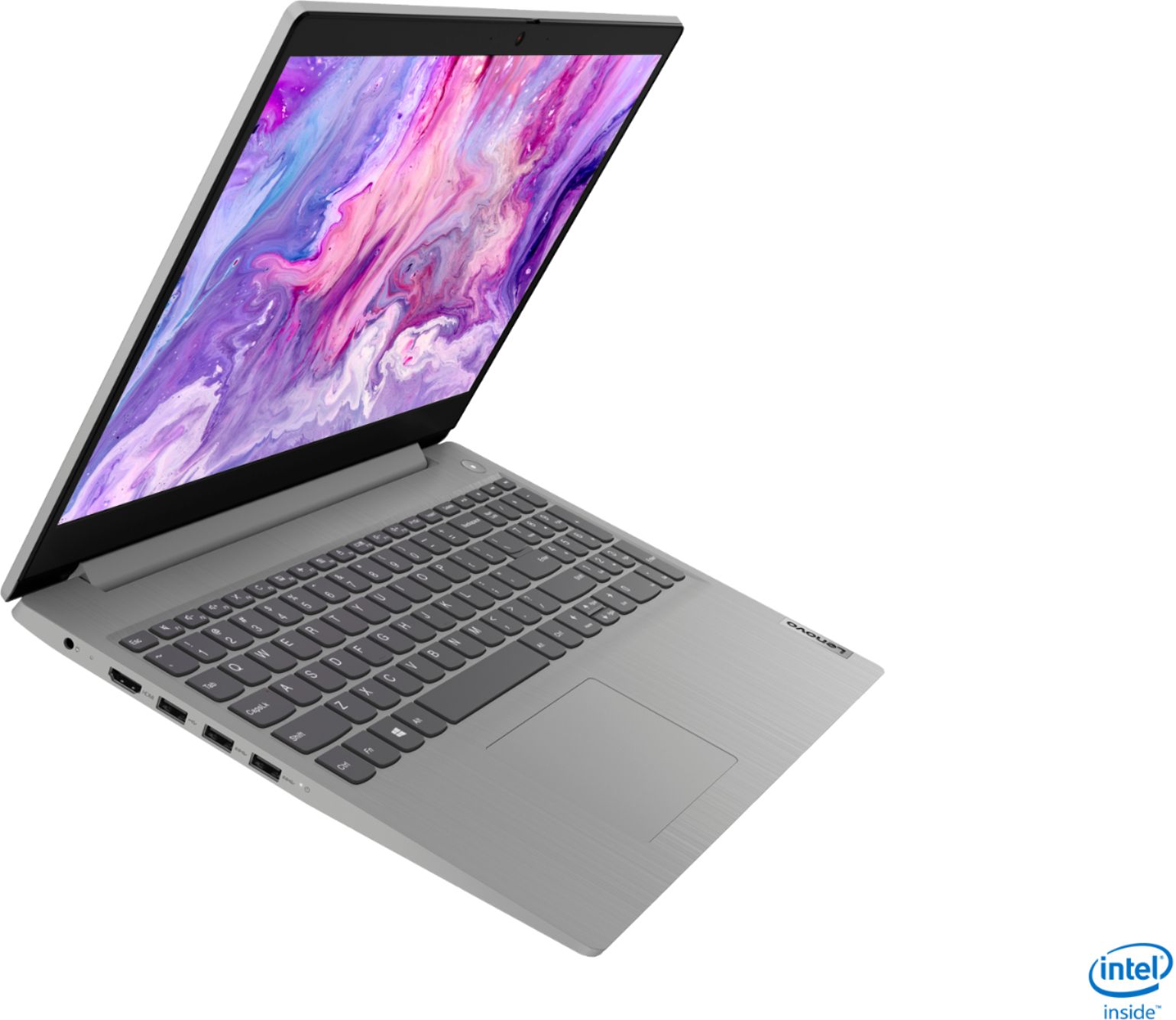
Posted .We are sorry to hear that you are having issues with bot your Lenovo IdeaPad 3 15 Laptop, model number 81WE00NKUS and your daughter's Lenovo IdeaPad 3 15 Laptop, model number 81WE00KVUS. Starting with your issue of your IdeaPad 3 15 not turning on - It is possible that resetting the computer back to original factory settings may fix the issue you describe. Since you can no longer boot the computer, this system is equipped with OneKey Recovery System. There is a very small pin hole on the right side of the device, right in between the headphone jack and the SD card slot on the device. You will need a pin to push this reset button. Plug the device in. Let the battery charge for about 15 minutes. Push the reset button. The system should boot to a choice screen where you can choose "Restore To Factory Default". Select this. It will delete everything from the hard drive except the original factory install of the operating system. You will need to reinstall all programs and files after the reset. If you don't have copies of the files, try to make one before you restore by selecting "Boot to desktop" and trying to back up your files. Once you have the computer reset, be sure any software you installed is compatible with Windows 10. There is no need to install Microsoft Office software. The software is already part of the operating system, you just need to activate the software with a purchased product key. If you have installed a copy of Microsoft Office, this is conflicting with the existing copy on the system and this will slow your system down. If you have installed a 3rd party anti-virus program, be sure that Windows Defender is turned off and that the trial version of McAfee Anti-Virus software is uninstalled. There can only be one anti-virus program on the system. You may need to restore your system to original factory default settings if any of the programming errors have occurred. You can do that by typing "restore" in the Cortana search window. Just click on the magnifying glass icon at the bottom left of your Windows 10 Desktop. Click on "Reset This PC" Then click on "Get Started" and follow the on screen directions to restore to factory defaults. Regarding your daughter's issue with the webcam on her IdeaPad 3 15 model number 81WE00KVUS - This model ships with a 720p (HD) webcam with manual Privacy Shutter and Dual Array Microphones, built in. First, be sure the Privacy Shutter is completely open before trying to use the webcam or the webcam will not operate. There is a small slider, directly above the webcam lens. Move the tab to the right to open the Privacy Shutter. There is a red dot over the webcam lens that will disappear when the Privacy Shutter is fully open. This will indicate that the webcam is really to use. You can close the Privacy Shutter when you are done with the webcam for your security, by sliding the tab to the left to close the Privacy Shutter. The Red Dot will appear over the webcam lens when the Privacy Shutter is closed. If the issue is not the manual Privacy Shutter, now check to be sure that you have the latest version of Windows 10 on the computer. Then update all BIOS files and drivers up to that latest version of Windows 10. You can easily accomplish this by scanning the computer with the Lenovo Utility software available on this computer. This system has Lenovo utilities installed to help maintain the health of the device and keep the operating system software up to date. Type "Lenovo Vantage" in the Cortana Search window (if Lenovo Vantage is not installed on your device, you can download the APP and install it now). Select Lenovo Vantage from the list. In the window that opens, click on "Health and Support". In the expanded menu, select "Hardware Scan" In the window that opens, select "Run Quick Tests". This will scan your entire system for errors. Follow any directions that may pop up. If the problem continues after this scan, now click on "System Update". First select Windows update from the menu. Scan your system to be sure you have the latest version of Windows 10. Once that scan is complete, select "Additional Updates". This will scan your device to be sure there are no new BIOS/Driver updates needed. Follow any instructions that may pop up. If any of the issues continue on either computer, we recommend you call Lenovo Tech Support at: 877-453-6686 for additional help.
Great for home use!
||Posted . Owned for 3 weeks when reviewed.This reviewer received promo considerations or sweepstakes entry for writing a review.This is a quality laptop and is perfect for home use. The laptop is on the heavy side, which doesn’t make it ideal to transport. I don’t love the design, but it does the job well!
I would recommend this to a friendGreat Price and Great Product
||Posted . Owned for 3 weeks when reviewed.This reviewer received promo considerations or sweepstakes entry for writing a review.Great price on a great product. It does everything that I need and then some. So much better than older laptop. So glad I purchased this one and again price was awesome! Thanks Best Buy!
I would recommend this to a friendFast and great price
||Posted . Owned for 1 year when reviewed.This reviewer received promo considerations or sweepstakes entry for writing a review.Great laptop for a great price. Most people don't need anything more than an i5. SSD makes a huge difference. I would never buy another computer without an SSD
I would recommend this to a friend#1 satisfaction
||Posted . Owned for 1 month when reviewed.This reviewer received promo considerations or sweepstakes entry for writing a review.I am very happy with the service that they provide. Most credit cards put you through so much to be approved. I was instantly approved and didn't have to pay at the time of sale.
I would recommend this to a friendLenovo owner
||Posted .This reviewer received promo considerations or sweepstakes entry for writing a review.Not very user friendly. The document I'm working on seems to disappear to Neverland and can't find it. This makes it very frustrating to someone who is not technically savvy.
No, I would not recommend this to a friendGood for the price.
||Posted .This reviewer received promo considerations or sweepstakes entry for writing a review.Great laptop, but few features. Can’t figure out how to download apps from the Microsoft store and it is frustrating. My husband uses the laptop to record and he loves it.
I would recommend this to a friendBrand response from Lenovo Product Expert
Posted .Thank you for choosing the Lenovo IdeaPad 3 15 Laptop, model number 81WE00NKUS. Here is a link to instructions for downloading APPs from the Microsoft Store: https://support.microsoft.com/en-us/account-billing/get-apps-from-microsoft-store-on-your-windows-10-pc-f69412b3-3e5c-9122-1e87-820bd718058a
Great school computer
||Posted . Owned for 1 month when reviewed.This reviewer received promo considerations or sweepstakes entry for writing a review.This Lenovo computer was just what I was looking for as a Christmas gift for my 7 year old granddaughter to use in school. It was a great price and she will keep the computer for many years.
I would recommend this to a friendGreat value
||Posted .This reviewer received promo considerations or sweepstakes entry for writing a review.This laptop is super economical and easy to use. The full keyboard with the numeric keypad is a tremendous value add. The screen size makes it easy to work on documents or anything.
I would recommend this to a friendGreat value for a Lenovo
||Posted . Owned for 1 month when reviewed.This reviewer received promo considerations or sweepstakes entry for writing a review.Really good value for a Lenovo. I could not find this spec with any other manufactures at the comparable price. 2 months in and no issues
I would recommend this to a friendBrand response from Lenovo Product Expert
Posted .Thank you for choosing the Lenovo IdeaPad 3 15 Laptop, model number 81WE00NKUS. We are pleased to hear that the value and performance of the IdeaPad 3 15 meets your computing needs so well.
- Cons mentioned:Battery life
Battery
||Posted . Owned for less than 1 week when reviewed.This reviewer received promo considerations or sweepstakes entry for writing a review.Battery is awful, drains very fast with minimal or no usage l.
No, I would not recommend this to a friendBrand response from Lenovo Product Expert
Posted .The Lenovo IdeaPad 3 15 Laptop, model number 81WE00NKUS, ships with a 2CELL_35WH_INTERNAL, Lithium Polymer Battery, with a battery life of up to 7 hours, depending on the work the device is performing. If you are getting substantially less battery life, First, set your screen brightness at less than 100-percent - try 80-percent to start with. Then, be sure Battery conservation Mode is turned off. This power management setting should only be used when the laptop is plugged in all the time. It will prolong overall battery life by only charging the battery to 60-percent of capacity. Here is a link to instructions for turning off Battery Conservation Mode: https://support.lenovo.com/us/en/solutions/ht103159. Also check what programs are running in the background on the computer. Be sure only the programs you want running in the background are. These programs will drain the battery. Here is a link to information about how to find out what programs are running in the background on your Windows 10 computer and how to manage them for better system performance: https://www.windowscentral.com/how-prevent-apps-running-background-windows-10. Then, finally, be sure any software you installed is compatible with Windows 10. Incompatible software will drain the battery at a faster rate. There is no need to install Microsoft Office software. The software is already part of the operating system, you just need to activate the software with a purchased product key. If you have installed a copy of Microsoft Office, this is conflicting with the existing copy on the system and this will slow your system down. If you have installed a 3rd party anti-virus program, be sure that Windows Defender is turned off and that the trial version of McAfee Anti-Virus software is uninstalled. There can only be one anti-virus program on the system. You may need to restore your system to original factory default settings if any of the programming errors have occurred. You can do that by typing "restore" in the Cortana search window. Just click on the magnifying glass icon at the bottom left of your Windows 10 Desktop. Click on "Reset This PC" Then click on "Get Started" and follow the on screen directions to restore to factory defaults. If the problem persists, we recommend you contact Lenovo Tech Support at: 877-453-6686.
Great laptop
||Posted . Owned for 1 month when reviewed.This reviewer received promo considerations or sweepstakes entry for writing a review.It’s really a great laptop with a good processor,I liked the battery I could have a Google Meet for 4 hours and the battery still have charge .It’s really a great purchase with this price.
I would recommend this to a friend