Customer Ratings & Reviews

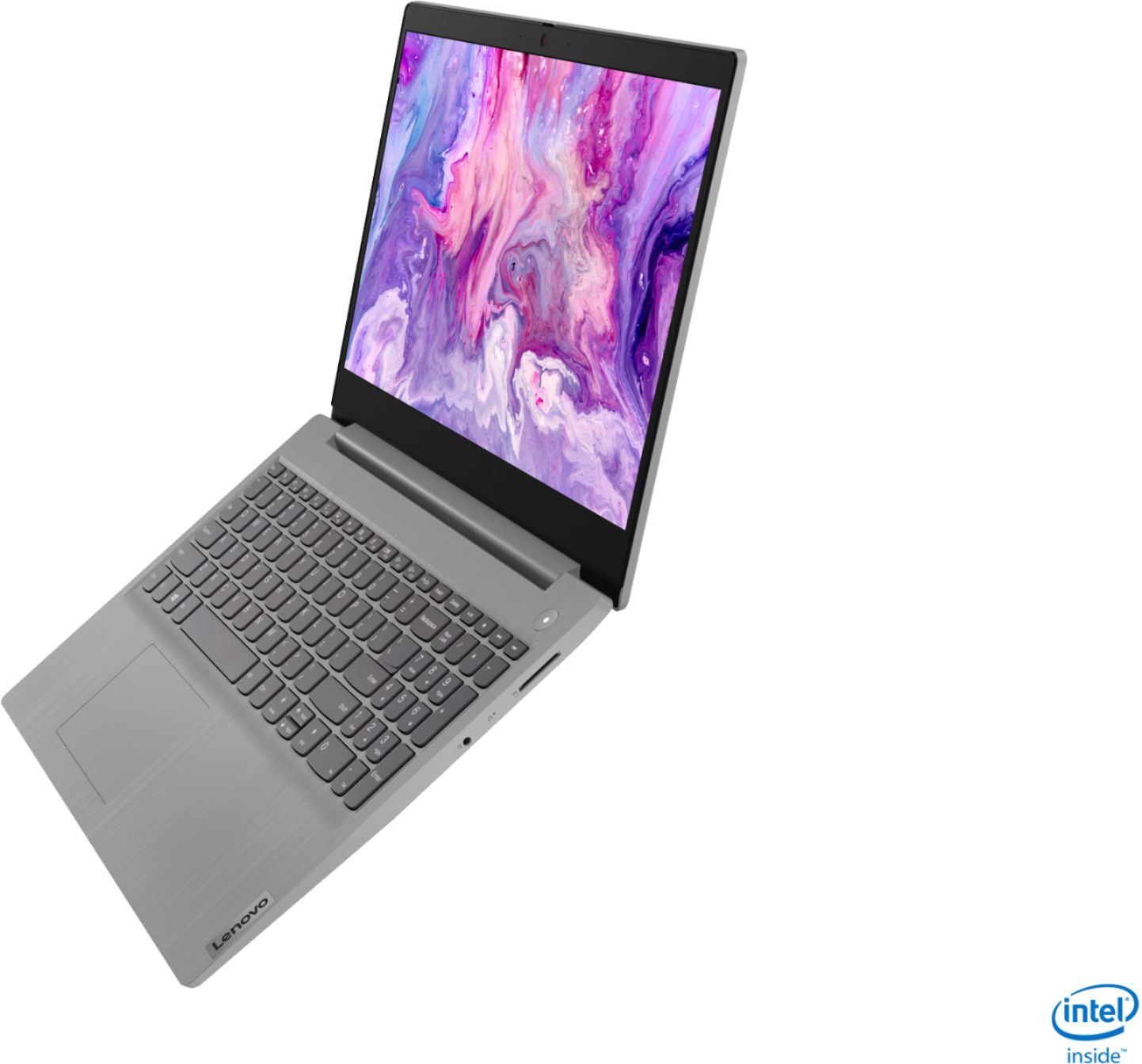
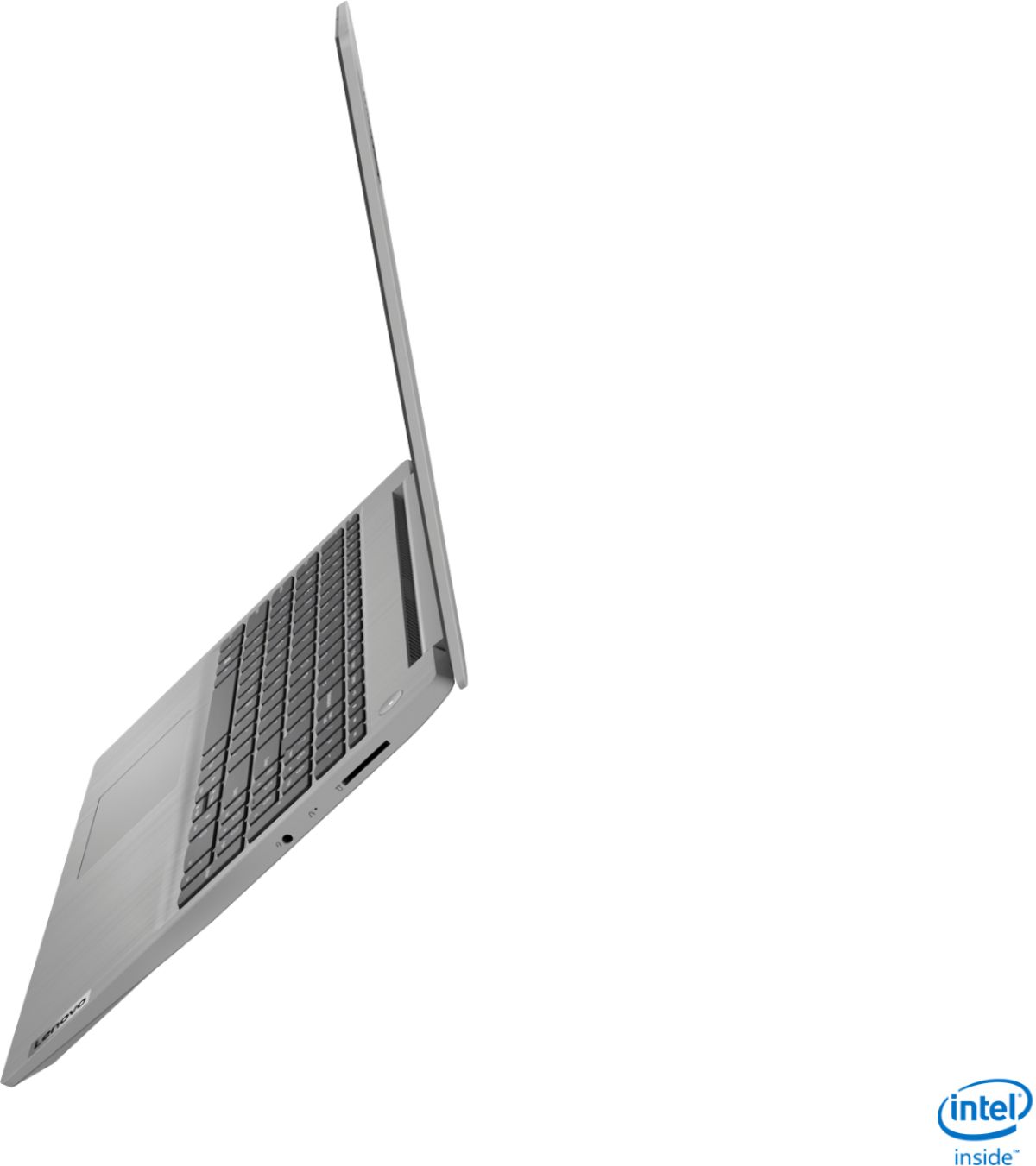
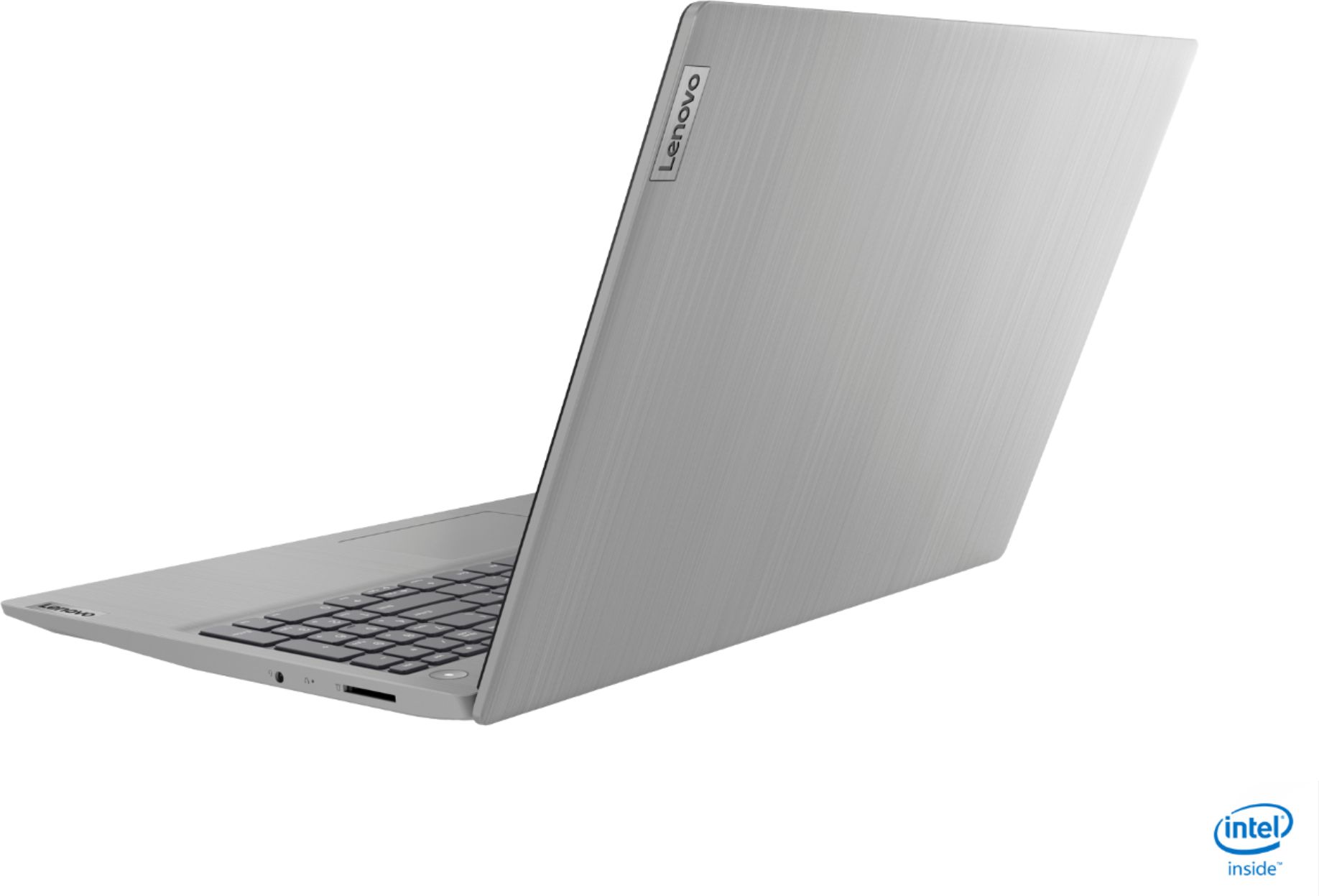
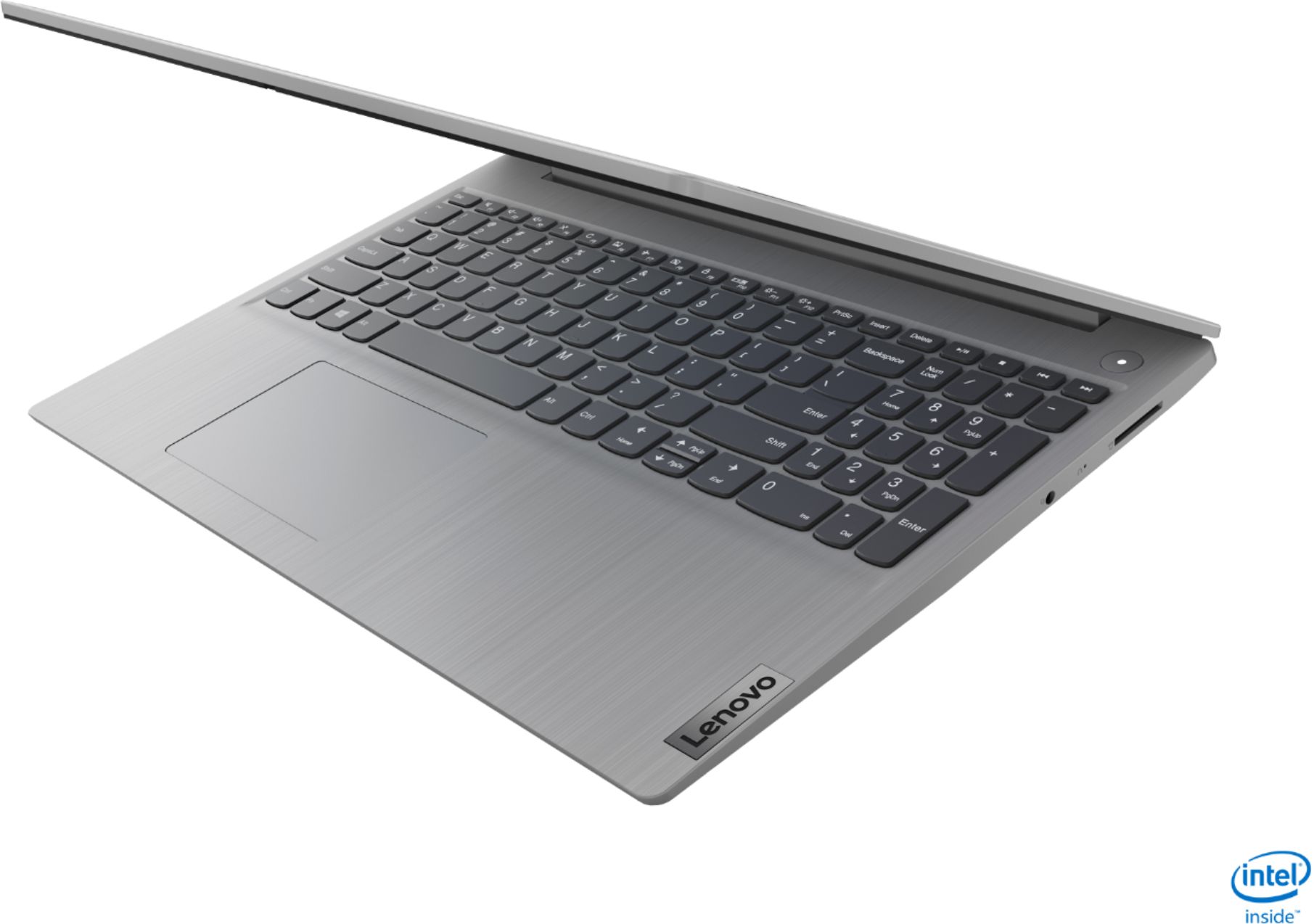
- Model:
- 81WE00NKUS
- SKU:
- 6426712
Rating by feature
- Battery Life
Rating 4.2 out of 5 stars
- Speed
Rating 4.4 out of 5 stars
- Display
Rating 4.3 out of 5 stars
Customers are saying
Customers often highlight the IdeaPad 3's affordability, lightweight design, and responsive touchscreen display. Many users have also praised its performance and reliability even after several years of use. However, some users have expressed concerns about its battery life, low-resolution screen, and limited storage capacity.
This summary was generated by AI based on customer reviews.
- Pros mentioned:SpeedCons mentioned:Battery life
Fantastic Laptopo
||Posted . Owned for 3 weeks when reviewed.This reviewer received promo considerations or sweepstakes entry for writing a review.Everything I need for school. Super fast, no lagging when connected. I love this laptop. One of the lightest I've ever held, lots of memory. The battery, however, could last a little longer. That said, it does charge quickly. I would recommend Lenovo to anyone going to school.
I would recommend this to a friendBrand response from Lenovo Product Expert
Posted .Thank you for choosing the Lenovo IdeaPad 3 15 Laptop, model number 81WE00NKUS. This model ships with a 2CELL_35WH_INTERNAL, Lithium Polymer Battery, which within this configuration, has a battery life of up to 7 hours, depending on the work the device is performing. If you are getting substantially less battery life, first, set your screen brightness at less than 100-percent - try 80-percent to start with. Then, be sure Battery conservation Mode is turned off. This power management setting should only be used when the laptop is plugged in all the time. It will prolong overall battery life by only charging the battery to 60-percent of capacity. Here is a link to instructions for turning off Battery Conservation Mode: https://support.lenovo.com/us/en/solutions/ht103159. Also check what programs are running in the background on the computer. Be sure only the programs you want running in the background are. These programs will drain the battery. Here is a link to information about how to find out what programs are running in the background on your Windows 10 computer and how to manage them for better system performance: https://www.windowscentral.com/how-prevent-apps-running-background-windows-10. Then, finally, be sure any software you installed is compatible with Windows 10. Incompatible software will drain the battery at a faster rate. There is no need to install Microsoft Office software. The software is already part of the operating system, you just need to activate the software with a purchased product key. If you have installed a copy of Microsoft Office, this is conflicting with the existing copy on the system and this will slow your system down. If you have installed a 3rd party anti-virus program, be sure that Windows Defender is turned off and that the trial version of McAfee Anti-Virus software is uninstalled. There can only be one anti-virus program on the system. You may need to restore your system to original factory default settings if any of the programming errors have occurred. You can do that by typing "restore" in the Cortana search window. Just click on the magnifying glass icon at the bottom left of your Windows 10 Desktop. Click on "Reset This PC" Then click on "Get Started" and follow the on screen directions to restore to factory defaults. If the problem persists, we recommend you contact Lenovo Tech Support at: 877-453-6686.

- Pros mentioned:Price, Speed
Great for the price
||Posted . Owned for 3 weeks when reviewed.This reviewer received promo considerations or sweepstakes entry for writing a review.Great price for the quality. I got this on sale for home use and it works for everything that I need. It is fast and is user friendly. Only slight downfall is that the screen is not as crisp as I would like I think due to it being touch screen. But still a great computer.
I would recommend this to a friend - Pros mentioned:Touch screen
perfect laptop
||Posted . Owned for 3 weeks when reviewed.This reviewer received promo considerations or sweepstakes entry for writing a review.Best laptop deal ever? Bought on a Black Friday sale. I added 16gb of RAM. Screen is so so, no USB C, yes it's plastic. It's fast, i5, has great battery life, SSD, an excellent WiFi card, touch screen, good sound. After the RAM I have about $430 into this setup after tax!
I would recommend this to a friend - Pros mentioned:Price, Speed
Nice Budget Computer
||Posted . Owned for 3 weeks when reviewed.This reviewer received promo considerations or sweepstakes entry for writing a review.Nice affordable basic computer. It was easy to set up and get running. It's fast to load apps and files and went onto our home network without any issues. Have used it with MS office, Zoom, email and browsing the web without any issues. Satisfied with our purchase.
I would recommend this to a friendBrand response from Lenovo Product Expert
Posted .Thank you for choosing the Lenovo IdeaPad 3 15 Laptop, model number 81WE00NKUS. We are pleased to hear that the performance of the IdeaPad 3 15 meets your computing needs so well.
- Pros mentioned:PriceCons mentioned:Battery life
Lenovo Laptop Rating
||Posted . Owned for 1 month when reviewed.This reviewer received promo considerations or sweepstakes entry for writing a review.Overall good laptop for the price. Bought it during Thanksgiving sale for $349+tx. Only complaint so far is battery life. Only able to get 3 to 3.5 hours. Will try different power management settings to see if it helps improve battery life.
I would recommend this to a friend - Pros mentioned:Touch screen, Weight
Great buy
||Posted . Owned for 5 months when reviewed.This reviewer received promo considerations or sweepstakes entry for writing a review.Good cheap fast processing laptop with touch screen. Its light weight, good build quality as well. Only wished the picture quality was little better even though its hd. I guess the picture is such because of touch screen feature.
I would recommend this to a friend - Pros mentioned:Price, Speed
Great value laptop
||Posted . Owned for 3 weeks when reviewed.This reviewer received promo considerations or sweepstakes entry for writing a review.I’ve purchased a number of these for business purposes. They’re not top-tier but very nice for the price - a good value - especially if you get them on sale as I have. Very quick with the SSD. I’ve probably bought 3-4 and will buy more.
I would recommend this to a friend - Pros mentioned:Price, Touch screen
Very Nice Computer for the Price
||Posted . Owned for 3 weeks when reviewed.This reviewer received promo considerations or sweepstakes entry for writing a review.It is a very nice computer for the price. My step daughter bought it to use for her online college courses. She got it on sale when she bought it. So far it has done an excellent job and worth every penny. She loves the touchscreen feature to it.
I would recommend this to a friend - Pros mentioned:PriceCons mentioned:Camera
Good laptop for the price
||Posted . Owned for 3 weeks when reviewed.This reviewer received promo considerations or sweepstakes entry for writing a review.This is a good laptop for the price. The camera is not the best but is a good 2nd laptop for those who need another laptop for office work and web surfing. I don't have any issues with the battery, but enjoy the size of the memory.
I would recommend this to a friendBrand response from Lenovo Product Expert
Posted .Hello. Thank you for choosing the Lenovo IdeaPad 3 laptop. We are pleased to hear that the value and performance of the IdeaPad 3 meets your computing needs so well!
- Pros mentioned:Performance, Price
Excellent performances
||Posted . Owned for 1 month when reviewed.This reviewer received promo considerations or sweepstakes entry for writing a review.Attractive look, pretty aggressive core i5 CPU, over standing 12GB ram, SSD storage will mainly put that product at the highest performance. Specially, the purchase price was the lucky winner ticket. I really enjoy that laptop. Thank you, BestBuy.
I would recommend this to a friend - Pros mentioned:PriceCons mentioned:Battery life
A must buy Lenovo Model 81WE
||Posted . Owned for 1 month when reviewed.This reviewer received promo considerations or sweepstakes entry for writing a review.I purchased this laptop during the Pre Friday sales in mid-November. A 15" touch screen. 12 GB RAM & 10th Gen i5 Intel processor was a complete steal for $350. The battery might drain a little quicker than expected but this is a great laptop.
I would recommend this to a friendBrand response from Lenovo Product Expert
Posted .Thank you for choosing the Lenovo IdeaPad 3 15 Laptop, model number 81WE00NKUS. This configuration ships with a 2CELL_35WH_INTERNAL, Lithium Polymer Battery, which in this configuration, has a battery life of up to 7 hours, depending on the work the device is performing. If you are getting substantially less battery life, first, set your screen brightness at less than 100-percent - try 80-percent to start with. Then, be sure Battery conservation Mode is turned off. This power management setting should only be used when the laptop is plugged in all the time. It will prolong overall battery life by only charging the battery to 60-percent of capacity. Here is a link to instructions for turning off Battery Conservation Mode: https://support.lenovo.com/us/en/solutions/ht103159. Also check what programs are running in the background on the computer. Be sure only the programs you want running in the background are. These programs will drain the battery. Here is a link to information about how to find out what programs are running in the background on your Windows 10 computer and how to manage them for better system performance: https://www.windowscentral.com/how-prevent-apps-running-background-windows-10. Then, finally, be sure any software you installed is compatible with Windows 10. Incompatible software will drain the battery at a faster rate. There is no need to install Microsoft Office software. The software is already part of the operating system, you just need to activate the software with a purchased product key. If you have installed a copy of Microsoft Office, this is conflicting with the existing copy on the system and this will slow your system down. If you have installed a 3rd party anti-virus program, be sure that Windows Defender is turned off and that the trial version of McAfee Anti-Virus software is uninstalled. There can only be one anti-virus program on the system. You may need to restore your system to original factory default settings if any of the programming errors have occurred. You can do that by typing "restore" in the Cortana search window. Just click on the magnifying glass icon at the bottom left of your Windows 10 Desktop. Click on "Reset This PC" Then click on "Get Started" and follow the on screen directions to restore to factory defaults. If the problem persists, we recommend you contact Lenovo Tech Support at: 877-453-6686.
- Pros mentioned:Price, Touch screen
BUY IT I PROMISE YOU WILL LOVE IT
||Posted . Owned for 2 weeks when reviewed.This reviewer received promo considerations or sweepstakes entry for writing a review.Got this laptop on sale for my little sister (shes 12) and she loves it! Totally scored on a great deal. She uses it for virtual learning and loves to play roblox and has no problems! The screen size is great and it’s touch screen. Great buy!
I would recommend this to a friend - Pros mentioned:Price, Speed
above average
||Posted . Owned for 10 months when reviewed.This reviewer received promo considerations or sweepstakes entry for writing a review.really really great technology, for the price it’s immaculate. runs incredibly fast and smooth, even playing a game like fortnite it’ll do the job. it’s not really made for that but if you’re friends invite it’s good.
I would recommend this to a friend - Pros mentioned:Touch screenCons mentioned:Battery life
IdeaPad - Worth the price!
||Posted . Owned for 1 month when reviewed.This reviewer received promo considerations or sweepstakes entry for writing a review.It's a very good deal if you buy it during Thanksgiving sale. Great for basic usage. Touchscreen is good. Battery is not that excellent. Works only 3-4 hours with regular browsing. Overall good product at this price range.
I would recommend this to a friendBrand response from Lenovo Product Expert
Posted .Hello. Thank you for choosing the Lenovo IdeaPad 3 laptop model # 81WE00NKUS. This unit has a battery life of up to 7.5 hours. If you are getting substantially less battery life, please adjust your screen brightness settings. A setting of 100% brightness will drain your battery much faster than a lower setting. We recommend setting the screen brightness to some value below 100% that is still comfortable for you to view. Next be sure Battery conservation Mode is turned off. This power management setting should only be used when the laptop is plugged in all the time. It will prolong overall battery life by only charging the battery to 60-percent of capacity. Here is a link to instructions for turning off Battery Conservation Mode: https://support.lenovo.com/us/en/solutions/ht103159. Also check what programs are running in the background on the computer. Be sure only the programs you want running in the background are. These programs will drain the battery. Here is a link to information about how to find out what programs are running in the background on your Windows 10 computer and how to manage them for better system performance: https://www.windowscentral.com/how-prevent-apps-running-background-windows-10. Then, finally, be sure any software you installed is compatible with Windows 10. Incompatible software will drain the battery at a faster rate. There is no need to install Microsoft Office software. The software is already part of the operating system, you just need to activate the software with a purchased product key. If you have installed a copy of Microsoft Office, this is conflicting with the existing copy on the system and this will slow your system down. If you have installed a 3rd party anti-virus program, be sure that Windows Defender is turned off and that the trial version of McAfee Anti-Virus software is uninstalled. There can only be one anti-virus program on the system. You may need to restore your system to original factory default settings if any of the programming errors have occurred. You can do that by typing "restore" in the Cortana search window. Just click on the magnifying glass icon at the bottom left of your Windows 10 Desktop. Click on "Reset This PC" Then click on "Get Started" and follow the on screen directions to restore to factory defaults. If the problem persists, we recommend you contact Lenovo Tech Support at: 877-453-6686
- Pros mentioned:Price
Excellent value for the price
||Posted . Owned for 1 month when reviewed.This reviewer received promo considerations or sweepstakes entry for writing a review.I bought this on Black Friday sale. It came with Windows S mode which was easily changed to standard Windows. This is a pretty fast workstation for day to say activities with 12 GB of RAM and 256 GB SSD - excellent value for the price.
I would recommend this to a friendBrand response from Lenovo Product Expert
Posted .Thank you for choosing the Lenovo IdeaPad 3 15 Laptop, model number 81WE00NKUS. We are pleased to hear that the performance of the IdeaPad 3 15 meets your computing needs so well.
- Pros mentioned:Speed, Touch screen
Live the computer
||Posted . Owned for 2 weeks when reviewed.This reviewer received promo considerations or sweepstakes entry for writing a review.I got the computer for my nephew he is twelve years old He just loved it it’s so easy to use and faster than any other computer he used to have the touchscreen make him loved have homework to do all the time with easy access and faster
I would recommend this to a friendBrand response from Lenovo Product Expert
Posted .Thank you for choosing the Lenovo IdeaPad 3 15 Laptop, model number 81WE00NKUS, for your nephew. We are pleased to hear that the features and performance of the IdeaPad 3 15 meets your nephew's computing needs so well.
- Pros mentioned:SpeedCons mentioned:Battery life
At the right price a winner!
||Posted . Owned for 1 month when reviewed.This reviewer received promo considerations or sweepstakes entry for writing a review.Great for basic work. -Very Good Speed -Screen has a matte finish to it. If you want a shiny phone-like screen look elsewhere. -Power adaptor is obnoxiously large. -Battery life not the greatest. -Touch Screen is nice
I would recommend this to a friendBrand response from Lenovo Product Expert
Posted .The Lenovo IdeaPad 3 15 Laptop, model number 81WE00NKUS, ships with a 2CELL_35WH_INTERNAL, Lithium Polymer Battery, which within this configuration, has a battery life of up to 7 hours, depending on the work the device is performing. If you are getting substantially less battery life, first, set your screen brightness at less than 100-percent - try 80-percent to start with. Then, be sure Battery conservation Mode is turned off. This power management setting should only be used when the laptop is plugged in all the time. It will prolong overall battery life by only charging the battery to 60-percent of capacity. Here is a link to instructions for turning off Battery Conservation Mode: https://support.lenovo.com/us/en/solutions/ht103159. Also check what programs are running in the background on the computer. Be sure only the programs you want running in the background are. These programs will drain the battery. Here is a link to information about how to find out what programs are running in the background on your Windows 10 computer and how to manage them for better system performance: https://www.windowscentral.com/how-prevent-apps-running-background-windows-10. Then, finally, be sure any software you installed is compatible with Windows 10. Incompatible software will drain the battery at a faster rate. There is no need to install Microsoft Office software. The software is already part of the operating system, you just need to activate the software with a purchased product key. If you have installed a copy of Microsoft Office, this is conflicting with the existing copy on the system and this will slow your system down. If you have installed a 3rd party anti-virus program, be sure that Windows Defender is turned off and that the trial version of McAfee Anti-Virus software is uninstalled. There can only be one anti-virus program on the system. You may need to restore your system to original factory default settings if any of the programming errors have occurred. You can do that by typing "restore" in the Cortana search window. Just click on the magnifying glass icon at the bottom left of your Windows 10 Desktop. Click on "Reset This PC" Then click on "Get Started" and follow the on screen directions to restore to factory defaults. If the problem persists, we recommend you contact Lenovo Tech Support at: 877-453-6686.
- Pros mentioned:WeightCons mentioned:Battery life
New Laptop
||Posted . Owned for 3 weeks when reviewed.This reviewer received promo considerations or sweepstakes entry for writing a review.Good thusfar. Not long lasting battery. Seems to only last 8 hours. Charges fairly quick. Lightweight laptop. Easy to use & set up. First time having a Lenovo, used to Dell laptops. Caught on sale before the holidays.
I would recommend this to a friendBrand response from Lenovo Product Expert
Posted .Thank you for choosing the Lenovo IdeaPad 3 15 Laptop, model number 81WE00NKUS. We are pleased to hear that the value, ease of setup and performance of the IdeaPad 3 15 meets your computing needs so well.
- Cons mentioned:Battery life
Good laptop but it comes with Windows S-mode
||Posted . Owned for 1 month when reviewed.This reviewer received promo considerations or sweepstakes entry for writing a review.The computer is a great deal, looks great and is fast. It comes with Windows S-mode which I had never heard of and did not know when I purchased the computer. It sounds a bit like it makes this the Windows version of a Chromebook. I turned the S-mode off as you can only use Windows apps if it is running in S-mode and we needed to use programs that the Windows store does not have. Apparently it may be slower, worse battery life and less safe if you switch to regular Windows as it reminds you several times. This is quite annoying as it is a one way street, you cannot switch back to S-mode. The whole thing made the first few days with it more stressful and less enjoyable. Only other issue is the battery life which seems to last about 4 hours.
I would recommend this to a friendBrand response from Lenovo Product Expert
Posted .The Lenovo IdeaPad 3 15 Laptop, model number 81WE00NKUS, ships with Windows 10 S-Mode 64-bit Operating System. Windows 10 S-Mode provides added security by only allowing APPs available ( and therefore certified by Microsoft) at the Microsoft Store. If you don't need the added security or you need to install APPs not available at the Microsoft Store, you can switch to standard Windows 10 Home 64-bit Operating System, at no additional cost. This model ships with a 2CELL_35WH_INTERNAL, Lithium Polymer Battery, that in this configuration, has a battery life of up to 7 hours. If you are getting substantially less battery life, first, set your screen brightness at less than 100-percent - try 80-percent to start with. Then, be sure Battery conservation Mode is turned off. This power management setting should only be used when the laptop is plugged in all the time. It will prolong overall battery life by only charging the battery to 60-percent of capacity. Here is a link to instructions for turning off Battery Conservation Mode: https://support.lenovo.com/us/en/solutions/ht103159. Also check what programs are running in the background on the computer. Be sure only the programs you want running in the background are. These programs will drain the battery. Here is a link to information about how to find out what programs are running in the background on your Windows 10 computer and how to manage them for better system performance: https://www.windowscentral.com/how-prevent-apps-running-background-windows-10. Then, finally, be sure any software you installed is compatible with Windows 10. Incompatible software will drain the battery at a faster rate. There is no need to install Microsoft Office software. The software is already part of the operating system, you just need to activate the software with a purchased product key. If you have installed a copy of Microsoft Office, this is conflicting with the existing copy on the system and this will slow your system down. If you have installed a 3rd party anti-virus program, be sure that Windows Defender is turned off and that the trial version of McAfee Anti-Virus software is uninstalled. There can only be one anti-virus program on the system. You may need to restore your system to original factory default settings if any of the programming errors have occurred. You can do that by typing "restore" in the Cortana search window. Just click on the magnifying glass icon at the bottom left of your Windows 10 Desktop. Click on "Reset This PC" Then click on "Get Started" and follow the on screen directions to restore to factory defaults. If the problem persists, we recommend you contact Lenovo Tech Support at: 877-453-6686.
- Pros mentioned:Touch screen
Fast for the $$!
||Posted . Owned for less than 1 week when reviewed.This reviewer received promo considerations or sweepstakes entry for writing a review.Fast for the $$! 12GB ram and 256GB MEMORY WITH I-5 Intel is super value. Only let down is screen resolution is only “okay”. On the other hand, it is a touchscreen.
I would recommend this to a friendBrand response from Lenovo Product Expert
Posted .The Lenovo IdeaPad 3 15 Laptop, model number 81WE00NKUS, ships with a 15.6-Inch (screen size measured diagonally) TN, LCD w/LED Backlight (Anti-glare) screen, with a resolution of 1366 X 768 (HD) and a brightness level of 220 nits.