Customer Ratings & Reviews
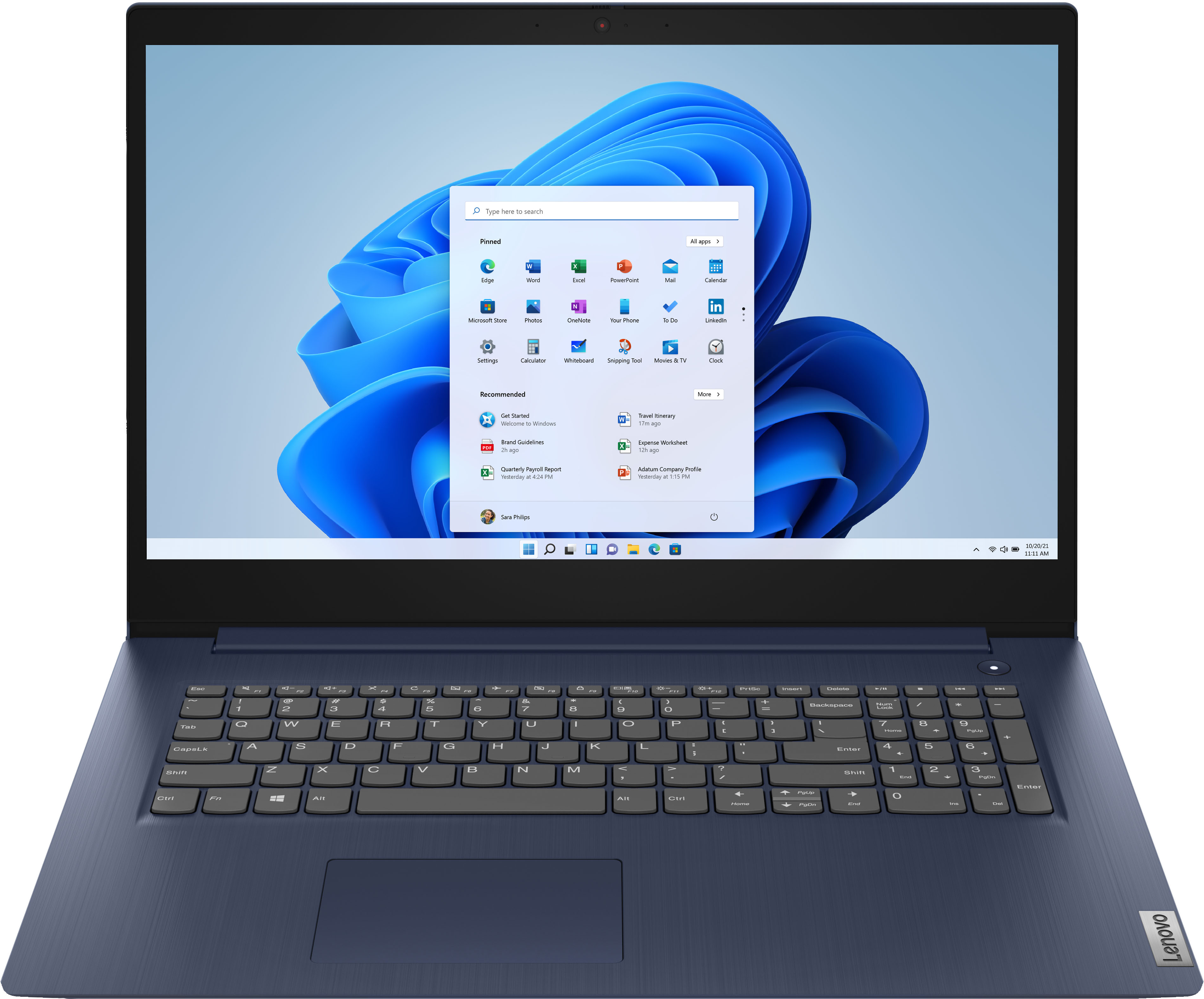
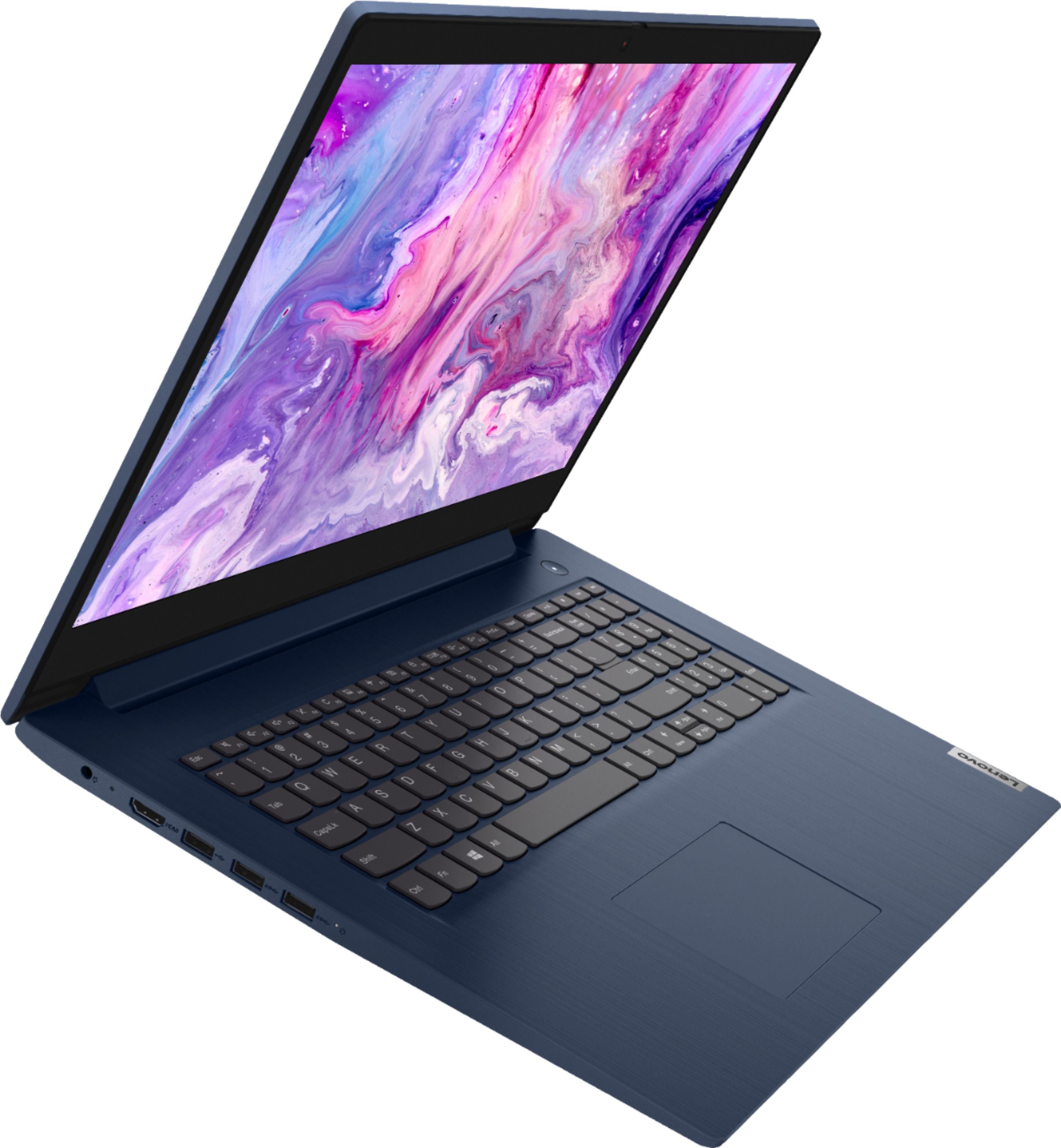
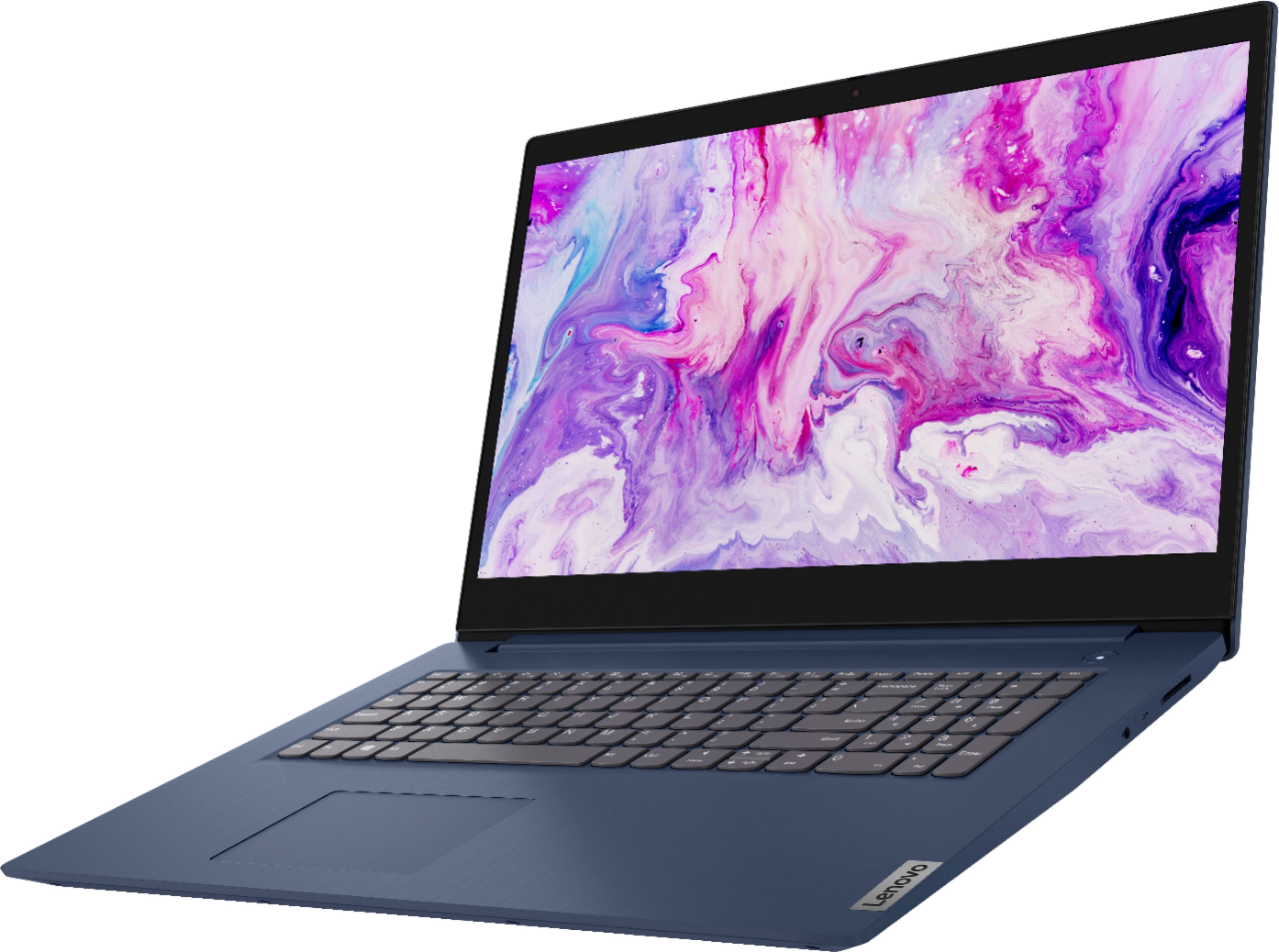
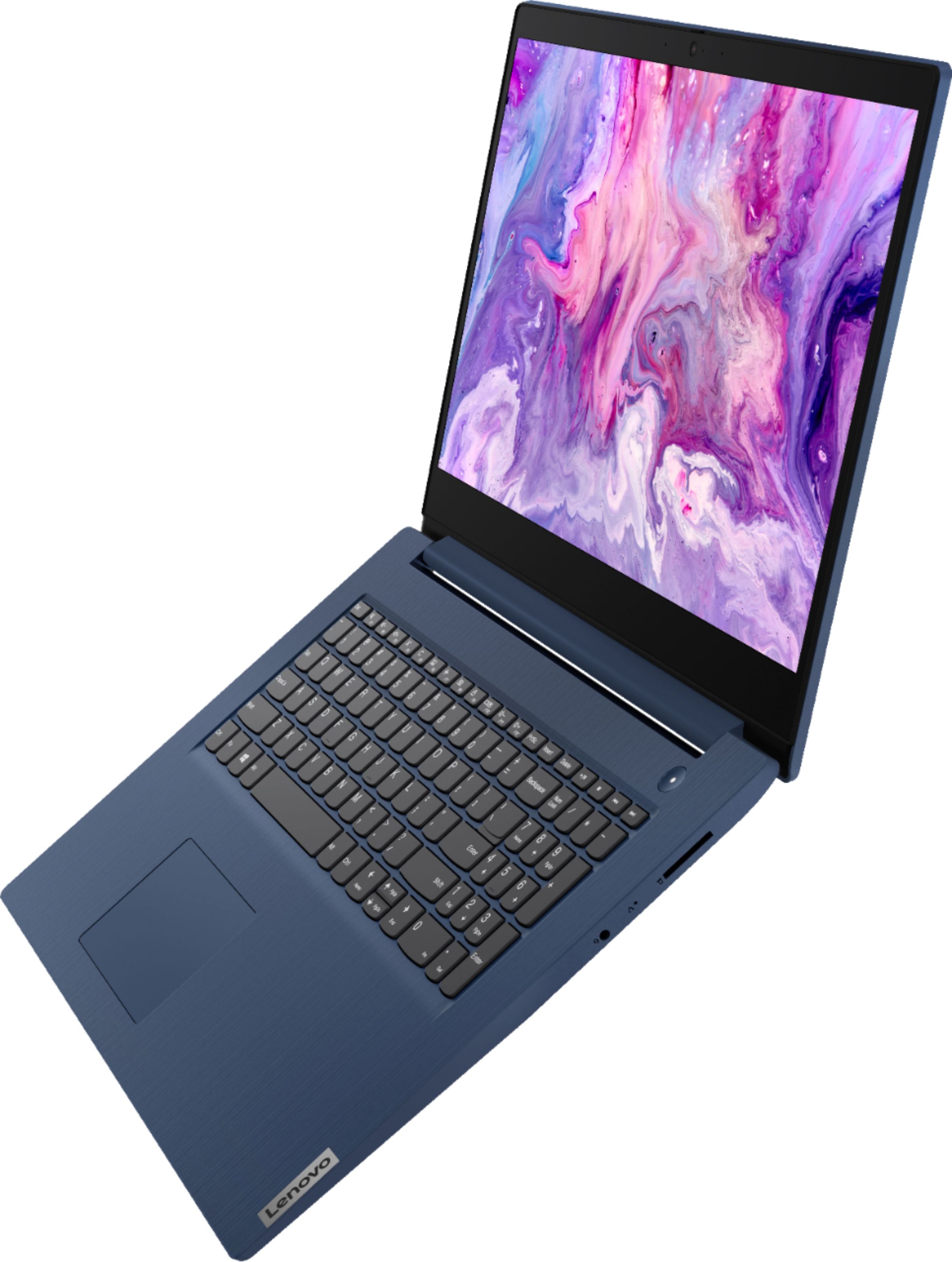

- Model:
- 81WF004CUS
- SKU:
- 6449490
Rating by feature
- Battery Life
Rating 3.8 out of 5 stars
- Speed
Rating 3.2 out of 5 stars
- Display
Rating 3.9 out of 5 stars
Customers are saying
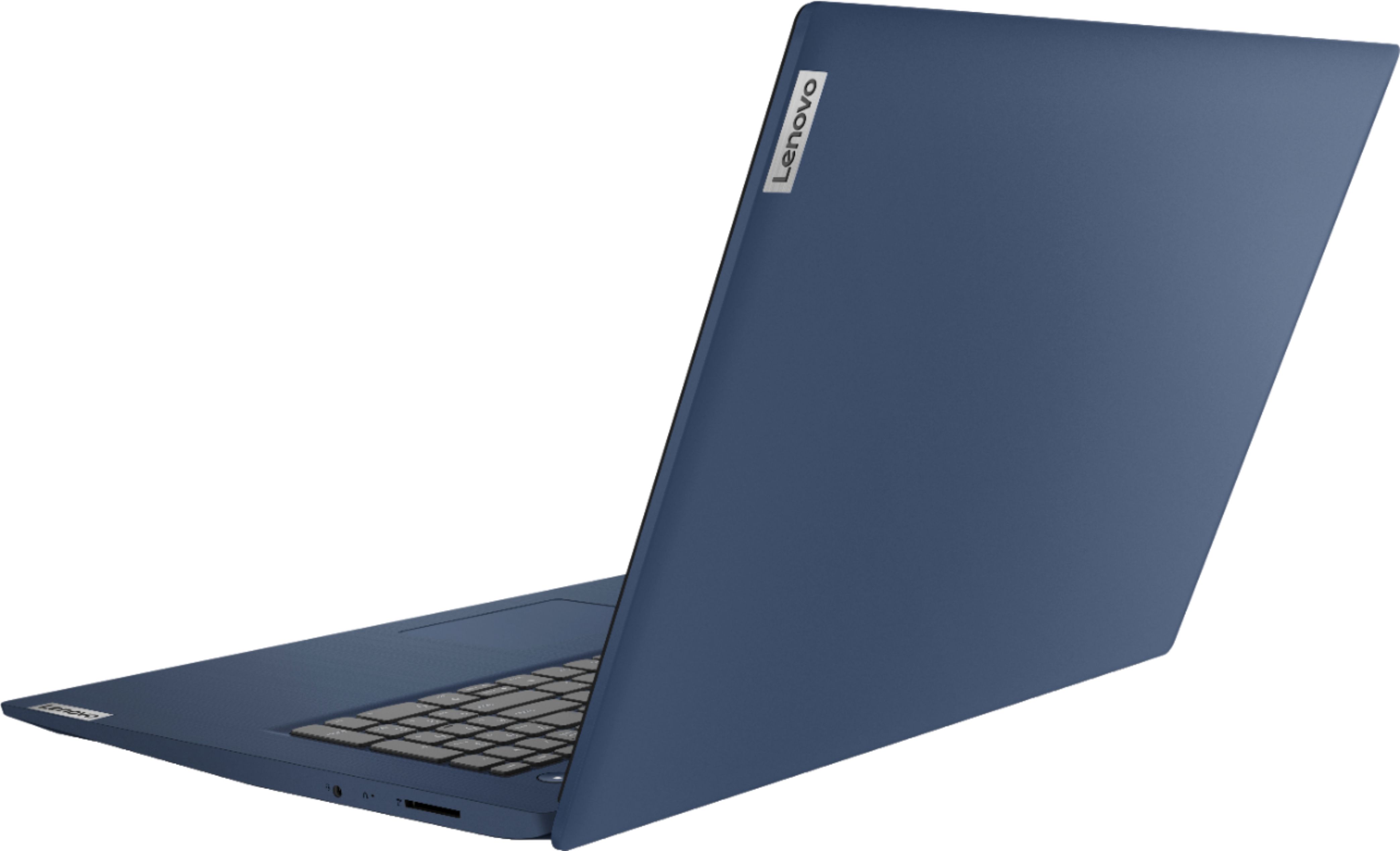
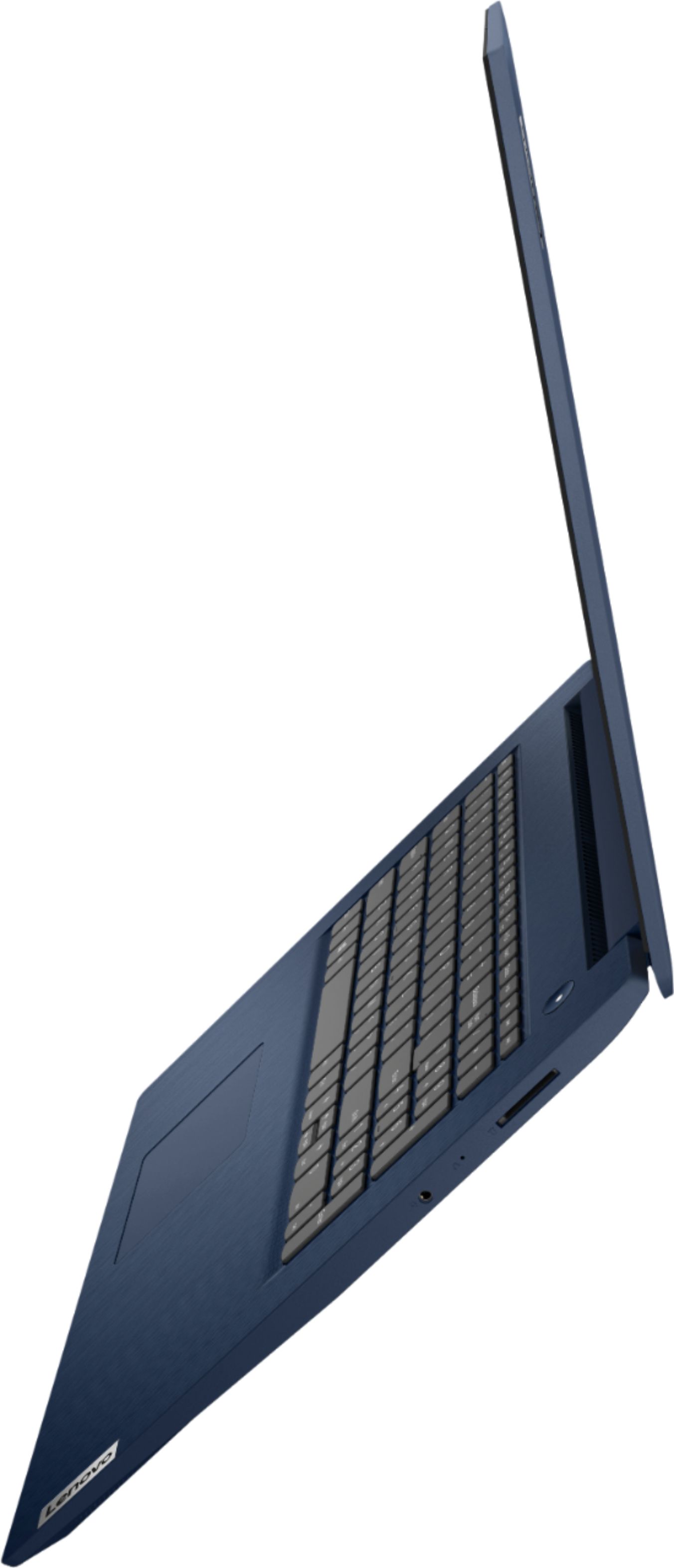
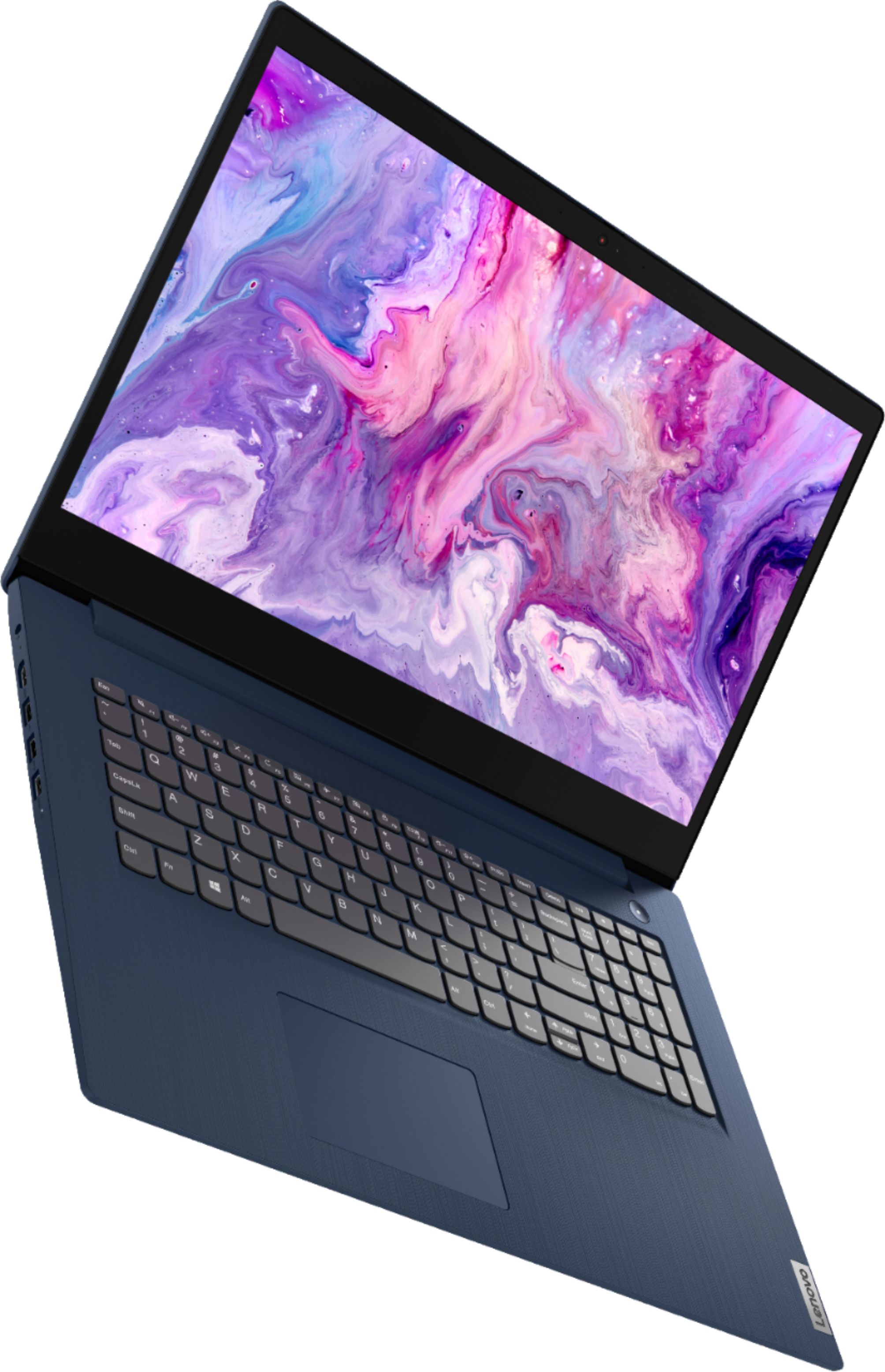
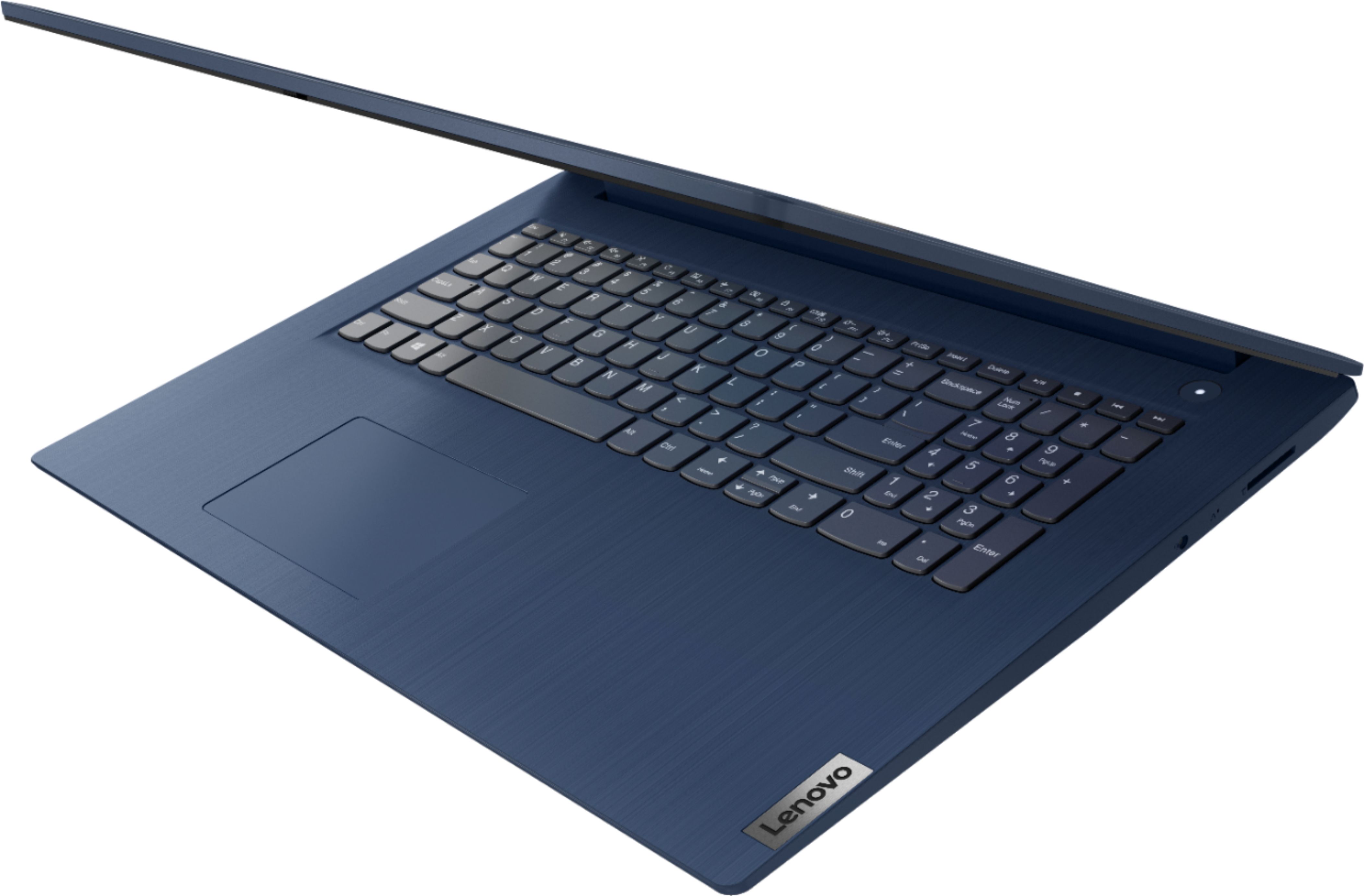
Customers enjoy the large screen, affordable price, and user-friendly nature of the Ideapad 3 17. It is lightweight and suitable for work. However, some users have concerns about its performance, boot time, and battery life.
This summary was generated by AI based on customer reviews.
- Cons mentioned:Boot time, Speed
save your money
||Posted . Owned for 1 month when reviewed.This reviewer received promo considerations or sweepstakes entry for writing a review.Absolutely the worst computer I have ever had. It is so slow and unresponsive. With a TB of hard drive space and only 120GB loaded, you'd think it would work faster. It takes too long to fully boot and use.
No, I would not recommend this to a friendBrand response from Lenovo Product Expert
Posted .The Lenovo IdeaPad 3 17 Laptop, model number 81WF004CUS, will boot form off to the Windows 10 Desktop Screen in less than 40-seconds. If you are getting slower boot times, even if you have switched out of S-Mode, be sure any software you installed is compatible with Windows 10. There is no need to install Microsoft Office software. The software is already part of the operating system, you just need to activate the software with a purchased product key. If you have installed a copy of Microsoft Office, this is conflicting with the existing copy on the system and this will slow your system down. If you have installed a 3rd party anti-virus program, be sure that Windows Defender is turned off and that the trial version of McAfee Anti-Virus software is uninstalled. There can only be one anti-virus program on the system. You may need to restore your system to original factory default settings if any of the programming errors have occurred. You can do that by typing "restore" in the Cortana search window. Just click on the magnifying glass icon at the bottom left of your Windows 10 Desktop. Click on "Reset This PC" Then click on "Get Started" and follow the on screen directions to restore to factory defaults. If the problem persists, we recommend you contact Lenovo Tech Support at: 877-453-6686.

Large screen for a portable
||Posted . Owned for 3 weeks when reviewed.This reviewer received promo considerations or sweepstakes entry for writing a review.Even though this is a quad core and my 4 years older Toshiba Satellite is 2 it is not as fast with throughput. I like the wide screen so that I don't normally have to connect another screen and the graphics are very good. Having the 2 function buttons directly in the touch pad takes some getting use too. I use it mostly for Hammond music keyboard software and it does the intended purpose.
No, I would not recommend this to a friendBrand response from Lenovo Product Expert
Posted .The Lenovo IdeaPad 3 17 Laptop, model number 81WF004CUS, is a fast configuration. If you are getting slower than expected performance, be sure any software you installed is compatible with Windows 10. There is no need to install Microsoft Office software. The software is already part of the operating system, you just need to activate the software with a purchased product key. If you have installed a copy of Microsoft Office, this is conflicting with the existing copy on the system and this will slow your system down. If you have installed a 3rd party anti-virus program, be sure that Windows Defender is turned off and that the trial version of McAfee Anti-Virus software is uninstalled. There can only be one anti-virus program on the system. You may need to restore your system to original factory default settings if any of the programming errors have occurred. You can do that by typing "restore" in the Cortana search window. Just click on the magnifying glass icon at the bottom left of your Windows 10 Desktop. Click on "Reset This PC" Then click on "Get Started" and follow the on screen directions to restore to factory defaults. If the problem persists, we recommend you contact Lenovo Tech Support at: 877-453-6686.
- Cons mentioned:Speed
slow laptop
||Posted . Owned for 3 months when reviewed.This reviewer received promo considerations or sweepstakes entry for writing a review.It is a Slow laptop when starting and using several programs at the same time.
I would recommend this to a friendBrand response from Lenovo Product Expert
Posted .This Lenovo IdeaPad 3 17 Laptop, model number 81WF004CUS, will boot from off to the Windows Desktop Screen in less than 40-seconds. If you are getting slower boot times, even if you have switched out of S-Mode, be sure any software you installed is compatible with Windows. There is no need to install Microsoft Office software. The software is already part of the operating system, you just need to activate the software with a purchased product key. If you have installed a copy of Microsoft Office, this is conflicting with the existing copy on the system and this will slow your system down. If you have installed a 3rd party anti-virus program, be sure that Windows Defender is turned off and that the trial version of McAfee Anti-Virus software is uninstalled. There can only be one anti-virus program on the system. You may need to restore your system to original factory default settings if any of the programming errors have occurred. You can do that by typing "restore" in the Cortana search window. Just click on the magnifying glass icon at the bottom left of your Windows Desktop. Click on "Reset This PC" Then click on "Get Started" and follow the on screen directions to restore to factory defaults. If the problem persists, we recommend you contact Lenovo Tech Support at: 877-453-6686.
From Tears To Cheers
||Posted . Owned for 3 weeks when reviewed.This reviewer received promo considerations or sweepstakes entry for writing a review.As frustrated as I was that my previous laptop quit working, my experience with the team at the Cuyahoga Falls Best Buy was absolutely delightful. Alex provided an understandable overview of the two laptops that I was considering and based on his answers it was easy for my to confidently select the Lenovo. He introduced the Geek Squad program with me and again answered all of my questions. When my laptop arrived at the store, he made a list of all my requests for the Geek Squad. Sean with the Geek Squad team reviewed all tasks completed and did a wonderful job answering my questions. So pleased that I signed up with the Geek Squad program.
I would recommend this to a friendBrand response from Lenovo Product Expert
Posted .Thank you for choosing the Lenovo IdeaPad 3 17 Laptop. We are pleased to hear that the features and performance of the IdeaPad 3 17 meets your computing needs so well.
- Cons mentioned:Performance, Speed
Poor, Poor, Poor
||Posted . Owned for 1 year when reviewed.This reviewer received promo considerations or sweepstakes entry for writing a review.Bought this to send emails while traveling. In less than 90 days. It became sluggish and slow. Extremely disappointed with this. It struggles to even open Edge, FireFox or Chrome. Forget about gmail or YouTube.
No, I would not recommend this to a friend - Cons mentioned:Performance
Average laptop
||Posted . Owned for 3 weeks when reviewed.This reviewer received promo considerations or sweepstakes entry for writing a review.Average laptop, not impressed with the value. It's a bit slower than expected.
No, I would not recommend this to a friendBrand response from Lenovo Product Expert
Posted .The Lenovo IdeaPad 3 17 Laptop, model number 81WF004CUS, is a fast configuration with its 4-Core/8-Thread 10th Gen Intel Core i5-1035G1 processor and 8GB DDR4-2666MHz RAM. If you are getting slower than expected performance, be sure any software you installed is compatible with Windows 10. There is no need to install Microsoft Office software. The software is already part of the operating system, you just need to activate the software with a purchased product key. If you have installed a copy of Microsoft Office, this is conflicting with the existing copy on the system and this will slow your system down. If you have installed a 3rd party anti-virus program, be sure that Windows Defender is turned off and that the trial version of McAfee Anti-Virus software is uninstalled. There can only be one anti-virus program on the system. You may need to restore your system to original factory default settings if any of the programming errors have occurred. You can do that by typing "restore" in the Cortana search window. Just click on the magnifying glass icon at the bottom left of your Windows 10 Desktop. Click on "Reset This PC" Then click on "Get Started" and follow the on screen directions to restore to factory defaults. If the problem persists, we recommend you contact Lenovo Tech Support at: 877-453-6686.
- Pros mentioned:Easy to use
Computer
||Posted . Owned for 4 months when reviewed.This reviewer received promo considerations or sweepstakes entry for writing a review.Absolutely love my computer the best thing about having your computer from Best buy is being able to make an appointment and have them show you how to operate the system.
I would recommend this to a friendBrand response from Lenovo Product Expert
Posted .Thank you for choosing the Lenovo IdeaPad 3 17 Laptop. We are pleased to hear that the IdeaPad 3 17 meets your computing needs so well.
- Pros mentioned:Price
College laptop
||Posted . Owned for 1 month when reviewed.This reviewer received promo considerations or sweepstakes entry for writing a review.I bought this for my daughter to go to college. It is light, easy to go use and not outrageously priced. I was recommended this laptop for its durability and performance.
I would recommend this to a friendBrand response from Lenovo Product Expert
Posted .Thank you for choosing the Lenovo IdeaPad 3 17 laptop for your daughter. We are pleased to hear that the value, features and performance of the IdeaPad 3 17 meets the computing needs of your daughter so well.
- Pros mentioned:Large screen
Great Purchase
||Posted .This reviewer received promo considerations or sweepstakes entry for writing a review.Screen is huge which makes the product worth it , especially for doing projects or watching movies!
I would recommend this to a friend Good value, sturdy laptop.
||Posted . Owned for 4 months when reviewed.This reviewer received promo considerations or sweepstakes entry for writing a review.Works fine as a replacement for a Dell that just died. Wish I had bought the touchscreen version. Wish that BestBuy had immediately told me that Geek squad could have done entire file transfer,etc for nominal fee.
I would recommend this to a friend- Cons mentioned:Battery life
n/a
||Posted .This reviewer received promo considerations or sweepstakes entry for writing a review.takes to long to load programs unit is very slow. Battery life not very long
No, I would not recommend this to a friendBrand response from Lenovo Product Expert
Posted .The Lenovo IdeaPad 3 17 Laptop, model number 81WF004CUS, will boot from off to the Windows 10 Desktop Screen in less than 40-seconds. If you are getting slower boot times, even if you have switched out of S-Mode, be sure any software you installed is compatible with Windows 10. There is no need to install Microsoft Office software. The software is already part of the operating system, you just need to activate the software with a purchased product key. If you have installed a copy of Microsoft Office, this is conflicting with the existing copy on the system and this will slow your system down. If you have installed a 3rd party anti-virus program, be sure that Windows Defender is turned off and that the trial version of McAfee Anti-Virus software is uninstalled. There can only be one anti-virus program on the system. You may need to restore your system to original factory default settings if any of the programming errors have occurred. You can do that by typing "restore" in the Cortana search window. Just click on the magnifying glass icon at the bottom left of your Windows 10 Desktop. Click on "Reset This PC" Then click on "Get Started" and follow the on screen directions to restore to factory defaults. If the problem persists, we recommend you contact Lenovo Tech Support at: 877-453-6686.
- Pros mentioned:Price
Great computer
||Posted . Owned for 3 weeks when reviewed.This reviewer received promo considerations or sweepstakes entry for writing a review.This is great computer for the price. It loads fast and has some nice features. The only drawback is the 1600x900 resolution. But, I would still recommend this computer.
I would recommend this to a friendBrand response from Lenovo Product Expert
Posted .Thank you for choosing the Lenovo IdeaPad 3 17 Laptop. This model ships with a 17.3 inch (screen size measured diagonally) TN - HD+ (1600x900) screen, with a brightness level of 250 nits and has an Anti-glare coating. We are pleased to hear that the IdeaPad 3 17 meets your computing needs so well.
- Pros mentioned:Large screen
Full performance laptop
||Posted . Owned for 4 months when reviewed.This reviewer received promo considerations or sweepstakes entry for writing a review.This is a great machine. I needed a big screen for a work program. The resolution is great, and I’m very happy with the speed, sound, and quality of this machine.
I would recommend this to a friendBrand response from Lenovo Product Expert
Posted .Thank you for choosing the Lenovo IdeaPad 3 17 Laptop. We are pleased to hear that the features and performance of the IdeaPad 3 17 meets your computing needs so well.
- Cons mentioned:Speed
Much better options available
||Posted . Owned for 1 year when reviewed.This reviewer received promo considerations or sweepstakes entry for writing a review.Looked nice and sleek. Has not operated right since upgraded to Windows 11. Extremely slow to the point I suspect faulty electronics. This is the 2nd Lenovo laptop I have bought for my wife. The first was equally unsatisfactory. There will NOT be a third.
No, I would not recommend this to a friend Good value laptop
||Posted . Owned for 3 weeks when reviewed.This reviewer received promo considerations or sweepstakes entry for writing a review.I have purchased many products from this brand including desktop,chrome book and now a laptop. The prices are very fair and quality has never been an issue. I love the sleek design and ease of use this laptop offets.
I would recommend this to a friendBrand response from Lenovo Product Expert
Posted .Thank you for choosing the Lenovo IdeaPad 3 17 Laptop. We appreciate your loyalty to the Lenovo Brand and we are pleased to hear that this new IdeaPad 3 17 meets your computing needs so well.
- Cons mentioned:Speed
Lenovo
||Posted . Owned for 1 month when reviewed.This reviewer received promo considerations or sweepstakes entry for writing a review.Great Laptop but too big and not fast enough. Great for movies tho!
I would recommend this to a friend TrendMicro won't install.
||Posted . Owned for 3 weeks when reviewed.This reviewer received promo considerations or sweepstakes entry for writing a review.I can't download my TrendMicro because the laptop is defaulted in S mode. When I try to switch out of S mode, it does nothing. Other than that, I have no complaints. The salesman was polite and professional.
I would recommend this to a friendBrand response from Lenovo Product Expert
Posted .We are sorry to hear that you are having issues switching out of Windows 10 S-Mode. Be sure you have not already switched. You can check your version of Windows 10 currently on the computer. Here is a link to instructions for confirming which version of Windows 10 you currently have on your computer: https://support.microsoft.com/en-us/windows/which-version-of-windows-operating-system-am-i-running-628bec99-476a-2c13-5296-9dd081cdd808#:~:text=Find%20operating%20system%20info%20in%20Windows%2010&text=Select%20the%20Start%20button%20%3E%20Settings%20%3E%20System%20%3E%20About%20.&text=Under%20Device%20specifications%20%3E%20System%20type,Windows%20your%20device%20is%20running. If you have Windows 10 S-Mode still on your computer, here is a link to instructions for switching from Windows 10 S-Mode to Windows 10 Home: https://support.microsoft.com/en-us/help/4456067/windows-10-switch-out-of-s-mode. If Trend Micro Virus Protection will still not install, first be sure the version you have is compatible with Windows 10. If it is, we recommend you contact Trend Micro online for help.
Lenovo laptop
||Posted . Owned for 3 weeks when reviewed.This reviewer received promo considerations or sweepstakes entry for writing a review.I like it I am not terribly computer savvy and I have been for the most part able to figure it out. Just a couple of things I don't like sometimes the keys don't react when you strike them.
I would recommend this to a friendBrand response from Lenovo Product Expert
Posted .Thank you for choosing the Lenovo IdeaPad 3 17 laptop, model number 81WF004CUS. To keep your computer running at its best, regularly check to be sure you have the latest version of Windows 10 on the computer. Then update all BIOS files and drivers up to that latest version of Windows 10. You can easily accomplish this by scanning the computer with the Lenovo Utility software available on this computer. This system has Lenovo utilities installed to help maintain the health of the device and keep the operating system software up to date. Type "Lenovo Vantage" in the Cortana Search window (if Lenovo Vantage is not installed on your device, you can download the APP and install it now). Select Lenovo Vantage from the list. In the window that opens, click on "Health and Support". In the expanded menu, select "Hardware Scan" In the window that opens, select "Run Quick Tests". This will scan your entire system for errors. Follow any directions that may pop up. If the problem continues after this scan, now click on "System Update". First select Windows update from the menu. Scan your system to be sure you have the latest version of Windows 10. Once that scan is complete, select "Additional Updates". This will scan your device to be sure there are no new BIOS/Driver updates needed. Follow any instructions that may pop up. If the issue continues after these updates, we recommend you call Lenovo Tech Support at: 877-453-6686 for additional help.
- Pros mentioned:Price
Lenova Ideapad bright and fast
||Posted . Owned for 11 months when reviewed.This reviewer received promo considerations or sweepstakes entry for writing a review.Not Bad for the money. Replaced an old wore out laptop. Fast, smooth, does everything i need. Added Office also. runs like a charm.
I would recommend this to a friend Average Starter Laptop
||Posted . Owned for 3 weeks when reviewed.This reviewer received promo considerations or sweepstakes entry for writing a review.Good starter laptop, no major issues so far. My only complaint is the 8GB of RAM. My phone currently has more RAM (12GB) than it. Other than that it's quick and smooth, the colors are bold and vibrant.
I would recommend this to a friend