Customer Ratings & Reviews
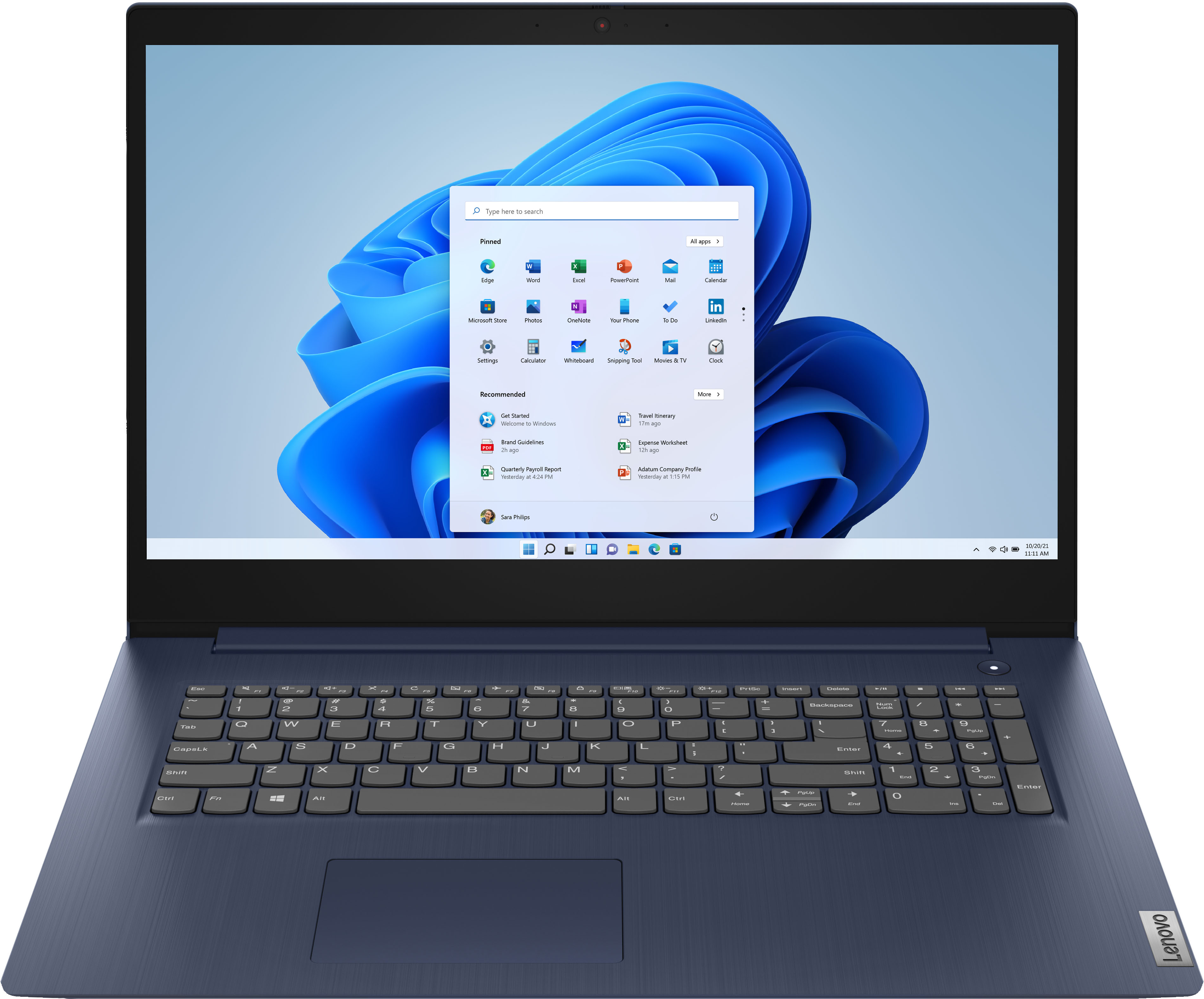
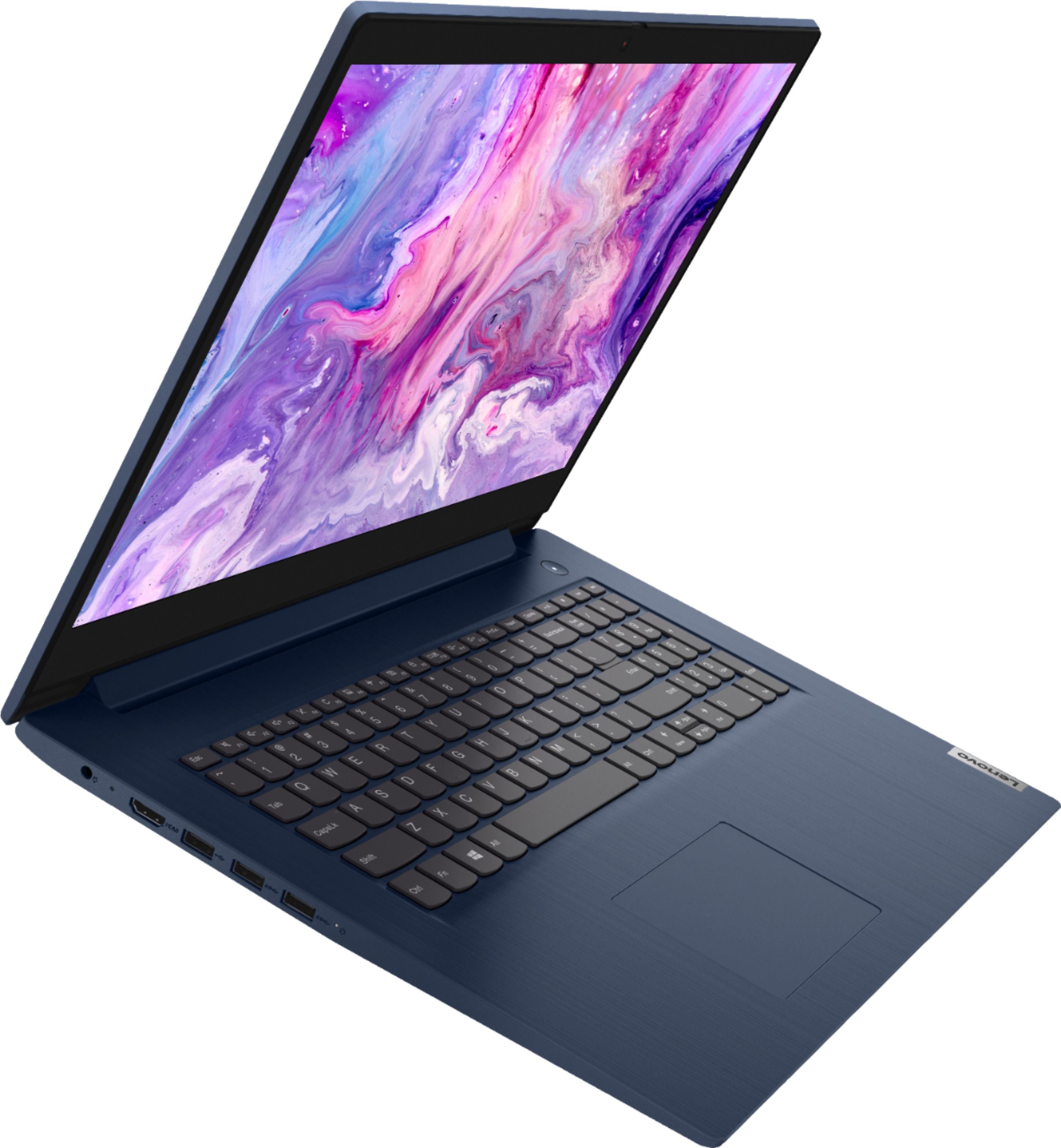
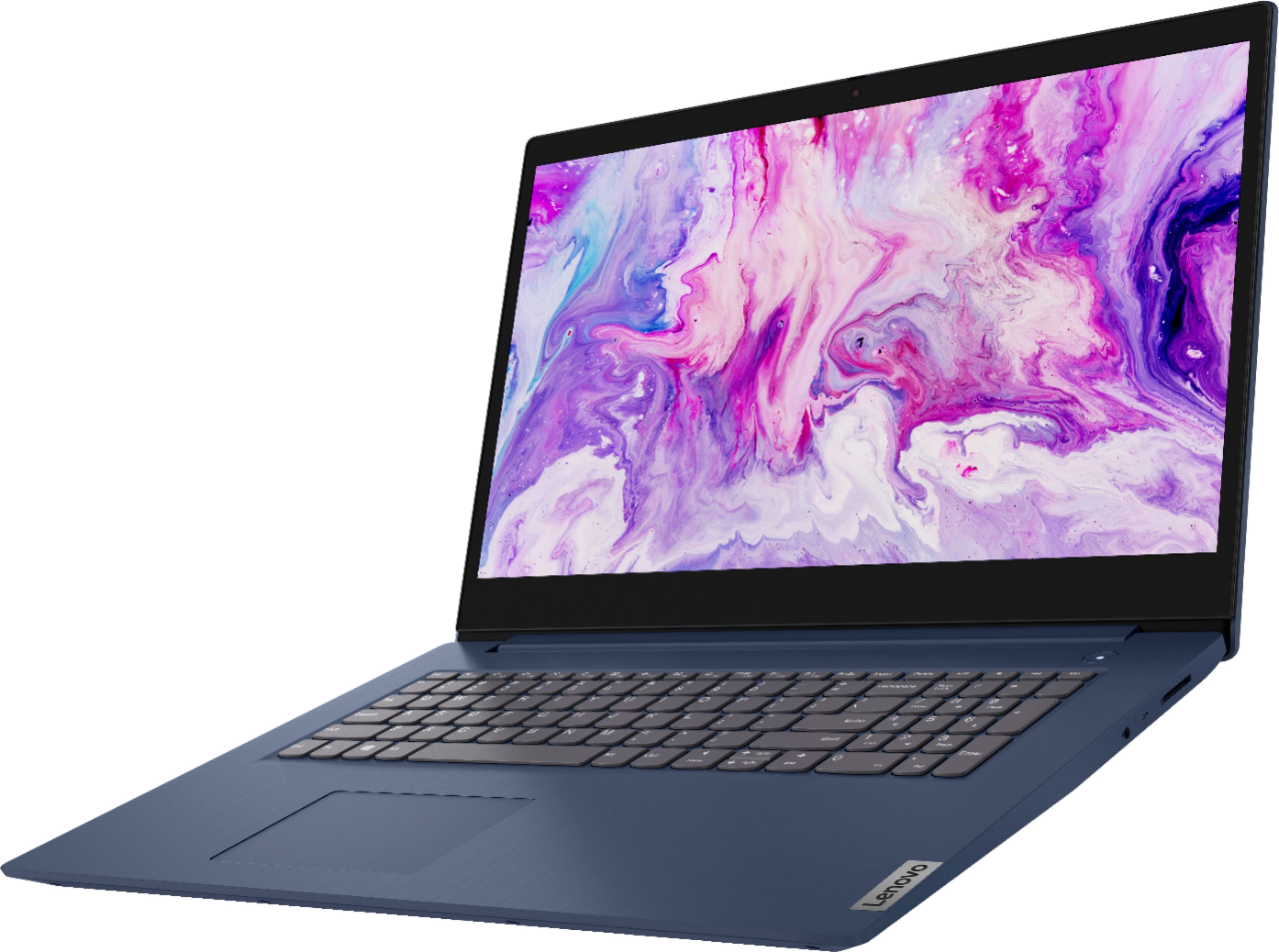
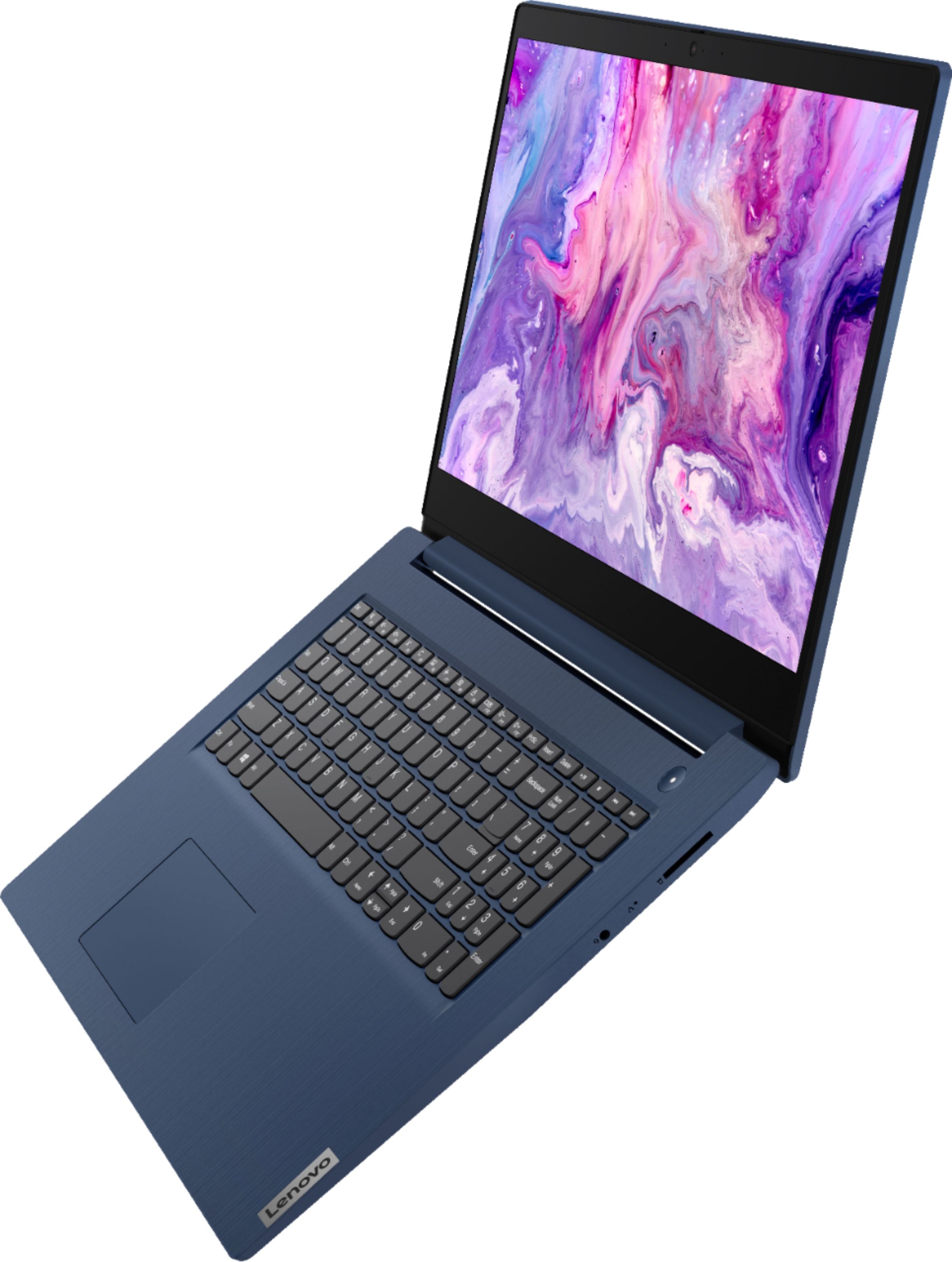

- Model:
- 81WF004CUS
- SKU:
- 6449490
Rating by feature
- Battery Life
Rating 3.8 out of 5 stars
- Speed
Rating 3.2 out of 5 stars
- Display
Rating 3.9 out of 5 stars
Customers are saying
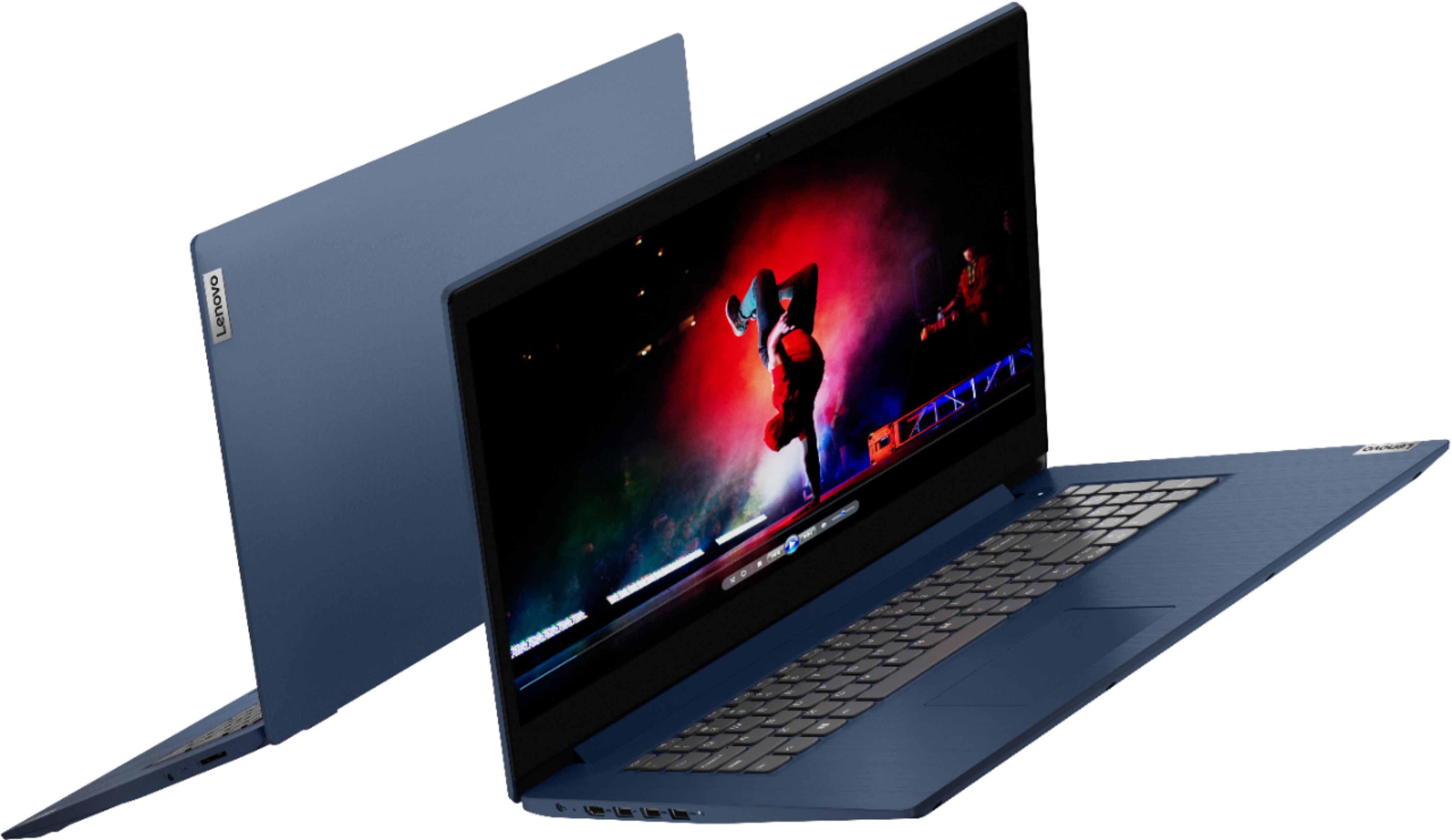
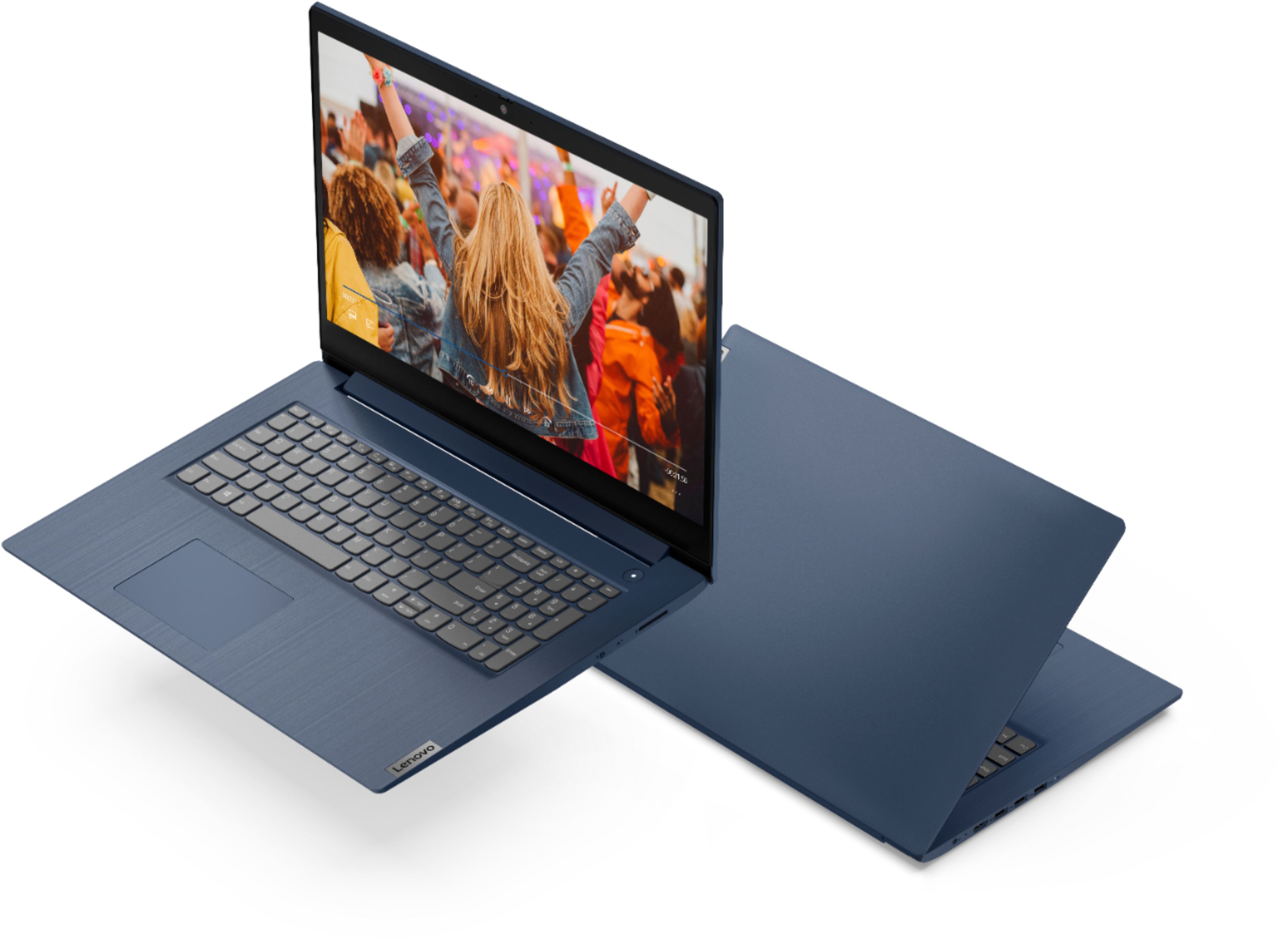
Customers enjoy the large screen, affordable price, and user-friendly nature of the Ideapad 3 17. It is lightweight and suitable for work. However, some users have concerns about its performance, boot time, and battery life.
This summary was generated by AI based on customer reviews.
- Pros mentioned:Large screen
kimmie
||Posted .This reviewer received promo considerations or sweepstakes entry for writing a review.love my new laptop. The screen is a good size where I do t have to squint. It is perfect for working on any spreadsheets!
I would recommend this to a friendBrand response from Lenovo Product Expert
Posted .Thank you for choosing the Lenovo IdeaPad 3 17 laptop. We are pleased to hear that the IdeaPad 3 17 meets your computing needs so well.

Need help with Sound
||Posted . Owned for 1 month when reviewed.This reviewer received promo considerations or sweepstakes entry for writing a review.I am have trouble with the sound. When I speak on a Zoom they say I a m to low, or my voice is not clear.
I would recommend this to a friendBrand response from Lenovo Product Expert
Posted .Check the recorded sound from your Lenovo IdeaPad 3 17 Laptop offline. You can do this by using the Windows 10 Audio Recorder APP. Here is a link to instructions for accessing the Audio Recorder on your laptop: https://support.microsoft.com/en-us/windows/how-to-use-voice-recorder-6fbb53d5-0539-abda-a9a4-0bcb84a778e7. Use the Audio Recorder to make an offline recording. Play it back. If you can clearly hear the audio when played back, check the audio settings within the video conferencing APP you are using. Here is a link to instructions for testing the audio level through the Zoom APP: https://support.zoom.us/hc/en-us/articles/201362283-Testing-computer-or-device-audio#:~:text=Testing%20your%20microphone,and%20it%20will%20play%20back. If the issue continues, we recommend you contact Lenovo Tech Support for additional help at: 877-453-6686.
Works ok
||Posted . Owned for 1 month when reviewed.This reviewer received promo considerations or sweepstakes entry for writing a review.Works well and has a good keyboard layout. I was surprised that the laptop felt a little sluggish for an i5 - it feels more like an i3 when switching applications. Maybe I’m just used to a little bit more expensive machine.
No, I would not recommend this to a friendBrand response from Lenovo Product Expert
Posted .We are sorry to hear that you are not getting the expected performance from your Lenovo IdeaPad 3 17 Laptop, model number 81WF004CUS. This is a fast configuration with its 10th Gen 4-Core/8-Thread Intel Core i5-1035G1 processor, supported by 8GB DDR4-2666MHz RAM. This system will boot from off to the Windows 10 Desktop Desktop Screen in less than 40-seconds. If you are getting slower boot times and/or generally slower performance, be sure any software you installed is compatible with Windows 10. There is no need to install Microsoft Office software. The software is already part of the operating system, you just need to activate the software with a purchased product key. If you have installed a copy of Microsoft Office, this is conflicting with the existing copy on the system and this will slow your system down. If you have installed a 3rd party anti-virus program, be sure that Windows Defender is turned off and that the trial version of McAfee Anti-Virus software is uninstalled. There can only be one anti-virus program on the system. You may need to restore your system to original factory default settings if any of the programming errors have occurred. You can do that by typing "restore" in the Cortana search window. Just click on the magnifying glass icon at the bottom left of your Windows 10 Desktop. Click on "Reset This PC" Then click on "Get Started" and follow the on screen directions to restore to factory defaults. If the problem persists, we recommend you contact Lenovo Tech Support at: 877-453-6686.
New computer
||Posted . Owned for 3 weeks when reviewed.This reviewer received promo considerations or sweepstakes entry for writing a review.It is what I was looking for. I do not use my computer for much more than communicating and accounting. This has the speed and storage I was looking for.
I would recommend this to a friendBrand response from Lenovo Product Expert
Posted .Thank you for choosing the lenovo IdeaPad 3 17 Laptop. We are pleased to hear that the IdeaPad 3 17 meets your computing needs so well.
GEEG
||Posted . Owned for 3 weeks when reviewed.This reviewer received promo considerations or sweepstakes entry for writing a review.I was often in your store in Santa Maria, there is a young guy over there his name is Steve, he work from Mon. Fri. He is very nice very helpful and understanding other culture and old people. I'm so grateful to him he always try to do best for the customer, but there is also on other work maybe mostly on Sunday also a young guy. I met him in your store SM April on Sunday 11.2021 he is so rude I cried from SM until my home to Lompoc CA. else mostly people are nice thanks
I would recommend this to a friend- Pros mentioned:Storage
So far so good
||Posted . Owned for 1 month when reviewed.This reviewer received promo considerations or sweepstakes entry for writing a review.I bought this laptop for video and music editing, and so far its been great, plenty of storage and very fast.
I would recommend this to a friendBrand response from Lenovo Product Expert
Posted .Thank you for choosing the Lenovo IdeaPad 3 17 Laptop. We are pleased to hear that the performance of the IdeaPad 3 17 meets your computing needs so well. We always recommend you check the requirements and compatibility of any software you will be installing on your new computer, before you invest in any computer. Be sure your new computer can support the software you will need to use.
My own laptop!
||Posted . Owned for 1 month when reviewed.This reviewer received promo considerations or sweepstakes entry for writing a review.It has been an enjoyable item to have and know that it works. By my rating i never give 5's. Because then you won't try to bring in more products.
I would recommend this to a friendoverall, a good laptop
||Posted .This reviewer received promo considerations or sweepstakes entry for writing a review.overall, a good lap top for the money. Camera just adequate for video conferencing. Could be clearer and adjust better to environmental lighting.
I would recommend this to a friendBrand response from Lenovo Product Expert
Posted .Thank you for choosing the Lenovo IdeaPad 3 17 Laptop, model number 81WF004CUS. This model ships with a HD (720p) webcam with Privacy Shutter and Dual Array Microphones built in. If you are getting less than expected broadcast video quality, be sure you have removed the protective film from the lens of the webcam, that was placed there by the factory for safety while shipping. If the issue continues, we recommend you contact Lenovo Tech Support for additional help at: 877-453-6686.
Keeper
||Posted .This reviewer received promo considerations or sweepstakes entry for writing a review.Great computer. I just wish it had lights under the letters. That helps when I'm on the web at night and don't want to turn light on while husband sleeping
I would recommend this to a friendNot a touchscreen!!!
||Posted . Owned for 1 month when reviewed.This reviewer received promo considerations or sweepstakes entry for writing a review.Th overall computer is excellent. My daughter is very happy with it. But, in the description it said it was a touch-screen and that is what she wanted. Being it wasn't at thw store, it was delivered to our home akd set up before she realized it wasn't. Very disappointing!!!!
No, I would not recommend this to a friendGreat School Computer
||Posted . Owned for 5 months when reviewed.This reviewer received promo considerations or sweepstakes entry for writing a review.I bought this computer for my son for school. It’s a great school computer. I wouldn’t recommend the computer if you want to play video games.
I would recommend this to a friendLaptop
||Posted . Owned for 1 month when reviewed.This reviewer received promo considerations or sweepstakes entry for writing a review.Easy set up except connection to printer. No instructions included. Asked Best Buy for assistance but they stated it will cost extra $35.
I would recommend this to a friendNice Laptop
||Posted . Owned for 1 month when reviewed.This reviewer received promo considerations or sweepstakes entry for writing a review.I am overall satisfied with my purchase of this laptop. Optimal speed and the geek squad worked with me to get any issues or questions I had resolved
I would recommend this to a friendBrand response from Lenovo Product Expert
Posted .Thank you for choosing the Lenovo IdeaPad 3 17 Laptop. We are pleased to hear that the IdeaPad 3 17 is working out so well for you. This model ships with Windows 10 S-Mode 64-bit Operating System. Windows 10 S-Mode provides added security by only allowing APPs available ( and therefore certified by Microsoft) at the Microsoft Store. If you don't need the added security or you need to install APPs not available at the Microsoft Store, you can switch to standard Windows 10 Home 64-bit Operating System, at no additional cost.
- Cons mentioned:Speed
Compuer
||Posted . Owned for 3 months when reviewed.This reviewer received promo considerations or sweepstakes entry for writing a review.Its only a little bit slow sometimws. Its not always super slow but sometimes it is super slow barely
I would recommend this to a friend - Pros mentioned:Large screen
Great laptop
||Posted . Owned for 3 weeks when reviewed.This reviewer received promo considerations or sweepstakes entry for writing a review.Very large screen and very easy to use. I found this computer very up to date. This had made my life easier.
I would recommend this to a friendBrand response from Lenovo Product Expert
Posted .Thank you for choosing the Lenovo IdeaPad 3 17 Laptop, model number 81WF004CUS. We are pleased to hear that the ease of use and performance of the IdeaPad 3 17 meets your computing needs so well.
- Pros mentioned:Price
Lenovo Ideapad 3
||Posted . Owned for 2 months when reviewed.This reviewer received promo considerations or sweepstakes entry for writing a review.Terrific price. Was able to purchase this display model as it was the only one available
I would recommend this to a friendBrand response from Lenovo Product Expert
Posted .Thank you for choosing the Lenovo IdeaPad 3 17 laptop. We are pleased to hear that the value and performance of the IdeaPad 3 17 meets your computing needs so well.
- Cons mentioned:Battery life
Not what I expected from Lenovo!
||Posted . Owned for 2 months when reviewed.This reviewer received promo considerations or sweepstakes entry for writing a review.Purchased this laptop online at Best Buy... Definitely was not. Very slow starting, very slow to site to site and battery lasts less that 3hrs?!? Sorry I bought but stuck with now to late to return.
No, I would not recommend this to a friendBrand response from Lenovo Product Expert
Posted .The Lenovo IdeaPad 3 17 Laptop, model number 81WF004CUS, will boot from off to the Windows Desktop Screen in less than 40-seconds. This model ships with a Integrated 42Wh, Lithium-Polymer Battery, which within this configuration, has a battery life of up to 7 hours, depending on the work the device is performing. Since you are getting both slower boot times and less than expected battery life, be sure any software you installed is compatible with Windows. There is no need to install Microsoft Office software. The software is already part of the operating system, you just need to activate the software with a purchased product key. If you have installed a copy of Microsoft Office, this is conflicting with the existing copy on the system and this will slow your system down. If you have installed a 3rd party anti-virus program, be sure that Windows Defender is turned off and that the trial version of McAfee Anti-Virus software is uninstalled. There can only be one anti-virus program on the system. You may need to restore your system to original factory default settings if any of the programming errors have occurred. You can do that by typing "restore" in the Cortana search window. Just click on the magnifying glass icon at the bottom left of your Windows Desktop. Click on "Reset This PC" Then click on "Get Started" and follow the on screen directions to restore to factory defaults. If the problem persists, we recommend you contact Lenovo Tech Support at: 877-453-6686.
- Pros mentioned:Easy to use
Love my Lenova Laptop
||Posted . Owned for 3 weeks when reviewed.This reviewer received promo considerations or sweepstakes entry for writing a review.The Lenova laptop is great! Love it! It took very little getting use to, as I went from a PC to the laptop!
I would recommend this to a friendBrand response from Lenovo Product Expert
Posted .Thank you for choosing the Lenovo IdeaPad 3 17 Laptop, model number 81WF004CUS. We are pleased to hear that the IdeaPad 3 17 meets your computing needs so well. This model ships with Windows 10 S-Mode 64-bit Operating System. Windows 10 S-Mode provides added security by only allowing APPs available ( and therefore certified by Microsoft) at the Microsoft Store. If you don't need the added security or you need to install APPs not available at the Microsoft Store, you can switch to standard Windows 10 Home 64-bit Operating System, at no additional cost.
- Pros mentioned:Price
Opened Box Special
||Posted . Owned for 3 weeks when reviewed.This reviewer received promo considerations or sweepstakes entry for writing a review.Found the laptop on the BestBuy site, s=went to the store and bought it. No issues and a great price.
I would recommend this to a friendBrand response from Lenovo Product Expert
Posted .Thank you for choosing the Lenovo IdeaPad 3 17 Laptop. We are pleased to hear that the IdeaPad 3 17 meets your computing needs so well.
Good laptop
||Posted . Owned for 1 month when reviewed.This reviewer received promo considerations or sweepstakes entry for writing a review.Good computer for price gets done exactly what I needed it to do for work. Would absolutely buy again
I would recommend this to a friendBrand response from Lenovo Product Expert
Posted .Thank you for choosing the Lenovo IdeaPad 3 17 Laptop. We are pleased to hear that the value and performance of the IdeaPad 3 17 meets your computing needs so well.