Customer Ratings & Reviews
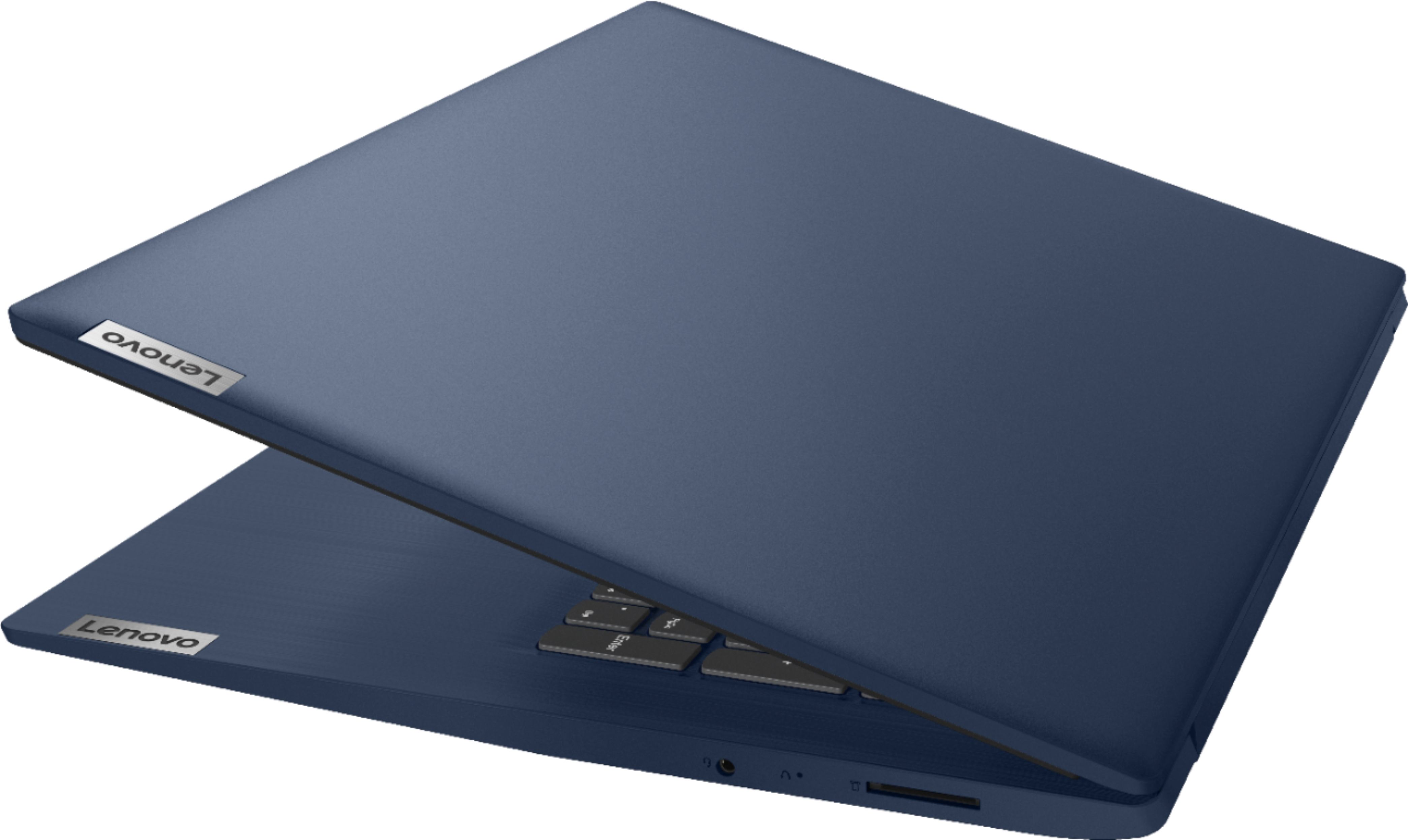
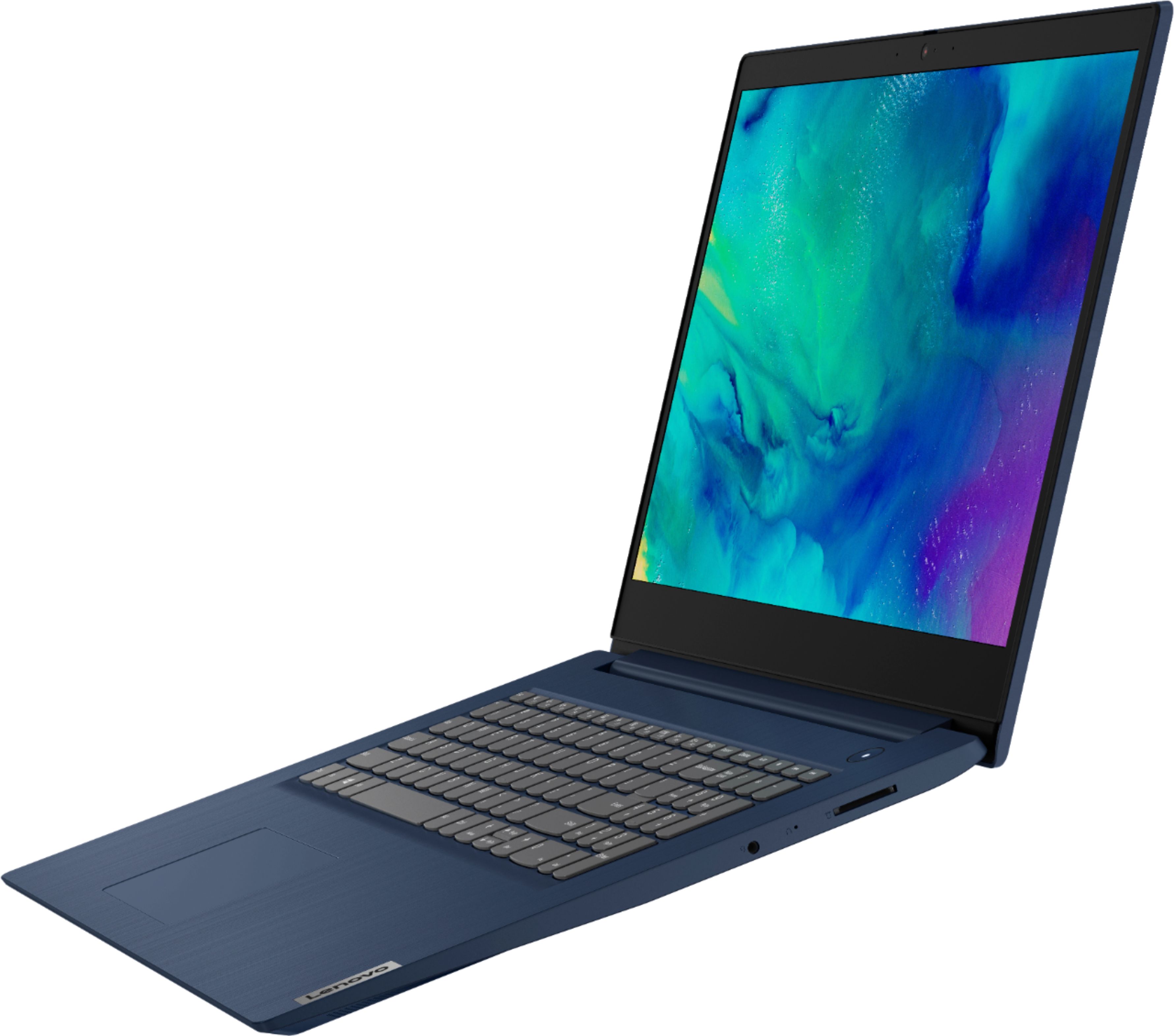

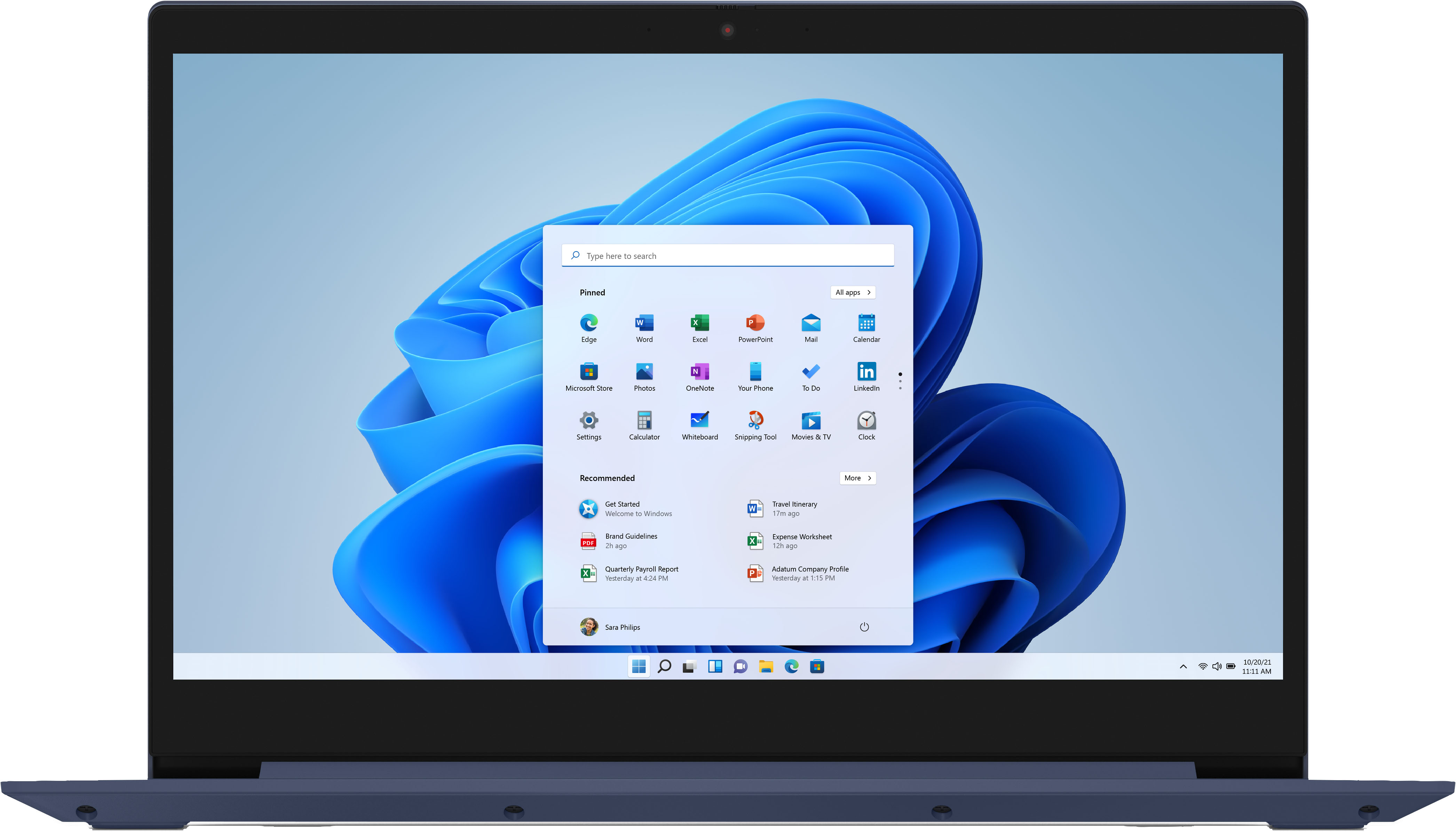
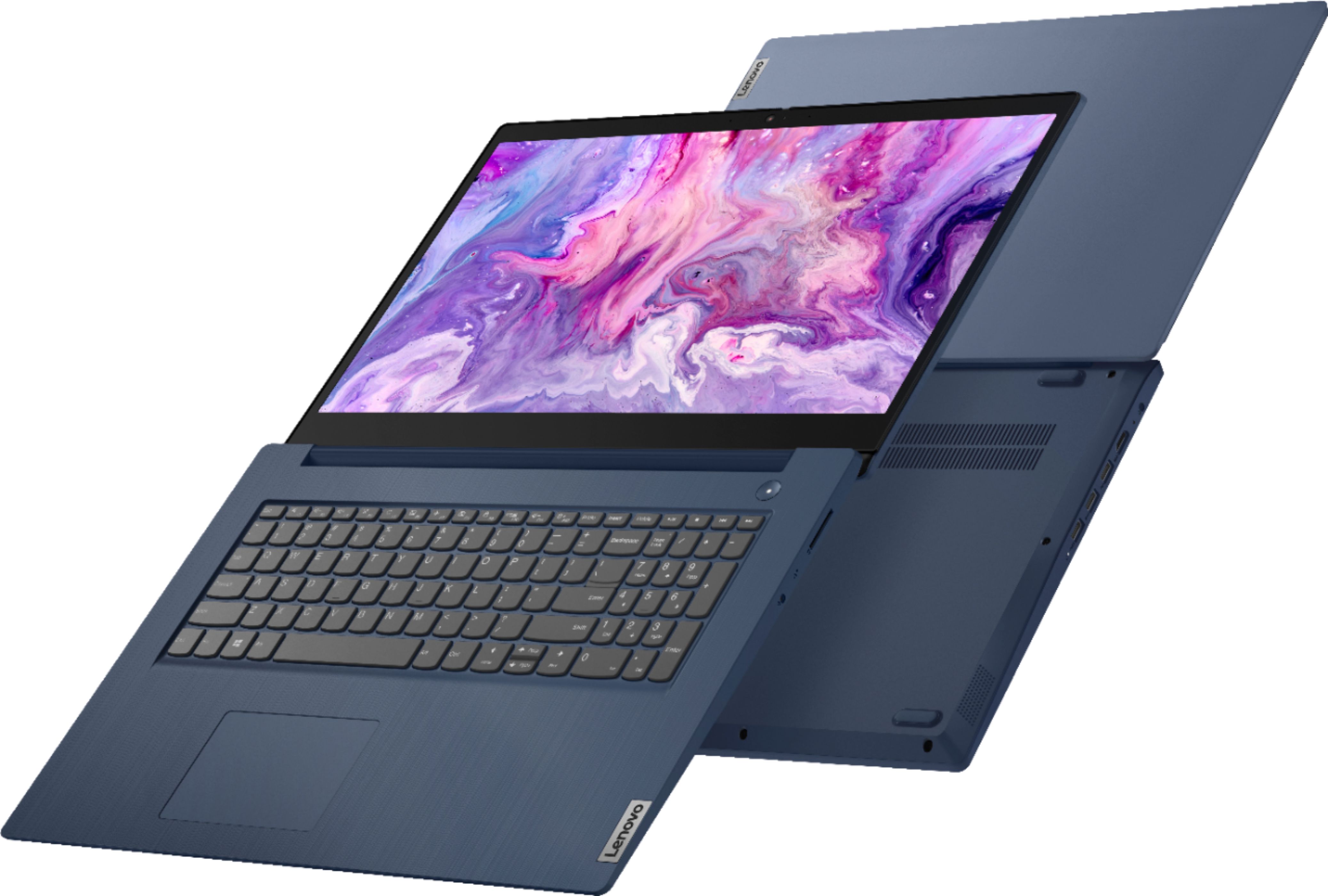
- Model:
- 81WF004CUS
- SKU:
- 6449490
Rating by feature
- Battery Life
Rating 3.8 out of 5 stars
- Speed
Rating 3.2 out of 5 stars
- Display
Rating 3.9 out of 5 stars
Customers are saying
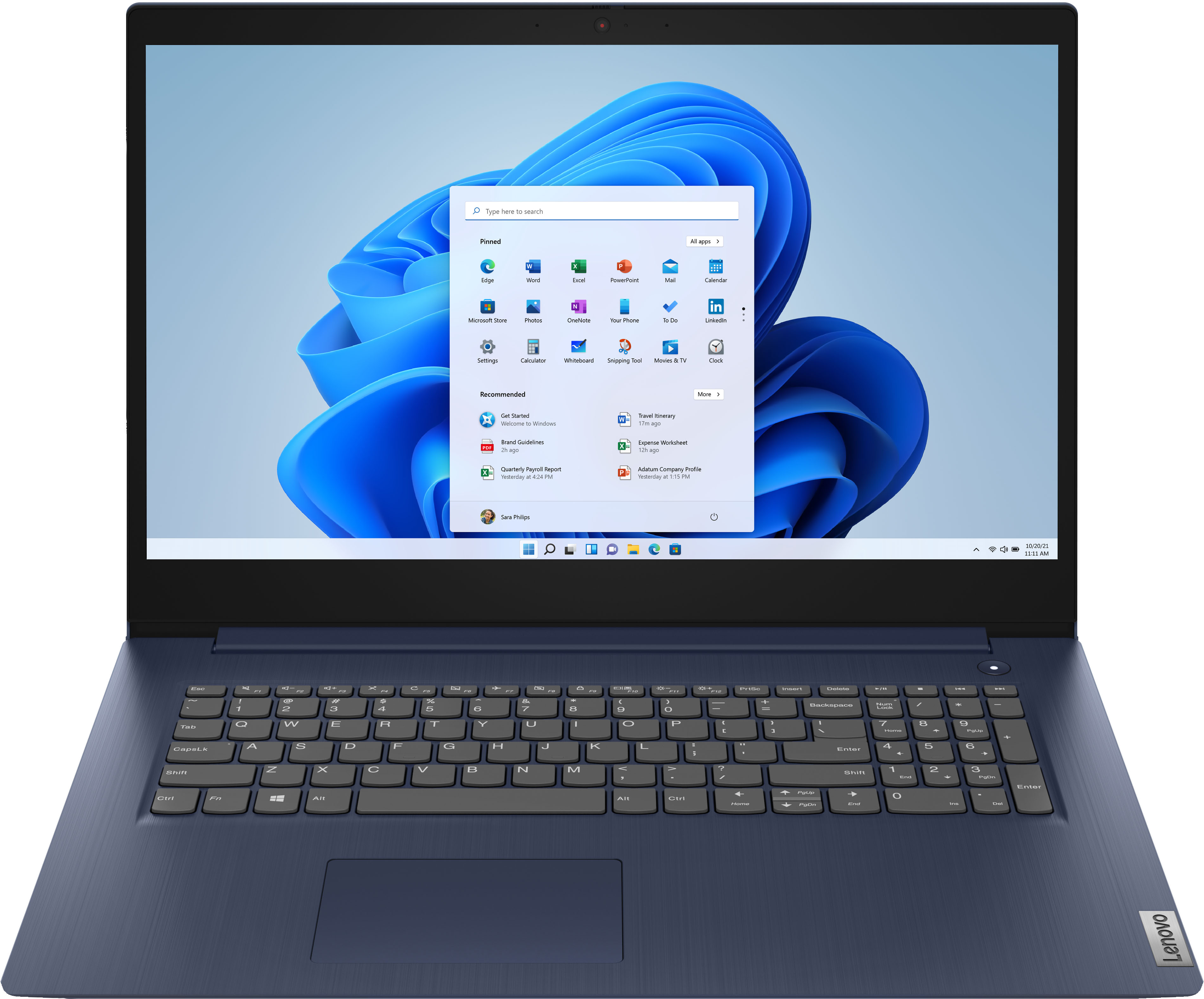
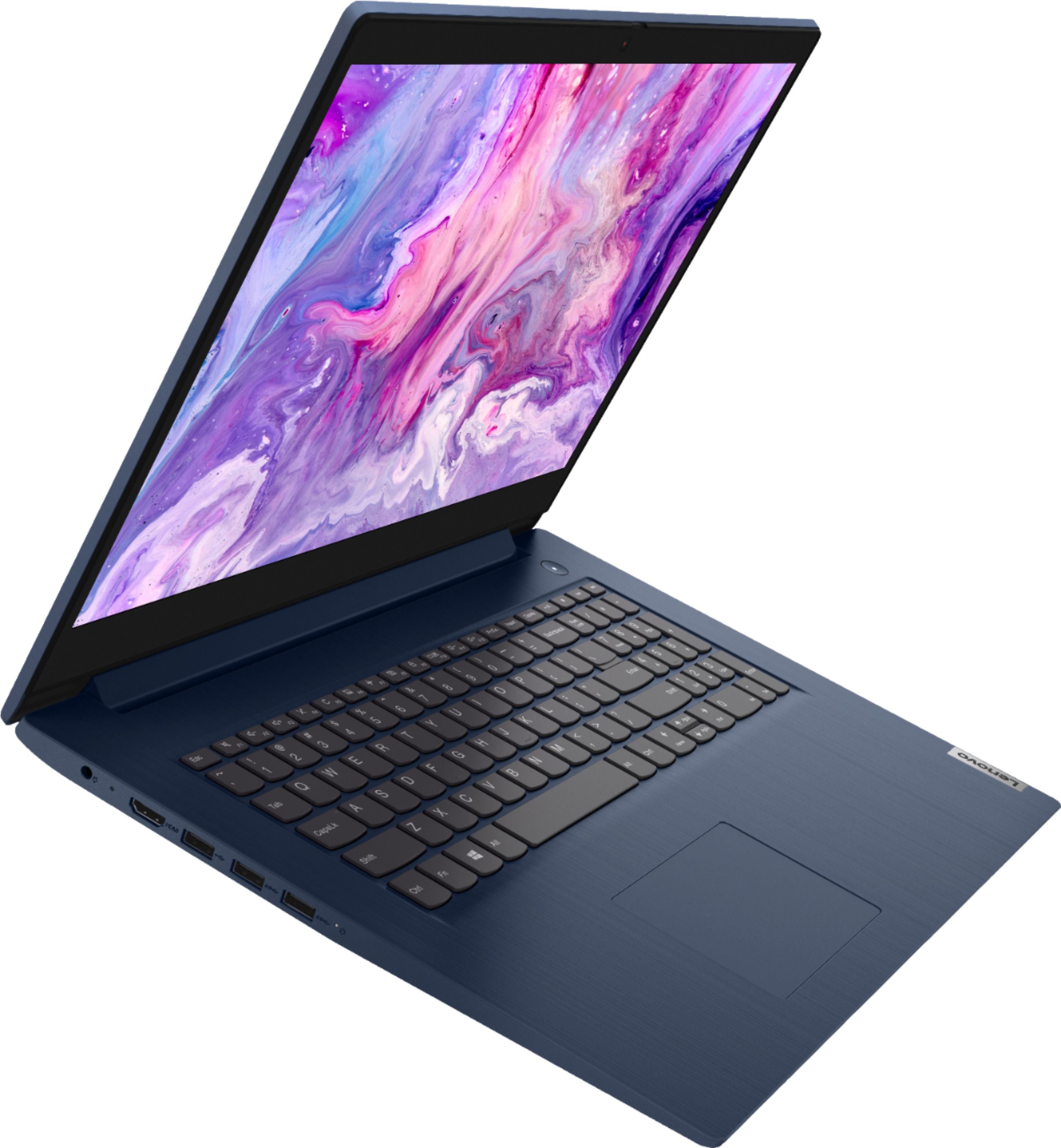
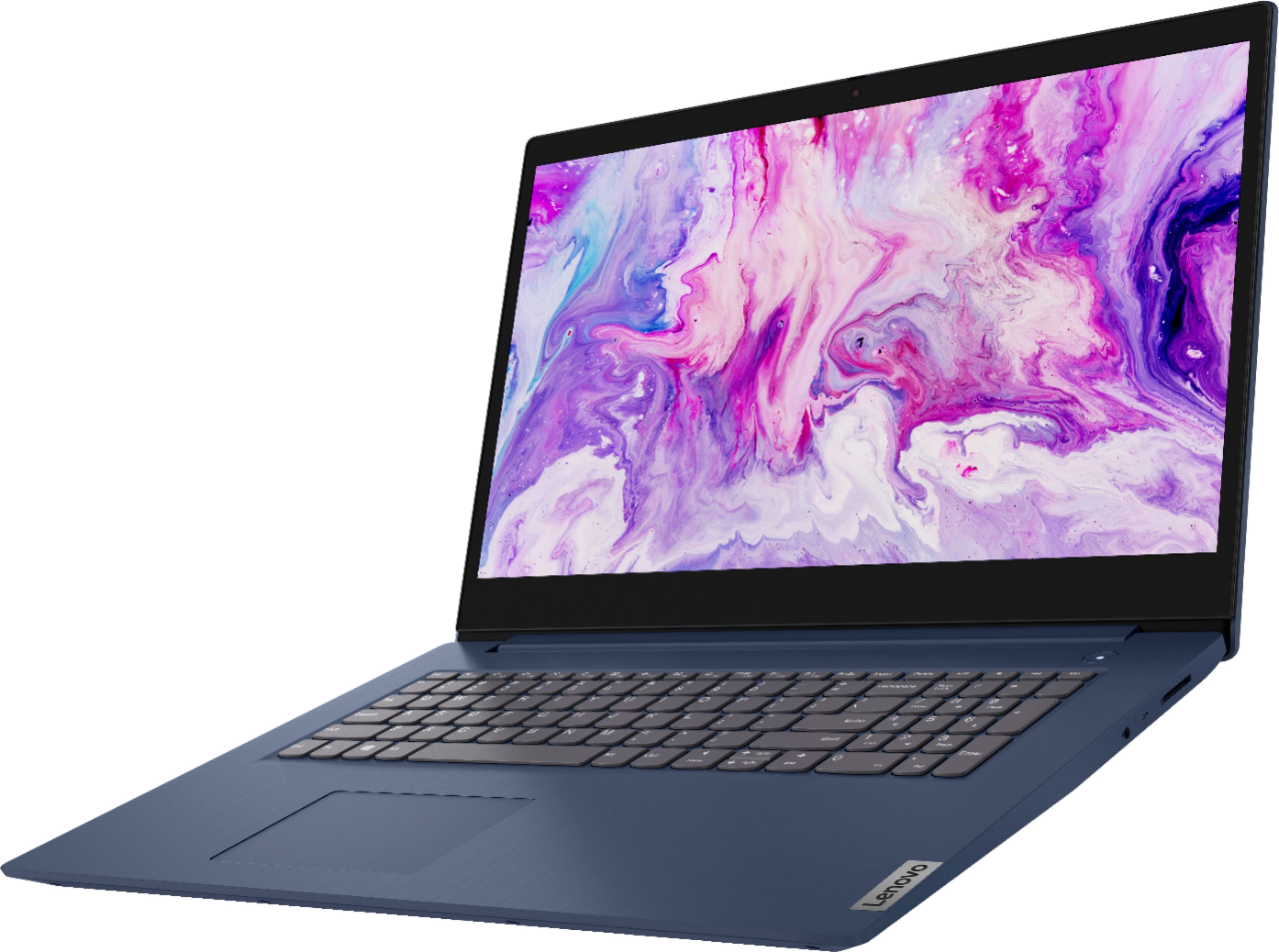
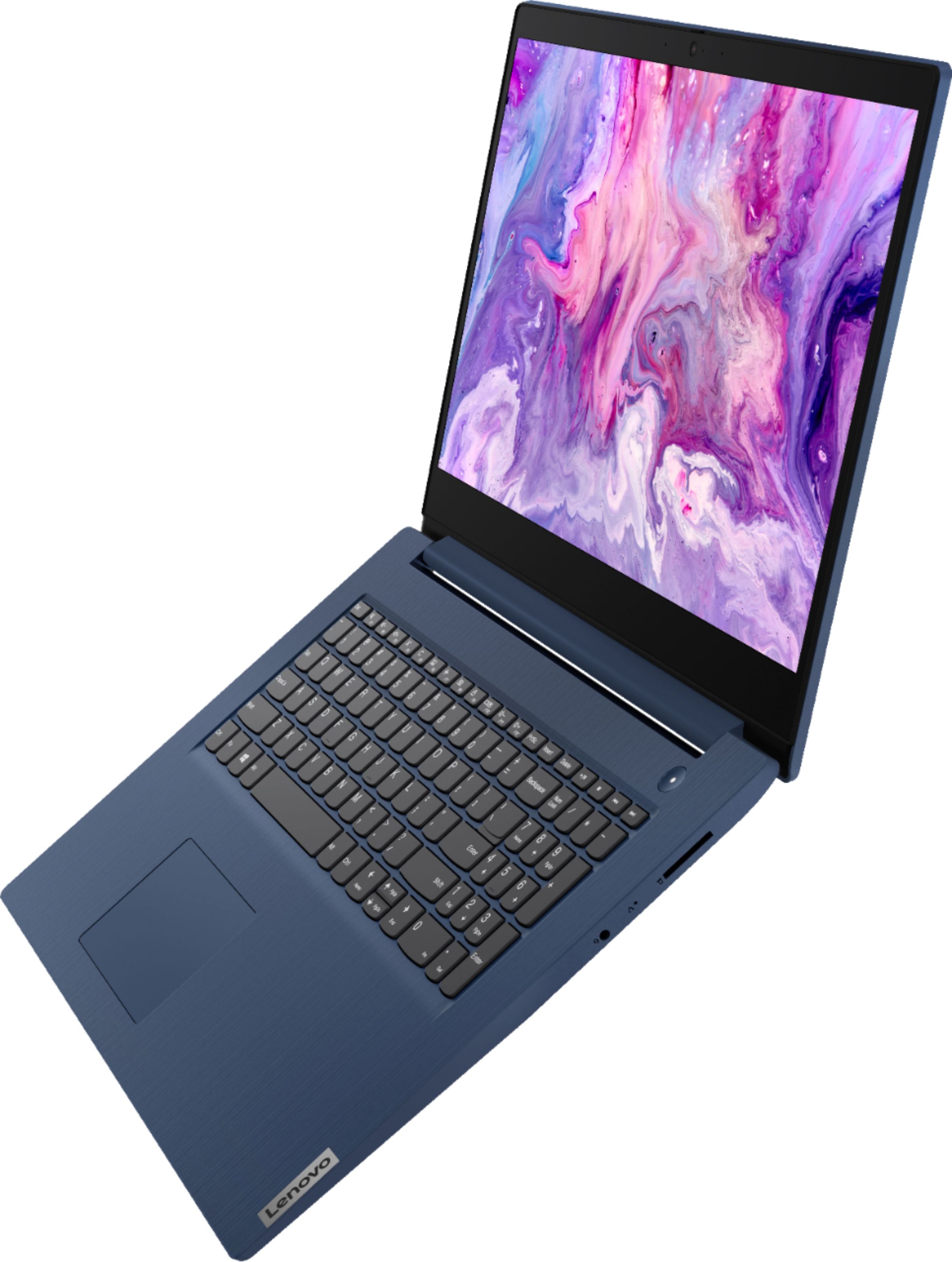
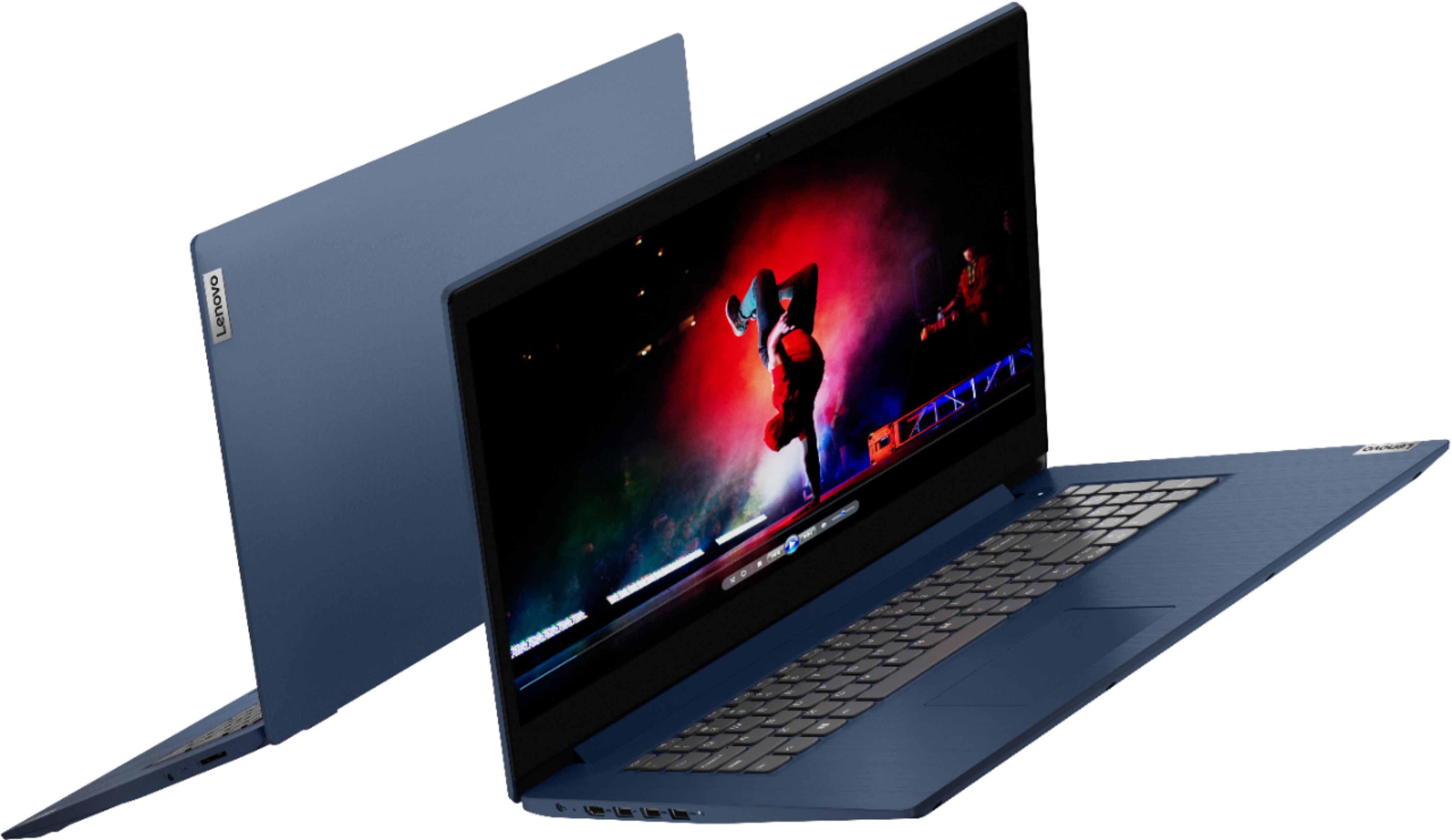
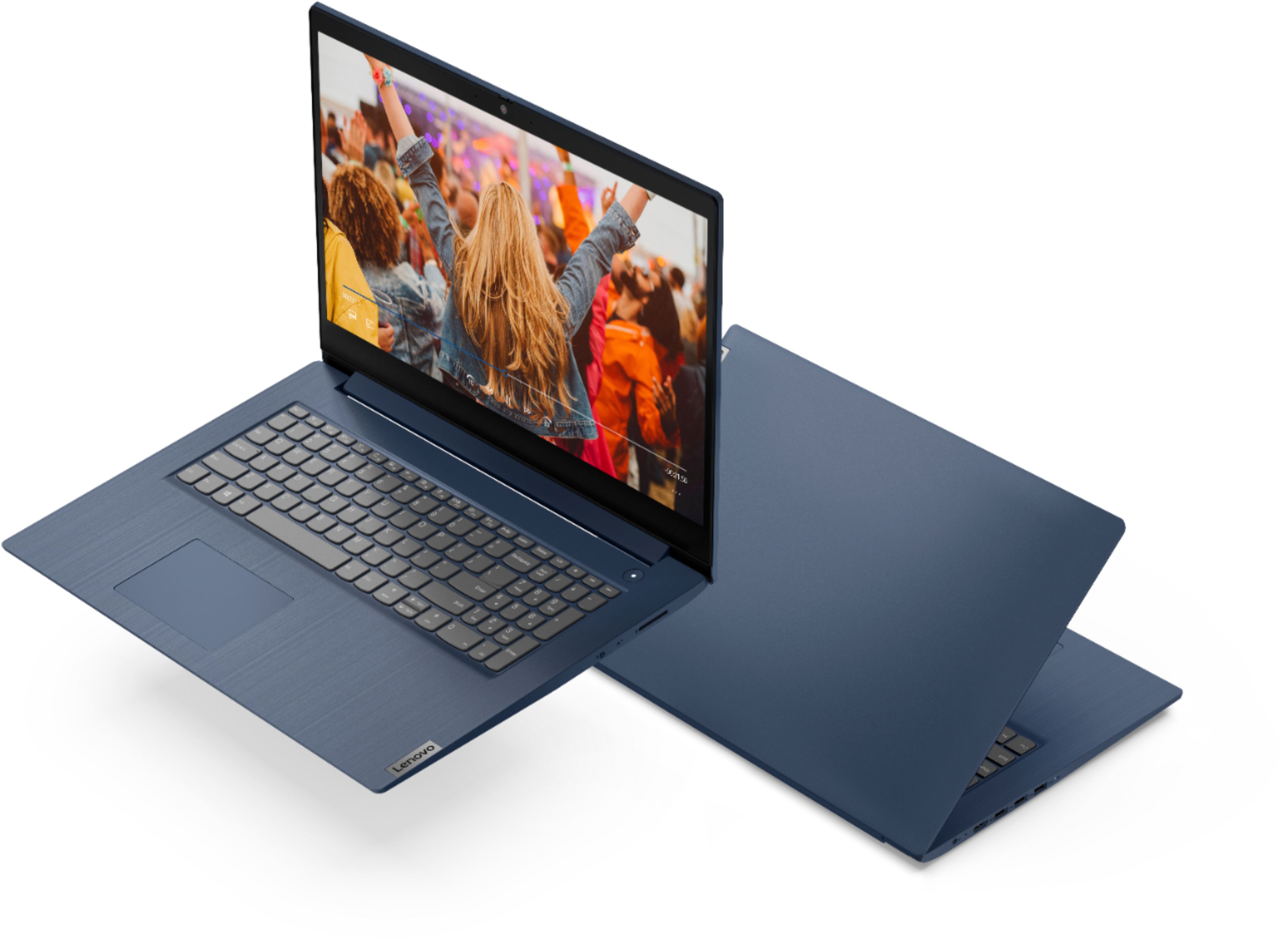
Customers enjoy the large screen, affordable price, and user-friendly nature of the Ideapad 3 17. It is lightweight and suitable for work. However, some users have concerns about its performance, boot time, and battery life.
This summary was generated by AI based on customer reviews.
- Pros mentioned:Price
Nice
||Posted . Owned for 1 month when reviewed.This reviewer received promo considerations or sweepstakes entry for writing a review.Great machine for the price. Performs as advertised.
I would recommend this to a friendBrand response from Lenovo Product Expert
Posted .thank you for choosing the Lenovo IdeaPad 3 17 Laptop. We are pleased to hear that the value and performance of the IdeaPad 3 17 meets your computing needs so well.

Laptop
||Posted . Owned for 7 months when reviewed.This reviewer received promo considerations or sweepstakes entry for writing a review.Great laptop for price .The speed is a little slower than I would like.
I would recommend this to a friendBrand response from Lenovo Product Expert
Posted .Thank you for choosing the Lenovo IdeaPad 3 17 laptop, model number 81WF004CUS. This model configuration ships with Windows 10 S-Mode, 64-bit Operating System installed. Windows 10 S-Mode provides added security by only allowing APPs available ( and therefore certified by Microsoft) at the Microsoft Store. If you don't need the added security or you need to install APPs not available at the Microsoft Store, you can switch to standard Windows 10 Home 64-bit Operating System, at no additional cost. Even if you have switched out of S-Mode, be sure any software you installed is compatible with Windows 10, as incompatible software will effect the performance of the laptop. There is no need to install Microsoft Office software. The software is already part of the operating system, you just need to activate the software with a purchased product key. If you have installed a copy of Microsoft Office, this is conflicting with the existing copy on the system and this will slow your system down. If you have installed a 3rd party anti-virus program, be sure that Windows Defender is turned off and that the trial version of McAfee Anti-Virus software is uninstalled. There can only be one anti-virus program on the system. Here is a link to instructions for uninstalling McAfee from a Windows computer: https://service.mcafee.com/?articleId=TS101331&page=shell&shell=article-view You may need to restore your system to original factory default settings if any of the programming errors have occurred. You can do that by typing "restore" in the Cortana search window. Just click on the magnifying glass icon at the bottom left of your Windows 10 Desktop. Click on "Reset This PC" Then click on "Get Started" and follow the on screen directions to restore to factory defaults. If the problem persists, we recommend you contact Lenovo Tech Support at: 877-453-6686.
New is better than old
||Posted . Owned for 3 weeks when reviewed.This reviewer received promo considerations or sweepstakes entry for writing a review.Runs well, a little heavy. Good for my needs - paying bills, playing games, etc.
I would recommend this to a friendBrand response from Lenovo Product Expert
Posted .Thank you for choosing the Lenovo IdeaPad 3 17 laptop, model number 81WF004CUS. This 17.3 inch screen size model (screen size measured diagonally), weighs just 4.85 lbs. We are pleased to hear that the IdeaPad 3 17 meets your computing needs so well.
- Cons mentioned:Speed
I have heard Lenovo are good but this item was not
||Posted . Owned for 1 month when reviewed.This reviewer received promo considerations or sweepstakes entry for writing a review.There was something highly amiss with this item. Incredibly slow despite the high spec but it was a laptop that was not 'brand new', I forget the exact term but the one below 'certified'. Open Box something. Anyway, returned and when bought came with some form of protection included. When returned, did not get that fee back even though I technically didn't buy it. Had to call to get money back.
No, I would not recommend this to a friend Had to bring ourselves up to date.
||Posted . Owned for 1 month when reviewed.This reviewer received promo considerations or sweepstakes entry for writing a review.We walked in, found out the old computer was not healthy anymore. Then we went to the computer section and got a new Lenovo 3 ordered and arrived within the time expected. BB Geeks got our old data onto the new computer and we are enjoying the new one very much. Clear, larger screen and very fast response.
I would recommend this to a friendBrand response from Lenovo Product Expert
Posted .Thank you for choosing the Lenovo IdeaPad 3 17 laptop. We are pleased to hear that the features and performance of the IdeaPad 3 17 meets your computing needs so well.
Glen's Review
||Posted . Owned for 3 weeks when reviewed.This reviewer received promo considerations or sweepstakes entry for writing a review.iT'S Idea for work, and I love it. Would recommend.
I would recommend this to a friendSolid laptop for price..
||Posted . Owned for 3 weeks when reviewed.This reviewer received promo considerations or sweepstakes entry for writing a review.Purchased for son's remote studies. Big thumbs up fro my son. So far so good..
I would recommend this to a friendBrand response from Lenovo Product Expert
Posted .Thank you for choosing the Lenovo IdeaPad 3 17 Laptop, model number 81WF004CUS, for your son. We are pleased to hear that the IdeaPad 3 17 meets your son's computing needs so well.
Stan h
||Posted . Owned for 1 month when reviewed.This reviewer received promo considerations or sweepstakes entry for writing a review.Learning to use a non hp product. Upgrades since kas computer about 8 years ago
I would recommend this to a friendBad speakers
||Posted . Owned for 1 week when reviewed.This reviewer received promo considerations or sweepstakes entry for writing a review.Laptop easy to setup and use but the speakers were terrible. Since we need to use this for Zoom meetings, sound is critical. We returned it and purchased a higher quality laptop.
No, I would not recommend this to a friendBrand response from Lenovo Product Expert
Posted .The Lenovo IdeaPad 3 17 Laptop, model number 81WF004CUS, ships with stereo 1.5W system speakers with Dolby Audio sound enhancement software. For the best audio experience, be sure Dolby Audio is turned on and adjusted to your personal preferences.
Love my Lenovo
||Posted .This reviewer received promo considerations or sweepstakes entry for writing a review.Love the laptop. It is fun learning about it, using it and the larger screen.
I would recommend this to a friendBrand response from Lenovo Product Expert
Posted .Thank you for choosing the Lenovo IdeaPad 3 17 Laptop. We are pleased to hear that the features and performance of the IdeaPad 3 17 meets your computing needs so well.
- Cons mentioned:Speed
Lenovo laptop
||Posted . Owned for 2 months when reviewed.This reviewer received promo considerations or sweepstakes entry for writing a review.Decent laptop just way too slow, had a cool fingerprint turn on, but other then that really just all in all not a good purchase!
No, I would not recommend this to a friendBrand response from Lenovo Product Expert
Posted .The Lenovo IdeaPad 3 17 Laptop, model number 81WF004CUS, ships with the 10th Gen, 4-Core/8-Thread Intel Core i5-1035G1 processor, which is supported by 8GB DDR4-2666MHz RAM (4GB Soldered DDR4-2666 + 4GB SO-DIMM DDR4-2666). If you are experiencing slower than expected performance, be sure any software you installed is compatible with Windows 10. There is no need to install Microsoft Office software. The software is already part of the operating system, you just need to activate the software with a purchased product key. If you have installed a copy of Microsoft Office, this is conflicting with the existing copy on the system and this will slow your system down. If you have installed a 3rd party anti-virus program, be sure that Windows Defender is turned off and that the trial version of McAfee Anti-Virus software is uninstalled. There can only be one anti-virus program on the system. You may need to restore your system to original factory default settings if any of the programming errors have occurred. You can do that by typing "restore" in the Cortana search window. Just click on the magnifying glass icon at the bottom left of your Windows 10 Desktop. Click on "Reset This PC" Then click on "Get Started" and follow the on screen directions to restore to factory defaults. If the problem persists, we recommend you contact Lenovo Tech Support at: 877-453-6686.
Good value for the money.
||Posted . Owned for 3 weeks when reviewed.This reviewer received promo considerations or sweepstakes entry for writing a review.A good value for the money. The sales associate was knowledgeable and helpful.
I would recommend this to a friendBrand response from Lenovo Product Expert
Posted .Thank you for choosing the Lenovo IdeaPad 3 17 laptop. We are pleased to hear that the value and performance of the IdeaPad 3 17 meets your computing needs so well.
happy camper
||Posted . Owned for 3 weeks when reviewed.This reviewer received promo considerations or sweepstakes entry for writing a review.I love my laptop!! It was a purchase for school and it is everything i needed.
I would recommend this to a friendBrand response from Lenovo Product Expert
Posted .Thank you for choosing the lenovo IdeaPad 3 17 laptop. We are pleased to hear that the IdeaPad 3 17 meets your computing needs so well.
- Cons mentioned:S mode
Not that great
||Posted . Owned for 1 month when reviewed.This reviewer received promo considerations or sweepstakes entry for writing a review.Did not keep it it was the s mode function and the resolution was not great . Traded it in for an Asus Chromebook I love it
No, I would not recommend this to a friendBrand response from Lenovo Product Expert
Posted .The Lenovo IdeaPad 3 17 Laptop ships with Windows 10 S-Mode 64-bit Operating System. Windows 10 S-Mode provides added security by only allowing APPs available ( and therefore certified by Microsoft) at the Microsoft Store. If you don't need the added security or you need to install APPs not available at the Microsoft Store, you can switch to standard Windows 10 Home 64-bit Operating System, at no additional cost. If you choose to switch out of S-Mode for Windows 10 Home, here is a link to instructions for switching from Windows 10 S-Mode to Windows 10 Home: https://support.microsoft.com/en-us/help/4456067/windows-10-switch-out-of-s-mode
Good buy
||Posted . Owned for 3 weeks when reviewed.This reviewer received promo considerations or sweepstakes entry for writing a review.Wonderful device and would recommend this product to all of my friends
I would recommend this to a friendBrand response from Lenovo Product Expert
Posted .Thank you for choosing the Lenovo IdeaPad 3 17 laptop. We are pleased to hear that the IdeaPad 3 17 meets your computing needs so well.
Levano
||Posted .This reviewer received promo considerations or sweepstakes entry for writing a review.Good computer, I was able to integrate my emails and accounts with ease.
I would recommend this to a friendBrand response from Lenovo Product Expert
Posted .Thank you for choosing the Lenovo IdeaPad 3 17 Laptop. We are pleased to hear that the ease of use and performance of the IdeaPad 3 17 meets your computing needs so well.
The best so far!
||Posted . Owned for 3 months when reviewed.This reviewer received promo considerations or sweepstakes entry for writing a review.I use my laptops A LOT! This one makes the cut! The best so far!
I would recommend this to a friendBrand response from Lenovo Product Expert
Posted .Thank you for choosing the Lenovo IdeaPad 3 17 laptop. We are pleased to hear that the IdeaPad 3 17 meets your computing needs so well.
- Cons mentioned:Speed
Lap tools top
||Posted . Owned for 1 month when reviewed.This reviewer received promo considerations or sweepstakes entry for writing a review.I am not satisfied with this lap top. Very slow. Will be returning for another laptop.
No, I would not recommend this to a friendBrand response from Lenovo Product Expert
Posted .The Lenovo IdeaPad 3 17 Laptop, model number 81WF004CUS, will boot from off to the Windows 10 Desktop Screen in less than 40-seconds. If you are getting slower boot times and/or generally slower performance, even if you have switch out of Windows 10 S-Mode, Be sure any software you installed is compatible with Windows 10. There is no need to install Microsoft Office software. The software is already part of the operating system, you just need to activate the software with a purchased product key. If you have installed a copy of Microsoft Office, this is conflicting with the existing copy on the system and this will slow your system down. If you have installed a 3rd party anti-virus program, be sure that Windows Defender is turned off and that the trial version of McAfee Anti-Virus software is uninstalled. There can only be one anti-virus program on the system. You may need to restore your system to original factory default settings if any of the programming errors have occurred. You can do that by typing "restore" in the Cortana search window. Just click on the magnifying glass icon at the bottom left of your Windows 10 Desktop. Click on "Reset This PC" Then click on "Get Started" and follow the on screen directions to restore to factory defaults. If the problem persists, we recommend you contact Lenovo Tech Support at: 877-453-6686.
Good Laptop
||Posted . Owned for 4 months when reviewed.This reviewer received promo considerations or sweepstakes entry for writing a review.Very good laptop, a little slow to come on great monitor and sound
I would recommend this to a friendBrand response from Lenovo Product Expert
Posted .The Lenovo IdeaPad 3 17 Laptop, model number 81WF004CUS, will boot from off to the Windows 10 Desktop Screen in less than 40-seconds. If you are getting slower boot times, be sure any software you installed is compatible with Windows 10. There is no need to install Microsoft Office software. The software is already part of the operating system, you just need to activate the software with a purchased product key. If you have installed a copy of Microsoft Office, this is conflicting with the existing copy on the system and this will slow your system down. If you have installed a 3rd party anti-virus program, be sure that Windows Defender is turned off and that the trial version of McAfee Anti-Virus software is uninstalled. There can only be one anti-virus program on the system. You may need to restore your system to original factory default settings if any of the programming errors have occurred. You can do that by typing "restore" in the Cortana search window. Just click on the magnifying glass icon at the bottom left of your Windows 10 Desktop. Click on "Reset This PC" Then click on "Get Started" and follow the on screen directions to restore to factory defaults. If the problem persists, we recommend you contact Lenovo Tech Support at: 877-453-6686.
Laptop
||Posted . Owned for 1 month when reviewed.This reviewer received promo considerations or sweepstakes entry for writing a review.Buying this product was a great buy! My wife bought this laptop as a gift for Birthday Day so I could have to start my MBA program. I must say I’m in love. The only thing I’m. Curious about is it seems to never turn off. But I’ll figure that out!! Over all, I’m very happy with my gift.......
I would recommend this to a friendBrand response from Lenovo Product Expert
Posted .Thank you for choosing the Lenovo IdeaPad 3 17 Laptop. If you are finding that when you close the lid of your computer, the computer remains on, check the settings for what your computer is doing when you close the lid. Here is a link to instructions for checking this: tenforums.com/tutorials/69762-how-change-default-lid-close-action-windows-10-a.html. If you are leaving the lid up, you can completely shutdown the computer by using the Windows 10 Start Menu: https://support.microsoft.com/en-us/windows/shut-down-turn-off-your-pc-893fd089-c851-71c7-af3e-63e159681b21#:~:text=To%20turn%20off%20your%20PC,and%20then%20select%20Shut%20down.