Customer Ratings & Reviews

- Model:
- 81WF004CUS
- SKU:
- 6449490
Rating by feature
- Battery Life
Rating 3.8 out of 5 stars
- Speed
Rating 3.2 out of 5 stars
- Display
Rating 3.9 out of 5 stars
Customers are saying
Customers enjoy the large screen, affordable price, and user-friendly nature of the Ideapad 3 17. It is lightweight and suitable for work. However, some users have concerns about its performance, boot time, and battery life.
This summary was generated by AI based on customer reviews.
Ok, but there are better options
||Posted . Owned for 1 month when reviewed.This reviewer received promo considerations or sweepstakes entry for writing a review.It is a competent pc, but I’ve owned a faster computer for less. It is also on the heavier end of the spectrum. I ended up returning it to explore other options,
No, I would not recommend this to a friendits ok
||Posted . Owned for 1 month when reviewed.This reviewer received promo considerations or sweepstakes entry for writing a review.Functions pretty well if you can get past how bulky and heavy it is!
I would recommend this to a friendBrand response from Lenovo Product Expert
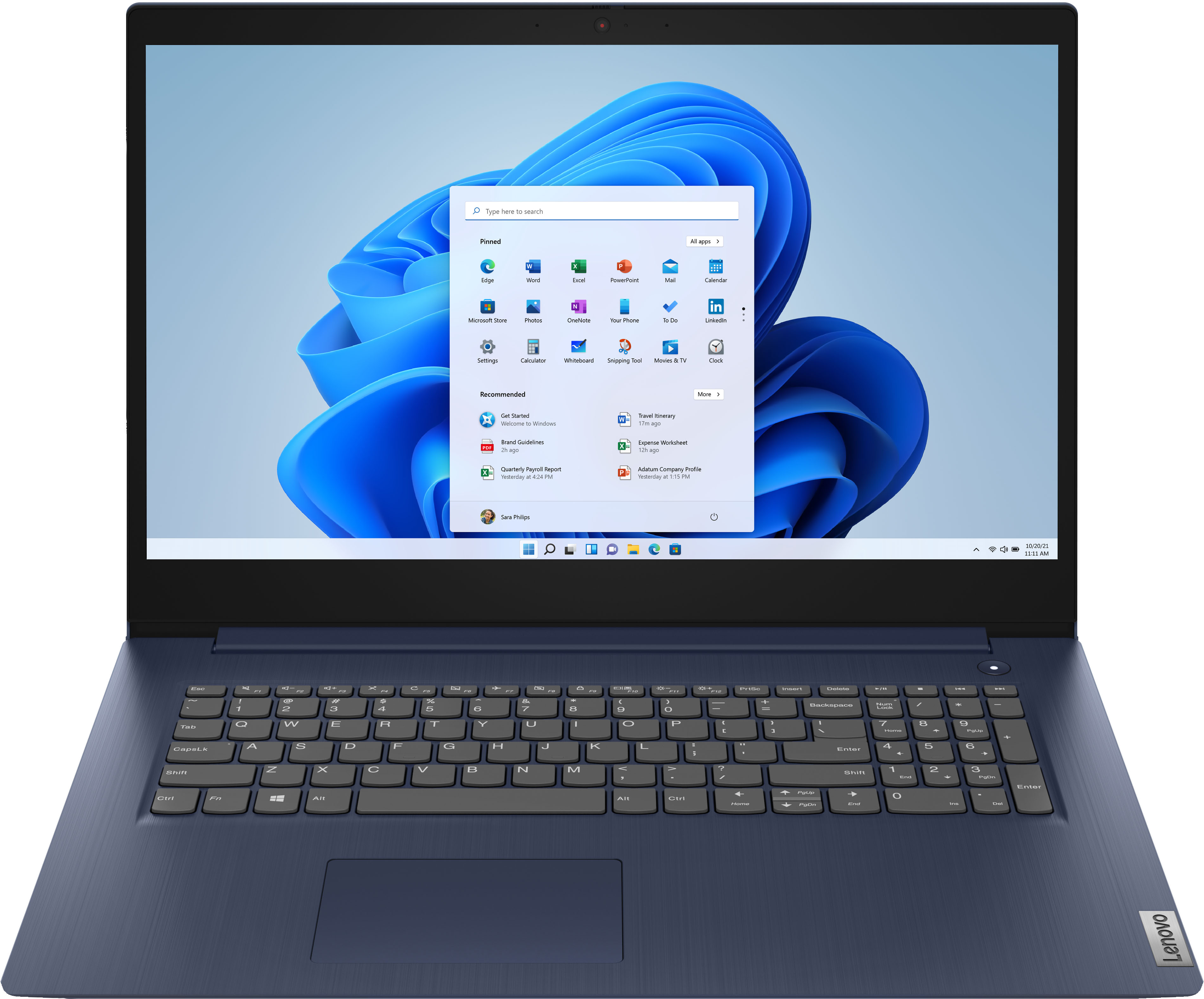
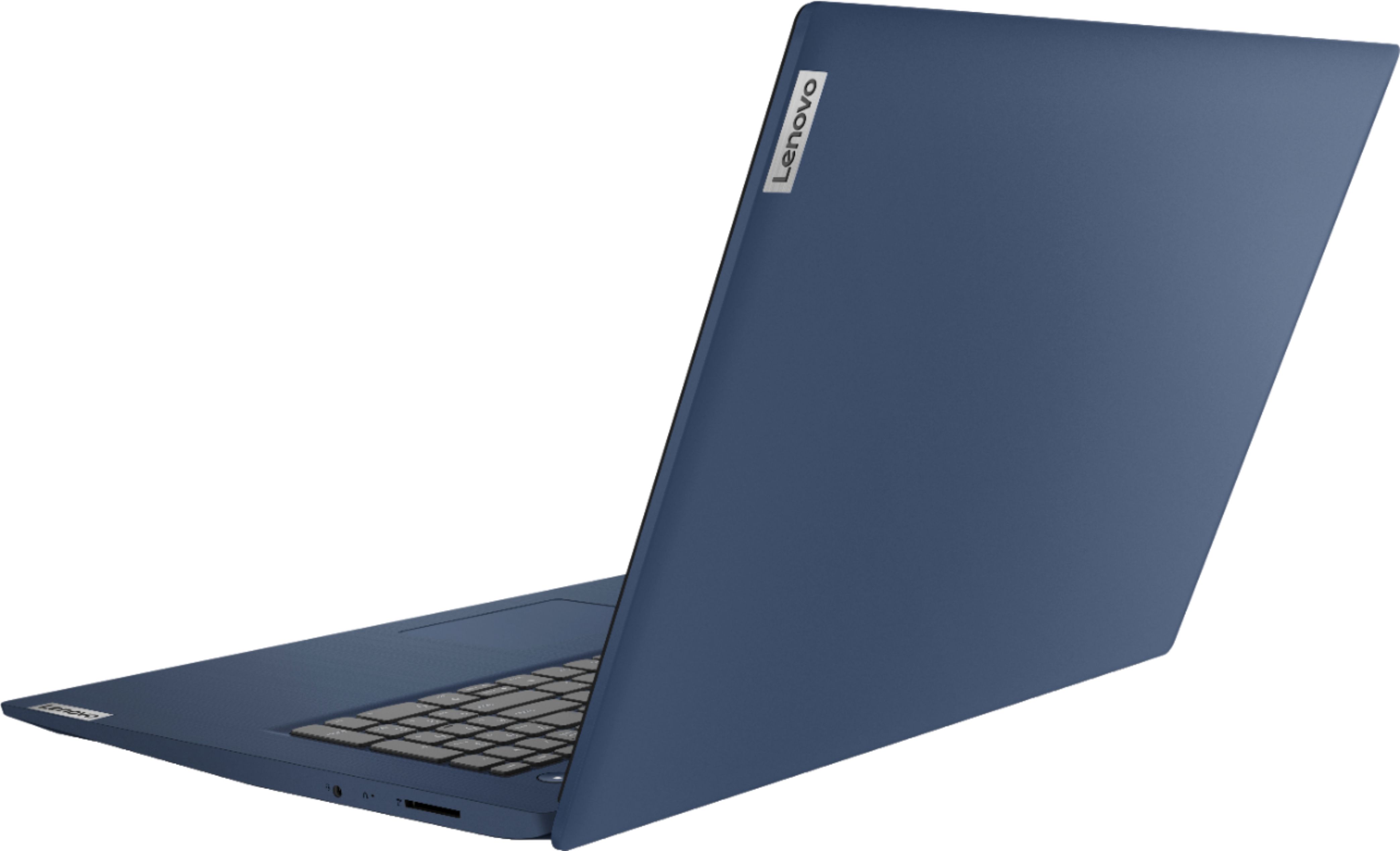
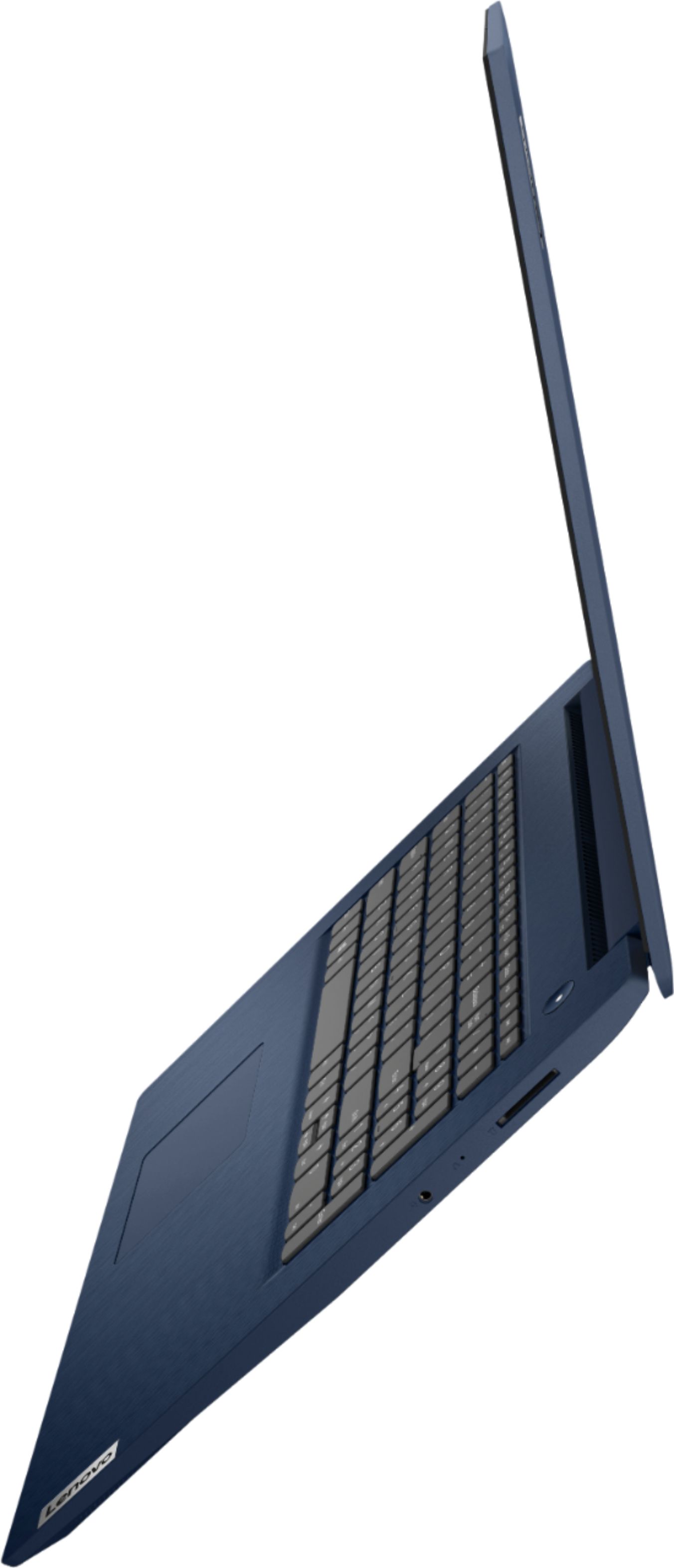
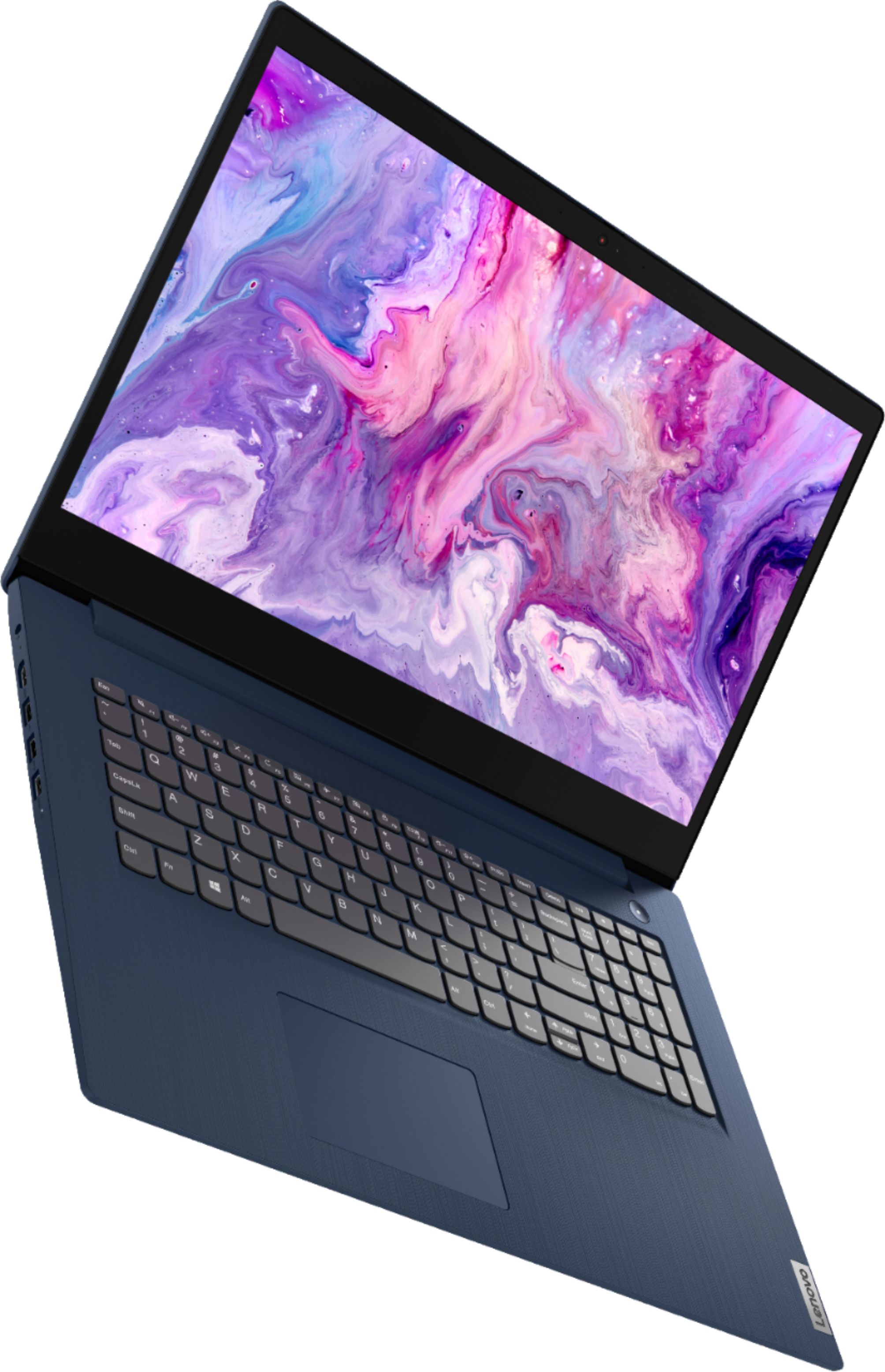
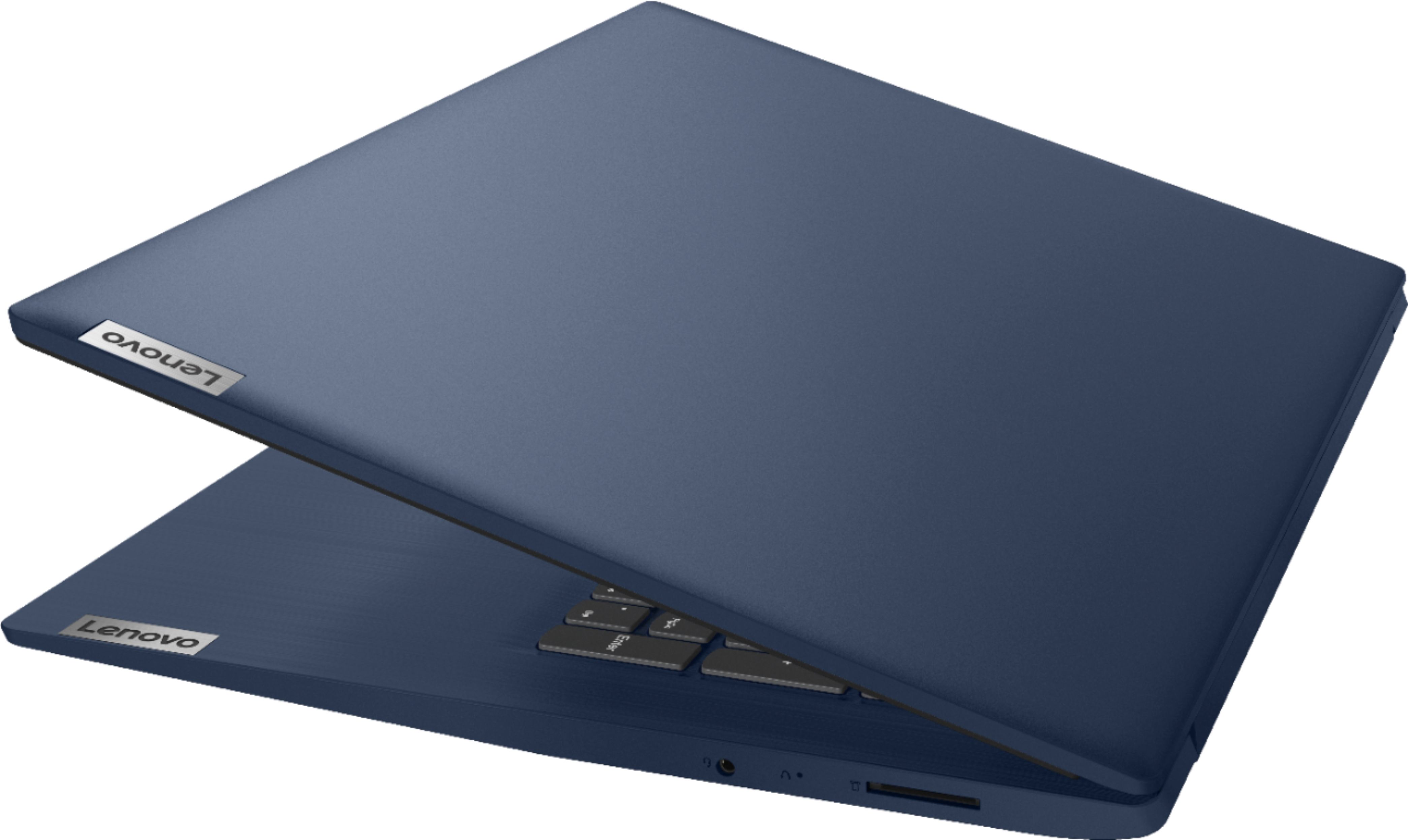
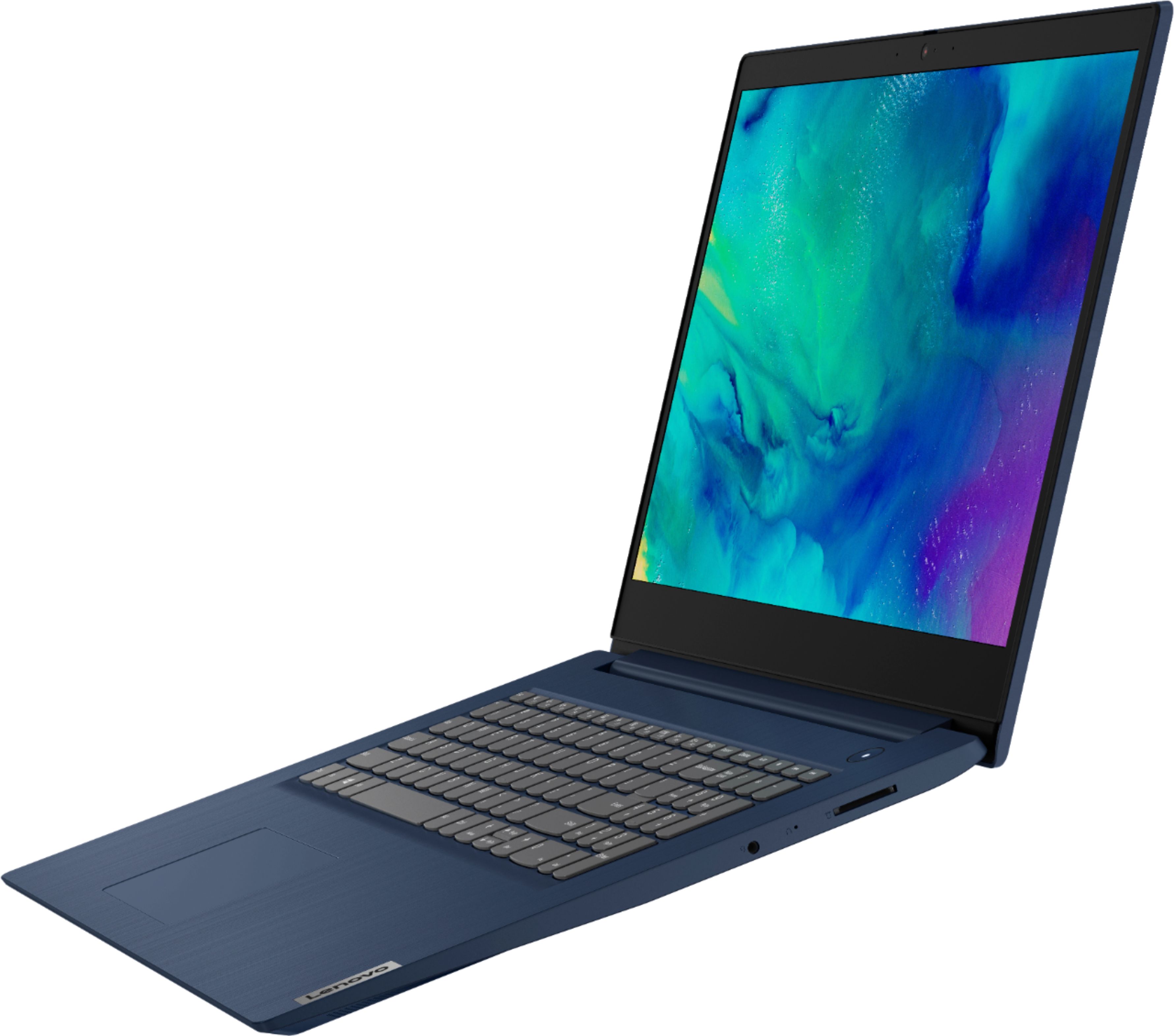
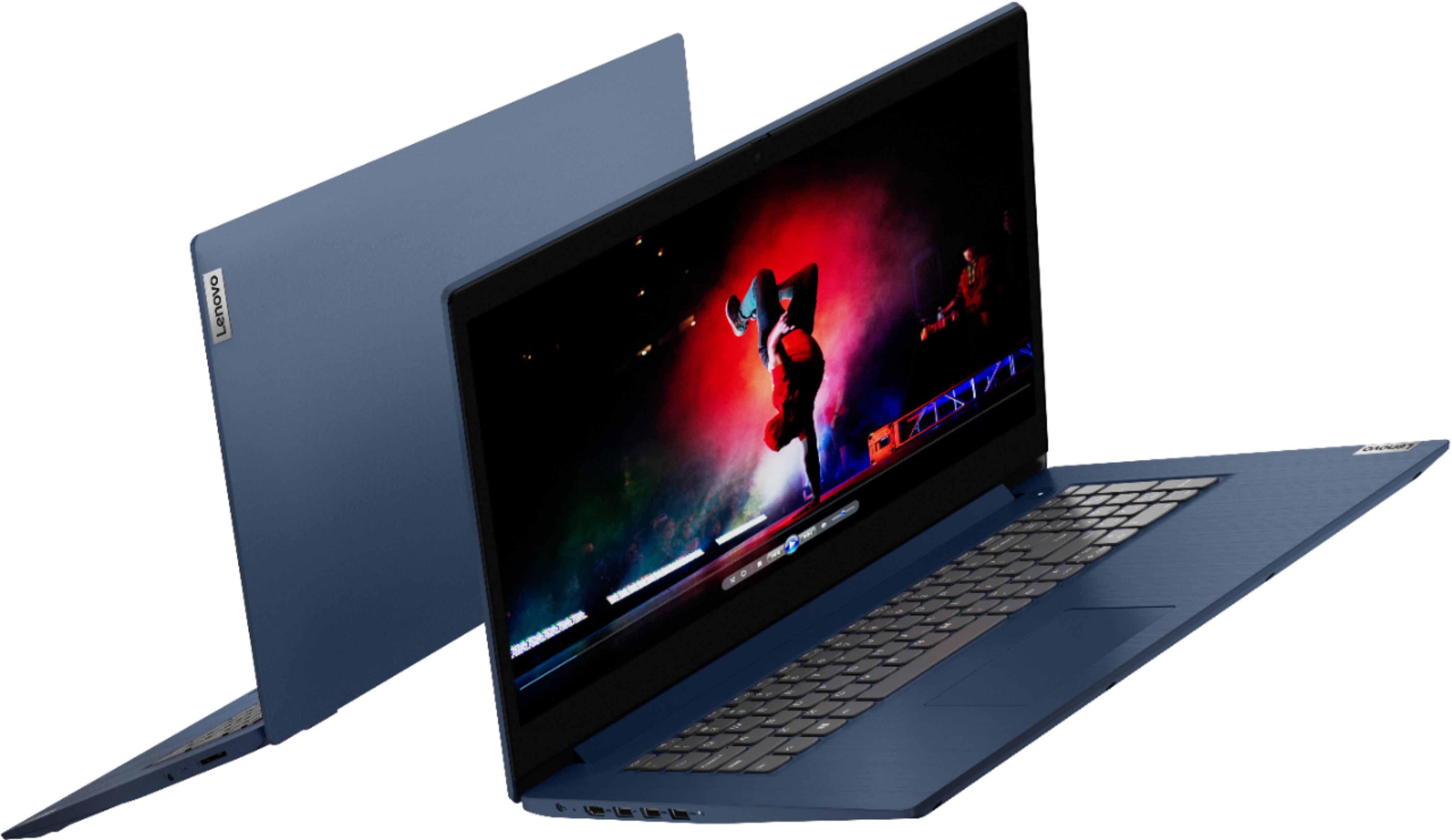
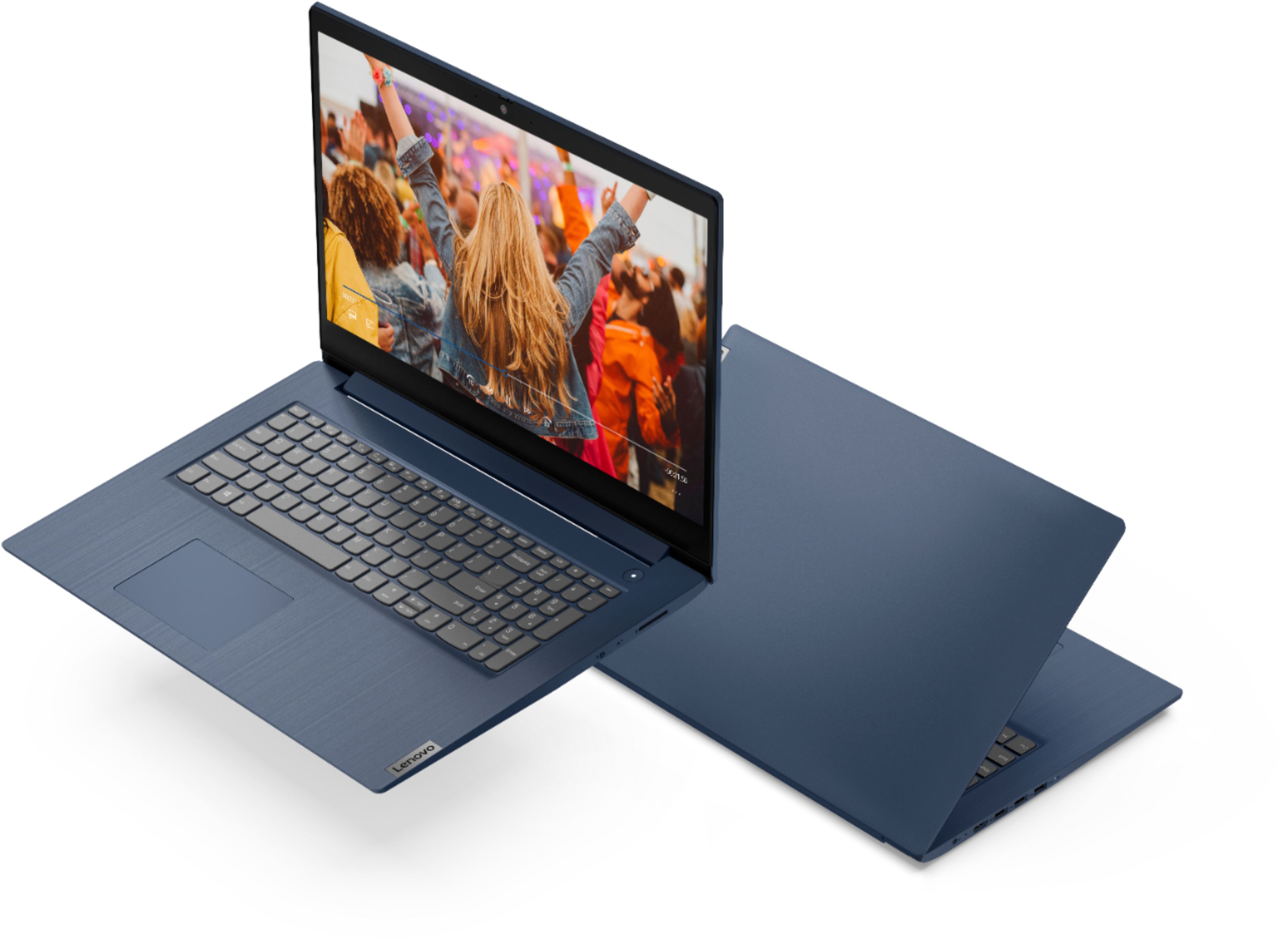
Posted .Thank you for choosing the Lenovo IdeaPad 3 17 Laptop, model number 81WF004CUS. This model provides the over-size, 17.3 Inch (screen size measured diagonally) TN - HD+ (1600x900) screen, with a brightness level of 250 nits and has an Anti-glare coating. The overall dimensions of this model are just: 15.83 x 11.07 x 0.78 inches and weighs just: 7.15 lbs.

Good latop
||Posted .This reviewer received promo considerations or sweepstakes entry for writing a review.All around good laptop. Just wish screen res was a little better.
I would recommend this to a friendBrand response from Lenovo Product Expert
Posted .Thank you for choosing the Lenovo IdeaPad 3 17 laptop, model number 81WF004CUS, ships with a 17.3 inch (screen size measured diagonally) TN - HD+ (1600x900) screen, with a brightness level of 250 nits and has an Anti-glare coating. We are pleased to hear that the IdeaPad 3 17 is working out so well for you.
Dysfunctionally slow
||Posted . Owned for 7 months when reviewed.This reviewer received promo considerations or sweepstakes entry for writing a review.Im very disappointed in Best Buy. I was explained that this laptop would be a LITTLE slower which I could deal with but this computer can barely type now and it has just barely been 7 months with the computer. There is no downloads on this computer i use it for emails mostly. If you are aware that the product is not even going to last a full year why even sell it in the first place. Especially for over $600. I completely understand that HDD is slower than SSD now. But this computer had issues from the very start which I dealt with since i had no more money to buy a new one along with school starting and all of the replacement options were online only and I couldn’t wait. This computer types a single letter every 20 seconds or so. Im beyond dissatisfied that best buy would even sell this.
No, I would not recommend this to a friendBrand response from Lenovo Product Expert
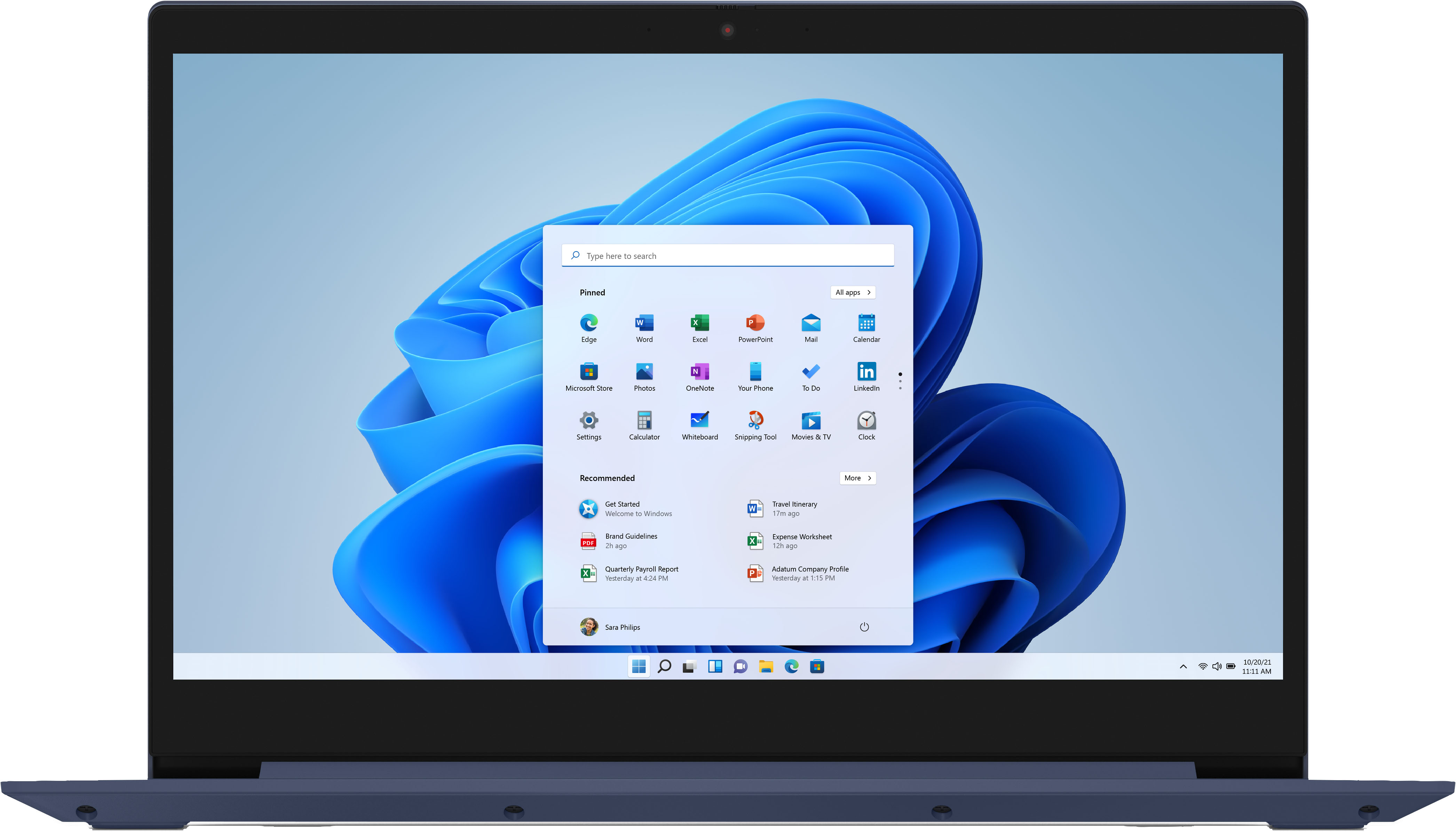
Posted .We are sorry to hear that you are having issues with your Lenovo IdeaPad 3 17 Laptop, model number 81WF004CUS. This model ships with Windows 10 S-Mode, 64-bit Operating System installed. Windows 10 S-Mode provides added security by only allowing APPs available ( and therefore certified by Microsoft) at the Microsoft Store. If you don't need the added security or you need to install APPs not available at the Microsoft Store, you can switch to standard Windows 10 Home 64-bit Operating System, at no additional cost. Even if you have switched out of S-Mode, be sure any software you installed is compatible with Windows 10. There is no need to install Microsoft Office software. The software is already part of the operating system, you just need to activate the software with a purchased product key. If you have installed a copy of Microsoft Office, this is conflicting with the existing copy on the system and this will slow your system down. If you have installed a 3rd party anti-virus program, be sure that Windows Defender is turned off and that the trial version of McAfee Anti-Virus software is uninstalled. There can only be one anti-virus program on the system. Here is a link to instructions for uninstalling McAfee from a Windows computer: https://service.mcafee.com/?articleId=TS101331&page=shell&shell=article-view You may need to restore your system to original factory default settings if any of the programming errors have occurred. You can do that by typing "restore" in the Cortana search window. Just click on the magnifying glass icon at the bottom left of your Windows 10 Desktop. Click on "Reset This PC" Then click on "Get Started" and follow the on screen directions to restore to factory defaults. If the problem persists, we recommend you contact Lenovo Tech Support at: 877-453-6686.
Quality
||Posted . Owned for 1 week when reviewed.This reviewer received promo considerations or sweepstakes entry for writing a review.User friendly and easy to install,I'll recommend this to my friends
I would recommend this to a friendBrand response from Lenovo Product Expert
Posted .Thank you for choosing the Lenovo IdeaPad 3 17 Laptop. We are pleased to hear that the easy setup and use as well as the performance of the IdeaPad 3 17 meets your computing needs so well.
It's ok...
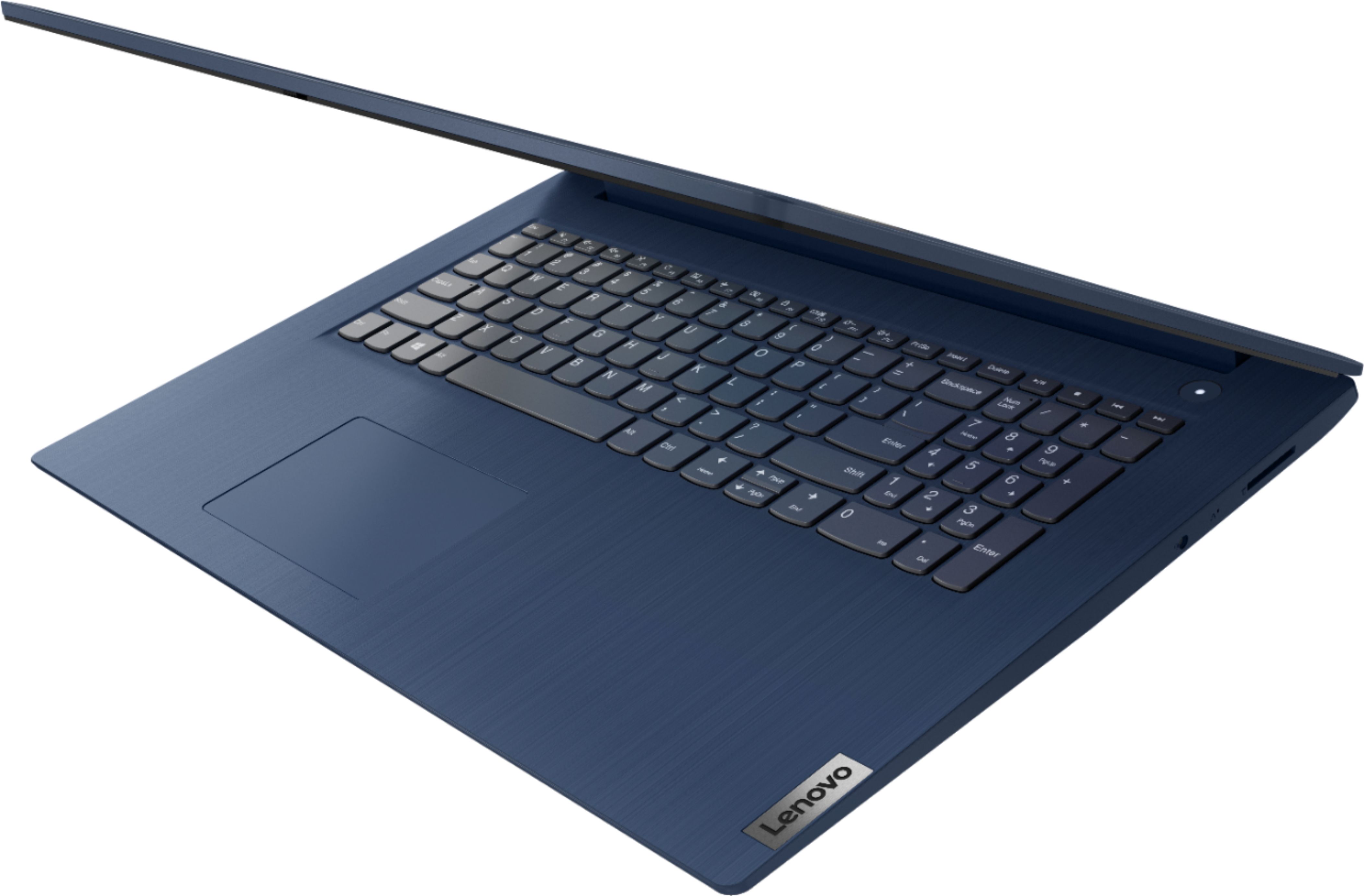
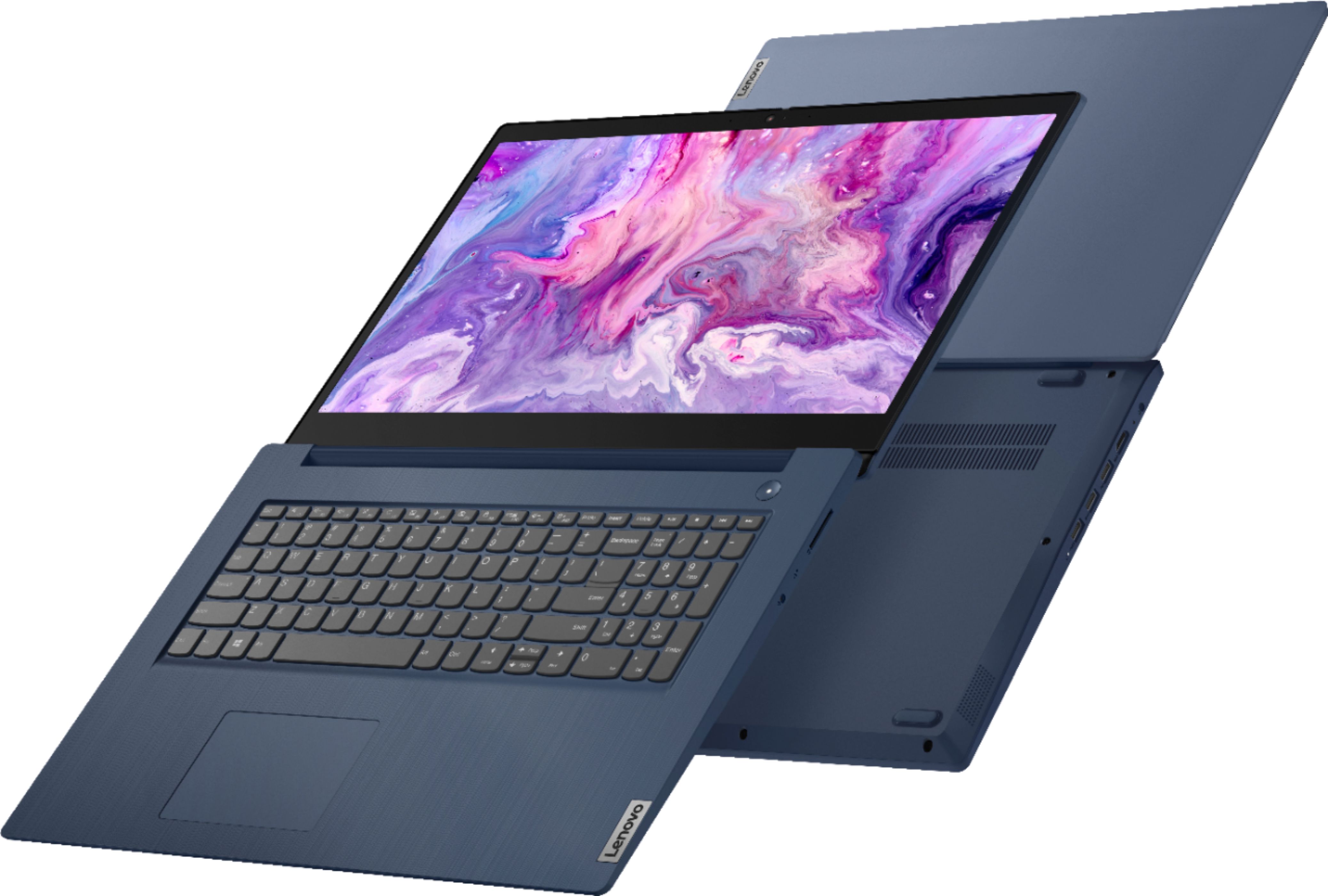
||Posted .This reviewer received promo considerations or sweepstakes entry for writing a review.It's ok. Doesn't have touch screen (not that I used it that much on my old laptop), keyboard doesn't light up ( again not that I used it on my old laptop).
I would recommend this to a friendWorks fine.
||Posted . Owned for 3 weeks when reviewed.This reviewer received promo considerations or sweepstakes entry for writing a review.Works fine so far. Did not like the hassle of trying to download Google though.
I would recommend this to a friendBrand response from Lenovo Product Expert
Posted .Thank you for choosing the Lenovo IdeaPad 3 17 Laptop, model number 81WF004CUS. This model ships with Windows 10 S-Mode 64-bit Operating System. Windows 10 S-Mode provides added security by only allowing APPs available ( and therefore certified by Microsoft) at the Microsoft Store. If you don't need the added security or you need to install APPs not available at the Microsoft Store, you can switch to standard Windows 10 Home 64-bit Operating System, at no additional cost.
Lenovo Laptop
||Posted . Owned for 1 week when reviewed.This reviewer received promo considerations or sweepstakes entry for writing a review.I love Lenovo product, this was no exception easy to setup and use.
I would recommend this to a friendBrand response from Lenovo Product Expert
Posted .Thank you for choosing the Lenovo IdeaPad 3 17 Laptop, model number 81WF004CUS. We appreciate your loyalty to the Lenovo Brand and we are pleased to hear that this new IdeaPad 3 17 meets your computing needs so well.
Greatful
||Posted . Owned for 1 month when reviewed.This reviewer received promo considerations or sweepstakes entry for writing a review.This was a open box item. I was hacked on my last computer and took it to Best Buy to be checked out. It was going to cost $199 to go through a 7year old computer. The technician told about this one for a little over $200. So far it works great.
I would recommend this to a friendLaptop
||Posted . Owned for 1 month when reviewed.This reviewer received promo considerations or sweepstakes entry for writing a review.serves the purpose of purchase. had a issue with it a couple of days after purchase, took it back to the store and they corrected the issue.
I would recommend this to a friendlenovo
||Posted . Owned for 3 weeks when reviewed.This reviewer received promo considerations or sweepstakes entry for writing a review.very easy to use. I love that I can shut the camera off as well.
I would recommend this to a friendBrand response from Lenovo Product Expert
Posted .Thank you for choosing the Lenovo IdeaPad 3 17 Laptop, model number 81WF004CUS. This model ships with a 720p (HD) webcam with manual Privacy Shutter built in. We are pleased to hear that the features and performance of the IdeaPad 3 17 meets your computing needs so well.
Mr.
||Posted . Owned for 6 months when reviewed.This reviewer received promo considerations or sweepstakes entry for writing a review.Fits user's requirements and works well...........
I would recommend this to a friendBrand response from Lenovo Product Expert
Posted .Thank you for choosing the Lenovo IdeaPad 3 17 laptop. We are pleased to hear that the IdeaPad 3 17 meets the user's computing needs so well.
Nice item
||Posted . Owned for 3 weeks when reviewed.This reviewer received promo considerations or sweepstakes entry for writing a review.My high schooler love it, he likes the computer speed.
I would recommend this to a friendGood experience
||Posted . Owned for 1 month when reviewed.This reviewer received promo considerations or sweepstakes entry for writing a review.Good computer at a great price. Very pleased with my purchase.
I would recommend this to a friendBrand response from Lenovo Product Expert
Posted .Thank you for choosing the Lenovo IdeaPad 3 17 Laptop. We are pleased to hear that the IdeaPad 3 17 meets your computing needs so well.
Laptop Review
||Posted . Owned for 1 month when reviewed.This reviewer received promo considerations or sweepstakes entry for writing a review.Too slow, sometimes too complicated. Other times it's spot on.
I would recommend this to a friendBrand response from Lenovo Product Expert
Posted .The Lenovo IdeaPad 3 17 Laptop, model number 81WF004CUS, will boot from off to the Windows 10 Desktop Screen in less than 40-seconds. If you are experiencing slower boot times, be sure any software you installed is compatible with Windows 10. There is no need to install Microsoft Office software. The software is already part of the operating system, you just need to activate the software with a purchased product key. If you have installed a copy of Microsoft Office, this is conflicting with the existing copy on the system and this will slow your system down. If you have installed a 3rd party anti-virus program, be sure that Windows Defender is turned off and that the trial version of McAfee Anti-Virus software is uninstalled. There can only be one anti-virus program on the system. You may need to restore your system to original factory default settings if any of the programming errors have occurred. You can do that by typing "restore" in the Cortana search window. Just click on the magnifying glass icon at the bottom left of your Windows 10 Desktop. Click on "Reset This PC" Then click on "Get Started" and follow the on screen directions to restore to factory defaults. If the problem persists, we recommend you contact Lenovo Tech Support at: 877-453-6686.
- Cons mentioned:Speed
Slowest laptop on earth!
||Posted .This reviewer received promo considerations or sweepstakes entry for writing a review.I bought a HP laptop which looked solid on paper! But that was the slowest laptop I have ever seen. Apparently, the one that is on display is fast, but the ‘actual’ laptop that they give is horrible (slower than early 2000s computers!). The so-called geek squad and their customer service is equally bad!
No, I would not recommend this to a friend Quick startup
||Posted . Owned for 3 weeks when reviewed.This reviewer received promo considerations or sweepstakes entry for writing a review.It Starts up quick and loads and runs really awesome
I would recommend this to a friendBrand response from Lenovo Product Expert
Posted .Thank you for choosing the Lenovo IdeaPad 3 17 Laptop. We are pleased to hear that the performance of the IdeaPad 3 17 meets your computing needs so well.
Love the size, product not good
||Posted . Owned for 1.5 years when reviewed.This reviewer received promo considerations or sweepstakes entry for writing a review.lasted barely 2.5 years.. constant problems, virus, would not update to windows 11
No, I would not recommend this to a friendLemon
||Posted . Owned for 1.5 years when reviewed.This reviewer received promo considerations or sweepstakes entry for writing a review.Worked for a short time. It does not turn on, diagnostic and repair costs more than the machine. Avoid
No, I would not recommend this to a friendSon's Labtop
||Posted . Owned for 7 months when reviewed.This reviewer received promo considerations or sweepstakes entry for writing a review.Bought this labtop for my son and he is enjoying it.
I would recommend this to a friendBrand response from Lenovo Product Expert
Posted .Thank you for choosing the Lenovo IdeaPad 3 17 Laptop for your son. We are pleased to hear that the IdeaPad 3 17 meets your son's computing needs so well.