Customer Ratings & Reviews

- Model:
- 81WF004CUS
- SKU:
- 6449490
Rating by feature
- Battery Life
Rating 3.8 out of 5 stars
- Speed
Rating 3.2 out of 5 stars
- Display
Rating 3.9 out of 5 stars
Customers are saying
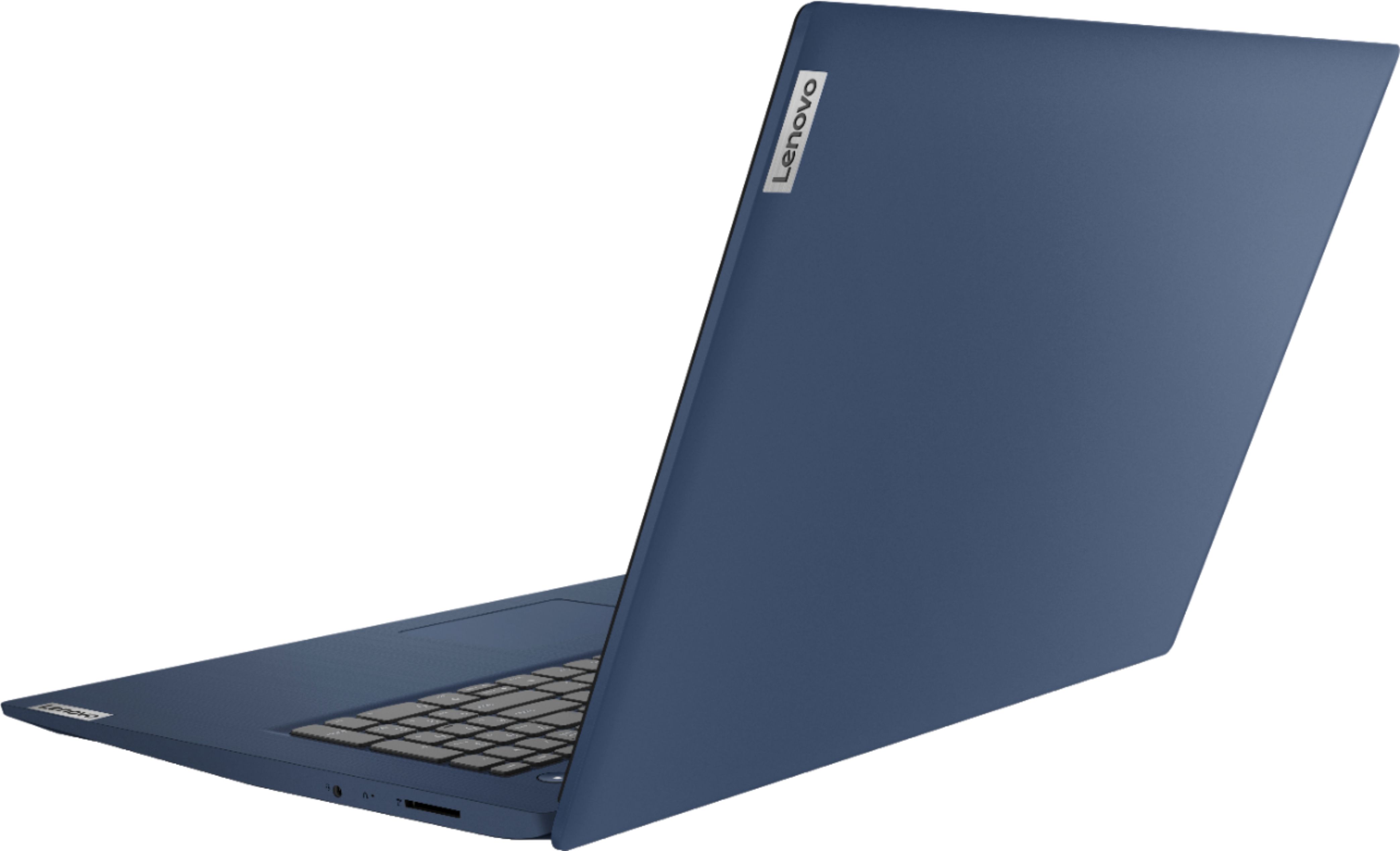
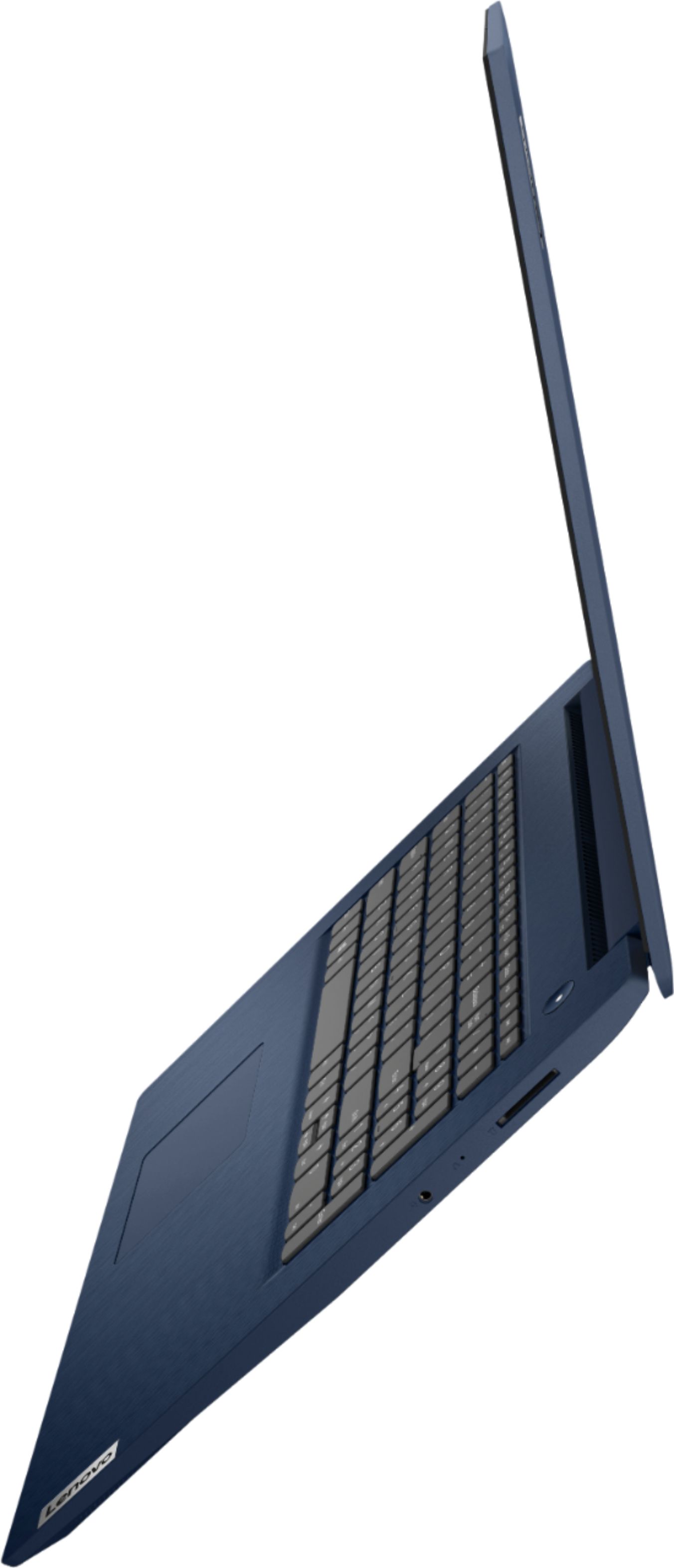
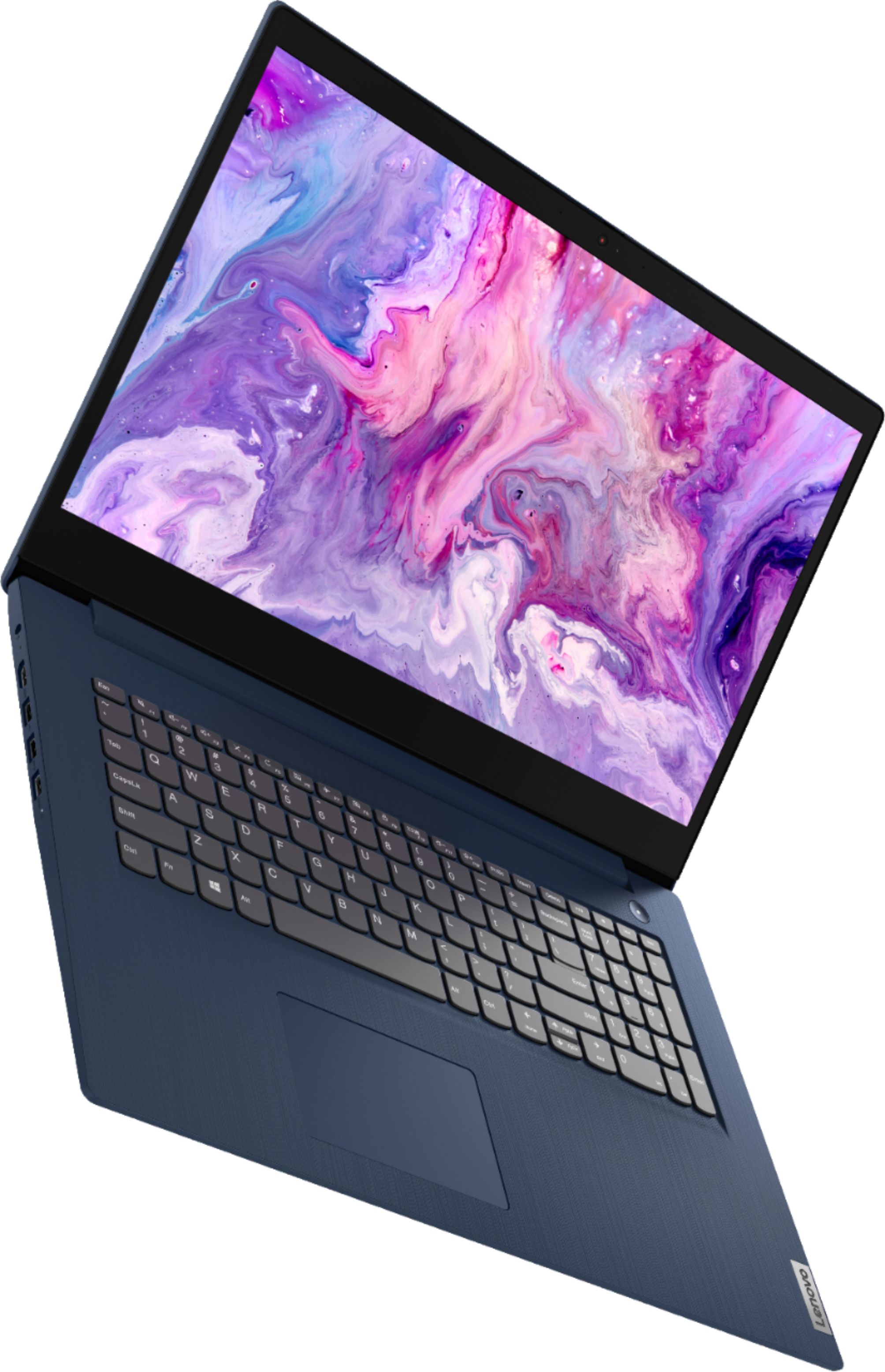
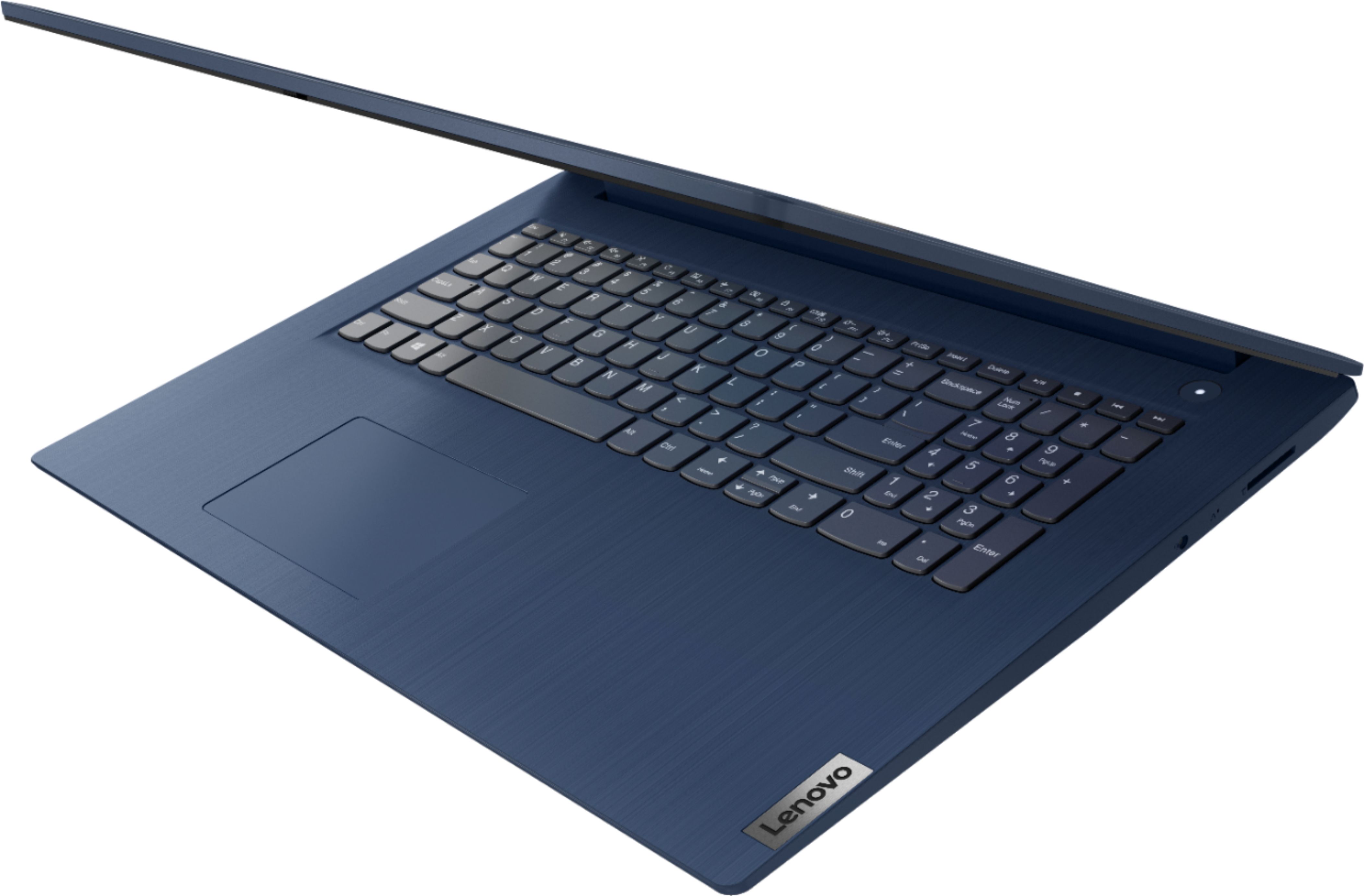
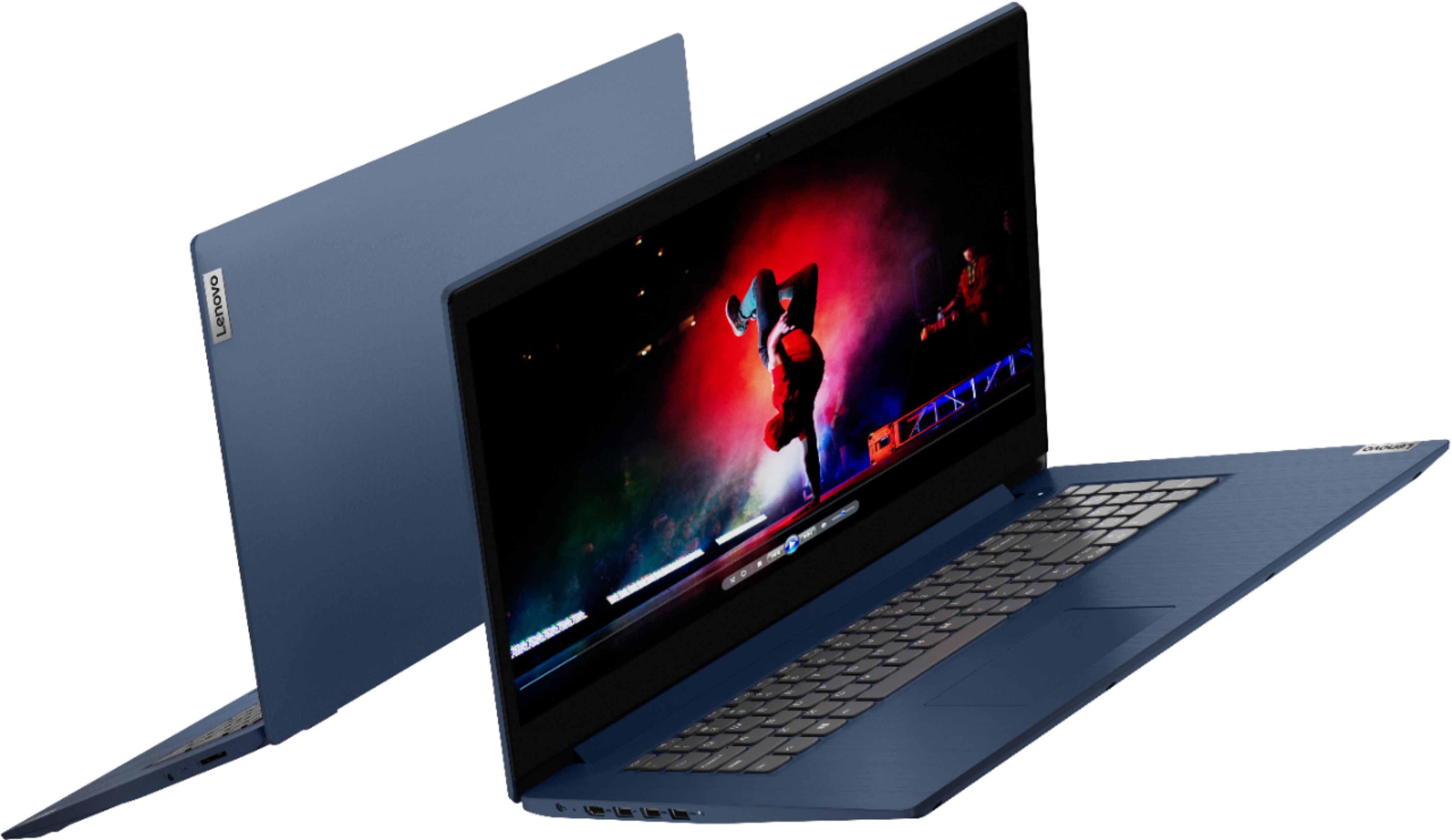
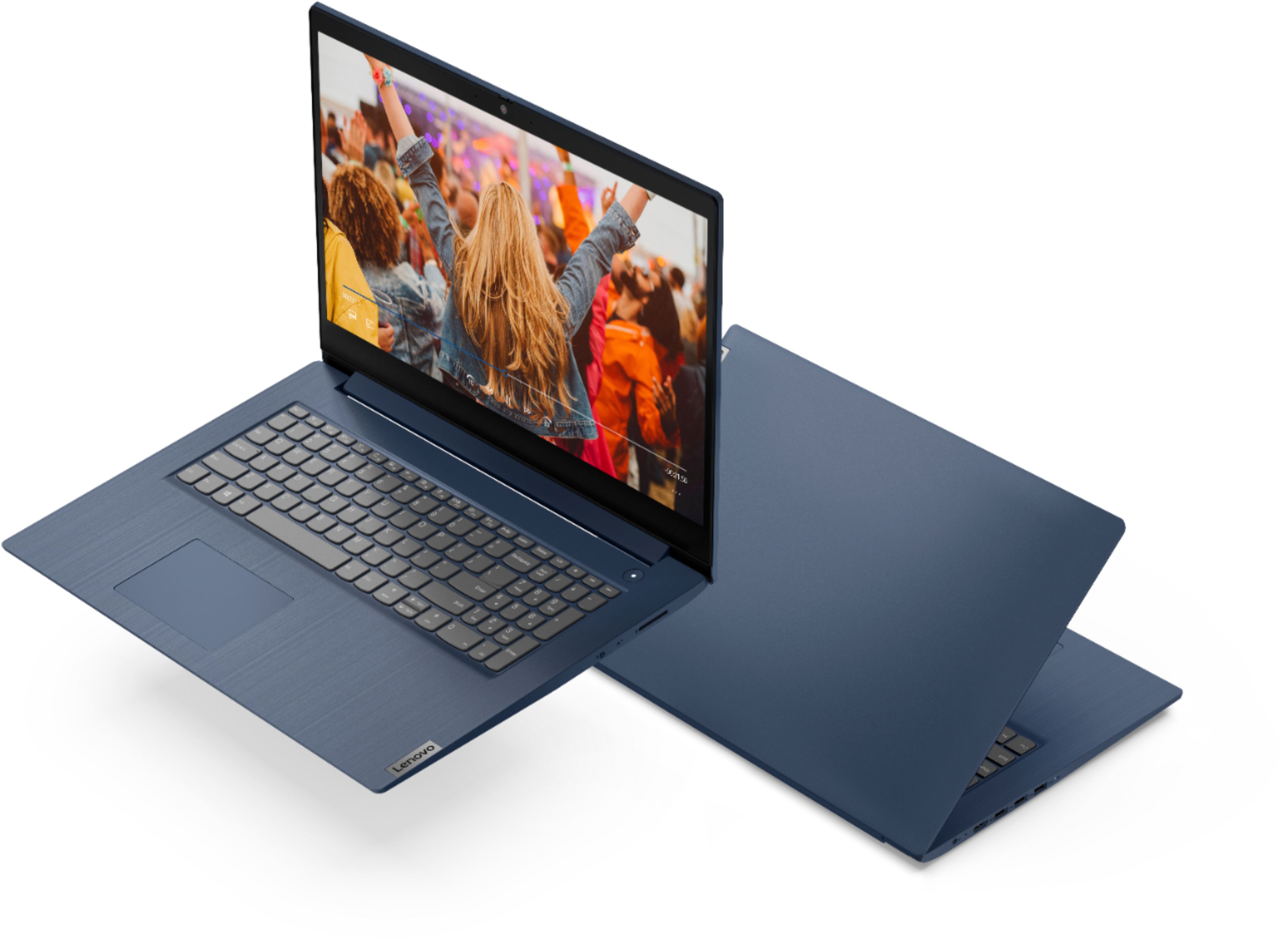
Customers enjoy the large screen, affordable price, and user-friendly nature of the Ideapad 3 17. It is lightweight and suitable for work. However, some users have concerns about its performance, boot time, and battery life.
This summary was generated by AI based on customer reviews.
Does the job!
||Posted . Owned for 2 months when reviewed.This reviewer received promo considerations or sweepstakes entry for writing a review.I have owned Lenovo products in the past and have always been satisfied with them. I am very pleased with this Lenovo ideapad laptop! It does what I need it to do and even more as I use it only for basic personal needs at home.
I would recommend this to a friendBrand response from Lenovo Product Expert
Posted .Thank you for choosing the Lenovo IdeaPad 3 17 Laptop. We appreciate your loyalty to the Lenovo Brand and we are pleased to hear that this new IdeaPad 3 17 meets your computing needs so well.

Great laptop
||Posted . Owned for 1 month when reviewed.This reviewer received promo considerations or sweepstakes entry for writing a review.I got this laptop because my HP has been running very slow lately and it was time for an upgrade. I have no complaints about it. The finger scan unlock is cool and the 10 keypad was a most have. This has been great to use for school.
I would recommend this to a friendBrand response from Lenovo Product Expert
Posted .Thank you for choosing the Lenovo IdeaPad 3 17 Laptop, model number 81WF004CUS. We are pleased to hear that the features and performance of the IdeaPad 3 17 meets your computing needs so well.
- Cons mentioned:Speed
Do not buy
||Posted . Owned for 1 month when reviewed.This reviewer received promo considerations or sweepstakes entry for writing a review.Laptop was easy to set up but was very slow right from the box. Im disappointed.
No, I would not recommend this to a friendBrand response from Lenovo Product Expert
Posted .The Lenovo IdeaPad 3 17 laptop, model number 81WF004CUS, will boot from off to the Windows 10 Desktop Screen in less than 40-seconds. If you are experiencing slower boot times, even if you have switched out of S-Mode, be sure any software you installed is compatible with Windows 10. There is no need to install Microsoft Office software. The software is already part of the operating system, you just need to activate the software with a purchased product key. If you have installed a copy of Microsoft Office, this is conflicting with the existing copy on the system and this will slow your system down. If you have installed a 3rd party anti-virus program, be sure that Windows Defender is turned off and that the trial version of McAfee Anti-Virus software is uninstalled. There can only be one anti-virus program on the system. You may need to restore your system to original factory default settings if any of the programming errors have occurred. You can do that by typing "restore" in the Cortana search window. Just click on the magnifying glass icon at the bottom left of your Windows 10 Desktop. Click on "Reset This PC" Then click on "Get Started" and follow the on screen directions to restore to factory defaults. If the problem persists, we recommend you contact Lenovo Tech Support at: 877-453-6686.
Lovin my Lenovo
||Posted . Owned for 3 weeks when reviewed.This reviewer received promo considerations or sweepstakes entry for writing a review.Hi I have always had dells and 2 be honest I really felt like returning it the next morning but I said no I'm going to keep trying and a few days later I ended up loving it It wasn't hard to figure out once I set my mind to it
I would recommend this to a friendBrand response from Lenovo Product Expert
Posted .Thank you for choosing the Lenovo IdeaPad 3 17 laptop. We are pleased to hear that the IdeaPad 3 17 meets your computing needs so well.
Hello Lenovo
||Posted . Owned for 1 year when reviewed.This reviewer received promo considerations or sweepstakes entry for writing a review.After using my Lenovo Laptop for a little over a month I can safely say that I'm a happy camper & glad I looked at what Best Buy had to offer. It met all my needs and has been working just fine!
I would recommend this to a friendBrand response from Lenovo Product Expert
Posted .Thank you for choosing the Lenovo IdeaPad 3 17 Laptop. We are very pleased to see that the specifications and features of the Lenovo IdeaPad 3 17 Laptop meet your computing needs so well.
This audio pad is a great one it is a work horse i
||Posted . Owned for 3 weeks when reviewed.This reviewer received promo considerations or sweepstakes entry for writing a review.This audio pad is a great one it is a work horse is very strong I’m using it for my son to use for school he can open multiple programs at one time with no problem he is also able to stream with no issues great bang for my buck
I would recommend this to a friendOffice Laptop
||Posted . Owned for 3 weeks when reviewed.This reviewer received promo considerations or sweepstakes entry for writing a review.Was exactly what I needed for setting up my business on the go. Provides full functionality and the hard drive is perfect for handling all of my cloud based plug-ins and data. Great for everyday use too and super light.
I would recommend this to a friendBrand response from Lenovo Product Expert
Posted .Thank you for choosing the Lenovo IdeaPad 3 17 Laptop. We are pleased to hear that the features and performance of the IdeaPad 3 17 meets your business computing needs so well.
Bluey
||Posted . Owned for 1 month when reviewed.This reviewer received promo considerations or sweepstakes entry for writing a review.Perfect laptop! Everything about…it’s sleek, functional, perfect weight and size. It’s functionality is everything you need professionally and also for all your entertainment needs. I recommend this product for all users!
I would recommend this to a friend- Cons mentioned:Speed
VERY SLOW
||Posted . Owned for 1 week when reviewed.This reviewer received promo considerations or sweepstakes entry for writing a review.Very slow computer. I have a fast internet connection but the computer is very slow to respond. Would not recommend.
No, I would not recommend this to a friendBrand response from Lenovo Product Expert
Posted .The Lenovo IdeaPad 3 17 Laptop, model number 81WF004CUS, will boot from off to the Windows 10 Desktop Screen in less than 40-seconds. It has 5G, Wide-Range/High Speed 2x2 802.11AC frequency WiFi, which is also backward compatible to older a/b/g/n frequencies WiFi. If you are experiencing slower boot times and/or generally slower system performance, even if you have switched out of Windows 10 S-Mode, be sure any software you installed is compatible with Windows 10. There is no need to install Microsoft Office software. The software is already part of the operating system, you just need to activate the software with a purchased product key. If you have installed a copy of Microsoft Office, this is conflicting with the existing copy on the system and this will slow your system down. If you have installed a 3rd party anti-virus program, be sure that Windows Defender is turned off and that the trial version of McAfee Anti-Virus software is uninstalled. There can only be one anti-virus program on the system. You may need to restore your system to original factory default settings if any of the programming errors have occurred. You can do that by typing "restore" in the Cortana search window. Just click on the magnifying glass icon at the bottom left of your Windows 10 Desktop. Click on "Reset This PC" Then click on "Get Started" and follow the on screen directions to restore to factory defaults. If the problem persists, we recommend you contact Lenovo Tech Support at: 877-453-6686.
Getting Used To It!
||Posted . Owned for 3 weeks when reviewed.This reviewer received promo considerations or sweepstakes entry for writing a review.So far so good. Windows 10 takes a little getting used to after using Windows 7 for so long. MS Office is different as well with the cloud thing. Once set up it is useful but I will need some hand holding I think
I would recommend this to a friendBrand response from Lenovo Product Expert
Posted .Thank you for choosing the Lenovo IdeaPad 3 17 Laptop, model number 81WF004CUS. This model ships with Windows 10 S-Mode 64-bit Operating System. Windows 10 S-Mode provides added security by only allowing APPs available ( and therefore certified by Microsoft) at the Microsoft Store. If you don't need the added security or you need to install APPs not available at the Microsoft Store, you can switch to standard Windows 10 Home 64-bit Operating System, at no additional cost. This model also ships with a 30-day trial of Microsoft Office 365 included as part of the Windows 10 operating system. In order to keep the program active after the trial period, you will need to purchase a product key. You will not need to download any additional software. To learn your way around Windows 10, you may want to try YouTube.com (just type that address in your browser address window). There are hundreds for free instructional videos there about Windows 10. Just type Windows 10 Introduction in to the YouTube search window. You can watch free videos there that will show you the basics all the way up to tips and tricks videos and they're all free.
Not as good as I thought
||Posted . Owned for 1 month when reviewed.This reviewer received promo considerations or sweepstakes entry for writing a review.This product is not as good as I thought it was although a light and slim it's not a very good product
No, I would not recommend this to a friendBrand response from Lenovo Product Expert
Posted .The Lenovo IdeaPad 3 17 Laptop, model number 81WF004CUS, ships with the 10th Gen, 4-Core/8-Thread Intel Core i5-1035G1 processor, with a top speed of 3.6GHz, supported by 8GB DDR4-2666MHz RAM. If you are getting slower than expected performance, be sure any software you installed is compatible with Windows 10. There is no need to install Microsoft Office software. The software is already part of the operating system, you just need to activate the software with a purchased product key. If you have installed a copy of Microsoft Office, this is conflicting with the existing copy on the system and this will slow your system down. If you have installed a 3rd party anti-virus program, be sure that Windows Defender is turned off and that the trial version of McAfee Anti-Virus software is uninstalled. There can only be one anti-virus program on the system. You may need to restore your system to original factory default settings if any of the programming errors have occurred. You can do that by typing "restore" in the Cortana search window. Just click on the magnifying glass icon at the bottom left of your Windows 10 Desktop. Click on "Reset This PC" Then click on "Get Started" and follow the on screen directions to restore to factory defaults. If the problem persists, we recommend you contact Lenovo Tech Support at: 877-453-6686.
Lenovo laptop
||Posted . Owned for more than 2 years when reviewed.This reviewer received promo considerations or sweepstakes entry for writing a review.Not very useful hard to setup did not meet my need Ju I
No, I would not recommend this to a friend- Cons mentioned:Speed
Super Slow
||Posted . Owned for 3 weeks when reviewed.This reviewer received promo considerations or sweepstakes entry for writing a review.Super Slow. If you have patience, buy it. Otherwise Don’t.
No, I would not recommend this to a friend S-Mode is a Nuisance
||Posted . Owned for less than 1 week when reviewed.This reviewer received promo considerations or sweepstakes entry for writing a review.This is a great laptop for my needs as a student, but the hassel of disabling S-Mode on Windows10 makes me wish I would have bought anything else. I can't use any of my school software and yes I know I can switch out if S mode but that doesn't help a lot when my screen says "working on it" for hours. Hours I would rather be working on assignments as a graduate student.
No, I would not recommend this to a friendBrand response from Lenovo Product Expert
Posted .We are sorry to hear that you are having a problem switching the Lenovo IdeaPad 3 17 Laptop, model number 81WF004CUS, out of Windows 10 S-Mode. First be sure you have a good WiFi connection with your laptop. Once you are connected to WiFi, Here is a link to instructions for switching from Windows 10 S-Mode to Windows 10 Home: https://support.microsoft.com/en-us/help/4456067/windows-10-switch-out-of-s-mode. If the issue continues, we recommend you contact Lenovo Tech Support for additional help at: 877-453-6686.
New Laptop
||Posted . Owned for 3 weeks when reviewed.This reviewer received promo considerations or sweepstakes entry for writing a review.Product was open box and if I didn't already know that, I would have thought it was brand new. It shipped promptly and I had it in 24 hours. This was my first online purchase with Best Buy and I am well pleased.
I would recommend this to a friendBrand response from Lenovo Product Expert
Posted .Thank you for choosing the Lenovo IdeaPad 3 17 Laptop. We are pleased to hear that the IdeaPad 3 17 meets your computing needs so well.
Lenovo Laptop
||Posted . Owned for 3 weeks when reviewed.This reviewer received promo considerations or sweepstakes entry for writing a review.Having a hard time learning is systems because I was never given a manual with my purchase.
No, I would not recommend this to a friendBrand response from Lenovo Product Expert
Posted .Thank you for choosing the Lenovo IdeaPad 3 17 laptop, model number 81WF004CUS. This model configuration ships with Windows 10 S-Mode, 64-bit Operating System installed. Windows 10 S-Mode provides added security by only allowing APPs available ( and therefore certified by Microsoft) at the Microsoft Store. If you don't need the added security or you need to install APPs not available at the Microsoft Store, you can switch to standard Windows 10 Home 64-bit Operating System, at no additional cost. If you choose to switch out of S-Mode for Windows 10 Home: Here is a link to instructions for switching from Windows 10 S-Mode to Windows 10 Home: https://support.microsoft.com/en-us/help/4456067/windows-10-switch-out-of-s-mode. Here is a link to the User Guide for this Lenovo IdeaPad 3 17 Laptop: https://download.lenovo.com/consumer/mobiles_pub/ideapad3_ug_202001_en.pdf. If you have questions about your lenovo IdeaPad 3 17 Laptop, we recommend you contact lenovo Tech Support for additional help at: 877-453-6686.
- Cons mentioned:Speed
Very unsatisfied
||Posted . Owned for 3 weeks when reviewed.This reviewer received promo considerations or sweepstakes entry for writing a review.Computer was extremely slow. It took 90 seconds for the words I was typing to even show up on the screen. Item was returned. I will say the return was easy and staff was very helpful and understanding. Would not recommend product
No, I would not recommend this to a friendBrand response from Lenovo Product Expert
Posted .We are sorry to hear that you are having issues with your Lenovo IdeaPad 3 17 Laptop, model number 81WF004CUS. Keyboard character input should appear on the screen virtually instantaneously. Be sure any software you installed is compatible with Windows 10. There is no need to install Microsoft Office software. The software is already part of the operating system, you just need to activate the software with a purchased product key. If you have installed a copy of Microsoft Office, this is conflicting with the existing copy on the system and this will slow your system down. If you have installed a 3rd party anti-virus program, be sure that Windows Defender is turned off and that the trial version of McAfee Anti-Virus software is uninstalled. There can only be one anti-virus program on the system. You may need to restore your system to original factory default settings if any of the programming errors have occurred. You can do that by typing "restore" in the Cortana search window. Just click on the magnifying glass icon at the bottom left of your Windows 10 Desktop. Click on "Reset This PC" Then click on "Get Started" and follow the on screen directions to restore to factory defaults. If the problem persists, we recommend you contact Lenovo Tech Support at: 877-453-6686.
computer
||Posted . Owned for 1 week when reviewed.This reviewer received promo considerations or sweepstakes entry for writing a review.I bought a Lenova laptop on 6/24/21. After a couple trips to Geek Squad, it was replaced with a new one. I picked it up today, and thanks to Geek Squad in particular, Connor, it is working great so far!
I would recommend this to a friend- Cons mentioned:Performance
Slow, Slow, Slow
||Posted .This reviewer received promo considerations or sweepstakes entry for writing a review.This laptop is and has been incredibly slow since the time of purchase. I am extremely dissappointed in this laptop and do not recommend. It was so bad that I eventually ended up purchasing a different laptop from a different brand.
No, I would not recommend this to a friend Still under evualation
||Posted . Owned for 1 month when reviewed.This reviewer received promo considerations or sweepstakes entry for writing a review.Still getting used to some of the features and need to set up my printers and add some devices. Not getting full use of the computer with questions snd plan on bringing to the Geek Squad next Thurs, 29 April.
I would recommend this to a friendBrand response from Lenovo Product Expert
Posted .Thank you for choosing the Lenovo IdeaPad 3 17 Laptop. This model ships with Windows 10 S-Mode 64-bit Operating System. Windows 10 S-Mode provides added security by only allowing APPs available ( and therefore certified by Microsoft) at the Microsoft Store. If you don't need the added security or you need to install APPs not available at the Microsoft Store, you can switch to standard Windows 10 Home 64-bit Operating System, at no additional cost.