Customer Ratings & Reviews

- Model:
- 81WF004CUS
- SKU:
- 6449490
Rating by feature
- Battery Life
Rating 3.8 out of 5 stars
- Speed
Rating 3.2 out of 5 stars
- Display
Rating 3.9 out of 5 stars
Customers are saying
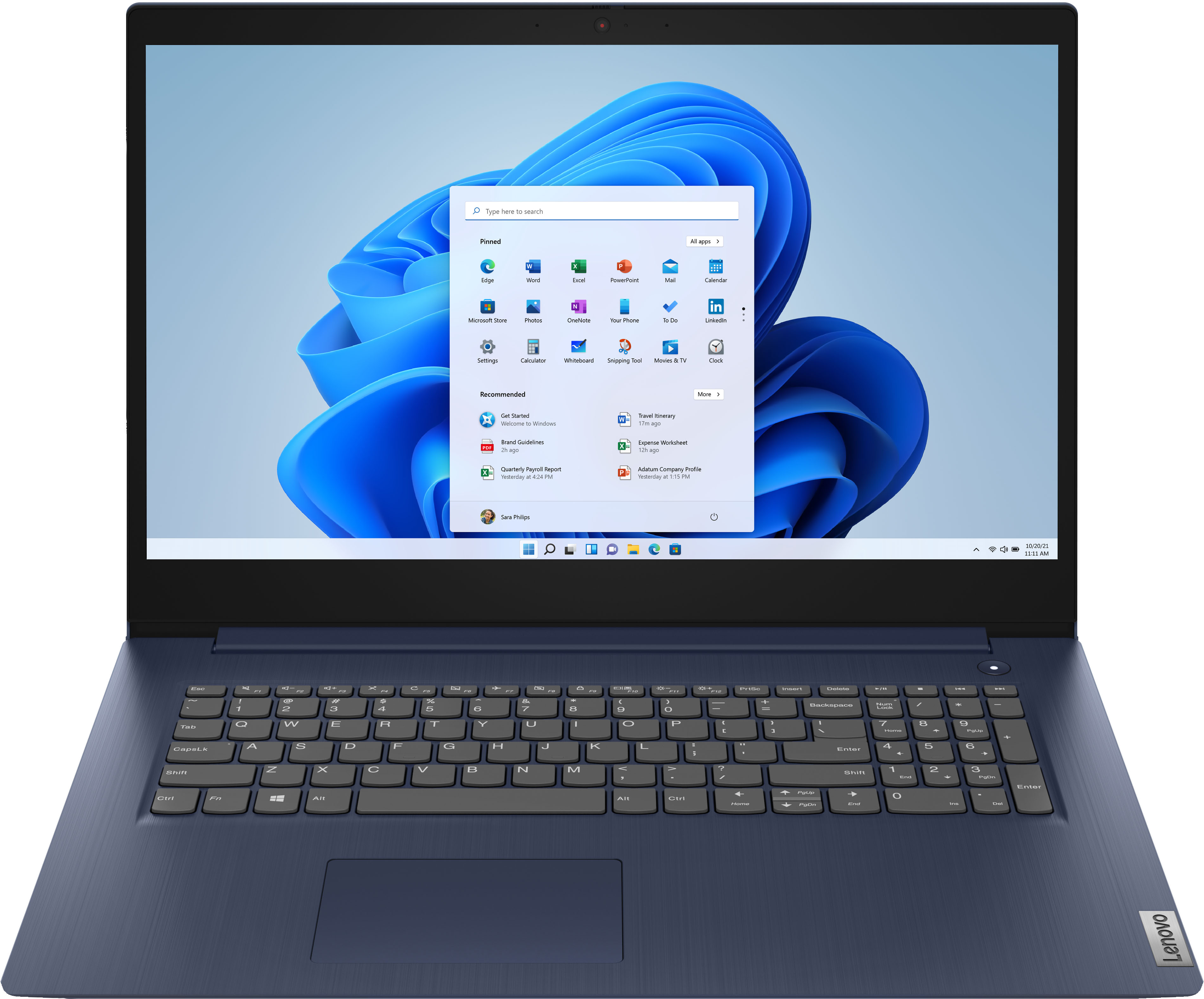
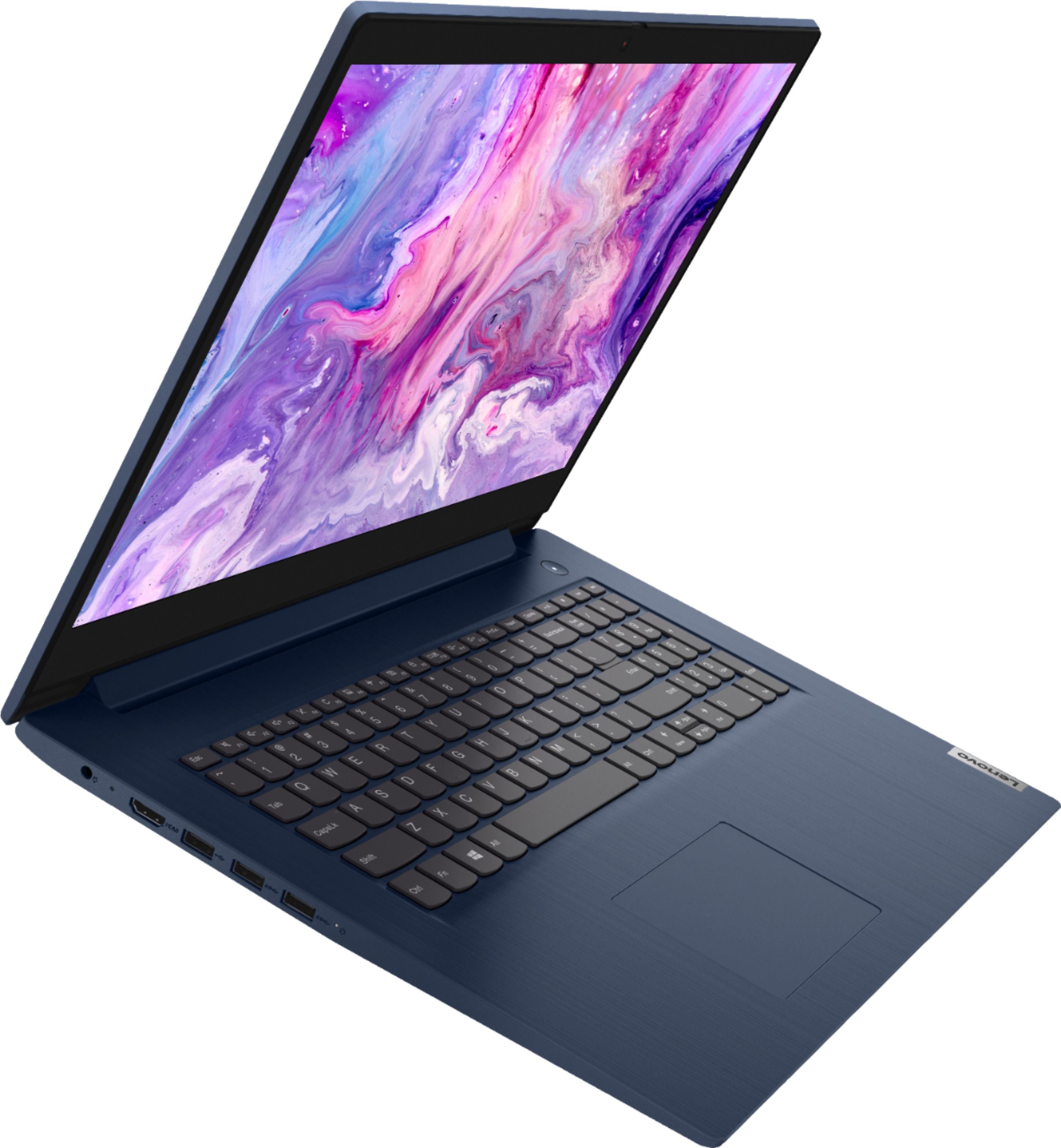
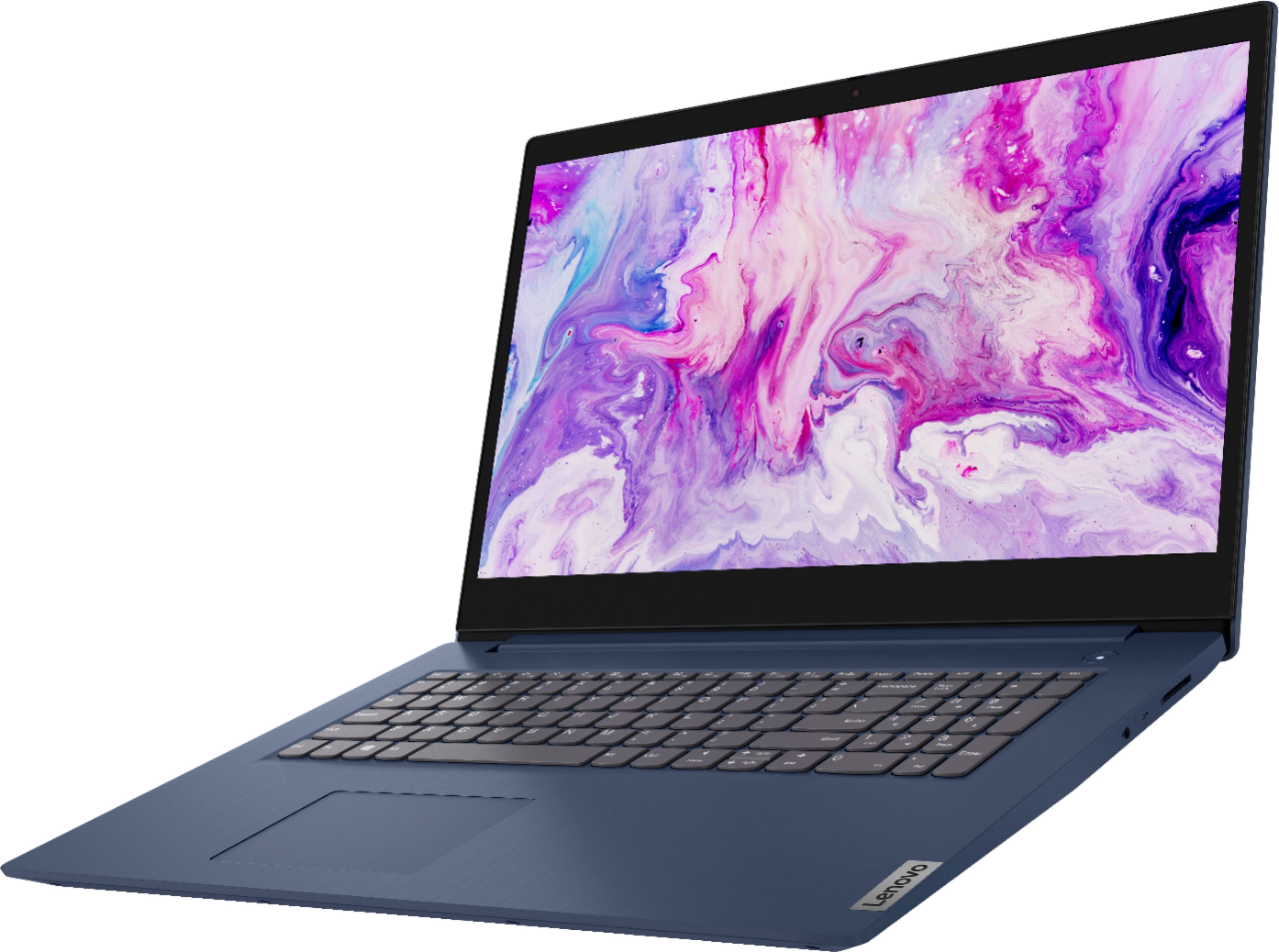
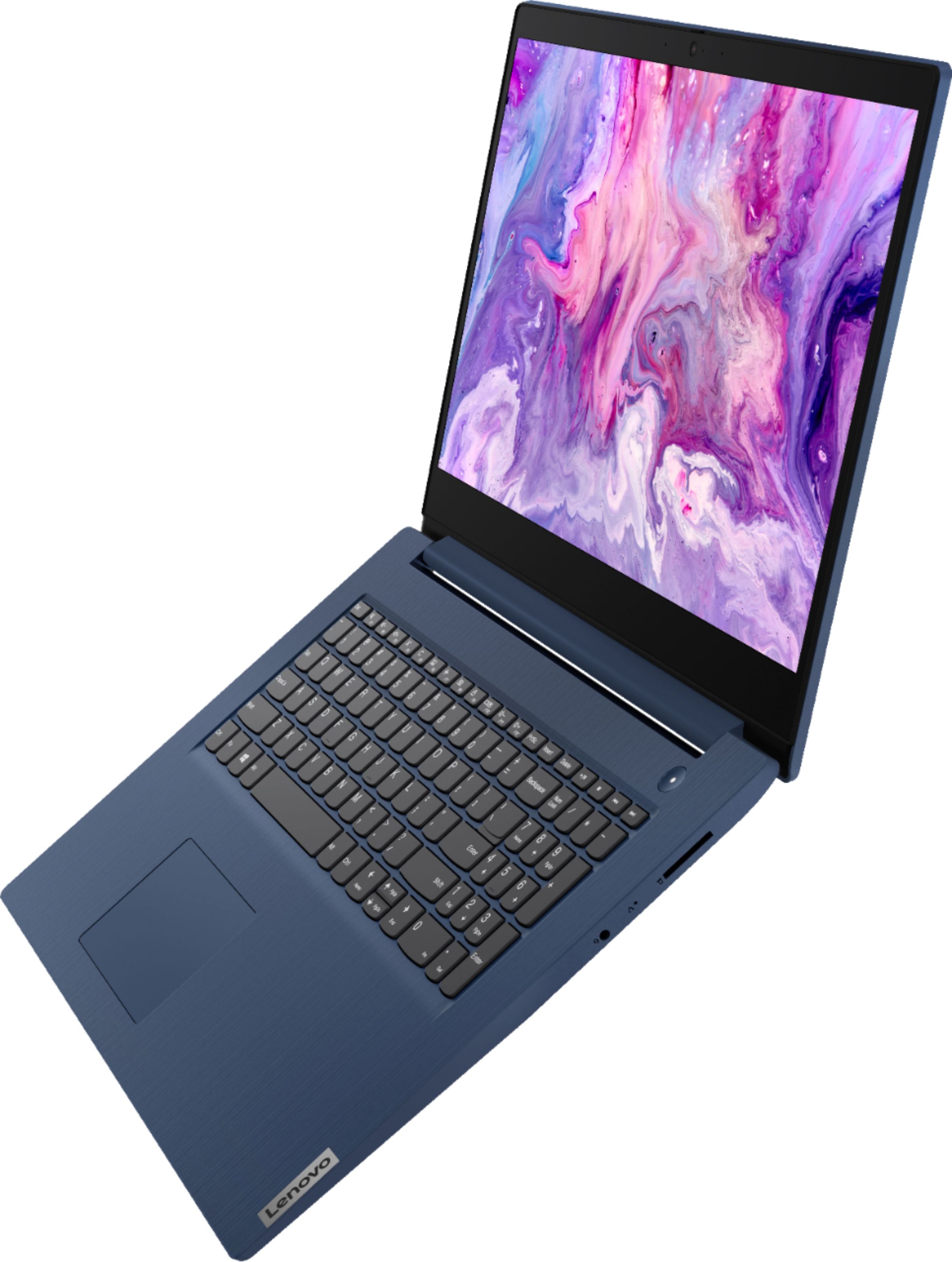
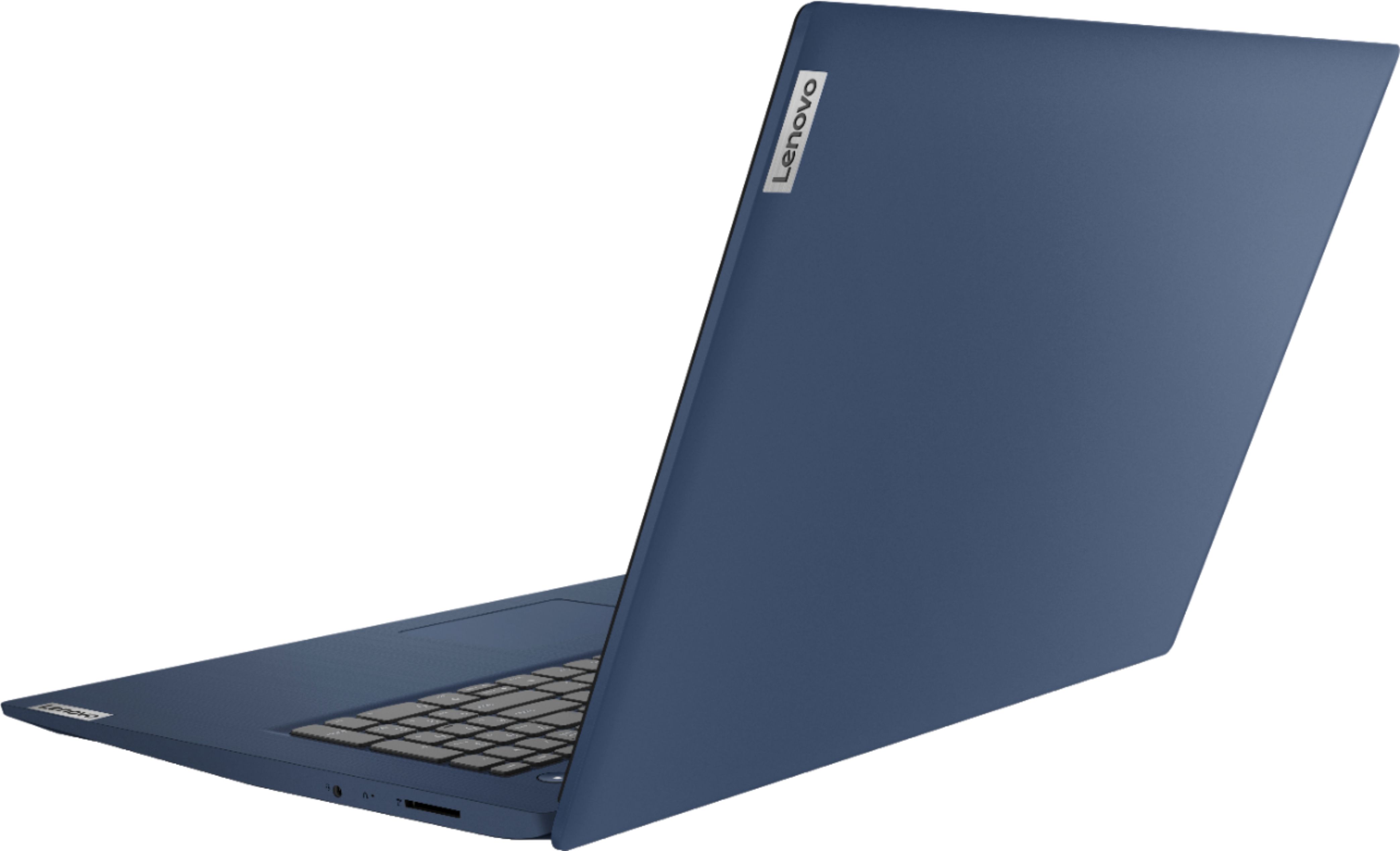
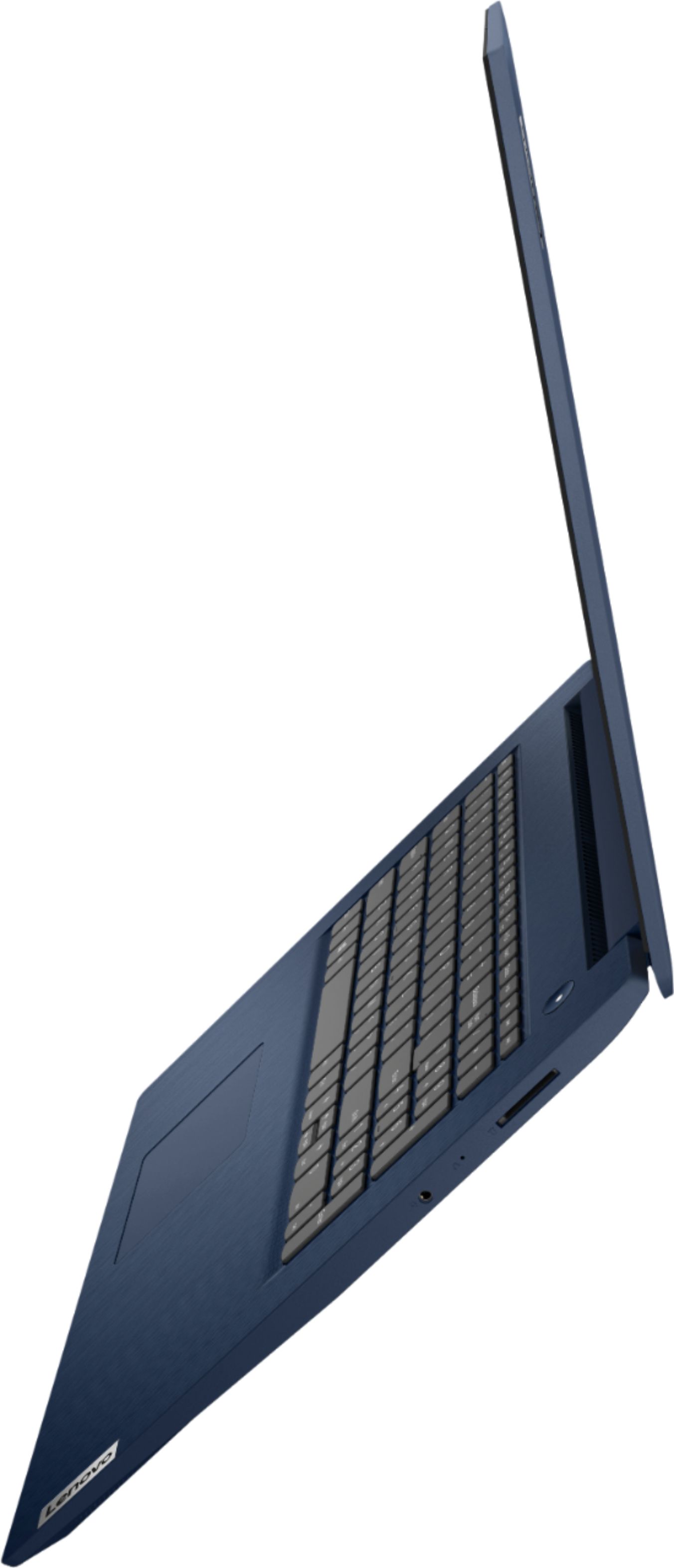
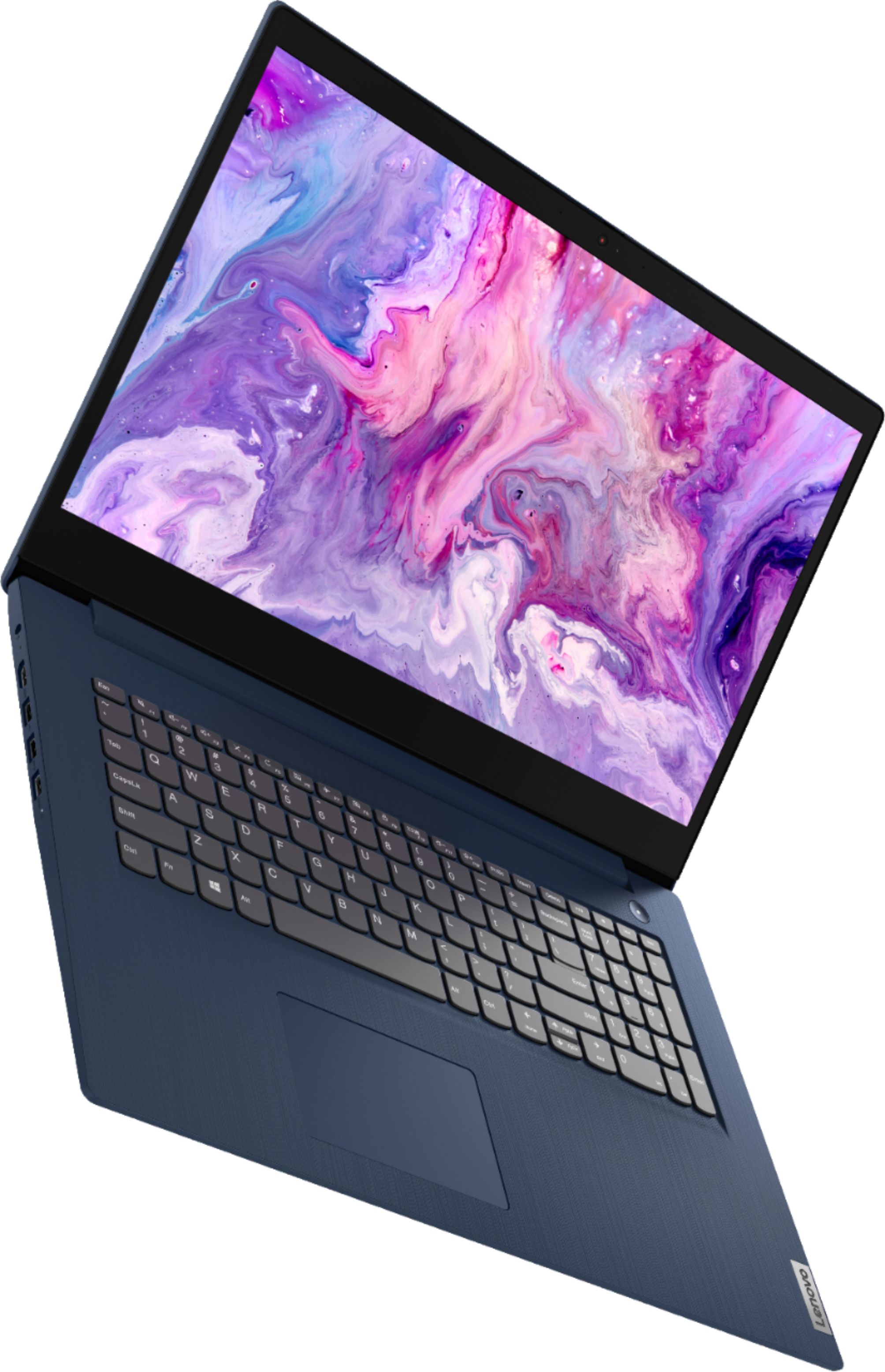
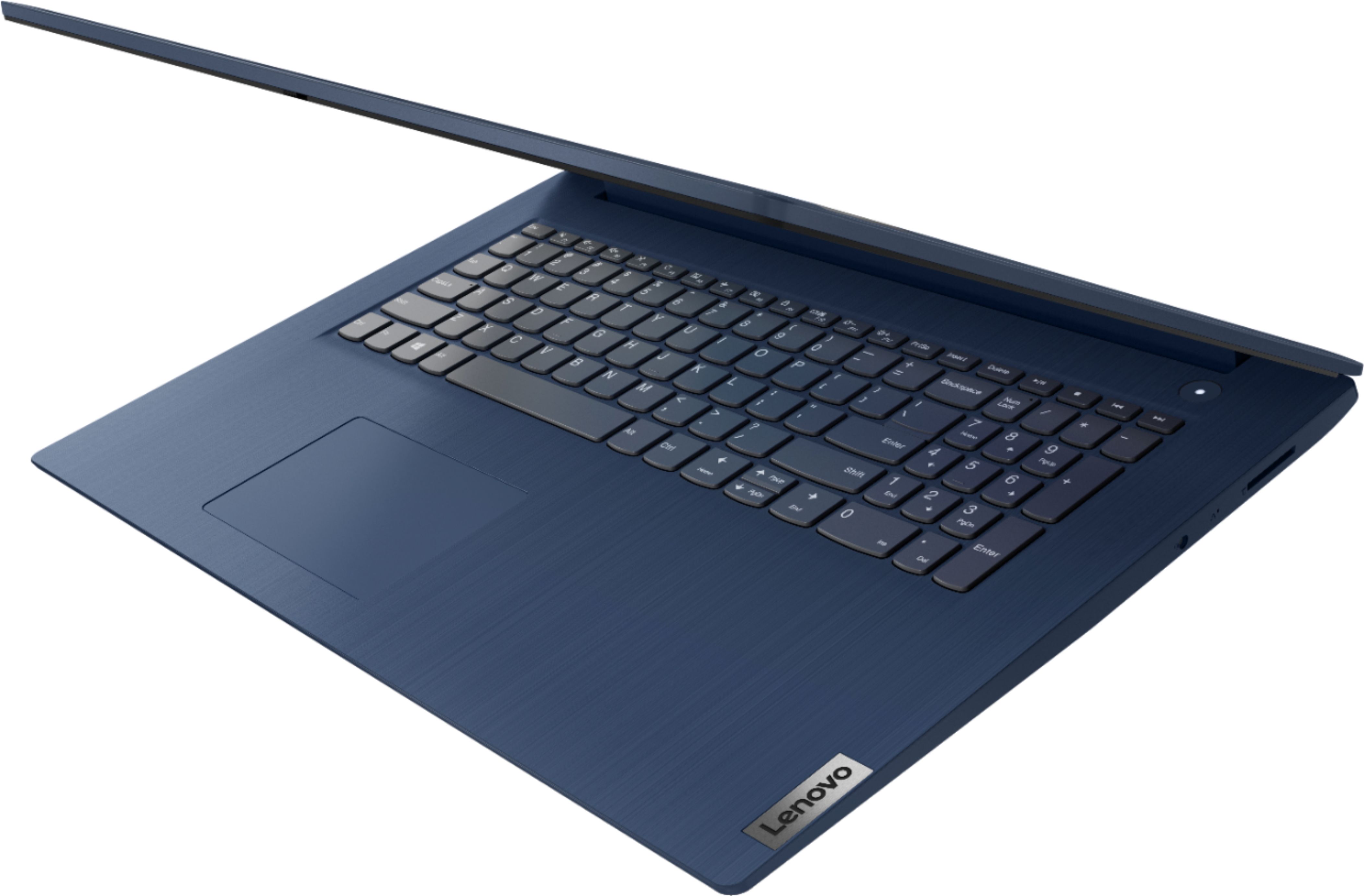
Customers enjoy the large screen, affordable price, and user-friendly nature of the Ideapad 3 17. It is lightweight and suitable for work. However, some users have concerns about its performance, boot time, and battery life.
This summary was generated by AI based on customer reviews.
Lenovo good idea
||Posted . Owned for 5 months when reviewed.This reviewer received promo considerations or sweepstakes entry for writing a review.Good and solid no issues. Would recommend to a friend
I would recommend this to a friendBrand response from Lenovo Product Expert
Posted .Thank you for choosing the Lenovo IdeaPad 3 17 laptop. We are pleased to hear that the IdeaPad 3 17 meets your computing needs so well.

Good !
||Posted . Owned for 1.5 years when reviewed.This reviewer received promo considerations or sweepstakes entry for writing a review.Very good ! Very good ! Very good ! Very good !!!!!
I would recommend this to a friendPleasantly High cost/value ratio
||Posted .This reviewer received promo considerations or sweepstakes entry for writing a review.Happily, both computers i purchased have functioned flawlessly. I have been pleasantly surprised by its intuitive nature, and excellent cost/benefit ratio. Open box computers from best buy have been excellent purchases for my business in the past as well.
I would recommend this to a friendBrand response from Lenovo Product Expert
Posted .Thank you for choosing the Lenovo IdeaPad 3 17 Laptops for your business. We are pleased to hear that the IdeaPad 3 17 laptops meet your business computing needs so well.
- Cons mentioned:Speed
Slow system
||Posted . Owned for 1.5 years when reviewed.This reviewer received promo considerations or sweepstakes entry for writing a review.System is SLOW always has been. And continues to be. Haven't used it much because of this.
No, I would not recommend this to a friend Lenovo 17" Notebook
||Posted . Owned for 3 weeks when reviewed.This reviewer received promo considerations or sweepstakes entry for writing a review.light weight with a large screen. A bit slow on boot up
I would recommend this to a friendBrand response from Lenovo Product Expert
Posted .The Lenovo IdeaPad 3 17 Laptop, model number 81WF004CUS, will boot from off to the Windows 10 Desktop Screen in less than 40-seconds. If you are experiencing slower boot times, even if you have switched out of S-Mode, be sure any software you installed is compatible with Windows 10. There is no need to install Microsoft Office software. The software is already part of the operating system, you just need to activate the software with a purchased product key. If you have installed a copy of Microsoft Office, this is conflicting with the existing copy on the system and this will slow your system down. If you have installed a 3rd party anti-virus program, be sure that Windows Defender is turned off and that the trial version of McAfee Anti-Virus software is uninstalled. There can only be one anti-virus program on the system. You may need to restore your system to original factory default settings if any of the programming errors have occurred. You can do that by typing "restore" in the Cortana search window. Just click on the magnifying glass icon at the bottom left of your Windows 10 Desktop. Click on "Reset This PC" Then click on "Get Started" and follow the on screen directions to restore to factory defaults. If the problem persists, we recommend you contact Lenovo Tech Support at: 877-453-6686.
- Pros mentioned:Large screen
Good Purchase
||Posted . Owned for 1 month when reviewed.This reviewer received promo considerations or sweepstakes entry for writing a review.Fast pickup time. Large screen system worked pretty fast.
I would recommend this to a friendBrand response from Lenovo Product Expert
Posted .Thank you for choosing the Lenovo IdeaPad 3 17 laptop, model number 81WF004CUS. We are pleased to hear that the IdeaPad 3 17 is working out so well for you.
Lenovo laptop
||Posted .This reviewer received promo considerations or sweepstakes entry for writing a review.So many hours spent online/ on the phone with the Geek Squad trying to install my printer. Had to buy a new printer then hours online/ on the phone with Geek Squad to install my new printer/ get Google Chrome working. Still problems with google meet. Feeling frustrated with this laptop. Maybe it was a good buy just not sure yet
No, I would not recommend this to a friendBrand response from Lenovo Product Expert
Posted .We are sorry to hear that you are having issues with the Lenovo IdeaPad 3 17 Laptop, model number 81WF004CUS. This model ships with Windows 10 S-Mode 64-bit Operating System. Windows 10 S-Mode provides added security by only allowing APPs available ( and therefore certified by Microsoft) at the Microsoft Store. If you don't need the added security or you need to install APPs not available at the Microsoft Store, you can switch to standard Windows 10 Home 64-bit Operating System, at no additional cost. Be sure the APPs you want to use and any peripheral devices you want to connect to this computer are compatible with Windows 10 S-Mode, if not, you may need to switch out of S-Mode to Windows 10 Home 64-bit Operating System for free. Here is a link to instructions for switching from Windows 10 S-Mode to Windows 10 Home: https://support.microsoft.com/en-us/help/4456067/windows-10-switch-out-of-s-mode
Nice working laptop
||Posted . Owned for 1 month when reviewed.This reviewer received promo considerations or sweepstakes entry for writing a review.Very reliable laptop and professional work product.
I would recommend this to a friendBrand response from Lenovo Product Expert
Posted .Thank you for choosing the Lenovo IdeaPad 3 17 laptop. We are pleased to hear that the IdeaPad 3 17 meets your computing needs so well.
- Pros mentioned:Easy to use
Oh no
||Posted .This reviewer received promo considerations or sweepstakes entry for writing a review.Nice and easy to use would recommend it to others.
I would recommend this to a friend - Pros mentioned:Easy to use
Enjoying the Experience.
||Posted . Owned for 1 month when reviewed.This reviewer received promo considerations or sweepstakes entry for writing a review.Love it! So far, I am enjoying how easy it is to use and all the help that comes with it. So much faster than my old Dell that I had for years with few updates available. Just getting started using this computer, but I am enjoying the experience.
I would recommend this to a friendBrand response from Lenovo Product Expert
Posted .Thank you for choosing the Lenovo IdeaPad 3 17 laptop. We are pleased to hear that the performance of the IdeaPad 3 17 meets your computing needs so well.
- Pros mentioned:Large screen
Great computer for the price!
||Posted . Owned for 1 month when reviewed.This reviewer received promo considerations or sweepstakes entry for writing a review.I have been looking for a new laptop to replace my 7 year old one. This lap top was a good bargain. Lots if memory. this laptop does everything I want one to do. Its very vast. The larger screen is great for watching movies or playing games. I love it!
I would recommend this to a friendBrand response from Lenovo Product Expert
Posted .Thank you for choosing the Lenovo IdeaPad 3 17 Laptop. We are pleased to hear that the value, features and performance of the IdeaPad 3 17 meets your computing needs so well.
- Pros mentioned:Large screen
Lenovo 3 17 review
||Posted . Owned for 1 month when reviewed.This reviewer received promo considerations or sweepstakes entry for writing a review.Bought two of these to replace aging reman units. Nice, clear, large screen, and solid keyboard "feel" for my tweens. Great for schoolwork, elearning, Zoom and Canvas sessions. (The new norm I guess)... all told, this is a solid, updated great machine.
I would recommend this to a friendBrand response from Lenovo Product Expert
Posted .Thank you for choosing the Lenovo IdeaPad 3 17 Laptops for your children. We are pleased to hear that the IdeaPad 3 17 is working out so well for your children. We appreciate your loyalty to the IdeaPad 3 17 Laptops and the Lenovo Brand.
- Cons mentioned:Speed
Sam
||Posted .This reviewer received promo considerations or sweepstakes entry for writing a review.To slow, haven't gotten window 11 yet on this computer, still on window 10. The computer keeps telling window 11 will arrived, nothing from since I bought it. The fingerprint works well, it is a beauty and is very light to hold. I have a bit of trouble not knowing where the S mode is at. This computer can be improved, but you have to wait until the warranty period is up.
No, I would not recommend this to a friend - Pros mentioned:Large screen
Lenovo 17 .5 Idea pad 3. slim
||Posted . Owned for 1 month when reviewed.This reviewer received promo considerations or sweepstakes entry for writing a review.The Lenovo Idea pad 3 17 17in. I recommend to everyone..Works fast..I love the slim model and the widescreen ...Makes creating websites really great... I love using Microsoft Edge.. and I plan to purchase 2 more very soon for personal and gifts..
I would recommend this to a friendBrand response from Lenovo Product Expert
Posted .Thank you for choosing the Lenovo IdeaPad 3 17 Laptop, model number 81WF004CUS. We are pleased to hear that the IdeaPad 3 17 is working out so well for you.
Nice device
||Posted . Owned for 1 month when reviewed.This reviewer received promo considerations or sweepstakes entry for writing a review.So far I like and feel really comfortable using this new laptop, which replaced my dying HP Pavillion laptop. Only problem i have is that Geek squad person put an account on it and i can't figure out how to get it off. And having my old laptop to transfer to this new laptop, the programs were not transferred.
I would recommend this to a friendBrand response from Lenovo Product Expert
Posted .Thank you for choosing the Lenovo IdeaPad 3 17 Laptop, model number 81WF004CUS. Here is a link to instructions for adding/removing an account within Windows 10: https://support.microsoft.com/en-us/windows/add-or-remove-accounts-on-your-pc-104dc19f-6430-4b49-6a2b-e4dbd1dcdf32. Here is a link to Lenovo Migration Assistant software to help you easily transfer files from your old computer to your new one: https://www.lenovo.com/us/en/software/lenovomigrationassistant/
- Cons mentioned:Performance
Its ok for web browsing only
||Posted .This reviewer received promo considerations or sweepstakes entry for writing a review.Overall design is ok, Kinda flimsy and plasticky though. Performance isn't there, thought it would have an SSD, comes with a HDD which makes it slower than other laptops in the market. Windows 10 S is a joke, cant do anything with it. Good thing you can switch it off.
No, I would not recommend this to a friendBrand response from Lenovo Product Expert
Posted .The Lenovo IdeaPad 3 17 Laptop, model number 81WF004CUS is a fast configuration with its 4-Core/8-Thread Intel Core i5-1035G1 processor and 8GB DDR4-2666MHz RAM. This system will boot from off to the Windows 10 Desktop Screen in less than 40-seconds. This model ships with Windows 10 S-Mode 64-bit Operating System. Windows 10 S-Mode provides added security by only allowing APPs available ( and therefore certified by Microsoft) at the Microsoft Store. If you don't need the added security or you need to install APPs not available at the Microsoft Store, you can switch to standard Windows 10 Home 64-bit Operating System, at no additional cost. Here is a link to instructions for switching from Windows 10 S-Mode to Windows 10 Home: https://support.microsoft.com/en-us/help/4456067/windows-10-switch-out-of-s-mode
- Pros mentioned:Large screen
Huge screen and excellent laptop
||Posted . Owned for 1 month when reviewed.This reviewer received promo considerations or sweepstakes entry for writing a review.My wife needed a replacement for her aging laptop. She was delighted that I purchased this for her. The screen is huge and it fits her needs and intended usage perfectly. VERY happy with this purchase. And Best Buy made it so easy.
I would recommend this to a friendBrand response from Lenovo Product Expert
Posted .Thank you for choosing the Lenovo IdeaPad 3 17 Laptop for your wife. We are pleased to hear that the features and performance of the IdeaPad 3 17 meets your wife's computing needs so well.
- Cons mentioned:Speed
Slow w Mediocre display
||Posted . Owned for 3 weeks when reviewed.This reviewer received promo considerations or sweepstakes entry for writing a review.Soooooper slow much of the time, Maybe because there’s not enough ram, Displays Big but kind of cloudy-ish
No, I would not recommend this to a friendBrand response from Lenovo Product Expert
Posted .This Lenovo IdeaPad 3 17 laptop, model number 81WF004CUS, ships with Windows 10 S-Mode, 64-bit Operating System installed. Windows 10 S-Mode provides added security by only allowing APPs available ( and therefore certified by Microsoft) at the Microsoft Store. If you don't need the added security or you need to install APPs not available at the Microsoft Store, you can switch to standard Windows 10 Home 64-bit Operating System, at no additional cost. Even if you have switched out of S-Mode, be sure any software you installed is compatible with Windows 10, as incompatible software will slow down the laptop performance. There is no need to install Microsoft Office software. The software is already part of the operating system, you just need to activate the software with a purchased product key. If you have installed a copy of Microsoft Office, this is conflicting with the existing copy on the system and this will slow your system down. If you have installed a 3rd party anti-virus program, be sure that Windows Defender is turned off and that the trial version of McAfee Anti-Virus software is uninstalled. There can only be one anti-virus program on the system. Here is a link to instructions for uninstalling McAfee from a Windows computer: https://service.mcafee.com/?articleId=TS101331&page=shell&shell=article-view You may need to restore your system to original factory default settings if any of the programming errors have occurred. You can do that by typing "restore" in the Cortana search window. Just click on the magnifying glass icon at the bottom left of your Windows 10 Desktop. Click on "Reset This PC" Then click on "Get Started" and follow the on screen directions to restore to factory defaults. This model configuration ships with a 17.3 inch (screen size measured diagonally) TN - HD+ (1600x900) screen, with a brightness level of 250 nits and has an Anti-glare Coating. If you are getting less than expected screen image clarity, check to be sure you are using the recommended screen resolution. Here is a link to instructions for checking your screen resolution within Windows 10: https://support.microsoft.com/en-us/windows/view-display-settings-in-windows-37f0e05e-98a9-474c-317a-e85422daa8bb. If the problem persists, we recommend you contact Lenovo Tech Support at: 877-453-6686.
- Cons mentioned:Performance
Not Impressed
||Posted . Owned for 8 months when reviewed.This reviewer received promo considerations or sweepstakes entry for writing a review.I was hoping for so much more. Okay computer but underwhelming. Doubt if I'd purchase another.
No, I would not recommend this to a friend - Cons mentioned:Speed
Would not recommend
||Posted . Owned for more than 2 years when reviewed.This reviewer received promo considerations or sweepstakes entry for writing a review.A complete piece of junk. Super slow. Used it for less than a year.
No, I would not recommend this to a friend