Customer Ratings & Reviews

- Model:
- 81WF004CUS
- SKU:
- 6449490
Rating by feature
- Battery Life
Rating 3.8 out of 5 stars
- Speed
Rating 3.2 out of 5 stars
- Display
Rating 3.9 out of 5 stars
Customers are saying
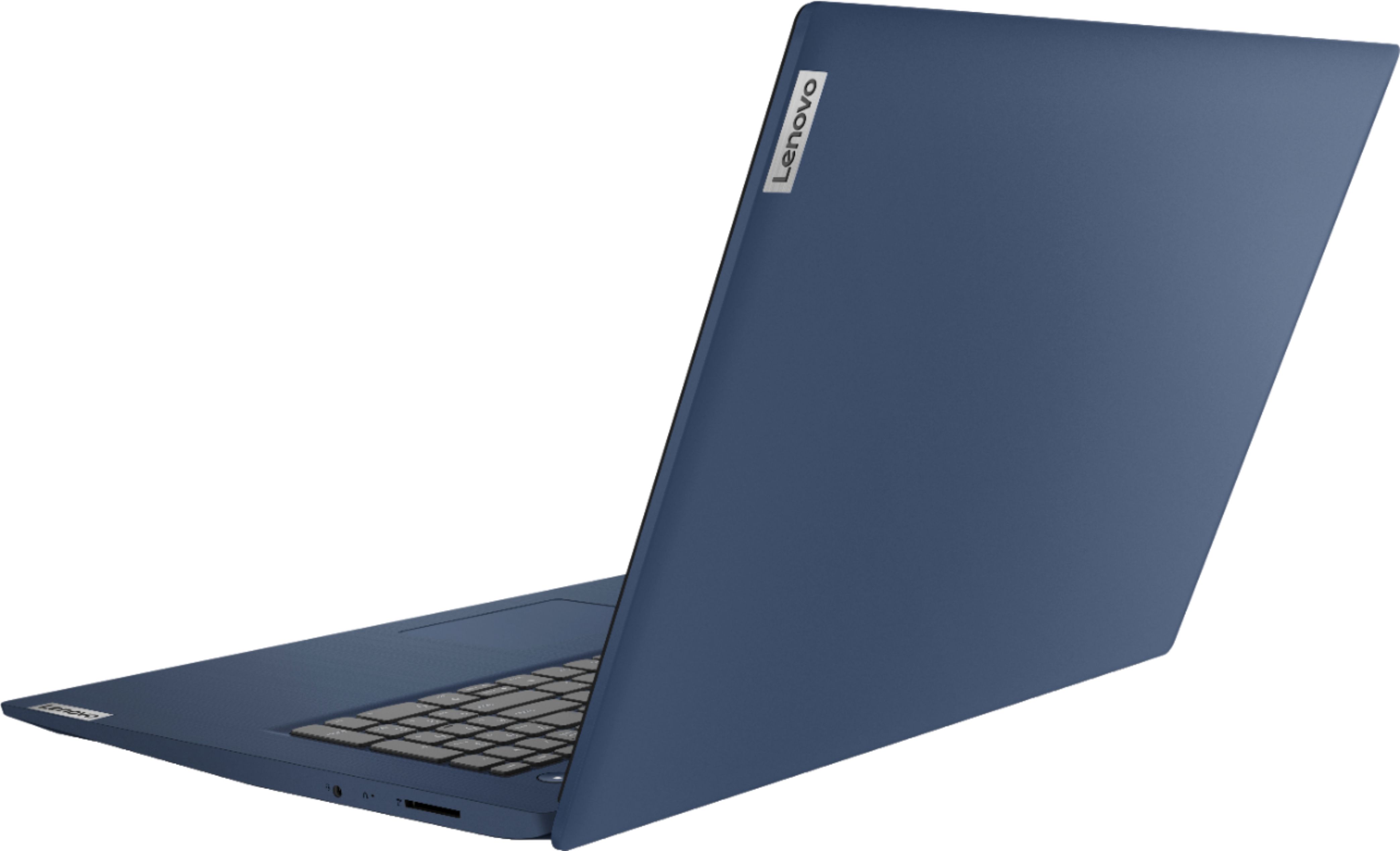
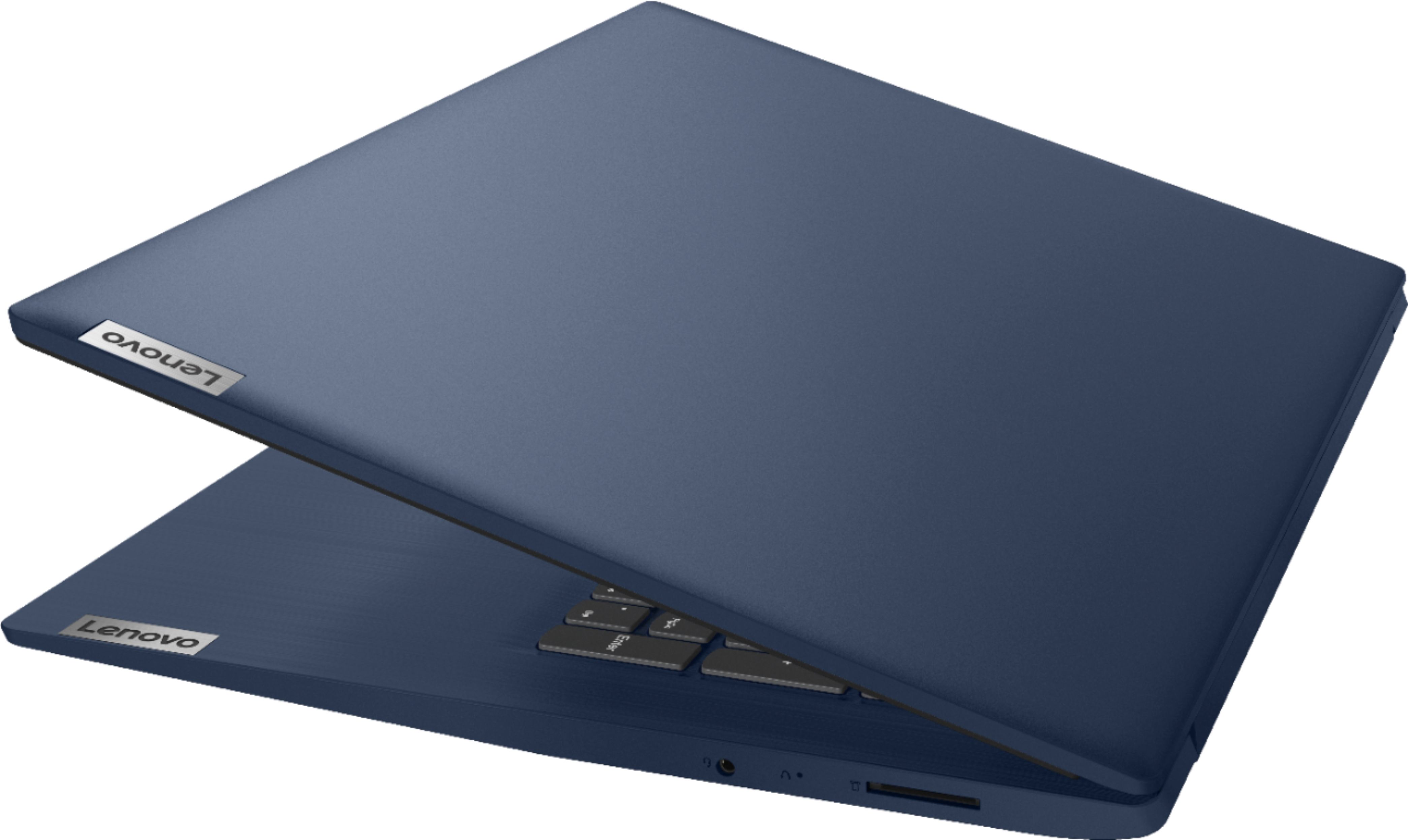
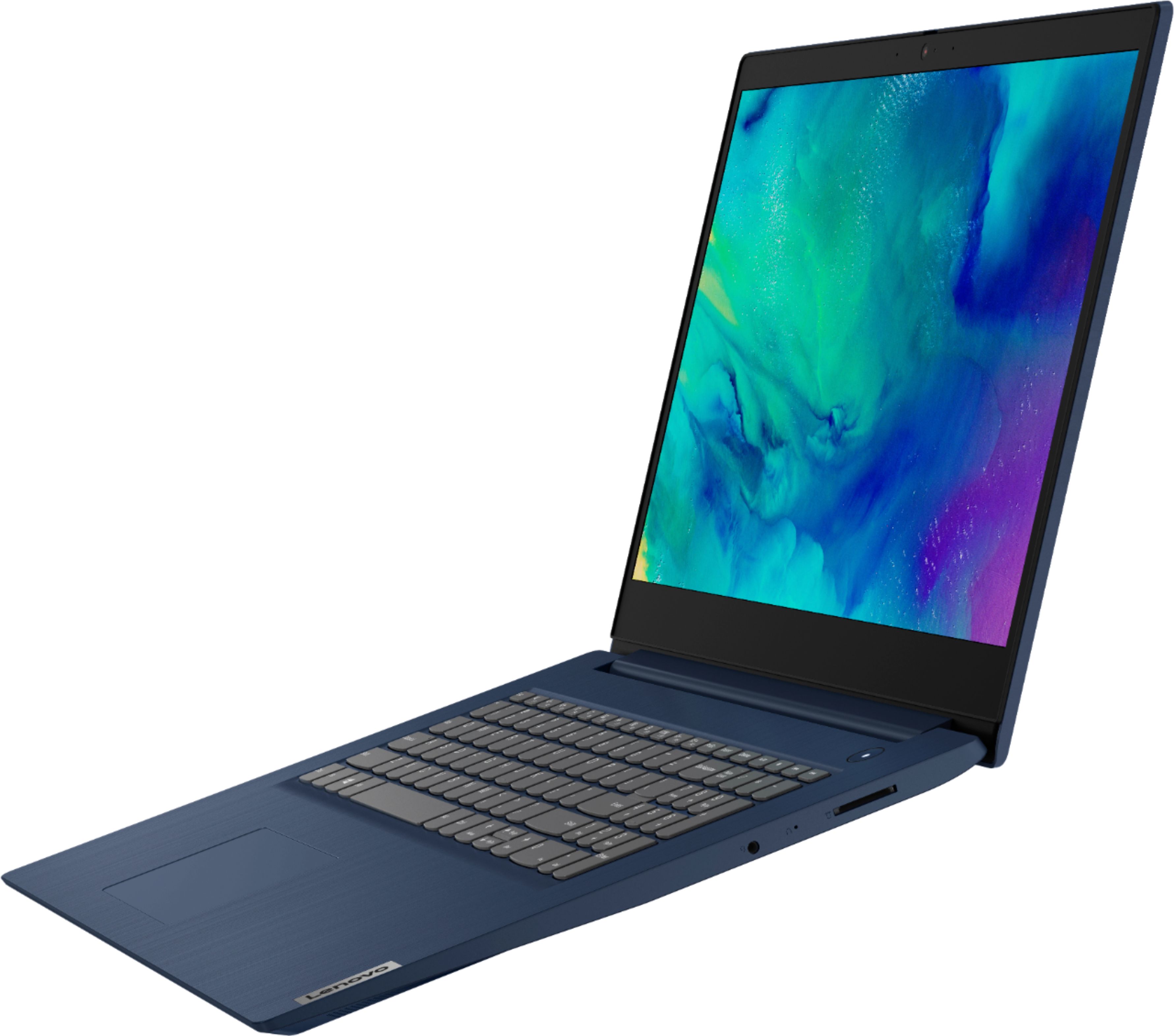
Customers enjoy the large screen, affordable price, and user-friendly nature of the Ideapad 3 17. It is lightweight and suitable for work. However, some users have concerns about its performance, boot time, and battery life.
This summary was generated by AI based on customer reviews.
Good computer for the money
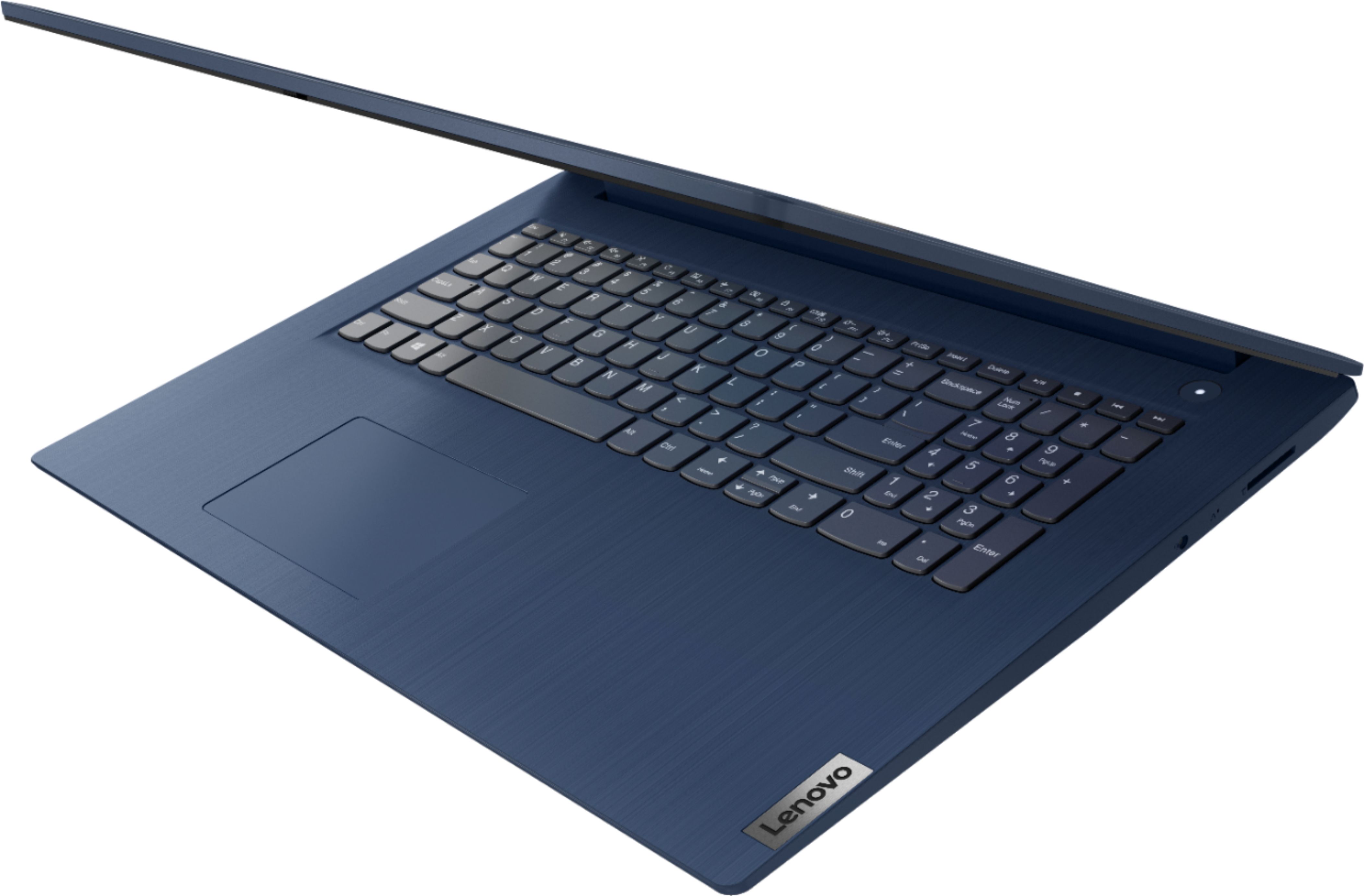
||Posted . Owned for 1 month when reviewed.This reviewer received promo considerations or sweepstakes entry for writing a review.I like my Lenovo computer very much but I wish it had separate 'left and right click' buttons instead of one large cursor one that includes everything. Sometimes the cursor moves when I'm getting ready to click. Also, sometimes the screen disappears when I don't want it to.
I would recommend this to a friendBrand response from Lenovo Product Expert
Posted .Thank you for choosing the Lenovo IdeaPad 3 17 Laptop. You can make adjustments to the touchpad in your system settings. You can get there by clicking on the magnifying glass at the bottom left of your Windows 10 screen. Type "touchpad" in the search window. Select "Mouse & touchpad settings" from the list of choices. You can make general adjustments to the touchpad there. You can also select "Additional mouse options" for more detailed adjustments to the touchpad sensitivity by increasing the delay of the touchpad.

- Cons mentioned:Speed
Slow
||Posted . Owned for 3 months when reviewed.This reviewer received promo considerations or sweepstakes entry for writing a review.Very slow doesn't load things very quickly The setup of the computer is nice it just processes very slow
No, I would not recommend this to a friendBrand response from Lenovo Product Expert
Posted .We are very sorry that you are experiencing slower boot up times with your device. Please be sure any software you installed is compatible with the Windows operating system. There is no need to install Microsoft Office software. The software is already part of the operating system, you just need to activate the software with a purchased product key. If you have installed a copy of Microsoft Office, this is conflicting with the existing copy on the system and this will slow your system down. If you have installed a 3rd party anti-virus program, be sure that Windows Defender is turned off and that the trial version of McAfee Anti-Virus software is uninstalled. There can only be one anti-virus program on the system. You may need to restore your system to original factory default settings if any of the programming errors have occurred. You can do that by typing "restore" in the Windows search bar. Click on "Reset This PC" Then click on "Get Started" and follow the on-screen directions to restore to factory defaults. If the problem persists, we recommend you contact Lenovo Tech Support at: 877-453-6686.
- Cons mentioned:Performance
Screen could be much, much better.
||Posted . Owned for 2 weeks when reviewed.This reviewer received promo considerations or sweepstakes entry for writing a review.It’s not a bad laptop, but it isn’t that good either… I got it 100 off for $530 and ended up returning it. The thing is one of the main reasons I got this was for the 17 inch screen, and I’m honestly far from picky but the screen on this is a TN panel and 900p, just not good by today’s standards. A little laggy starting up but once it gets working does decent enough,
No, I would not recommend this to a friendBrand response from Lenovo Product Expert
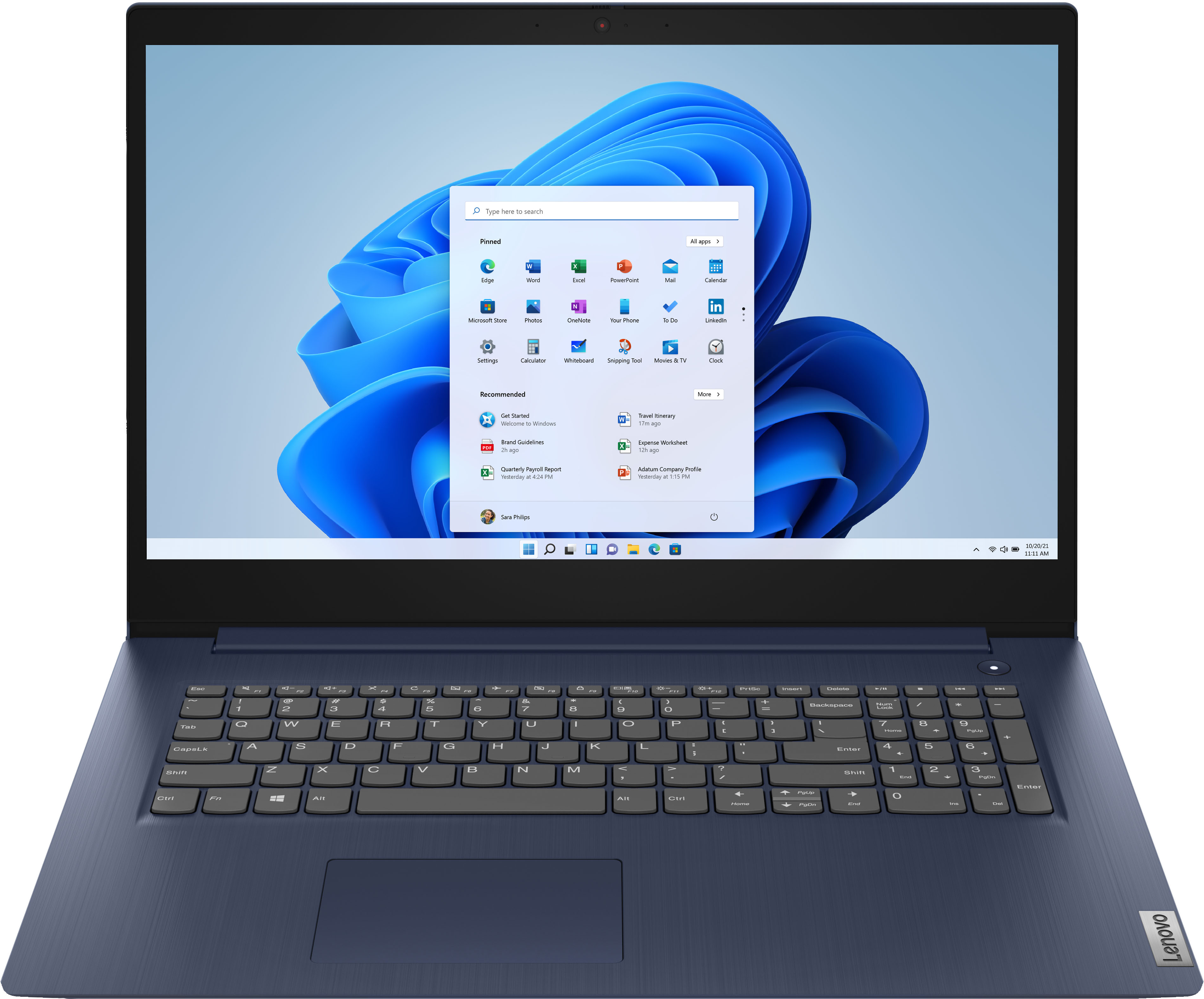
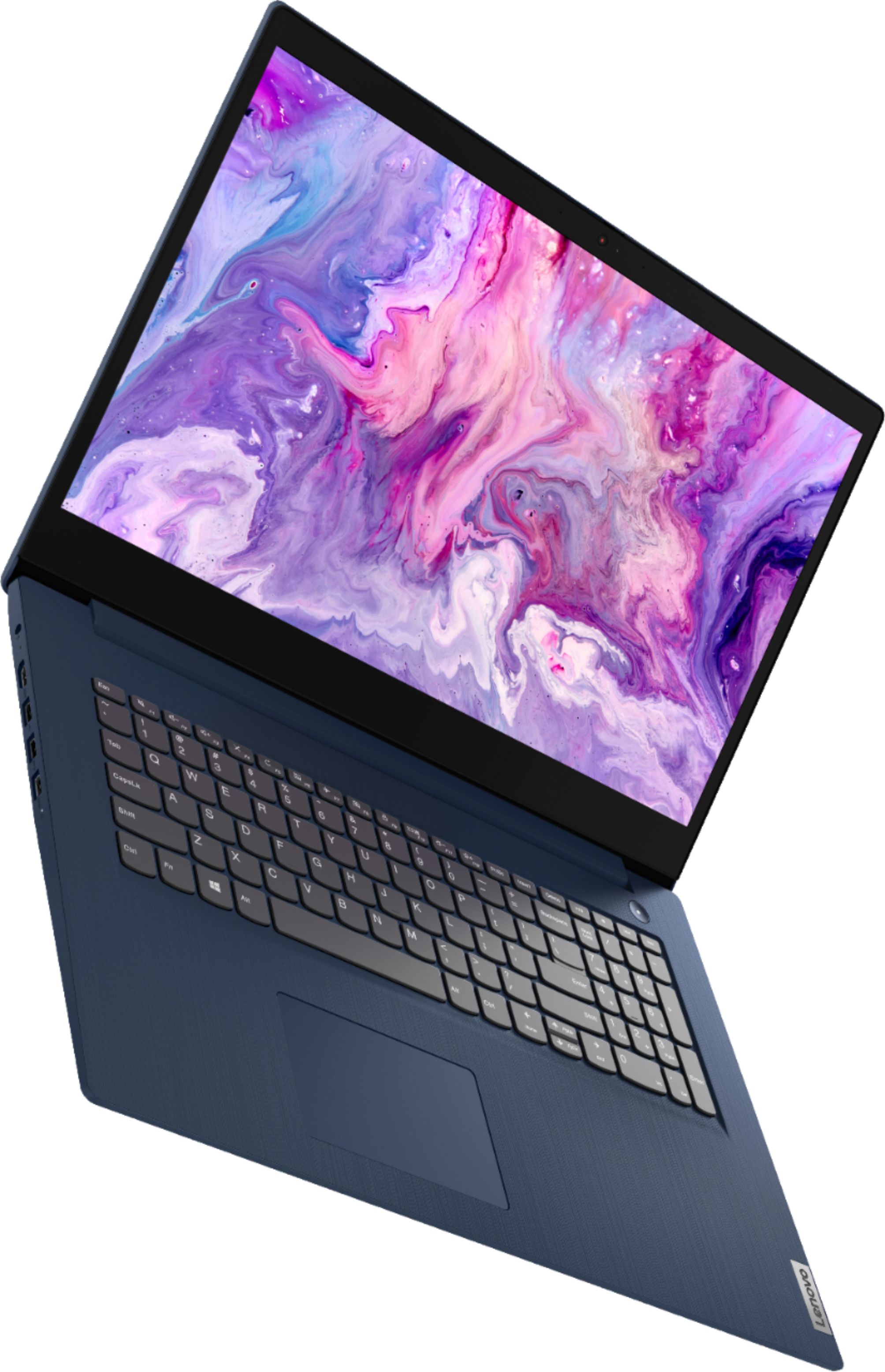
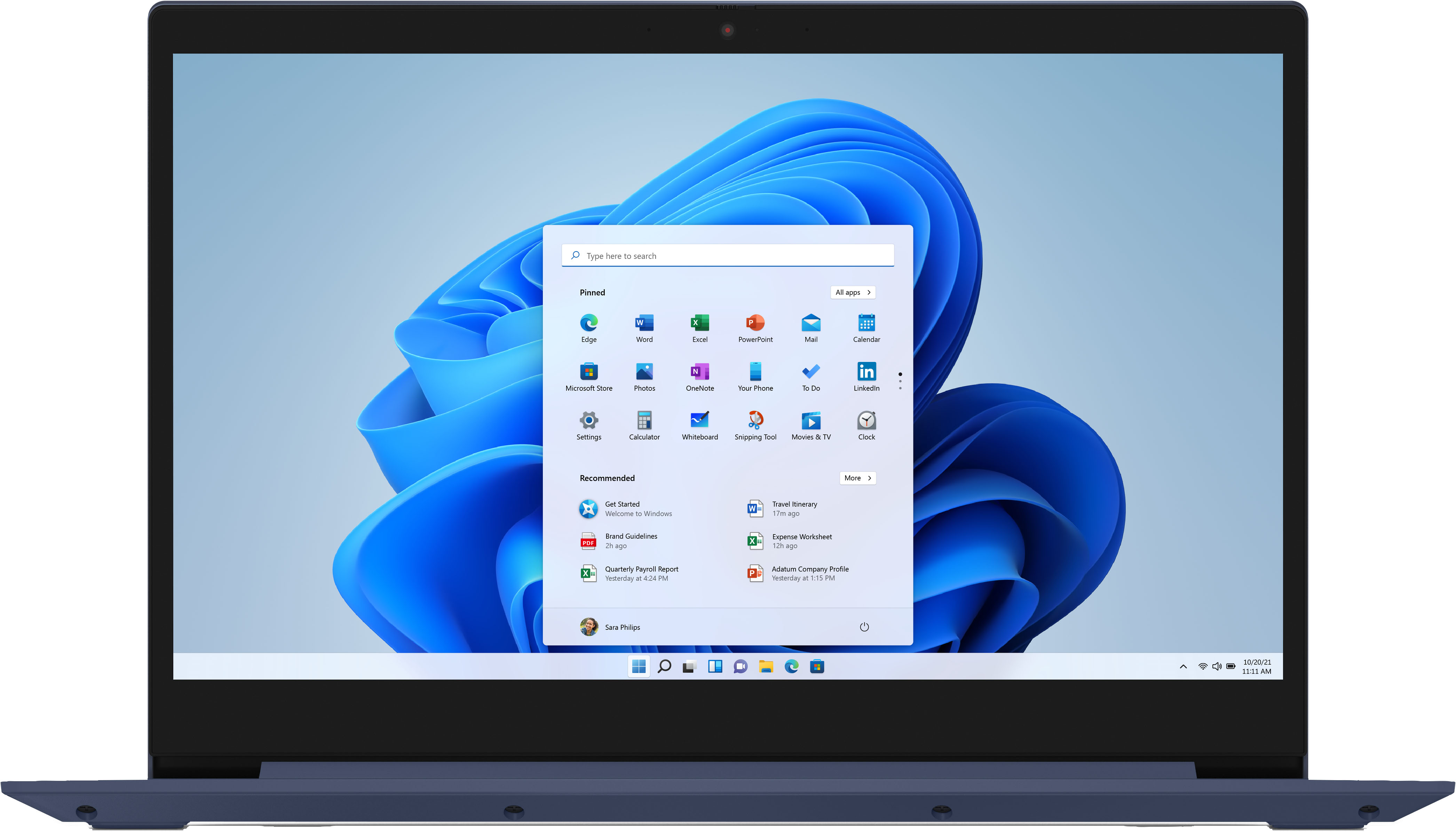
Posted .The Lenovo IdeaPad 3 17 Laptop, model number 81WF004CUS, ships with a 17.3 inch (screen size measured diagonally) TN - HD+ (1600x900) screen, with a brightness level of 250 nits and has an Anti-glare coating.
- Cons mentioned:Boot time
Good machine but the standard sata drive is poor
||Posted . Owned for 3 weeks when reviewed.This reviewer received promo considerations or sweepstakes entry for writing a review.The hard drive in the base model performs poorly. Upgrading to an ssd made it a worthwhile device
I would recommend this to a friend - Cons mentioned:Speed
Lenovo Ideapad
||Posted . Owned for 1 month when reviewed.This reviewer received promo considerations or sweepstakes entry for writing a review.Overall a decent product. It ran slower than I wanted so I returned this to purchase a faster computer.
I would recommend this to a friend Don’t go too cheap
||Posted . Owned for 9 months when reviewed.This reviewer received promo considerations or sweepstakes entry for writing a review.I like Lenovo computers but this one had issues from the start. The Geek Squad ended up having to replace the hard drive and now it runs perfectly fine and up to speed. I just do not care for the keyboard. I like the one on my older Lenovo.
I would recommend this to a friend- Cons mentioned:Speed
TLDR; horrible for price, skip
||Posted . Owned for less than 1 week when reviewed.This reviewer received promo considerations or sweepstakes entry for writing a review.TL, DR: Insanley slow, even for its price point. Horrible screen; looks incredibly white washed out; like the brightness is always cranked to 100%, even when its set to low. I'm aware it doesn't have amazing specs, but it took me 10 minutes to go from boot to opening chrome. 10 minutes is insane to simply check my email. It got overwhelmed when I opened another tab in Chrome as well, all processes coming to a standstill for another 5 minutes. Hard pass. This should have a 200 GB SSD, would solve many problems.
No, I would not recommend this to a friendBrand response from Lenovo Product Expert
Posted .The Lenovo IdeaPad 3 17 Laptop, model number 81WF004CUS, will boot from off to the Windows 10 Desktop Screen in less than 40-seconds. This configuration ships with Windows 10 S-Mode 64-bit Operating System. Windows 10 S-Mode provides added security by only allowing APPs available ( and therefore certified by Microsoft) at the Microsoft Store. If you don't need the added security or you need to install APPs not available at the Microsoft Store, you can switch to standard Windows 10 Home 64-bit Operating System, at no additional cost. Even if you have switched out of S-Mode, be sure any software you installed is compatible with Windows 10. There is no need to install Microsoft Office software. The software is already part of the operating system, you just need to activate the software with a purchased product key. If you have installed a copy of Microsoft Office, this is conflicting with the existing copy on the system and this will slow your system down. If you have installed a 3rd party anti-virus program, be sure that Windows Defender is turned off and that the trial version of McAfee Anti-Virus software is uninstalled. There can only be one anti-virus program on the system. You may need to restore your system to original factory default settings if any of the programming errors have occurred. You can do that by typing "restore" in the Cortana search window. Just click on the magnifying glass icon at the bottom left of your Windows 10 Desktop. Click on "Reset This PC" Then click on "Get Started" and follow the on screen directions to restore to factory defaults. If the problem persists, we recommend you contact Lenovo Tech Support at: 877-453-6686.
- Cons mentioned:Speed
Nothing but issues.
||Posted . Owned for 1 year when reviewed.This reviewer received promo considerations or sweepstakes entry for writing a review.I've had nothing but issues with this laptop from day one. When we first purchased this unit, it was slow. It didn't seem like it was that bad until after only a couple of weeks of use. It started chugging... and chugging... and chugging. We didn't need it that much, so we simply tolerated these issues. Checking the processed showed that the hard disk was at 100% use for almost 20 minutes every time you started the computer. It wasn't until we actually needed the unit that I dug in and started troubleshooting. I was never able to get the issue resolved until finally we upgraded to Windows 11. That fixed our issues, hooray! Immediately after upgrading, the screen died, and the laptop not longer starts up properly. 18 months of extremely light use, and we never got this thing properly working. DO NOT BUY, this is a piece of crap.
No, I would not recommend this to a friend Lenovo 17 inch laptop
||Posted . Owned for 3 weeks when reviewed.This reviewer received promo considerations or sweepstakes entry for writing a review.Light weight, easy to see and use of keyboard, perfect screen size for work at home for multiple screens. Good quality and sufficient process, plenty space for storage and average size memory for the price.
I would recommend this to a friendBrand response from Lenovo Product Expert
Posted .Thank you for choosing the Lenovo IdeaPad 3 17 Laptop, model number 81WF004CUS. We are pleased to hear that the features and performance of the IdeaPad 3 17 meets your computing needs so well.
- Pros mentioned:Easy to use
Best laptop for the money!
||Posted . Owned for 1 month when reviewed.This reviewer received promo considerations or sweepstakes entry for writing a review.This is my first laptop of this size. It has not failed to impress! The Lenovo is easy to move through and find what I need. I love that it is password protected and nobody other than myself can open my laptop.
I would recommend this to a friendBrand response from Lenovo Product Expert
Posted .Thank you for choosing the Lenovo IdeaPad 3 17 Laptop. We are pleased to hear that the IdeaPad 3 17 meets your computing needs so well.
- Pros mentioned:Price
Lenovo Ideapad 3 Laptop
||Posted . Owned for less than 1 week when reviewed.This reviewer received promo considerations or sweepstakes entry for writing a review.This was my Best Buy of the year. I saved a ton of money by buying OPEN BOX. Laptop is in great working condition. Came with the original power plug and offered easy set up instructions.
I would recommend this to a friendBrand response from Lenovo Product Expert
Posted .Thank you for choosing the Lenovo IdeaPad 3 17 Laptop. We are pleased to hear that the value, easy setup and performance of the IdeaPad 3 17 meets your computing needs so well.
- Cons mentioned:Speed
Get the job done.
||Posted . Owned for 2 months when reviewed.This reviewer received promo considerations or sweepstakes entry for writing a review.It's slow, but I use it for work, so no huge loss. It gets the job done at a discount price.
I would recommend this to a friend - Pros mentioned:Price
excellent machine at a crazy price.
||Posted . Owned for 2 months when reviewed.This reviewer received promo considerations or sweepstakes entry for writing a review.I really like its design, it is light, it is very complete, it works for almost everything, it works wonderfully in terms of speed and processing, best of all I think that it is the very cheap price.
I would recommend this to a friendBrand response from Lenovo Product Expert
Posted .Thank you for choosing the Lenovo IdeaPad 3 17 Laptop. We are pleased to hear that the value, features and performance of the IdeaPad 3 17 meets your computing needs so well.
- Pros mentioned:Price
crap
||Posted . Owned for 1 month when reviewed.This reviewer received promo considerations or sweepstakes entry for writing a review.its ok not the best but good for internet. If you want something that is cheap i guess
No, I would not recommend this to a friend - Cons mentioned:Speed
Chuck
||Posted . Owned for 1 month when reviewed.This reviewer received promo considerations or sweepstakes entry for writing a review.Start up is slow. Graphics are nice I do like the matte screen anti glare is nice
I would recommend this to a friend - Cons mentioned:Battery life
Good laptop, not great battery life
||Posted . Owned for 3 weeks when reviewed.This reviewer received promo considerations or sweepstakes entry for writing a review.The laptop is nice but the battery didn't last very long so I actually returned the product.
No, I would not recommend this to a friendBrand response from Lenovo Product Expert
Posted .The Lenovo IdeaPad 3 17 Laptop, model number 81WF004CUS, ships with a 3CELL_42WH_INTERNAL, Lithium Polymer Battery, which within this configuration, has a battery life of up to 9 hours, depending on the work the device is performing. If you are getting substantially less battery life, first, set your screen brightness at less than 100-percent - try 80-percent to start with. Then, be sure Battery conservation Mode is turned off. This power management setting should only be used when the laptop is plugged in all the time. It will prolong overall battery life by only charging the battery to 60-percent of capacity. Here is a link to instructions for turning off Battery Conservation Mode: https://support.lenovo.com/us/en/solutions/ht103159. Also check what programs are running in the background on the computer. Be sure only the programs you want running in the background are. These programs will drain the battery. Here is a link to information about how to find out what programs are running in the background on your Windows 10 computer and how to manage them for better system performance: https://www.windowscentral.com/how-prevent-apps-running-background-windows-10. Then, finally, be sure any software you installed is compatible with Windows 10. Incompatible software will drain the battery at a faster rate. There is no need to install Microsoft Office software. The software is already part of the operating system, you just need to activate the software with a purchased product key. If you have installed a copy of Microsoft Office, this is conflicting with the existing copy on the system and this will slow your system down. If you have installed a 3rd party anti-virus program, be sure that Windows Defender is turned off and that the trial version of McAfee Anti-Virus software is uninstalled. There can only be one anti-virus program on the system. You may need to restore your system to original factory default settings if any of the programming errors have occurred. You can do that by typing "restore" in the Cortana search window. Just click on the magnifying glass icon at the bottom left of your Windows 10 Desktop. Click on "Reset This PC" Then click on "Get Started" and follow the on screen directions to restore to factory defaults. If the problem persists, we recommend you contact Lenovo Tech Support at: 877-453-6686.
It was cool until it wasn’t.
||Posted . Owned for 10 months when reviewed.This reviewer received promo considerations or sweepstakes entry for writing a review.Great computer for school work. I didn’t notice until I needed it that the usb connections are not on both sides of the computer. Also the speaker is under the computer so it is starting to make static. Last thing the charger pack is a bit big and the plug doesn’t fold in so when I take it with me to travel the prongs are hard to accommodate. Oh and no usb c port
No, I would not recommend this to a friendBrand response from Lenovo Product Expert
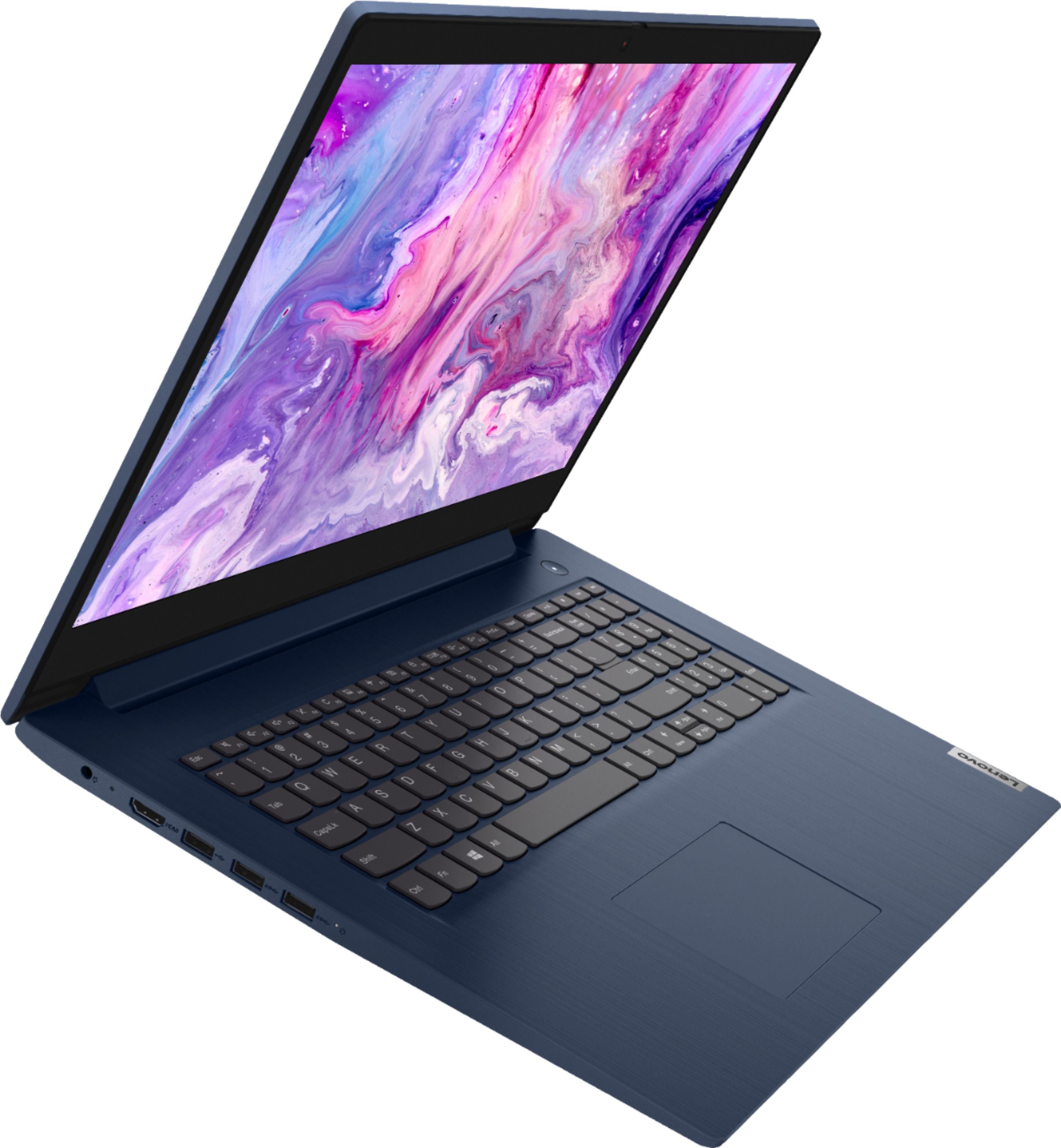
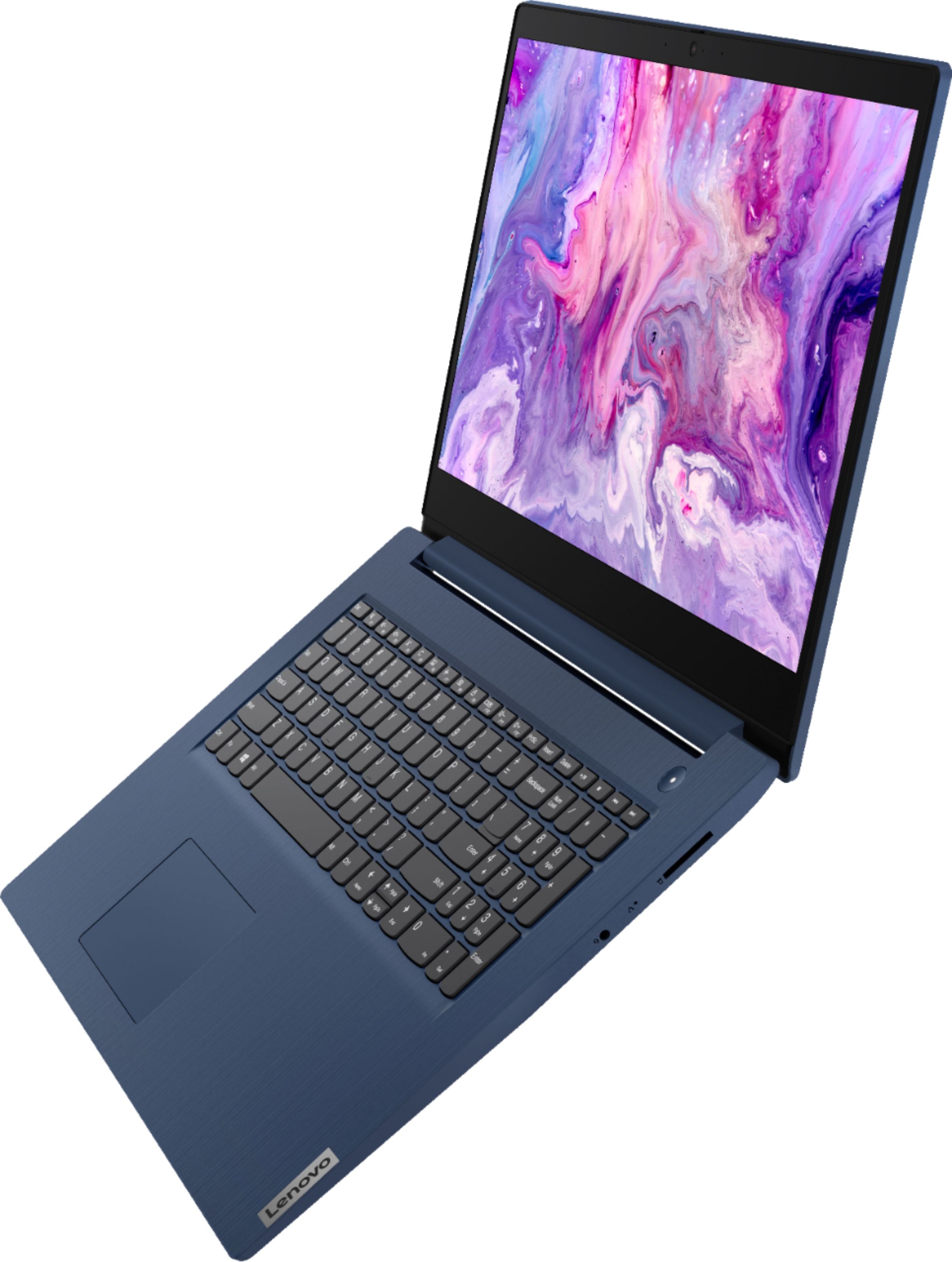
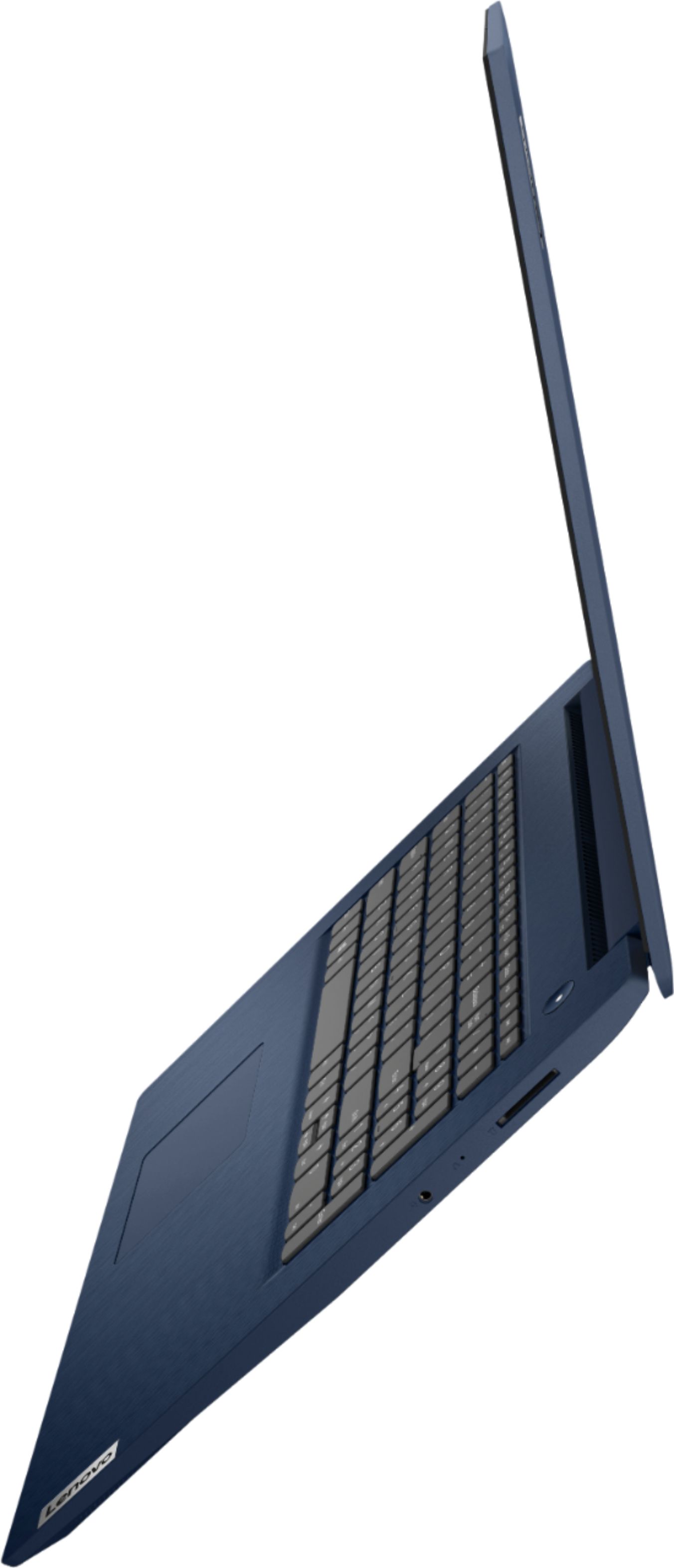
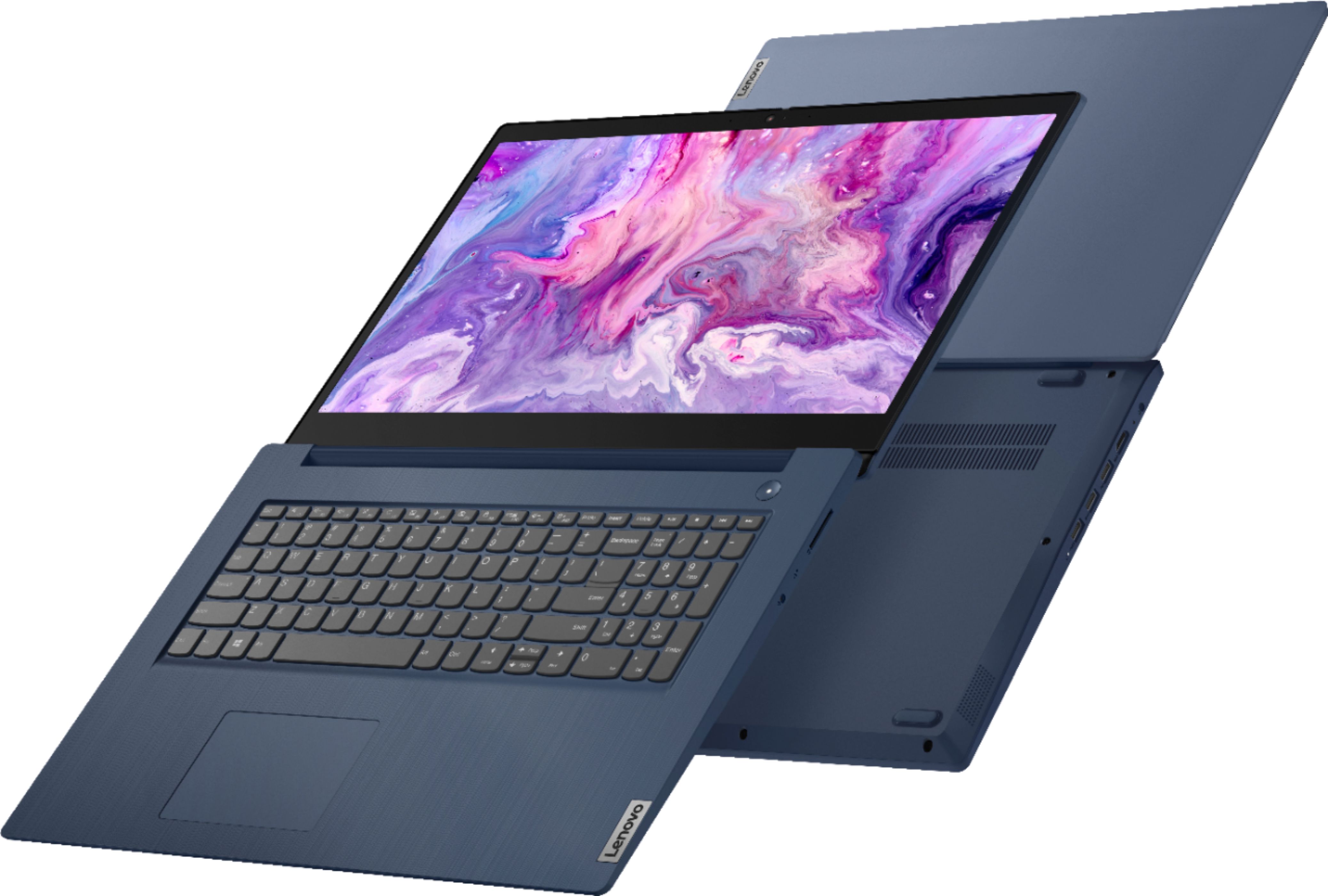
Posted .This Lenovo IdeaPad 3 17 Laptop, model number 81WF004CUS, ships with these ports included: 1x USB 2.0 (Type A), 2x USB 3.2 Gen 1 (Type A), 1x HDMI 1.4b, 1x Card reader, 1x Headphone / microphone combo jack (3.5mm), 1x Power connector. This model uses and ships with a 65W round tip - device side, (2-pin, wall-mount) AC adapter/charger, 100-240V, 50-60Hz, included with the computer. The IdeaPad 3 17 ships with the High Definition (HD) Audio Chip which supports the Stereo system speakers, (1.5W x2), Dolby Audio sound enhancement software installed. For the best audio experience, be sure to adjust the Dolby Audio feature to your personal preference. If you have questions about your Lenovo IdeaPad 3 17, we recommend you contact lenovo Tech Support for additional help at: 877-453-6686.
- Pros mentioned:Large screen
lenovo Ideapad 3 17 is highly recommended
||Posted . Owned for 1 month when reviewed.This reviewer received promo considerations or sweepstakes entry for writing a review.The computer arrived quickly and as scheduled. I am very pleased with this product. It responds quickly, the larger screen is great, and the features are helpful and easy to use.
I would recommend this to a friendBrand response from Lenovo Product Expert
Posted .Thank you for choosing the Lenovo IdeaPad 3 17 laptop. We are pleased to hear that the ease of use and performance of the IdeaPad 3 17 meets your computing needs so well.
- Pros mentioned:Price
Lenovo
||Posted . Owned for 6 months when reviewed.This reviewer received promo considerations or sweepstakes entry for writing a review.This computer was to replace a similar computer. It has almost everything the more expensive models had. It would probably not be great for gaming but we didnt buy it to game.
No, I would not recommend this to a friend - Pros mentioned:Large screen
Crisp, Clean and Affordable
||Posted . Owned for 1 month when reviewed.This reviewer received promo considerations or sweepstakes entry for writing a review.I love my Lenova Ideapad 3 17 17” Laptop. The screen is so clear and bright, and resolution is all excellent. The 17” screen makes everything easier to see and the text is crisp and clean.
I would recommend this to a friendBrand response from Lenovo Product Expert
Posted .Thank you for choosing the Lenovo IdeaPad 3 17 Laptop. We are pleased to hear that the features and performance of the IdeaPad 3 17 meets your computing needs so well.