Customer Ratings & Reviews
- Model:
- 81W2004AUS
- SKU:
- 6418694
Rating by feature
- Battery Life
Rating 4.2 out of 5 stars
- Speed
Rating 4.0 out of 5 stars
- Display
Rating 4.0 out of 5 stars
Customers are saying
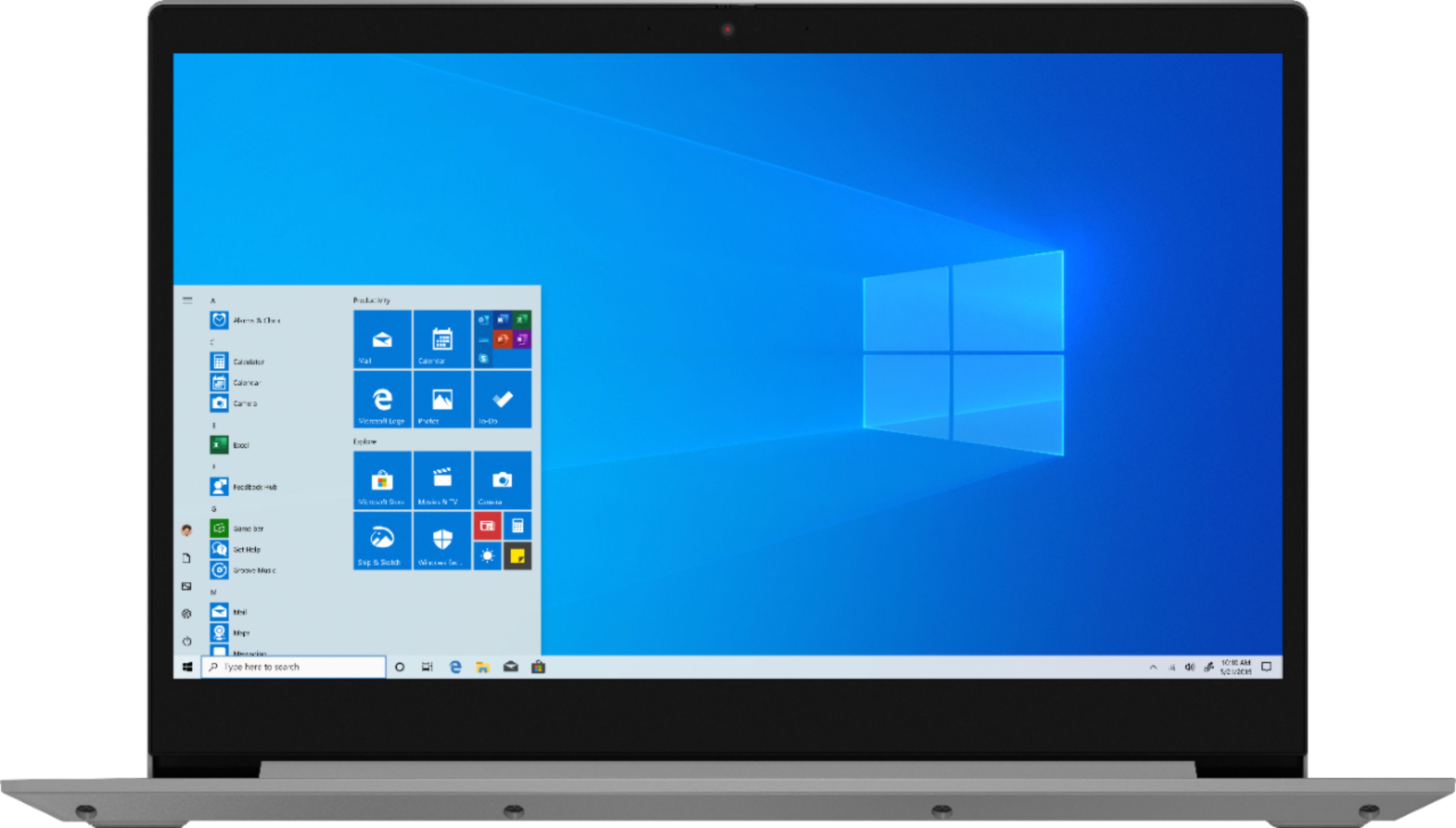
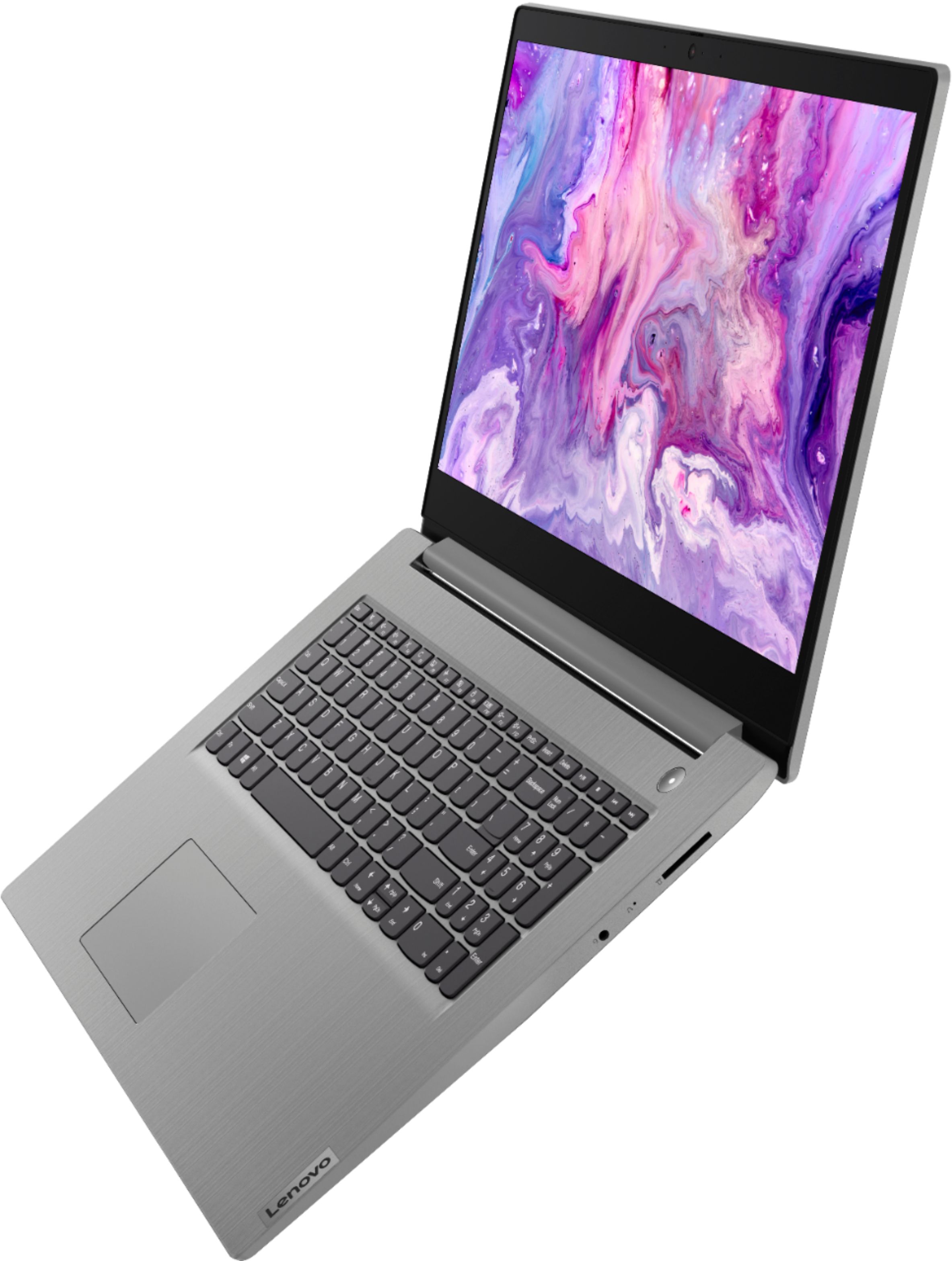
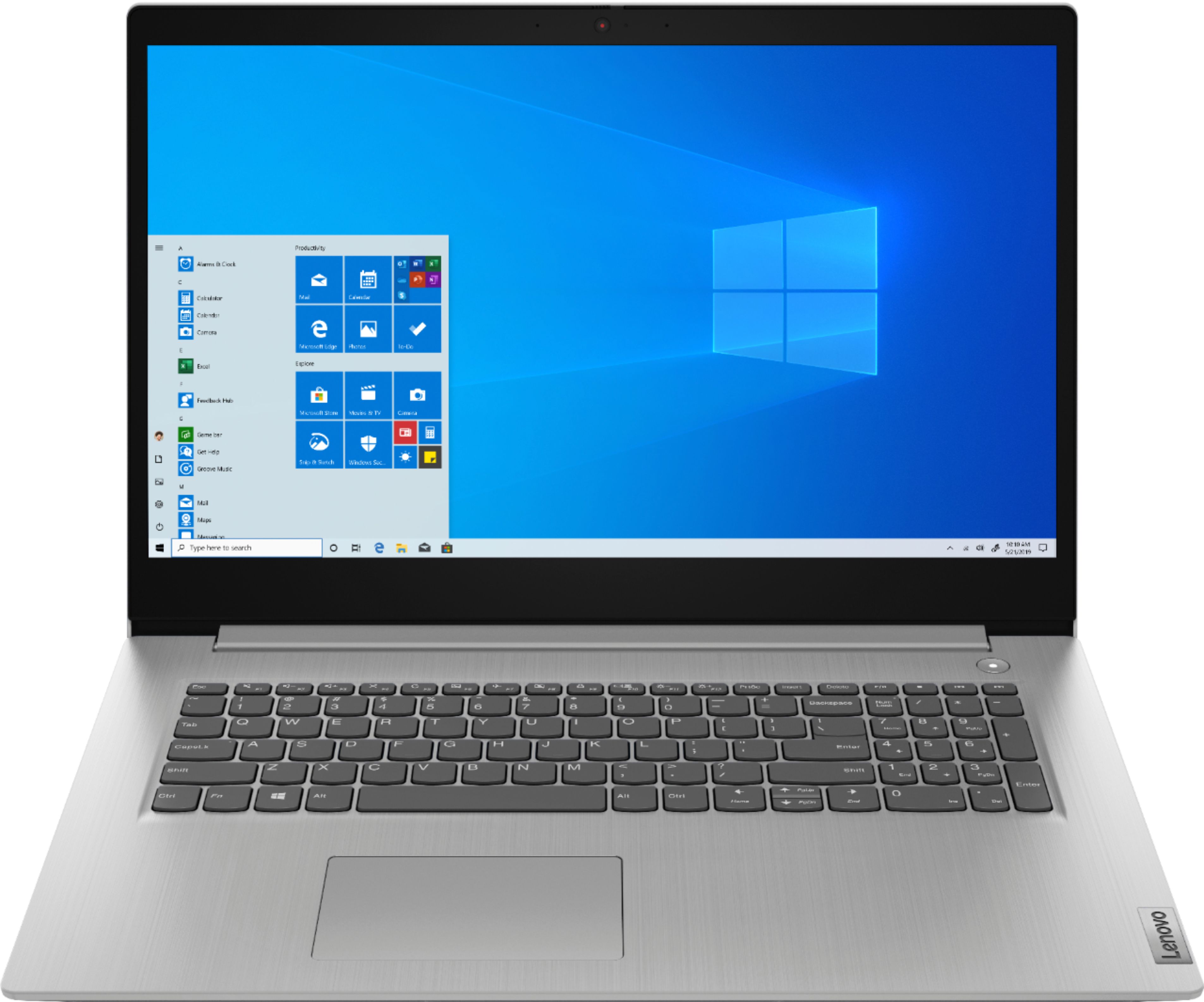
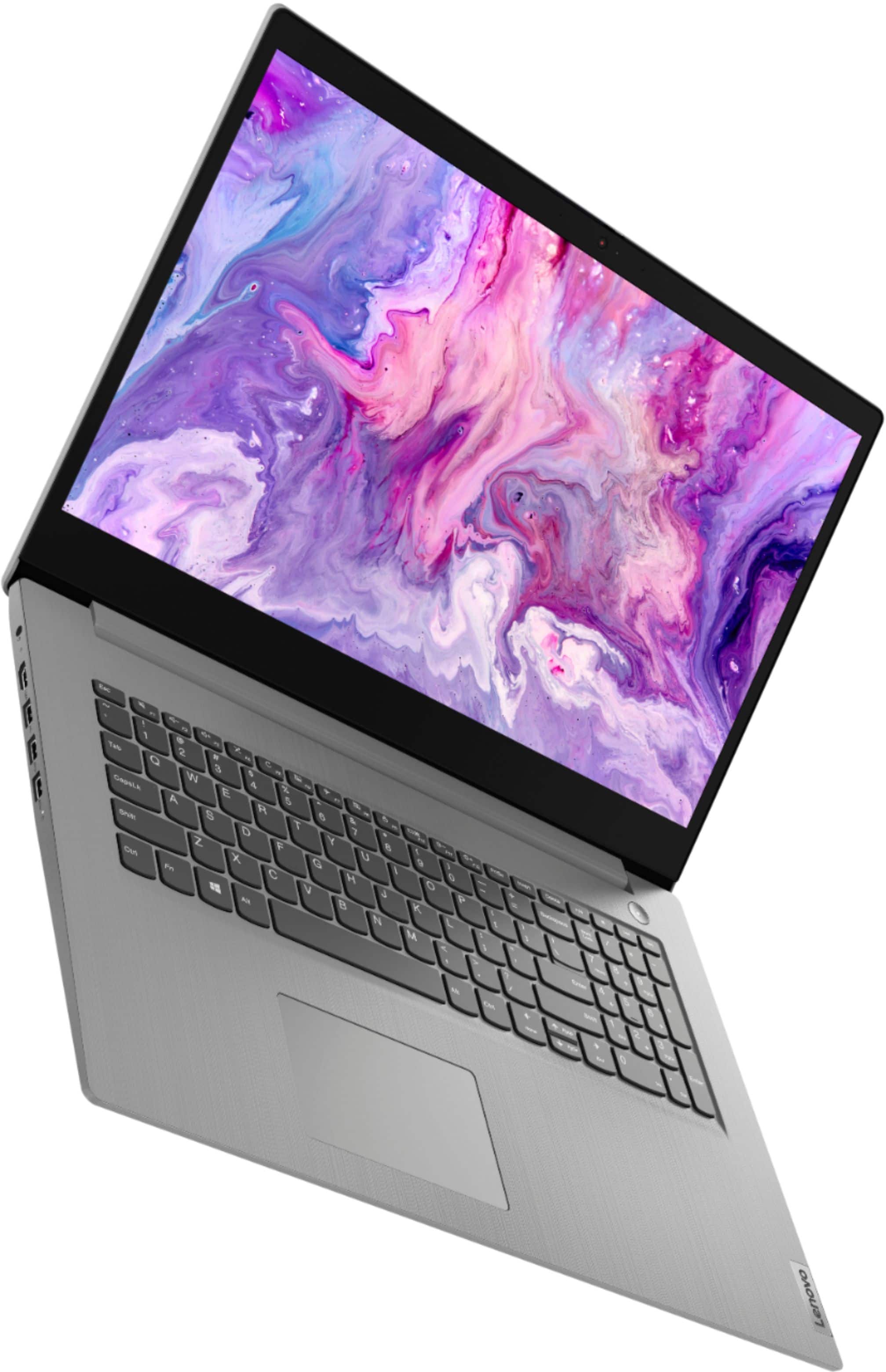
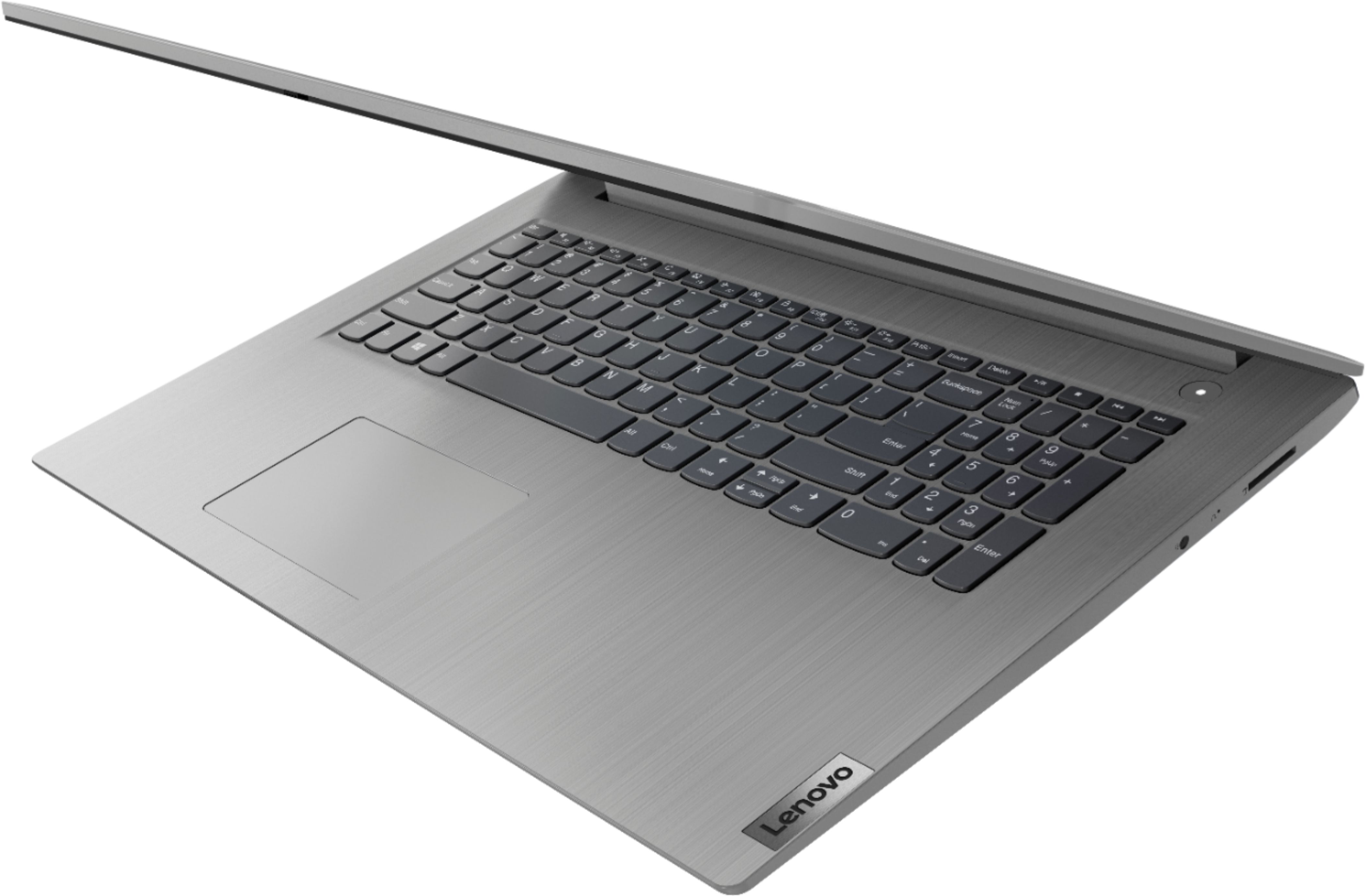
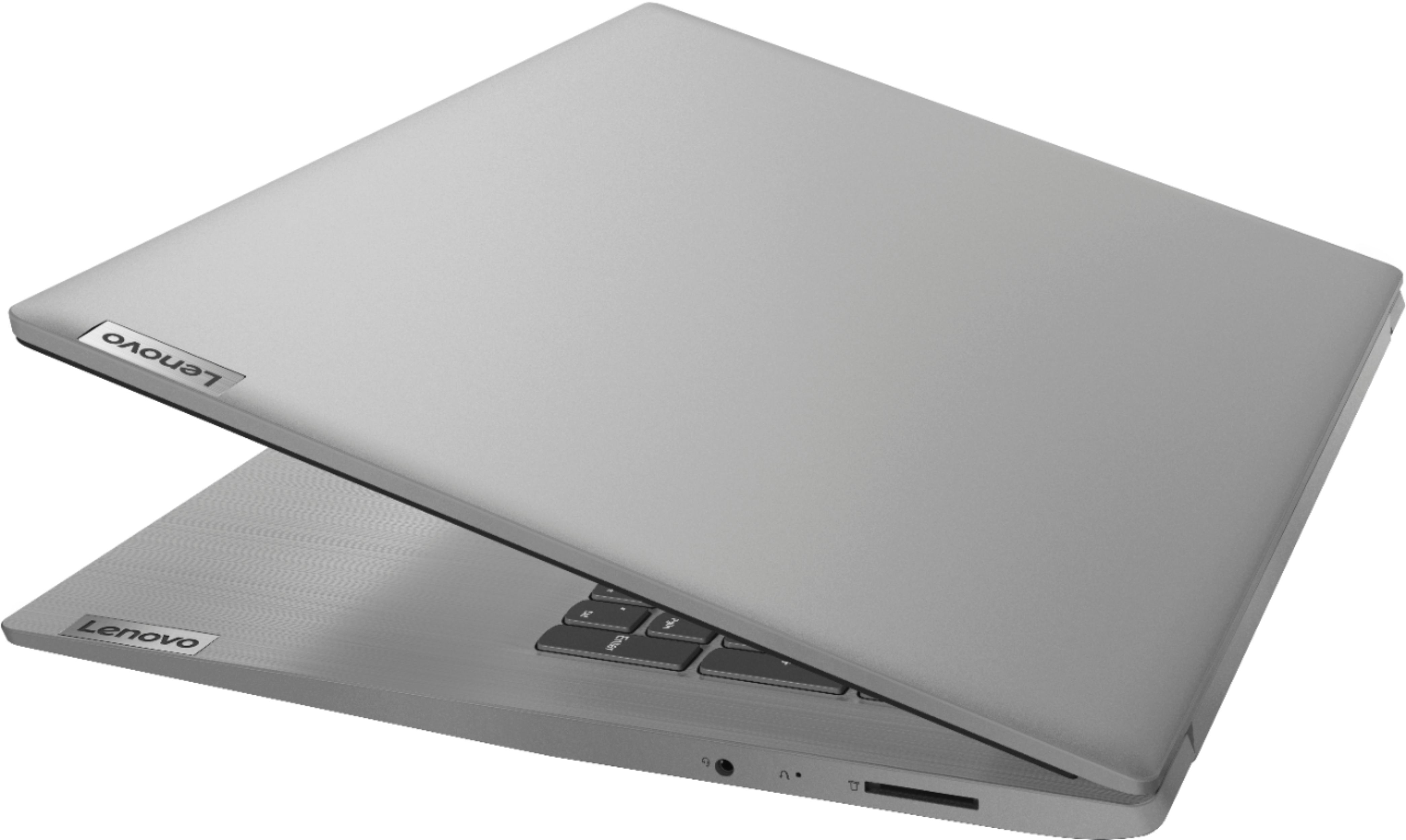
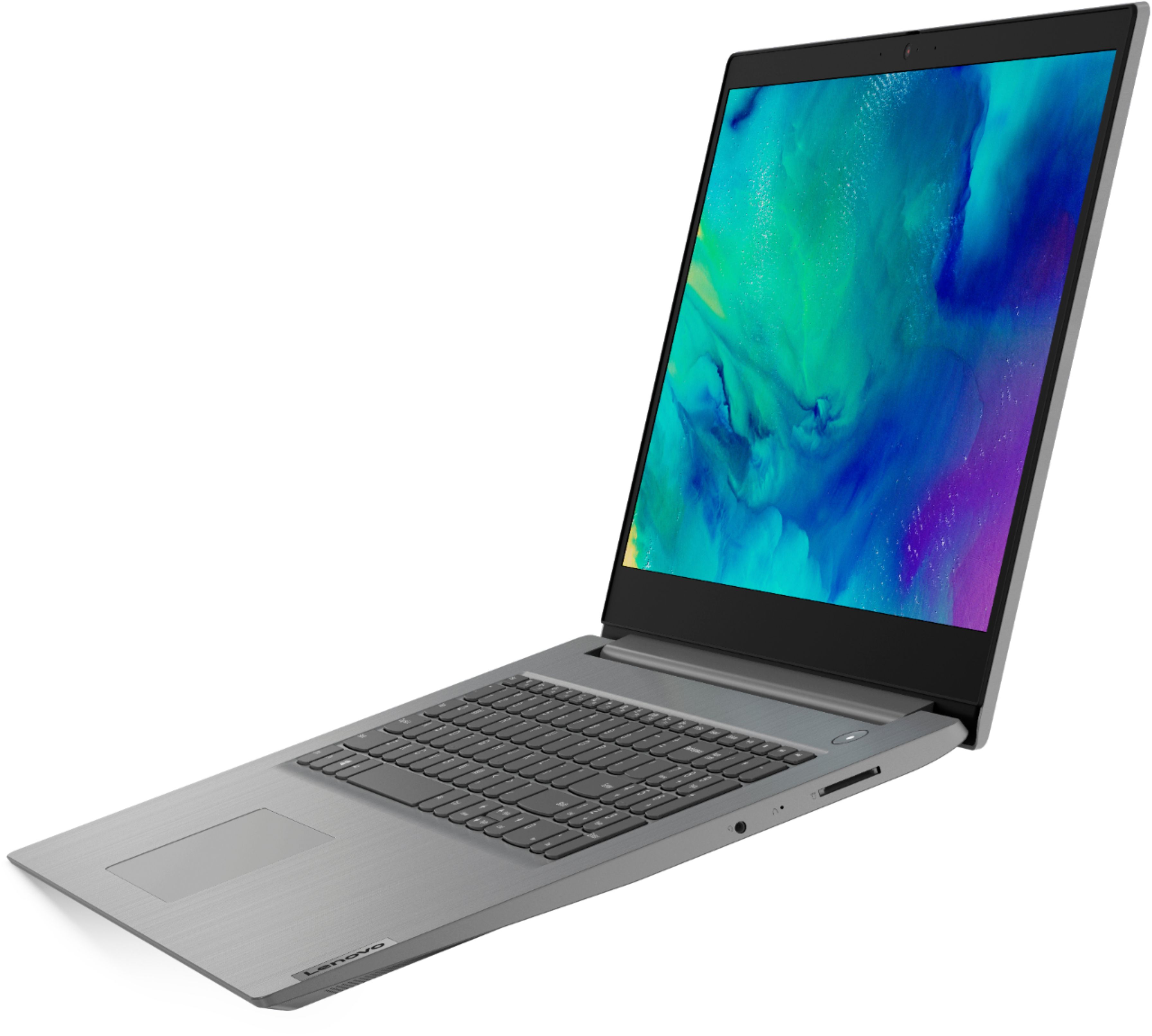
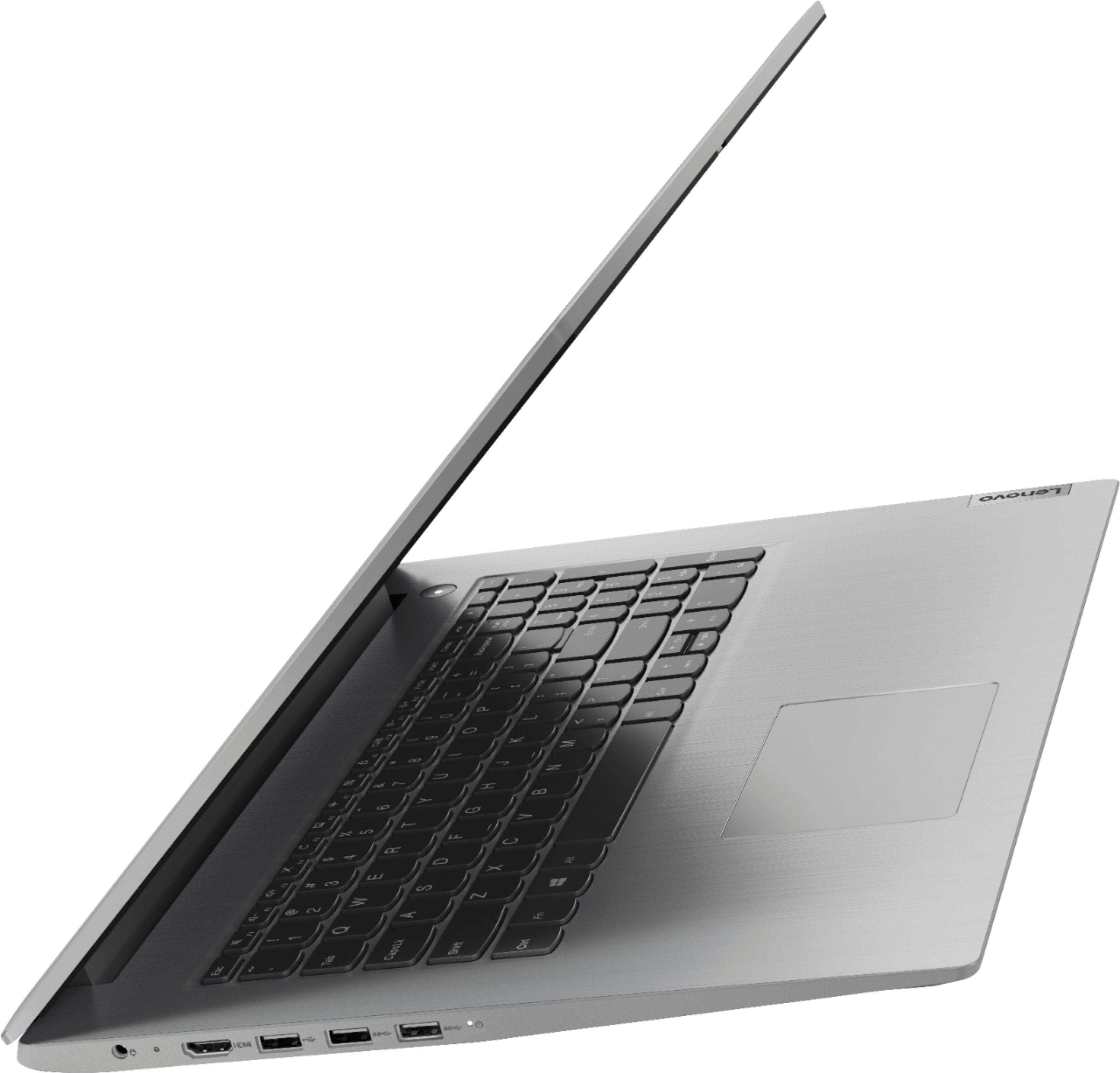
Customers value the IdeaPad 3 17" Laptop for its large screen size, affordable price, and easy setup. They appreciate its performance, storage capacity, and ability to multitask with ease. However, some customers have concerns about the battery life and microphone quality, while others find the low resolution of the display to be a drawback.
This summary was generated by AI based on customer reviews.
Great choice
||Posted . Owned for 1 month when reviewed.This reviewer received promo considerations or sweepstakes entry for writing a review.Got this for my 50+ mother. She loves her new laptop.
I would recommend this to a friendBrand response from Lenovo Product Expert
Posted .Thank you for choosing the Lenovo IdeaPad 3 17" laptop. We are pleased to hear that the value and performance of the IdeaPad 3 meets your computing needs so well!

Jr laptop review
||Posted . Owned for 1 month when reviewed.This reviewer received promo considerations or sweepstakes entry for writing a review.Nicely priced and great specs for a laptop machine.
I would recommend this to a friendHappy with my purchase
||Posted . Owned for 3 weeks when reviewed.This reviewer received promo considerations or sweepstakes entry for writing a review.This is my second Lenovo laptop. I really like it!
I would recommend this to a friendBrand response from Lenovo Product Expert
Posted .Thank you for choosing the Lenovo IdeaPad 3 17 Laptop, model number 81W2004AUS. We appreciate your loyalty to the Lenovo Brand. We are pleased to hear that the Ideapad 3 17 meets your computing needs so well. The Lenovo IdeaPad 3 17 ships with Windows 10 S-Mode Operating System. Windows 10 S-Mode provides added security by only allowing APPs available ( and therefore certified by Microsoft) at the Microsoft Store. If you don't need the added security or you need to install APPs not available at the Microsoft Store, you can switch to standard Windows 10 Home 64-bit Operating System, at no additional cost.
Quick and effective
||Posted . Owned for 3 weeks when reviewed.This reviewer received promo considerations or sweepstakes entry for writing a review.super fast boot up, great speed with tons of space
I would recommend this to a friendreturned
||Posted . Owned for 1 month when reviewed.This reviewer received promo considerations or sweepstakes entry for writing a review.I ended up returning it as there was a problem with the computer right out of the box and I did not feel comfortable with a computer that isn't working right from the start.
No, I would not recommend this to a friendGeek Squad Certification is a Joke
||Posted . Owned for 1 month when reviewed.This reviewer received promo considerations or sweepstakes entry for writing a review.The Geek Squad certification is a joke! Computer arrived with the touch pad not functioning. After 5 days of run around with Lenovo, it was finally determined the computer had to be sent back for service. Luckily this still had a warranty. Otherwise for the first few days I had the computer and using a usb mouse, the computer worked great. Super fast, the finger print password feature worked excellent. Can’t wait to get the computer back to actually use the system for anything else but troubleshooting.
I would recommend this to a friendWorks great, doesn't like to wake from sleep mode
||Posted . Owned for less than 1 week when reviewed.This reviewer received promo considerations or sweepstakes entry for writing a review.The computer works great when it's on, but if it sits for longer than 20 or 30 minutes, it doesn't wake up from sleep mode. Whether the screen is open or closed, if it sits for too long, we've tried the touch pad, pushing keys on the keyboard, clicking touch pad buttons, fingerprint reader/power button, but nothing wakes it up and has to be rebooted. It's very annoying and will probably be returning it.
No, I would not recommend this to a friendBrand response from Lenovo Product Expert
Posted .You can easily wake the Lenovo IdeaPad 3 17 from sleep by pressing the power button for approximately 1-second.
Getting the Blue Screen of Death
||Posted . Owned for 3 weeks when reviewed.This reviewer received promo considerations or sweepstakes entry for writing a review.I really like this computer- except for the BSoD that I get occasionally- 2 to 5 times a week. I’ve only had it , maybe a month? It works great when it’s working.
No, I would not recommend this to a friendBrand response from Lenovo Product Expert
Posted .Hello, we are sorry to hear you are experiencing this issue with your Lenovo IdeaPad 3. Your device should not be behaving in the manner. It is possible a system device driver/BIOS update will resolve this issue. You can easily accomplish this by scanning the computer with the Lenovo Utility software available on this computer. This system has Lenovo utilities installed to help maintain the health of the device and keep the operating system software up to date. Type "Lenovo Vantage" in the Cortana Search window (if Lenovo Vantage is not installed on your device, you can download the APP and install it now). Select Lenovo Vantage from the list. In the window that opens, click on "Health and Support". In the expanded menu, select "Hardware Scan” In the window that opens, select "Run Quick Tests". This will scan your entire system for errors. Follow any directions that may pop up. If the problem continues after this scan, now click on "System Update". First select Windows update from the menu. Scan your system to be sure you have the latest version of Windows 10. Once that scan is complete, select "Additional Updates". This will scan your device to be sure there are no new BIOS/Driver updates needed. Follow any instructions that may pop up. If the issue continues after these updates, we recommend you call Lenovo Tech Support at: 877-453-6686 for additional help.
Awesome but Needed Better Camera and Mic
||Posted . Owned for 2 weeks when reviewed.This reviewer received promo considerations or sweepstakes entry for writing a review.I was so excited to receive this device. The picture was so clear and I fell in love with the amount of RAM and storage. I am a crafter and small business owner. I multitask a lot and this machine did not miss a beat. Ultimately, I was not able to keep the device because the quality of the camera was terrible and the microphone did not work. I spend the majority of my day on virtual calls.
No, I would not recommend this to a friendBrand response from Lenovo Product Expert
Posted .The Lenovo IdeaPad 3 17 Laptop, model number 81W2004AUS, ships with a 720p (HD) webcam with manual Privacy Shutter and a Dual Array microphone. Be sure to remove the clear plastic covering that is affixed to the lens of the webcam before use. This clear tape is very hard to see, but it is necessary to protect the webcam lens during shipment. Also, be sure the Privacy Shutter is completely open before trying to use the webcam or the webcam will not operate. There is a small slider, directly above the webcam lens. Move the tab to the right to open the Privacy Shutter. There is a red dot over the webcam lens that will disappear when the Privacy Shutter is fully open. This will indicate that the webcam is really to use. You can close the Privacy Shutter when you are done with the webcam for your security, by sliding the tab to the left to close the Privacy Shutter. The Red Dot will appear over the webcam lens when the Privacy Shutter is closed. If the issue continues, we recommend you call Lenovo Tech Support at: 877-453-6686.
Frustrating
||Posted . Owned for 3 months when reviewed.This reviewer received promo considerations or sweepstakes entry for writing a review.Have had Lenovo PC products since they were IBM, and found them to be bulletproof. Bought this ideapad ( not thinkpad this time) for my home, as I’ve just retired . Liked all features and price, but camera app didn’t function,.... through Lenovo Vantage we tried for weeks to get corrected,... finally had Best Buy replace with a new ideapad on Warranty. The second ideapad had the same camera defect. Lenovo sent a technician to my house to replace camera, but new camera had same glitch (software issues?)..... 6 more weeks where Lenovo said that were working on a fix, but after 6 weeks said they had no fix. Returned the second ideapad to Best Buy and bought an Asus.... think Lenovo has some serious quality issues with their less expensive ideapad line!
No, I would not recommend this to a friendBrand response from Lenovo Product Expert
Posted .We are sorry to hear that you are having issues with the webcam on your Lenovo IdeaPad 3 17 Laptop, model number 81W2004AUS. This model ships with a 720p (HD) webcam with manual Privacy Shutter built in. Be sure the Privacy Shutter is completely open before trying to use the webcam or the webcam will not operate. There is a small slider, directly above the webcam lens. Move the tab to the right to open the Privacy Shutter. There is a red dot over the webcam lens that will disappear when the Privacy Shutter is fully open. This will indicate that the webcam is really to use. You can close the Privacy Shutter when you are done with the webcam for your security, by sliding the tab to the left to close the Privacy Shutter. The Red Dot will appear over the webcam lens when the Privacy Shutter is closed. If the issue continues, we recommend you call Lenovo Tech Support at: 877-453-6686.
Bad value!!!
||Posted . Owned for 1 month when reviewed.This reviewer received promo considerations or sweepstakes entry for writing a review.This is a tricky worded deal. It has 1 tb hard drive but only 128gb ssd. It also has no optical drive and that makes no sense as people still have dvd and other media!!! It also has a Windows 10 selling operating system with Microsoft apps forced on you until you go through a ridiculous process of removing it!!!
No, I would not recommend this to a friendgreat for students
||Posted . Owned for 1 month when reviewed.This reviewer received promo considerations or sweepstakes entry for writing a review.nice laptop but doesn't have back light keys and the display is not really good.
No, I would not recommend this to a friendBrand response from Lenovo Product Expert
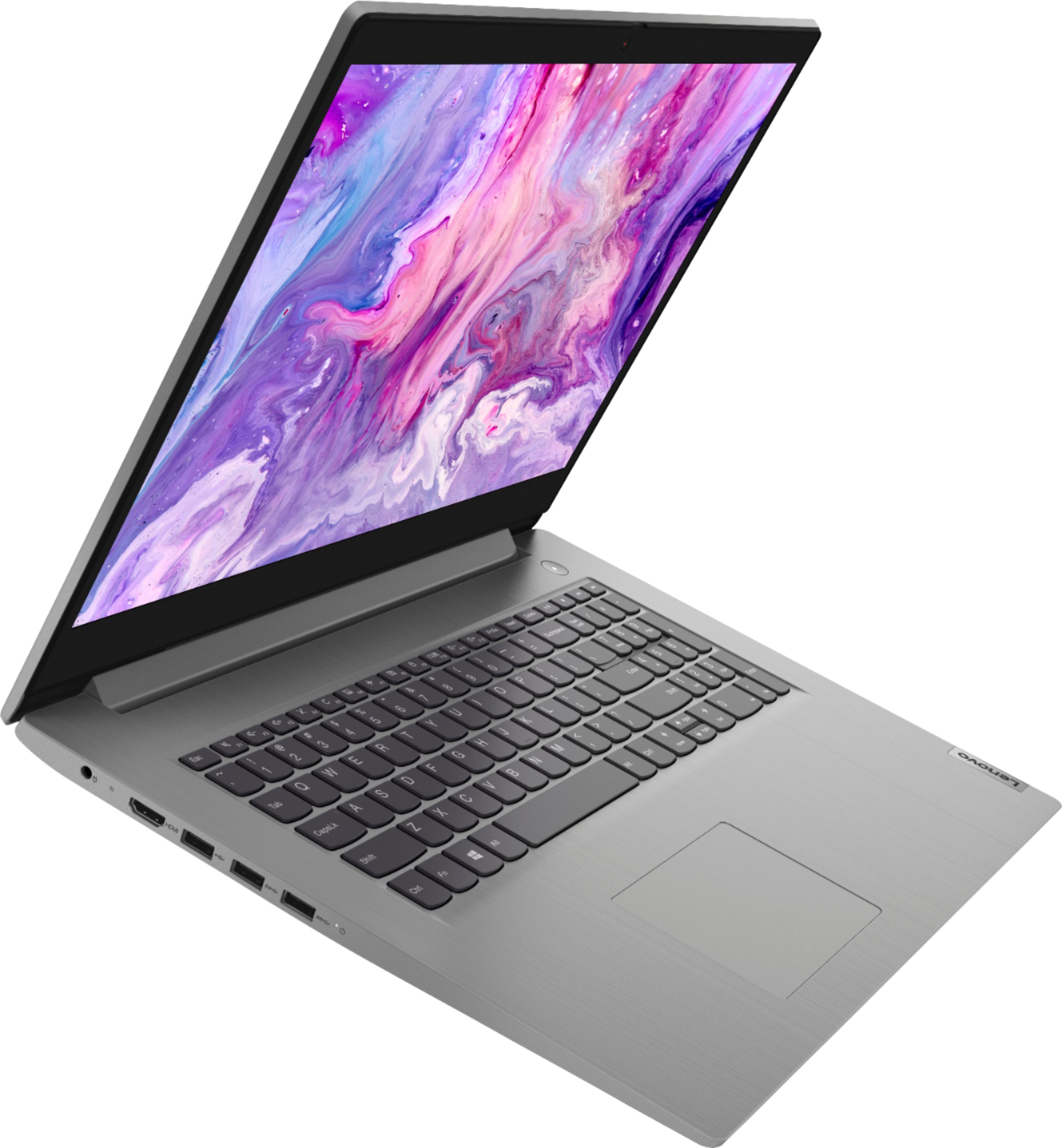
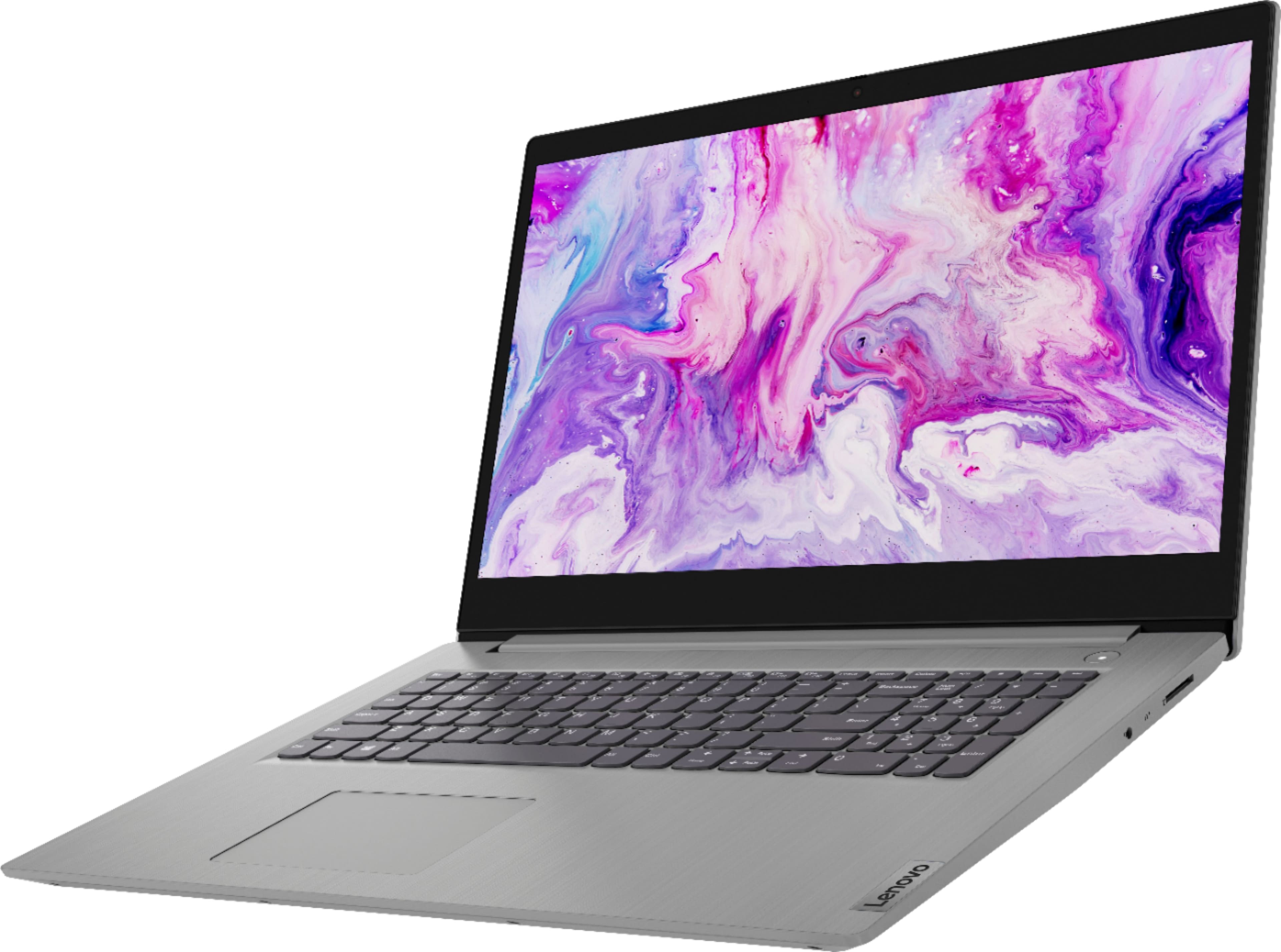
Posted .The Lenovo IdeaPad 3 17 Laptop, model number 81W2004AUS, does not ship with a backlit keyboard. The screen on this configuration is a 17.3-inch (screen size measured diagonally) TN, LCD w/LED Backlight (Anti-glare) screen, with a resolution of 1600 x 900 (HD+) and a brightness level of 250 nits. This model ships with Windows 10 S-Mode Operating System. Windows 10 S-Mode provides added security by only allowing APPs available ( and therefore certified by Microsoft) at the Microsoft Store. If you don't need the added security or you need to install APPs not available at the Microsoft Store, you can switch to standard Windows 10 Home 64-bit Operating System, at no additional cost.
Laptop
||Posted . Owned for 5 months when reviewed.This reviewer received promo considerations or sweepstakes entry for writing a review.It’s kinda a good laptop but the screen is nasty it’s not even 1080p
No, I would not recommend this to a friendIt’s ok not the best
||Posted . Owned for less than 1 week when reviewed.This reviewer received promo considerations or sweepstakes entry for writing a review.Overall the computer is ok not the best but it get the job done
No, I would not recommend this to a friendBrand response from Lenovo Product Expert
Posted .The Lenovo IdeaPad 3 17 Laptop, model number 81W2004AUS, The Lenovo IdeaPad 3 17 laptop, ships with the powerful Quad-Core/Eight-Thread AMD Ryzen 7 3700U processor, supported by 12GB DDR4-2400MHz RAM a 1TB mechanical hard drive and a 128GB solid state hard drive. This Processor has a base speed of 2.3GHz and a Turbo Boost speed of up to 4.0GHz. The laptop has a LCD w/LED Backlight (Anti-glare) screen, with a resolution of 1600 x 900 (HD+) and a brightness level 250 nits. This configuration is good for many of today's most demanding programs, browsing the internet with multiple tabs open. If this describes your computing needs, the IdeaPad 3 17 is a great choice.
Nice but large
||Posted .This reviewer received promo considerations or sweepstakes entry for writing a review.Works great. Was too big for my taste. Was not very mobile.
No, I would not recommend this to a friendwrong item was ordered
||Posted .This reviewer received promo considerations or sweepstakes entry for writing a review.This laptop was supposed to have 1 Terrabyte of memory and I was assured by the salesperson it did. Turns out it only had 100GB and wasn't large enough for my data. Ended up having to buy a different one with correct size memory. Disappointed but the new one works fine.
No, I would not recommend this to a friendBrand response from Lenovo Product Expert
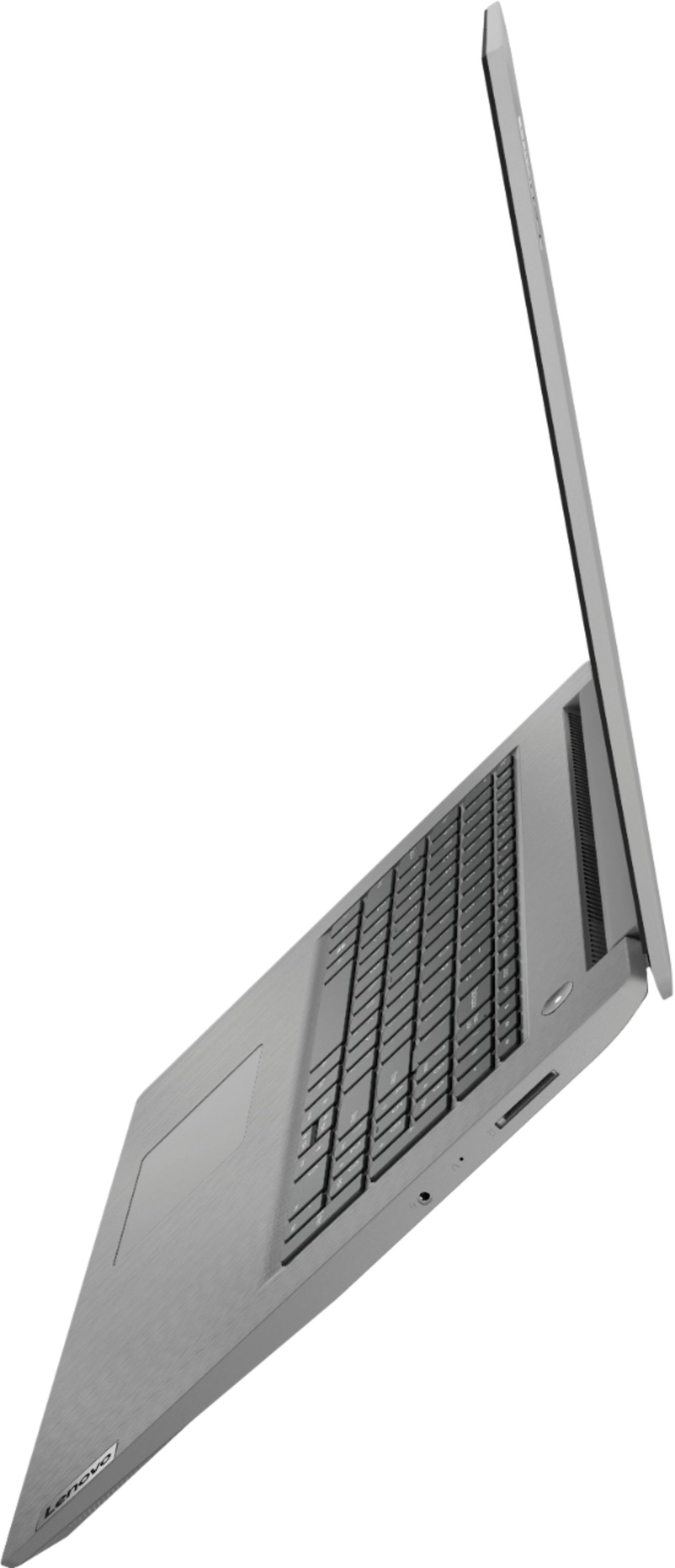
Posted .The Lenovo IdeaPad 3 17 Laptop model number 81W2004AUS, ships with two separate hard drives: a 1TB mechanical hard drive and a separate 128GB solid state hard drive. Both drives will show up in your Devices and Drives under This PC.
Within 3 months it Crapped out
||Posted . Owned for 4 months when reviewed.This reviewer received promo considerations or sweepstakes entry for writing a review.Im really irritated with this purchase. I bought this laptop only 3 and a half months ago AS A BACK UP COMPUTER. Putting less than 40 hours total on this laptop, used soley for college, so things like Microsoft word, Canvas, Zoom, This is considered light use yet for the last 2 weeks this laptop will get a blue screen with an error code and then shut off out of no where. and than when I get it back on it will do a black screen until i reset the laptop another time or two. In other words it takes me about 45 mins just to get this laptop running. I have had Anti Virus downloaded since day one and I have not used this laptop on any unsafe websites. You sold me a defected computer
No, I would not recommend this to a friendBrand response from Lenovo Product Expert
Posted .We are sorry to hear that you are having issues with your Lenovo IdeaPad 3 17 Laptop. Be sure any software you installed is compatible with Windows 10. There is no need to install Microsoft Office software. The software is already part of the operating system, you just need to activate the software with a purchased product key. If you have installed a copy of Microsoft Office, this is conflicting with the existing copy on the system and this will slow your system down. If you have installed a 3rd party anti-virus program, be sure that Windows Defender is turned off and that the trial version of McAfee Anti-Virus software is uninstalled. There can only be one anti-virus program on the system. You may need to restore your system to original factory default settings if any of the programming errors have occurred. You can do that by typing "restore" in the Cortana search window. Just click on the magnifying glass icon at the bottom left of your Windows 10 Desktop. Click on "Reset This PC" Then click on "Get Started" and follow the on screen directions to restore to factory defaults. If the problem persists, we recommend you contact Lenovo Tech Support at: 877-453-6686.
Keyboard and touch pad stopped working
||Posted .This reviewer received promo considerations or sweepstakes entry for writing a review.Touch pad stopped working long time back. Recently, some keys do not work, sometimes you have to hit them hard and sometimes they work but must of the time they don't. Guess what keys do not work? yeah, space, enter and backspace, I have to plug an external keyboard and mouse, at first, I thought well, touch pad not working should not be a big deal but now that I have also to plug a keyboard it is a different story. First time Lenovo client, and it will be the last time I am purchasing a Lenovo product.
No, I would not recommend this to a friendDO NOT BUY LENOVO
||Posted . Owned for 3 months when reviewed.This reviewer received promo considerations or sweepstakes entry for writing a review.DO NOT BUY LENOVO unless you love Yahoo as your search engine. I set Chrome as default and Yahoo appears. The Geek Squad claimed to remove this 5 times now and it is okay for one day and then -- it appears. I've searched online on how to remove and basically it looks like it is embedded in many apps. Getting to the best buy website to write this review -- the best buy home page is at the bottom on the second page of search results. Everything else is ads. Deeply regret buying this; it takes as my strength not to toss this out window
No, I would not recommend this to a friendBrand response from Lenovo Product Expert
Posted .We are sorry to hear that you are having difficulty changing the Home Page for your Lenovo IdeaPad 3 17 Laptop, model number 81W2004AUS. This model ships with Windows 10 S-Mode 64-bit Operating System. Windows 10 S-Mode provides added security by only allowing APPs available ( and therefore certified by Microsoft) at the Microsoft Store. If you don't need the added security or you need to install APPs not available at the Microsoft Store, you can switch to standard Windows 10 Home 64-bit Operating System, at no additional cost. By default, Windows 10 S-Mode uses Microsoft Edge as its internet Browser. To install another browser, you will need to switch out of S-Mode to Windows 10 Home 64-bit Operating System. Here is a link to instructions for switching from Windows 10 S-Mode to Windows 10 Home: https://support.microsoft.com/en-us/help/4456067/windows-10-switch-out-of-s-mode. Once you have switched out of S-Mode you can download any internet browser you choose, then once that browser is installed, you can make that browser your system Home Page. Here is a link to instructions for doing this within Windows 10: https://support.microsoft.com/en-us/microsoft-edge/change-your-browser-home-page-a531e1b8-ed54-d057-0262-cc5983a065c6
Worst Audio ever
||Posted . Owned for 3 weeks when reviewed.This reviewer received promo considerations or sweepstakes entry for writing a review.My son picked this computer for me based on the specs. All I care about is having a personal computer to join Zoom and Webex meetings. Thank God, I have a reliable work computer and don't have to rely on this computer to join meetings at work. My audio goes out or is distorted to the point where I can not be heard literally 90% of the time on this Lenova, Absolutely unacceptable in our new virtual reality. Calling Best Buy now for tech support. I have not had this computer for 1 month yet.
No, I would not recommend this to a friendBrand response from Lenovo Product Expert
Posted .Hello, we are sorry to hear you are experiencing this issue with your Lenovo IdeaPad 3. It is possible updating the system drivers will help resolve this issue. You can easily accomplish this by scanning the computer with the Lenovo Utility software available on this computer. This system has Lenovo utilities installed to help maintain the health of the device and keep the operating system software up to date. Type "Lenovo Vantage" in the Cortana Search window (if Lenovo Vantage is not installed on your device, you can download the APP and install it now). Select Lenovo Vantage from the list. In the window that opens, click on "Health and Support". In the expanded menu, select "Hardware Scan” In the window that opens, select "Run Quick Tests". This will scan your entire system for errors. Follow any directions that may pop up. If the problem continues after this scan, now click on "System Update". First select Windows update from the menu. Scan your system to be sure you have the latest version of Windows 10. Once that scan is complete, select "Additional Updates". This will scan your device to be sure there are no new BIOS/Driver updates needed. Follow any instructions that may pop up. If the issue continues after these updates, we recommend you call Lenovo Tech Support at: 877-453-6686 for additional help.