Customer Ratings & Reviews
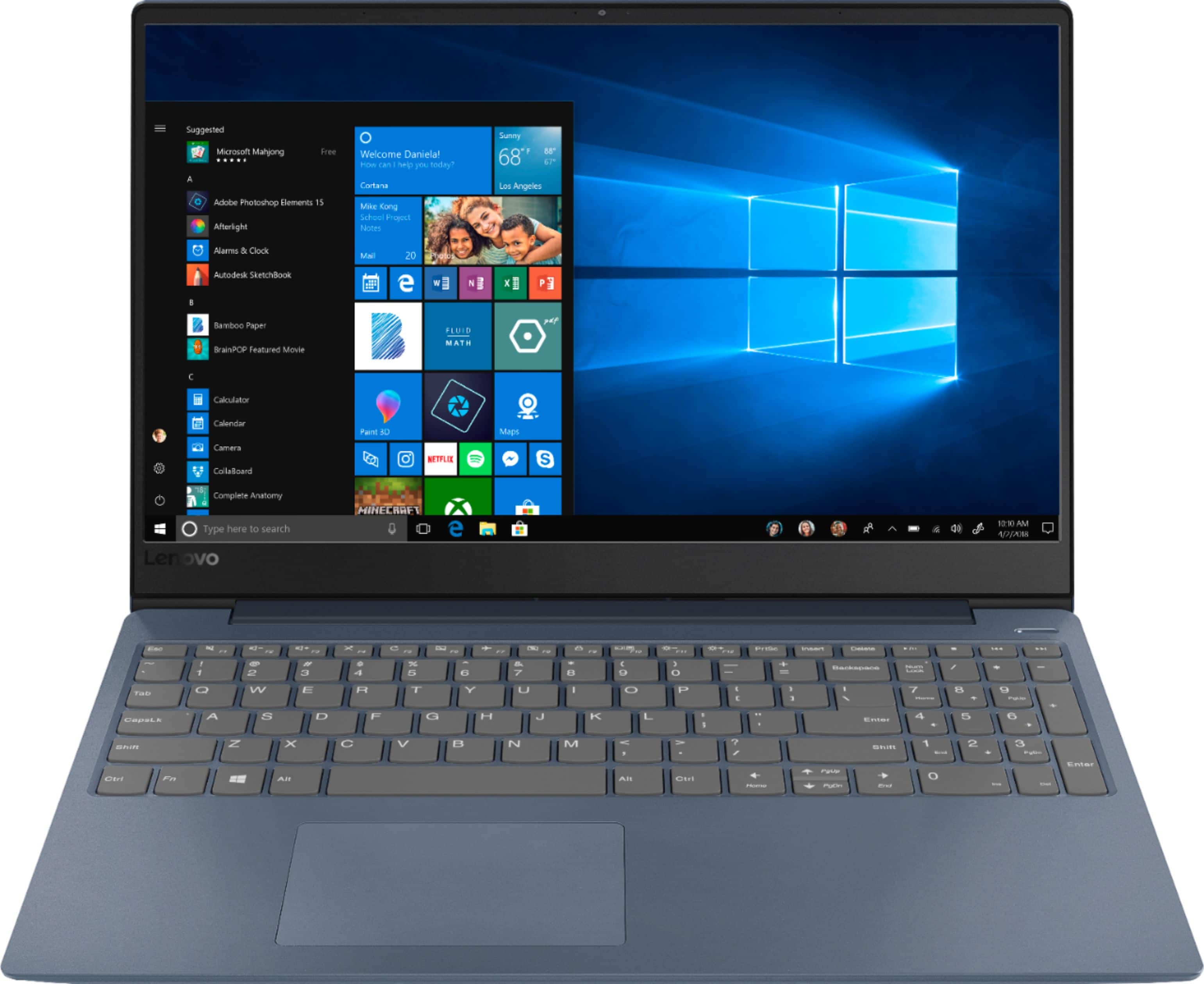
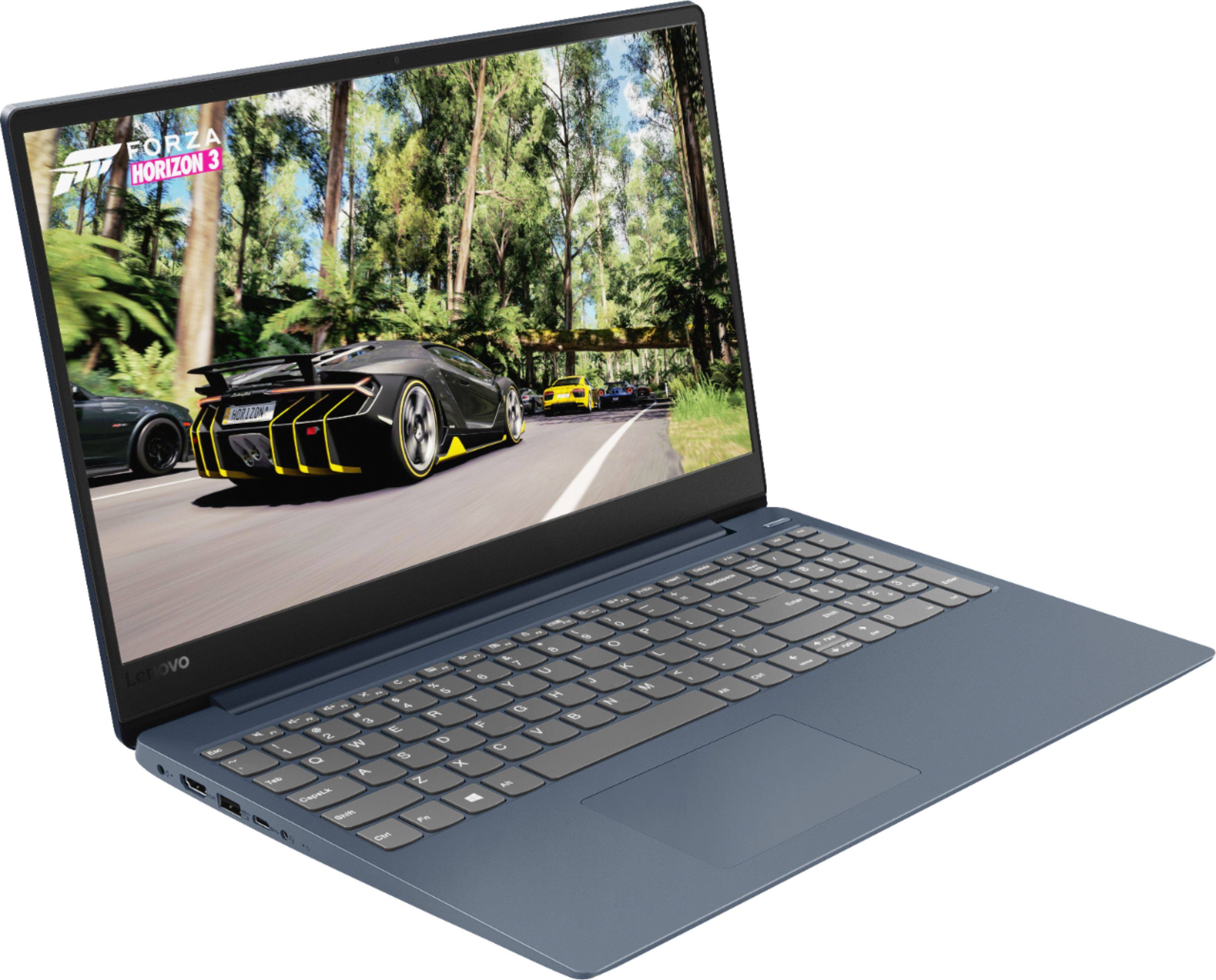
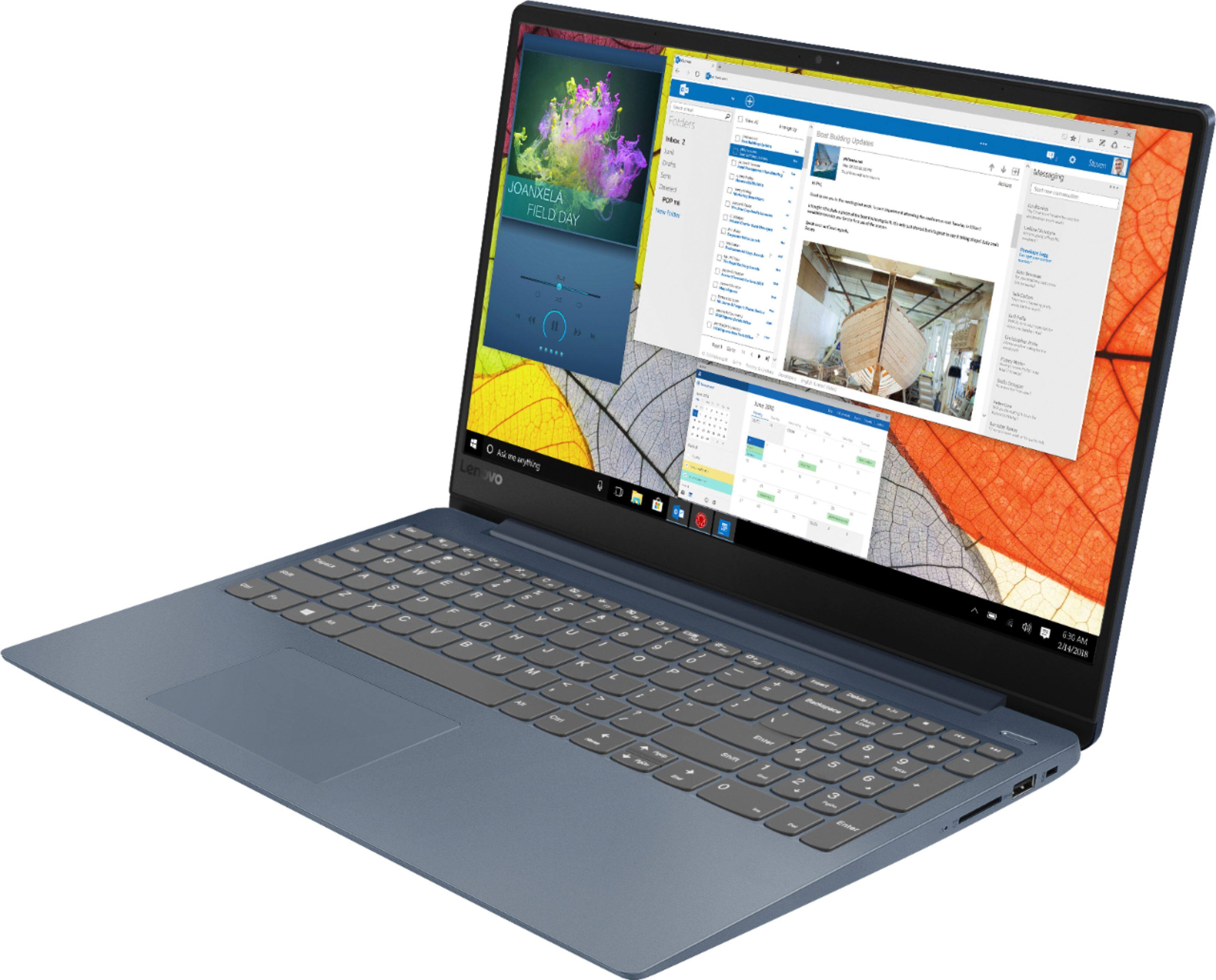
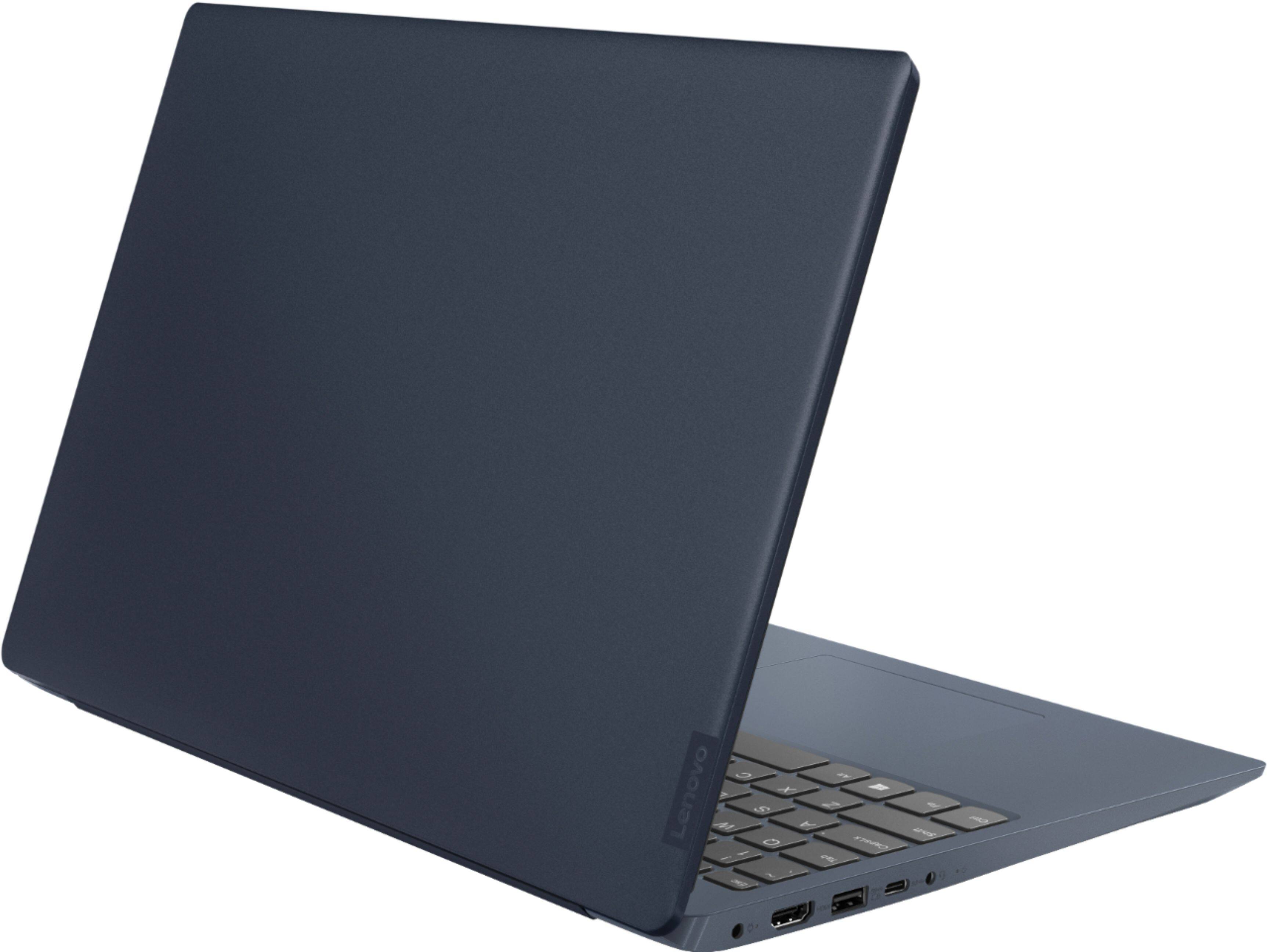

- Model:
- 81F5018EUS
- SKU:
- 6323662
Rating by feature
- Battery Life
Rating 4.1 out of 5 stars
- Speed
Rating 4.2 out of 5 stars
- Display
Rating 4.4 out of 5 stars
Customers are saying
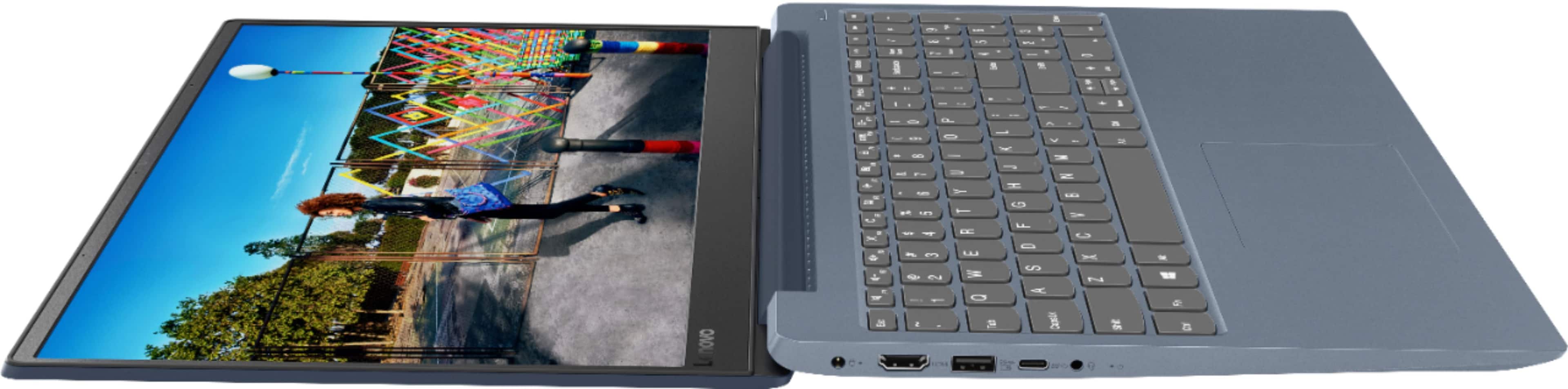
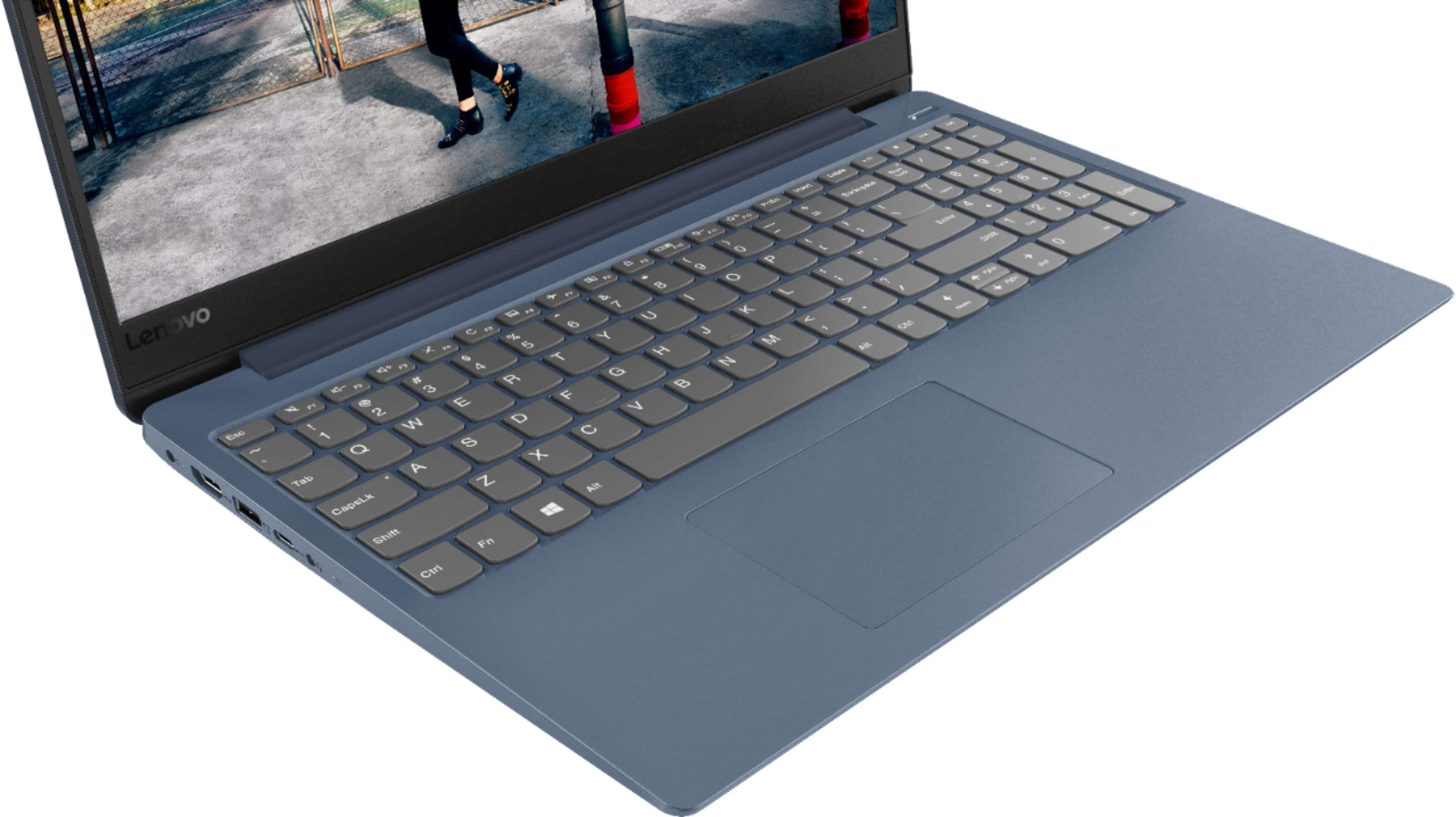
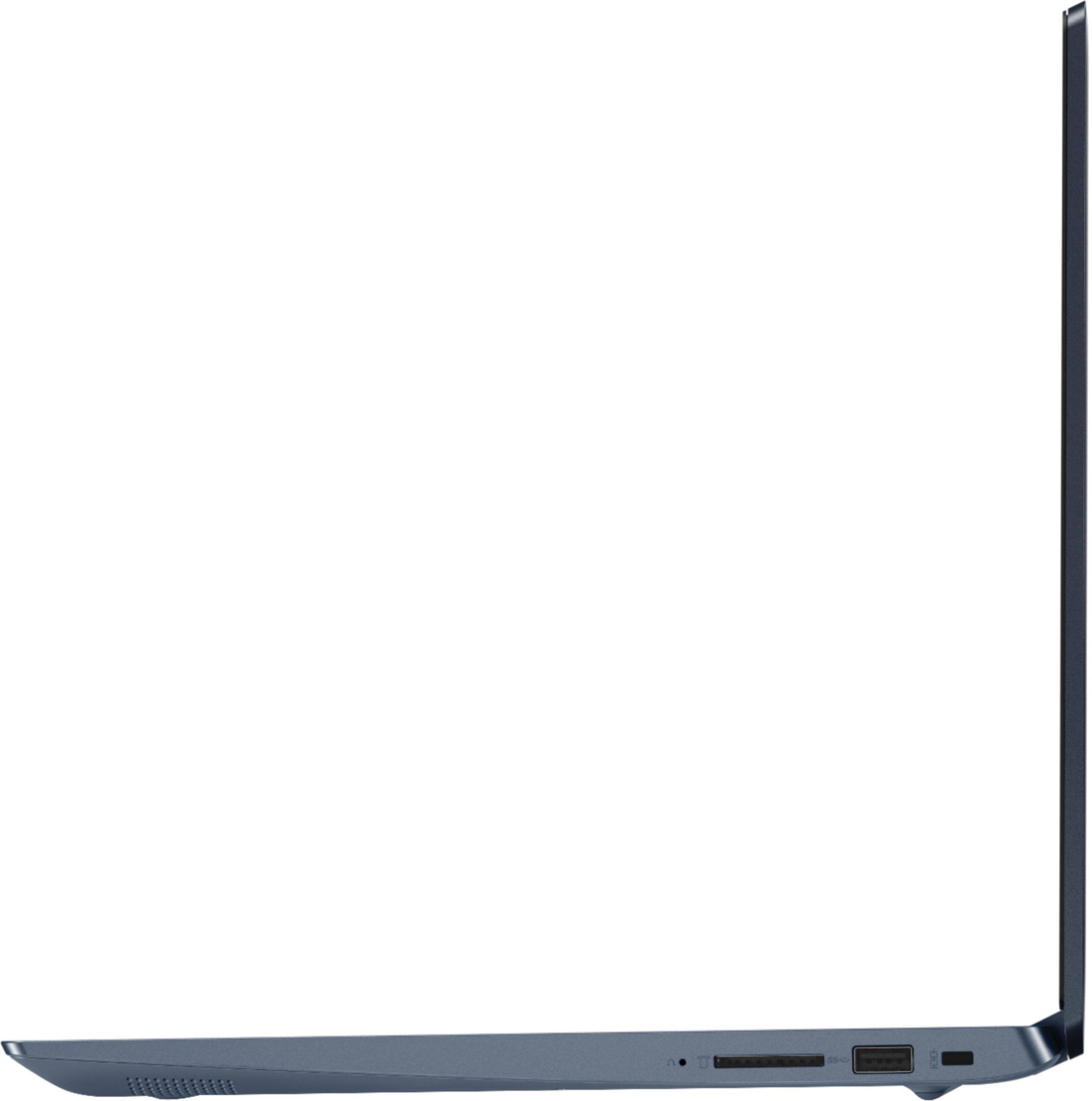
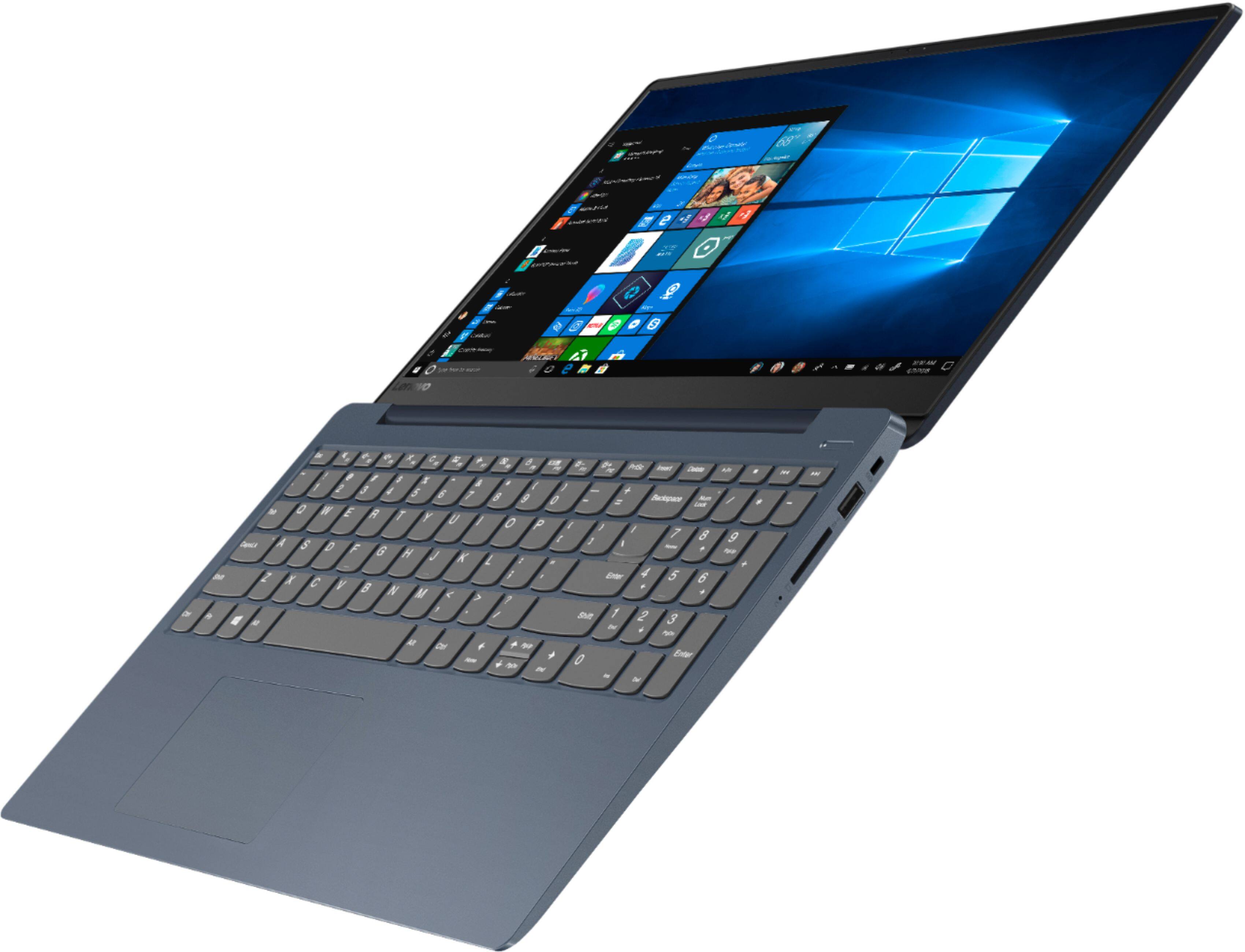
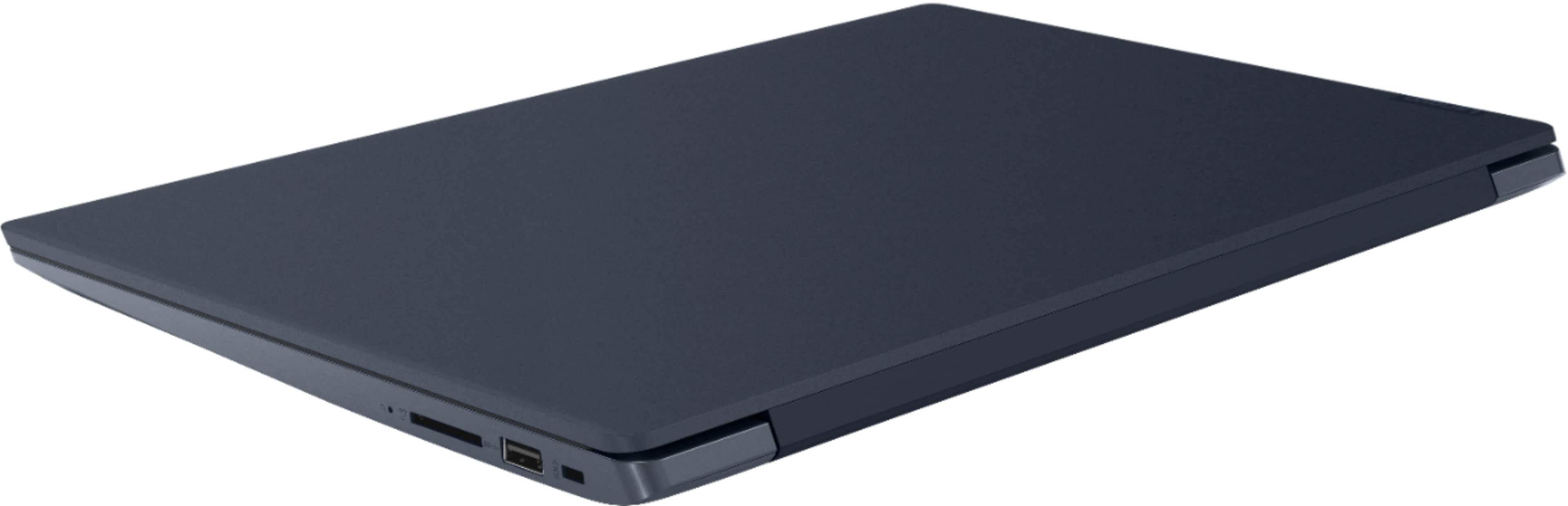
Customers enjoy the IdeaPad 330S laptop for its budget-friendly price, user-friendly interface, and lightweight design. Many reviewers also praised its performance and overall design. However, some users expressed concerns about its battery life, limited storage capacity, and the number of USB ports.
This summary was generated by AI based on customer reviews.
Great overall!
||Posted . Owned for 1 month when reviewed.This reviewer received promo considerations or sweepstakes entry for writing a review.Great laptop, only thing I have had some difficulty accessing Google Docs as the laptop want me to change to S mode even though I do not want to use Chrome because it is a Microsoft account.
I would recommend this to a friendBrand response from Lenovo Product Expert
Posted .Thank you for choosing the Lenovo IdeaPad 330S-15 laptop. This model ships with Windows 10 S-Mode Operating System. Windows 10 S-Mode provides added security by only allowing APPs available ( and therefore certified by Microsoft) at the Microsoft Store. If you don't need the added security or you need to install APPs not available at the Microsoft Store, you can switch to standard Windows 10 Home 64-bit Operating System, at no additional cost. In order to access Google Docs, you will need to switch to Windows 10 Home. Then install Chrome Browser. Here is a link to more information about using Google Docs on a Windows 10 computer: https://www.goskills.com/Microsoft-Office/Articles/Google-Docs-Microsoft-Word-comparison

Excellent laptop
||Posted . Owned for 1 month when reviewed.This reviewer received promo considerations or sweepstakes entry for writing a review.Bought the laptop for work. Using it for spreadsheets and word docs mostly and it has been very reliable. Good for traveling as well as it is pretty light. Fast startups. Very happy with the purchase.
I would recommend this to a friendGood Laptop
||Posted . Owned for 1 year when reviewed.This reviewer received promo considerations or sweepstakes entry for writing a review.It’s a good and dependable laptop. I mainly use it only for my college classes. It’s light weight too and slim which makes it easy to pack along with my other supplies.
I would recommend this to a friend- Cons mentioned:Battery life
My laptop review
||Posted . Owned for 11 months when reviewed.This reviewer received promo considerations or sweepstakes entry for writing a review.I have to say for a Lenovo to make this model after so many good ones is kind of disappointing. It is a bit slow and battery power doesn’t last more than 2.5 hours. You have to constantly have it connected so power doesn’t waste. Either the Wi-Fi is slow or the laptop itself? You get what you pay for. Also make sure you understand most laptops these days don’t come with Microsoft office so you must buy it separately.
No, I would not recommend this to a friend This Laptop does everything I want!
||Posted . Owned for 3 weeks when reviewed.This reviewer received promo considerations or sweepstakes entry for writing a review.I thought it would be difficult to replace my very much coveted Toshiba Satellite laptop which breathed it's last breath. I was quite surprised to bring this Lenovo home and discover it is a worthy replacement.
I would recommend this to a friendBrand response from Lenovo Product Expert
Posted .Thank you for choosing the Lenovo IdeaPad 330s-15 laptop. We are pleased to hear that the features and performance of the IdeaPad 330s-15 meets your computing needs so well. The Lenovo IdeaPad 330s-15 laptop, Model number 81F5018TUS ships with the powerful Quad-Core/Eight-Thread Intel Core i5-8250U processor, supported by 8GB DDR4-2400MHz RAM and a 128GB solid state hard drive. This Processor has a base speed of 1.6GHz and a Turbo Boost speed of up to 3.4GHz. The laptop has a IPS LCD w/LED Backlight (Anti-glare) screen, with a resolution of 1920 x 1080 (FHD) and a brightness level 250 nits. This configuration is good for many of today's most demanding programs, browsing the internet with multiple tabs open. If this describes your computing needs, the IdeaPad 330s-15 is a great choice. For 2018, Lenovo retained its place for a second year as the best laptop vendor:
https://www.laptopmag.com/articles/laptop-brand-ratings
Nice Computer
||Posted . Owned for 1 year when reviewed.This reviewer received promo considerations or sweepstakes entry for writing a review.I purchased this computer as a backup for traveling and downloading pictures and GoPro videos. It works great for this. Also good for surfing the web, checking my email and music office work
I would recommend this to a friendGreat Laptop and great price!
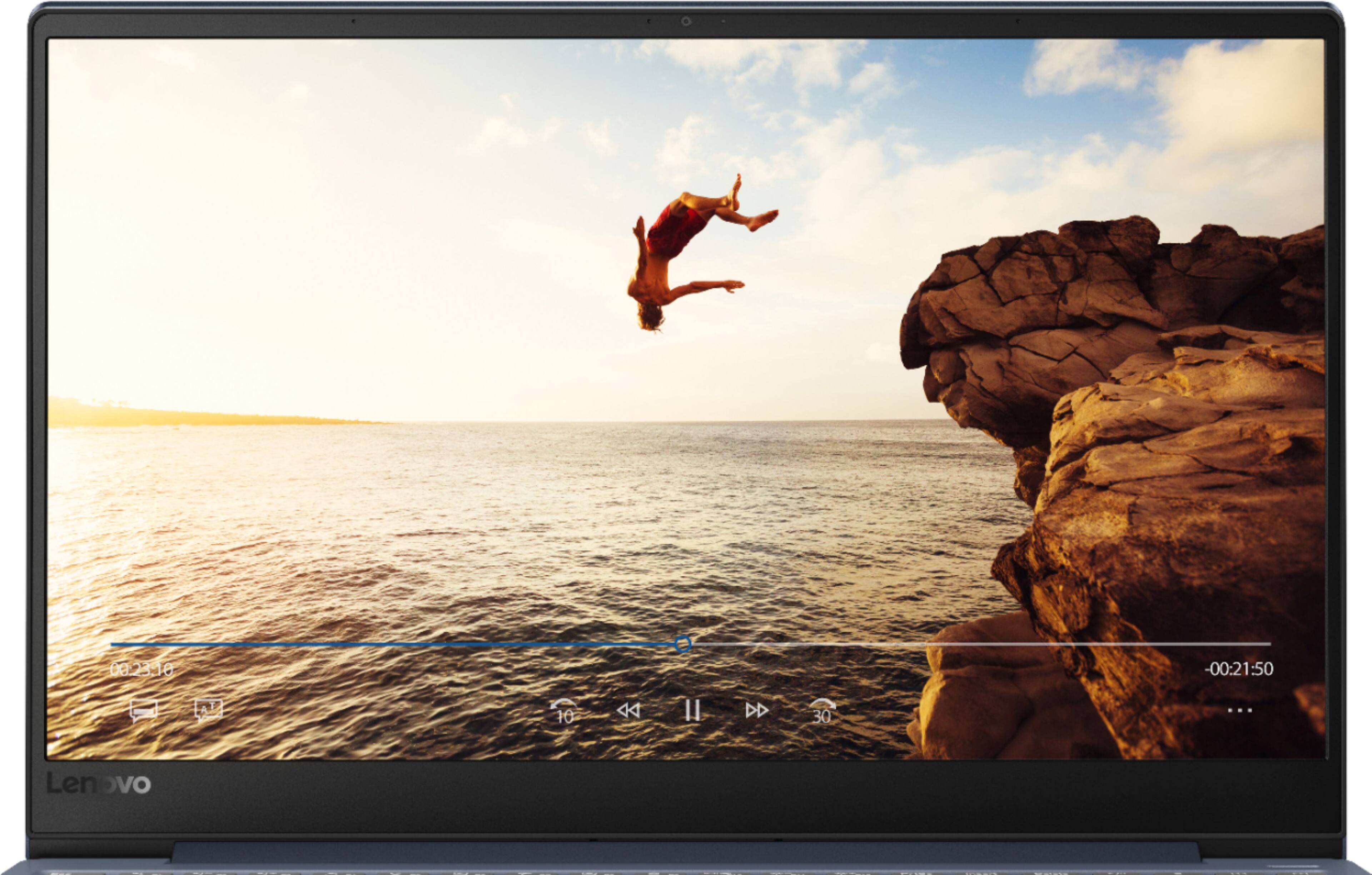
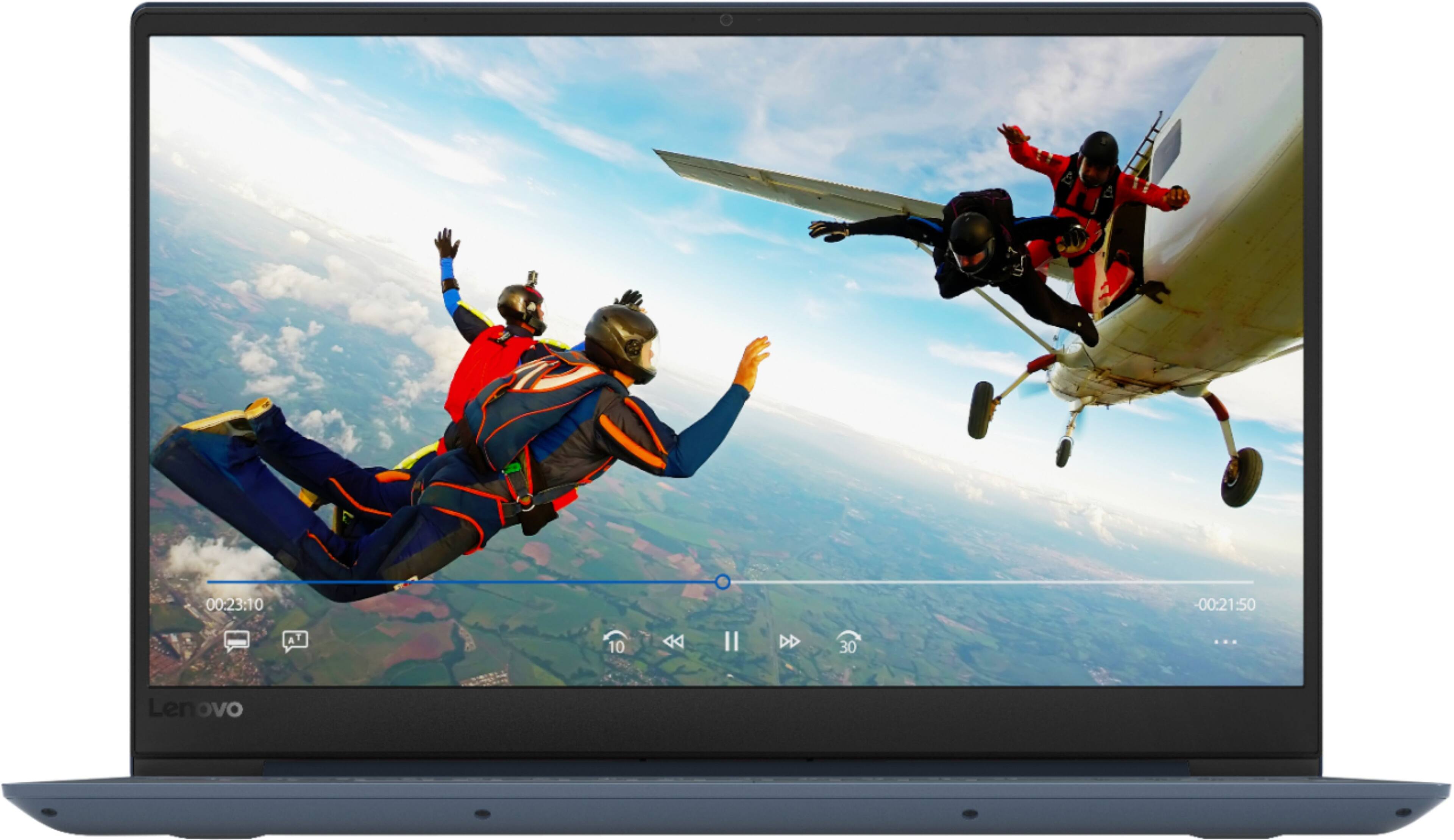
||Posted . Owned for 2 weeks when reviewed.This reviewer received promo considerations or sweepstakes entry for writing a review.It is an excellent laptop for most people. The screen is nice and colorful, the keyboard is very comfortable and the keys are very responsive. Laptop's body is light, durable, and very beautiful. So happy!
I would recommend this to a friendBrand response from Lenovo Product Expert
Posted .Thank you for choosing the lenovo IdeaPad 330s-15 laptop, model number 81F5018EUS. This is a mid-level, moderate use configuration, with its Intel Core i3-8130U processor. This Dual-Core processor has a base speed of 2.2GHz and a boost speed of up to 3.4GHz. This configuration has 4GB of DDR4-2400MHz RAM and a 128GB solid state hard drive. There is a LCD w/LED Backlight (Anti-glare) screen, with a resolution of 1366 X 768 (HD) and a brightness level of 220 nits. It is good with Microsoft Office type programs, internet browsing and other moderate work. This model ships with Windows 10 S-Mode Operating System. Windows 10 S-Mode provides added security by only allowing APPs available ( and therefore certified by Microsoft) at the Microsoft Store. If you don't need the added security or you need to install APPs not available at the Microsoft Store, you can switch to standard Windows 10 Home 64-bit Operating System, at no additional cost.
- Cons mentioned:Battery life
The battery doesn’t last very long
||Posted . Owned for 3 weeks when reviewed.This reviewer received promo considerations or sweepstakes entry for writing a review.Love the look of this computer but the battery dies way too fast. Constantly have to charge it even after using it for less than an hour or two
No, I would not recommend this to a friend - Cons mentioned:Battery life
Good laptop
||Posted . Owned for 1 month when reviewed.This reviewer received promo considerations or sweepstakes entry for writing a review.Good laptop but battery life is short. Recharger pretty fast. Best Buy has great Geek Squad service.
No, I would not recommend this to a friendBrand response from Lenovo Product Expert
Posted .The Lenovo IdeaPad 330s-15 laptop ships with a 2CELL 30WH, Lithium Polymer Battery, with a battery life of up to 7 hours, depending on the work that the device is performing. To maximize battery life, first adjust your battery saver settings. Here is a link to instruction for doing this in Windows 10: https://www.digitalcitizen.life/how-use-configure-battery-saver-windows-10. Next, to maximize battery life, be sure there are no unwanted programs running in the background, draining the battery. Here is a link to some tips for finding out what is draining your battery:
https://www.laptopmag.com/articles/battery-saver-windows-10. Also, to maximize battery life, try changing your power management setting to a more conservative one. You can do this in the control panel, in the power management category on your system. Select a more conservative power management setting to extend battery life. Finally, if the battery life does not improve, a battery reset may help. Here is a link to instructions for reconditioning a non-removable battery, using the Battery Management Software installed on the computer. If you need further assistance, we recommend you call Lenovo Tech Support at: 877-453-6686. Here is the link: https://windowsreport.com/laptop-battery-not-charging-windows-10/. For 2018, Lenovo retained its place for a second year as the best laptop vendor:
https://www.laptopmag.com/articles/laptop-brand-ratings
Love the slim design!
||Posted . Owned for 11 months when reviewed.This reviewer received promo considerations or sweepstakes entry for writing a review.We were nervous about buying a Lenovo laptop but our minds were put at ease with the first use. We were upgrading and just wasn't sure of the Intel Core i3. We are pleased with our choice!
I would recommend this to a friendJust what I needed!!
||Posted . Owned for 1 month when reviewed.This reviewer received promo considerations or sweepstakes entry for writing a review.Just what I needed!! Glad I went with this model! Boot time great.. Hooked up to Tv without any issue. Serves my needs perfectly.. Light user.. Emails, browsing. homework. No problems.
I would recommend this to a friendBrand response from Lenovo Product Expert
Posted .Thank you for choosing the Lenovo IdeaPad 330s-15 laptop. This is a mid-level, moderate use configuration, with its Intel Core i3-8130U processor. This Dual-Core processor has a base speed of 2.2GHz and a boost speed of up to 3.4GHz. This configuration has 4GB of DDR4-2400MHz RAM and a 128GB solid state hard drive. It is good with Microsoft Office type programs, internet browsing and other moderate work. This model ships with Windows 10 S-Mode Operating System. Windows 10 S-Mode provides added security by only allowing APPs available ( and therefore certified by Microsoft) at the Microsoft Store. If you don't need the added security or you need to install APPs not available at the Microsoft Store, you can switch to standard Windows 10 Home 64-bit Operating System, at no additional cost.
Works fine
||Posted . Owned for 2 weeks when reviewed.This reviewer received promo considerations or sweepstakes entry for writing a review.This is a good computer for beginners it’s perfect for starting new projects and that type of things. It’s good for gamers and students. It delivers good speed and response to multi task
I would recommend this to a friendBrand response from Lenovo Product Expert
Posted .The Lenovo IdeaPad 330s-15 laptop, Model number 81F5018TUS ships with the powerful Quad-Core/Eight-Thread Intel Core i5-8250U processor, supported by 8GB DDR4-2400MHz RAM and a 128GB solid state hard drive. This Processor has a base speed of 1.6GHz and a Turbo Boost speed of up to 3.4GHz. The laptop has a IPS LCD w/LED Backlight (Anti-glare) screen, with a resolution of 1920 x 1080 (FHD) and a brightness level 250 nits. This configuration is good for many of today's most demanding programs, browsing the internet with multiple tabs open. If this describes your computing needs, the IdeaPad 330s-15 is a great choice.
Great leisure laptop that won't break the bank.
||Posted . Owned for 3 weeks when reviewed.This reviewer received promo considerations or sweepstakes entry for writing a review.This laptop is good for everyday task such as online banking, surfing and even streaming. No issues with running word, excel or pdf files. not a gaming laptop but great for daily task.
I would recommend this to a friendLove my new Lenovo!
||Posted . Owned for 3 weeks when reviewed.This reviewer received promo considerations or sweepstakes entry for writing a review.I needed a new laptop. I was not familiar with Lenovo when I went to Best Buy, but the sales person provided me with good information and I was convinced it was the laptop for me. I am very happy with it!
I would recommend this to a friendBrand response from Lenovo Product Expert
Posted .Thank you for choosing the Lenovo IdeaPad 330s-15 laptop. The Lenovo IdeaPad 330s-15 laptop, Model number 81F5018TUS ships with the powerful Quad-Core/Eight-Thread Intel Core i5-8250U processor, supported by 8GB DDR4-2400MHz RAM and a 128GB solid state hard drive. This Processor has a base speed of 1.6GHz and a Turbo Boost speed of up to 3.4GHz. The laptop has a IPS LCD w/LED Backlight (Anti-glare) screen, with a resolution of 1920 x 1080 (FHD) and a brightness level 250 nits. This configuration is good for many of today's most demanding programs, browsing the internet with multiple tabs open. This model ships with Windows 10 S-Mode Operating System. Windows 10 S-Mode provides added security by only allowing APPs available ( and therefore certified by Microsoft) at the Microsoft Store. If you don't need the added security or you need to install APPs not available at the Microsoft Store, you can switch to standard Windows 10 Home 64-bit Operating System, at no additional cost.
- Pros mentioned:Price
Fairly capable - good value
||Posted . Owned for 1 month when reviewed.This reviewer received promo considerations or sweepstakes entry for writing a review.Capable machine best suited for general office tasks, word, spreadsheets etc. not a lot of power but enough to get the job done. Affordable.
I would recommend this to a friend Excellent laptop for my needs
||Posted . Owned for 3 weeks when reviewed.This reviewer received promo considerations or sweepstakes entry for writing a review.I ordered the Lenovo laptop on bestbuy.com. I was given a date to pick it up at Best Buy near me. I went on the day I was given and picked it up. Just had to show my id and order number ; in and out.
I would recommend this to a friendBrand response from Lenovo Product Expert
Posted .Thank you for choosing the Lenovo IdeaPad 330s-15 laptop. We are pleased to hear that the IdeaPad 330s-15 is working out so well. This is a mid-level, moderate use configuration, with its Intel Core i3-8130U processor. This Dual-Core processor has a base speed of 2.2GHz and a boost speed of up to 3.4GHz. This configuration has 4GB of DDR4-2400MHz RAM. It is good with Microsoft Office type programs, internet browsing and other moderate work. This model ships with Windows 10 S-Mode Operating System. Windows 10 S-Mode provides added security by only allowing APPs available ( and therefore certified by Microsoft) at the Microsoft Store. If you don't need the added security or you need to install APPs not available at the Microsoft Store, you can switch to standard Windows 10 Home 64-bit Operating System, at no additional cost.
Laptop
||Posted . Owned for 8 months when reviewed.This reviewer received promo considerations or sweepstakes entry for writing a review.I had my laptop for 4 years and still enjoy it, the only thing I am not happy with is where they chose to put the Shift Key, not a great spot for someone who types a lot.
I would recommend this to a friend- Cons mentioned:Battery life
Nice computer with ridiculously short battery life
||Posted . Owned for 1 month when reviewed.This reviewer received promo considerations or sweepstakes entry for writing a review.I am happy with the computer minus the very short battery life-maybe 1 hour! How could that be possible? Ive had this computer one month.
No, I would not recommend this to a friend Rating not applicable, just started using.
||Posted .This reviewer received promo considerations or sweepstakes entry for writing a review.It took a while to complete the computer setup, and the reason we purchased the computer now is to give us time to get used to Windows 10 before Dec. 31, 2019. I currently use it for internet use only but have enjoyed most of the new features I have found. At this time I do not know enough about the laptop to determine whether or not I would recommend it. Since the survey required a response to the recommendation question and did not include an option to say not sure, I checked "NO", although that is not the correct answer.
No, I would not recommend this to a friendBrand response from Lenovo Product Expert
Posted .The Lenovo IdeaPad 330s-15 laptop ships with Windows 10 S-Mode Operating System. Windows 10 provides both audio and on screen, step by step setup instructions for the initial activation of Windows 10. Windows 10 S-Mode provides added security by only allowing APPs available ( and therefore certified by Microsoft) at the Microsoft Store. If you don't need the added security or you need to install APPs not available at the Microsoft Store, you can switch to standard Windows 10 Home 64-bit Operating System, at no additional cost.
Just right for school
||Posted . Owned for 3 weeks when reviewed.This reviewer received promo considerations or sweepstakes entry for writing a review.I use it for college and a little internet usage. If only it was touch screen. The mouse pad is a little finicky. That's my only gripe.
I would recommend this to a friendBrand response from Lenovo Product Expert
Posted .The Lenovo IdeaPad 330s-15 laptop does not have a touchscreen. With regard to the touchpad, you can make adjustments to the touchpad in your system settings. You can get there by clicking on the magnifying glass at the bottom left of your Windows 10 screen. Type "touchpad" in the search window. Select "Mouse & touchpad settings" from the list of choices. You can make general adjustments to the touchpad there. You can also select "Additional mouse options" for more detailed adjustments to the touchpad sensitivity by increasing the delay of the touchpad.