Customer Ratings & Reviews
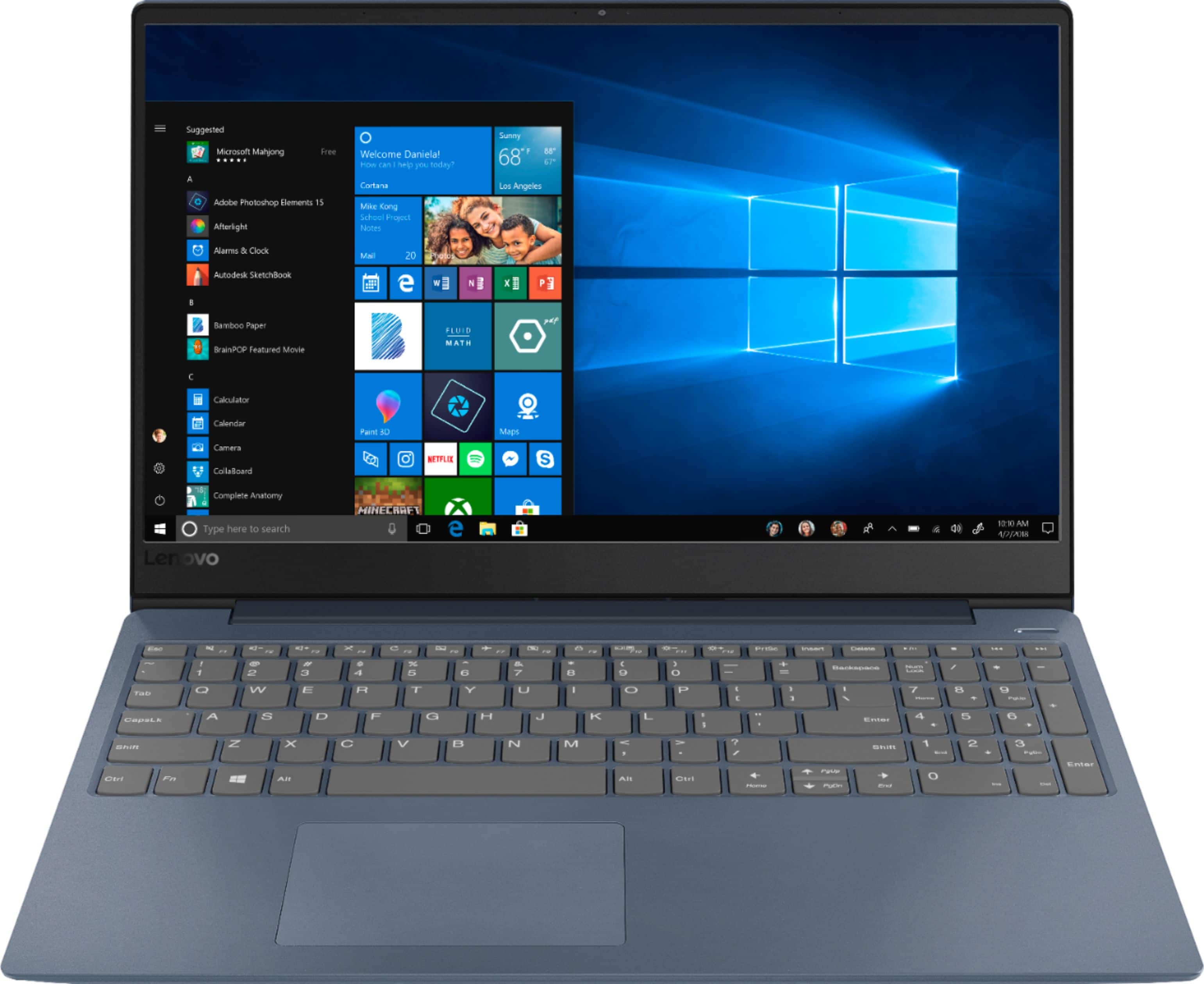
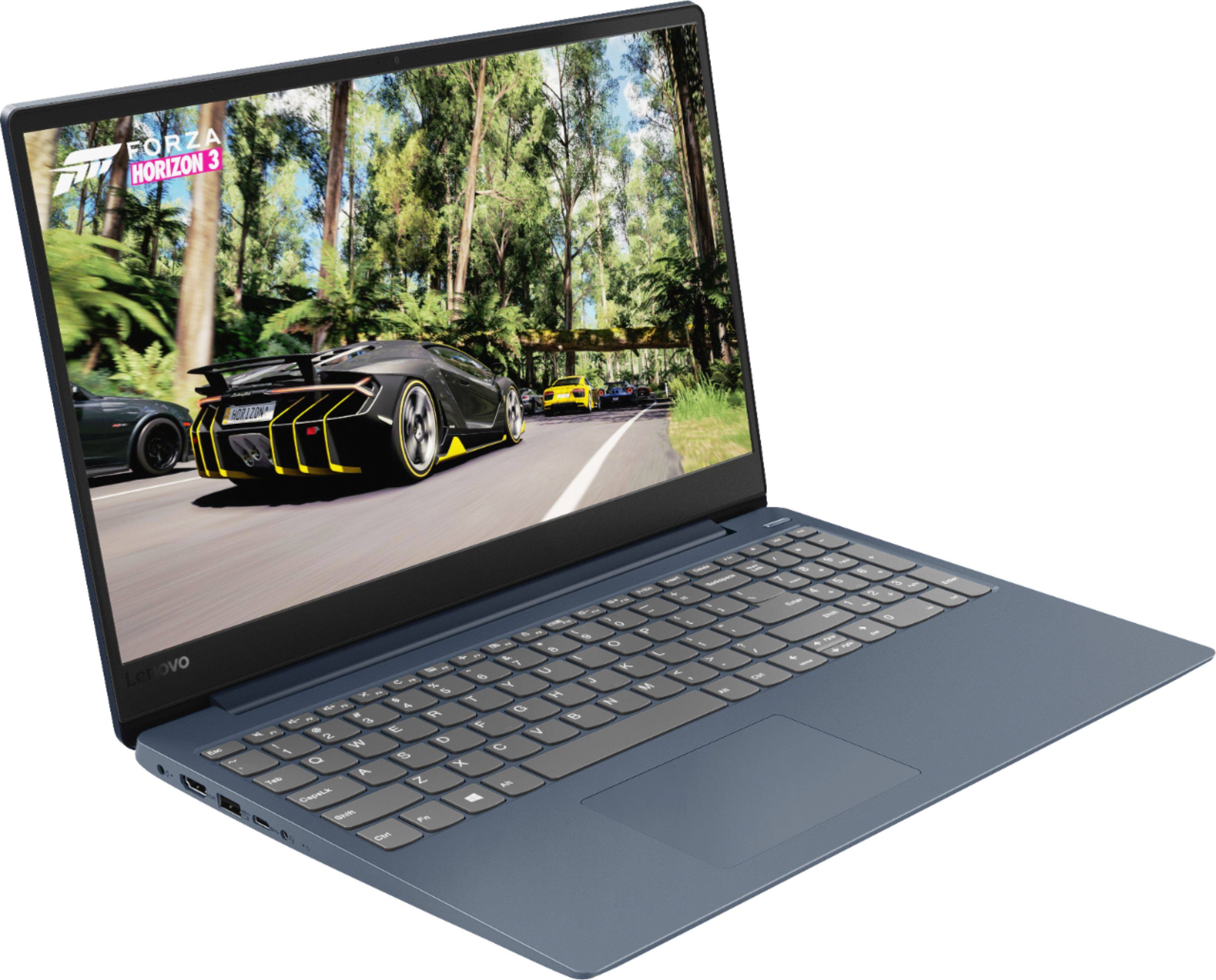
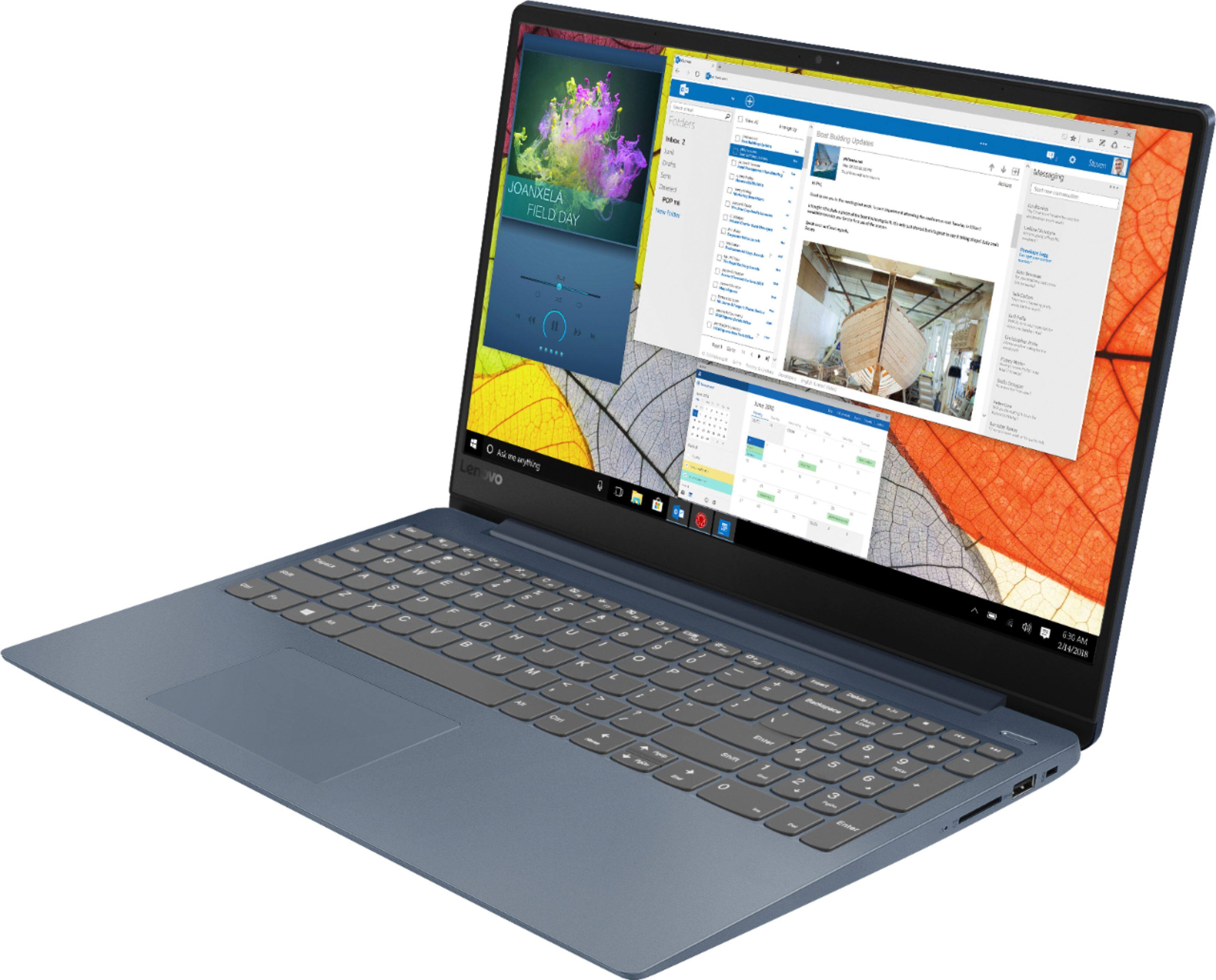
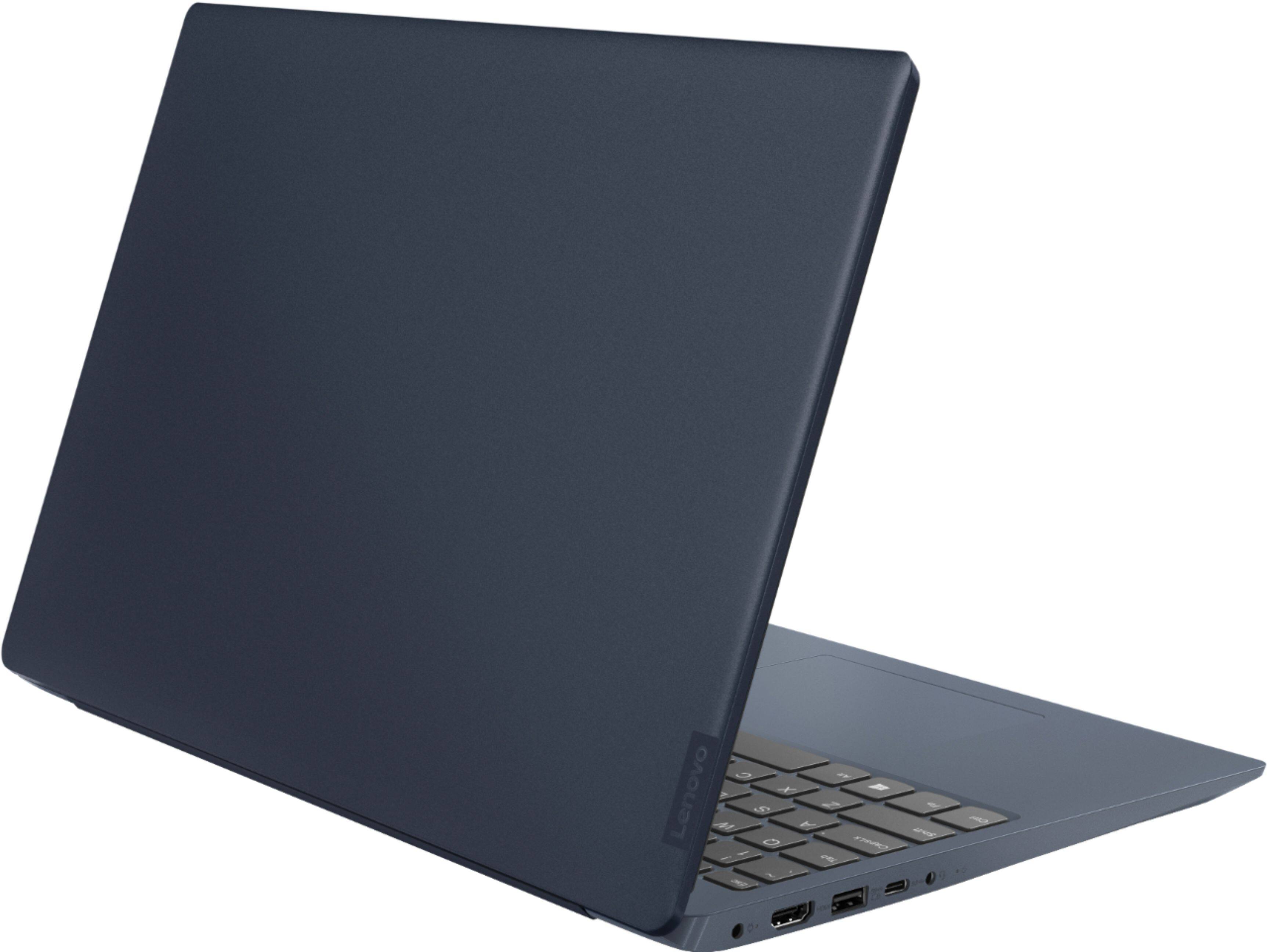

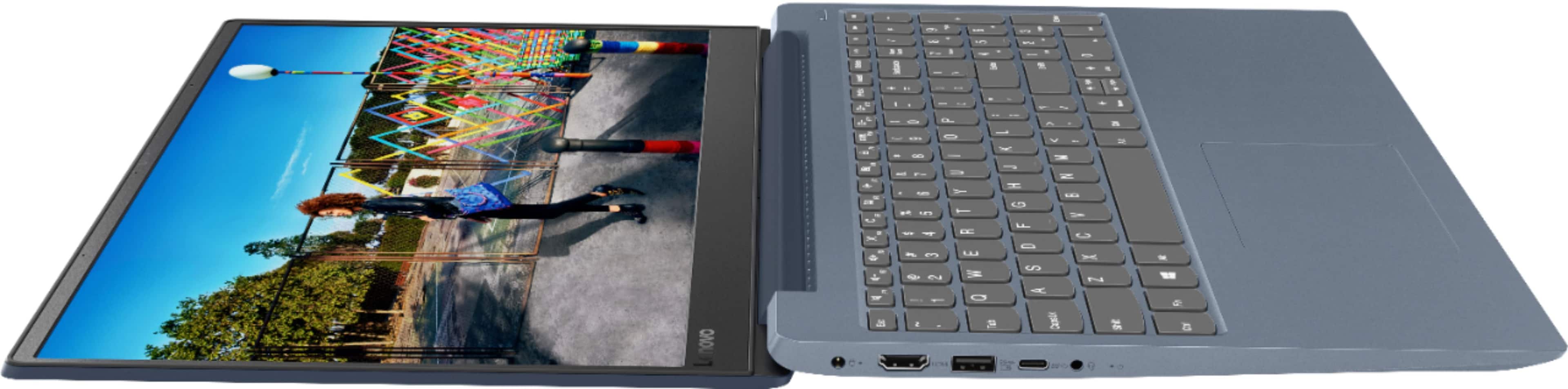
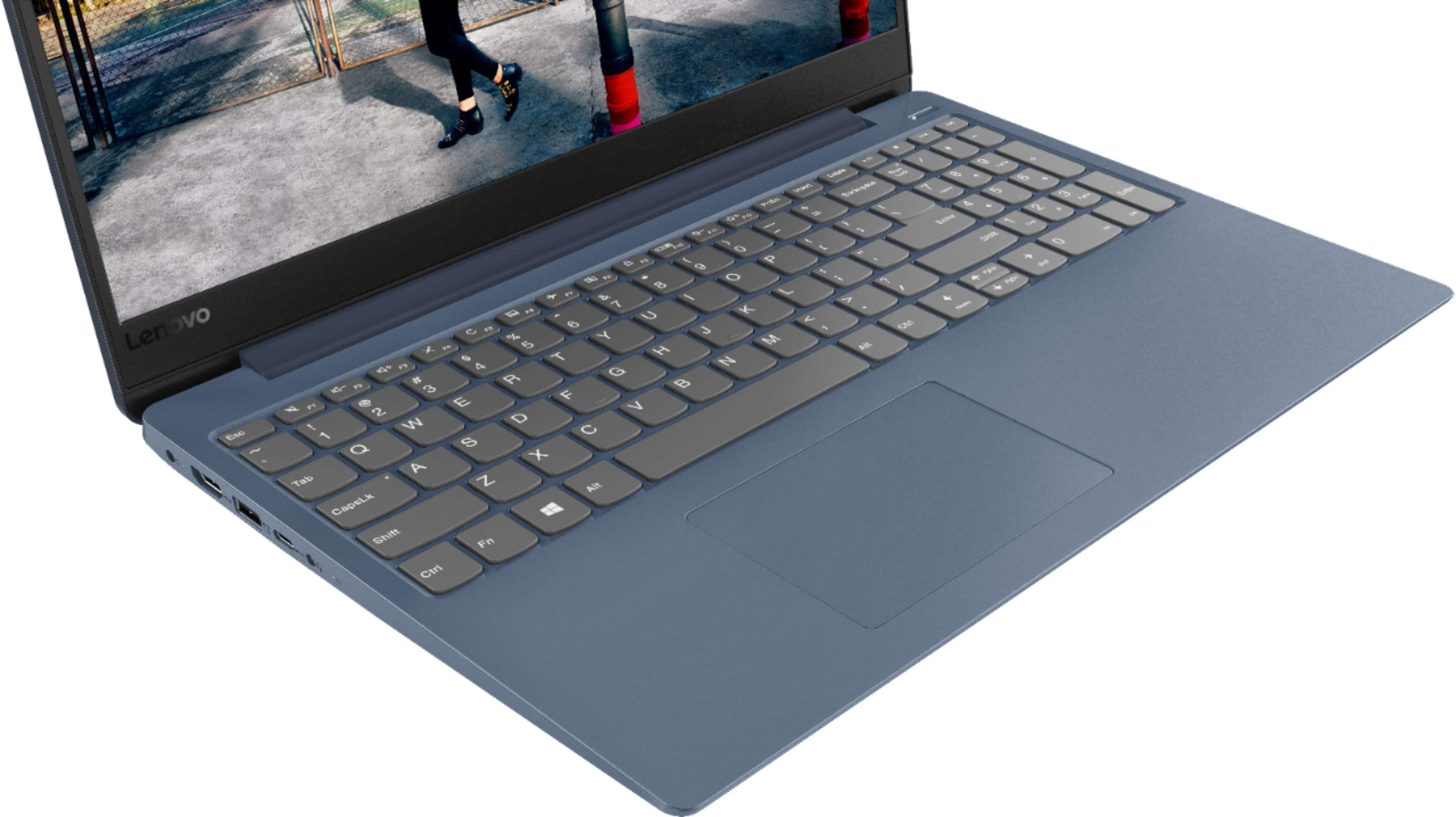
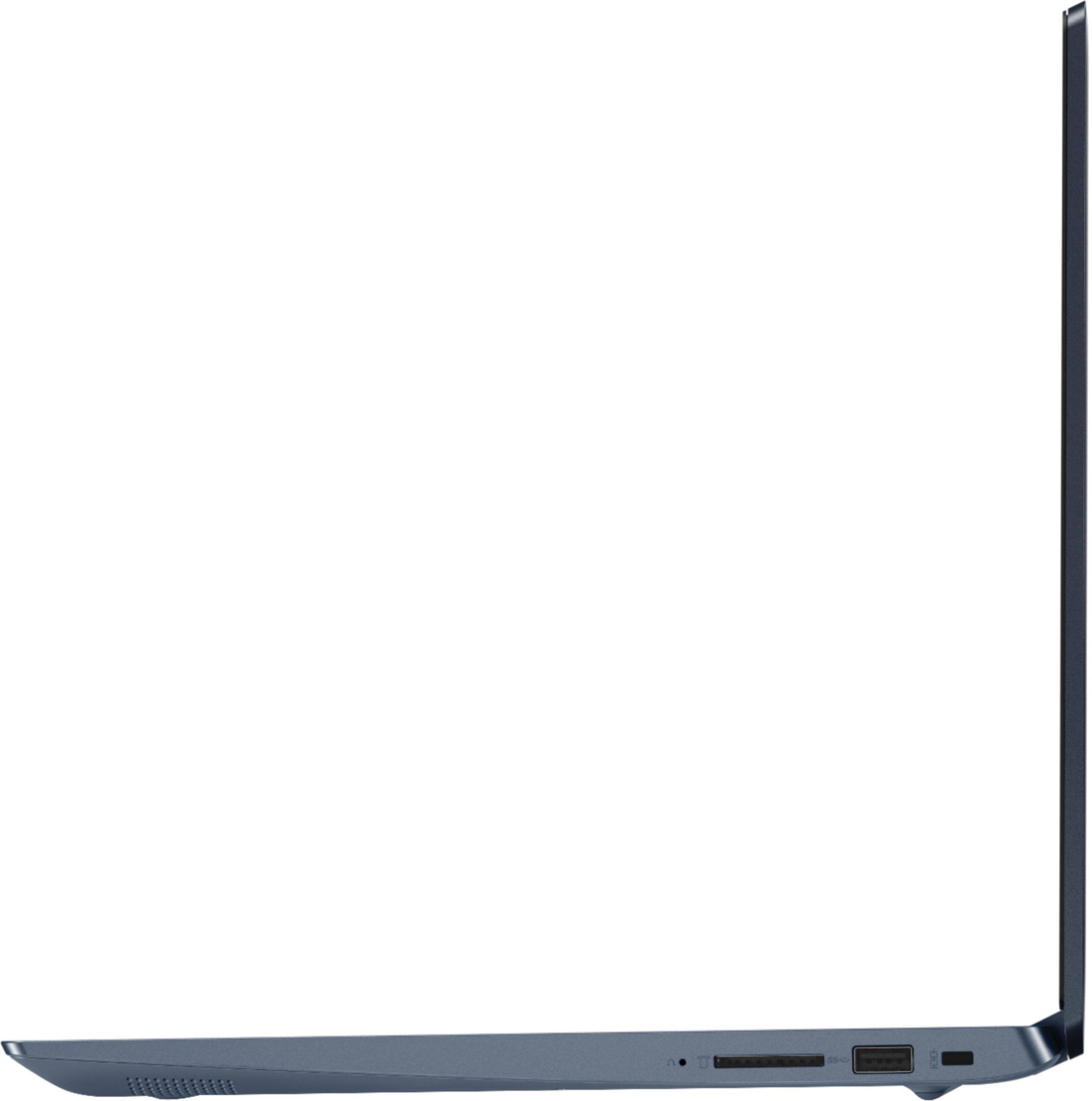
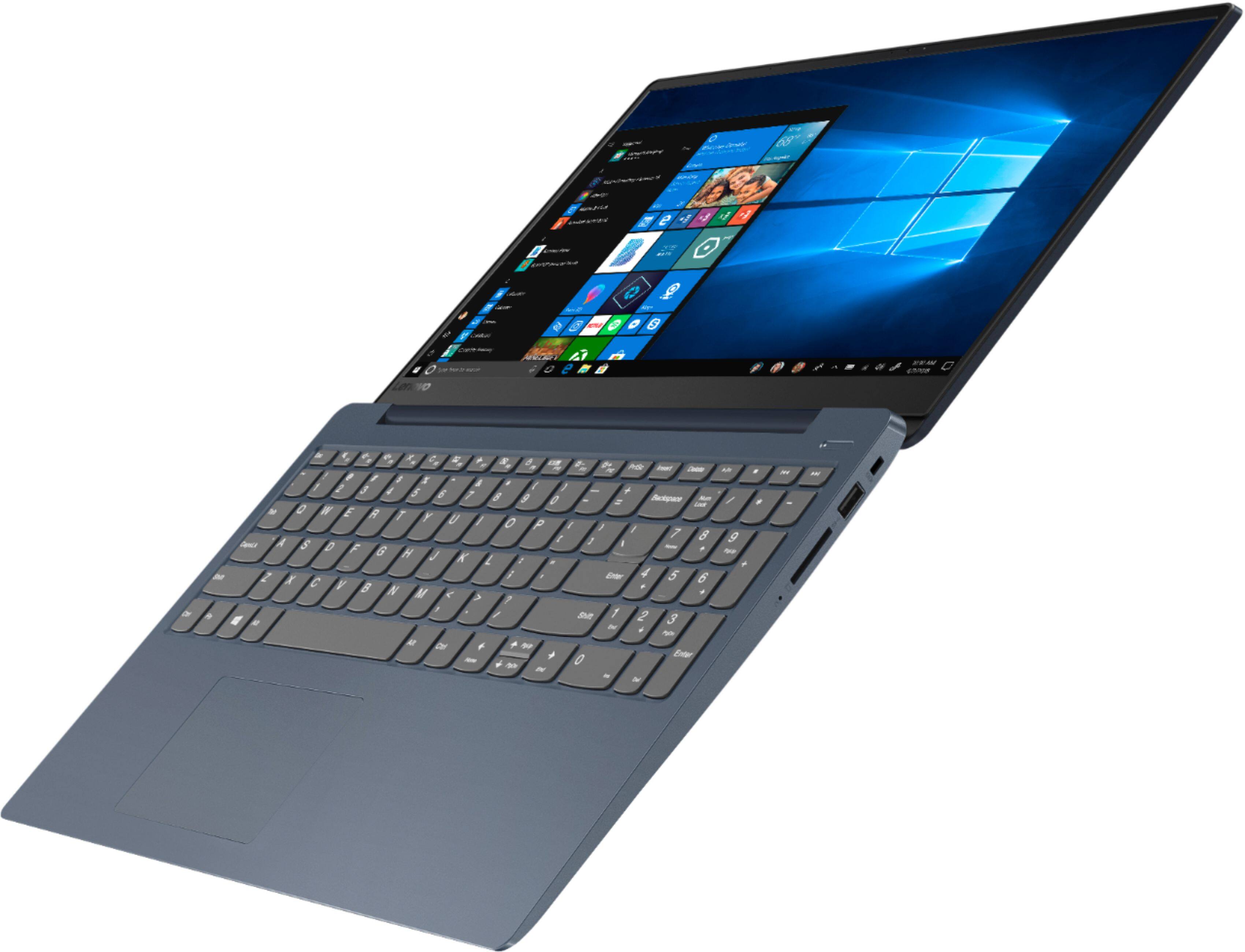
- Model:
- 81F5018EUS
- SKU:
- 6323662
Rating by feature
- Battery Life
Rating 4.1 out of 5 stars
- Speed
Rating 4.2 out of 5 stars
- Display
Rating 4.4 out of 5 stars
Customers are saying
Customers enjoy the IdeaPad 330S laptop for its budget-friendly price, user-friendly interface, and lightweight design. Many reviewers also praised its performance and overall design. However, some users expressed concerns about its battery life, limited storage capacity, and the number of USB ports.
This summary was generated by AI based on customer reviews.
New style hard drive inferior for my use
||Posted . Owned for 3 weeks when reviewed.This reviewer received promo considerations or sweepstakes entry for writing a review.My Lenovo 330 older style is superior for my use, working fine on everything but my 1 use This is what I was told by one of the geek squad
No, I would not recommend this to a friendIt’s a good product for its usage
||Posted . Owned for 1 month when reviewed.This reviewer received promo considerations or sweepstakes entry for writing a review.Overall very please with the product. Still working out some kinks but otherwise a good product.
I would recommend this to a friendBrand response from Lenovo Product Expert
Posted .To keep your Lenovo IdeaPad 330s-15 laptop running at its optimum levels, be sure you have the latest version of Windows 10 on the computer and that all of the supporting BIOS files and drivers are also up to date. You can easily accomplish this by scanning the computer with the Lenovo Utility software installed on the computer. This system has Lenovo utilities installed to help maintain the health of the device and keep the operating system software up to date. Type "Lenovo Vantage" in the Cortana Search window (if Lenovo Vantage is not installed on your device, you can download the APP and install it now). Select Lenovo Vantage from the list. In the window that opens, click on "Health and Support". In the expanded menu, select "Hardware Scan" In the window that opens, select "Run Quick Tests". This will scan your entire system for errors. Follow any directions that may pop up. If the problem continues after this scan, now click on "System Update". First select Windows update from the menu. Scan your system to be sure you have the latest version of Windows 10. Once that scan is complete, select "Additional Updates". This will scan your device to be sure there are no new BIOS/Driver updates needed. Follow any instructions that may pop up. If the issue still continues after these updates, we recommend you call Lenovo Tech Support at: 877-453-6686 for additional help.

OK for the price
||Posted . Owned for 3 weeks when reviewed.This reviewer received promo considerations or sweepstakes entry for writing a review.Not really a big fan of this laptop. Seemed a little slow to me compared to my 4 year old Asus with the same ram. Ended up returning it.
No, I would not recommend this to a friendAlright... For the money.
||Posted . Owned for 1 month when reviewed.This reviewer received promo considerations or sweepstakes entry for writing a review.This is an okay.. basic... laptop for an average user. Not a lot of bells and whistles. Just a simple laptop. Decent value for the money.
I would recommend this to a friendBrand response from Lenovo Product Expert
Posted .The Lenovo IdeaPad 330s-15 laptop is a mid-level, moderate use configuration, with its Intel Core i3-8130U processor. This Dual-Core processor has a base speed of 2.2GHz and a boost speed of up to 3.4GHz. This configuration has 4GB of DDR4-2400MHz RAM and a 128GB solid state hard drive. It is good with Microsoft Office type programs, internet browsing and other moderate work. If this describes your computing needs, the IdeaPad 330s-15 would be a good choice for you.
Had to exchange laptop
||Posted . Owned for 1 month when reviewed.This reviewer received promo considerations or sweepstakes entry for writing a review.I had to exchange original laptop delivered with another one. There was no credit for my trouble and time. Second one has worked well.
No, I would not recommend this to a friend- Cons mentioned:Battery life
Battery never lasts more than 2 hours.
||Posted .This reviewer received promo considerations or sweepstakes entry for writing a review.Battery lasts 1.5 to 2 hours max! Took it into Best Buy and they said, in effect, the battery never lasts the 6 hours that the manufacturer states. I wish I would have called Lenovo within the first year of warranty. Now I have a plug in computer, but I can't use it on the battery for 2 hours. Terrible!
No, I would not recommend this to a friend Decent little starter machine
||Posted . Owned for 3 weeks when reviewed.This reviewer received promo considerations or sweepstakes entry for writing a review.Good machine for a kid. Boots fast. Small disk but enough for someone who just does most things online. Reliable and built well.
I would recommend this to a friendBrand response from Lenovo Product Expert
Posted .This is a mid-level, moderate use configuration, with its Intel Core i3-8130U processor. This Dual-Core processor has a base speed of 2.2GHz and a boost speed of up to 3.4GHz. This configuration has 4GB of DDR4-2400MHz RAM and a 128GB solid state hard drive. It is good with Microsoft Office type programs, internet browsing and other moderate work. This model ships with Windows 10 S-Mode Operating System. Windows 10 S-Mode provides added security by only allowing APPs available ( and therefore certified by Microsoft) at the Microsoft Store. If you don't need the added security or you need to install APPs not available at the Microsoft Store, you can switch to standard Windows 10 Home 64-bit Operating System, at no additional cost.
okay
||Posted . Owned for 7 months when reviewed.This reviewer received promo considerations or sweepstakes entry for writing a review.it’s cheap, does what it’s supposed to do. i don't love or hate it, but it is a low quality laptop.
No, I would not recommend this to a friendGood basic computer
||Posted . Owned for 3 weeks when reviewed.This reviewer received promo considerations or sweepstakes entry for writing a review.Needed a simple laptop for a family member's hobby use. This one does the trick. No problems out of the box.
I would recommend this to a friendNot bad
||Posted .This reviewer received promo considerations or sweepstakes entry for writing a review.Not as quick as Lenovo i5 or i7, but manageable for personal and basic home use. I fairly rate it 3 out of 5.
I would recommend this to a friendBrand response from Lenovo Product Expert
Posted .The lenovo IdeaPad 330s-15 laptop is a mid-level, moderate use configuration, with its Intel Core i3-8130U processor. This Dual-Core processor has a base speed of 2.2GHz and a boost speed of up to 3.4GHz. This configuration has 4GB of DDR4-2400MHz RAM and a 128GB solid state hard drive. It is good with Microsoft Office type programs, internet browsing and other moderate work. If this describes your computing needs, the IdeaPad 330s-15 would be a good choice for you.
It's Okay I guess
||Posted . Owned for 8 months when reviewed.This reviewer received promo considerations or sweepstakes entry for writing a review.It works for what I need it to but just isn't the best for some reason. Pretty slow.
No, I would not recommend this to a friendGood for a person doing basic functions
||Posted . Owned for 3 weeks when reviewed.This reviewer received promo considerations or sweepstakes entry for writing a review.We purchased the computer for use of the Microsoft Office and basic internet browsing. Seems to work fine.
I would recommend this to a friendLenovo
||Posted . Owned for 1 year when reviewed.This reviewer received promo considerations or sweepstakes entry for writing a review.Computer is ok buy started lagging after few months. Touch pad is hortible
No, I would not recommend this to a friendCheap
||Posted .This reviewer received promo considerations or sweepstakes entry for writing a review.Purchased this new but found someone else's photos and info on this computer.
No, I would not recommend this to a friendi like it very much. very user friendly
||Posted . Owned for 1 month when reviewed.This reviewer received promo considerations or sweepstakes entry for writing a review.I like this laptop because it's not complicated to use, it's not bulky to carry and I love the color
I would recommend this to a friendworks for word processing.
||Posted . Owned for 1 month when reviewed.This reviewer received promo considerations or sweepstakes entry for writing a review.I bought this to use mostly for word processing. Internet is slow and it doesn't hold much memory.
No, I would not recommend this to a friendBrand response from Lenovo Product Expert
Posted .The Lenovo IdeaPad has the latest 5G 802.11AC frequency WiFi. It is the fastest version of WiFi available. Be sure any software you installed is compatible with Windows 10. There is no need to install Microsoft Office software. The software is already part of the operating system, you just need to activate the software with a purchased product key. If you have installed a copy of Microsoft Office, this is conflicting with the existing copy on the system and this will slow your system down. If you have installed a 3rd party anti-virus program, be sure that Windows Defender is turned off and that the trial version of McAfee Anti-Virus software is uninstalled. There can only be one anti-virus program on the system. You may need to restore your system to original factory default settings if any of the programing errors have occurred. You can do that by typing "restore" in the Cortana search window. Just click on the magnifying glass icon at the bottom left of your Windows 10 Desktop. Click on "Reset This PC" Then click on "Get Started" and follow the on screen directions to restore to factory defaults. If the problem persists, we recommend you contact Lenovo Tech Support at: 877-453-6686
Haven’t tried the camera
||Posted . Owned for 1 month when reviewed.This reviewer received promo considerations or sweepstakes entry for writing a review.I don’t like the email options at all! Haven’t had it long enough to rate quality and performance.
I would recommend this to a friendBrand response from Lenovo Product Expert
Posted .You can reach any web-based email service, if you choose not to use Microsoft Outlook email. Just type the web page address for the email service you want to use aol.com, yahoo.com et cetera. Then click on the email link on the site home page and enter your account information. Once you setup your account on your new computer create a desktop shortcut. Here is a link to instructions for creating a desktop shortcut: https://www.thewindowsclub.com/create-website-shortcuts-windows-desktop.
- Cons mentioned:Battery life
Less than 4 hours from fully charged battery
||Posted . Owned for 1 month when reviewed.This reviewer received promo considerations or sweepstakes entry for writing a review.Fully charged battery doesn't last through a four hour class
No, I would not recommend this to a friendBrand response from Lenovo Product Expert
Posted .The Lenovo IdeaPad 330s-15 laptop ships with a 2CELL 30WH, Lithium Polymer Battery, with a battery life of up to 7 hours, depending on the work the device is performing. Incompatible software installed on the computer can shorten battery life. Be sure any software you installed is compatible with Windows 10. There is no need to install Microsoft Office software. The software is already part of the operating system, you just need to activate the software with a purchased product key. If you have installed a copy of Microsoft Office, this is conflicting with the existing copy on the system and this will slow your system down. If you have installed a 3rd party anti-virus program, be sure that Windows Defender is turned off and that the trial version of McAfee Anti-Virus software is uninstalled. There can only be one anti-virus program on the system. You may need to restore your system to original factory default settings if any of the programing errors have occurred. You can do that by typing "restore" in the Cortana search window. Just click on the magnifying glass icon at the bottom left of your Windows 10 Desktop. Click on "Reset This PC" Then click on "Get Started" and follow the on screen directions to restore to factory defaults. If the problem persists, we recommend you contact Lenovo Tech Support at: 877-453-6686.
Ok for basic use
||Posted . Owned for 1 month when reviewed.This reviewer received promo considerations or sweepstakes entry for writing a review.Not a lot of memory and no telephonic port. Not good for complex applications that use memory
No, I would not recommend this to a friendAverage laptop
||Posted . Owned for 1 month when reviewed.This reviewer received promo considerations or sweepstakes entry for writing a review.Build quality is below average to what Lenovo was selling for the same price about 7 years ago.
I would recommend this to a friendBrand response from Lenovo Product Expert
Posted .The Lenovo IdeaPad 330s-15 laptop, Model number 81F5018TUS ships with the powerful Quad-Core/Eight-Thread Intel Core i5-8250U processor, supported by 8GB DDR4-2400MHz RAM and a 128GB solid state hard drive. This Processor has a base speed of 1.6GHz and a Turbo Boost speed of up to 3.4GHz. The laptop has a IPS LCD w/LED Backlight (Anti-glare) screen, with a resolution of 1920 x 1080 (FHD) and a brightness level 250 nits. This configuration is good for many of today's most demanding programs, browsing the internet with multiple tabs open. If this describes your computing needs, the IdeaPad 330s-15 is a great choice. For 2018, Lenovo retained its place for a second year as the best laptop vendor:
https://www.laptopmag.com/articles/laptop-brand-ratings