Customer Ratings & Reviews
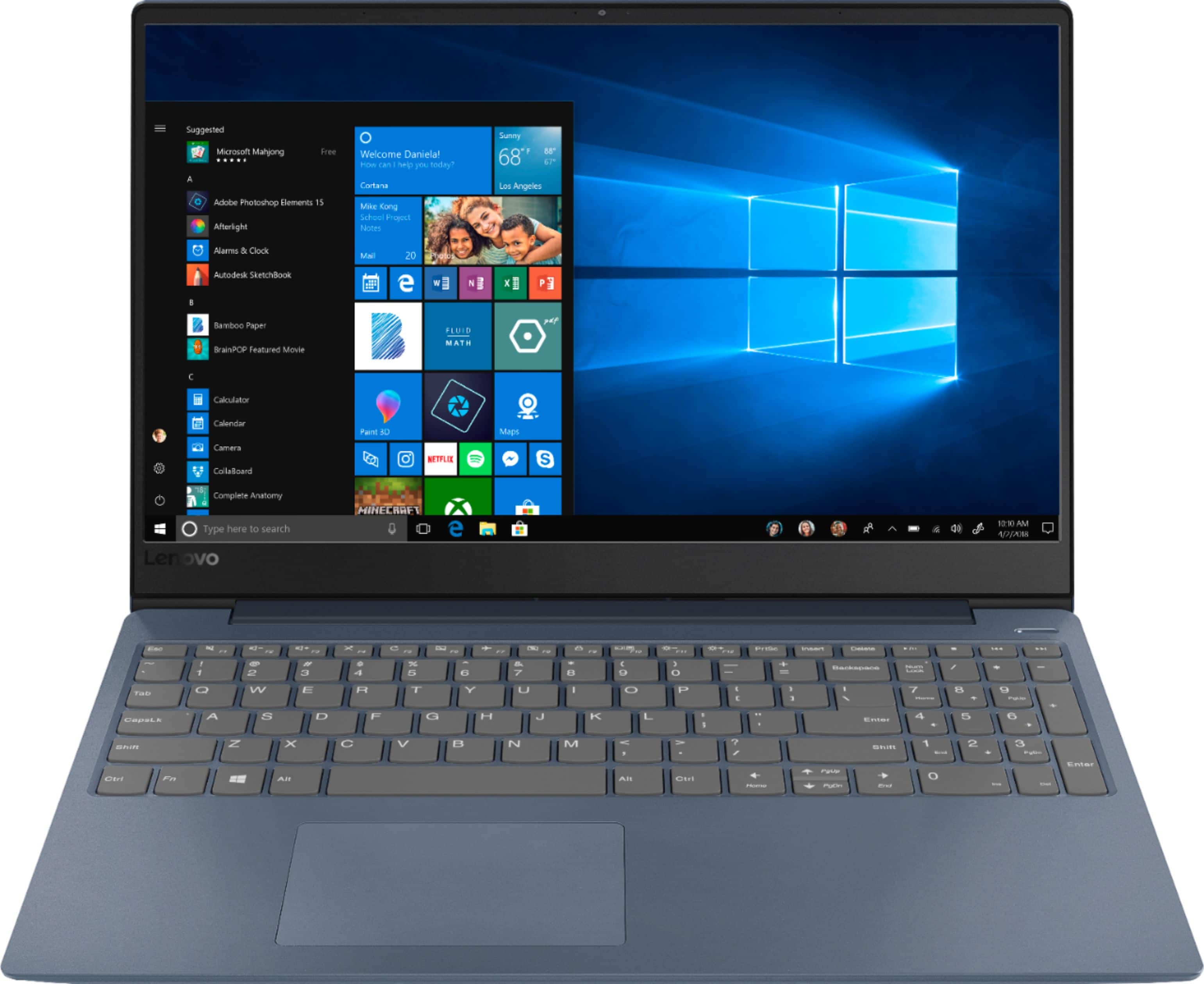
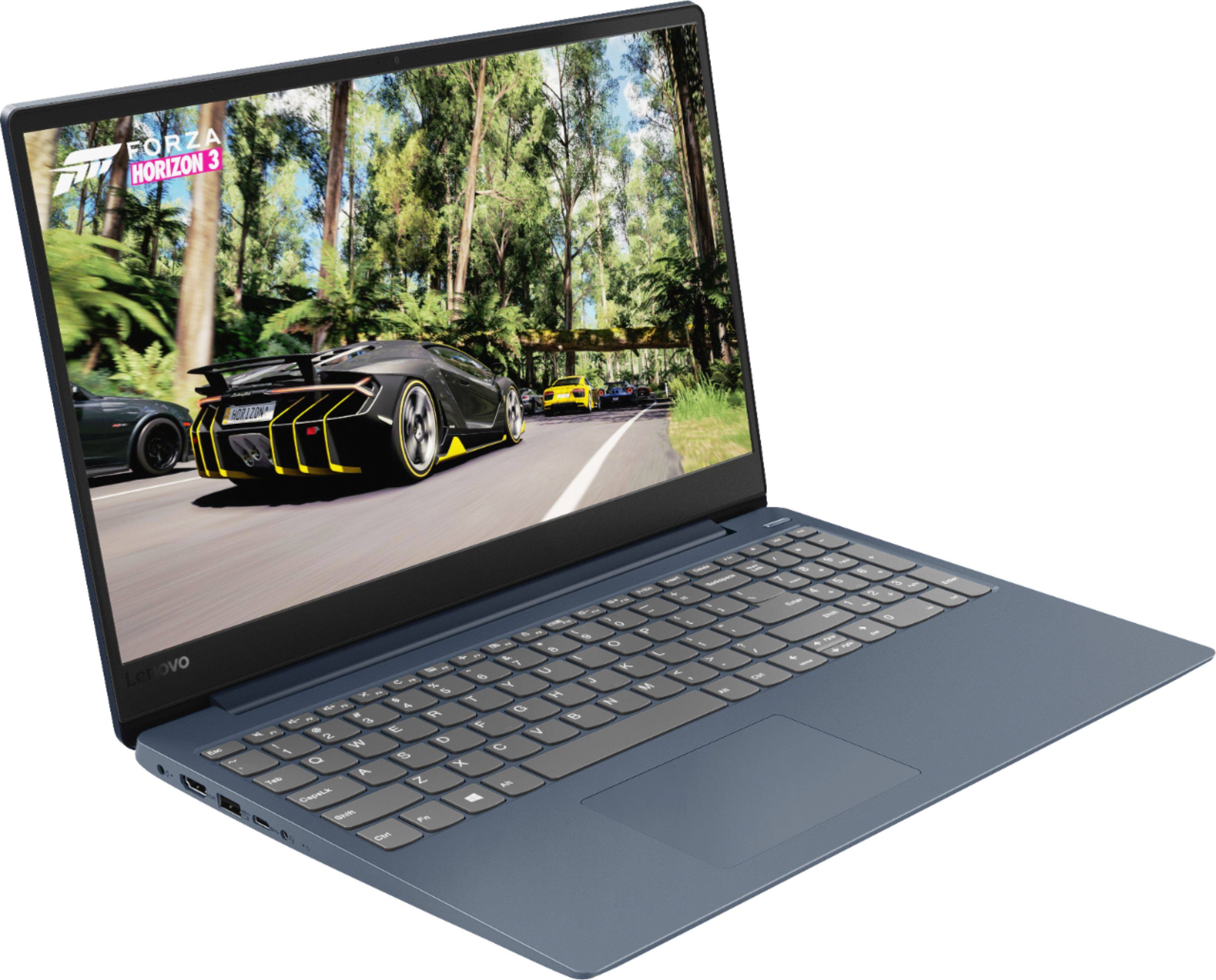
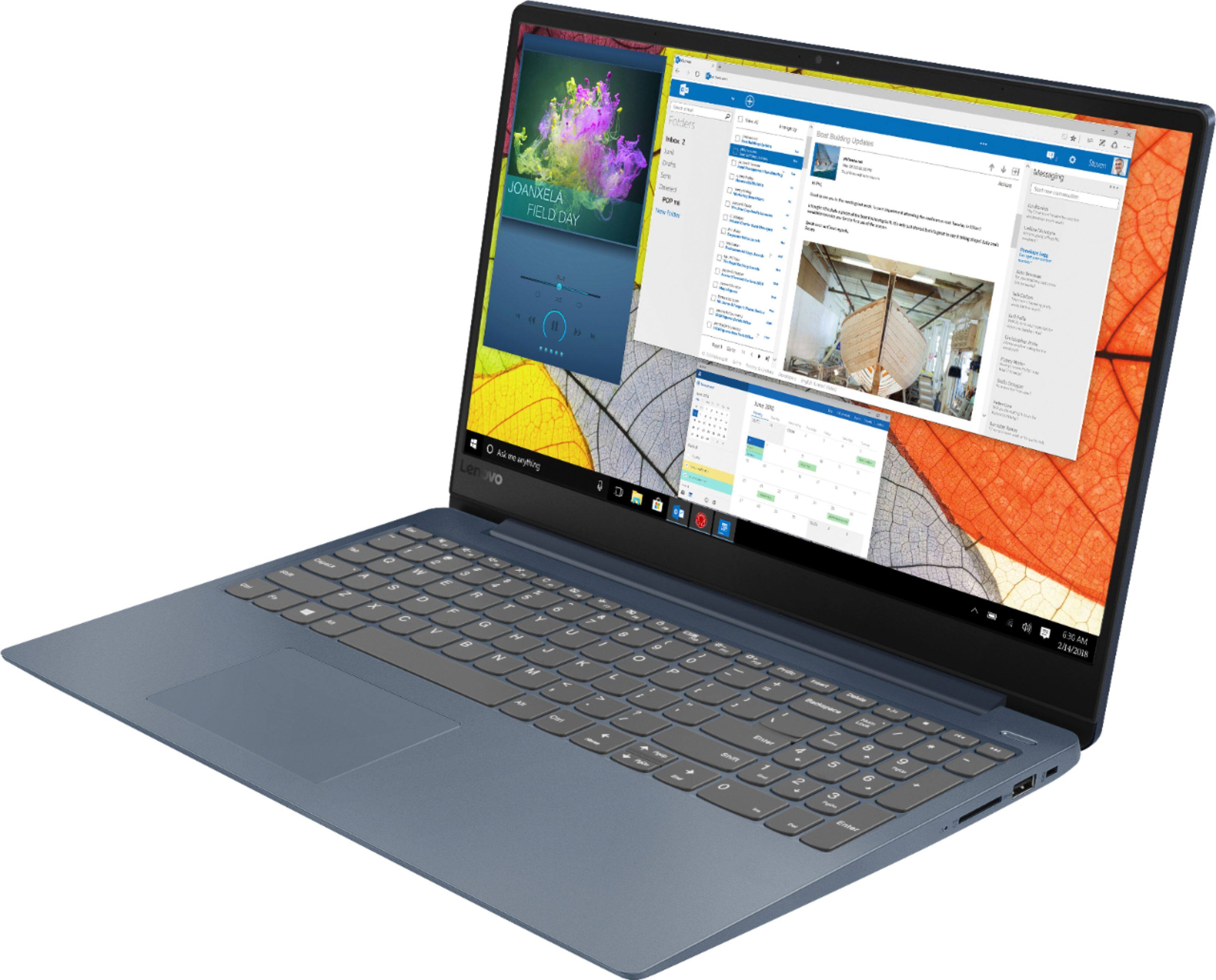
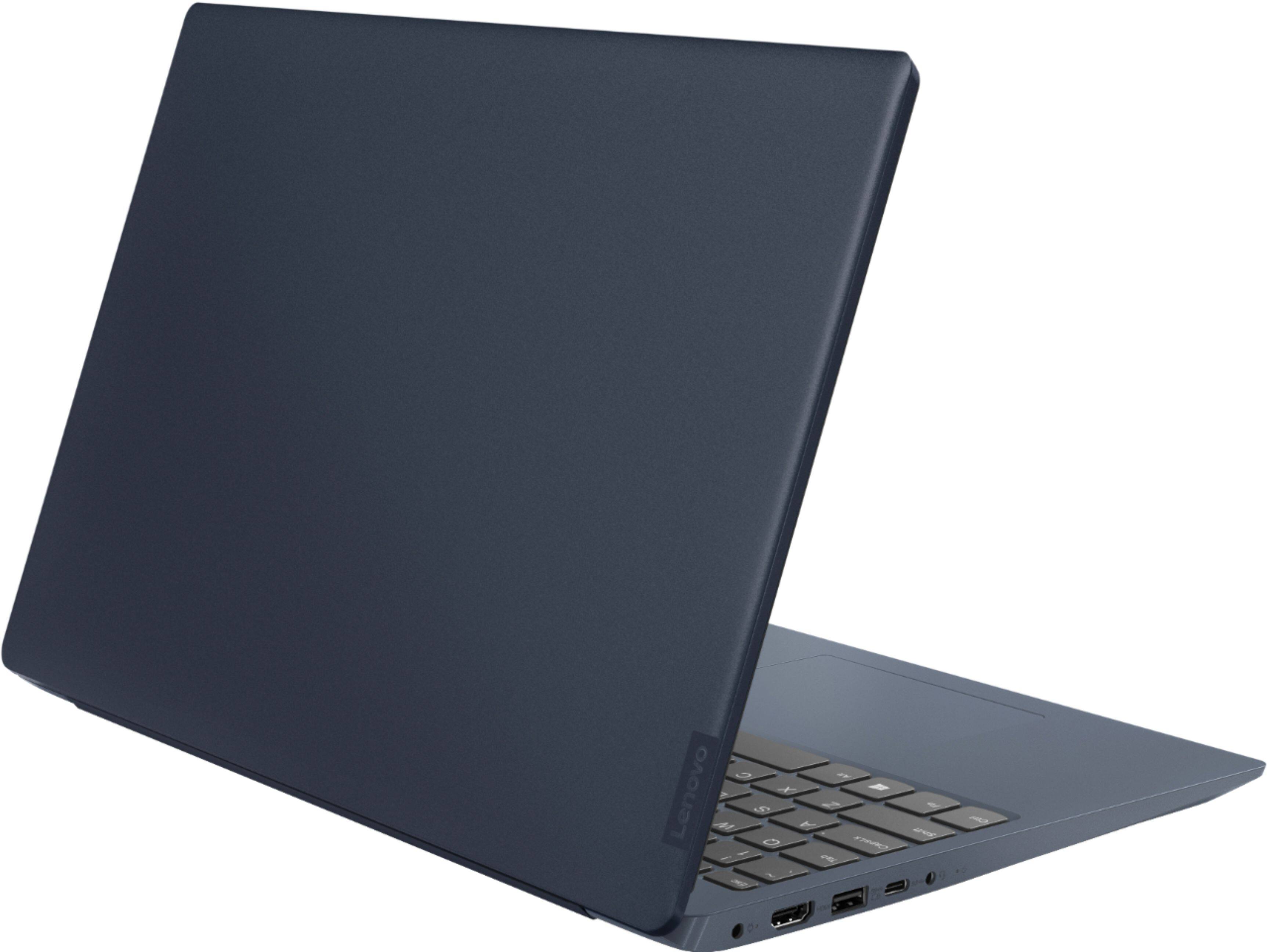

- Model:
- 81F5018EUS
- SKU:
- 6323662
Rating by feature
- Battery Life
Rating 4.1 out of 5 stars
- Speed
Rating 4.2 out of 5 stars
- Display
Rating 4.4 out of 5 stars
Customers are saying
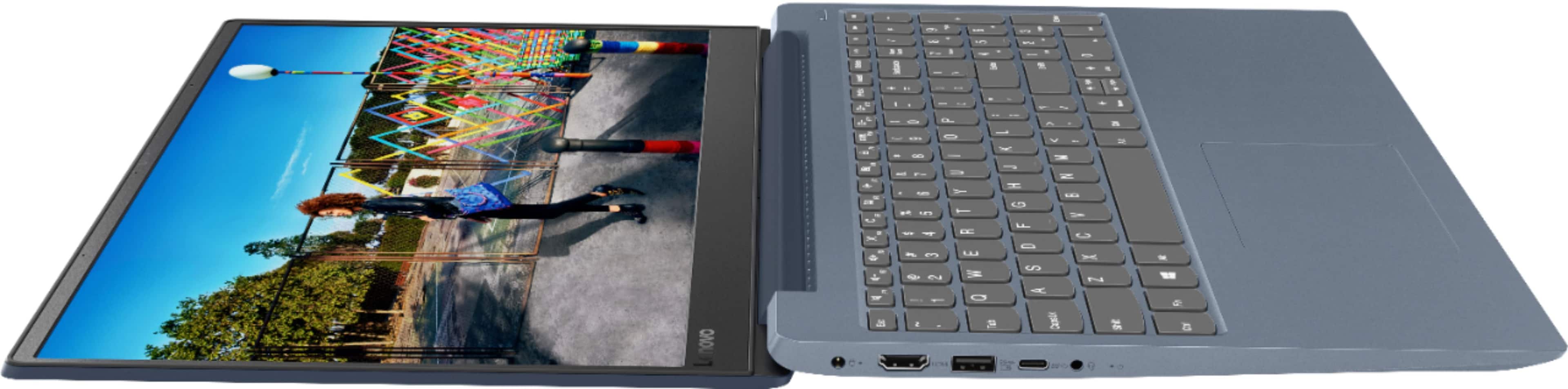
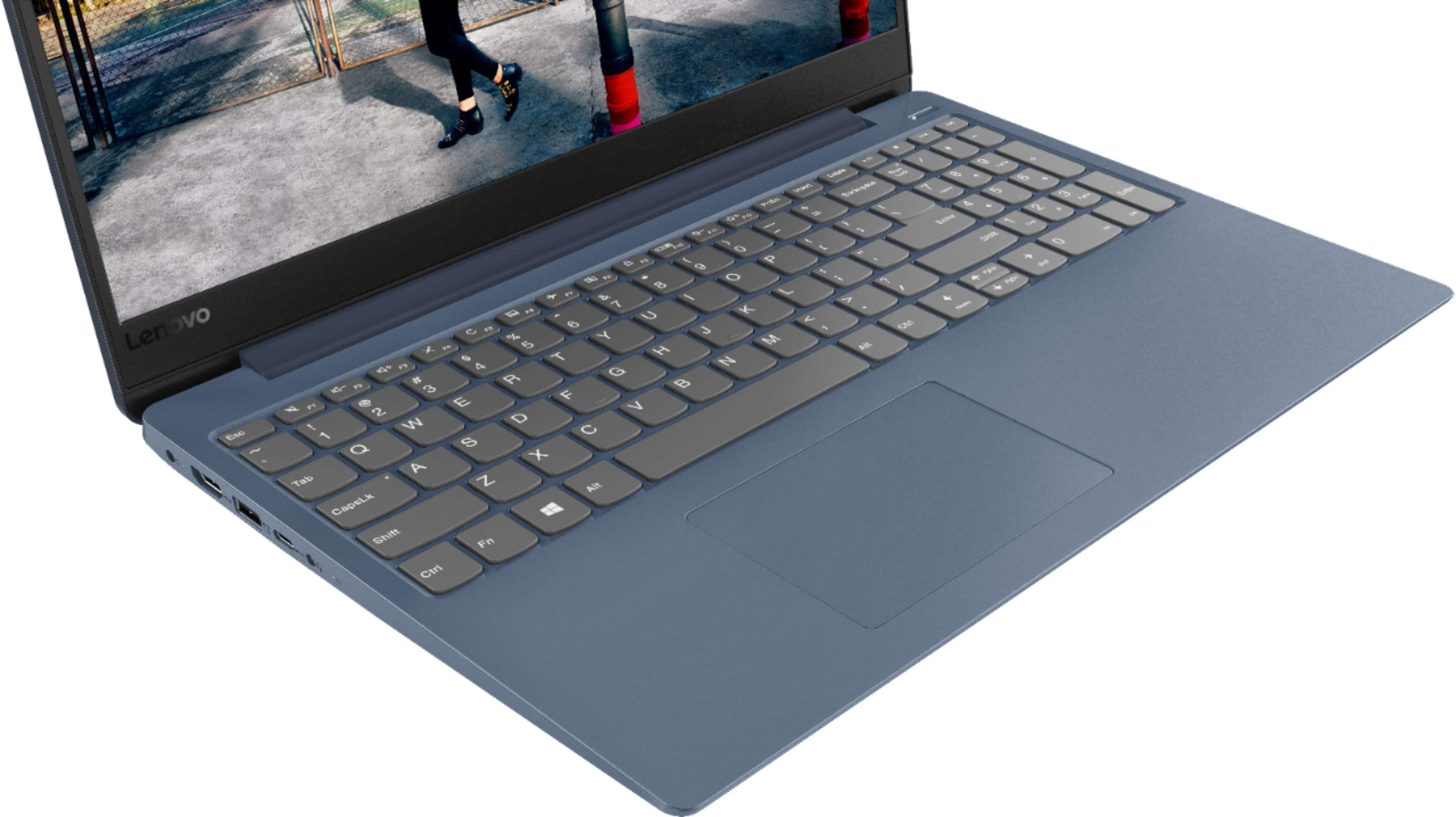
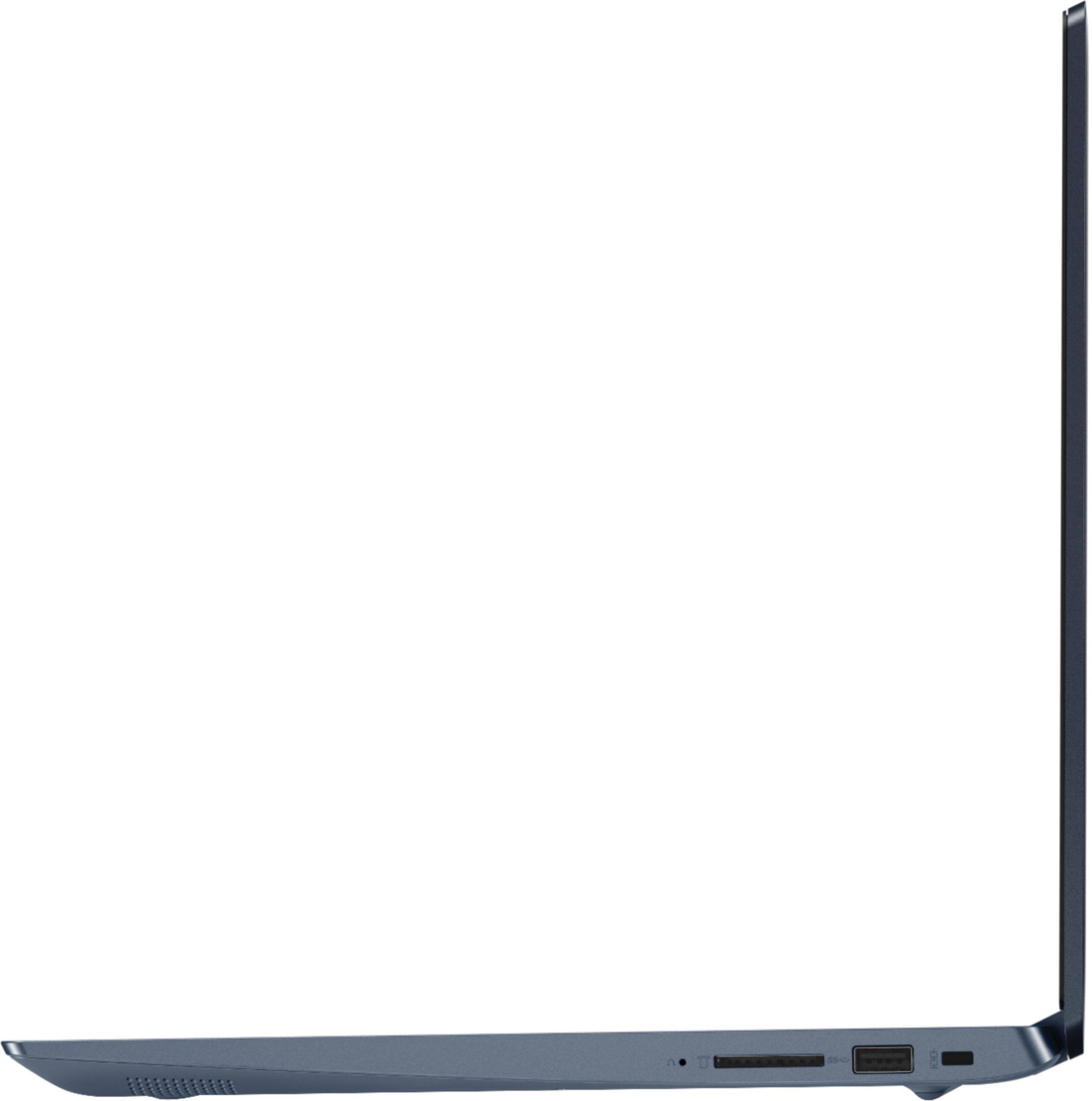
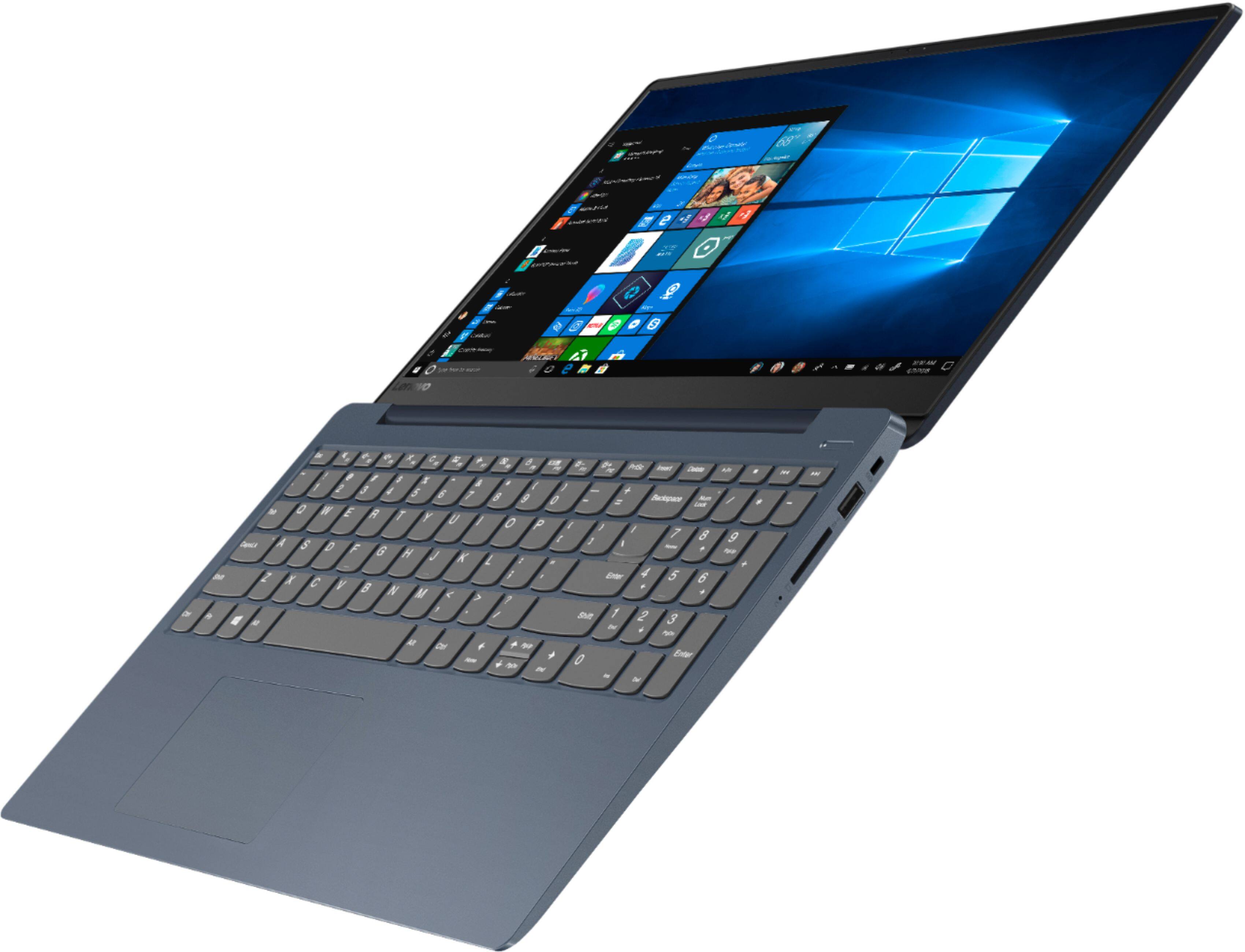
Customers enjoy the IdeaPad 330S laptop for its budget-friendly price, user-friendly interface, and lightweight design. Many reviewers also praised its performance and overall design. However, some users expressed concerns about its battery life, limited storage capacity, and the number of USB ports.
This summary was generated by AI based on customer reviews.
Program
||Posted . Owned for 3 weeks when reviewed.This reviewer received promo considerations or sweepstakes entry for writing a review.I had to have the thing programmed so i could use it for the tasks i needed. It was at the store over night and another charge. I should have waited an bought what I wanted an not what I needed.
No, I would not recommend this to a friendBrand response from Lenovo Product Expert
Posted .The Lenovo IdeaPad 330s-15 laptop, model number 81F5018EUS, ships with Windows 10 S-Mode 64-bit Operating System. Windows 10 S-Mode provides added security by only allowing APPs available ( and therefore certified by Microsoft) at the Microsoft Store. If you don't need the added security or you need to install APPs not available at the Microsoft Store, you can switch to standard Windows 10 Home 64-bit Operating System, at no additional cost. You can easily switch from Windows 10 S-Mode to Windows 10 Home 64-bit Operating System. Here is a link to instructions for making the switch: https://support.microsoft.com/en-us/help/4456067/windows-10-switch-out-of-s-mode

Not worth the price
||Posted . Owned for 3 weeks when reviewed.This reviewer received promo considerations or sweepstakes entry for writing a review.This computers only call to fame is the solid state hard drive. Lenovo blew on this one. Price to features not worth it. Your buying the Lenovo name only. Sorry I bought it even on sale.
No, I would not recommend this to a friendBrand response from Lenovo Product Expert
Posted .The Lenovo IdeaPad 330s-15 laptop, Model number 81F5018TUS ships with the powerful Quad-Core/Eight-Thread Intel Core i5-8250U processor, supported by 8GB DDR4-2400MHz RAM and a 128GB solid state hard drive. This Processor has a base speed of 1.6GHz and a Turbo Boost speed of up to 3.4GHz. The laptop has a IPS LCD w/LED Backlight (Anti-glare) screen, with a resolution of 1920 x 1080 (FHD) and a brightness level 250 nits. This configuration is good for many of today's most demanding programs, browsing the internet with multiple tabs open. If this describes your computing needs, the IdeaPad 330s-15 is a great choice.
good basic laptop
||Posted . Owned for 1 month when reviewed.This reviewer received promo considerations or sweepstakes entry for writing a review.This product was a little bit different than the Lenovo I formerly owned but I quickly got used to the differences. Best Buy tech support was helpful in getting me set up.
I would recommend this to a friendBrand response from Lenovo Product Expert
Posted .The Lenovo IdeaPad 330s-15 laptop, Model number 81F5018TUS ships with the powerful Quad-Core/Eight-Thread Intel Core i5-8250U processor, supported by 8GB DDR4-2400MHz RAM and a 128GB solid state hard drive. This Processor has a base speed of 1.6GHz and a Turbo Boost speed of up to 3.4GHz. The laptop has a IPS LCD w/LED Backlight (Anti-glare) screen, with a resolution of 1920 x 1080 (FHD) and a brightness level 250 nits. This configuration is good for many of today's most demanding programs, browsing the internet with multiple tabs open. This model ships with Windows 10 S-Mode Operating System. Windows 10 S-Mode provides added security by only allowing APPs available ( and therefore certified by Microsoft) at the Microsoft Store. If you don't need the added security or you need to install APPs not available at the Microsoft Store, you can switch to standard Windows 10 Home 64-bit Operating System, at no additional cost.
meh..
||Posted . Owned for 1 year when reviewed.This reviewer received promo considerations or sweepstakes entry for writing a review.yea it was cheap but not worth it in my opinion..it is honestly better to pay more and not regret it vs saving money and regretting it a month later..
No, I would not recommend this to a friendTERRIBLE, waste of money great for preschool
||Posted . Owned for 3 weeks when reviewed.This reviewer received promo considerations or sweepstakes entry for writing a review.TERRIBLE, waste of time and money. Windows 10 would not load and system in sleep mode.
No, I would not recommend this to a friendBrand response from Lenovo Product Expert
Posted .The Lenovo IdeaPad 330s-15 laptop ships with Windows 10 S-Mode 64-bit Operating System. Windows 10 S-Mode provides added security by only allowing APPs available ( and therefore certified by Microsoft) at the Microsoft Store. If you don't need the added security or you need to install APPs not available at the Microsoft Store, you can switch to standard Windows 10 Home 64-bit Operating System, at no additional cost. Be sure any software you installed is compatible with Windows 10. There is no need to install Microsoft Office software. The software is already part of the operating system, you just need to activate the software with a purchased product key. If you have installed a copy of Microsoft Office, this is conflicting with the existing copy on the system and this will slow your system down. If you have installed a 3rd party anti-virus program, be sure that Windows Defender is turned off and that the trial version of McAfee Anti-Virus software is uninstalled. There can only be one anti-virus program on the system. You may need to restore your system to original factory default settings if any of the programing errors have occurred. If you can no longer boot the computer, this system is equipped with OneKey Recovery System. There is a very small pin hole on the left side of the device, right near the headphone jack on the device. You will need a pin to push this reset button. Plug the device in. Let the battery charge for about 15 minutes. Push the reset button. The system should boot to a choice screen where you can choose "Restore To Factory Default". Select this. It will delete everything from the hard drive except the original factory install of the operating system. You will need to reinstall all programs and files after the reset. If you don't have copies of the files, try to make one before you restore by selecting "Boot to desktop" and trying to back up your files. If the problem persists after the factory reset, we recommend you contact Lenovo Tech Support at: 877-453-6686. For 2018, Lenovo retained its place for a second year as the best laptop vendor:
https://www.laptopmag.com/articles/laptop-brand-ratings
I purchased the Lenovo - 330s Laptop poor results.
||Posted . Owned for 1 month when reviewed.This reviewer received promo considerations or sweepstakes entry for writing a review.The Lenovo 330S that I purchased does not print to any of my 3 devices at my home. Plus, geek squad on line was unable to help me because the device is in S mode. Why is the computer stuck in S mode? So in order to get my new computer to work, I must pay more for a geek squad tech to come to my home. I cannot afford to pay more. I bought a new computer that Does Not Print to any device. I am out of the cost of a computer therefore, I am leery of any more purchases from BestBuy.
No, I would not recommend this to a friendBrand response from Lenovo Product Expert
Posted .We are sorry to hear that you are having issues printing with your Lenovo IdeaPad 330s-15 laptop. This model ships with Windows 10 S-Mode Operating System. Windows 10 S-Mode provides added security by only allowing APPs available ( and therefore certified by Microsoft) at the Microsoft Store. If you don't need the added security or you need to install APPs not available at the Microsoft Store, you can switch to standard Windows 10 Home 64-bit Operating System, at no additional cost. Here is a link to instructions for switching from Windows 10 S-Mode to Windows 10 Home: https://support.microsoft.com/en-us/help/4456067/windows-10-switch-out-of-s-mode. You can print to any printer that is compatible to Windows 10 with the IdeaPad 330s-15 laptop. We recommend you check with the printer manufacturer for compatibility with Windows 10. You will need to install the proper Windows 10 drivers on to the computer. These drivers will be available at the printer manufacturer's web site for download. Then follow the pairing instructions for a new Windows 10 computer, provided by the printer manufacturer.
Life's necessity.
||Posted . Owned for 1 month when reviewed.This reviewer received promo considerations or sweepstakes entry for writing a review.When email. It suddenly skips backwards. Plus a new auto save feature suddenly deleted my written content. I was more comfortable with my desk top.
No, I would not recommend this to a friendBrand response from Lenovo Product Expert
Posted .We are sorry to hear that you are having issues with your email service. We recommend you check with your email provider for the latest User's Manual that explains the features of the latest version of the email program you are using.
Not the bargain I thought
||Posted . Owned for 9 months when reviewed.This reviewer received promo considerations or sweepstakes entry for writing a review.I thought I could save some money and still have a good computer. I was wrong. I'd return it but I doubt they'd take it back
No, I would not recommend this to a friendBrand response from Lenovo Product Expert
Posted .The Lenovo IdeaPad 330s-15 laptop, ships with the powerful Quad-Core/Eight-Thread Intel Core i5-8250U processor, supported by 8GB DDR4-2400MHz RAM and a 128GB solid state hard drive. This Processor has a base speed of 1.6GHz and a Turbo Boost speed of up to 3.4GHz. The laptop has a IPS LCD w/LED Backlight (Anti-glare) screen, with a resolution of 1920 x 1080 (FHD) and a brightness level 250 nits. This configuration is good for many of today's most demanding programs, browsing the internet with multiple tabs open. This model ships with Windows 10 S-Mode Operating System. Windows 10 S-Mode provides added security by only allowing APPs available ( and therefore certified by Microsoft) at the Microsoft Store. If you don't need the added security or you need to install APPs not available at the Microsoft Store, you can switch to standard Windows 10 Home 64-bit Operating System, at no additional cost.
Decent at best
||Posted . Owned for 1.5 years when reviewed.This reviewer received promo considerations or sweepstakes entry for writing a review.Decent at best. Not great quality but gets the job done sorta. For having the i5 it’s kinda on the slow side.
No, I would not recommend this to a friendwindows S laptop out of the box so limited use
||Posted .This reviewer received promo considerations or sweepstakes entry for writing a review.Yeah so bestbuy neglected to mention this is a windows s laptop which reminds me of windows rt... only let's u run approved apps via Microsoft store..... I'm still trying to get regular windows working.... yeah so far the easiest way is to wipe and reload from flashdrive
No, I would not recommend this to a friendBrand response from Lenovo Product Expert
Posted .Windows 10 S-Mode provides added security by only allowing APPs available ( and therefore certified by Microsoft) at the Microsoft Store. If you don't need the added security or you need to install APPs not available at the Microsoft Store, you can switch to standard Windows 10 Home 64-bit Operating System, at no additional cost. Here is a link to instructions for switching from Windows 10 S-Mode to Windows 10 Home: https://support.microsoft.com/en-us/help/4456067/windows-10-switch-out-of-s-mode
Not what I thought
||Posted .This reviewer received promo considerations or sweepstakes entry for writing a review.I was told it was a touch screen for almost 600.00 I did not get what I said I wanted!
No, I would not recommend this to a friendBrand response from Lenovo Product Expert
Posted .The Lenovo IdeaPad 330s-15 laptop, model number 81F5018TUS, does not have a touchscreen. The Lenovo IdeaPad 330s-15 laptop, Model number 81F5018TUS ships with the powerful Quad-Core/Eight-Thread Intel Core i5-8250U processor, supported by 8GB DDR4-2400MHz RAM and a 128GB solid state hard drive. This Processor has a base speed of 1.6GHz and a Turbo Boost speed of up to 3.4GHz. The laptop has a IPS LCD w/LED Backlight (Anti-glare) screen, with a resolution of 1920 x 1080 (FHD) and a brightness level 250 nits. This configuration is good for many of today's most demanding programs, browsing the internet with multiple tabs open. If this describes your computing needs, the IdeaPad 330s-15 is a great choice.
Terrible laptop.
||Posted . Owned for 2 months when reviewed.This reviewer received promo considerations or sweepstakes entry for writing a review.Can't even use it. Keep getting different messages. Never goes away
No, I would not recommend this to a friendBrand response from Lenovo Product Expert
Posted .We are sorry to hear that you are having issues with your Lenovo IdeaPad 330s-15 laptop. If you are getting messages from McAfee virus protection software, it means your 30-day trial is over and your laptop is not protected from virus attack. You do not need to use McAfee. You can use any 3rd party virus protection that is compatible with Windows 10. You need to uninstall McAfee before you install another virus protection software. Here is a link to information on uninstalling McAfee from Windows 10: https://service.mcafee.com/webcenter/portal/oracle/webcenter/page/scopedMD/s55728c97_466d_4ddb_952d_05484ea932c6/Page29.jspx?wc.contextURL=%2Fspaces%2Fcp&articleId=TS101331&_afrLoop=1355161020222084&leftWidth=0%25&showFooter=false&showHeader=false&rightWidth=0%25¢erWidth=100%25#!%40%40%3FshowFooter%3Dfalse%26_afrLoop%3D1355161020222084%26articleId%3DTS101331%26leftWidth%3D0%2525%26showHeader%3Dfalse%26wc.contextURL%3D%252Fspaces%252Fcp%26rightWidth%3D0%2525%26centerWidth%3D100%2525%26_adf.ctrl-state%3Dx25crirbo_9. This model ships with Windows 10 S-Mode. To install another 3rd party virus protection software, you will need to switch out of S-Mode. Here is a link to instructions for switching from Windows 10 S-Mode to Windows 10 Home: https://support.microsoft.com/en-us/help/4456067/windows-10-switch-out-of-s-mode
- Pros mentioned:PriceCons mentioned:Ram, Storage
Good Value If You Know What To Expect
Posted .This reviewer received promo considerations or sweepstakes entry for writing a review.4gb ram is really sub-par for most laptops running Windows 10, and 128 gb storage isn't the best. You're not going to get the best screen, but Lenovo is a good brand and for the price, it should serve you well for the most basic tasks of word documents and email and the internet. This won't do very much from a multi-tasking point of view, and won't perform like an $800-1000 laptop, then again, it also does not cost that much. Battery life, screen, speed and performance should all be expected to be very entry level.
I would recommend this to a friendBrand response from Lenovo Product Expert
Posted .The Lenovo IdeaPad 330s-15 laptop is a mid-level, moderate use configuration, with its Intel Core i3-8130U processor. This Dual-Core processor has a base speed of 2.2GHz and a boost speed of up to 3.4GHz. This configuration has 4GB of DDR4-2400MHz RAM and a 128GB solid state hard drive. This model ships with Windows 10 in S-Mode for additional security (you can switch to Windows 10 Home for free). It is good with Microsoft Office type programs, internet browsing and other moderate work. If this describes your computing needs, the IdeaPad 330s-15 would be a good choice for you. For 2018, Lenovo retained its place for a second year as the best laptop vendor:
https://www.laptopmag.com/articles/laptop-brand-ratings
Difficult To type on and jumps all over the screen
||Posted . Owned for 3 weeks when reviewed.This reviewer received promo considerations or sweepstakes entry for writing a review.Keyboard is very hard to use because it has no curvature to the keys
No, I would not recommend this to a friendBrand response from Lenovo Product Expert
Posted .Regarding the cursor moving around the screen, it sounds like you are making inadvertent contact with the touchpad, while typing. You can make adjustments to the touchpad in your system settings. You can get there by clicking on the magnifying glass at the bottom left of your Windows 10 screen. Type "touchpad" in the search window. Select "Mouse & touchpad settings" from the list of choices. You can make general adjustments to the touchpad there. You can also select "Additional mouse options" for more detailed adjustments to the touchpad sensitivity by increasing the delay of the touchpad. Adjusting the touchpad sensitivity will lessen the effect of inadvertent touches to the touchpad while typing. The Lenovo IdeaPad 330s-15 ships with a standard QWERTY keyboard, with included 10-key numeric pad. For 2018, Lenovo retained its place for a second year as the best laptop vendor:
https://www.laptopmag.com/articles/laptop-brand-ratings
TOO SLOW
||Posted . Owned for 1 month when reviewed.This reviewer received promo considerations or sweepstakes entry for writing a review.INTERNET RESPONSE IS SLOW. MAYBE MY SERVICE IS SLOW TOO
No, I would not recommend this to a friendBrand response from Lenovo Product Expert
Posted .The Lenovo IdeaPad 330s-15 laptop ships with the latest 5G 802.11AC frequency WiFi. We recommend you consult your internet provider about your internet frequency speed.
Unusable
||Posted . Owned for 2 months when reviewed.This reviewer received promo considerations or sweepstakes entry for writing a review.10 days after the return period, the screen went out. It flashes so bad I couldn't even see to shut it down, just had to close the lid. It was only used a handful of times. It now sits on a shelf as a reminder to never order open-box again.
No, I would not recommend this to a friendBrand response from Lenovo Product Expert
Posted .We are sorry to hear that you are having issues with your Lenovo IdeaPad 330s-15 laptop. It is possible that restoring the computer back to original factory settings, may fix the issue. Since you can not boot the computer any longer, this system is equipped with OneKey Recovery System. There is a very small pin hole on the right side of the device, right near the SD card slot on the device. You will need a pin to push this reset button. Plug the device in. Let the battery charge for about 15 minutes. Push the reset button. The system should boot to a choice screen where you can choose "Restore To Factory Default". Select this. It will delete everything from the hard drive except the original factory install of the operating system. You will need to reinstall all programs and files after the reset. If you don't have copies of the files, try to make one before you restore by selecting "Boot to desktop" and trying to back up your files. If the problem persists after the factory reset, we recommend you contact Lenovo Tech Support at: 877-453-6686.
Not so good
||Posted . Owned for 11 months when reviewed.This reviewer received promo considerations or sweepstakes entry for writing a review.Perhaps we got the 1 in 1000 lemons, we don't know, but this Laptop was a headache from day 0. It wouldn't hold a charge, it restarted at random, just on an on. It didn't last the weekend.
No, I would not recommend this to a friendLenova laptop
||Posted . Owned for 1 year when reviewed.This reviewer received promo considerations or sweepstakes entry for writing a review.Kept freezing, screen would go blank during using, had to keep plugged in to use Really disappointed as this was only couple yrs old Will not buy this brand again
No, I would not recommend this to a friendnever got it out of the store
||Posted . Owned for 1 month when reviewed.This reviewer received promo considerations or sweepstakes entry for writing a review.sales guy sold me a gaming computer despite repeated examples of what I would use it for. Took almost a week to get it ready with file transfers......cancelled the order. Never took it out of the store.
No, I would not recommend this to a friendBrand response from Lenovo Product Expert
Posted .The Lenovo IdeaPad 330s-15 laptop, Model number 81F5018TUS ships with the powerful Quad-Core/Eight-Thread Intel Core i5-8250U processor, supported by 8GB DDR4-2400MHz RAM and a 128GB solid state hard drive. This Processor has a base speed of 1.6GHz and a Turbo Boost speed of up to 3.4GHz. The laptop has a IPS LCD w/LED Backlight (Anti-glare) screen, with a resolution of 1920 x 1080 (FHD) and a brightness level 250 nits. This configuration is good for many of today's most demanding programs, browsing the internet with multiple tabs open. This model ships with Windows 10 S-Mode Operating System. Windows 10 S-Mode provides added security by only allowing APPs available ( and therefore certified by Microsoft) at the Microsoft Store. If you don't need the added security or you need to install APPs not available at the Microsoft Store, you can switch to standard Windows 10 Home 64-bit Operating System, at no additional cost.
See my review
||Posted . Owned for 1 month when reviewed.This reviewer received promo considerations or sweepstakes entry for writing a review.Hate the new windows. I bout a Microsoft package and it won’t let me use it. It downloaded yet when I open an excel spreadsheet it directs me to buy another one. Very frustrating. Hate this computer.
No, I would not recommend this to a friendBrand response from Lenovo Product Expert
Posted .We are sorry to hear that you are having issues activating your Microsoft Office software. There is a 30-day trial of Microsoft Office 365 included as part of the Windows 10 operating system. In order to keep the program active after the trial period, you will need to purchase a product key (a 25-digit number). You will not need to download any additional software. If you are having issues with activation, you may want to purchase the Geek Squad setup service and have the Best Buy Geek Squad setup your software.