Customer Ratings & Reviews
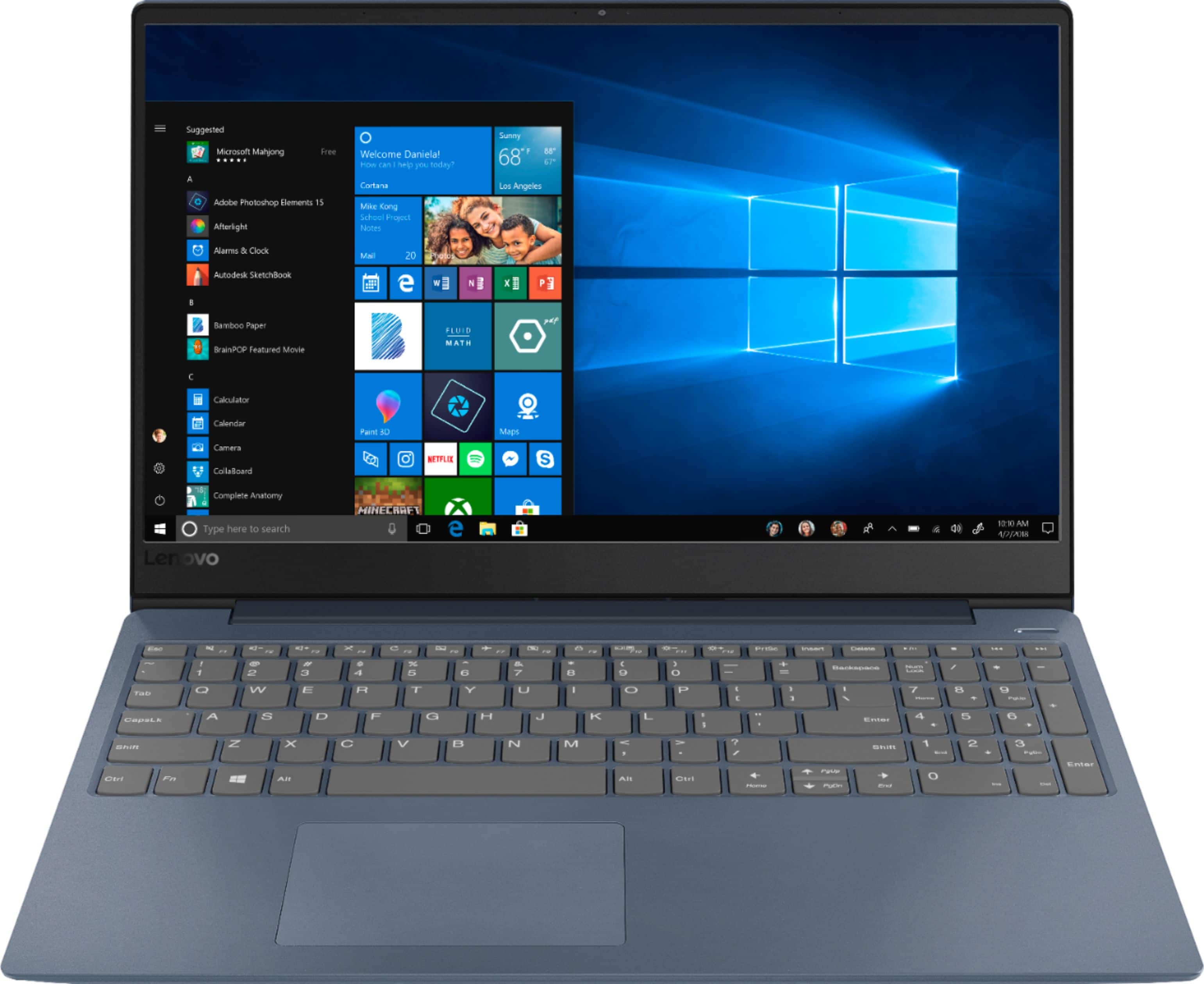
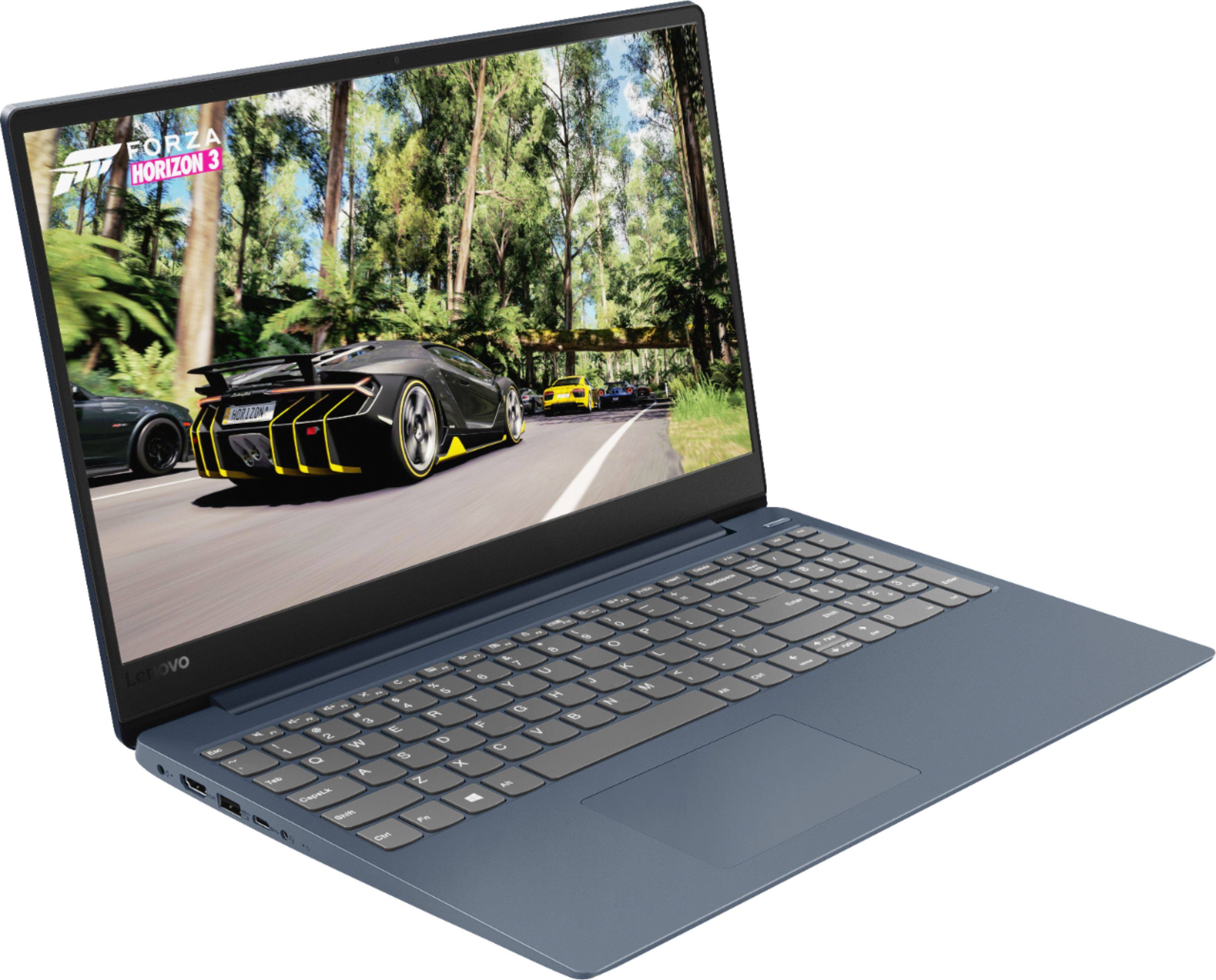
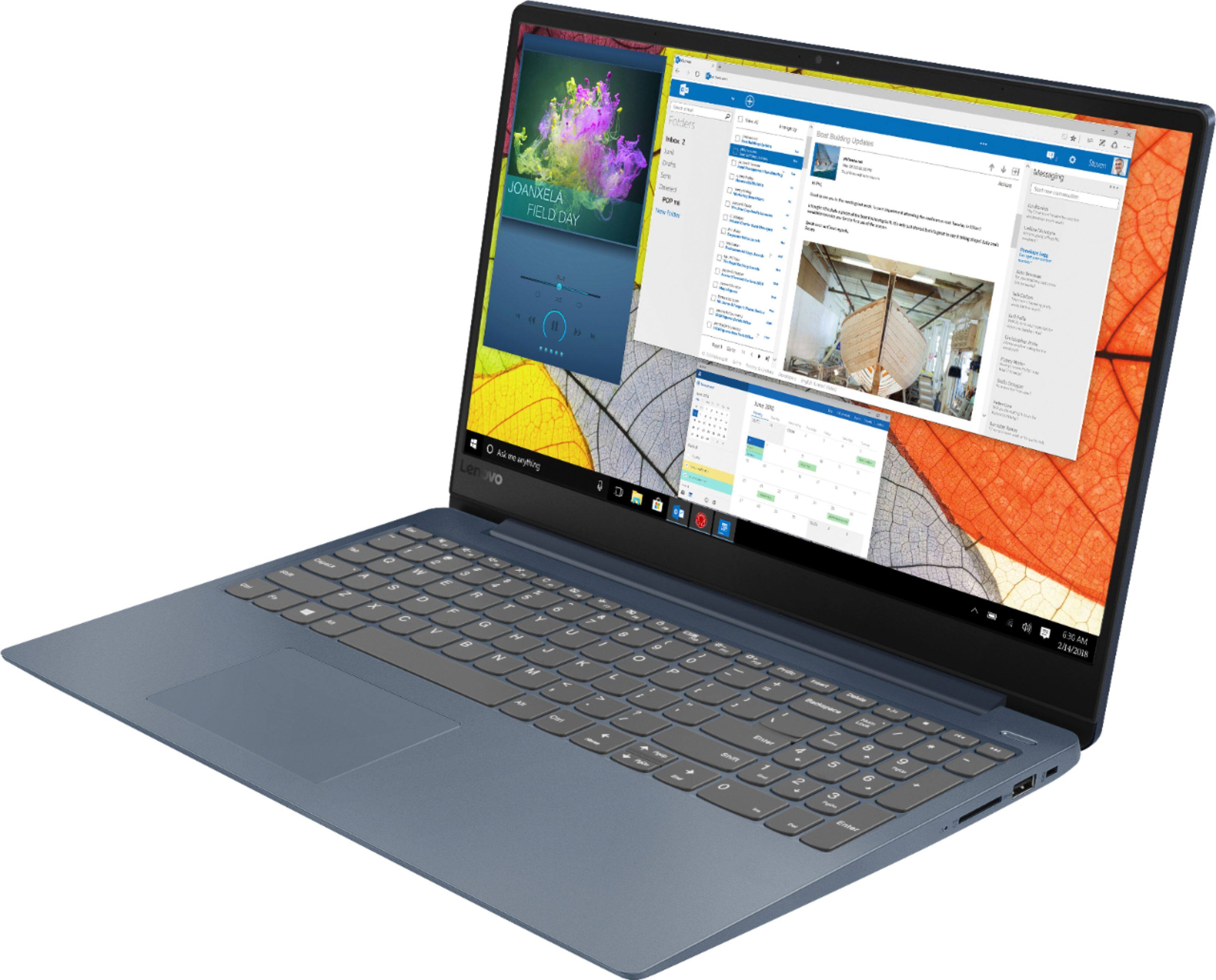
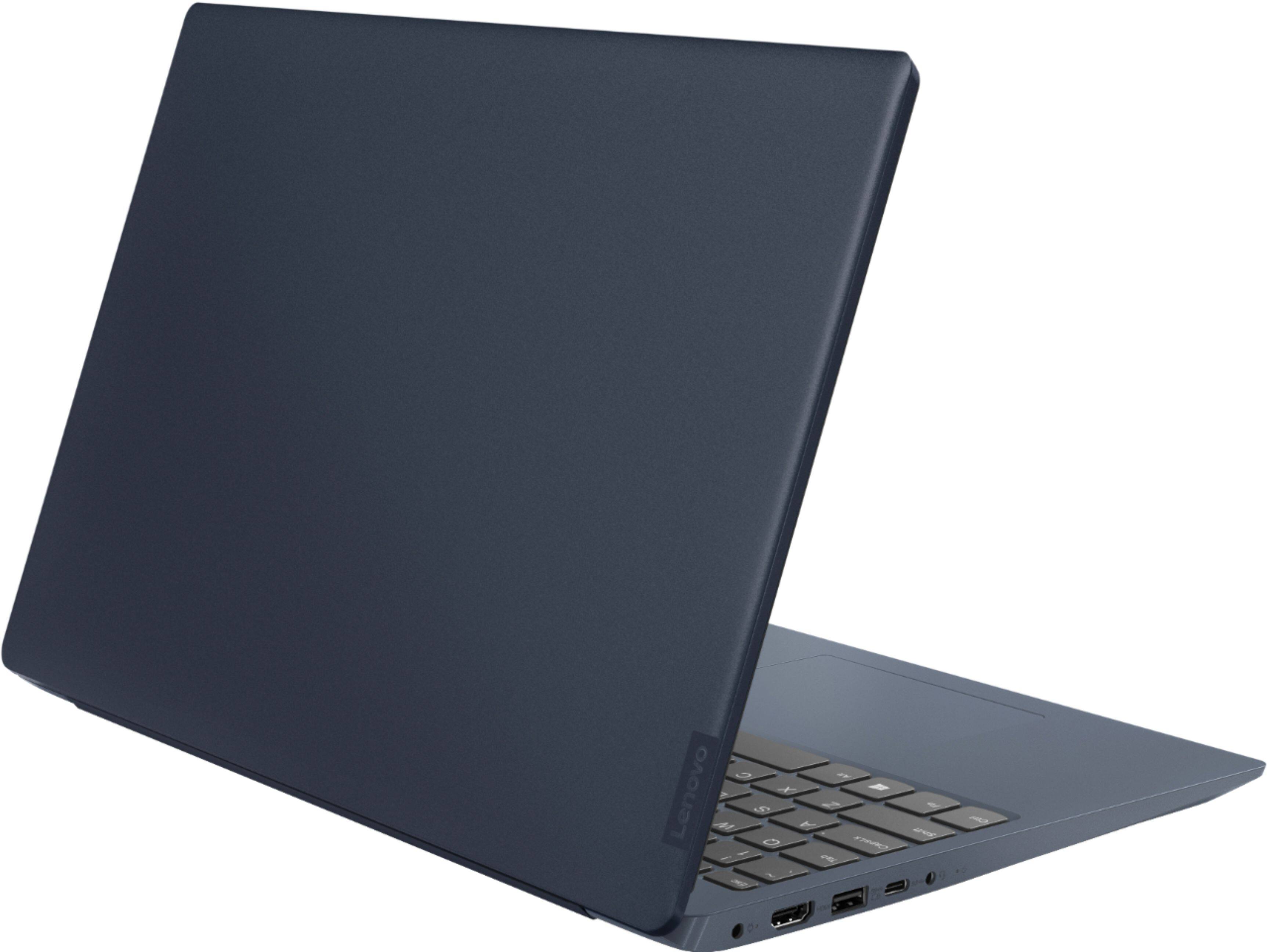

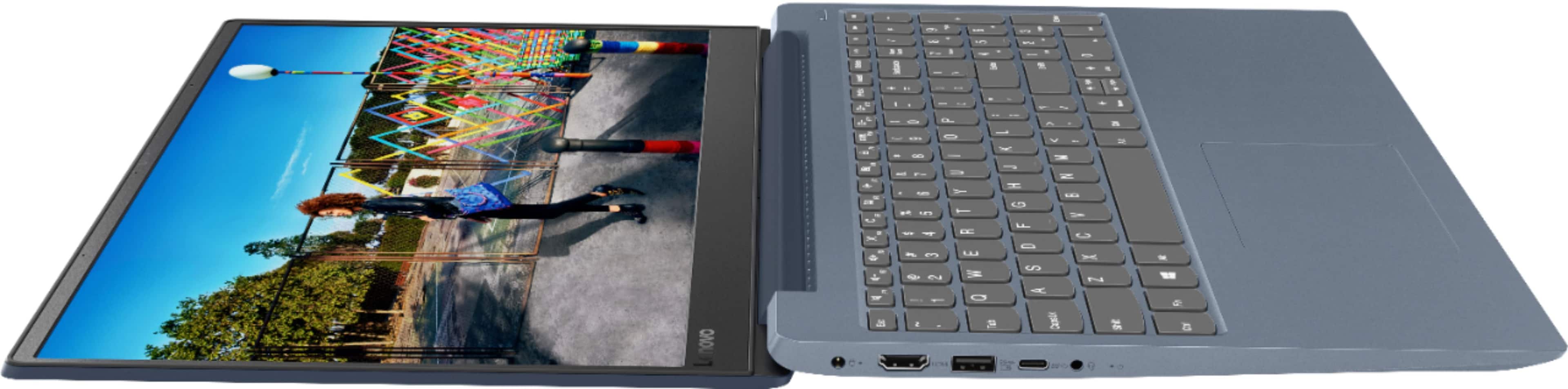
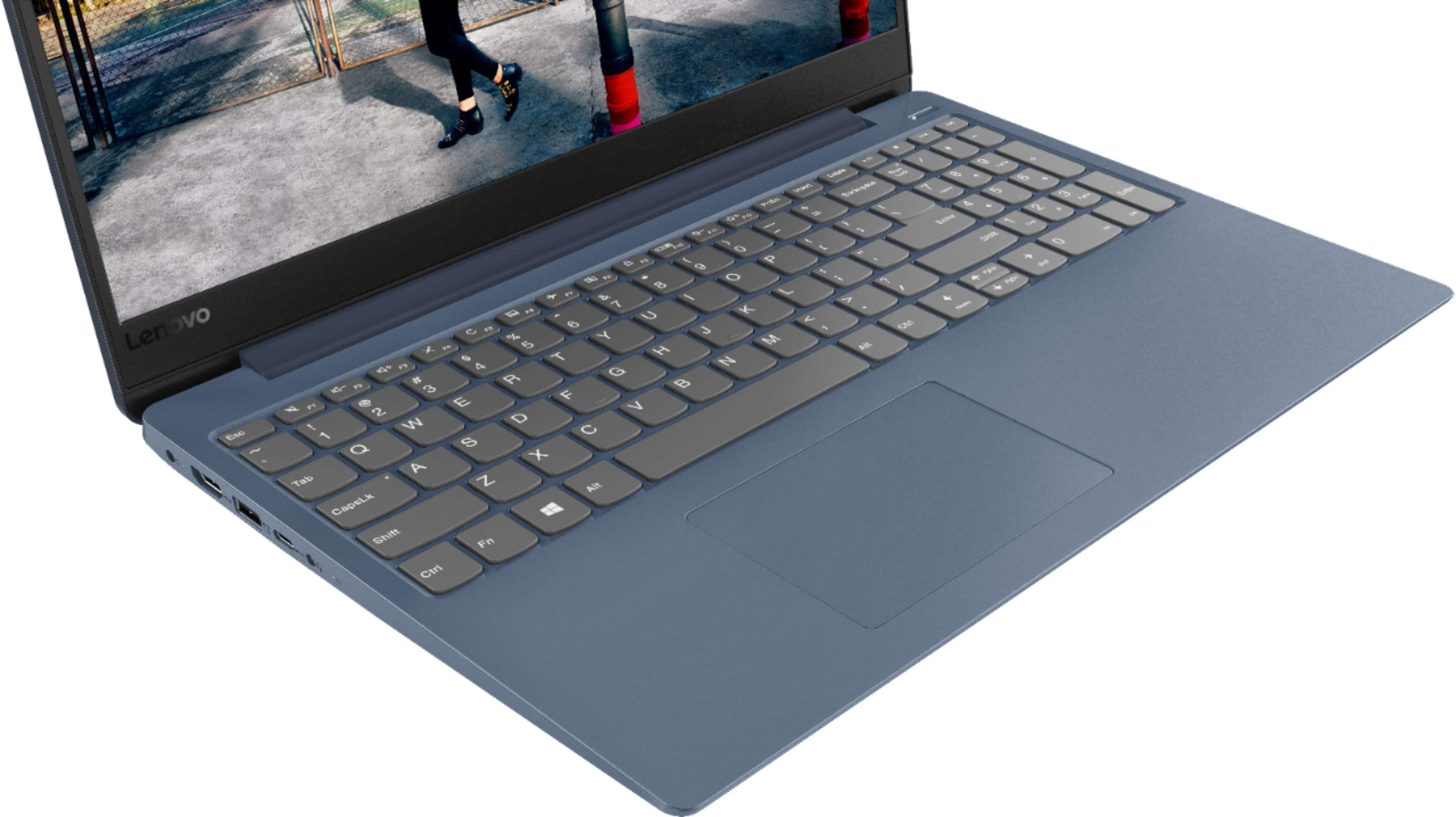
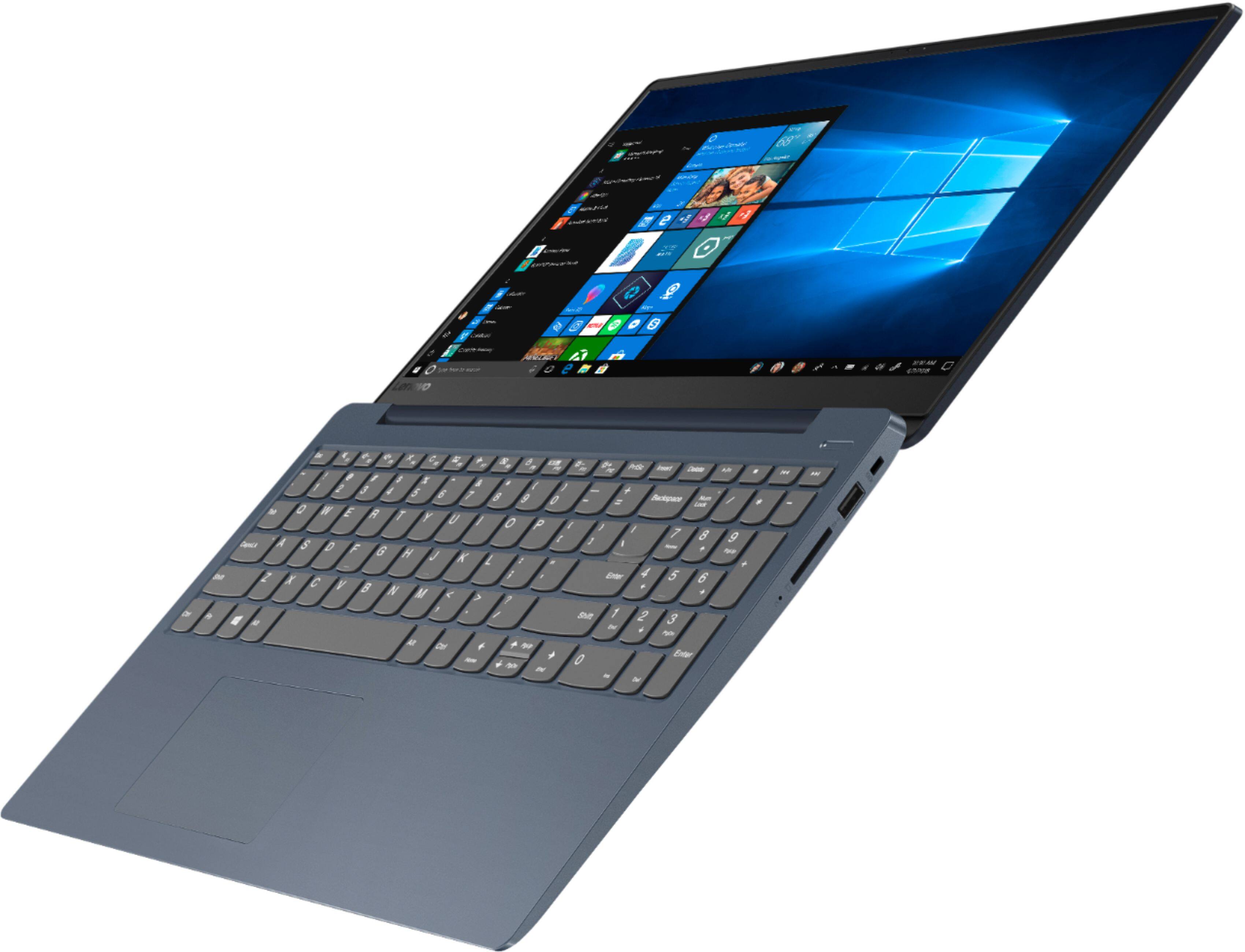
- Model:
- 81F5018EUS
- SKU:
- 6323662
Rating by feature
- Battery Life
Rating 4.1 out of 5 stars
- Speed
Rating 4.2 out of 5 stars
- Display
Rating 4.4 out of 5 stars
Customers are saying
Customers enjoy the IdeaPad 330S laptop for its budget-friendly price, user-friendly interface, and lightweight design. Many reviewers also praised its performance and overall design. However, some users expressed concerns about its battery life, limited storage capacity, and the number of USB ports.
This summary was generated by AI based on customer reviews.
Terrible product
||Posted . Owned for 2 months when reviewed.This reviewer received promo considerations or sweepstakes entry for writing a review.The hardrive crashed while I was overseas on a deployment. I only used it for Netflix and email. I called the company and they could not help me from my location in Kuwait. Will never order again.
No, I would not recommend this to a friendBrand response from Lenovo Product Expert
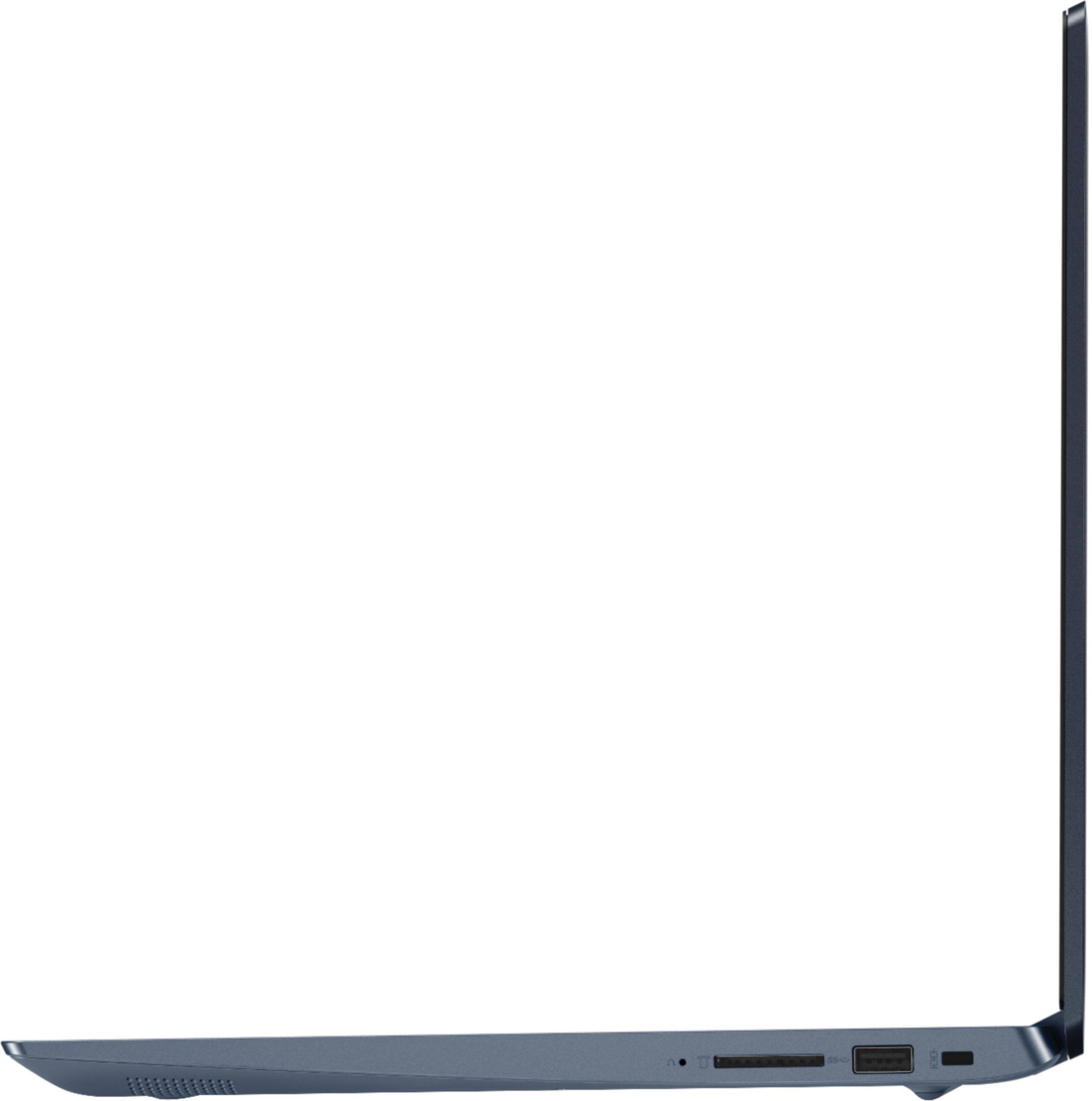
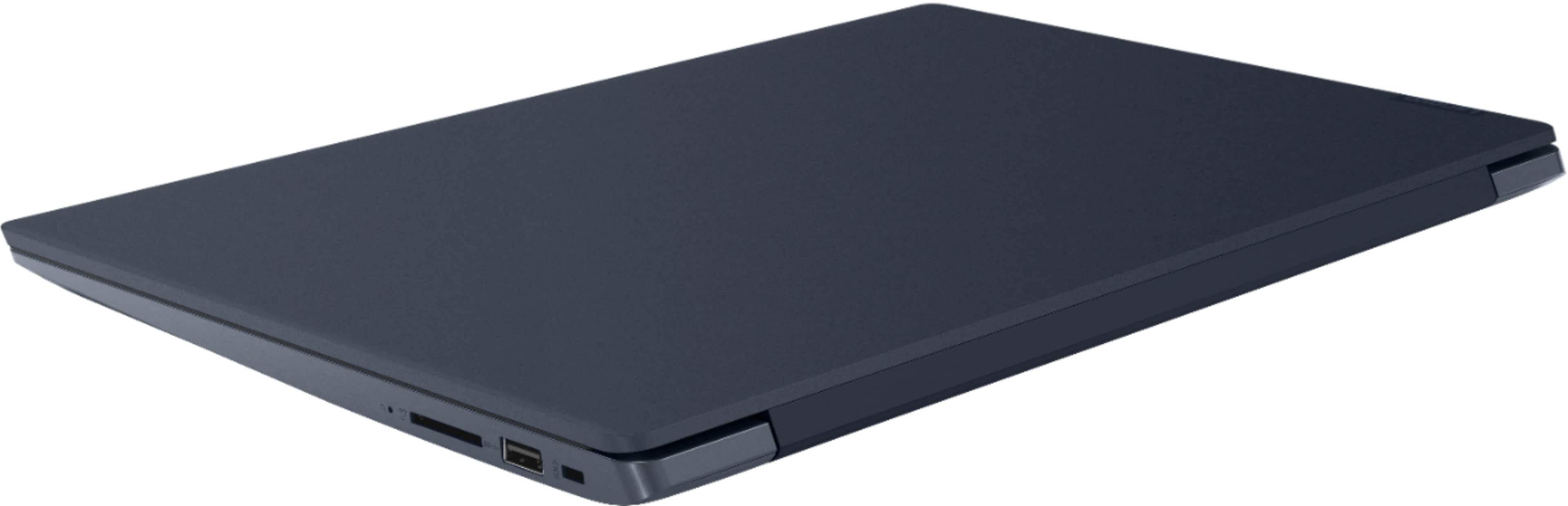
Posted .We are sorry to hear that you are having issues with your Lenovo IdeaPad 330S-15 laptop. It is possible that restoring the computer back to original factory settings may correct the issue. Please remember, this computer ships with Windows 10 S-Mode. Windows 10 S-Mode provides added security by only allowing APPs available ( and therefore certified by Microsoft) at the Microsoft Store. If you don't need the added security or you need to install APPs not available at the Microsoft Store, you can switch to standard Windows 10 Home 64-bit Operating System, at no additional cost. Once you have restored the device back to original factory settings, you can only install programs through the Microsoft Store in S-Mode. If you switch out of S-Mode, be sure any software you installed is compatible with Windows 10. There is no need to install Microsoft Office software. The software is already part of the operating system, you just need to activate the software with a purchased product key. If you have installed a copy of Microsoft Office, this is conflicting with the existing copy on the system and this will slow your system down. If you have installed a 3rd party anti-virus program, be sure that Windows Defender is turned off and that the trial version of McAfee Anti-Virus software is uninstalled. There can only be one anti-virus program on the system. To restore the computer back to original factory settings, since you can no longer boot the computer, this system is equipped with OneKey Recovery System. There is a very small pin hole on the right side of the device, right near the SD card slot on the device. You will need a pin to push this reset button. Plug the device in. Let the battery charge for about 15 minutes. Push the reset button. The system should boot to a choice screen where you can choose "Restore To Factory Default". Select this. It will delete everything from the hard drive except the original factory install of the operating system. You will need to reinstall all programs and files after the reset. If you don't have copies of the files, try to make one before you restore by selecting "Boot to desktop" and trying to back up your files.

v
||Posted . Owned for 1 year when reviewed.This reviewer received promo considerations or sweepstakes entry for writing a review.The worst laptop I ever bought . No good. It's a piece of crap. I been using computers since 1997 and this laptop burned out on 8 months . Don't waste your money or time with this .
No, I would not recommend this to a friendLenovo poorly constructed
||Posted . Owned for 1.5 years when reviewed.This reviewer received promo considerations or sweepstakes entry for writing a review.I’m glad I have protection plan. Lenovo product poorly made. Laptop charger Brock off in device. It was very small and broke off within 9 months of purchase
No, I would not recommend this to a friendWorst laptop I’ve ever bought
||Posted . Owned for 9 months when reviewed.This reviewer received promo considerations or sweepstakes entry for writing a review.This laptop restarts on me every other 20 minutes. I’ve sent this thing in multiple times to get fixed. Never does.
No, I would not recommend this to a friendBrand response from Lenovo Product Expert
Posted .We are sorry to hear that you are having issues with your Lenovo IdeaPad 330s-15 laptop. It is possible that resetting the computer back to original factory settings may correct the problem. Here is a link to instructions for resetting your Windows 10 computer back to factory settings. If you can no longer boot the computer to the Windows 10 Desktop, this system is equipped with OneKey Recovery System. There is a very small pin hole on the right side of the device, right near the SD card slot on the device. You will need a pin to push this reset button. Plug the device in. Let the battery charge for about 15 minutes. Push the reset button. The system should boot to a choice screen where you can choose "Restore To Factory Default". Select this. It will delete everything from the hard drive except the original factory install of the operating system. You will need to reinstall all programs and files after the reset. If you don't have copies of the files, try to make one before you restore by selecting "Boot to desktop" and trying to back up your files. Once you have the computer reset, be sure any software you installed is compatible with Windows 10. There is no need to install Microsoft Office software. The software is already part of the operating system, you just need to activate the software with a purchased product key. If you have installed a copy of Microsoft Office, this is conflicting with the existing copy on the system and this will slow your system down. If you have installed a 3rd party anti-virus program, be sure that Windows Defender is turned off and that the trial version of McAfee Anti-Virus software is uninstalled. There can only be one anti-virus program on the system. You may need to restore your system to original factory default settings if any of the programming errors have occurred. You can do that by typing "restore" in the Cortana search window. Just click on the magnifying glass icon at the bottom left of your Windows 10 Desktop. Click on "Reset This PC" Then click on "Get Started" and follow the on screen directions to restore to factory defaults. If the problem persists, we recommend you contact Lenovo Tech Support at: 877-453-6686.
Worse Laptop
||Posted . Owned for less than 1 week when reviewed.This reviewer received promo considerations or sweepstakes entry for writing a review.I charged 2 days and spent of my several of hours but didn't work and spent my time to go to return. I am wondering if there is any good will credit for this frustration.
No, I would not recommend this to a friendBrand response from Lenovo Product Expert
Posted .We are sorry to hear that you are having issues with your Lenovo IdeaPad 330s-15 laptop. We recommend you call Lenovo Tech Support for help with your specific issue at: 877-453-6686.
Nice laptop
||Posted . Owned for 1 month when reviewed.This reviewer received promo considerations or sweepstakes entry for writing a review.Nice laptop too bad it’s windows s Might be able to upgrade but then it’s like I should of just but the more expensive model
No, I would not recommend this to a friendBrand response from Lenovo Product Expert
Posted .The Lenovo IdeaPad 330s-15 laptop, model number 81F5018EUS, ships with Windows 10 S-Mode 64-bit Operating System. Windows 10 S-Mode provides added security by only allowing APPs available ( and therefore certified by Microsoft) at the Microsoft Store. If you don't need the added security or you need to install APPs not available at the Microsoft Store, you can switch to standard Windows 10 Home 64-bit Operating System, at no additional cost. Here is a link to instructions for switching from S-Mode to standard Windows 10: https://support.microsoft.com/en-us/help/4456067/windows-10-switch-out-of-s-mode. For 2018, Lenovo retained its place for a second year as the best laptop vendor:
https://www.laptopmag.com/articles/laptop-brand-ratings
Don’t buy
||Posted . Owned for 3 weeks when reviewed.This reviewer received promo considerations or sweepstakes entry for writing a review.You should save your money, and try to spend 200 extra and get better laptop, don’t waste your money.. I returned mine..
No, I would not recommend this to a friendBrand response from Lenovo Product Expert
Posted .The Lenovo IdeaPad 330s-15 laptop is a mid-level, moderate use configuration, with its Intel Core i3-8130U processor. This Dual-Core processor has a base speed of 2.2GHz and a boost speed of up to 3.4GHz. This configuration has 4GB of DDR4-2400MHz RAM and a 128GB solid state hard drive. It is good with Microsoft Office type programs, internet browsing and other moderate work. This model ships with Windows 10 S-Mode Operating System. Windows 10 S-Mode provides added security by only allowing APPs available ( and therefore certified by Microsoft) at the Microsoft Store. If you don't need the added security or you need to install APPs not available at the Microsoft Store, you can switch to standard Windows 10 Home 64-bit Operating System, at no additional cost.
- Cons mentioned:Battery life
Grea product for school.
Posted .This reviewer received promo considerations or sweepstakes entry for writing a review.I have been using this for roughly 2 weeks for gaming and productivity, and I have to say, it's not a bad laptop. The keyboard is not mushy at all, but it takes a bit of effort to actuate the keys. It's a quick laptop, with a good processing chip, which has 4 cores and 8 threads, but the coil whine is obnoxious. This is the reason why I knocked one of the stars off, because of the coil whine. It's really annoying. I could be watching a video or movie on this device and the coil whine would be louder than the audio on the laptop. Other than that, the display is good, and it is a matte display. It can run Minecraft at 100+ fps on medium, but other games like ROBLOX can run from 30 to 40fps. For school work, I really wish they would've put 500gb of SSD storage in here for a few more dollars, as it ranges from 50 to 70 dollars depending on the type of SSD you get. The battery is okay, it's not the best. I get 2 to 4 hours of battery life average on this device, depending on the load. I really hope they work on the coil whine in the future devices, as it could be annoying at times. It's not a huge con, but it's not as bad as I thought. The aluminum cover gets dirty real easily, just keep that in mind. The design resembles a MacBook, but in the future they could remove the number pad and make a bigger touchapad and front firing speakers. The speakers get disoriented ~80% volume, so just keep that in mind. They fire towards the ground, which isn't a huge con. This concludes my review on this product, which gets an 8/10. I enjoy it and I shall use it for a while.
I would recommend this to a friendBrand response from Lenovo Product Expert
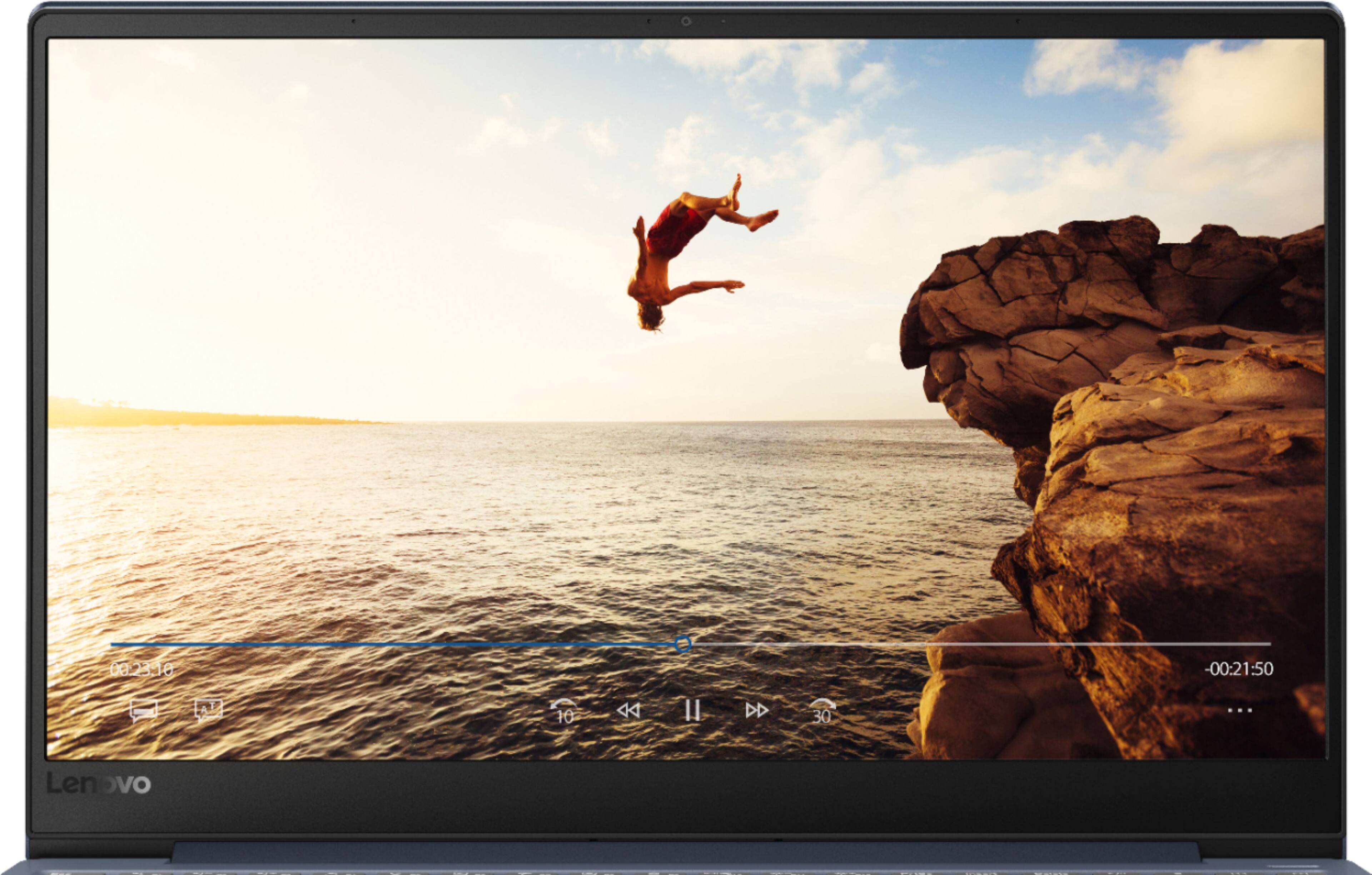
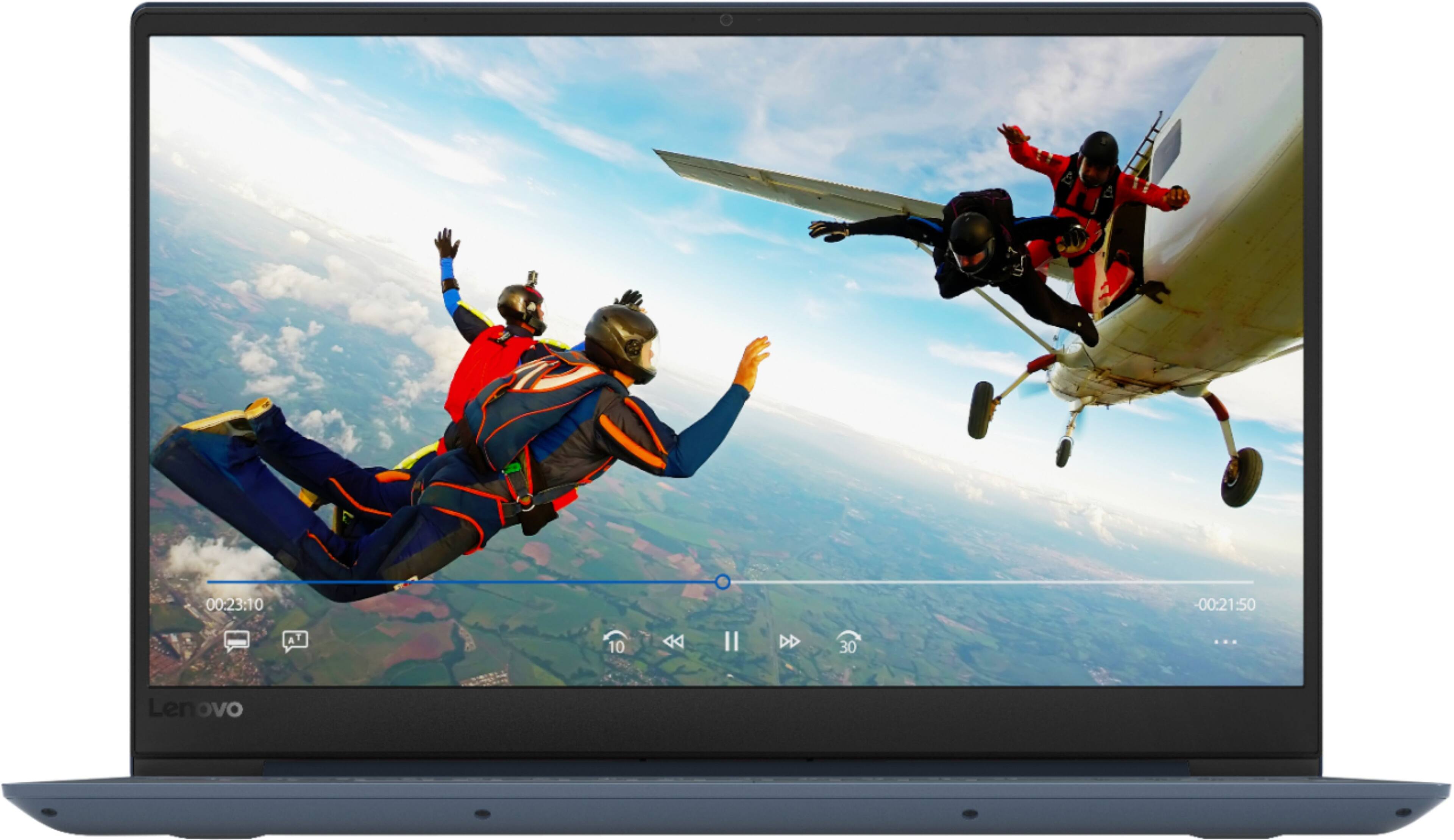
Posted .Thank you for choosing the Lenovo IdeaPad 330s-15 laptop. This model number 81F5018TUS, has integrated graphics processing, there is no GPU to generate "coil whine". You might be hearing the external power supply if you have your computer plugged in when the sound occurs. Try unplugging the AC adapter/charger and run the laptop on battery. See if the sound goes away. Another source of the sound may be the internal cooling fan. We appreciate your insight of the Lenovo IdeaPad 330s-15 laptop. The Lenovo IdeaPad 330s-15 laptop, Model number 81F5018TUS ships with the powerful Quad-Core/Eight-Thread Intel Core i5-8250U processor, supported by 8GB DDR4-2400MHz RAM and a 128GB solid state hard drive. This Processor has a base speed of 1.6GHz and a Turbo Boost speed of up to 3.4GHz. The laptop has a IPS LCD w/LED Backlight (Anti-glare) screen, with a resolution of 1920 x 1080 (FHD) and a brightness level 250 nits. This configuration is good for many of today's most demanding programs, browsing the internet with multiple tabs open. If this describes your computing needs, the IdeaPad 330s-15 is a great choice.
Got it home won’t even turn on piece of junk
||Posted .This reviewer received promo considerations or sweepstakes entry for writing a review.Just got this home and it won’t even turn on What a piece of junk Should have stuck with a better brand Construction looks cheap as well Not recommended
No, I would not recommend this to a friendBrand response from Lenovo Product Expert
Posted .We are sorry to hear that you are having issues with the initial setup of your lenovo IdeaPad 330s-15 laptop. Although the computer battery is charged at the factory, it is possible the battery has drained to zero charge since leaving the factory. Try plugging the computer in and complete the initial setup of Windows 10 with the device plugged in. If you have the computer plugged in and it still will not boot up, a reset of the device may correct the issue. Since you can not boot the device, this system is equipped with OneKey Recovery System. There is a very small pin hole on the right side of the device, right near the SD card slot on the device. You will need a pin to push this reset button. Plug the device in. Let the battery charge for about 15 minutes. Push the reset button. The system should boot to a choice screen where you can choose "Restore To Factory Default". Select this. It will delete everything from the hard drive except the original factory install of the operating system. You will need to reinstall all programs and files after the reset. If you don't have copies of the files, try to make one before you restore by selecting "Boot to desktop" and trying to back up your files. If the problem persists after the factory reset, we recommend you contact Lenovo Tech Support at: 877-453-6686.
Lightweight but Fragile
||Posted .This reviewer received promo considerations or sweepstakes entry for writing a review.CPU was working just fine until the majority of the letters of the keyboard stopped working.
No, I would not recommend this to a friendBrand response from Lenovo Product Expert
Posted .We are sorry to hear that you are having issues with your IdeaPad 330S-15 laptop. Resetting the device back to original factory settings may correct the issue. If you can not boot the computer, this system is equipped with OneKey Recovery System. There is a very small pin hole on the right side of the device, right near the SD card slot on the device. You will need a pin to push this reset button. Plug the device in. Let the battery charge for about 15 minutes. Push the reset button. The system should boot to a choice screen where you can choose "Restore To Factory Default". Select this. It will delete everything from the hard drive except the original factory install of the operating system. You will need to reinstall all programs and files after the reset. If you don't have copies of the files, try to make one before you restore by selecting "Boot to desktop" and trying to back up your files. If the problem persists after the factory reset, we recommend you contact Lenovo Tech Support at: 877-453-6686.
No no
||Posted .This reviewer received promo considerations or sweepstakes entry for writing a review.The set up took too long, it’s loud and bulky then I need a Microsoft account for full access!! Not worth the price.
No, I would not recommend this to a friendBrand response from Lenovo Product Expert
Posted .The Lenovo IdeaPad 330s-15 laptop ships with audio instructions for the initial setup as well as onscreen directions. You do not need a Microsoft Account to complete the initial activation of Windows 10. Model number 81F5018EUS ships with the Dual-Core/Four-Thread Intel Core i3-8130U processor, supported by 4GB DDR4-2400MHz RAM and a 128GB solid state hard drive. This processor has a base speed of 2.2GHz and a boost speed of up to 3.4GHz. This is a mid level configuration, is good for Microsoft Office type programs and online browsing. If you are looking for a mid level moderate use laptop the IdeaPad 330s-15 would be a great choice. For 2018, Lenovo retained its place for a second year as the best laptop vendor:
https://www.laptopmag.com/articles/laptop-brand-ratings
No good
||Posted . Owned for less than 1 week when reviewed.This reviewer received promo considerations or sweepstakes entry for writing a review.Less than a month a couple of the keys stopped working. Had to return, will not buy again.
No, I would not recommend this to a friendBrand response from Lenovo Product Expert
Posted .We are sorry to hear that you are having issues with your Lenovo IdeaPad 330s-15 laptop. Based on the description of the issue you are experiencing with the keyboard, resetting the computer back to original factory settings may fix the issue. This system is equipped with OneKey Recovery System. There is a very small pin hole on the right side of the device, right near the SD card slot on the device. You will need a pin to push this reset button. Plug the device in. Let the battery charge for about 15 minutes. Push the reset button. The system should boot to a choice screen where you can choose "Restore To Factory Default". Select this. It will delete everything from the hard drive except the original factory install of the operating system. You will need to reinstall all programs and files after the reset. If you don't have copies of the files, try to make one before you restore by selecting "Boot to desktop" and trying to back up your files. If the problem persists after the factory reset, we recommend you contact Lenovo Tech Support at: 877-453-6686. For 2018, Lenovo retained its place for a second year as the best laptop vendor:
https://www.laptopmag.com/articles/laptop-brand-ratings
Reboots while doing simple tasks
||Posted . Owned for 1 month when reviewed.This reviewer received promo considerations or sweepstakes entry for writing a review.Reboots while doing simple tasks. Not worth the price for such quality material
No, I would not recommend this to a friendBrand response from Lenovo Product Expert
Posted .We are sorry to hear that you are having issues with your lenovo IdeaPad 330S-15 laptop. Restoring the device back to original factory settings may correct the issue. Please keep in mind, this model ships with Windows 10 S-Mode Operating System. Windows 10 S-Mode provides added security by only allowing APPs available ( and therefore certified by Microsoft) at the Microsoft Store. If you don't need the added security or you need to install APPs not available at the Microsoft Store, you can switch to standard Windows 10 Home 64-bit Operating System, at no additional cost. You can only install programs available through the Microsoft Store to S-Mode. If you have switched out of S-Mode, be sure any software you installed is compatible with Windows 10. There is no need to install Microsoft Office software. The software is already part of the operating system, you just need to activate the software with a purchased product key. If you have installed a copy of Microsoft Office, this is conflicting with the existing copy on the system and this will slow your system down. If you have installed a 3rd party anti-virus program, be sure that Windows Defender is turned off and that the trial version of McAfee Anti-Virus software is uninstalled. There can only be one anti-virus program on the system. To restore the computer back to factory settings, since you can not get to the Windows 10 desktop, this system is equipped with OneKey Recovery System. There is a very small pin hole on the right side of the device, right near the SD card slot on the device. You will need a pin to push this reset button. Plug the device in. Let the battery charge for about 15 minutes. Push the reset button. The system should boot to a choice screen where you can choose "Restore To Factory Default". Select this. It will delete everything from the hard drive except the original factory install of the operating system. You will need to reinstall all programs and files after the reset. If you don't have copies of the files, try to make one before you restore by selecting "Boot to desktop" and trying to back up your files. If the problem persists after the factory reset, we recommend you contact Lenovo Tech Support at: 877-453-6686.
There are better options out there
||Posted .This reviewer received promo considerations or sweepstakes entry for writing a review.The keyboard is terrible. not a great value-do not purchase.
No, I would not recommend this to a friendWorst laptop
||Posted . Owned for 1 month when reviewed.This reviewer received promo considerations or sweepstakes entry for writing a review.Very bad battery backup, charging port stopped working after 20 days
No, I would not recommend this to a friendBrand response from Lenovo Product Expert
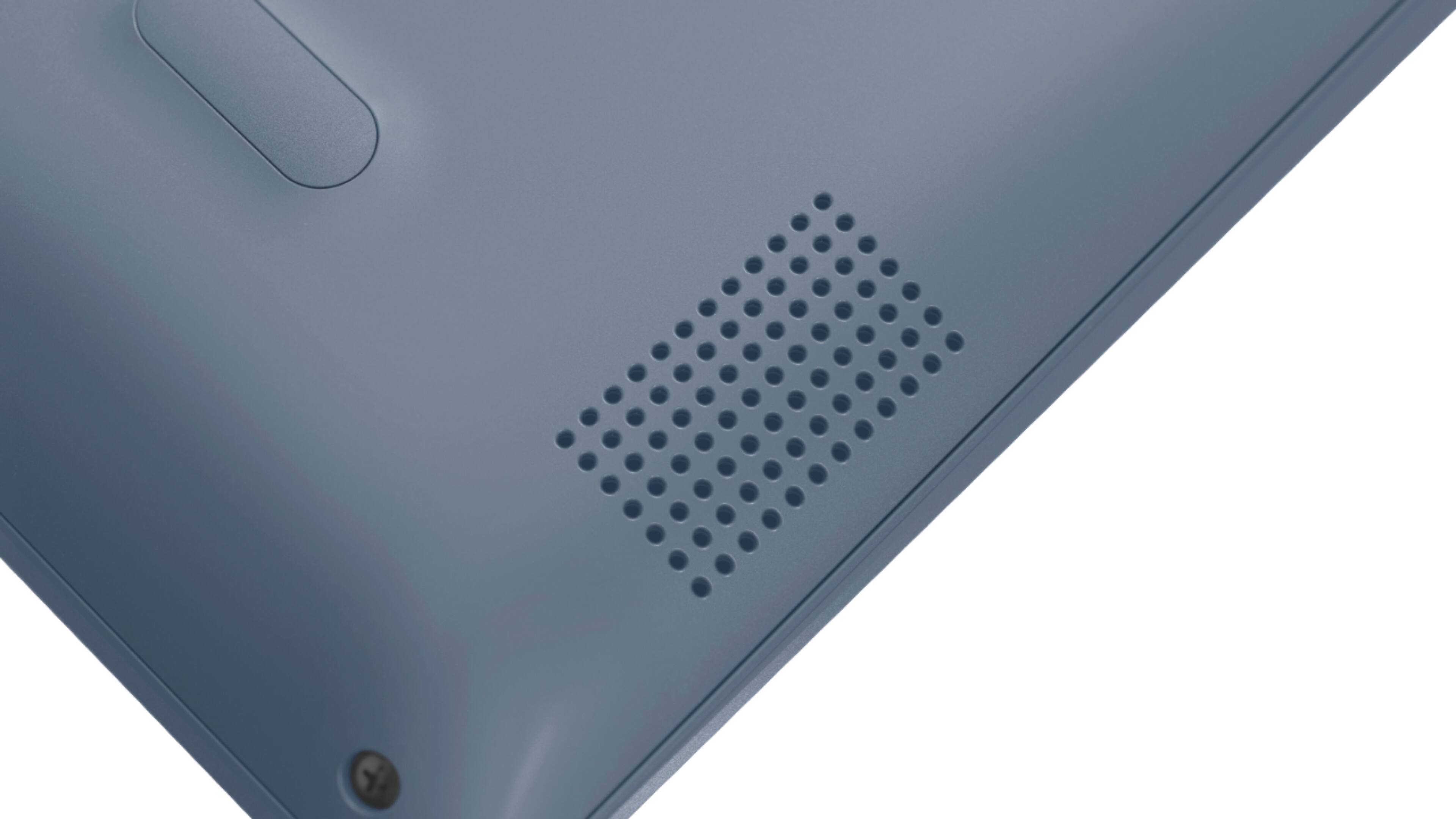
Posted .The Lenovo IdeaPad 330s-15 laptop ships with a 2CELL 30WH, Lithium Polymer Battery, with a battery life of up to 7 hours. We recommend you call Lenovo Tech Support for help with your specific issue at: 877-453-6686.
Issues with mouse pad
||Posted . Owned for 1 year when reviewed.This reviewer received promo considerations or sweepstakes entry for writing a review.Mouse never worked. Mouse will go to opposite position.
No, I would not recommend this to a friendDidn’t like it
||Posted . Owned for 2 weeks when reviewed.This reviewer received promo considerations or sweepstakes entry for writing a review.I took it back two days after getting it. The touch pad went crazy.
No, I would not recommend this to a friendBrand response from Lenovo Product Expert
Posted .With regard to the touchpad, you can make adjustments to the touchpad in your system settings. You can get there by clicking on the magnifying glass at the bottom left of your Windows 10 screen. Type "touchpad" in the search window. Select "Mouse & touchpad settings" from the list of choices. You can make general adjustments to the touchpad there. You can also select "Additional mouse options" for more detailed adjustments to the touchpad sensitivity by increasing the delay of the touchpad.
I will never advise anyone to buy this laptop
||Posted . Owned for 1 year when reviewed.This reviewer received promo considerations or sweepstakes entry for writing a review.Very cheap quality! Not friendly to use , very slow
No, I would not recommend this to a friendcannotacessinternet
||Posted . Owned for 1 month when reviewed.This reviewer received promo considerations or sweepstakes entry for writing a review.cannot get response to survey. very bad customer service.
No, I would not recommend this to a friendBrand response from Lenovo Product Expert
Posted .We are sorry you are having issues with your Lenovo IdeaPad 330S-15 laptop.. We recommend you call Lenovo Tech Support at: 877-453-6686.
Not like
||Posted . Owned for 1 month when reviewed.This reviewer received promo considerations or sweepstakes entry for writing a review.Very cheap product. The price not high for cheap products
No, I would not recommend this to a friendBrand response from Lenovo Product Expert
Posted .The Lenovo IdeaPad 330s-15 laptop, Model number 81F5018TUS ships with the powerful Quad-Core/Eight-Thread Intel Core i5-8250U processor, supported by 8GB DDR4-2400MHz RAM and a 128GB solid state hard drive. This Processor has a base speed of 1.6GHz and a Turbo Boost speed of up to 3.4GHz. The laptop has a IPS LCD w/LED Backlight (Anti-glare) screen, with a resolution of 1920 x 1080 (FHD) and a brightness level 250 nits. This configuration is good for many of today's most demanding programs, browsing the internet with multiple tabs open. If this describes your computing needs, the IdeaPad 330s-15 is a great choice.