Customer Ratings & Reviews
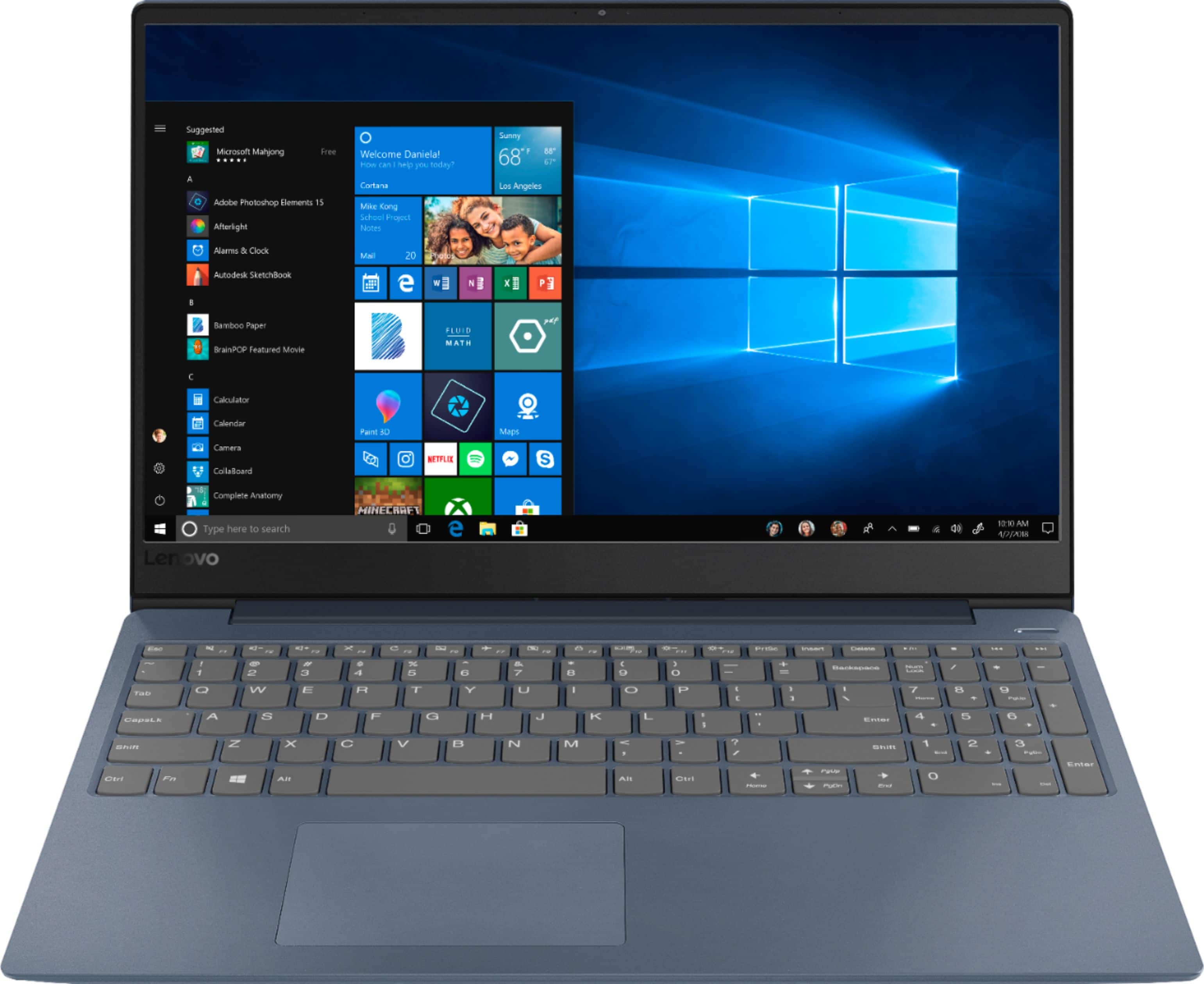
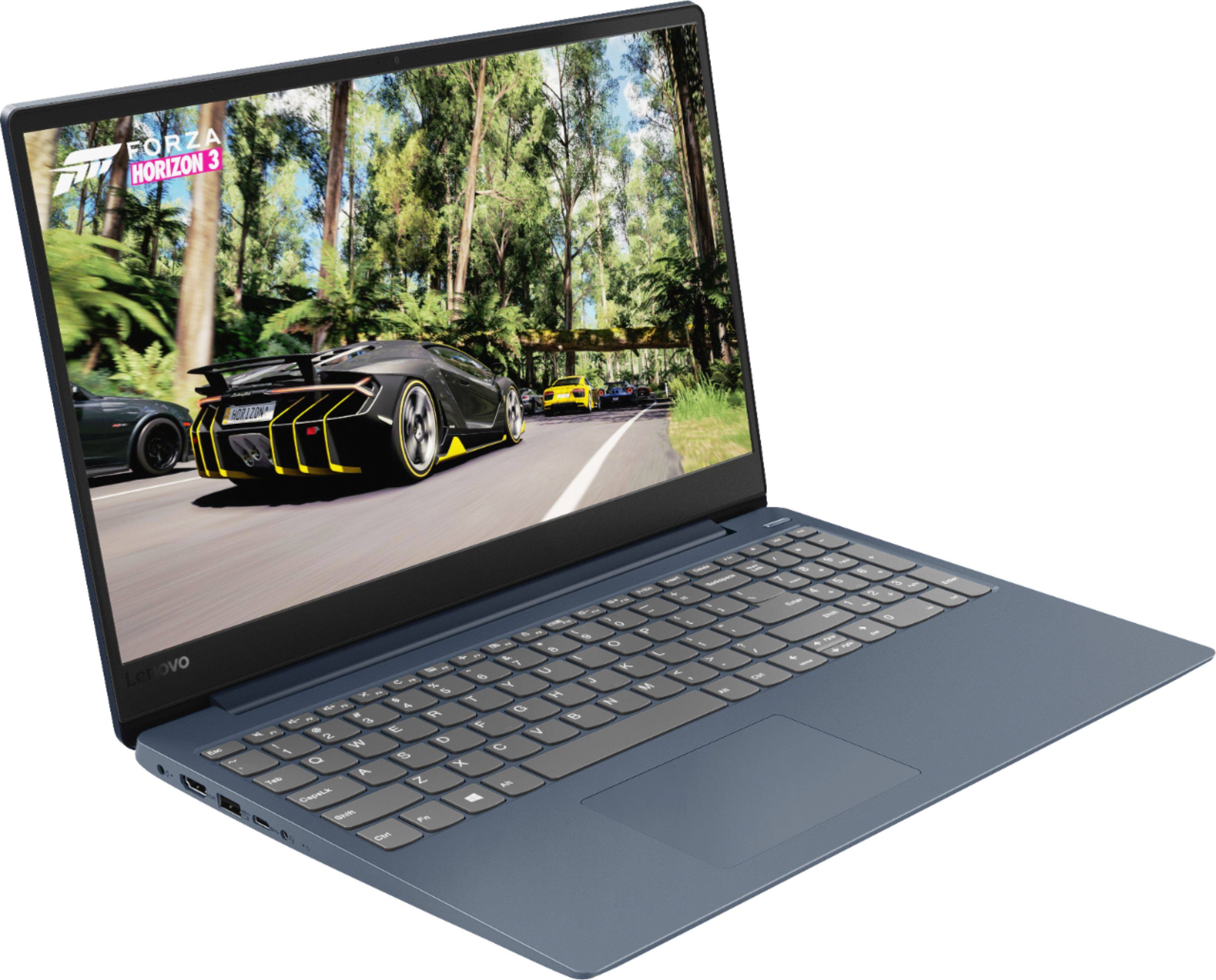
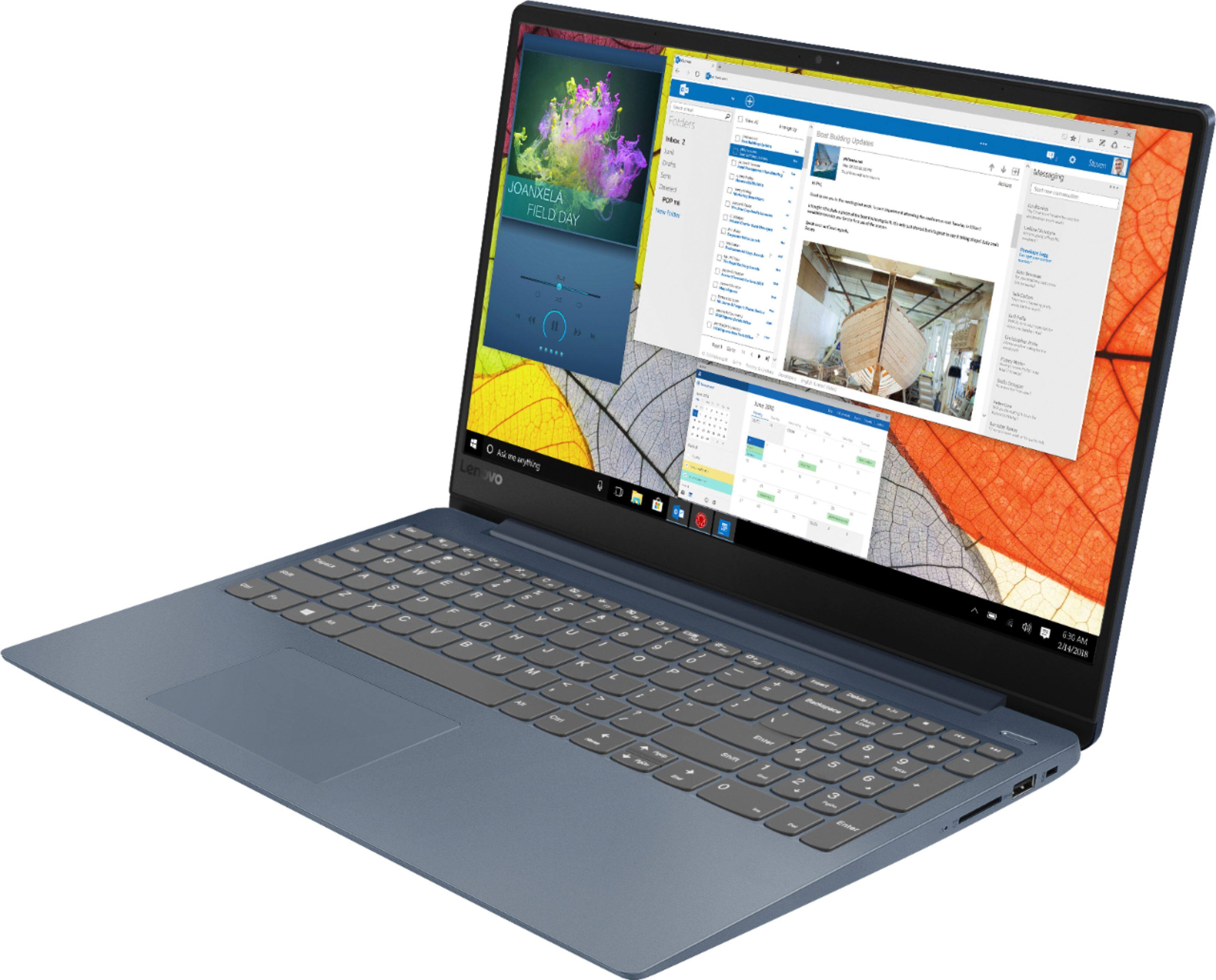
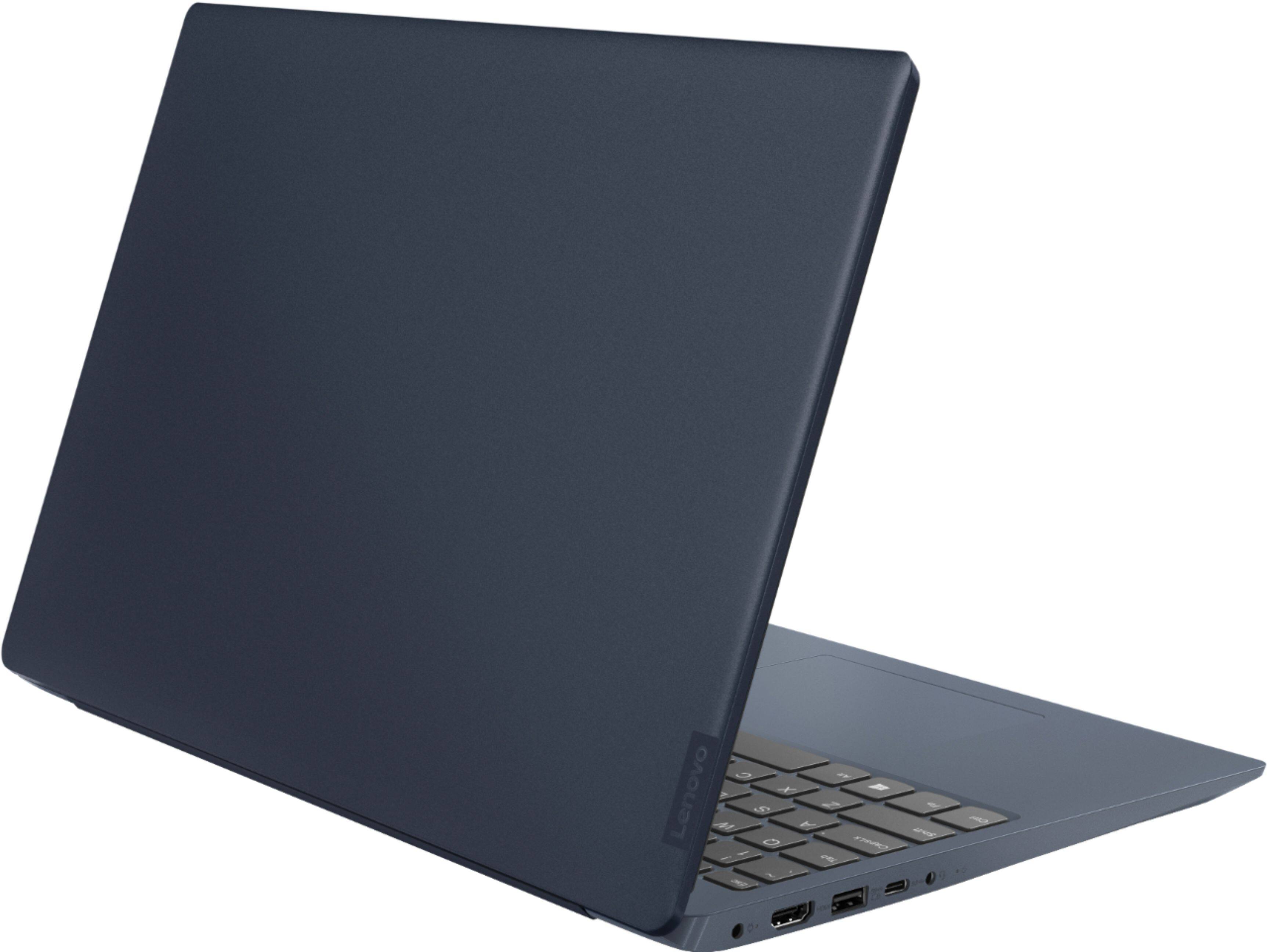

- Model:
- 81F5018EUS
- SKU:
- 6323662
Rating by feature
- Battery Life
Rating 4.1 out of 5 stars
- Speed
Rating 4.2 out of 5 stars
- Display
Rating 4.4 out of 5 stars
Customers are saying
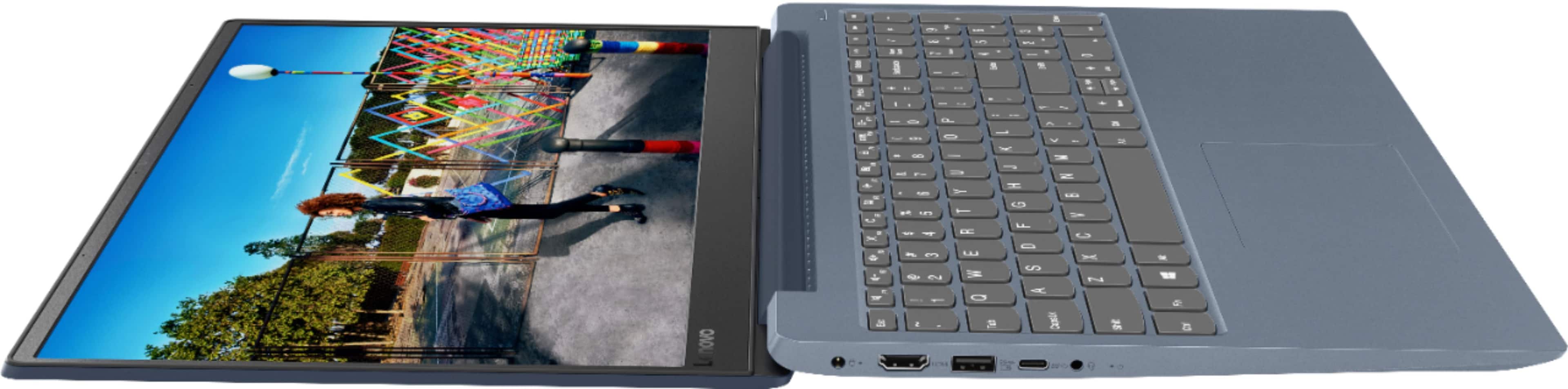
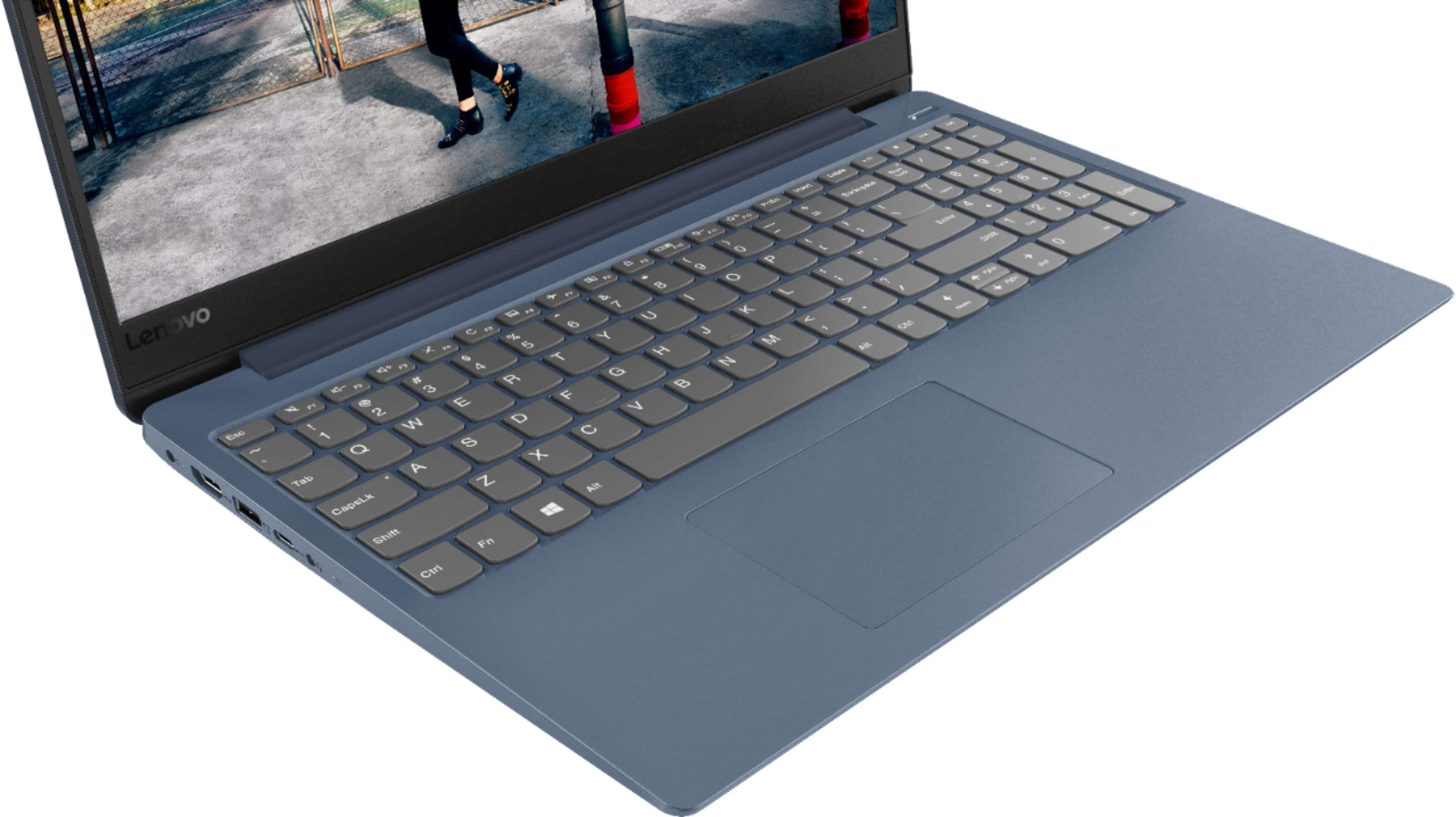
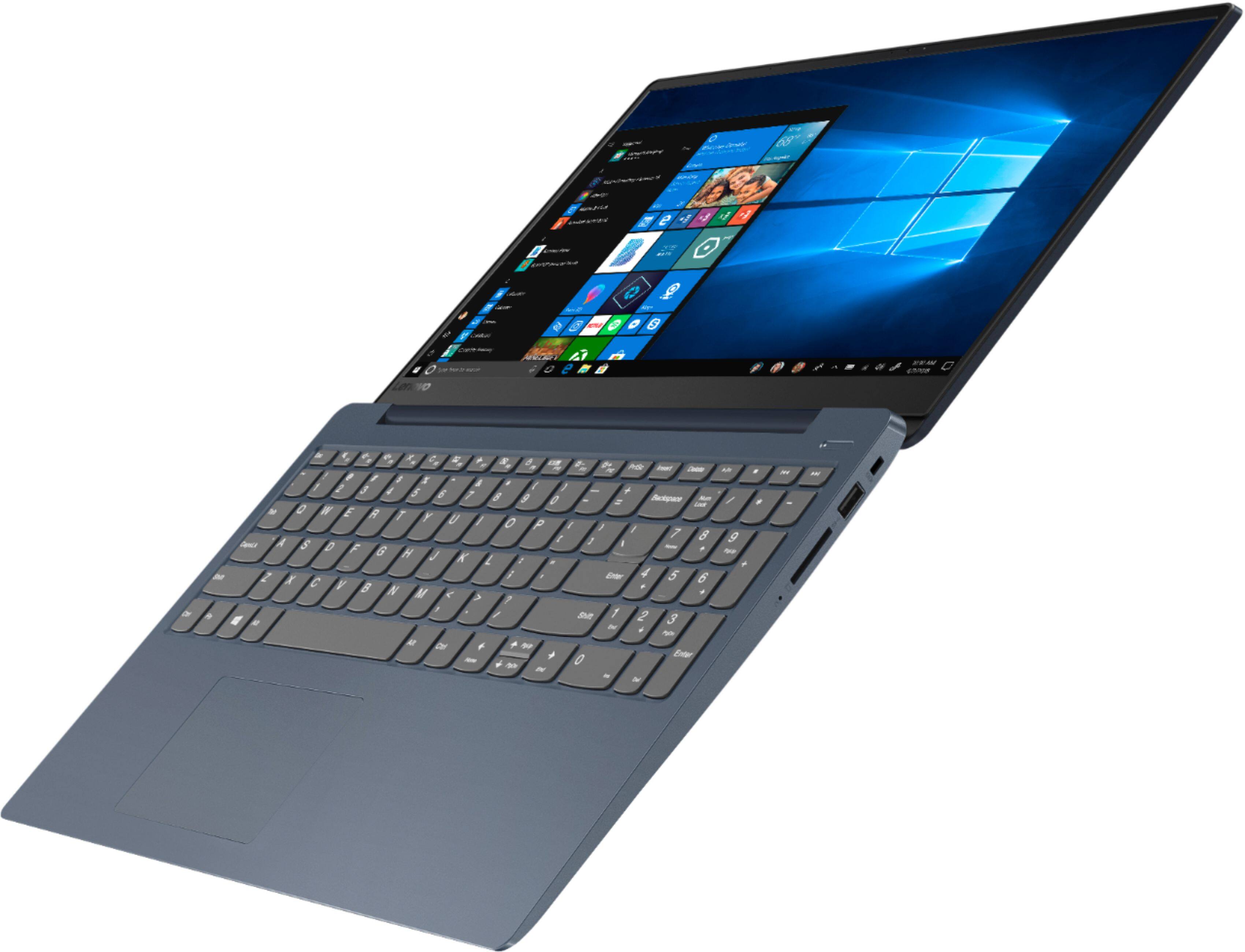
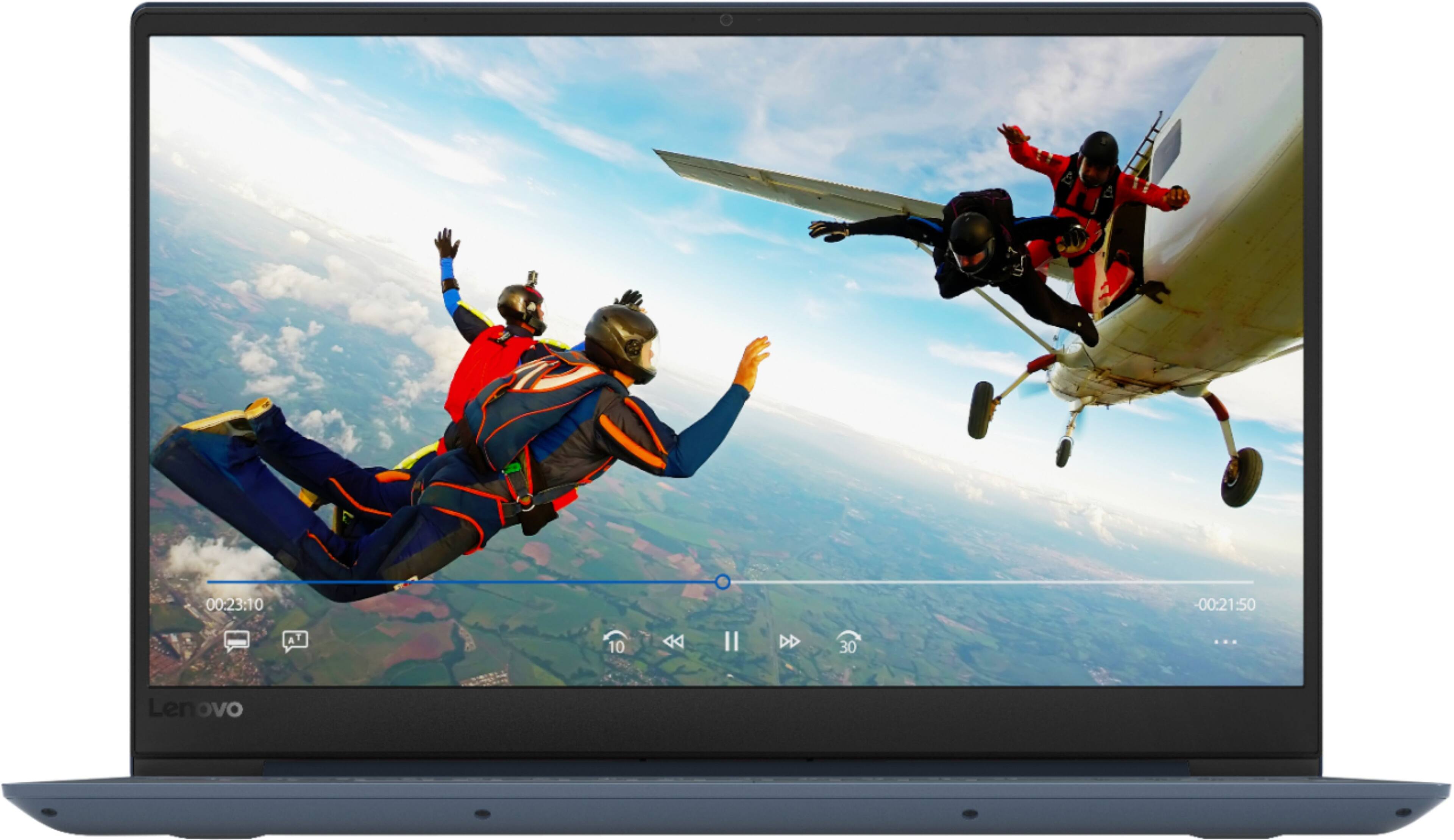
Customers enjoy the IdeaPad 330S laptop for its budget-friendly price, user-friendly interface, and lightweight design. Many reviewers also praised its performance and overall design. However, some users expressed concerns about its battery life, limited storage capacity, and the number of USB ports.
This summary was generated by AI based on customer reviews.
Sucks
||Posted . Owned for 1 month when reviewed.This reviewer received promo considerations or sweepstakes entry for writing a review.Would not start if it did it would say boot up Failure
No, I would not recommend this to a friendBrand response from Lenovo Product Expert
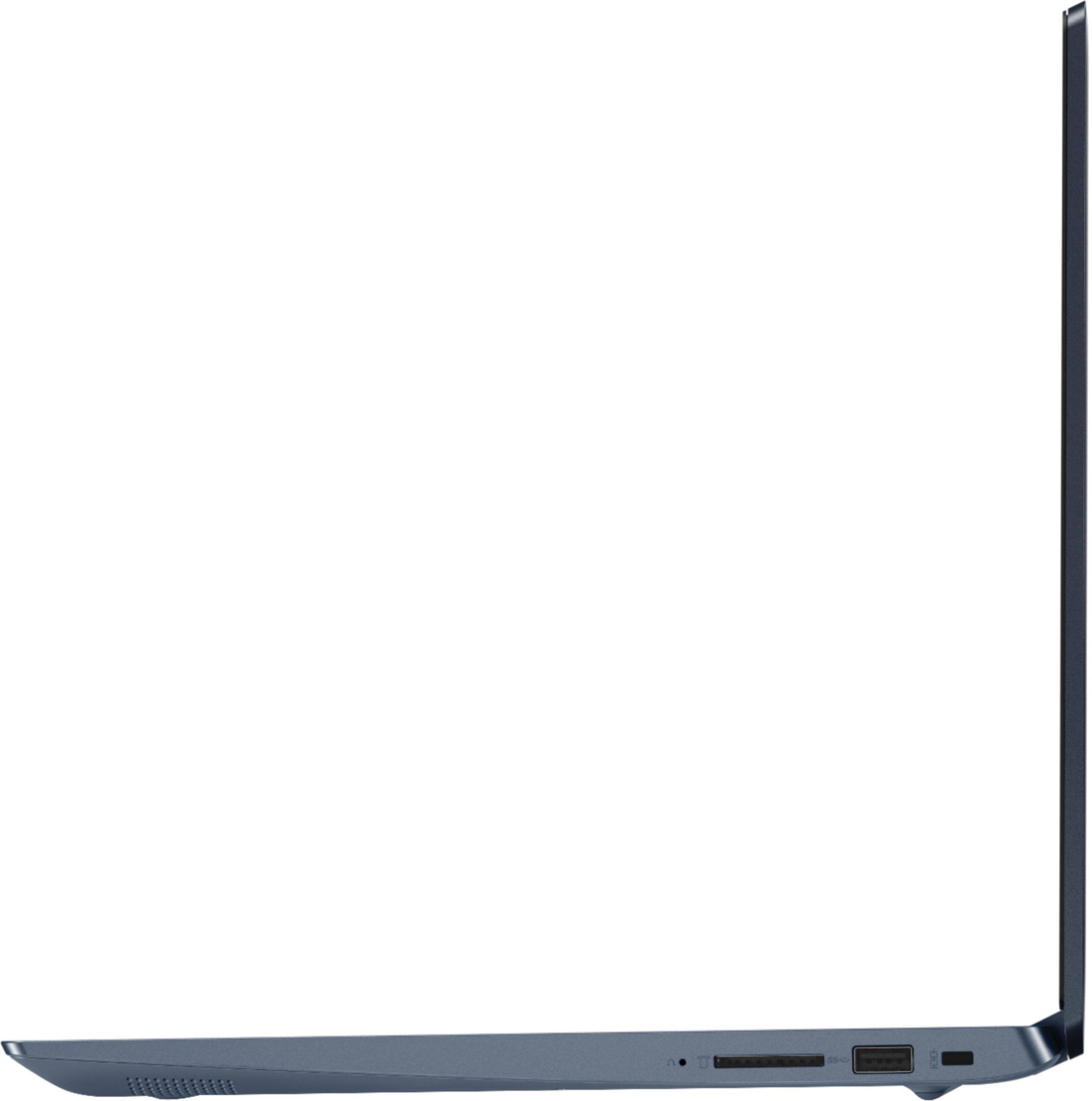
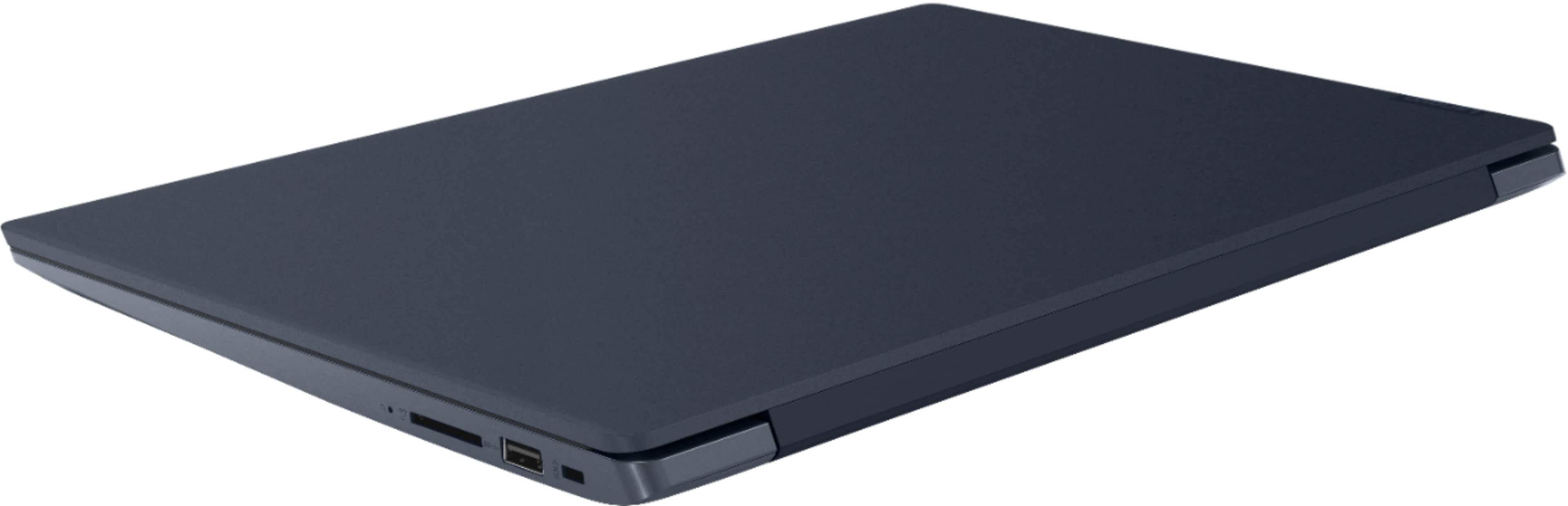
Posted .A boot up failure can be caused by incompatible software installed on the computer. This model ships with Windows 10 S-Mode Operating System. Windows 10 S-Mode provides added security by only allowing APPs available ( and therefore certified by Microsoft) at the Microsoft Store. If you don't need the added security or you need to install APPs not available at the Microsoft Store, you can switch to standard Windows 10 Home 64-bit Operating System, at no additional cost. If you have switched out of S-Mode to Windows 10 Home, be sure any software you installed is compatible with Windows 10. There is no need to install Microsoft Office software. The software is already part of the operating system, you just need to activate the software with a purchased product key. If you have installed a copy of Microsoft Office, this is conflicting with the existing copy on the system and this will slow your system down. If you have installed a 3rd party anti-virus program, be sure that Windows Defender is turned off and that the trial version of McAfee Anti-Virus software is uninstalled. There can only be one anti-virus program on the system. You may need to restore your system to original factory default settings if any of the programing errors have occurred. Since you can not boot the computer, this system is equipped with OneKey Recovery System. There is a very small pin hole on the right side of the device, right near the SD card slot on the device. You will need a pin to push this reset button. Plug the device in. Let the battery charge for about 15 minutes. Push the reset button. The system should boot to a choice screen where you can choose "Restore To Factory Default". Select this. It will delete everything from the hard drive except the original factory install of the operating system. You will need to reinstall all programs and files after the reset. If you don't have copies of the files, try to make one before you restore by selecting "Boot to desktop" and trying to back up your files. If the problem persists after the factory reset, we recommend you contact Lenovo Tech Support at: 877-453-6686.

- Cons mentioned:Ram
Great, Lightweight, Low-end Laptop
Posted .This reviewer received promo considerations or sweepstakes entry for writing a review.The setup on this PC is a bit longer than normal, but not out of the realm of ordinary. After you are done with your setup, you have a Windows Home 10-S computer. I immediately switch to a Windows 10 Home computer as the -S mode is, IMHO, WORTHLESS. With the -S setting, you can only install apps from the Windows Store which means...no Chrome and no Firefox. Since the computer is being used in an education setting, it is necessary to have Chrome AND Firefox installed. The BIGGEST drawback to this computer is the 4GB RAM. A laptop should not ship with less than 8GB of RAM. With 8GB, this rating would have been at least 4.5 ... maybe even 5 stars. Other than that, startup and shutdown is SUPER fast with the SSD. 128 GB is a bit small, but with the cloud, 128GB is plenty this day in time. Additionally, you can get an external USB drive if you need more "storage" for your particular needs. Overall...this is a great sub-$400 laptop. Lightweight, easy to setup and the display is not too bad, either!
I would recommend this to a friendBrand response from Lenovo Product Expert
Posted .The Lenovo IdeaPad 330s-15 laptop is a mid-level, moderate use configuration, with its Intel Core i3-8130U processor. This Dual-Core processor has a base speed of 2.2GHz and a boost speed of up to 3.4GHz. This configuration has 4GB of DDR4-2400MHz RAM and a 128GB solid state hard drive. This configuration ships with the secure Windows 10 Home S-Mode Operating System. If you are looking for a higher level of security for your Windows 10 computer, Windows 10 S-Mode is your Operating System. You can easily switch the device to Windows 10 Home standard version if you need to install software that is not currently available through the Microsoft Store. It is good with Microsoft Office type programs, internet browsing and other moderate work. If this describes your computing needs, the IdeaPad 330s-15 would be a good choice for you. For 2018, Lenovo retained its place for a second year as the best laptop vendor:
https://www.laptopmag.com/articles/laptop-brand-ratings
- Pros mentioned:Price, Speed
Great for the money!
Posted .This reviewer received promo considerations or sweepstakes entry for writing a review.I got this laptop during a back to school deal along with a student discount, meaning i got this $400 laptop for $250. This one with the ssd seems to be pretty fast, at least a lot faster than my old laptop that was only 2 years old. Screen seems okay for a Tn panel. It has all metal construction except for around the keyboard. Only thing negative that i have to say is that the keyboard is kinda meh, but it does its job. Great value if you can get it for cheap.
I would recommend this to a friend Not bad!
Posted .This reviewer received promo considerations or sweepstakes entry for writing a review.Really works well for the price point! Just solid with no issues.
I would recommend this to a friendNice Budget Machine
Posted .This reviewer received promo considerations or sweepstakes entry for writing a review.Was looking for something in the $400 or less category with a solid state drive, 8th generation core i3 processor, and DDR4 RAM. This was the only one I could find with all three of those, at least from a seller that I would feel comfortable buying from. RAM is only 4GB but is upgrade-able to 12, otherwise would have been a deal breaker for me. As it is, a very well performing machine for this price range. LOVE the SSD, it's fast, quiet and barely gets warm. For those who want more memory, (who doesn't?) just add another 8GB of RAM to this setup and the total cost would still be under $400. Then just turn off all the windows 10 non-essentials, delete the bloatware and you have a super nice budget laptop.
I would recommend this to a friendBrand response from Lenovo Product Expert
Posted .Thank you for choosing the Lenovo IdeaPad 330s-15 laptop. Please keep in mind, This model is not user upgradable. A certified technician must do all of the work, so as to not void the warranty. The Lenovo IdeaPad 330s-15 ships with just two adware programs, a 30-day trial of Microsoft Office 365 (as part of Windows 10 operating system) and a 30-day trial of McAfee virus protection. Lenovo computers ship with one of the cleanest factory software installs within the consumer computer industry. For 2018, Lenovo retained its place for a second year as the best laptop vendor:
https://www.laptopmag.com/articles/laptop-brand-ratings
Very reliable
Posted .This reviewer received promo considerations or sweepstakes entry for writing a review.This computer is so awesome! I’m very satisfied with my purchase and if something happens to it, I will definitely stick to this brand. Lenovo gets it right.
I would recommend this to a friendWill buy again.
Posted .This reviewer received promo considerations or sweepstakes entry for writing a review.Great product. Lasted long time and looking to buy another one just like it.
I would recommend this to a friend- Pros mentioned:Price
Hidden Value
Posted .This reviewer received promo considerations or sweepstakes entry for writing a review.I just purchased this for $279, not expecting much. Took off the back cover to find an empty M.2 NVMe PCIe slot! Took out the SSD, put in a 512 M.2 drive and this thing just flies... and I haven't even upgraded the ram to 12GB yet. I am seriously shocked at the value, especially since no where does anything say it can support dual drives. I should have bought 2 for this price!
I would recommend this to a friendBrand response from Lenovo Product Expert
Posted .Please keep in mind, this model is not user upgradable. A certified technician must do all of the work, so as to not void the warranty. This is a mid-level, moderate use configuration, with its Intel Core i3-8130U processor. This Dual-Core processor has a base speed of 2.2GHz and a boost speed of up to 3.4GHz. This configuration has 4GB of DDR4-2400MHz RAM and a 128GB solid state hard drive. It is good with Microsoft Office type programs, internet browsing and other moderate work. This model ships with Windows 10 S-Mode Operating System. Windows 10 S-Mode provides added security by only allowing APPs available ( and therefore certified by Microsoft) at the Microsoft Store. If you don't need the added security or you need to install APPs not available at the Microsoft Store, you can switch to standard Windows 10 Home 64-bit Operating System, at no additional cost.
Way better than the HP laptop i got before hand.
Posted .This reviewer received promo considerations or sweepstakes entry for writing a review.I got a HP laptop when I should have got this one first The HP had the same processor and 8GB of ram as well with a larger screen and a 1TB HDD. This one has a 128GB SSD which makes thing alot more smoother with the 8GB of ram and the powerful i5 8th gen processor. For the same price I would reccommend this model to anyone wanting a decent budget laptop. Oh and might I add it also has a M.2 slot available so you could put a mechanical hard drive in there on the sata line and use a m.2 ssd as well. Will also upgrade to 20 GB of system ram. The future proofing of this laptop is great.
I would recommend this to a friendBrand response from Lenovo Product Expert
Posted .Thank you for choosing the Lenovo IdeaPad 330s-15 laptop. Please keep in mind, this model is not user upgradable. A certified technician must do all of the work, so as to not void the warranty. We are pleased to hear that the features and performance of the IdeaPad 330s-15 meets your computing needs so well. For 2018, Lenovo retained its place for a second year as the best laptop vendor:
https://www.laptopmag.com/articles/laptop-brand-ratings
Good Laptop for basic classroom use.
Posted .This reviewer received promo considerations or sweepstakes entry for writing a review.Make sure you upgrade the Windows S to Home edition. Then you can actually use the laptop. :). Purchased for use with classroom smart projectors. Needed something better than a Celeron or Pentium processor. i3 seems to do the job fine, especially since this laptop has a SSD. Ease of Use = Poor because you have to do the update to Home Edition, and you need a Microsoft account to do so.
I would recommend this to a friendBrand response from Lenovo Product Expert
Posted .The Lenovo IdeaPad 330s-15 laptop, model number 81F5018EUS, is a mid-level, moderate use configuration, with its Intel Core i3-8130U processor. This Dual-Core processor has a base speed of 2.2GHz and a boost speed of up to 3.4GHz. This configuration has 4GB of DDR4-2400MHz RAM. It is good with Microsoft Office type programs, internet browsing and other moderate work. This model ships with Windows 10 S-Mode Operating System. Windows 10 S-Mode provides added security by only allowing APPs available ( and therefore certified by Microsoft) at the Microsoft Store. If you don't need the added security or you need to install APPs not available at the Microsoft Store, you can switch to standard Windows 10 Home 64-bit Operating System, at no additional cost. Here is a link to instructions for switching from S-Mode to Windows 10 Home: https://support.microsoft.com/en-us/help/4456067/windows-10-switch-out-of-s-mode
A very nice laptop for use as a second system.
Posted .This reviewer received promo considerations or sweepstakes entry for writing a review.Perfect second computer for the basics, Email, web, and streaming music through iTunes. The stock 4GB memory, available 3.9, works extremely well but would recommend adding an 8 to max the system out at 12. I was able to remove the back but no idea where the memory is located so any feedback would be greatly appreciated.
I would recommend this to a friendNeed to change to Windows 10 Home
Posted .This reviewer received promo considerations or sweepstakes entry for writing a review.It is a nice laptop but I" d been trying to change from Windows 10 S mode a Windows 10 Home and the Microsoft Store no opens to do that. I need to change it! How can I do it?
I would recommend this to a friendGreat computer for a low price!
Posted .This reviewer received promo considerations or sweepstakes entry for writing a review.I love the Solid State Drive, it reduces the startup time to under 5 seconds, and it can run multiple applications without a slowdown. Great machine for a very reasonable price!
I would recommend this to a friendBrand response from Lenovo Product Expert
Posted .Thank you for choosing the Lenovo IdeaPad 330s-15 laptop. We are pleased to hear that the value and performance of the IdeaPad 330s-15 meets your computing needs so well. This is a mid-level, moderate use configuration, with its Intel Core i3-8130U processor. This Dual-Core processor has a base speed of 2.2GHz and a boost speed of up to 3.4GHz. This configuration has 4GB of DDR4-2400MHz RAM and a 128GB solid state hard drive. It is good with Microsoft Office type programs, internet browsing and other moderate work. If this describes your computing needs, the IdeaPad 330s-15 would be a good choice for you. For 2018, Lenovo retained its place for a second year as the best laptop vendor:
https://www.laptopmag.com/articles/laptop-brand-ratings
Some Major Flaws.
Posted .This reviewer received promo considerations or sweepstakes entry for writing a review.There are good specs for this but it has some major flaws I can't get around. 1. The wifi is constantly cutting out. I've researched this and found it's not uncommon. I tried Lenovo's suggestions to the tee and it's still a problem. I also tried updating, rolling back, and reinstalling the drivers. No luck. 2. The display keeps going blank. It shuts off then back on. It's a matter of seconds and it always comes back on. But it's not a good thing. I found no solution for this. Either in Lenovo's forums or through Google search. I did try updating, rolling back and reinstalling the drivers to no avail. My major concern is that one day the screen will go out and not come back on. All my work will be lost until I get a replacement computer, 3. The touchpad is a mess. If I don't tap in exactly the right place, the wrong thing happens, For example, if I tap on what I think is the left button, the right button activates. Maybe this is because the touch pad has no buttons,
No, I would not recommend this to a friendBrand response from Lenovo Product Expert
Posted .We are sorry to hear that you are having issues with your Lenovo IdeaPad 330s-15 laptop. From the description of the issues you are having, it sound like there is incompatible software installed on your computer. Be sure any software you installed is compatible with Windows 10. There is no need to install Microsoft Office software. The software is already part of the operating system, you just need to activate the software with a purchased product key. If you have installed a copy of Microsoft Office, this is conflicting with the existing copy on the system and this will slow your system down. If you have installed a 3rd party anti-virus program, be sure that Windows Defender is turned off and that the trial version of McAfee Anti-Virus software is uninstalled. There can only be one anti-virus program on the system. You may need to restore your system to original factory default settings if any of the programing errors have occurred. You can do that by typing "restore" in the Cortana search window. Just click on the magnifying glass icon at the bottom left of your Windows 10 Desktop. Click on "Reset This PC" Then click on "Get Started" and follow the on screen directions to restore to factory defaults. If the problem persists, we recommend you contact Lenovo Tech Support at: 877-453-6686
- Cons mentioned:Gaming
So sloooooooooooow!!!
Posted .This reviewer received promo considerations or sweepstakes entry for writing a review.I purchased this PC with internet usage as the main task and figured that even a lower-end processor and laptop could handle this. Boy was i WRONG! This PC is slow as molasses! I'm not sure how any gets anything done with this laptop as it is a bad performing multi-tasker. If I have more then 2-3 Chrome or Firefox windows open, everything grinds to a halt and forget about playing any games online as the processor can't keep up with any of the online action and there is major lag. It's a pretty package and everything else is in-line with the $400 pricepoint but the lack of speed makes this laptop a serious dud!
No, I would not recommend this to a friendBrand response from Lenovo Product Expert
Posted .The Lenovo IdeaPad 330s-15 laptop is a mid-level, moderate use configuration, with its Intel Core i3-8130U processor. This Dual-Core processor has a base speed of 2.2GHz and a boost speed of up to 3.4GHz. This configuration has 4GB of DDR4-2400MHz RAM and a 128GB solid state hard drive. It is good with Microsoft Office type programs, internet browsing and other moderate work. This model ships with Windows 10 S-Mode Operating System. Windows 10 S-Mode provides added security by only allowing APPs available ( and therefore certified by Microsoft) at the Microsoft Store. If you don't need the added security or you need to install APPs not available at the Microsoft Store, you can switch to standard Windows 10 Home 64-bit Operating System, at no additional cost. Be sure any software you installed is compatible with Windows 10. There is no need to install Microsoft Office software. The software is already part of the operating system, you just need to activate the software with a purchased product key. If you have installed a copy of Microsoft Office, this is conflicting with the existing copy on the system and this will slow your system down. If you have installed a 3rd party anti-virus program, be sure that Windows Defender is turned off and that the trial version of McAfee Anti-Virus software is uninstalled. There can only be one anti-virus program on the system. You may need to restore your system to original factory default settings if any of the programing errors have occurred. You can do that by typing "restore" in the Cortana search window. Just click on the magnifying glass icon at the bottom left of your Windows 10 Desktop. Click on "Reset This PC" Then click on "Get Started" and follow the on screen directions to restore to factory defaults. If the problem persists, we recommend you contact Lenovo Tech Support at: 877-453-6686
Owner
Posted .This reviewer received promo considerations or sweepstakes entry for writing a review.Keyboard broke after 18 months of use. Standard home row keys do not work. Could not be fixed for a reasonable fee compared to the cost of the computer.
No, I would not recommend this to a friendRepair issue
Posted .This reviewer received promo considerations or sweepstakes entry for writing a review.I have had this laptop for one month and the letter B key has come loose. Lenova wants me to send in for repair which will be shipping time plus 9 days for repair. Even though I paid for Geed Squad warranty Best Buy said this is not covered. Maybe I will buy my next computer somewhere else. I guess I will see what Best Buy would charge me to fix this. I did watch a youtube video and know how to fix but the connector seems to be defective.
No, I would not recommend this to a friendCheap is just that...cheap!
Posted .This reviewer received promo considerations or sweepstakes entry for writing a review.I miss when Best Buy carried Toshiba laptops. My first laptop back in '07 was a Toshiba and it was perfect until a few year's ago when the motherboard went bad. But back to this Lenovo laptop I purchased a few weeks before I started school for my master's degree. I only brought this laptop because it was on sale and was basic for what I need it for, school. About two weeks ago, I noticed that my screen started to have these static lines running through it. I took it to Best Buy because it was past the 14 days to return/exchange. Of course while there, the laptop is perfectly fine. Now today as I'm speaking with my tutor online, those static lines are now faster and lasting longer. Then the screen quickly begins to flick off and on. It hasn't stopped. At one point, it flicked the display off and it was just showing a colored screen. I have research papers to do and I can't send this out for 2 weeks to get fixed by geek squad. A brand new laptop, not even 3 months old is giving me problems at the WRONG time! If Best Buy or Lenovo won't fix it in that 2 week span and if it acts up again, this will be the last time I purchase any major electronics from this place and will stick to buying Blu-Rays during Black Friday only.
No, I would not recommend this to a friendBrand response from Lenovo Product Expert
Posted .We are sorry to hear that you are having issues with your Lenovo IdeaPad 330s-15 laptop. First, be sure you have the latest version of Windows 10. Then update all of the BIOS files and drivers on the computer up to that latest version of Windows 10. You can easily accomplish this by scanning the computer with the Lenovo Utility software installed on the computer. This system has Lenovo utilities installed to help maintain the health of the device and keep the operating system software up to date. Type "Lenovo Vantage" in the Cortana Search window (if Lenovo Vantage is not installed on your device, you can download the APP and install it now). Select Lenovo Vantage from the list. In the window that opens, click on "Health and Support". In the expanded menu, select "Hardware Scan" In the window that opens, select "Run Quick Tests". This will scan your entire system for errors. Follow any directions that may pop up. If the problem continues after this scan, now click on "System Update". First select Windows update from the menu. Scan your system to be sure you have the latest version of Windows 10. Once that scan is complete, select "Additional Updates". This will scan your device to be sure there are no new BIOS/Driver updates needed. Follow any instructions that may pop up. If the issue still continues after these updates, be sure any software you installed is compatible with Windows 10. There is no need to install Microsoft Office software. The software is already part of the operating system, you just need to activate the software with a purchased product key. If you have installed a copy of Microsoft Office, this is conflicting with the existing copy on the system and this will slow your system down. If you have installed a 3rd party anti-virus program, be sure that Windows Defender is turned off and that the trial version of McAfee Anti-Virus software is uninstalled. There can only be one anti-virus program on the system. You may need to restore your system to original factory default settings if any of the programing errors have occurred. You can do that by typing "restore" in the Cortana search window. Just click on the magnifying glass icon at the bottom left of your Windows 10 Desktop. Click on "Reset This PC" Then click on "Get Started" and follow the on screen directions to restore to factory defaults. If the problem persists, we recommend you contact Lenovo Tech Support at: 877-453-6686.
Don't Buy It
Posted .This reviewer received promo considerations or sweepstakes entry for writing a review.My mother purchased this computer for me at the beginning of December of last year for Christmas. I wanted this computer to play PC games such as Minecraft and Sims because Chromebooks aren't compatible to play those type of games. When I used to play Minecraft, sometimes the screen would go black, which means I would have to turn off my computer to make the screen appear again. One time, the computer made a loud buzzing type sound and I turned off the laptop immediately. The battery life is terrible, it would last about an hour. My Chromebook is way more valuable and has WAY BETTER battery life than this computer, even though I can't play basic games on there. Today, I was playing the game and my computer just went out. I thought the battery went down, but nope. It won't turn on at all. I'm very angry about it because I was actually planning on bringing this laptop while I'm on vacation next week, just for entertainment purposes. Luckily, I got a 1-Year Warranty, so I will be returning this computer to the store. It was fun while it lasted, so if you're interested in this computer, don't bother. It's best for you to spend about $500 or more for a decent laptop than this one.
No, I would not recommend this to a friendBrand response from Lenovo Product Expert
Posted .The Lenovo IdeaPad 330s-15 laptop model number 81F5018EUS has only be available since April, 2019. This mode ships with Windows 10 S-Mode. Windows 10 S-Mode provides added security by only allowing APPs available ( and therefore certified by Microsoft) at the Microsoft Store. If you don't need the added security or you need to install APPs not available at the Microsoft Store, you can switch to standard Windows 10 Home 64-bit Operating System, at no additional cost. From the description of the issues you are experiencing, it sounds as though there may be incompatible software installed on the device. Since you can no longer boot the computer, this system is equipped with OneKey Recovery System. There is a very small pin hole on the left side of the device, right near the SD card slot on the device. You will need a pin to push this reset button. Plug the device in. Let the battery charge for about 15 minutes. Push the reset button. The system should boot to a choice screen where you can choose "Restore To Factory Default". Select this. It will delete everything from the hard drive except the original factory install of the operating system. You will need to reinstall all programs and files after the reset. If you don't have copies of the files, try to make one before you restore by selecting "Boot to desktop" and trying to back up your files. If the problem persists after the factory reset, we recommend you contact Lenovo Tech Support at: 877-453-6686.
DO NOT BUY THIS LAPTOP!
Posted .This reviewer received promo considerations or sweepstakes entry for writing a review.Absolute horrible laptop. Horrible. There is a constant high pitched whine sound. No matter what you are doing on the laptop, the noise is constant. The construction of the laptop exterior is nice but the construction of the parts inside, is just atrocious. Spend your $280 on something else. Anything else. Lenovo is an incredibly cheap company who uses cheap parts to make cheap computers. I would have been willing to live with literally everything else that’s wrong with this pc. That constant whine noise is just unbearable. Save yourself the time and money and just buy something else.
No, I would not recommend this to a friendBrand response from Lenovo Product Expert
Posted .We are sorry to hear that you are having issues with your Lenovo IdeaPad 330s-15 laptop. First be sure you have the latest version of Windows 10 on the computer. Then update all of the BIOS files and drivers on the computer. You can easily accomplish this by scanning the computer with the Lenovo Utility software installed on the computer. This system has Lenovo utilities installed to help maintain the health of the device and keep the operating system software up to date. Type "Lenovo Vantage" in the Cortana Search window (if Lenovo Vantage is not installed on your device, you can download the APP and install it now). Select Lenovo Vantage from the list. In the window that opens, click on "Health and Support". In the expanded menu, select "Hardware Scan" In the window that opens, select "Run Quick Tests". This will scan your entire system for errors. Follow any directions that may pop up. If the problem continues after this scan, now click on "System Update". First select Windows update from the menu. Scan your system to be sure you have the latest version of Windows 10. Once that scan is complete, select "Additional Updates". This will scan your device to be sure there are no new BIOS/Driver updates needed. Follow any instructions that may pop up. If the issue still continues after these updates, we recommend you call Lenovo Tech Support at: 877-453-6686 for additional help.