Customer Ratings & Reviews
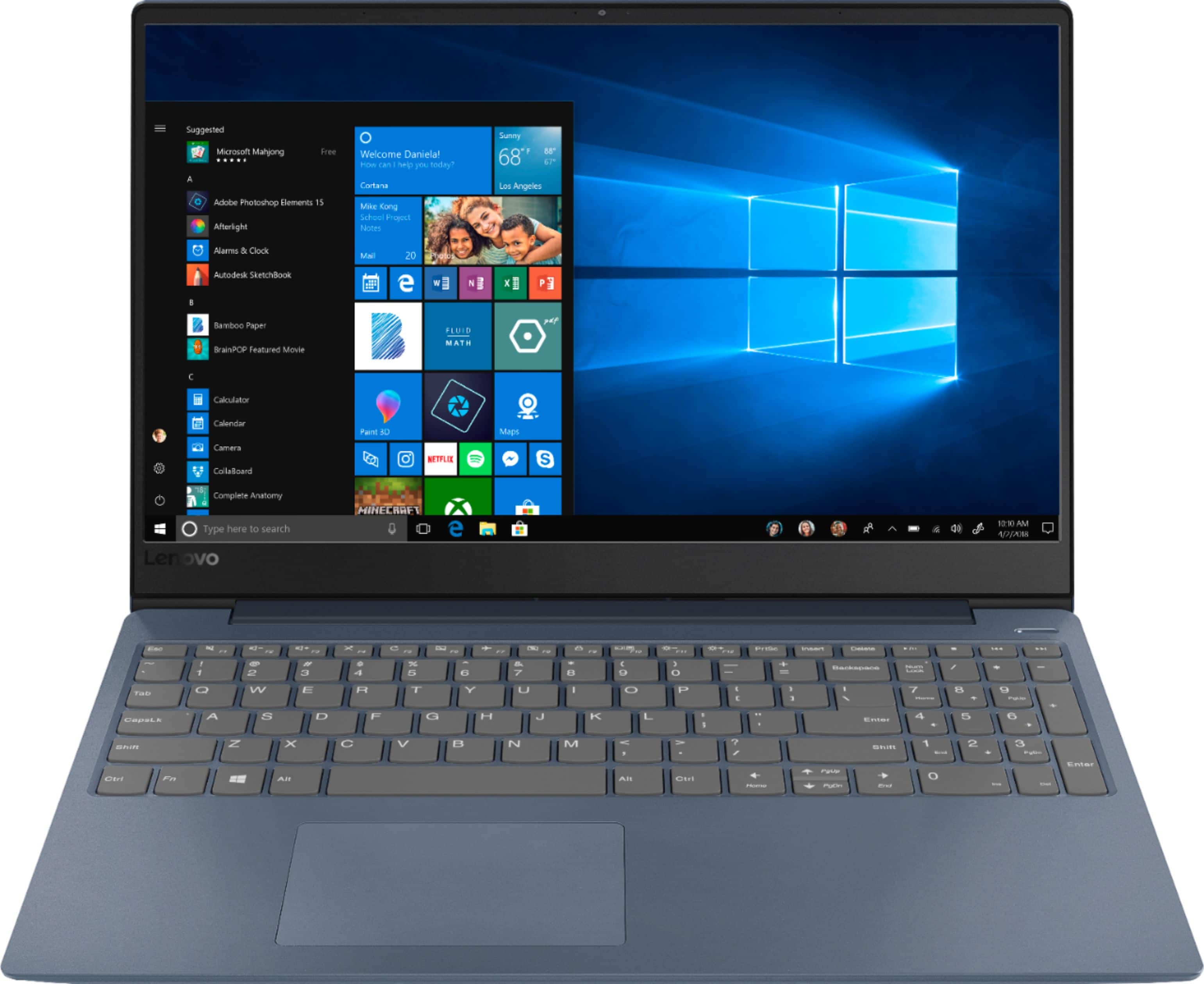
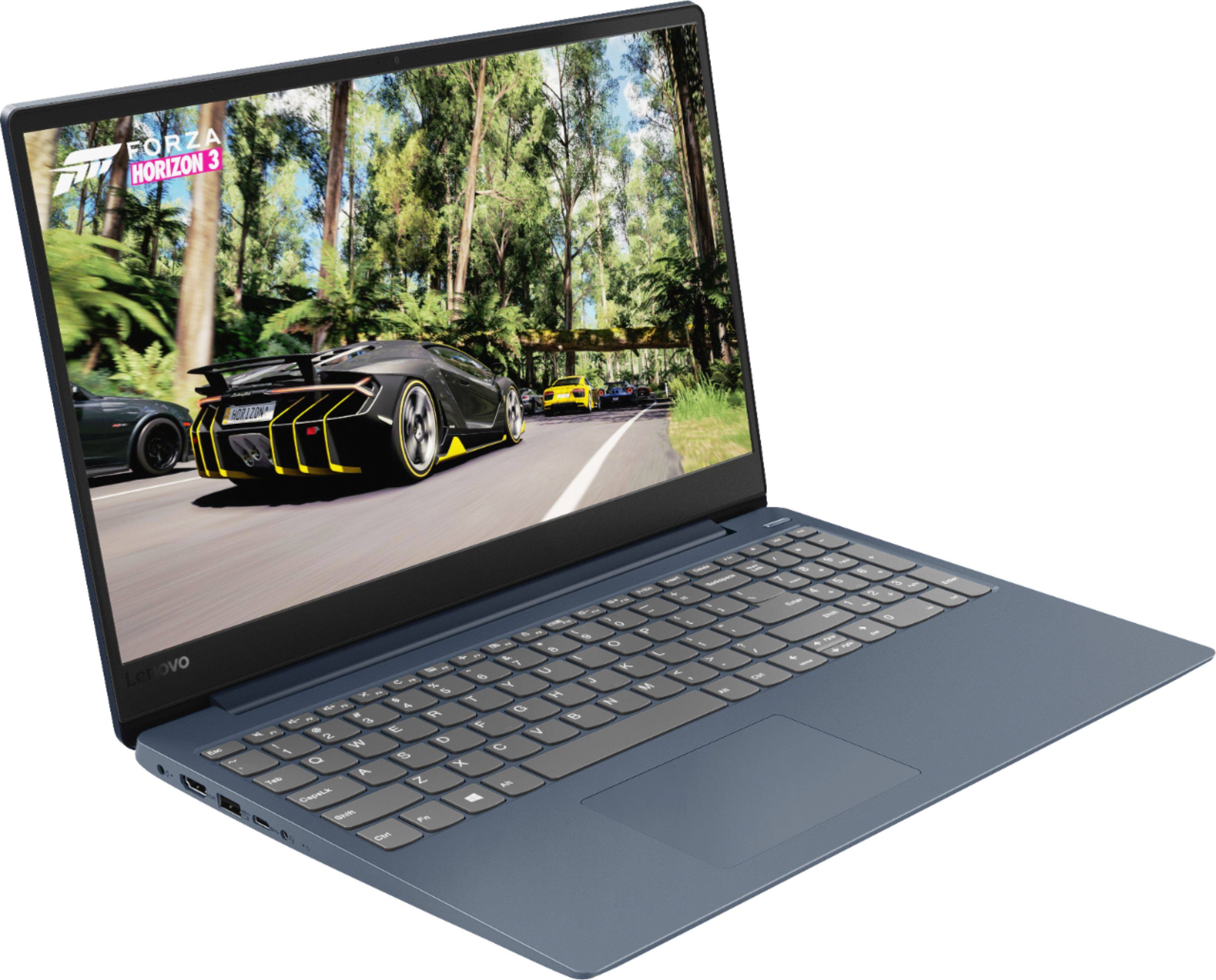
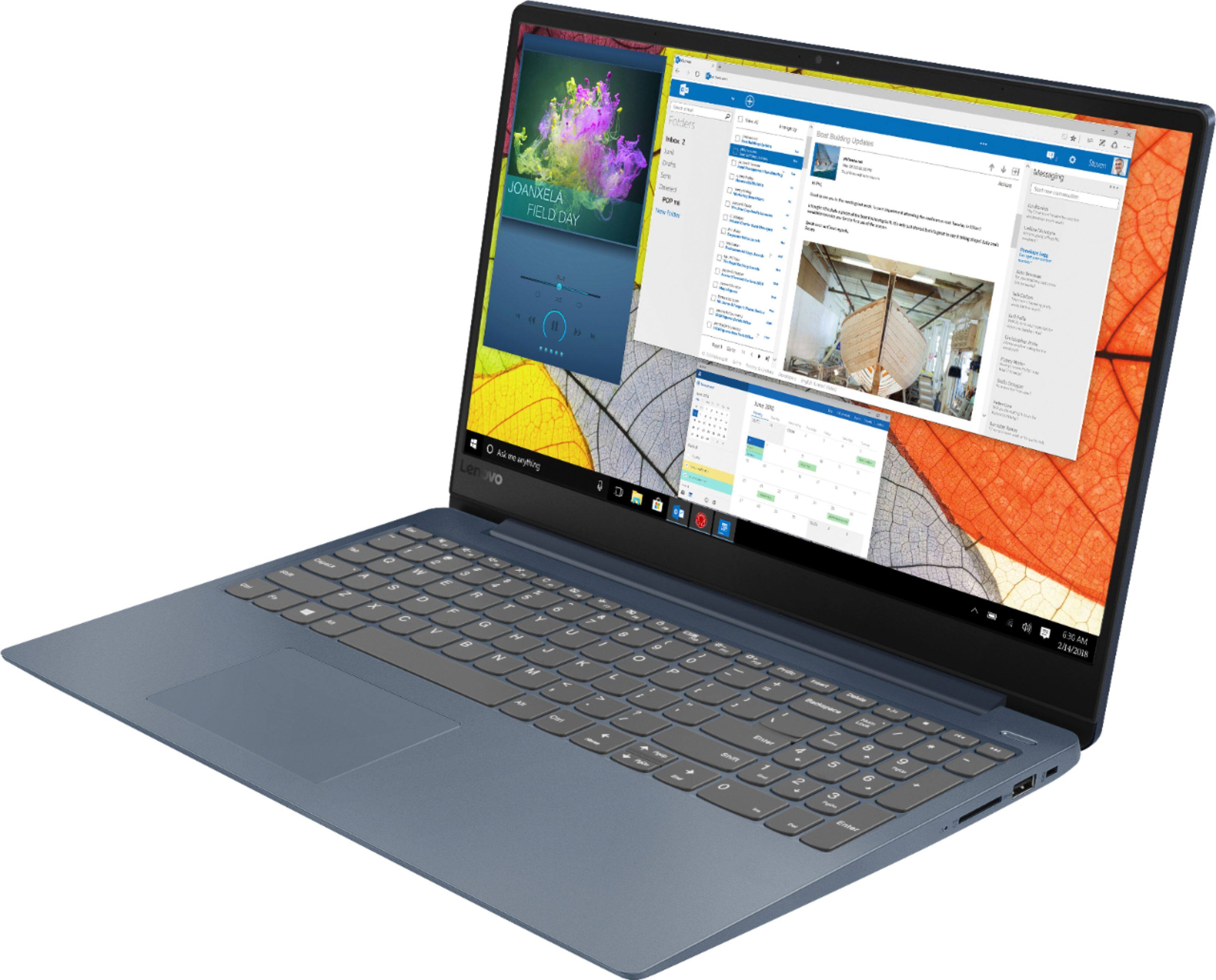
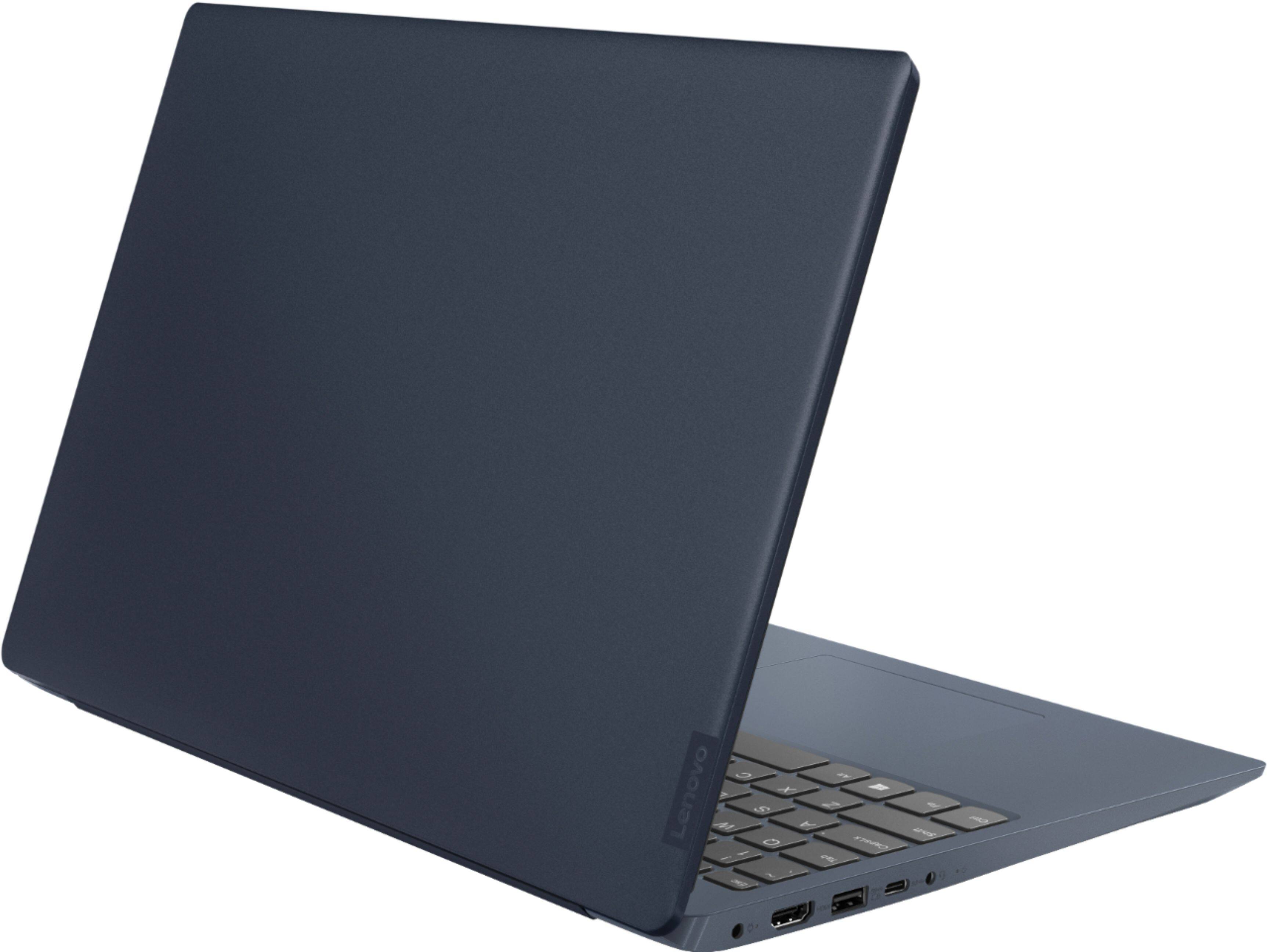

- Model:
- 81F5018EUS
- SKU:
- 6323662
Rating by feature
- Battery Life
Rating 4.1 out of 5 stars
- Speed
Rating 4.2 out of 5 stars
- Display
Rating 4.4 out of 5 stars
Customers are saying
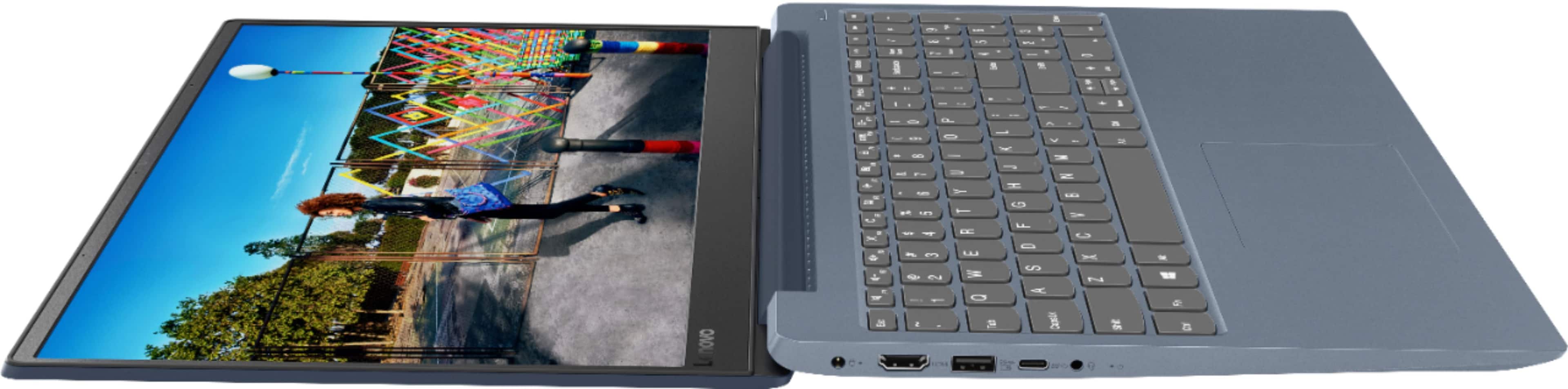
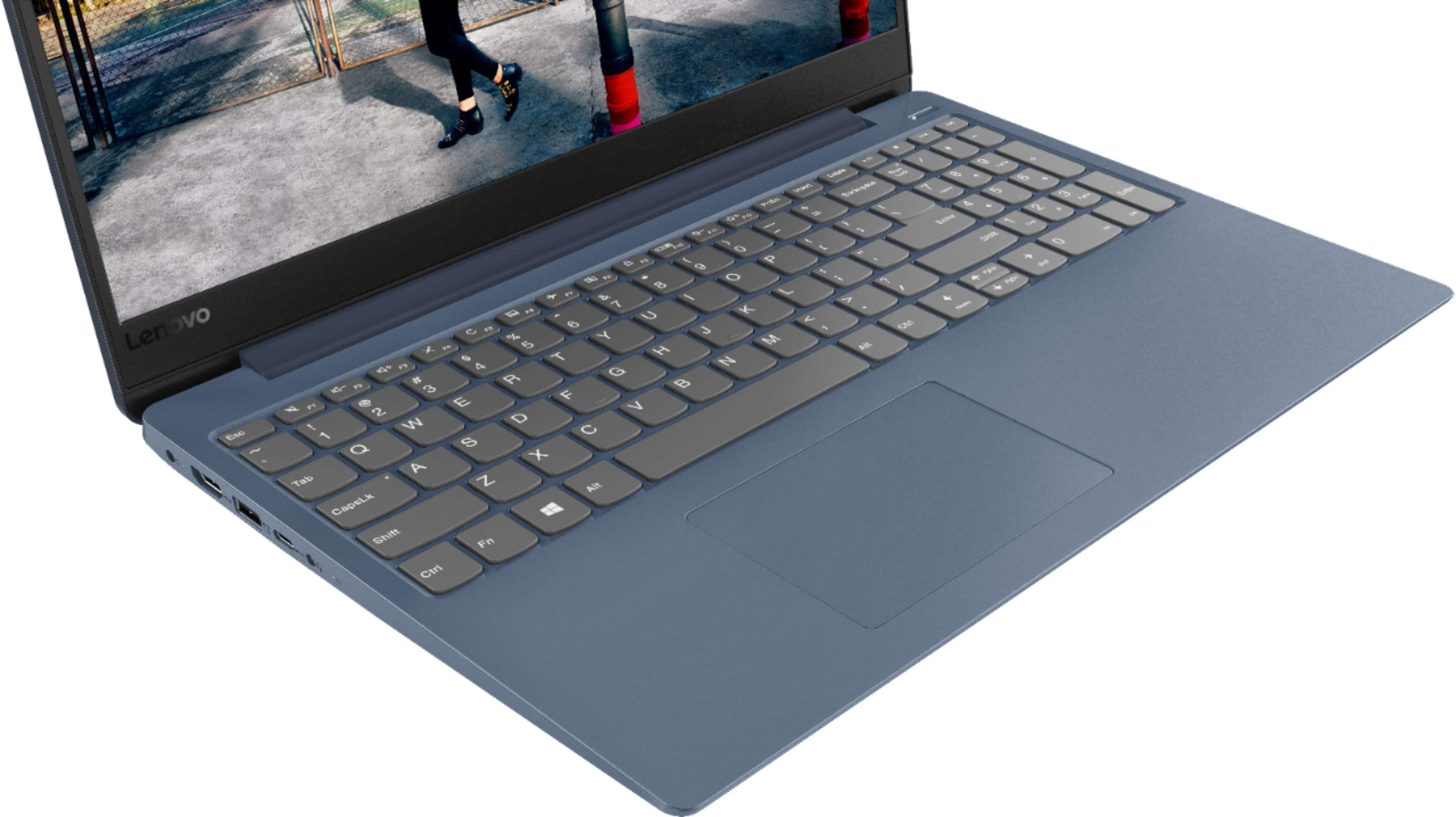
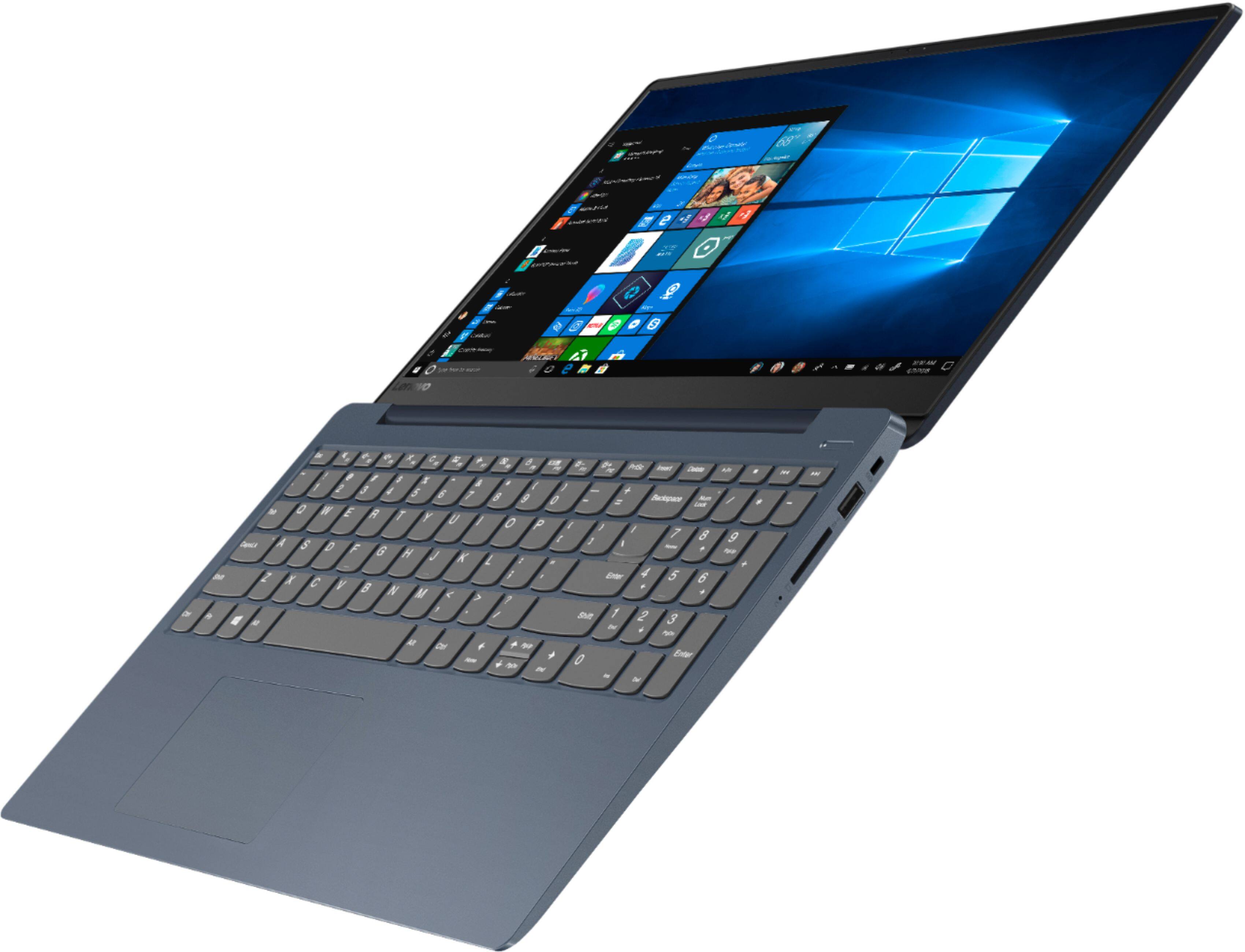
Customers enjoy the IdeaPad 330S laptop for its budget-friendly price, user-friendly interface, and lightweight design. Many reviewers also praised its performance and overall design. However, some users expressed concerns about its battery life, limited storage capacity, and the number of USB ports.
This summary was generated by AI based on customer reviews.
WORST JUNKY COMPUTER EVER
Posted .This reviewer received promo considerations or sweepstakes entry for writing a review.where to start .. there are NO BASIC USB ports, the computer is slow out of the box and does not allow for operation of multiple programs.. Ive had the computer for ONE WEEK and ALREADY i got a green screen and the whole motherboard fried after the recent update WITHIN A WEEK!! Ithen called asus for help who called back two days later to tell me I need to mail it in, I couldnt just take it somewhere to an authorized repair center, be without a computer for weeks, have to pay additional to insure and request signature proof they even get it.. all within the first week I PROMISE STAY AWAY!! While its light and affordable its plain and simply JUNK!!!
No, I would not recommend this to a friendBrand response from Lenovo Product Expert
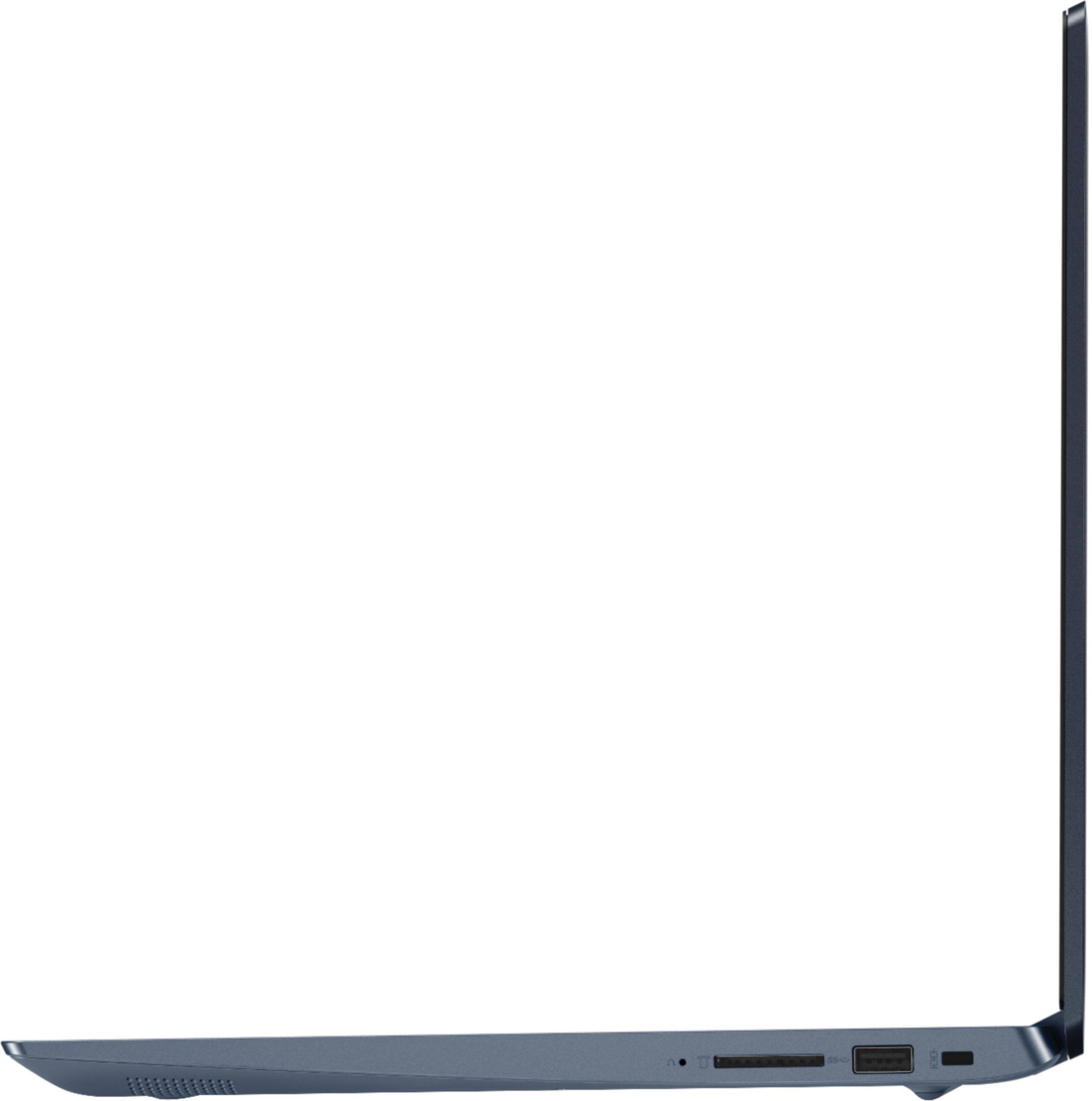
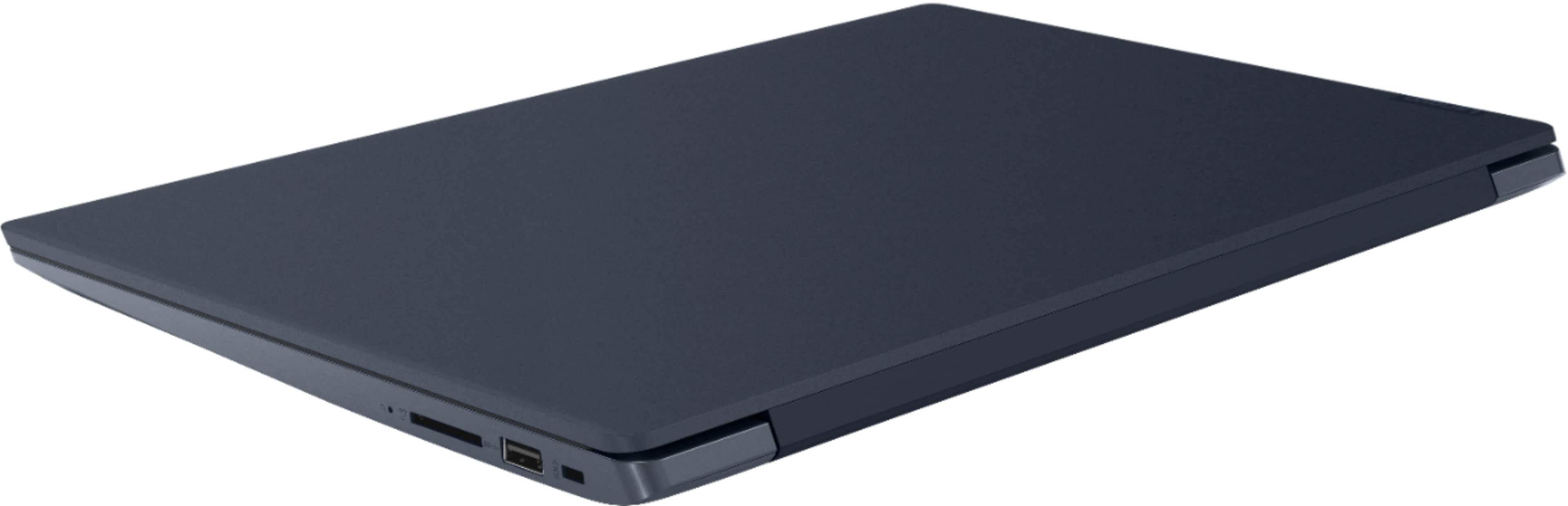
Posted .The Lenovo IdeaPad 330s-15 laptop, model number 81F5018TUS, ships with two standard USB ports and one USB-c port. This model ships with the Quad-Core/Eight-Thread Intel Core i5-8250U processor, with a base speed of 1.6GHz and a turbo boost speed of up to 3.4GHz. This processor is supported by 8GB DDR4-2400MHz RAM and a 128GB solid state hard drive. This model will boot from off to the Windows 10 Desktop in less than 15-seconds. This configuration can handle many of today's most demanding programs.

Unacceptably Slow, Lenovo should recall
Posted .This reviewer received promo considerations or sweepstakes entry for writing a review.This is the slowest piece of technology I've used since the mid 1990's. Please. Do not give your money away for this piece of garbage. You may as well find one at a pawn shop, or buy one from some meth head. Perhaps the display is fine, and the power is great, but it's so dang slow you'll never get to appreciate either of those features, so single stars across the board for this one.
No, I would not recommend this to a friendJunk
Posted .This reviewer received promo considerations or sweepstakes entry for writing a review.Bought this computer several months ago because of the processor. Never liked it, the mouse pad is horrible. After several months of little usage the screen went blank while using, power button remained on and the screen remains black. I will attempt to take it back after several months of limited usage. I hope Best Buy will take it back.
No, I would not recommend this to a friendBrand response from Lenovo Product Expert
Posted .We are sorry to hear that you are having issues with your Lenovo IdeaPad 330s-15 laptop. First the Touchpad issue, when you get your IdeaPad 330s-15 back up and running properly: You can make adjustments to the touchpad in your system settings. You can get there by clicking on the magnifying glass at the bottom left of your Windows 10 screen. Type "touchpad" in the search window. Select "Mouse & touchpad settings" from the list of choices. You can make general adjustments to the touchpad there. You can also select "Additional mouse options" for more detailed adjustments to the touchpad sensitivity by increasing the delay of the touchpad. Second, it is possible that resetting the computer back to original factory settings may correct the issue you are having. Since you can not boot the computer and see the Windows 10 Desktop, this system is equipped with OneKey Recovery System. There is a very small pin hole on the right side of the device, right near the SD card slot on the device. You will need a pin to push this reset button. Plug the device in. Let the battery charge for about 15 minutes. Push the reset button. The system should boot to a choice screen where you can choose "Restore To Factory Default". Select this. It will delete everything from the hard drive except the original factory install of the operating system. You will need to reinstall all programs and files after the reset. If you don't have copies of the files, try to make one before you restore by selecting "Boot to desktop" and trying to back up your files. If the problem persists after the factory reset, we recommend you contact Lenovo Tech Support at: 877-453-6686.
Screen failed
Posted .This reviewer received promo considerations or sweepstakes entry for writing a review.The screen failed. It turned green and pink. Try to fix it is almost $200.
No, I would not recommend this to a friendStay away
Posted .This reviewer received promo considerations or sweepstakes entry for writing a review.Bought in Feb., now I can't get into computor. Not happy with Lenovo tech support. Throwing away and getting something else
No, I would not recommend this to a friendBrand response from Lenovo Product Expert
Posted .We are sorry to hear that you are having issues with your Lenovo IdeaPad 330s-15 laptop. From the description of the issue you provide, restoring the device back to original factory settings may correct the problem. Since you can no longer boot the computer, this system is equipped with OneKey Recovery System. There is a very small pin hole on the right side of the device, right near the SD card slot on the device. You will need a pin to push this reset button. Plug the device in. Let the battery charge for about 15 minutes. Push the reset button. The system should boot to a choice screen where you can choose "Restore To Factory Default". Select this. It will delete everything from the hard drive except the original factory install of the operating system. You will need to reinstall all programs and files after the reset. If you don't have copies of the files, try to make one before you restore by selecting "Boot to desktop" and trying to back up your files. If the problem persists after the factory reset, we recommend you contact Lenovo Tech Support at: 877-453-6686. For 2018, Lenovo retained its place for a second year as the best laptop vendor:
https://www.laptopmag.com/articles/laptop-brand-ratings