Customer Ratings & Reviews



- Model:
- 82QS001HUS
- SKU:
- 6477625
Rating by feature
- Battery Life
Rating 4.7 out of 5 stars
- Speed
Rating 4.4 out of 5 stars
- Display
Rating 4.7 out of 5 stars
Customers are saying
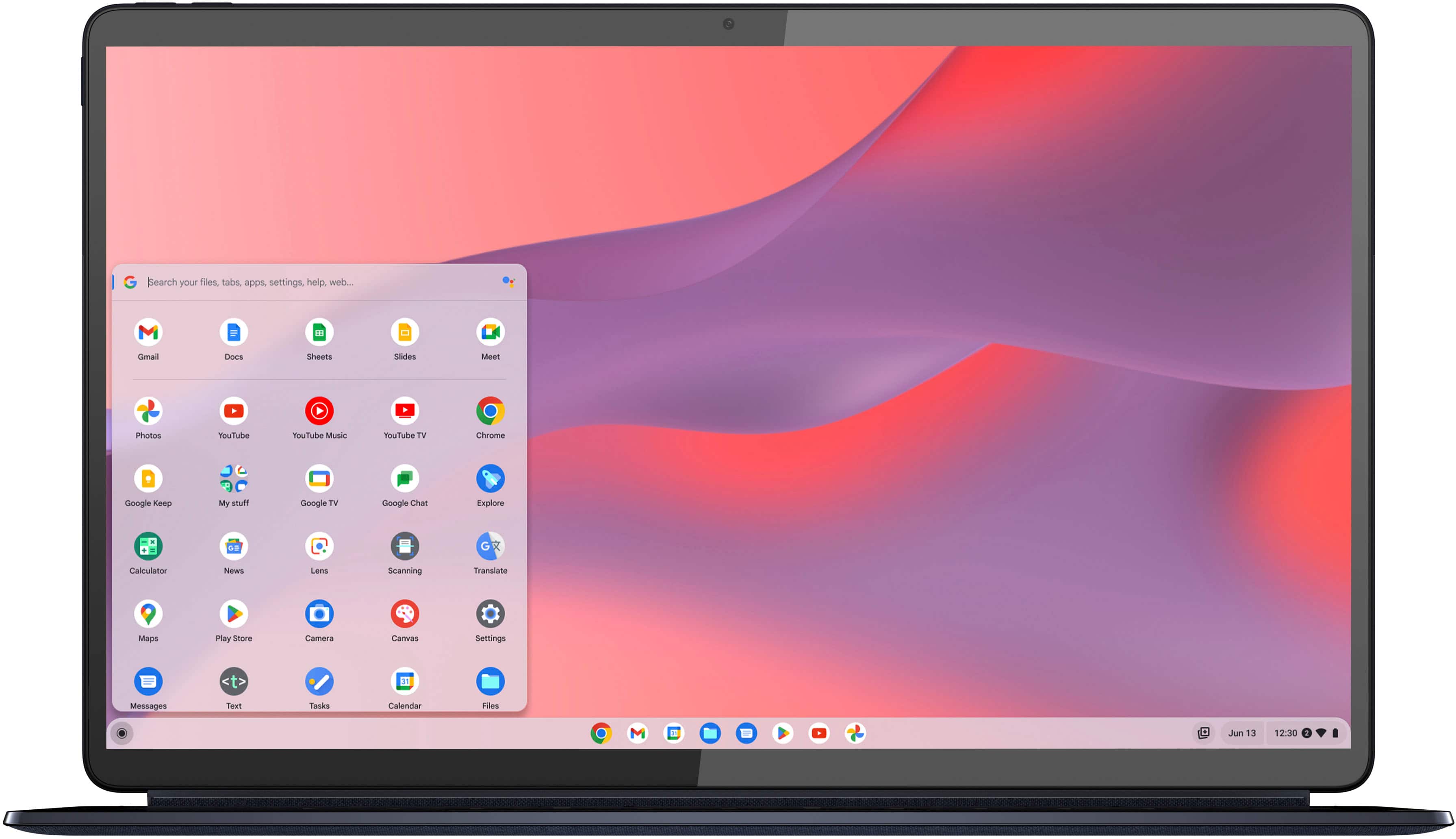
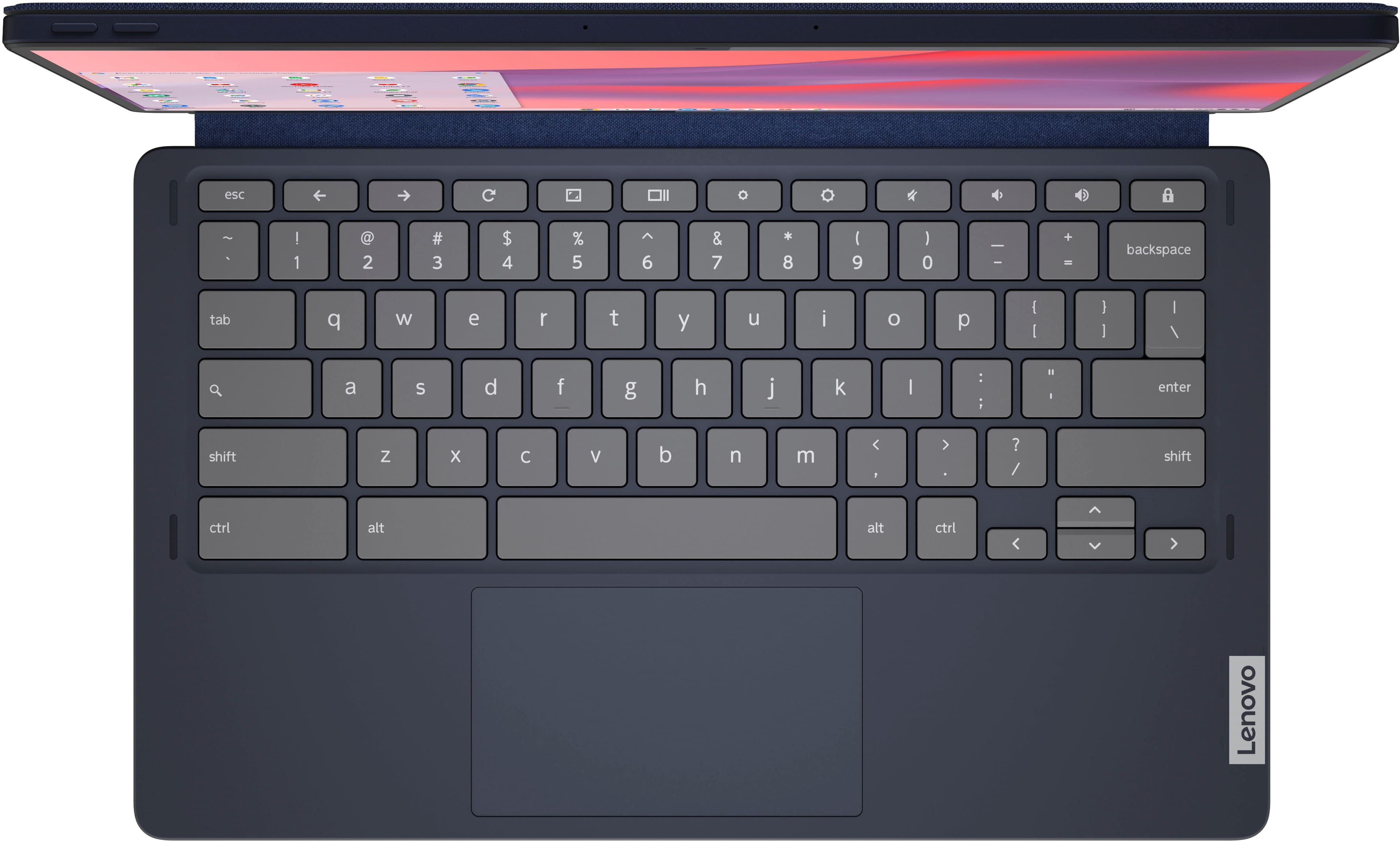
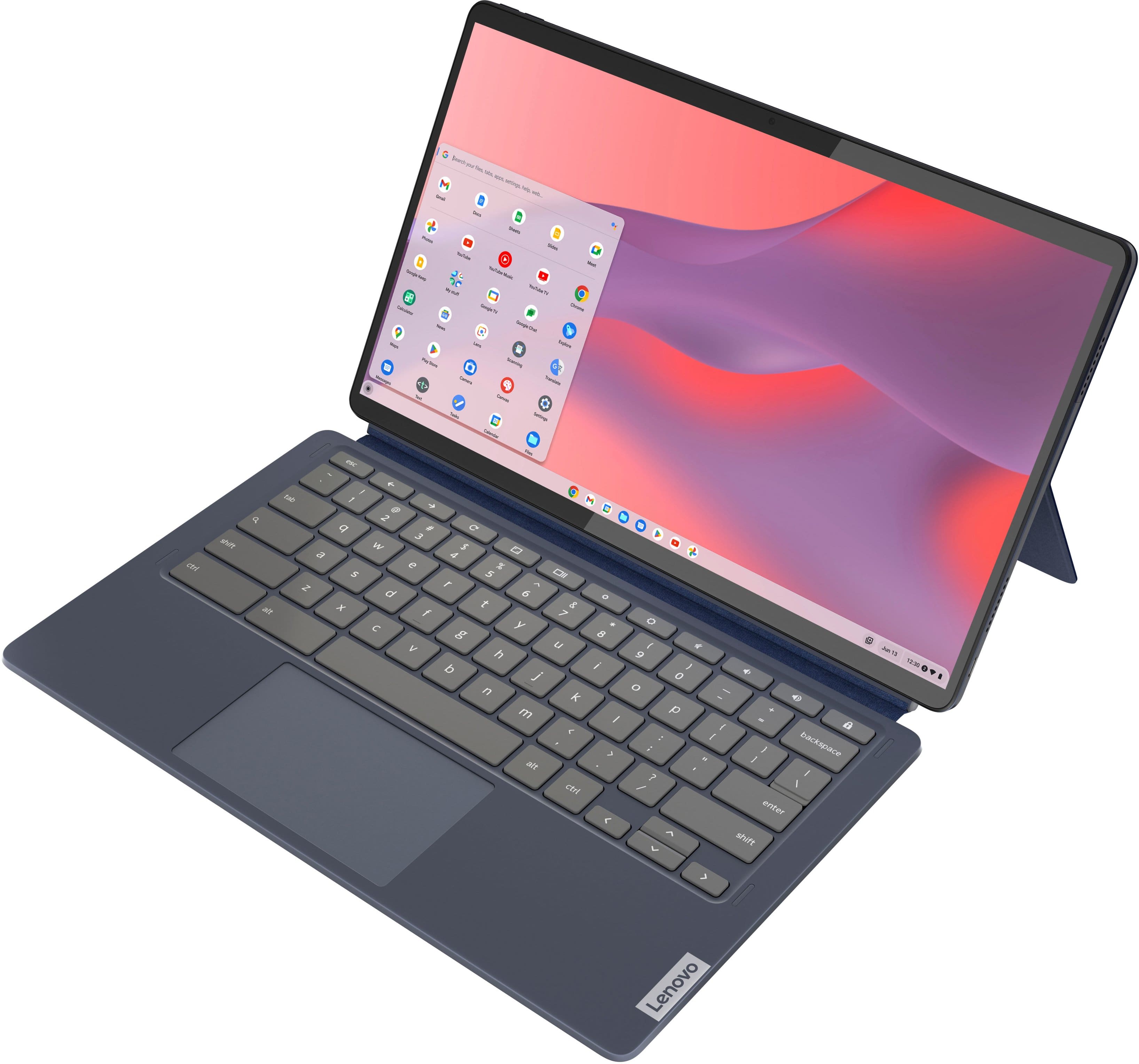
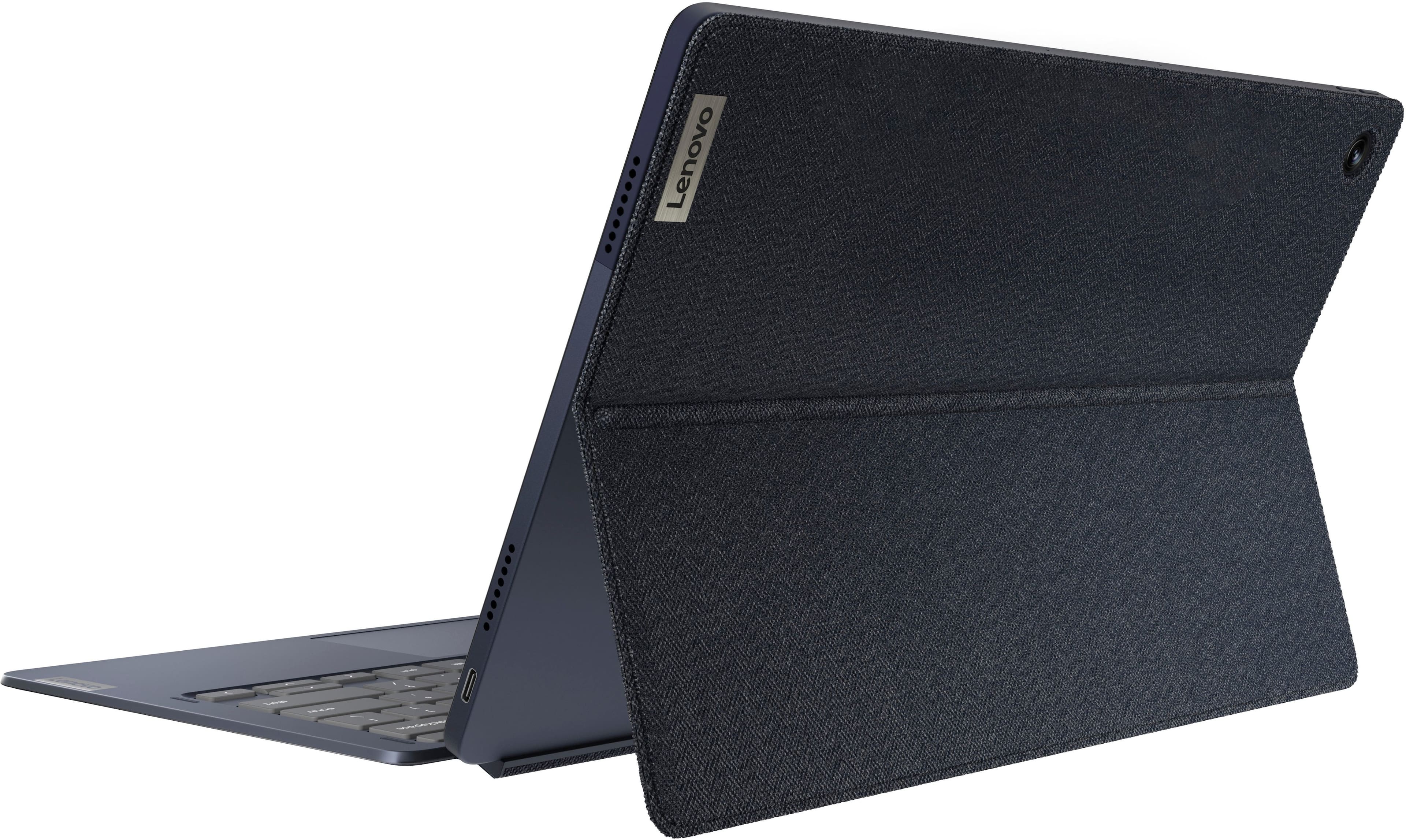
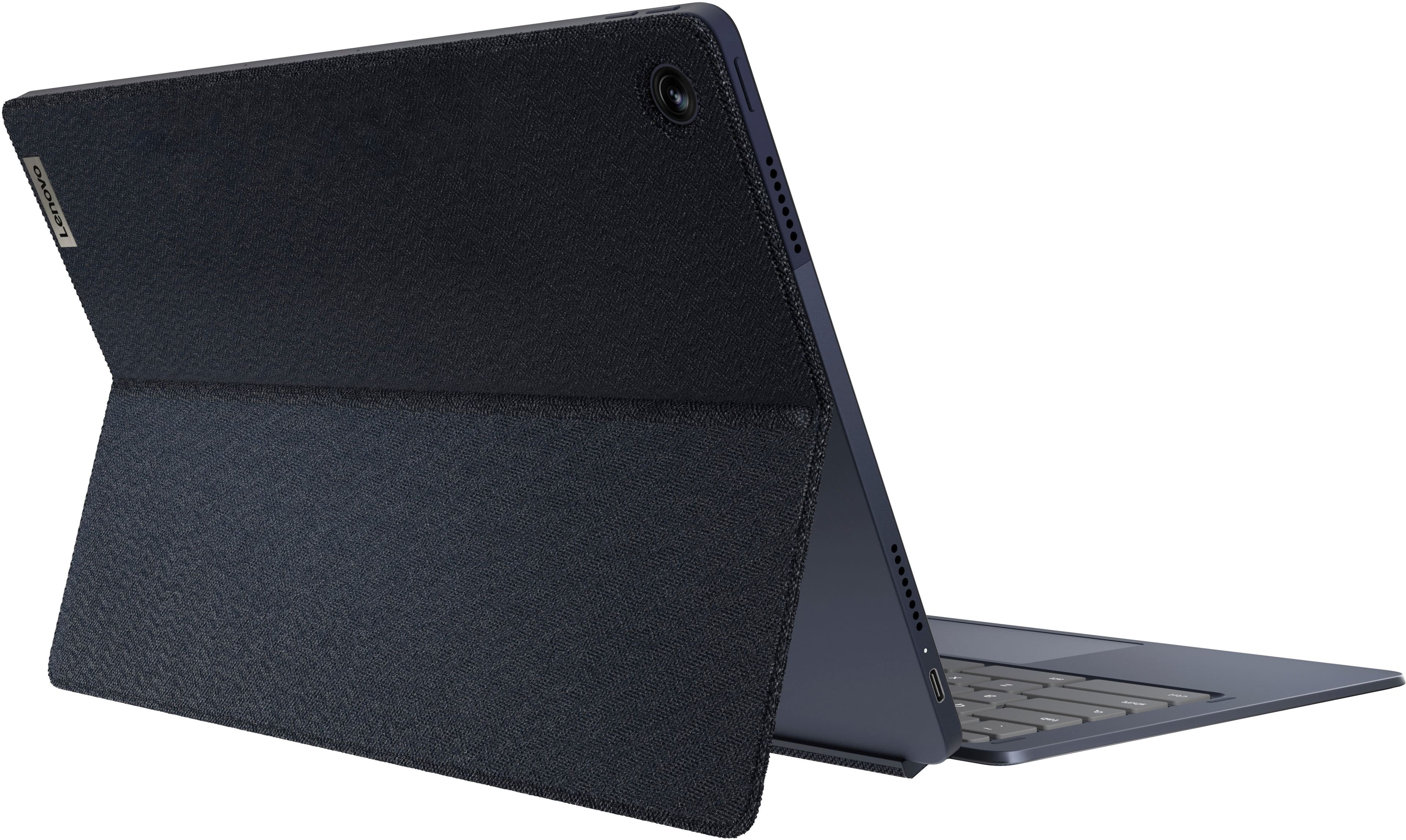
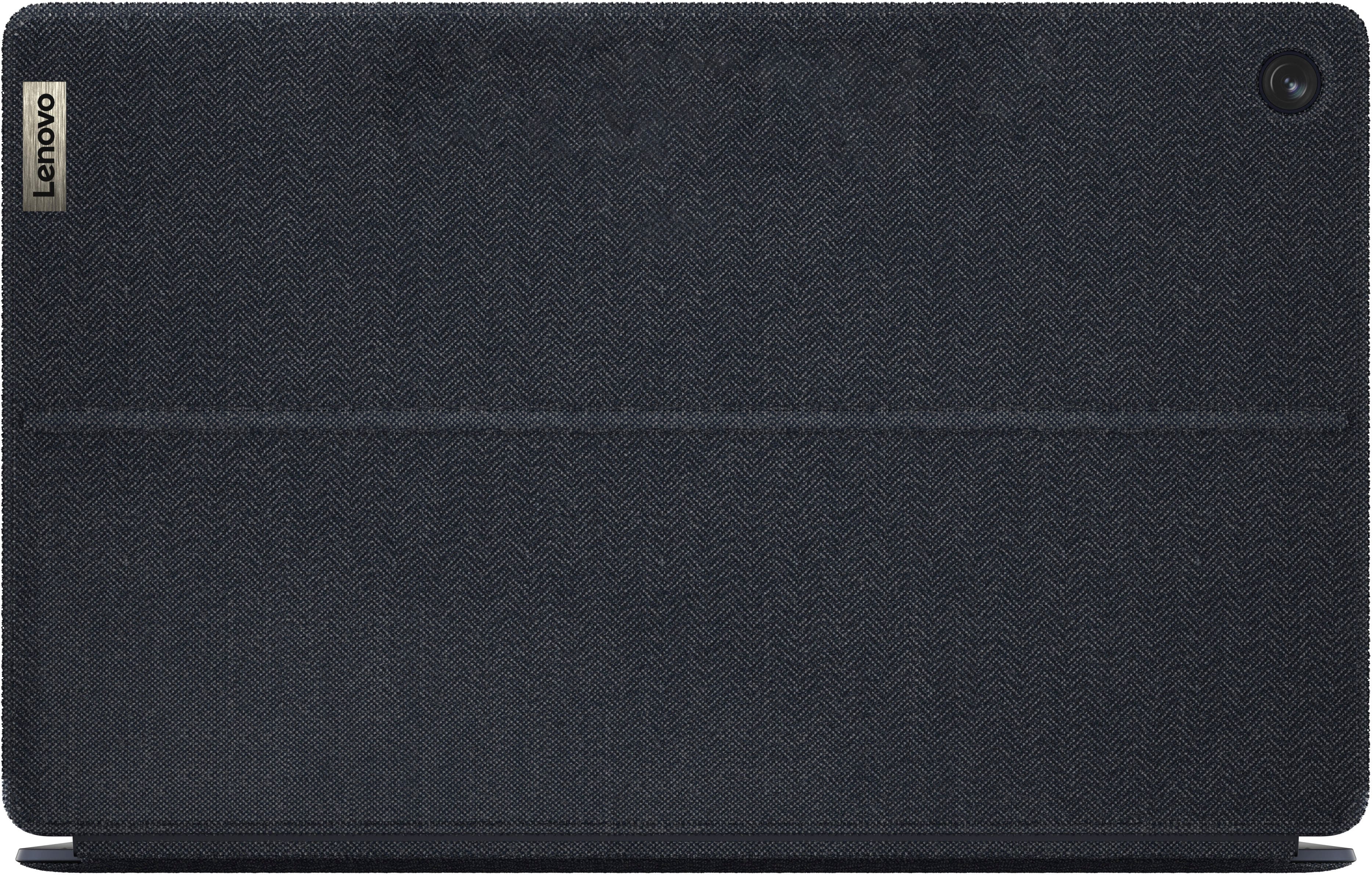
Customers enjoy the IdeaPad Duet 5 Chromebook for its exceptional screen quality, ease of use, and impressive battery life. Many users appreciate its performance for web activities and the fast processor speed. The keyboard and lightweight design are also well-received, though some have noted that the kickstand scratches easily.
This summary was generated by AI based on customer reviews.
Just save for the surface/ipad pro/tab s7+
||Posted . Owned for less than 1 week when reviewed.This reviewer received promo considerations or sweepstakes entry for writing a review.Ordered twice. First time, device wouldnt power on. Even after trying different key combos to reset it. Returned it, ordered a new one. 2nd one came with a cracked screen, yet box wasnt damaged. Lenovo needs to step up their warehouse. Thats crazy to get 2 broken tablets in a row.
No, I would not recommend this to a friendnot too bad for $350?
||Posted . Owned for 1 month when reviewed.This reviewer received promo considerations or sweepstakes entry for writing a review.even the play store gets frozen. I guess for $350 not too bad.
No, I would not recommend this to a friendBrand response from Lenovo Product Expert
Posted .Hello, we are sorry to hear that you have experienced an issue with your Duet 5 Chromebook. To try to remedy this, first, please look for any applicable updates in the “About ChromeOS” tab in system settings. Also, we recommend taking the steps to ensure that this is not an internet speed/Wi-Fi bandwidth issue, as this can be a large proponent of slow load times. If after these steps should your issue persist, we recommend reaching out to Lenovo Tech Support for Chromebooks and providing a representative with details of your issue, so that they may help by providing a solution for you. Here is a phone number to speak with a tech support representative to further resolve your issue: 800-426-7378. We appreciate you sharing your experience so that we may use it to continue to better our products and services for yourself and others.

4 months of nice daily usage. then kaput.
||Posted . Owned for 3 months when reviewed.This reviewer received promo considerations or sweepstakes entry for writing a review.Lasted almost 4 months. I was hoping it might last a bit longer
No, I would not recommend this to a friendBrand response from Lenovo Product Expert
Posted .Hello, James. We are sorry to hear that you encountered an issue with your Duet 5 Chromebook. We recommend reaching out to Lenovo Tech Support for Chromebooks and providing a representative with details of your issue, so that they may help by providing a solution for you. Here is phone number to speak with a tech support representative to further resolve your issue: 800-426-7378. We appreciate you sharing your experience so that we may use it to continue to better our products and services for yourself and others.
Poor device,
||Posted . Owned for 1 month when reviewed.This reviewer received promo considerations or sweepstakes entry for writing a review.I have had this computer for a month, I knew chrome OS was limited but it is basically just access to google docs, after the one month of light use the touchscreen broke and become unresponsive would not reccomend
No, I would not recommend this to a friendBrand response from Lenovo Product Expert
Posted .Hi, PierceB. We're sorry to hear that your experience with your Duet 5 Chromebook has been poor. To try to resolve this, please let us know what you're trying to accomplish with your Chromebook so we can help. Also, regarding the touchscreen, try doing a hardware reset (visit the following link to learn how to do so: https://support.google.com/chromebook/answer/3227606?hl=en&sjid=11168473644130281663-NA), which reboots the embedded controller that manages your touchpad. If this doesn't resolve your issue, you may need to factory reset your Chromebook, which you can learn more about towards the bottom of the webpage tied to the previously embedded link. Feel free to reach out to Lenovo Support for assistance, and we thank you for taking the time to share your feedback with us.
Repeated warranty repairs - limited Lenovo help
||Posted . Owned for 8 months when reviewed.This reviewer received promo considerations or sweepstakes entry for writing a review.This device would be great if it worked. Currently on the third warranty repair 8 months after purchased. It has spent more time being repaired than being used. NOTE: the warranty does not include replacement, even of a lemon. I'll be purchasing the Best Buy protection in the future.
No, I would not recommend this to a friendBrand response from Lenovo Product Expert
Posted .Hello, PaulS. We are sorry to hear that you have encountered an issue with your Duet 5 Chromebook. The Duet 5, along with a wide range of our other products, undergoes testing and quality control to help ensure we provide great, reliable, quality products for you and other potential users. You make a great point, as we recommend customers that purchase through our retail partners consider their device coverage options to help protect their investment in a solution for peace of mind. We appreciate you sharing your experience so that we may use it to continue to better our products and services for yourself and others.
Bad build quality and counter-intuitive layout
||Posted . Owned for 1 month when reviewed.This reviewer received promo considerations or sweepstakes entry for writing a review.Build quality was terrible. Keyboard was all switched around and counter intuitive. I'm tech savvy and have been using computers all my life. Why do I want to learn how to use a keyboard and operating system layout that deviates from common linux and windows operating systems? If it aint broke, don't fix it.
No, I would not recommend this to a friendBrand response from Lenovo Product Expert
Posted .Hello, QuintonD. We are sorry to hear that you have encountered an issue with your Duet 5 Chromebook. The Duet 5, along with a wide range of our other products, undergoes testing and quality control to help ensure we provide great, reliable, quality products for you and other potential users. Regarding your perspective on the system, we are sorry to hear that the functionality and intuitive nature of ChomeOS fell short of your expectations. We recommend all who are looking for a computing solution review the specifications, features, and design of each device to help ensure your preferences and needs are well met. We appreciate you sharing your experience so that we may use it to continue to better our products and services for yourself and others.
Eh
||Posted . Owned for 1 year when reviewed.This reviewer received promo considerations or sweepstakes entry for writing a review.Wouldn’t turn on or charge after a year. Up until that point it worked ok
No, I would not recommend this to a friendBrand response from Lenovo Product Expert
Posted .Hello, Silly. We are sorry to hear that you have encountered an issue with your Duet 5. To try to remedy this, we recommend reaching out to Lenovo Tech Support for Chromebooks at this number: 800-426-7378, and providing a representative with details of your issue, so that they may help by providing a solution for you. We appreciate you sharing your experience so that we may use it to continue to better our products and services for yourself and others.
Literally no options
||Posted . Owned for 2 weeks when reviewed.This reviewer received promo considerations or sweepstakes entry for writing a review.Really awful. Can't turn off the password. Can't manually take it off of tablet mode. Speakers are so quiet I had to literally download a chrome extension to make them louder. Super disappointing,
No, I would not recommend this to a friendBrand response from Lenovo Product Expert
Posted .Hey BenL. We are sorry to hear that you have experienced these issues with your Chromebook. To try to remedy this, first, please look for any applicable updates in the “About ChromeOS” tab in system settings. After applying these updates, should your issue persist, we recommend trying to complete a powerwash or factory reset to see if this resolves the issue. To complete a reset, here is a link to a Google Support page that details how to reset a Chromebook: https://support.google.com/chromebook/answer/183084?hl=en. After these steps, if this doesn’t resolve things, we recommend reaching out to Lenovo Support here: 800-426-7378, and providing a representative with details of your issue, so that they may help by providing a solution for you. Thank you for taking the time to share your feedback with us.
Wish i could return
||Posted . Owned for 3 weeks when reviewed.This reviewer received promo considerations or sweepstakes entry for writing a review.Doesn’t work with certain apps needed for work. Difficulty linking google accounts and setting do not change search engine. Disappointed in purchase.
No, I would not recommend this to a friendBrand response from Lenovo Product Expert
Posted .We are sorry to hear that you are having issues linking your Google Accounts to your Lenovo Chromebook Duet 5, model number 82QS001HUS. Here is a link to instructions for linking an existing Google Account to a Chromebook: https://support.google.com/chromebook/answer/9255194?hl=en. If you have questions about your Lenovo Chromebook Duet 5, we recommend you contact lenovo Tech Support for Chromebooks for additional information at: 800-426-7378.
Tablet/Laptop
||Posted . Owned for 1 month when reviewed.This reviewer received promo considerations or sweepstakes entry for writing a review.A great little laptop/tablet that I purchased for my kids to do their schoolwork and for them to use to play games and so forth non them. So far so good!
I would recommend this to a friendIt’s ok
||Posted . Owned for 1 month when reviewed.This reviewer received promo considerations or sweepstakes entry for writing a review.Overall good value but not for music or pdf documents
I would recommend this to a friendnot for me
||Posted . Owned for 3 weeks when reviewed.This reviewer received promo considerations or sweepstakes entry for writing a review.slower speed for games,color is off-pink was fuschia,green was chartruse-i used it for several days but never got used to it-sorry
No, I would not recommend this to a friendBrand response from Lenovo Product Expert
Posted .Hey auntbabe,
We are sorry to hear that your Chromebook wasn't a good fit for you, leading to you returning it.
We hope that you find the right product for you, and we appreciate you taking the time to share your perspective with us.
Not bad wished it was a little faster
||Posted . Owned for 1 month when reviewed.This reviewer received promo considerations or sweepstakes entry for writing a review.It runs very slow. And the touch screen needs to be tapped several times in order to get to where you want to go
I would recommend this to a friendMissed by a mile
||Posted . Owned for 3 weeks when reviewed.This reviewer received promo considerations or sweepstakes entry for writing a review.Slow, some apps did not work on Android side. Great concept, but terrible design. Lenovo website was slow on every device I used,the person I spoke to about my situations, could not understand my problems.
No, I would not recommend this to a friendLenovo Ideapad Duet 5 8G-128GB
||Posted . Owned for 3 weeks when reviewed.This reviewer received promo considerations or sweepstakes entry for writing a review.It was good spec when we bought it after 8 months the system had to be updated and the display freezed, PC was dead. It was a factory problem and we need to send it back to Factory.
I would recommend this to a friendIt didn't work for me
||Posted . Owned for 3 weeks when reviewed.This reviewer received promo considerations or sweepstakes entry for writing a review.Aparently mine with defects. It did turn on once and after it was fully charged, it died. But, the little time it was turned on the display looked really nice and chrome system was easy to adapt and use.
I would recommend this to a friendBrand response from Lenovo Product Expert
Posted .We are sorry to hear that you are having issues with your Lenovo Chromebook Duet 5. Resetting this Chromebook back to original factory settings may correct the issue you are having. Here is a link to instructions for resetting a Chromebook: https://support.google.com/chromebook/answer/183084?hl=en. If the issue continues after this reset, we recommend you contact Lenovo Tech Support for Chromebooks at: 800-426-7378.
Bad trackpad
||Posted . Owned for 3 weeks when reviewed.This reviewer received promo considerations or sweepstakes entry for writing a review.The device touchpad is very finicky. Too bad I can't return this now.
No, I would not recommend this to a friendLittle protection for kids
||Posted . Owned for 3 weeks when reviewed.This reviewer received promo considerations or sweepstakes entry for writing a review.Good for kiddos school (elementary). Lacks protective case options, minus one star.
I would recommend this to a friendFrozen
||Posted . Owned for 1 month when reviewed.This reviewer received promo considerations or sweepstakes entry for writing a review.Its getting freeze every 2 seonds. Dont waste ur money
No, I would not recommend this to a friendBrand response from Lenovo Product Expert
Posted .We are sorry to hear that you are having issues with your Lenovo Chromebook Duet 5. Resetting your Chromebook back to original factory settings may fix the issue you are having with system freezing. Here is a link to instructions for resetting a Chromebook: https://support.google.com/chromebook/answer/183084?hl=en. If the issue continues after this reset, we recommend you contact lenovo Tech Support for Chromebooks for additional help at: 800-426-7378.
Broked
||Posted . Owned for 2 months when reviewed.This reviewer received promo considerations or sweepstakes entry for writing a review.i buy 3, and after 1 month 2 of them was brooked.
No, I would not recommend this to a friendBrand response from Lenovo Product Expert
Posted .Hi SonaK,
Thank you for sharing your feedback with us. We are sorry to hear that you experienced this issue with your Duet 5 Chromebooks. We apologize for the inconvenience that this has caused you, and we'd like to work with you to try to resolve this issue.
To start, since we do not know the details of what you have deemed as broken, we cannot provide immediate troubleshooting to address the problem, we recommend contacting Lenovo Support here: 877-453-6686, for assistance.
Please feel free to update us when you can.
Best regards,
Lenovo