Customer Ratings & Reviews



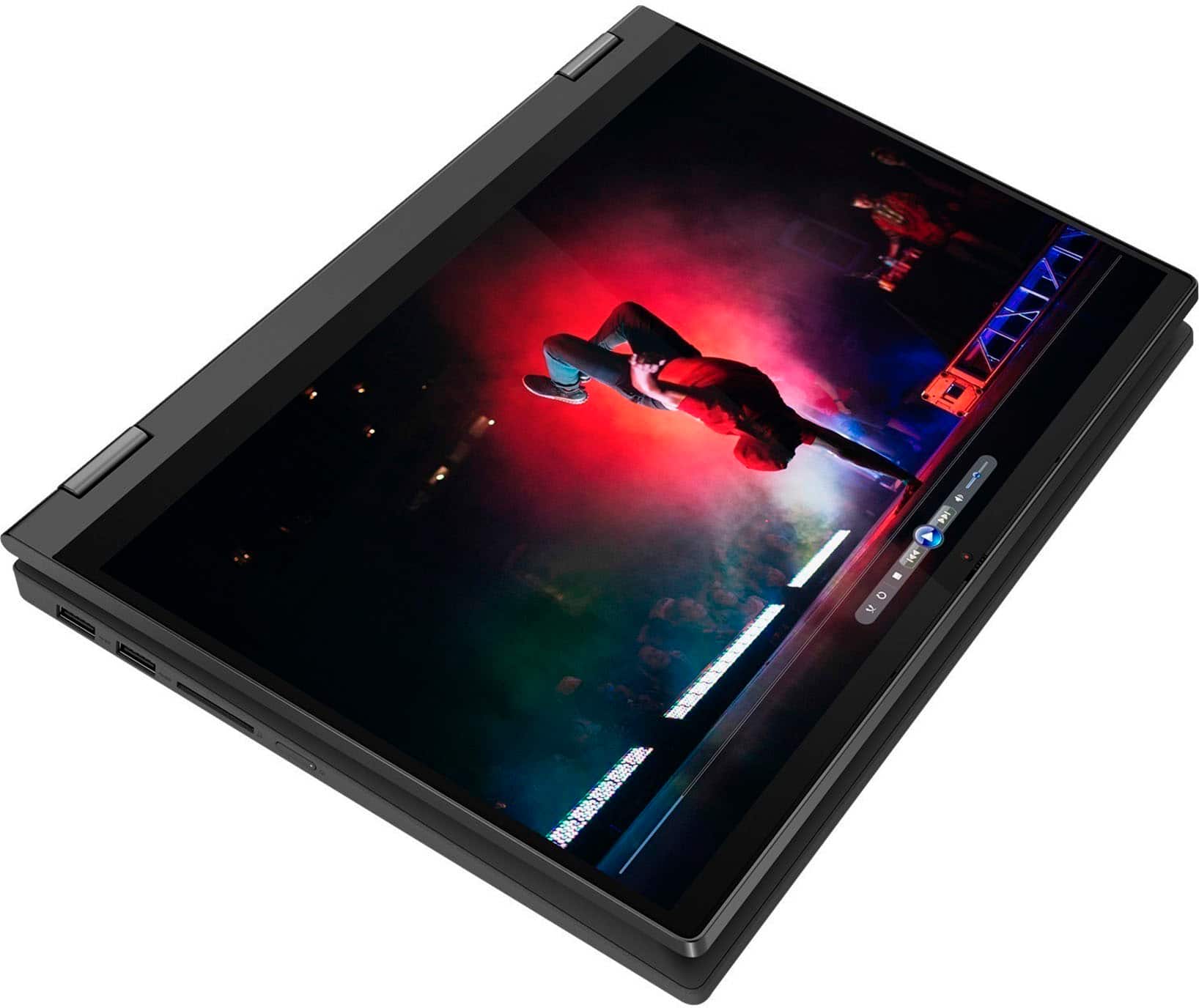
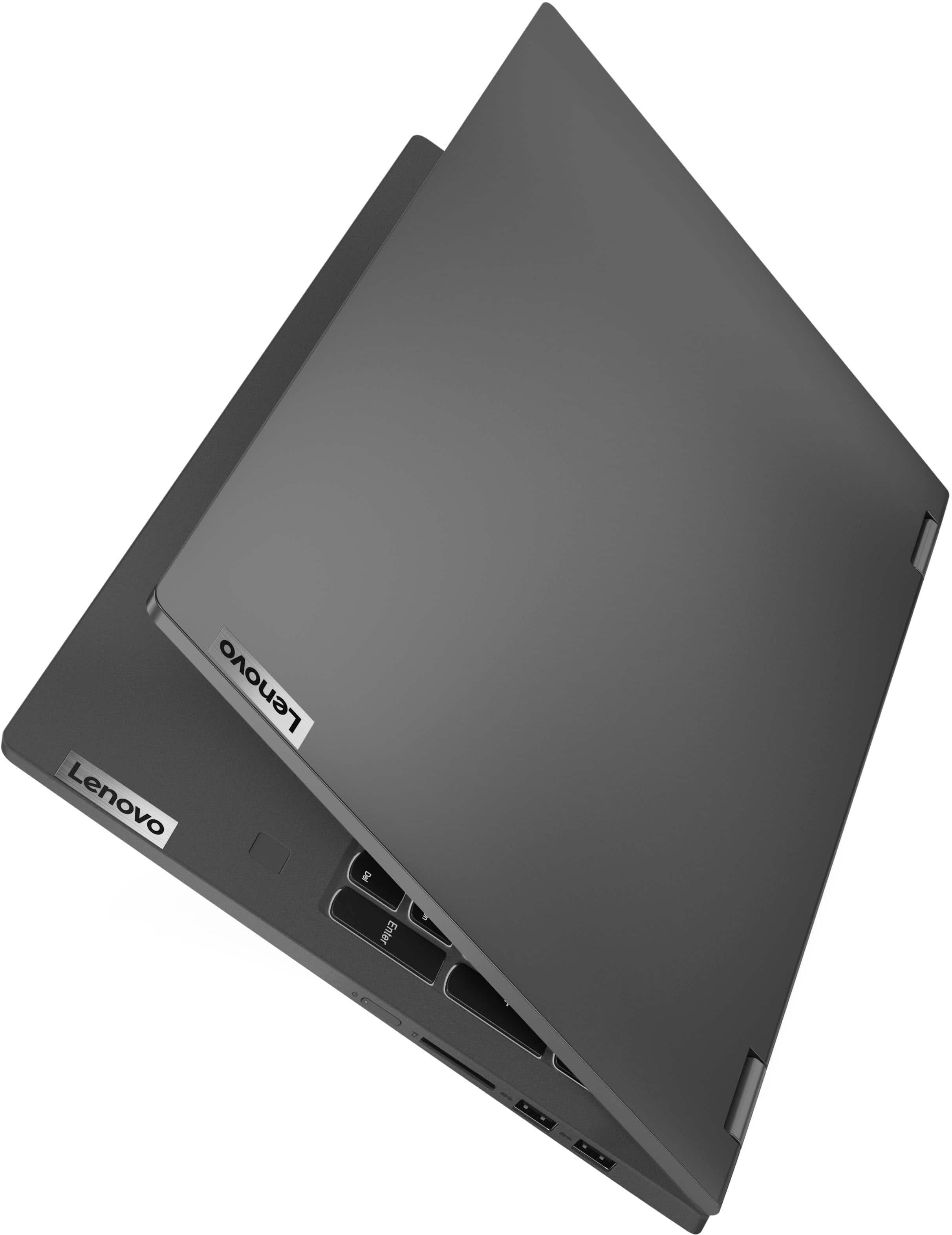
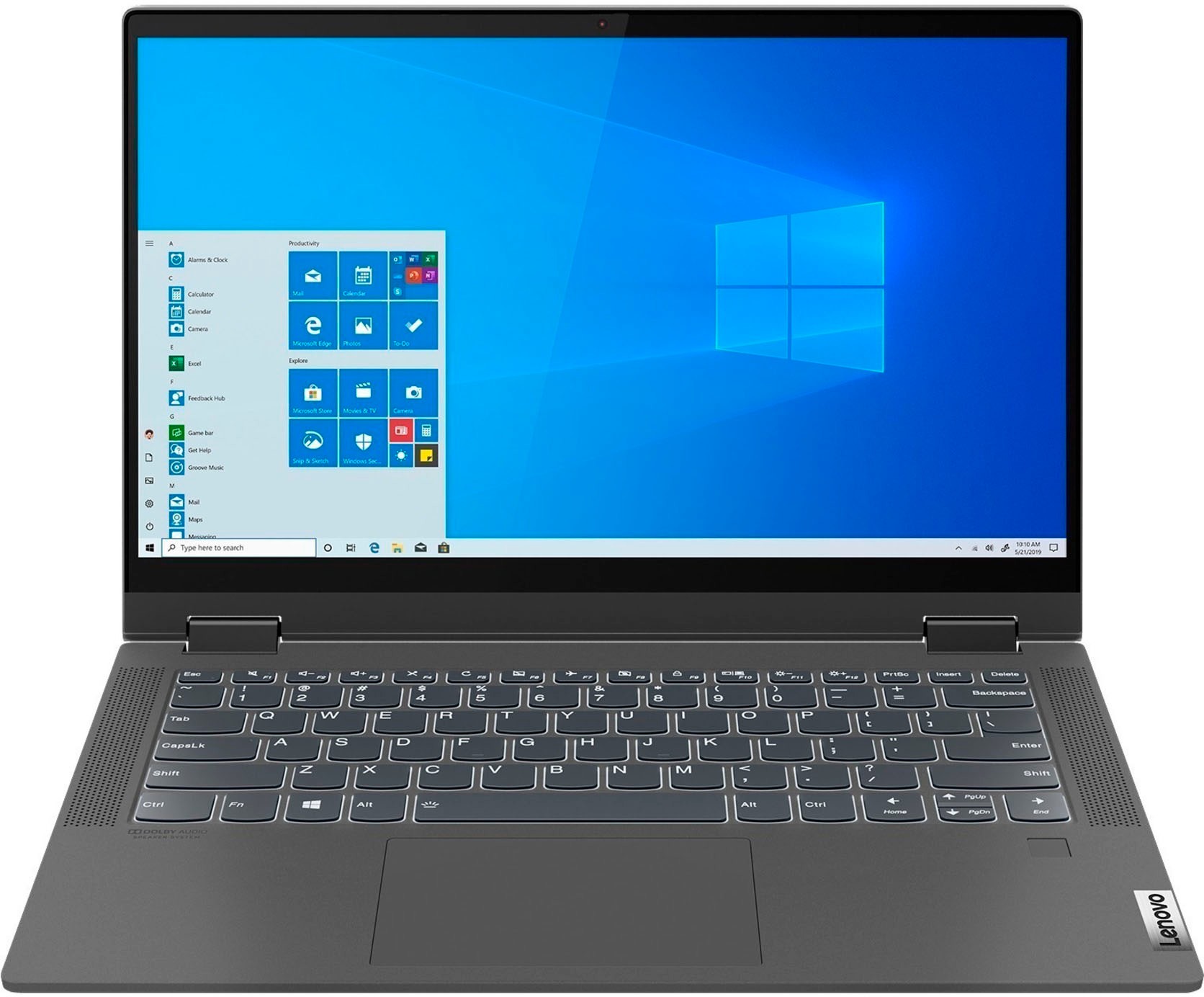
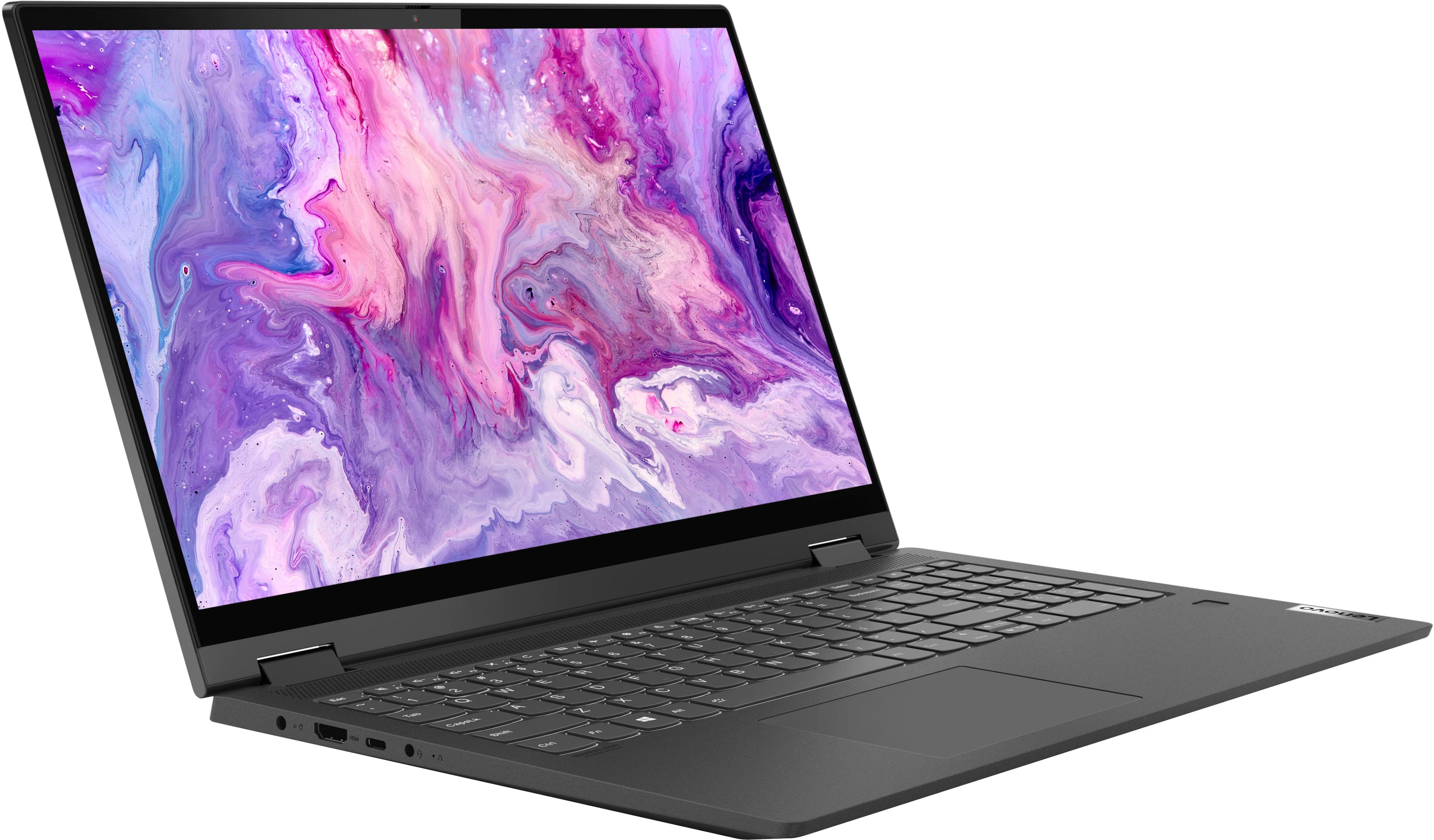


- Model:
- 82HT00CQUS
- SKU:
- 6502662
Rating by feature
- Battery Life
Rating 4.4 out of 5 stars
- Speed
Rating 4.6 out of 5 stars
- Display
Rating 4.6 out of 5 stars
Customers are saying
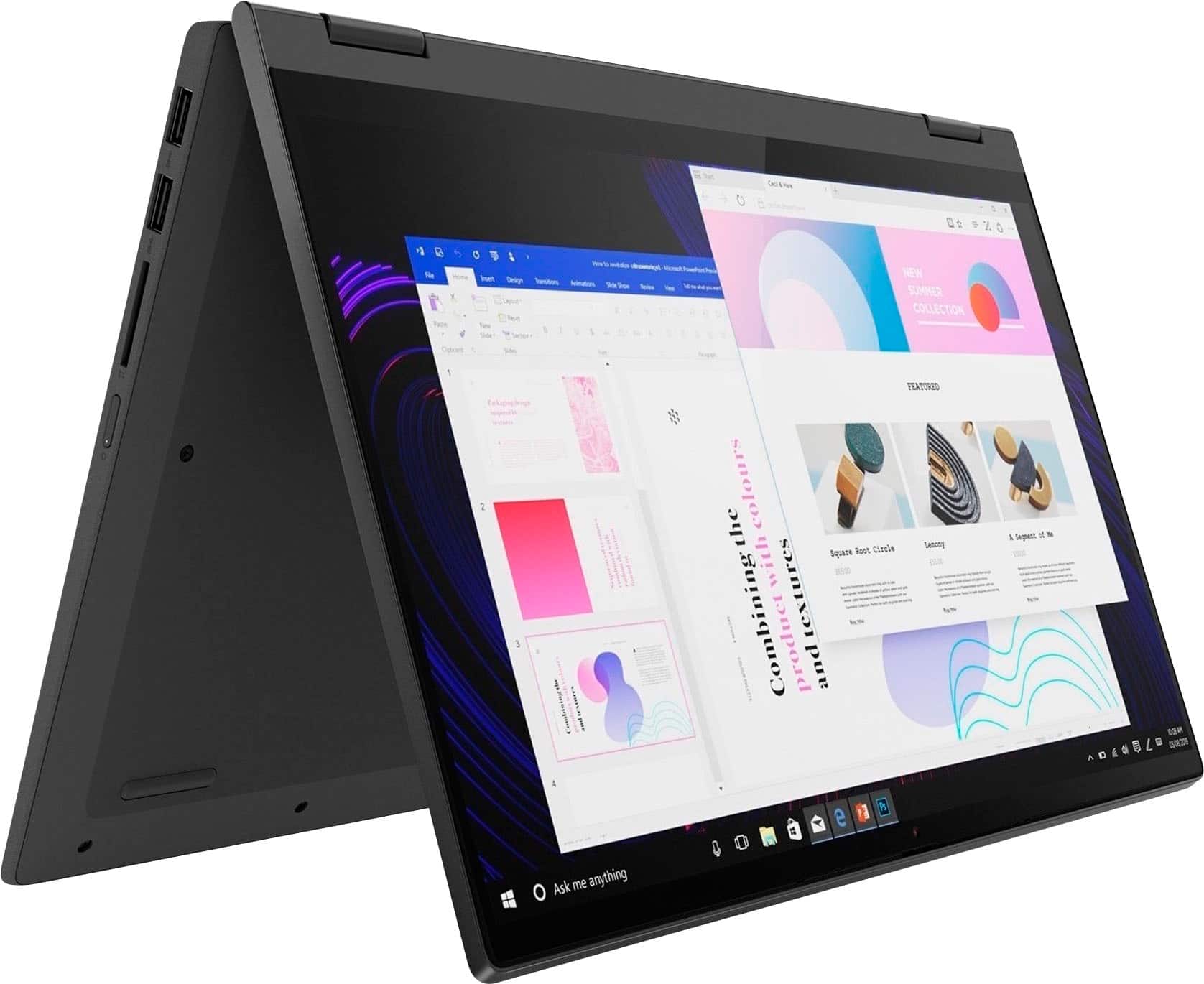
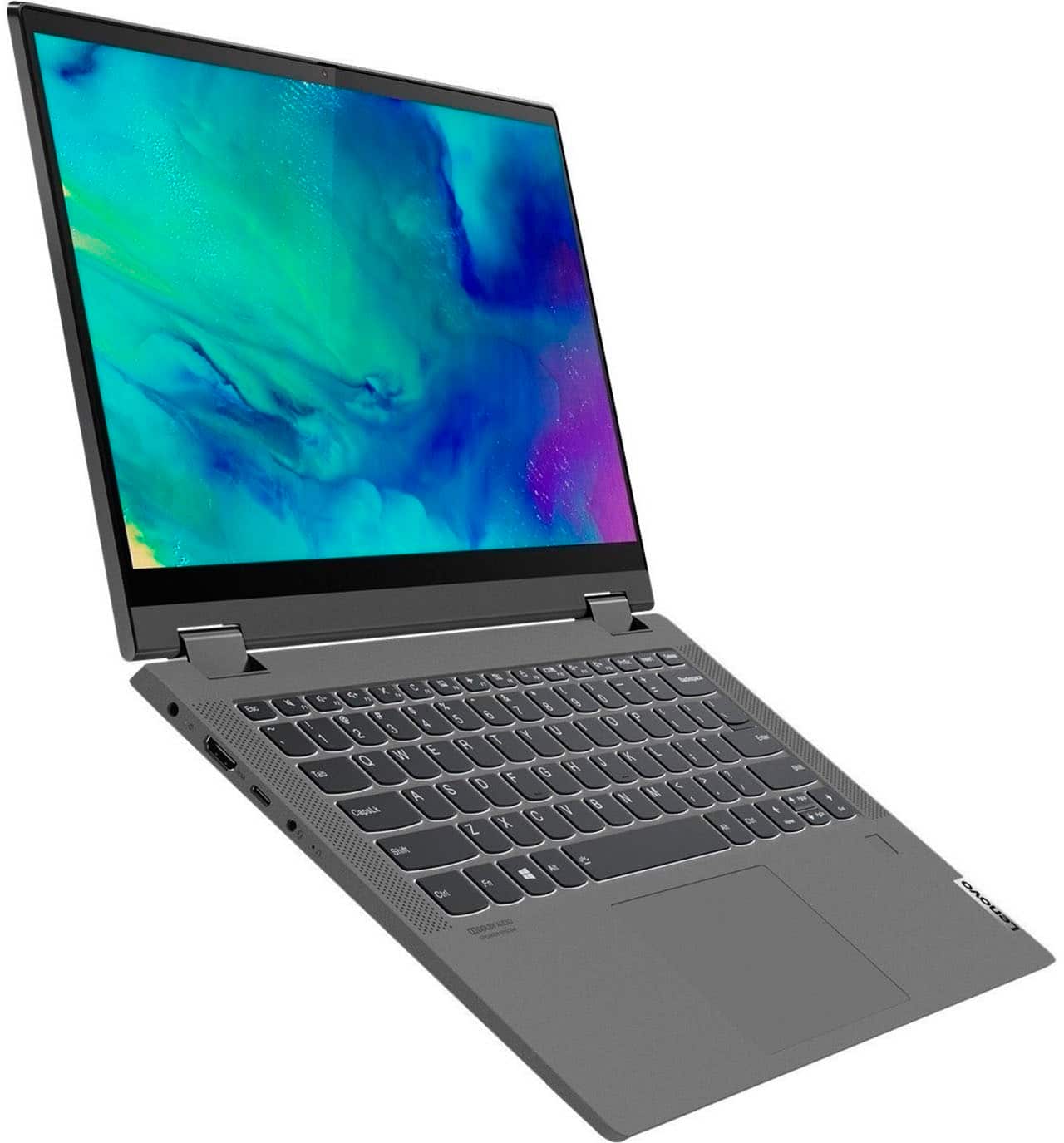
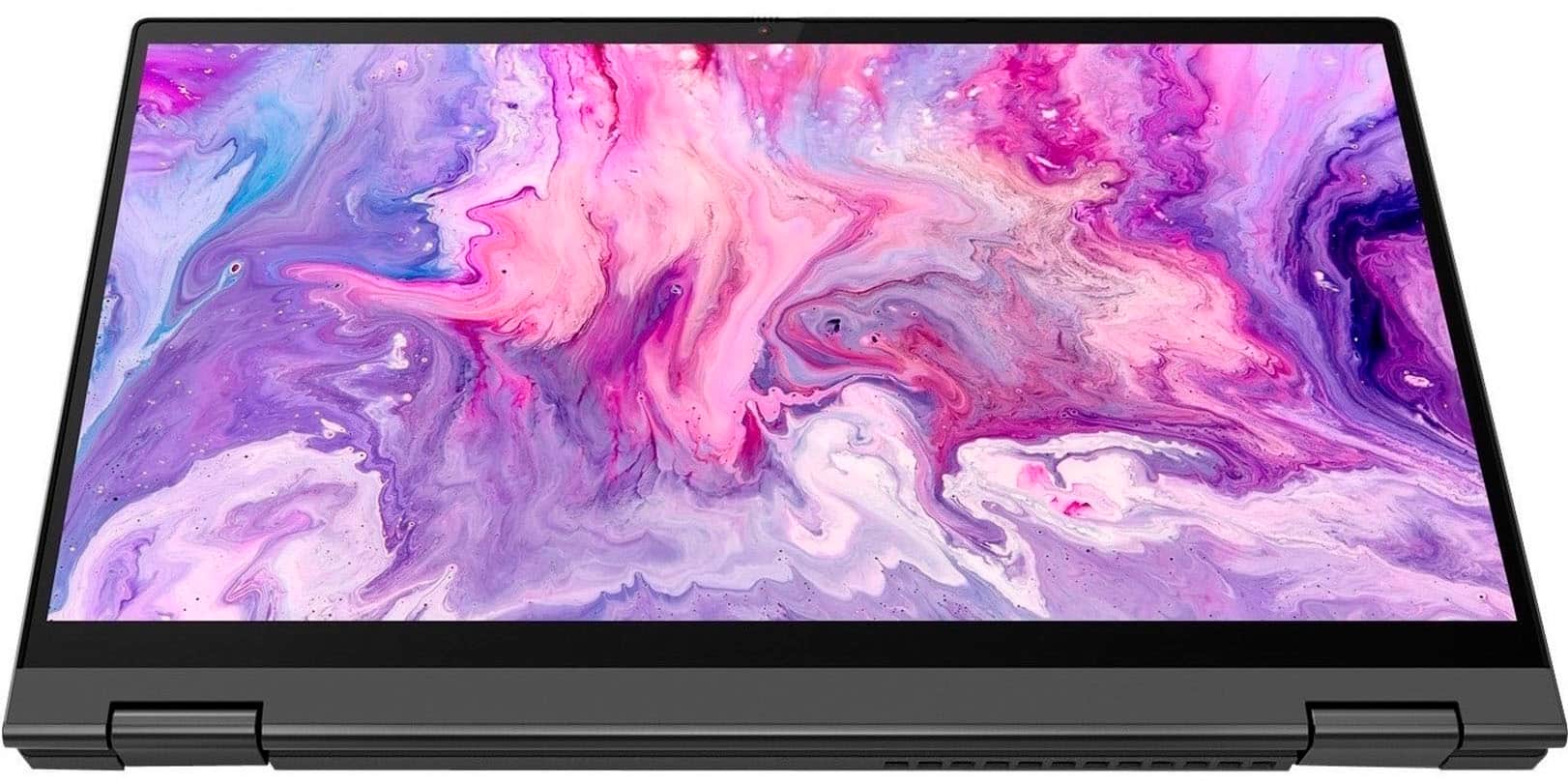
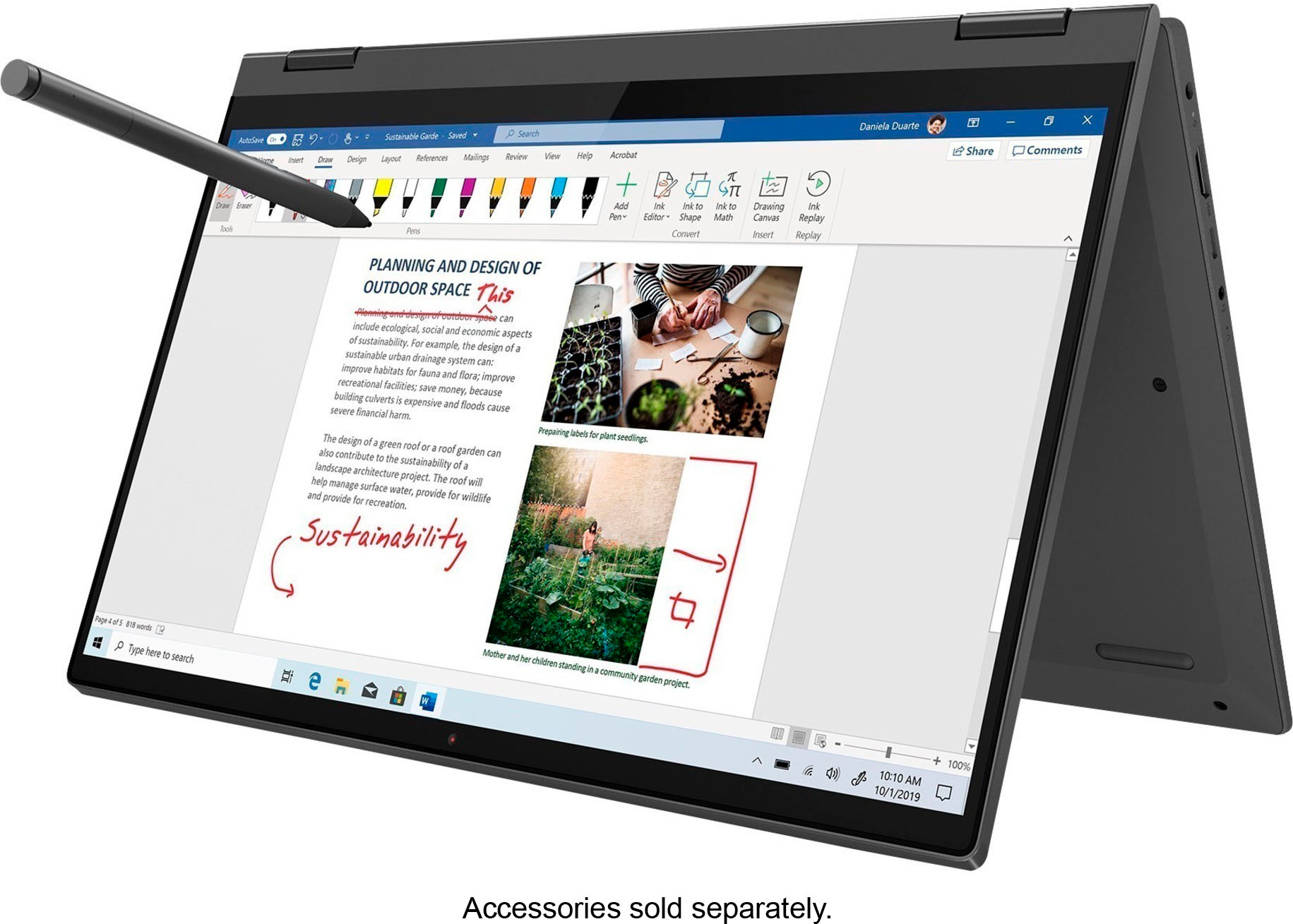
Customers express satisfaction with the IdeaPad Flex 5 15ITL05's touchscreen, ease of use, and performance. Many appreciate its lightweight design and long battery life, along with its reasonable price. While some wish for more RAM, the positive feedback on other features outweighs this concern. The 2-in-1 functionality and attractive design are also frequently praised.
This summary was generated by AI based on customer reviews.
Excellent!
||Posted . Owned for 1 month when reviewed.This reviewer received promo considerations or sweepstakes entry for writing a review.The screen resolution is great, the battery life is great, the functionality is wonderful, and this is probably the best laptop I have ever owned!
I would recommend this to a friendBrand response from Lenovo Product Expert
Posted .Thank you for choosing the Flex 5i 15. We are pleased to hear that the features and performance of the Flex 5i 15 meets your computing needs so well.

- Pros mentioned:Performance
Flex 5i Lenovo touch screen
||Posted .This reviewer received promo considerations or sweepstakes entry for writing a review.Great Laptop. Easy to startup new, Screen clarity is excellent. Runs fast!! Got a great price!
I would recommend this to a friend Just average
||Posted . Owned for 3 months when reviewed.This reviewer received promo considerations or sweepstakes entry for writing a review.Average laptop and ultimately returned. Just was not fast enough, touch was delayed and good luck using a 2 monitor setup with this.
No, I would not recommend this to a friendFirst Lenovo
||Posted . Owned for 1 week when reviewed.This reviewer received promo considerations or sweepstakes entry for writing a review.First time buying a non-Apple laptop. I definitely recommend this laptop at its price point - it might be unbeatable from this standpoint. The screen is nice, especially with the touchscreen capabilities. My only wish is that the audio quality could be a bit better, but this is just a small nitpick at an otherwise great product.
I would recommend this to a friendBrand response from Lenovo Product Expert
Posted .Thank you for choosing the Lenovo Flex 5i 15, model number 82HT00CQUS. This model ships with front-facing, Stereo system speakers, (2W x2), optimized with Dolby Audio. For the best audio experience, be sure to adjust the Dolby Audio software to your personal preferences. We are pleased to hear that the value and performance of the Flex 5i 15 meets your computing needs so well.
- Pros mentioned:Touch screen
laptop
||Posted . Owned for 2 months when reviewed.This reviewer received promo considerations or sweepstakes entry for writing a review.Great quality and price. Just wish the pad was more centered since i am a lefty. Love the touch screen
I would recommend this to a friendBrand response from Lenovo Product Expert
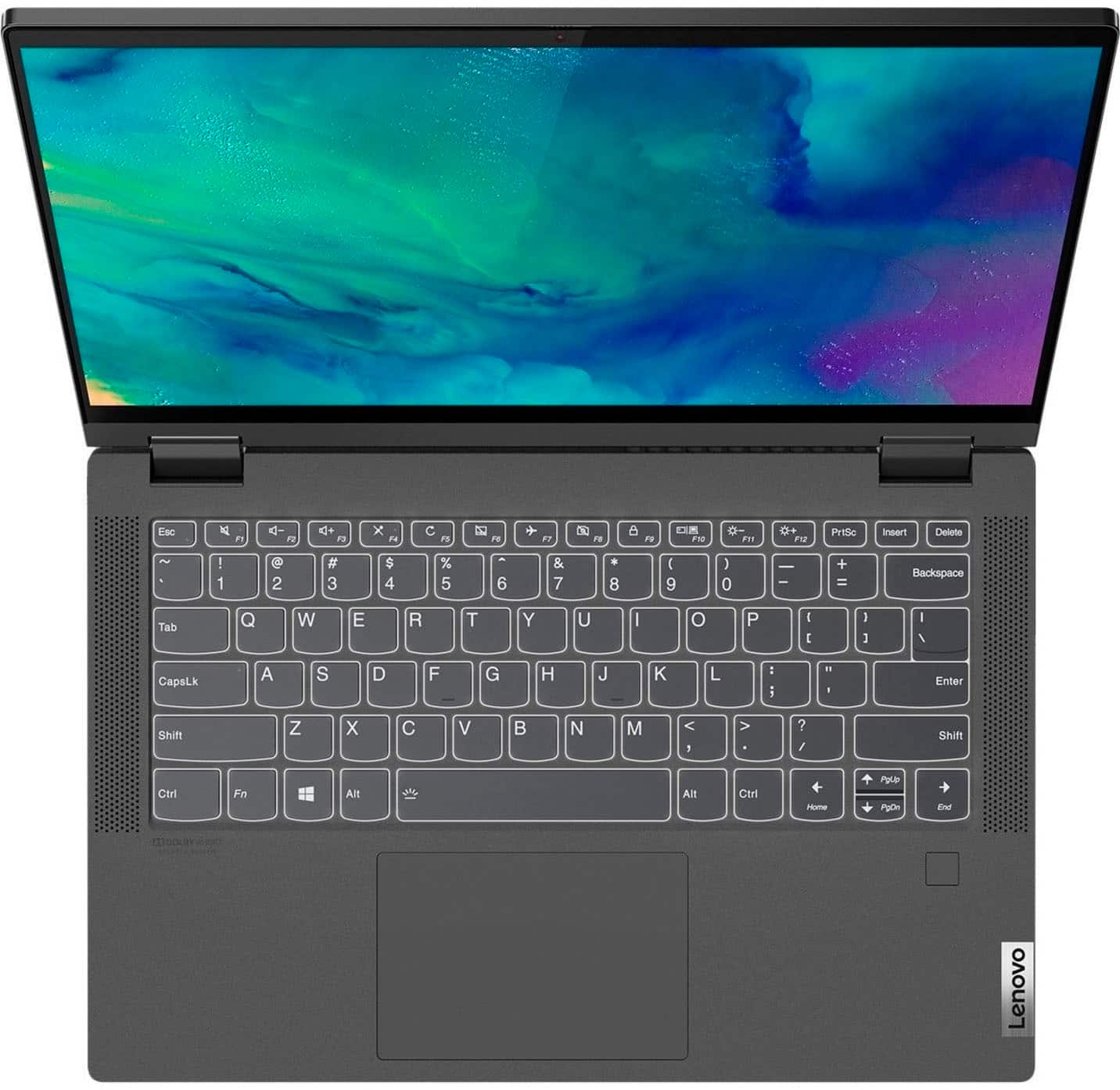
Posted .Thank you for choosing the Lenovo Flex 5i 15, model number 82HT00CQUS. This model ships with a Backlit, English (US), standard QWERTY keyboard, with 10-Key Numeric Pad included. The touchpad on this Flex 5i 15 is centered under the QWERTY keys, so that when the typist's hands are in the Home Position on the keyboard, the touchpad is centered directly under the typist's hands for easiest access. We are pleased to hear that the value, features and performance of the Lenovo Flex 5i 15 meets your computing needs so well.
- Pros mentioned:Performance
College Level Laptop
||Posted . Owned for 2 weeks when reviewed.This reviewer received promo considerations or sweepstakes entry for writing a review.Great overall laptop. Provides everything needed for community college level work while not breaking the bank.
I would recommend this to a friend A let down
||Posted . Owned for 1 month when reviewed.This reviewer received promo considerations or sweepstakes entry for writing a review.I wanted to love this computer, and I was very excited to get it. The interface is good, but the touchscreen does not work. It starts to work if I restart the computer but fails after 5 minutes or so. The tablet mode is unusable, and I am very disappointed
No, I would not recommend this to a friend- Pros mentioned:Speed
Lenovo laptop
||Posted . Owned for 3 weeks when reviewed.This reviewer received promo considerations or sweepstakes entry for writing a review.Laptop is faster than what I expected. I’m able to use programs that normally take a bunch of ram to run
I would recommend this to a friendBrand response from Lenovo Product Expert
Posted .Thank you for choosing the Lenovo Flex 5i 15. We are pleased to hear that the performance of the Flex 5i 15 meets your computing needs so well.
Surprise!!! (But not in a good way)
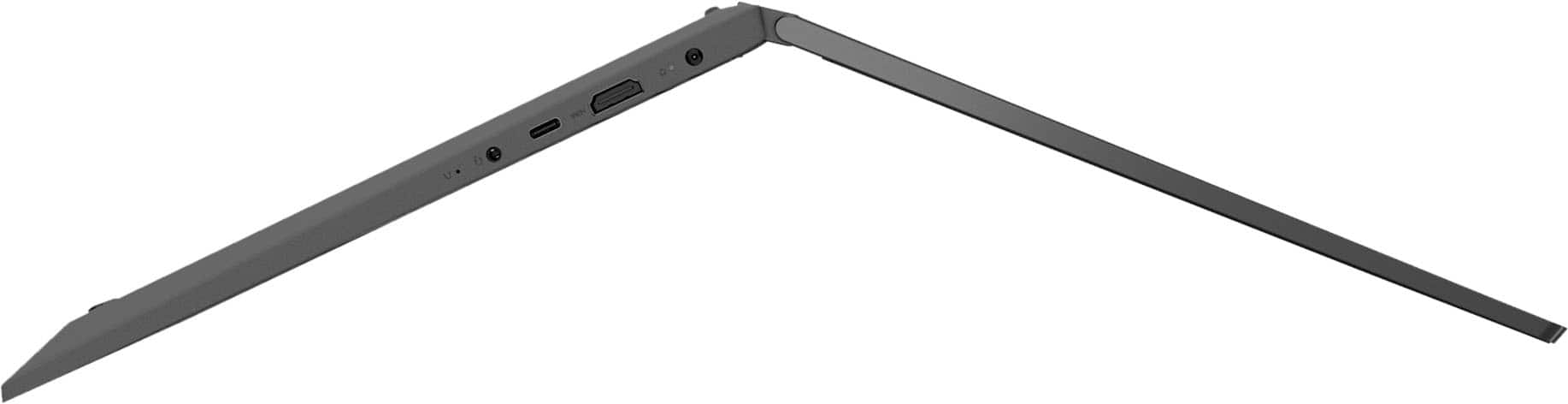
||Posted . Owned for 3 weeks when reviewed.This reviewer received promo considerations or sweepstakes entry for writing a review.I bought this PC because it advertised 3 USB ports as well as and HDMI out port for an external monitor. 1 USB-C port and 2 USB-A ports. At the unboxing I discovered that the USB-C port is being used for the power supply making it unusable. There was a totally unused DC power connector that wasn't being utilized, and this would have required the purchase of an additional 65 watt universal power supply costing over $60. Stupidest thing I have ever seen. I had to return it and got a Dell laptop (cheaper) that had a real power adapter cable. This thing also turned itself on the moment that I opened the lid to look at the keyboard, and I had NOT touched the power on button yet. I have an older Lenovo laptop that is still working after 10 years (Windows 7 upgraded to Windows 10) so I was hoping to stick with this brand given its performance history.
No, I would not recommend this to a friendBrand response from Lenovo Product Expert
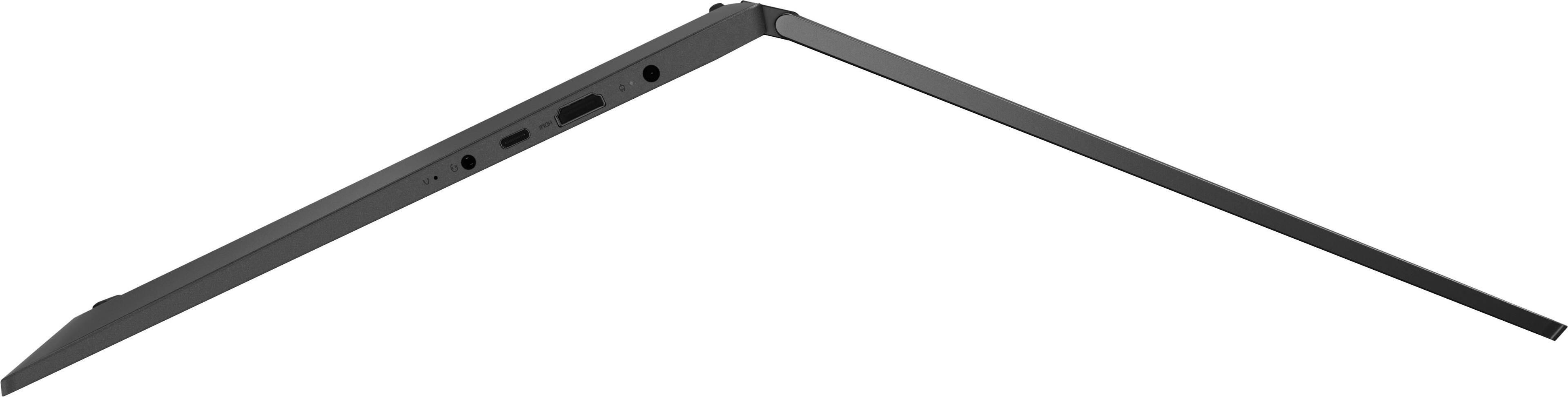
Posted .Hello, ElmerK, we are sorry to hear that your IdeaPad Flex 5 15 has not met your expectations. You are correct in that this model Flex 5 15 features 3 USB ports, 1 USB-C 3.2 Gen 1 port for data transfer and power delivery, and 2 USB 3.2 Gen 1 ports. The included USB-C charger is intended to give the user the convenience of USB-C's universal design. This model Flex 5 also has a feature called "Flip to Start" where the computer will turn on by opening the laptop lid, not requiring the power button to be pressed for the device to turn on. This feature can be toggled off in Lenovo Vantage settings under the Device > Power tabs. We recommend learning what specifications and features you need to effectively complete various workflows and tasks if being use for work or education, personal use, and your preferences in design and features to help find the right solution before you invest in any computer.
Big little Ideas
||Posted . Owned for 1 week when reviewed.This reviewer received promo considerations or sweepstakes entry for writing a review.Still getting used to my new laptop love the backlit function on the keyboard have not tried out my pen yet. Only thing seems the battery is not good for a very long time maybe 6 hours and this is just doing basics not gaming. Nice clear display and get you where you want to go quickly.
I would recommend this to a friendBrand response from Lenovo Product Expert
Posted .Thank you for choosing the Lenovo Flex 5i 15, model number 82HT00CQUS. This model ships with a Integrated 52.5Wh, Lithium-Polymer Battery, which within this model configuration, has a battery life of up to 10 hours, depending on the work the device is performing. If you are getting substantially less battery life, first, set your screen brightness at less than 100-percent - try 80-percent to start with. Then, be sure Battery Charge Threshold is turned off. This power management setting should only be used when the laptop is plugged in all the time. It will prolong overall battery life by only charging the battery to 60-percent of capacity. You can turn off Battery Charge Threshold within the Lenovo Vantage APP installed on this computer. In Vantage select Battery Settings and turn off Battery Charge Threshold, if turned on. Also check what programs are running in the background on the computer. Be sure only the programs you want running in the background are. These programs will drain the battery. Here is a link to information about how to find out what programs are running in the background on your Windows 11 computer and how to manage them for better system performance: https://websiteforstudents.com/how-to-find-what-is-running-in-windows-11/. Then, finally, be sure any software you installed is compatible with Windows 11. Incompatible software will drain the battery at a faster rate. There is no need to install Microsoft Office software. The software is already part of the operating system, you just need to activate the software with a purchased product key. If you have installed a copy of Microsoft Office, this is conflicting with the existing copy on the system and this will slow your system down. If you have installed a 3rd party anti-virus program, be sure that Windows Defender is turned off and that the trial version of McAfee Anti-Virus software is uninstalled. There can only be one anti-virus program on the system. You may need to restore your system to original factory default settings if any of the programming errors have occurred. You can do that by typing "restore" in the Cortana search window. Just click on the magnifying glass icon at the bottom of your Windows 11 Desktop. Click on "Reset This PC" Then click on "Get Started" and follow the on screen directions to restore to factory defaults. If the problem persists, we recommend you contact Lenovo Tech Support at: 877-453-6686.
- Pros mentioned:Speed
My First Lenovo laptop...a switch from HP
||Posted . Owned for 1 month when reviewed.This reviewer received promo considerations or sweepstakes entry for writing a review.Awesome laptop so far. First Lenovo and it appears to have been a great choice.
I would recommend this to a friend - Pros mentioned:Touch screen
john
||Posted . Owned for 1 month when reviewed.This reviewer received promo considerations or sweepstakes entry for writing a review.had 3 major requiremente - touch screen, backlight key board, # key pad at a fair price
I would recommend this to a friend - Pros mentioned:Ease of use
Great option
||Posted . Owned for 1 week when reviewed.This reviewer received promo considerations or sweepstakes entry for writing a review.Great price for its quality, great size and comfortable, also very easy to use. Highly recommended.
I would recommend this to a friendBrand response from Lenovo Product Expert
Posted .Thank you for choosing the Lenovo Flex 5i 15. We are pleased to hear that the value, ease of use, features and performance of the Flex 5i 15 meets your computing needs so well.
- Pros mentioned:Weight
Lenovo Laptop
||Posted . Owned for 2 weeks when reviewed.This reviewer received promo considerations or sweepstakes entry for writing a review.Great overall, light and can carry anywhere. The battery life goes down fast sometimes.
I would recommend this to a friendBrand response from Lenovo Product Expert
Posted .Thank you for choosing the Lenovo Flex 5i 15 model number 82HT00CQUS. This model ships with a Integrated 52.5Wh, lithium-Polymer Battery, which within this model configuration, has a battery life of up to 10 hours, depending on the work the device is performing. If you are getting substantially less battery life, first, set your screen brightness at less than 100-percent - try 80-percent to start with. Then, be sure Battery Charge Threshold is turned off. This power management setting should only be used when the laptop is plugged in all the time. It will prolong overall battery life by only charging the battery to 60-percent of capacity. You can turn off Battery Charge Threshold within the Lenovo Vantage APP installed on this computer. In Vantage select Battery Settings and turn off Battery Charge Threshold, if turned on. Also check what programs are running in the background on the computer. Be sure only the programs you want running in the background are. These programs will drain the battery. Here is a link to information about how to find out what programs are running in the background on your Windows 11 computer and how to manage them for better system performance: https://websiteforstudents.com/how-to-find-what-is-running-in-windows-11/. Then, finally, be sure any software you installed is compatible with Windows 11. Incompatible software will drain the battery at a faster rate. There is no need to install Microsoft Office software. The software is already part of the operating system, you just need to activate the software with a purchased product key. If you have installed a copy of Microsoft Office, this is conflicting with the existing copy on the system and this will slow your system down. If you have installed a 3rd party anti-virus program, be sure that Windows Defender is turned off and that the trial version of McAfee Anti-Virus software is uninstalled. There can only be one anti-virus program on the system. You may need to restore your system to original factory default settings if any of the programming errors have occurred. You can do that by typing "restore" in the Cortana search window. Just click on the magnifying glass icon at the bottom of your Windows 11 Desktop. Click on "Reset This PC" Then click on "Get Started" and follow the on screen directions to restore to factory defaults. If the problem persists, we recommend you contact Lenovo Tech Support at: 877-453-6686.
- Pros mentioned:Speed
LAPTOP
||Posted . Owned for 1 month when reviewed.This reviewer received promo considerations or sweepstakes entry for writing a review.enjoying this Lenovo laptop, good speed, good visual display, but shorter battery charge
I would recommend this to a friendBrand response from Lenovo Product Expert
Posted .Thank you for choosing the Lenovo Flex 5i 15, model number 82HT00CQUS. This model ships with a Integrated 52.5Wh, Lithium-Polymer Battery installed, which within this model configuration, has a battery life of up to 10 ours, depending on the work the device is performing. If you are getting substantially less battery life, first, set your screen brightness at less than 100-percent - try 80-percent to start with. Then, be sure Battery Charge Threshold is turned off. This power management setting should only be used when the laptop is plugged in all the time. It will prolong overall battery life by only charging the battery to 60-percent of capacity. You can turn off Battery Charge Threshold within the Lenovo Vantage APP installed on this computer. In Vantage select Battery Settings and turn off Battery Charge Threshold, if turned on. Also check what programs are running in the background on the computer. Be sure only the programs you want running in the background are. These programs will drain the battery. Here is a link to information about how to find out what programs are running in the background on your Windows 11 computer and how to manage them for better system performance: https://websiteforstudents.com/how-to-find-what-is-running-in-windows-11/. Then, finally, be sure any software you installed is compatible with Windows 11. Incompatible software will drain the battery at a faster rate. There is no need to install Microsoft Office software. The software is already part of the operating system, you just need to activate the software with a purchased product key. If you have installed a copy of Microsoft Office, this is conflicting with the existing copy on the system and this will slow your system down. If you have installed a 3rd party anti-virus program, be sure that Windows Defender is turned off and that the trial version of McAfee Anti-Virus software is uninstalled. There can only be one anti-virus program on the system. You may need to restore your system to original factory default settings if any of the programming errors have occurred. You can do that by typing "restore" in the Cortana search window. Just click on the magnifying glass icon at the bottom of your Windows 11 Desktop. Click on "Reset This PC" Then click on "Get Started" and follow the on screen directions to restore to factory defaults. If the problem persists, we recommend you contact Lenovo Tech Support at: 877-453-6686.
Get it when it's on Sale. Great buy
||Posted . Owned for 2 weeks when reviewed.This reviewer received promo considerations or sweepstakes entry for writing a review.Got this on a deal for $180 off and was well worth it. Would buy it again at that price point
I would recommend this to a friend- Pros mentioned:Speed
Lenovo
||Posted .This reviewer received promo considerations or sweepstakes entry for writing a review.It’s a good laptop. The speed and the display is so good.
I would recommend this to a friendBrand response from Lenovo Product Expert
Posted .Thank you for choosing the Lenovo Flex 5i 15. We are pleased to hear that the features and performance of the Flex 5i 15 meets your computing needs so well.
- Pros mentioned:Speed
Great school laptop
||Posted . Owned for 2 months when reviewed.This reviewer received promo considerations or sweepstakes entry for writing a review.A little heavy but good quality. Fast and all the power I need for school work.
I would recommend this to a friend - Pros mentioned:Weight
Lenovo Lap
||Posted . Owned for 3 weeks when reviewed.This reviewer received promo considerations or sweepstakes entry for writing a review.All seems to working very well. nice and light. I wish the keyboard was a bit bigger
I would recommend this to a friend - Pros mentioned:Ease of use
New lap top
||Posted . Owned for 3 weeks when reviewed.This reviewer received promo considerations or sweepstakes entry for writing a review.The lap top is everything I need. It is easy to use and the visuals are great.
I would recommend this to a friendBrand response from Lenovo Product Expert
Posted .Thank you for choosing the Lenovo Flex 5i 15. We are pleased to hear that the ease of use, features and performance of the Flex 5i 15 meets your computing needs so well.