Customer Ratings & Reviews






- Model:
- 82HT00CQUS
- SKU:
- 6502662
Rating by feature
- Battery Life
Rating 4.4 out of 5 stars
- Speed
Rating 4.6 out of 5 stars
- Display
Rating 4.6 out of 5 stars
Customers are saying
Customers express satisfaction with the IdeaPad Flex 5 15ITL05's touchscreen, ease of use, and performance. Many appreciate its lightweight design and long battery life, along with its reasonable price. While some wish for more RAM, the positive feedback on other features outweighs this concern. The 2-in-1 functionality and attractive design are also frequently praised.
This summary was generated by AI based on customer reviews.
Well, nuts!
||Posted . Owned for less than 1 week when reviewed.This reviewer received promo considerations or sweepstakes entry for writing a review.Well, nuts. I had to give it a one for one reason, and it's a big one. The laptop itself is everything it says on paper. The problem is that the wireless connection breaks if I go more than 5 or 6 feet from the modem. I have to have wireless for the work I do in my home, and 5-6 feet is just a total fail. It's a shame because that aside, it's a very nice laptop.
No, I would not recommend this to a friendBrand response from Lenovo Product Expert
Posted .We are sorry to hear that you are having issues with the WiFi-6, wide range/high speed - 2 x 2 802.11ax frequency WiFi that is installed within this Lenovo Flex 5i 15. Updating the BIOS files and drivers that control the WiFi connectivity of this Flex 5i 15 may correct the WiFi issues you are having. First, check to be sure you have the latest version of Windows 11 on the computer. Then update all BIOS files and drivers up to that latest version of Windows 11. You can easily accomplish this by scanning the computer with the Lenovo Utility software available on this computer. This system has Lenovo utilities installed to help maintain the health of the device and keep the operating system software up to date. Type "Lenovo Vantage" in the Cortana Search window (if Lenovo Vantage is not installed on your device, you can download the APP and install it now). Select Lenovo Vantage from the list. In the window that opens, click on "Health and Support". In the expanded menu, select "Hardware Scan" In the window that opens, select "Run Quick Tests". This will scan your entire system for errors. Follow any directions that may pop up. If the problem continues after this scan, now click on "System Update". First select Windows update from the menu. Scan your system to be sure you have the latest version of Windows 11. Once that scan is complete, select "Additional Updates". This will scan your device to be sure there are no new BIOS/Driver updates needed. Follow any instructions that may pop up. If you get a message that states there are no current updates available, you can directly update/reinstall the WiFi Driver within the Windows 11 Operating System on this Laptop. Here is a link to instructions for doing this: https://allthings.how/how-to-install-or-update-windows-11-wifi-driver/#:~:text=In%20Settings%2C%20click%20on%20the,Download%20%26%20install'%20under%20it. If the issue continues after this updates, we recommend you contact lenovo Tech Support for additional help at: 877-453-6686.

wouldn't recommend
||Posted . Owned for 1 month when reviewed.This reviewer received promo considerations or sweepstakes entry for writing a review.Does not includes include Microsoft office suite. Having trouble connecting printer. And everyone wants to charge for any type of assistance
No, I would not recommend this to a friendBrand response from Lenovo Product Expert
Posted .This Lenovo Flex 5i 15, model number 82HT00CQUS, ships with a 30-day trial of Microsoft Office 365 included as part of the Windows 11 operating system. To keep the program active after the trial period, you will need to purchase a product key. You will not need to download any additional software. This Lenovo Flex 5i 15 is compatible with any printer, wired or wireless that is compatible with the Windows 11 64-bit Operating System and WiFi-6, 2x2 802.11ax frequency WiFi, which is also backward compatible with a/b/g/n/ac frequency WiFi. We recommend you check with your printer manufacturer's web site for the compatibility and requirements of your specific model printer. Here is a link to instructions for installing a compatible printer to a Windows 11 computer: https://support.microsoft.com/en-us/windows/add-a-printer-or-scanner-in-windows-14d9a442-0bcb-e11c-7a6c-63f00efae79f
Defective
||Posted . Owned for 1 month when reviewed.This reviewer received promo considerations or sweepstakes entry for writing a review.The Keyboard stopped working one week later and there is no way to fix it. Can't be without the laptop because of work and school
No, I would not recommend this to a friendBrand response from Lenovo Product Expert
Posted .We are sorry to hear that you are having issues with your Lenovo Flex 5i 15 Laptop, model number 82HT00CQUS. Resetting your computer back to original factory settings may correct the issue with the keyboard. Power off the computer, and plug in your AC adapter/charger with the computer turned off. This system is equipped with OneKey Recovery System. There is a very small pin hole on the left side of the device, right near the headphone jack on the device. You will need a pin to push this reset button. Plug the device in. Let the battery charge for about 15 minutes, with the power off. Push the reset button. The system should boot to a choice screen where you can choose "Restore To Factory Default". Select this. It will delete everything from the hard drive except the original factory install of the operating system. You will need to reinstall all programs and files after the reset. If you don't have copies of the files, try to make one before you restore by selecting "Boot to desktop" and trying to back up your files. If the problem persists after the factory reset, we recommend you contact Lenovo Tech Support at: 877-453-6686.
Don’t waste your money. Buy the upgraded version
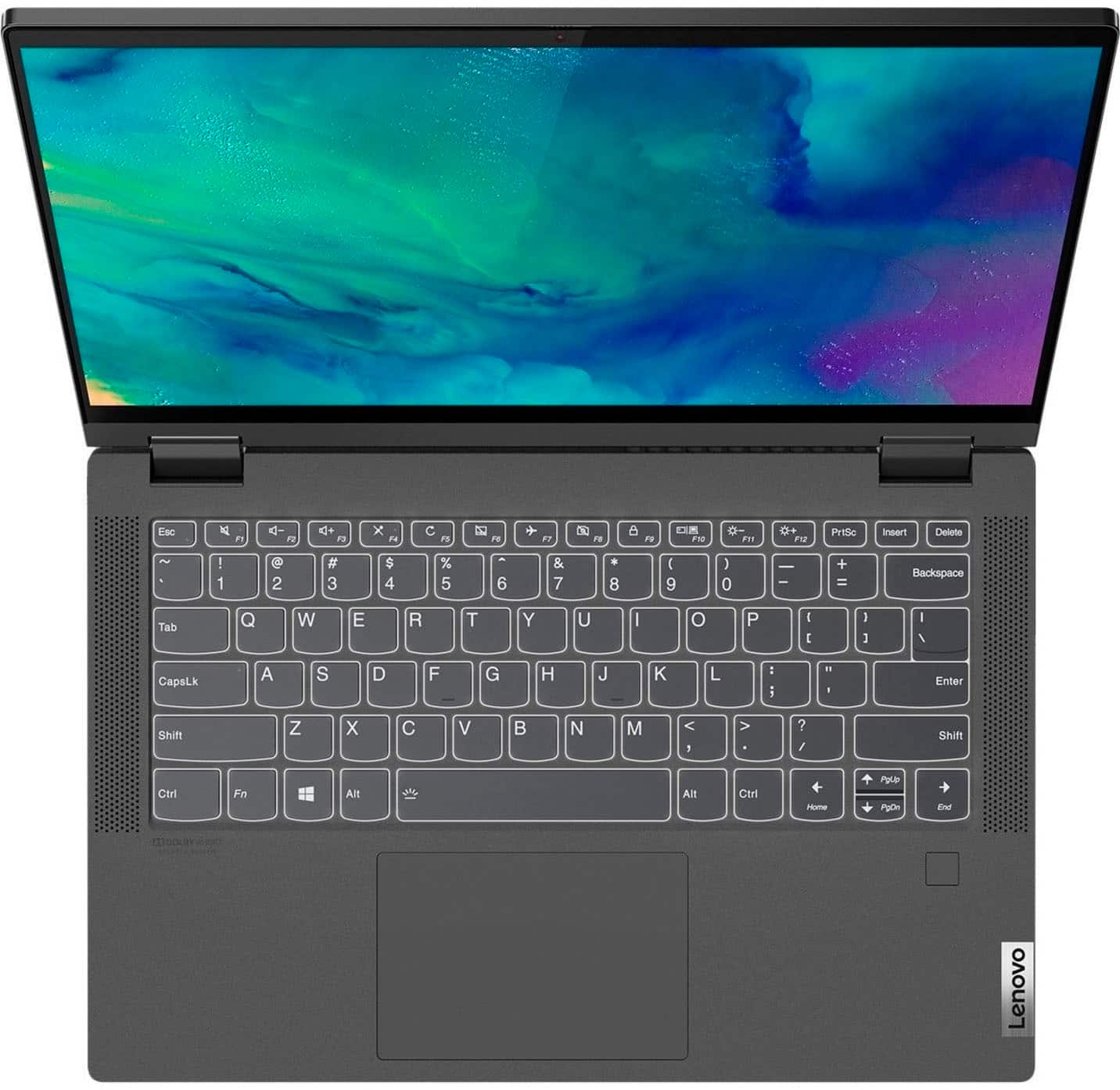
||Posted . Owned for 3 weeks when reviewed.This reviewer received promo considerations or sweepstakes entry for writing a review.Slow and glitchy. The track pad is oddly located off centered so when I’m not looking I keep pressing the wrong side. Keyboard number pad keys are too small
No, I would not recommend this to a friendBrand response from Lenovo Product Expert
Posted .This Lenovo Flex 5i 15, model number 82HT00CQUS, ships with the 11th Gen 4-Core/8-Thread Intel Core i5-1135G7 Processor and this processor is supported by 8GB Soldered DDR4-3200MHz RAM and a 256GB M.2 2242 PCIe 3.0x4 NVMe solid state hard drive. This model configuration also ships with a Backlit, English (US) Version, standard QWERTY keyboard with 10 Key Numeric Pad included. The touchpad on this Flex 5i 15 is centered under the QWERTY keys, so that when the typist's hands are in the Home Position on the keyboard, the touchpad is centered directly under the typist's hands for easiest access. If you are getting slower than expected performance, check to be sure you have the latest version of Windows 11 on the computer. Then update all BIOS files and drivers up to that latest version of Windows 11. You can easily accomplish this by scanning the computer with the Lenovo Utility software available on this computer. This system has Lenovo utilities installed to help maintain the health of the device and keep the operating system software up to date. Type "Lenovo Vantage" in the Cortana Search window (if Lenovo Vantage is not installed on your device, you can download the APP and install it now). Select Lenovo Vantage from the list. In the window that opens, click on "Health and Support". In the expanded menu, select "Hardware Scan" In the window that opens, select "Run Quick Tests". This will scan your entire system for errors. Follow any directions that may pop up. If the problem continues after this scan, now click on "System Update". First select Windows update from the menu. Scan your system to be sure you have the latest version of Windows 11. Once that scan is complete, select "Additional Updates". This will scan your device to be sure there are no new BIOS/Driver updates needed. Follow any instructions that may pop up. If the issue continues after these updates, we recommend you call Lenovo Tech Support at: 877-453-6686 for additional help.
Bet Buy - Not!
||Posted . Owned for 1 month when reviewed.This reviewer received promo considerations or sweepstakes entry for writing a review.Worst computer I have ever bought. Camera is completely non functioning, and Best Buy does not, in my opinion, stand behind it.
No, I would not recommend this to a friendBrand response from Lenovo Product Expert
Posted .We are sorry to hear that you are having issues with the built in webcam on your Lenovo Flex 5i 15, model number 82HT00CQUS. Be sure the Privacy Shutter is completely open before trying to use the webcam or the webcam will not operate. There is a small slider, directly above the webcam lens. Move the tab to the right to open the Privacy Shutter. There is a red dot over the webcam lens that will disappear when the Privacy Shutter is fully open. This will indicate that the webcam is really to use. You can close the Privacy Shutter when you are done with the webcam for your security, by sliding the tab to the left to close the Privacy Shutter. The Red Dot will appear over the webcam lens when the Privacy Shutter is closed. If the issue continues, we recommend you call Lenovo Tech Support at: 877-453-6686
It's a Chromebook!
||Posted . Owned for 3 weeks when reviewed.This reviewer received promo considerations or sweepstakes entry for writing a review.I spent and hour and a half talking to a rep in the sales team by phone, said i didn't want Chromebook, and found out later at home, it is one!
No, I would not recommend this to a friendBrand response from Lenovo Product Expert
Posted .This Lenovo Flex 5i 15, model number 82HT00CQUS, ships with Windows 11 Home, 64-bit Operating System installed.
Great laptop
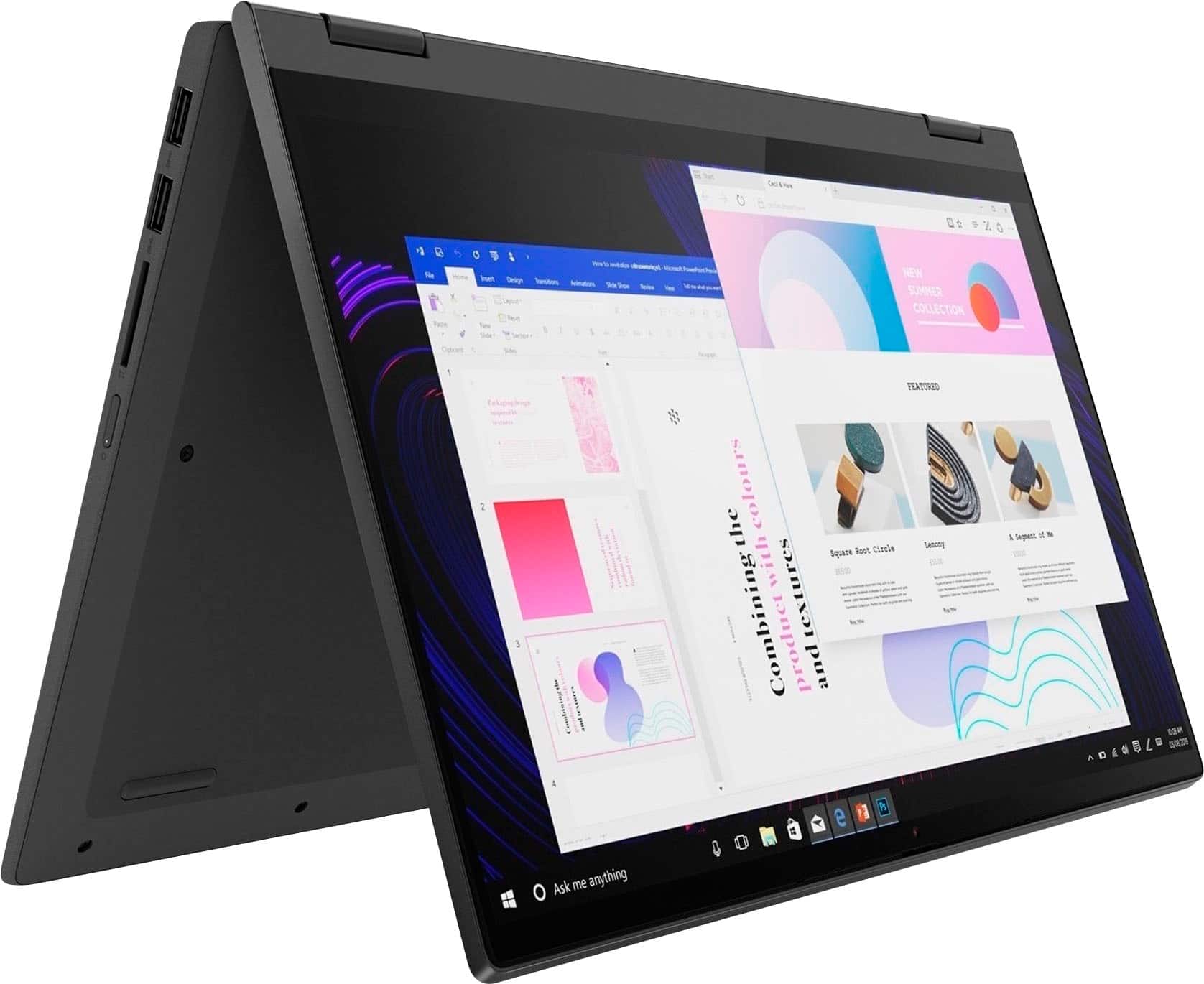
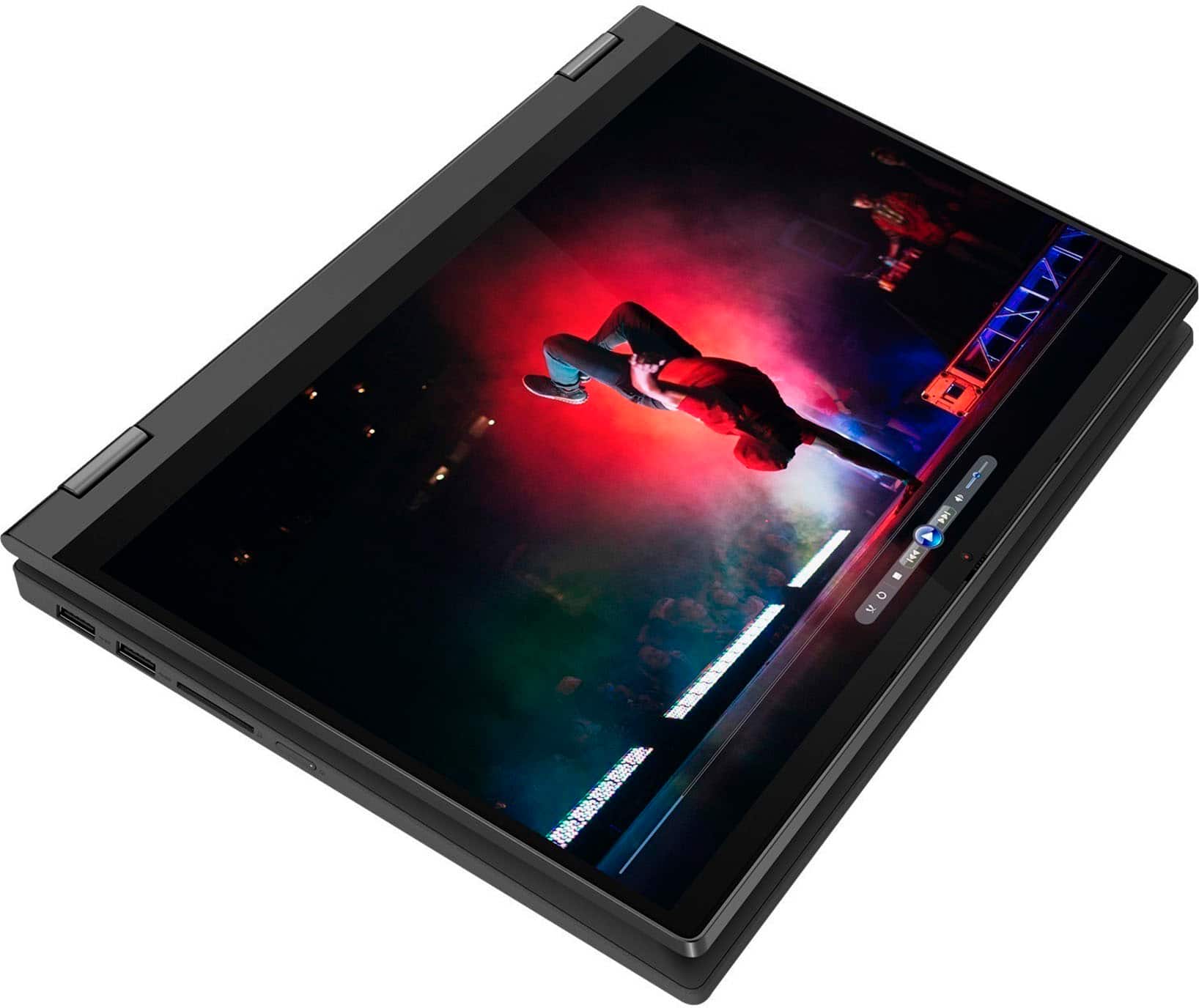
Posted .This reviewer received promo considerations or sweepstakes entry for writing a review.Laptop is great, some times it can lag but not a huge issue, the sound is great probable the best sound for the cost, its screen is amazing great lighting, its perfect for watching stuff and doing some work and a little gaming, I love that it can be a tablet and shape into other poses like the tent pose, I don't like that it only last about 5 hours I was told that it last from 8-10 hours, I think its the best laptop that I could get for all the great stuff with it, I do suggest getting the warranty incase anything happens to it.
I would recommend this to a friendBrand response from Lenovo Product Expert
Posted .Hello, JedHallett, thank you for choosing Lenovo! Regarding the lag that happens, we recommend checking for updates through Windows Update settings and in Lenovo Vantage installing any available updates to see if this rectifies the problem. With battery life, this model Flex 5i 15 ships with an integrated 52.5Wh battery, which within this model configuration, has a battery life of up to 10 hours, depending on device settings and the work the device is performing. If you are getting substantially less battery life, first, set your screen brightness at less than 100-percent - try 80-percent to start with. Then, be sure Battery Charge Threshold is turned off. This power management setting should only be used when the laptop is plugged in all the time. It will prolong overall battery life by only charging the battery to 60-percent of capacity. You can turn off Battery Charge Threshold within the Lenovo Vantage APP installed on this computer. In Vantage select Battery Settings and turn off Battery Charge Threshold, if turned on. Also, here is a link to a webpage that details various options for disabling background applications and processes that may be using battery: https://allthings.how/how-to-turn-off-background-apps-in-windows-11/ Upon making these changes, if the issue persists, we recommend reaching out to Lenovo Tech Support at this phone number for continued assistance: 877-453-6686.
laptop
Posted .This reviewer received promo considerations or sweepstakes entry for writing a review.This laptop is great for doing schoolwork, browsing the internet, editing, coding, and anything else you might need. The one downside as with any device is that the charging port can break and then the battery cannot receive a charge.
I would recommend this to a friend- Pros mentioned:Touch screen
Good computer
Posted .This reviewer received promo considerations or sweepstakes entry for writing a review.Gets the job done. Need to set the screen to go black after a longer time. Touch screen works great.
I would recommend this to a friend - Pros mentioned:Ease of use
Works great
Posted .This reviewer received promo considerations or sweepstakes entry for writing a review.This is good laptop for my kid in college. So far it works really well for her needs.
I would recommend this to a friend - Pros mentioned:Speed, Weight
WOW, This Is Great Lightweight Laptop
Posted .This reviewer received promo considerations or sweepstakes entry for writing a review.Got this for my wife to take when we travel. The laptop was really lightweight and looked great. I was fast and all worked wonderfully. We enjoyed using it so much we are going to buy a second one.
I would recommend this to a friendBrand response from Lenovo Product Expert
Posted .Thank you for choosing the Lenovo Flex 5i 15 for your wife. We are pleased to hear that the features and performance of the Flex 5i 15 are working out so well for your wife that you are planning to purchase a second Lenovo Flex 5i 15 laptop.
- Pros mentioned:Speed, Touch screen
UPC
Posted .This reviewer received promo considerations or sweepstakes entry for writing a review.Great PC for everyday use. My wife works remote and uses it. Awesome speed, touchscreen is great. Good product! I will buy another one l, just waiting on price drop
I would recommend this to a friendBrand response from Lenovo Product Expert
Posted .Thank you for choosing the Lenovo Flex 5i 15. We are pleased to hear that the features and performance of the Flex 5i 15 meets the computing needs of your wife so well.
Customer service win
Posted .This reviewer received promo considerations or sweepstakes entry for writing a review.Great customer service don’t usually go there because I’ve had bad experiences but this store is great
I would recommend this to a friend- Pros mentioned:Performance
good computer
Posted .This reviewer received promo considerations or sweepstakes entry for writing a review.This computer works good and is very complete. My wife evet likes it..
I would recommend this to a friend - Pros mentioned:Speed
Go ahead and buy it…
Posted .This reviewer received promo considerations or sweepstakes entry for writing a review.I use it for work so the resolution issues some people may have doesn’t apply to me. Only annoying thing is there are some preloaded apps that pop up and are highly unnecessary. However it’s very fast there’s no lag between screens and such. I love The 10 key on it as well.
I would recommend this to a friend Awesome
Posted .This reviewer received promo considerations or sweepstakes entry for writing a review.Love this I love the “flex” of the screen works well with my pen
I would recommend this to a friendJust OK
Posted .This reviewer received promo considerations or sweepstakes entry for writing a review.It's just ok. I LOVE Lenovo & purchased a laptop about 7-8 years ago. It was very thin and quite large (perhaps 16"+) 2-in-1 that I LOVED-LOVED for a decent price. Very comparable pricing, sleek, great performance, large storage, EVERYTHING. But, It started to come apart after 6 years of usage and traveling from all over-constant PCS'ing. I still have because don't wanna rid of it, it powers up but touchscreen unusable. Anywho, saw this one, priced differently-mush lower then now, so purchased based off reviews and even though it's a bit bulkier then expected, I purchased because I love the brand. It's just OK as It's always connected to my home wi-fi and constantly losing wi-fi. Very inconvenient when it's hooked to the main wi-fi and secondary one. Also, the keyboard light goes off periodically which is inconvenient and I CAN'T get it to stay on; even when typing, the keyboard lighting goes away. The battery is a whole other issue too. I can use after charging and then lock, when returning after a few hours, the battery is drained to less then 1/4%. I'd recommend this to others but it's not for me. I'd purchased because of low price point and local store availability-ASAP & needed due to previous 2-in-1 device screen starting crack. Lenovo is hands-down one of the top brands in my book so I'm waiting for a 17"+ 2-in-1 laptop to be introduced during the holidays at a very-very, comparable price (wishful thinking)!!!
I would recommend this to a friendBrand response from Lenovo Product Expert
Posted .Thank you for choosing the Lenovo Flex 5i 15, model number 82HT00CQUS. We appreciate your loyalty to the Lenovo Brand. This Flex 5i 15 ships with the Intel AX201NGW - WiFi-6 Chip for the best, wide range/high speed WiFi-6 connectivity which is also backward compatible to older a/b/g/n/ac frequency WiFi. If you are getting less than expected WiFi connectivity, check to be sure you have the latest version of Windows 11 on the computer. Then update all BIOS files and drivers up to that latest version of Windows 11, including those BIOS files and drivers that control WiFi. You can easily accomplish this by scanning the computer with the Lenovo Utility software available on this computer. This system has Lenovo utilities installed to help maintain the health of the device and keep the operating system software up to date. Type "Lenovo Vantage" in the Cortana Search window (if Lenovo Vantage is not installed on your device, you can download the APP and install it now). Select Lenovo Vantage from the list. In the window that opens, click on "Health and Support". In the expanded menu, select "Hardware Scan" In the window that opens, select "Run Quick Tests". This will scan your entire system for errors. Follow any directions that may pop up. If the problem continues after this scan, now click on "System Update". First select Windows update from the menu. Scan your system to be sure you have the latest version of Windows 11. Once that scan is complete, select "Additional Updates". This will scan your device to be sure there are no new BIOS/Driver updates needed. Follow any instructions that may pop up. If you get a message that there are no current updates available, you can directly update/reinstall the WiFi Driver within the Windows 11 Operating System on this Laptop. Here is a link to instructions for doing this: https://allthings.how/how-to-install-or-update-windows-11-wifi-driver/#:~:text=In%20Settings%2C%20click%20on%20the,Download%20%26%20install'%20under%20it. This Flex 5i 15 also ships with a Backlit, English (US) Version, standard QWERTY keyboard, with 10-Key Numeric Pad included. You can activate the keyboard backlighting by holding down the Fn Key and tapping the Spacebar at the same time: Once to turn on the backlight, twice to increase the backlight intensity and three times to turn off the backlight. The keyboard backlighting will automatically turn off after 30-seconds of keyboard/touchpad inactivity. The Flex 5i 15 ships with a Integrated 52.5Wh, Lithium-Polymer battery installed, which within this model configuration, has a battery life of up to 10 hours, depending on the work the device is performing. If you are getting substantially less battery life, first, set your screen brightness at less than 100-percent - try 80-percent to start with. Then, be sure Battery Charge Threshold is turned off. This power management setting should only be used when the laptop is plugged in all the time. It will prolong overall battery life by only charging the battery to 60-percent of capacity. You can turn off Battery Charge Threshold within the Lenovo Vantage APP installed on this computer. In Vantage select Battery Settings and turn off Battery Charge Threshold, if turned on. Also check what programs are running in the background on the computer. Be sure only the programs you want running in the background are. These programs will drain the battery. Here is a link to information about how to find out what programs are running in the background on your Windows 11 computer and how to manage them for better system performance: https://websiteforstudents.com/how-to-find-what-is-running-in-windows-11/. Then, finally, be sure any software you installed is compatible with Windows 11. Incompatible software will drain the battery at a faster rate. There is no need to install Microsoft Office software. The software is already part of the operating system, you just need to activate the software with a purchased product key. If you have installed a copy of Microsoft Office, this is conflicting with the existing copy on the system and this will slow your system down. If you have installed a 3rd party anti-virus program, be sure that Windows Defender is turned off and that the trial version of McAfee Anti-Virus software is uninstalled. There can only be one anti-virus program on the system. You may need to restore your system to original factory default settings if any of the programming errors have occurred. You can do that by typing "restore" in the Cortana search window. Just click on the magnifying glass icon at the bottom of your Windows 11 Desktop. Click on "Reset This PC" Then click on "Get Started" and follow the on screen directions to restore to factory defaults. If the problem persists, we recommend you contact Lenovo Tech Support at: 877-453-6686.
- Pros mentioned:Ease of use
New to Lenovo
Posted .This reviewer received promo considerations or sweepstakes entry for writing a review.It is easy to learn how the system works. The system boots quickly.
I would recommend this to a friendBrand response from Lenovo Product Expert
Posted .Thank you for choosing the Lenovo Flex 5i 15, model number 82HT00CQUS. This model ships with Windows 11 Home, 64-bit Operating System installed. We are pleased to hear that the ease of use and performance of the Flex 5i 15 meets your computing needs so well. Here is a link to a YouTube video that demonstrates some Windows 11 tips and tricks: https://www.youtube.com/watch?v=26dXRnc0EHc&t=29s. If you have questions about your Lenovo Flex 5i 15, we recommend you contact Lenovo Tech Support for more information at: 877-453-6686.
- Pros mentioned:Ease of use
Ms
Posted .This reviewer received promo considerations or sweepstakes entry for writing a review.So far loving this laptop. Everything is just what i wanted
I would recommend this to a friend Great little machine!
Posted .This reviewer received promo considerations or sweepstakes entry for writing a review.Incredibly happy with this purchase! I wasn’t looking for anything over the top, as I mostly use this for internet research and basic office programs. What I got for what I paid (that I consider to be above and beyond the functionality I was looking for) was an absolute bargain! I am very happy with this purchase!
I would recommend this to a friend