Customer Ratings & Reviews

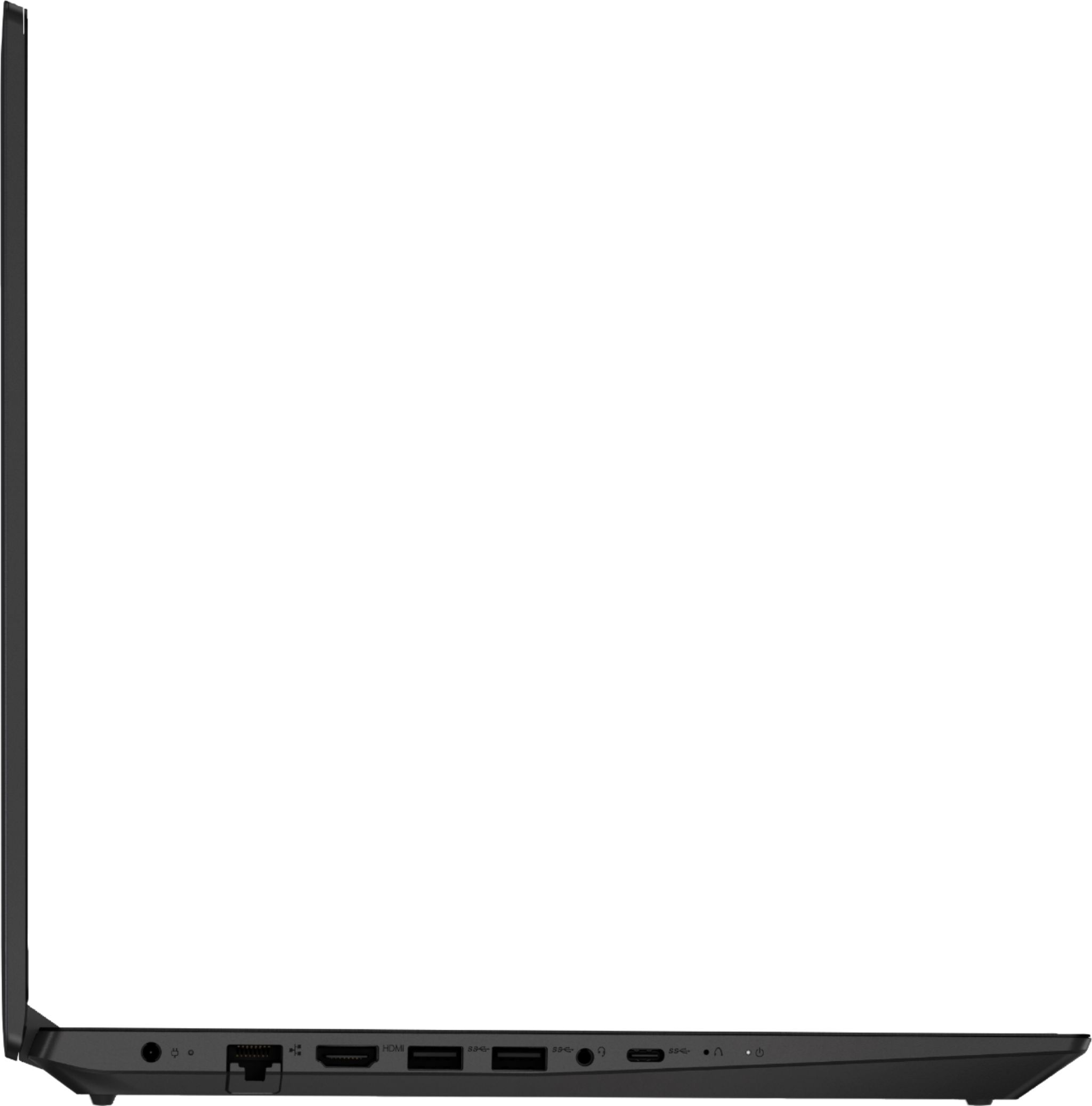
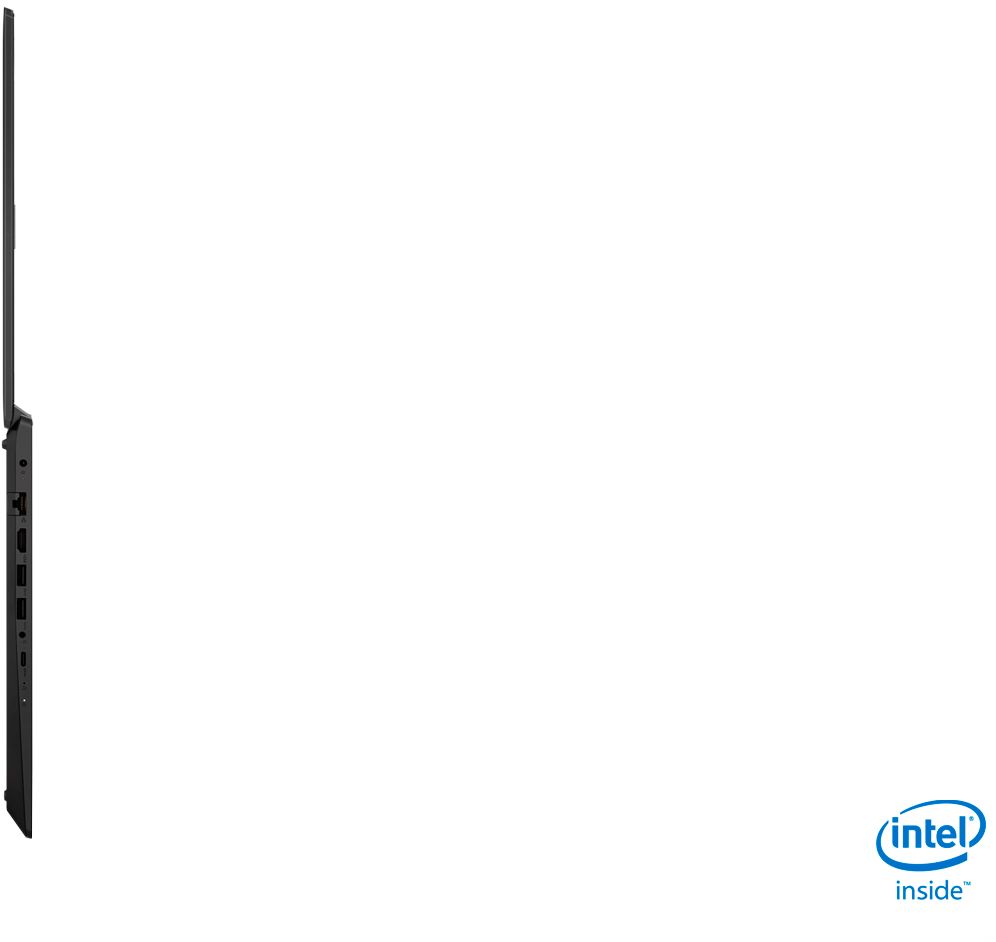

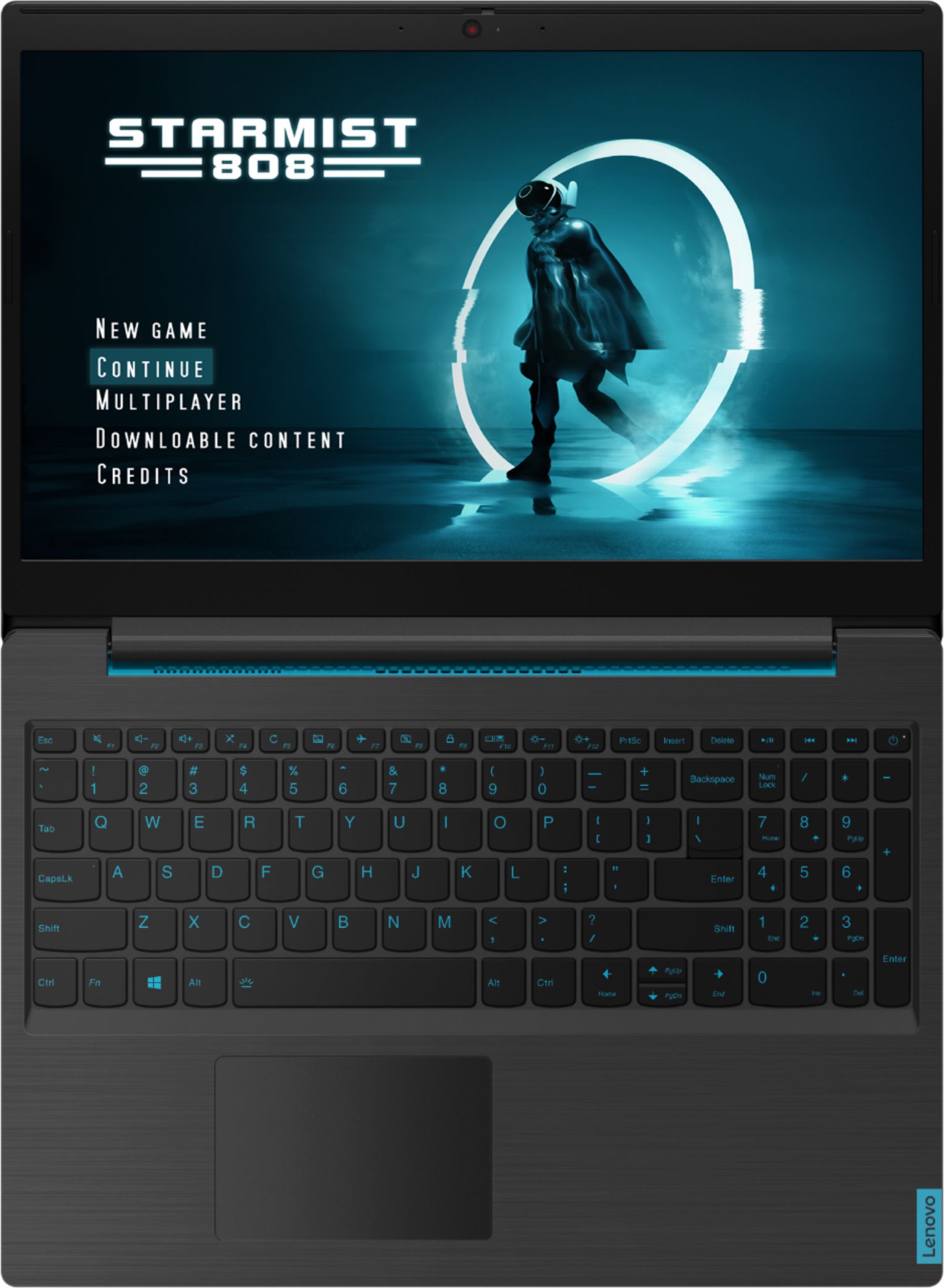

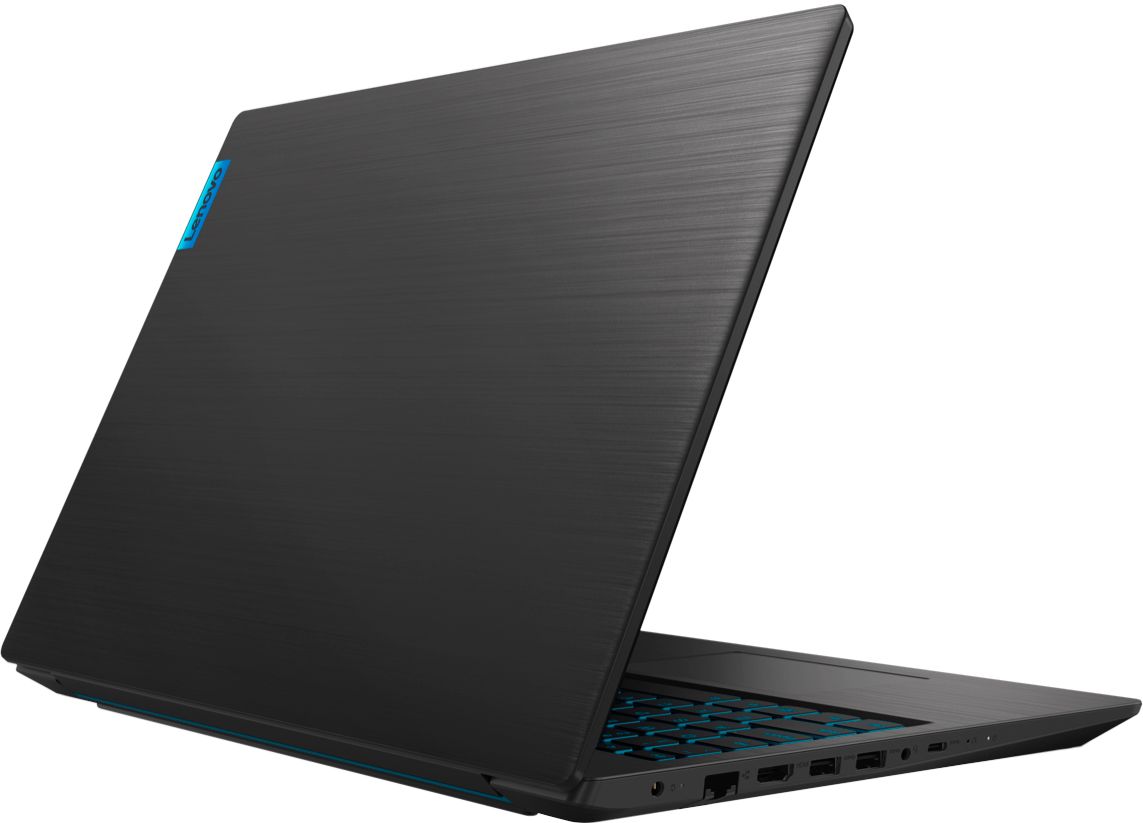
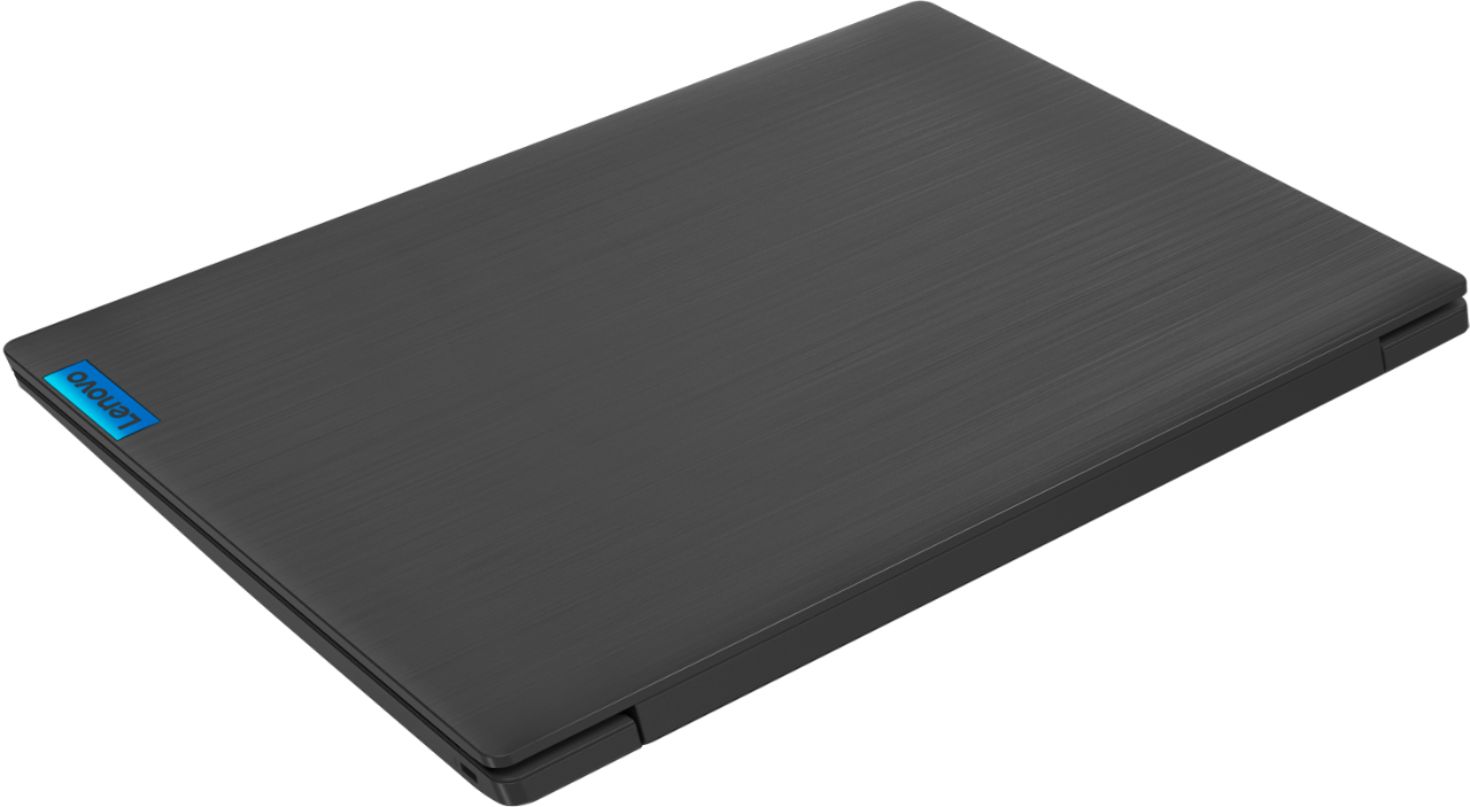
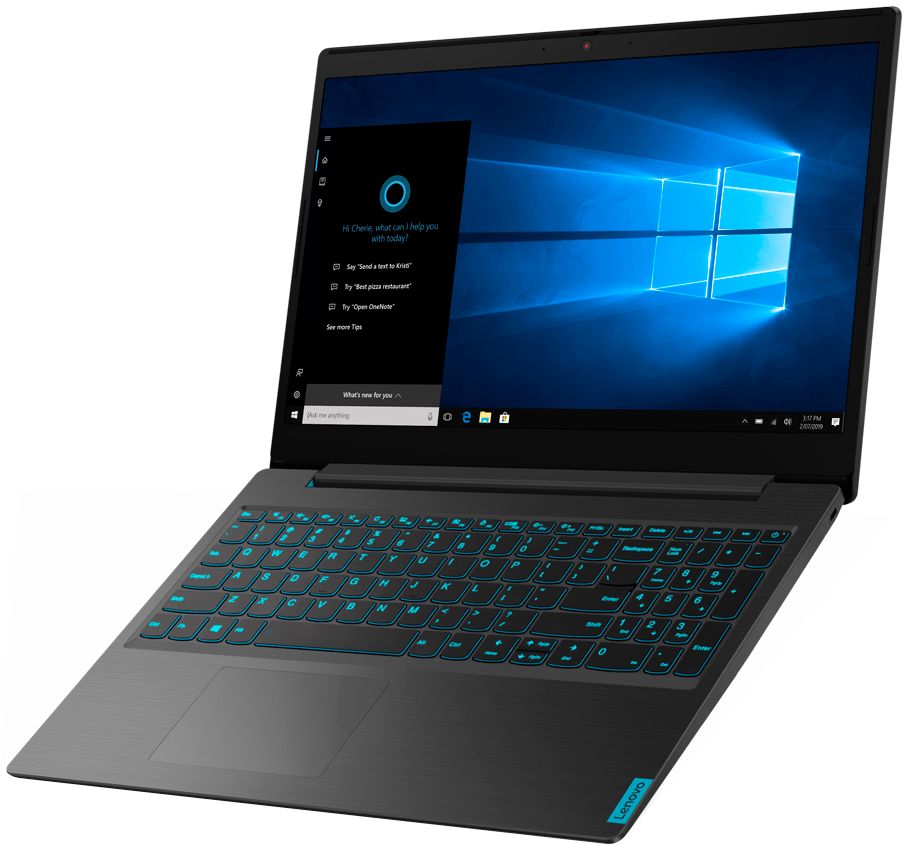
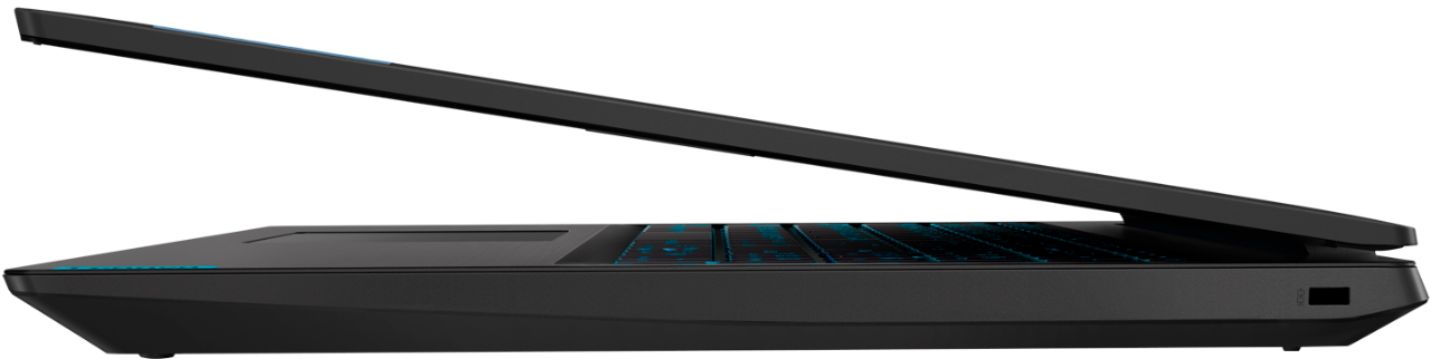
- Model:
- 81LK01MSUS
- SKU:
- 6419028
Rating by feature
- Battery Life
Rating 4.1 out of 5 stars
- Speed
Rating 4.4 out of 5 stars
- Display
Rating 4.7 out of 5 stars
Customers are saying
Customers have good things to say about the IdeaPad L340's performance, price, keyboard, and graphics capabilities. Many appreciate its ease of use and lightweight design. However, some users point to limitations in RAM expandability and battery life as potential drawbacks. Concerns were also raised regarding fan noise at higher performance levels and the relatively limited storage capacity.
This summary was generated by AI based on customer reviews.
Scammed by Lenovo (and BB?)
||Posted . Owned for 1 week when reviewed.This reviewer received promo considerations or sweepstakes entry for writing a review.The computer itself is fine - but how can Lenovo and Best Buy get away with posting incorrect technical information about their product? I bought (and opened/did not return) because the "Questions" section here on the BB site had a Lenovo rep indicating there were two RAM slots. There's one. How does someone from the manufacturer not know this??? Now I have a product thats opened, used, and cant be returned. Surely this is a BBB issue, right? (also the trackpad is terrible)
No, I would not recommend this to a friendBad touchpad
||Posted . Owned for less than 1 week when reviewed.This reviewer received promo considerations or sweepstakes entry for writing a review.I really want to like this laptop but the touchpad is driving nut. It is not responding to my finger movement half of the time. It is a challenging task to simply move the mouse curser to a different location. Pretty sure my is defected.
No, I would not recommend this to a friendBrand response from Lenovo Product Expert
Posted .We are sorry to hear that you are having issues with the touchpad on your Lenovo L340-15 Gaming Laptop. You can make adjustments to the touchpad in your system settings. You can get there by clicking on the magnifying glass at the bottom left of your Windows 10 screen. Type "touchpad" in the search window. Select "Mouse & touchpad settings" from the list of choices. You can make general adjustments to the touchpad there. You can also select "Additional mouse options" for more detailed adjustments to the touchpad sensitivity by increasing the delay of the touchpad. If the issue continues, we recommend you call Lenovo Tech Support at: 877-453-6686.

- Cons mentioned:Battery life, Ram
It's okay if you got the sale price
Posted .This reviewer received promo considerations or sweepstakes entry for writing a review.The $449 price is what makes it worth it. Anything higher Id say go look elsewhere. It is annoying that they said that there are two slots for memory then later go back after I purchased to say nevermind just one. The laptop has the bare minimum for gaming, so I was hoping I would be able to upgrade it without additional limitations. The laptop is pretty bulky and heavy (haven't had a laptop this thick since 2012). The charger is also unreasonably large and heavy. The screen quality is below average, and the battery lasts about 4 hours when just taking notes from powerpoint. Gaming I need to keep it plugged in at all times. Overall the specs make it worth the $449 price, but its really not that great performance wise.
I would recommend this to a friendBrand response from Lenovo Product Expert
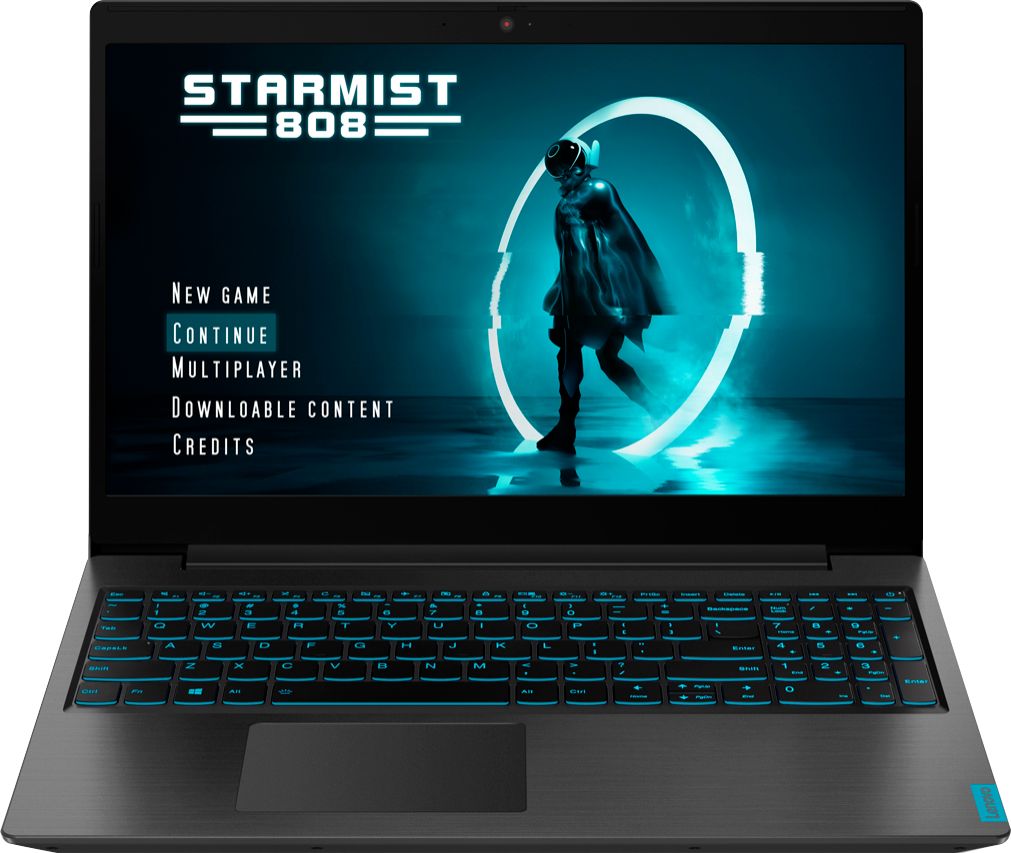
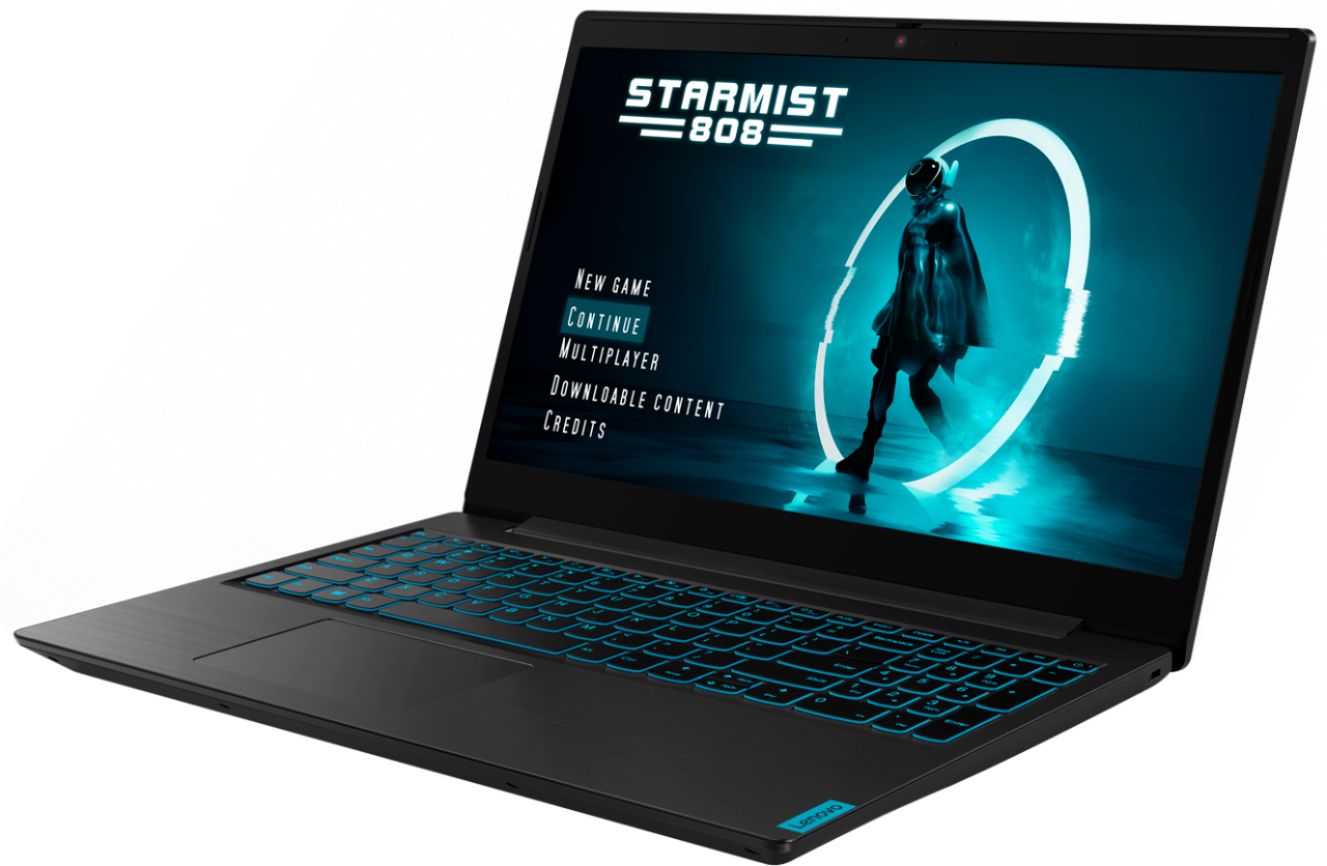
Posted .The Lenovo IdeaPad L340-15 Gaming Laptop, model number 81LK01MSUS, ships with one RAM memory slot, with a maximum of 16GB DDR4-2400MHz RAM supported by this configuration. This model is not user upgradable. A certified technician must do all of the work, so as to not void the warranty. This configuration weighs just 4.84 lbs. It requires a 135W external AC adapter/charger. There is a 15.6-Inch (screen size measured diagonally) IPS LCD w/LED Backlight (Anti-glare) screen, with a refresh rate of 60Hz, a resolution of 1920 x 1080 (FHD) and a brightness level of 250 nits. There is a 3CELL_45WH_INTERNAL, Lithium Polymer Battery, with a battery life of up to 9 hours, depending on the work the device is performing.
Awesome and Upgradable
Posted .This reviewer received promo considerations or sweepstakes entry for writing a review.Love this laptop. have had it for a few years now. Would definitely get another lenovo again. The laptop has an additional space to add a HDD ontop of having a SSD. This thing is a power house and plays all my stuff. Only complaints are the battery life (its almost a desktop replacement), and the mouse pad feels janky. There are new desktops being sold now (Aug/Sep 2023) with the same specs.
I would recommend this to a friend- Pros mentioned:Performance
Great laptop
Posted .This reviewer received promo considerations or sweepstakes entry for writing a review.It’s been very sturdy and has worked amazing. I highly recommend.
I would recommend this to a friend Best laptop
Posted .This reviewer received promo considerations or sweepstakes entry for writing a review.It is 2/20/2024 and I will have this laptop even though I got it 4 years ago its still going strong. Love this thing so dan much and its good for gaming and school work. very upgradable as well
I would recommend this to a friend- Pros mentioned:Price
New Model, New Laptop
Posted .This reviewer received promo considerations or sweepstakes entry for writing a review.This NEW 2020 version of the Lenovo - IdeaPad L340 is just fantastic. Drastic improvements including the ability to upgrade to Dual-Channel RAM is just wonderful. For the sale price, an absolute steal of a deal.
I would recommend this to a friendBrand response from Lenovo Product Expert
Posted .There is one RAM memory slot within the Lenovo IdeaPad L340-15 Gaming Laptop, model number 81LK01MSUS, capable of supporting up to 16GB DDR4-2400MHz RAM. We apologize for the confusion and thank the Best Buy Reviewer community for bringing the error to our attention.
Nice one
Posted .This reviewer received promo considerations or sweepstakes entry for writing a review.My son like this alot. Little bit heavy to carry this around for me but I am ok.
I would recommend this to a friend- Pros mentioned:Price
Get it on this Black Friday!
Posted .This reviewer received promo considerations or sweepstakes entry for writing a review.This is the best Black Friday deal in the laptop section. If you are able to buy it, get it asap before it is too late! You will never find such a good laptop for the price anywhere else.
I would recommend this to a friendBrand response from Lenovo Product Expert
Posted .Hello. Thank you for choosing the Lenovo IdeaPad L340 laptop. We are pleased to hear that the value and performance of the IdeaPad L340 meets your computing needs so well!
- Pros mentioned:Speed
Amazing
Posted .This reviewer received promo considerations or sweepstakes entry for writing a review.Amazing gaming laptop amazing for its price really fast as well.
I would recommend this to a friend - Cons mentioned:Ram
single-channel ram
Posted .This reviewer received promo considerations or sweepstakes entry for writing a review.it's is a single-channel ram, but it's still good for the price. if you looking for a cheap working and light gaming pc its ideal
I would recommend this to a friendBrand response from Lenovo Product Expert
Posted .Correction: You are correct. There is one RAM memory slot within the Lenovo IdeaPad L340-15 Gaming Laptop, model number 81LK01MSUS, capable of supporting up to 16GB DDR4-2400MHz RAM. We apologize for the confusion and thank you and the Best Buy Reviewer community for bringing the error to our attention.
Overheating
Posted .This reviewer received promo considerations or sweepstakes entry for writing a review.Bought this laptop October 30th and returned it on November 17th. The reason I returned it is because it was overheating and making the FPS to drop and making the game unplayable. The microphone button and the camera hider button was also broken. I bought a HP instead and it is so far better then this! Besides those problems this was a very good laptop
No, I would not recommend this to a friendLenovo IdeaPad L340 - Glacier speed, do not buy!
Posted .This reviewer received promo considerations or sweepstakes entry for writing a review.Have owned this d o g for three years. S L O W as slow can be. It is worthless. Lenovo should refund buyers. Today I waited for one hour and twenty minutes to get onto the internet thru Microsoft. The worst, beyond description laptop I have ever owned. Comcast is our provider in the Philadelphia area. Very strong signal. Do not buy a Lenovo, you will regret it!
No, I would not recommend this to a friendSound card died 13-1/2 months after purchase
Posted .This reviewer received promo considerations or sweepstakes entry for writing a review.If you buy the Lenovo L340, buy the extended warranty too because the sound card on the one I purchased died 13-1/2 months after purchase. Will never buy another Lenovo.
No, I would not recommend this to a friendBrand response from Lenovo Product Expert
Posted .We are sorry to hear that you are having issues with audio processing within your Lenovo IdeaPad L340-15 Gaming Laptop. First, tap the HotKey in the F1 position on your keyboard. This toggles the system audio on/off. Then use the HotKey in the F3 position to increase audio volume. If this does not fix the issue, be sure any software you installed is compatible with Windows 10. There is no need to install Microsoft Office software. The software is already part of the operating system, you just need to activate the software with a purchased product key. If you have installed a copy of Microsoft Office, this is conflicting with the existing copy on the system and this will slow your system down. If you have installed a 3rd party anti-virus program, be sure that Windows Defender is turned off and that the trial version of McAfee Anti-Virus software is uninstalled. There can only be one anti-virus program on the system. You may need to restore your system to original factory default settings if any of the programming errors have occurred. You can do that by typing "restore" in the Cortana search window. Just click on the magnifying glass icon at the bottom left of your Windows 10 Desktop. Click on "Reset This PC" Then click on "Get Started" and follow the on screen directions to restore to factory defaults. Then if there is no incompatible software installed, check to be sure you have the latest version of Windows 10 on the computer. Then update all of the BIOS files and drivers up to that latest version of Windows 10. You can easily accomplish this by scanning the computer with the Lenovo Utility software available on this computer. This system has Lenovo utilities installed to help maintain the health of the device and keep the operating system software up to date. Type "Lenovo Vantage" in the Cortana Search window (if Lenovo Vantage is not installed on your device, you can download the APP and install it now). Select Lenovo Vantage from the list. In the window that opens, click on "Health and Support". In the expanded menu, select "Hardware Scan" In the window that opens, select "Run Quick Tests". This will scan your entire system for errors. Follow any directions that may pop up. If the problem continues after this scan, now click on "System Update". First select Windows update from the menu. Scan your system to be sure you have the latest version of Windows 10. Once that scan is complete, select "Additional Updates". This will scan your device to be sure there are no new BIOS/Driver updates needed. Follow any instructions that may pop up. If the issue still continues after these updates, we recommend you call Lenovo Tech Support at: 877-453-6686 for additional help.
Delaying
Posted .This reviewer received promo considerations or sweepstakes entry for writing a review.Got delayed twice and keeps delaying the arrival now
No, I would not recommend this to a friend