Customer Ratings & Reviews



- Model:
- 81N3005LUS
- SKU:
- 6350521
Rating by feature
- Battery Life
Rating 3.4 out of 5 stars
- Speed
Rating 2.7 out of 5 stars
- Display
Rating 3.5 out of 5 stars
Customers are saying
Customers are impressed with the IdeaPad S145's affordability, ease of use, lightweight design, and compact size. Many appreciate its sufficient storage for everyday tasks, although some experienced slow performance and limited RAM. Concerns were also raised regarding the battery life and the inability to upgrade the RAM or hard drive. Overall, the laptop is considered a good value for basic computing needs.
This summary was generated by AI based on customer reviews.
SoundIssue
||Posted . Owned for 7 months when reviewed.This reviewer received promo considerations or sweepstakes entry for writing a review.soundcard internal issue 3 months after use! Computer has no sound
No, I would not recommend this to a friend- Cons mentioned:Performance
poor device
||Posted . Owned for 4 months when reviewed.This reviewer received promo considerations or sweepstakes entry for writing a review.broke in a few months, it is very fragile and poor
No, I would not recommend this to a friendBrand response from Lenovo Product Expert
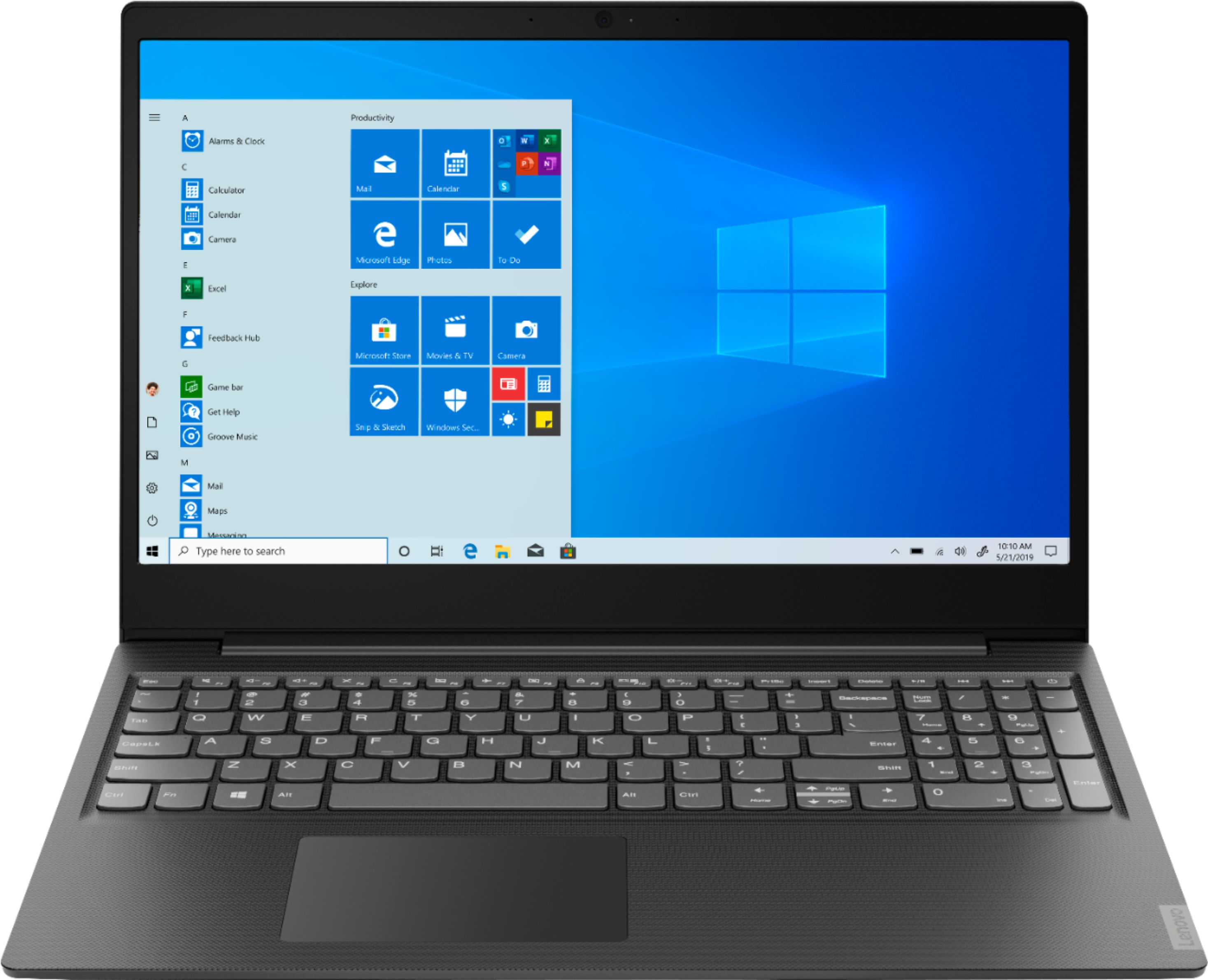
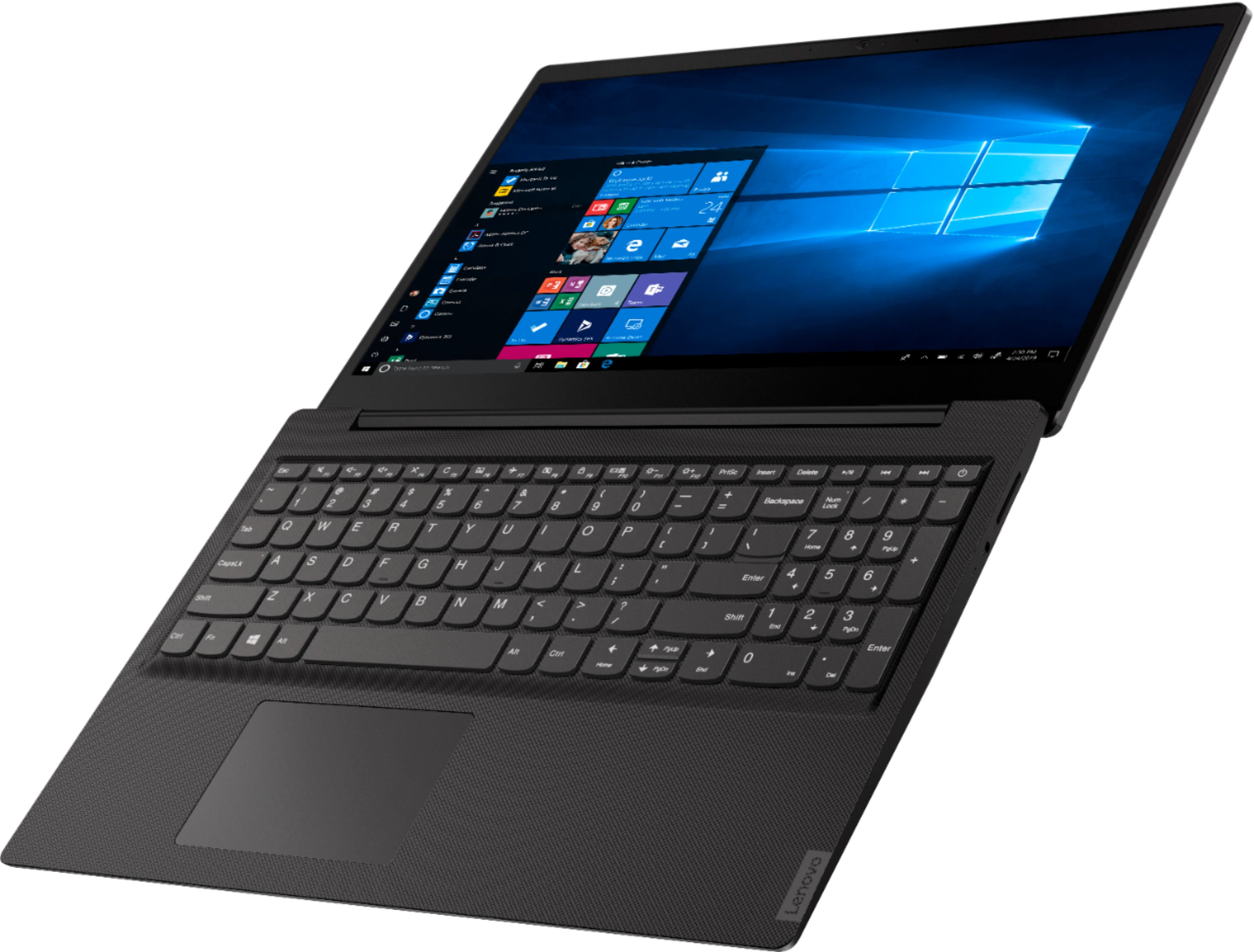
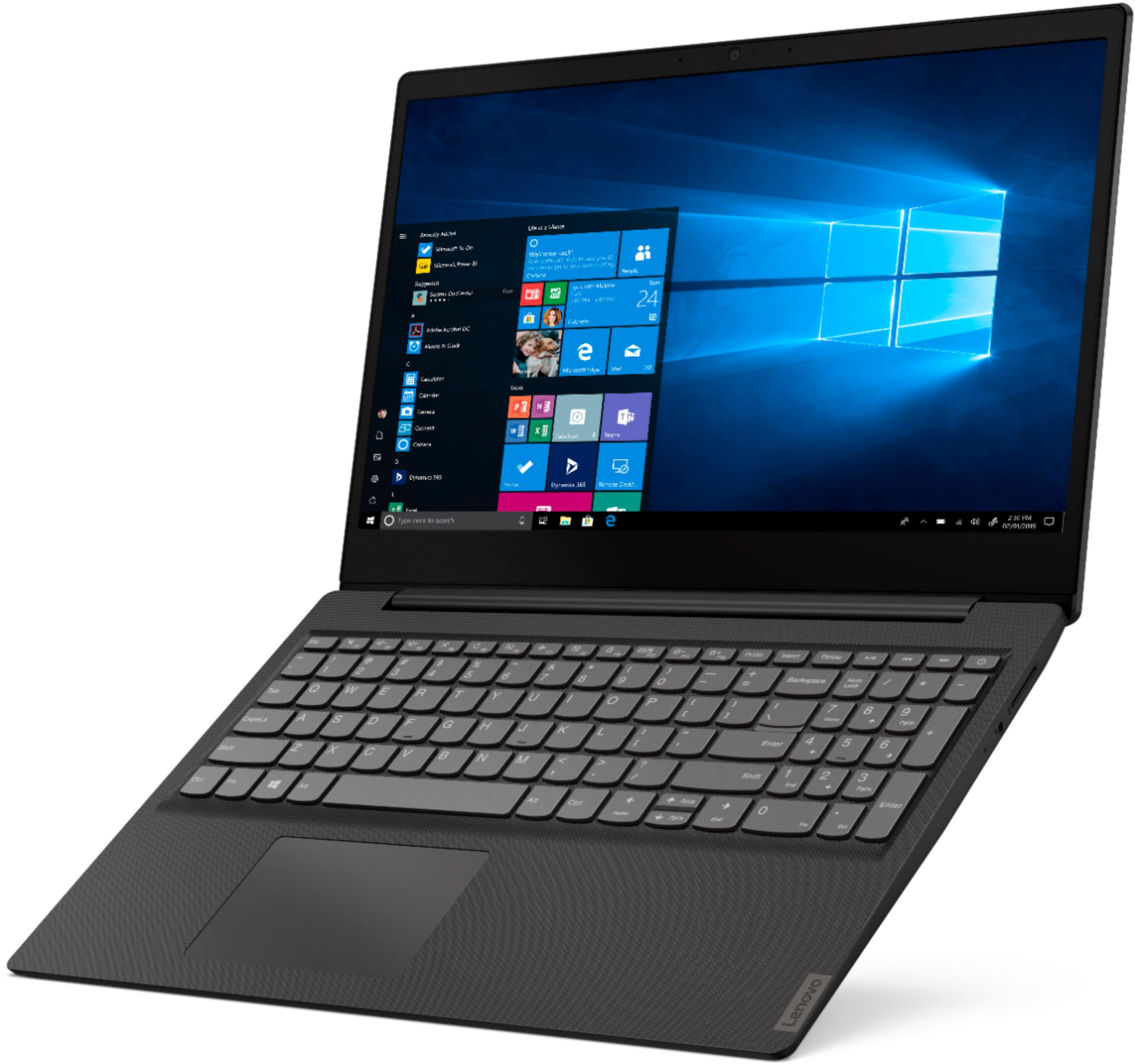
Posted .We are sorry to hear that you are having issues with your Lenovo IdeaPad S145-15 laptop. We recommend you call Lenovo Tech Support at: 877-453-6686. This is a mid-level, moderate use configuration, with its AMD A6-9225 processor. This Dual-Core processor has a base speed of 2.6GHz and a boost speed of up to 3.0GHz. This configuration has 4GB of RAM. It is good with Microsoft Office type programs, internet browsing and other moderate work. This model ships with Windows 10 S-Mode Operating System. Windows 10 S-Mode provides added security by only allowing APPs available ( and therefore certified by Microsoft) at the Microsoft Store. If you don't need the added security or you need to install APPs not available at the Microsoft Store, you can switch to standard Windows 10 Home 64-bit Operating System, at no additional cost.

Weak Lenovo computer.
||Posted . Owned for 7 months when reviewed.This reviewer received promo considerations or sweepstakes entry for writing a review.First Lenovo computer that will be my last. Sorry Lenovo.
I would recommend this to a friendOver paid
||Posted . Owned for 1 week when reviewed.This reviewer received promo considerations or sweepstakes entry for writing a review.Haven't used it yet bought on BF for $230 cyber Monday it was $170. Not happy.
No, I would not recommend this to a friendBrand response from Lenovo Product Expert
Posted .The Lenovo IdeaPad S145-15 laptop is a mid-level, moderate use configuration, with its AMD A6-9225 processor. This Dual-Core processor has a base speed of 2.6GHz and a boost speed of up to 3.0GHz. This configuration has 4GB of RAM. It is good with Microsoft Office type programs, internet browsing and other moderate work. This model ships with Windows 10 S-Mode Operating System. Windows 10 S-Mode provides added security by only allowing APPs available ( and therefore certified by Microsoft) at the Microsoft Store. If you don't need the added security or you need to install APPs not available at the Microsoft Store, you can switch to standard Windows 10 Home 64-bit Operating System, at no additional cost.
Laptop
||Posted . Owned for 1 month when reviewed.This reviewer received promo considerations or sweepstakes entry for writing a review.It would be nice if the mouse pad operated correctly
No, I would not recommend this to a friendBrand response from Lenovo Product Expert
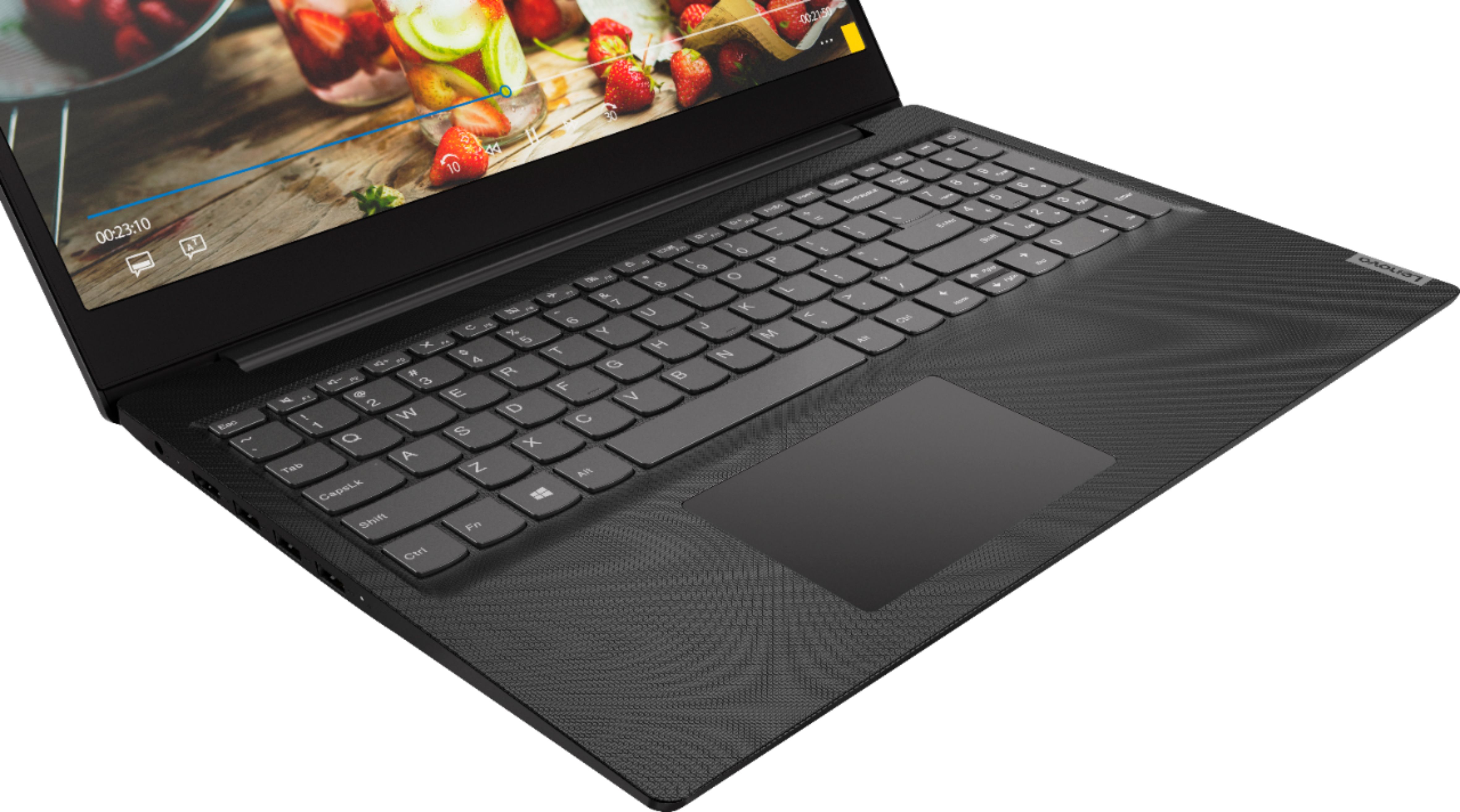
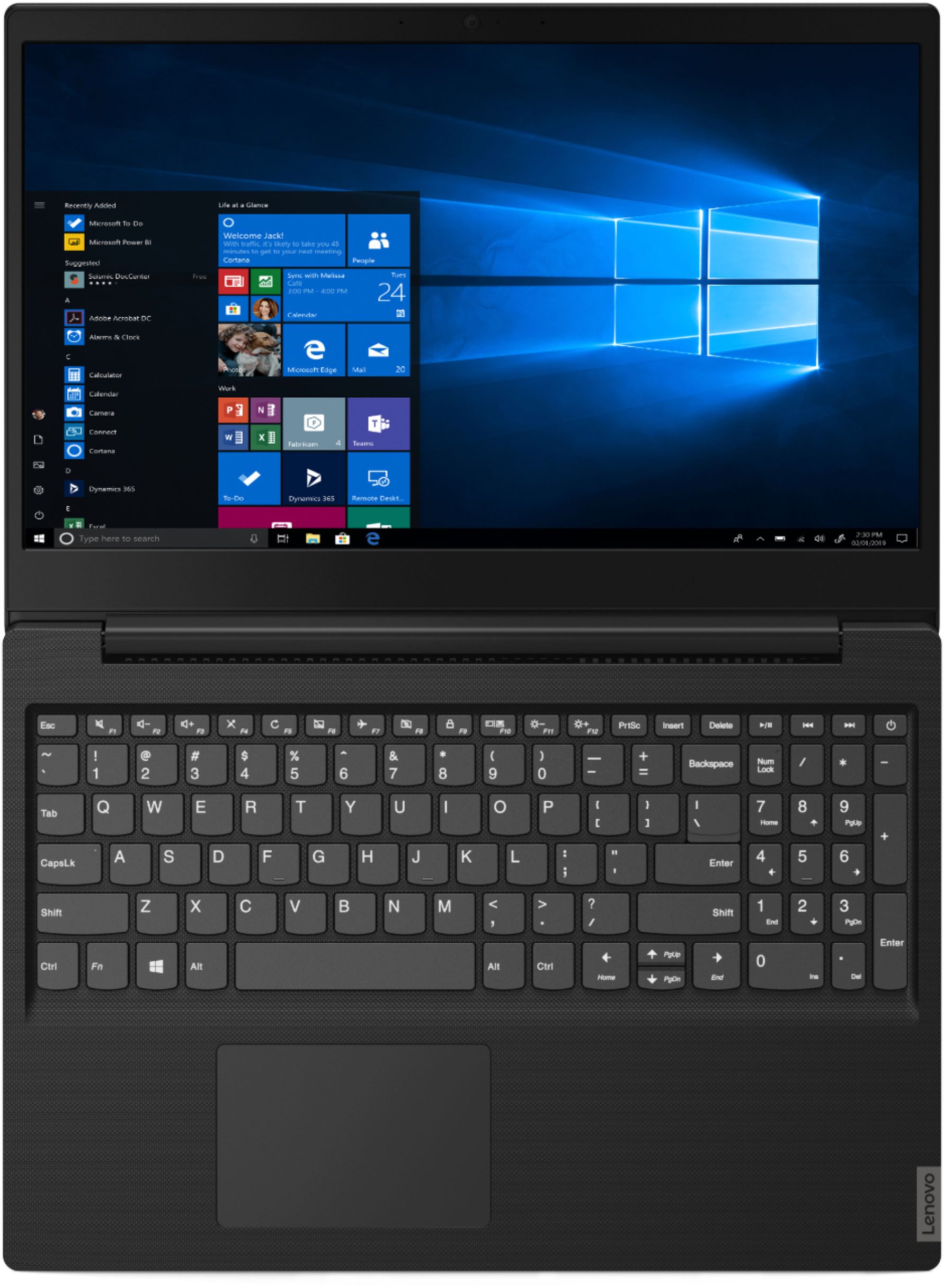
Posted .With regard to the touchpad, you can make adjustments to the touchpad in your system settings. You can get there by clicking on the magnifying glass at the bottom left of your Windows 10 screen. Type "touchpad" in the search window. Select "Mouse & touchpad settings" from the list of choices. You can make general adjustments to the touchpad there. You can also select "Additional mouse options" for more detailed adjustments to the touchpad sensitivity by increasing the delay of the touchpad.
Junk!
||Posted . Owned for less than 1 week when reviewed.This reviewer received promo considerations or sweepstakes entry for writing a review.Absolutely a piece of junk. I returned it. I couldn’t get it to the store fast enough. Don’t waste your time or money.
No, I would not recommend this to a friendBrand response from Lenovo Product Expert
Posted .The Lenovo IdeaPad S145-15 laptop is a mid-level, moderate use configuration, with its AMD A6-9225 processor. This Dual-Core processor has a base speed of 2.6GHz and a boost speed of up to 3.0GHz. This configuration has 4GB of RAM. It is good with Microsoft Office type programs, internet browsing and other moderate work. This model ships with Windows 10 S-Mode Operating System. Windows 10 S-Mode provides added security by only allowing APPs available ( and therefore certified by Microsoft) at the Microsoft Store. If you don't need the added security or you need to install APPs not available at the Microsoft Store, you can switch to standard Windows 10 Home 64-bit Operating System, at no additional cost.
Sad that this product didn’t work.
||Posted . Owned for 1 year when reviewed.This reviewer received promo considerations or sweepstakes entry for writing a review.It never worked correctly! Do not waste your money! Invest in something better.
No, I would not recommend this to a friendToo slow, stay away
||Posted . Owned for 4 months when reviewed.This reviewer received promo considerations or sweepstakes entry for writing a review.This computer is barely functional. Not enough power for a Window environment. Save your money
No, I would not recommend this to a friendworst computer I have ever bought from best buy
||Posted . Owned for 8 months when reviewed.This reviewer received promo considerations or sweepstakes entry for writing a review.every component in this computer is not working , now the charger stops working.
No, I would not recommend this to a friendBrand response from Lenovo Product Expert
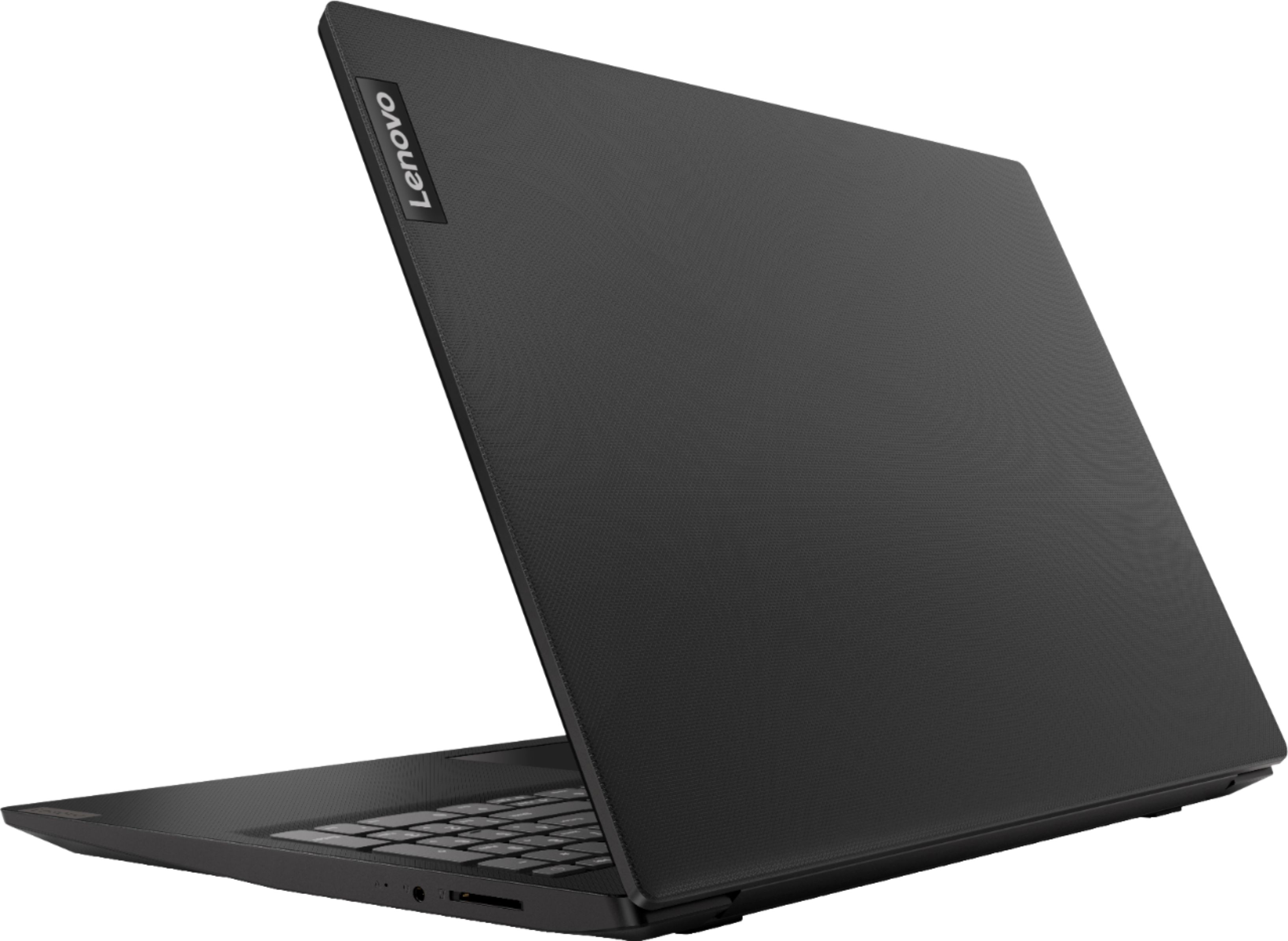
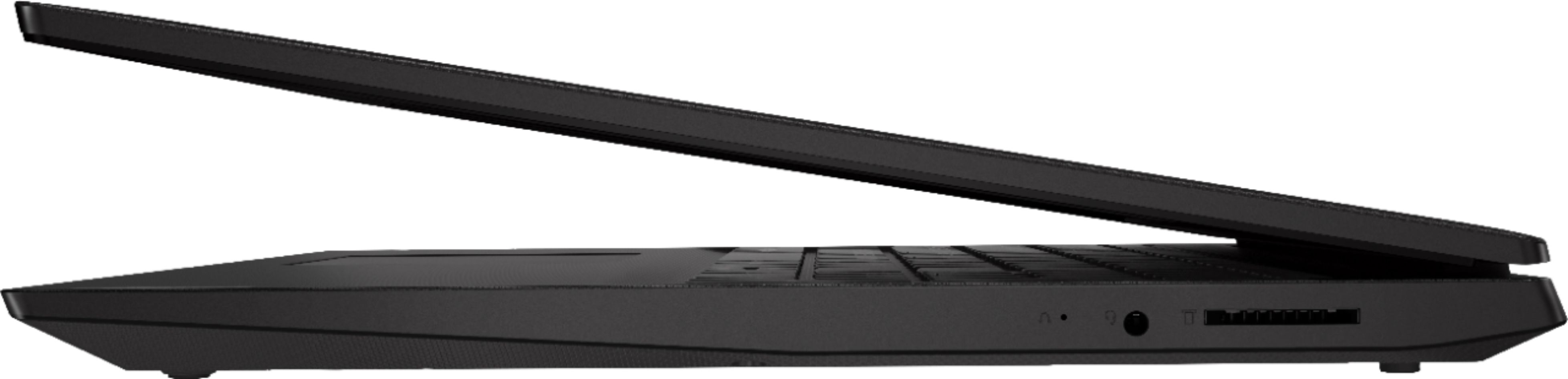
Posted .We are sorry to hear that you are having issues with your Lenovo IdeaPad S145-15 Laptop, model number 81N3005LUS. It is possible that resetting your computer back to original factory settings will fix the issues you describe. If you can not properly boot the computer to reset it, this system is equipped with OneKey Recovery System. There is a very small pin hole on the right side of the device, right near the headphone jack on the device. You will need a pin to push this reset button. Plug the device in. Let the battery charge for about 15 minutes. Push the reset button. The system should boot to a choice screen where you can choose "Restore To Factory Default". Select this. It will delete everything from the hard drive except the original factory install of the operating system. You will need to reinstall all programs and files after the reset. If you don't have copies of the files, try to make one before you restore by selecting "Boot to desktop" and trying to back up your files. Once you have the computer reset, be sure any software you installed is compatible with Windows 10. There is no need to install Microsoft Office software. The software is already part of the operating system, you just need to activate the software with a purchased product key. If you have installed a copy of Microsoft Office, this is conflicting with the existing copy on the system and this will slow your system down. If you have installed a 3rd party anti-virus program, be sure that Windows Defender is turned off and that the trial version of McAfee Anti-Virus software is uninstalled. There can only be one anti-virus program on the system. You may need to restore your system to original factory default settings if any of the programming errors have occurred. You can do that by typing "restore" in the Cortana search window. Just click on the magnifying glass icon at the bottom left of your Windows 10 Desktop. Click on "Reset This PC" Then click on "Get Started" and follow the on screen directions to restore to factory defaults. If the problem persists, we recommend you contact Lenovo Tech Support at: 877-453-6686.
You get what you pay for.
||Posted . Owned for 1 month when reviewed.This reviewer received promo considerations or sweepstakes entry for writing a review.The response on loading pictures and or videos very poor.
No, I would not recommend this to a friendBrand response from Lenovo Product Expert
Posted .This is a mid-level, moderate use configuration, with its AMD A6-9225 processor. This Dual-Core processor has a base speed of 2.6GHz and a boost speed of up to 3.0GHz. This configuration has 4GB of RAM. It is good with Microsoft Office type programs, internet browsing and other moderate work. This model ships with Windows 10 S-Mode Operating System. Windows 10 S-Mode provides added security by only allowing APPs available ( and therefore certified by Microsoft) at the Microsoft Store. If you don't need the added security or you need to install APPs not available at the Microsoft Store, you can switch to standard Windows 10 Home 64-bit Operating System, at no additional cost.
Not a good long term investment
||Posted . Owned for 7 months when reviewed.This reviewer received promo considerations or sweepstakes entry for writing a review.Very slow and unable to handle moderate schooling.
No, I would not recommend this to a friendBrand response from Lenovo Product Expert
Posted .The Lenovo IdeaPad S145-15 Laptop, model number 81N3005LUS, is a mid-level, moderate use configuration, with its AMD A6-9225 processor. This Dual-Core processor has a base speed of 2.6GHz and a boost speed of up to 3.0GHz. This configuration has 4GB of RAM. It is good with Microsoft Office type programs, internet browsing and other moderate work. This model ships with Windows 10 S-Mode Operating System. Windows 10 S-Mode provides added security by only allowing APPs available ( and therefore certified by Microsoft) at the Microsoft Store. If you don't need the added security or you need to install APPs not available at the Microsoft Store, you can switch to standard Windows 10 Home 64-bit Operating System, at no additional cost.
- Cons mentioned:Performance
May have destroyed my love of computers
Posted .This reviewer received promo considerations or sweepstakes entry for writing a review.Honestly this computer has convinced me Levono was a huge mistake. This laptop has been the slowest to load slowest to change window just everything.. sometimes with software upates it almost seems decent for the day .. but next time i come back to it slow as molasses. Ive tried alot ..getting rid of bloat ware.. etc and it has even seemed normal but .. then i download a needed app or program and its back to 1995.. make a sandwich maybe itll br loaded when your done eating it .. click ok now i should i have time to do dishes or change my oil . ..should have returned it right away but i was working too much to even get it back to the store ..3 days past return window they would not take back. I get IT .. BUT havent bother with a new one either Just dont use computers much after this Levano.. where have all the good computers gone??? Loved my HP loved my Gateways.. i think some version of these is "back" now ..but im jaded. I hate that its so hard to find laptop that has cdrom.. and ethernet plug. And more .. these paper light laptops that cant dooo anything without internet are dumb- i have a phone for.. i want to hear music that is not mp3 and clear files from my own computer without backing up to the cloud ...i am not sure my entire life needs to be in the cloud .. in fact im sure there no need for that.
No, I would not recommend this to a friend Review for laptop
Posted .This reviewer received promo considerations or sweepstakes entry for writing a review.Great device for brief search or entertainment. Recommended for post graduate students
I would recommend this to a friend- Cons mentioned:Battery life
Worst system, battery, freeze, not working, super
Posted .This reviewer received promo considerations or sweepstakes entry for writing a review.The system is poor, and after a few month use, the system is running slowly, and often freeze, you have to hold press the button to force turning off the computer for a few time untill it works. Poor battery. I need to buy a new laptop instead. This is the worst one I had purchased.
No, I would not recommend this to a friend - Cons mentioned:Performance
Awful.
Posted .This reviewer received promo considerations or sweepstakes entry for writing a review.SO SLOW. Agonizingly slow. Clicking the start alone takes 10 seconds or more for the menu to show up, and sadly I'm not exaggerating. Worst computer I've ever used. Will never buy Lenovo again.
No, I would not recommend this to a friend great laptop for school or small businesses
Posted .This reviewer received promo considerations or sweepstakes entry for writing a review.This is an awesome laptop. Graphics are good, Nice processor, and bonus!!!, You can install an M2 drive which would give this machine 2 hard drives. Now, to get the most out of this machine, first you need to get it out of S mode. Second, change the 500 gig hdd to an SSD. And third, change the RAM to at least 8 gig, 16 would be best but 8 will run just fine. I have had no issues with this laptop. Battery life is about average. It runs pretty cool temperature wise and I can multitask with multiple windows and apps open at the same time without any issues at all. Overall, I would say that this is an awesome laptop for a first laptop for a student. The best part is this: I purchased this at BestBuy for under $215.00. I added an SSD to my purchase and was still under $250.00 Great computer, great price, great value!!!!
I would recommend this to a friendBrand response from Lenovo Product Expert
Posted .Thank you for choosing the Lenovo IdeaPad S145-15 laptop. Please keep in mind, this model is not user upgradable. A certified technician must do all of the work, so as to not void the warranty. This is a mid-level, moderate use configuration, with its AMD A6-9225 processor. This Dual-Core processor has a base speed of 2.6GHz and a boost speed of up to 3.0GHz. This configuration has 4GB of RAM. It is good with Microsoft Office type programs, internet browsing and other moderate work. This model ships with Windows 10 S-Mode Operating System. Windows 10 S-Mode provides added security by only allowing APPs available ( and therefore certified by Microsoft) at the Microsoft Store. If you don't need the added security or you need to install APPs not available at the Microsoft Store, you can switch to standard Windows 10 Home 64-bit Operating System, at no additional cost.
No Ethernet Port - Otherwise Good Value
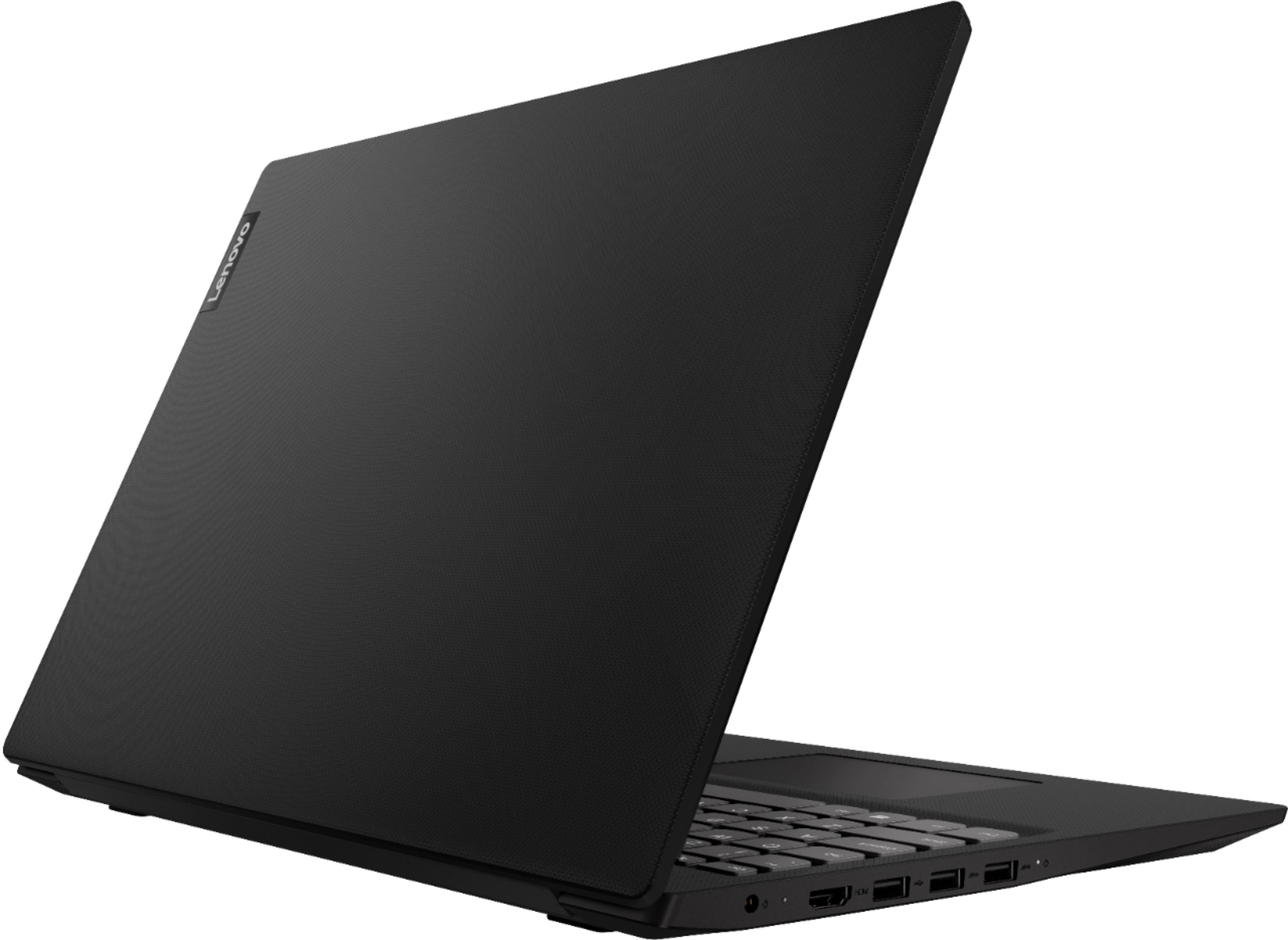
Posted .This reviewer received promo considerations or sweepstakes entry for writing a review.BE ADVISED, IT HAS NO ETHERNET PORT. Was surprised it had no ethernet port when I took it out of the box - never dreamed it would not have one. I don't like wireless because of the harmful radiation effects, so am buying a USB to ethernet adapter for another $15 to use a wired connection.
I would recommend this to a friendBrand response from Lenovo Product Expert
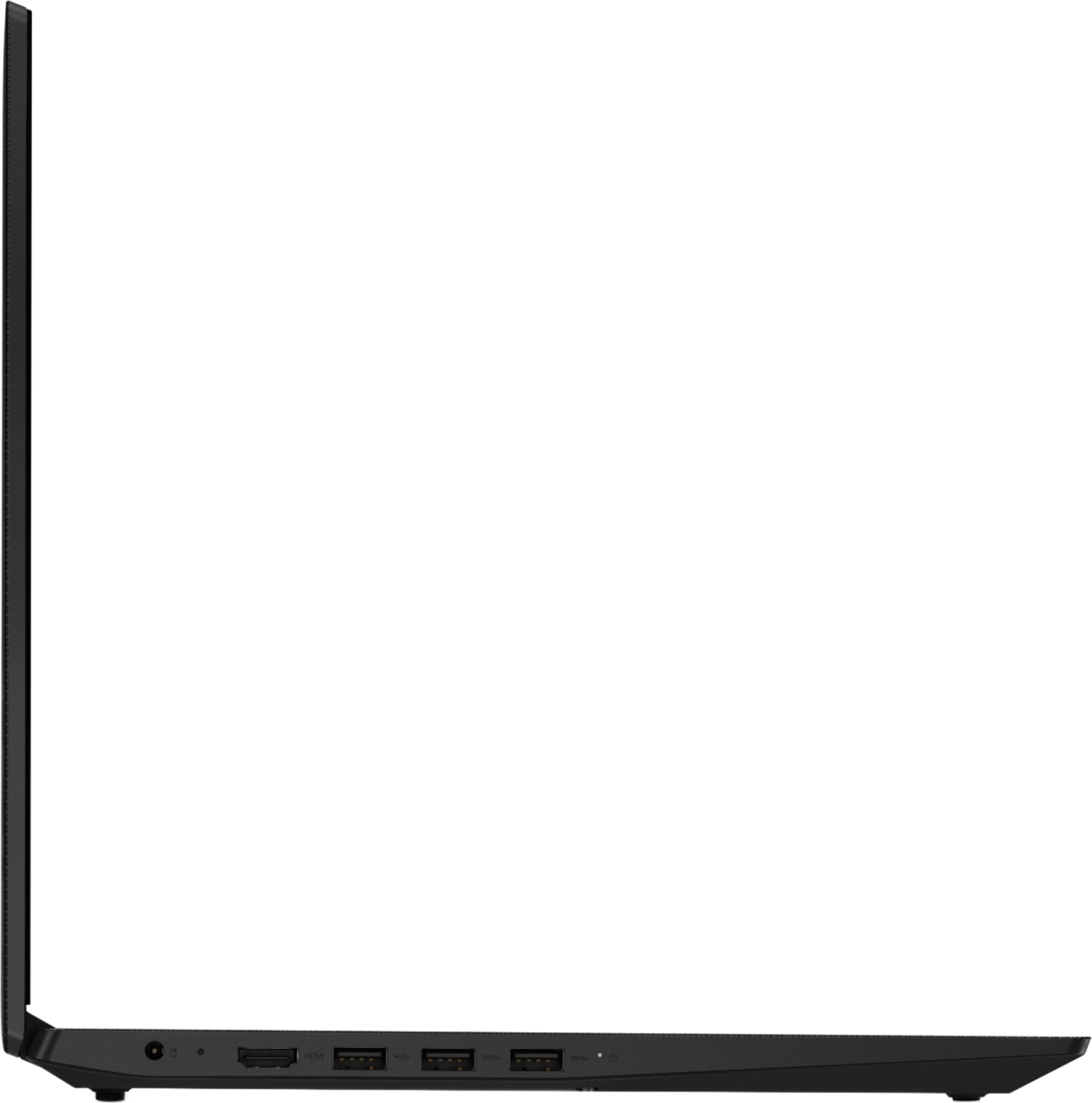
Posted .The Lenovo IdeaPad S145-15 laptop model number 81N3005LUS does not have a built in ethernet port. You can still connect this computer to an ethernet cable by using a USB to ethernet adapter. This is a mid-level, moderate use configuration, with its AMD A6-9225 processor. This Dual-Core processor has a base speed of 2.6GHz and a boost speed of up to 3.0GHz. This configuration has 4GB of RAM. It is good with Microsoft Office type programs, internet browsing and other moderate work. This model ships with Windows 10 S-Mode Operating System. Windows 10 S-Mode provides added security by only allowing APPs available ( and therefore certified by Microsoft) at the Microsoft Store. If you don't need the added security or you need to install APPs not available at the Microsoft Store, you can switch to standard Windows 10 Home 64-bit Operating System, at no additional cost.
BSOD
Posted .This reviewer received promo considerations or sweepstakes entry for writing a review.Blue screen and forgot my password Sooooo I cant even perform any troubleshooting on it
I would recommend this to a friendBudget Laptop for a Cheap Price
Posted .This reviewer received promo considerations or sweepstakes entry for writing a review.First I'll say this isn't a High performance PC, so if you're looking for that stop here and look elsewhere! I needed something for basic computing needs and the S145 is adequate enough for that. I did upgrade the RAM from the Standard 4gb to 8gb. that elevates some of the lagging. i intend to upgrade the HDD to a M.2 SSD. This will significantly improve the overall performance and reliability without breaking the bank!
I would recommend this to a friendBrand response from Lenovo Product Expert
Posted .The Lenovo IdeaPad S145-15 laptop is a mid-level, moderate use configuration, with its AMD A6-9225 processor. This Dual-Core processor has a base speed of 2.6GHz and a boost speed of up to 3.0GHz. This configuration has 4GB of RAM. It is good with Microsoft Office type programs, internet browsing and other moderate work. This model ships with Windows 10 S-Mode Operating System. Windows 10 S-Mode provides added security by only allowing APPs available ( and therefore certified by Microsoft) at the Microsoft Store. If you don't need the added security or you need to install APPs not available at the Microsoft Store, you can switch to standard Windows 10 Home 64-bit Operating System, at no additional cost. Please keep in mind, this model is not user upgradable. A certified technician must do all of the work, so as to not void the warranty.
- Cons mentioned:Speed
Easily The Worst
Posted .This reviewer received promo considerations or sweepstakes entry for writing a review.This is easily the slowest computer I have owned since the days of dial-up. I have really bad luck with laptops, so I've had a few, but I've never had one so slow straight out of the box. It's incredibly frustrating and even more so, disappointing. While all brands have their problems, Lenovo is off my list for any future purchases. Admittedly, I'll likely be making a new purchase soon because this computer is simply not sustainable for me. I'm not asking it to do much beyond access outlook, browse the web, and have skype open. Even after turning off many hidden services and deleting programs, it seems to be unable to handle that basic array of functions.
No, I would not recommend this to a friendBrand response from Lenovo Product Expert
Posted .The Lenovo IdeaPad S145-15 laptop is a mid-level, moderate use configuration, with its AMD A6-9225 processor. This Dual-Core processor has a base speed of 2.6GHz and a boost speed of up to 3.0GHz. This configuration has 4GB of RAM. It is good with Microsoft Office type programs, internet browsing and other moderate work. This model ships with Windows 10 S-Mode Operating System. Windows 10 S-Mode provides added security by only allowing APPs available ( and therefore certified by Microsoft) at the Microsoft Store. If you don't need the added security or you need to install APPs not available at the Microsoft Store, you can switch to standard Windows 10 Home 64-bit Operating System, at no additional cost. We always recommend you check the requirements and compatibility of any software you will be installing on your new computer, before you invest in any computer. Be sure your new computer can support the software you will need to use.